Python Variables
Python Variables - Assign Multiple Values
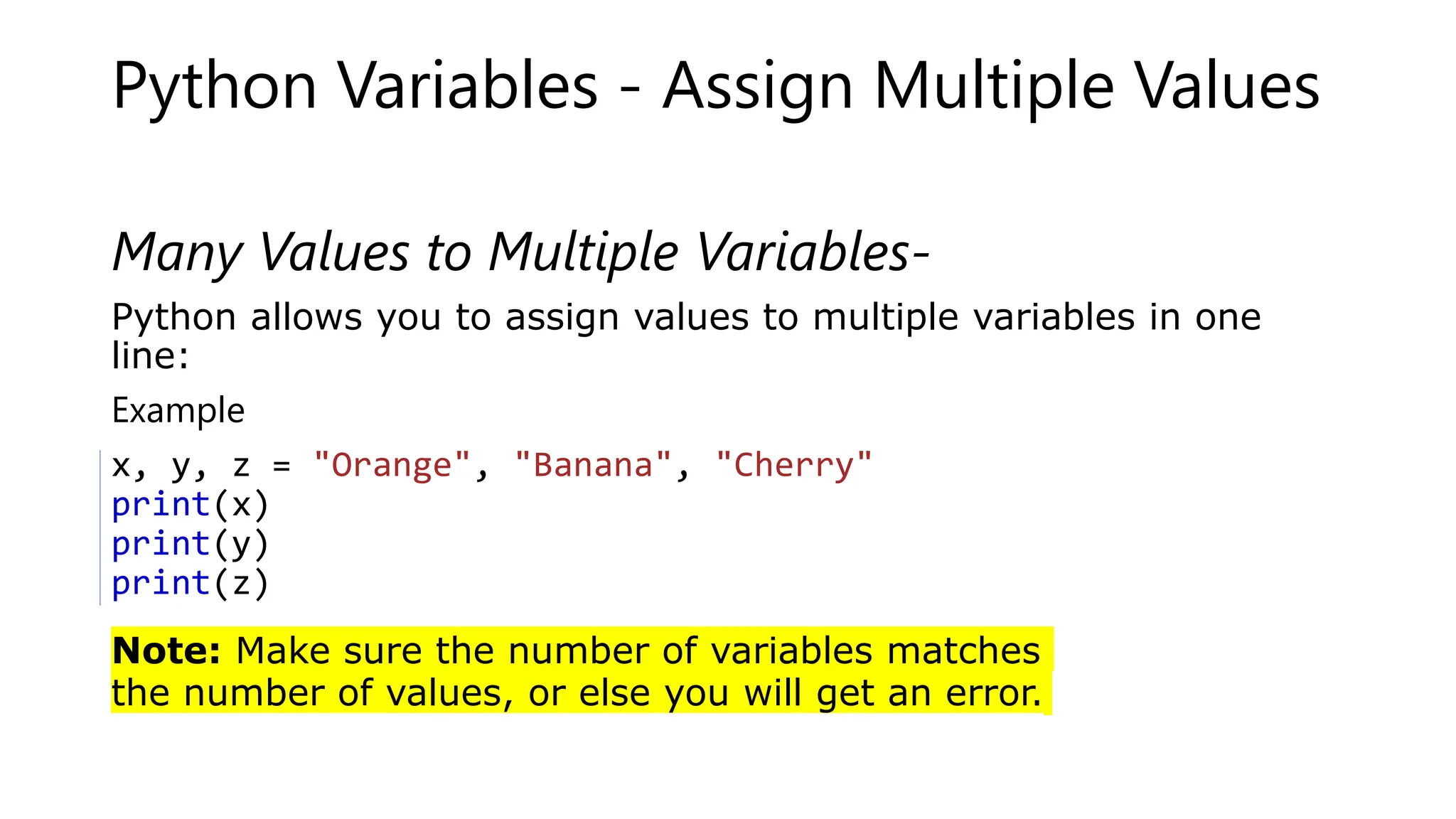
Many Values to Multiple Variables-
Python allows you to assign values to multiple variables in one
line:
Exampler own Python Server
x, y, z = "Orange", "Banana", "Cherry"
print(x)
print(y)
print(z)
Note: Make sure the number of variables matches
the number of values, or else you will get an error.
One Value to Multiple Variables
And you can assign the same value to multiple variables
in one line:
Example
x = y = z = "Orange"
print(x)
print(y)
print(z)
Unpack a Collection
If you have a collection of values in a list, tuple etc.
Python allows you to extract the values into variables.
This is called unpacking.
Example:-
Unpack a list:
fruits = ["apple", "banana", "cherry"]
x, y, z = fruits
print(x)
print(y)
print(z)
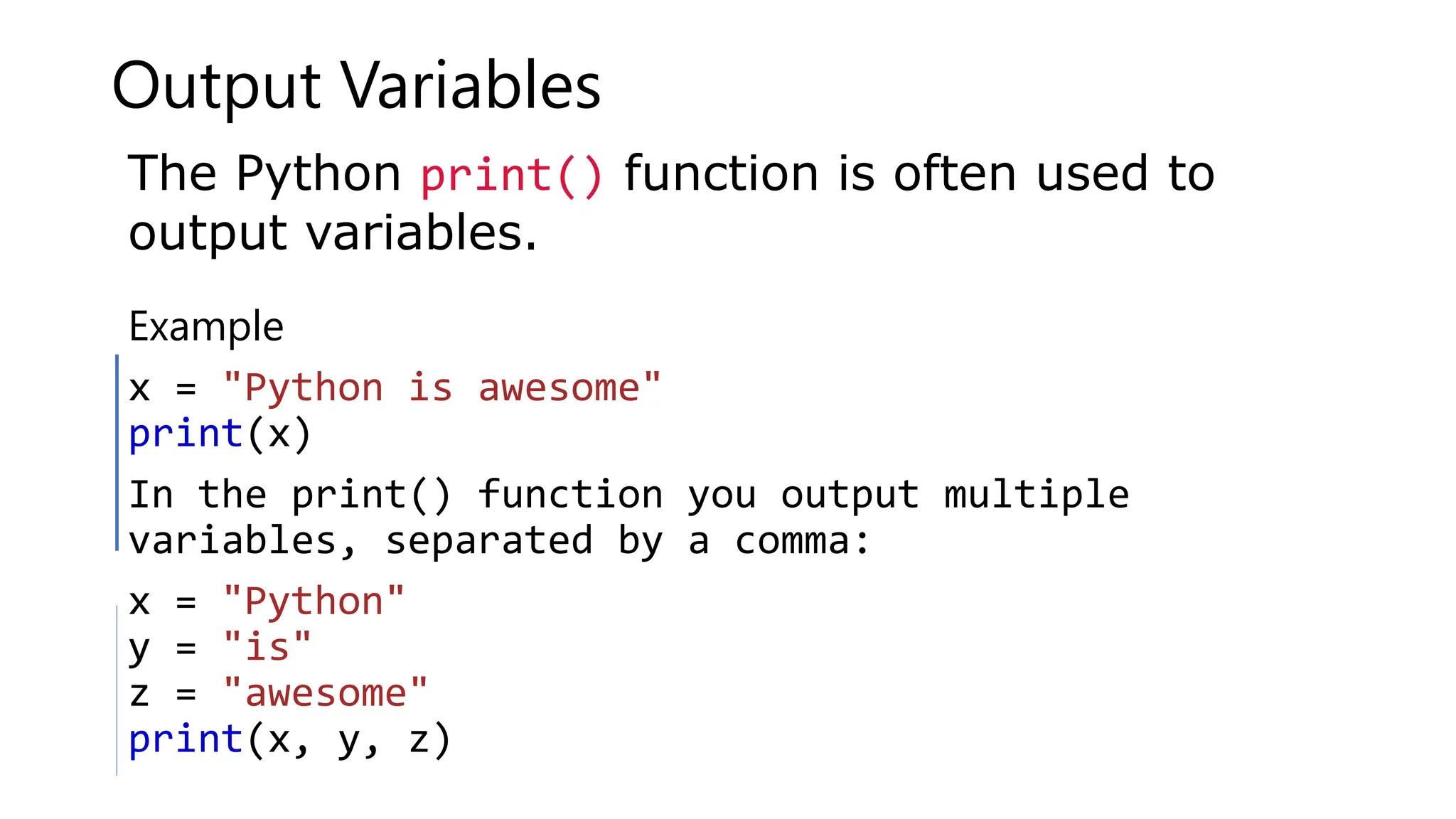
Output Variables
ExamplewnPython Serve
x = "Python is awesome"
print(x)
In the print() function you output multiple
variables, separated by a comma:
x = "Python"
y = "is"
z = "awesome"
print(x, y, z)
The Python print() function is often used to
output variables.
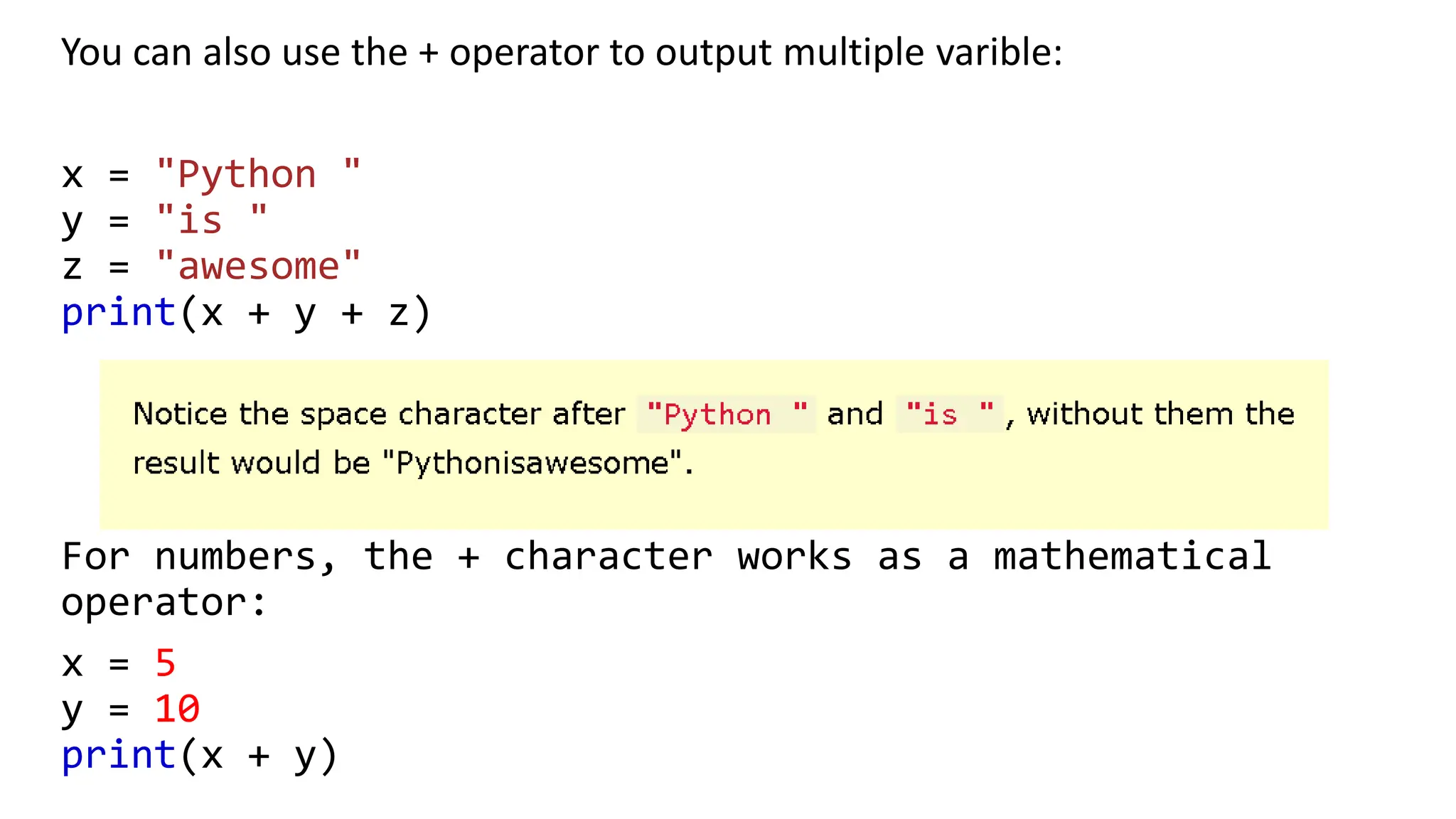
You can also use the + operator to output multiple varible:
x = "Python "
y = "is "
z = "awesome"
print(x + y + z)
For numbers, the + character works as a mathematical
operator:
x = 5
y = 10
print(x + y)
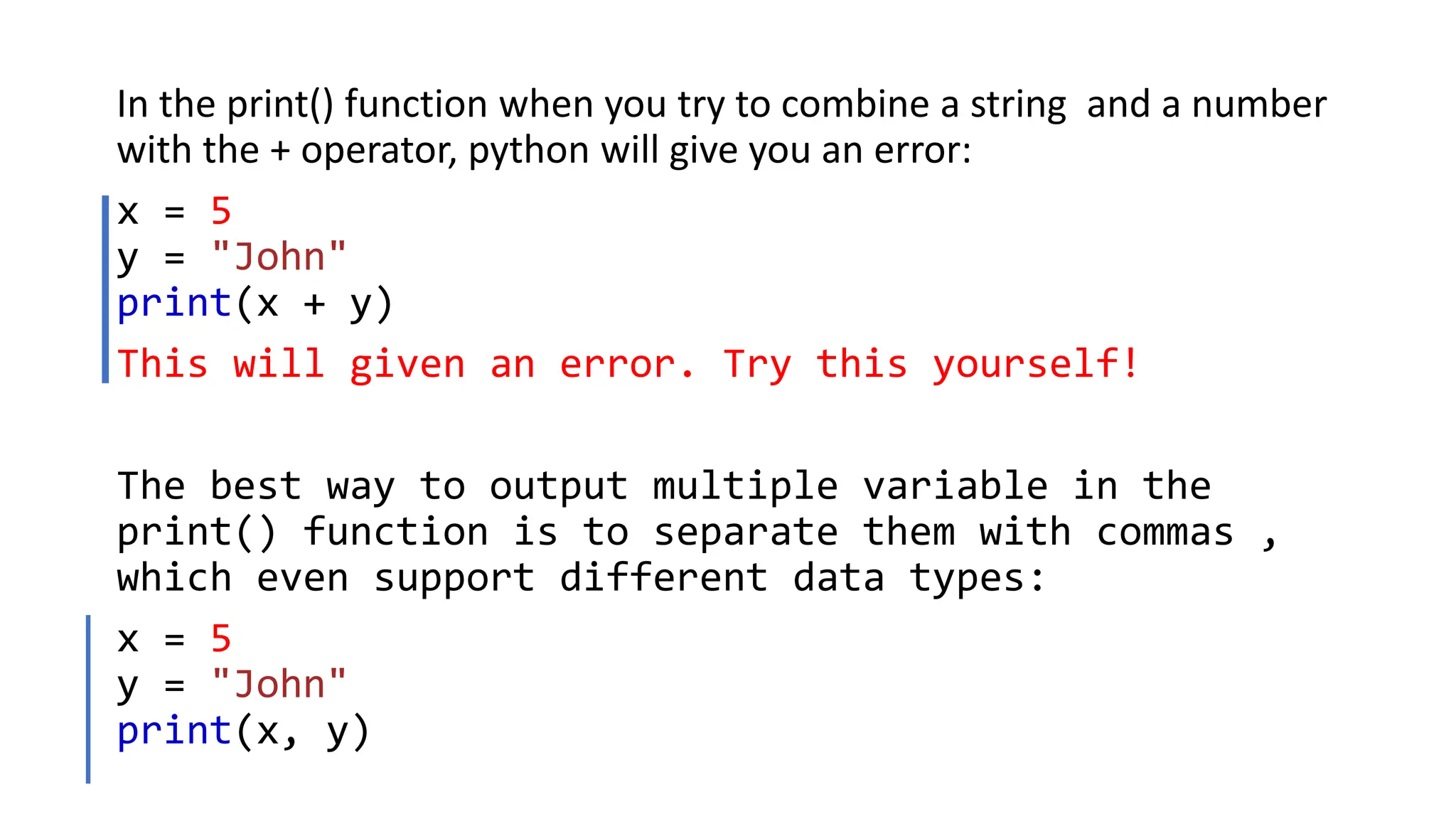
In the print() function when you try to combine a string and a number
with the + operator, python will give you an error:
x = 5
y = "John"
print(x + y)
This will given an error. Try this yourself!
The best way to output multiple variable in the
print() function is to separate them with commas ,
which even support different data types:
x = 5
y = "John"
print(x, y)
Exercise:
Create a variable name carname and assign the value Volvo to it
To Be Continued……

Python Variables.pptx

  • 1.
  • 2.
    Python Variables -Assign Multiple Values Many Values to Multiple Variables- Python allows you to assign values to multiple variables in one line: Exampler own Python Server x, y, z = "Orange", "Banana", "Cherry" print(x) print(y) print(z) Note: Make sure the number of variables matches the number of values, or else you will get an error.
  • 3.
    One Value toMultiple Variables And you can assign the same value to multiple variables in one line: Example x = y = z = "Orange" print(x) print(y) print(z)
  • 4.
    Unpack a Collection Ifyou have a collection of values in a list, tuple etc. Python allows you to extract the values into variables. This is called unpacking. Example:- Unpack a list: fruits = ["apple", "banana", "cherry"] x, y, z = fruits print(x) print(y) print(z)
  • 5.
    Output Variables ExamplewnPython Serve x= "Python is awesome" print(x) In the print() function you output multiple variables, separated by a comma: x = "Python" y = "is" z = "awesome" print(x, y, z) The Python print() function is often used to output variables.
  • 6.
    You can alsouse the + operator to output multiple varible: x = "Python " y = "is " z = "awesome" print(x + y + z) For numbers, the + character works as a mathematical operator: x = 5 y = 10 print(x + y)
  • 7.
    In the print()function when you try to combine a string and a number with the + operator, python will give you an error: x = 5 y = "John" print(x + y) This will given an error. Try this yourself! The best way to output multiple variable in the print() function is to separate them with commas , which even support different data types: x = 5 y = "John" print(x, y)
  • 8.
    Exercise: Create a variablename carname and assign the value Volvo to it To Be Continued……