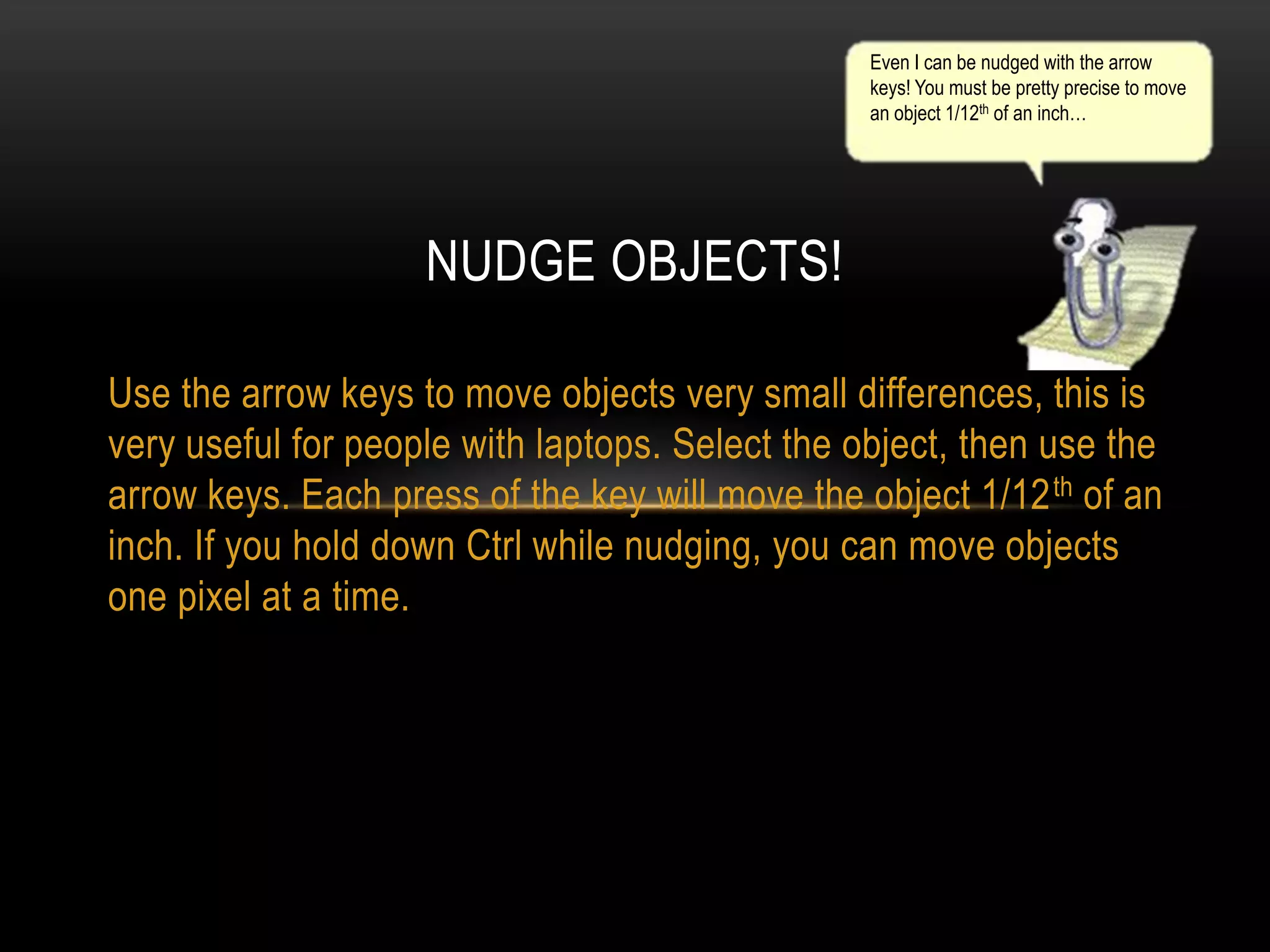
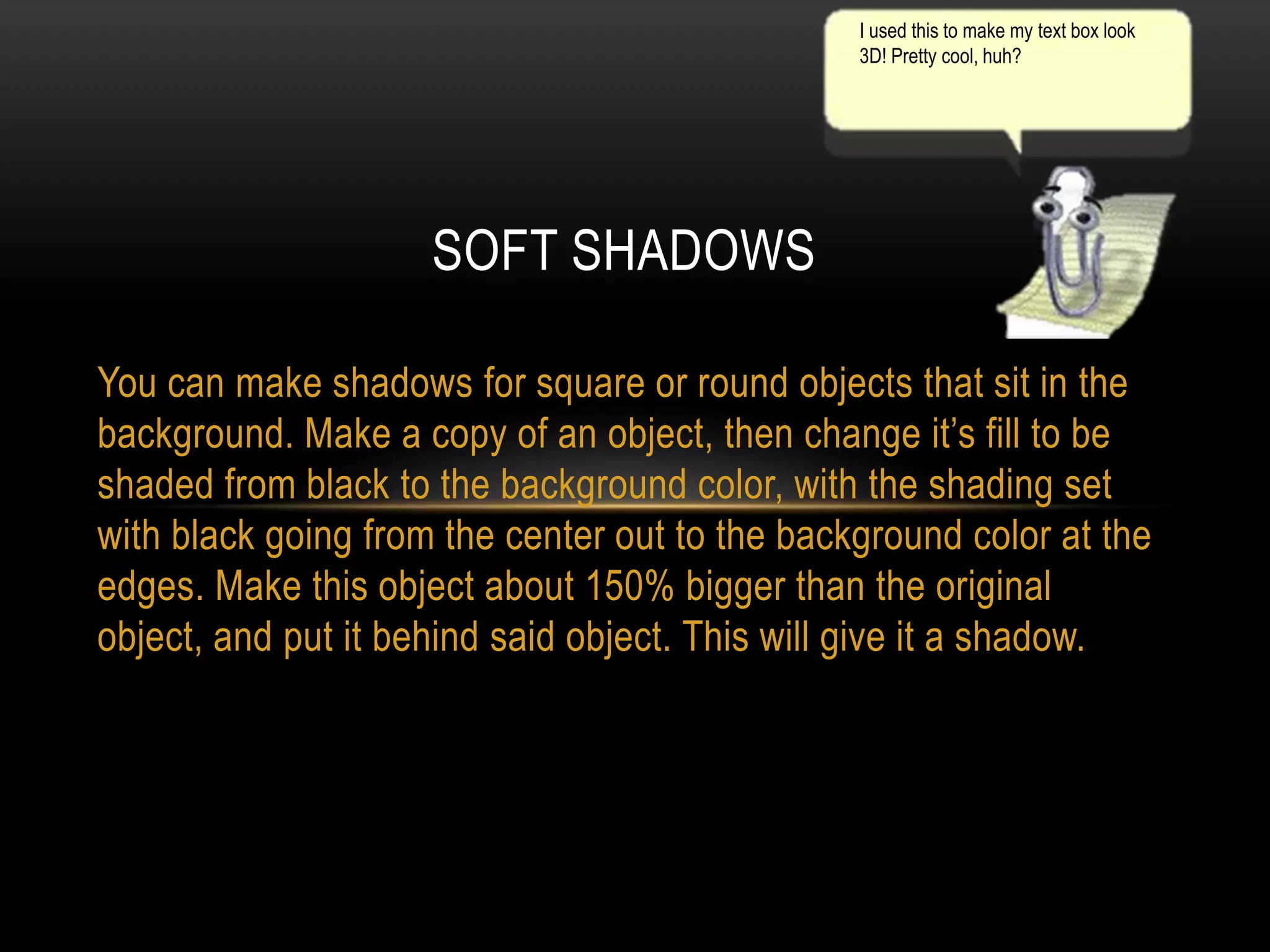
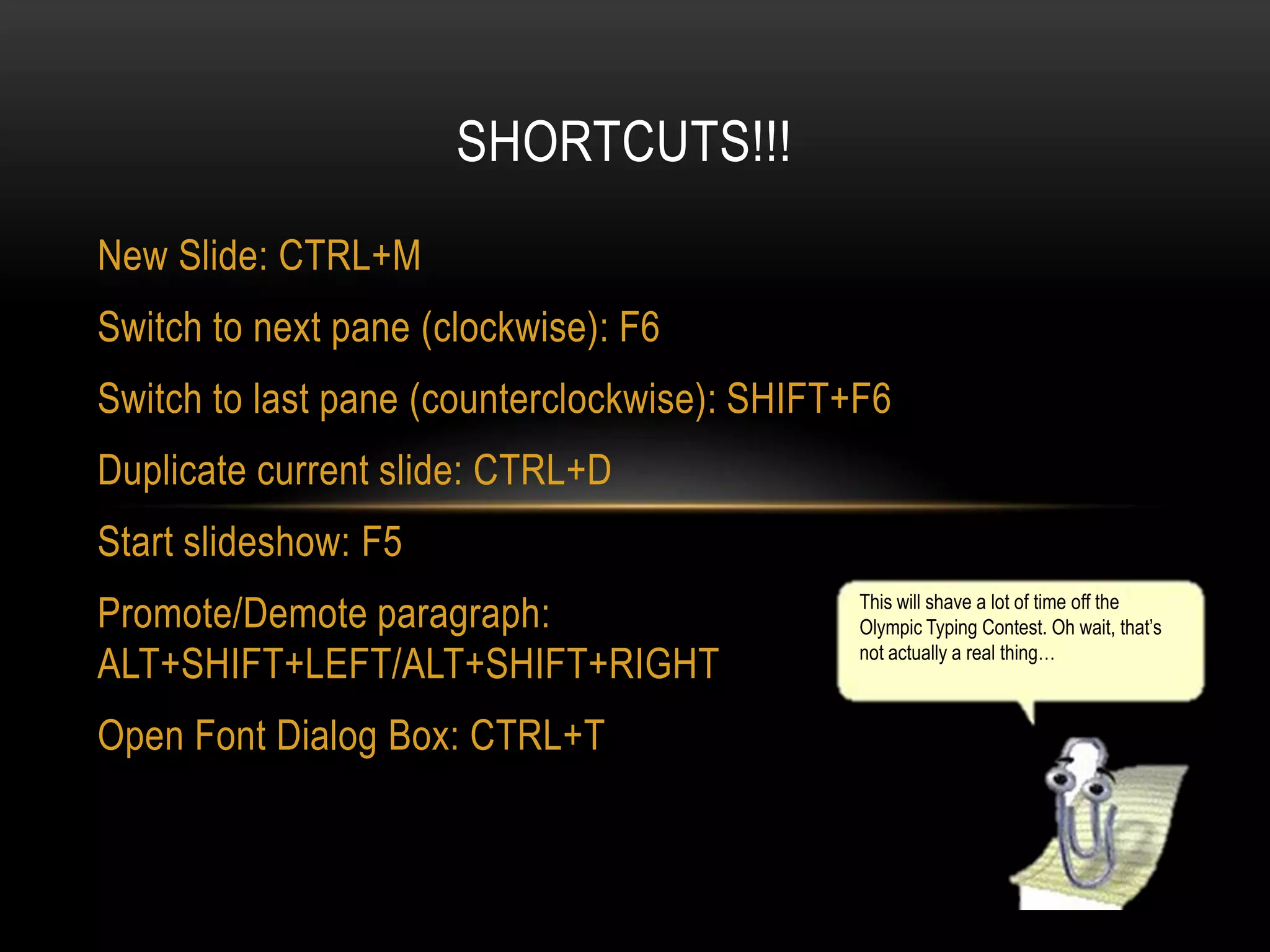
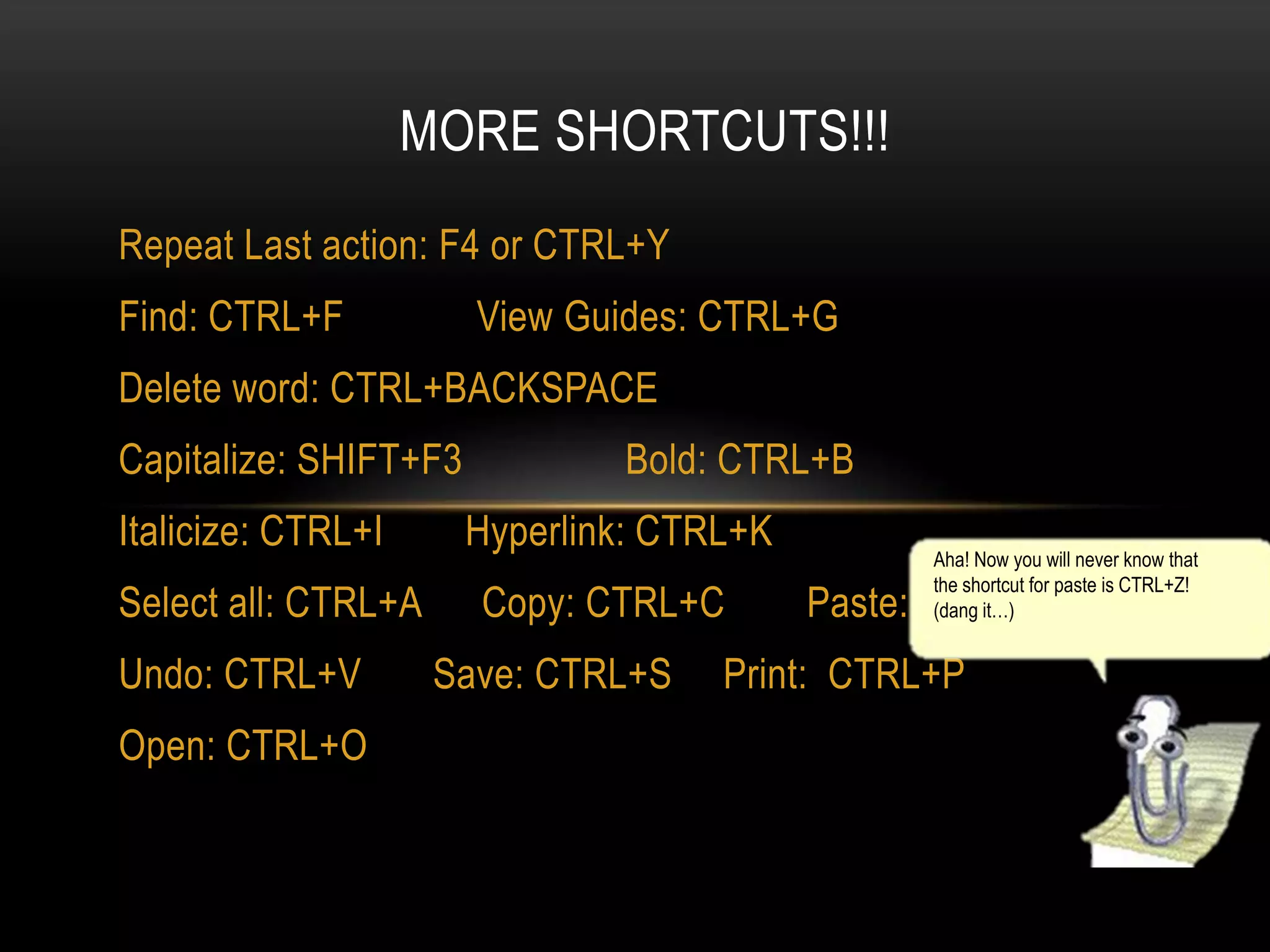
This document provides tips and shortcuts for using PowerPoint. It includes instructions for changing default text styles and design templates, using different backgrounds within a presentation, creating notes pages, nudging objects, and adding soft shadows. The document also lists many keyboard shortcuts for common PowerPoint functions such as saving, copying, pasting, printing, finding, and more. The paper clip character claims to have provided the tips and tries to be helpful but also distracting at times.

![HOW TO CHANGE DEFAULT TEXT STYLE
•
To change the default text style, like above, right click the text box and click on font. From
there you can make all sorts of changes to the text, and check the box that says default
for new objects. After pressing OK, every new textbox should look like the above.
Would you Like to use MS Word Instead?
[YES]
[YES]](https://image.slidesharecdn.com/pwerpuint-131119070354-phpapp01/75/PowerPoint-facts-with-the-Word-Paperclip-2-2048.jpg)


![Making presentations[1]](https://cdn.slidesharecdn.com/ss_thumbnails/makingpresentations1-160718161043-thumbnail.jpg?width=640&height=640&fit=bounds)


