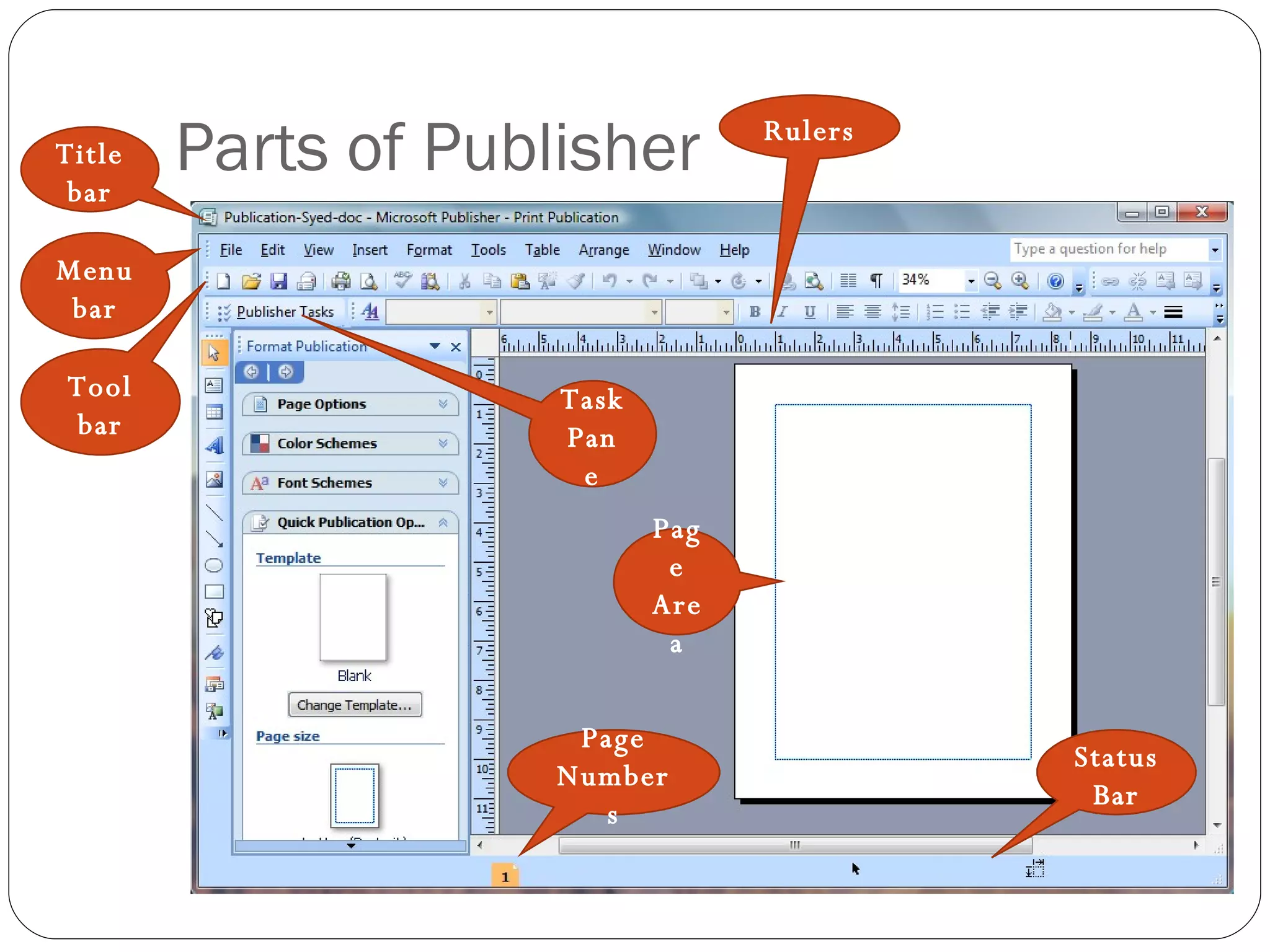
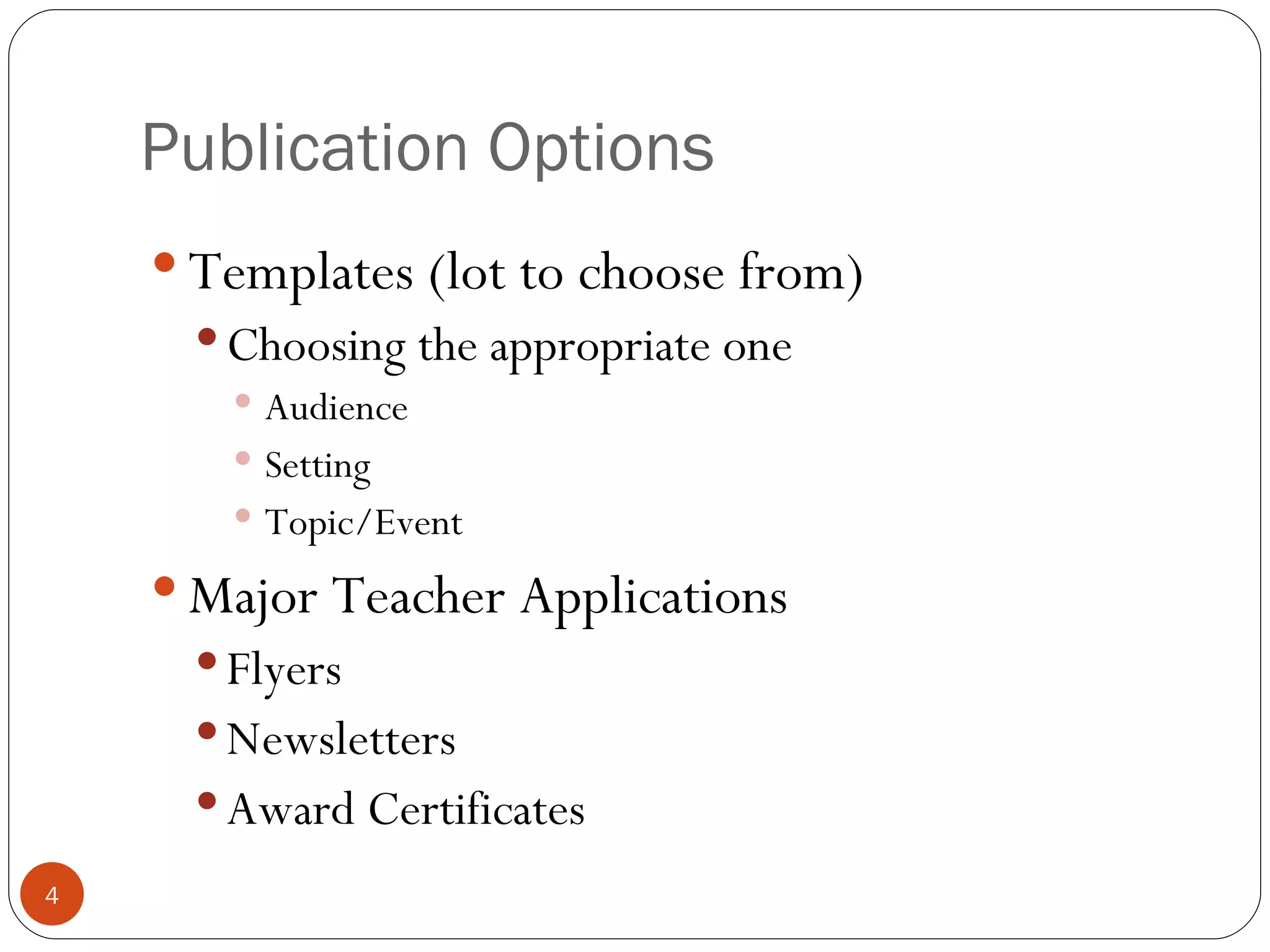
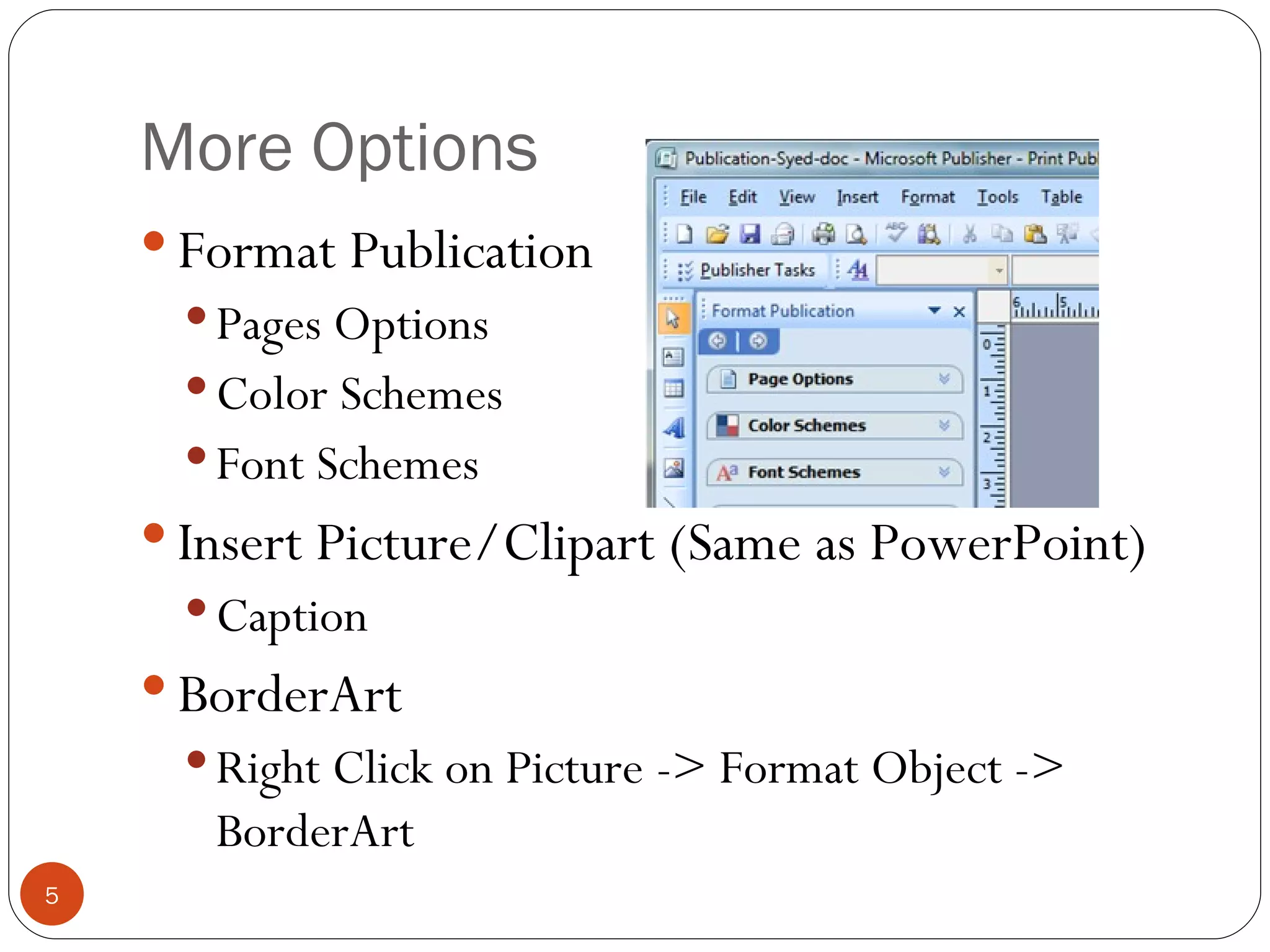
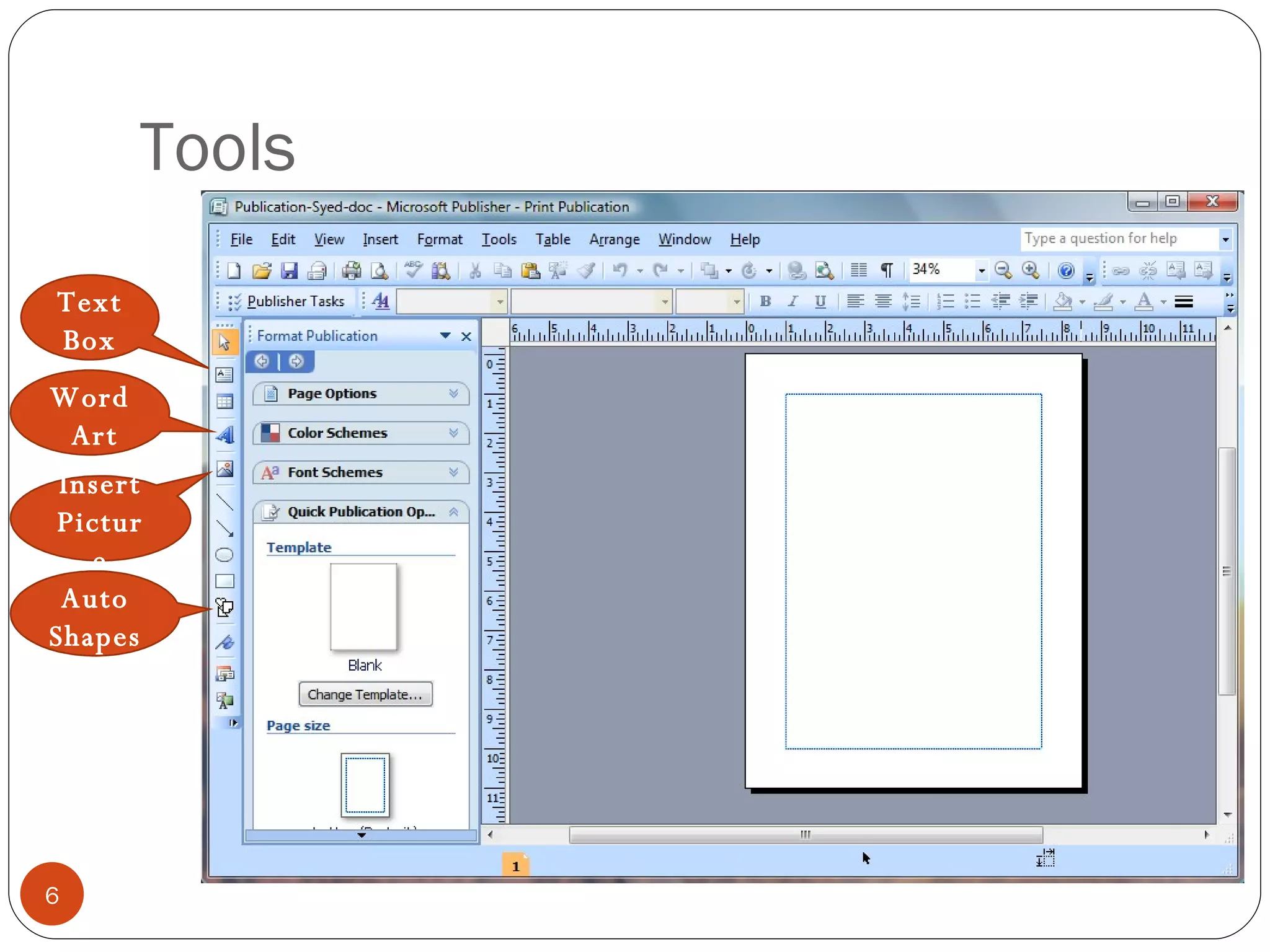
Microsoft Publisher is a desktop publishing program similar to PowerPoint that allows users to create publications like flyers, newsletters, and certificates. It contains templates to choose from and tools to format pages, insert pictures and clipart, and add borders and captions. The instructor recommends using the rulers and print preview to layout and check publications before printing.