Proactive monitoring with Monit
Developer Toolbox SeriesRafael Luque (OSOCO)
September 2015
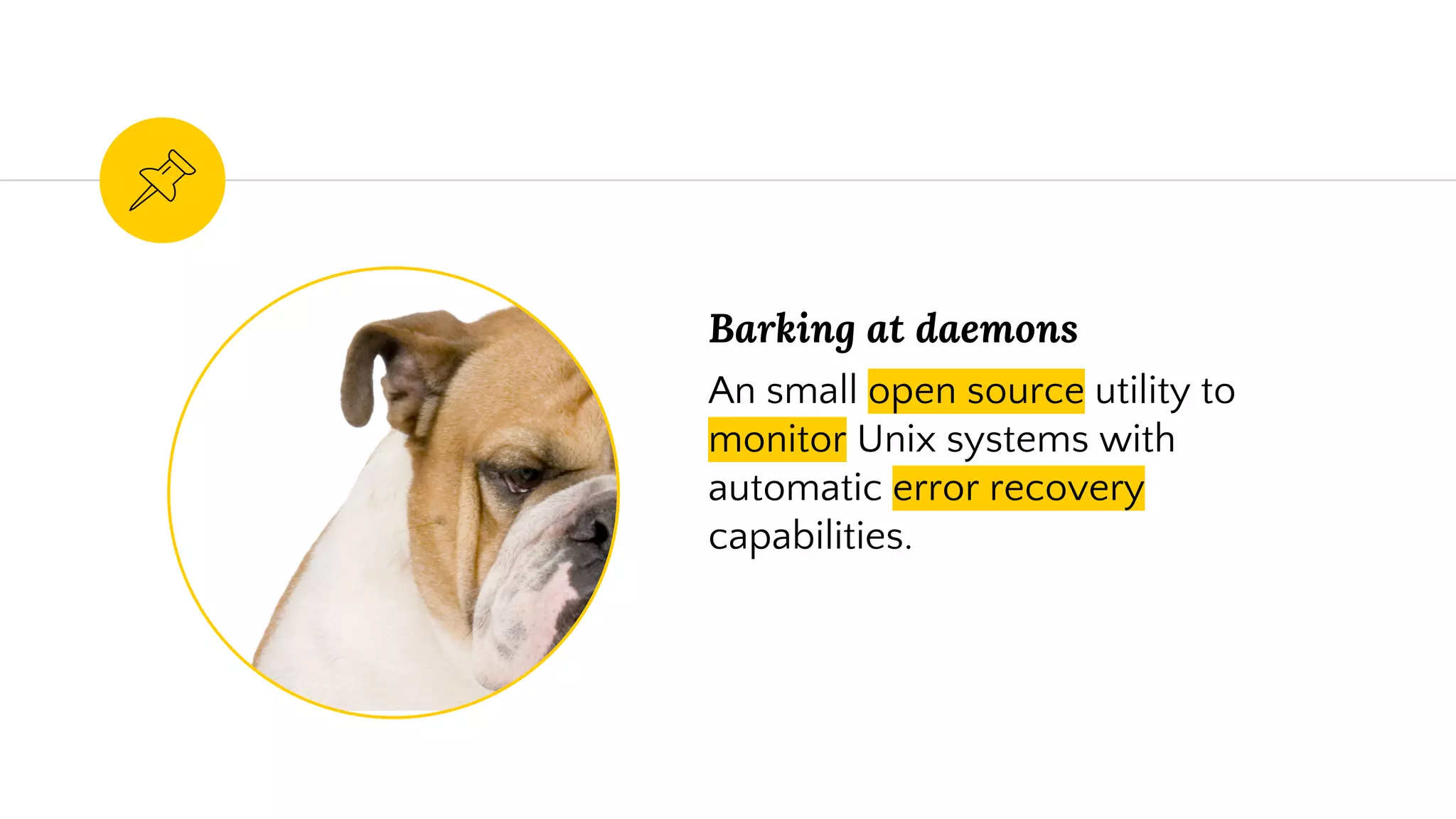
Barking at daemons
An small open source utility to
monitor Unix systems with
automatic error recovery
capabilities.
What Monit can monitor
Files, Dirs and Filesystems
Monitor these items for changes,
such as timestamps changes,
checksum changes or size
changes.
Hosts
Monitor network connections to
various servers, either on
localhost or on remote hosts.
TCP, UDP and Unix Domain
Sockets are supported. Network
tests can be performed on a
protocol level.
System
General system resources on
localhost such as overall CPU
usage, Memory and Load
Average.
Processes
Daemon processes or similar
programs running on localhost,
such as those started at system
boot time from /etc/init.d/
Programs and scripts
Test programs or scripts at
certain times, much like cron,
but in addition, you can test the
exit value of a program and
perform an action or send an
alert if the exit value indicates an
error.
Global configuration1
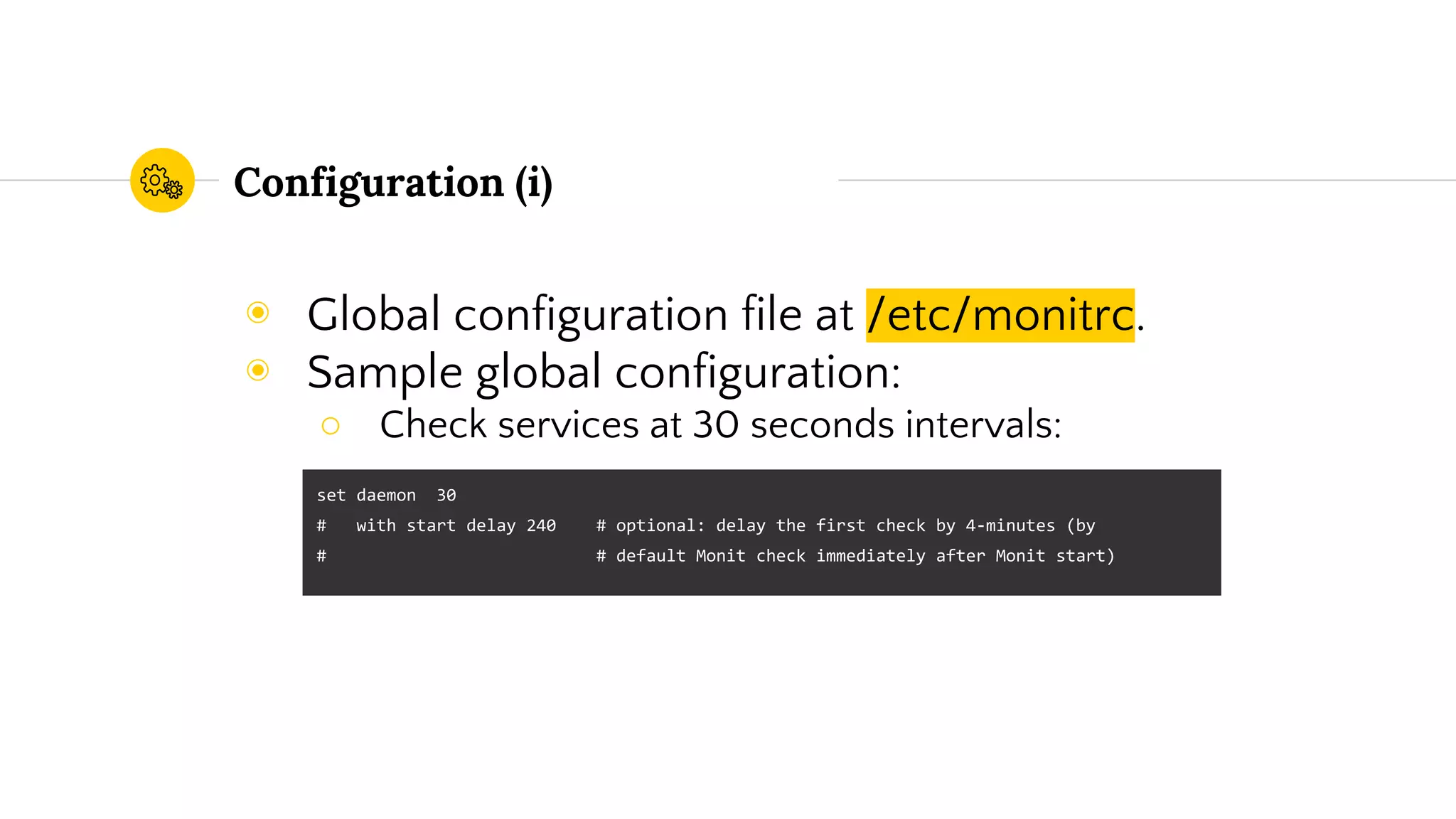
Configuration (i)
◉ Global configuration file at /etc/monitrc.
◉ Sample global configuration:
○ Check services at 30 seconds intervals:
set daemon 30
# with start delay 240 # optional: delay the first check by 4-minutes (by
# # default Monit check immediately after Monit start)
Configuration (ii)
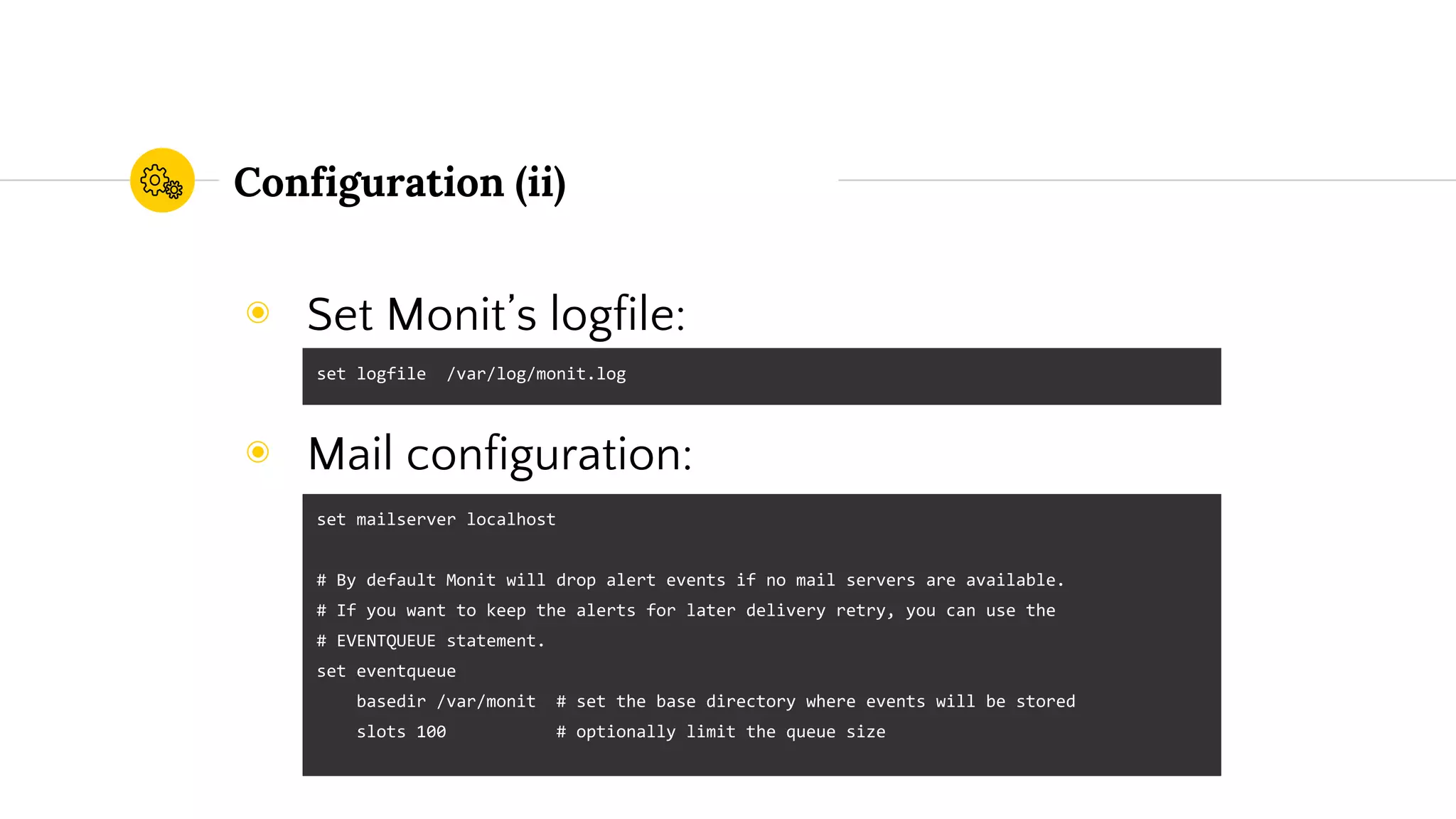
◉ Set Monit’s logfile:
◉ Mail configuration:
set logfile /var/log/monit.log
set mailserver localhost
# By default Monit will drop alert events if no mail servers are available.
# If you want to keep the alerts for later delivery retry, you can use the
# EVENTQUEUE statement.
set eventqueue
basedir /var/monit # set the base directory where events will be stored
slots 100 # optionally limit the queue size
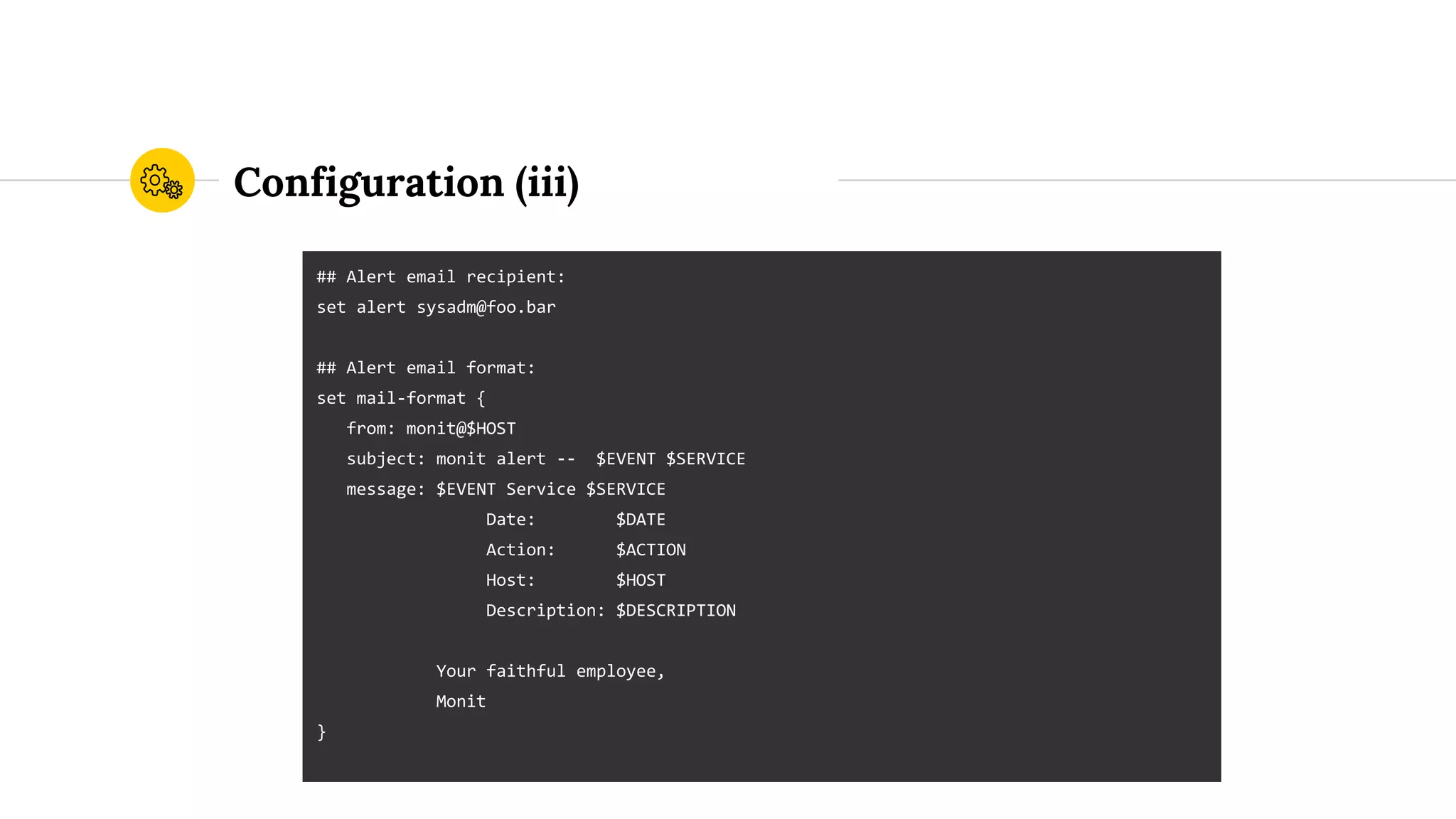
Configuration (iii)
## Alert email recipient:
set alert sysadm@foo.bar
## Alert email format:
set mail-format {
from: monit@$HOST
subject: monit alert -- $EVENT $SERVICE
message: $EVENT Service $SERVICE
Date: $DATE
Action: $ACTION
Host: $HOST
Description: $DESCRIPTION
Your faithful employee,
Monit
}
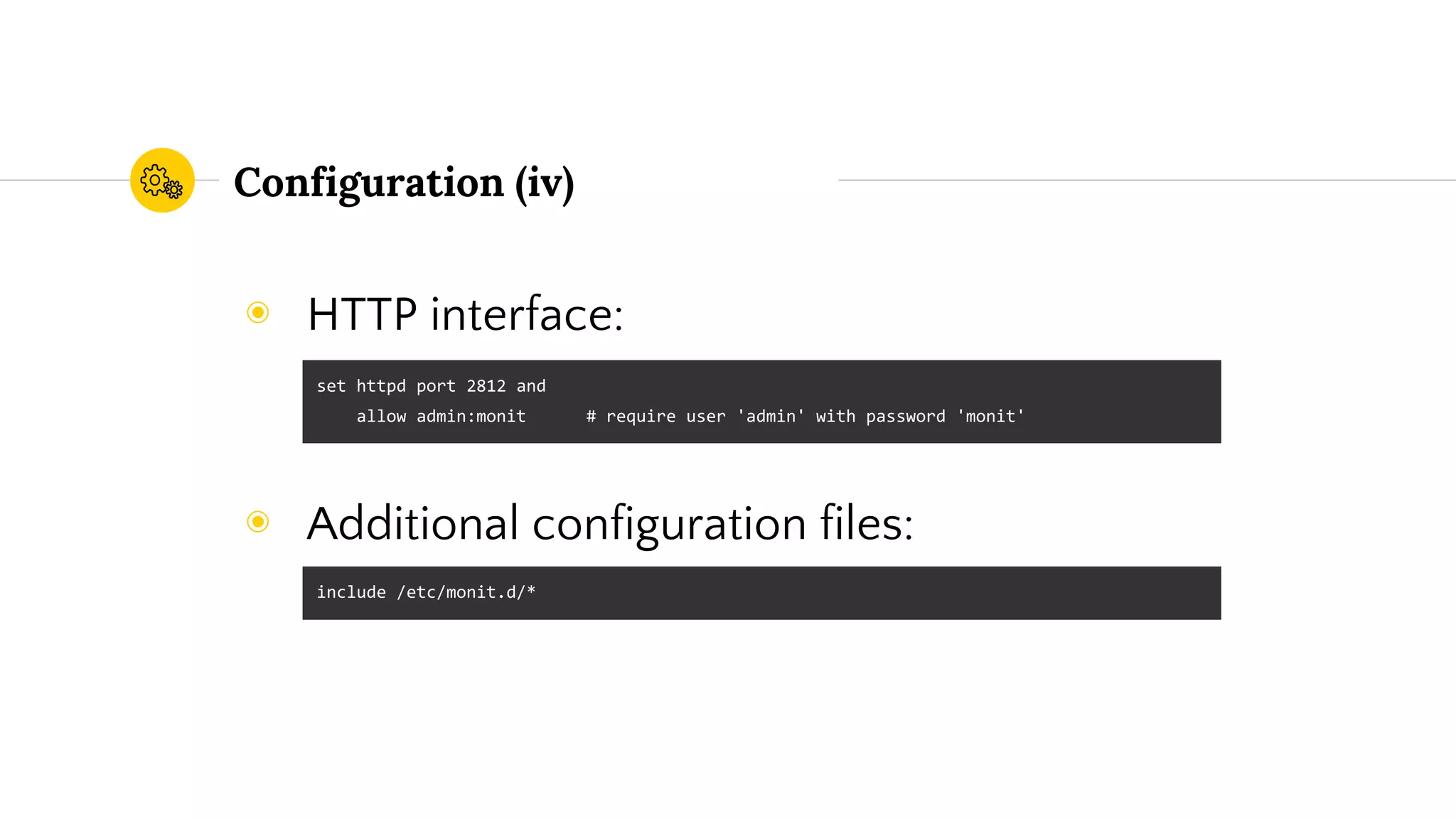
Configuration (iv)
◉ HTTP interface:
◉ Additional configuration files:
set httpd port 2812 and
allow admin:monit # require user 'admin' with password 'monit'
include /etc/monit.d/*
Basic usage2
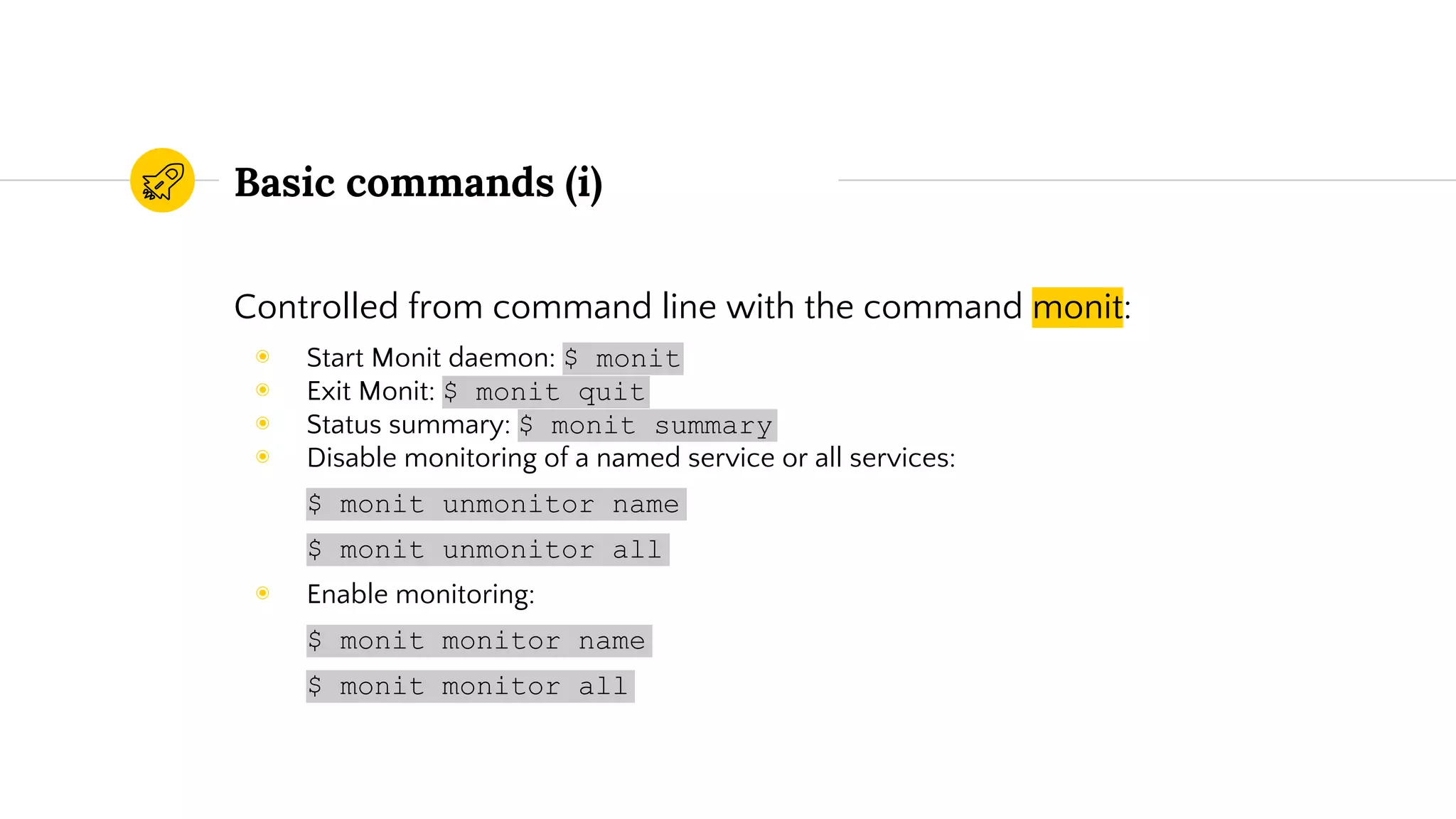
Basic commands (i)
Controlled from command line with the command monit:
◉ Start Monit daemon: $ monit
◉ Exit Monit: $ monit quit
◉ Status summary: $ monit summary
◉ Disable monitoring of a named service or all services:
$ monit unmonitor name
$ monit unmonitor all
◉ Enable monitoring:
$ monit monitor name
$ monit monitor all
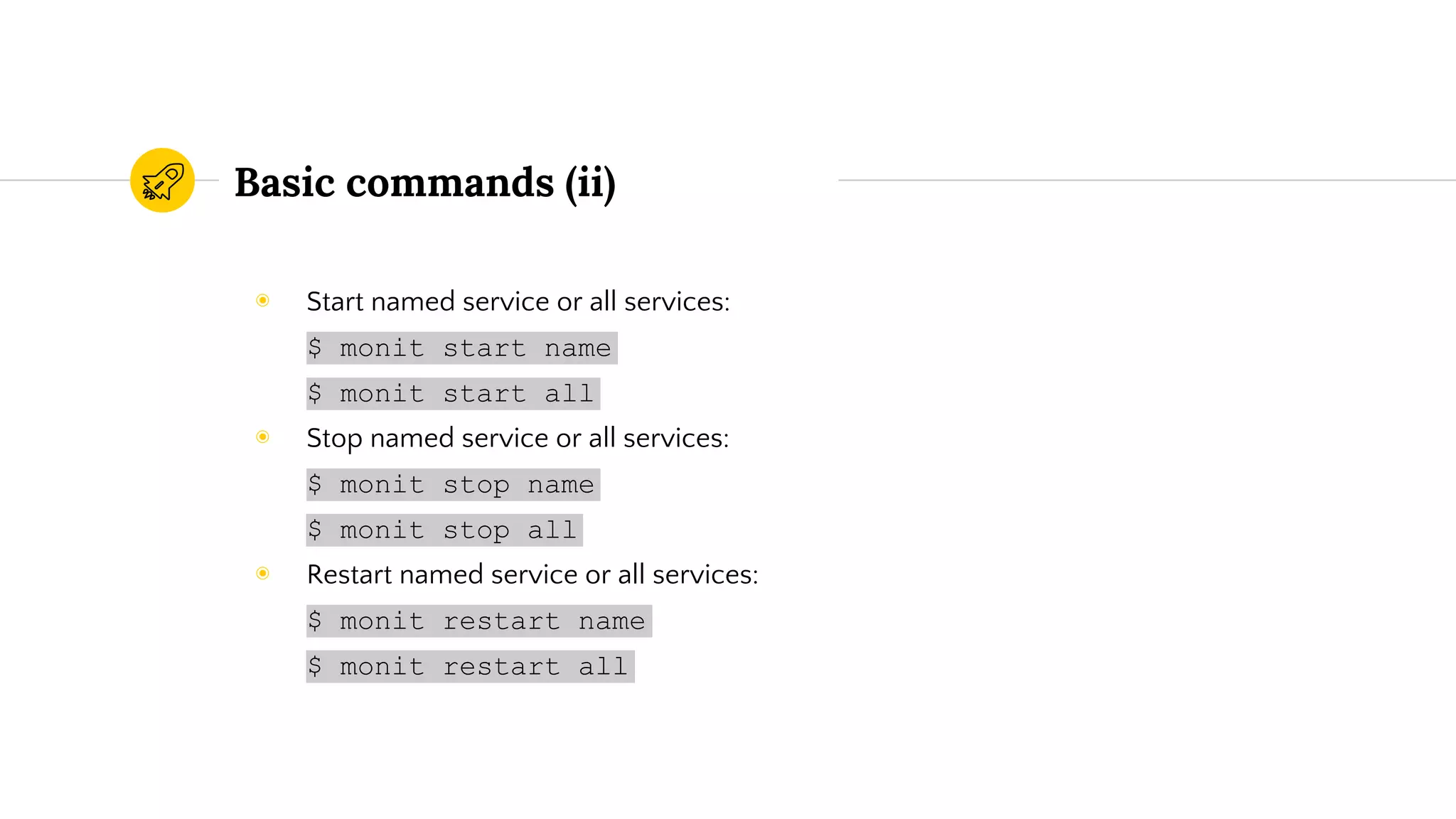
Basic commands (ii)
◉ Start named service or all services:
$ monit start name
$ monit start all
◉ Stop named service or all services:
$ monit stop name
$ monit stop all
◉ Restart named service or all services:
$ monit restart name
$ monit restart all
Monitoring examples3
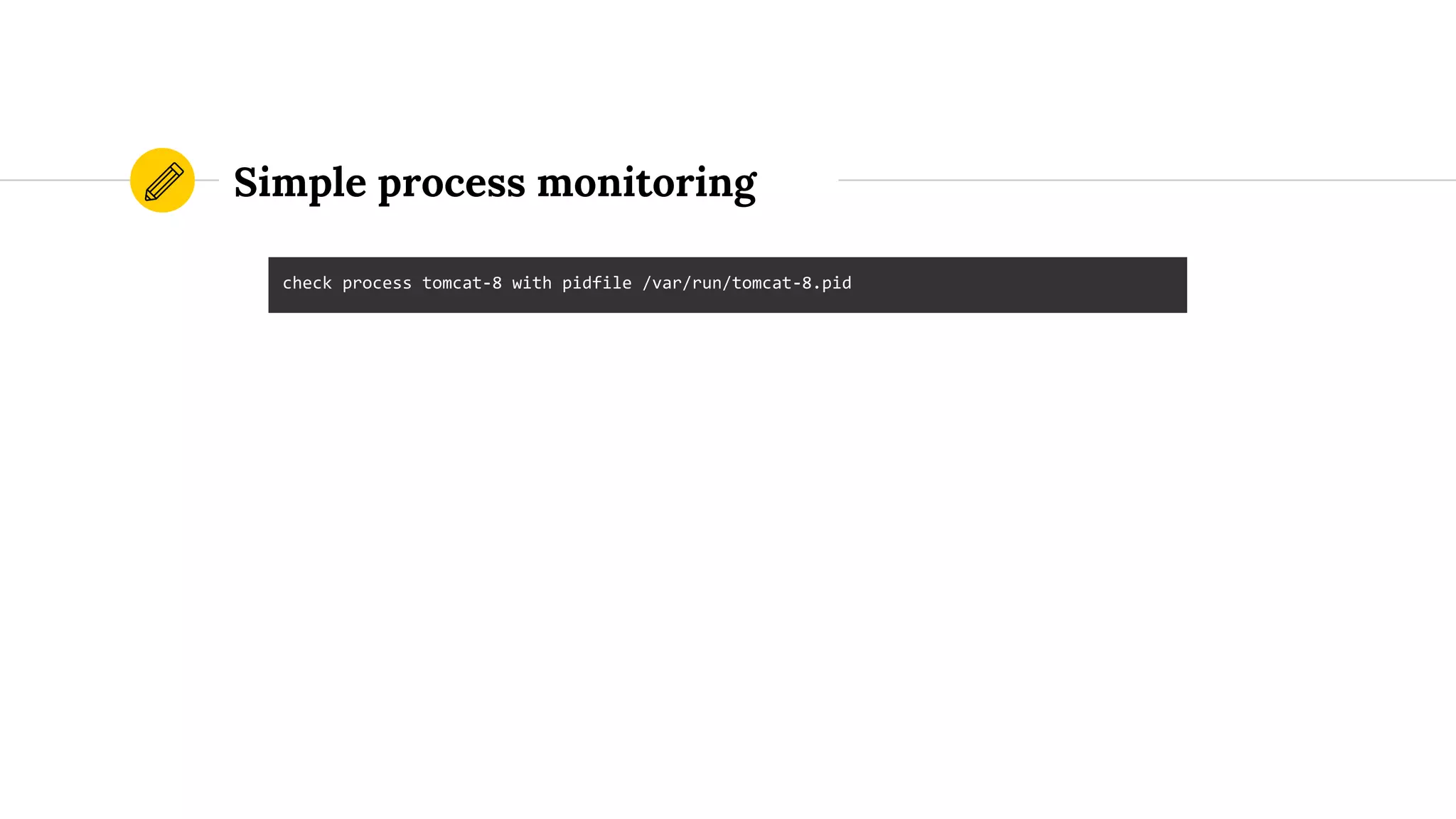
Simple process monitoring
check process tomcat-8 with pidfile /var/run/tomcat-8.pid
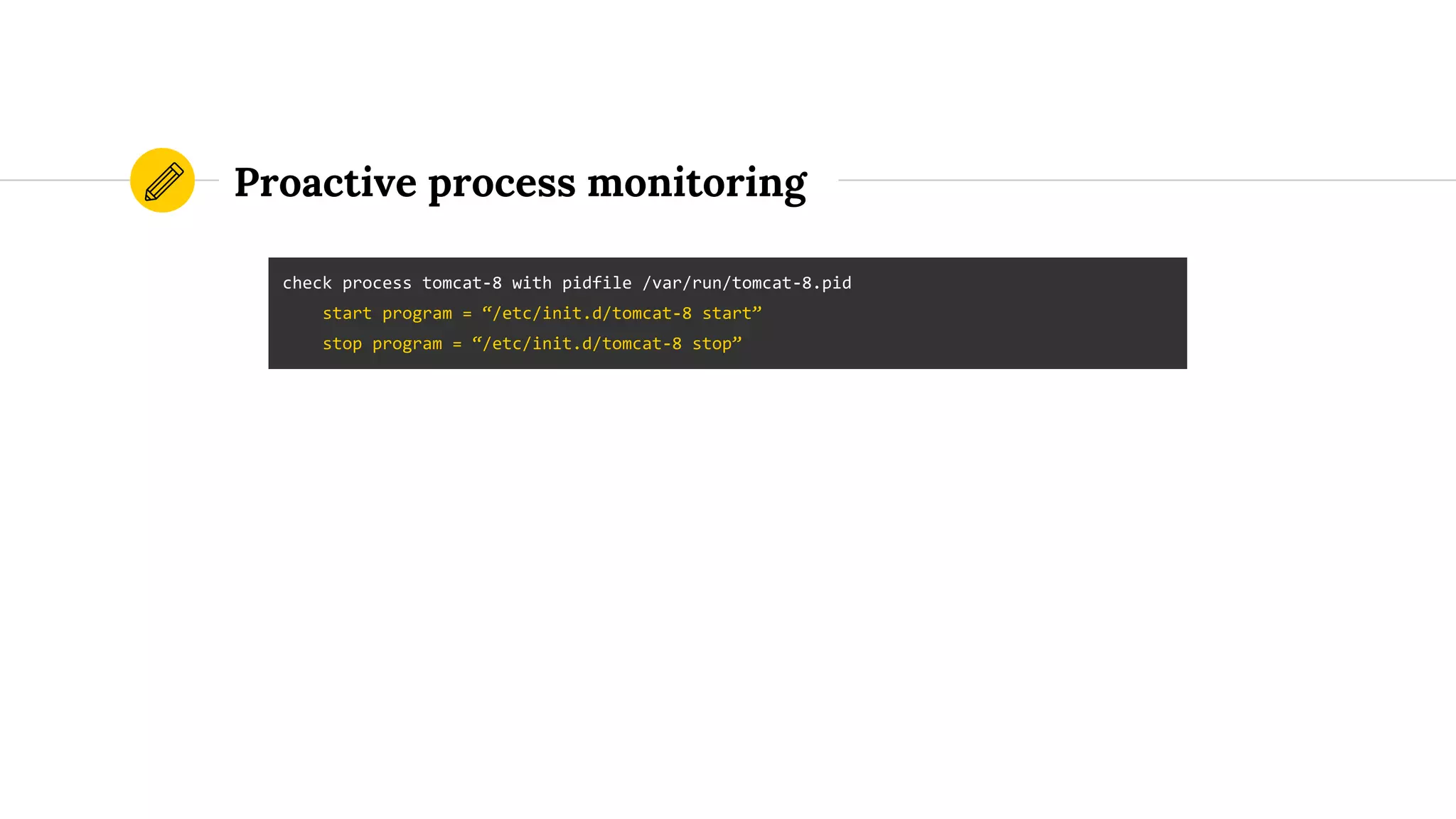
Proactive process monitoring
check process tomcat-8 with pidfile /var/run/tomcat-8.pid
start program = “/etc/init.d/tomcat-8 start”
stop program = “/etc/init.d/tomcat-8 stop”
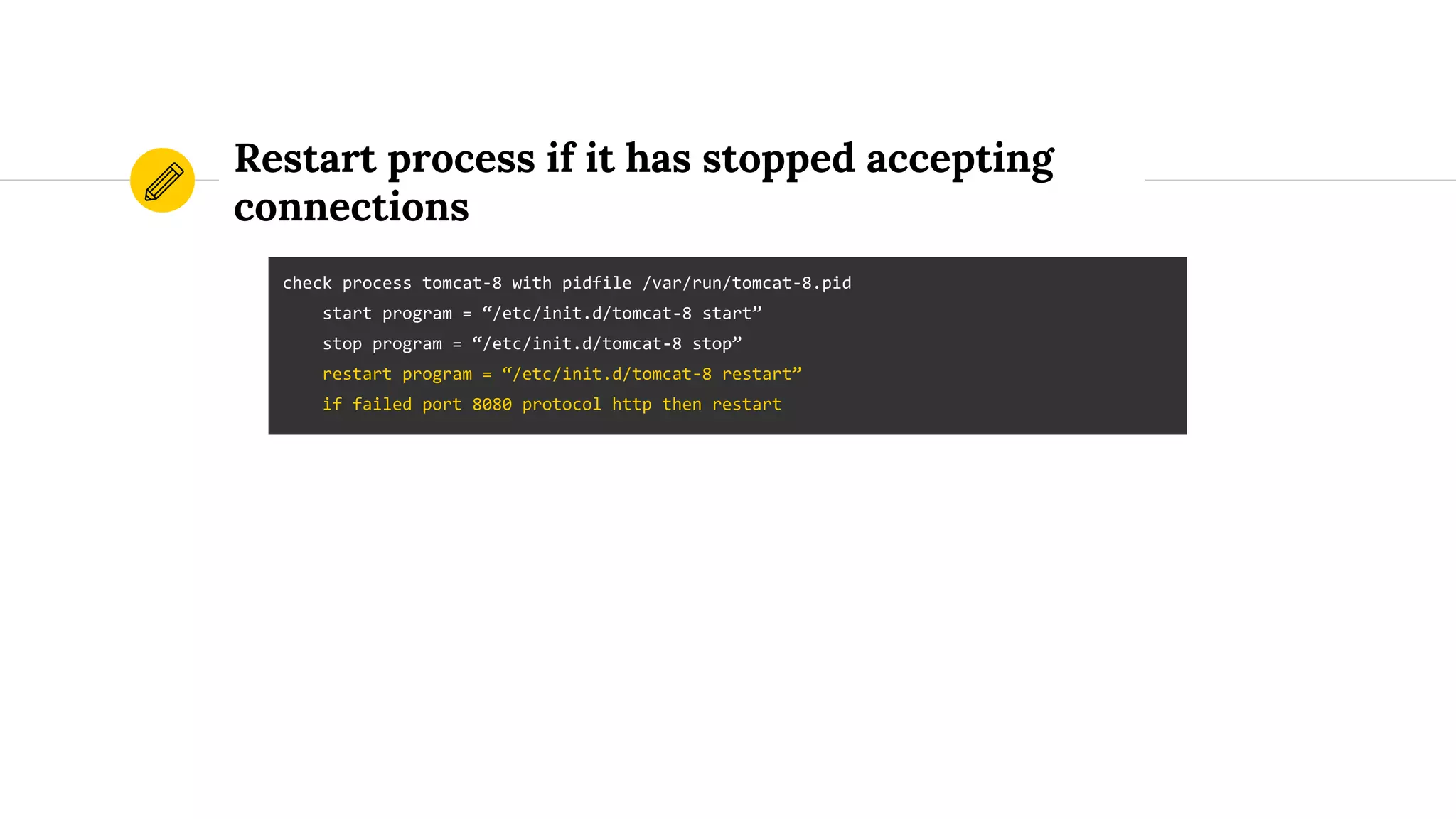
Restart process if it has stopped accepting
connections
check process tomcat-8 with pidfile /var/run/tomcat-8.pid
start program = “/etc/init.d/tomcat-8 start”
stop program = “/etc/init.d/tomcat-8 stop”
restart program = “/etc/init.d/tomcat-8 restart”
if failed port 8080 protocol http then restart
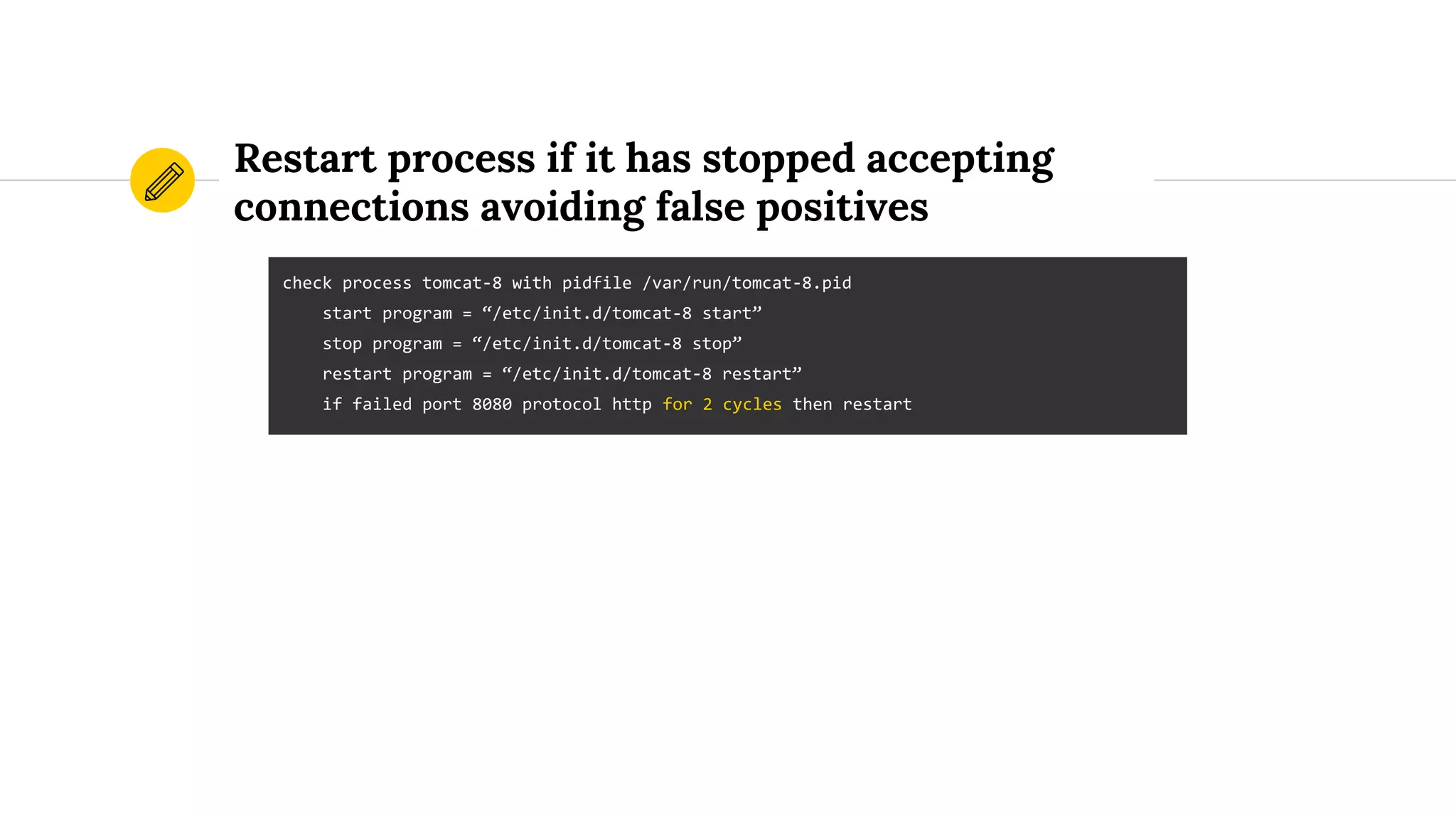
Restart process if it has stopped accepting
connections avoiding false positives
check process tomcat-8 with pidfile /var/run/tomcat-8.pid
start program = “/etc/init.d/tomcat-8 start”
stop program = “/etc/init.d/tomcat-8 stop”
restart program = “/etc/init.d/tomcat-8 restart”
if failed port 8080 protocol http for 2 cycles then restart
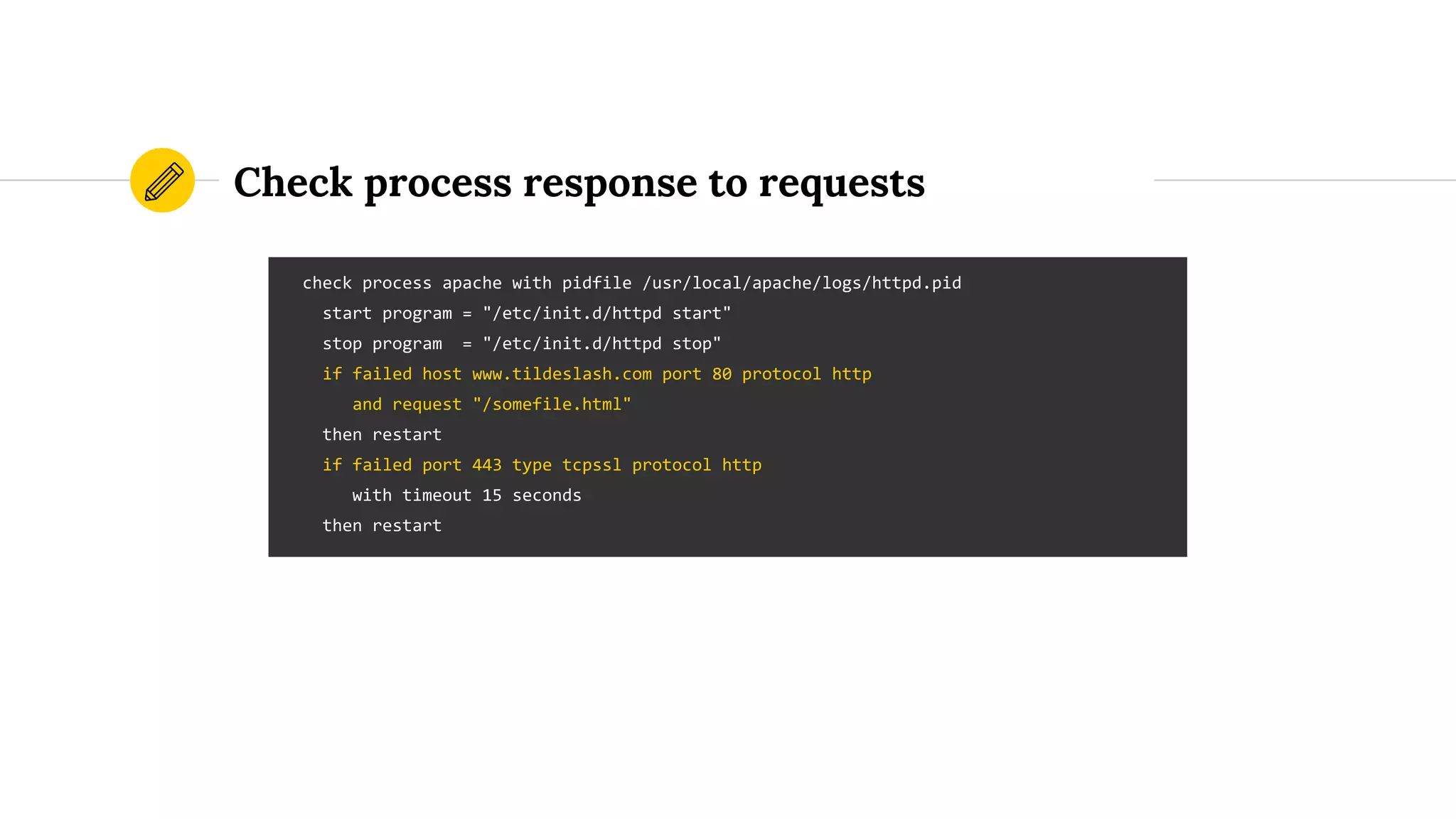
Check process response to requests
check process apache with pidfile /usr/local/apache/logs/httpd.pid
start program = "/etc/init.d/httpd start"
stop program = "/etc/init.d/httpd stop"
if failed host www.tildeslash.com port 80 protocol http
and request "/somefile.html"
then restart
if failed port 443 type tcpssl protocol http
with timeout 15 seconds
then restart
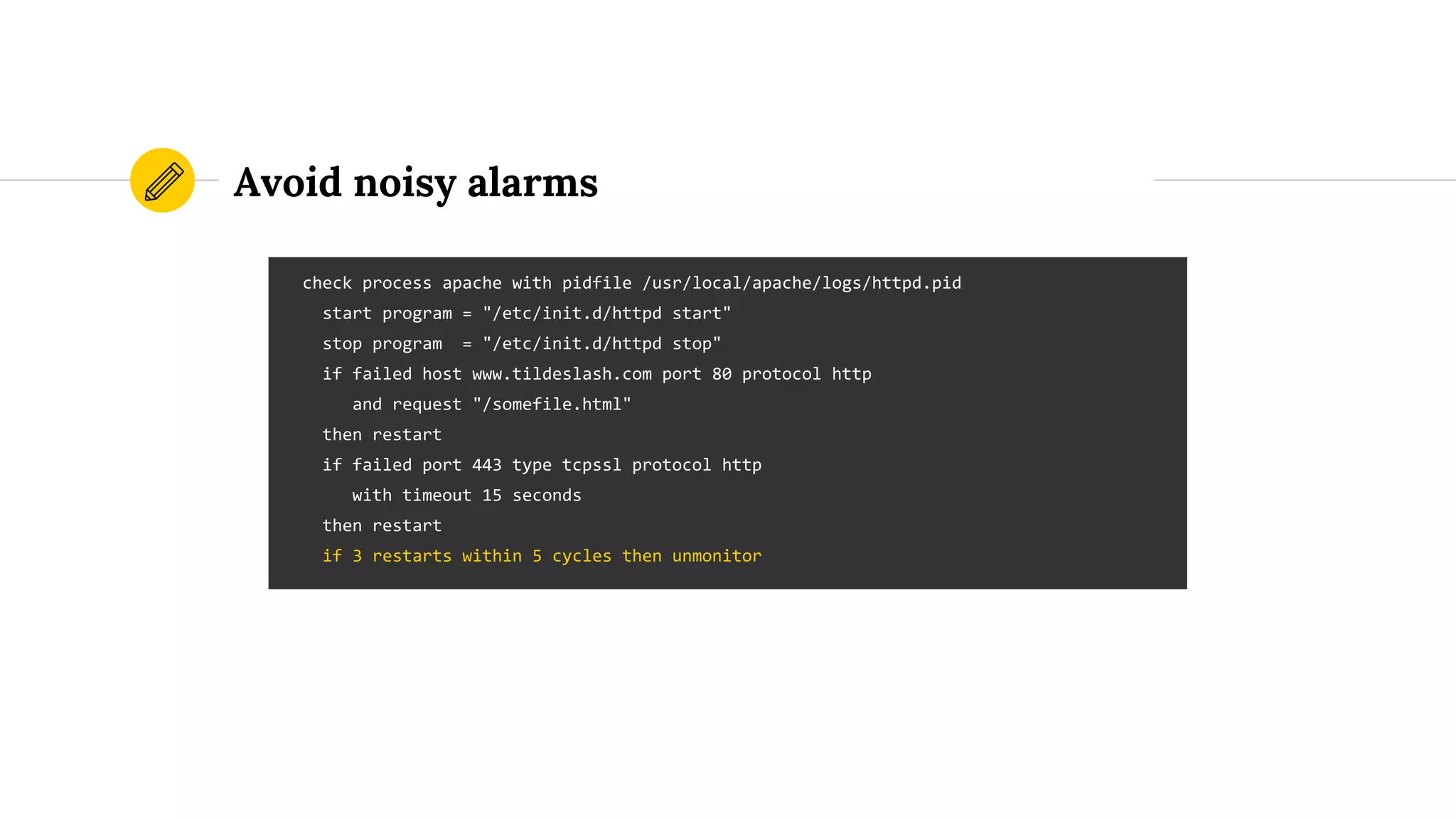
Avoid noisy alarms
check process apache with pidfile /usr/local/apache/logs/httpd.pid
start program = "/etc/init.d/httpd start"
stop program = "/etc/init.d/httpd stop"
if failed host www.tildeslash.com port 80 protocol http
and request "/somefile.html"
then restart
if failed port 443 type tcpssl protocol http
with timeout 15 seconds
then restart
if 3 restarts within 5 cycles then unmonitor
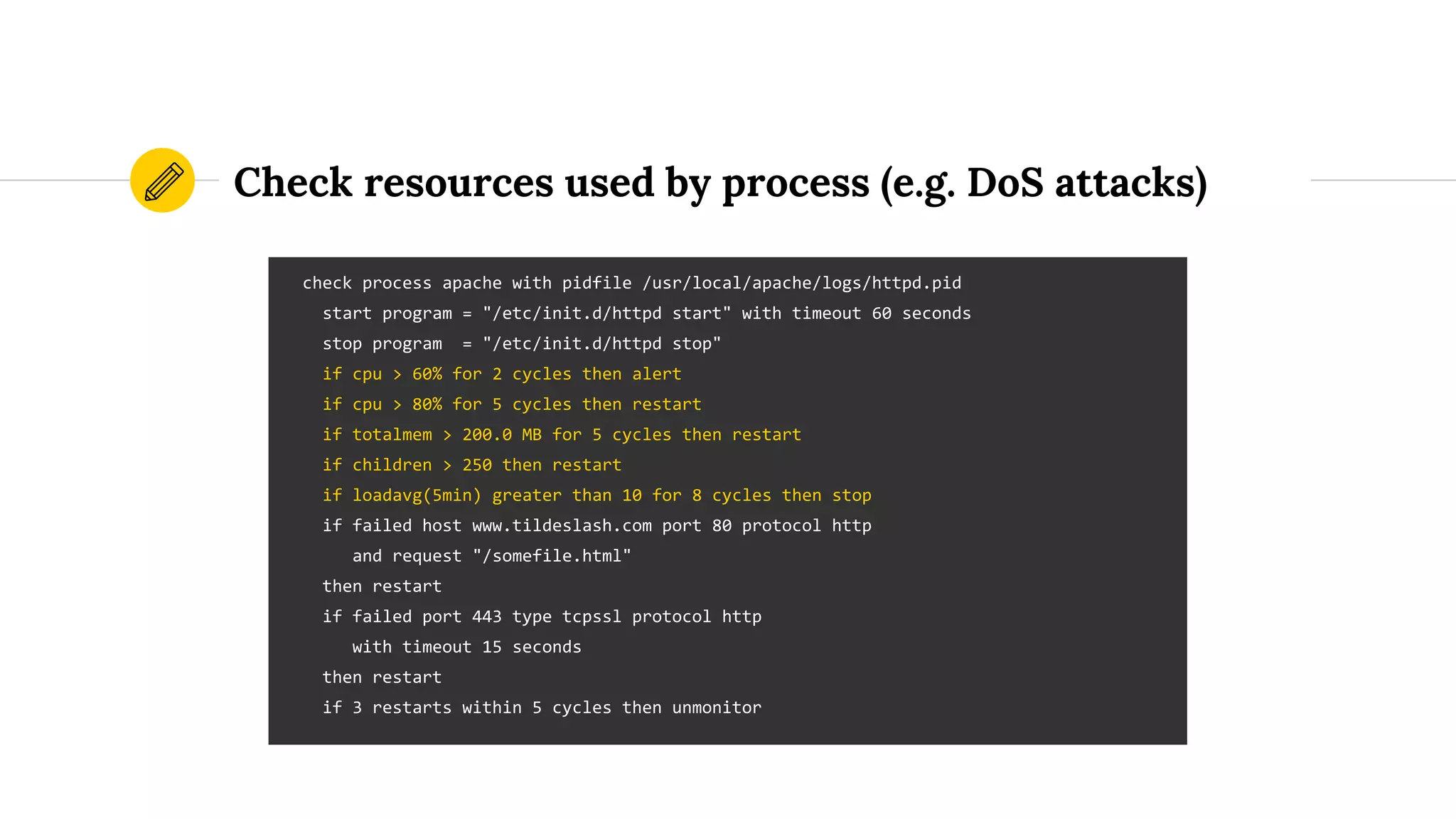
Check resources used by process (e.g. DoS attacks)
check process apache with pidfile /usr/local/apache/logs/httpd.pid
start program = "/etc/init.d/httpd start" with timeout 60 seconds
stop program = "/etc/init.d/httpd stop"
if cpu > 60% for 2 cycles then alert
if cpu > 80% for 5 cycles then restart
if totalmem > 200.0 MB for 5 cycles then restart
if children > 250 then restart
if loadavg(5min) greater than 10 for 8 cycles then stop
if failed host www.tildeslash.com port 80 protocol http
and request "/somefile.html"
then restart
if failed port 443 type tcpssl protocol http
with timeout 15 seconds
then restart
if 3 restarts within 5 cycles then unmonitor
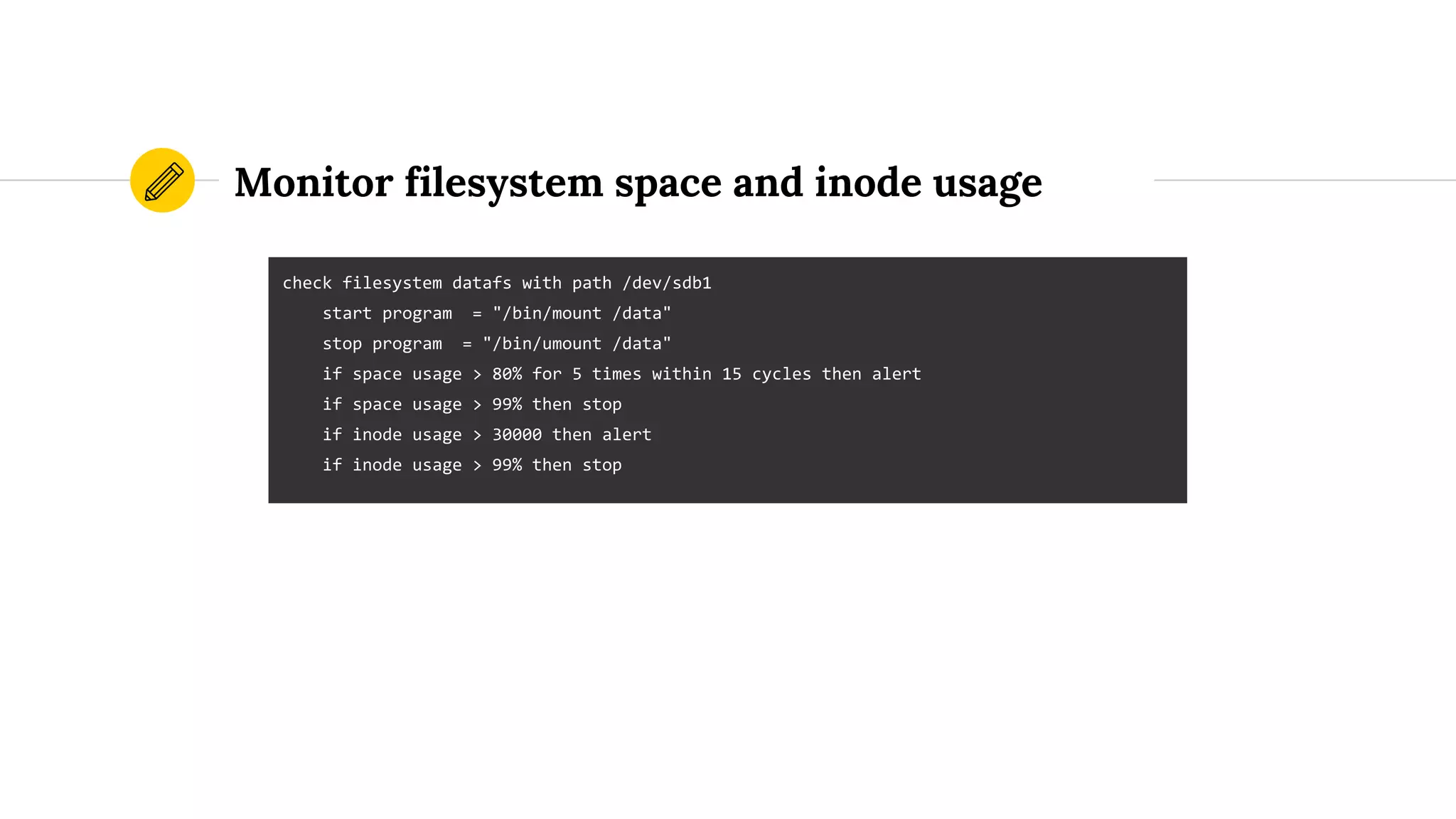
Monitor filesystem space and inode usage
check filesystem datafs with path /dev/sdb1
start program = "/bin/mount /data"
stop program = "/bin/umount /data"
if space usage > 80% for 5 times within 15 cycles then alert
if space usage > 99% then stop
if inode usage > 30000 then alert
if inode usage > 99% then stop
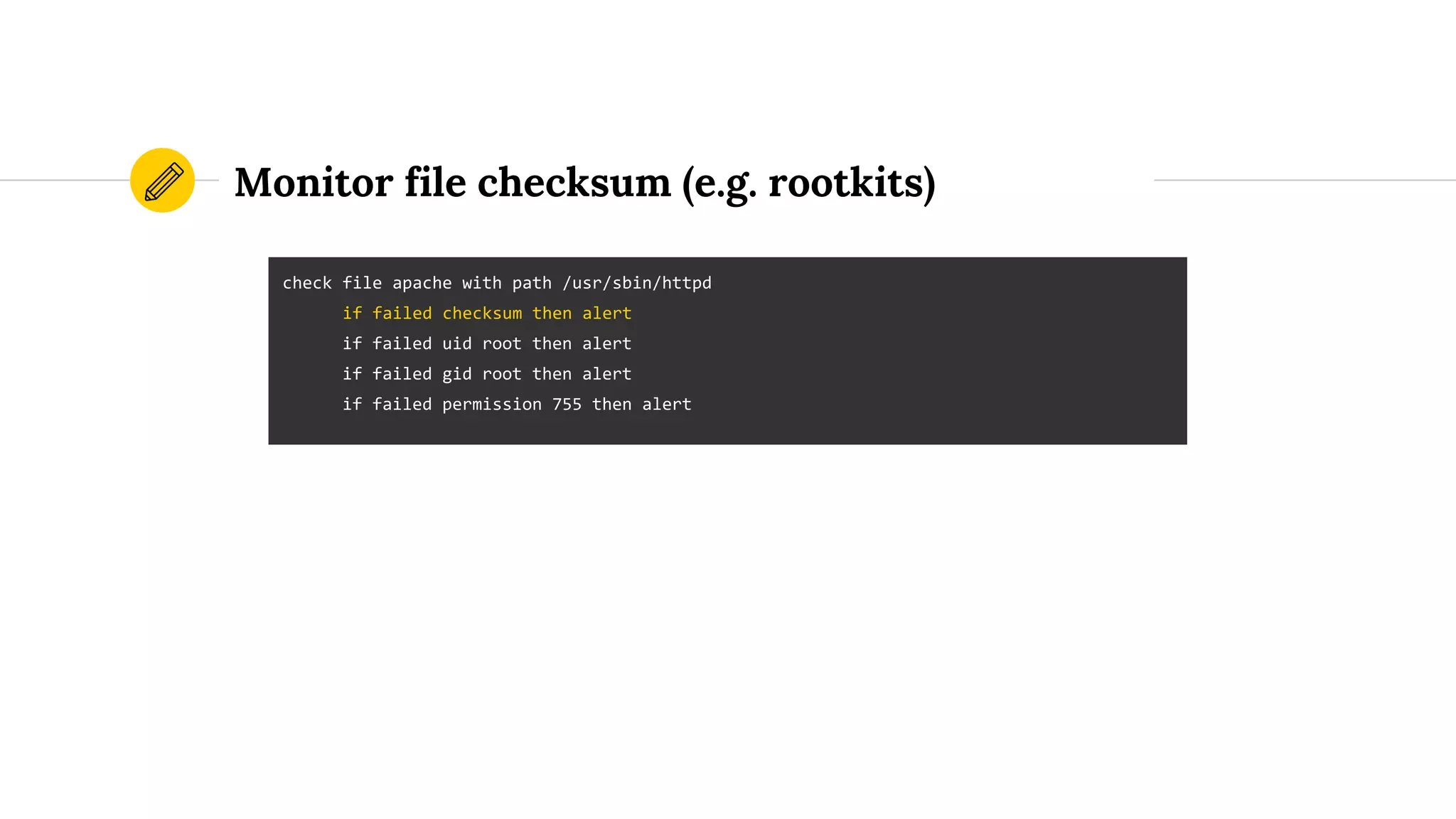
Monitor file checksum (e.g. rootkits)
check file apache with path /usr/sbin/httpd
if failed checksum then alert
if failed uid root then alert
if failed gid root then alert
if failed permission 755 then alert
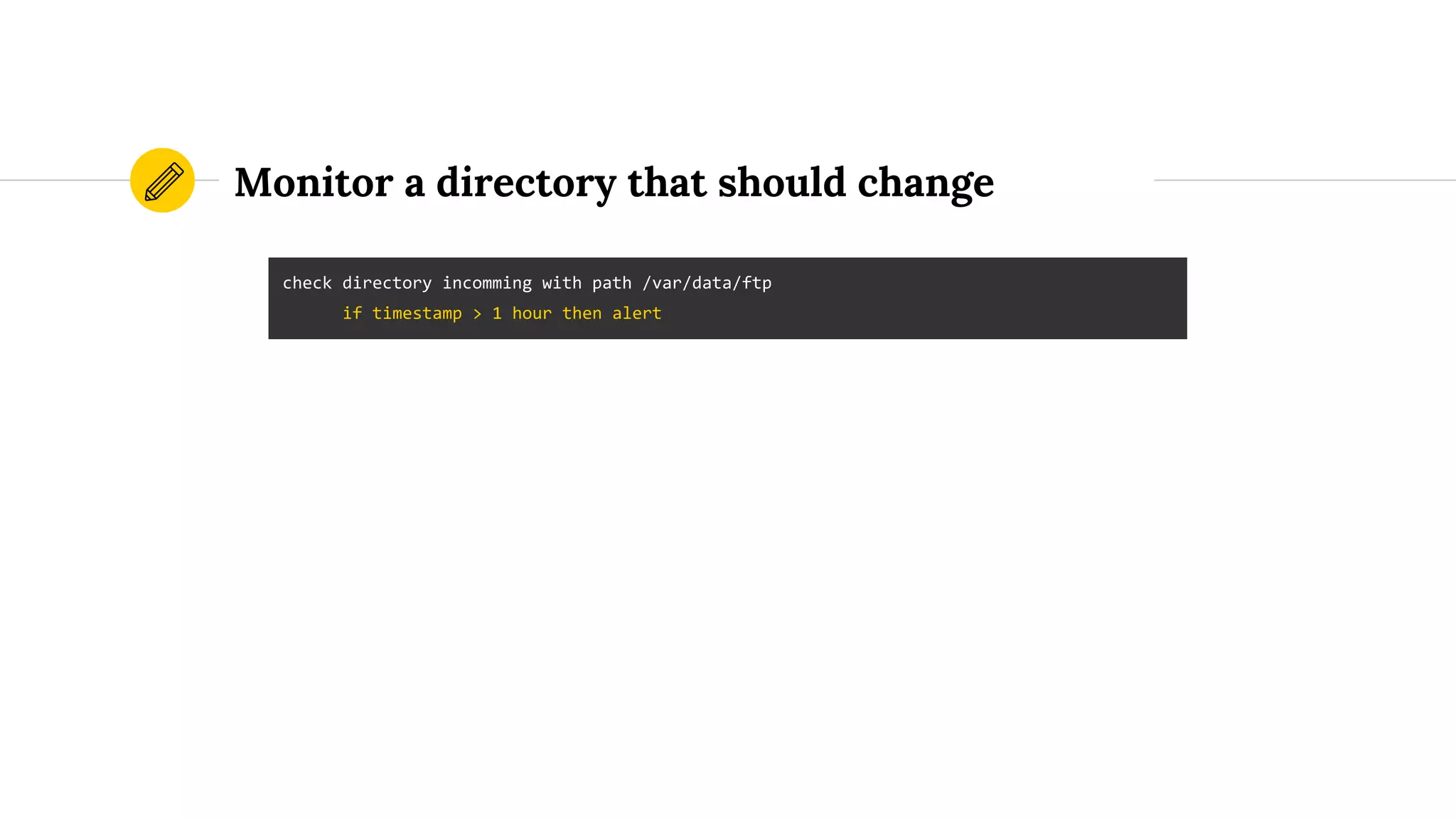
Monitor a directory that should change
check directory incomming with path /var/data/ftp
if timestamp > 1 hour then alert
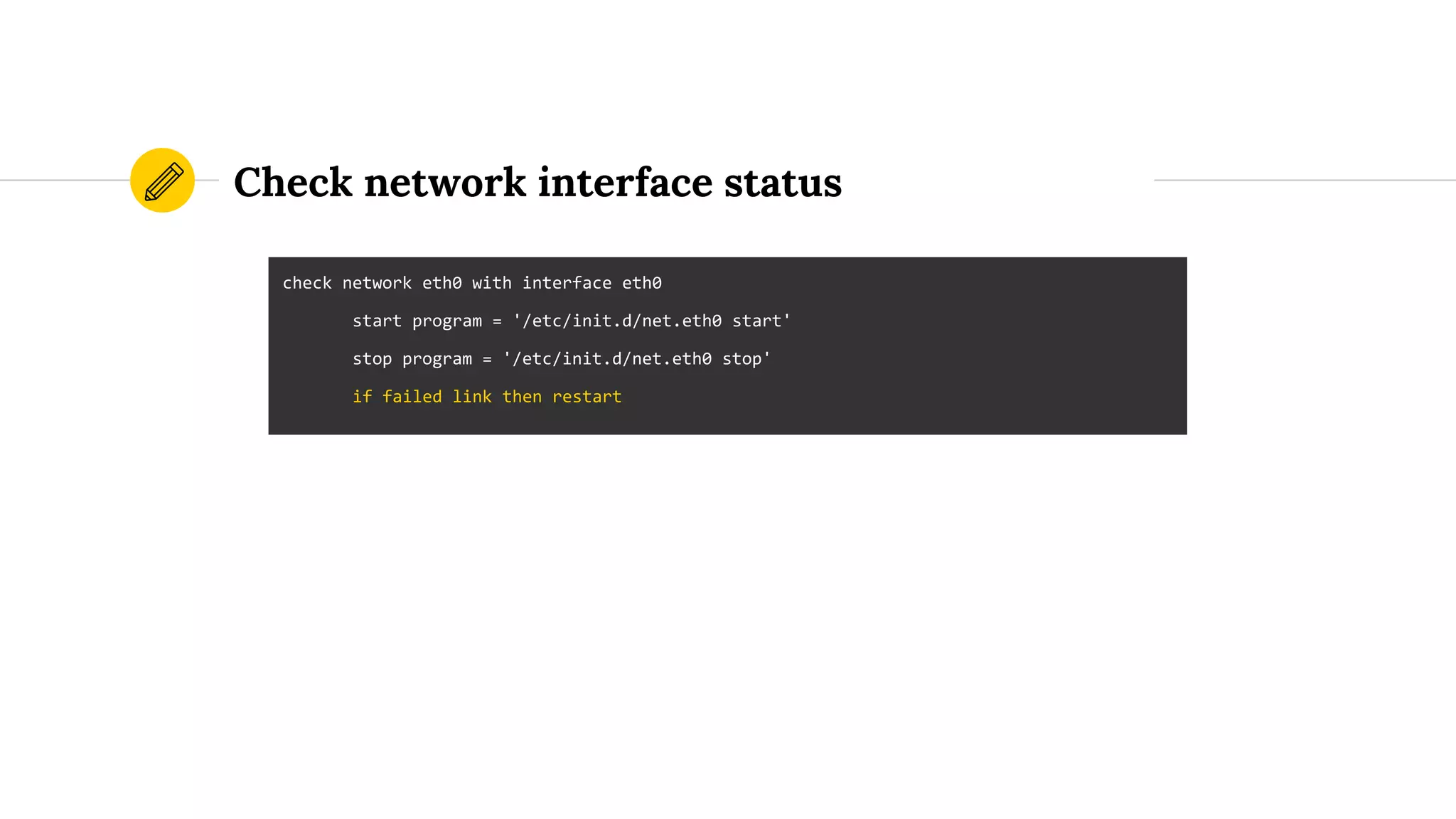
Check network interface status
check network eth0 with interface eth0
start program = '/etc/init.d/net.eth0 start'
stop program = '/etc/init.d/net.eth0 stop'
if failed link then restart
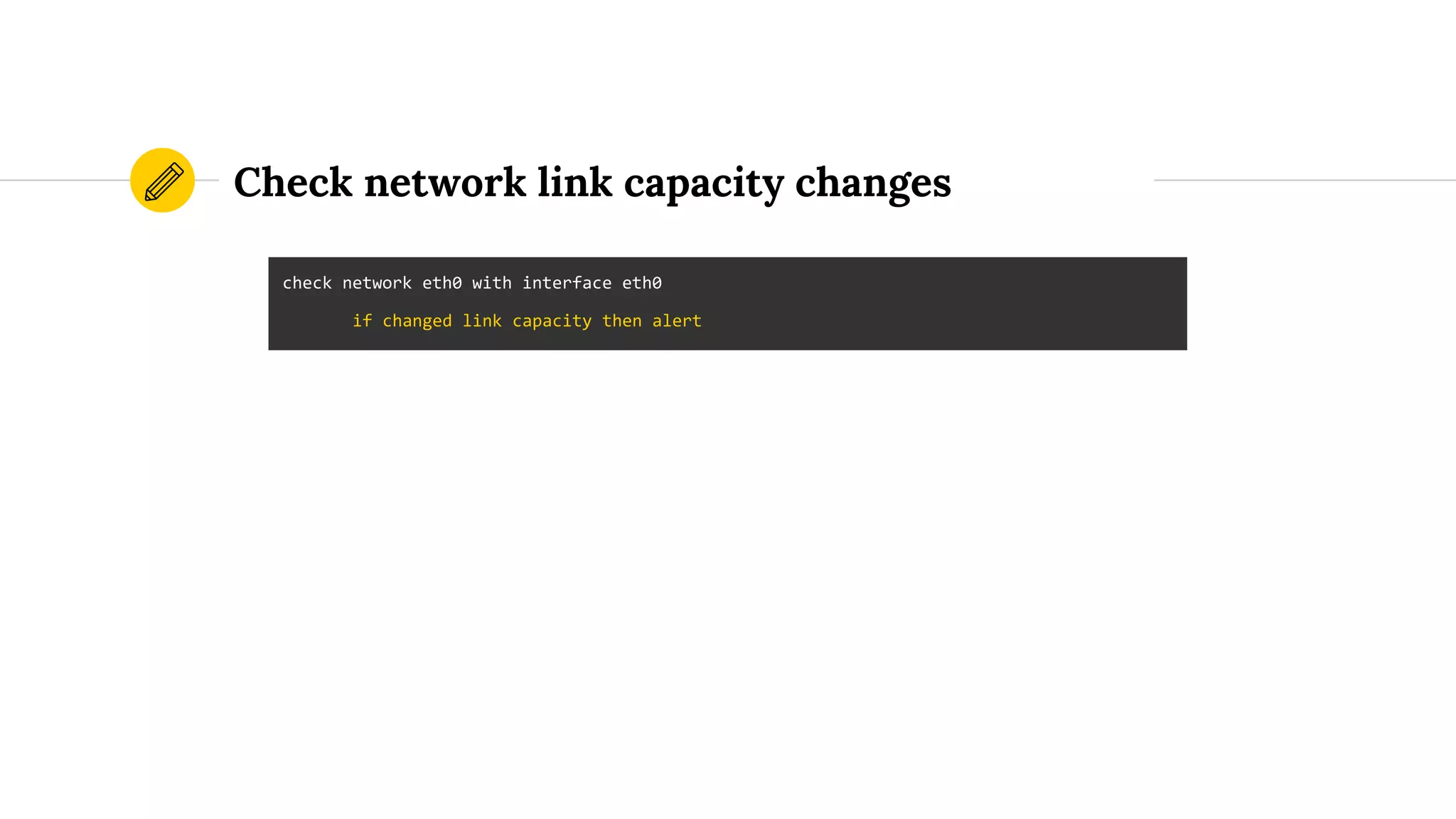
Check network link capacity changes
check network eth0 with interface eth0
if changed link capacity then alert
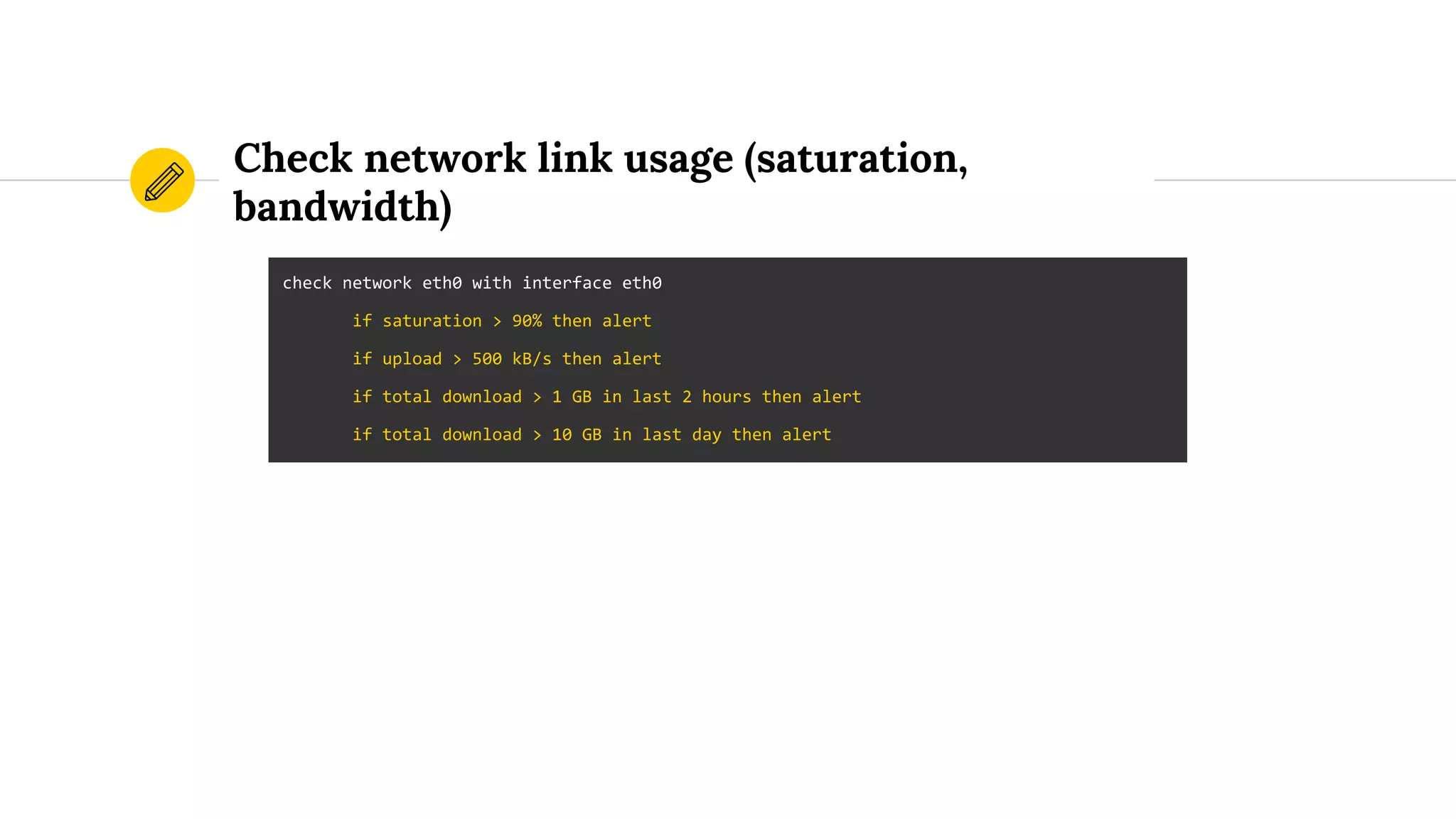
Check network link usage (saturation,
bandwidth)
check network eth0 with interface eth0
if saturation > 90% then alert
if upload > 500 kB/s then alert
if total download > 1 GB in last 2 hours then alert
if total download > 10 GB in last day then alert
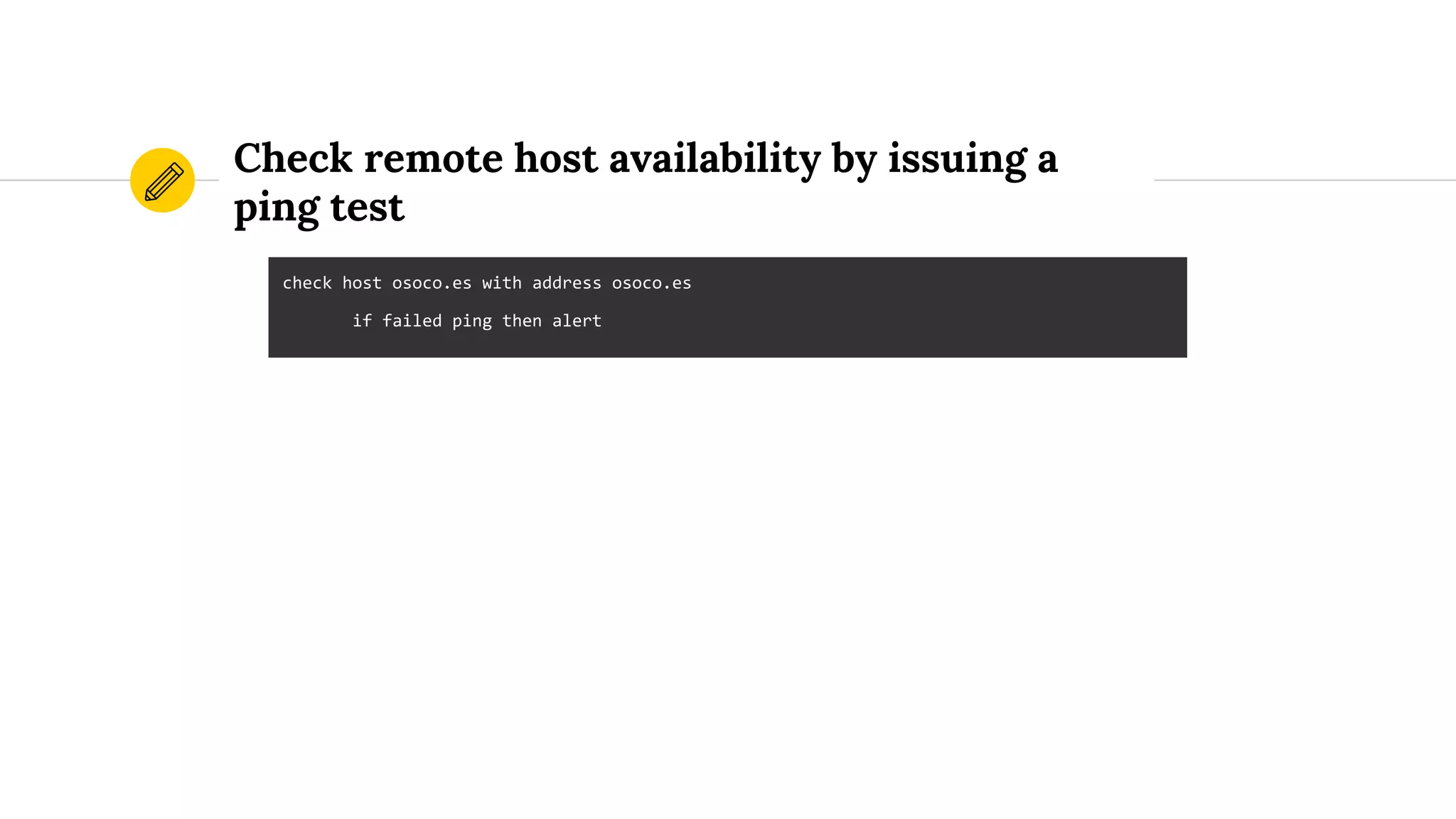
Check remote host availability by issuing a
ping test
check host osoco.es with address osoco.es
if failed ping then alert
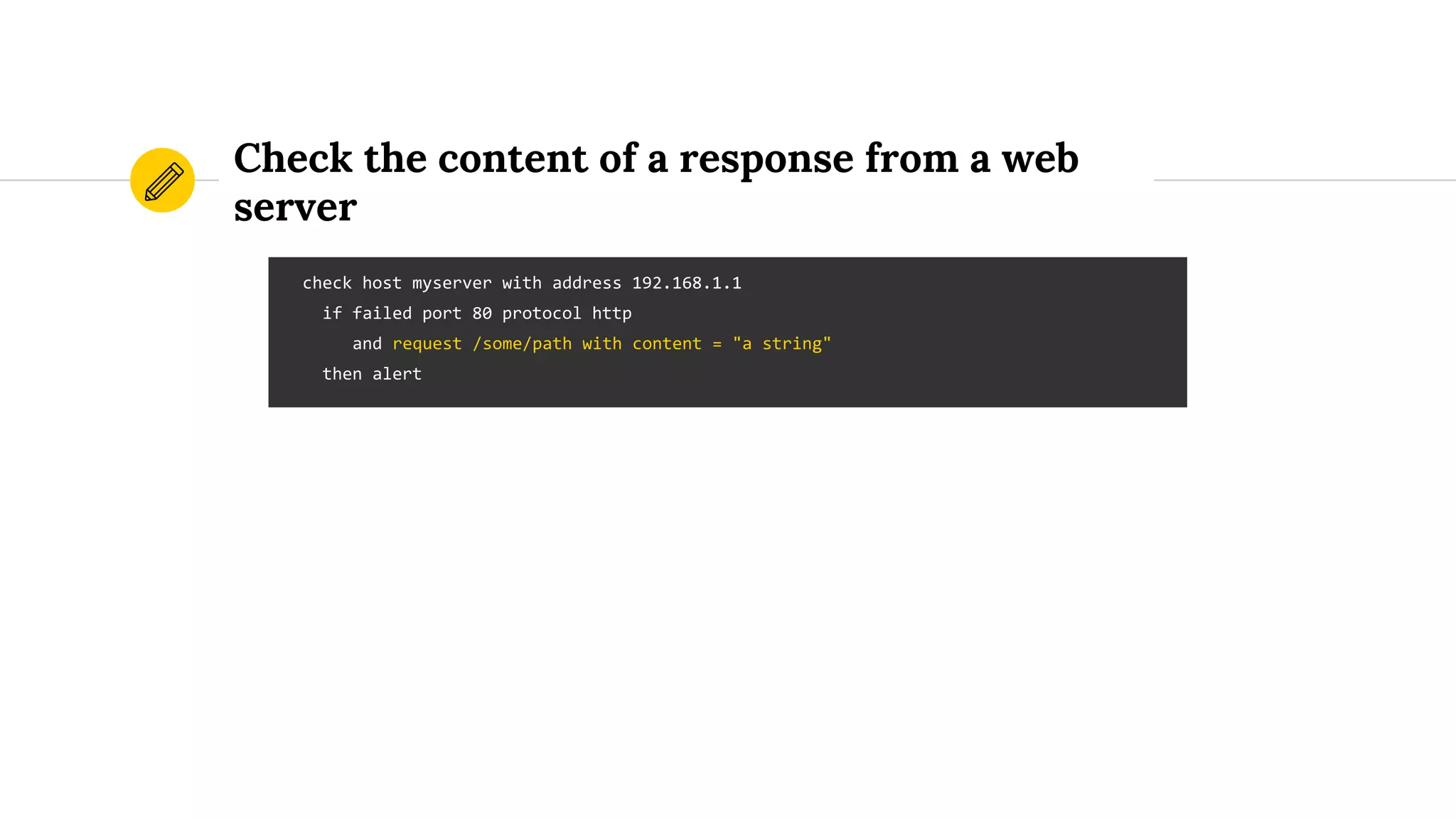
Check the content of a response from a web
server
check host myserver with address 192.168.1.1
if failed port 80 protocol http
and request /some/path with content = "a string"
then alert
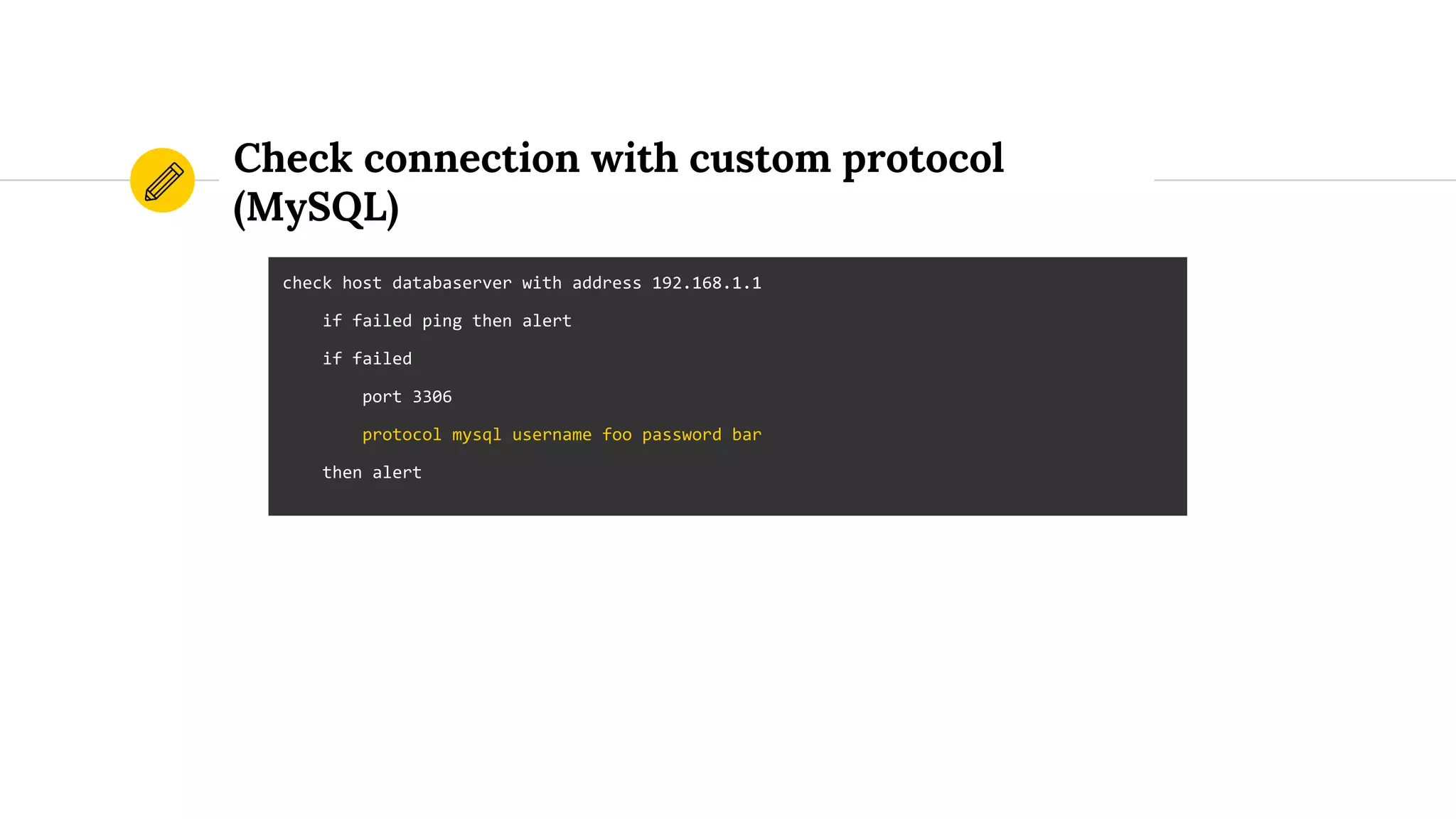
Check connection with custom protocol
(MySQL)
check host databaserver with address 192.168.1.1
if failed ping then alert
if failed
port 3306
protocol mysql username foo password bar
then alert
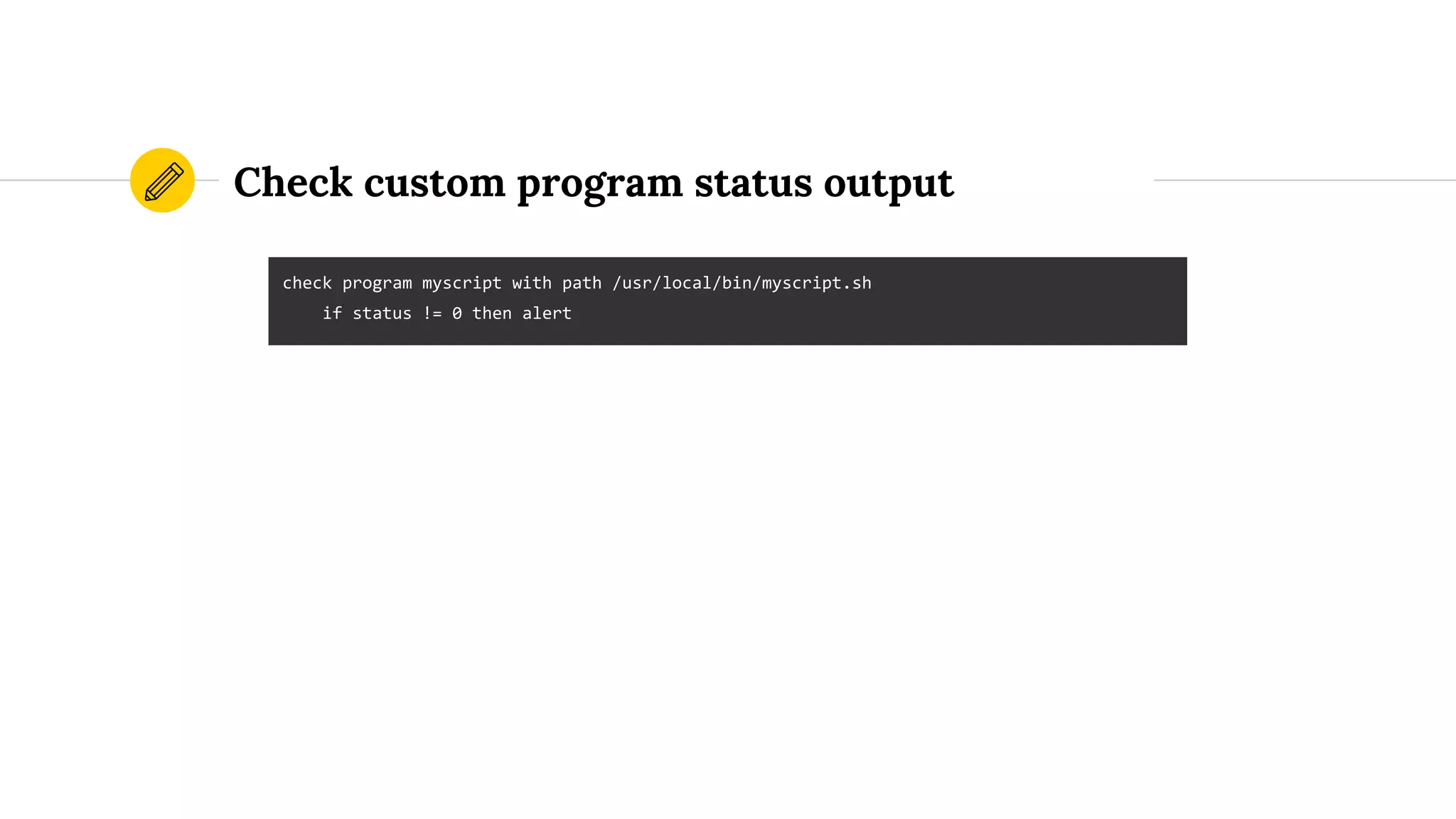
Check custom program status output
check program myscript with path /usr/local/bin/myscript.sh
if status != 0 then alert
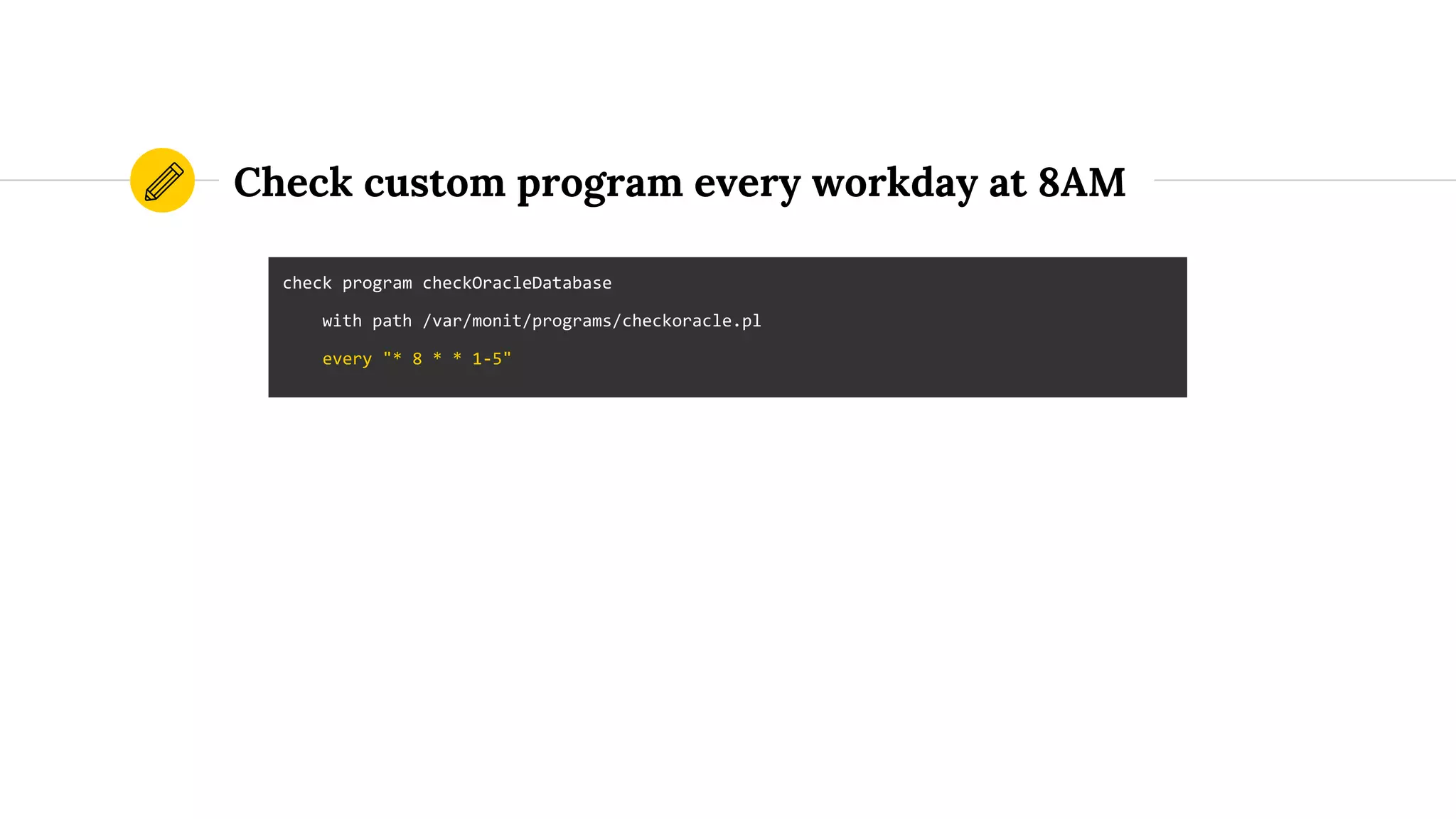
Check custom program every workday at 8AM
check program checkOracleDatabase
with path /var/monit/programs/checkoracle.pl
every "* 8 * * 1-5"
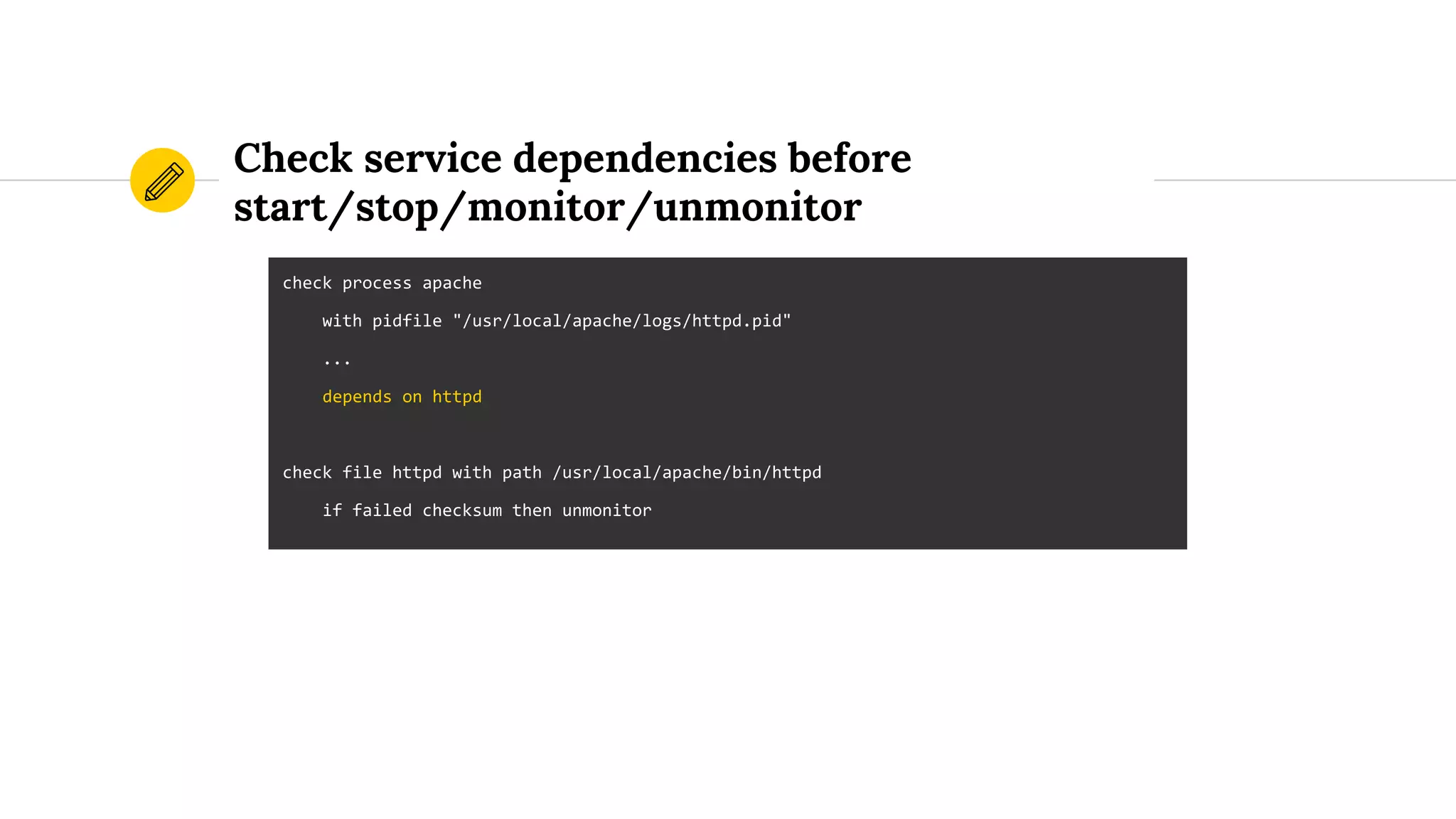
Check service dependencies before
start/stop/monitor/unmonitor
check process apache
with pidfile "/usr/local/apache/logs/httpd.pid"
...
depends on httpd
check file httpd with path /usr/local/apache/bin/httpd
if failed checksum then unmonitor
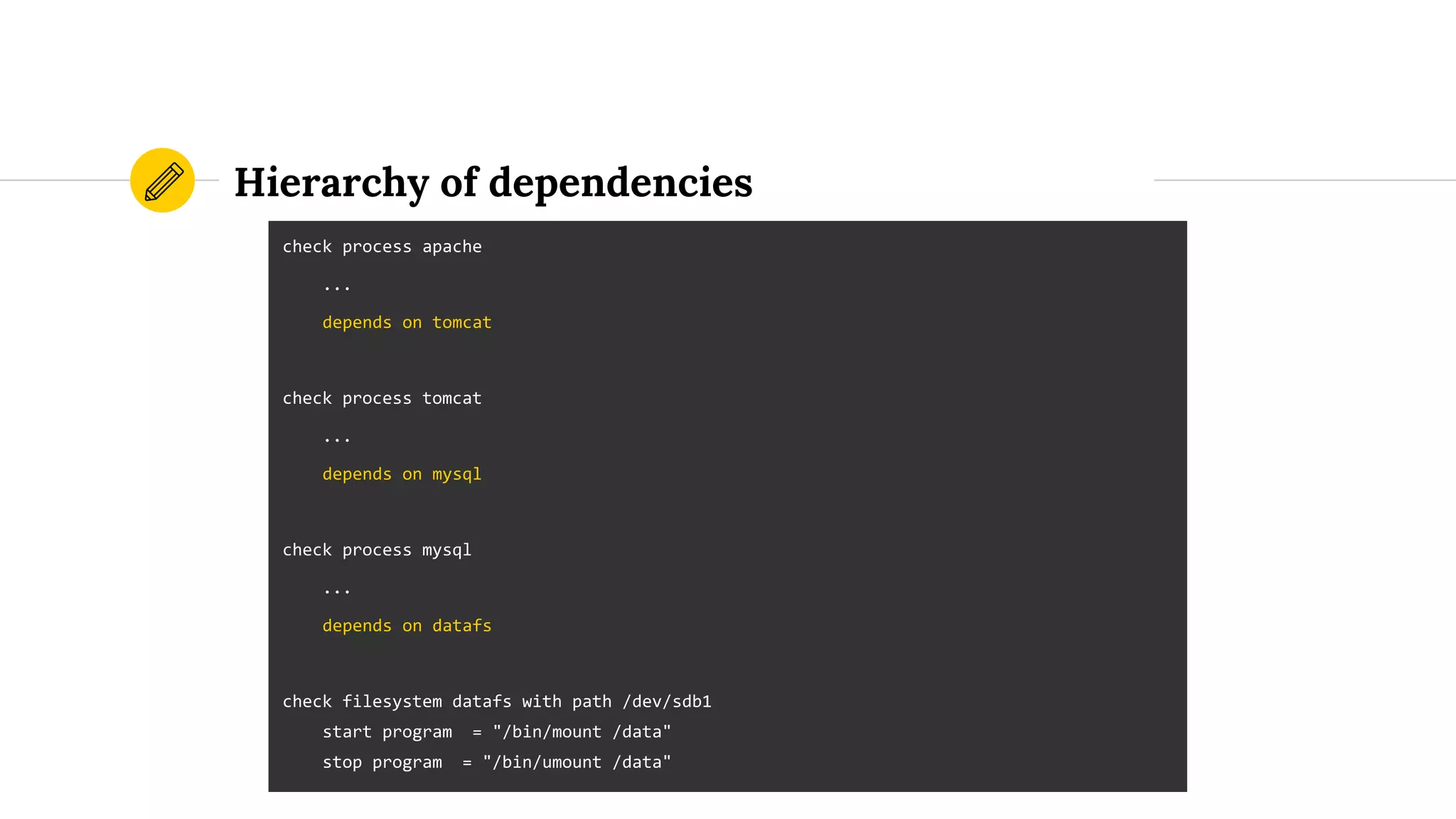
Hierarchy of dependencies
check process apache
...
depends on tomcat
check process tomcat
...
depends on mysql
check process mysql
...
depends on datafs
check filesystem datafs with path /dev/sdb1
start program = "/bin/mount /data"
stop program = "/bin/umount /data"
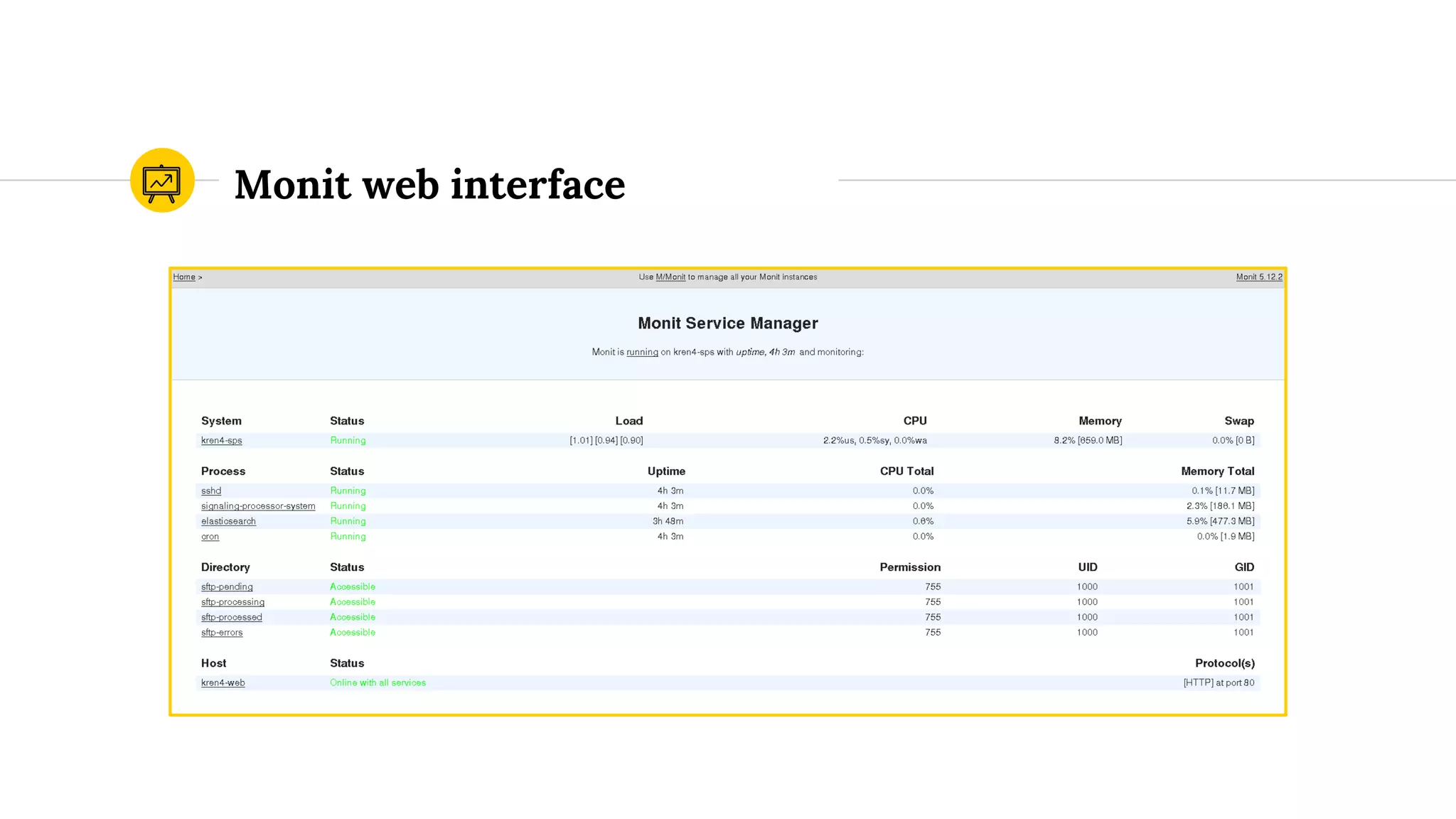
Web interface4
Monit web interface
One interface to rule them all
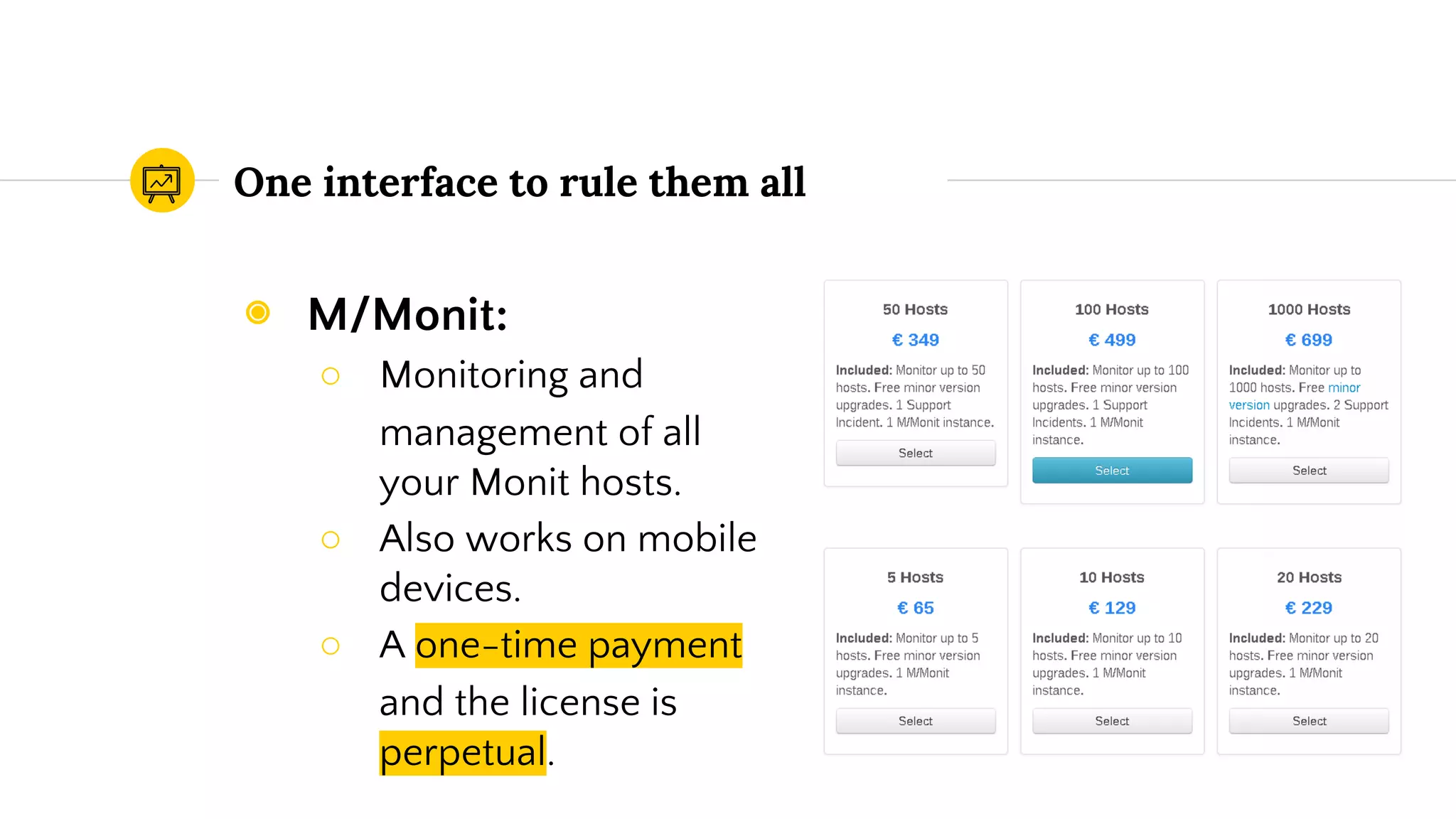
◉ M/Monit:
○ Monitoring and
management of all
your Monit hosts.
○ Also works on mobile
devices.
○ A one-time payment
and the license is
perpetual.
One interface to rule them all
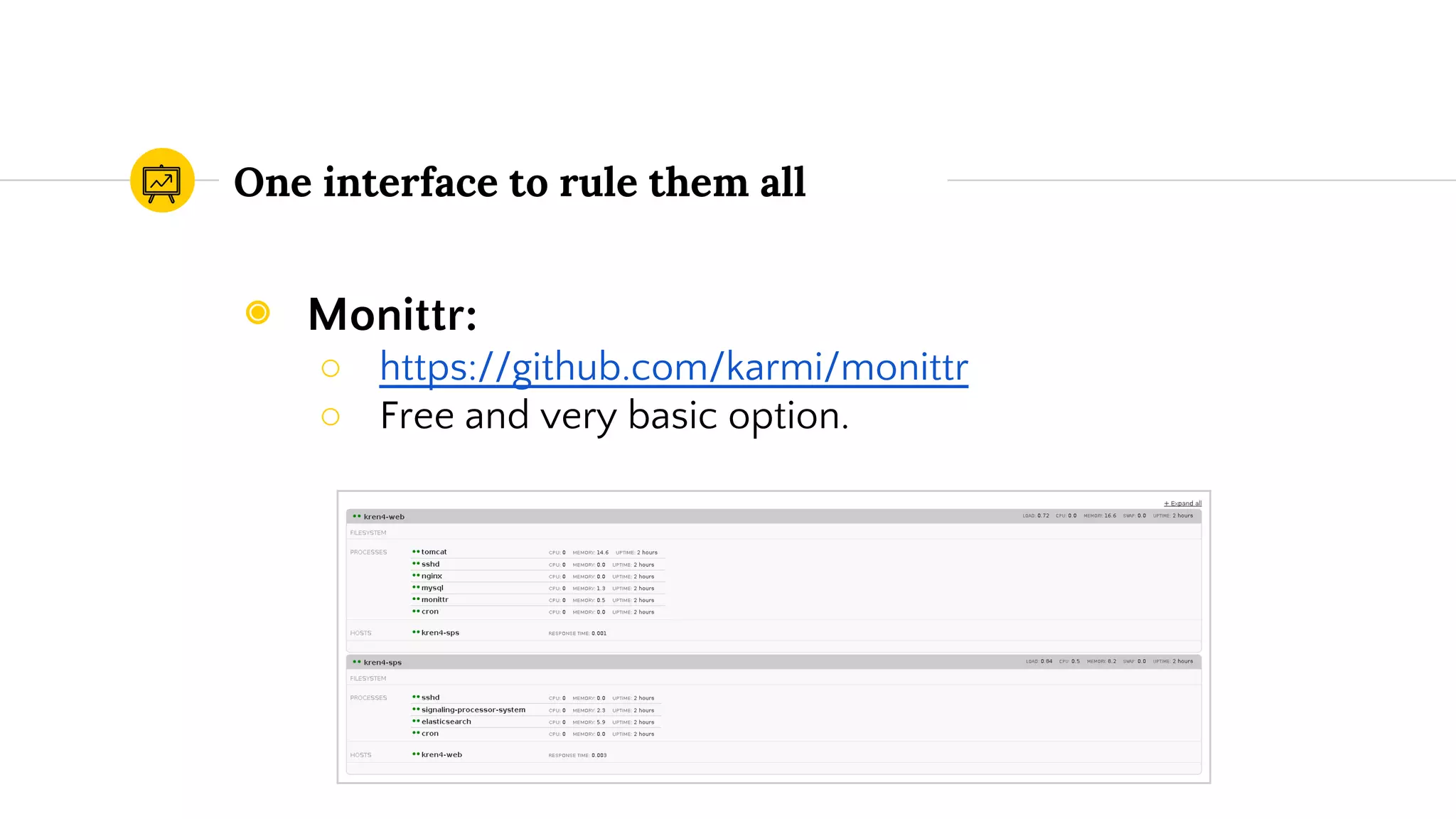
◉ Monittr:
○ https://github.com/karmi/monittr
○ Free and very basic option.
Demo time
Thanks!
This work is licensed under a Creative Commons
Attribution 4.0 International License.
You can find me at
◉ @rafael_luque
◉ rafael.luque@osoco.es
Cover photo licensed by Edward Conte under a Creative Commond by-nc license: https:
//www.flickr.com/photos/edwardconde/11447139646/

Proactive monitoring with Monit

  • 1.
    Proactive monitoring withMonit Developer Toolbox SeriesRafael Luque (OSOCO) September 2015
  • 2.
    Barking at daemons Ansmall open source utility to monitor Unix systems with automatic error recovery capabilities.
  • 3.
    What Monit canmonitor Files, Dirs and Filesystems Monitor these items for changes, such as timestamps changes, checksum changes or size changes. Hosts Monitor network connections to various servers, either on localhost or on remote hosts. TCP, UDP and Unix Domain Sockets are supported. Network tests can be performed on a protocol level. System General system resources on localhost such as overall CPU usage, Memory and Load Average. Processes Daemon processes or similar programs running on localhost, such as those started at system boot time from /etc/init.d/ Programs and scripts Test programs or scripts at certain times, much like cron, but in addition, you can test the exit value of a program and perform an action or send an alert if the exit value indicates an error.
  • 4.
  • 5.
    Configuration (i) ◉ Globalconfiguration file at /etc/monitrc. ◉ Sample global configuration: ○ Check services at 30 seconds intervals: set daemon 30 # with start delay 240 # optional: delay the first check by 4-minutes (by # # default Monit check immediately after Monit start)
  • 6.
    Configuration (ii) ◉ SetMonit’s logfile: ◉ Mail configuration: set logfile /var/log/monit.log set mailserver localhost # By default Monit will drop alert events if no mail servers are available. # If you want to keep the alerts for later delivery retry, you can use the # EVENTQUEUE statement. set eventqueue basedir /var/monit # set the base directory where events will be stored slots 100 # optionally limit the queue size
  • 7.
    Configuration (iii) ## Alertemail recipient: set alert sysadm@foo.bar ## Alert email format: set mail-format { from: monit@$HOST subject: monit alert -- $EVENT $SERVICE message: $EVENT Service $SERVICE Date: $DATE Action: $ACTION Host: $HOST Description: $DESCRIPTION Your faithful employee, Monit }
  • 8.
    Configuration (iv) ◉ HTTPinterface: ◉ Additional configuration files: set httpd port 2812 and allow admin:monit # require user 'admin' with password 'monit' include /etc/monit.d/*
  • 9.
  • 10.
    Basic commands (i) Controlledfrom command line with the command monit: ◉ Start Monit daemon: $ monit ◉ Exit Monit: $ monit quit ◉ Status summary: $ monit summary ◉ Disable monitoring of a named service or all services: $ monit unmonitor name $ monit unmonitor all ◉ Enable monitoring: $ monit monitor name $ monit monitor all
  • 11.
    Basic commands (ii) ◉Start named service or all services: $ monit start name $ monit start all ◉ Stop named service or all services: $ monit stop name $ monit stop all ◉ Restart named service or all services: $ monit restart name $ monit restart all
  • 12.
  • 13.
    Simple process monitoring checkprocess tomcat-8 with pidfile /var/run/tomcat-8.pid
  • 14.
    Proactive process monitoring checkprocess tomcat-8 with pidfile /var/run/tomcat-8.pid start program = “/etc/init.d/tomcat-8 start” stop program = “/etc/init.d/tomcat-8 stop”
  • 15.
    Restart process ifit has stopped accepting connections check process tomcat-8 with pidfile /var/run/tomcat-8.pid start program = “/etc/init.d/tomcat-8 start” stop program = “/etc/init.d/tomcat-8 stop” restart program = “/etc/init.d/tomcat-8 restart” if failed port 8080 protocol http then restart
  • 16.
    Restart process ifit has stopped accepting connections avoiding false positives check process tomcat-8 with pidfile /var/run/tomcat-8.pid start program = “/etc/init.d/tomcat-8 start” stop program = “/etc/init.d/tomcat-8 stop” restart program = “/etc/init.d/tomcat-8 restart” if failed port 8080 protocol http for 2 cycles then restart
  • 17.
    Check process responseto requests check process apache with pidfile /usr/local/apache/logs/httpd.pid start program = "/etc/init.d/httpd start" stop program = "/etc/init.d/httpd stop" if failed host www.tildeslash.com port 80 protocol http and request "/somefile.html" then restart if failed port 443 type tcpssl protocol http with timeout 15 seconds then restart
  • 18.
    Avoid noisy alarms checkprocess apache with pidfile /usr/local/apache/logs/httpd.pid start program = "/etc/init.d/httpd start" stop program = "/etc/init.d/httpd stop" if failed host www.tildeslash.com port 80 protocol http and request "/somefile.html" then restart if failed port 443 type tcpssl protocol http with timeout 15 seconds then restart if 3 restarts within 5 cycles then unmonitor
  • 19.
    Check resources usedby process (e.g. DoS attacks) check process apache with pidfile /usr/local/apache/logs/httpd.pid start program = "/etc/init.d/httpd start" with timeout 60 seconds stop program = "/etc/init.d/httpd stop" if cpu > 60% for 2 cycles then alert if cpu > 80% for 5 cycles then restart if totalmem > 200.0 MB for 5 cycles then restart if children > 250 then restart if loadavg(5min) greater than 10 for 8 cycles then stop if failed host www.tildeslash.com port 80 protocol http and request "/somefile.html" then restart if failed port 443 type tcpssl protocol http with timeout 15 seconds then restart if 3 restarts within 5 cycles then unmonitor
  • 20.
    Monitor filesystem spaceand inode usage check filesystem datafs with path /dev/sdb1 start program = "/bin/mount /data" stop program = "/bin/umount /data" if space usage > 80% for 5 times within 15 cycles then alert if space usage > 99% then stop if inode usage > 30000 then alert if inode usage > 99% then stop
  • 21.
    Monitor file checksum(e.g. rootkits) check file apache with path /usr/sbin/httpd if failed checksum then alert if failed uid root then alert if failed gid root then alert if failed permission 755 then alert
  • 22.
    Monitor a directorythat should change check directory incomming with path /var/data/ftp if timestamp > 1 hour then alert
  • 23.
    Check network interfacestatus check network eth0 with interface eth0 start program = '/etc/init.d/net.eth0 start' stop program = '/etc/init.d/net.eth0 stop' if failed link then restart
  • 24.
    Check network linkcapacity changes check network eth0 with interface eth0 if changed link capacity then alert
  • 25.
    Check network linkusage (saturation, bandwidth) check network eth0 with interface eth0 if saturation > 90% then alert if upload > 500 kB/s then alert if total download > 1 GB in last 2 hours then alert if total download > 10 GB in last day then alert
  • 26.
    Check remote hostavailability by issuing a ping test check host osoco.es with address osoco.es if failed ping then alert
  • 27.
    Check the contentof a response from a web server check host myserver with address 192.168.1.1 if failed port 80 protocol http and request /some/path with content = "a string" then alert
  • 28.
    Check connection withcustom protocol (MySQL) check host databaserver with address 192.168.1.1 if failed ping then alert if failed port 3306 protocol mysql username foo password bar then alert
  • 29.
    Check custom programstatus output check program myscript with path /usr/local/bin/myscript.sh if status != 0 then alert
  • 30.
    Check custom programevery workday at 8AM check program checkOracleDatabase with path /var/monit/programs/checkoracle.pl every "* 8 * * 1-5"
  • 31.
    Check service dependenciesbefore start/stop/monitor/unmonitor check process apache with pidfile "/usr/local/apache/logs/httpd.pid" ... depends on httpd check file httpd with path /usr/local/apache/bin/httpd if failed checksum then unmonitor
  • 32.
    Hierarchy of dependencies checkprocess apache ... depends on tomcat check process tomcat ... depends on mysql check process mysql ... depends on datafs check filesystem datafs with path /dev/sdb1 start program = "/bin/mount /data" stop program = "/bin/umount /data"
  • 33.
  • 34.
  • 35.
    One interface torule them all ◉ M/Monit: ○ Monitoring and management of all your Monit hosts. ○ Also works on mobile devices. ○ A one-time payment and the license is perpetual.
  • 36.
    One interface torule them all ◉ Monittr: ○ https://github.com/karmi/monittr ○ Free and very basic option.
  • 37.
  • 38.
    Thanks! This work islicensed under a Creative Commons Attribution 4.0 International License. You can find me at ◉ @rafael_luque ◉ rafael.luque@osoco.es Cover photo licensed by Edward Conte under a Creative Commond by-nc license: https: //www.flickr.com/photos/edwardconde/11447139646/