Logging Alerting and
Hunting
Getting on the right track to find evil
whoami
2
•SynerComm Information Assurance Consultant
•Penetration Tester
•Former Blue Team / SOC / Incident Responder
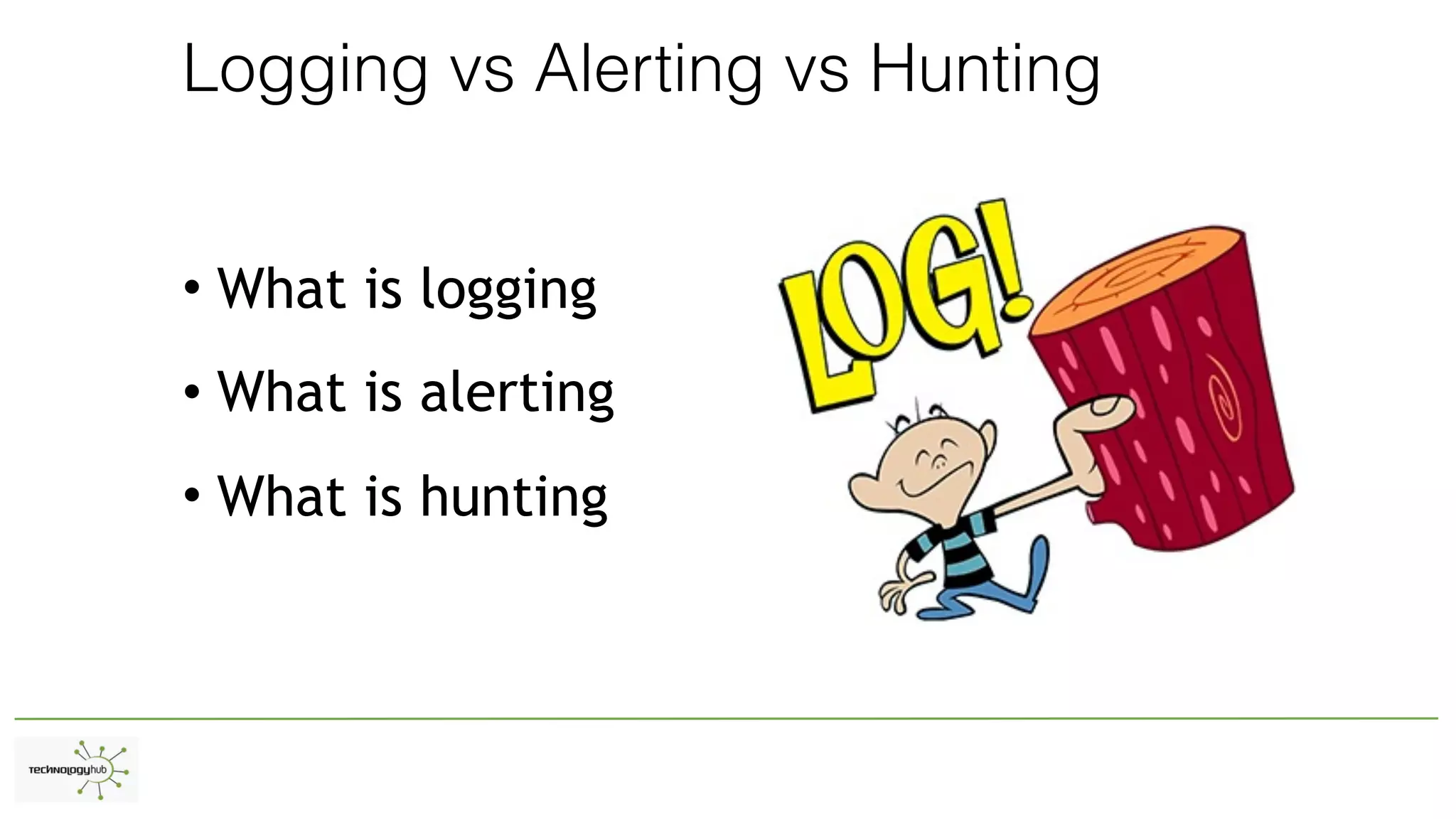
Logging vs Alerting vs Hunting
• What is logging
• What is alerting
• What is hunting
What questions can you ask of your logs?
Let use cases drive your data collection
Types of Logging
•Windows
•Non-Windows
•Network
Uses for Logging - Benefits
•Diagnostics - Uptime
•Security
•eDiscovery Potential
Windows
•Events
•Endpoint controls
•DHCP/DNS
•Other - Sharepoint / MSSQL / Fileshares
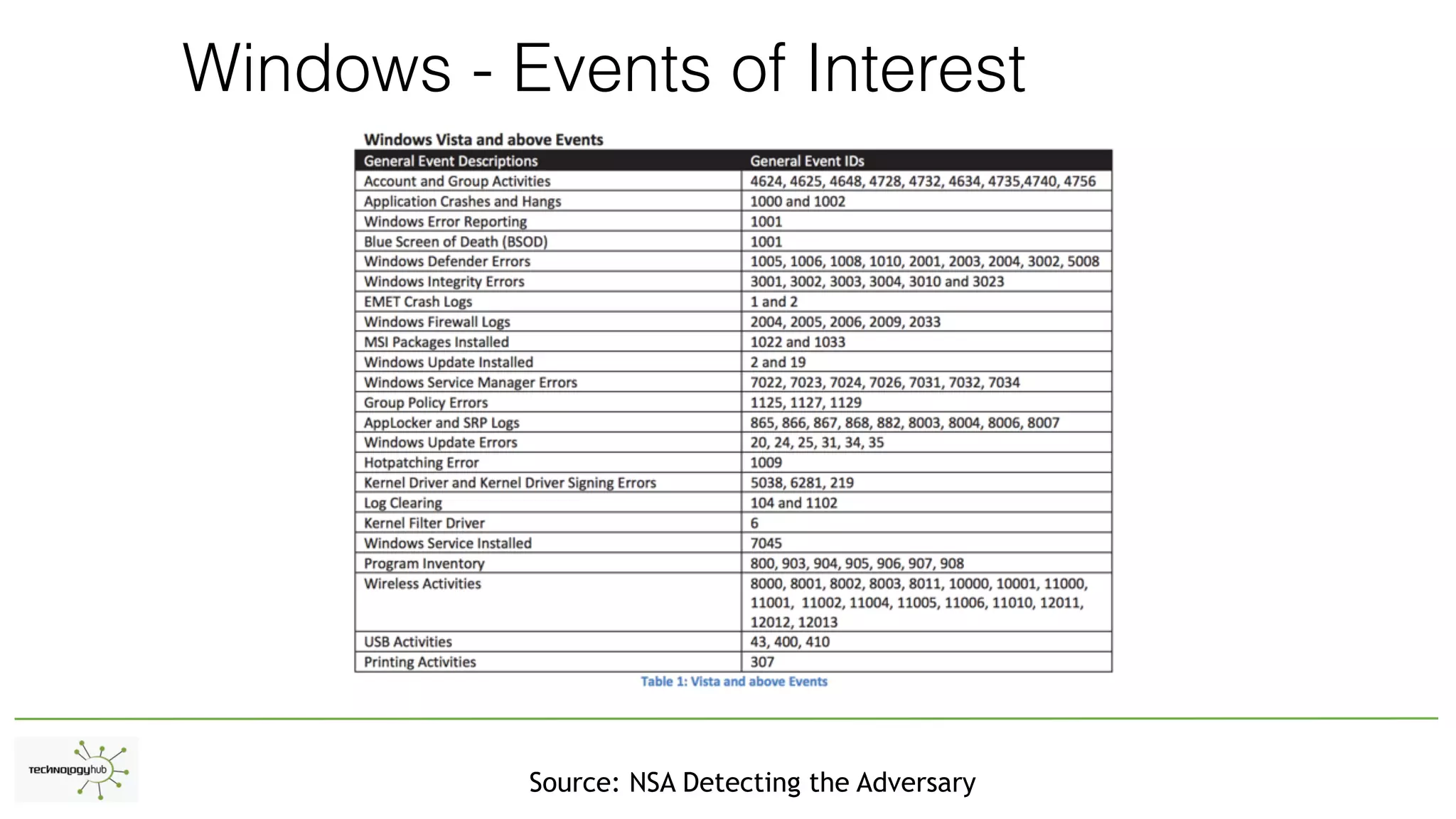
Windows - Events of Interest
Source: NSA Detecting the Adversary
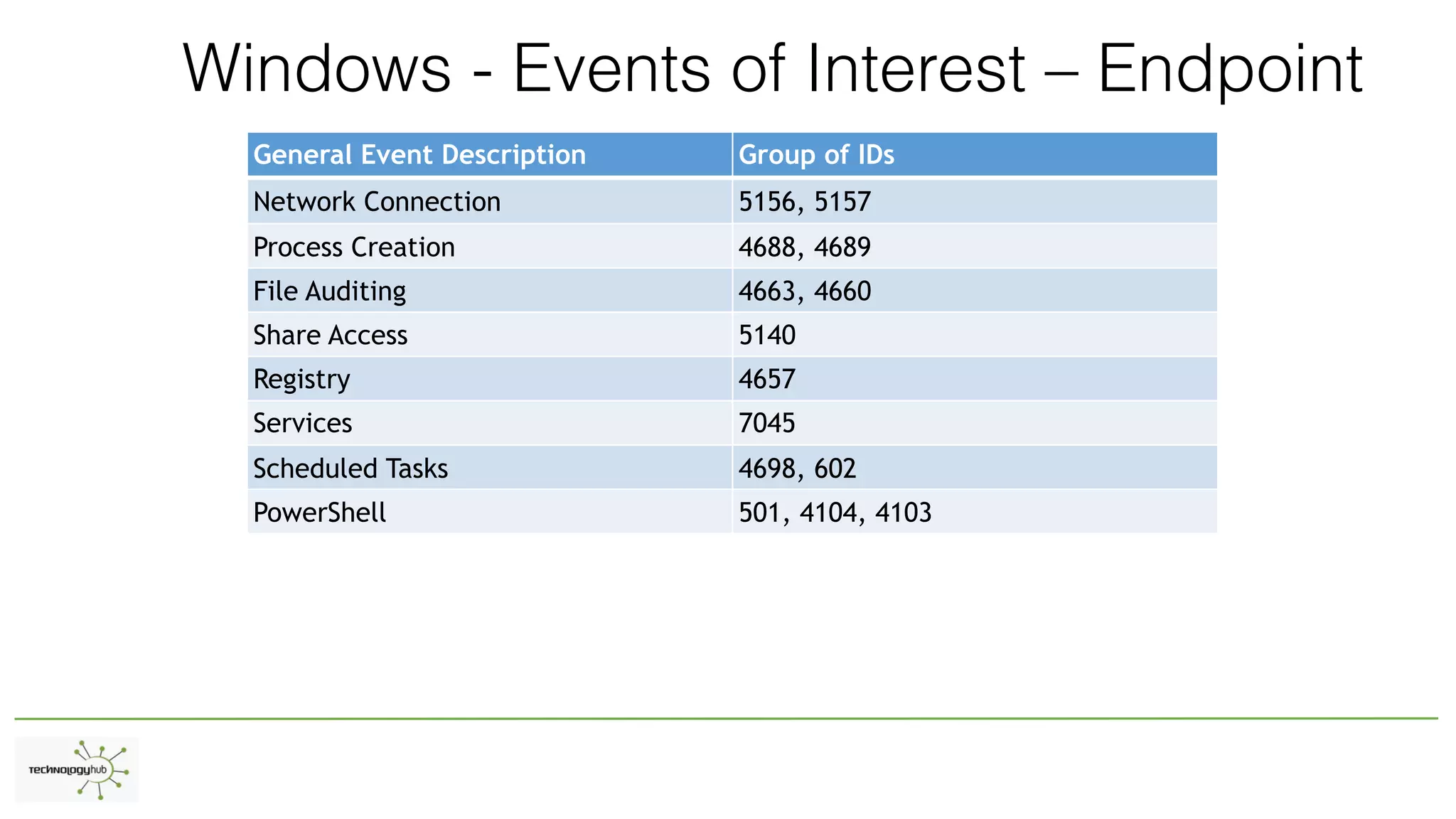
Windows - Events of Interest – Endpoint
General Event Description Group of IDs
Network Connection 5156, 5157
Process Creation 4688, 4689
File Auditing 4663, 4660
Share Access 5140
Registry 4657
Services 7045
Scheduled Tasks 4698, 602
PowerShell 501, 4104, 4103
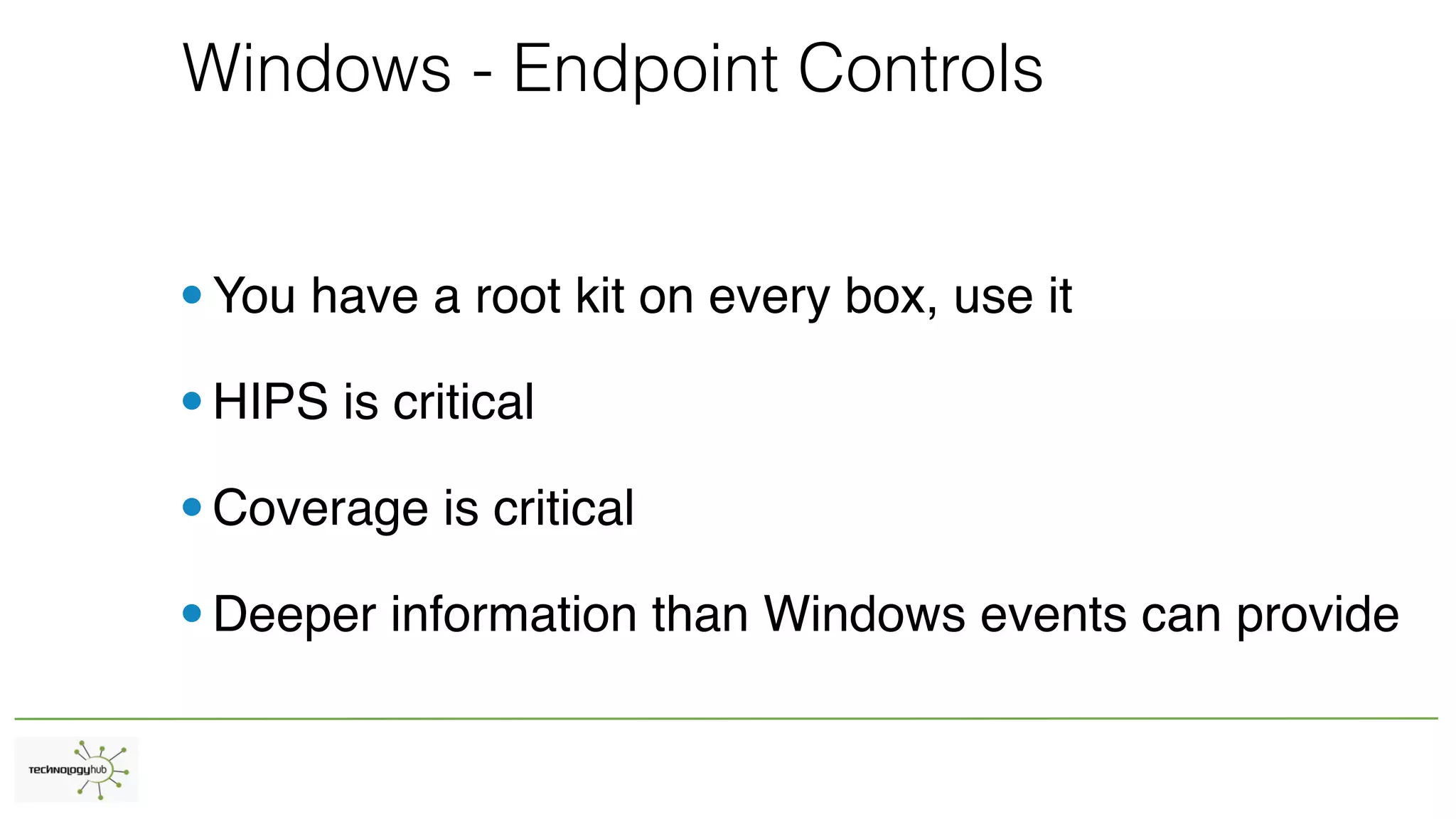
Windows - Endpoint Controls
•You have a root kit on every box, use it
•HIPS is critical
•Coverage is critical
•Deeper information than Windows events can provide
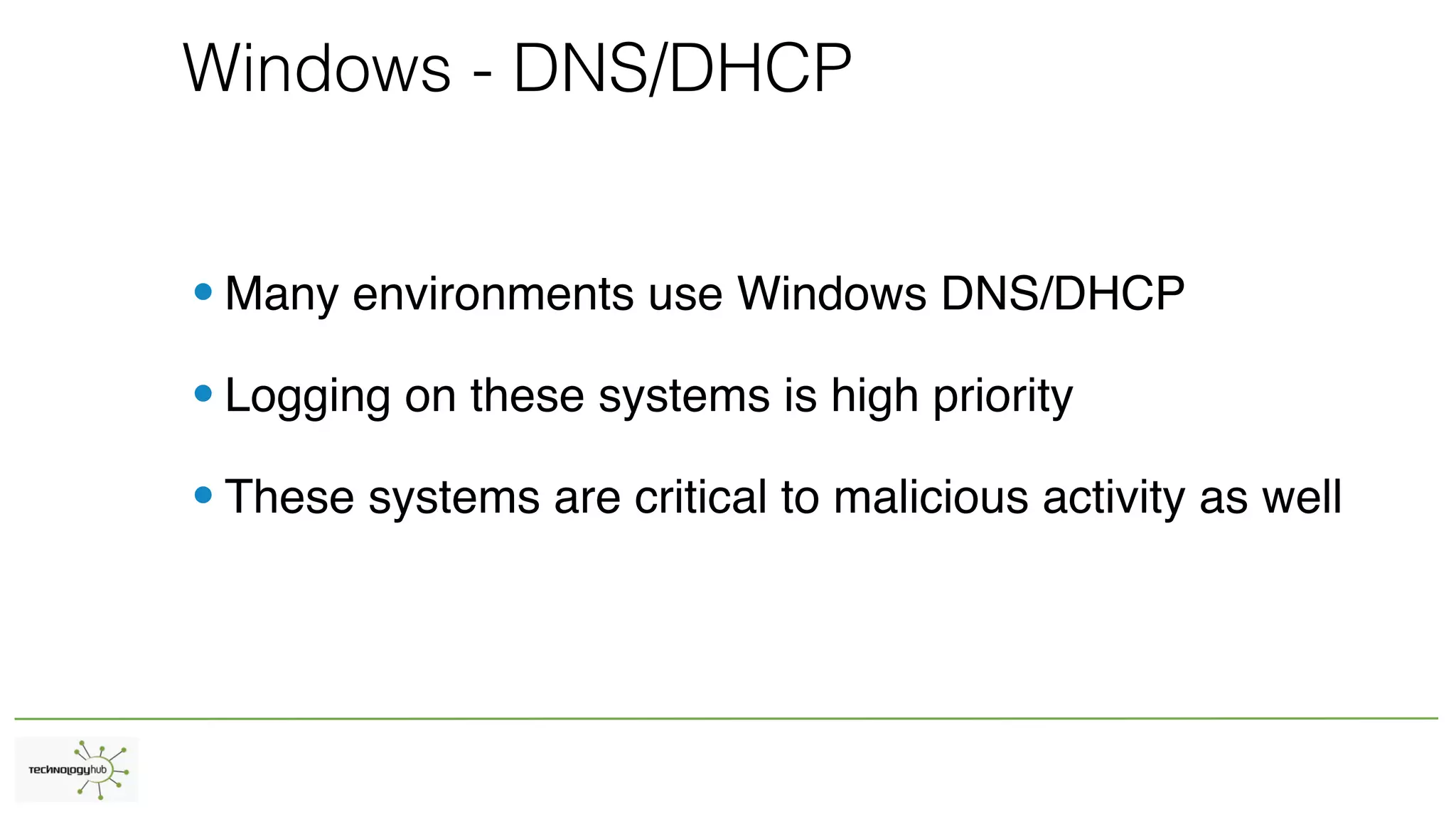
Windows - DNS/DHCP
•Many environments use Windows DNS/DHCP
•Logging on these systems is high priority
•These systems are critical to malicious activity as well
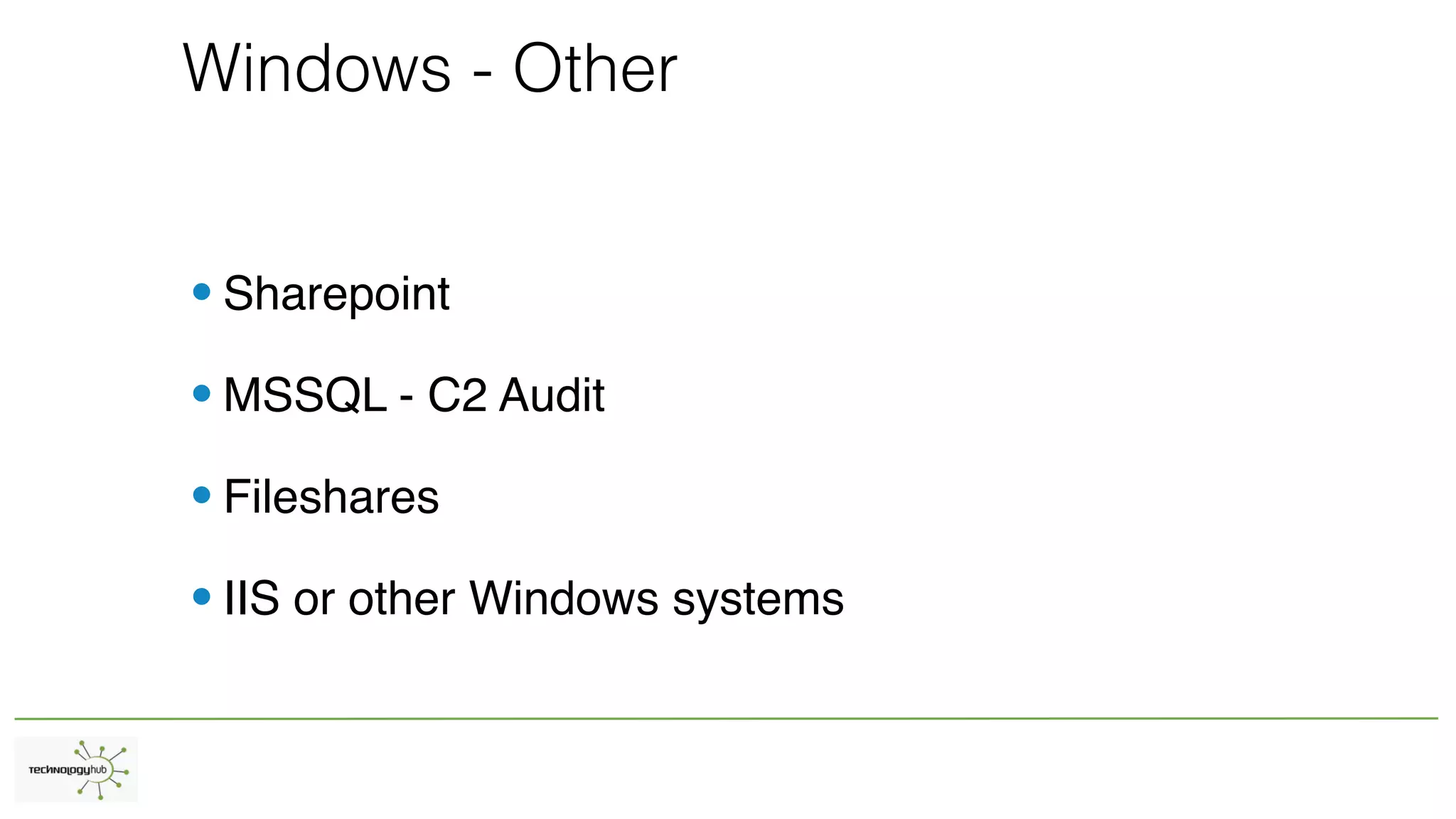
Windows - Other
•Sharepoint
•MSSQL - C2 Audit
•Fileshares
•IIS or other Windows systems
Non-Windows Logging
•Mac OS X
•Linux/Unix
•Network Appliances / Other
Non-Windows - Mac OS X
• Similar to Linux/Unix but different (BSDish)
• Open source can help - OSSEC - Syslog
• Use cases are similar to Windows
Non-Windows - Linux/Unix
•Easiest systems to get logs from
•Possible to over collect
•Protect from critical data outwards
Network Appliances / Other
• SAAS / Cloud (Other people’s computers with your data)
• Netflow / Full Packet Capture / Network Security Monitoring (NSM)
• Security controls - Web proxy logs / Firewall / Intrusion Prevention
Alerting
• Alerts are annoying
• Useful alerts need to be high-fidelity
• Get creative - start from a known problem and work backwards
Alerting
• Alerts should only fire when action is required (otherwise they are just logs)
• Building new alerts without remediating root cause will increase your work indefinite
• Build defensible positions
• Know your own network
• If staff can’t be dedicated the organization is probably not ready for many alerts
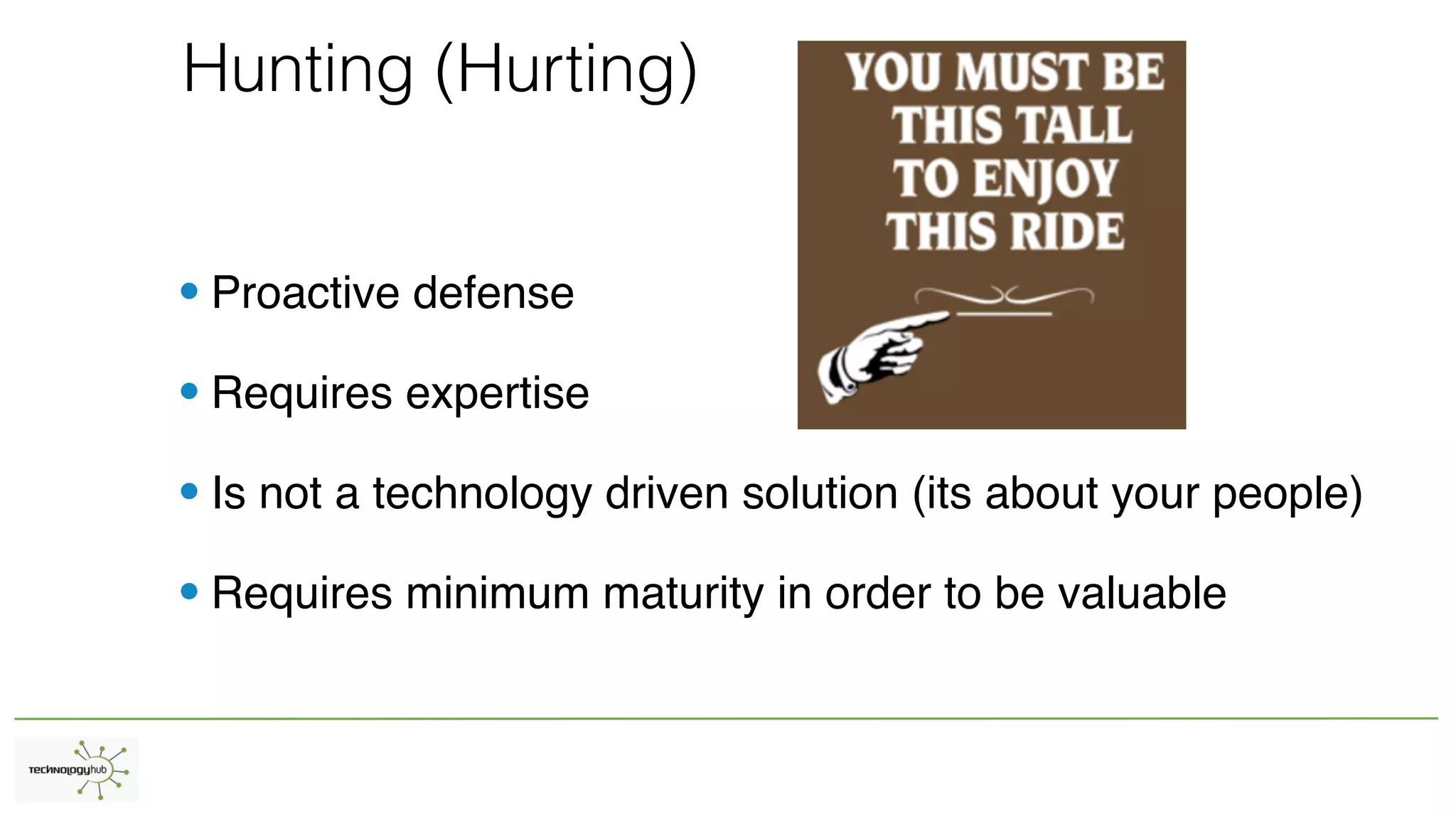
Hunting (Hurting)
• Proactive defense
• Requires expertise
• Is not a technology driven solution (its about your people)
• Requires minimum maturity in order to be valuable
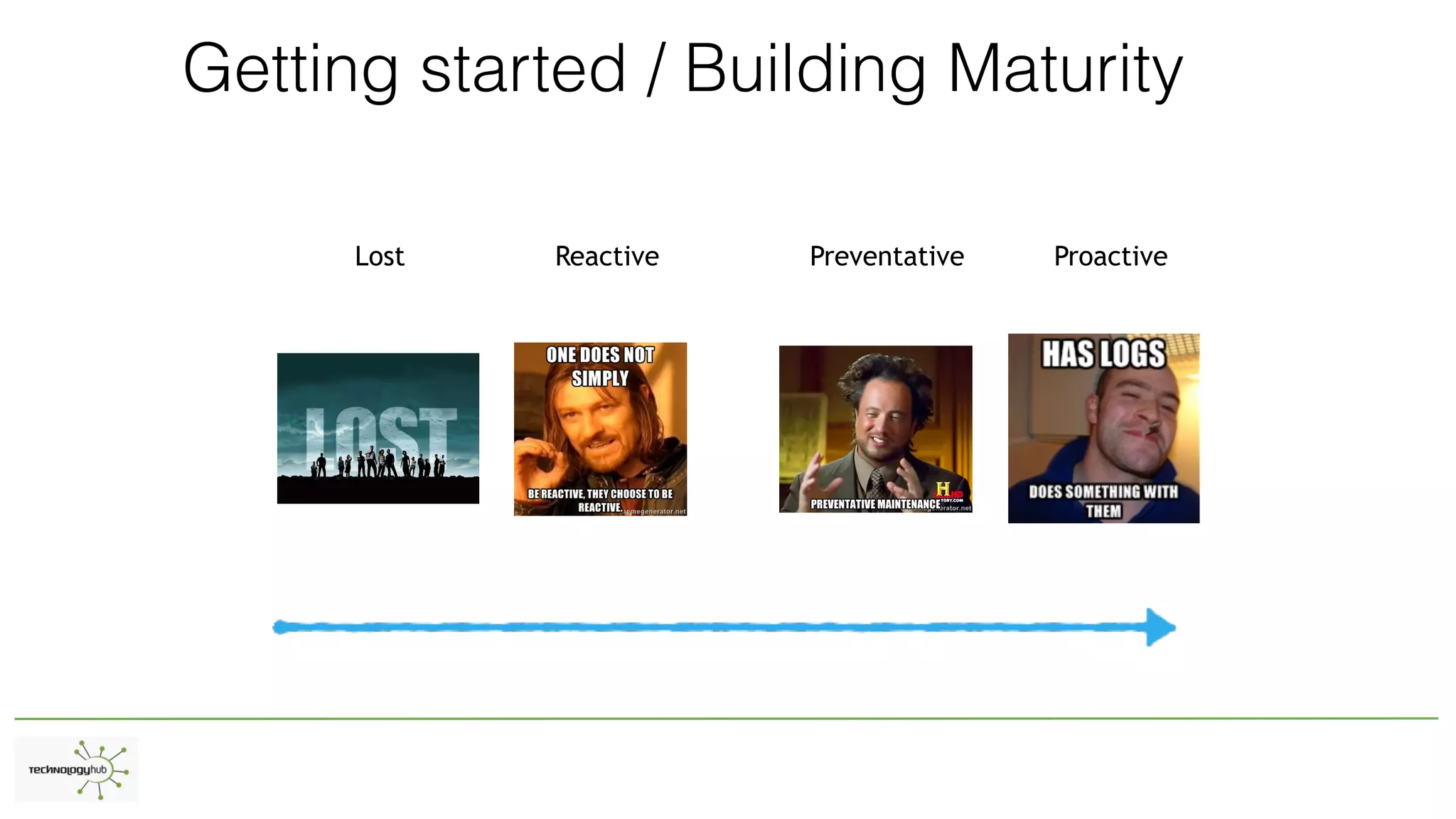
Getting started / Building Maturity
Lost Reactive Preventative Proactive
Stage I - LOST
• Has logs with no staff
• Incidents take unreasonable amount of time to resolve
• Evil can happen unnoticed and unrecorded and probably is
Stage II - Reactive
• Has logs maybe not enough staff
• Logs data may be limited
• Most organizations are partially in this stage
• Creates feeling of constant “fire fighting” (Burns out security peop
Stage III - Preventative
• Data collection starts to create remediation of root cause
• Some malicious activity is prevented simply by configuration
• Staff start to feel a modicum of control / Less stress
• Not 100% preventative of malicious activity
Stage IV - Proactive
• Prevention capability is near maximum
• Hunting is routine
• Incidents are found in earlier stages and root causes identified
• Everybody sings Kumbaya
Getting Started (Bare minimum)
• Egress network traffic 5-tuple (source, destination, port, protocol)
• Web Proxy Logs
• Active Directory Logs
• Avoid overlap
• Use tools you already have
Sample Solutions - Logging
• OpenSource (Logging only)
• Graylog, ELSA, ELK, nxlog, snare, syslog-ng, fluentd, Bro IDS
Sample Solutions - Alerting
• Builds on Logging solutions
• Opensource
• Sagan, OSSEC, Snort, Security Onion
Sample Solutions - Hunting
• Building again on logging/alerting
• Opensource
• Security Onion, Squil, Moloch, Redline, Volatility, OSquery, PacketPig
Sample Use Cases
• Find processes running that are outliers
• Egress encrypted non-US traffic
• VPN logs from outside the US
• All outbound user agents that don’t match organization default
• All downloaded executables
• Privileged account added/changed/used/abused
Sample Use Cases
• Machines using non-standard services (DNS, NTP)
• Protocol mismatched traffic (ie encrypted over port 80)
• Non-Admins running administrator tools (ie net user, powershell)
• External network connections from machines that shouldn’t (ie DC to internet)
• Registry modifications that effect processes running on boot
• Movement of macro enabled Office documents
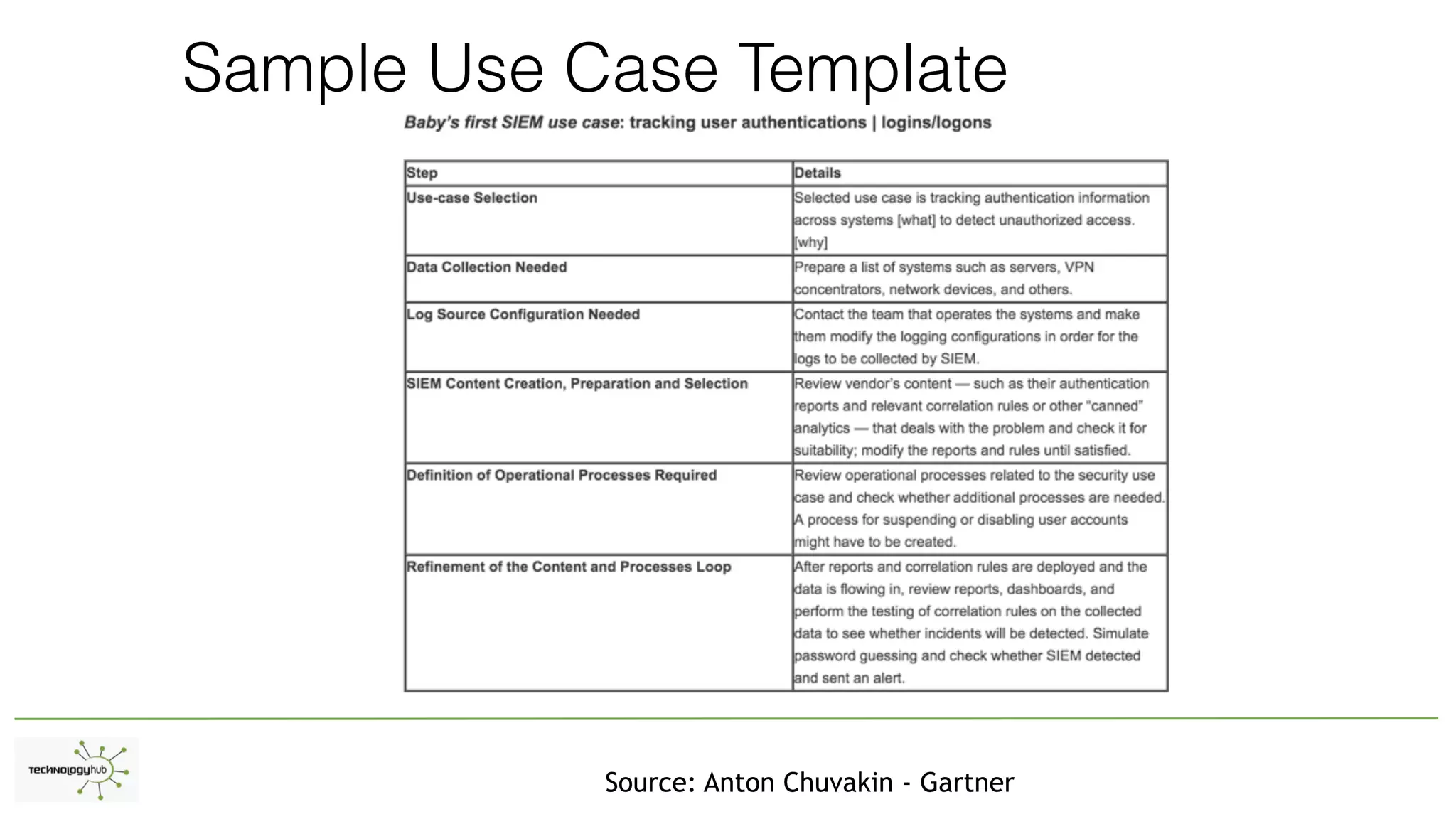
Sample Use Case Template
Source: Anton Chuvakin - Gartner
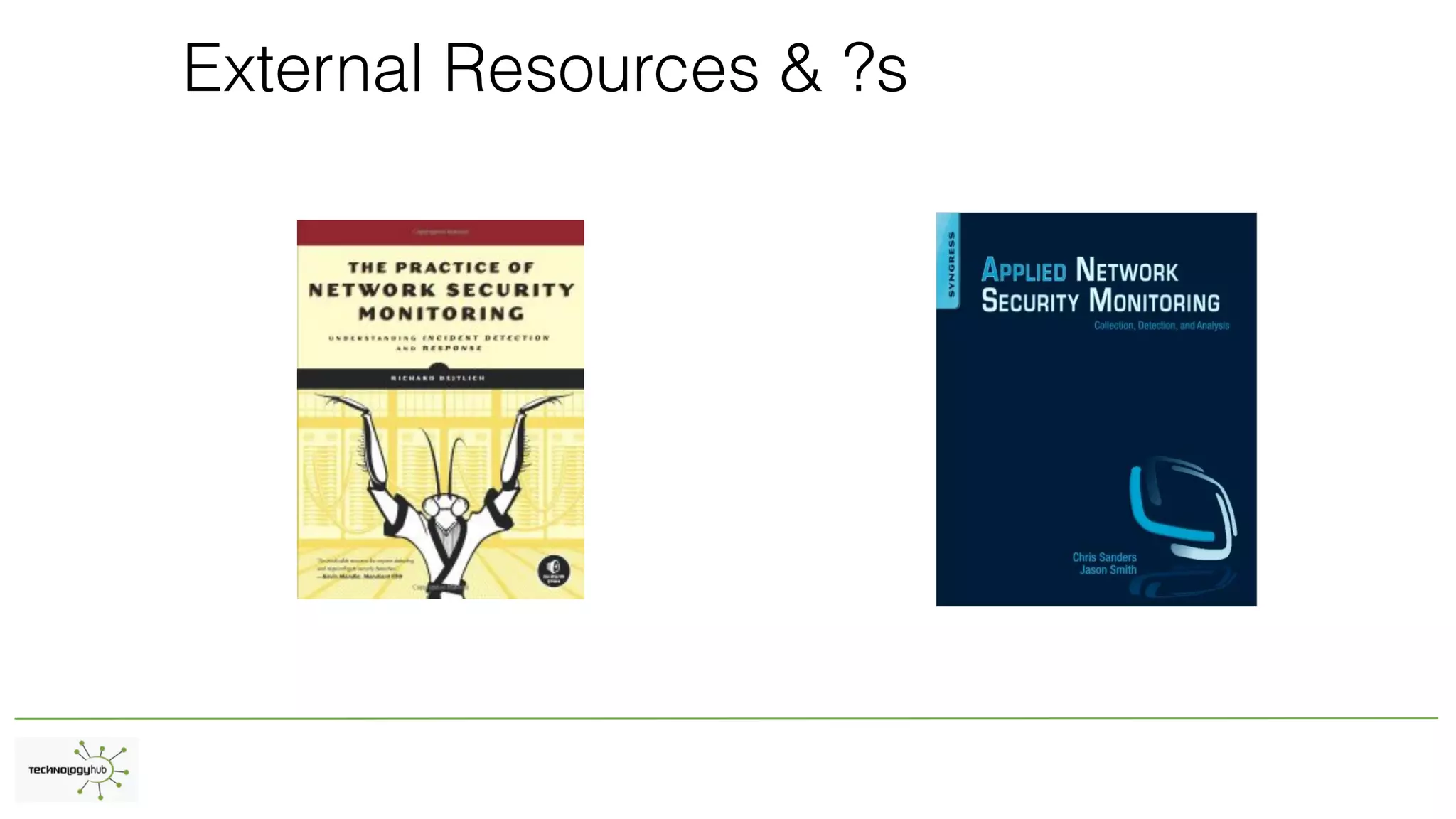
External Resources & ?s

Loggin alerting and hunting technology hub 2016

  • 1.
    Logging Alerting and Hunting Gettingon the right track to find evil
  • 2.
    whoami 2 •SynerComm Information AssuranceConsultant •Penetration Tester •Former Blue Team / SOC / Incident Responder
  • 3.
    Logging vs Alertingvs Hunting • What is logging • What is alerting • What is hunting
  • 4.
    What questions canyou ask of your logs? Let use cases drive your data collection
  • 5.
  • 6.
    Uses for Logging- Benefits •Diagnostics - Uptime •Security •eDiscovery Potential
  • 7.
  • 8.
    Windows - Eventsof Interest Source: NSA Detecting the Adversary
  • 9.
    Windows - Eventsof Interest – Endpoint General Event Description Group of IDs Network Connection 5156, 5157 Process Creation 4688, 4689 File Auditing 4663, 4660 Share Access 5140 Registry 4657 Services 7045 Scheduled Tasks 4698, 602 PowerShell 501, 4104, 4103
  • 10.
    Windows - EndpointControls •You have a root kit on every box, use it •HIPS is critical •Coverage is critical •Deeper information than Windows events can provide
  • 11.
    Windows - DNS/DHCP •Manyenvironments use Windows DNS/DHCP •Logging on these systems is high priority •These systems are critical to malicious activity as well
  • 12.
    Windows - Other •Sharepoint •MSSQL- C2 Audit •Fileshares •IIS or other Windows systems
  • 13.
    Non-Windows Logging •Mac OSX •Linux/Unix •Network Appliances / Other
  • 14.
    Non-Windows - MacOS X • Similar to Linux/Unix but different (BSDish) • Open source can help - OSSEC - Syslog • Use cases are similar to Windows
  • 15.
    Non-Windows - Linux/Unix •Easiestsystems to get logs from •Possible to over collect •Protect from critical data outwards
  • 16.
    Network Appliances /Other • SAAS / Cloud (Other people’s computers with your data) • Netflow / Full Packet Capture / Network Security Monitoring (NSM) • Security controls - Web proxy logs / Firewall / Intrusion Prevention
  • 17.
    Alerting • Alerts areannoying • Useful alerts need to be high-fidelity • Get creative - start from a known problem and work backwards
  • 18.
    Alerting • Alerts shouldonly fire when action is required (otherwise they are just logs) • Building new alerts without remediating root cause will increase your work indefinite • Build defensible positions • Know your own network • If staff can’t be dedicated the organization is probably not ready for many alerts
  • 19.
    Hunting (Hurting) • Proactivedefense • Requires expertise • Is not a technology driven solution (its about your people) • Requires minimum maturity in order to be valuable
  • 20.
    Getting started /Building Maturity Lost Reactive Preventative Proactive
  • 21.
    Stage I -LOST • Has logs with no staff • Incidents take unreasonable amount of time to resolve • Evil can happen unnoticed and unrecorded and probably is
  • 22.
    Stage II -Reactive • Has logs maybe not enough staff • Logs data may be limited • Most organizations are partially in this stage • Creates feeling of constant “fire fighting” (Burns out security peop
  • 23.
    Stage III -Preventative • Data collection starts to create remediation of root cause • Some malicious activity is prevented simply by configuration • Staff start to feel a modicum of control / Less stress • Not 100% preventative of malicious activity
  • 24.
    Stage IV -Proactive • Prevention capability is near maximum • Hunting is routine • Incidents are found in earlier stages and root causes identified • Everybody sings Kumbaya
  • 25.
    Getting Started (Bareminimum) • Egress network traffic 5-tuple (source, destination, port, protocol) • Web Proxy Logs • Active Directory Logs • Avoid overlap • Use tools you already have
  • 26.
    Sample Solutions -Logging • OpenSource (Logging only) • Graylog, ELSA, ELK, nxlog, snare, syslog-ng, fluentd, Bro IDS
  • 27.
    Sample Solutions -Alerting • Builds on Logging solutions • Opensource • Sagan, OSSEC, Snort, Security Onion
  • 28.
    Sample Solutions -Hunting • Building again on logging/alerting • Opensource • Security Onion, Squil, Moloch, Redline, Volatility, OSquery, PacketPig
  • 29.
    Sample Use Cases •Find processes running that are outliers • Egress encrypted non-US traffic • VPN logs from outside the US • All outbound user agents that don’t match organization default • All downloaded executables • Privileged account added/changed/used/abused
  • 30.
    Sample Use Cases •Machines using non-standard services (DNS, NTP) • Protocol mismatched traffic (ie encrypted over port 80) • Non-Admins running administrator tools (ie net user, powershell) • External network connections from machines that shouldn’t (ie DC to internet) • Registry modifications that effect processes running on boot • Movement of macro enabled Office documents
  • 31.
    Sample Use CaseTemplate Source: Anton Chuvakin - Gartner
  • 32.