Programming from Scratch™
Gerry Rowley
In this session
• We will use Scratch to manipulate images
• Play sounds
• Look at program control
• Make decisions
• Repeat actions
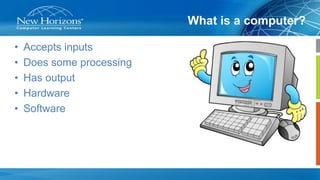
What is a computer?
• Accepts inputs
• Does some processing
• Has output
• Hardware
• Software
Scratch™
Hello World
• Traditionally the first program you write in any language is
Hello World
Let’s get started
Click on
Create
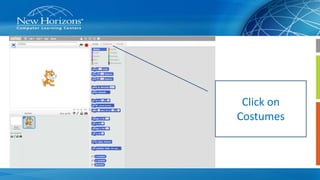
Click on
Costumes
Import 4 ballerinas
• Next we will choose a background for the stage.
• Here is one I made earlier!
• Select Scripts and the Control button
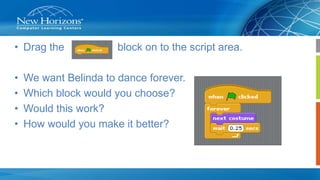
• Drag the block on to the script area.
• We want Belinda to dance forever.
• Which block would you choose?
• Would this work?
• How would you make it better?
This is mine
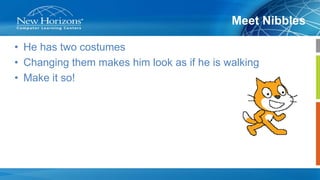
Meet Nibbles
• He has two costumes
• Changing them makes him look as if he is walking
• Make it so!
• I have imported
a background
• This block is not
much good
but it works!
• I used the duplicate
button
• Can you move
Nibbles?
Nibbles moves!
Could you find a better way?
• What about this?
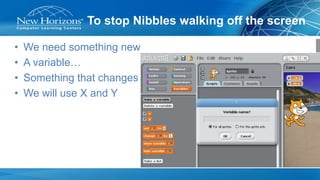
To stop Nibbles walking off the screen
• We need something new
• A variable…
• Something that changes
• We will use X and Y
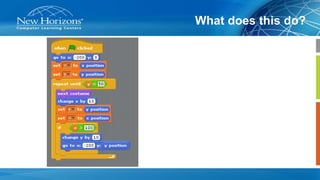
What does this do?
There are more activities here
• https://scratch.mit.edu/starter_projects/

Programming from scratch™