Primary Objectives


Photo by Jaci Berkopec
Primary Objective
Create a primary objective aligned
to your learning outcome (goal).
Primary learning objectives are stated in
three components. Teach- To- Who

1. Teach
State the intention or what will be taught.

2. To
State the target learner. The learners will
always be your students.

3. Who
State the prerequisites (starting
requirements).
Teach

Teach _______the intent is usually to do,
decide or create something.

You can only have one answer.

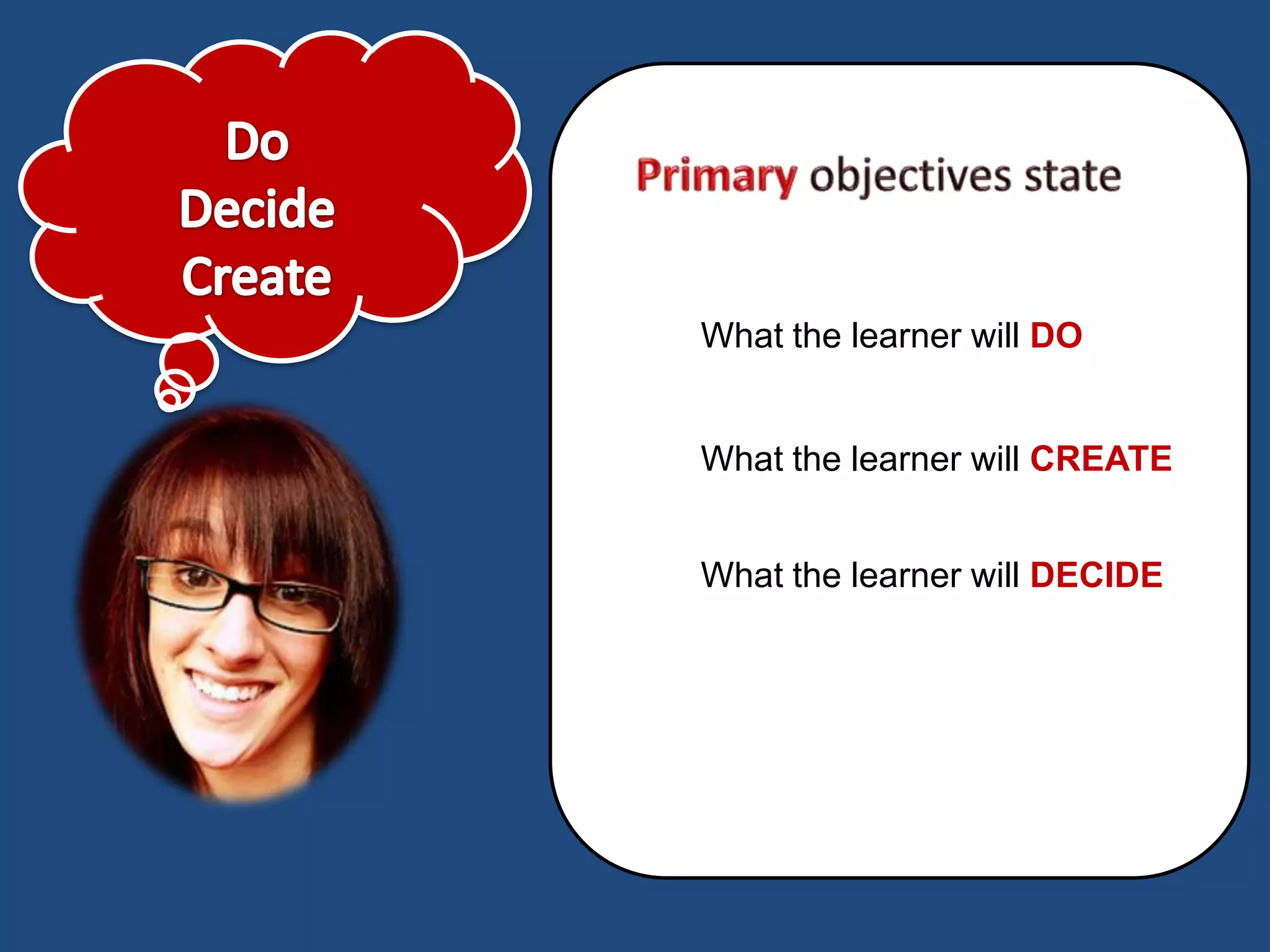
To Do

Decide

Create
What the learner will DO


What the learner will CREATE


What the learner will DECIDE
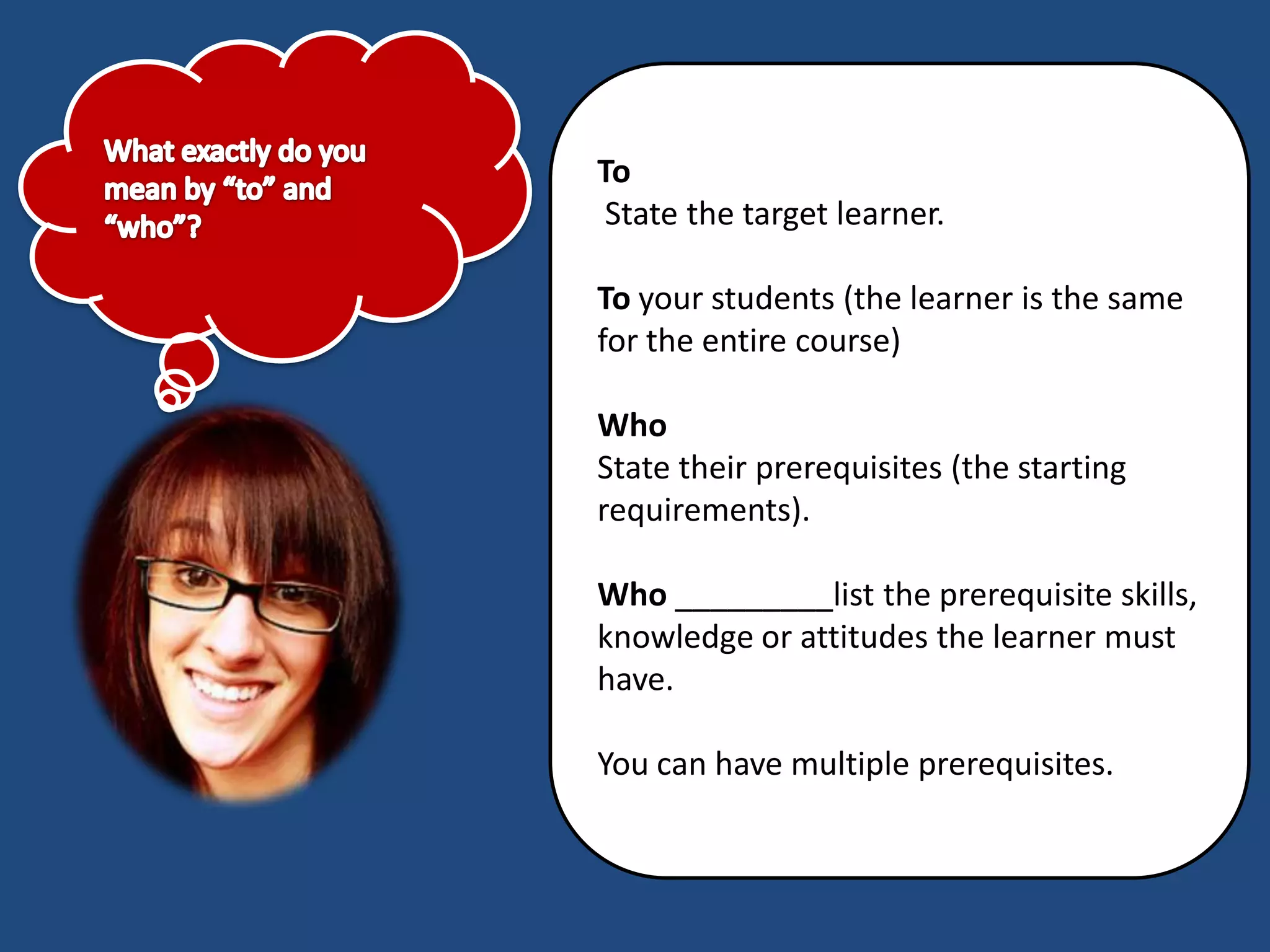
To
 State the target learner.

To your students (the learner is the same
for the entire course)

Who
State their prerequisites (the starting
requirements).

Who _________list the prerequisite skills,
knowledge or attitudes the learner must
have.

You can have multiple prerequisites.
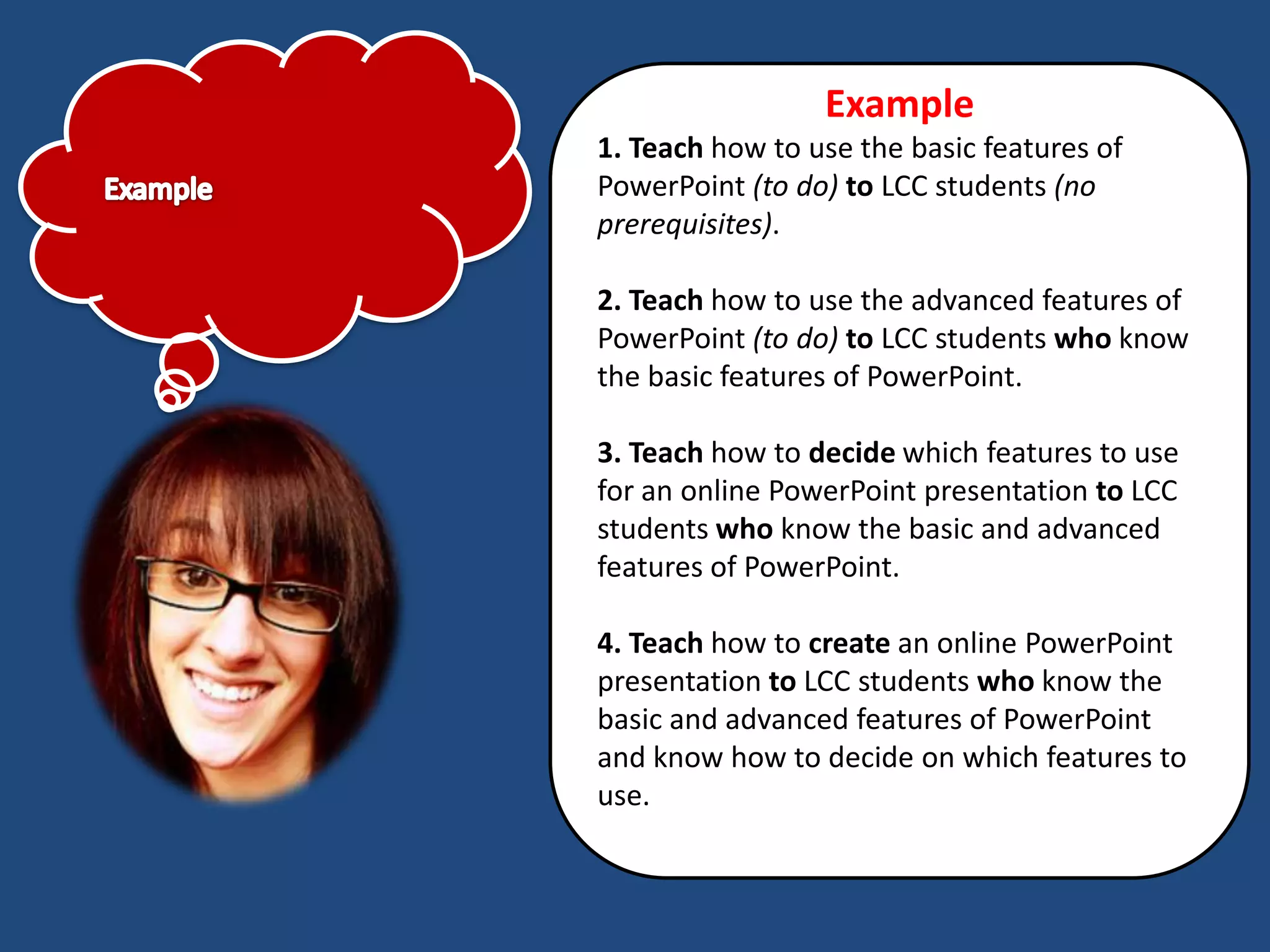
Example
1. Teach how to use the basic features of
PowerPoint (to do) to LCC students (no
prerequisites).

2. Teach how to use the advanced features of
PowerPoint (to do) to LCC students who know
the basic features of PowerPoint.

3. Teach how to decide which features to use
for an online PowerPoint presentation to LCC
students who know the basic and advanced
features of PowerPoint.

4. Teach how to create an online PowerPoint
presentation to LCC students who know the
basic and advanced features of PowerPoint
and know how to decide on which features to
use.
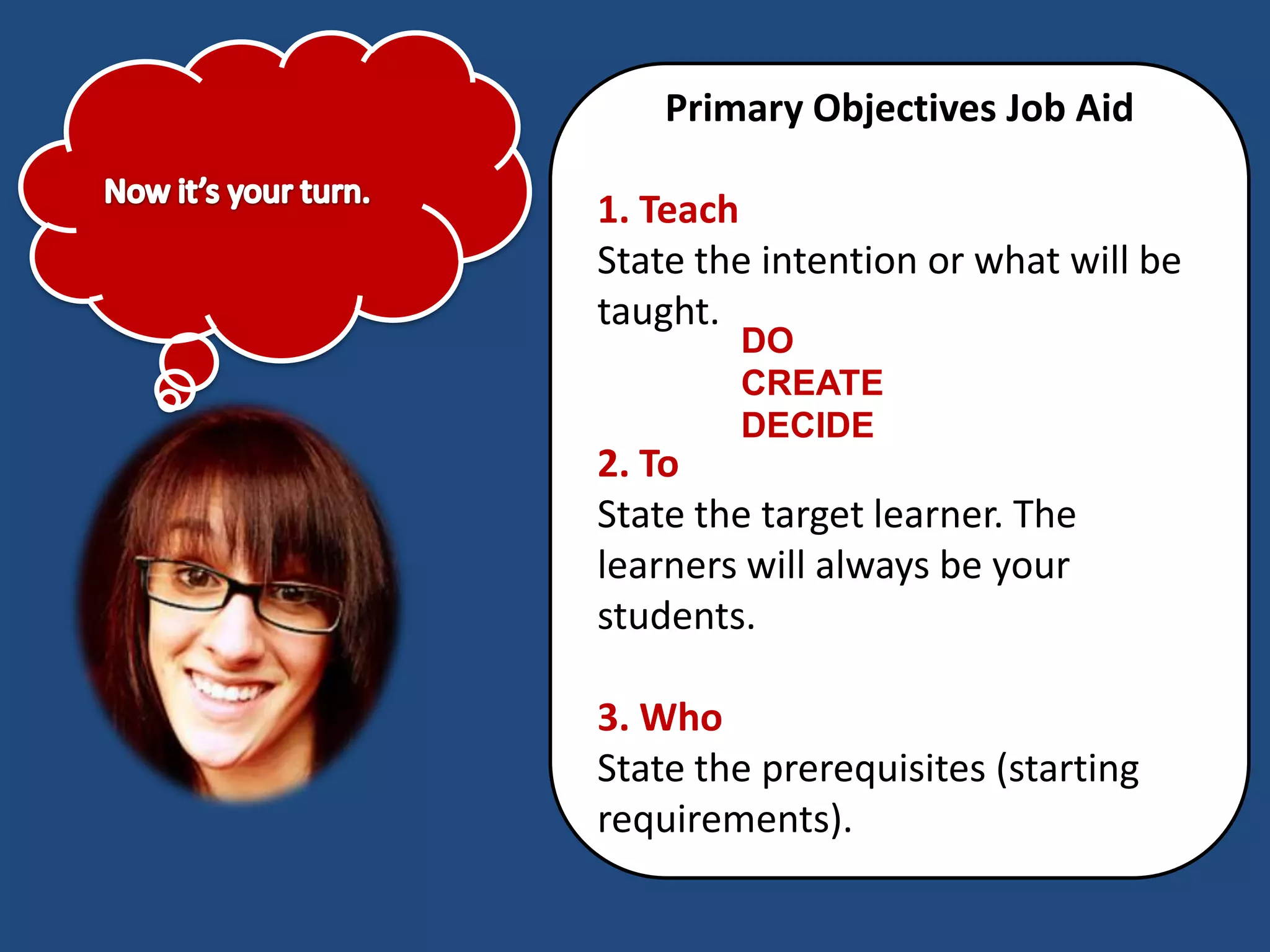
Primary Objectives Job Aid

1. Teach
State the intention or what will be
taught.
        DO
        CREATE
        DECIDE
2. To
State the target learner. The
learners will always be your
students.

3. Who
State the prerequisites (starting
requirements).
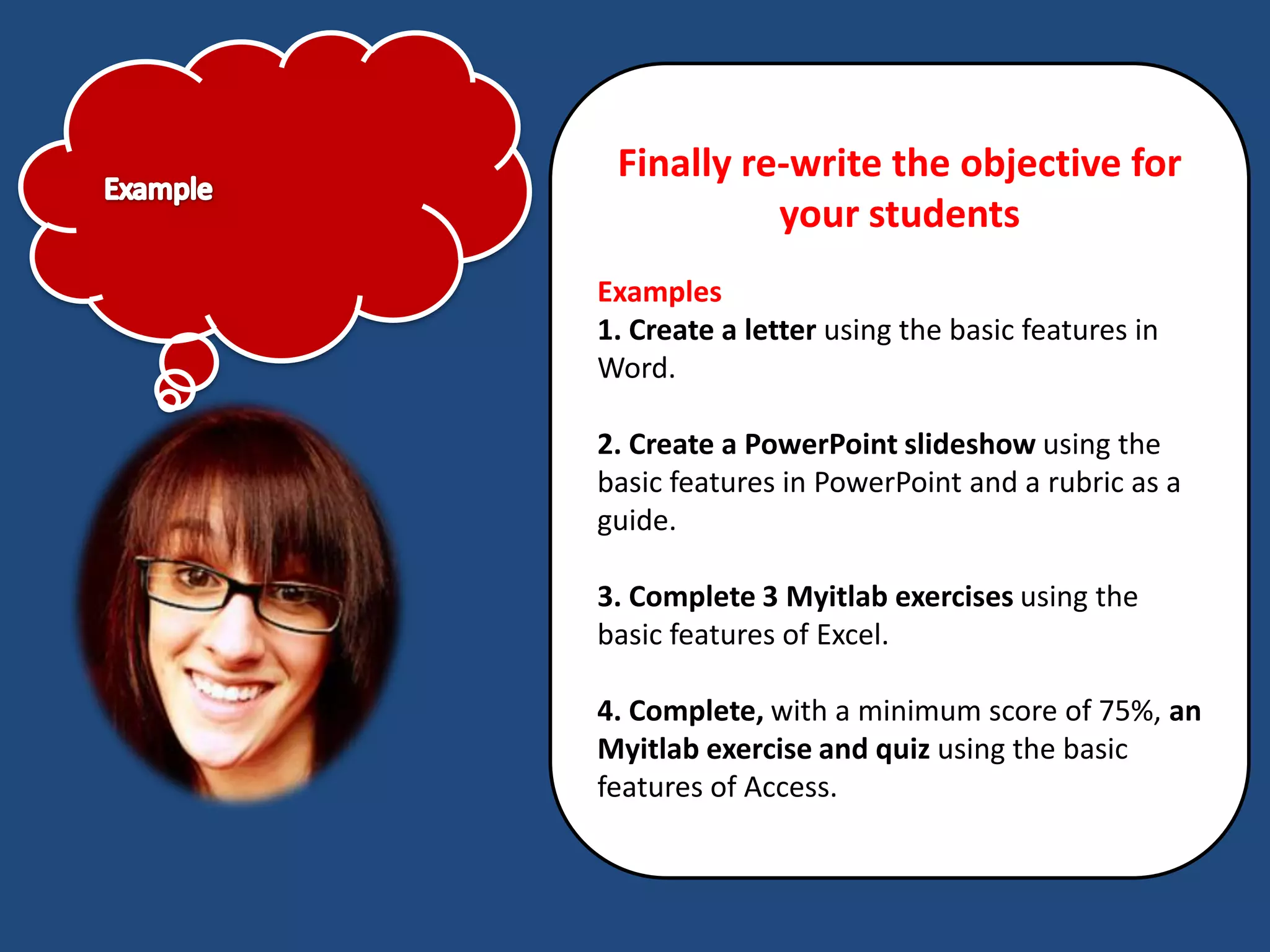
Finally re-write the objective for
           your students
Examples
1. Create a letter using the basic features in
Word.

2. Create a PowerPoint slideshow using the
basic features in PowerPoint and a rubric as a
guide.

3. Complete 3 Myitlab exercises using the
basic features of Excel.

4. Complete, with a minimum score of 75%, an
Myitlab exercise and quiz using the basic
features of Access.

Primary objectives

  • 1.
  • 2.
    Primary Objective Create aprimary objective aligned to your learning outcome (goal).
  • 3.
    Primary learning objectivesare stated in three components. Teach- To- Who 1. Teach State the intention or what will be taught. 2. To State the target learner. The learners will always be your students. 3. Who State the prerequisites (starting requirements).
  • 4.
    Teach Teach _______the intentis usually to do, decide or create something. You can only have one answer. To Do Decide Create
  • 5.
    What the learnerwill DO What the learner will CREATE What the learner will DECIDE
  • 6.
    To State thetarget learner. To your students (the learner is the same for the entire course) Who State their prerequisites (the starting requirements). Who _________list the prerequisite skills, knowledge or attitudes the learner must have. You can have multiple prerequisites.
  • 7.
    Example 1. Teach howto use the basic features of PowerPoint (to do) to LCC students (no prerequisites). 2. Teach how to use the advanced features of PowerPoint (to do) to LCC students who know the basic features of PowerPoint. 3. Teach how to decide which features to use for an online PowerPoint presentation to LCC students who know the basic and advanced features of PowerPoint. 4. Teach how to create an online PowerPoint presentation to LCC students who know the basic and advanced features of PowerPoint and know how to decide on which features to use.
  • 8.
    Primary Objectives JobAid 1. Teach State the intention or what will be taught. DO CREATE DECIDE 2. To State the target learner. The learners will always be your students. 3. Who State the prerequisites (starting requirements).
  • 9.
    Finally re-write theobjective for your students Examples 1. Create a letter using the basic features in Word. 2. Create a PowerPoint slideshow using the basic features in PowerPoint and a rubric as a guide. 3. Complete 3 Myitlab exercises using the basic features of Excel. 4. Complete, with a minimum score of 75%, an Myitlab exercise and quiz using the basic features of Access.