PRESENTATION
SOFTWARE
Feature Categories/ General
Benefits
Presentation Software Features Description
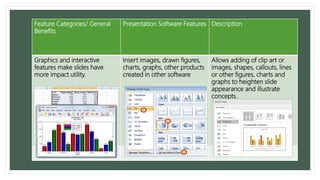
Graphics and interactive
features make slides have
more impact utility.
Insert images, drawn figures,
charts, graphs, other products
created in other software
Allows adding of clip art or
images, shapes, callouts, lines
or other figures, charts and
graphs to heighten slide
appearance and illustrate
concepts.
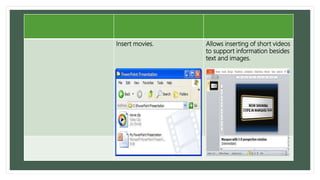
Insert movies. Allows inserting of short videos
to support information besides
text and images.
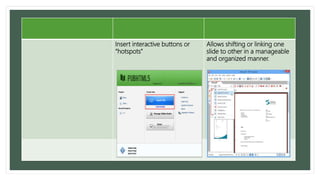
Insert interactive buttons or
“hotspots”
Allows shifting or linking one
slide to other in a manageable
and organized manner.
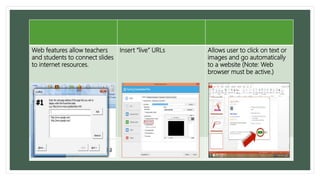
Web features allow teachers
and students to connect slides
to internet resources.
Insert “live” URLs Allows user to click on text or
images and go automatically
to a website (Note: Web
browser must be active.)
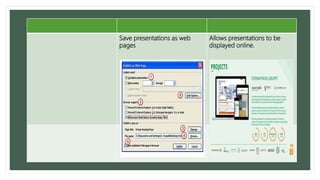
Save presentations as web
pages
Allows presentations to be
displayed online.
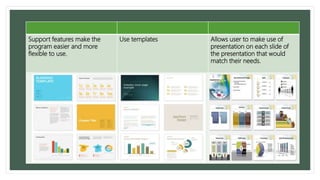
Support features make the
program easier and more
flexible to use.
Use templates Allows user to make use of
presentation on each slide of
the presentation that would
match their needs.
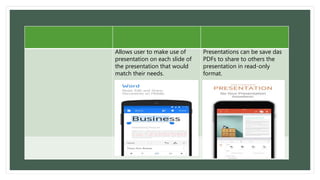
Allows user to make use of
presentation on each slide of
the presentation that would
match their needs.
Presentations can be save das
PDFs to share to others the
presentation in read-only
format.
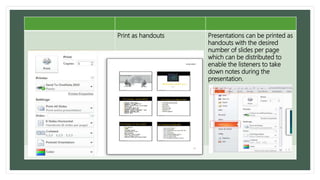
Print as handouts Presentations can be printed as
handouts with the desired
number of slides per page
which can be distributed to
enable the listeners to take
down notes during the
presentation.
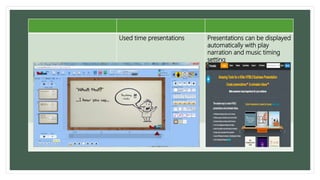
Used time presentations Presentations can be displayed
automatically with play
narration and music timing
setting
The power of presentation software in
education
• Helps organize thinking of what the speaker
would like to say
• Enhances the impact of spoken information.
• Allows collaboration of presentations
through group work

Presentation software

  • 1.
  • 2.
    Feature Categories/ General Benefits PresentationSoftware Features Description Graphics and interactive features make slides have more impact utility. Insert images, drawn figures, charts, graphs, other products created in other software Allows adding of clip art or images, shapes, callouts, lines or other figures, charts and graphs to heighten slide appearance and illustrate concepts.
  • 3.
    Insert movies. Allowsinserting of short videos to support information besides text and images.
  • 4.
    Insert interactive buttonsor “hotspots” Allows shifting or linking one slide to other in a manageable and organized manner.
  • 5.
    Web features allowteachers and students to connect slides to internet resources. Insert “live” URLs Allows user to click on text or images and go automatically to a website (Note: Web browser must be active.)
  • 6.
    Save presentations asweb pages Allows presentations to be displayed online.
  • 7.
    Support features makethe program easier and more flexible to use. Use templates Allows user to make use of presentation on each slide of the presentation that would match their needs.
  • 8.
    Allows user tomake use of presentation on each slide of the presentation that would match their needs. Presentations can be save das PDFs to share to others the presentation in read-only format.
  • 9.
    Print as handoutsPresentations can be printed as handouts with the desired number of slides per page which can be distributed to enable the listeners to take down notes during the presentation.
  • 10.
    Used time presentationsPresentations can be displayed automatically with play narration and music timing setting
  • 11.
    The power ofpresentation software in education • Helps organize thinking of what the speaker would like to say • Enhances the impact of spoken information. • Allows collaboration of presentations through group work