PRESENTATION
The presentation is a collection of
individual slides that contain information
on a topic.
Power point presentations are commonly
used in business meetings and educational
purposes.
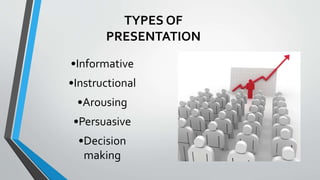
TYPES OF
PRESENTATION
•Informative
•Instructional
•Arousing
•Persuasive
•Decision
making
KNOWYOUR AUDIENCE
•Audience evaluates you in
first five minutes
•No second chance
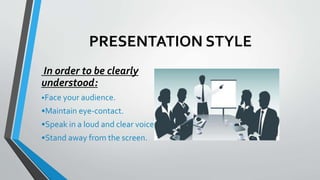
PRESENTATION STYLE
In order to be clearly
understood:
•Face your audience.
•Maintain eye-contact.
•Speak in a loud and clear voice.
•Stand away from the screen.
CONTENT SHOULD BE:
•Clear
•Simple
•Progressive
•Consistent
“Make sure you have finished speaking
before your audience has finished
listening.”
SLIDE DESIGN
GOOD SLIDE
•Will help audience
concentrate on what
you are saying
•Will prevent audience
from reading ahead
•Will help you keep your
presentation focused
BAD SLIDE
• Do not use distracting
animation
• Do not go overboard with
the animation
• Be consistent with the
animation that you use
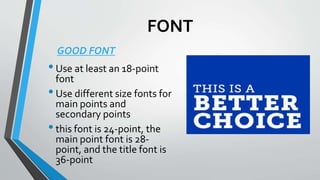
FONT
•Use at least an 18-point
font
•Use different size fonts for
main points and
secondary points
•this font is 24-point, the
main point font is 28-
point, and the title font is
36-point
GOOD FONT
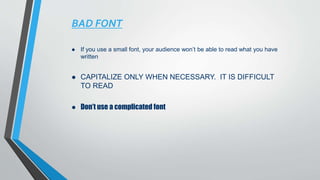
BAD FONT
 If you use a small font, your audience won’t be able to read what you have
written
 CAPITALIZE ONLY WHEN NECESSARY. IT IS DIFFICULT
TO READ
 Don’t use a complicated font
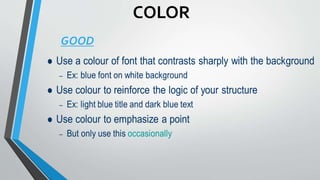
COLOR
GOOD
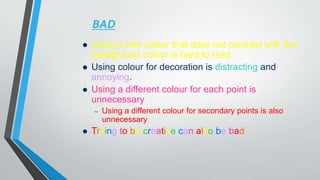
BAD
 Using a font colour that does not contrast with the
background colour is hard to read
 Using colour for decoration is distracting and
annoying.
 Using a different colour for each point is
unnecessary
– Using a different colour for secondary points is also
unnecessary
 Trying to be creative can also be bad
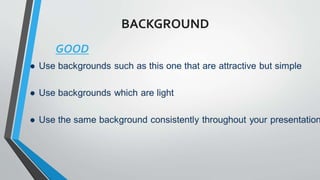
BACKGROUND
GOOD
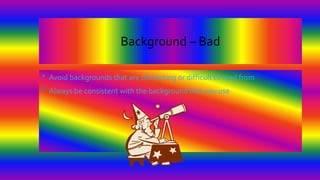
Background – Bad
• Avoid backgrounds that are distracting or difficult to read from
• Always be consistent with the background that you use
summary
ppt on how to give presentation

ppt on how to give presentation