FOLLOWING STEP MUST DONE:


Following steps are very important when you want
           to go on the graphics mode :
              int gd= DETECT,gm;
     Initgraph(&gd,&gm,”C:TCBGI”);
INT gd=DETECT,gm:


• The purpose of this function is to detect all
     the drivers that store in your PC’”s.
Gm:


• It is the function which is use to set your
         computer on graphics mode.
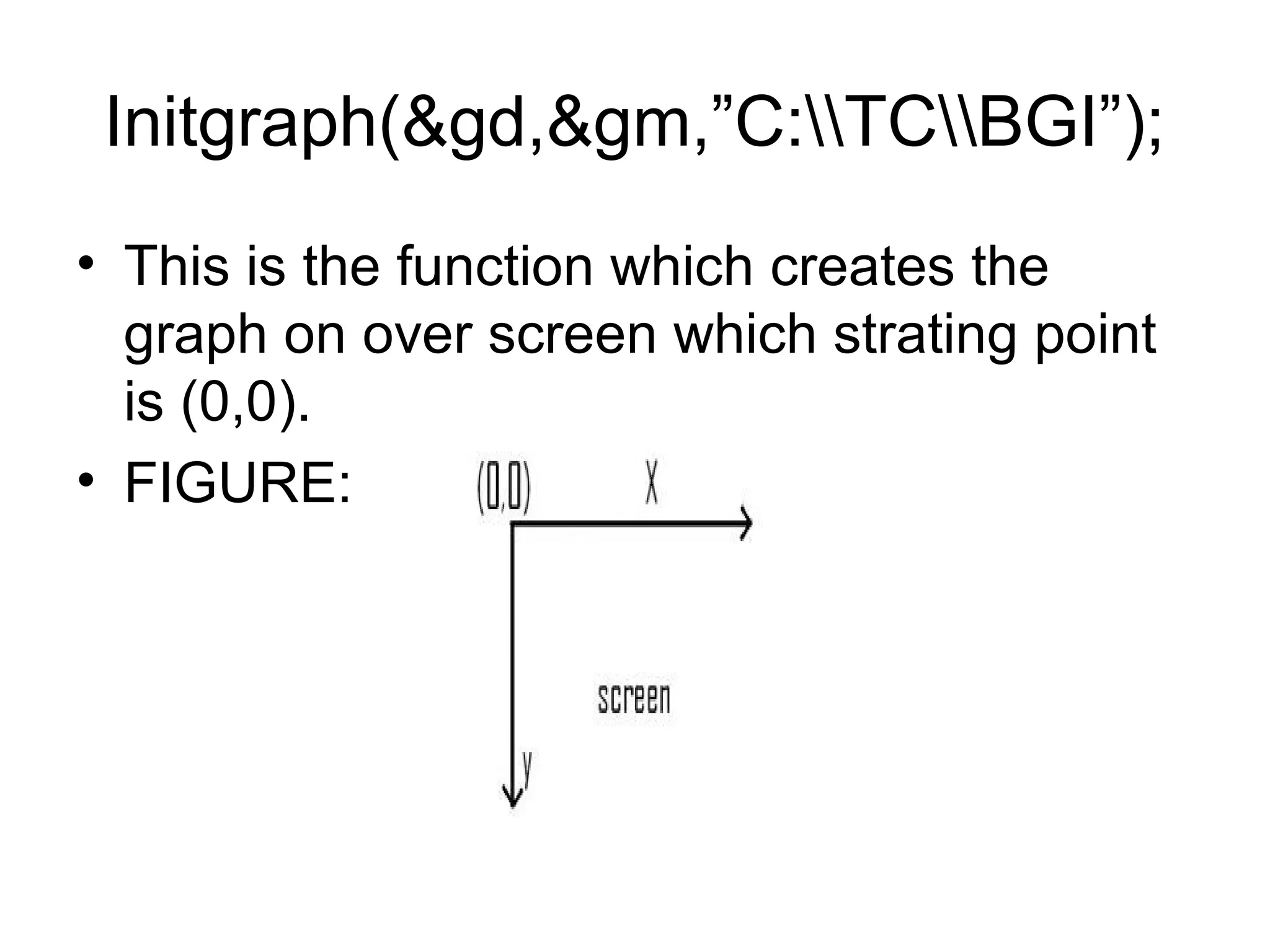
Initgraph(&gd,&gm,”C:TCBGI”);
• This is the function which creates the
  graph on over screen which strating point
  is (0,0).
• FIGURE:
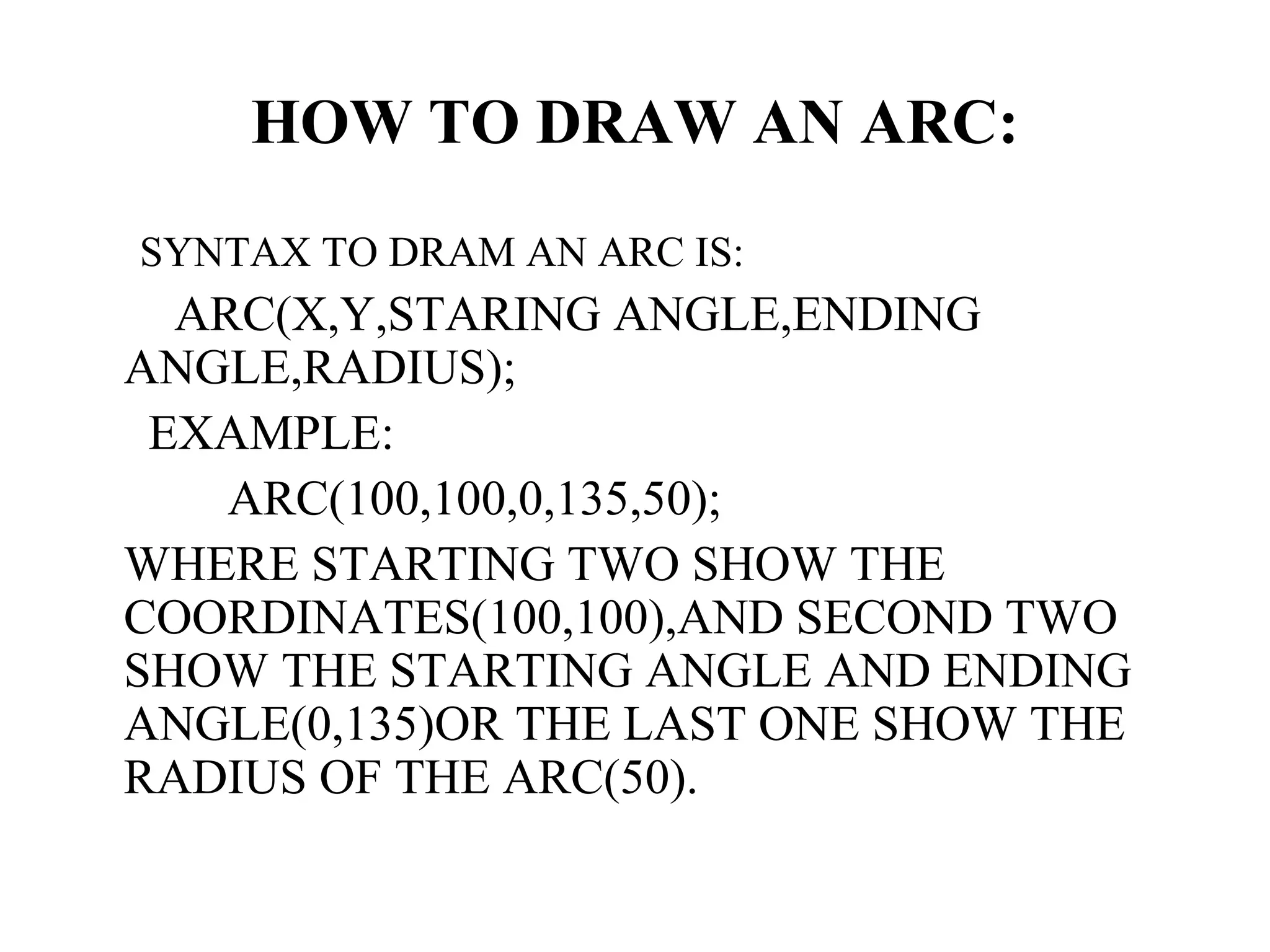
HOW TO DRAW AN ARC:
SYNTAX TO DRAM AN ARC IS:
  ARC(X,Y,STARING ANGLE,ENDING
ANGLE,RADIUS);
 EXAMPLE:
    ARC(100,100,0,135,50);
WHERE STARTING TWO SHOW THE
COORDINATES(100,100),AND SECOND TWO
SHOW THE STARTING ANGLE AND ENDING
ANGLE(0,135)OR THE LAST ONE SHOW THE
RADIUS OF THE ARC(50).
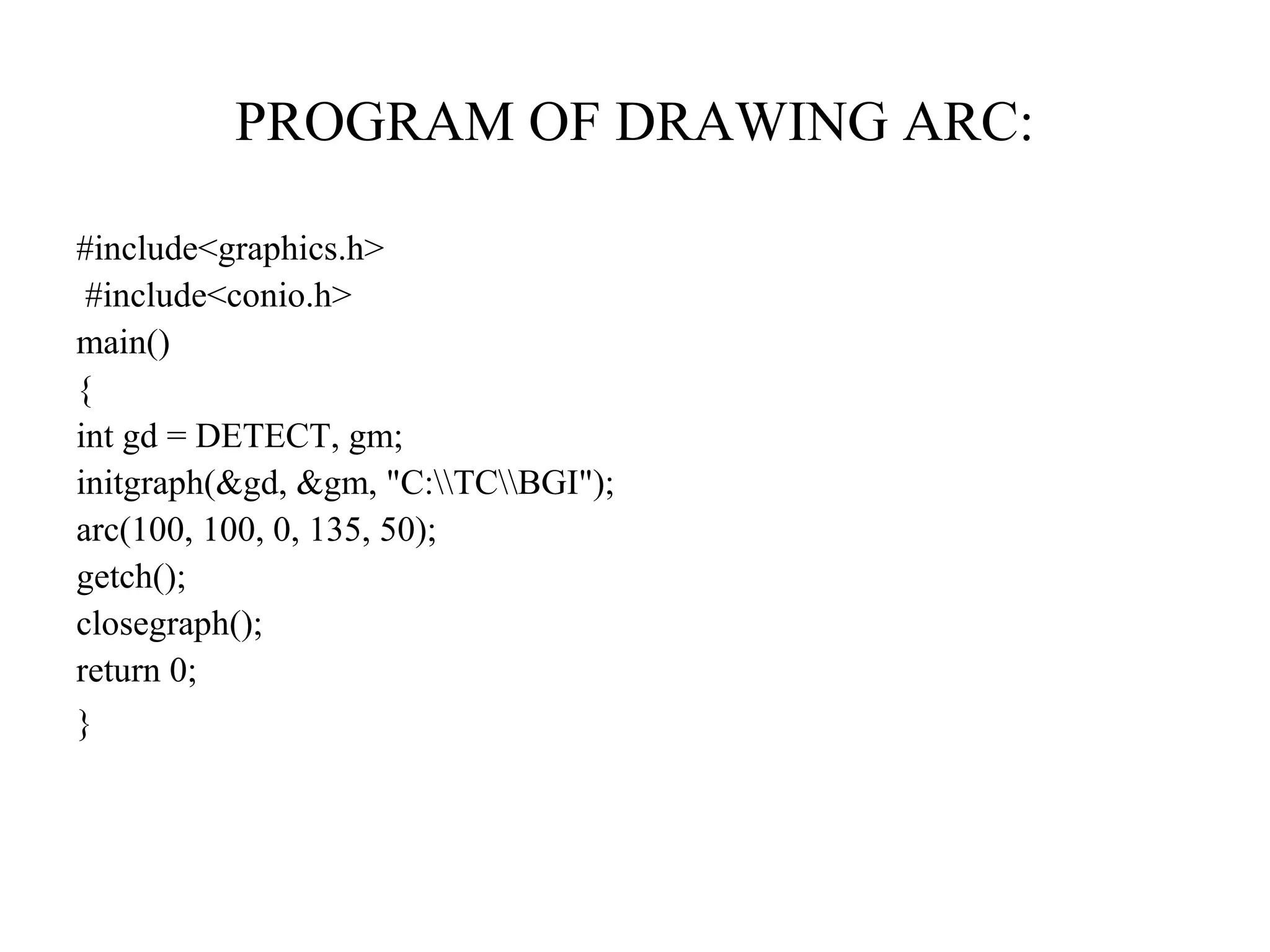
PROGRAM OF DRAWING ARC:

#include<graphics.h>
 #include<conio.h>
main()
{
int gd = DETECT, gm;
initgraph(&gd, &gm, "C:TCBGI");
arc(100, 100, 0, 135, 50);
getch();
closegraph();
return 0;
}
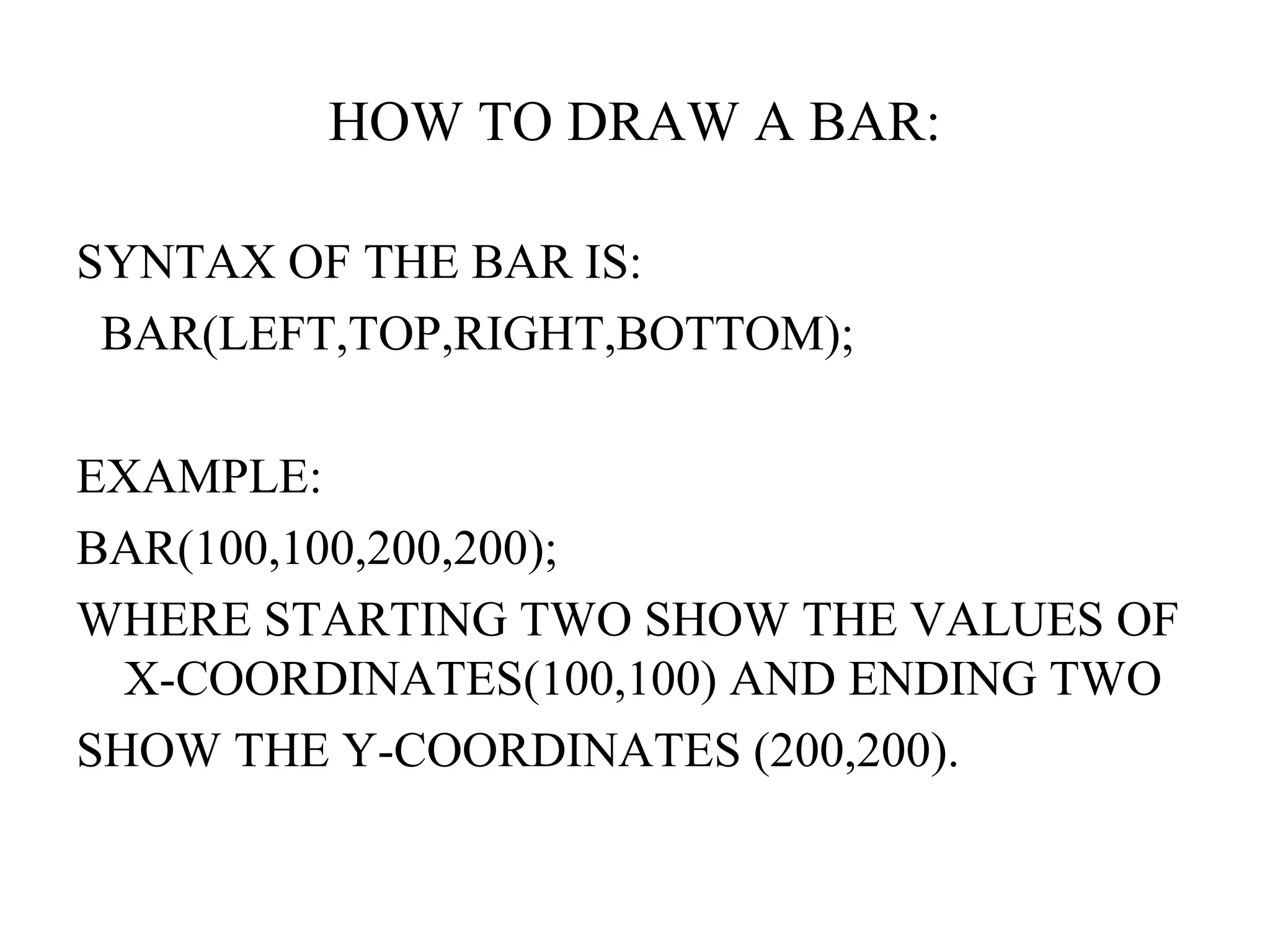
HOW TO DRAW A BAR:

SYNTAX OF THE BAR IS:
 BAR(LEFT,TOP,RIGHT,BOTTOM);

EXAMPLE:
BAR(100,100,200,200);
WHERE STARTING TWO SHOW THE VALUES OF
  X-COORDINATES(100,100) AND ENDING TWO
SHOW THE Y-COORDINATES (200,200).
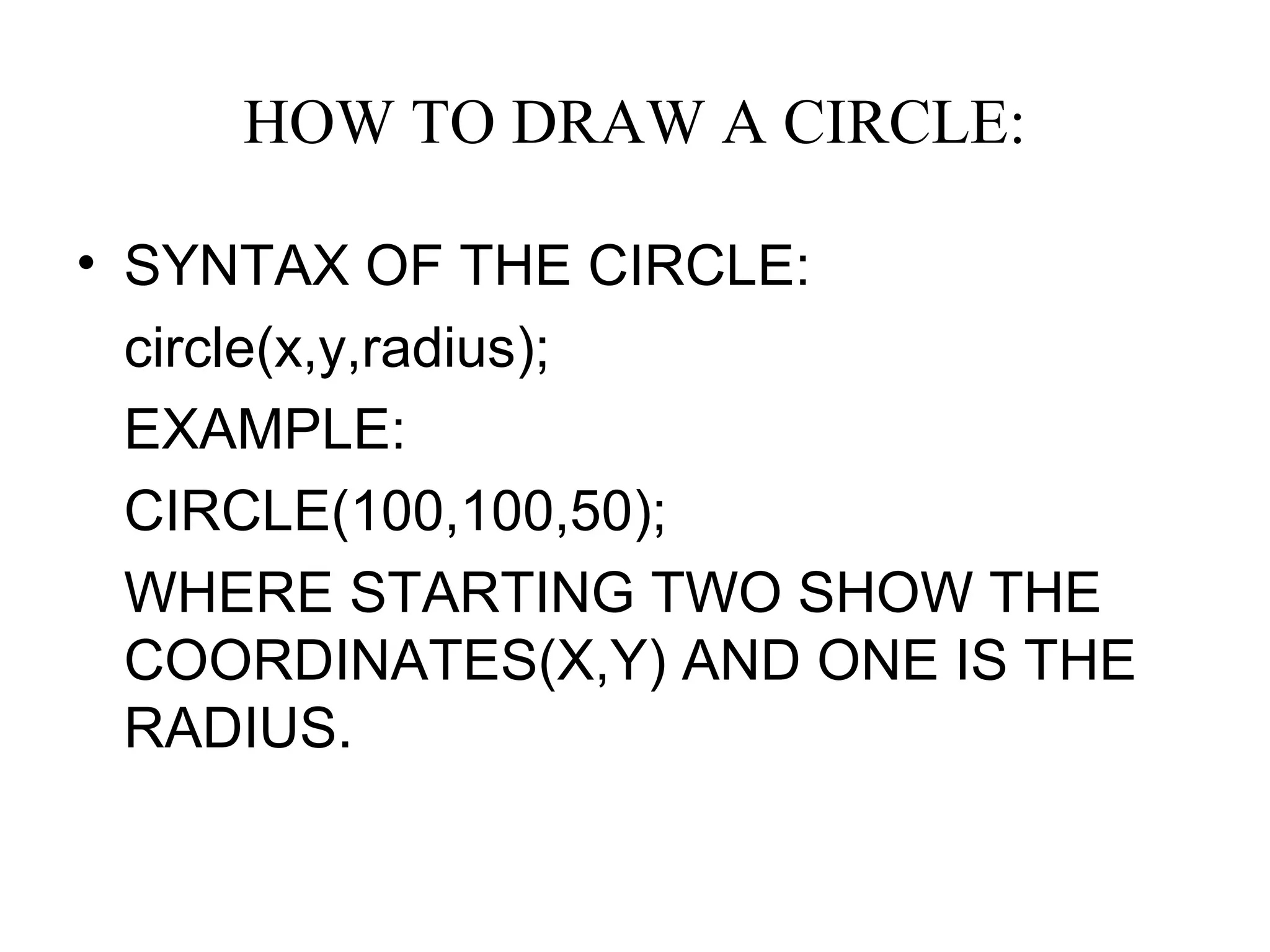
HOW TO DRAW A CIRCLE:

• SYNTAX OF THE CIRCLE:
  circle(x,y,radius);
  EXAMPLE:
  CIRCLE(100,100,50);
  WHERE STARTING TWO SHOW THE
  COORDINATES(X,Y) AND ONE IS THE
  RADIUS.
CLEARDEVICE FUNCTION:
• Cleardevice function is use to clear the
  function from the graphics mode.
• Syntax:
• Cleardevice();
• Don’t use the clrscr in graphics mode.
HOW TO DRAM THE ELLIPSE:
• Syntax to draw the ellipse:
• Ellipse(x,y,strat angle,end angle,radius
  from x coordinates,radius from y
  coordinates);
• Where srtaring two is the coordinates
  position,other two is the strat or end of
  angle and last two show the radius from
  the x and y coordinates.
HOW TO DRAM THE
           FILLELLIPSE:
• SYNTAX OF THE FILLELLIPSE:
   fillellipse(x,y,a radius,y radius);
  EXAMPLE:
  Fillellipse(100,100,50,25)
  Where strating two is the coordinates and
  the ending two is the radius from x,y
  coordinates.
HOW TO DRAW A FLOODFILL:
•   SYNTAX OF FLOODFILL IS:
•   Floodfill(x,y,border);
•   EXAMPLE:
•   Floodfill(100,100,RED);
•   Here start two point show coordinates
    position and last one show color of border.
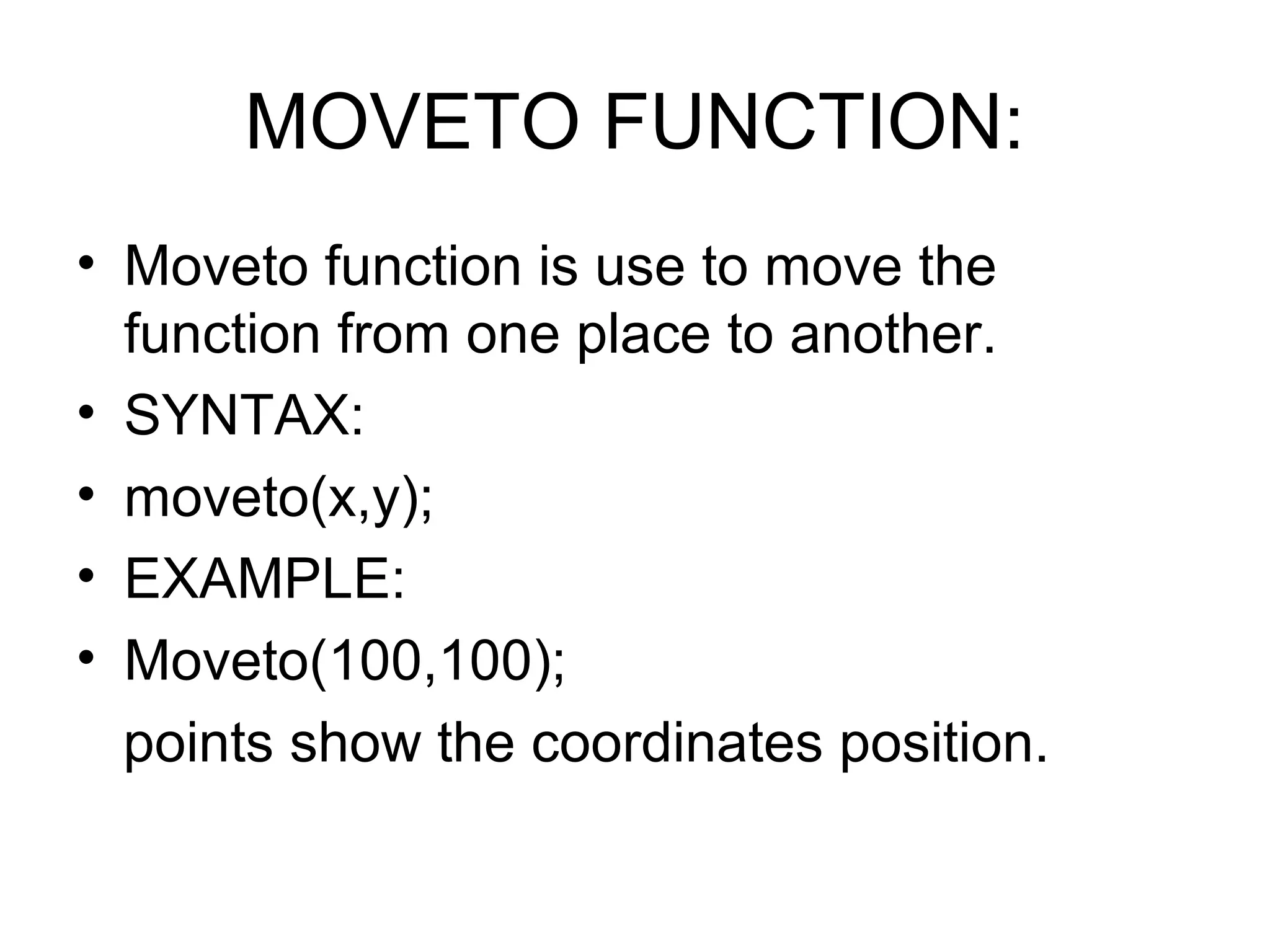
MOVETO FUNCTION:
• Moveto function is use to move the
  function from one place to another.
• SYNTAX:
• moveto(x,y);
• EXAMPLE:
• Moveto(100,100);
  points show the coordinates position.
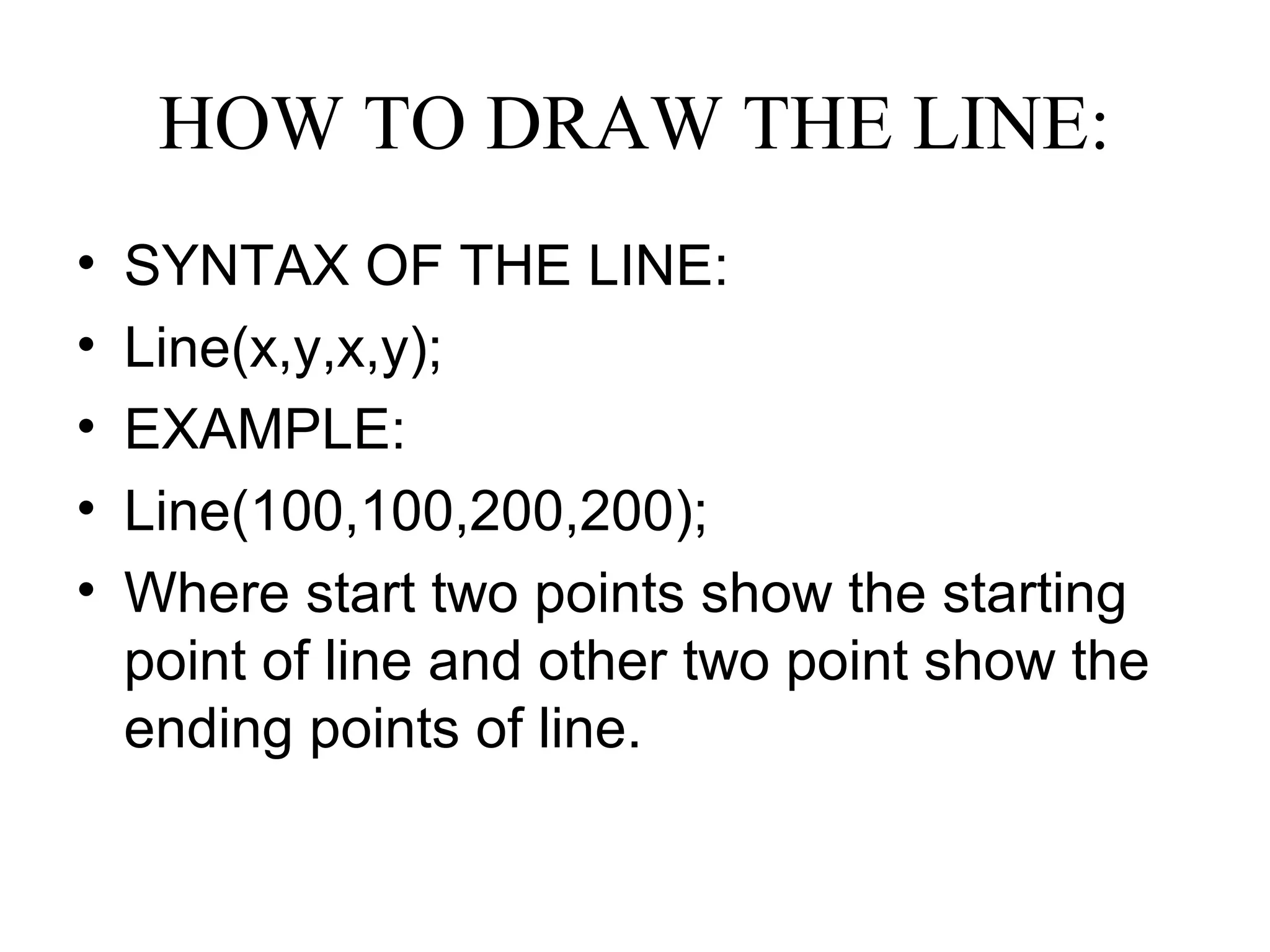
HOW TO DRAW THE LINE:
•   SYNTAX OF THE LINE:
•   Line(x,y,x,y);
•   EXAMPLE:
•   Line(100,100,200,200);
•   Where start two points show the starting
    point of line and other two point show the
    ending points of line.
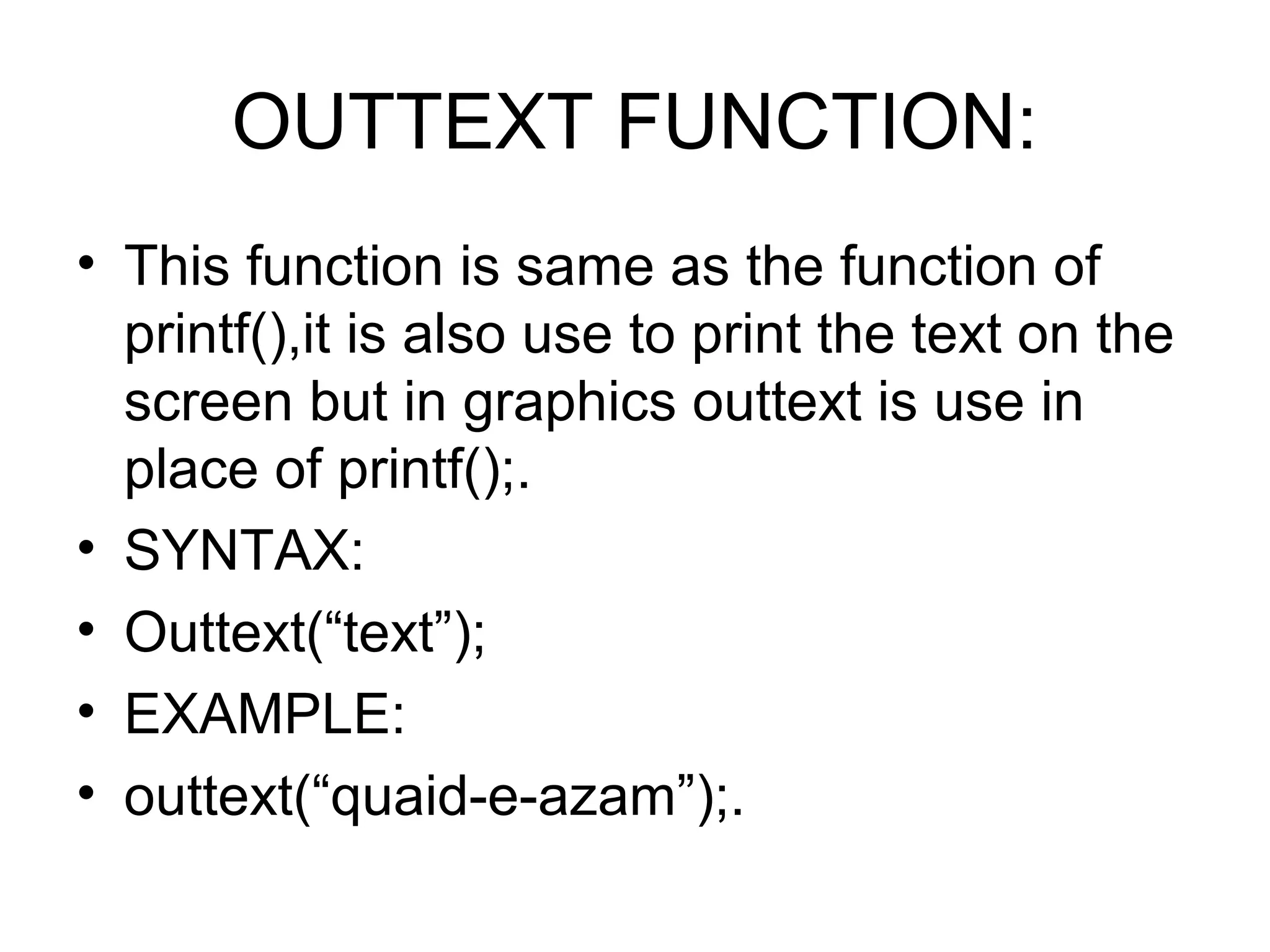
OUTTEXT FUNCTION:
• This function is same as the function of
  printf(),it is also use to print the text on the
  screen but in graphics outtext is use in
  place of printf();.
• SYNTAX:
• Outtext(“text”);
• EXAMPLE:
• outtext(“quaid-e-azam”);.
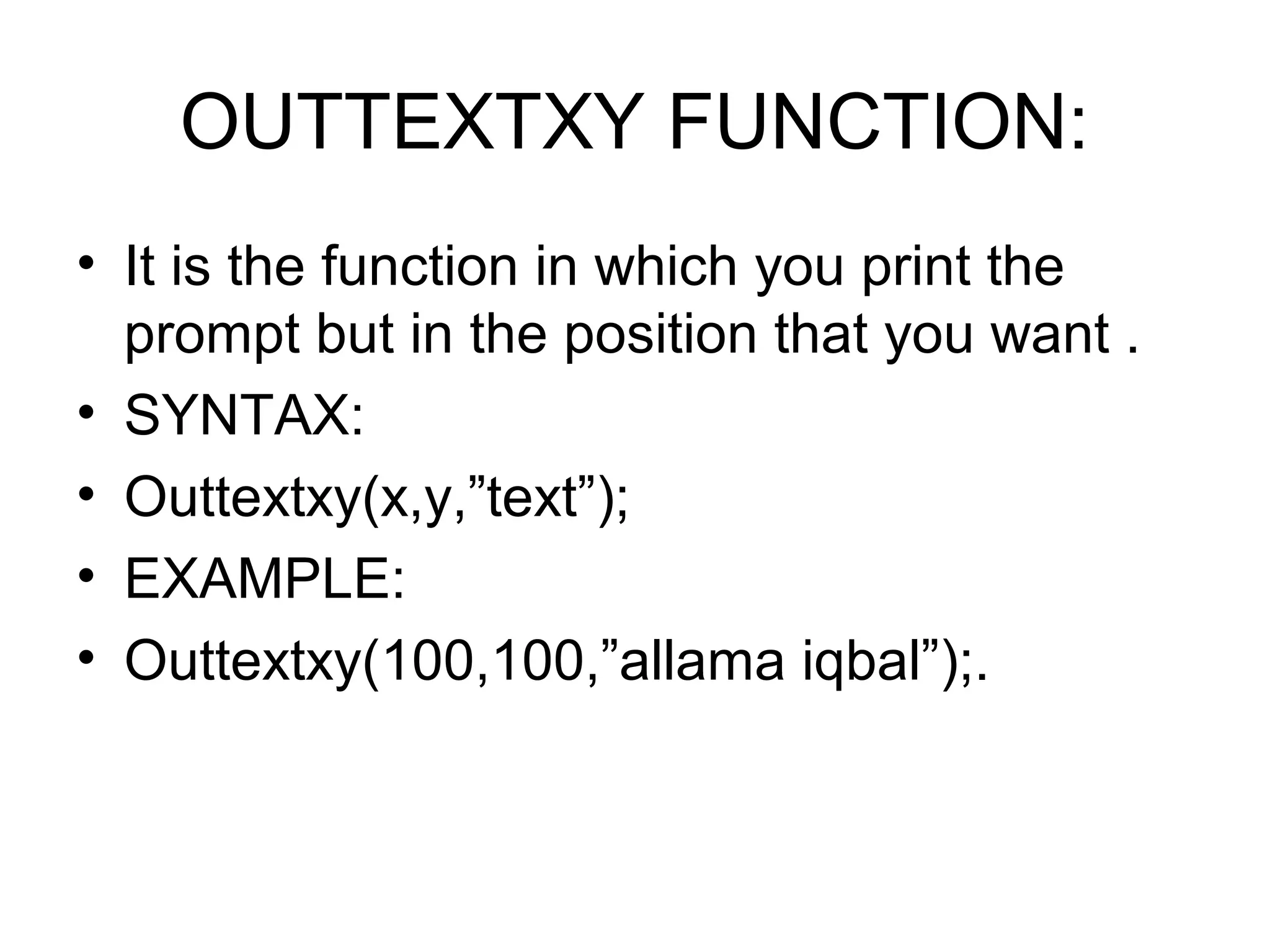
OUTTEXTXY FUNCTION:
• It is the function in which you print the
  prompt but in the position that you want .
• SYNTAX:
• Outtextxy(x,y,”text”);
• EXAMPLE:
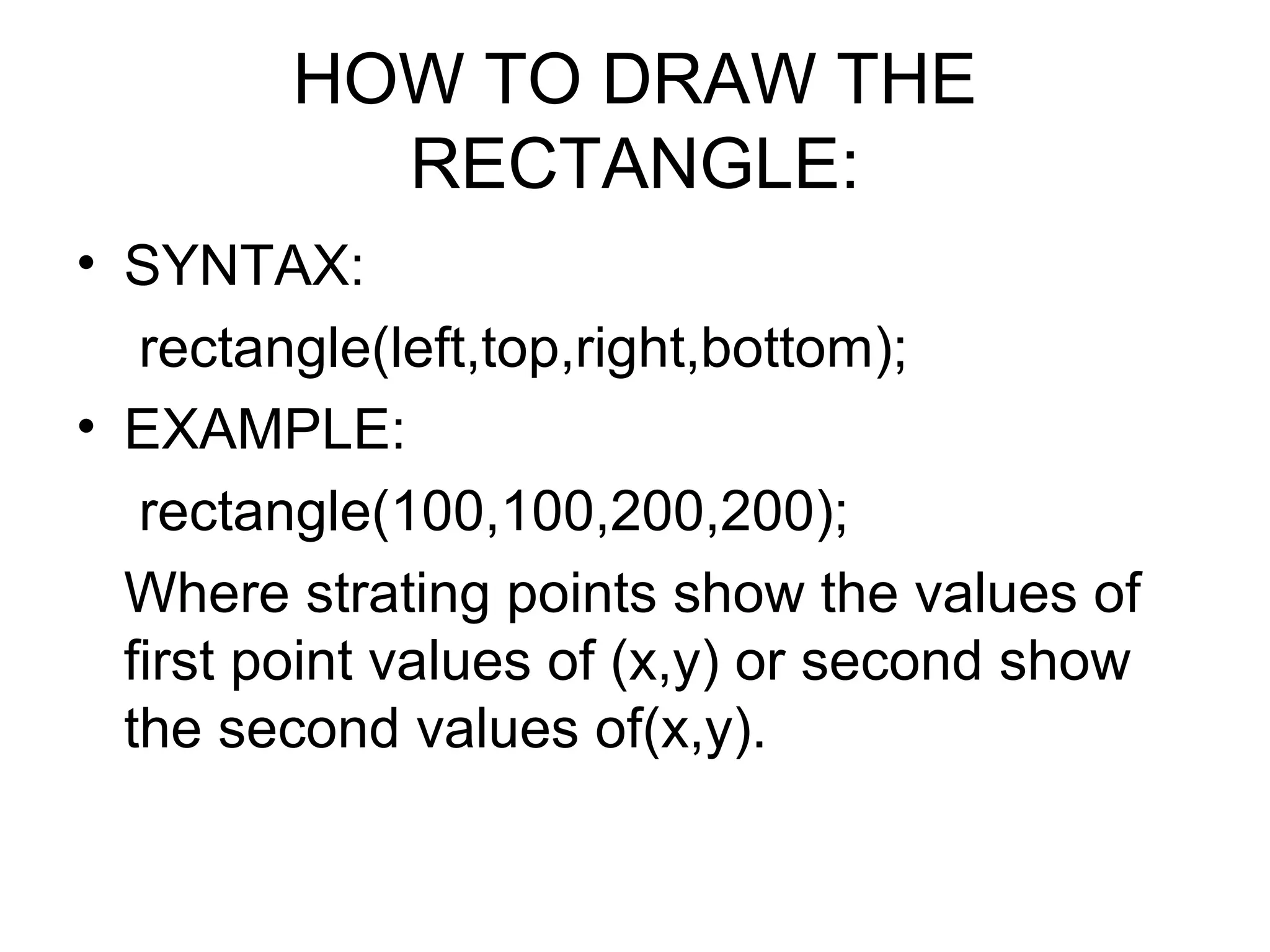
• Outtextxy(100,100,”allama iqbal”);.
HOW TO DRAW THE
          RECTANGLE:
• SYNTAX:
   rectangle(left,top,right,bottom);
• EXAMPLE:
   rectangle(100,100,200,200);
  Where strating points show the values of
  first point values of (x,y) or second show
  the second values of(x,y).
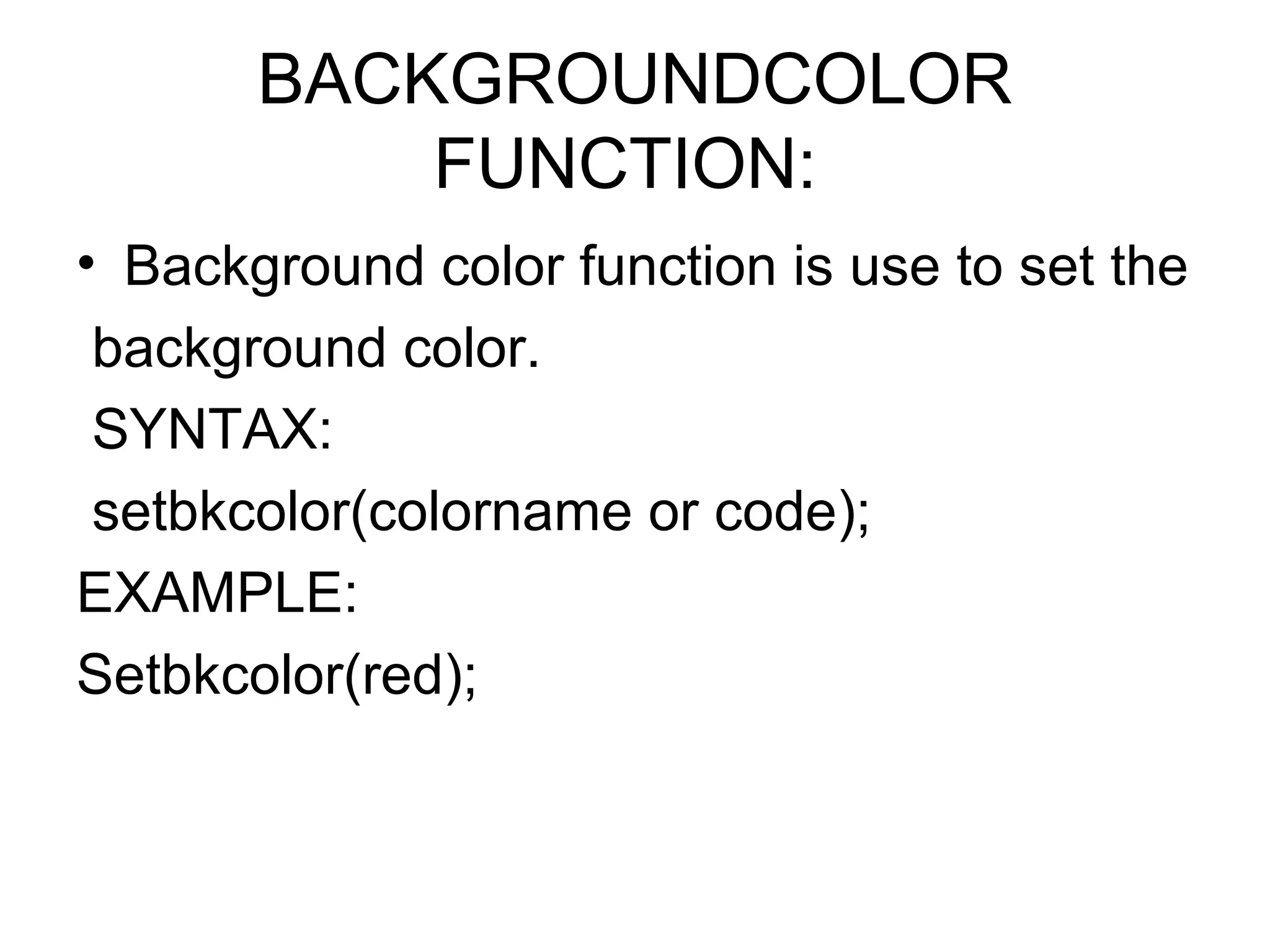
BACKGROUNDCOLOR
           FUNCTION:
• Background color function is use to set the
 background color.
 SYNTAX:
 setbkcolor(colorname or code);
EXAMPLE:
Setbkcolor(red);
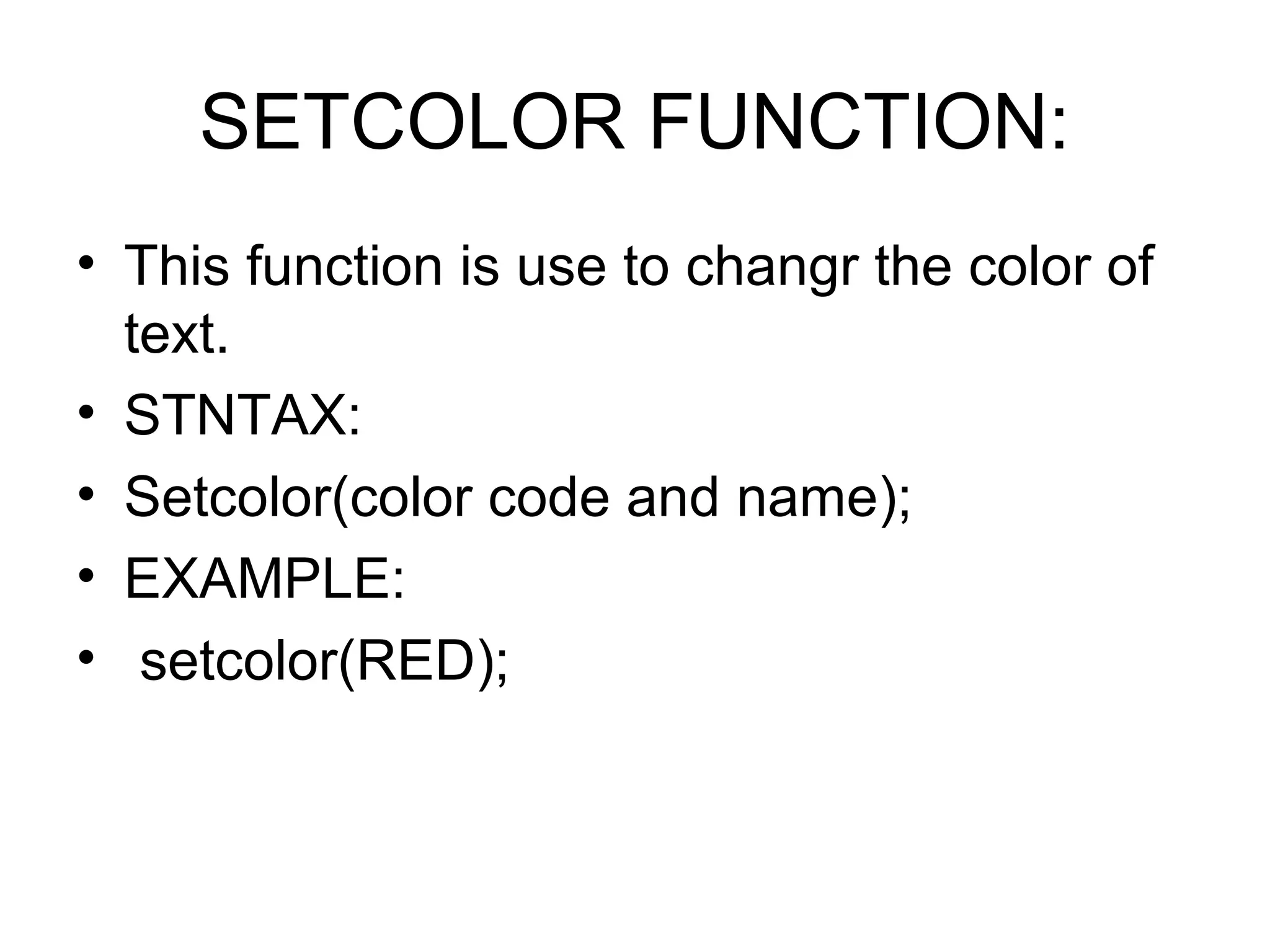
SETCOLOR FUNCTION:
• This function is use to changr the color of
  text.
• STNTAX:
• Setcolor(color code and name);
• EXAMPLE:
• setcolor(RED);
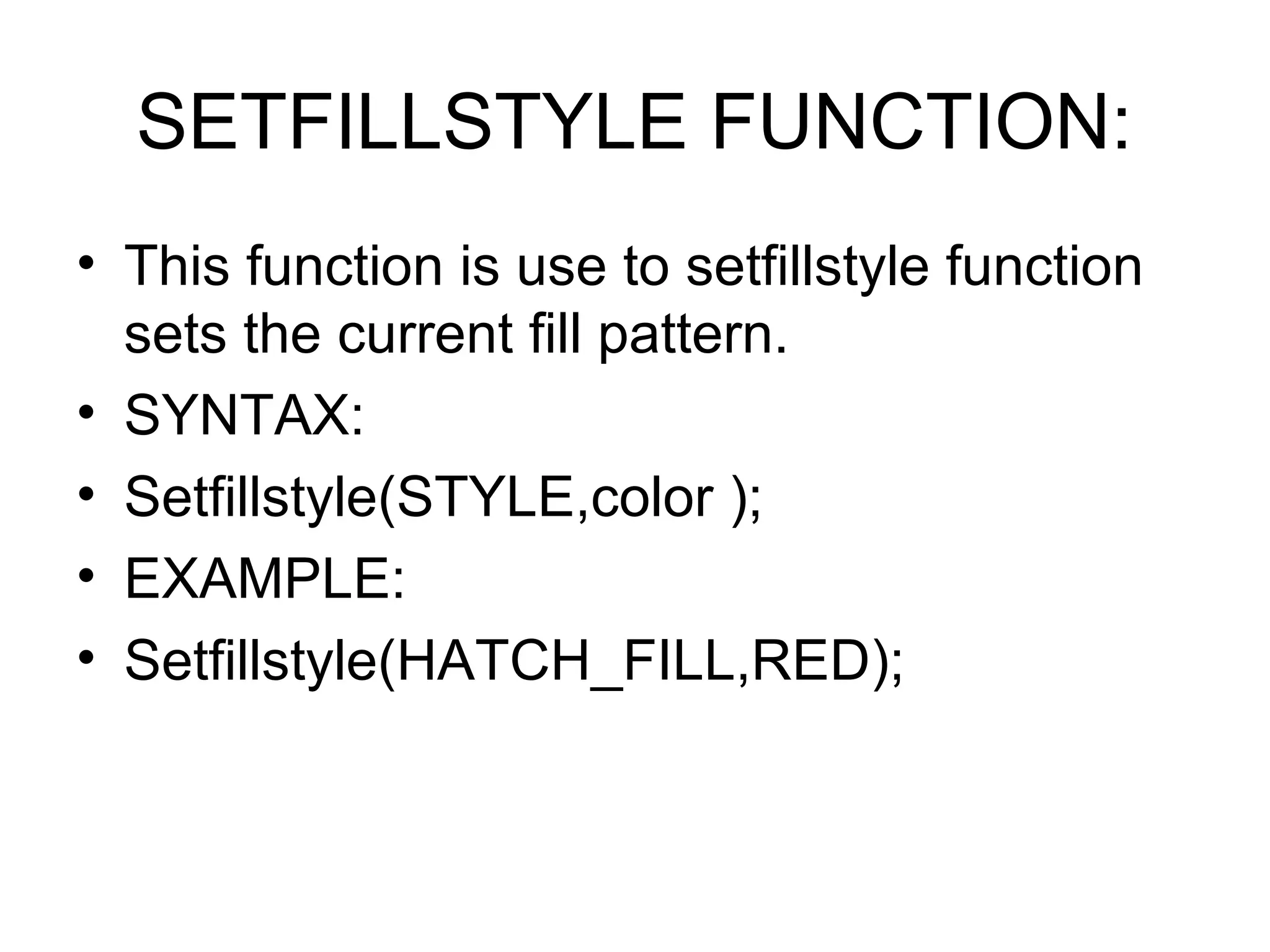
SETFILLSTYLE FUNCTION:
• This function is use to setfillstyle function
  sets the current fill pattern.
• SYNTAX:
• Setfillstyle(STYLE,color );
• EXAMPLE:
• Setfillstyle(HATCH_FILL,RED);
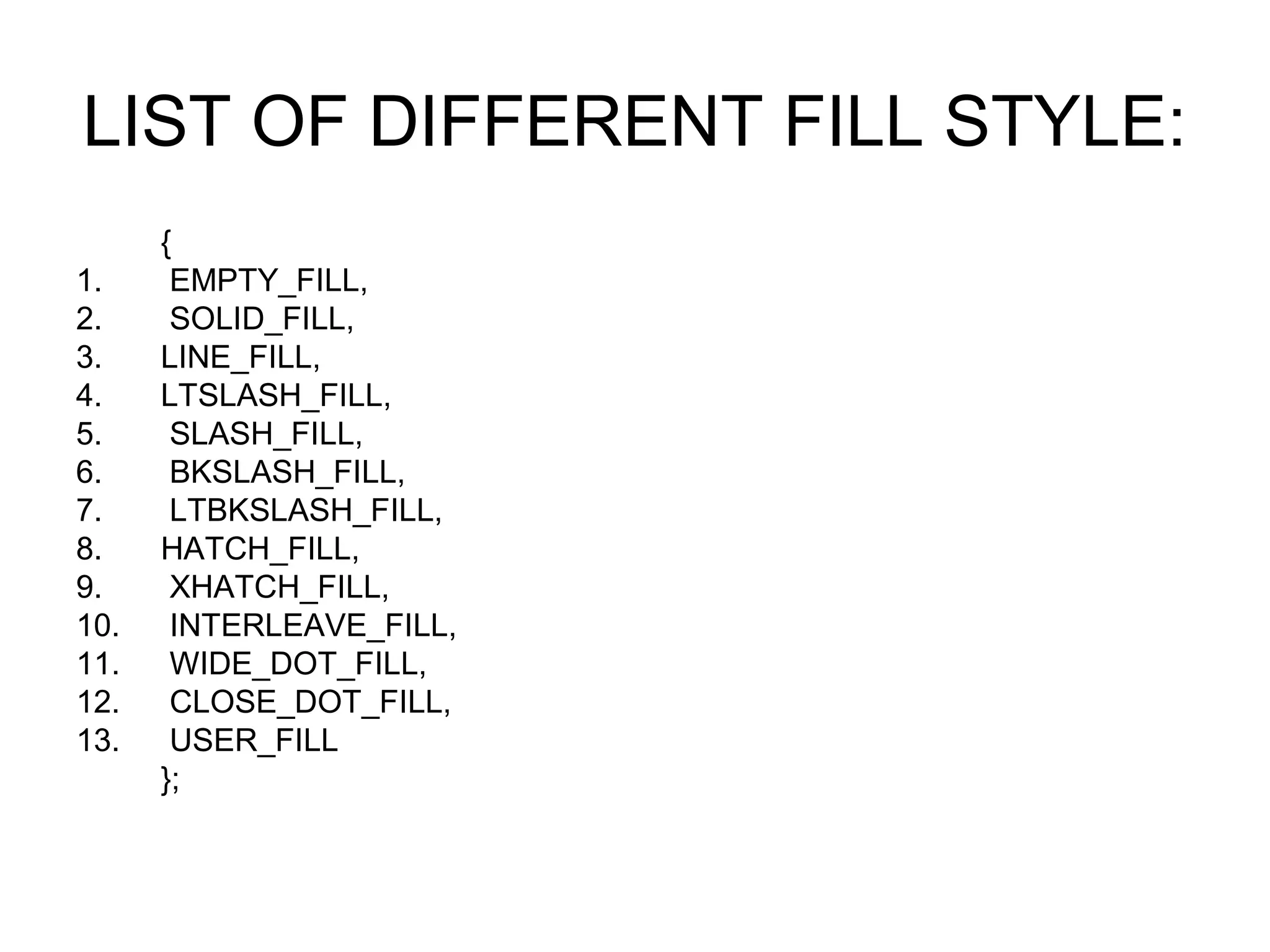
LIST OF DIFFERENT FILL STYLE:
      {
1.     EMPTY_FILL,
2.     SOLID_FILL,
3.    LINE_FILL,
4.    LTSLASH_FILL,
5.     SLASH_FILL,
6.     BKSLASH_FILL,
7.     LTBKSLASH_FILL,
8.    HATCH_FILL,
9.     XHATCH_FILL,
10.    INTERLEAVE_FILL,
11.    WIDE_DOT_FILL,
12.    CLOSE_DOT_FILL,
13.    USER_FILL
      };
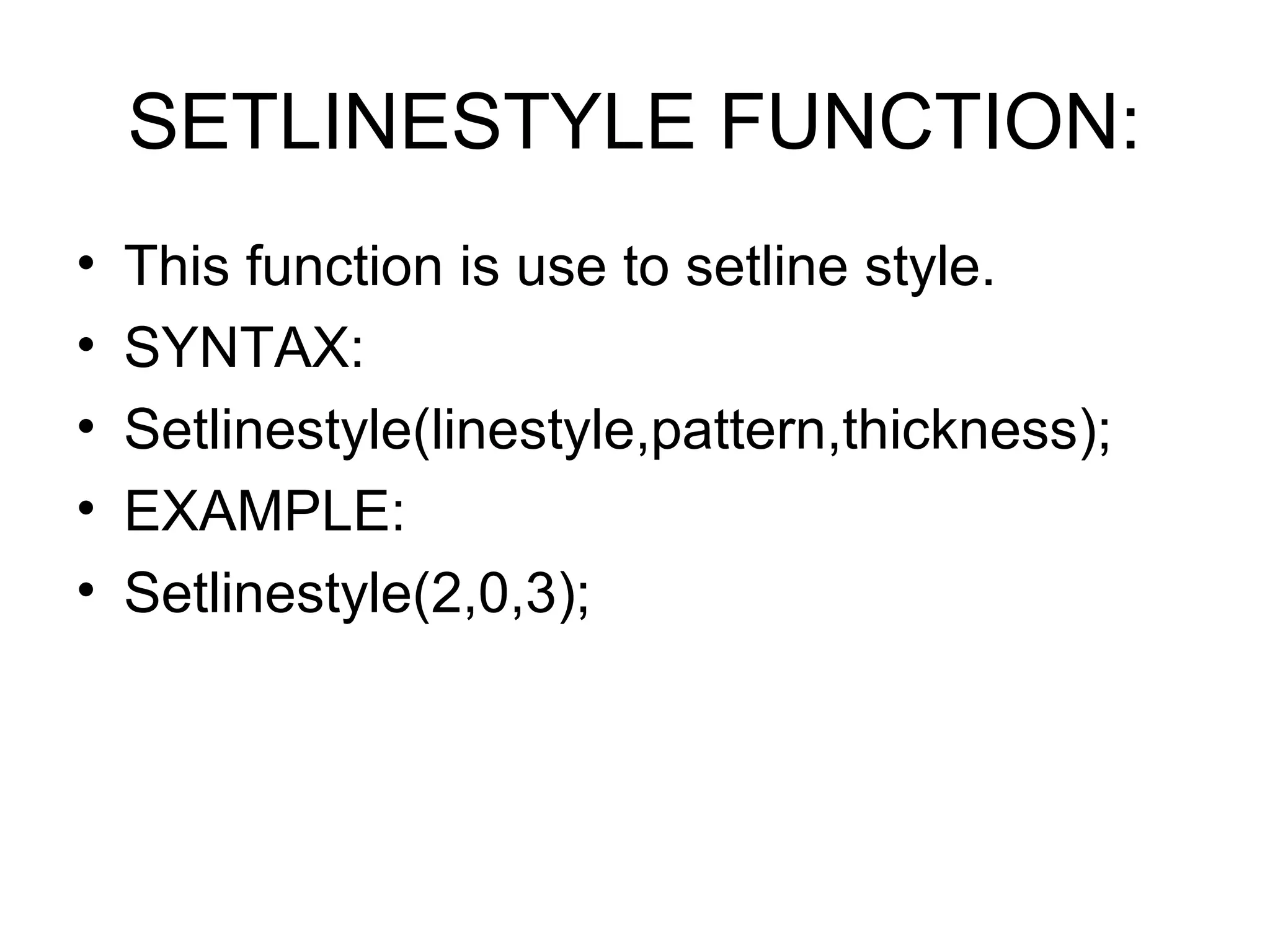
SETLINESTYLE FUNCTION:
•   This function is use to setline style.
•   SYNTAX:
•   Setlinestyle(linestyle,pattern,thickness);
•   EXAMPLE:
•   Setlinestyle(2,0,3);
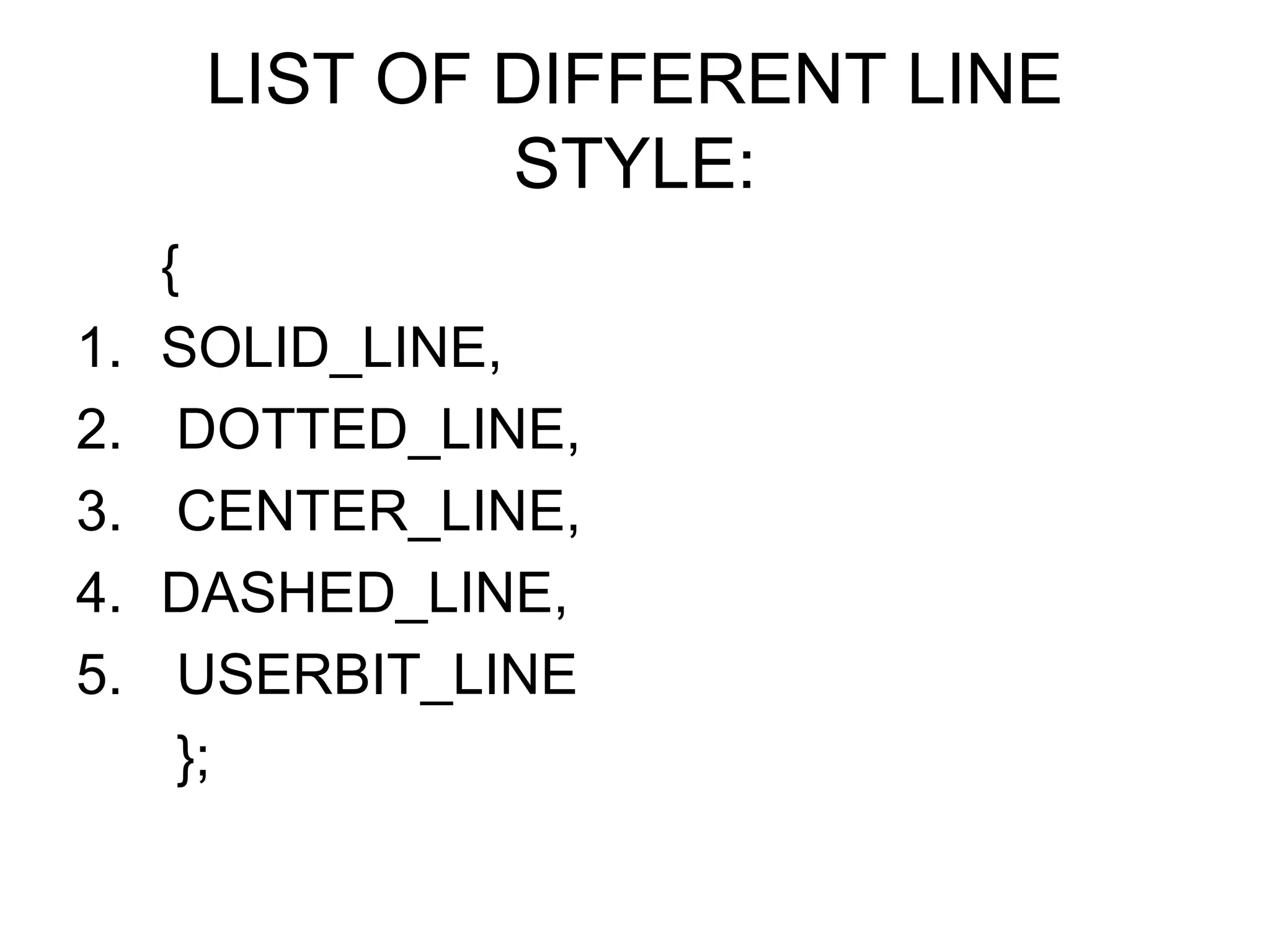
LIST OF DIFFERENT LINE
              STYLE:
     {
1.   SOLID_LINE,
2.    DOTTED_LINE,
3.    CENTER_LINE,
4.   DASHED_LINE,
5.    USERBIT_LINE
      };
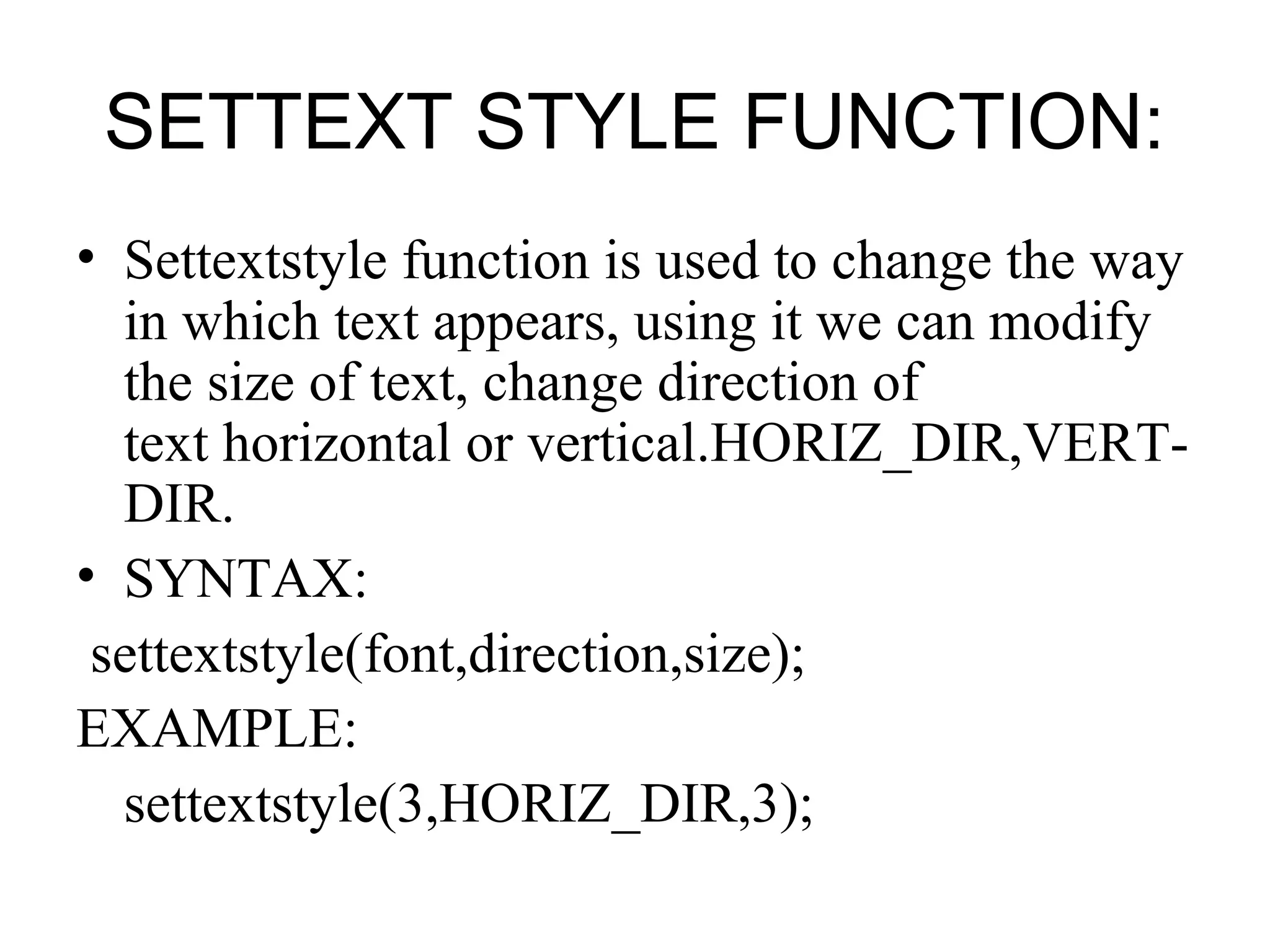
SETTEXT STYLE FUNCTION:
• Settextstyle function is used to change the way
  in which text appears, using it we can modify
  the size of text, change direction of
  text horizontal or vertical.HORIZ_DIR,VERT-
  DIR.
• SYNTAX:
 settextstyle(font,direction,size);
EXAMPLE:
  settextstyle(3,HORIZ_DIR,3);
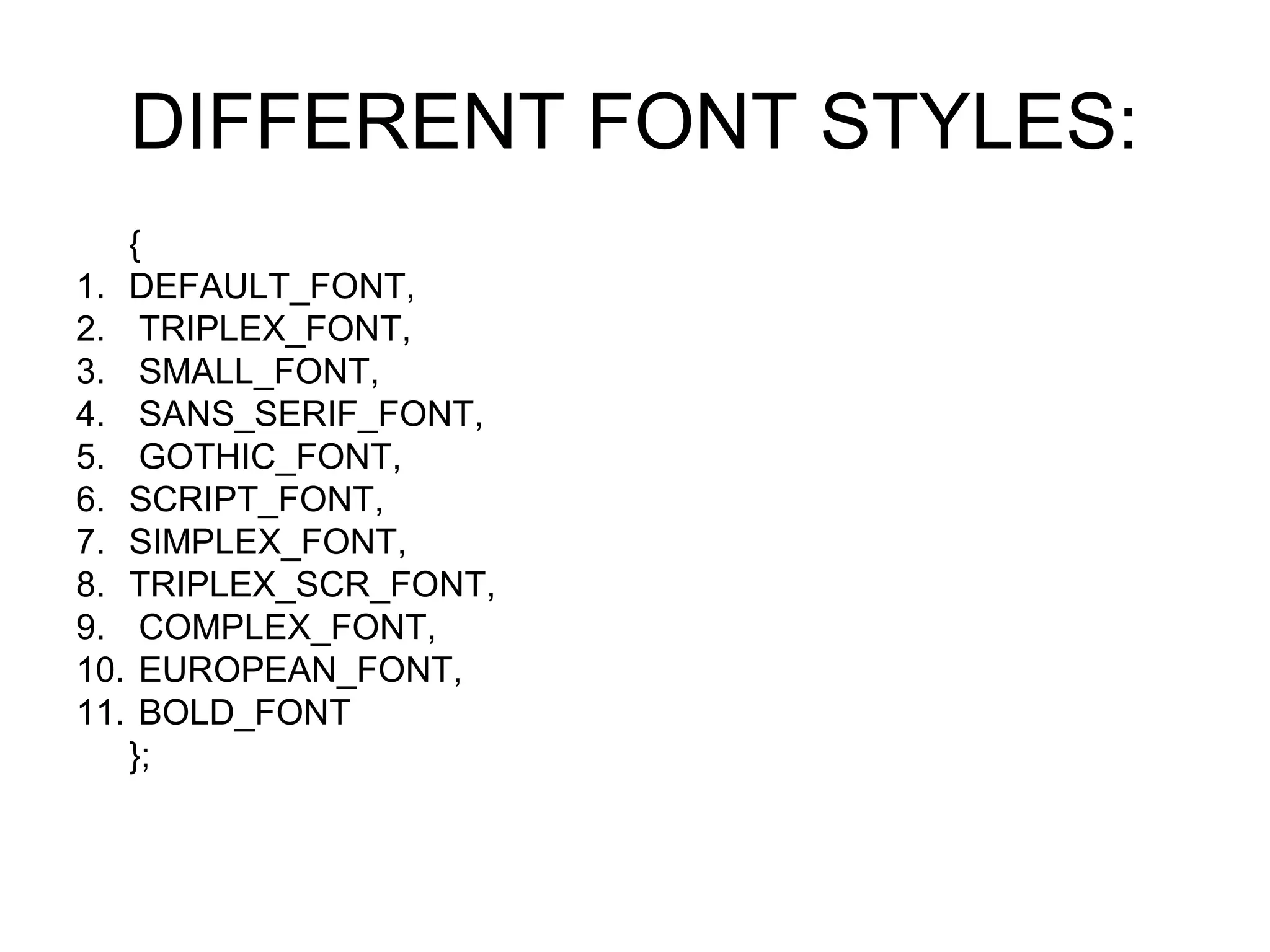
DIFFERENT FONT STYLES:
   {
1. DEFAULT_FONT,
2. TRIPLEX_FONT,
3. SMALL_FONT,
4. SANS_SERIF_FONT,
5. GOTHIC_FONT,
6. SCRIPT_FONT,
7. SIMPLEX_FONT,
8. TRIPLEX_SCR_FONT,
9. COMPLEX_FONT,
10. EUROPEAN_FONT,
11. BOLD_FONT
   };
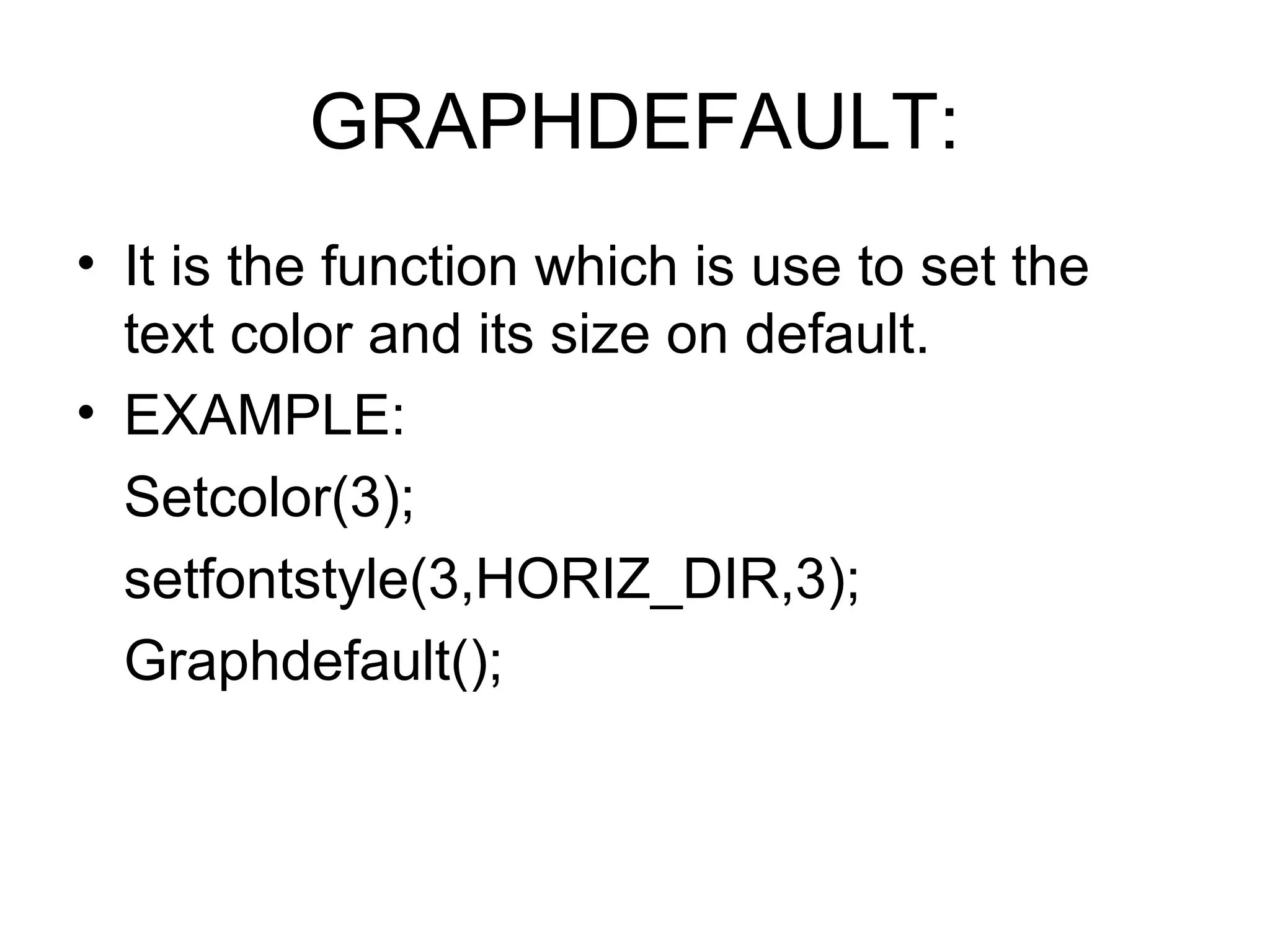
GRAPHDEFAULT:
• It is the function which is use to set the
  text color and its size on default.
• EXAMPLE:
  Setcolor(3);
  setfontstyle(3,HORIZ_DIR,3);
  Graphdefault();
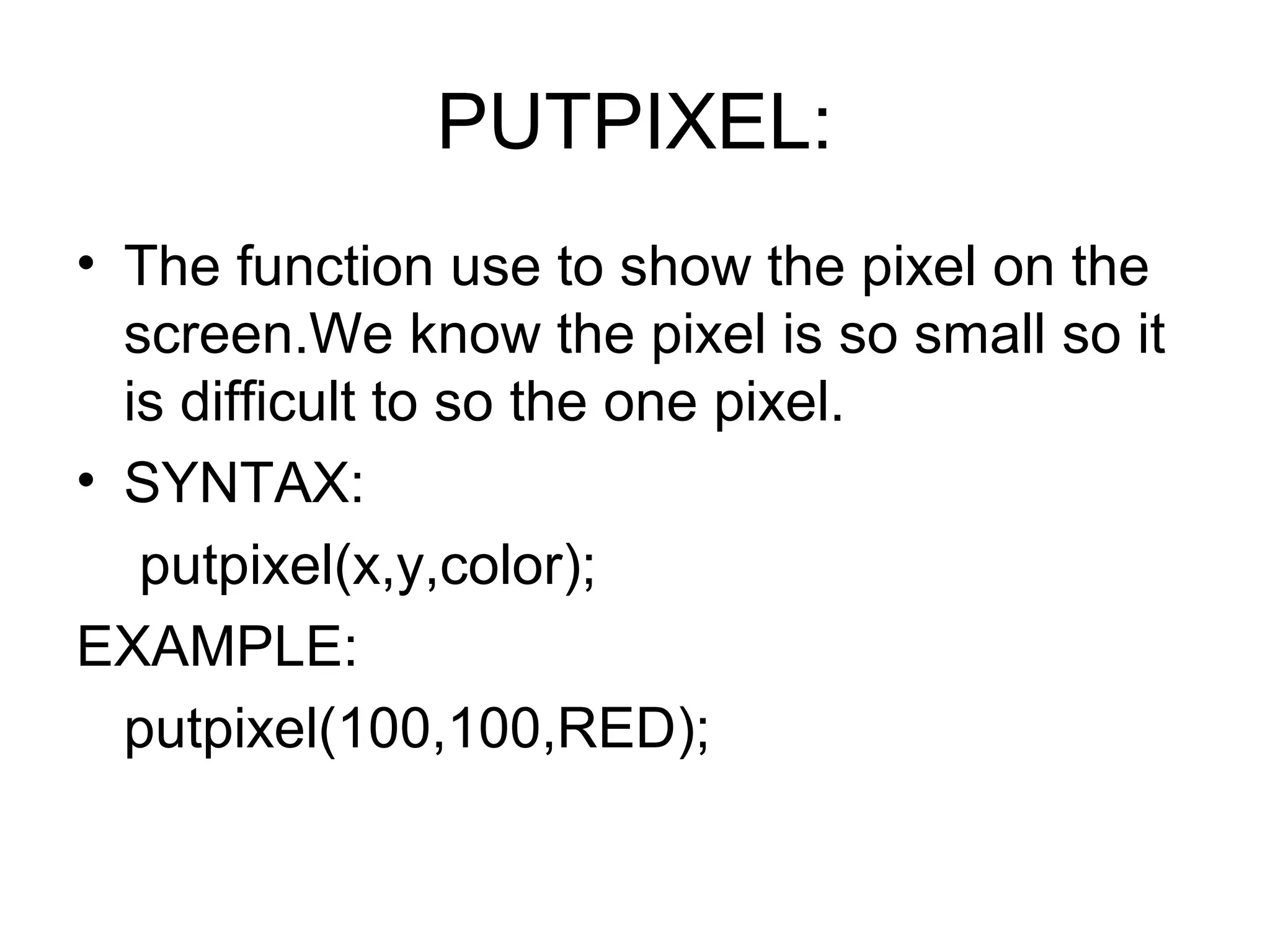
PUTPIXEL:
• The function use to show the pixel on the
  screen.We know the pixel is so small so it
  is difficult to so the one pixel.
• SYNTAX:
   putpixel(x,y,color);
EXAMPLE:
  putpixel(100,100,RED);
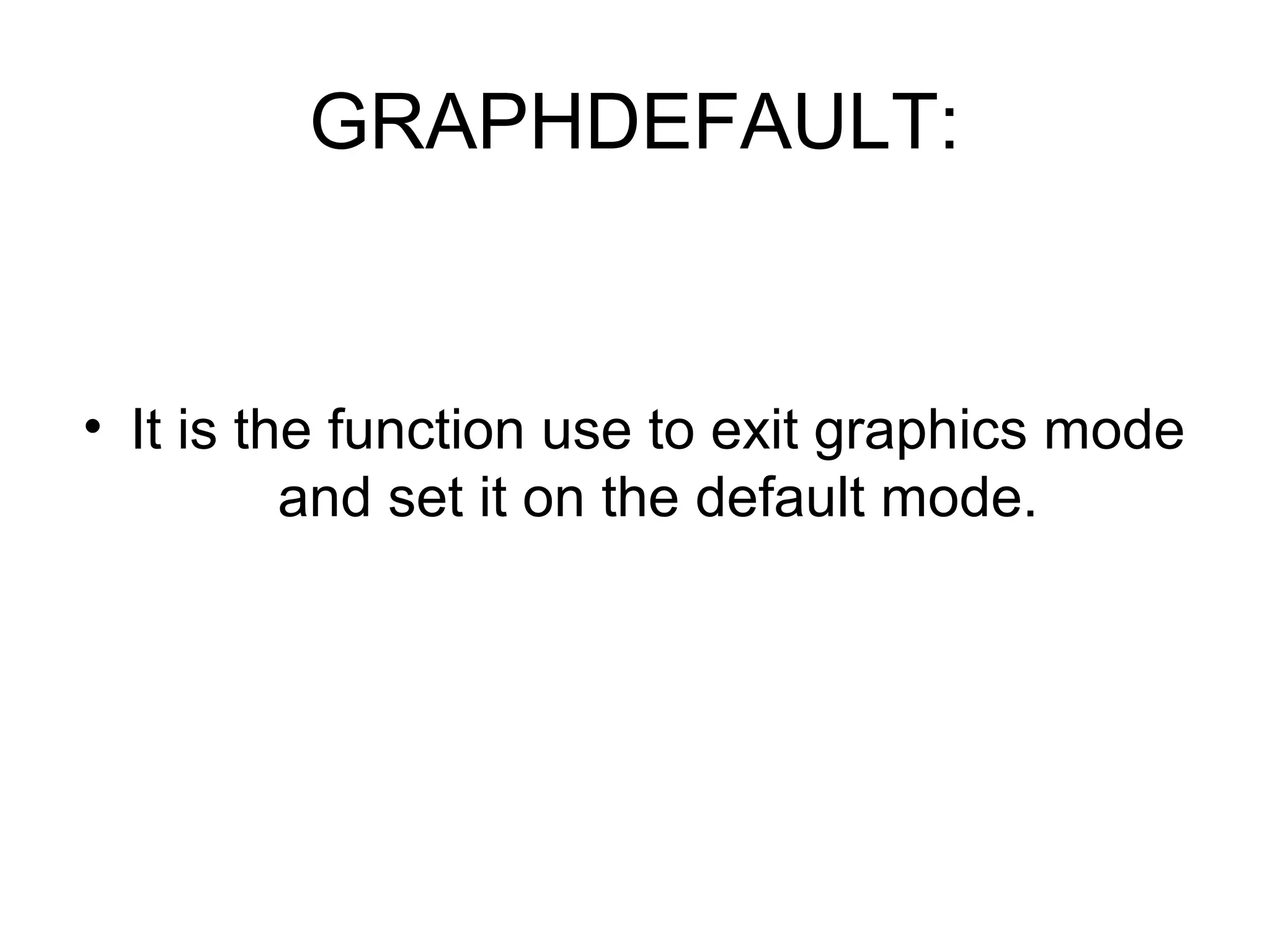
GRAPHDEFAULT:


• It is the function use to exit graphics mode
          and set it on the default mode.

Powerpointpresentation.c

  • 1.
    FOLLOWING STEP MUSTDONE: Following steps are very important when you want to go on the graphics mode : int gd= DETECT,gm; Initgraph(&gd,&gm,”C:TCBGI”);
  • 2.
    INT gd=DETECT,gm: • Thepurpose of this function is to detect all the drivers that store in your PC’”s.
  • 3.
    Gm: • It isthe function which is use to set your computer on graphics mode.
  • 4.
    Initgraph(&gd,&gm,”C:TCBGI”); • This isthe function which creates the graph on over screen which strating point is (0,0). • FIGURE:
  • 5.
    HOW TO DRAWAN ARC: SYNTAX TO DRAM AN ARC IS: ARC(X,Y,STARING ANGLE,ENDING ANGLE,RADIUS); EXAMPLE: ARC(100,100,0,135,50); WHERE STARTING TWO SHOW THE COORDINATES(100,100),AND SECOND TWO SHOW THE STARTING ANGLE AND ENDING ANGLE(0,135)OR THE LAST ONE SHOW THE RADIUS OF THE ARC(50).
  • 6.
    PROGRAM OF DRAWINGARC: #include<graphics.h> #include<conio.h> main() { int gd = DETECT, gm; initgraph(&gd, &gm, "C:TCBGI"); arc(100, 100, 0, 135, 50); getch(); closegraph(); return 0; }
  • 7.
    HOW TO DRAWA BAR: SYNTAX OF THE BAR IS: BAR(LEFT,TOP,RIGHT,BOTTOM); EXAMPLE: BAR(100,100,200,200); WHERE STARTING TWO SHOW THE VALUES OF X-COORDINATES(100,100) AND ENDING TWO SHOW THE Y-COORDINATES (200,200).
  • 8.
    HOW TO DRAWA CIRCLE: • SYNTAX OF THE CIRCLE: circle(x,y,radius); EXAMPLE: CIRCLE(100,100,50); WHERE STARTING TWO SHOW THE COORDINATES(X,Y) AND ONE IS THE RADIUS.
  • 9.
    CLEARDEVICE FUNCTION: • Cleardevicefunction is use to clear the function from the graphics mode. • Syntax: • Cleardevice(); • Don’t use the clrscr in graphics mode.
  • 10.
    HOW TO DRAMTHE ELLIPSE: • Syntax to draw the ellipse: • Ellipse(x,y,strat angle,end angle,radius from x coordinates,radius from y coordinates); • Where srtaring two is the coordinates position,other two is the strat or end of angle and last two show the radius from the x and y coordinates.
  • 11.
    HOW TO DRAMTHE FILLELLIPSE: • SYNTAX OF THE FILLELLIPSE: fillellipse(x,y,a radius,y radius); EXAMPLE: Fillellipse(100,100,50,25) Where strating two is the coordinates and the ending two is the radius from x,y coordinates.
  • 12.
    HOW TO DRAWA FLOODFILL: • SYNTAX OF FLOODFILL IS: • Floodfill(x,y,border); • EXAMPLE: • Floodfill(100,100,RED); • Here start two point show coordinates position and last one show color of border.
  • 13.
    MOVETO FUNCTION: • Movetofunction is use to move the function from one place to another. • SYNTAX: • moveto(x,y); • EXAMPLE: • Moveto(100,100); points show the coordinates position.
  • 14.
    HOW TO DRAWTHE LINE: • SYNTAX OF THE LINE: • Line(x,y,x,y); • EXAMPLE: • Line(100,100,200,200); • Where start two points show the starting point of line and other two point show the ending points of line.
  • 15.
    OUTTEXT FUNCTION: • Thisfunction is same as the function of printf(),it is also use to print the text on the screen but in graphics outtext is use in place of printf();. • SYNTAX: • Outtext(“text”); • EXAMPLE: • outtext(“quaid-e-azam”);.
  • 16.
    OUTTEXTXY FUNCTION: • Itis the function in which you print the prompt but in the position that you want . • SYNTAX: • Outtextxy(x,y,”text”); • EXAMPLE: • Outtextxy(100,100,”allama iqbal”);.
  • 17.
    HOW TO DRAWTHE RECTANGLE: • SYNTAX: rectangle(left,top,right,bottom); • EXAMPLE: rectangle(100,100,200,200); Where strating points show the values of first point values of (x,y) or second show the second values of(x,y).
  • 18.
    BACKGROUNDCOLOR FUNCTION: • Background color function is use to set the background color. SYNTAX: setbkcolor(colorname or code); EXAMPLE: Setbkcolor(red);
  • 19.
    SETCOLOR FUNCTION: • Thisfunction is use to changr the color of text. • STNTAX: • Setcolor(color code and name); • EXAMPLE: • setcolor(RED);
  • 20.
    SETFILLSTYLE FUNCTION: • Thisfunction is use to setfillstyle function sets the current fill pattern. • SYNTAX: • Setfillstyle(STYLE,color ); • EXAMPLE: • Setfillstyle(HATCH_FILL,RED);
  • 21.
    LIST OF DIFFERENTFILL STYLE: { 1. EMPTY_FILL, 2. SOLID_FILL, 3. LINE_FILL, 4. LTSLASH_FILL, 5. SLASH_FILL, 6. BKSLASH_FILL, 7. LTBKSLASH_FILL, 8. HATCH_FILL, 9. XHATCH_FILL, 10. INTERLEAVE_FILL, 11. WIDE_DOT_FILL, 12. CLOSE_DOT_FILL, 13. USER_FILL };
  • 22.
    SETLINESTYLE FUNCTION: • This function is use to setline style. • SYNTAX: • Setlinestyle(linestyle,pattern,thickness); • EXAMPLE: • Setlinestyle(2,0,3);
  • 23.
    LIST OF DIFFERENTLINE STYLE: { 1. SOLID_LINE, 2. DOTTED_LINE, 3. CENTER_LINE, 4. DASHED_LINE, 5. USERBIT_LINE };
  • 24.
    SETTEXT STYLE FUNCTION: •Settextstyle function is used to change the way in which text appears, using it we can modify the size of text, change direction of text horizontal or vertical.HORIZ_DIR,VERT- DIR. • SYNTAX: settextstyle(font,direction,size); EXAMPLE: settextstyle(3,HORIZ_DIR,3);
  • 25.
    DIFFERENT FONT STYLES: { 1. DEFAULT_FONT, 2. TRIPLEX_FONT, 3. SMALL_FONT, 4. SANS_SERIF_FONT, 5. GOTHIC_FONT, 6. SCRIPT_FONT, 7. SIMPLEX_FONT, 8. TRIPLEX_SCR_FONT, 9. COMPLEX_FONT, 10. EUROPEAN_FONT, 11. BOLD_FONT };
  • 26.
    GRAPHDEFAULT: • It isthe function which is use to set the text color and its size on default. • EXAMPLE: Setcolor(3); setfontstyle(3,HORIZ_DIR,3); Graphdefault();
  • 27.
    PUTPIXEL: • The functionuse to show the pixel on the screen.We know the pixel is so small so it is difficult to so the one pixel. • SYNTAX: putpixel(x,y,color); EXAMPLE: putpixel(100,100,RED);
  • 28.
    GRAPHDEFAULT: • It isthe function use to exit graphics mode and set it on the default mode.