Graphics in C++
Graphics
It is used to create different
shapes in different colours.
2Computer Science Department
.
Requirements
IT requires a graphics monitor, and also graphics
card such as VGA, SVGA, EGA.
Graphics includes:
• Lines in different colors and styles.
• Different shapes like circles, rectangles in different
styles.
• Text in different fonts, sizes, and style.
3Computer Science Department
Files needed with C++ compiler to work in Graphics
• The header file “graphics.h” it contains built-in graphic
functions.
• Borland Graphics Interface (BGI) files. These files
contain graphics driver programs that initialize the
computer monitor into graphics mode.
• BGI files have BGI extension.
4Computer science Department
Display Mode
• Text mode
• Graphics mode
5Computer Science Department
Text Mode
In text mode only text can be displayed .
The images and the other graphics can not be displayed.
6Computer Science Department
Graphics Mode
• Images and other graphics can be displayed.
• The output is displayed on the computer
screen in points or pixels.
VGA Monitor
In the VGA monitor, the screen is divided into
480 rows and 640 columns of dots. Thus the
VGA monitor screen is divided into 640x480
pixels. The number of dots per inch is called
resolution of the screen
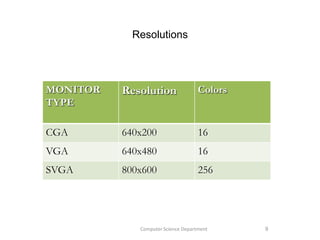
Resolutions
MONITOR
TYPE
Resolution Colors
CGA 640x200 16
VGA 640x480 16
SVGA 800x600 256
9Computer Science Department
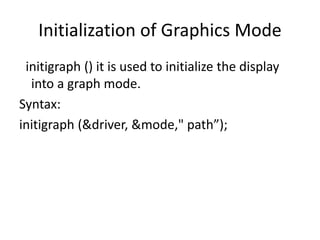
Initialization of Graphics Mode
initigraph () it is used to initialize the display
into a graph mode.
Syntax:
initigraph (&driver, &mode," path”);
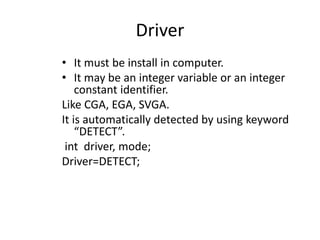
Driver
• It must be install in computer.
• It may be an integer variable or an integer
constant identifier.
Like CGA, EGA, SVGA.
It is automatically detected by using keyword
“DETECT”.
int driver, mode;
Driver=DETECT;
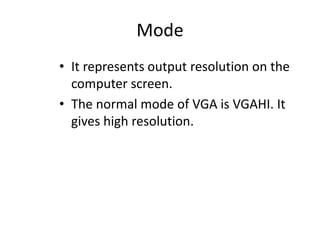
Mode
• It represents output resolution on the
computer screen.
• The normal mode of VGA is VGAHI. It
gives high resolution.
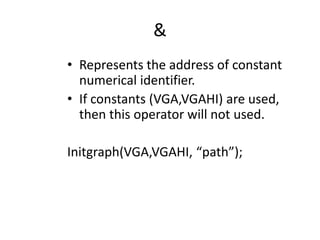
&
• Represents the address of constant
numerical identifier.
• If constants (VGA,VGAHI) are used,
then this operator will not used.
Initgraph(VGA,VGAHI, “path”);
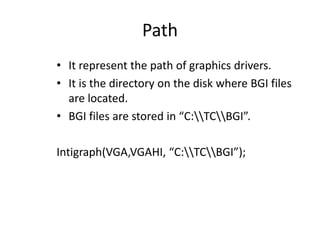
Path
• It represent the path of graphics drivers.
• It is the directory on the disk where BGI files
are located.
• BGI files are stored in “C:TCBGI”.
Intigraph(VGA,VGAHI, “C:TCBGI”);
.
FUNCTIONS
“Cleardevice”
• It is used to clear the screen in graphics
mode.
• Similar to “clrscr” function.
Syntax:
cleardevice();
Closing graphics Mode
“closegraph” function is used to restore
the screen to the text mode.
Syntax:
closegraph();
Text in graphics Mode
Text can also be written in different
fonts, styles, sizes, colors and
directions.
“outtext” Function
It is used to print text on the computer
screen in graphics mode.
Syntax:
outtext(string);
String: it represents the characters.
it enclosed into a double quotes.
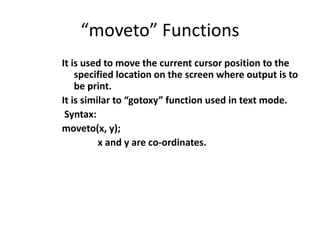
“moveto” Functions
It is used to move the current cursor position to the
specified location on the screen where output is to
be print.
It is similar to “gotoxy” function used in text mode.
Syntax:
moveto(x, y);
x and y are co-ordinates.
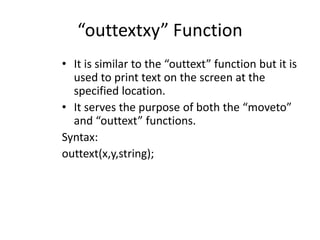
“outtextxy” Function
• It is similar to the “outtext” function but it is
used to print text on the screen at the
specified location.
• It serves the purpose of both the “moveto”
and “outtext” functions.
Syntax:
outtext(x,y,string);
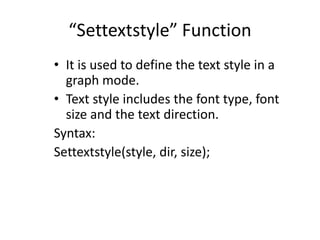
“Settextstyle” Function
• It is used to define the text style in a
graph mode.
• Text style includes the font type, font
size and the text direction.
Syntax:
Settextstyle(style, dir, size);
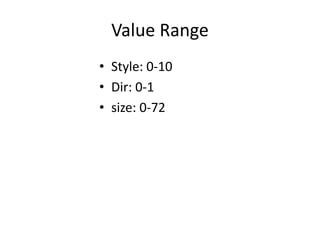
Value Range
• Style: 0-10
• Dir: 0-1
• size: 0-72
“setcolor” Function
• It is used to define color of the object and
the text in graphics mode.
Syntax:
Setcolor(co);
• co: represent the color.
Its value from 0-15, it may also be numerical
constant identifier, like BLUE,GREEN etc…
“setbkcolor” Function
• It is used to define the background
color of the screen.
Syntax:
setbkcolor(co);
Creating Objects in Graphics Mode
Different objects like lines, circles,
rectangles and many other shapes are
created in graph mode using various
built-in functions.
“circle” Function
It is use to draw a circle on the screen.
Syntax:
circle(x,y,radious);
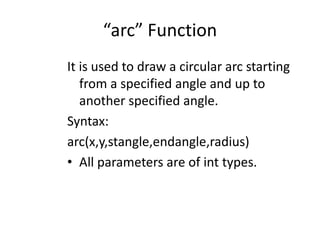
“arc” Function
It is used to draw a circular arc starting
from a specified angle and up to
another specified angle.
Syntax:
arc(x,y,stangle,endangle,radius)
• All parameters are of int types.
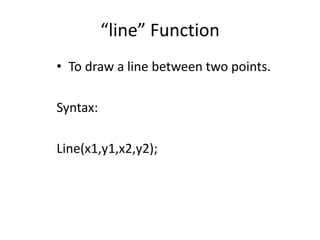
“line” Function
• To draw a line between two points.
Syntax:
Line(x1,y1,x2,y2);
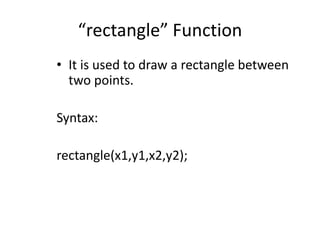
“rectangle” Function
• It is used to draw a rectangle between
two points.
Syntax:
rectangle(x1,y1,x2,y2);
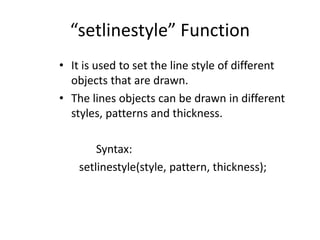
“setlinestyle” Function
• It is used to set the line style of different
objects that are drawn.
• The lines objects can be drawn in different
styles, patterns and thickness.
Syntax:
setlinestyle(style, pattern, thickness);
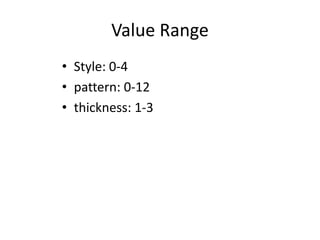
Value Range
• Style: 0-4
• pattern: 0-12
• thickness: 1-3

Graphics mod

  • 1.
  • 2.
    Graphics It is usedto create different shapes in different colours. 2Computer Science Department .
  • 3.
    Requirements IT requires agraphics monitor, and also graphics card such as VGA, SVGA, EGA. Graphics includes: • Lines in different colors and styles. • Different shapes like circles, rectangles in different styles. • Text in different fonts, sizes, and style. 3Computer Science Department
  • 4.
    Files needed withC++ compiler to work in Graphics • The header file “graphics.h” it contains built-in graphic functions. • Borland Graphics Interface (BGI) files. These files contain graphics driver programs that initialize the computer monitor into graphics mode. • BGI files have BGI extension. 4Computer science Department
  • 5.
    Display Mode • Textmode • Graphics mode 5Computer Science Department
  • 6.
    Text Mode In textmode only text can be displayed . The images and the other graphics can not be displayed. 6Computer Science Department
  • 7.
    Graphics Mode • Imagesand other graphics can be displayed. • The output is displayed on the computer screen in points or pixels.
  • 8.
    VGA Monitor In theVGA monitor, the screen is divided into 480 rows and 640 columns of dots. Thus the VGA monitor screen is divided into 640x480 pixels. The number of dots per inch is called resolution of the screen
  • 9.
    Resolutions MONITOR TYPE Resolution Colors CGA 640x20016 VGA 640x480 16 SVGA 800x600 256 9Computer Science Department
  • 10.
    Initialization of GraphicsMode initigraph () it is used to initialize the display into a graph mode. Syntax: initigraph (&driver, &mode," path”);
  • 11.
    Driver • It mustbe install in computer. • It may be an integer variable or an integer constant identifier. Like CGA, EGA, SVGA. It is automatically detected by using keyword “DETECT”. int driver, mode; Driver=DETECT;
  • 12.
    Mode • It representsoutput resolution on the computer screen. • The normal mode of VGA is VGAHI. It gives high resolution.
  • 13.
    & • Represents theaddress of constant numerical identifier. • If constants (VGA,VGAHI) are used, then this operator will not used. Initgraph(VGA,VGAHI, “path”);
  • 14.
    Path • It representthe path of graphics drivers. • It is the directory on the disk where BGI files are located. • BGI files are stored in “C:TCBGI”. Intigraph(VGA,VGAHI, “C:TCBGI”);
  • 15.
  • 16.
    “Cleardevice” • It isused to clear the screen in graphics mode. • Similar to “clrscr” function. Syntax: cleardevice();
  • 17.
    Closing graphics Mode “closegraph”function is used to restore the screen to the text mode. Syntax: closegraph();
  • 18.
    Text in graphicsMode Text can also be written in different fonts, styles, sizes, colors and directions.
  • 19.
    “outtext” Function It isused to print text on the computer screen in graphics mode. Syntax: outtext(string); String: it represents the characters. it enclosed into a double quotes.
  • 20.
    “moveto” Functions It isused to move the current cursor position to the specified location on the screen where output is to be print. It is similar to “gotoxy” function used in text mode. Syntax: moveto(x, y); x and y are co-ordinates.
  • 21.
    “outtextxy” Function • Itis similar to the “outtext” function but it is used to print text on the screen at the specified location. • It serves the purpose of both the “moveto” and “outtext” functions. Syntax: outtext(x,y,string);
  • 22.
    “Settextstyle” Function • Itis used to define the text style in a graph mode. • Text style includes the font type, font size and the text direction. Syntax: Settextstyle(style, dir, size);
  • 23.
    Value Range • Style:0-10 • Dir: 0-1 • size: 0-72
  • 24.
    “setcolor” Function • Itis used to define color of the object and the text in graphics mode. Syntax: Setcolor(co); • co: represent the color. Its value from 0-15, it may also be numerical constant identifier, like BLUE,GREEN etc…
  • 25.
    “setbkcolor” Function • Itis used to define the background color of the screen. Syntax: setbkcolor(co);
  • 26.
    Creating Objects inGraphics Mode Different objects like lines, circles, rectangles and many other shapes are created in graph mode using various built-in functions.
  • 27.
    “circle” Function It isuse to draw a circle on the screen. Syntax: circle(x,y,radious);
  • 28.
    “arc” Function It isused to draw a circular arc starting from a specified angle and up to another specified angle. Syntax: arc(x,y,stangle,endangle,radius) • All parameters are of int types.
  • 29.
    “line” Function • Todraw a line between two points. Syntax: Line(x1,y1,x2,y2);
  • 30.
    “rectangle” Function • Itis used to draw a rectangle between two points. Syntax: rectangle(x1,y1,x2,y2);
  • 31.
    “setlinestyle” Function • Itis used to set the line style of different objects that are drawn. • The lines objects can be drawn in different styles, patterns and thickness. Syntax: setlinestyle(style, pattern, thickness);
  • 32.
    Value Range • Style:0-4 • pattern: 0-12 • thickness: 1-3