Download to read offline




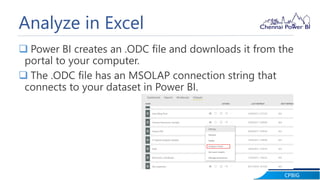

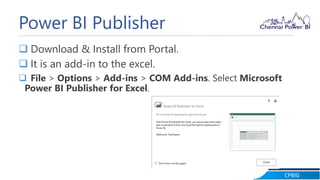
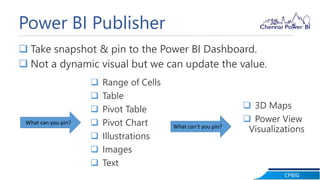
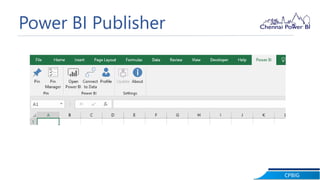



Hariharan Rajendran gave a presentation on analyzing data in Excel using Power BI. He demonstrated how to connect an Excel workbook to a dataset in Power BI using Analyze in Excel. This allows users to analyze predefined measures from Power BI in Excel. He also demonstrated Power BI Publisher, which allows users to take snapshots of visualizations, tables, and other objects from Excel and pin them as visuals to the Power BI dashboard.


