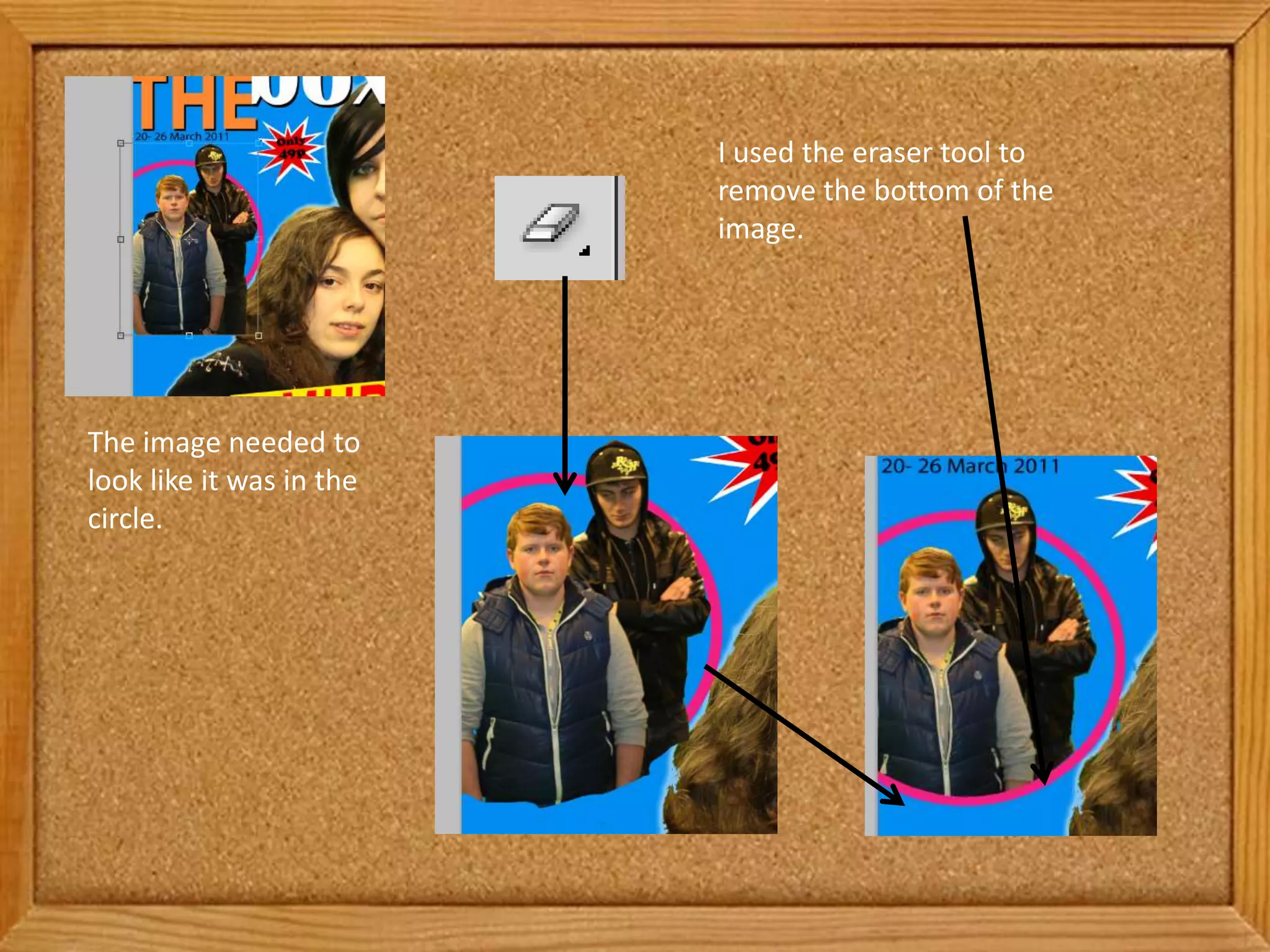
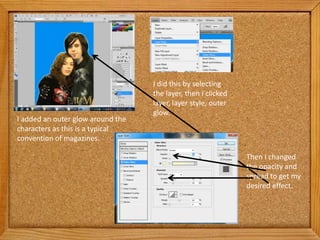
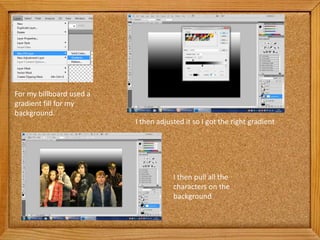
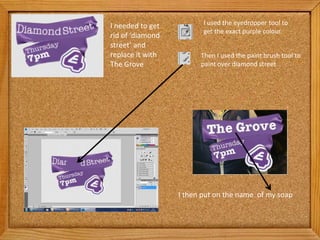
The document describes editing an image in several steps: erasing the bottom to make it fit in a circle, adding an outer glow to text to mimic magazine style, adjusting opacity and spread of the glow, using a gradient fill for the background and adjusting it, pulling characters onto the background, using the eyedropper tool to get a color and painting over text with that color, and adding new text.