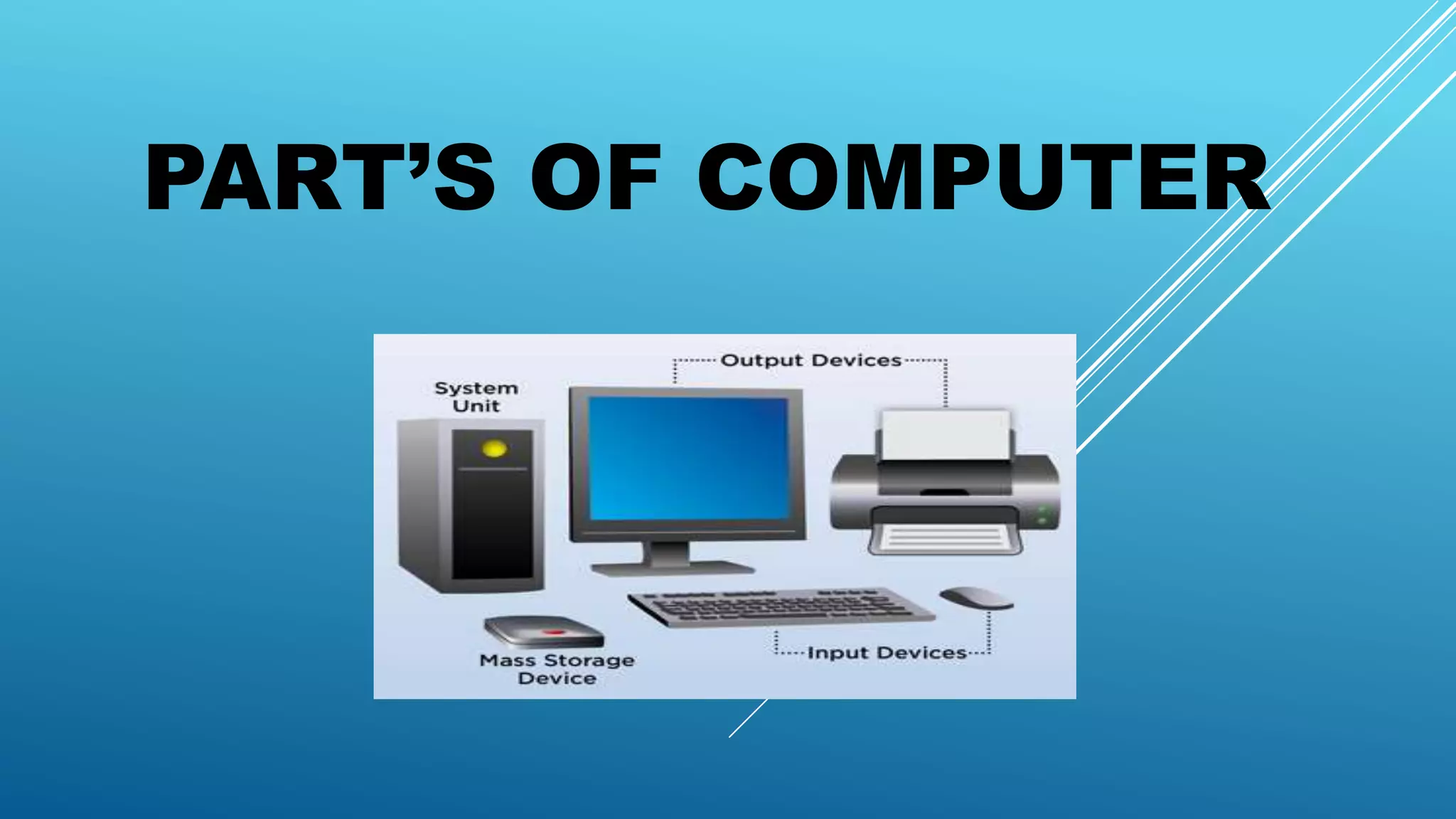
PART’S OF COMPUTER
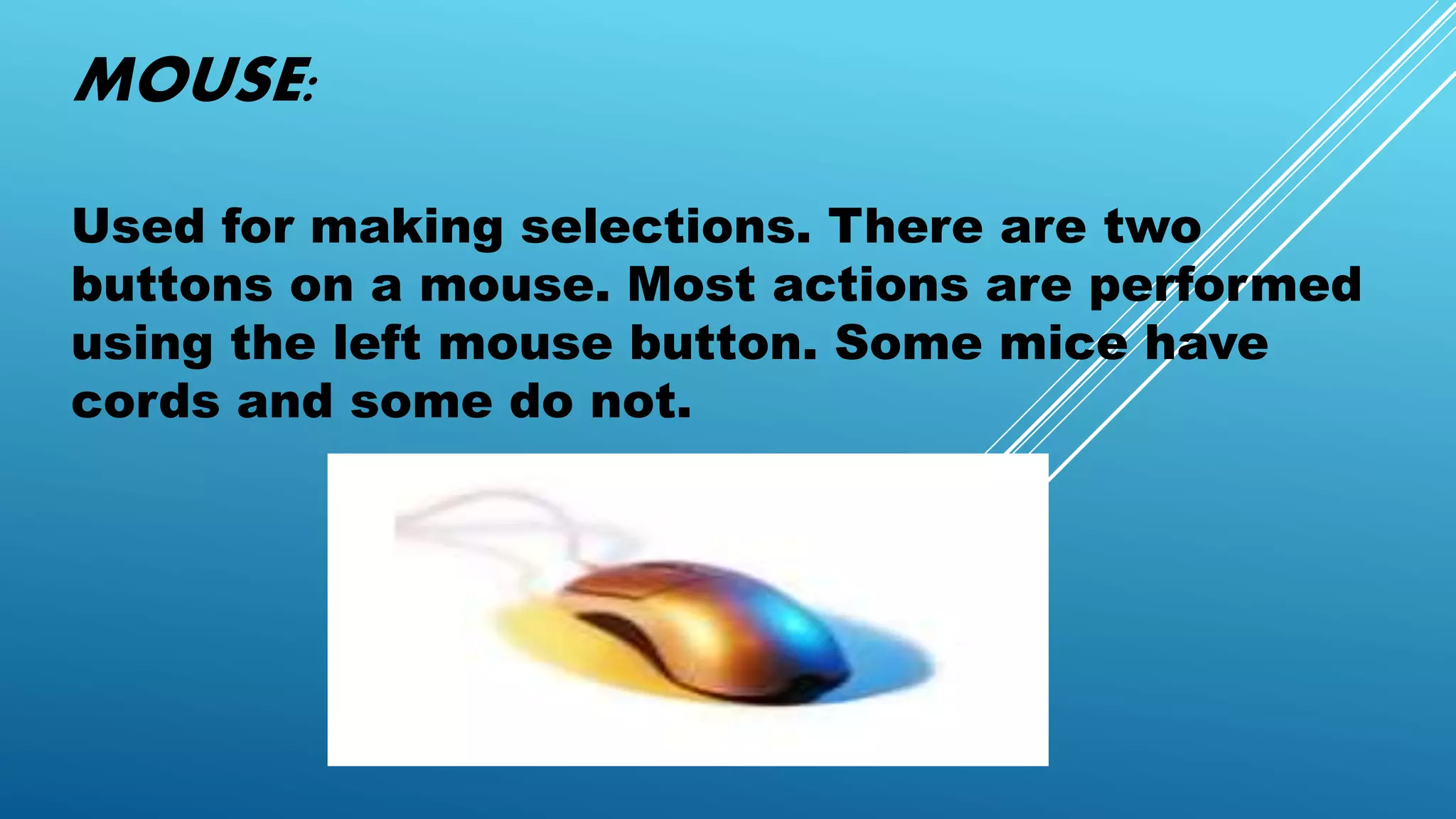
MOUSE:
Used for making selections. There are two
buttons on a mouse. Most actions are performed
using the left mouse button. Some mice have
cords and some do not.
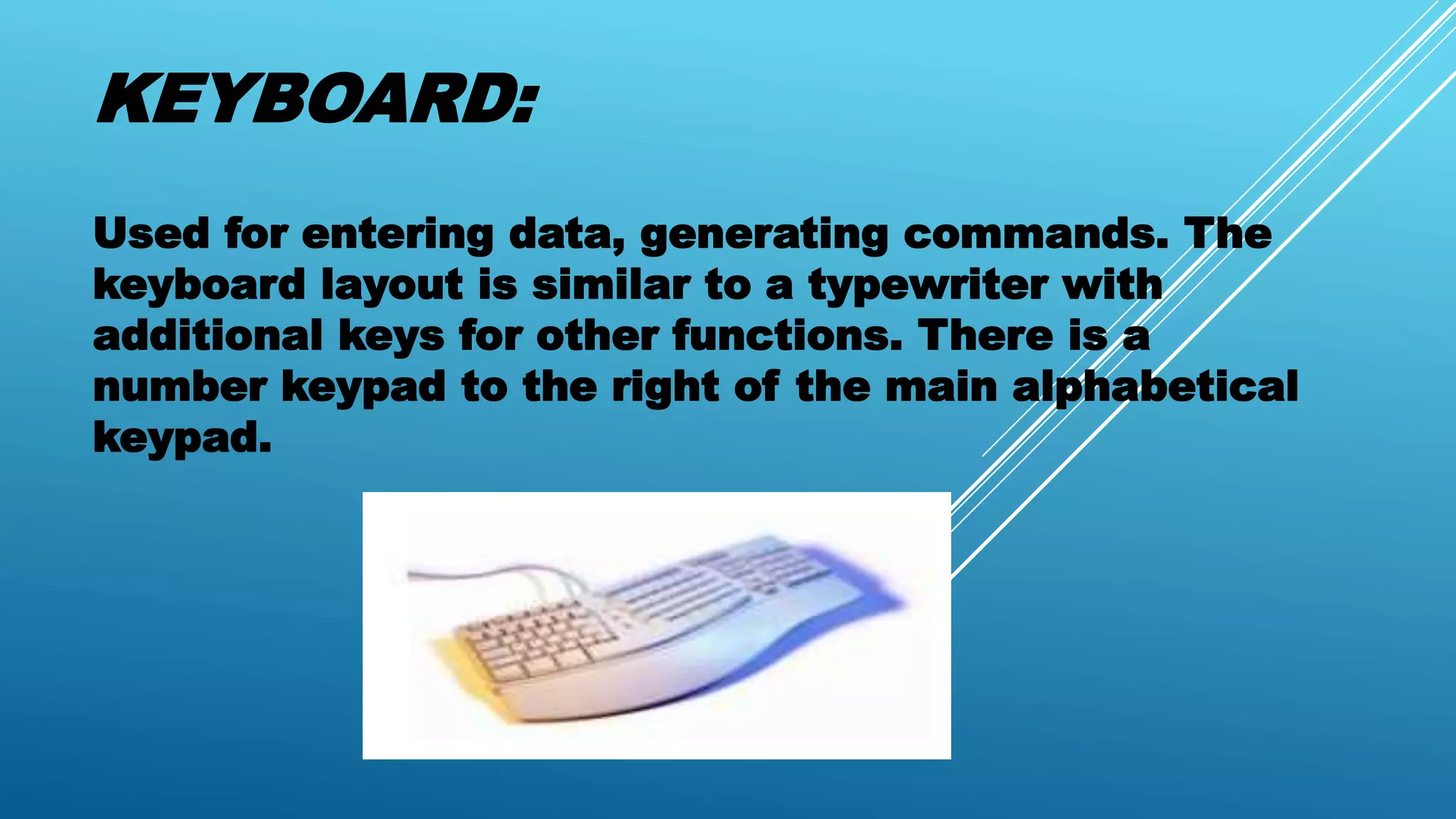
KEYBOARD:
Used for entering data, generating commands. The
keyboard layout is similar to a typewriter with
additional keys for other functions. There is a
number keypad to the right of the main alphabetical
keypad.
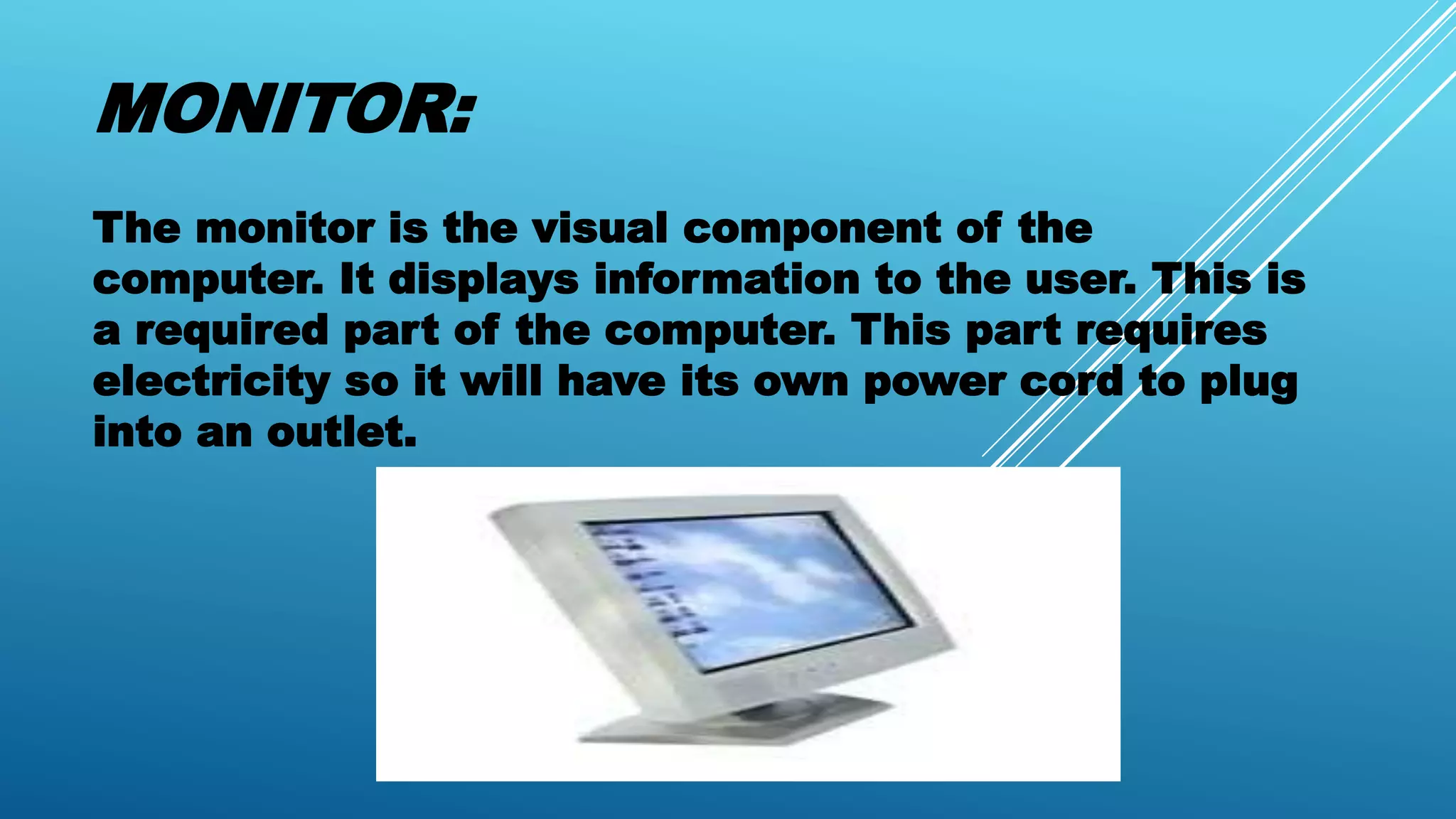
MONITOR:
The monitor is the visual component of the
computer. It displays information to the user. This is
a required part of the computer. This part requires
electricity so it will have its own power cord to plug
into an outlet.
SPEAKER:
The speakers are the audio component of the
computer.
COMPUTER SYSTEM UNIT:
This is where everything comes together to work. The
system box holds the central processing unit to act as the
brains of the computer. The unit contains the
motherboard which is the main circuitry for the system.
The power supply for the main computer is located in the
unit. All the other parts including the monitor, mouse,
keyboard, speakers, and others join at the unit to become
a functional system.
PRINTER:
The printer is used to develop a hard copy or paper
copy of a document or picture. The printer
connects to the computer and requires the use of
its own power cord.
COMPACT DISK(CD):
This device is used for storage. Some CDs hold
information to be loaded into a computer. Some are
used to hold information from the computer. It
depends on what type of CD it is.
THUBM DRIVE:
The thumb drive is a portable storage device. You
use it store information from a computer and use
it on another system. They are also known as
flash drives.
THE END… 

Part’s of computer

  • 1.
  • 2.
    MOUSE: Used for makingselections. There are two buttons on a mouse. Most actions are performed using the left mouse button. Some mice have cords and some do not.
  • 3.
    KEYBOARD: Used for enteringdata, generating commands. The keyboard layout is similar to a typewriter with additional keys for other functions. There is a number keypad to the right of the main alphabetical keypad.
  • 4.
    MONITOR: The monitor isthe visual component of the computer. It displays information to the user. This is a required part of the computer. This part requires electricity so it will have its own power cord to plug into an outlet.
  • 5.
    SPEAKER: The speakers arethe audio component of the computer.
  • 6.
    COMPUTER SYSTEM UNIT: Thisis where everything comes together to work. The system box holds the central processing unit to act as the brains of the computer. The unit contains the motherboard which is the main circuitry for the system. The power supply for the main computer is located in the unit. All the other parts including the monitor, mouse, keyboard, speakers, and others join at the unit to become a functional system.
  • 7.
    PRINTER: The printer isused to develop a hard copy or paper copy of a document or picture. The printer connects to the computer and requires the use of its own power cord.
  • 8.
    COMPACT DISK(CD): This deviceis used for storage. Some CDs hold information to be loaded into a computer. Some are used to hold information from the computer. It depends on what type of CD it is.
  • 9.
    THUBM DRIVE: The thumbdrive is a portable storage device. You use it store information from a computer and use it on another system. They are also known as flash drives.
  • 10.