Plan of Attack
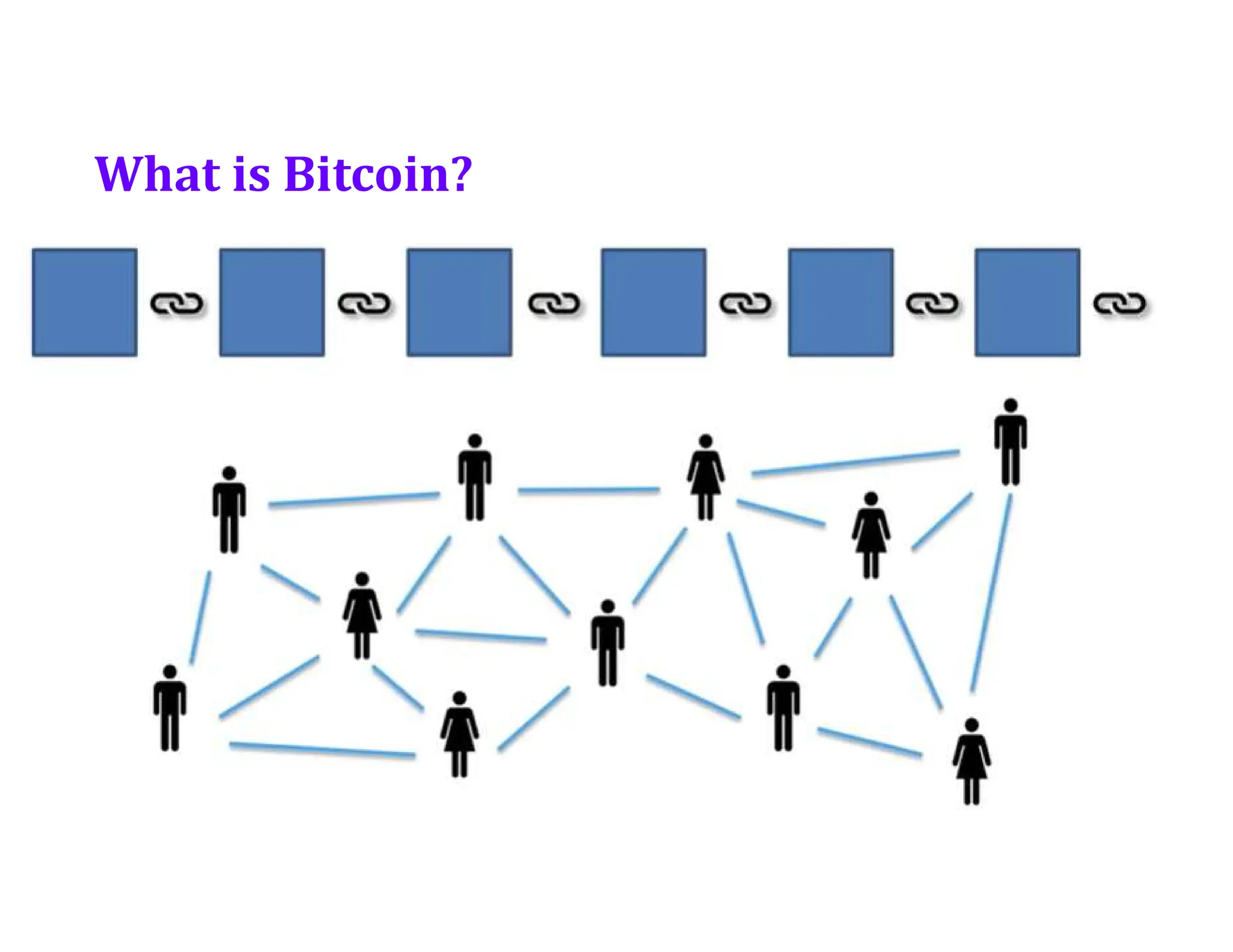
•What is Bitcoin?
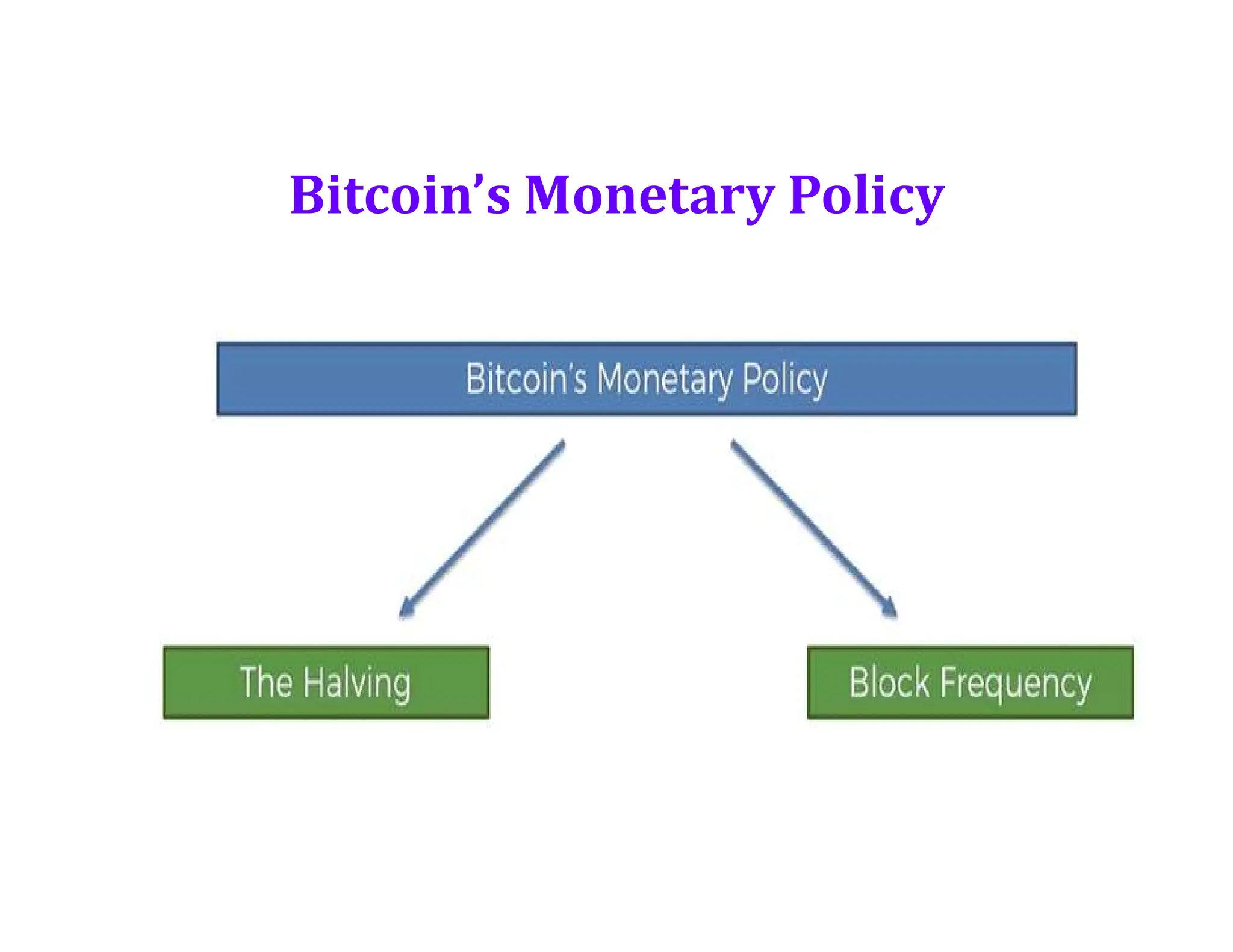
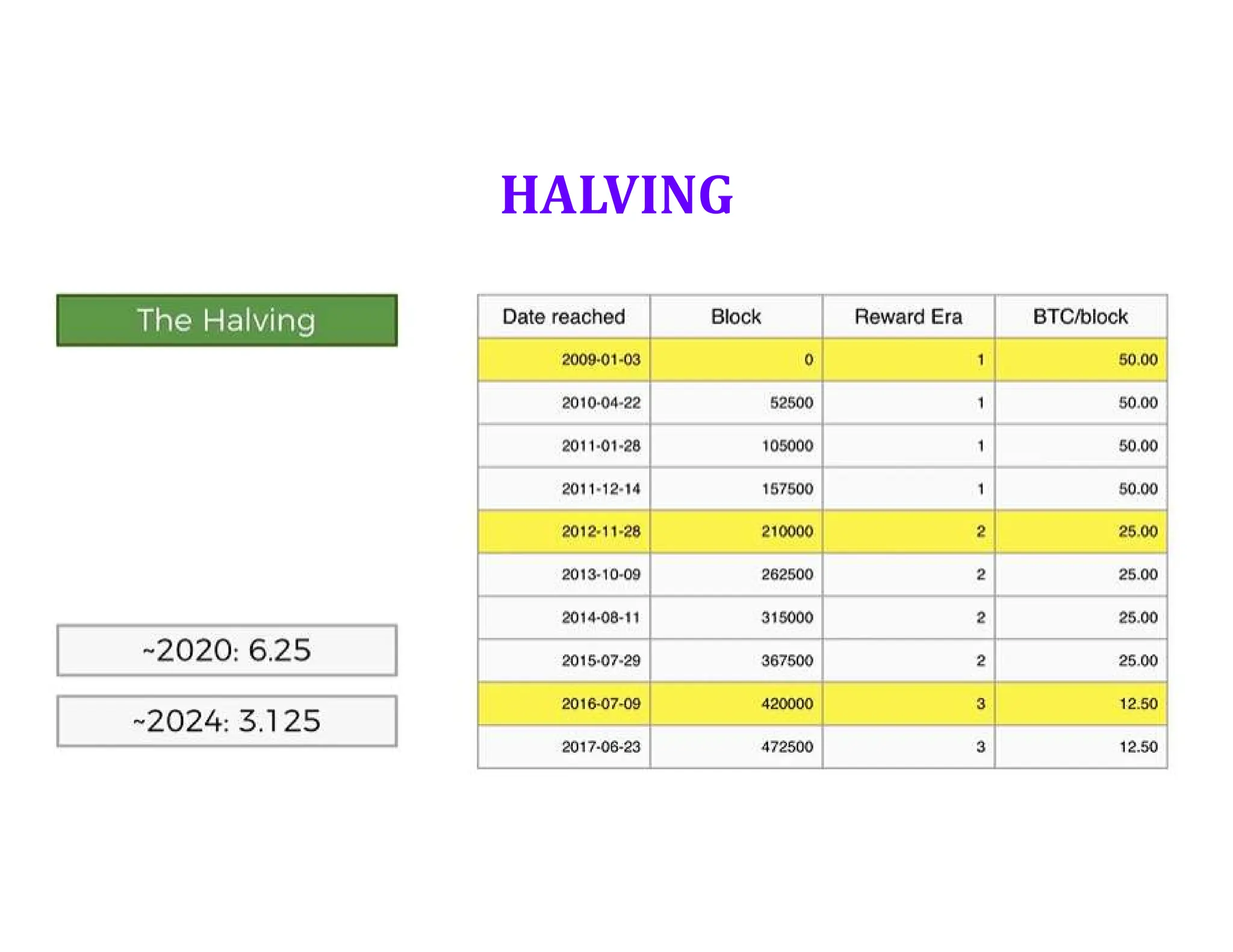
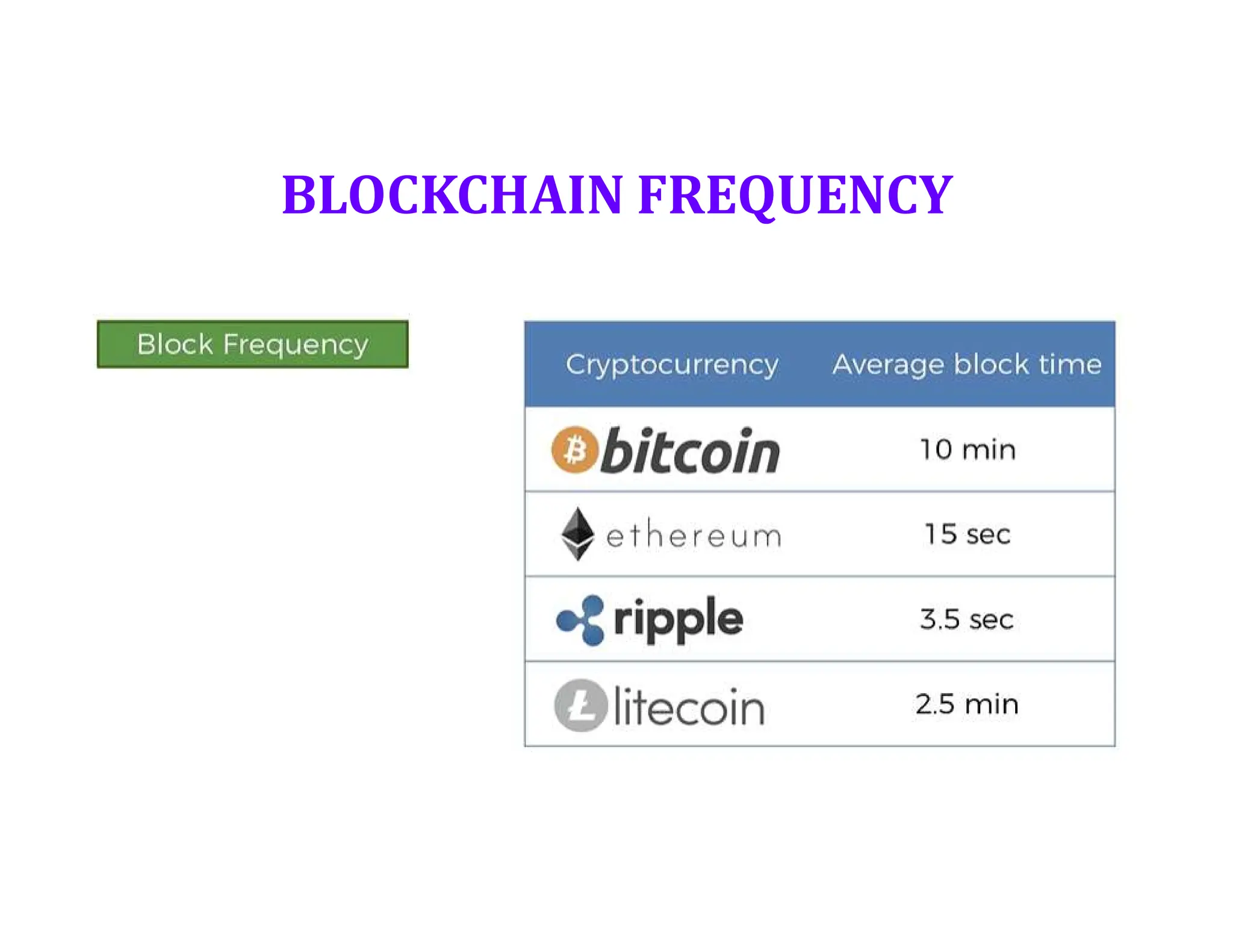
• Bitcoin’s Monetary Policy
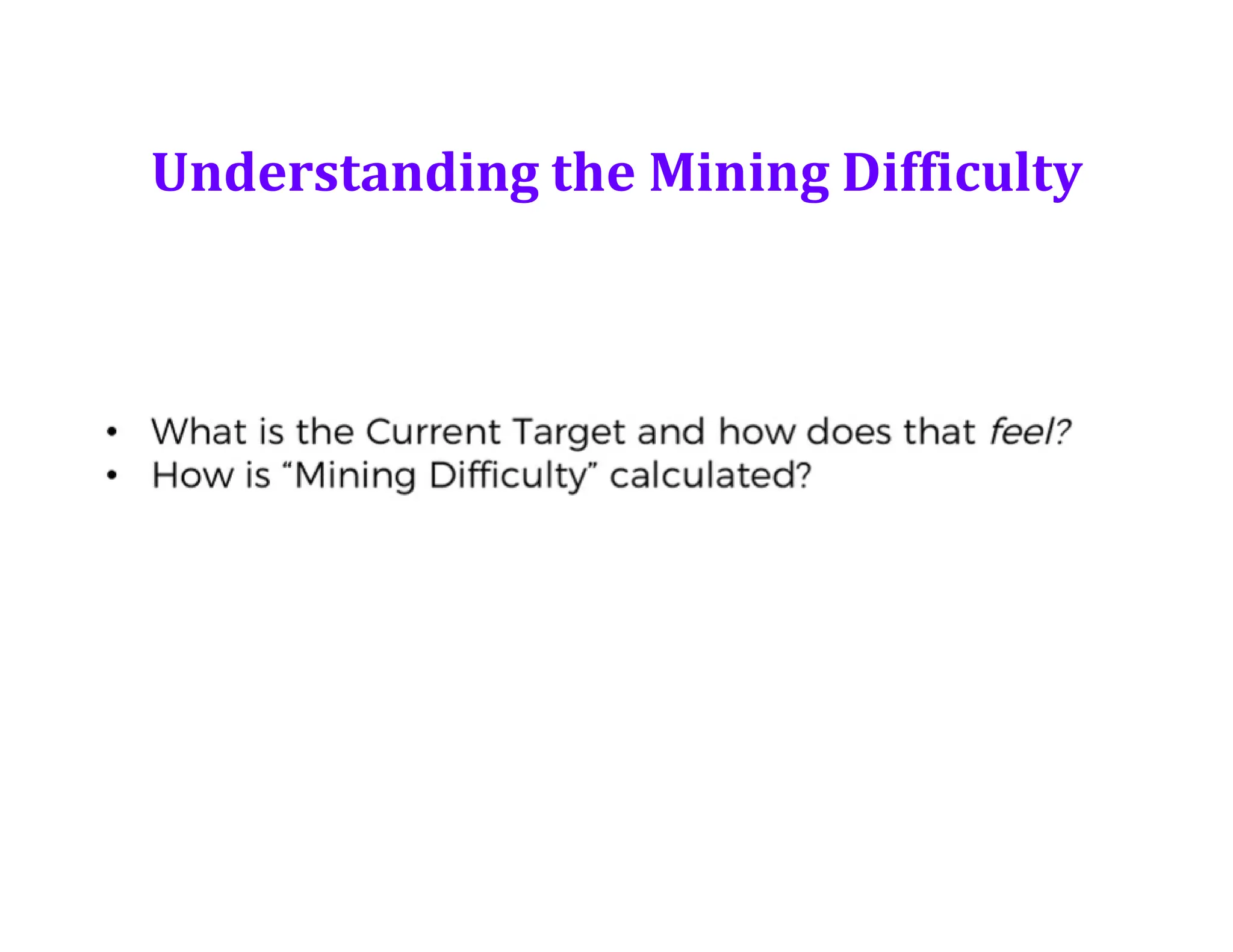
• Understanding Mining Difficulty
• Virtual Tour of a Bitcoin Mine
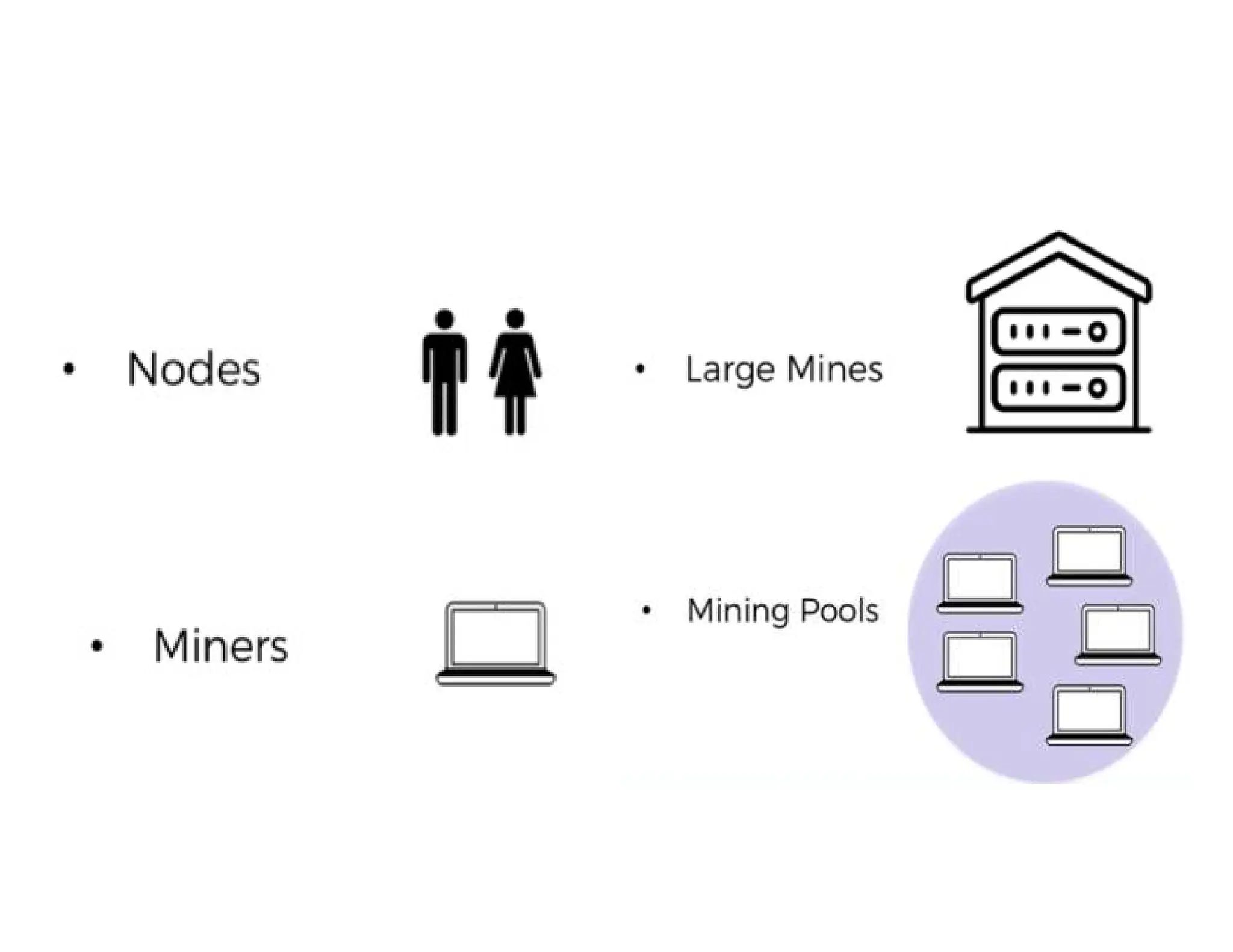
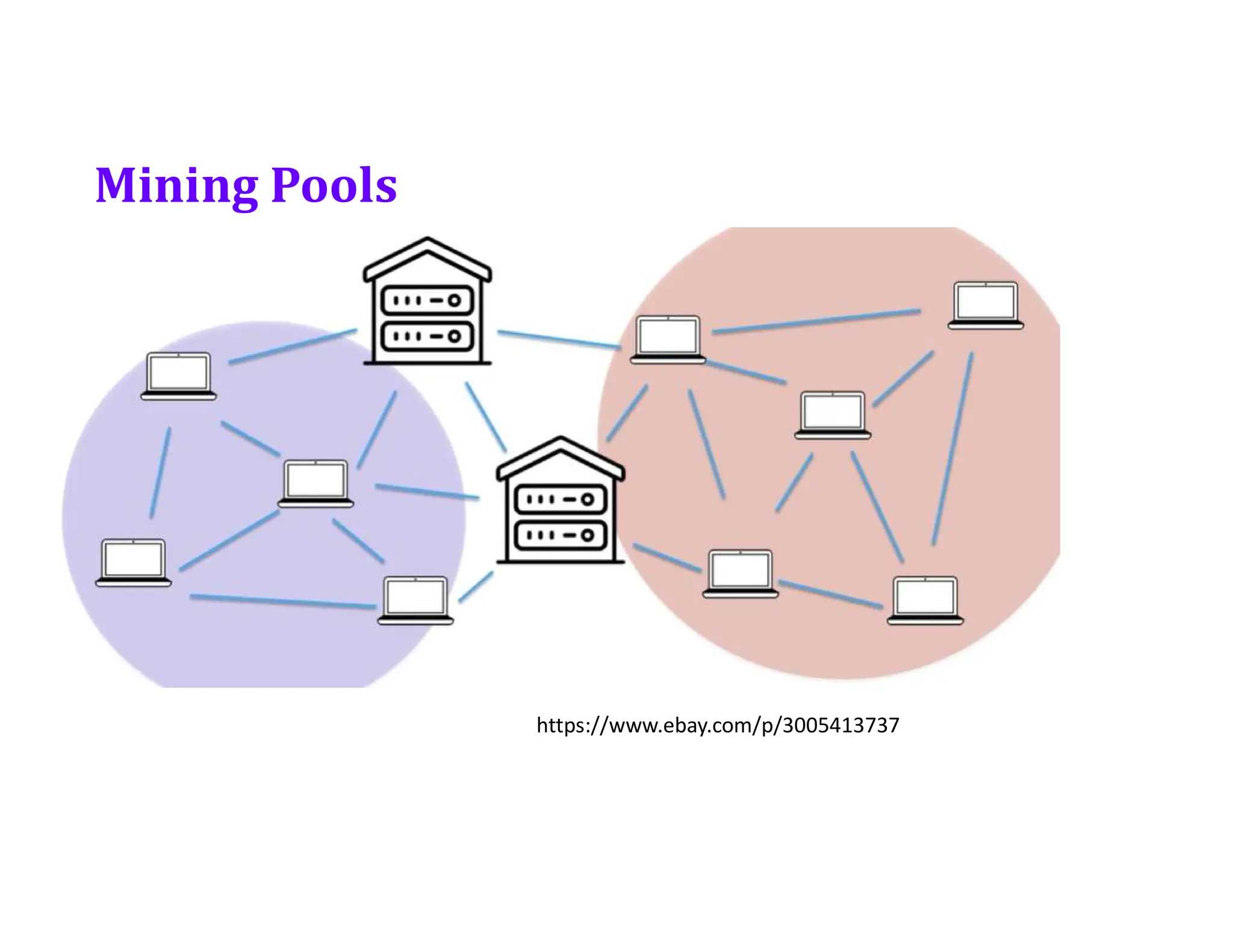
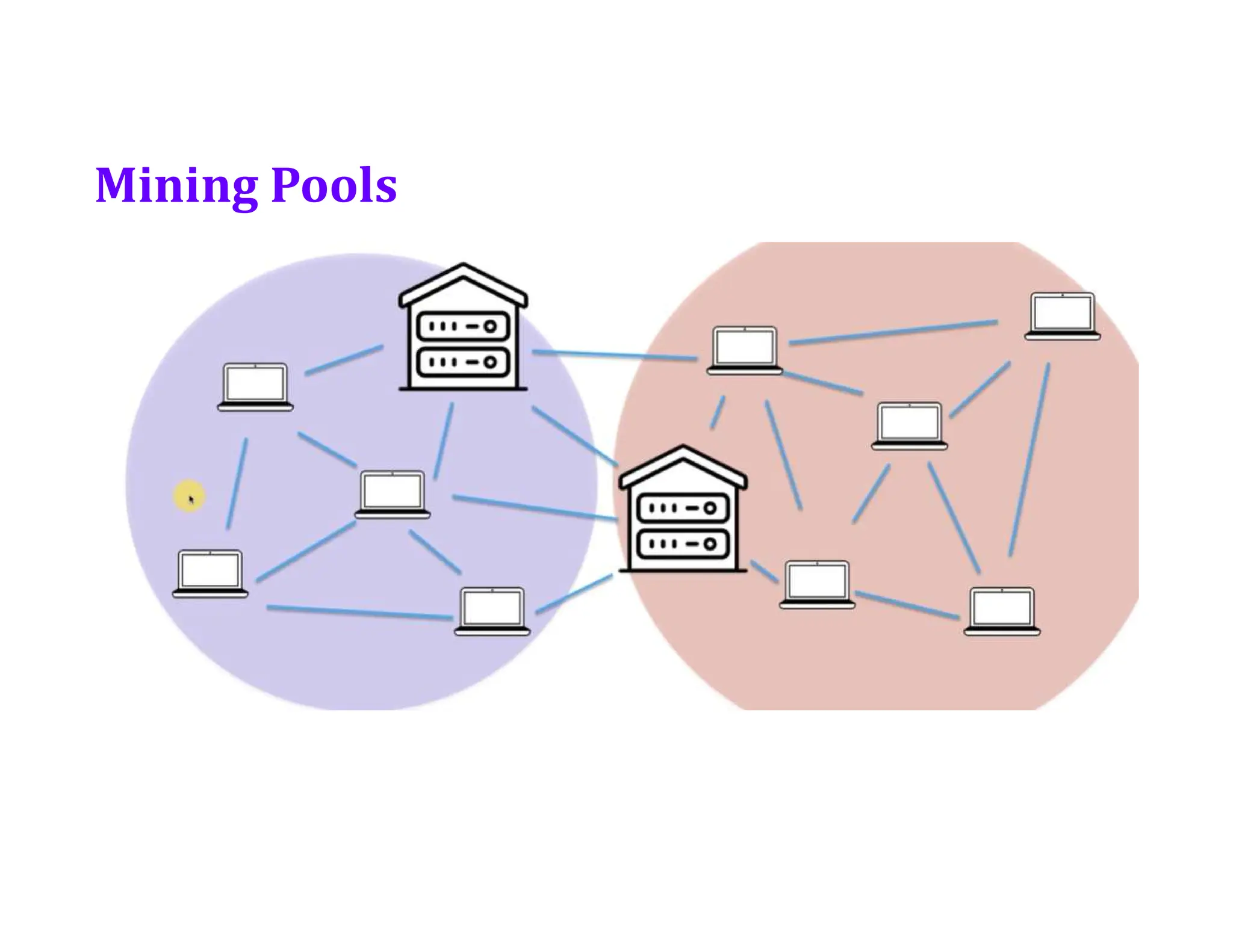
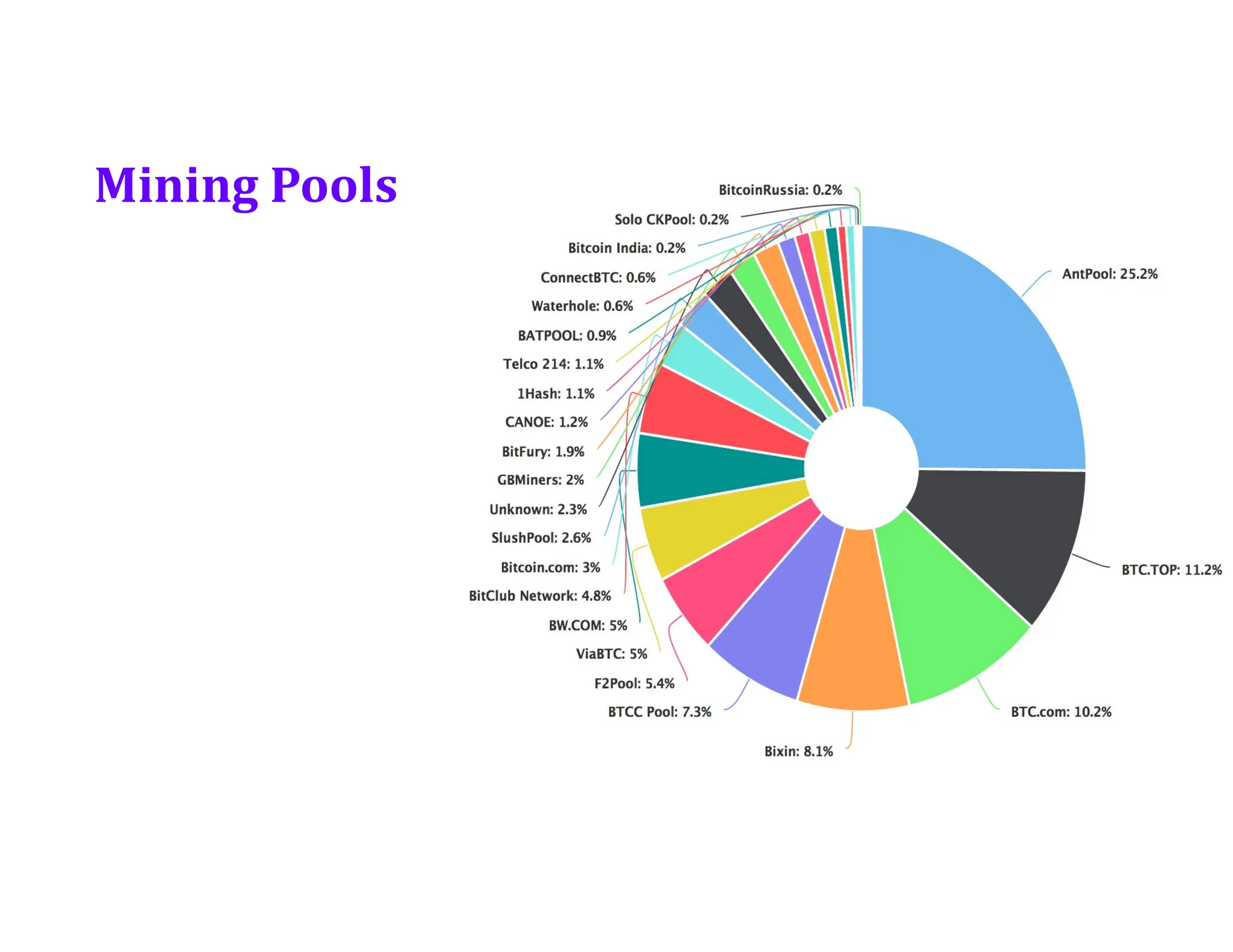
• Mining Pools
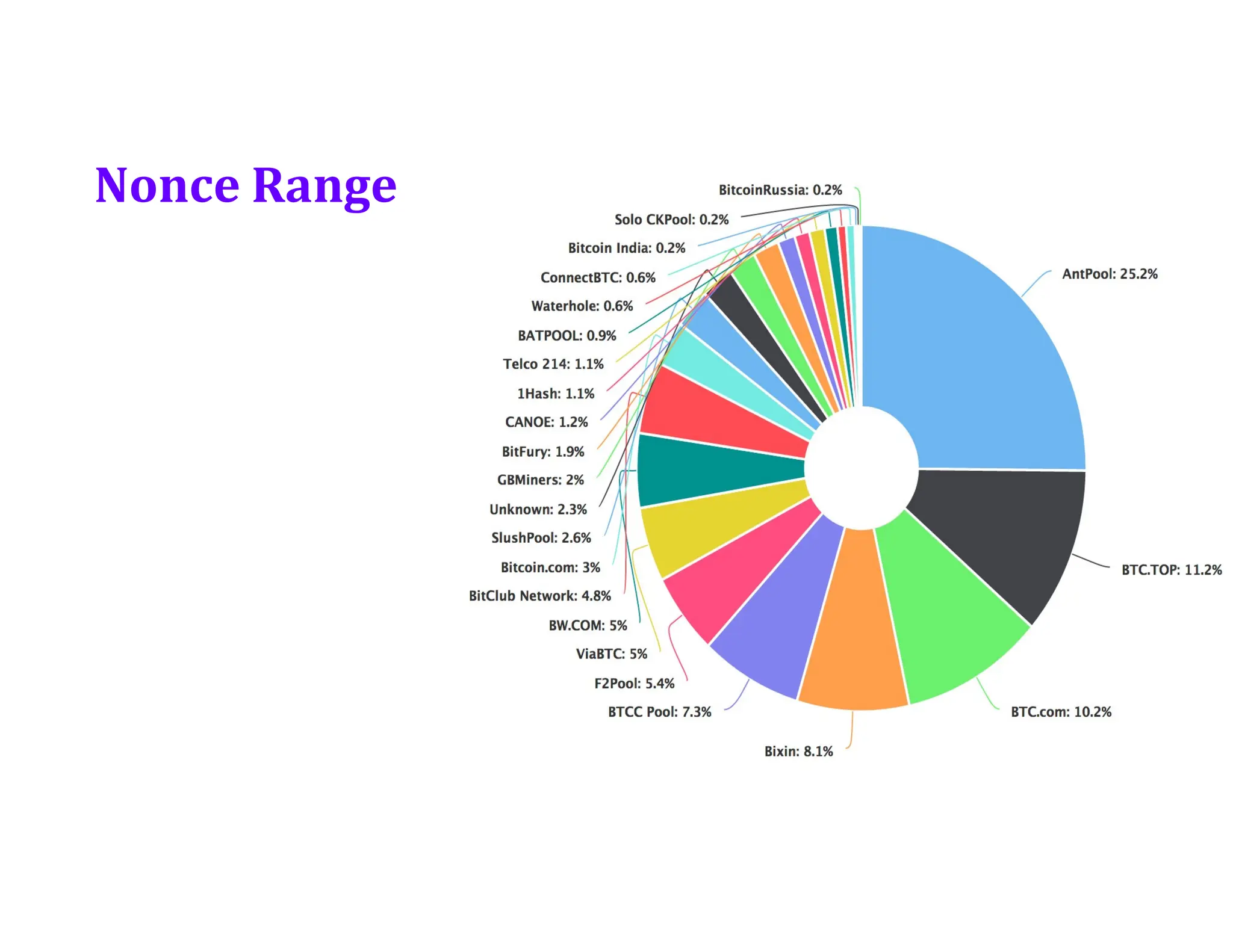
• Nonce Range
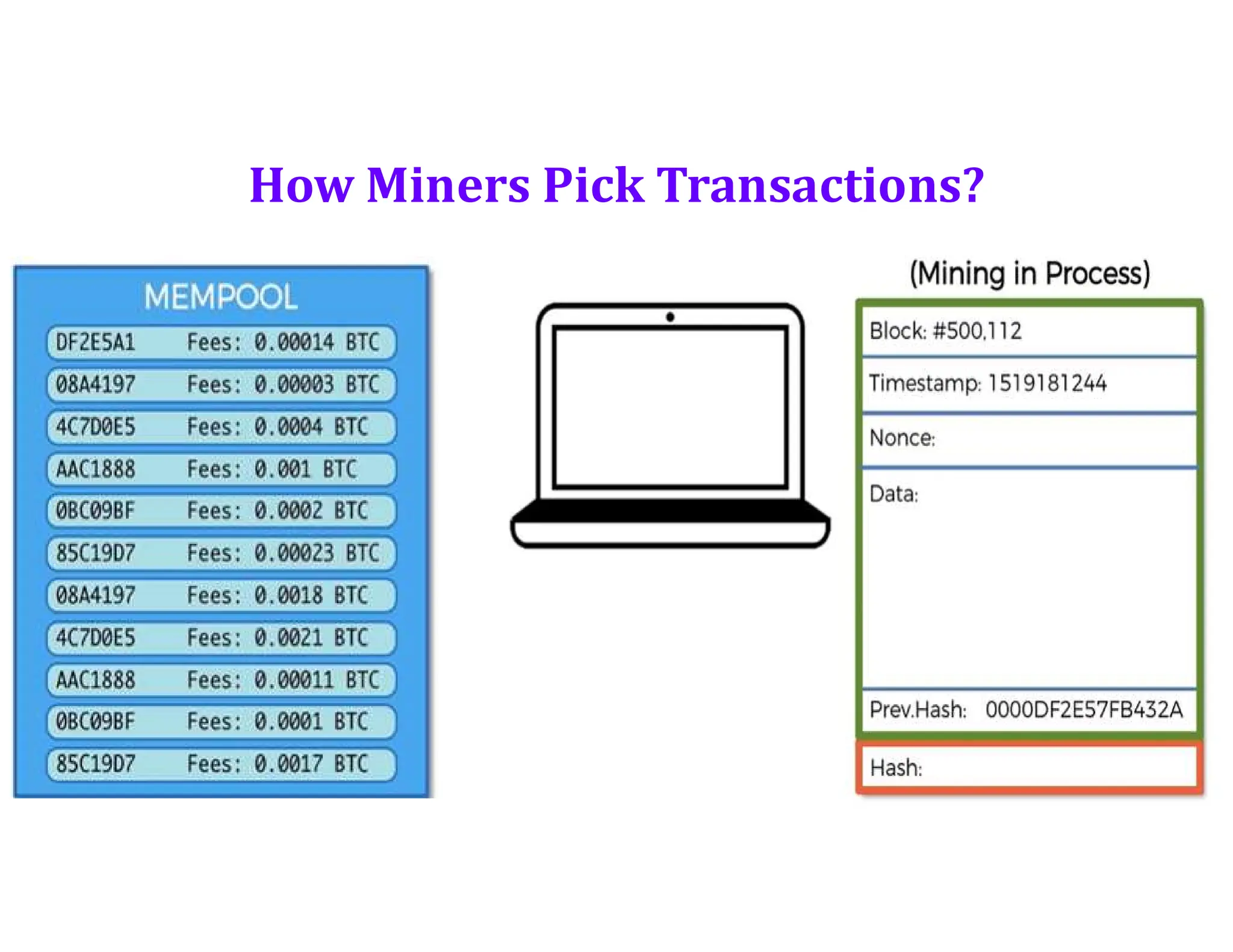
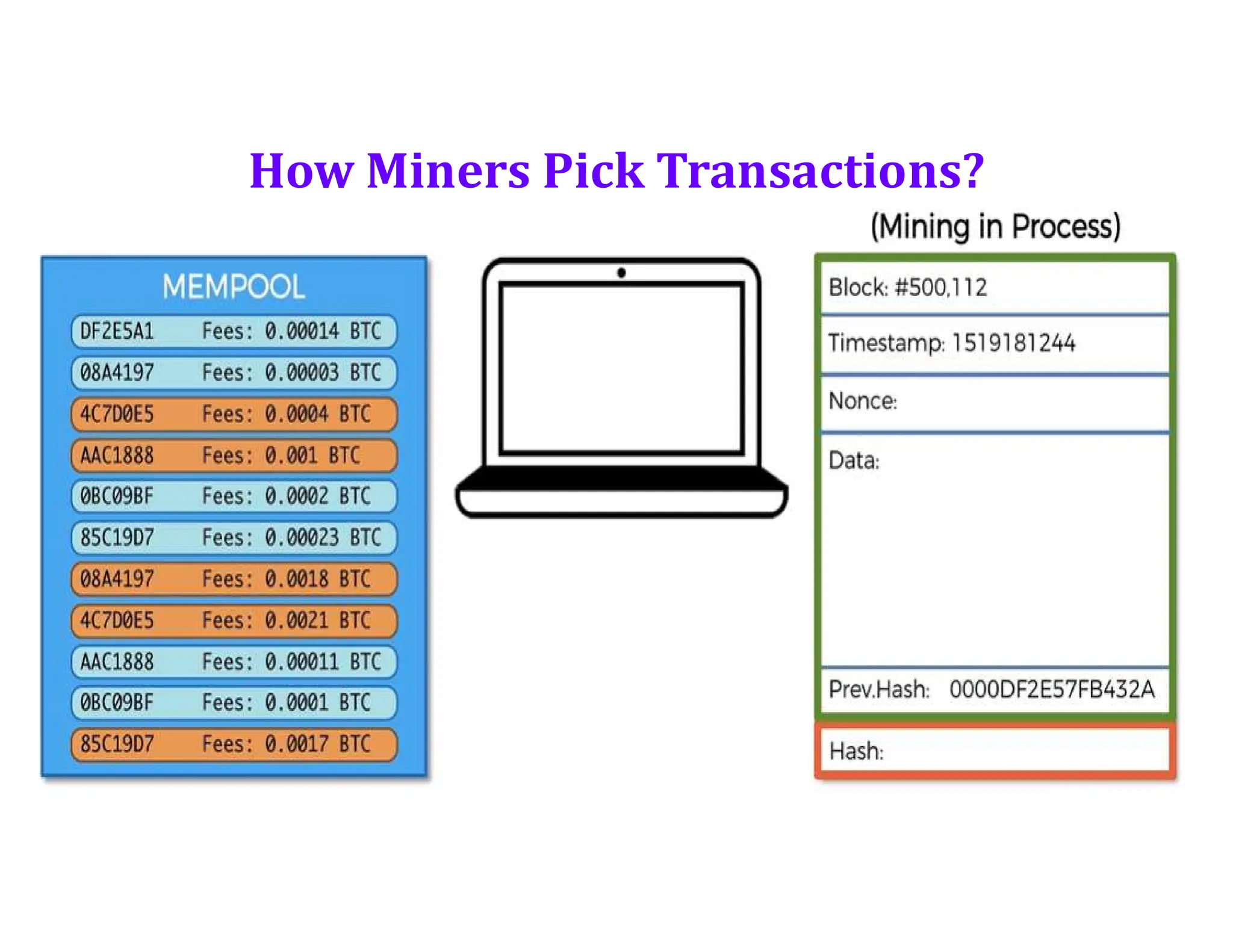
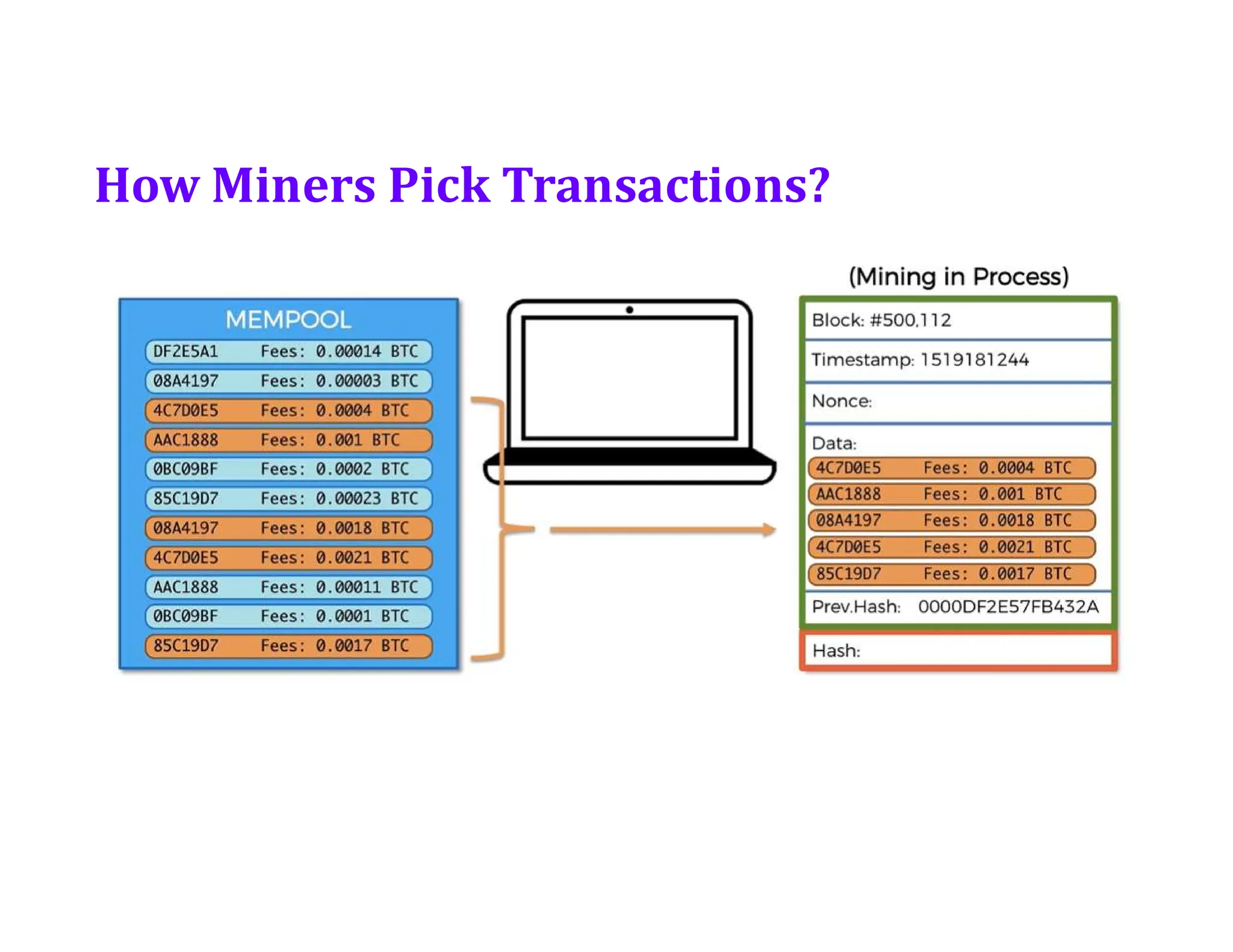
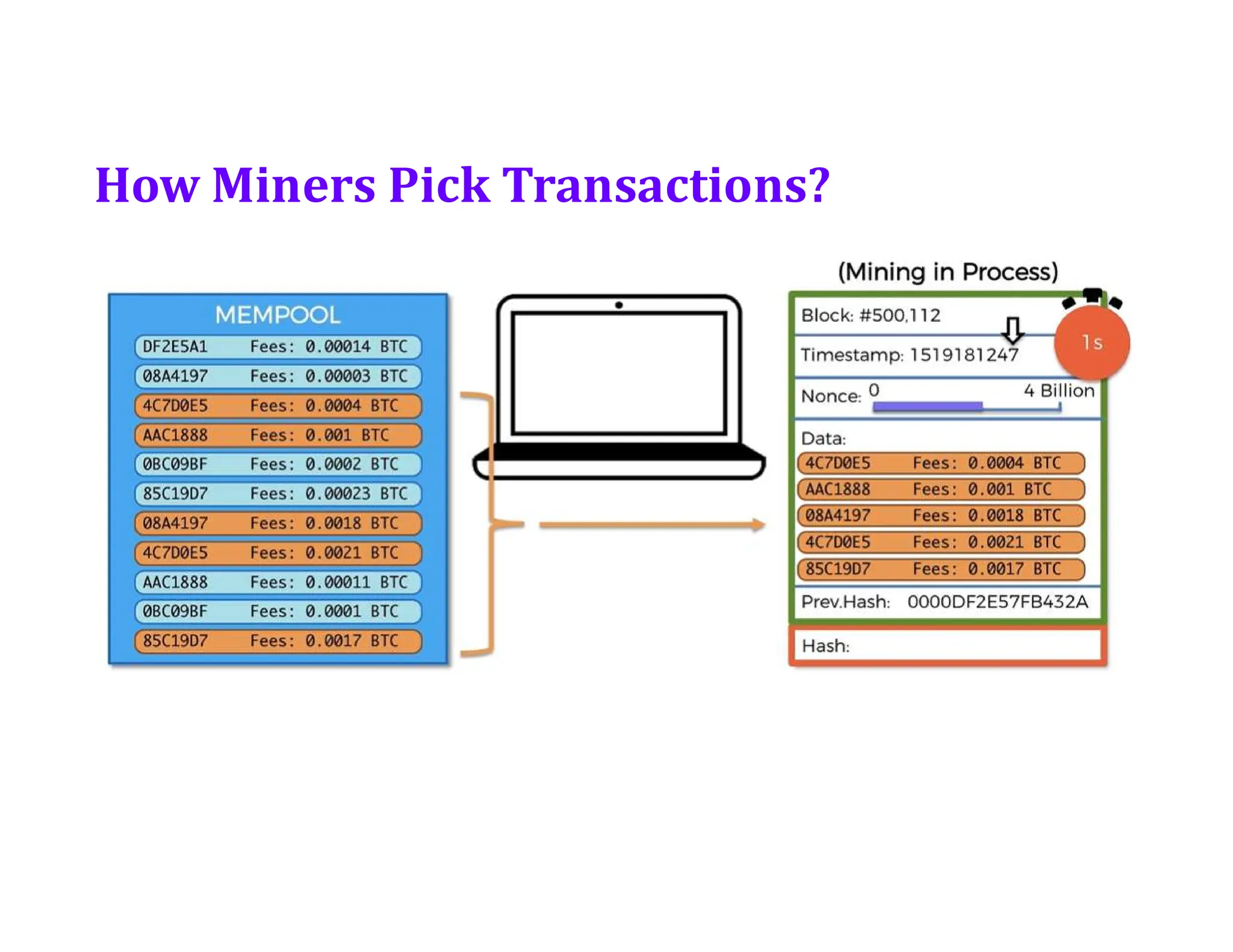
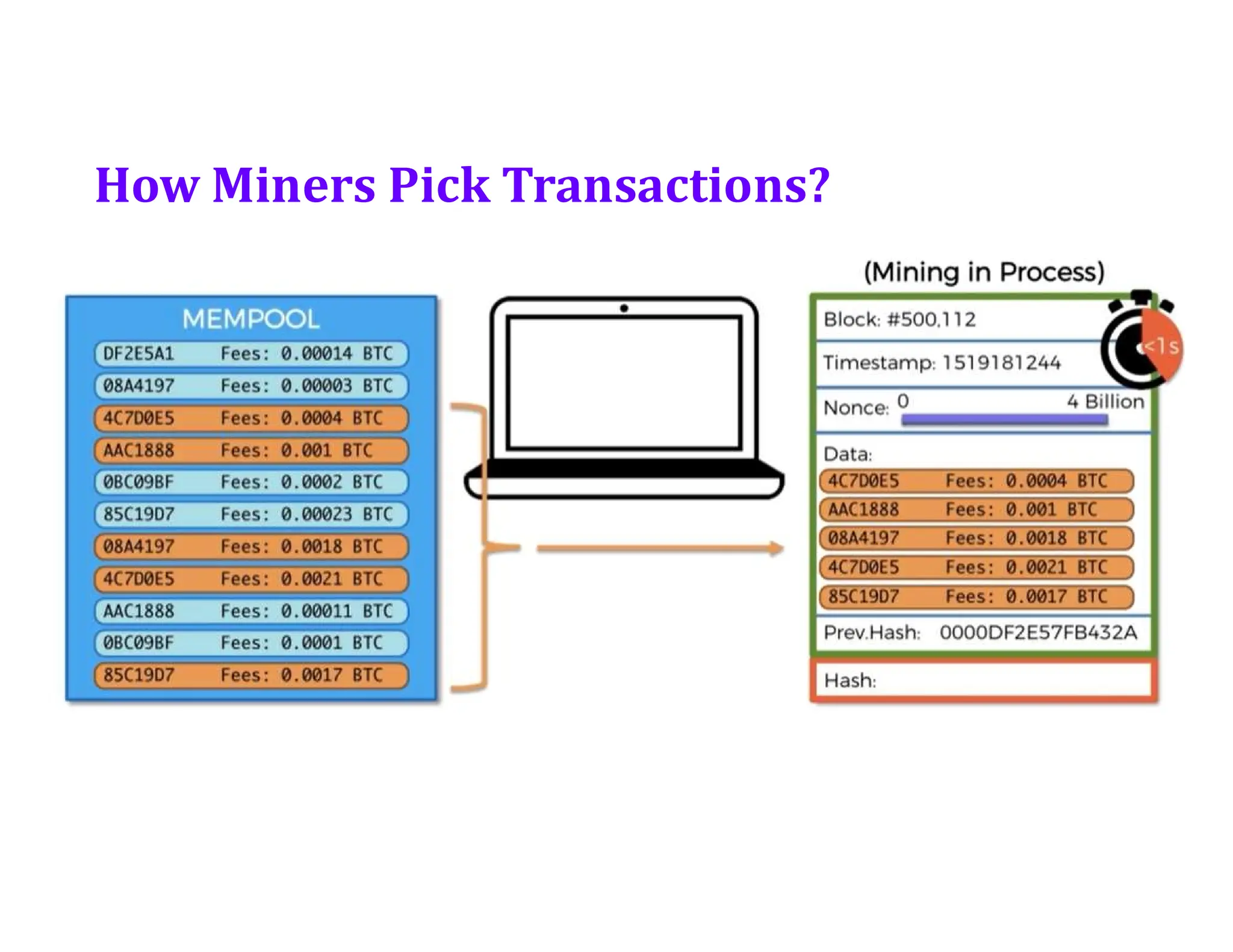
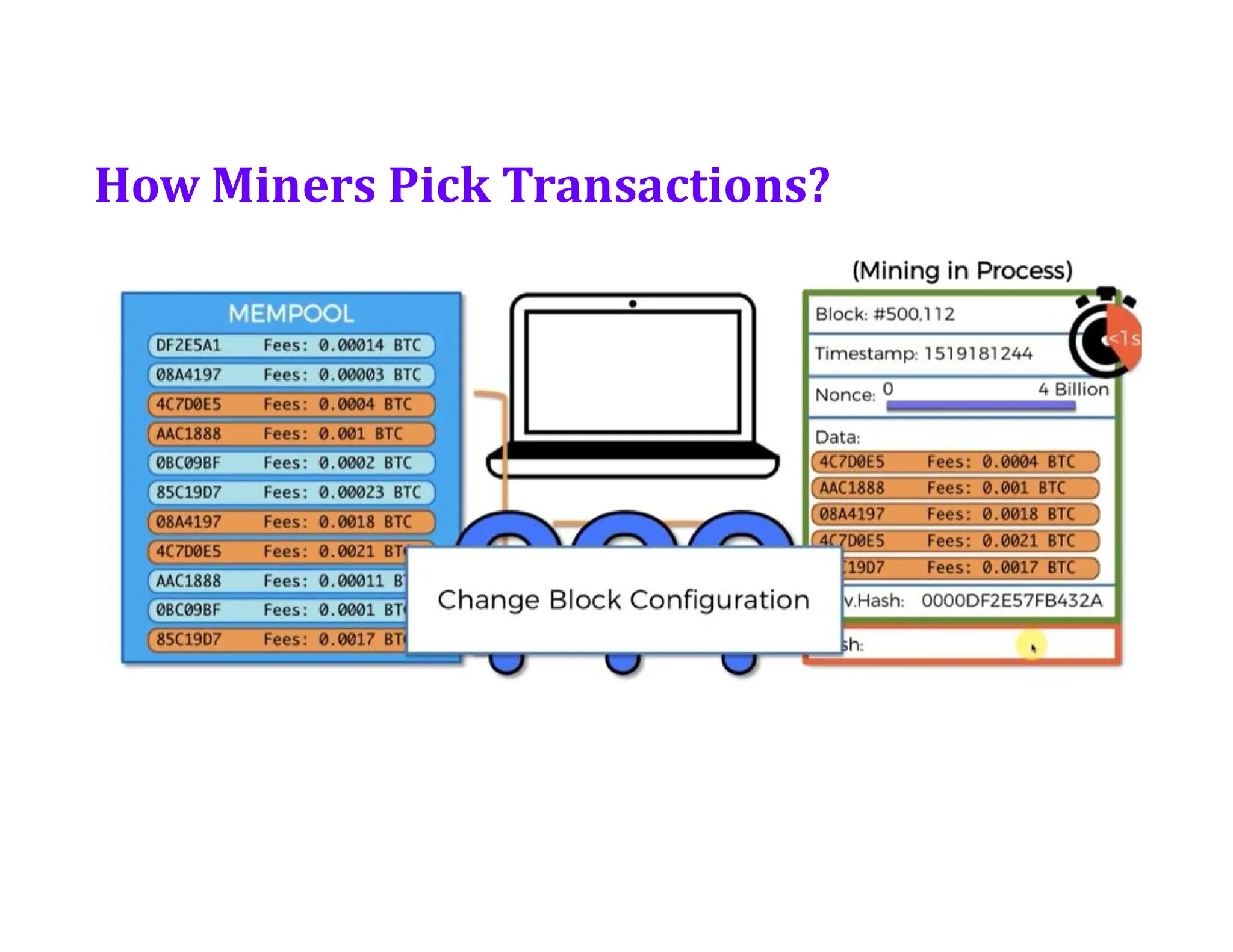
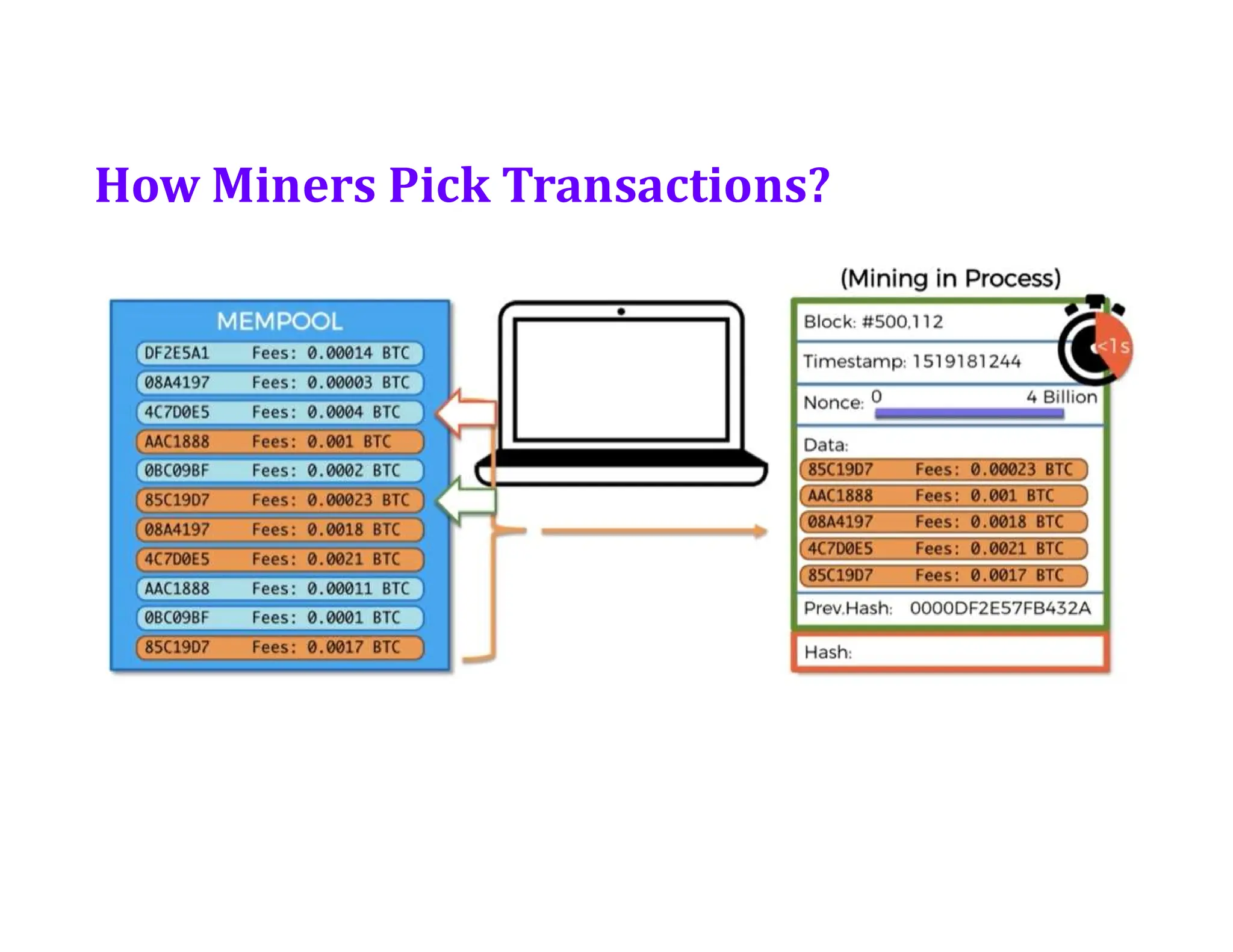
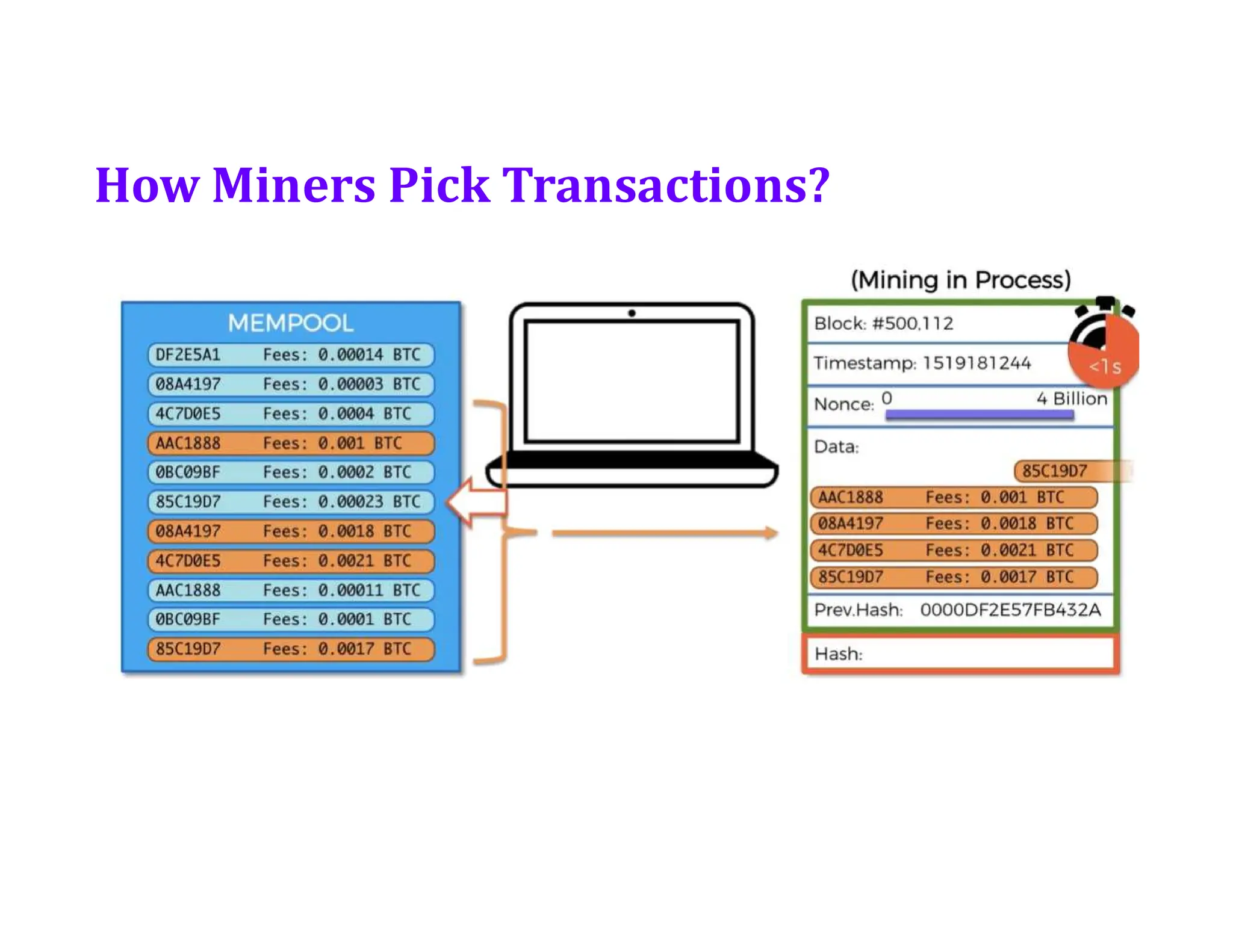
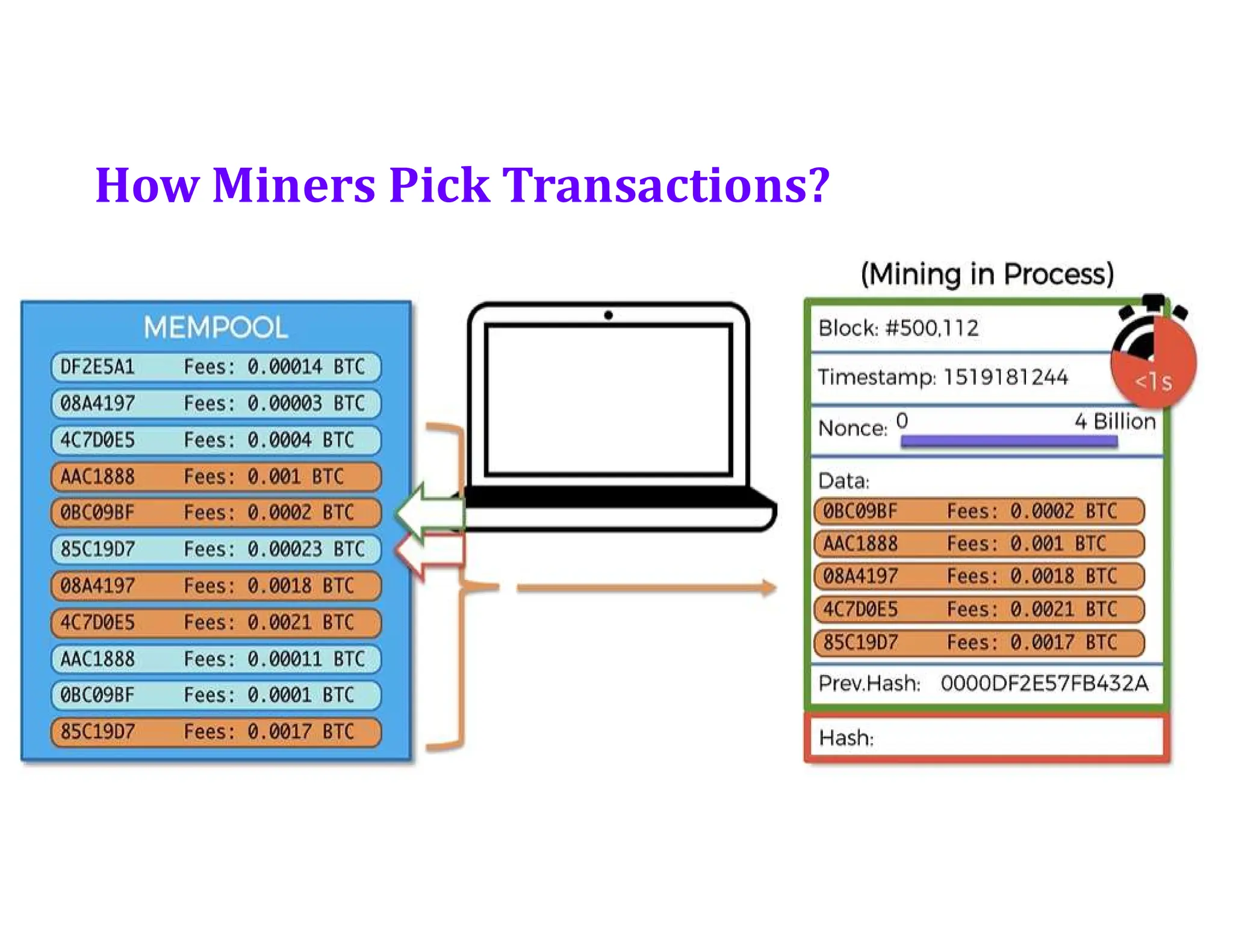
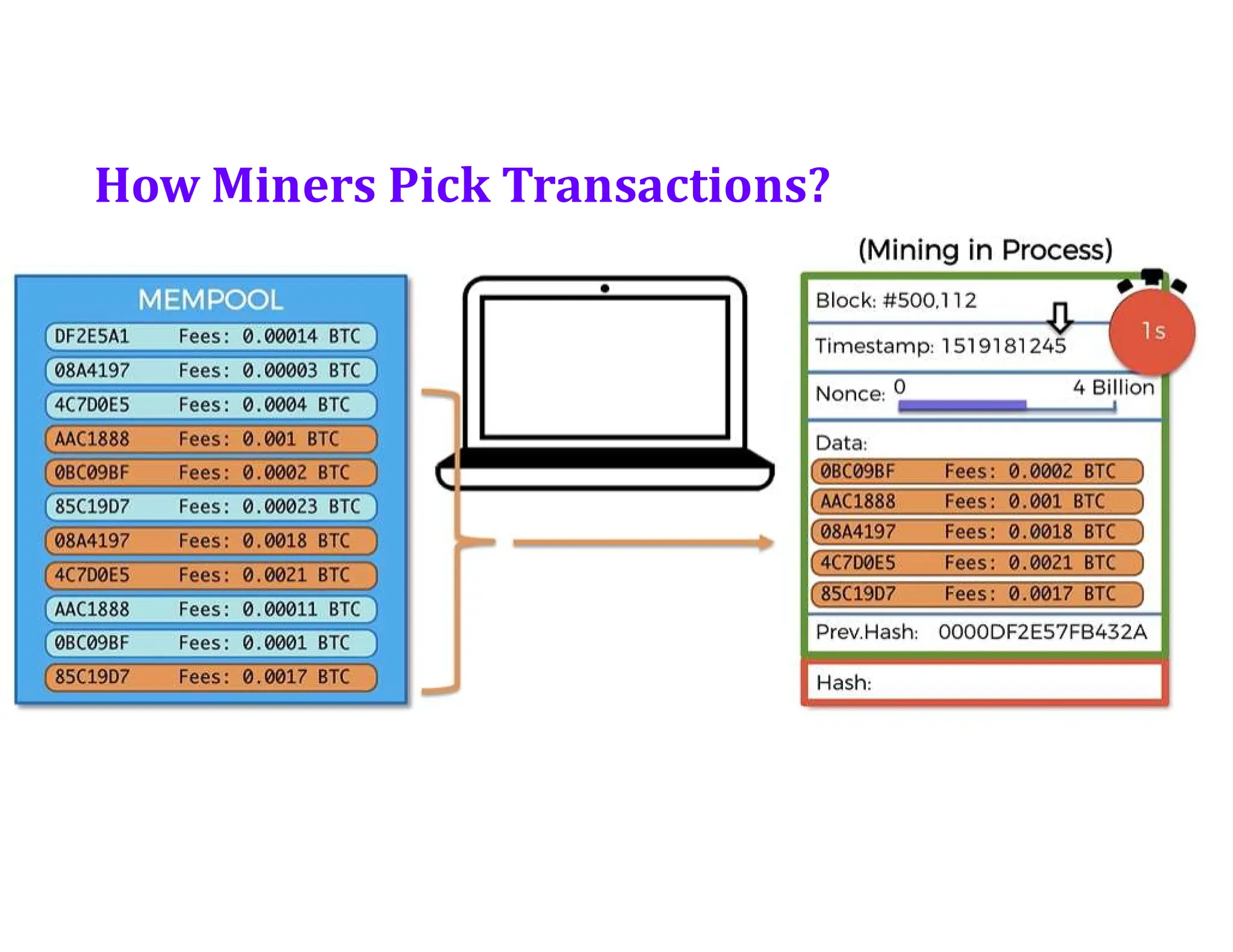
• How Miners pick transactions?
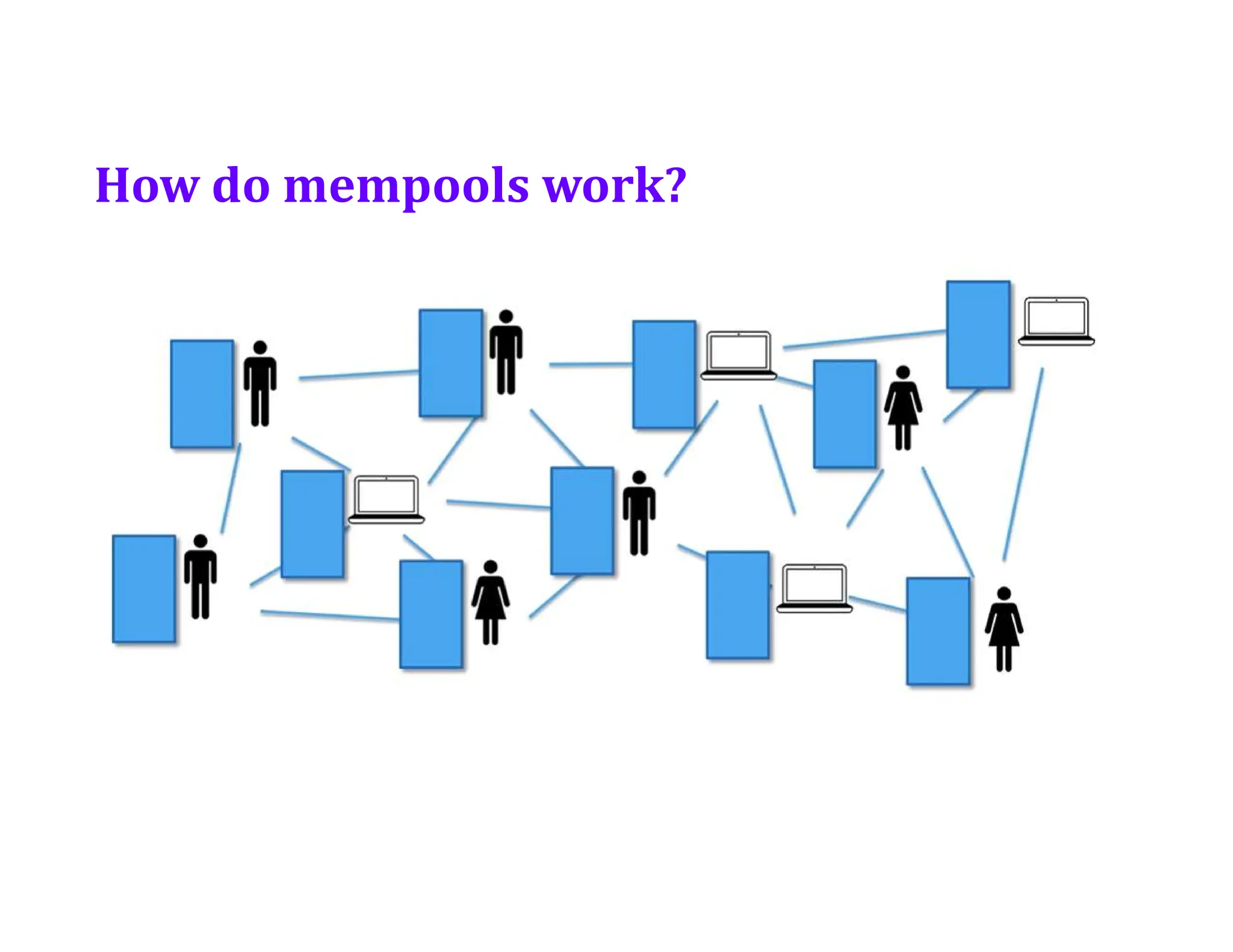
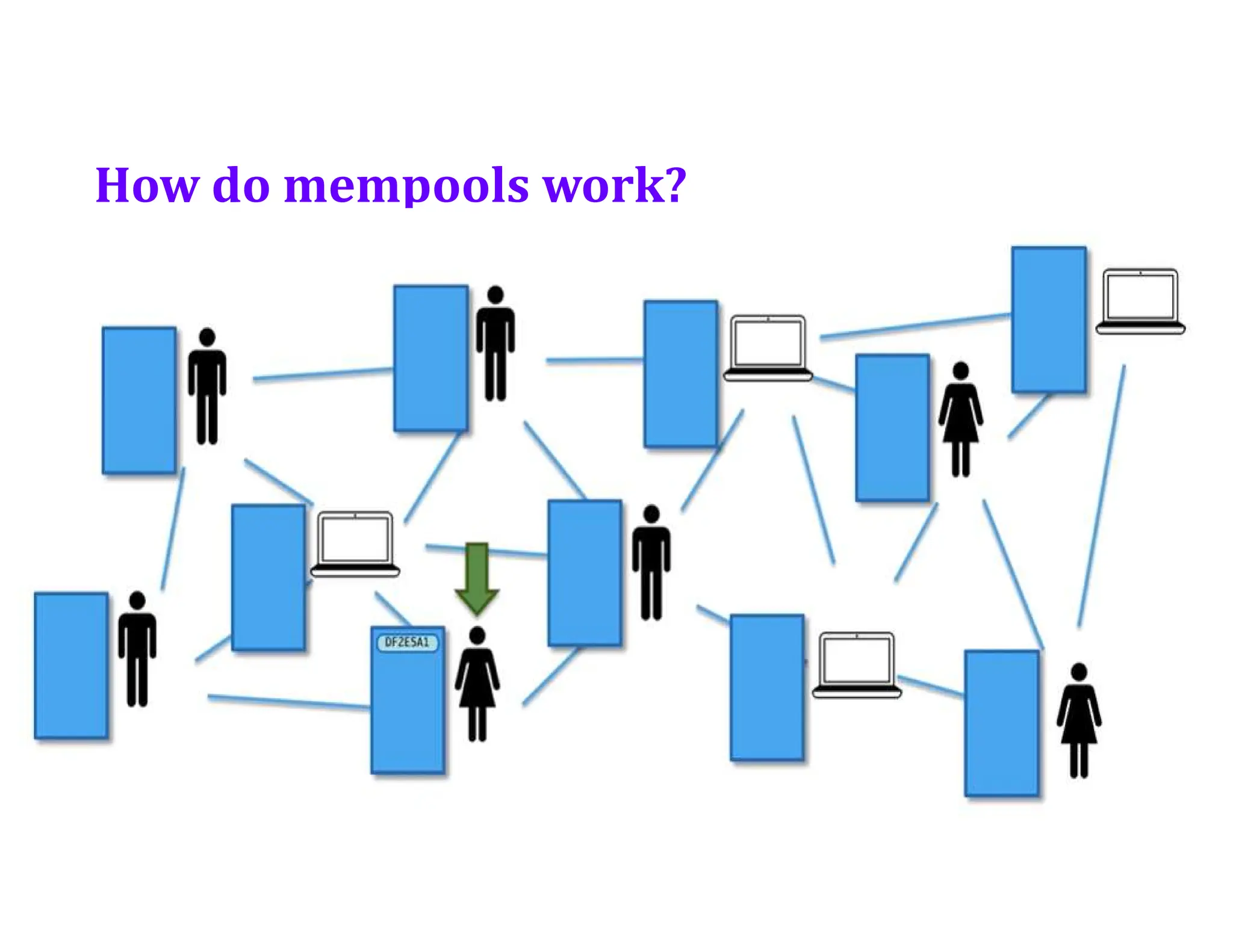
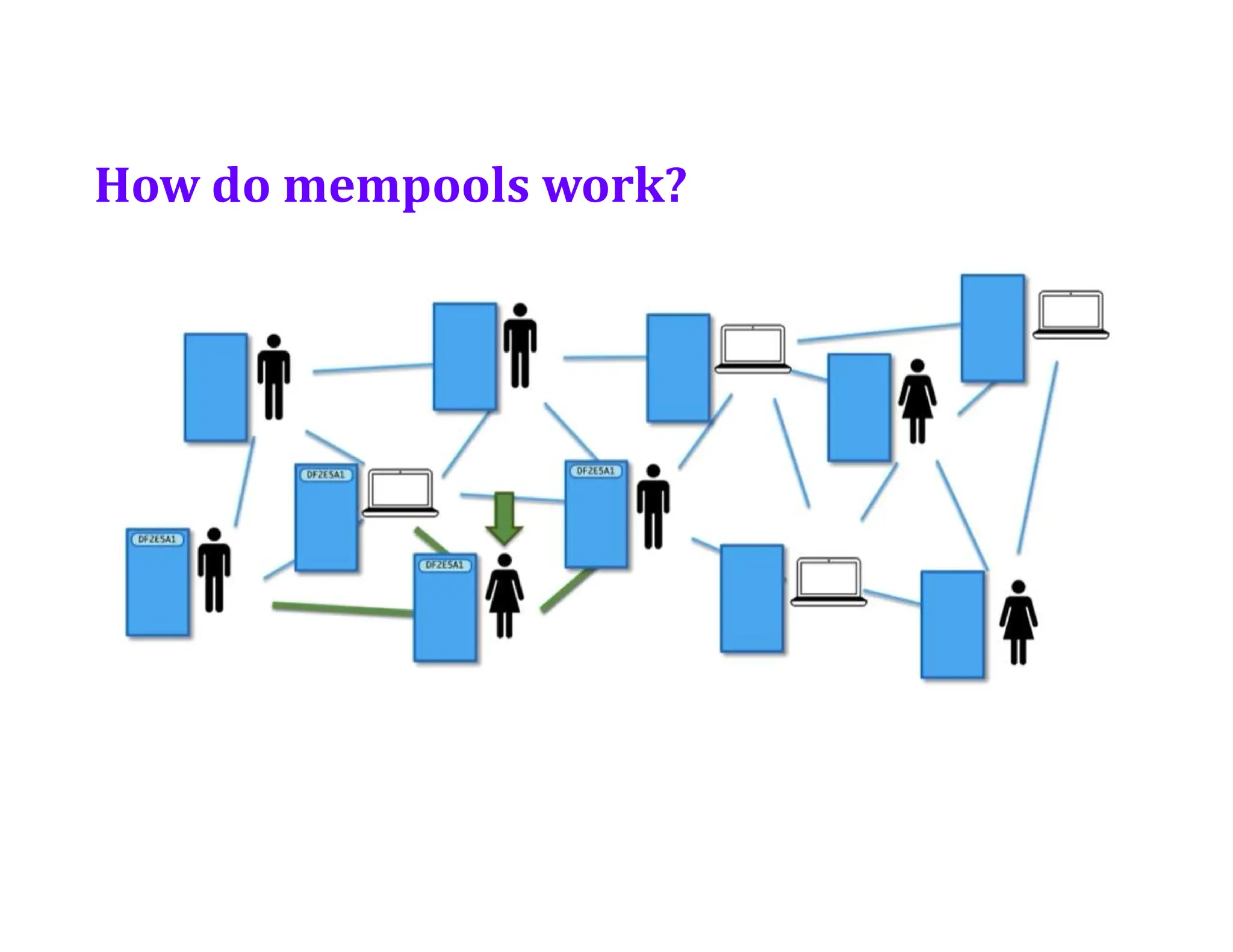
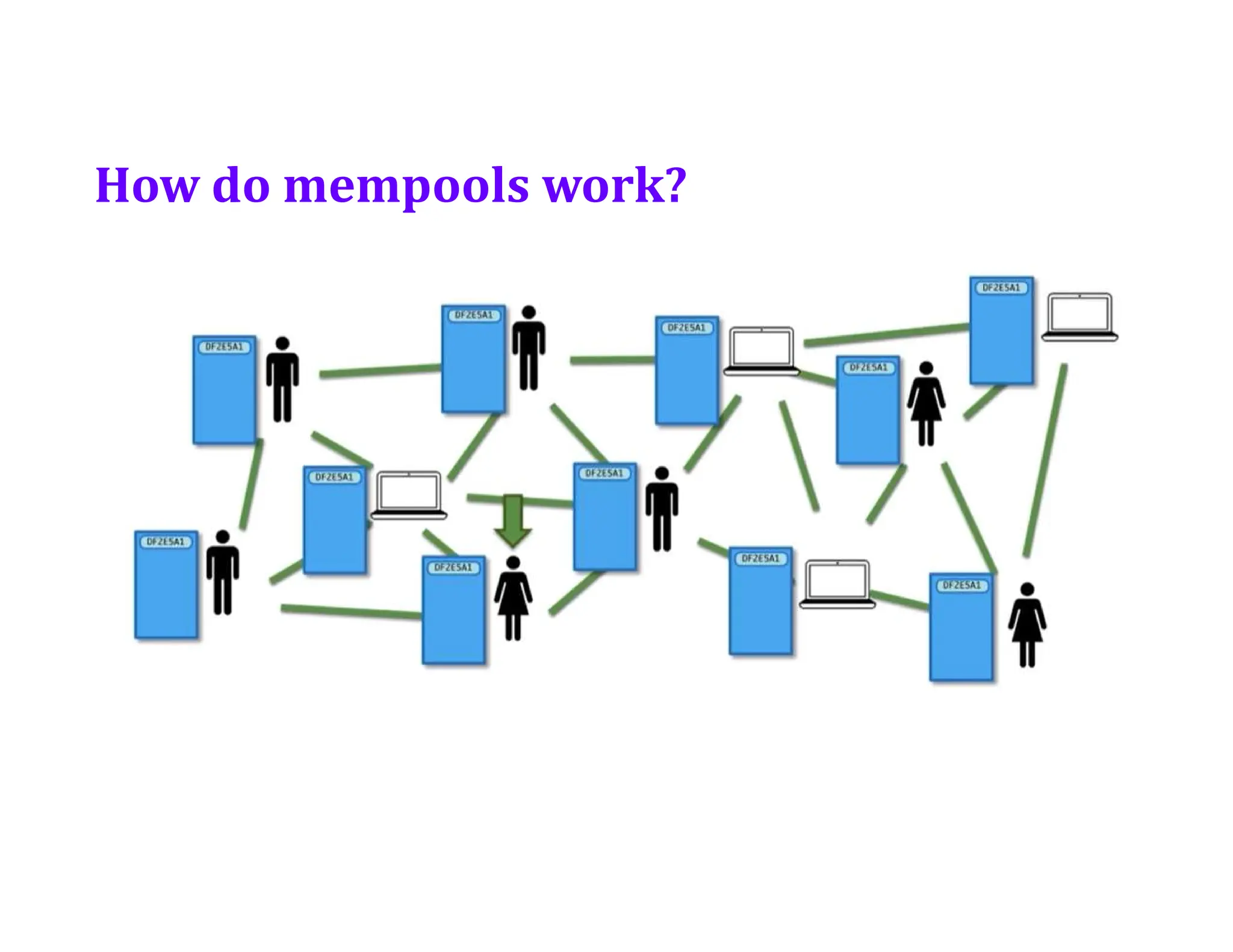
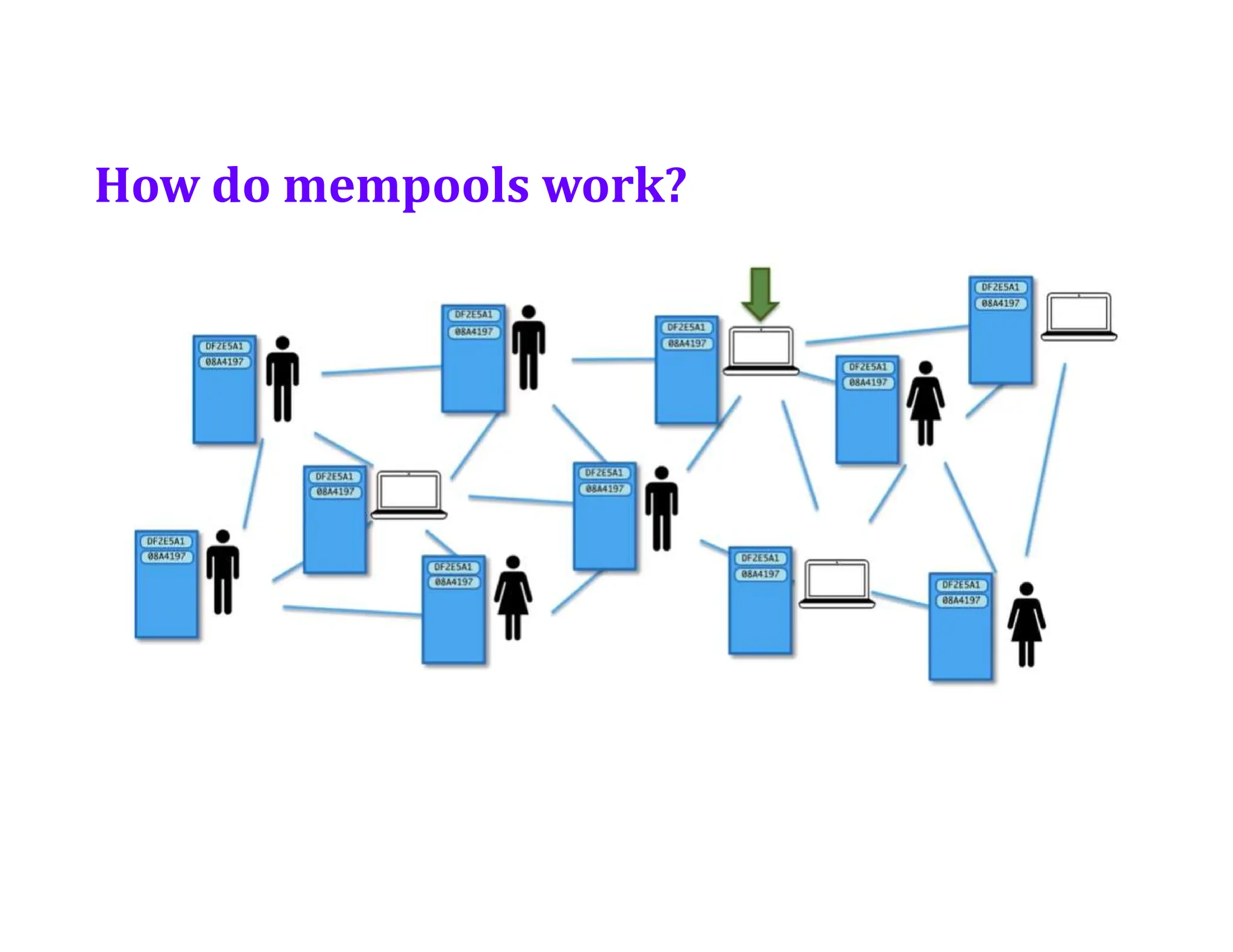
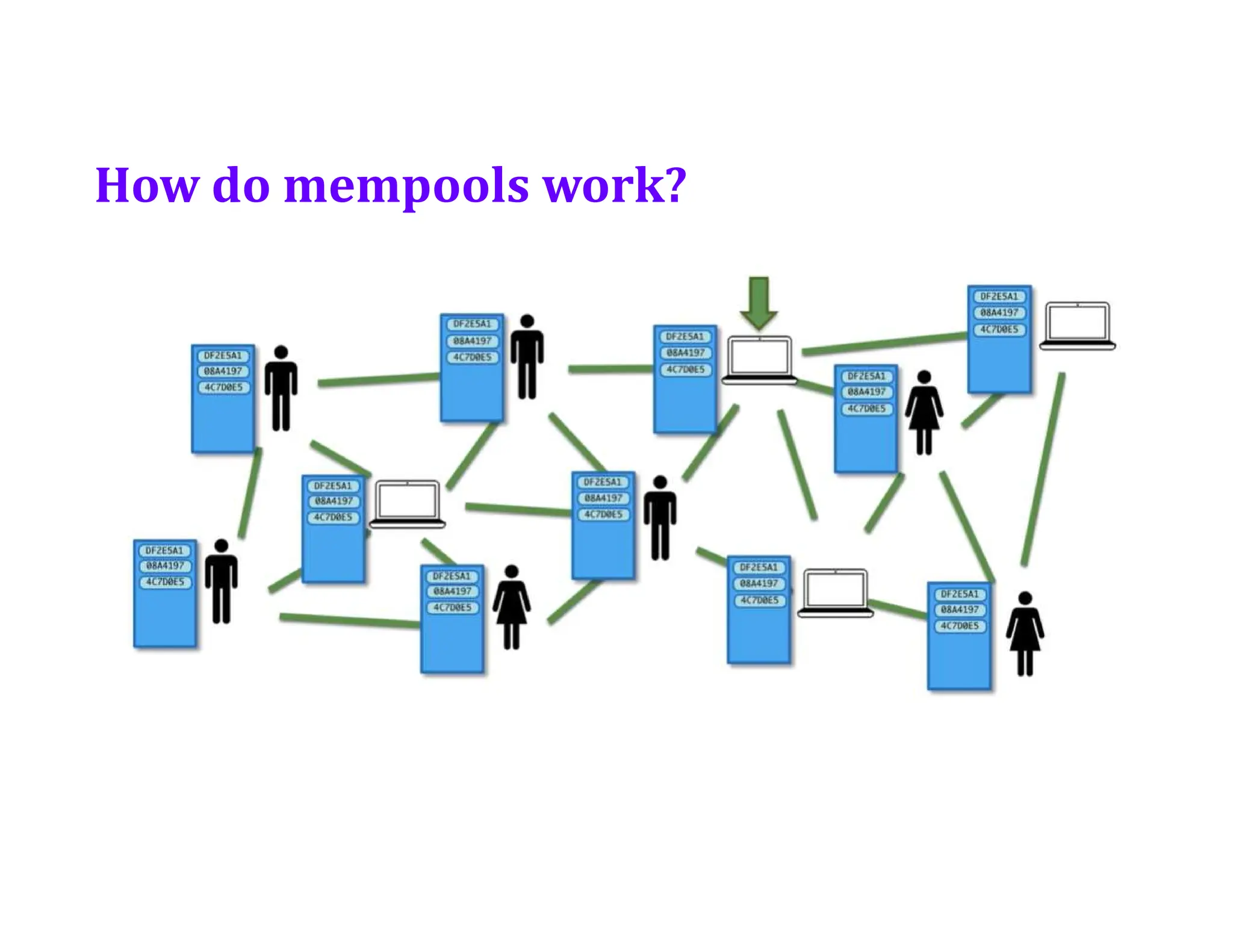
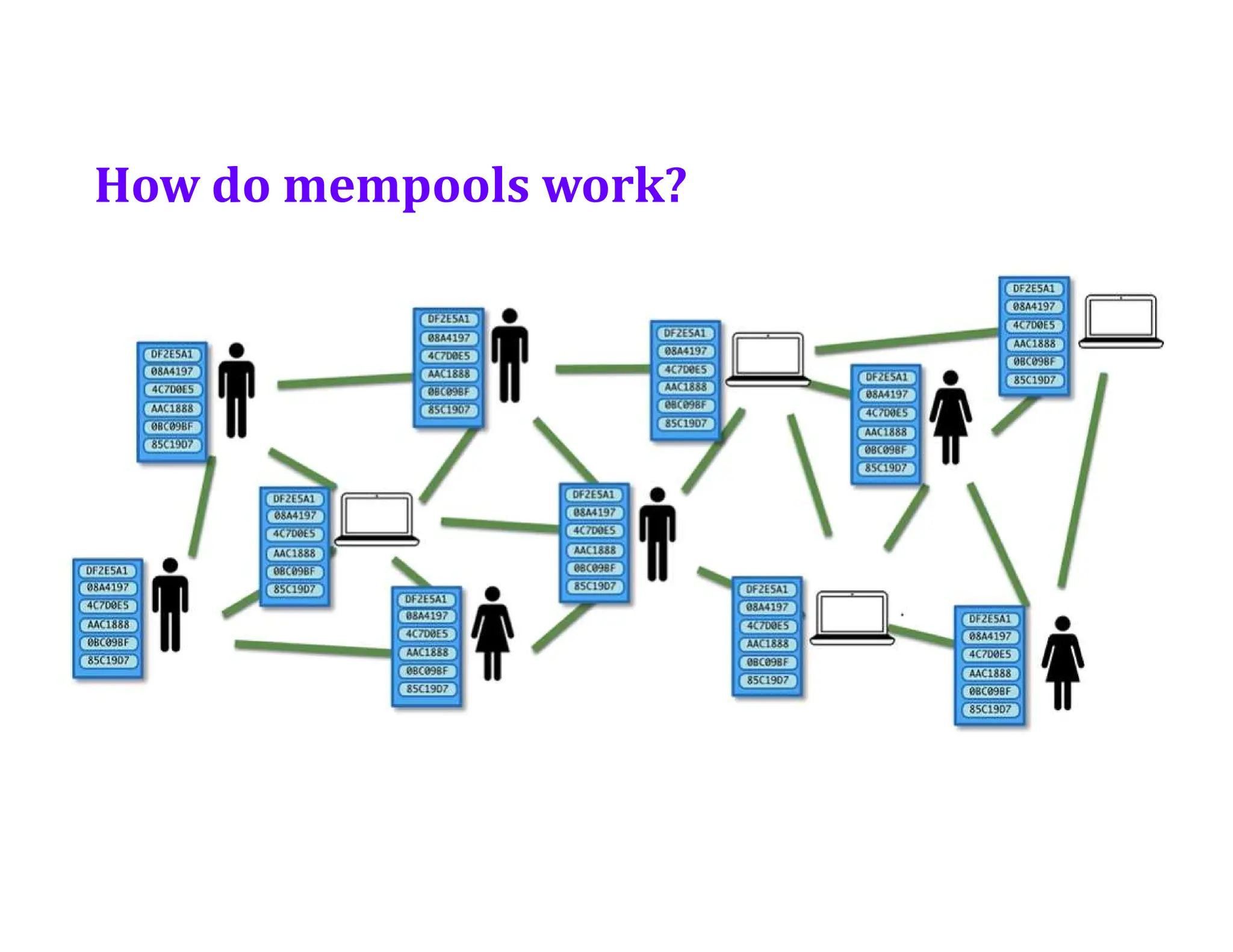
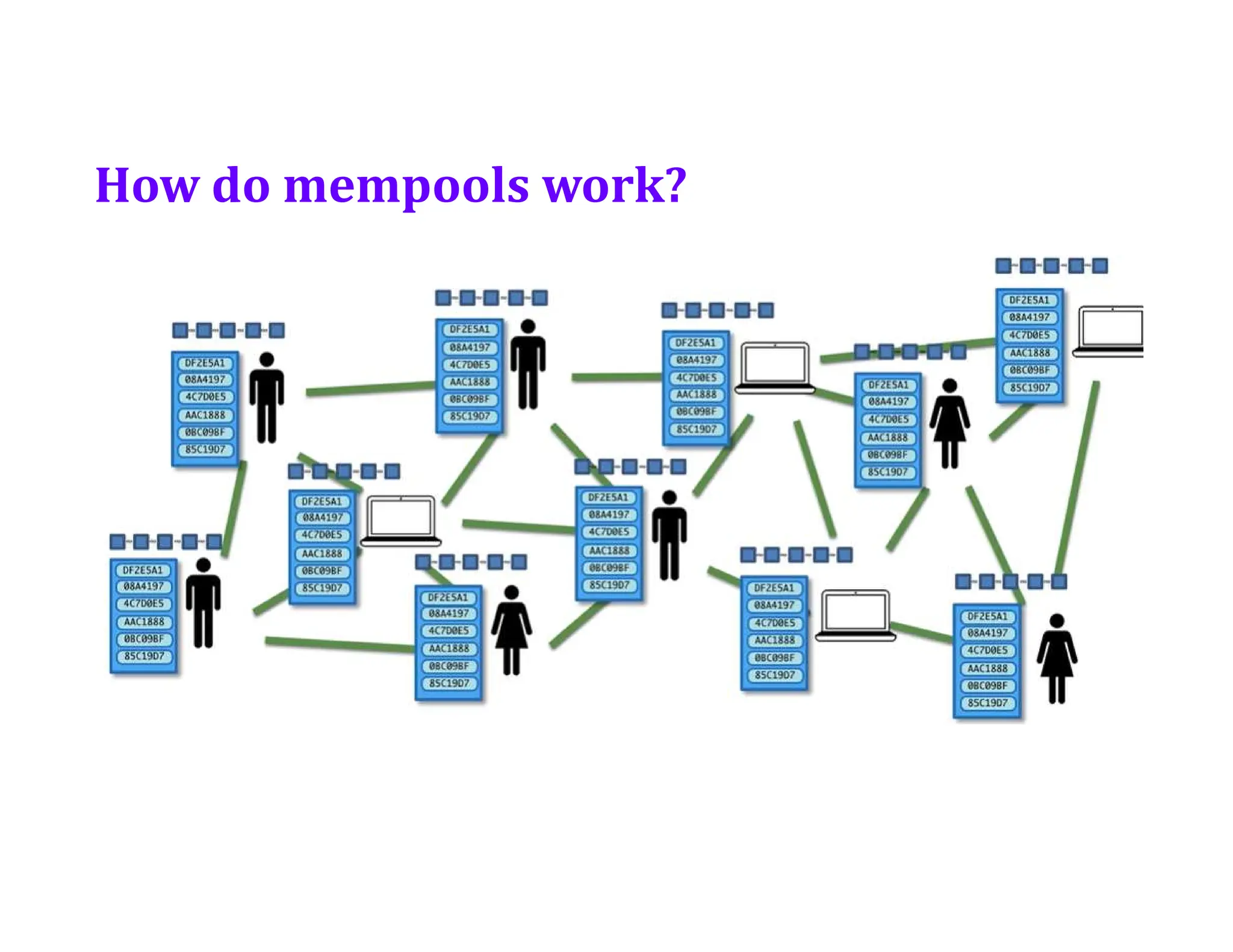
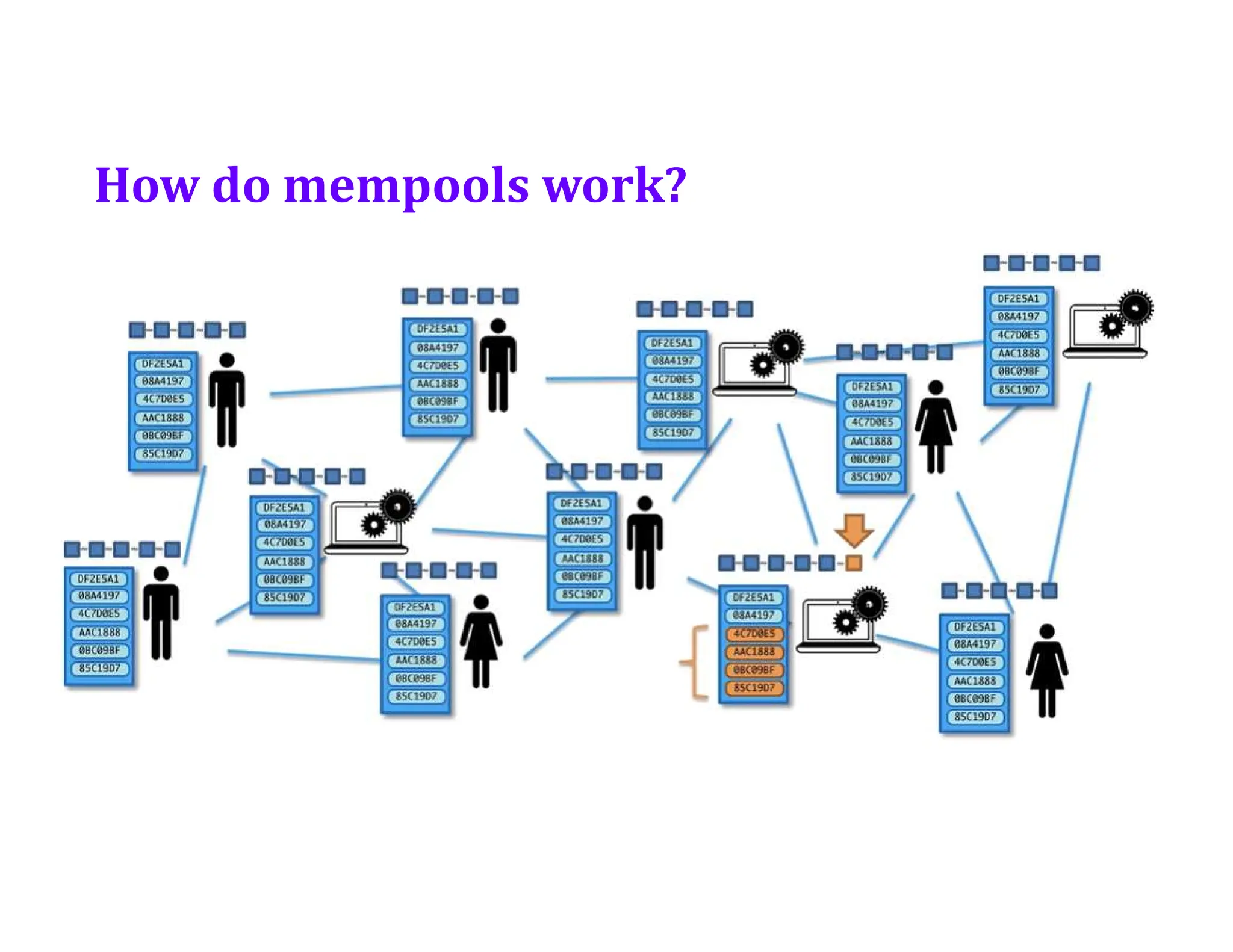
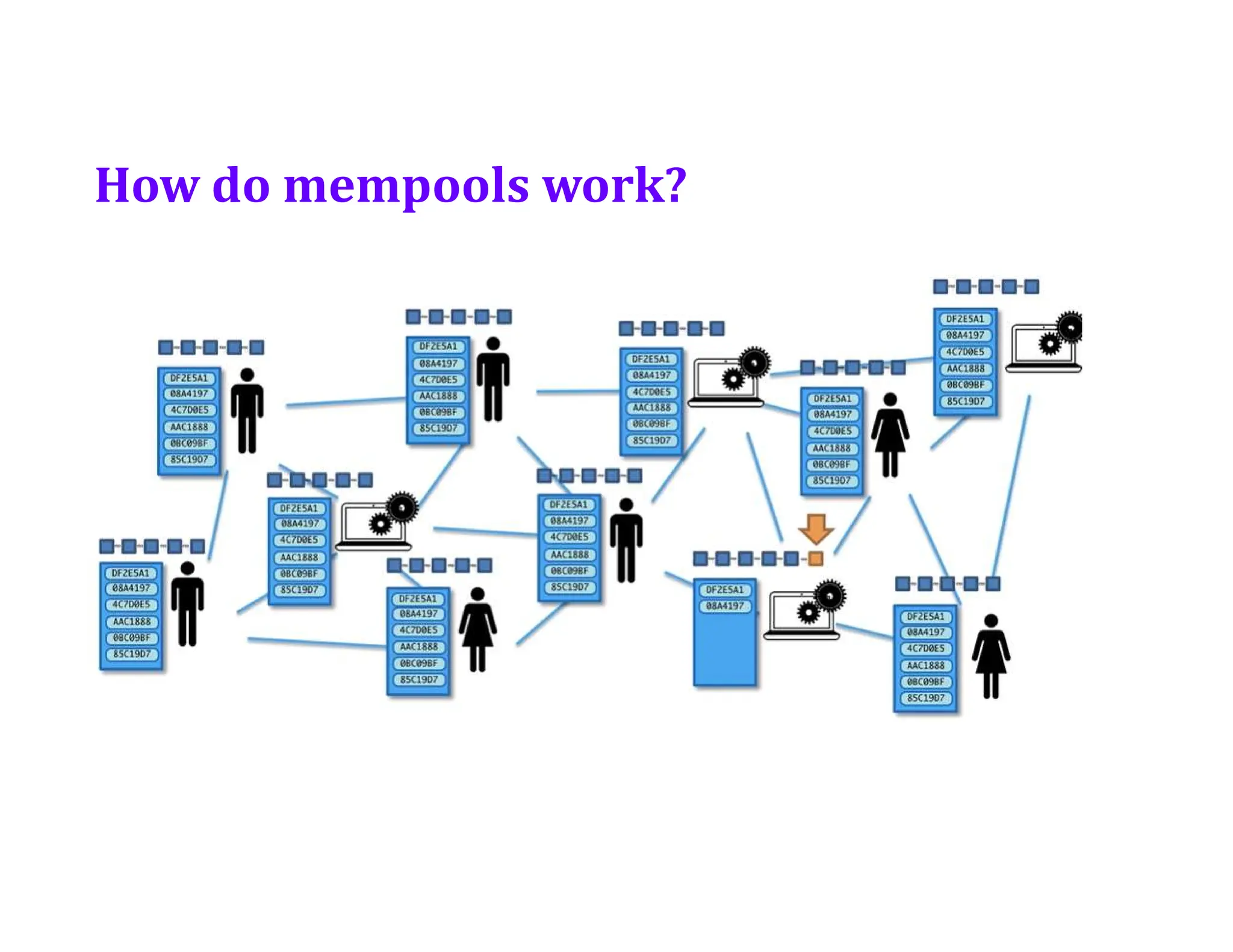
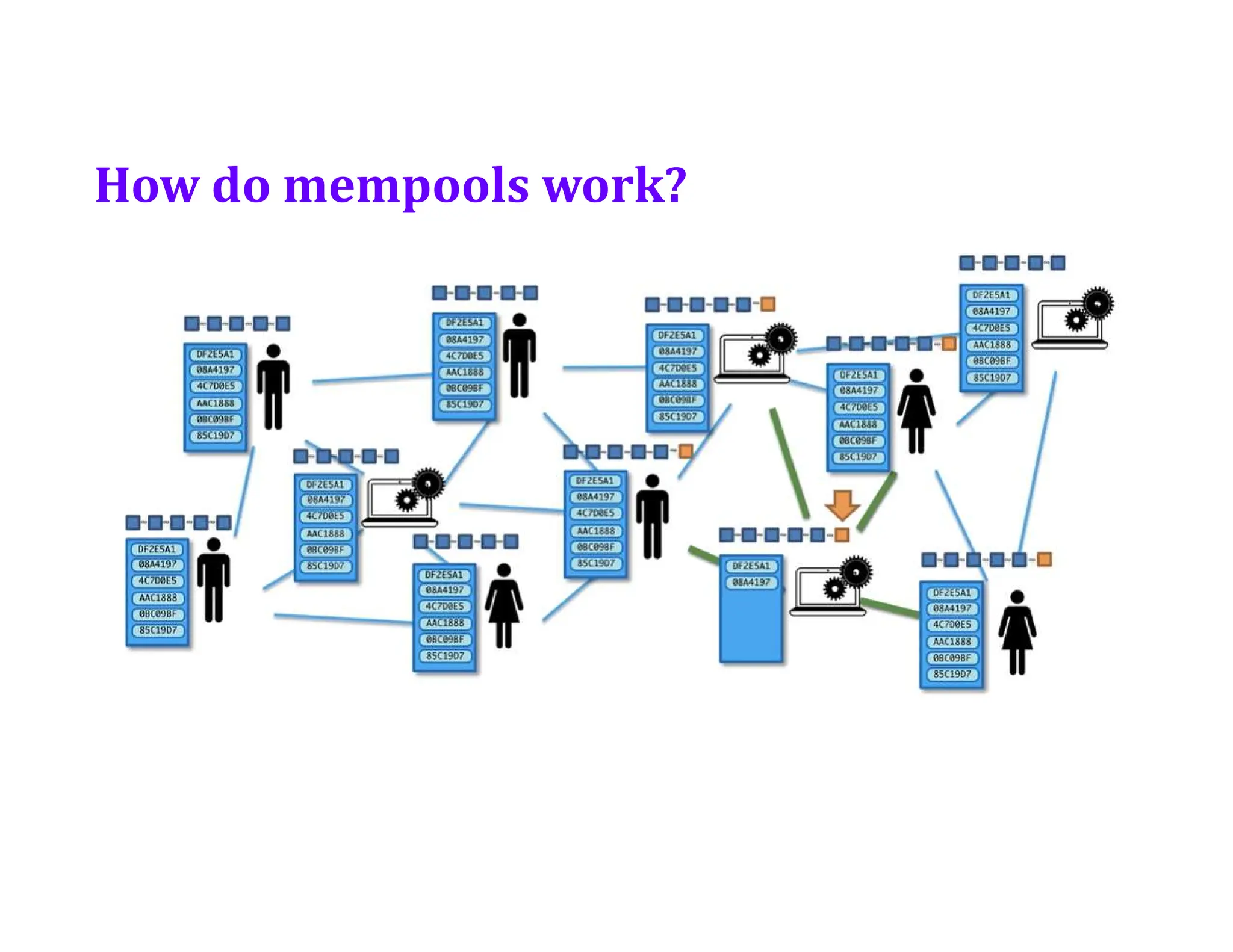
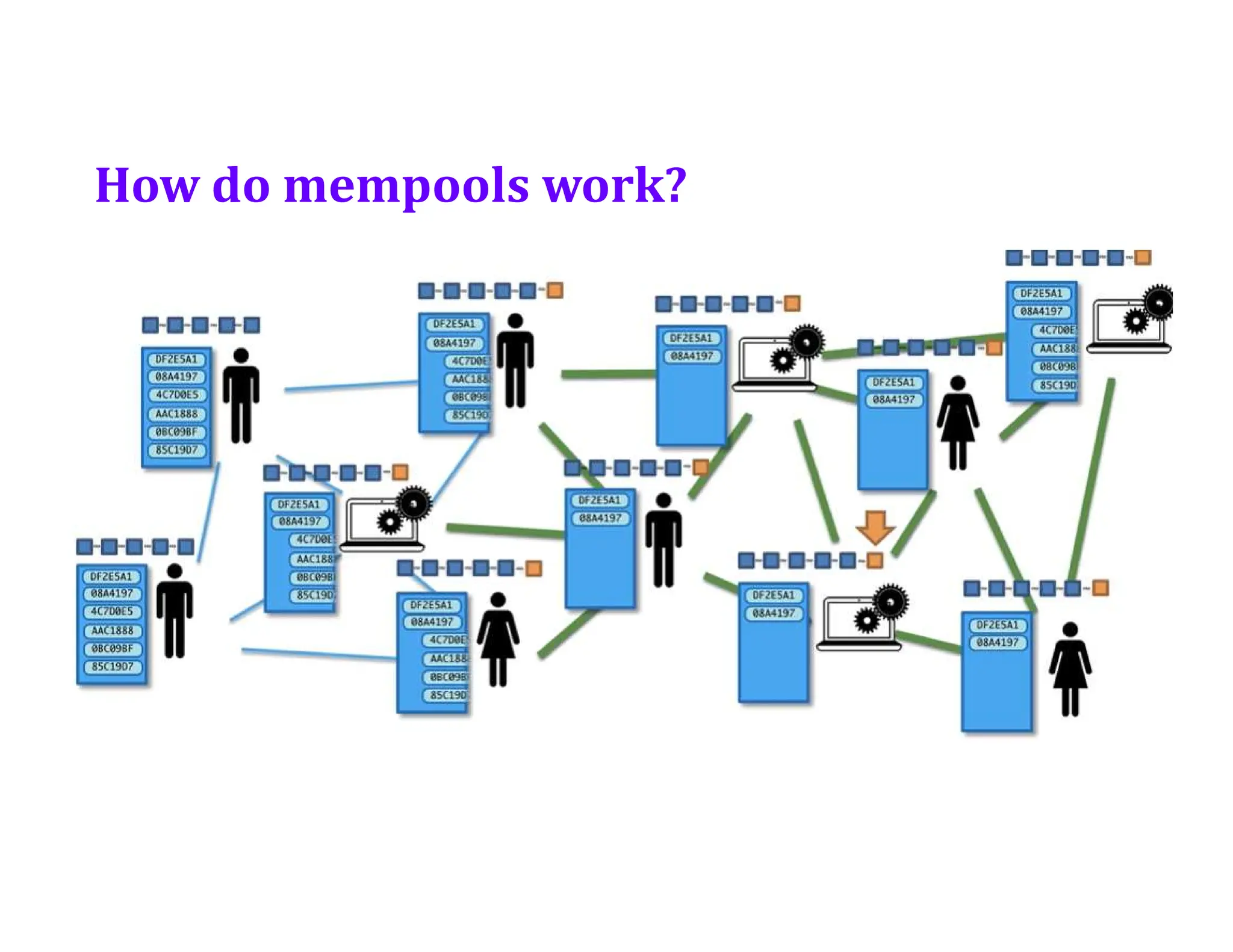
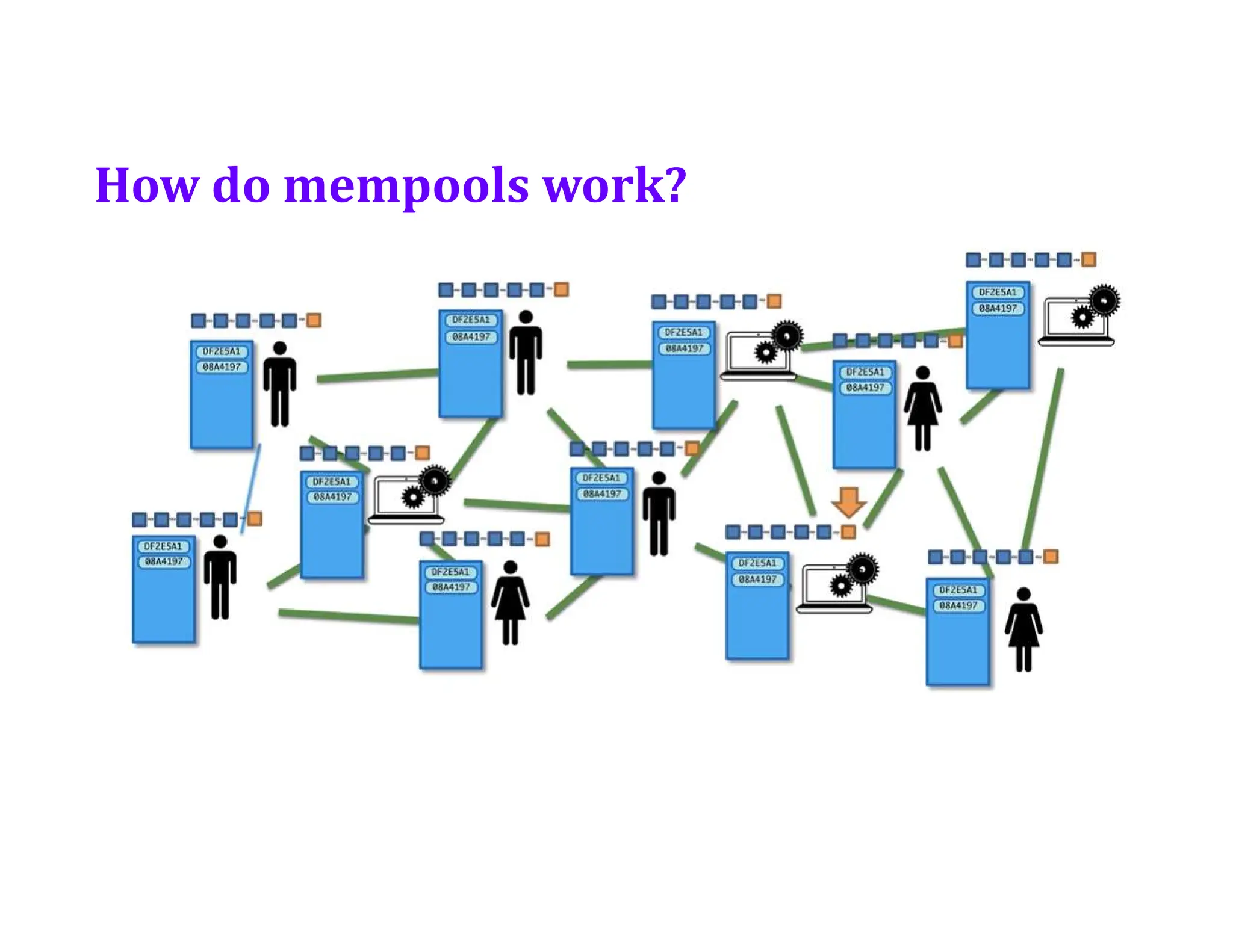
• How do Mempools work?
• Orphaned Blocks
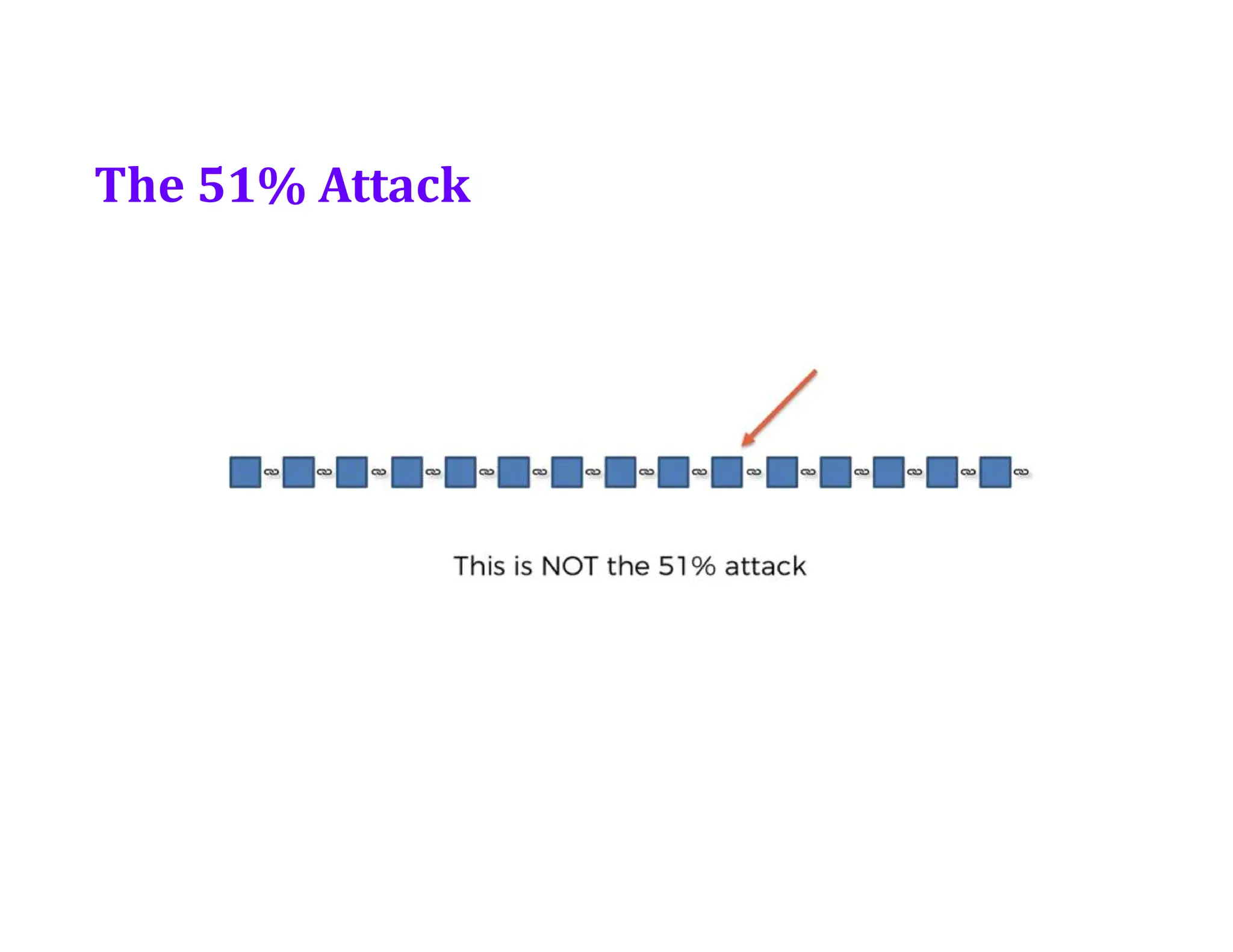
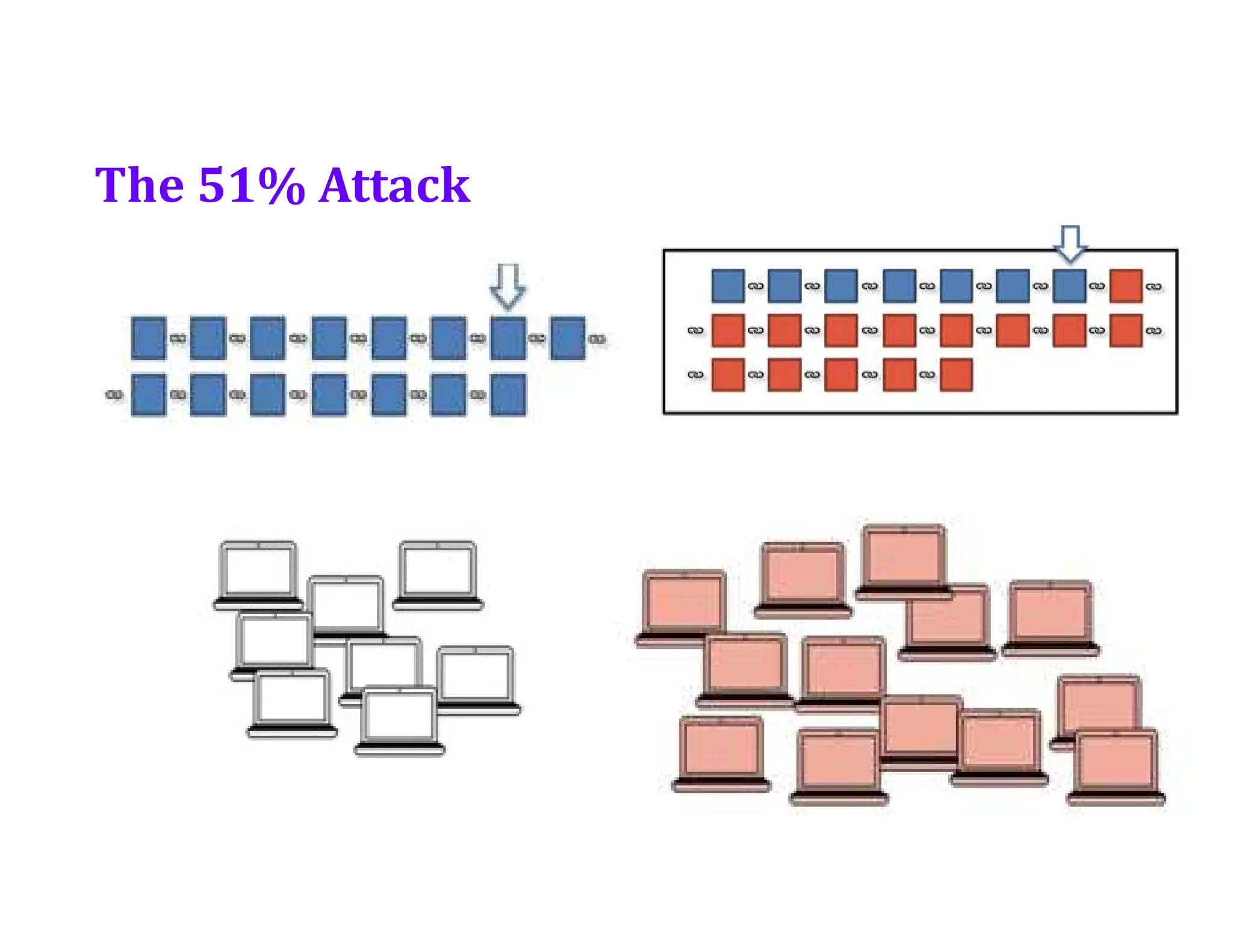
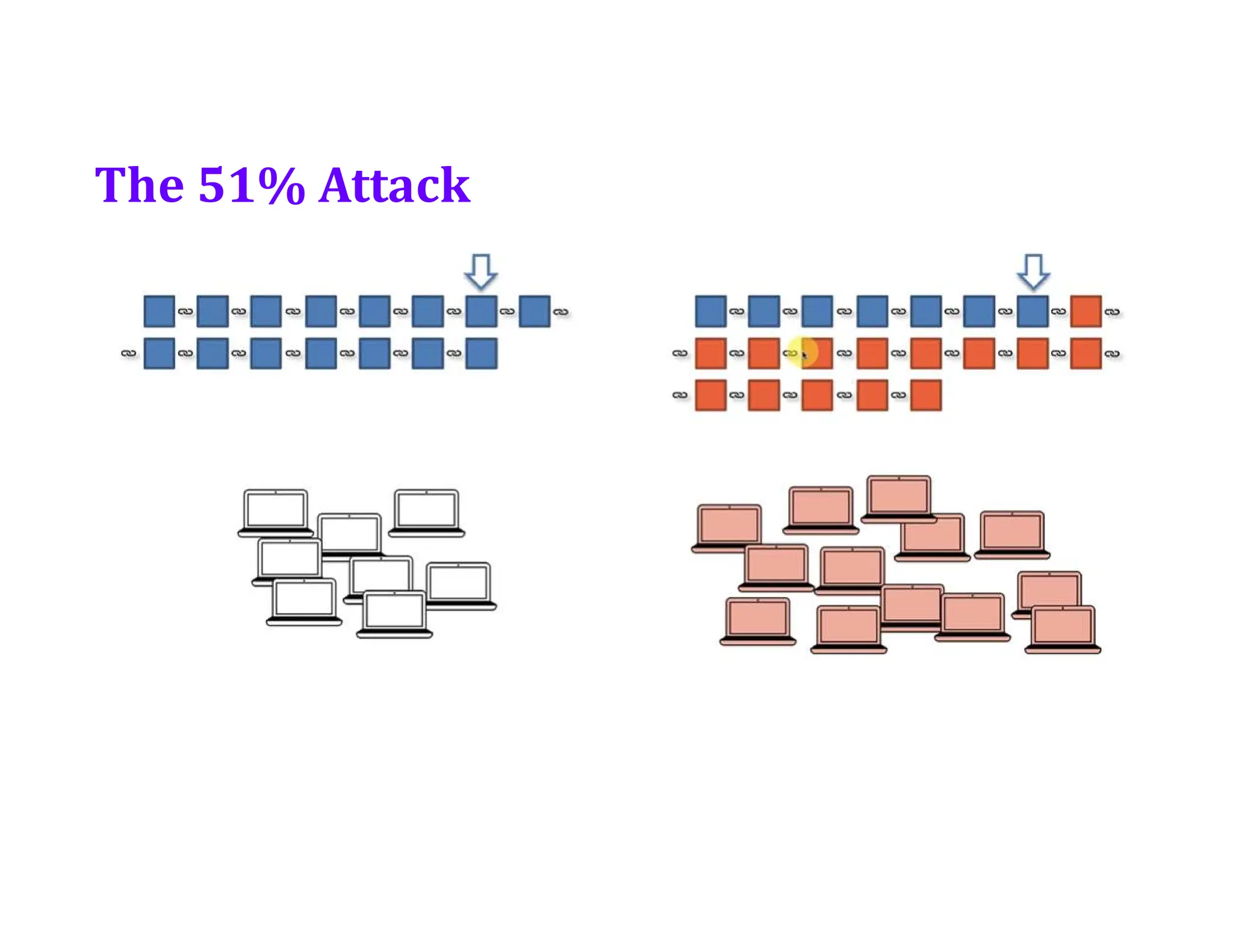
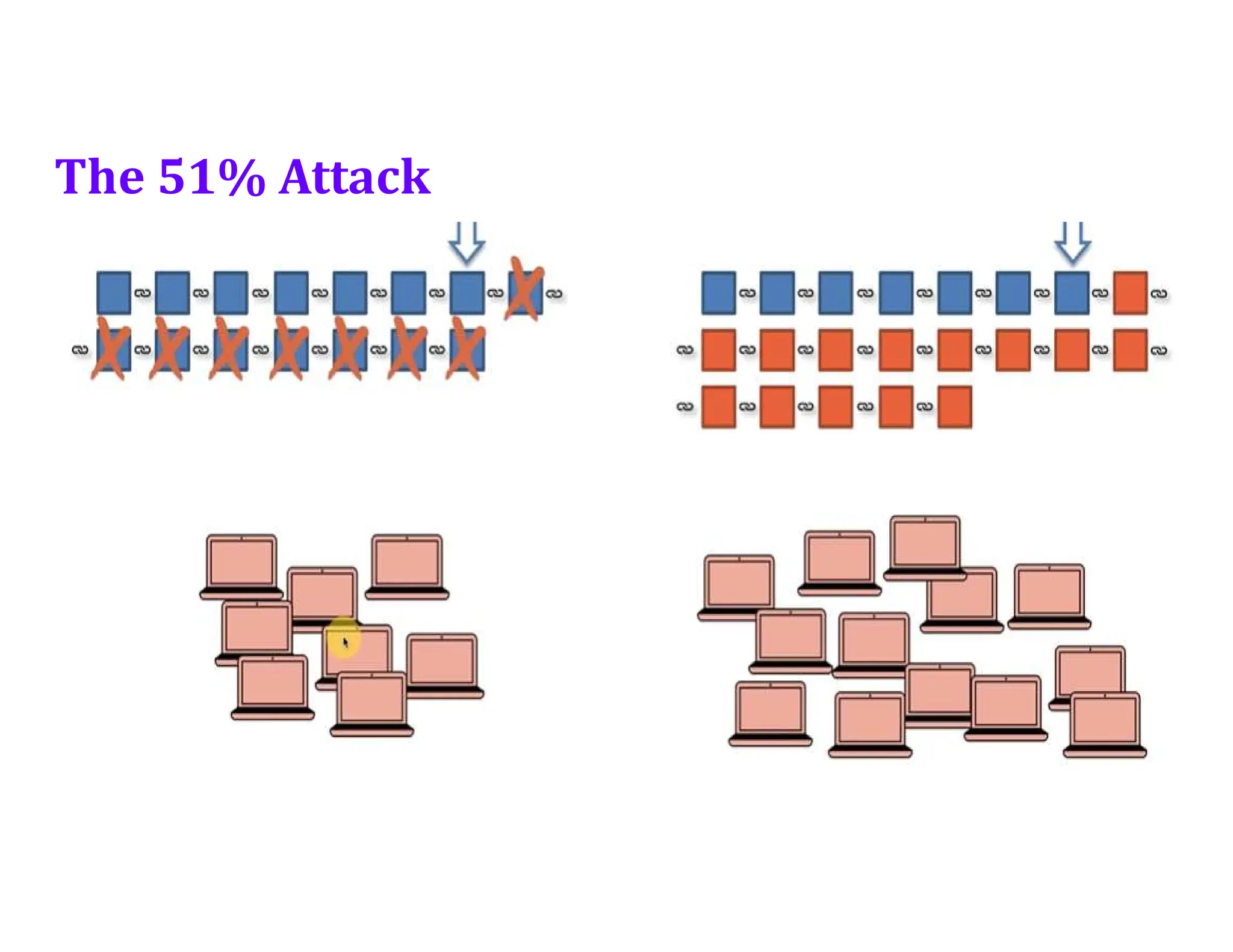
• The 51% Attack
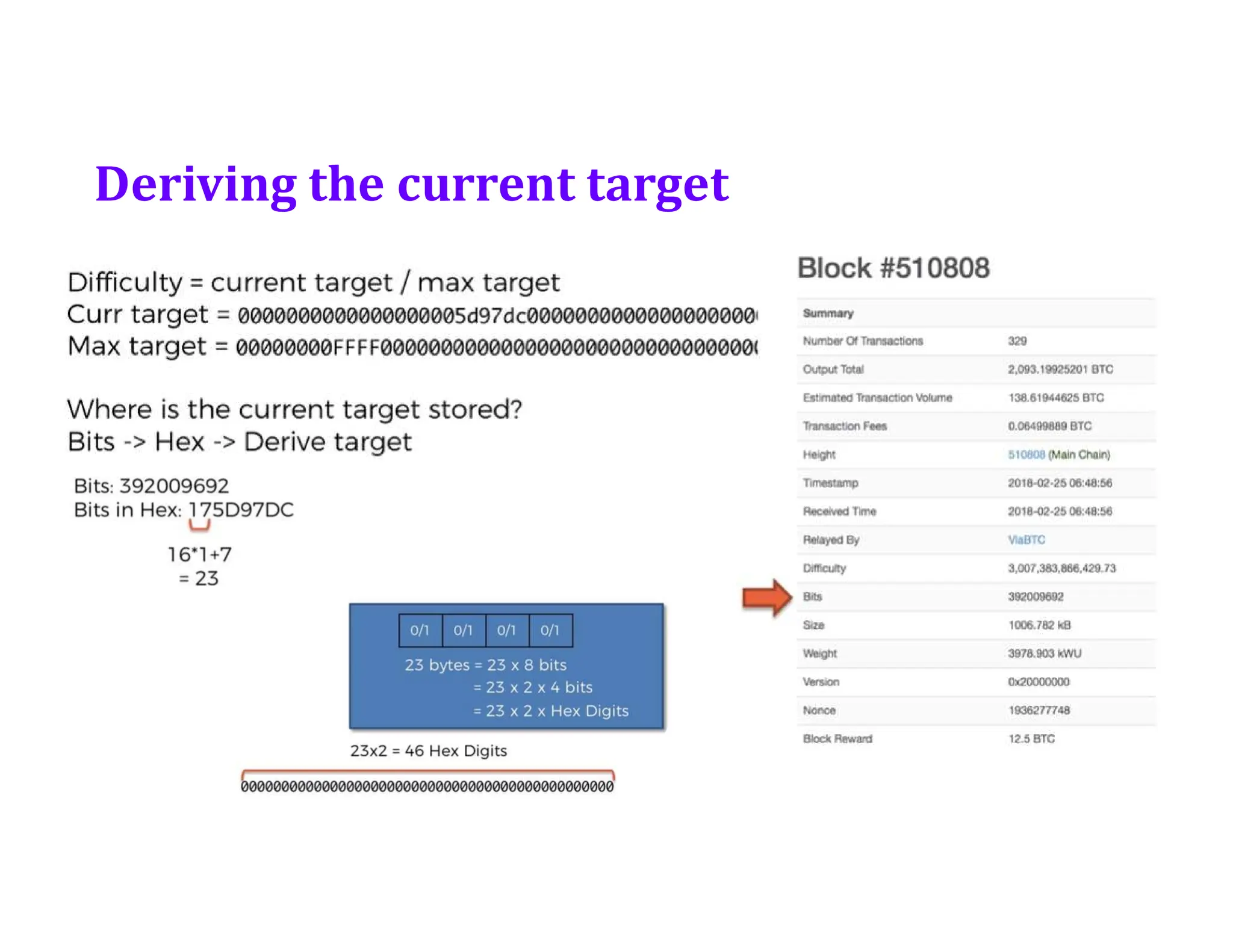
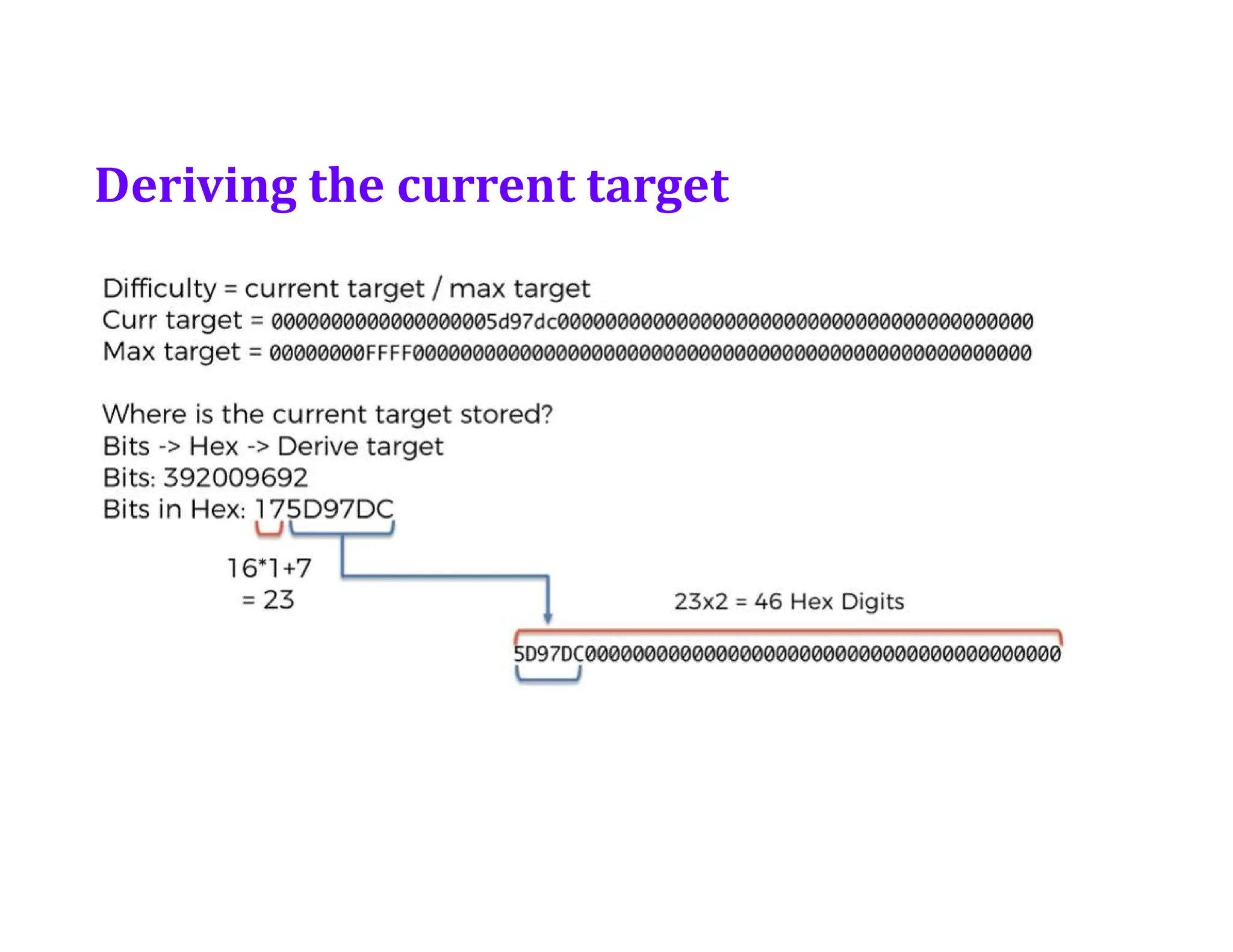
• Extra- Bits to target conversion
Orphaned Blocks
Orphan blocksor stale blocks, are blocks that are
not accepted into the blockchain network due to a
time lag in the acceptance of the block in question
into the blockchain, as compared to the other
qualifying block. Orphan blocks are valid and
verified blocks but have been rejected by the chain.
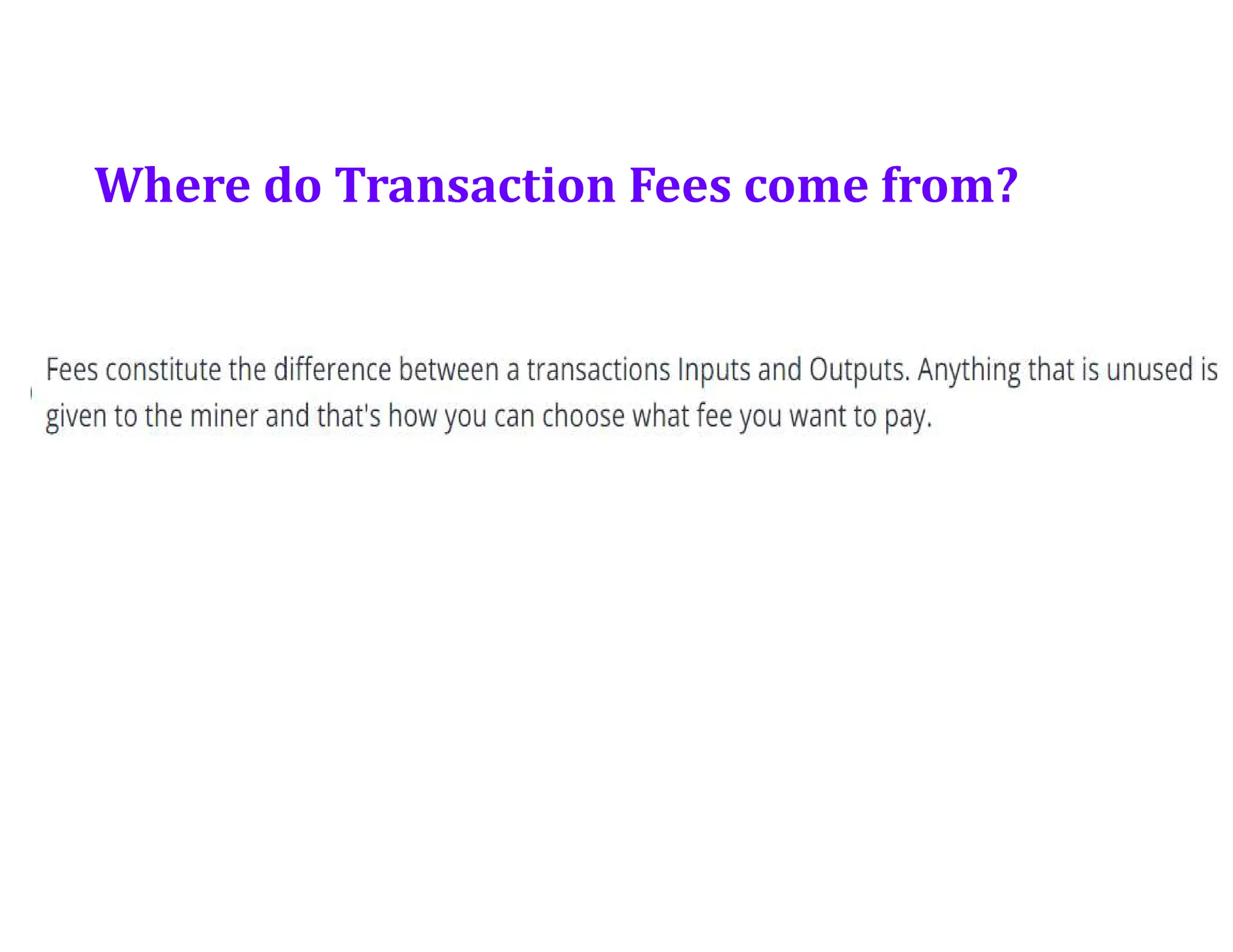
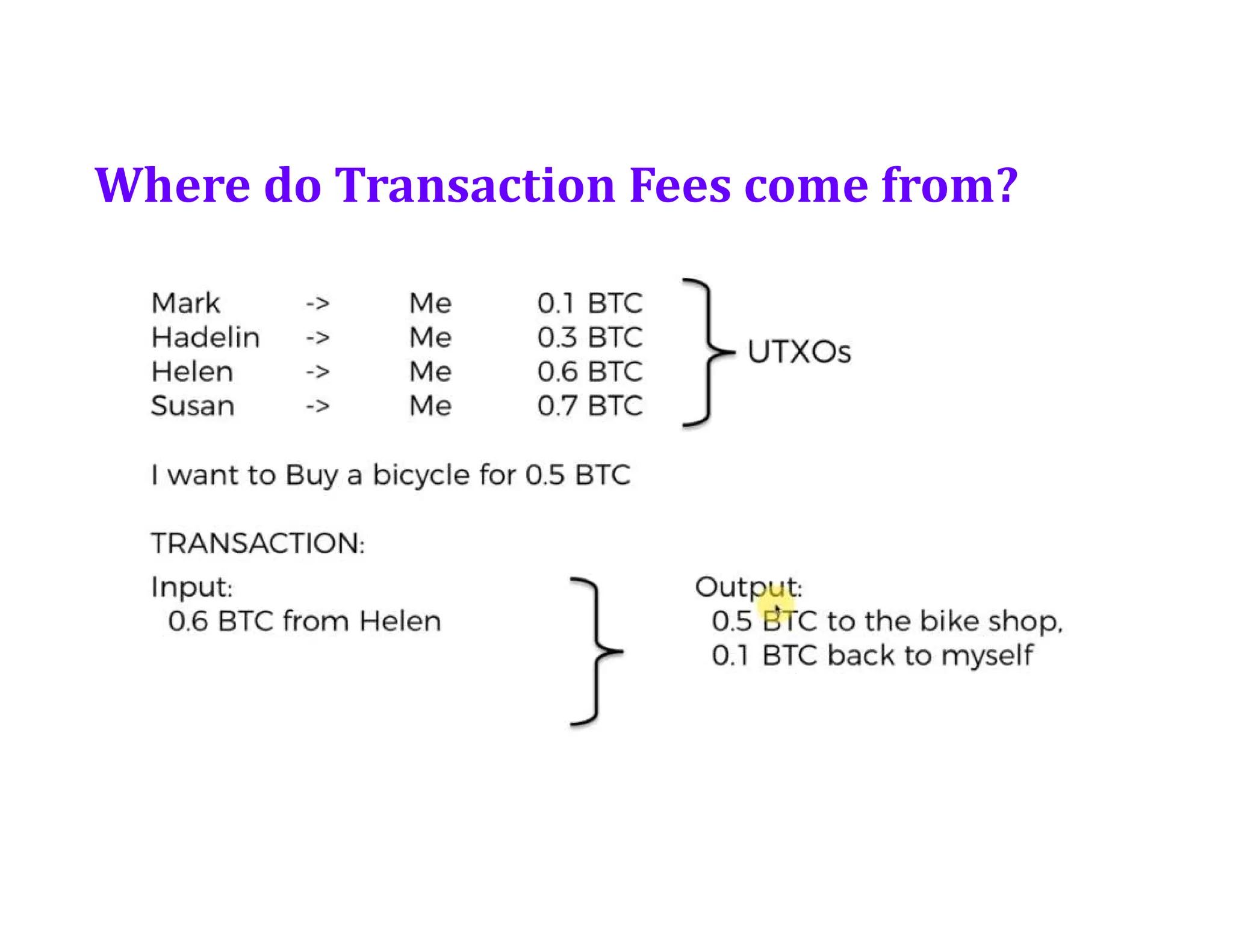
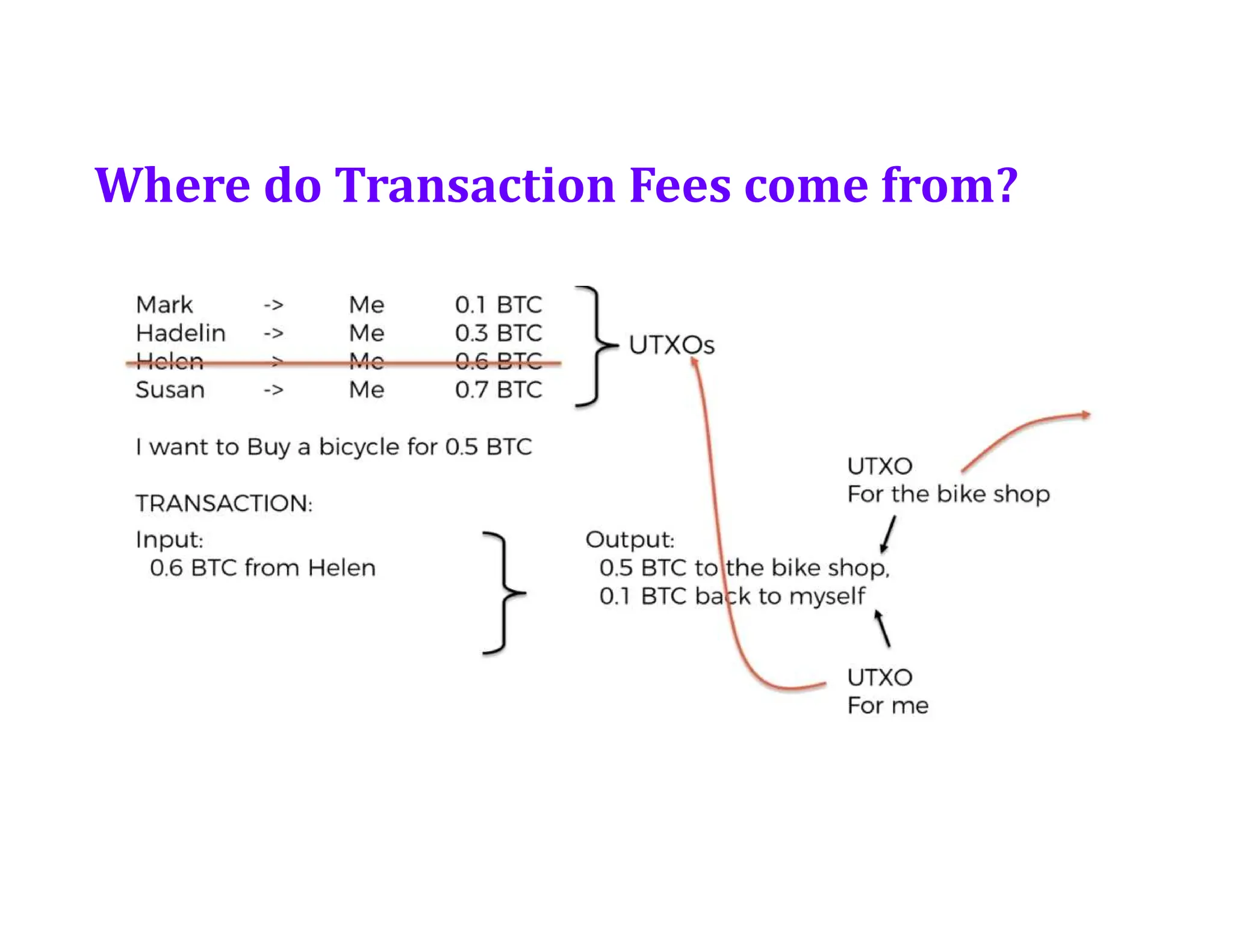
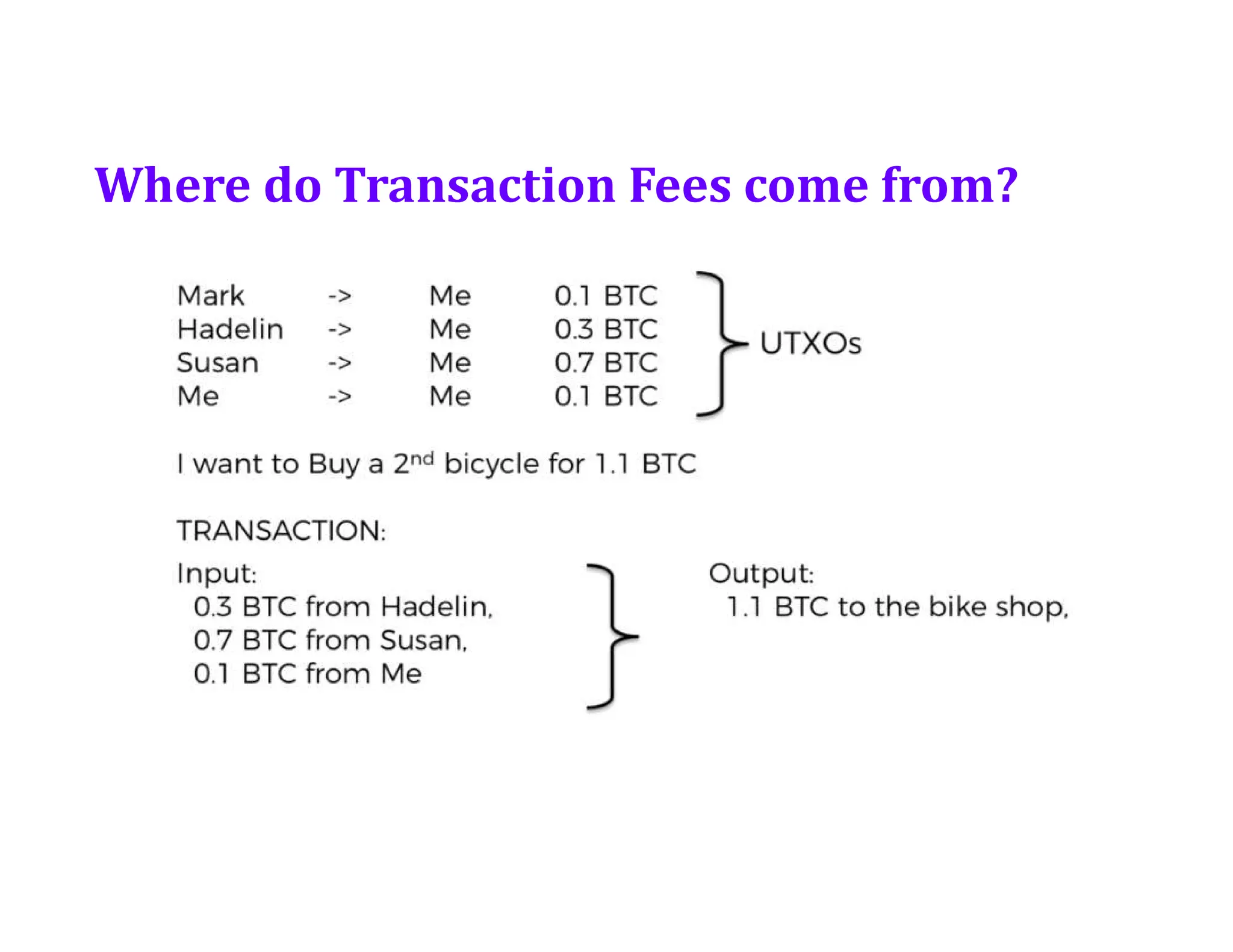
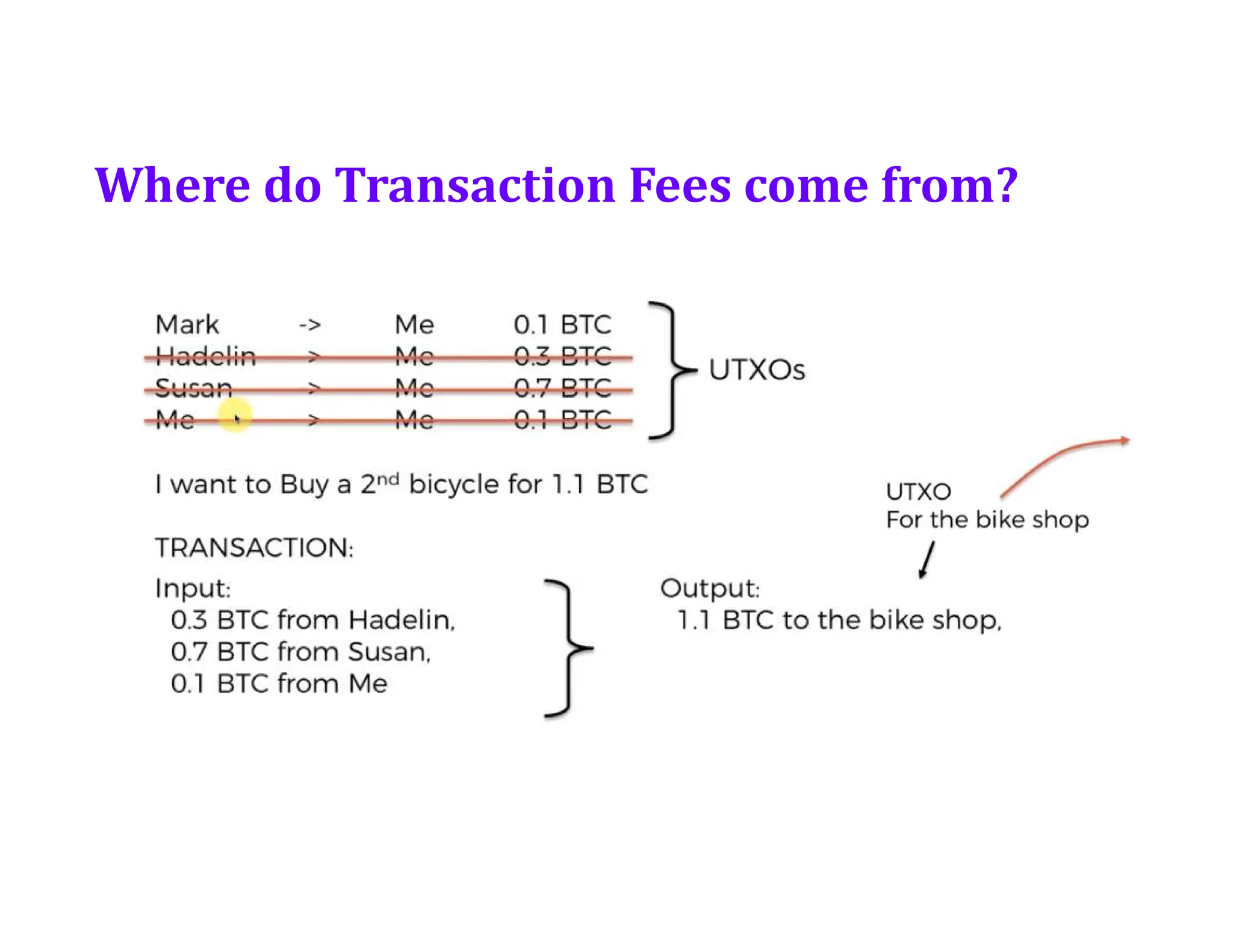
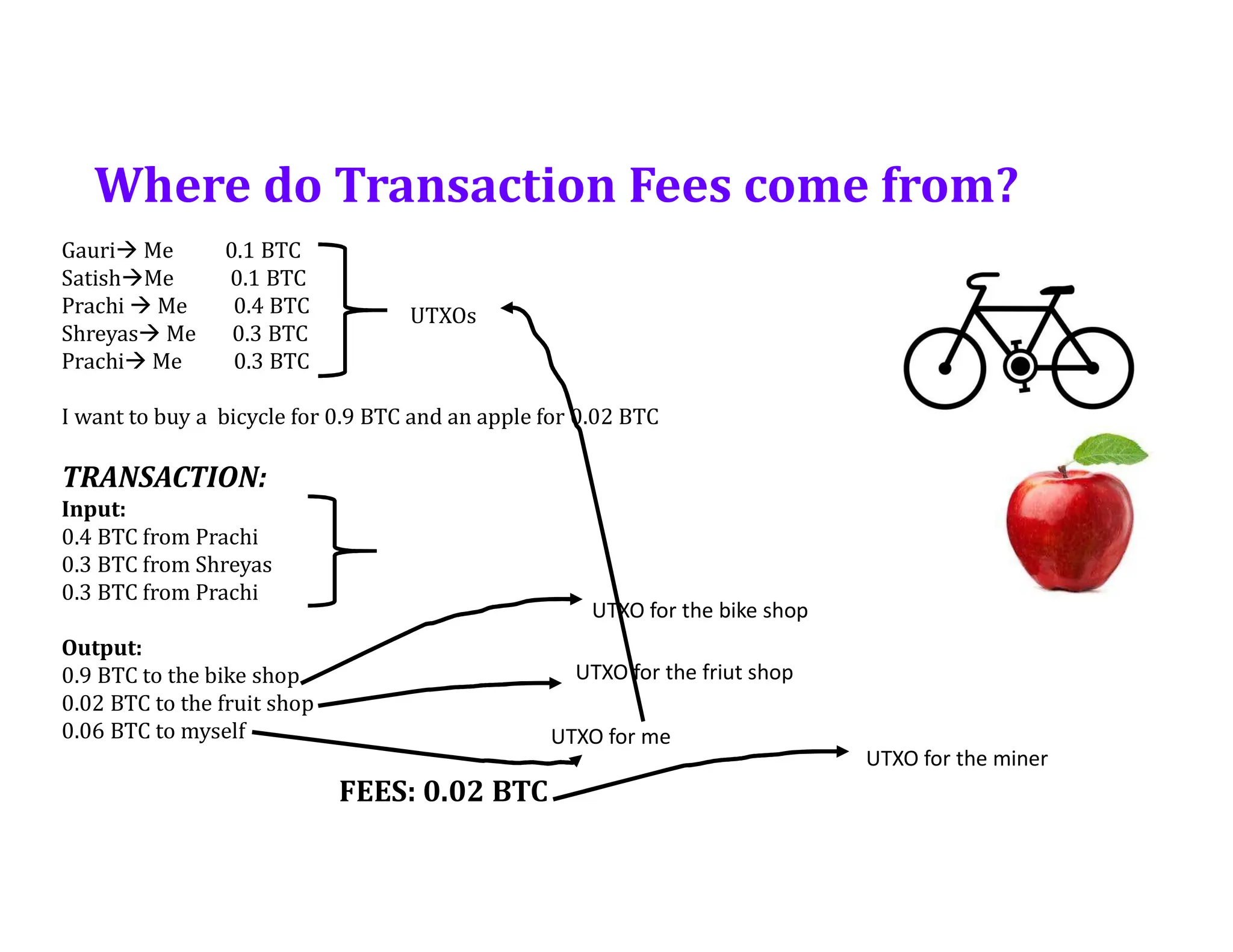
Where do TransactionFees come from?
Gauri Me 0.1 BTC
SatishMe 0.1 BTC
Prachi Me 0.4 BTC
Shreyas Me 0.3 BTC
Prachi Me 0.3 BTC
I want to buy a bicycle for 0.9 BTC and an apple for 0.02 BTC
TRANSACTION:
Input:
0.4 BTC from Prachi
0.3 BTC from Shreyas
0.3 BTC from Prachi
Output:
0.9 BTC to the bike shop
0.02 BTC to the fruit shop
0.06 BTC to myself
FEES: 0.02 BTC
UTXOs
UTXO for the bike shop
UTXO for the friut shop
UTXO for me
UTXO for the miner
70.
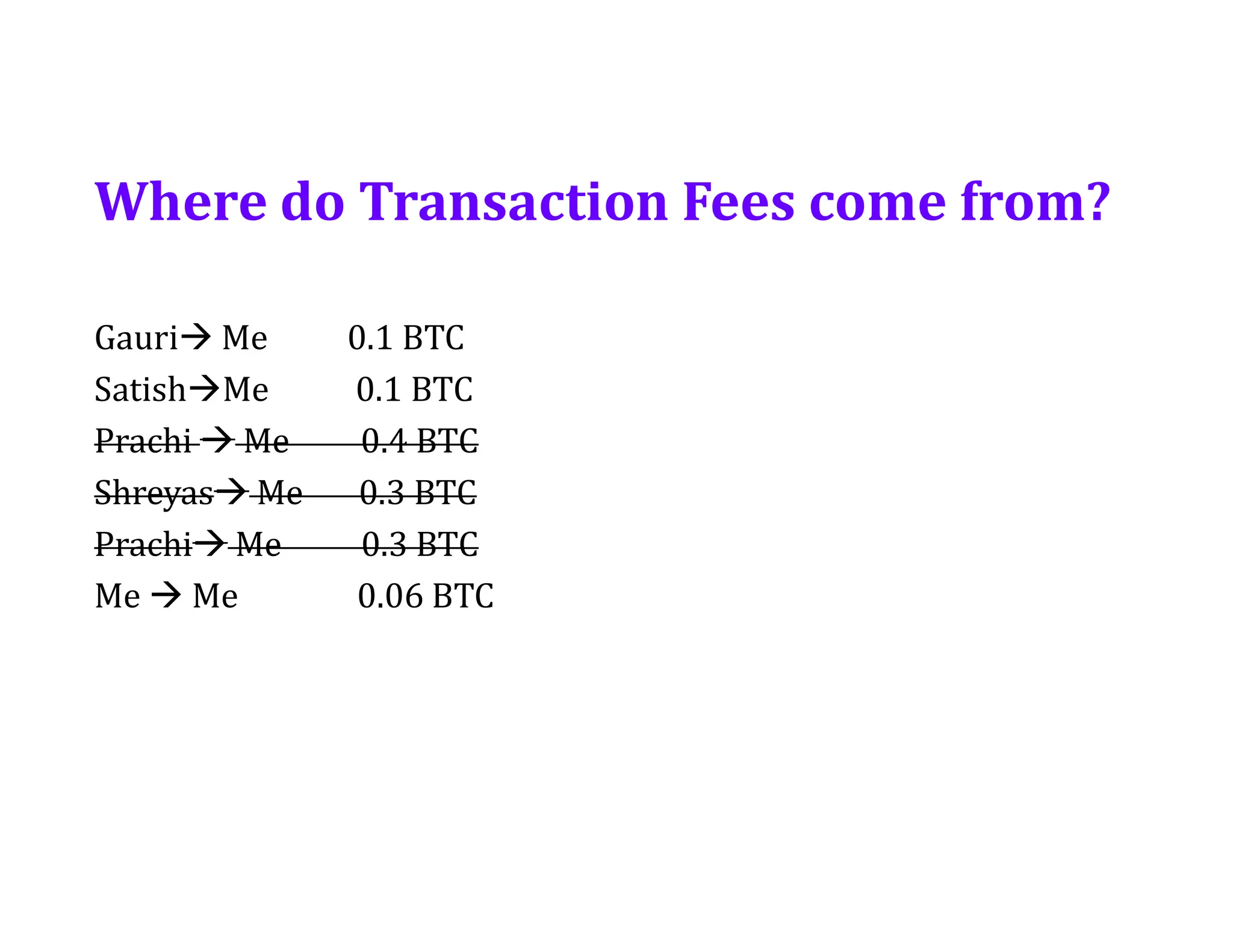
Gauri Me 0.1BTC
SatishMe 0.1 BTC
Prachi Me 0.4 BTC
Shreyas Me 0.3 BTC
Prachi Me 0.3 BTC
Me Me 0.06 BTC
Where do Transaction Fees come from?
71.
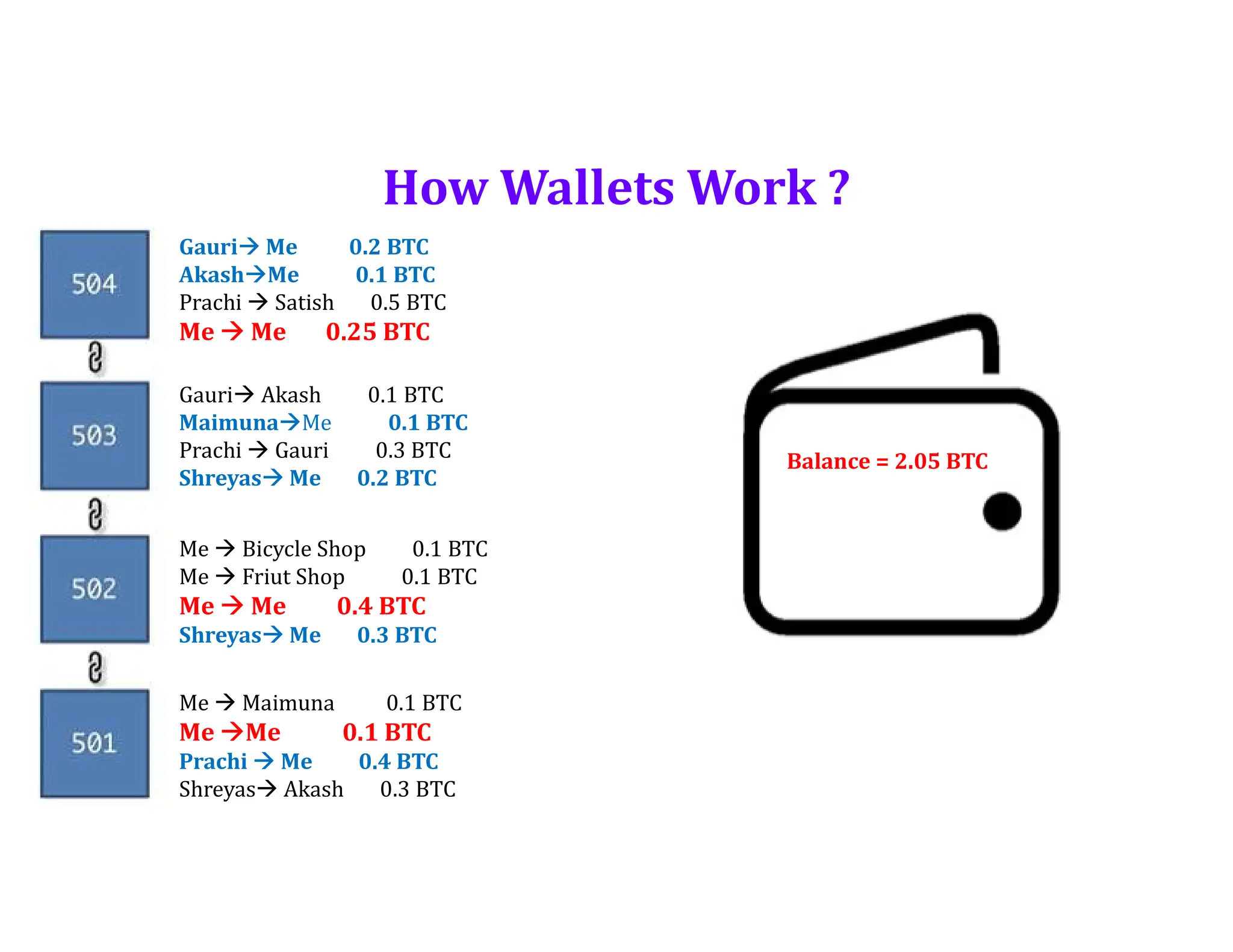
How Wallets Work?
Gauri Me 0.2 BTC
AkashMe 0.1 BTC
Prachi Satish 0.5 BTC
Me Me 0.25 BTC
Gauri Akash 0.1 BTC
MaimunaMe 0.1 BTC
Prachi Gauri 0.3 BTC
Shreyas Me 0.2 BTC
Me Bicycle Shop 0.1 BTC
Me Friut Shop 0.1 BTC
Me Me 0.4 BTC
Shreyas Me 0.3 BTC
Me Maimuna 0.1 BTC
Me Me 0.1 BTC
Prachi Me 0.4 BTC
Shreyas Akash 0.3 BTC
Balance = 2.05 BTC
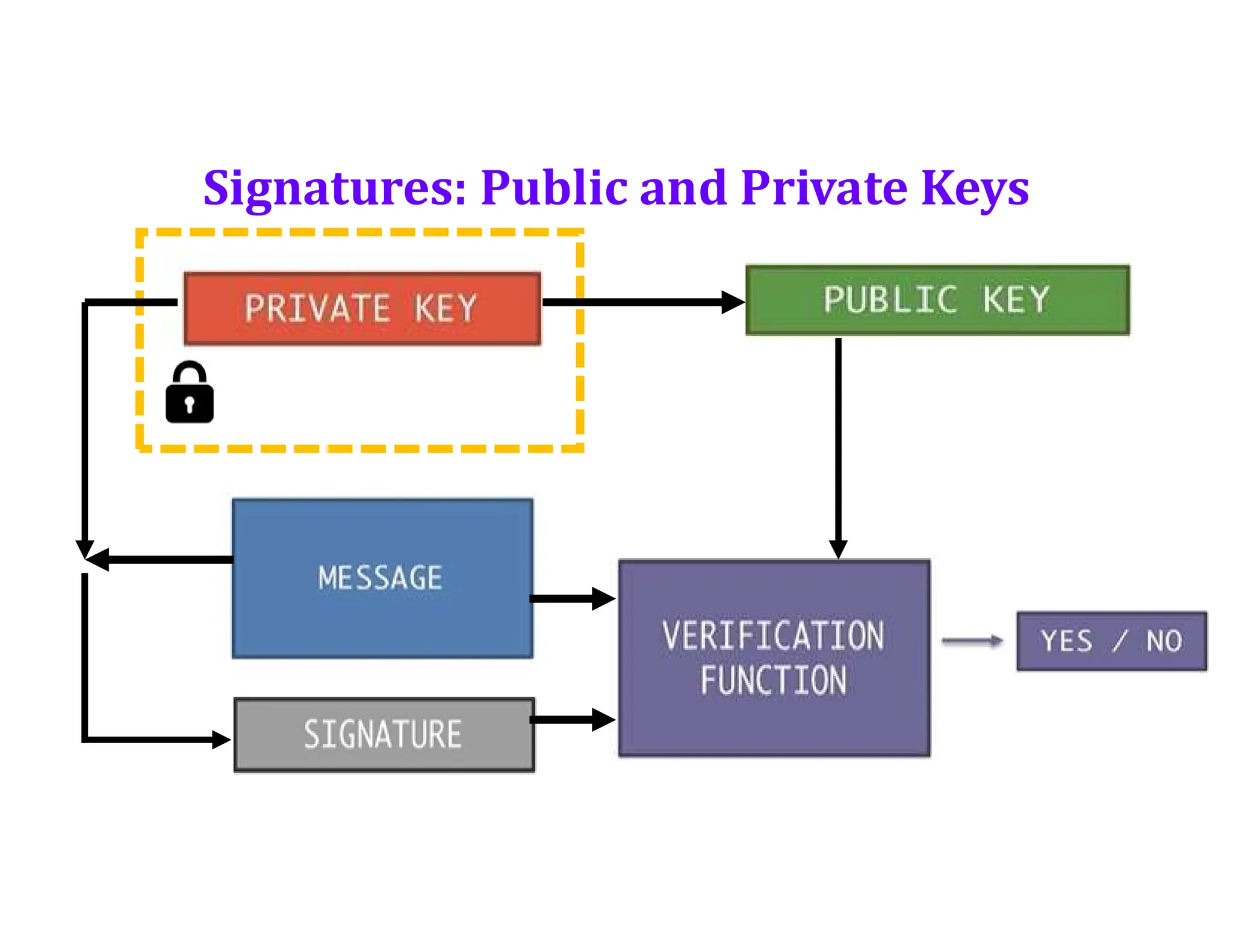
Signatures: Public andPrivate Keys
https://tools.superdatascience.com/blockchain/public-private-keys/keys
74.
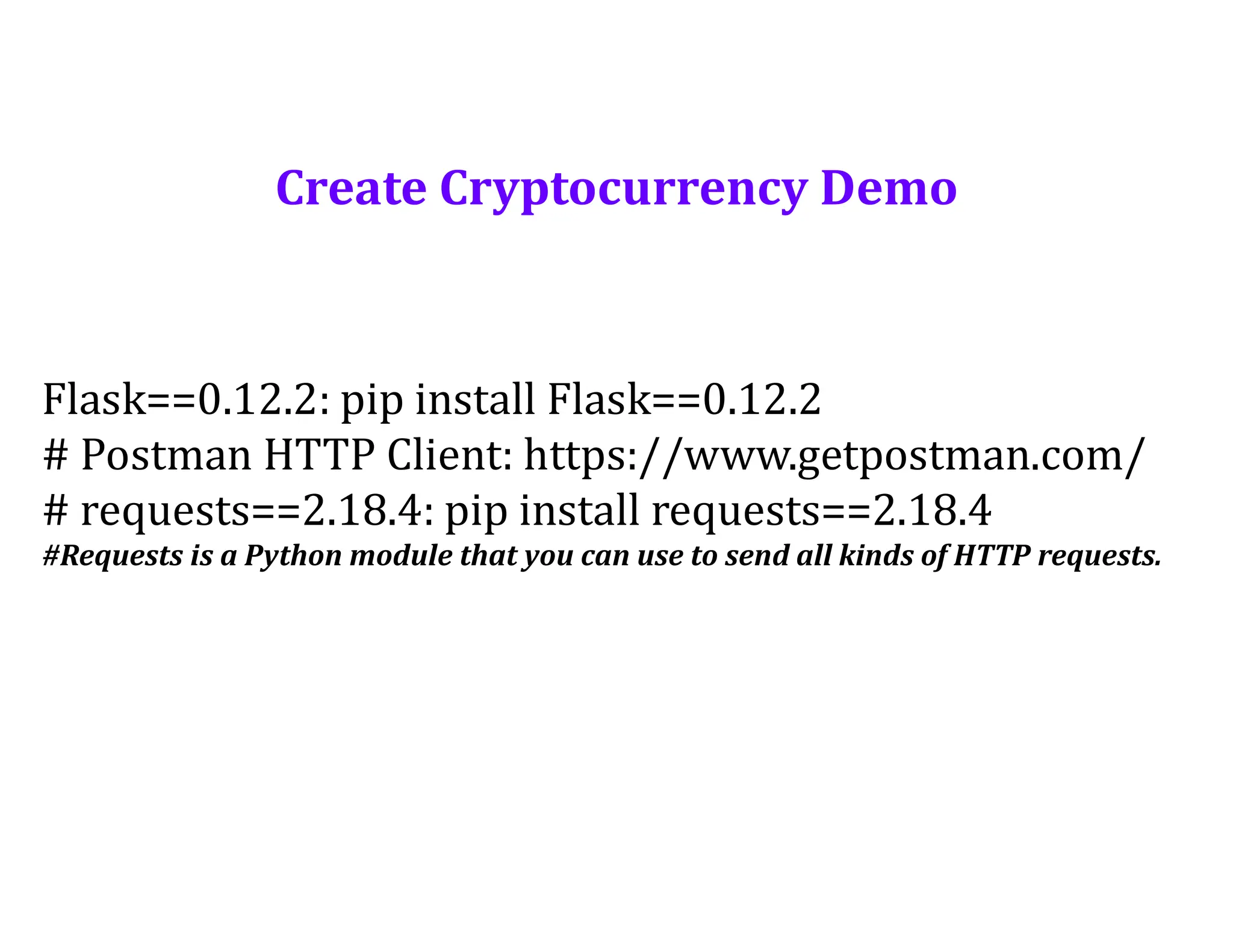
Create Cryptocurrency Demo
Flask==0.12.2:pip install Flask==0.12.2
# Postman HTTP Client: https://www.getpostman.com/
# requests==2.18.4: pip install requests==2.18.4
#Requests is a Python module that you can use to send all kinds of HTTP requests.
75.
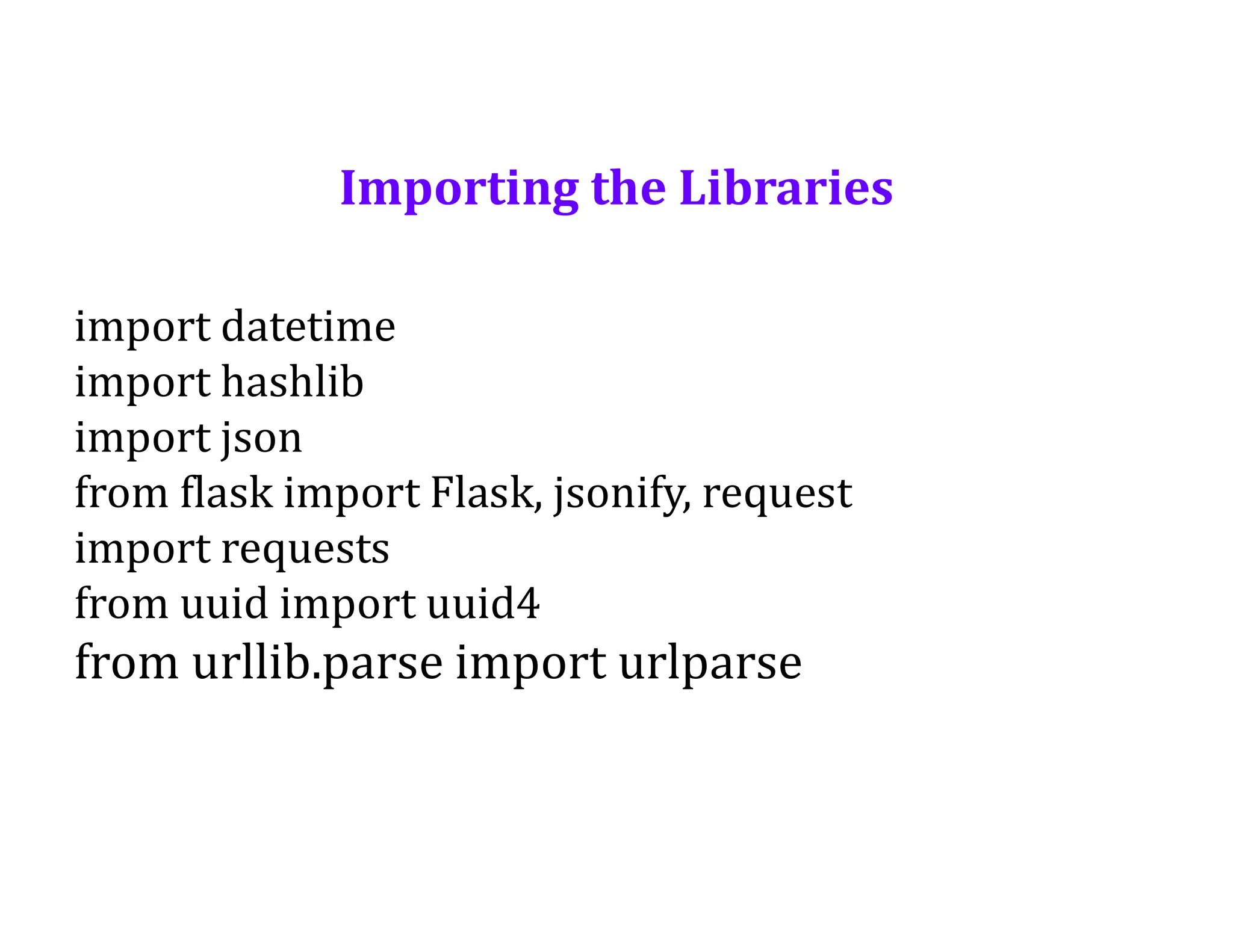
Importing the Libraries
importdatetime
import hashlib
import json
from flask import Flask, jsonify, request
import requests
from uuid import uuid4
from urllib.parse import urlparse
76.
Implementation in 3Parts
1. Building Blockchain to create a cryptocurrency.
2. Mining new blocks to welcome some new transactions of
the cryptocurrency currencies between several persons.
3. Decentralizing the blockchain.
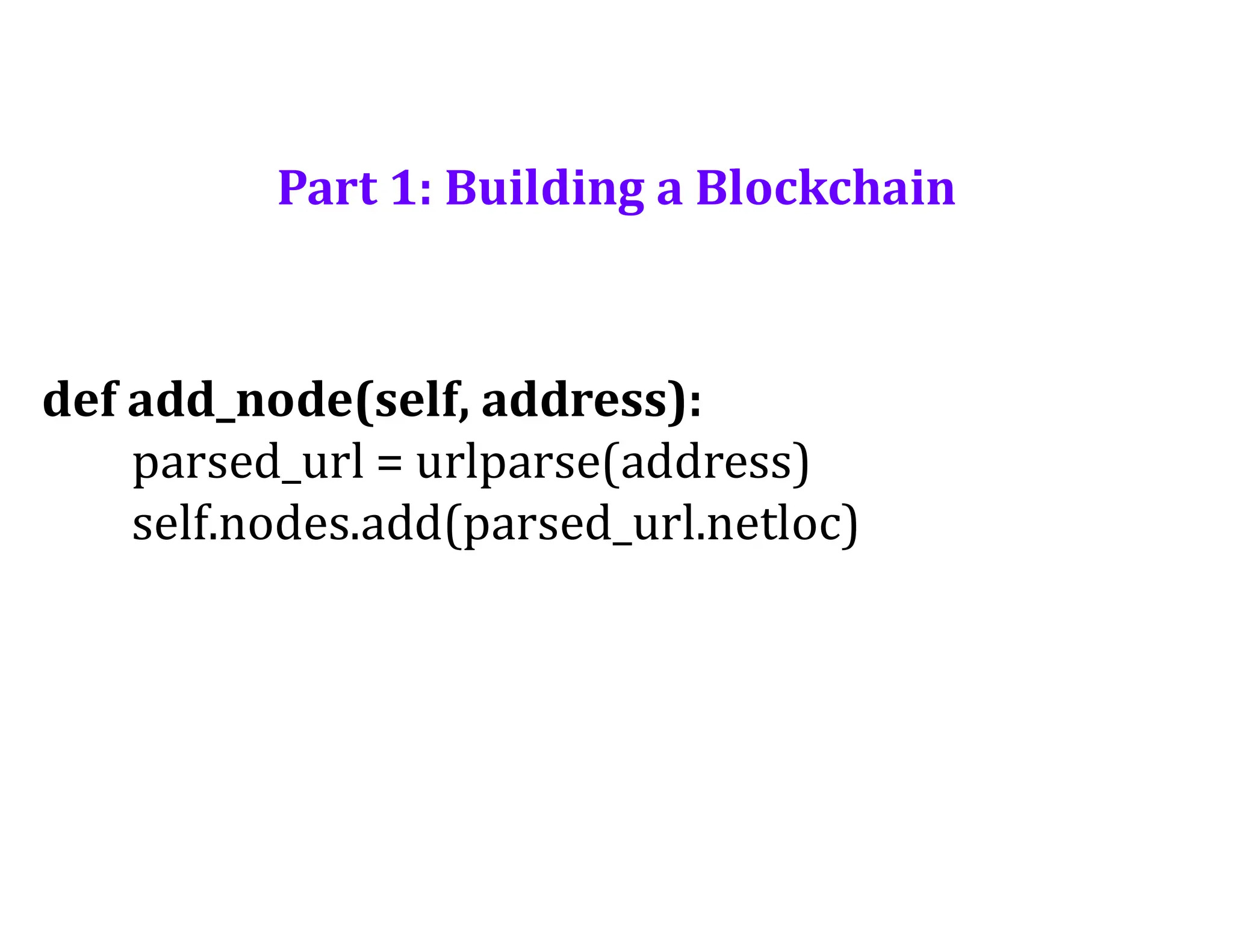
Part 1: Buildinga Blockchain
def replace_chain(self):
network = self.nodes
longest_chain = None
max_length = len(self.chain)
for node in network:
response = requests.get(f'http://{node}/get_chain')
if response.status_code == 200:
length = response.json()['length']
chain = response.json()['chain']
if length > max_length and self.is_chain_valid(chain):
max_length = length
longest_chain = chain
if longest_chain:
self.chain = longest_chain
return True
return False
81.
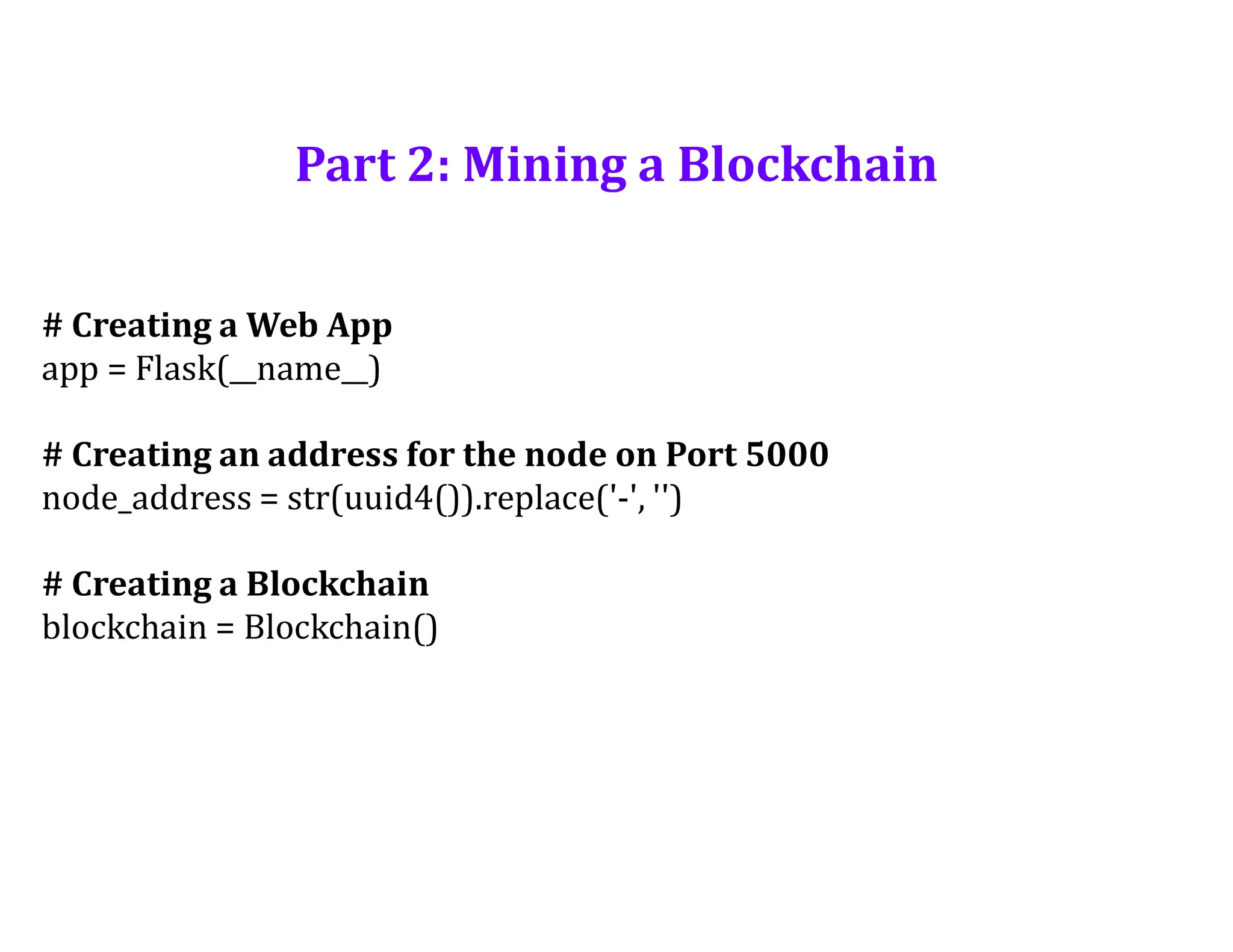
Part 2: Mininga Blockchain
# Creating a Web App
app = Flask(__name__)
# Creating an address for the node on Port 5000
node_address = str(uuid4()).replace('-', '')
# Creating a Blockchain
blockchain = Blockchain()
# Adding anew transaction to the Blockchain
@app.route('/add_transaction', methods = ['POST'])
def add_transaction():
json = request.get_json()
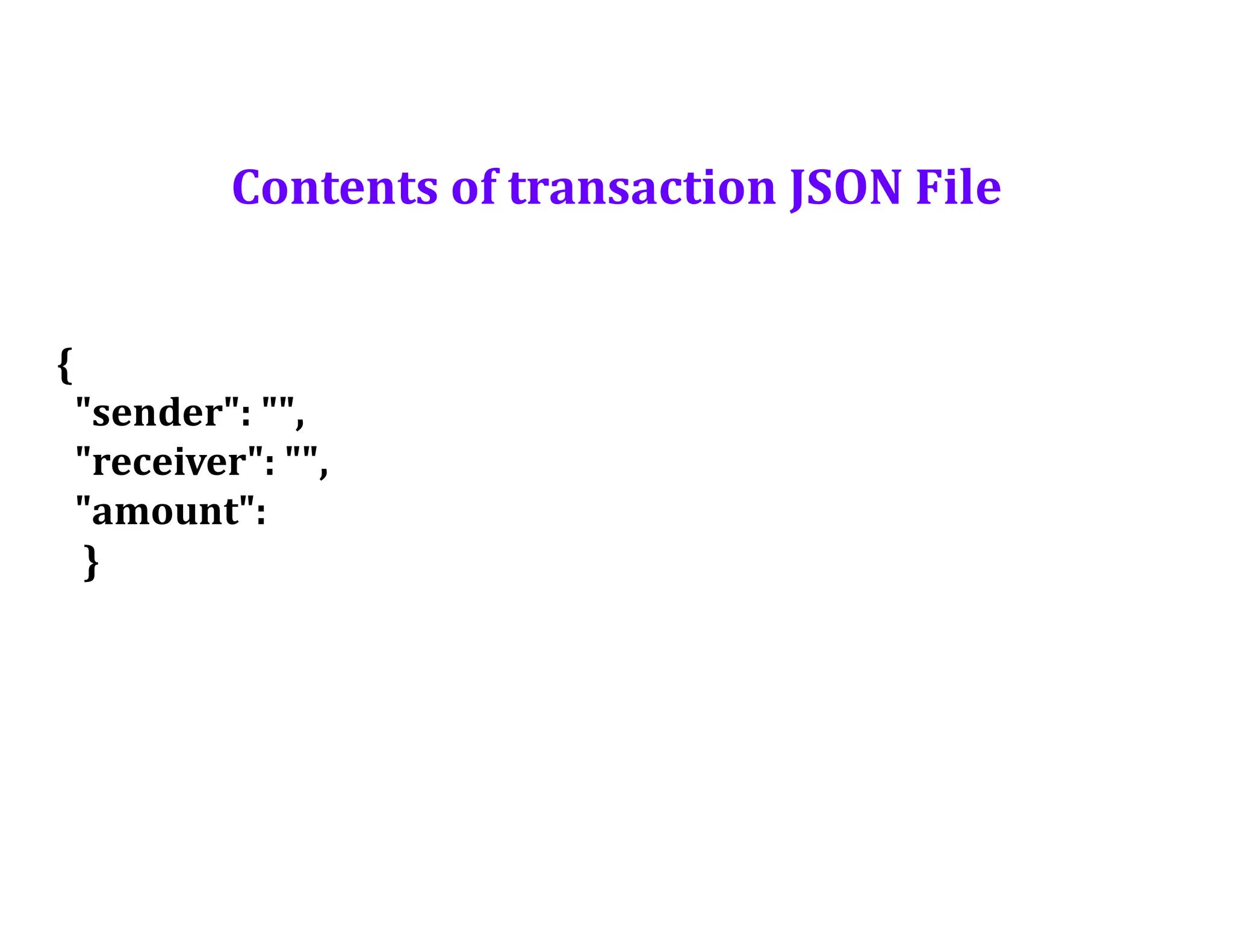
transaction_keys = ['sender', 'receiver', 'amount']
if not all(key in json for key in transaction_keys):
return 'Some elements of the transaction are missing', 400
index = blockchain.add_transaction(json['sender’],
json['receiver'], json['amount'])
response = {'message': f'This transaction will be added to Block
{index}'}
return jsonify(response), 201
84.
# Part 3-Decentralizing the Blockchain
# Connecting new nodes
@app.route('/connect_node', methods = ['POST'])
def connect_node():
json = request.get_json()
nodes = json.get('nodes')
if nodes is None:
return "No node", 400
for node in nodes:
blockchain.add_node(node)
response = {'message': 'All the nodes are now connected. The Icoin
Blockchain now contains the following nodes:',
'total_nodes': list(blockchain.nodes)}
return jsonify(response), 201
85.
# Replacing thechain by the longest chain if needed
@app.route('/replace_chain', methods = ['GET'])
def replace_chain():
is_chain_replaced = blockchain.replace_chain()
if is_chain_replaced:
response = {'message': 'The nodes had different chains so the
chain was replaced by the longest one.',
'new_chain': blockchain.chain}
else:
response = {'message': 'Great. The chain is the largest one.',
'actual_chain': blockchain.chain}
return jsonify(response), 200
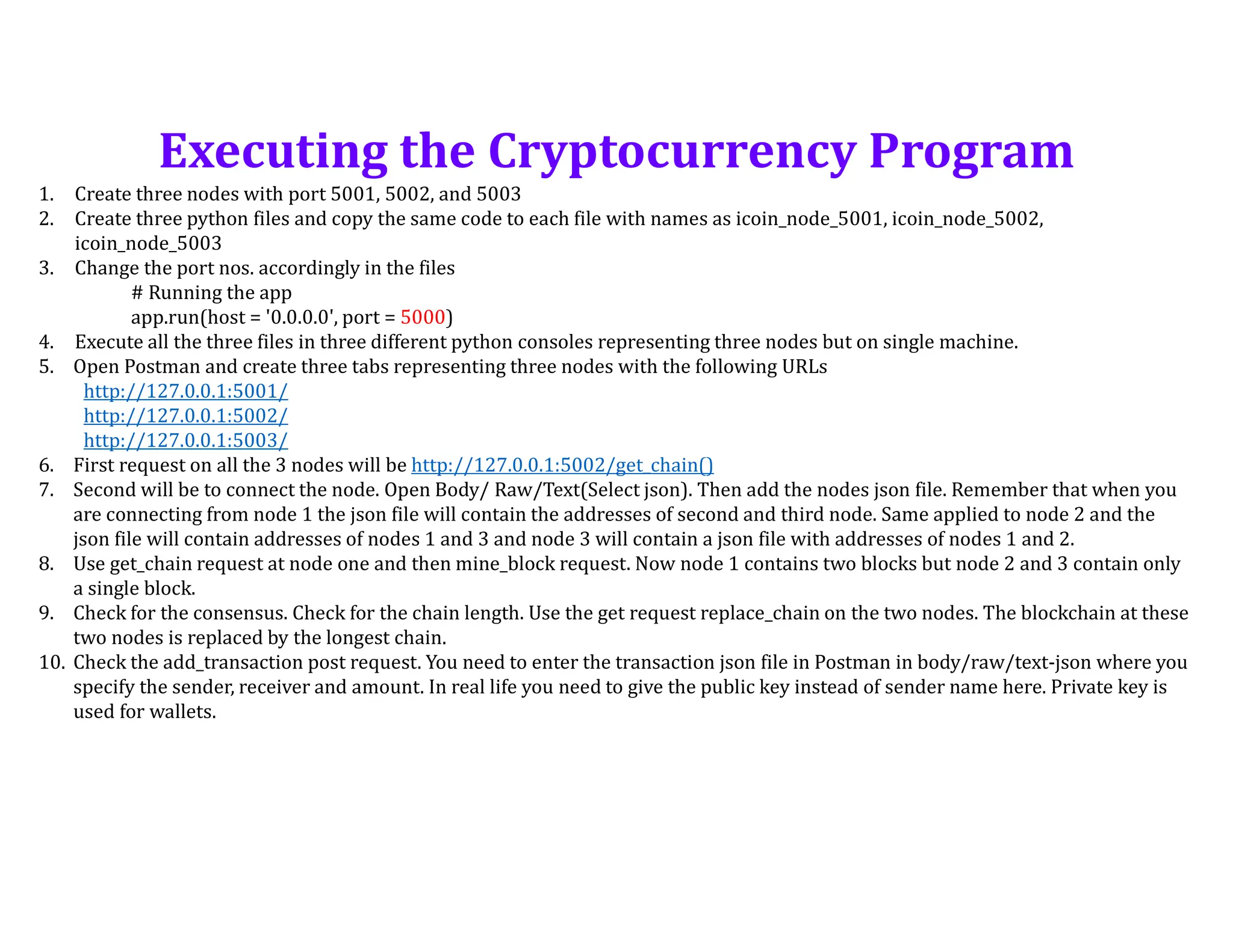
1. Create threenodes with port 5001, 5002, and 5003
2. Create three python files and copy the same code to each file with names as icoin_node_5001, icoin_node_5002,
icoin_node_5003
3. Change the port nos. accordingly in the files
# Running the app
app.run(host = '0.0.0.0', port = 5000)
4. Execute all the three files in three different python consoles representing three nodes but on single machine.
5. Open Postman and create three tabs representing three nodes with the following URLs
http://127.0.0.1:5001/
http://127.0.0.1:5002/
http://127.0.0.1:5003/
6. First request on all the 3 nodes will be http://127.0.0.1:5002/get_chain()
7. Second will be to connect the node. Open Body/ Raw/Text(Select json). Then add the nodes json file. Remember that when you
are connecting from node 1 the json file will contain the addresses of second and third node. Same applied to node 2 and the
json file will contain addresses of nodes 1 and 3 and node 3 will contain a json file with addresses of nodes 1 and 2.
8. Use get_chain request at node one and then mine_block request. Now node 1 contains two blocks but node 2 and 3 contain only
a single block.
9. Check for the consensus. Check for the chain length. Use the get request replace_chain on the two nodes. The blockchain at these
two nodes is replaced by the longest chain.
10. Check the add_transaction post request. You need to enter the transaction json file in Postman in body/raw/text-json where you
specify the sender, receiver and amount. In real life you need to give the public key instead of sender name here. Private key is
used for wallets.
Executing the Cryptocurrency Program

![Part 1: Building a Blockchain
class Blockchain:
def __init__(self):
self.chain = []
self.transactions = []
self.create_block(proof = 1, previous_hash = '0')
self.nodes = set() //required for consensus implementation
def create_block(self, proof, previous_hash):
block = {'index': len(self.chain) + 1,
'timestamp': str(datetime.datetime.now()),
'proof': proof,
'previous_hash': previous_hash,
'transactions': self.transactions}
self.transactions = []
self.chain.append(block)
return block](https://image.slidesharecdn.com/part3introductiontocryptocurrency-250625072236-37a06100/75/Part-3-Introduction-to-Cryptocurrency-pdf-77-2048.jpg)
![Part 1: Building a Blockchain
def add_transaction(self, sender, receiver, amount):
self.transactions.append({'sender': sender,
'receiver': receiver,
'amount': amount})
previous_block = self.get_previous_block()
return previous_block['index'] + 1](https://image.slidesharecdn.com/part3introductiontocryptocurrency-250625072236-37a06100/75/Part-3-Introduction-to-Cryptocurrency-pdf-78-2048.jpg)
![Part 1: Building a Blockchain
def replace_chain(self):
network = self.nodes
longest_chain = None
max_length = len(self.chain)
for node in network:
response = requests.get(f'http://{node}/get_chain')
if response.status_code == 200:
length = response.json()['length']
chain = response.json()['chain']
if length > max_length and self.is_chain_valid(chain):
max_length = length
longest_chain = chain
if longest_chain:
self.chain = longest_chain
return True
return False](https://image.slidesharecdn.com/part3introductiontocryptocurrency-250625072236-37a06100/75/Part-3-Introduction-to-Cryptocurrency-pdf-80-2048.jpg)
![# Mining a new block
@app.route('/mine_block', methods = ['GET'])
def mine_block():
previous_block = blockchain.get_previous_block()
previous_proof = previous_block['proof']
proof = blockchain.proof_of_work(previous_proof)
previous_hash = blockchain.hash(previous_block)
blockchain.add_transaction(sender = node_address, receiver = ‘Jyoti', amount = 1)
block = blockchain.create_block(proof, previous_hash)
response = {'message': 'Congratulations, you just mined a block!',
'index': block['index'],
'timestamp': block['timestamp'],
'proof': block['proof'],
'previous_hash': block['previous_hash'],
'transactions': block['transactions']}
return jsonify(response), 200](https://image.slidesharecdn.com/part3introductiontocryptocurrency-250625072236-37a06100/75/Part-3-Introduction-to-Cryptocurrency-pdf-82-2048.jpg)
![# Adding a new transaction to the Blockchain
@app.route('/add_transaction', methods = ['POST'])
def add_transaction():
json = request.get_json()
transaction_keys = ['sender', 'receiver', 'amount']
if not all(key in json for key in transaction_keys):
return 'Some elements of the transaction are missing', 400
index = blockchain.add_transaction(json['sender’],
json['receiver'], json['amount'])
response = {'message': f'This transaction will be added to Block
{index}'}
return jsonify(response), 201](https://image.slidesharecdn.com/part3introductiontocryptocurrency-250625072236-37a06100/75/Part-3-Introduction-to-Cryptocurrency-pdf-83-2048.jpg)
![# Part 3- Decentralizing the Blockchain
# Connecting new nodes
@app.route('/connect_node', methods = ['POST'])
def connect_node():
json = request.get_json()
nodes = json.get('nodes')
if nodes is None:
return "No node", 400
for node in nodes:
blockchain.add_node(node)
response = {'message': 'All the nodes are now connected. The Icoin
Blockchain now contains the following nodes:',
'total_nodes': list(blockchain.nodes)}
return jsonify(response), 201](https://image.slidesharecdn.com/part3introductiontocryptocurrency-250625072236-37a06100/75/Part-3-Introduction-to-Cryptocurrency-pdf-84-2048.jpg)
![# Replacing the chain by the longest chain if needed
@app.route('/replace_chain', methods = ['GET'])
def replace_chain():
is_chain_replaced = blockchain.replace_chain()
if is_chain_replaced:
response = {'message': 'The nodes had different chains so the
chain was replaced by the longest one.',
'new_chain': blockchain.chain}
else:
response = {'message': 'Great. The chain is the largest one.',
'actual_chain': blockchain.chain}
return jsonify(response), 200](https://image.slidesharecdn.com/part3introductiontocryptocurrency-250625072236-37a06100/75/Part-3-Introduction-to-Cryptocurrency-pdf-85-2048.jpg)
![{
"nodes": ["http://127.0.0.1:5001",
"http://127.0.0.1:5002",
"http://127.0.0.1:5003"]
}
Contents of nodes.JSON File](https://image.slidesharecdn.com/part3introductiontocryptocurrency-250625072236-37a06100/75/Part-3-Introduction-to-Cryptocurrency-pdf-86-2048.jpg)