
Objectives
 Discern and address current new media realities in
  my life, the Church and the world in light of the
  Gospel. (1.4)
 Relate respectfully with a diversity of persons, age
  groups and cultures by discovering how I can blog
  meaningfully with them in today‟s Church. (1.6)
 Exercise flexibility in ministerial situations by
  meaningfully exploring the what and how of E-
  communication. (4.19 PCL)
 Demonstrate effective oral and written
  communication skills for catechetical purposes by
  blogging. (5.12 PCL)
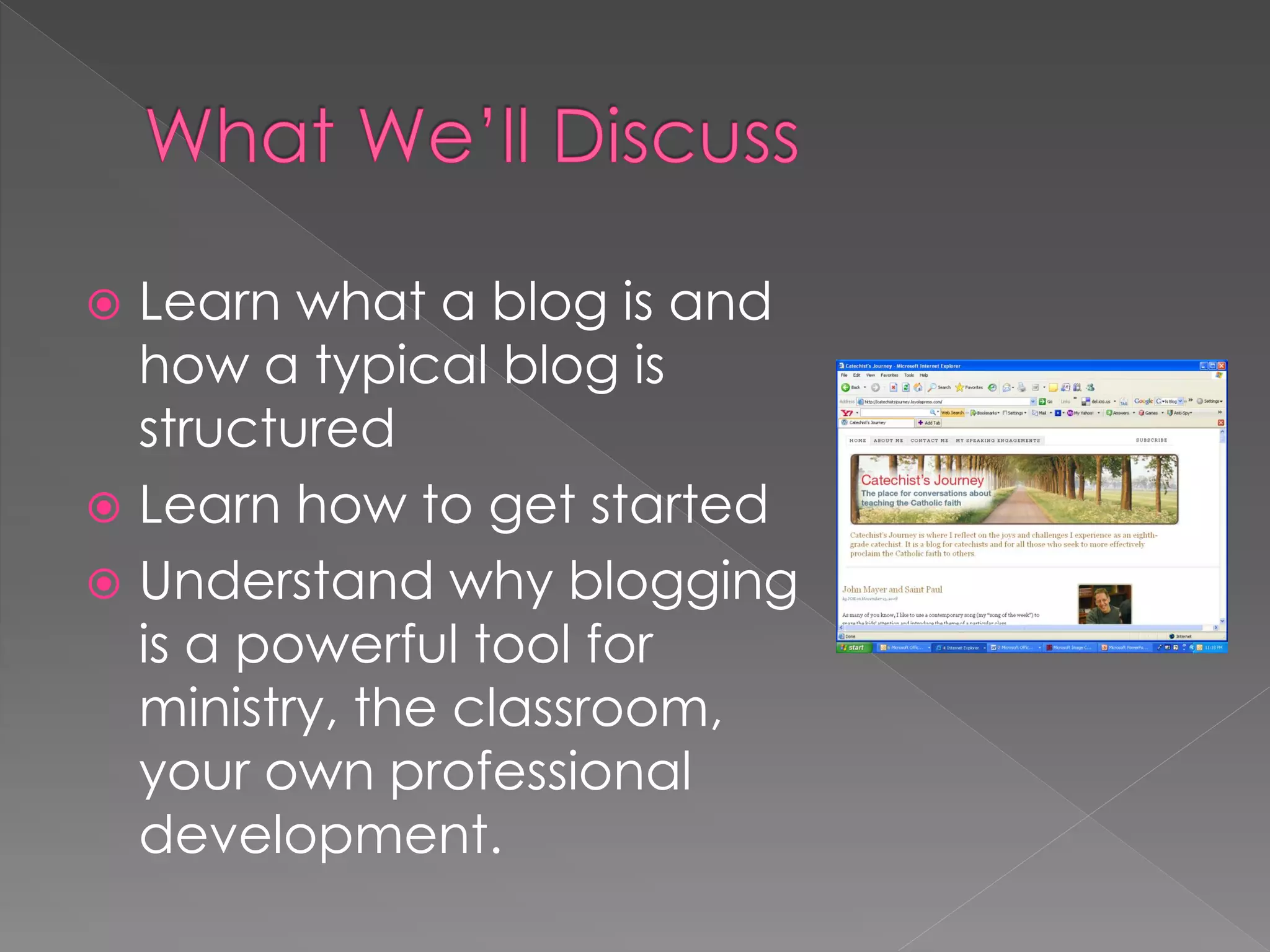
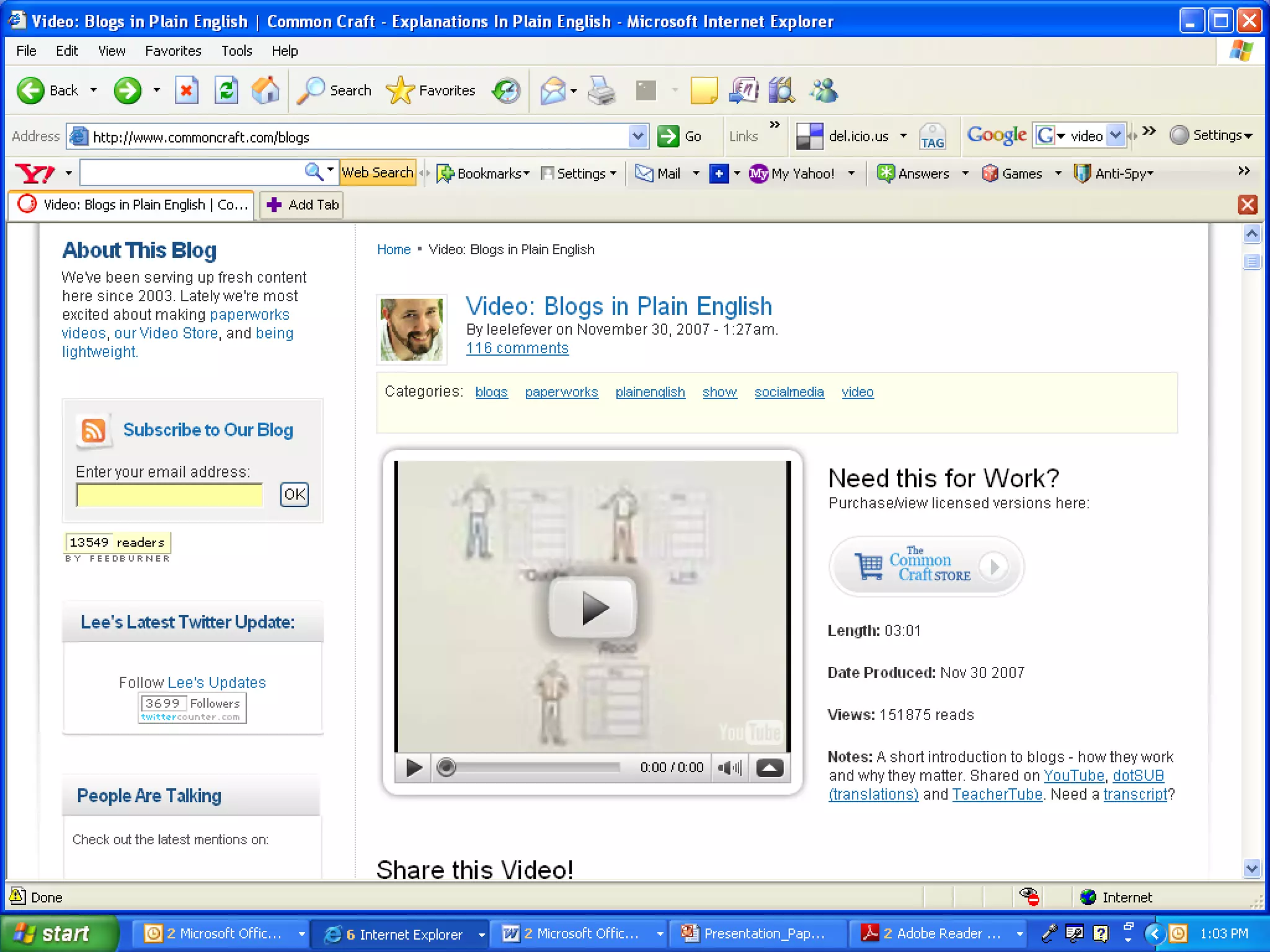
 Learn what a blog is and
  how a typical blog is
  structured
 Learn how to get started
 Understand why blogging
  is a powerful tool for
  ministry, the classroom,
  your own professional
  development.
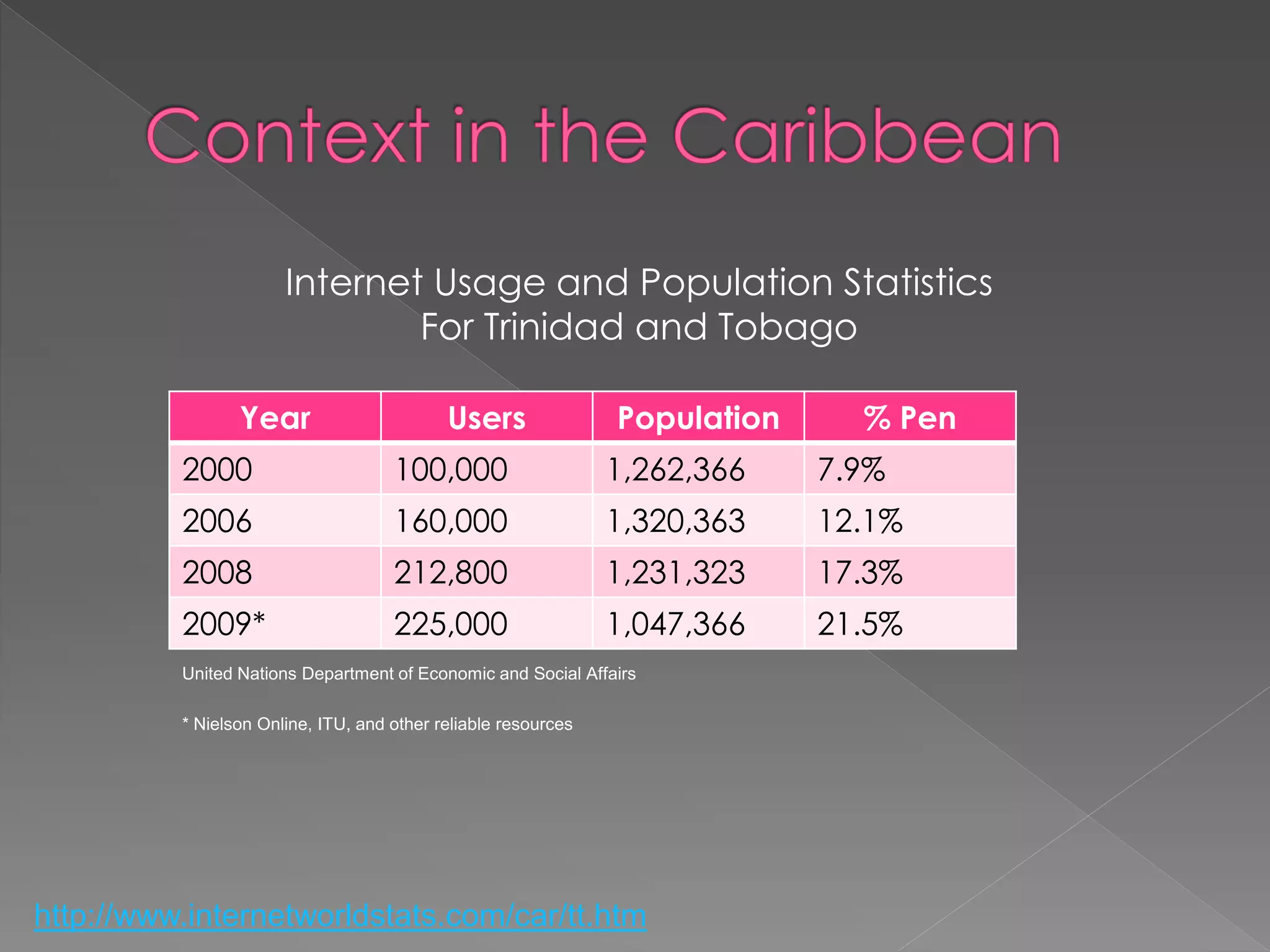
Internet Usage and Population Statistics
                               For Trinidad and Tobago

                 Year                       Users               Population     % Pen
          2000                       100,000                    1,262,366    7.9%
          2006                       160,000                    1,320,363    12.1%
          2008                       212,800                    1,231,323    17.3%
          2009*                      225,000                    1,047,366    21.5%
          United Nations Department of Economic and Social Affairs

          * Nielson Online, ITU, and other reliable resources


http://www.internetworldstats.com/car/tt.htm
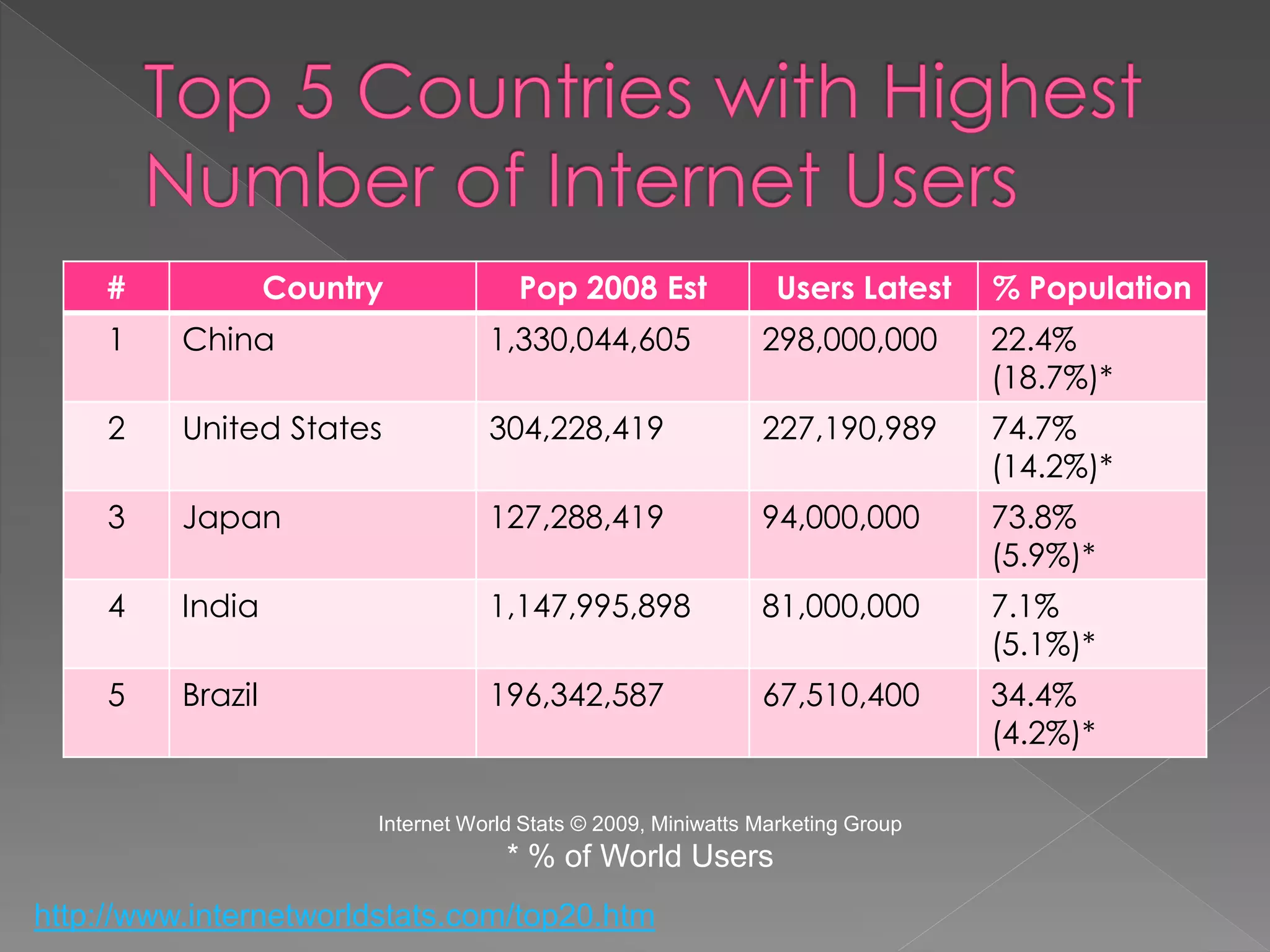
#             Country             Pop 2008 Est               Users Latest    % Population
     1    China                     1,330,044,605               298,000,000       22.4%
                                                                                  (18.7%)*
     2    United States             304,228,419                 227,190,989       74.7%
                                                                                  (14.2%)*
     3    Japan                     127,288,419                 94,000,000        73.8%
                                                                                  (5.9%)*
     4    India                     1,147,995,898               81,000,000        7.1%
                                                                                  (5.1%)*
     5    Brazil                    196,342,587                 67,510,400        34.4%
                                                                                  (4.2%)*

                         Internet World Stats © 2009, Miniwatts Marketing Group
                                      * % of World Users
http://www.internetworldstats.com/top20.htm
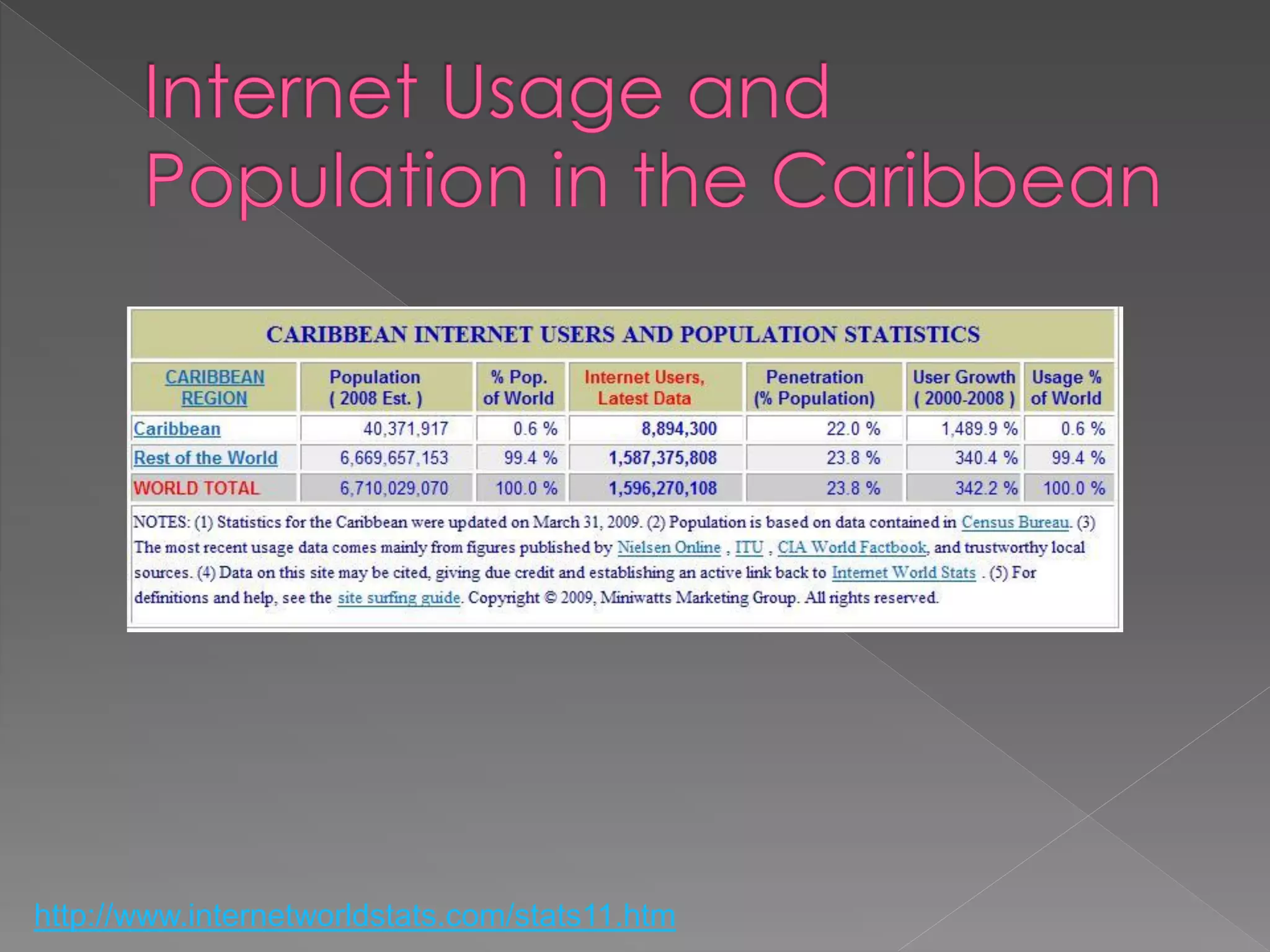
http://www.internetworldstats.com/stats11.htm
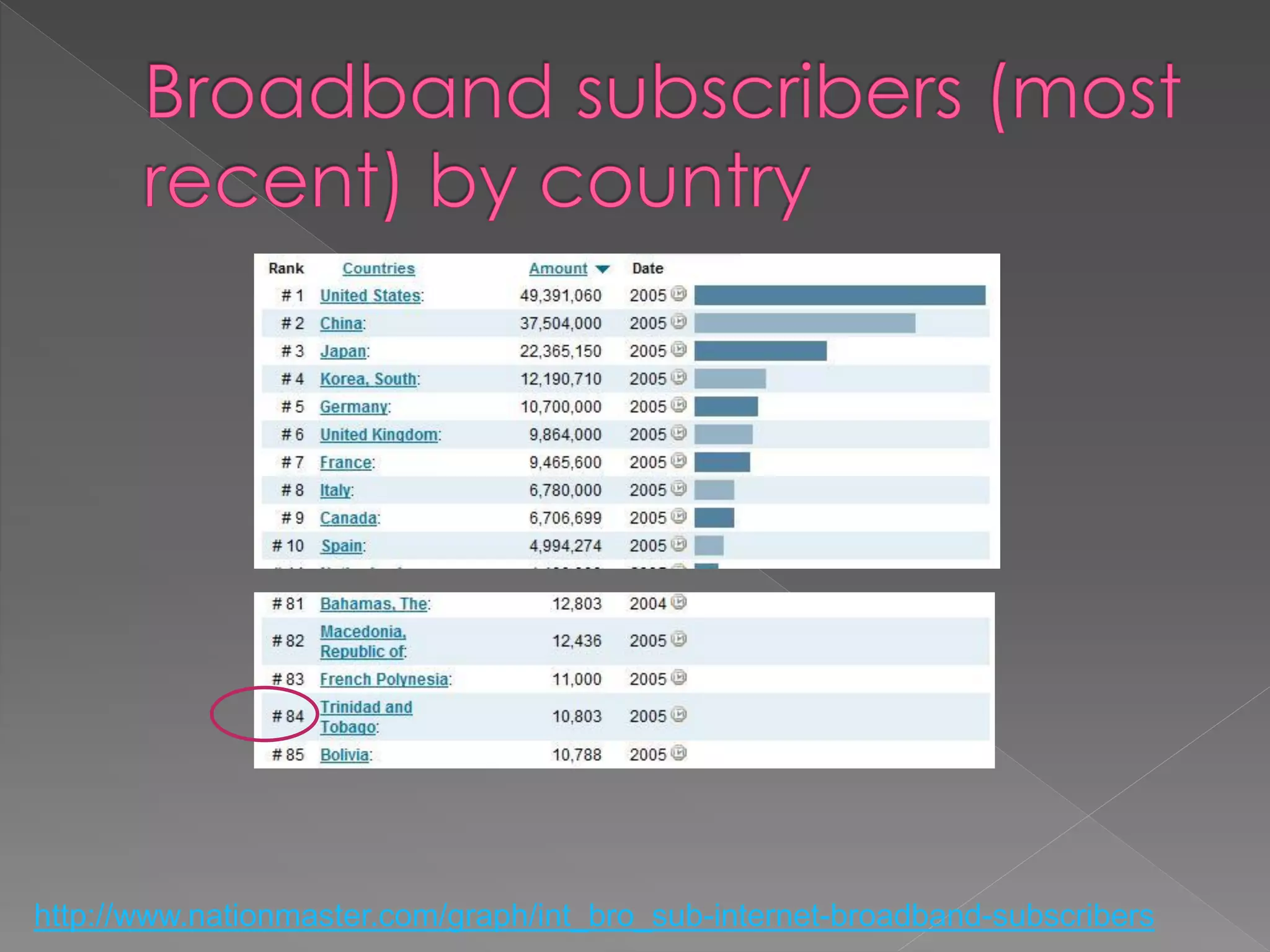
http://www.nationmaster.com/graph/int_bro_sub-internet-broadband-subscribers
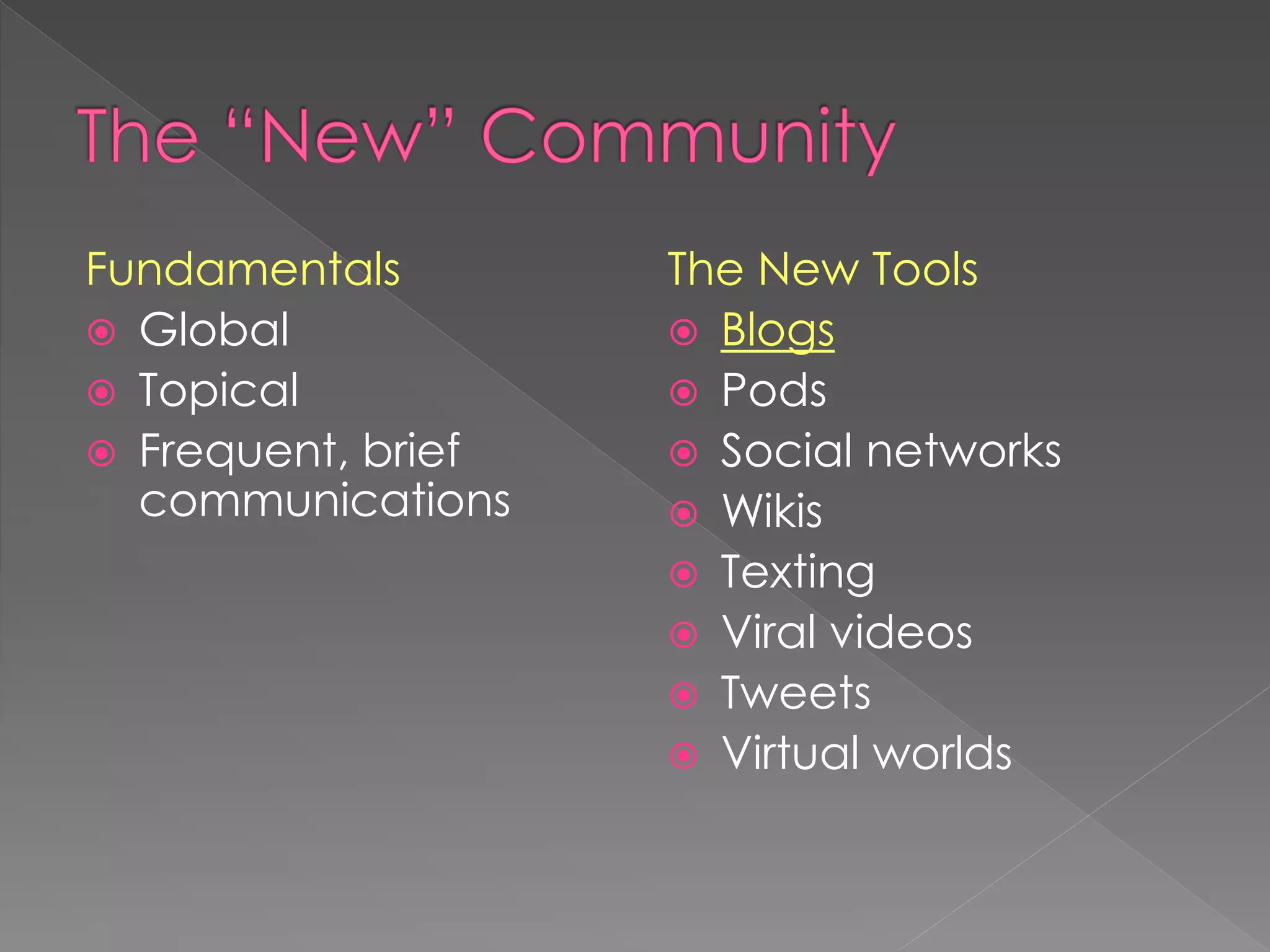
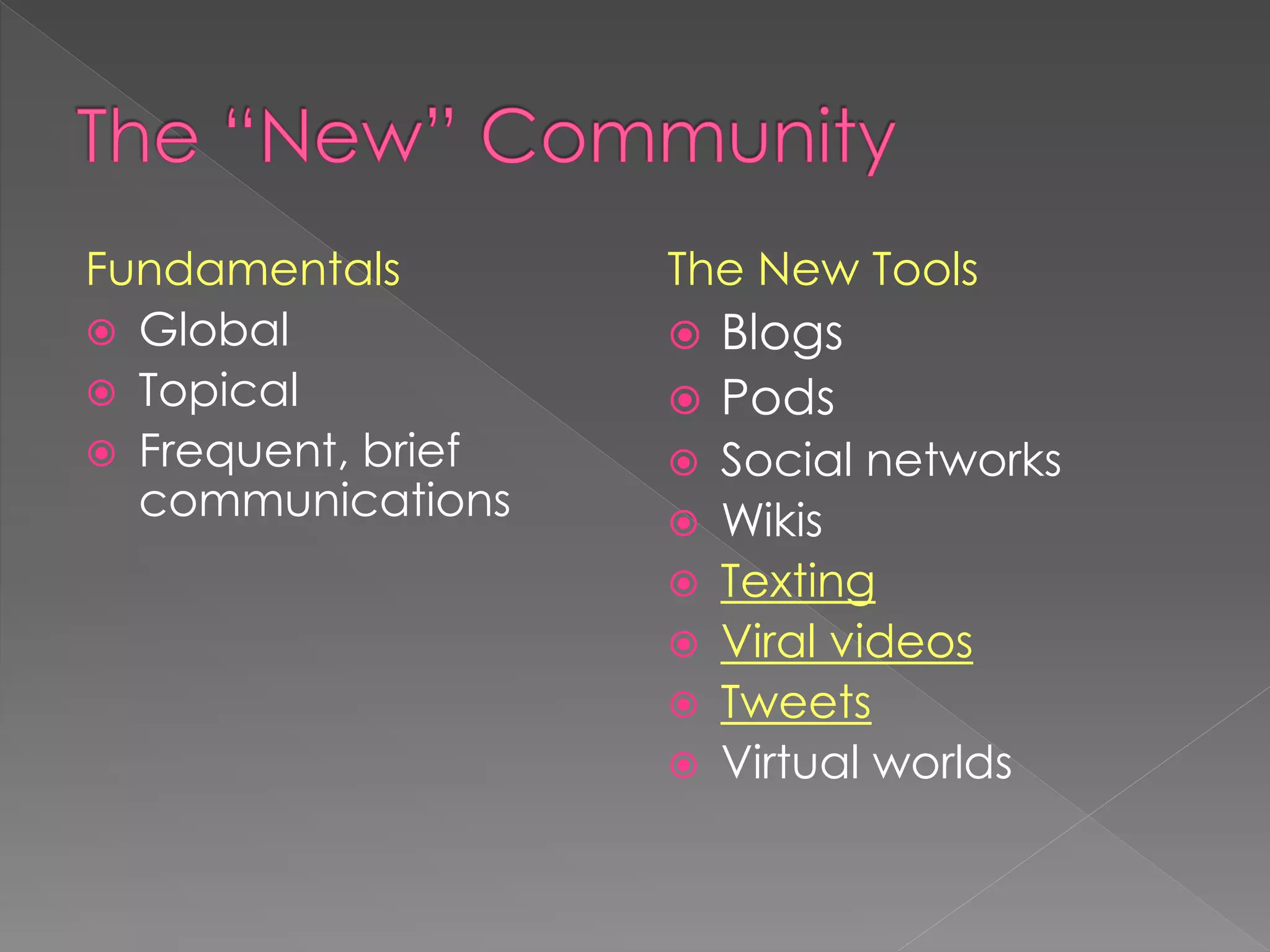
Fundamentals        The New Tools
 Global             Blogs
 Topical            Pods
 Frequent, brief    Social networks
  communications     Wikis
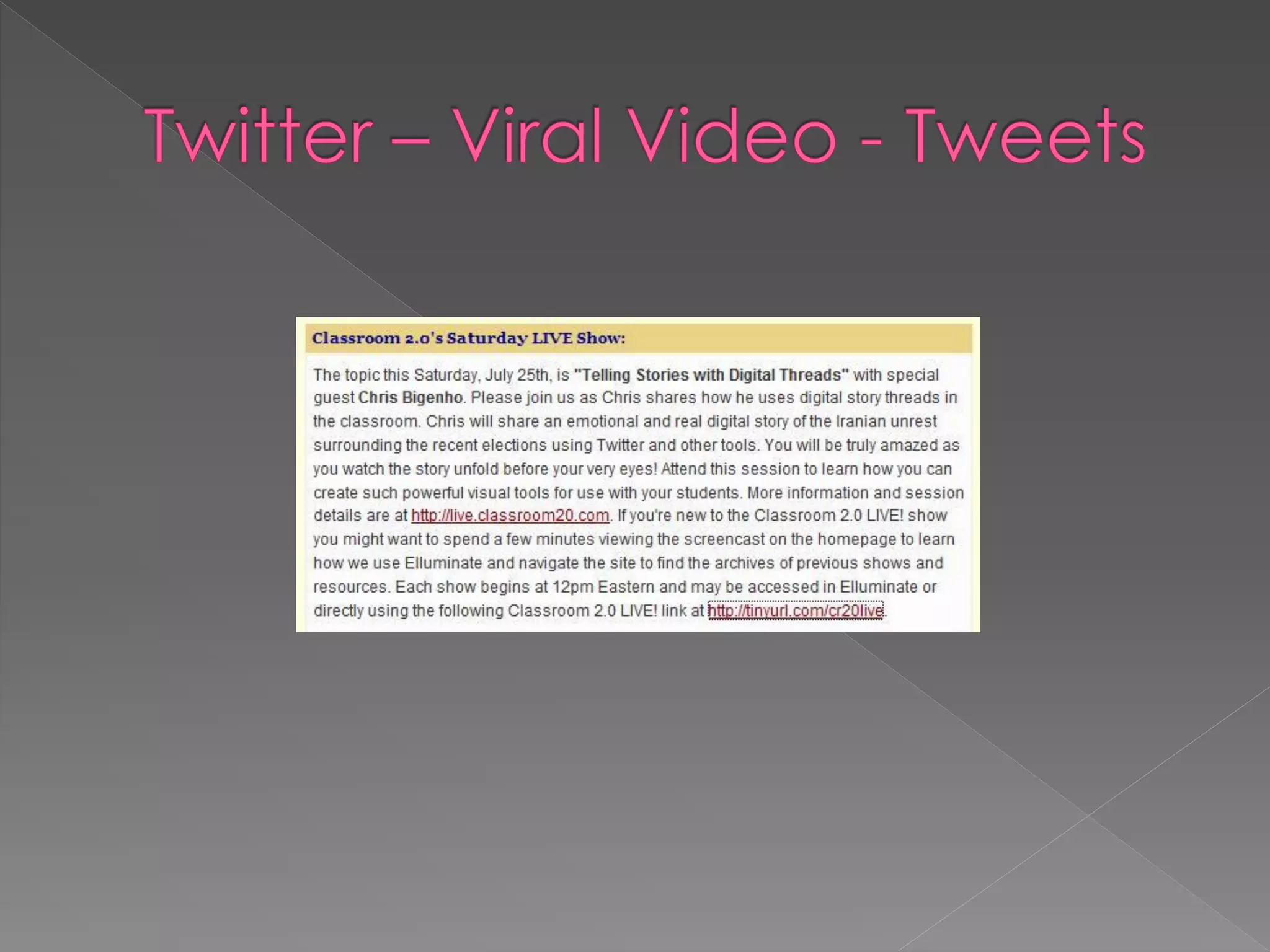
                     Texting
                     Viral videos
                     Tweets
                     Virtual worlds
   Web 2.0                           Tagging
   Social Networking                 RSS
   Blogs                             Wikis


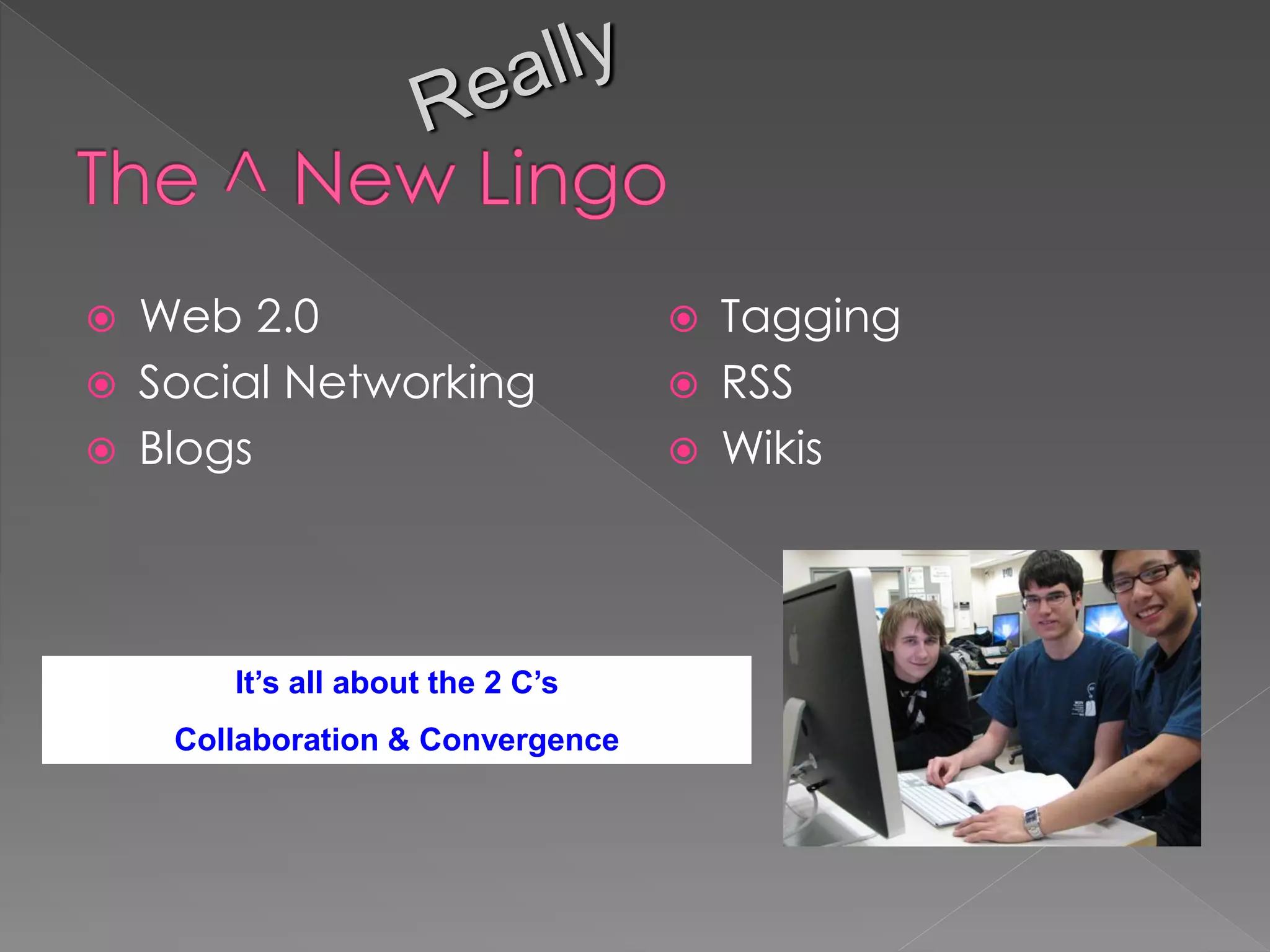
        It’s all about the 2 C’s
     Collaboration & Convergence
 Do you write one?
 Do you read any?
 Close friend of RSS
 Microblogging anyone?

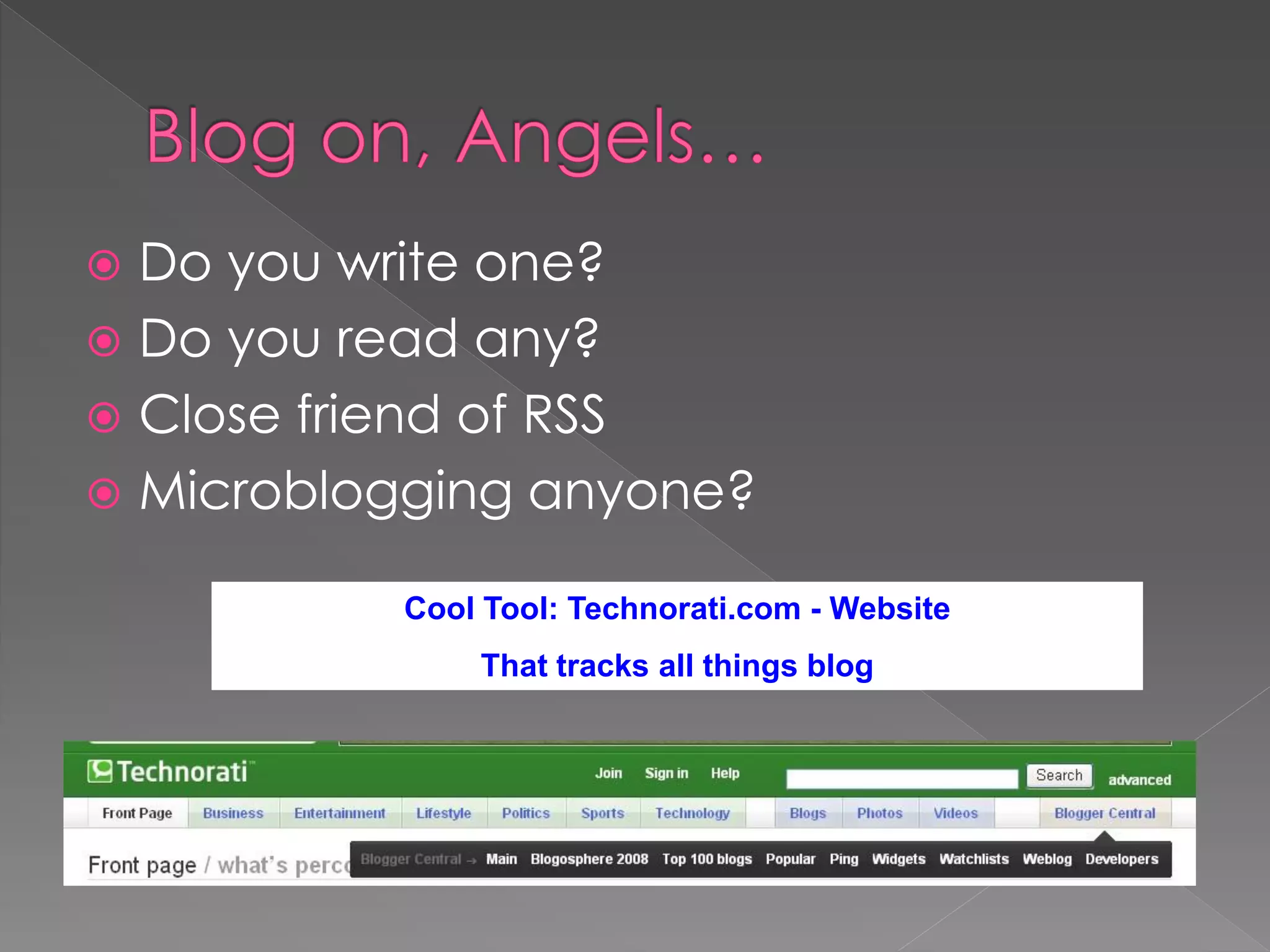
          Cool Tool: Technorati.com - Website
              That tracks all things blog
A. What presidential candidates use?
B. An easy way to create a webpage?
C. An opportunity for a conversation?
D. All above options
 Short for weblog, blogs are online
  journals that display the most recent
  content first
 Can combine text, images, and links to
  audio and video files (podcasting)
 Readers may often leave comments and
  interact with the writer
 Blogger.com offers free blog space
“In 2004 when Technorati started, the
typical reaction to the word „blog‟ was
„huh – can you repeat yourself?‟ Today,
blogs are everywhere – even presidential
candidates have blogs. The blog has
forever changed the way publishing
works – now anyone can be a publisher.
The issue is no longer distribution, rather,
it‟s relevance.”       Brad Field, Managing Director, Foundry
Group
 Step 1    Step 2
 Begin        Add
Blogging   Blogging
 Myself     into my
           ministry
 Step 1
 Begin
Blogging
 Myself
 Read other minister blogs and “listen” to
  what is being said by others.
  Additionally, look closely at the
  comments left by others (important to
  get the lay of the land!)
 Begin leaving comments on these blogs
  to understand how “blogging
  conversations” begin and continue.
Go to -
 http://delicious.com/ccerveny/blog_min
 istry

That is “underscore”   /blog_ministry
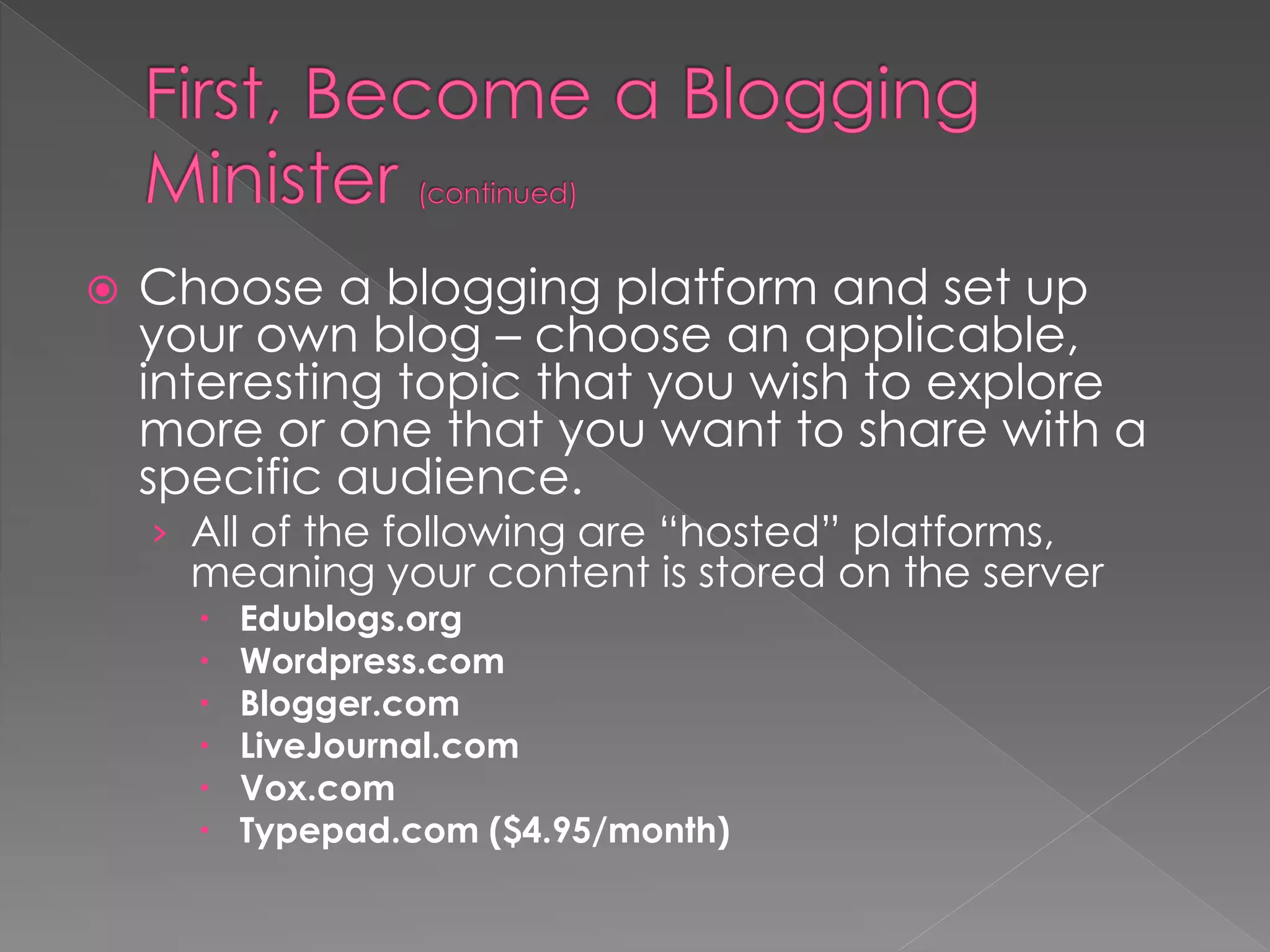
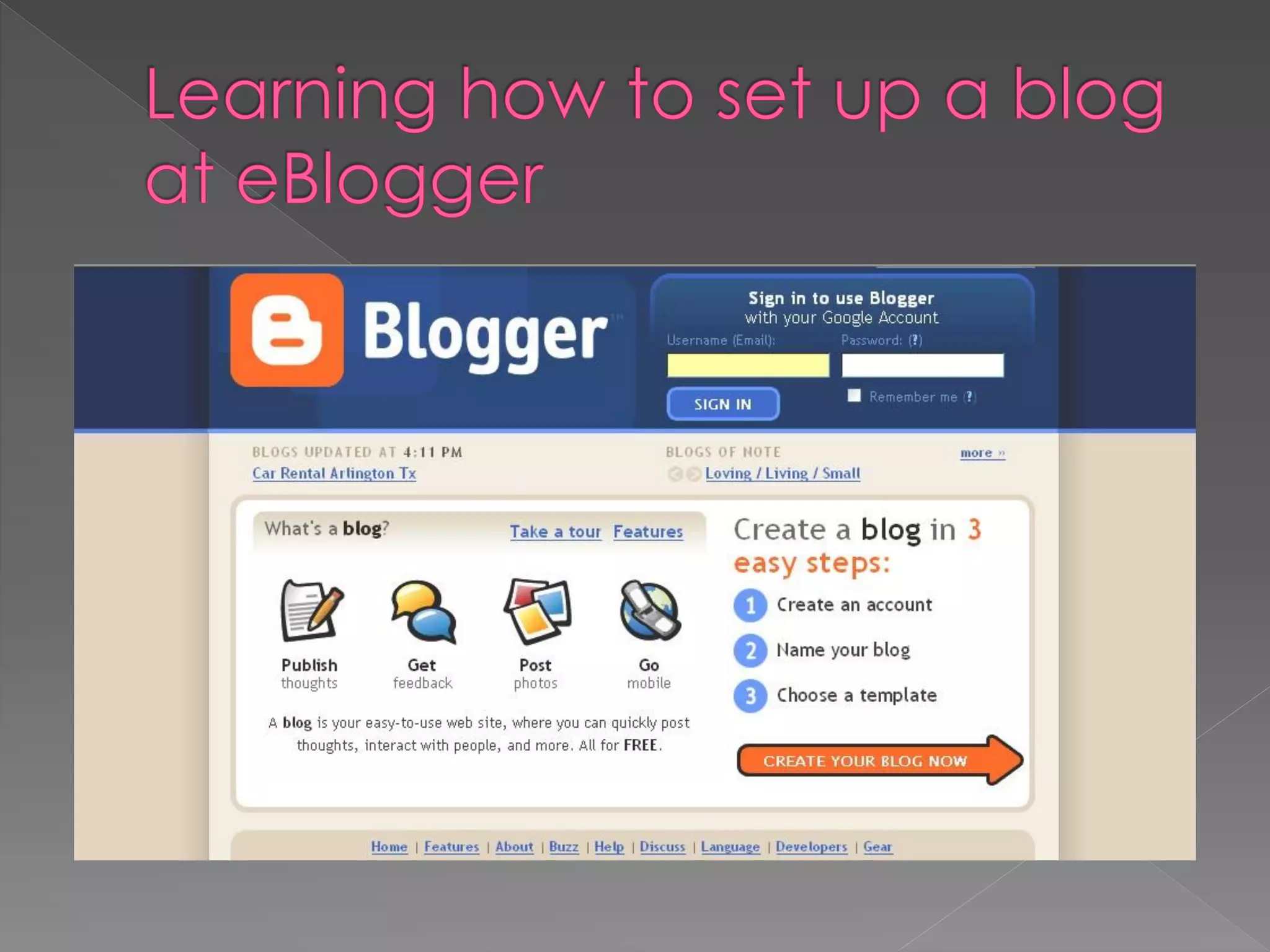
   Choose a blogging platform and set up
    your own blog – choose an applicable,
    interesting topic that you wish to explore
    more or one that you want to share with a
    specific audience.
    › All of the following are “hosted” platforms,
      meaning your content is stored on the server
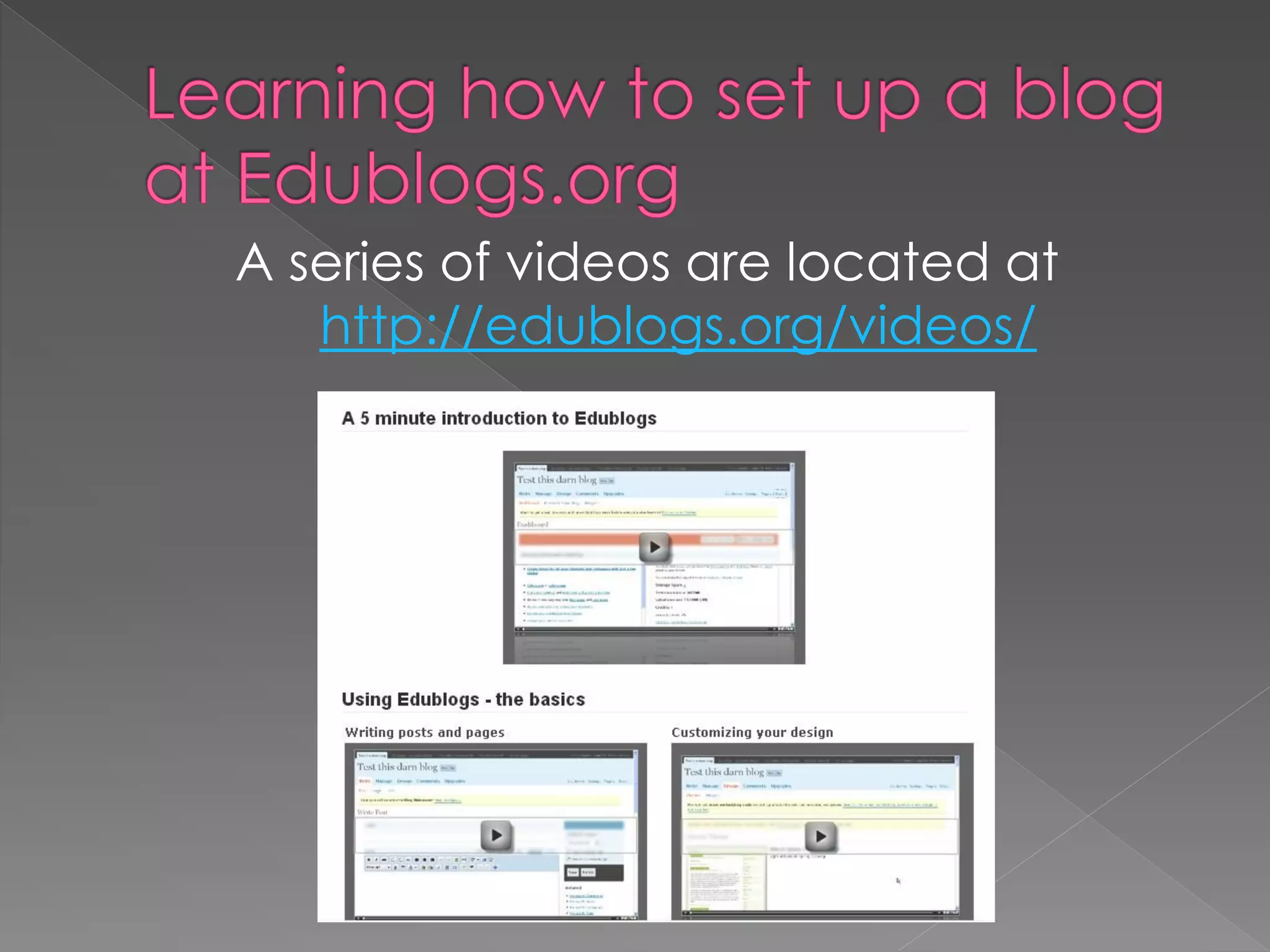
         Edublogs.org
         Wordpress.com
         Blogger.com
         LiveJournal.com
         Vox.com
         Typepad.com ($4.95/month)
 Set reasonable posting goals for yourself –
  adjust as you go.
 All the while, continue reading other blogs,
  comment, and while there, invite others to
  visit your blog (experience the read, write,
  read, write pattern of blogging). Actively
  seek and encourage the “cross-pollination
  of ideas.”
 Engage in “connective reading and
  writing” (blogging) with a “growth mindset.”
 Engage in “connective reading and writing”
  (blogging) with the intent to freely “share.”
A series of videos are located at
   http://edublogs.org/videos/
 Step 2
   Add
Blogging
 into my
ministry
Blogging is a revolution in
communication, community, and
authentic conversation; a revolution that
churches cannot afford to ignore.
Welcome to the blogosphere – the new
online home of the curious and creative.

                               - Brian Bailey
 Why should the ministry I‟m involved in
  embrace blogging?
 What can blogs accomplish in my
  ministry?
 Remember – “Blogging is simple,
  inexpensive, and powerful.” – Brian Bailey
   Communication: Who is your audience?
    What story do they need to hear from you?
   E-Learning: Who is your audience? How will
    they be “engaged” with you?
   What is your motivation for writing?
   Is your blog a tool or a toy?
   Is the story of your ministry being told?
   Are those involved with you part of the
    conversation?
   How will you handle comments?
 Does the blog belong to you or the
  parish?
 Is your blog personal, professional, or
  organizational?
 How much are you willing to pay?
  (Normally free)
 Do you have a name for your blog?
 Upcoming Events
 Testimonies and Stories of Life Change
 Ministry News
 Pictures
 Special Events
 Weekend Message
 Start a conversation
 Connect Your Staff
1. Welcome new catechists with a picture
   and short introduction.
2. Cast the vision for an upcoming event
   and ask for help.
3. Spotlight one of your best catechists.
4. Celebrate birthdays and milestones,
   such as a volunteering anniversary.
5. Share prayer requests for catechists, the
   ministry, and the church as a whole.
6.  Announce the week‟s lesson and invite
    catechists to download an outline.
7. Post ministry stories that show the true
    impact of what your catechists do.
8. Answer common questions.
9. Publish photos from the weekend or a
    recent event. (Note: Children – Extra steps)
10. Familiarize catechists with the staff in
    whatever fun way you like.
                        - Adapted from: Blogging Church, pg. 57
 Brevity is BEAUTIFUL!
 Send People Away (People come back
  to places that send them away)
 Spelling Matters
 Picasso famously said, “Good artists
  copy. Great artists steal.”
 Eventually develop a personal voice that
  is familiar.
 Give credit
 Link, Quote, But Never Copy


    Perry Noble has a great rule: never write
    anything on your blog that you wouldn’t
    be willing to say to someone’s face. It’s
    a simple way to avoid surprises.
 Start Blogging Without the Support of Your Church
  Leadership
 Draft Your Bloggers
 Avoid Ownership
 Use the Same Great Content You Have Elsewhere
 Write Without Passion or Personality
 Write When You Have Time
 Build Your Blog in Pleasantville
 Pretend the Rest of the World Doesn‟t Exist
 One Blog Fits All
 Is a format for delivering content
 Ability to subscribe to sources of your
  choice and have the latest updates
  delivered directly to you throughout the
  day.
 RSS feed is updated every time someone
  posts a new item or makes a change to a
  previous one.
 Click a Single button and all updates
  brought to you.
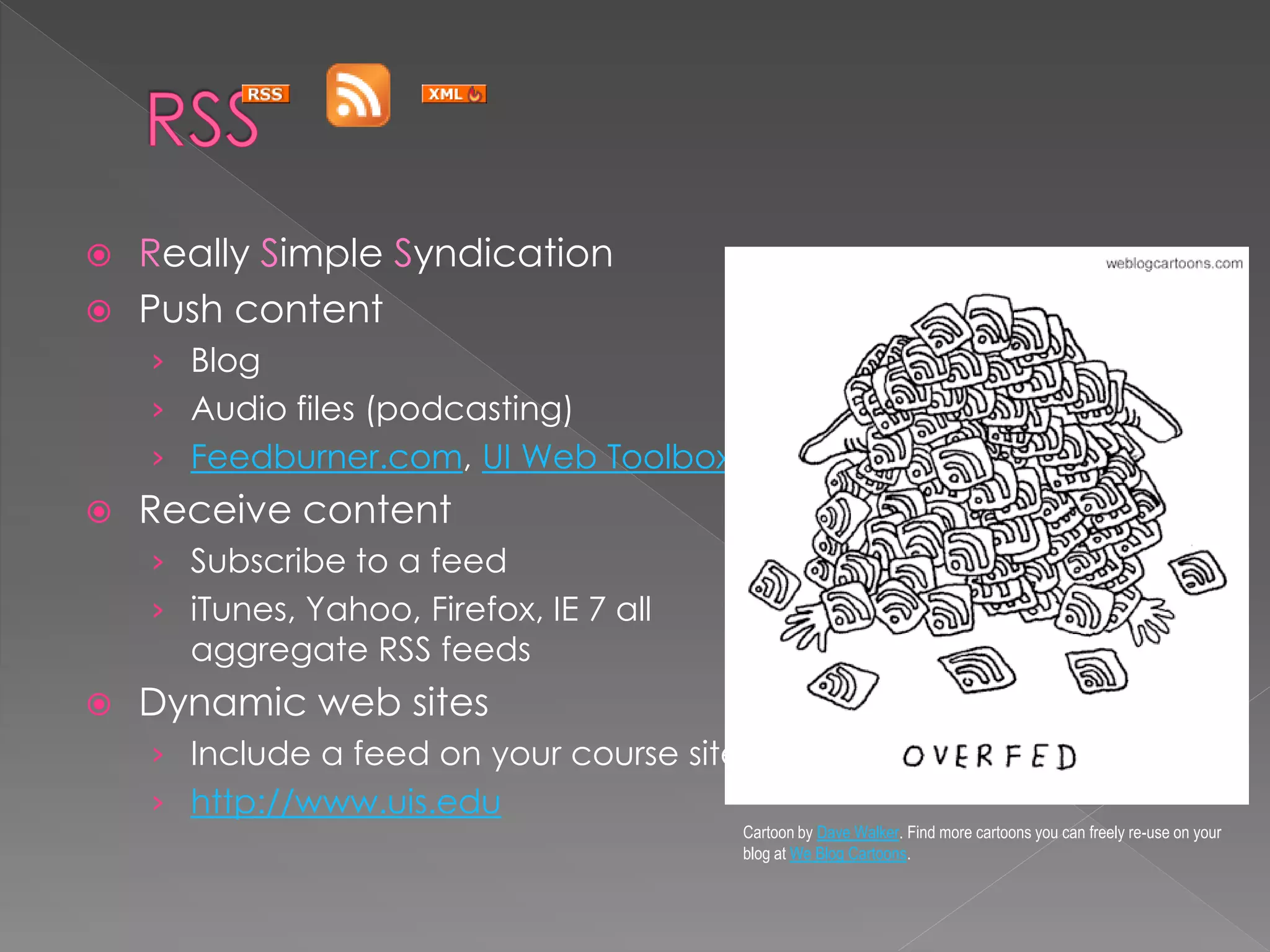
 Really Simple Syndication
 Push content
    › Blog
    › Audio files (podcasting)
    › Feedburner.com, UI Web Toolbox
   Receive content
    › Subscribe to a feed
    › iTunes, Yahoo, Firefox, IE 7 all
      aggregate RSS feeds
   Dynamic web sites
    › Include a feed on your course site
    › http://www.uis.edu
                                           Cartoon by Dave Walker. Find more cartoons you can freely re-use on your
                                           blog at We Blog Cartoons.
 Step 2
    Add
Blogging as
 a Student
  Activity
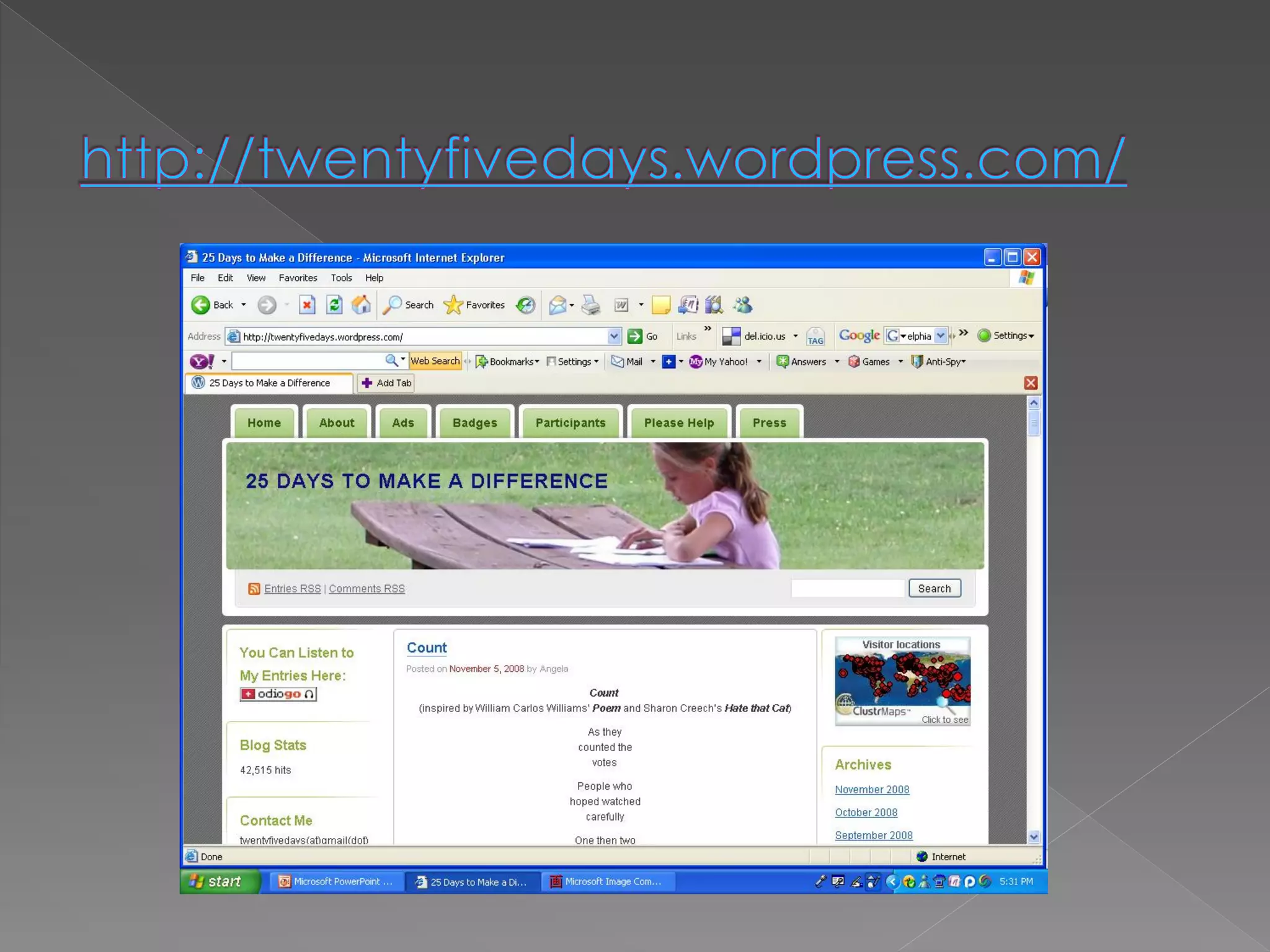
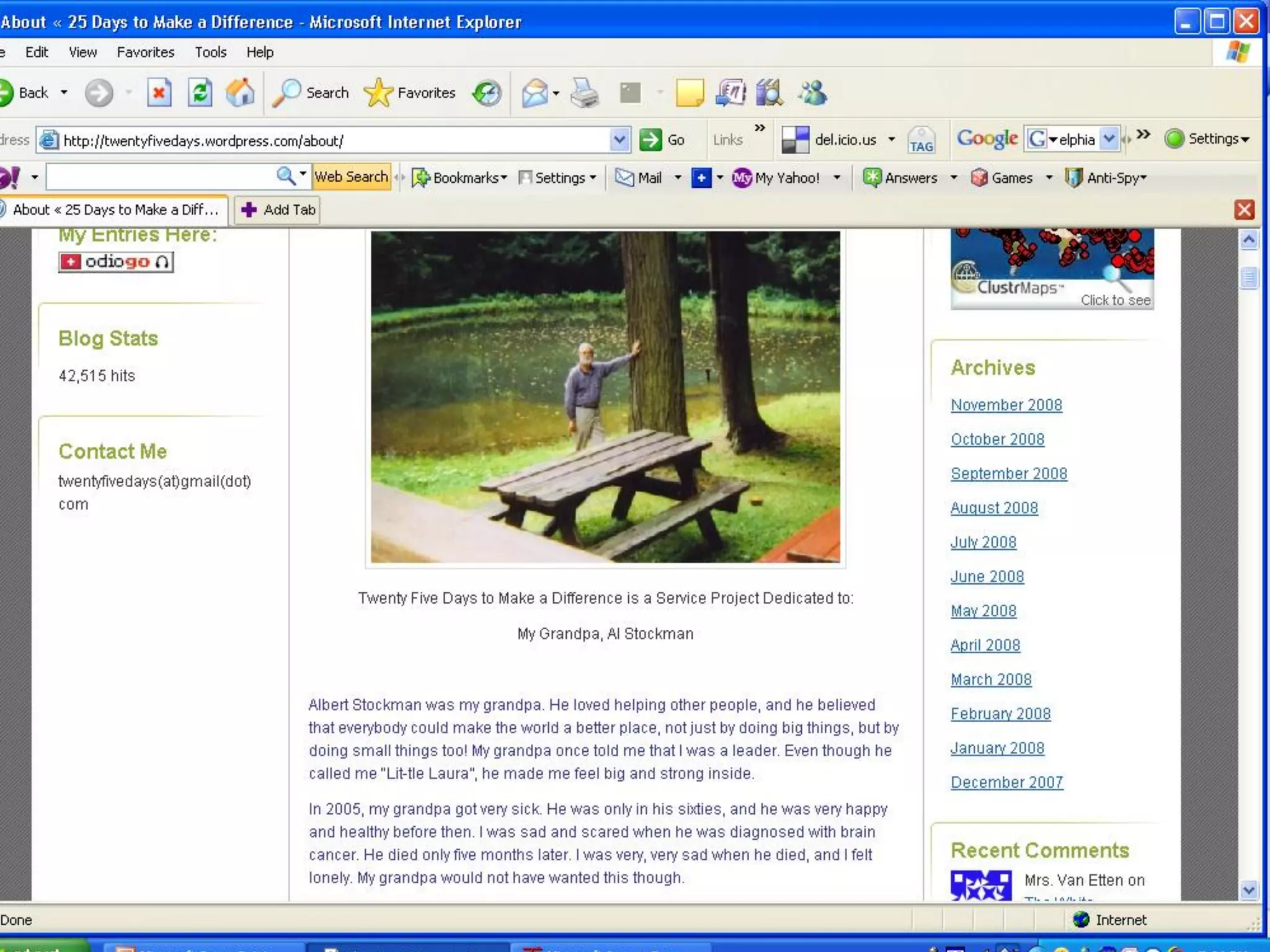
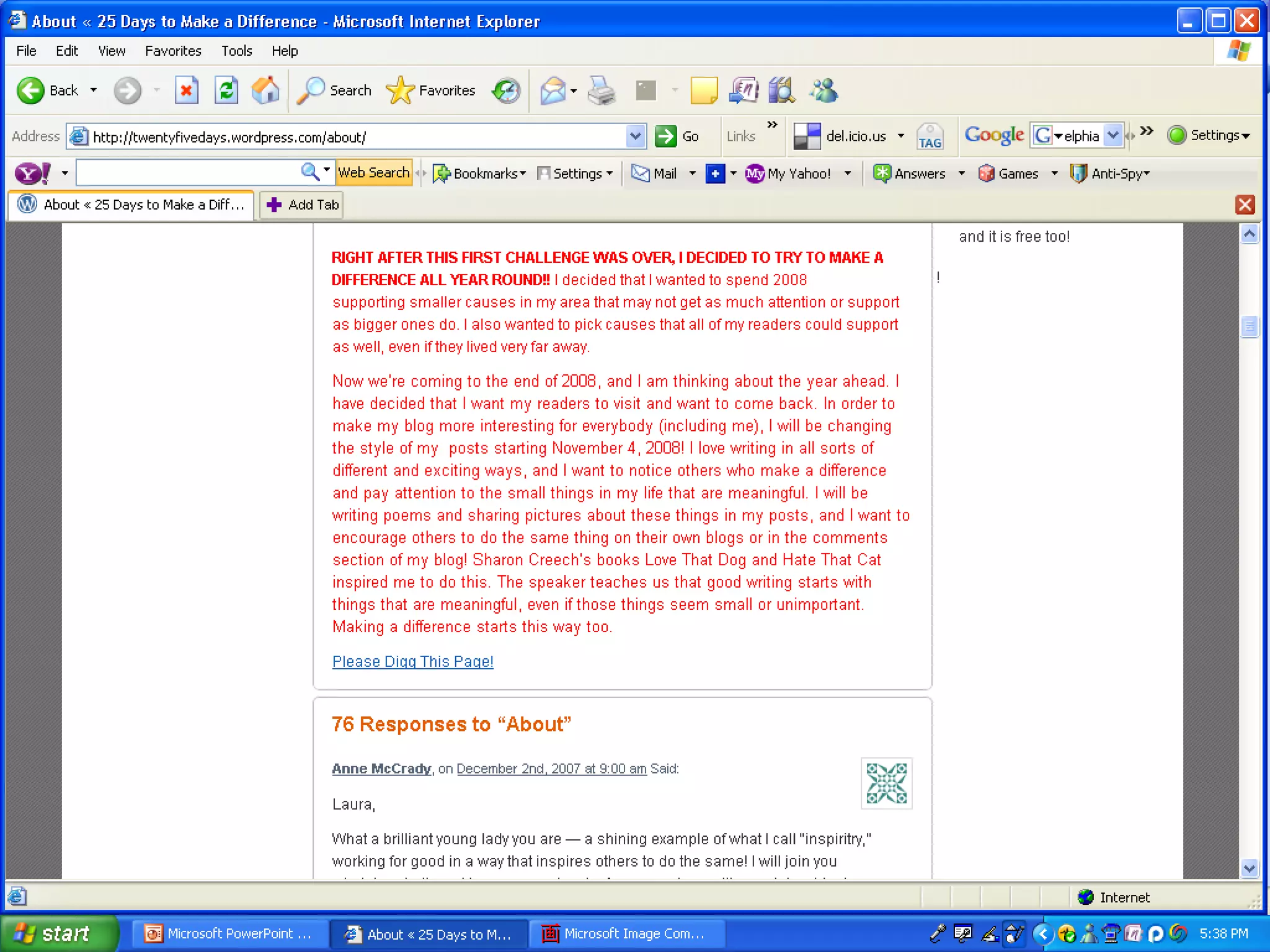
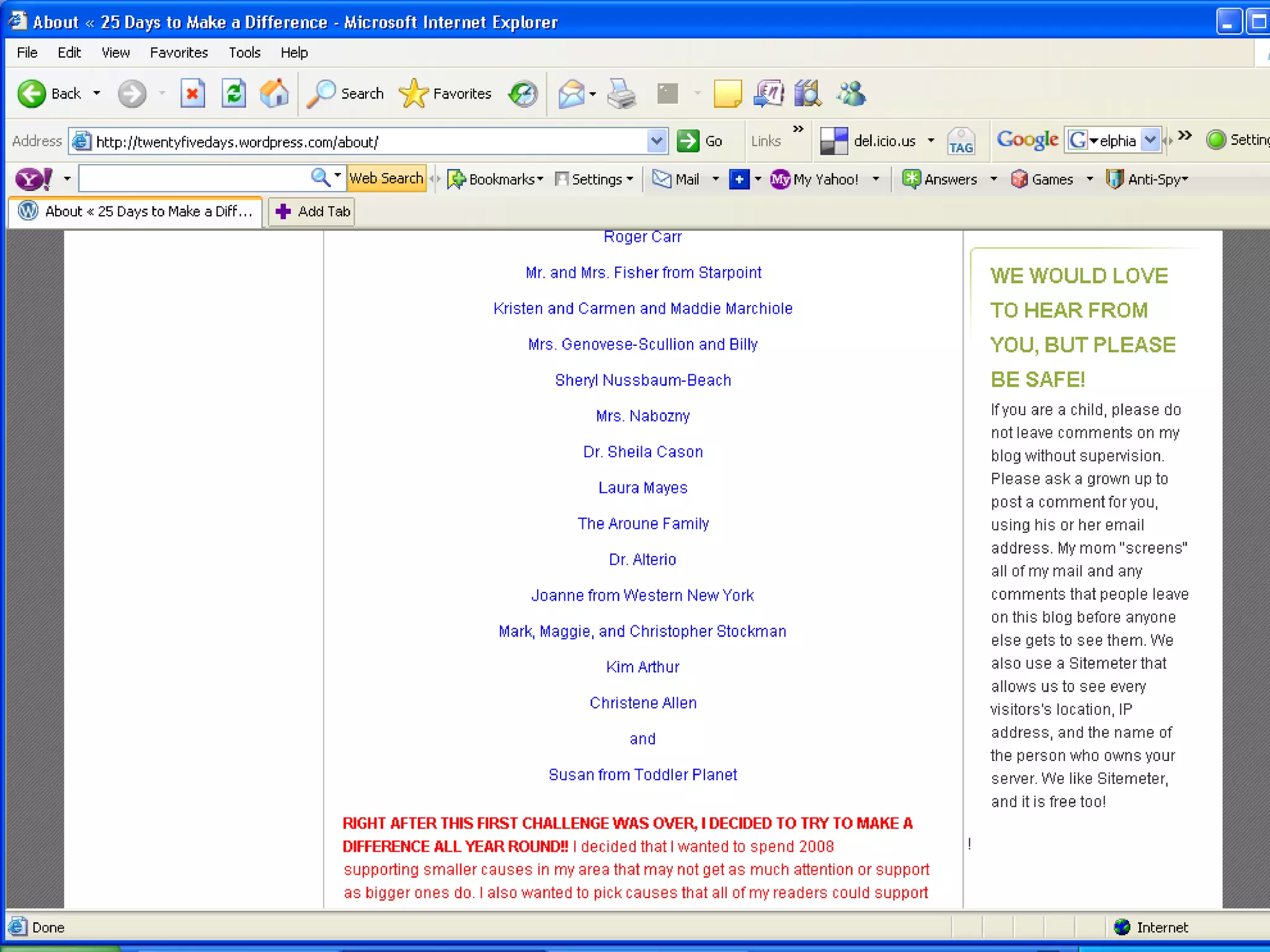
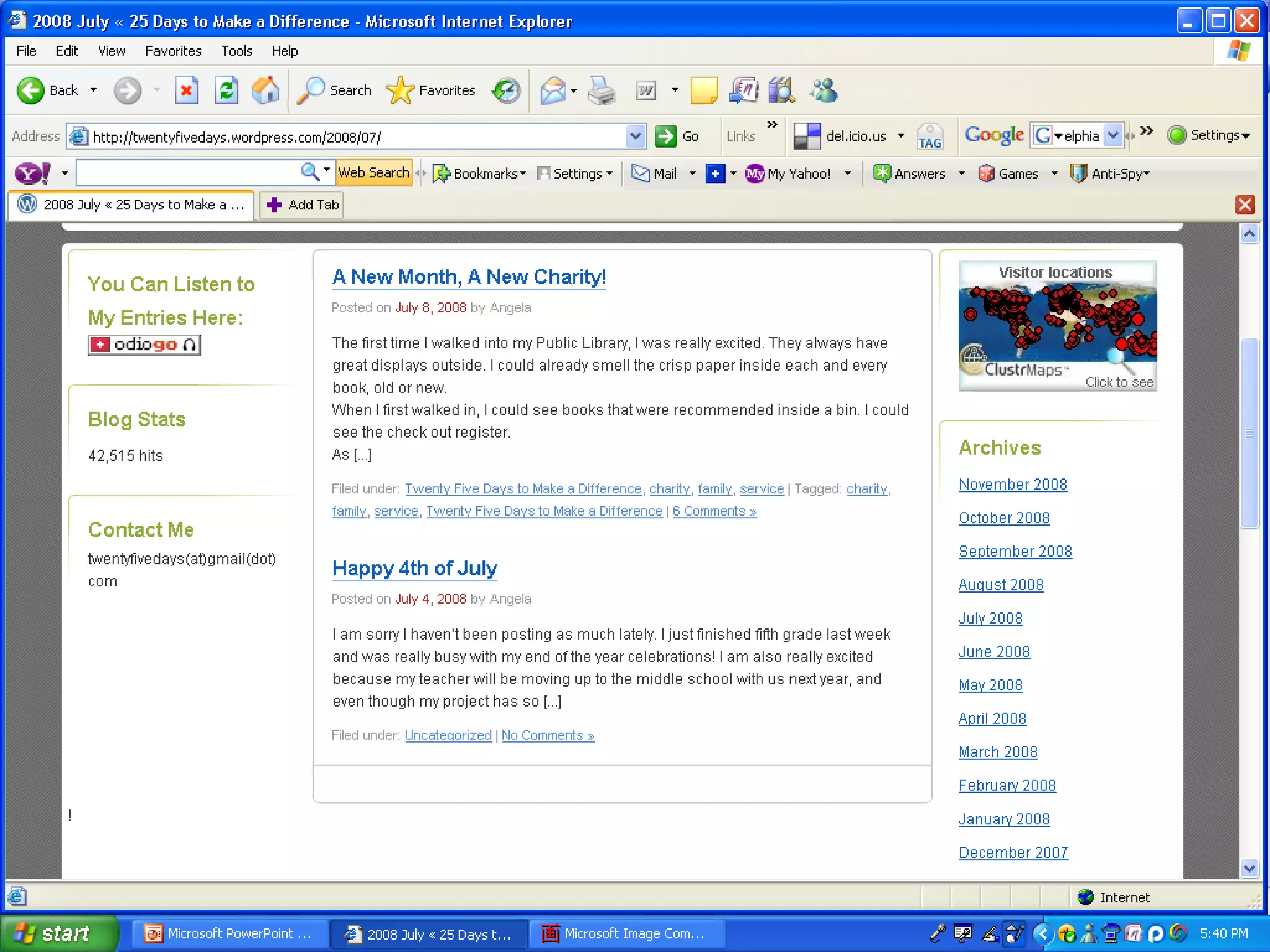
 10 year old
 Honor the memory of her
  grandfather who had died the year
  before (2007)
 Decided to do one good deed
  each day
 With mother‟s approval, to share her
  work with the world
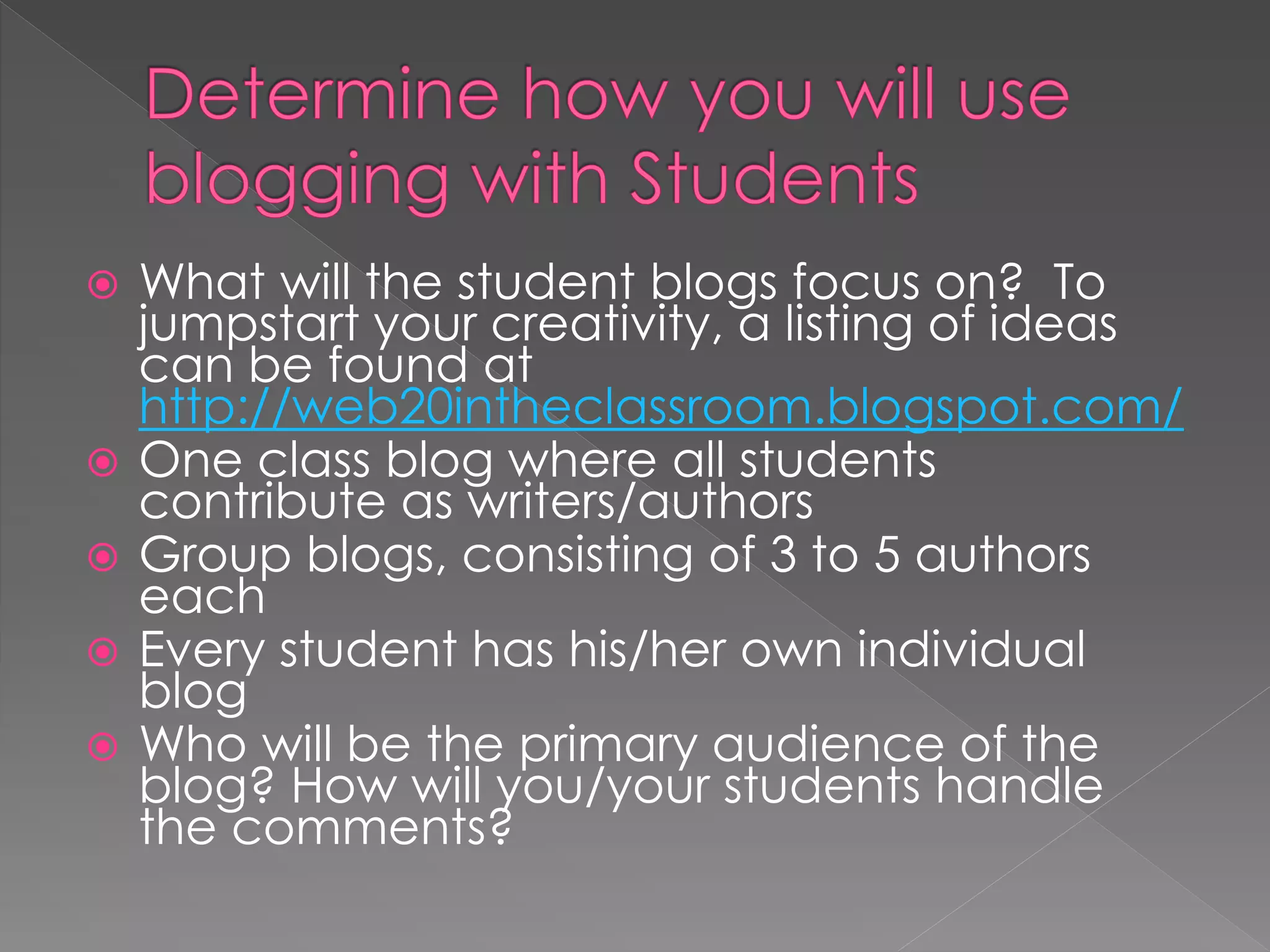
   What will the student blogs focus on? To
    jumpstart your creativity, a listing of ideas
    can be found at
    http://web20intheclassroom.blogspot.com/
   One class blog where all students
    contribute as writers/authors
   Group blogs, consisting of 3 to 5 authors
    each
   Every student has his/her own individual
    blog
   Who will be the primary audience of the
    blog? How will you/your students handle
    the comments?
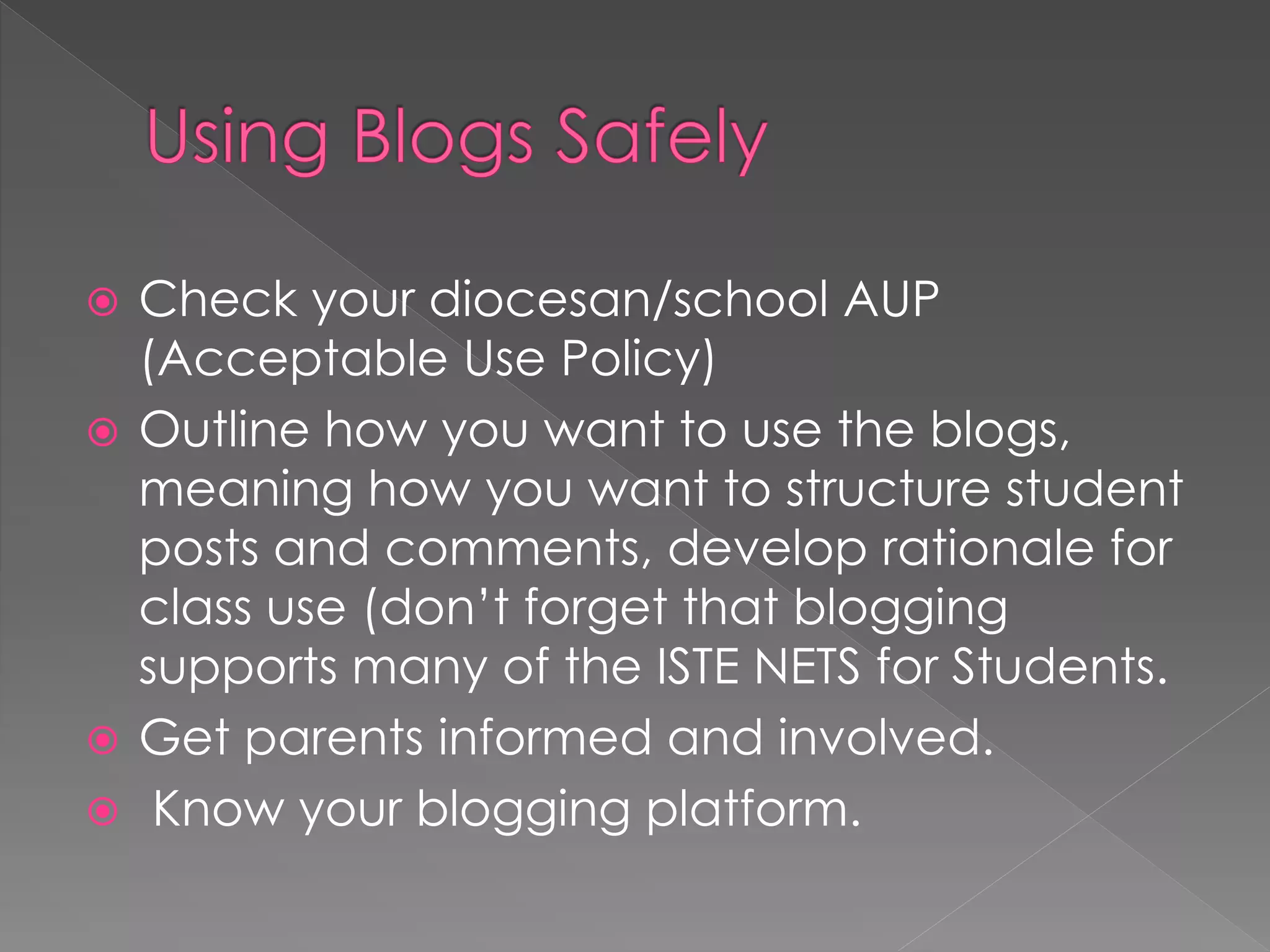
 Check your diocesan/school AUP
  (Acceptable Use Policy)
 Outline how you want to use the blogs,
  meaning how you want to structure student
  posts and comments, develop rationale for
  class use (don‟t forget that blogging
  supports many of the ISTE NETS for Students.
 Get parents informed and involved.
 Know your blogging platform.
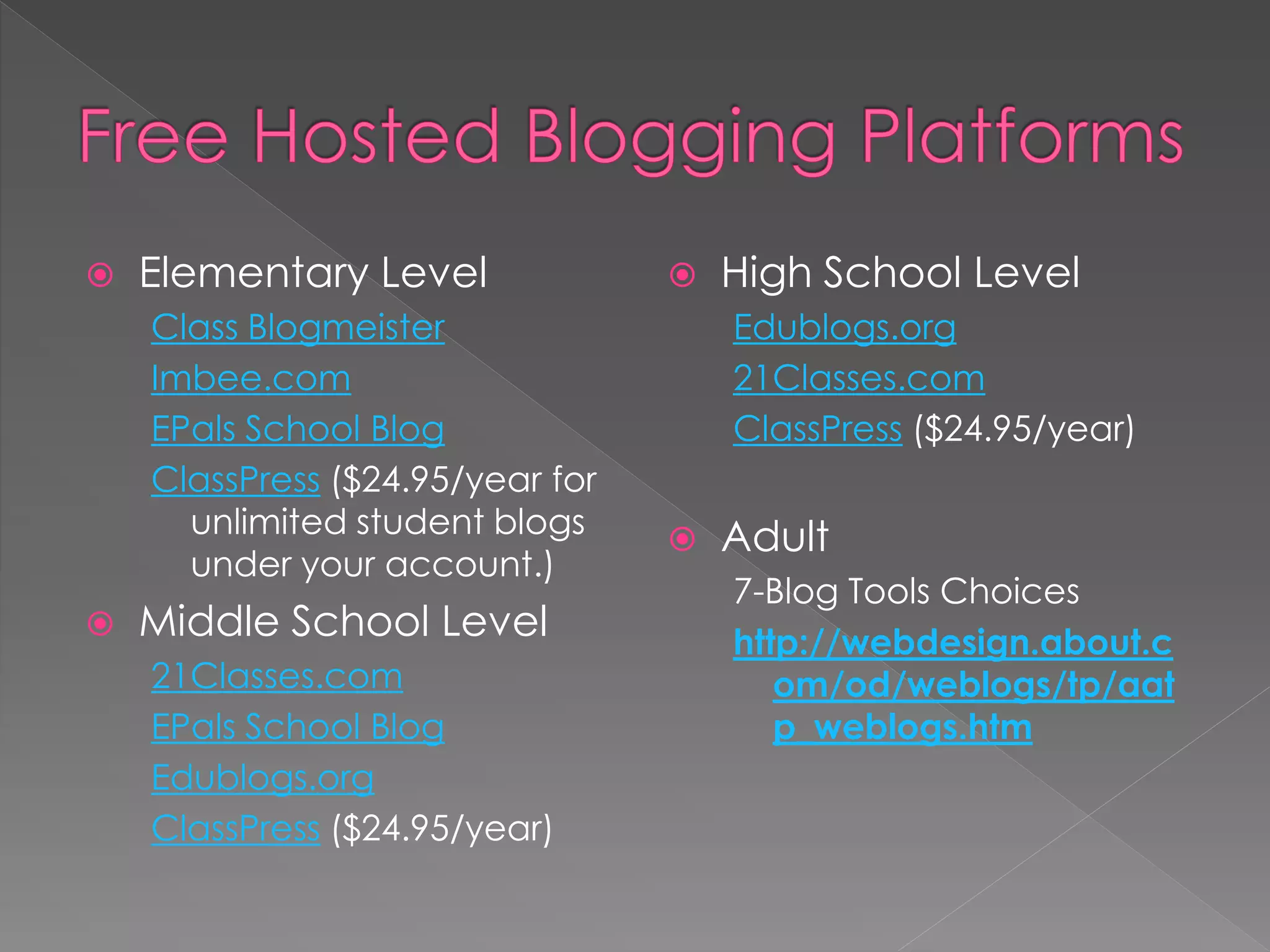
   Elementary Level                 High School Level
    Class Blogmeister                 Edublogs.org
    Imbee.com                         21Classes.com
    EPals School Blog                 ClassPress ($24.95/year)
    ClassPress ($24.95/year for
      unlimited student blogs        Adult
      under your account.)
                                      7-Blog Tools Choices
   Middle School Level               http://webdesign.about.c
    21Classes.com                        om/od/weblogs/tp/aat
    EPals School Blog                    p_weblogs.htm
    Edublogs.org
    ClassPress ($24.95/year)
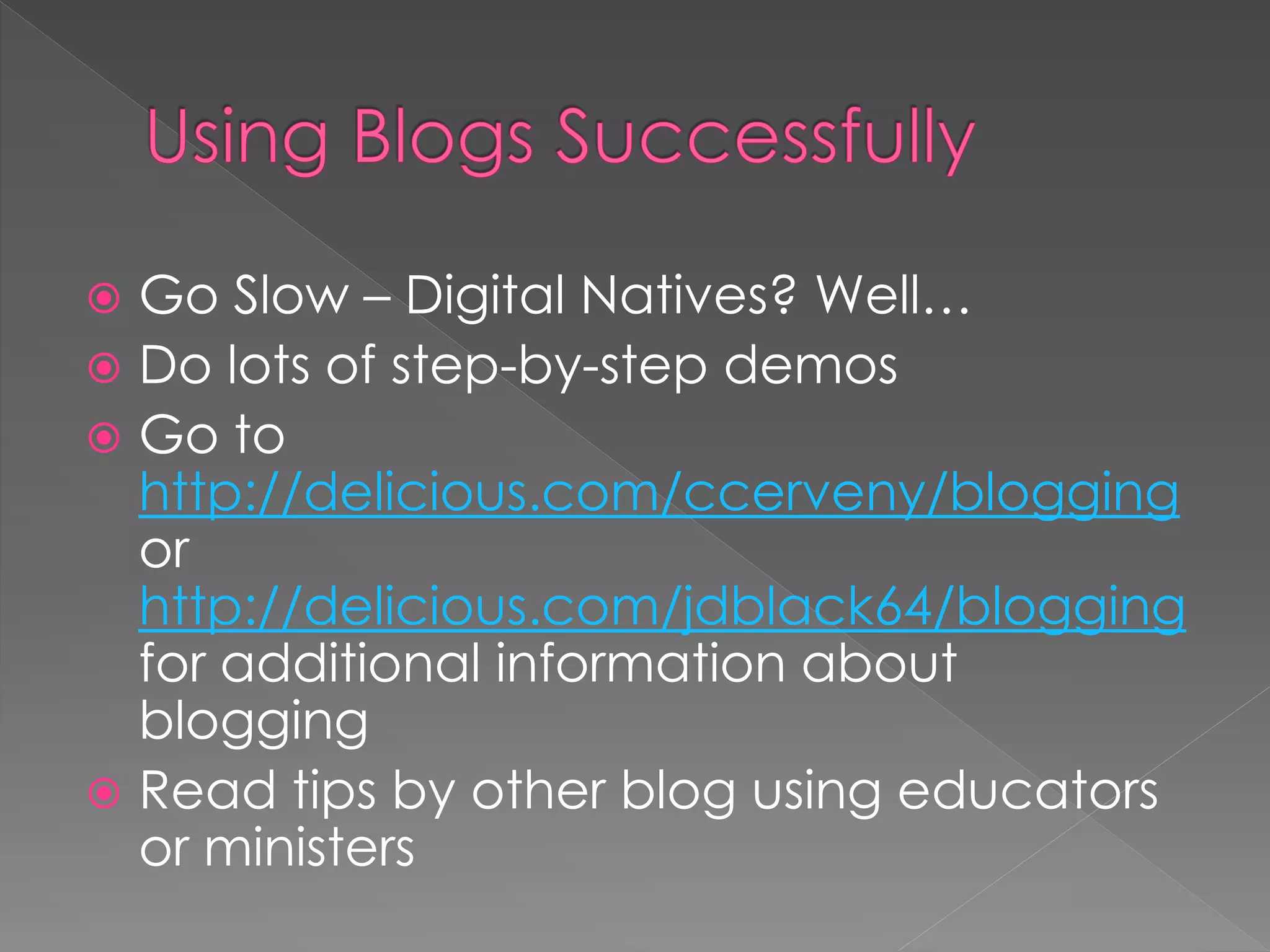
 Go Slow – Digital Natives? Well…
 Do lots of step-by-step demos
 Go to
  http://delicious.com/ccerveny/blogging
  or
  http://delicious.com/jdblack64/blogging
  for additional information about
  blogging
 Read tips by other blog using educators
  or ministers
Fundamentals        The New Tools
 Global             Blogs
 Topical            Pods
 Frequent, brief      Social networks
  communications       Wikis
                       Texting
                       Viral videos
                       Tweets
                       Virtual worlds
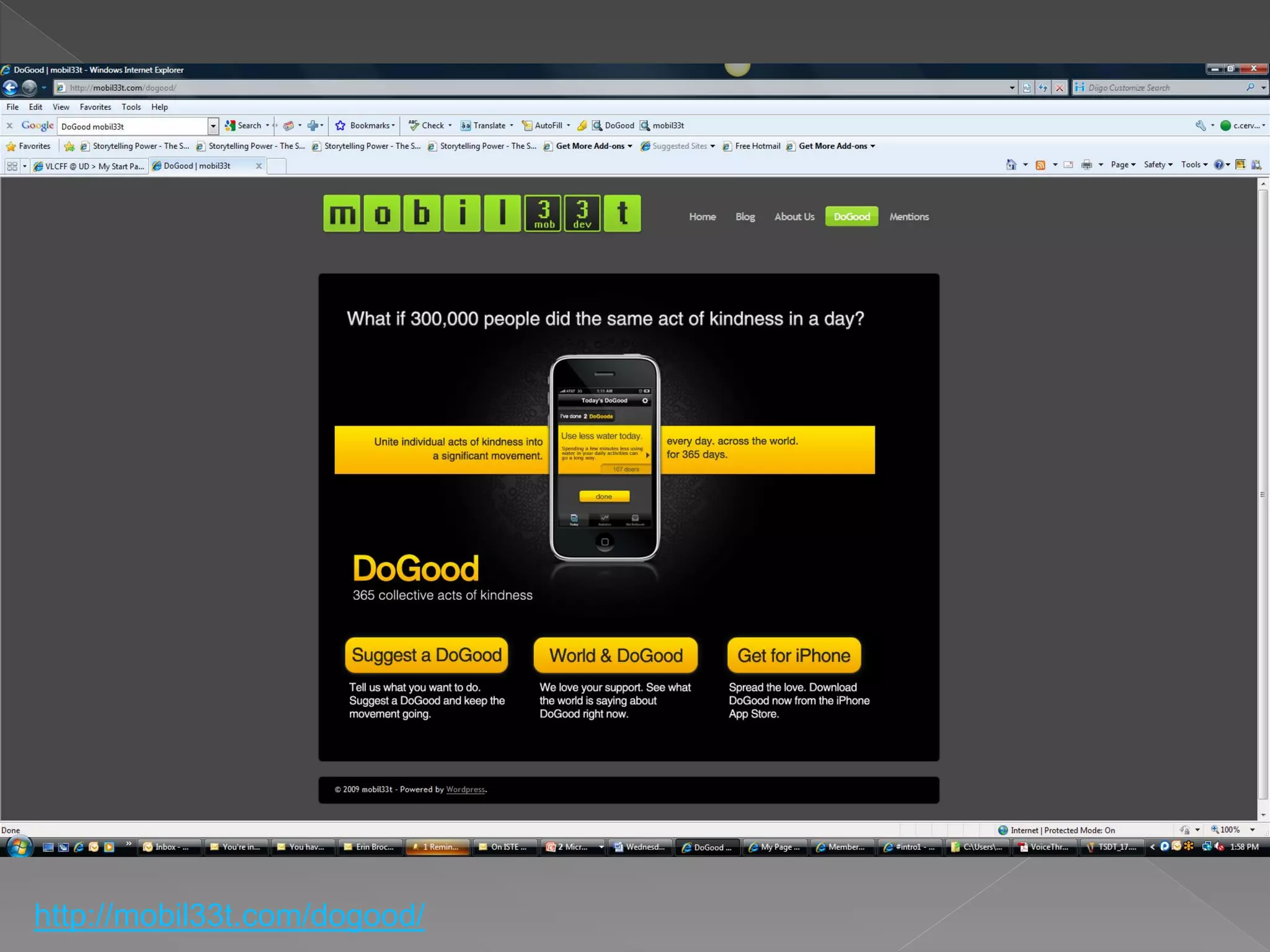
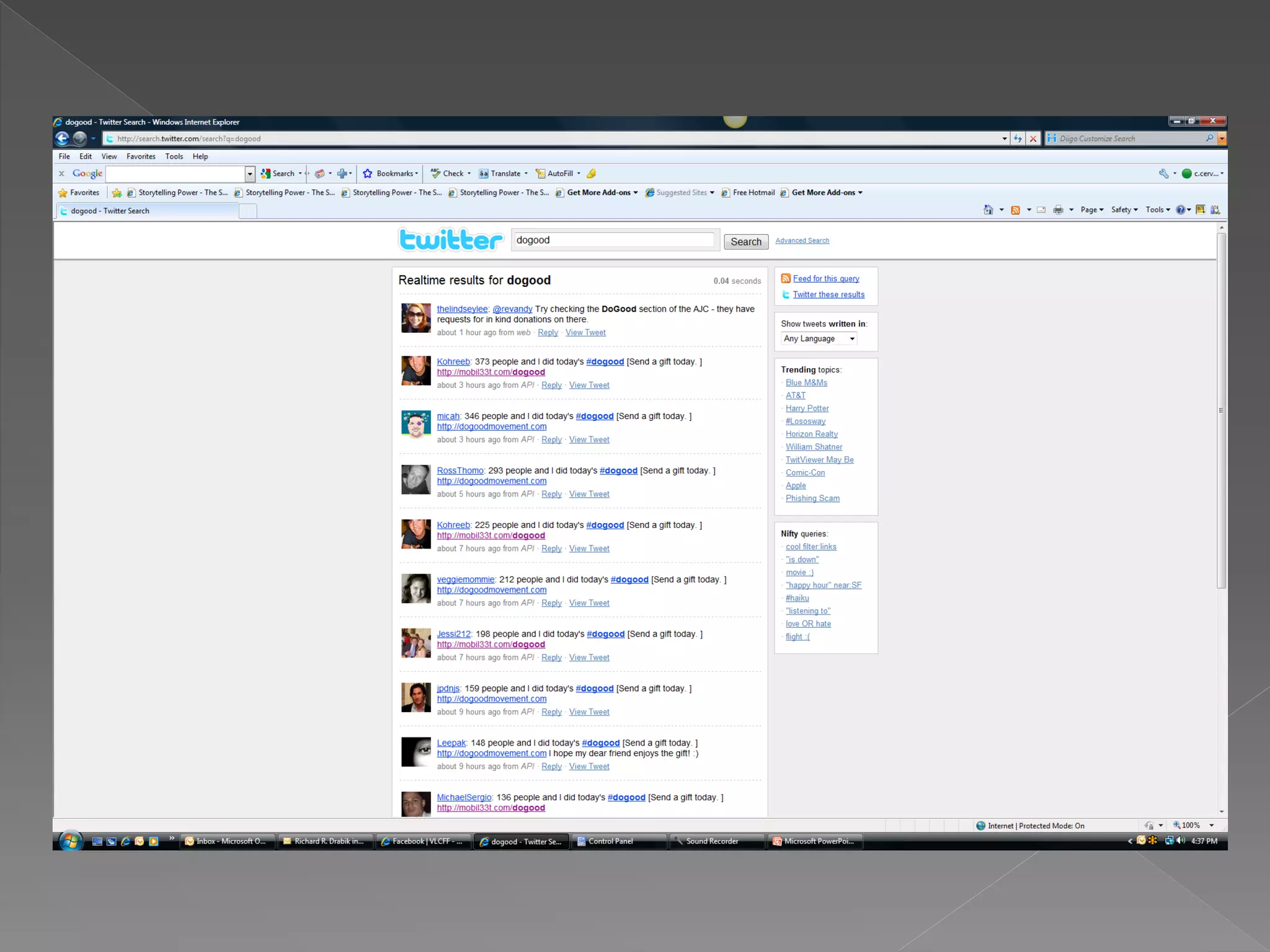
http://mobil33t.com/dogood/
   Baily, Brian. The Blogging Church. John
    Wiley & Sons, Inc., 2007.
   Walsh, Bob. Clear Blogging. Apress, 2007.
   Demopoulos, What No One Ever Tells You
    About…Blogging and Podcasting. Kaplan
    Publishing, 2007.
   Black, Jani. Blogging in the Classroom for
    Beginners. ISTE Webinar, Wednesday,
    October 22, 2008.
   Spellos, James. Welcome to Wiki-ville The
    New Face of the Internet. 2008 Rejuvenate
    Marketplace Keynote, November 12, 2008
Caroline Cerveny, SSJ, D. Min.
                        President

Papyrus to Cyberspace - CSCC 2009

  • 2.
    Objectives  Discern andaddress current new media realities in my life, the Church and the world in light of the Gospel. (1.4)  Relate respectfully with a diversity of persons, age groups and cultures by discovering how I can blog meaningfully with them in today‟s Church. (1.6)  Exercise flexibility in ministerial situations by meaningfully exploring the what and how of E- communication. (4.19 PCL)  Demonstrate effective oral and written communication skills for catechetical purposes by blogging. (5.12 PCL)
  • 3.
     Learn whata blog is and how a typical blog is structured  Learn how to get started  Understand why blogging is a powerful tool for ministry, the classroom, your own professional development.
  • 4.
    Internet Usage andPopulation Statistics For Trinidad and Tobago Year Users Population % Pen 2000 100,000 1,262,366 7.9% 2006 160,000 1,320,363 12.1% 2008 212,800 1,231,323 17.3% 2009* 225,000 1,047,366 21.5% United Nations Department of Economic and Social Affairs * Nielson Online, ITU, and other reliable resources http://www.internetworldstats.com/car/tt.htm
  • 5.
    # Country Pop 2008 Est Users Latest % Population 1 China 1,330,044,605 298,000,000 22.4% (18.7%)* 2 United States 304,228,419 227,190,989 74.7% (14.2%)* 3 Japan 127,288,419 94,000,000 73.8% (5.9%)* 4 India 1,147,995,898 81,000,000 7.1% (5.1%)* 5 Brazil 196,342,587 67,510,400 34.4% (4.2%)* Internet World Stats © 2009, Miniwatts Marketing Group * % of World Users http://www.internetworldstats.com/top20.htm
  • 6.
  • 7.
  • 8.
    Fundamentals The New Tools  Global  Blogs  Topical  Pods  Frequent, brief  Social networks communications  Wikis  Texting  Viral videos  Tweets  Virtual worlds
  • 9.
    Web 2.0  Tagging  Social Networking  RSS  Blogs  Wikis It’s all about the 2 C’s Collaboration & Convergence
  • 10.
     Do youwrite one?  Do you read any?  Close friend of RSS  Microblogging anyone? Cool Tool: Technorati.com - Website That tracks all things blog
  • 11.
    A. What presidentialcandidates use? B. An easy way to create a webpage? C. An opportunity for a conversation? D. All above options
  • 12.
     Short forweblog, blogs are online journals that display the most recent content first  Can combine text, images, and links to audio and video files (podcasting)  Readers may often leave comments and interact with the writer  Blogger.com offers free blog space
  • 14.
    “In 2004 whenTechnorati started, the typical reaction to the word „blog‟ was „huh – can you repeat yourself?‟ Today, blogs are everywhere – even presidential candidates have blogs. The blog has forever changed the way publishing works – now anyone can be a publisher. The issue is no longer distribution, rather, it‟s relevance.” Brad Field, Managing Director, Foundry Group
  • 15.
     Step 1  Step 2 Begin Add Blogging Blogging Myself into my ministry
  • 16.
     Step 1 Begin Blogging Myself
  • 17.
     Read otherminister blogs and “listen” to what is being said by others. Additionally, look closely at the comments left by others (important to get the lay of the land!)  Begin leaving comments on these blogs to understand how “blogging conversations” begin and continue.
  • 18.
    Go to - http://delicious.com/ccerveny/blog_min istry That is “underscore” /blog_ministry
  • 19.
    Choose a blogging platform and set up your own blog – choose an applicable, interesting topic that you wish to explore more or one that you want to share with a specific audience. › All of the following are “hosted” platforms, meaning your content is stored on the server  Edublogs.org  Wordpress.com  Blogger.com  LiveJournal.com  Vox.com  Typepad.com ($4.95/month)
  • 20.
     Set reasonableposting goals for yourself – adjust as you go.  All the while, continue reading other blogs, comment, and while there, invite others to visit your blog (experience the read, write, read, write pattern of blogging). Actively seek and encourage the “cross-pollination of ideas.”  Engage in “connective reading and writing” (blogging) with a “growth mindset.”  Engage in “connective reading and writing” (blogging) with the intent to freely “share.”
  • 23.
    A series ofvideos are located at http://edublogs.org/videos/
  • 24.
     Step 2 Add Blogging into my ministry
  • 25.
    Blogging is arevolution in communication, community, and authentic conversation; a revolution that churches cannot afford to ignore. Welcome to the blogosphere – the new online home of the curious and creative. - Brian Bailey
  • 26.
     Why shouldthe ministry I‟m involved in embrace blogging?  What can blogs accomplish in my ministry?  Remember – “Blogging is simple, inexpensive, and powerful.” – Brian Bailey
  • 27.
    Communication: Who is your audience? What story do they need to hear from you?  E-Learning: Who is your audience? How will they be “engaged” with you?  What is your motivation for writing?  Is your blog a tool or a toy?  Is the story of your ministry being told?  Are those involved with you part of the conversation?  How will you handle comments?
  • 28.
     Does theblog belong to you or the parish?  Is your blog personal, professional, or organizational?  How much are you willing to pay? (Normally free)  Do you have a name for your blog?
  • 29.
     Upcoming Events Testimonies and Stories of Life Change  Ministry News  Pictures  Special Events  Weekend Message  Start a conversation  Connect Your Staff
  • 31.
    1. Welcome newcatechists with a picture and short introduction. 2. Cast the vision for an upcoming event and ask for help. 3. Spotlight one of your best catechists. 4. Celebrate birthdays and milestones, such as a volunteering anniversary. 5. Share prayer requests for catechists, the ministry, and the church as a whole.
  • 32.
    6. Announcethe week‟s lesson and invite catechists to download an outline. 7. Post ministry stories that show the true impact of what your catechists do. 8. Answer common questions. 9. Publish photos from the weekend or a recent event. (Note: Children – Extra steps) 10. Familiarize catechists with the staff in whatever fun way you like. - Adapted from: Blogging Church, pg. 57
  • 33.
     Brevity isBEAUTIFUL!  Send People Away (People come back to places that send them away)  Spelling Matters  Picasso famously said, “Good artists copy. Great artists steal.”  Eventually develop a personal voice that is familiar.
  • 34.
     Give credit Link, Quote, But Never Copy Perry Noble has a great rule: never write anything on your blog that you wouldn’t be willing to say to someone’s face. It’s a simple way to avoid surprises.
  • 35.
     Start BloggingWithout the Support of Your Church Leadership  Draft Your Bloggers  Avoid Ownership  Use the Same Great Content You Have Elsewhere  Write Without Passion or Personality  Write When You Have Time  Build Your Blog in Pleasantville  Pretend the Rest of the World Doesn‟t Exist  One Blog Fits All
  • 36.
     Is aformat for delivering content  Ability to subscribe to sources of your choice and have the latest updates delivered directly to you throughout the day.  RSS feed is updated every time someone posts a new item or makes a change to a previous one.  Click a Single button and all updates brought to you.
  • 37.
     Really SimpleSyndication  Push content › Blog › Audio files (podcasting) › Feedburner.com, UI Web Toolbox  Receive content › Subscribe to a feed › iTunes, Yahoo, Firefox, IE 7 all aggregate RSS feeds  Dynamic web sites › Include a feed on your course site › http://www.uis.edu Cartoon by Dave Walker. Find more cartoons you can freely re-use on your blog at We Blog Cartoons.
  • 38.
     Step 2 Add Blogging as a Student Activity
  • 41.
     10 yearold  Honor the memory of her grandfather who had died the year before (2007)  Decided to do one good deed each day  With mother‟s approval, to share her work with the world
  • 46.
    What will the student blogs focus on? To jumpstart your creativity, a listing of ideas can be found at http://web20intheclassroom.blogspot.com/  One class blog where all students contribute as writers/authors  Group blogs, consisting of 3 to 5 authors each  Every student has his/her own individual blog  Who will be the primary audience of the blog? How will you/your students handle the comments?
  • 47.
     Check yourdiocesan/school AUP (Acceptable Use Policy)  Outline how you want to use the blogs, meaning how you want to structure student posts and comments, develop rationale for class use (don‟t forget that blogging supports many of the ISTE NETS for Students.  Get parents informed and involved.  Know your blogging platform.
  • 48.
    Elementary Level  High School Level Class Blogmeister Edublogs.org Imbee.com 21Classes.com EPals School Blog ClassPress ($24.95/year) ClassPress ($24.95/year for unlimited student blogs  Adult under your account.) 7-Blog Tools Choices  Middle School Level http://webdesign.about.c 21Classes.com om/od/weblogs/tp/aat EPals School Blog p_weblogs.htm Edublogs.org ClassPress ($24.95/year)
  • 49.
     Go Slow– Digital Natives? Well…  Do lots of step-by-step demos  Go to http://delicious.com/ccerveny/blogging or http://delicious.com/jdblack64/blogging for additional information about blogging  Read tips by other blog using educators or ministers
  • 51.
    Fundamentals The New Tools  Global  Blogs  Topical  Pods  Frequent, brief  Social networks communications  Wikis  Texting  Viral videos  Tweets  Virtual worlds
  • 70.
  • 72.
    Baily, Brian. The Blogging Church. John Wiley & Sons, Inc., 2007.  Walsh, Bob. Clear Blogging. Apress, 2007.  Demopoulos, What No One Ever Tells You About…Blogging and Podcasting. Kaplan Publishing, 2007.  Black, Jani. Blogging in the Classroom for Beginners. ISTE Webinar, Wednesday, October 22, 2008.  Spellos, James. Welcome to Wiki-ville The New Face of the Internet. 2008 Rejuvenate Marketplace Keynote, November 12, 2008
  • 73.
    Caroline Cerveny, SSJ,D. Min. President