MSD OF WAYNE TOWNSHIP TECHNOPALOOZA 2014 
Get started 
1. Go to padlet.com and login or signup. 
2. Select “Create new padlet.” 
3. Start posting by double-clicking or dragging a file anyhere on the screen. 
4. Modify the wall by selecting the gear icon on the right. 
5. Give your wall a title and description, select the wallpaper, layout, privacy, notification settings, and web address from the choices on the right. 
Padlet 
Collaborate and share your ideas! 
Simple, online bulletin board 
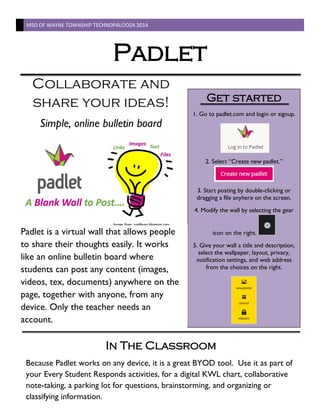
Padlet is a virtual wall that allows people to share their thoughts easily. It works like an online bulletin board where students can post any content (images, videos, tex, documents) anywhere on the page, together with anyone, from any device. Only the teacher needs an account. 
In The Classroom 
Because Padlet works on any device, it is a great BYOD tool. Use it as part of your Every Student Responds activities, for a digital KWL chart, collaborative note-taking, a parking lot for questions, brainstorming, and organizing or classifying information. 
Image from: zaidlearn.blogspot.com

Padlet Overview

  • 1.
    MSD OF WAYNETOWNSHIP TECHNOPALOOZA 2014 Get started 1. Go to padlet.com and login or signup. 2. Select “Create new padlet.” 3. Start posting by double-clicking or dragging a file anyhere on the screen. 4. Modify the wall by selecting the gear icon on the right. 5. Give your wall a title and description, select the wallpaper, layout, privacy, notification settings, and web address from the choices on the right. Padlet Collaborate and share your ideas! Simple, online bulletin board Padlet is a virtual wall that allows people to share their thoughts easily. It works like an online bulletin board where students can post any content (images, videos, tex, documents) anywhere on the page, together with anyone, from any device. Only the teacher needs an account. In The Classroom Because Padlet works on any device, it is a great BYOD tool. Use it as part of your Every Student Responds activities, for a digital KWL chart, collaborative note-taking, a parking lot for questions, brainstorming, and organizing or classifying information. Image from: zaidlearn.blogspot.com