Packing It In: Images, Containers, and
Config Management
LOPSA-East 2014
Michael Goetz
mpgoetz@getchef.com
Who am I?
• Michael Goetz
• Sr. Consulting Engineer @ Chef
• @michaelpgoetz
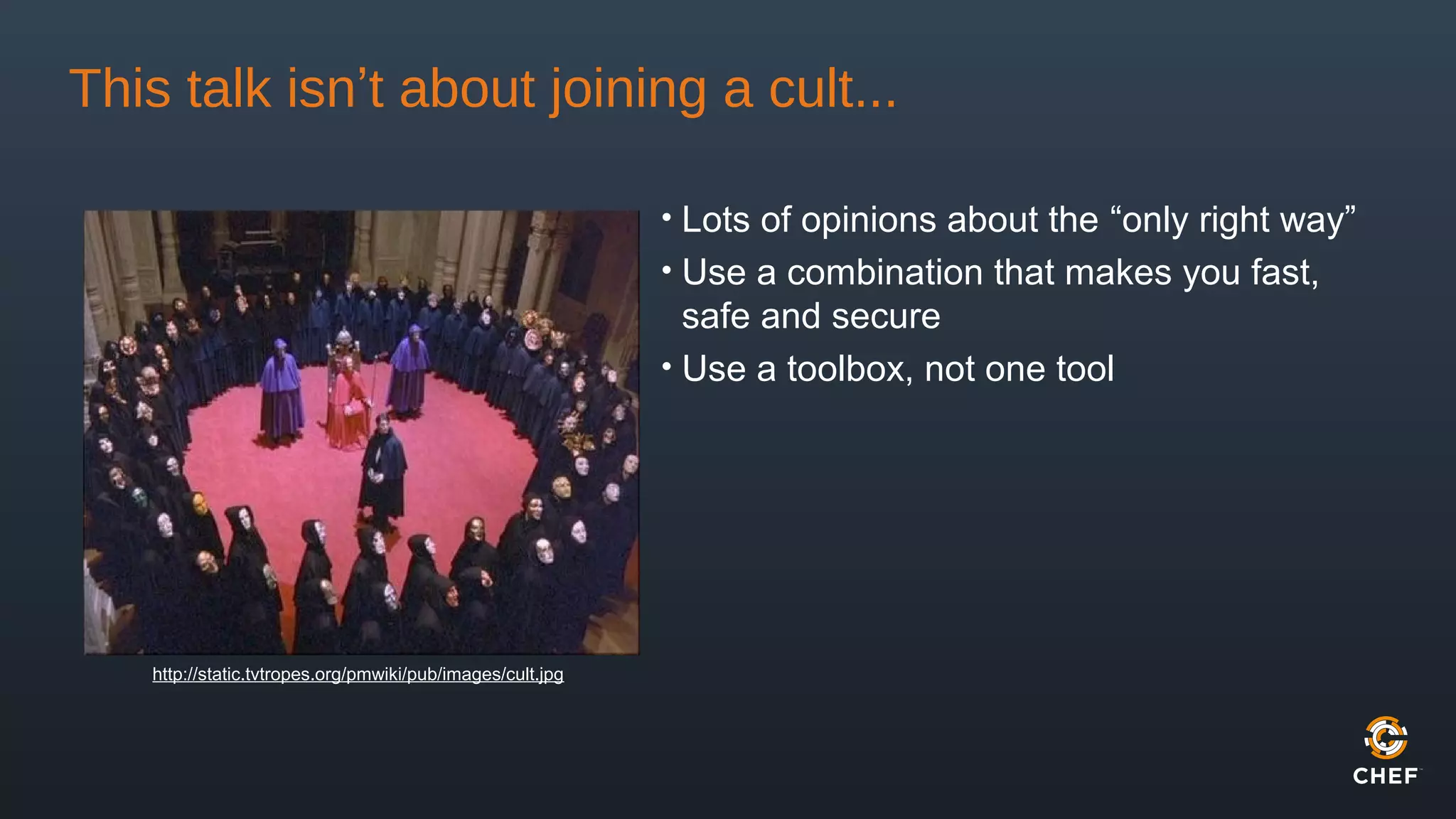
This talk isn’t about joining a cult...
• Lots of opinions about the “only right way”
• Use a combination that makes you fast,
safe and secure
• Use a toolbox, not one tool
http://static.tvtropes.org/pmwiki/pub/images/cult.jpg
So what are my options?
• Artisanal machines made of metal and sweat
• Pristine virtual machines
• Isolated containers
• Just-in-time automatic configuration management
• All (or some) of the above?
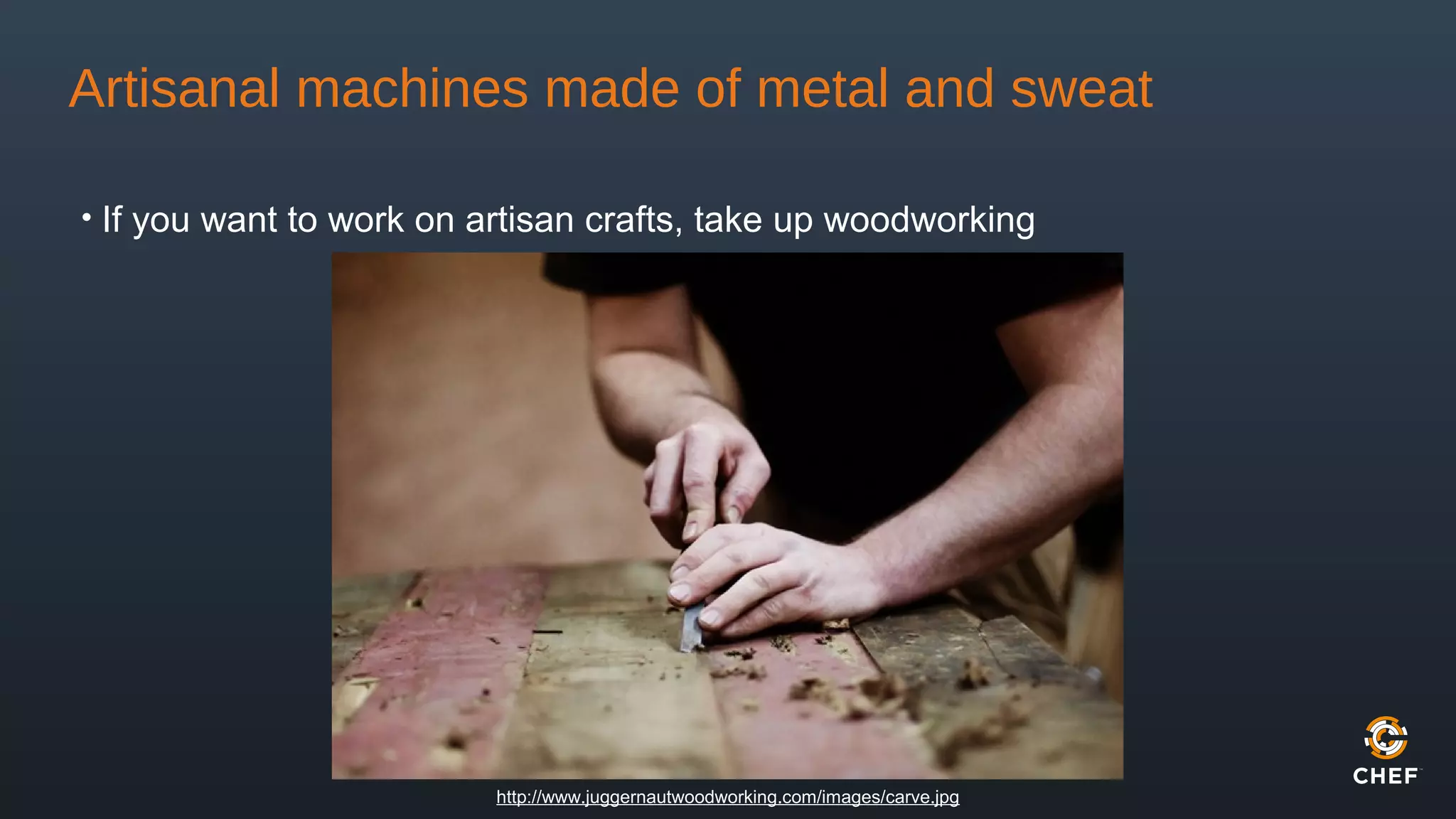
Artisanal machines made of metal and sweat
• If you want to work on artisan crafts, take up woodworking
http://www.juggernautwoodworking.com/images/carve.jpg
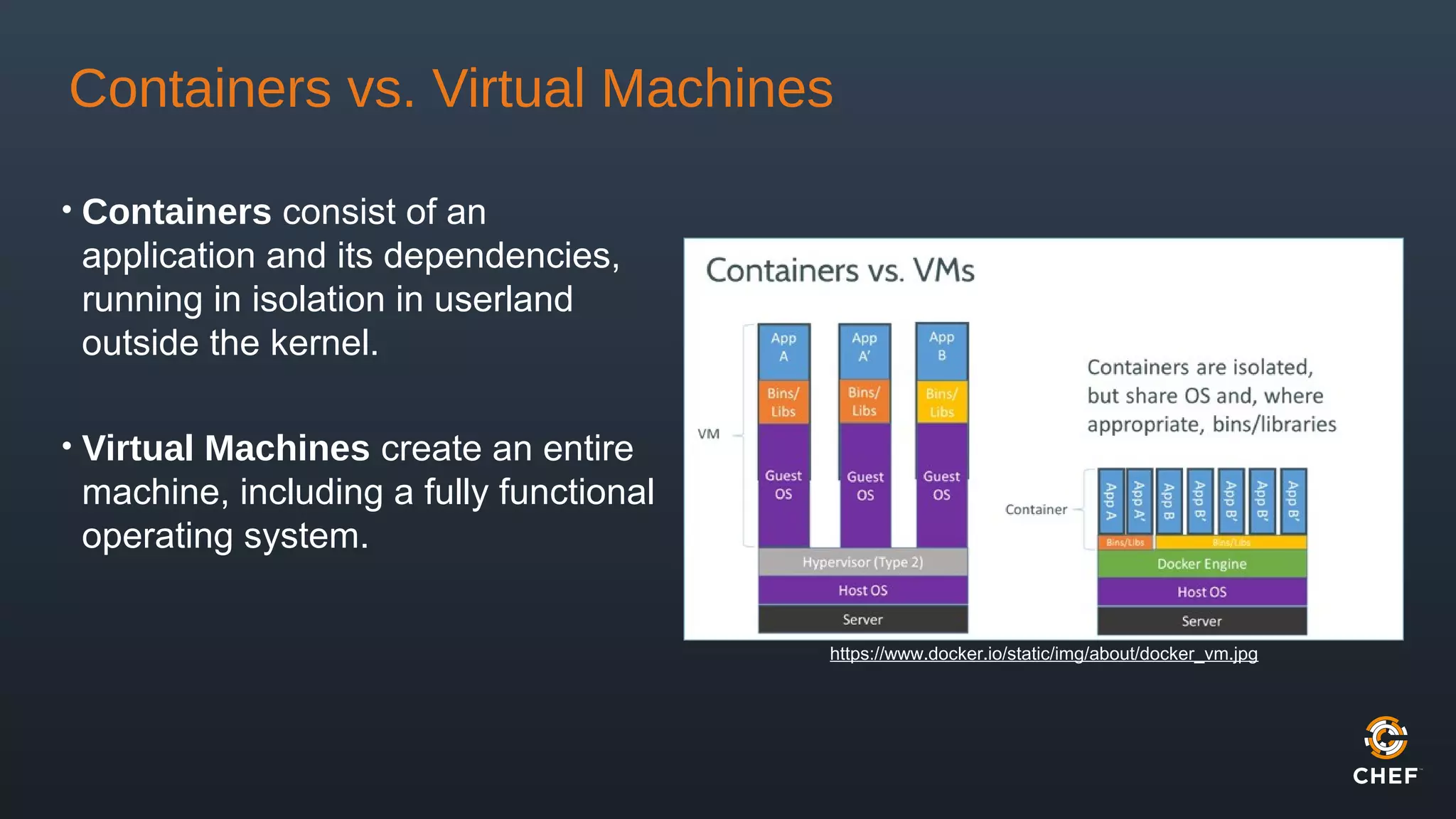
Containers vs. Virtual Machines
• Containers consist of an
application and its dependencies,
running in isolation in userland
outside the kernel.
• Virtual Machines create an entire
machine, including a fully functional
operating system.
https://www.docker.io/static/img/about/docker_vm.jpg
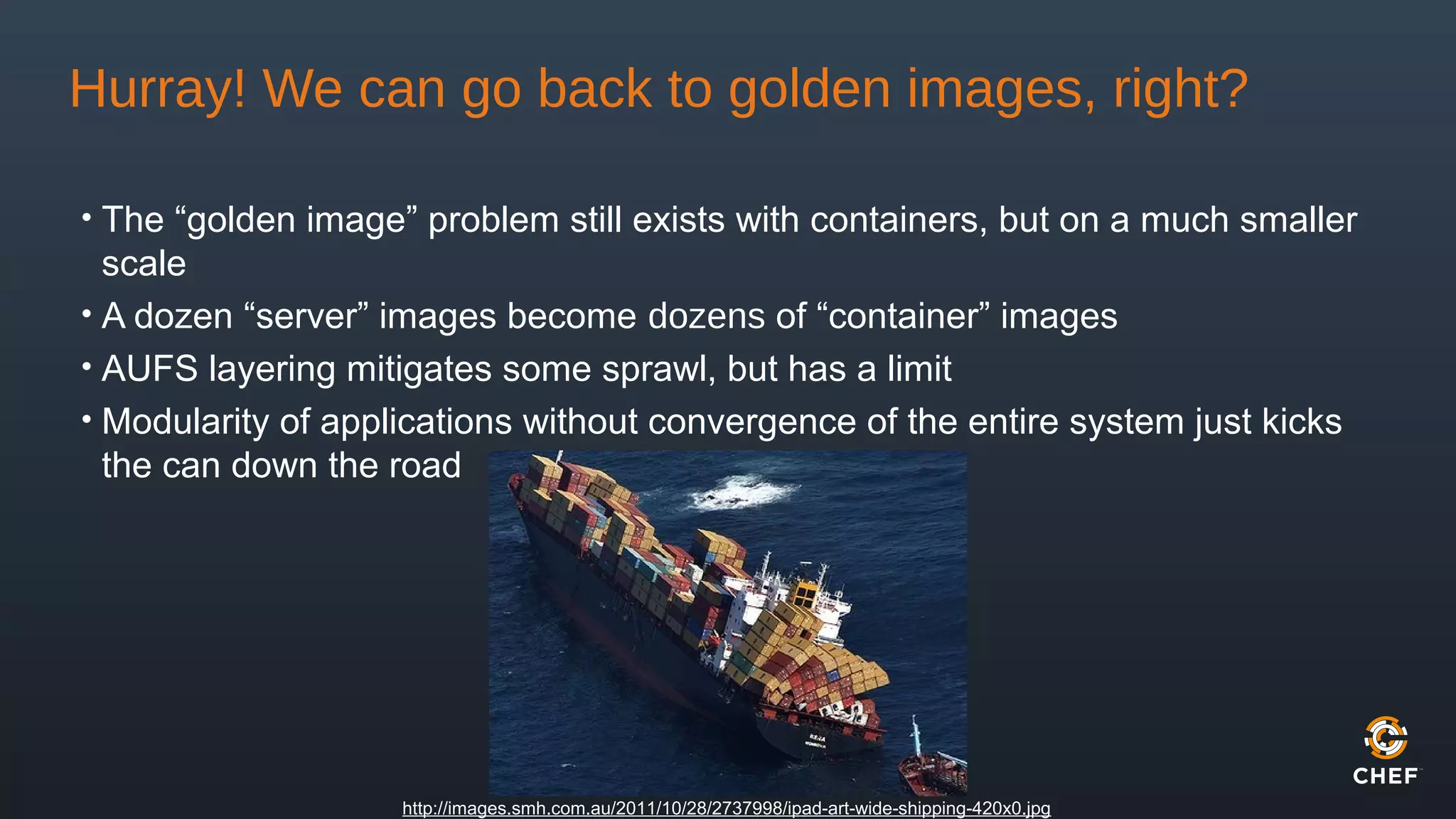
Hurray! We can go back to golden images, right?
• The “golden image” problem still exists with containers, but on a much smaller
scale
• A dozen “server” images become dozens of “container” images
• AUFS layering mitigates some sprawl, but has a limit
• Modularity of applications without convergence of the entire system just kicks
the can down the road
http://images.smh.com.au/2011/10/28/2737998/ipad-art-wide-shipping-420x0.jpg
What about configuration management?
• Convergence - coming to a desired end state
• Congruence - building a result from a blank
state
• Always building from scratch can be time
consuming
• Specification of application versions becomes
extremely important
• Changes can happen unexpectedly if you don’t
plan ahead
Convergence is like fixing the
outcome and compute the
route (like a GPS finder), and
congruence is about repeating
a recipe in a sequence of
known steps to massage a
system into shape”
– Mark Burgess
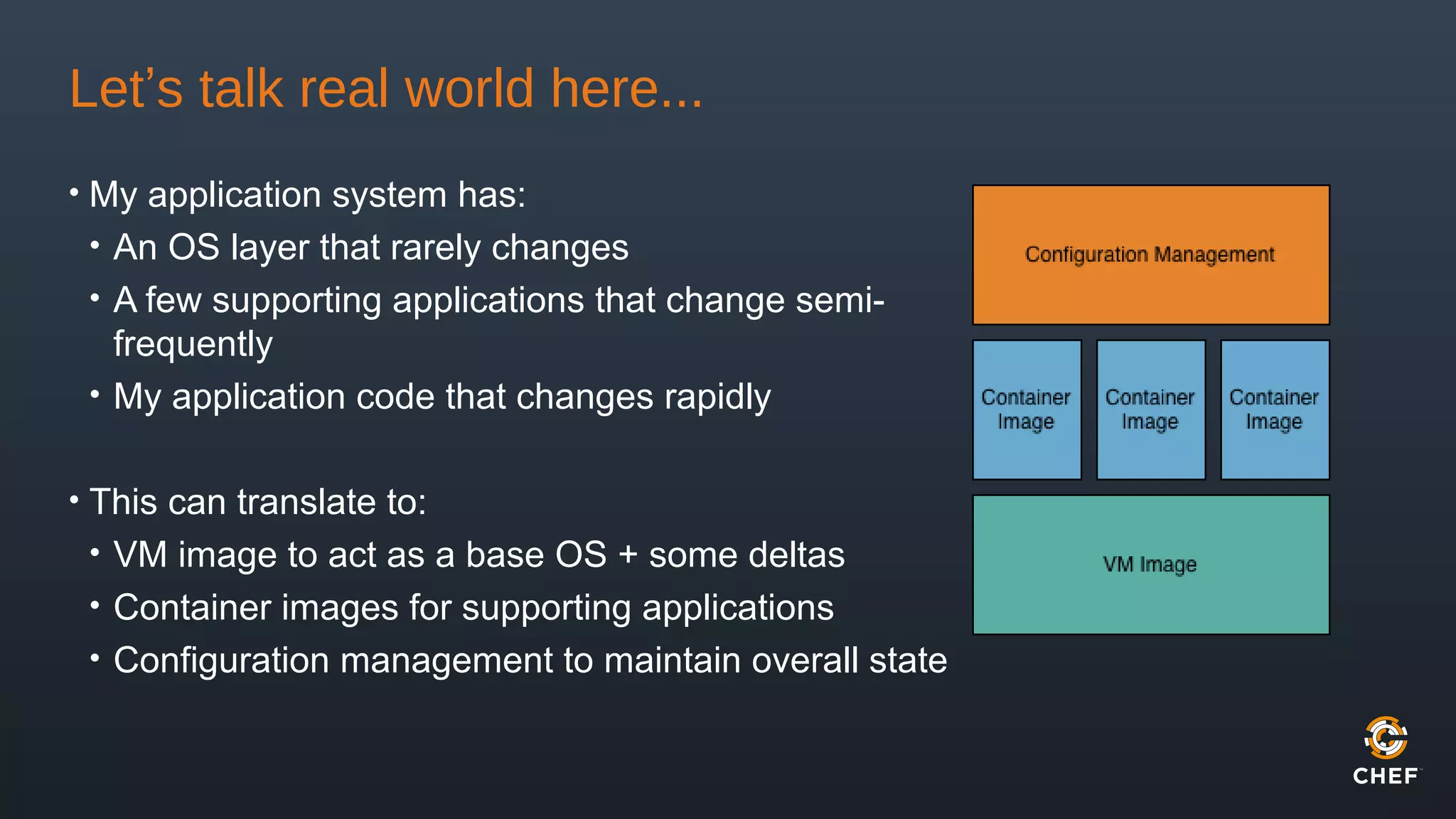
Let’s talk real world here...
• My application system has:
• An OS layer that rarely changes
• A few supporting applications that change semi-
frequently
• My application code that changes rapidly
• This can translate to:
• VM image to act as a base OS + some deltas
• Container images for supporting applications
• Configuration management to maintain overall state
So wait... that still seems like a lot of work
• With 3 layers of your application stack to maintain, it feels like the maintenance
demand will only go up
• We’ll use three tools to manage each layer:
• Packer - building and maintaining images
• Docker - running and managing the containers
• Chef - managing the real-time automated configuration, image build steps
and VM provisioning
What is Packer?
• Half the battle is keeping VM images
up-to-date
• Refreshing images == table flipping
rage
• Packer creates identical machine
images from a single source
configuration
• Makes programmatically building VM
images super easy!
{
"builders”: [{
"type": "amazon-ebs",
"region": "us-east-1",
"source_ami": "ami-8ade42ba”,
"instance_type": "m3.medium",
"ssh_username": "ubuntu",
"ami_name": "my ami {{timestamp}}" }],
"provisioners": [{
"type": "chef-solo",
"cookbook_paths": ["cookbooks"],
"json": {
"name": "my_node",
"run_list": [
"recipe[packer]",
"recipe[docker]",
"recipe[my_application]"
]
}
}
]}
What is Docker?
• Docker combines an execution driver with AUFS to create portable,
lightweight application containers
• Execution drivers customize the execution environment surrounding each
container (LXC, libcontainer, Solaris Zones, chroot, etc)
• Docker images can be shared via a public or private registry
• Packer has built-in support for building Docker images
• Does not use Dockerfiles
• Can use existing shell scripts, Chef recipes, etc.
What is Chef?
• Automation platform that manages infrastructure as
code
• Reusable recipes across your entire infrastructure
• Topology data made available across entire
infrastructure
• Runs on demand or as a managed service to keep
infrastructure convergent
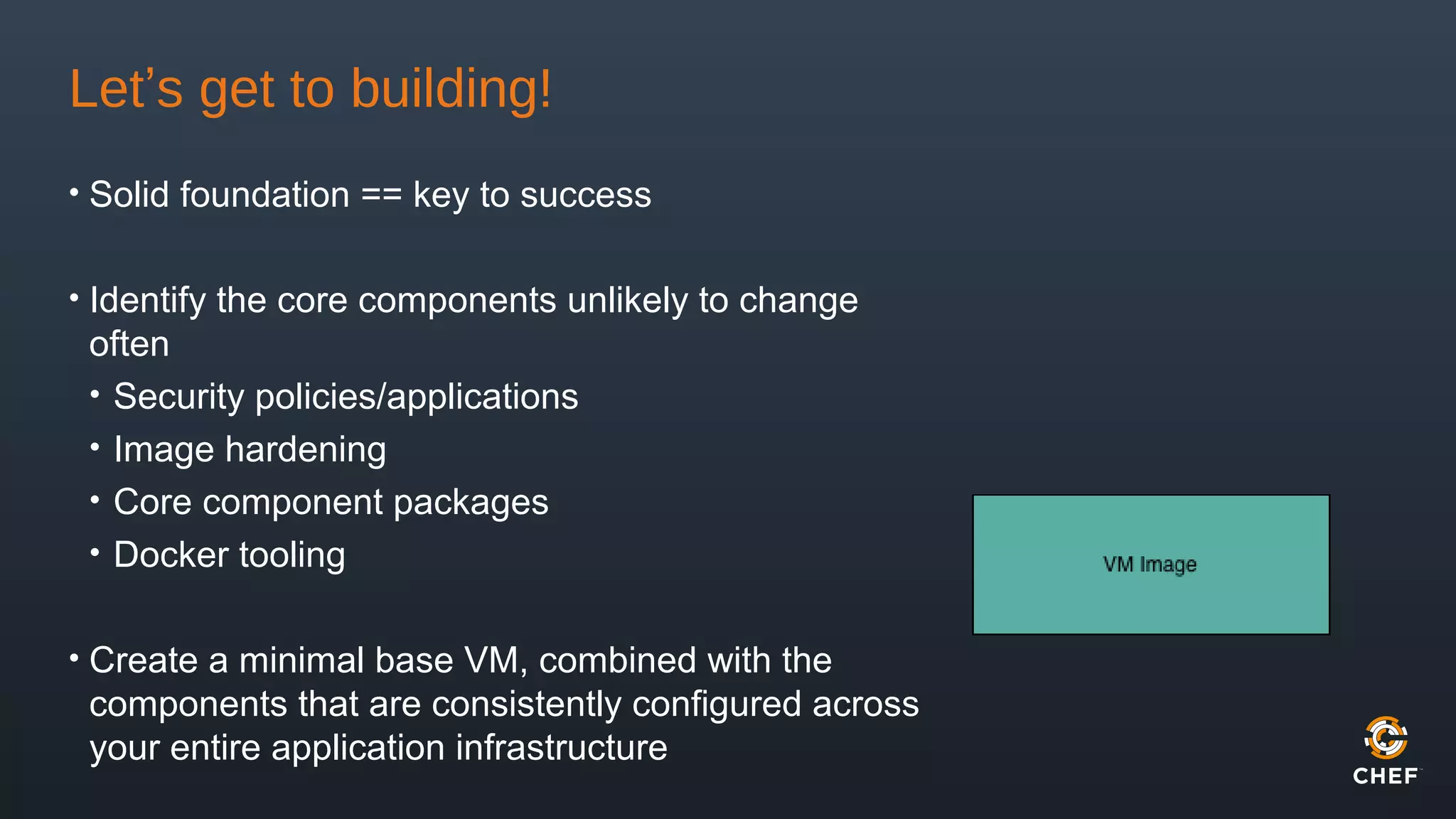
Let’s get to building!
• Solid foundation == key to success
• Identify the core components unlikely to change
often
• Security policies/applications
• Image hardening
• Core component packages
• Docker tooling
• Create a minimal base VM, combined with the
components that are consistently configured across
your entire application infrastructure
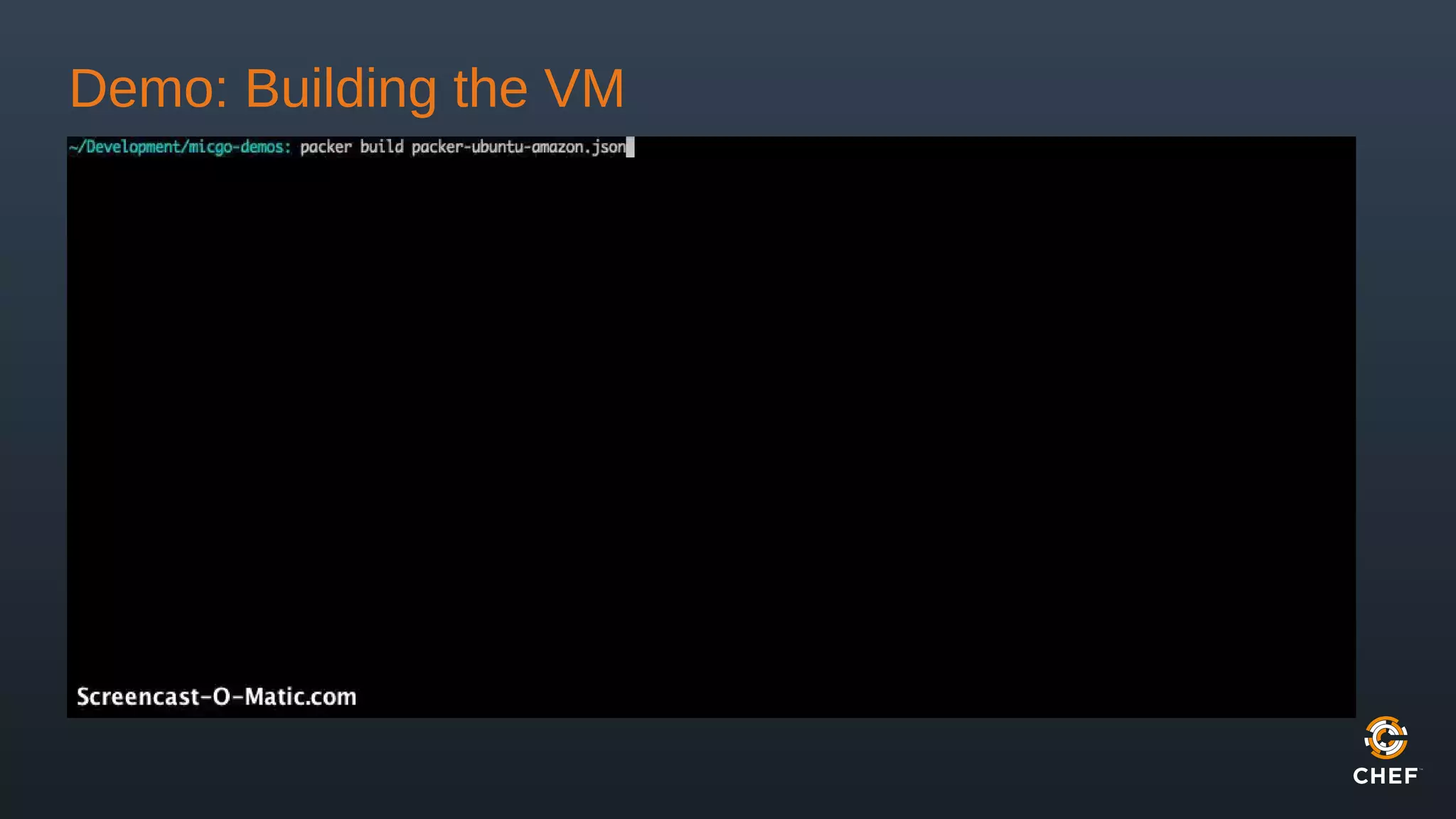
Demo: Building the VM
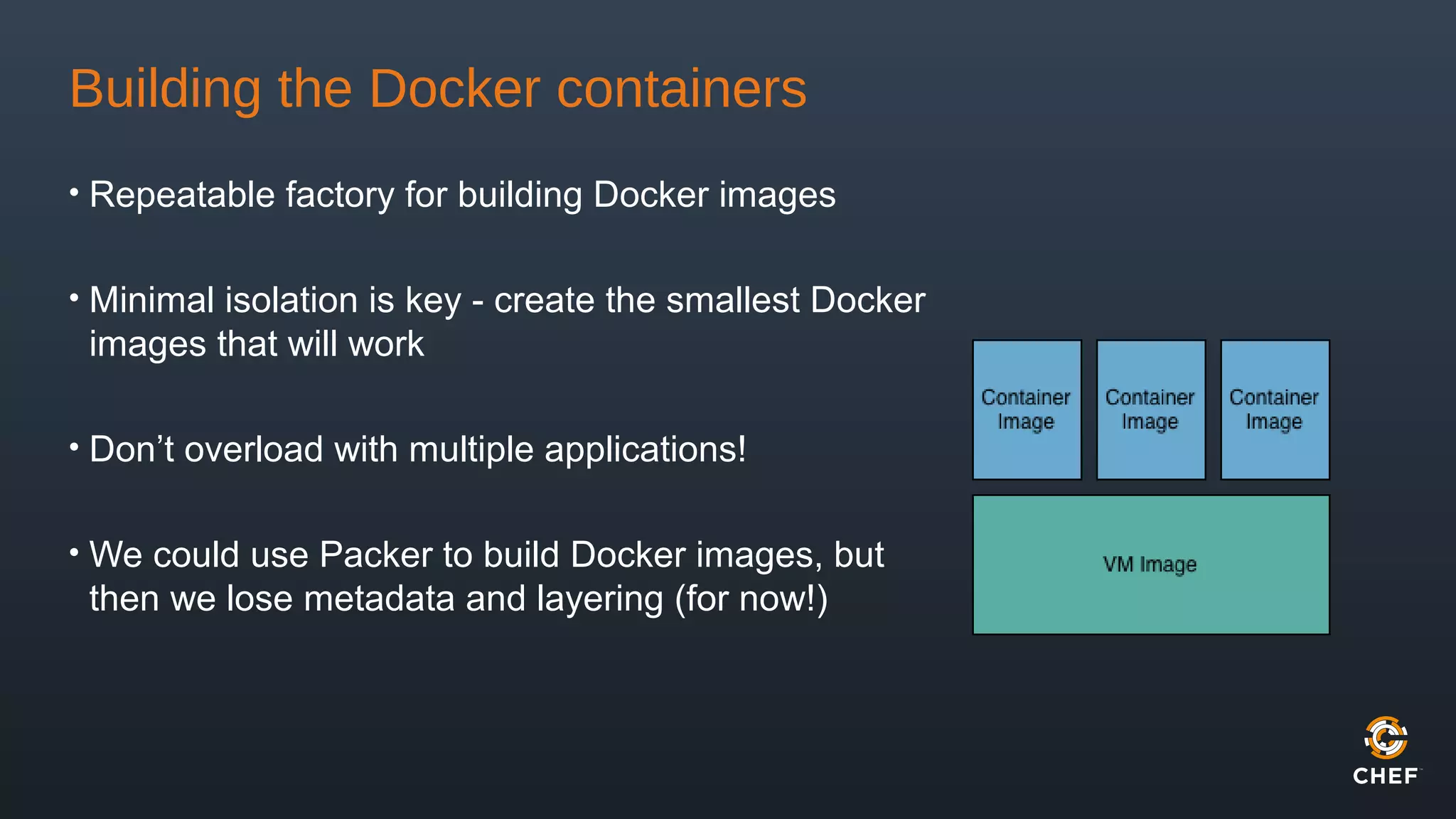
Building the Docker containers
• Repeatable factory for building Docker images
• Minimal isolation is key - create the smallest Docker
images that will work
• Don’t overload with multiple applications!
• We could use Packer to build Docker images, but
then we lose metadata and layering (for now!)
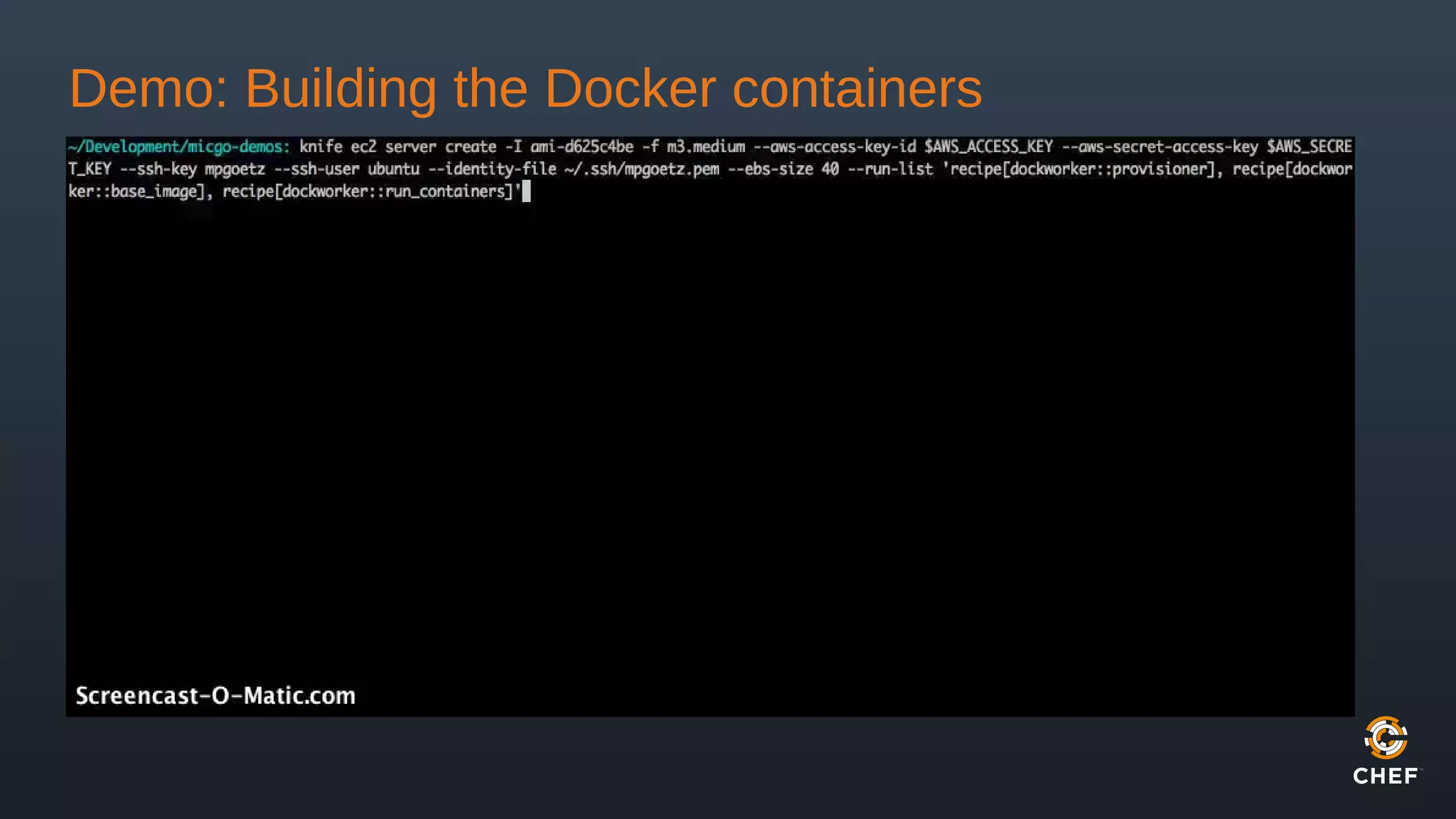
Demo: Building the Docker containers
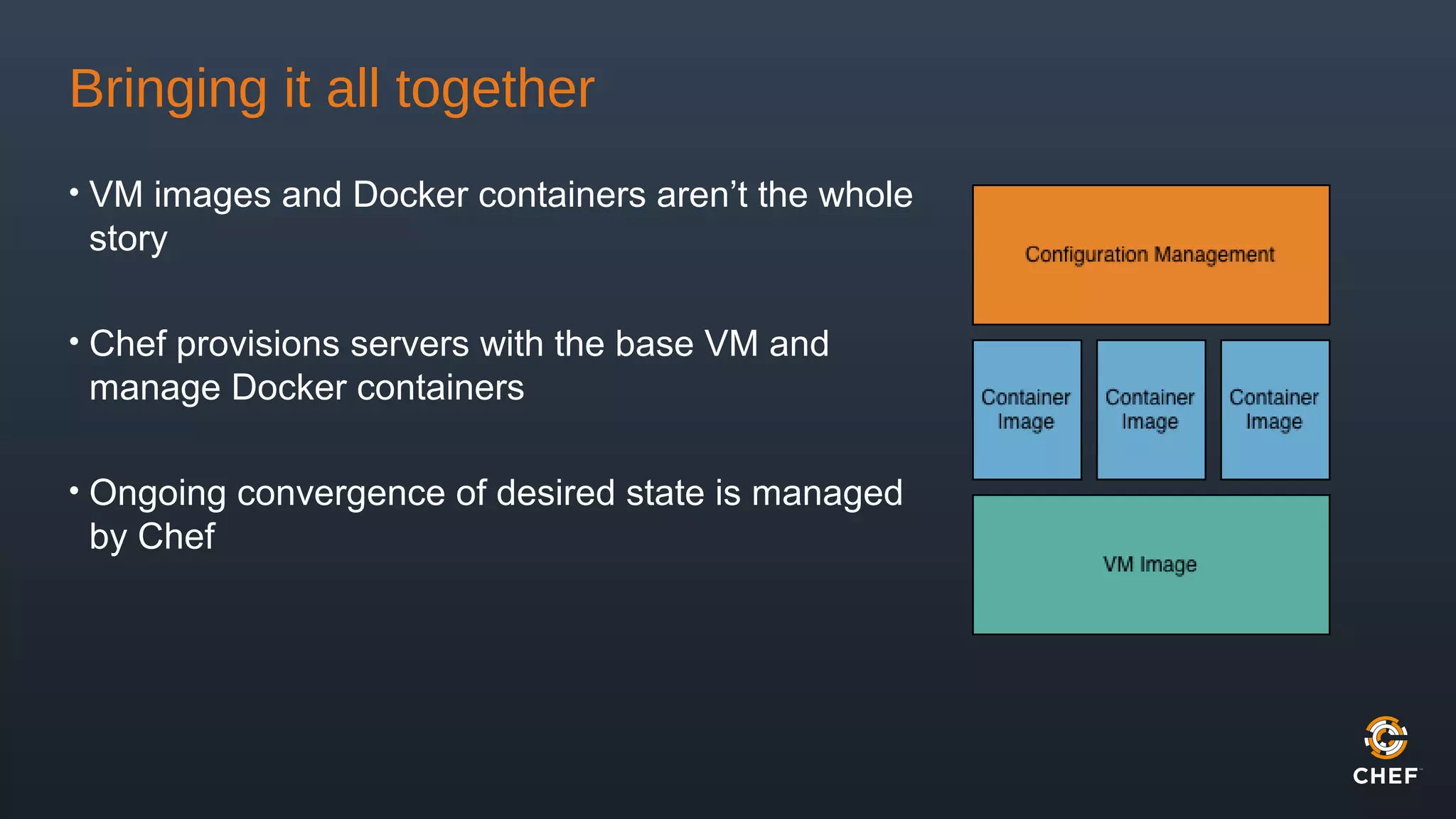
Bringing it all together
• VM images and Docker containers aren’t the whole
story
• Chef provisions servers with the base VM and
manage Docker containers
• Ongoing convergence of desired state is managed
by Chef
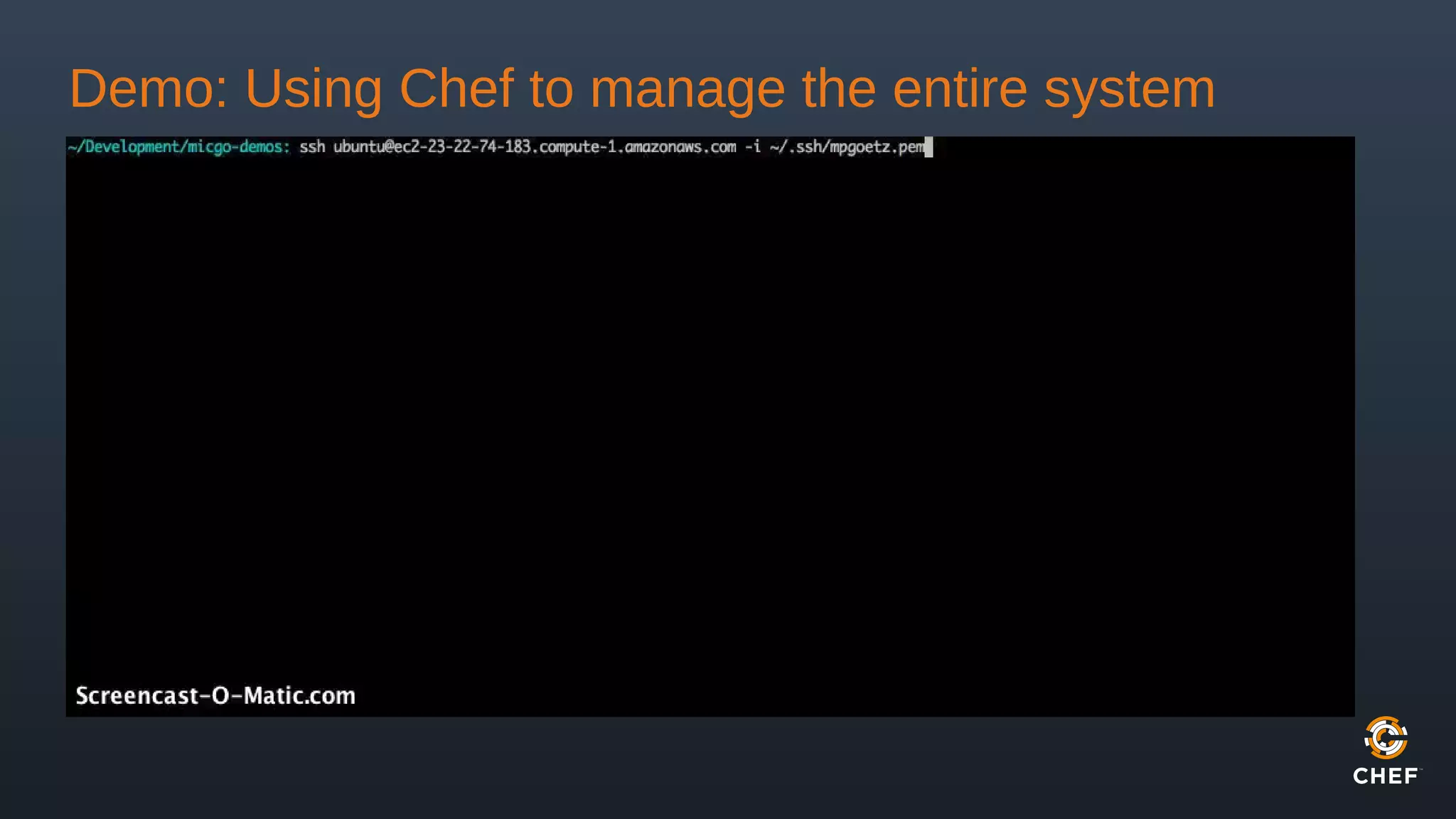
Demo: Using Chef to manage the entire system
Wrapping Up
• Don’t join a cult
• Use what works to make things faster, more secure and more stable
• Keep the base VM small, but not too small
• Use containers to manage isolated, reusable application processes
• Maintain a convergent infrastructure with automated configuration
management
More Info
• Packer - http://www.packer.io/
• Docker - https://www.docker.io/
• Chef - http://www.getchef.com/
• Docker-chef - https://github.com/bflad/chef-docker
• Dockworker cookbook - https://github.com/micgo/dockworker
We’re Hiring (and so are others)!
http://www.getchef.com/careers/
http://www.getchef.com/jobboard/
Thank You!
Michael Goetz
mpgoetz@getchef.com
@michaelpgoetz

Packing It In: Images, Containers and Config Management

  • 1.
    Packing It In:Images, Containers, and Config Management LOPSA-East 2014 Michael Goetz mpgoetz@getchef.com
  • 2.
    Who am I? •Michael Goetz • Sr. Consulting Engineer @ Chef • @michaelpgoetz
  • 3.
    This talk isn’tabout joining a cult... • Lots of opinions about the “only right way” • Use a combination that makes you fast, safe and secure • Use a toolbox, not one tool http://static.tvtropes.org/pmwiki/pub/images/cult.jpg
  • 4.
    So what aremy options? • Artisanal machines made of metal and sweat • Pristine virtual machines • Isolated containers • Just-in-time automatic configuration management • All (or some) of the above?
  • 5.
    Artisanal machines madeof metal and sweat • If you want to work on artisan crafts, take up woodworking http://www.juggernautwoodworking.com/images/carve.jpg
  • 6.
    Containers vs. VirtualMachines • Containers consist of an application and its dependencies, running in isolation in userland outside the kernel. • Virtual Machines create an entire machine, including a fully functional operating system. https://www.docker.io/static/img/about/docker_vm.jpg
  • 7.
    Hurray! We cango back to golden images, right? • The “golden image” problem still exists with containers, but on a much smaller scale • A dozen “server” images become dozens of “container” images • AUFS layering mitigates some sprawl, but has a limit • Modularity of applications without convergence of the entire system just kicks the can down the road http://images.smh.com.au/2011/10/28/2737998/ipad-art-wide-shipping-420x0.jpg
  • 8.
    What about configurationmanagement? • Convergence - coming to a desired end state • Congruence - building a result from a blank state • Always building from scratch can be time consuming • Specification of application versions becomes extremely important • Changes can happen unexpectedly if you don’t plan ahead Convergence is like fixing the outcome and compute the route (like a GPS finder), and congruence is about repeating a recipe in a sequence of known steps to massage a system into shape” – Mark Burgess
  • 10.
    Let’s talk realworld here... • My application system has: • An OS layer that rarely changes • A few supporting applications that change semi- frequently • My application code that changes rapidly • This can translate to: • VM image to act as a base OS + some deltas • Container images for supporting applications • Configuration management to maintain overall state
  • 11.
    So wait... thatstill seems like a lot of work • With 3 layers of your application stack to maintain, it feels like the maintenance demand will only go up • We’ll use three tools to manage each layer: • Packer - building and maintaining images • Docker - running and managing the containers • Chef - managing the real-time automated configuration, image build steps and VM provisioning
  • 12.
    What is Packer? •Half the battle is keeping VM images up-to-date • Refreshing images == table flipping rage • Packer creates identical machine images from a single source configuration • Makes programmatically building VM images super easy! { "builders”: [{ "type": "amazon-ebs", "region": "us-east-1", "source_ami": "ami-8ade42ba”, "instance_type": "m3.medium", "ssh_username": "ubuntu", "ami_name": "my ami {{timestamp}}" }], "provisioners": [{ "type": "chef-solo", "cookbook_paths": ["cookbooks"], "json": { "name": "my_node", "run_list": [ "recipe[packer]", "recipe[docker]", "recipe[my_application]" ] } } ]}
  • 13.
    What is Docker? •Docker combines an execution driver with AUFS to create portable, lightweight application containers • Execution drivers customize the execution environment surrounding each container (LXC, libcontainer, Solaris Zones, chroot, etc) • Docker images can be shared via a public or private registry • Packer has built-in support for building Docker images • Does not use Dockerfiles • Can use existing shell scripts, Chef recipes, etc.
  • 14.
    What is Chef? •Automation platform that manages infrastructure as code • Reusable recipes across your entire infrastructure • Topology data made available across entire infrastructure • Runs on demand or as a managed service to keep infrastructure convergent
  • 15.
    Let’s get tobuilding! • Solid foundation == key to success • Identify the core components unlikely to change often • Security policies/applications • Image hardening • Core component packages • Docker tooling • Create a minimal base VM, combined with the components that are consistently configured across your entire application infrastructure
  • 16.
  • 17.
    Building the Dockercontainers • Repeatable factory for building Docker images • Minimal isolation is key - create the smallest Docker images that will work • Don’t overload with multiple applications! • We could use Packer to build Docker images, but then we lose metadata and layering (for now!)
  • 18.
    Demo: Building theDocker containers
  • 19.
    Bringing it alltogether • VM images and Docker containers aren’t the whole story • Chef provisions servers with the base VM and manage Docker containers • Ongoing convergence of desired state is managed by Chef
  • 20.
    Demo: Using Chefto manage the entire system
  • 21.
    Wrapping Up • Don’tjoin a cult • Use what works to make things faster, more secure and more stable • Keep the base VM small, but not too small • Use containers to manage isolated, reusable application processes • Maintain a convergent infrastructure with automated configuration management
  • 22.
    More Info • Packer- http://www.packer.io/ • Docker - https://www.docker.io/ • Chef - http://www.getchef.com/ • Docker-chef - https://github.com/bflad/chef-docker • Dockworker cookbook - https://github.com/micgo/dockworker
  • 23.
    We’re Hiring (andso are others)! http://www.getchef.com/careers/ http://www.getchef.com/jobboard/
  • 24.