Effective Power point 
Presentations 
Home work #1 Hunter Osborne
Step #1-Keep it simple 
The Objective of power points is to convey information 
using slides that are simple and to the point. 
• People are in your presentation in order to to hear the 
information you have to say, do not bore them with 
endless information on numerous slides. 
• Your slides should have plenty of “white and black 
spaces” meaning that not every slide should be 
filled with information.
Step 2- Limit Bullet Points and 
Text 
 Be sure to chose a font that 
the audience can see 
clearly. 
 Your presentation is for 
the benefit of the 
audience, don’t include 
more text than 
necessary. 
 The best slides might 
even be the ones with no 
text in them! Make sure 
you convey your message 
without boring the 
audience.
Step #3- Use Clip Art/ High 
Quality Graphics 
Clip Art is Great! 
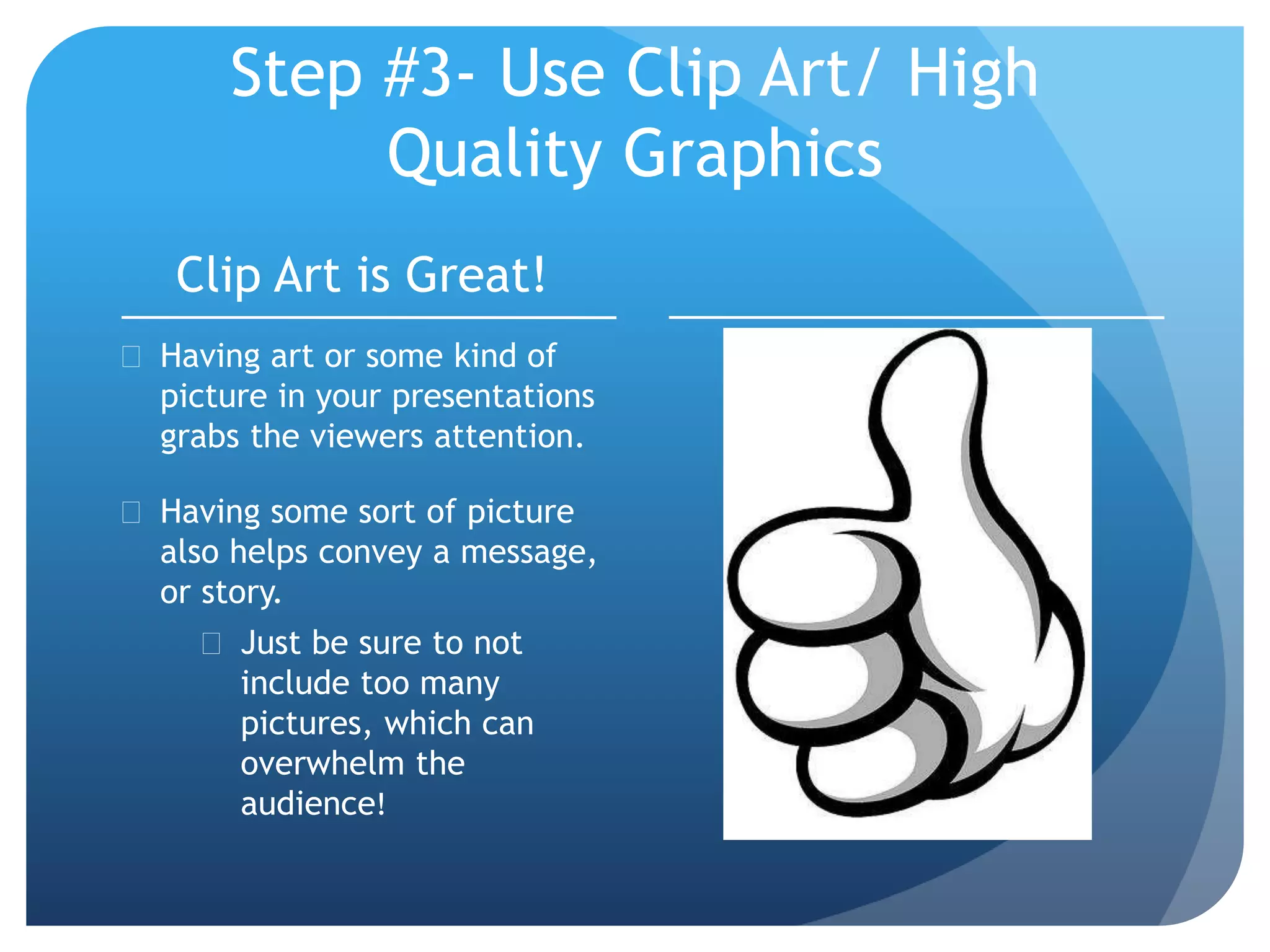
 Having art or some kind of 
picture in your presentations 
grabs the viewers attention. 
 Having some sort of picture 
also helps convey a message, 
or story. 
 Just be sure to not 
include too many 
pictures, which can 
overwhelm the 
audience!
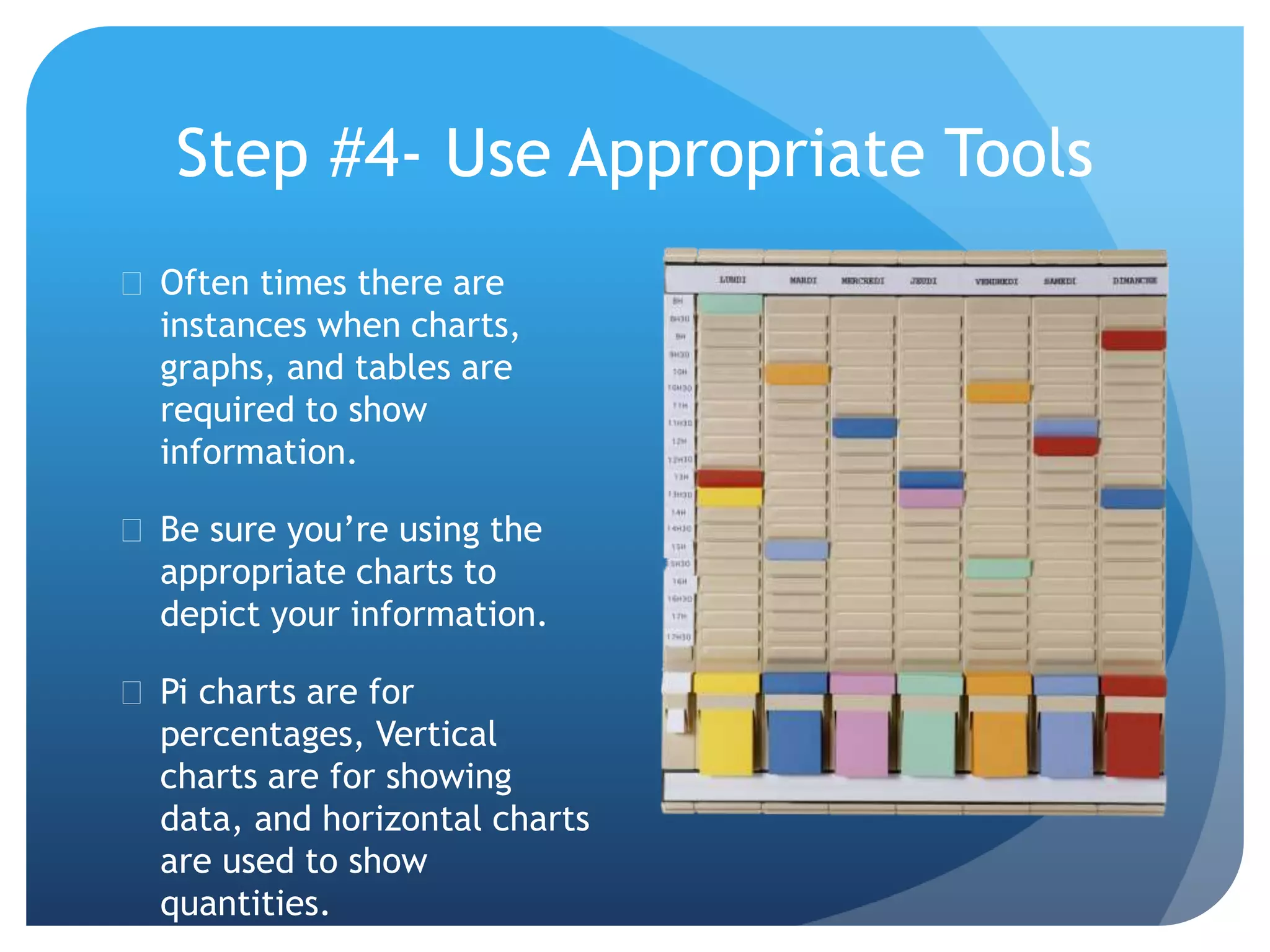
Step #4- Use Appropriate Tools 
 Often times there are 
instances when charts, 
graphs, and tables are 
required to show 
information. 
 Be sure you’re using the 
appropriate charts to 
depict your information. 
 Pi charts are for 
percentages, Vertical 
charts are for showing 
data, and horizontal charts 
are used to show 
quantities.
Step #5- Match Color Schemes 
Color is believed to evoke emotions. It’s important to have a 
color scheme that goes well with your font, and background 
that compliment your presentation. 
Don’t go overboard with the ability to pick and choose 
colors, keep it simple and basic, but professional. 
Also don’t need to be an expert in color theory to know 
which colors do and do not go well together. Be sure to pick 
a color scheme that stands out and works. 
Different 
colors in a 
presentation 
can be 
abstract!
Summary Slide 
 So with everything that I’ve 
presented on this power 
point, you all should now 
have a better 
understanding on how to 
present a PowerPoint more 
effectively. 
 I believe a power point 
presentation is a tool used 
to describe someone’s 
personality. 
 Power points are highly 
used and are highly 
effective if used right
Sources 
 http://www.garrreynolds.com/preso-tips/design/

Effective Presentations- Osborne

  • 1.
    Effective Power point Presentations Home work #1 Hunter Osborne
  • 2.
    Step #1-Keep itsimple The Objective of power points is to convey information using slides that are simple and to the point. • People are in your presentation in order to to hear the information you have to say, do not bore them with endless information on numerous slides. • Your slides should have plenty of “white and black spaces” meaning that not every slide should be filled with information.
  • 3.
    Step 2- LimitBullet Points and Text  Be sure to chose a font that the audience can see clearly.  Your presentation is for the benefit of the audience, don’t include more text than necessary.  The best slides might even be the ones with no text in them! Make sure you convey your message without boring the audience.
  • 4.
    Step #3- UseClip Art/ High Quality Graphics Clip Art is Great!  Having art or some kind of picture in your presentations grabs the viewers attention.  Having some sort of picture also helps convey a message, or story.  Just be sure to not include too many pictures, which can overwhelm the audience!
  • 5.
    Step #4- UseAppropriate Tools  Often times there are instances when charts, graphs, and tables are required to show information.  Be sure you’re using the appropriate charts to depict your information.  Pi charts are for percentages, Vertical charts are for showing data, and horizontal charts are used to show quantities.
  • 6.
    Step #5- MatchColor Schemes Color is believed to evoke emotions. It’s important to have a color scheme that goes well with your font, and background that compliment your presentation. Don’t go overboard with the ability to pick and choose colors, keep it simple and basic, but professional. Also don’t need to be an expert in color theory to know which colors do and do not go well together. Be sure to pick a color scheme that stands out and works. Different colors in a presentation can be abstract!
  • 7.
    Summary Slide So with everything that I’ve presented on this power point, you all should now have a better understanding on how to present a PowerPoint more effectively.  I believe a power point presentation is a tool used to describe someone’s personality.  Power points are highly used and are highly effective if used right
  • 8.