





The Answers Every Business Owner Deserves:
How to Build A Strong Brand On LinkedIn
An introduction toAn introduction to
LinkedInLinkedIn
 LinkedIn is a business network
 Emphasizes on building reputation
and connecting to jobs and
business opportunities
 People in your network are called
“connections” as opposed to
“friends”
This Is Me!This Is Me!
Here’s What To ExpectHere’s What To Expect
 An Introduction to LinkedIn
(What, Why, How & Facts)
 Building a Complete LinkedIn Profile and its
importance
 The Dos and Don’ts on LinkedIn
 A Special Package
 Q & A Session
It’s an easy
place to share
our work or to
communicate
with other
people from the
DIFFERENT
industries.
LinkedIn is
mostly known as
a social
networking site
designed
especially for the
business
community.
LinkedIn gives us professional, business
opportunities and new ventures.
You can also consider LinkedIn as a SEARCH ENGINE for
business professionals and check what professional
background and experience other people from the industry
have.
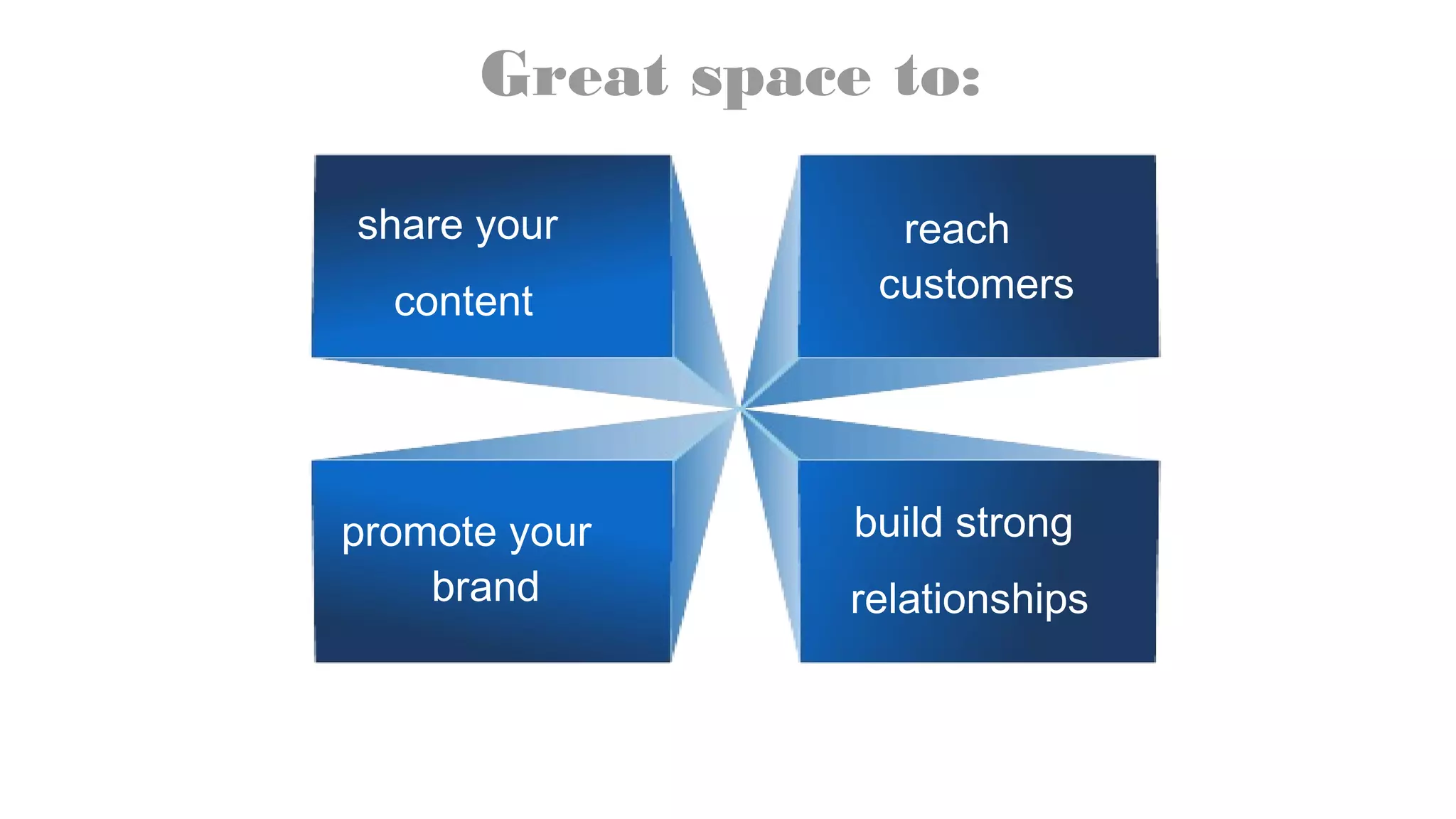
Great space to:
share your
content
reach
customers
promote your
brand
build strong
relationships
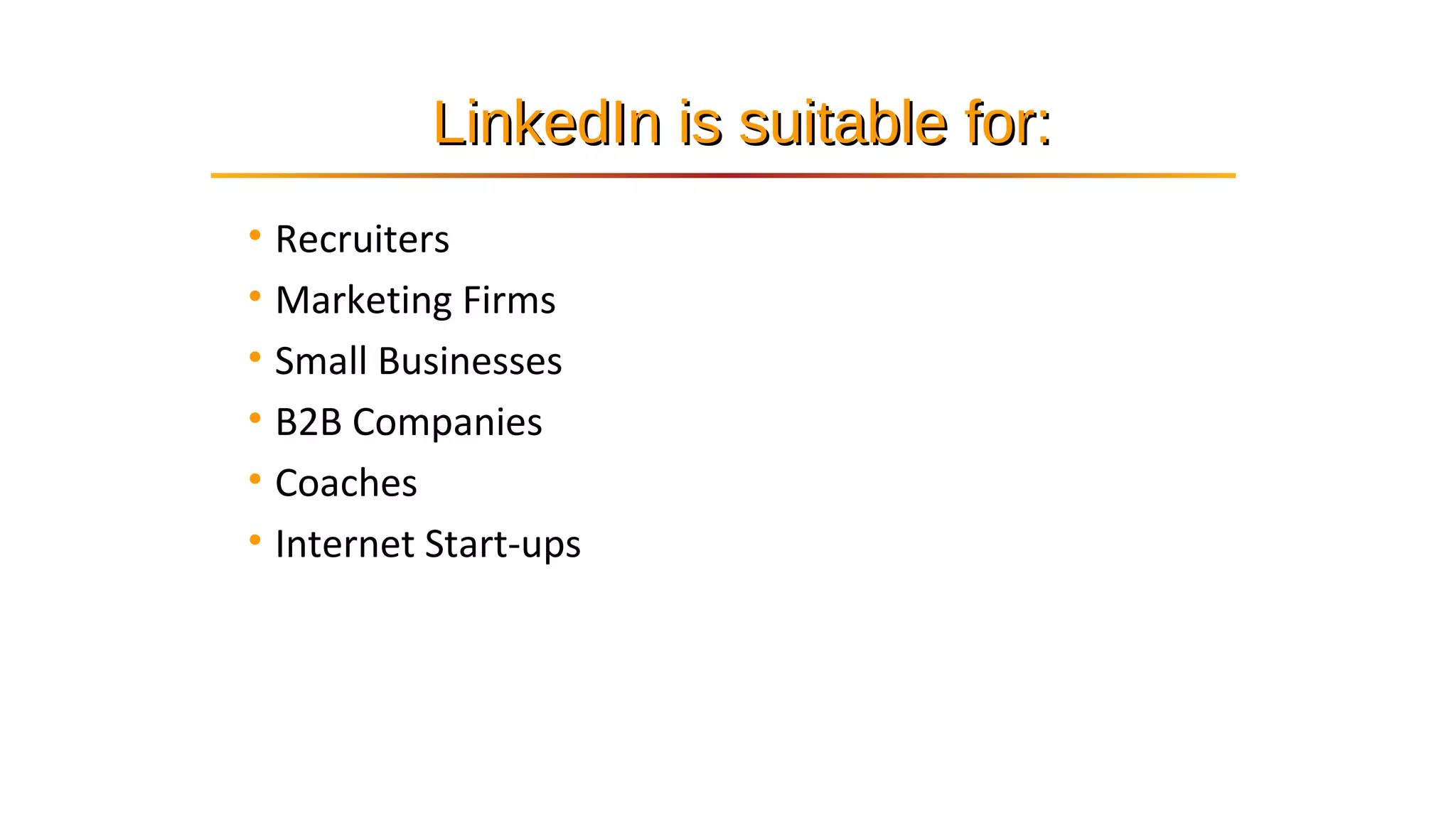
• Recruiters
• Marketing Firms
• Small Businesses
• B2B Companies
• Coaches
• Internet Start-ups
LinkedIn is suitable for:LinkedIn is suitable for:
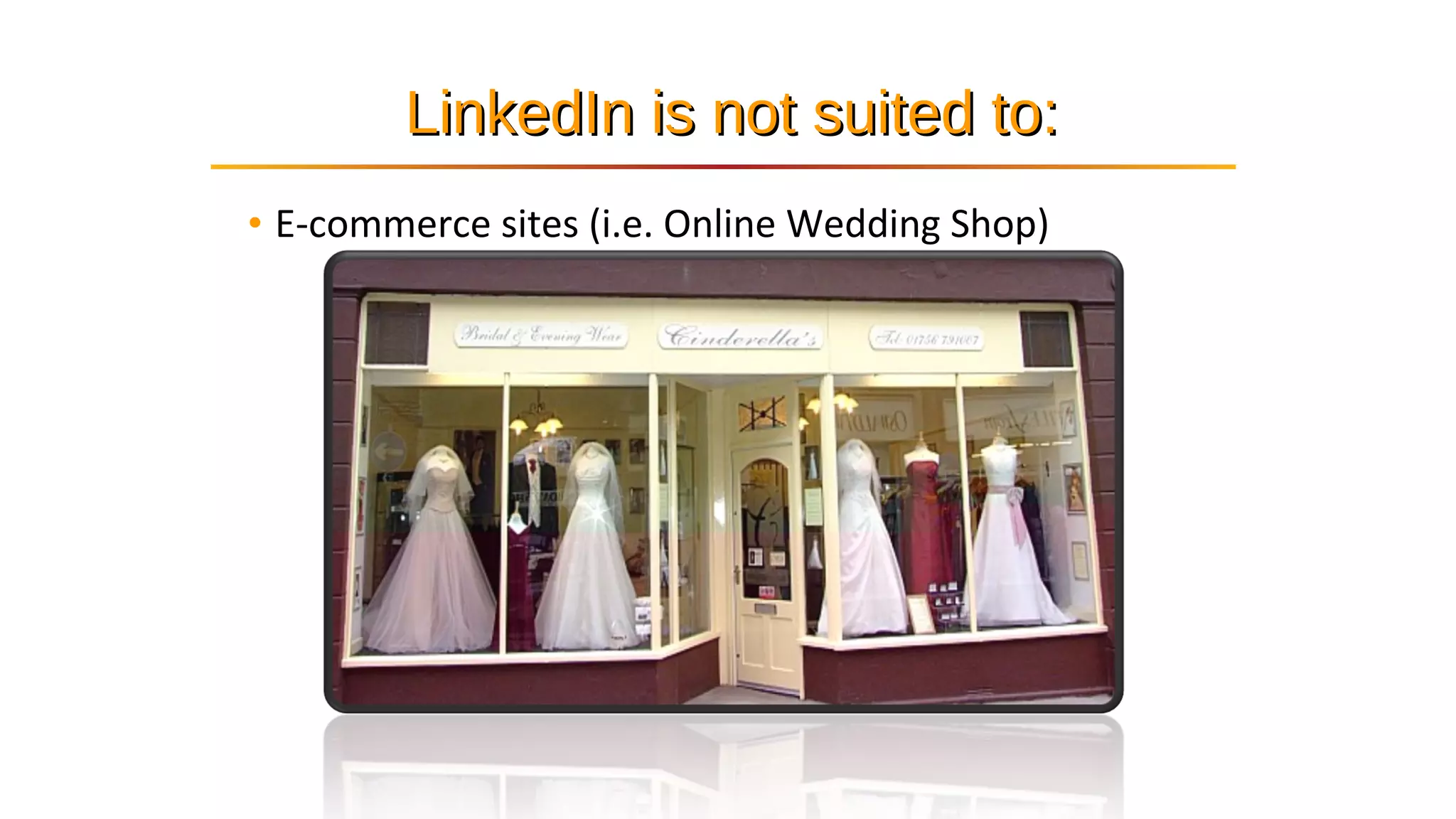
• E-commerce sites (i.e. Online Wedding Shop)
LinkedIn is not suited to:LinkedIn is not suited to:
TAKE A LOOK AT
SOME LINKEDIN
STATISTICS
11
Members467M Members per second
2 New
Monthly unique visitors106M
Growing global network
LinkedI
n
is also a great
tool to create
professional
branding.
You can show
yourself off
from
your best
site.
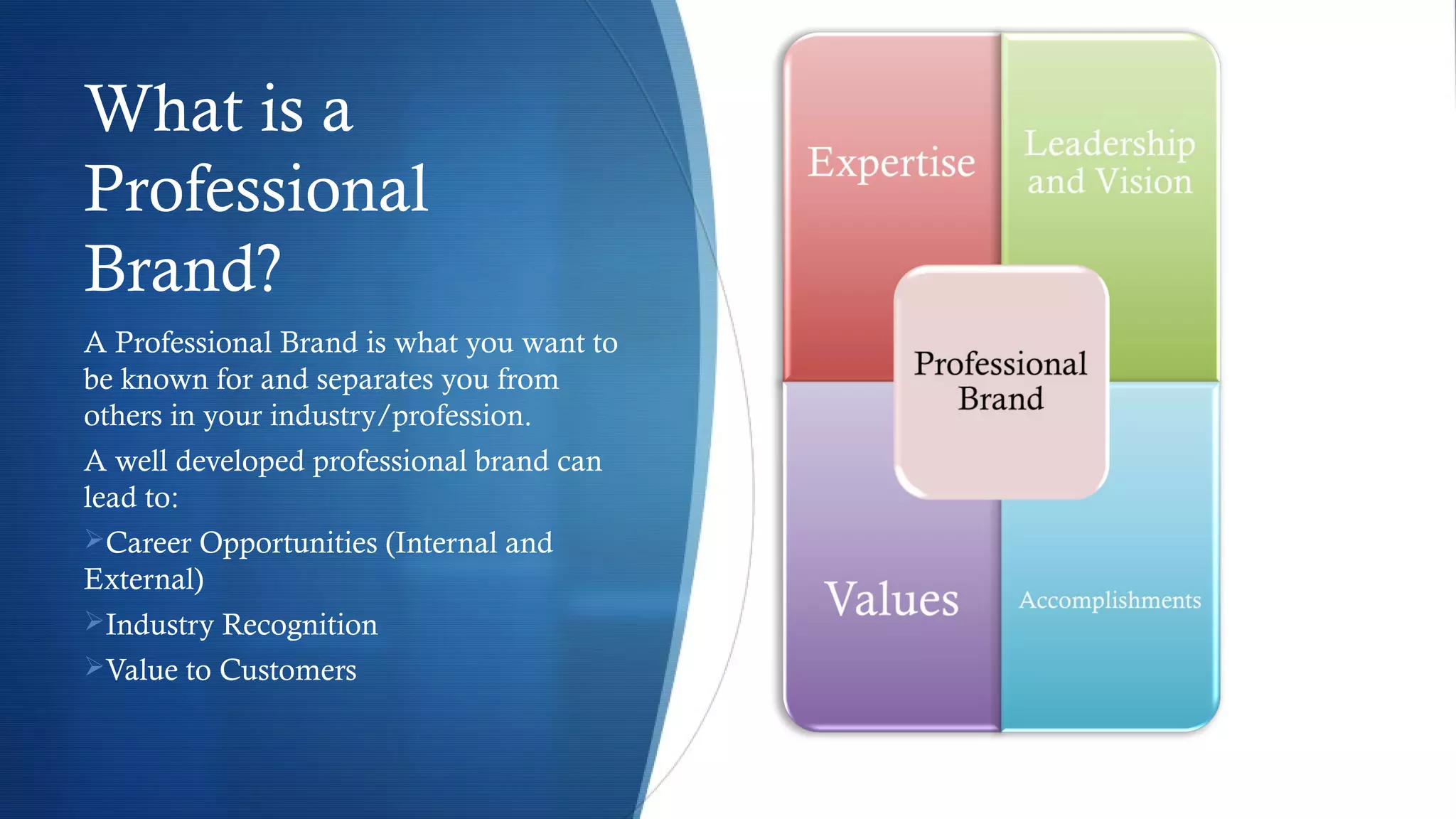
What is a
Professional
Brand?
A Professional Brand is what you want to
be known for and separates you from
others in your industry/profession.
A well developed professional brand can
lead to:
Career Opportunities (Internal and
External)
Industry Recognition
Value to Customers
20
How can LinkedIn help
you?
21
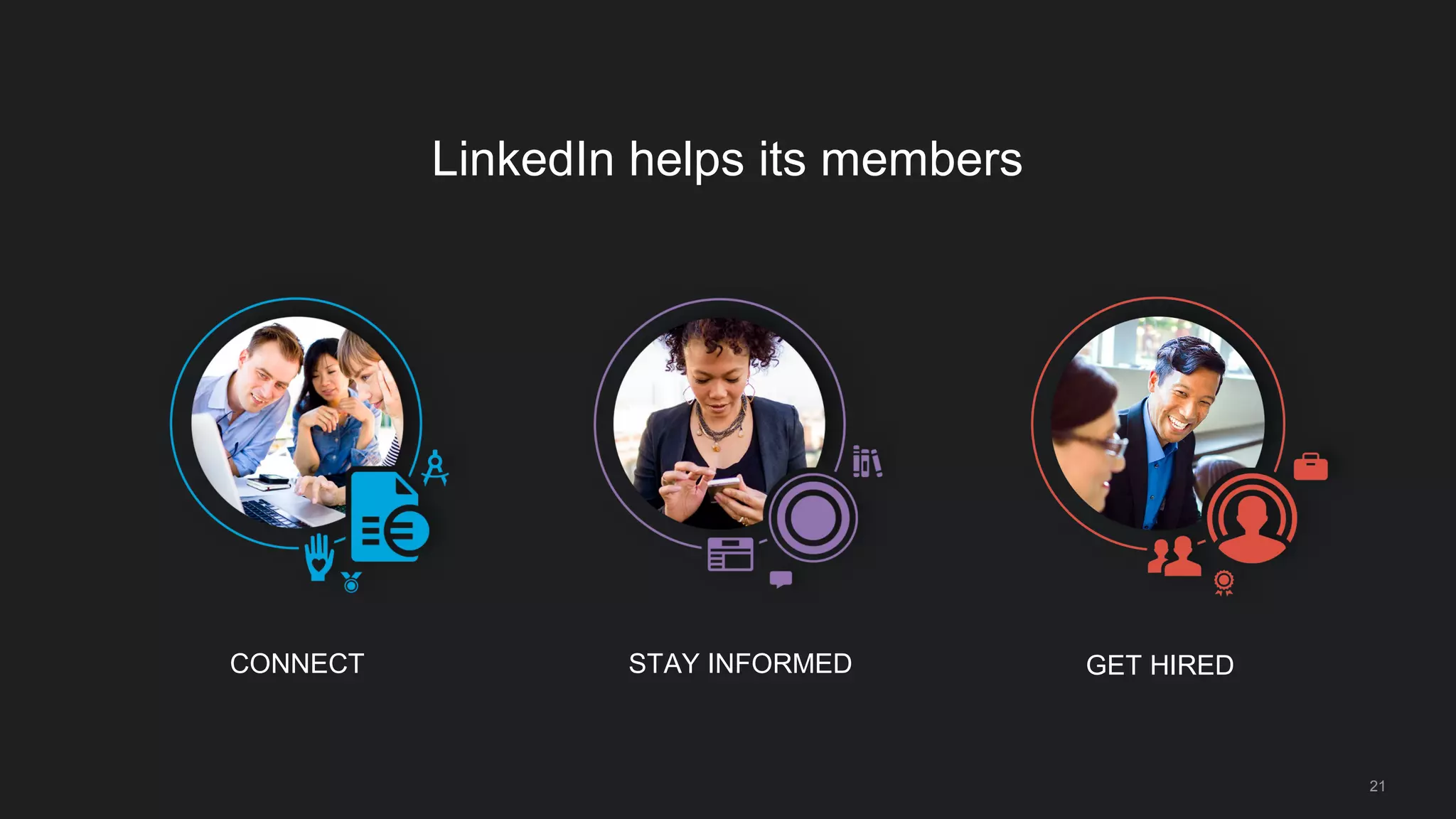
LinkedIn helps its members
CONNECT STAY INFORMED GET HIRED
22
connect
with your professional world
Build a great profile
23
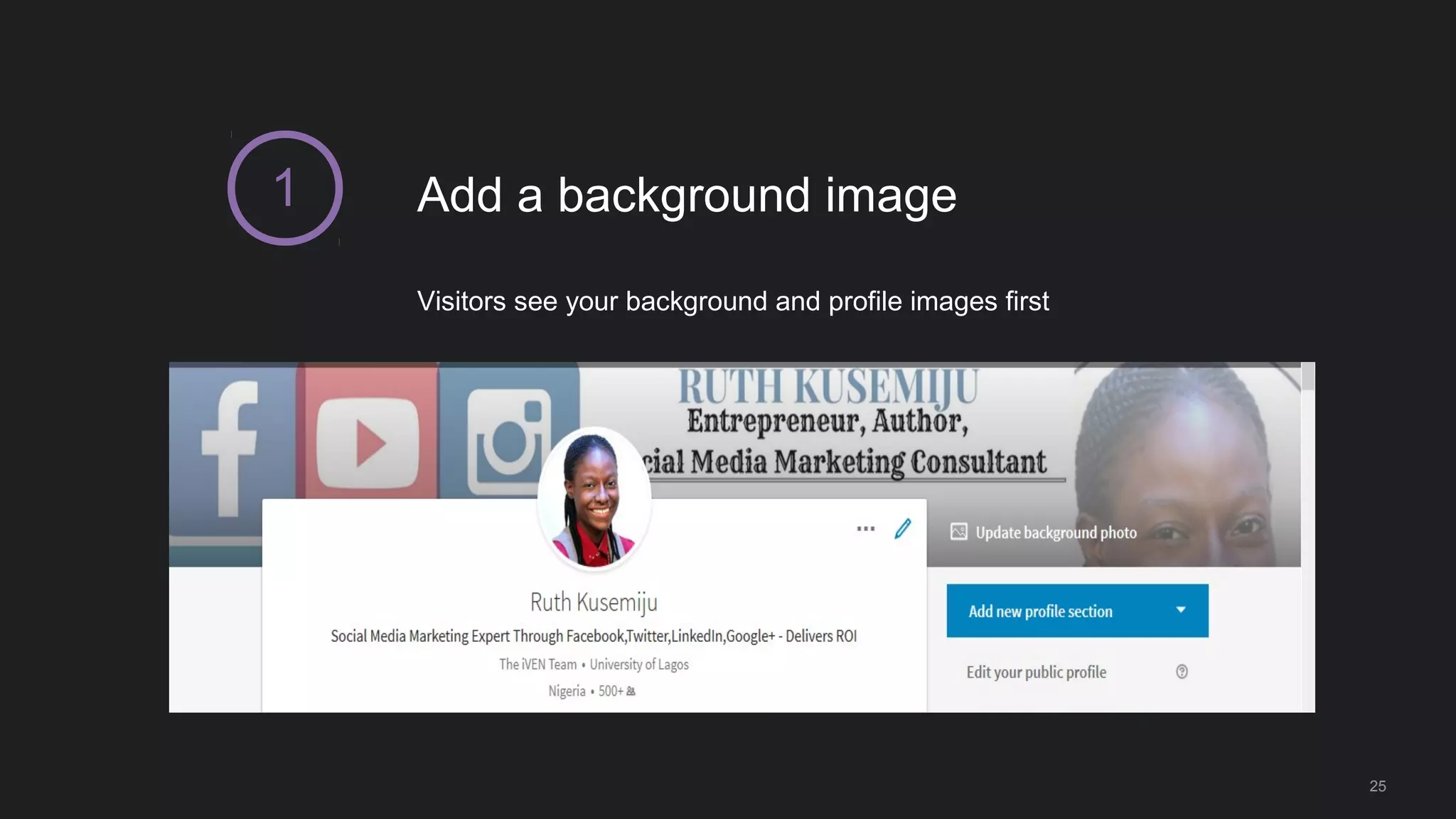
Add a background image
25
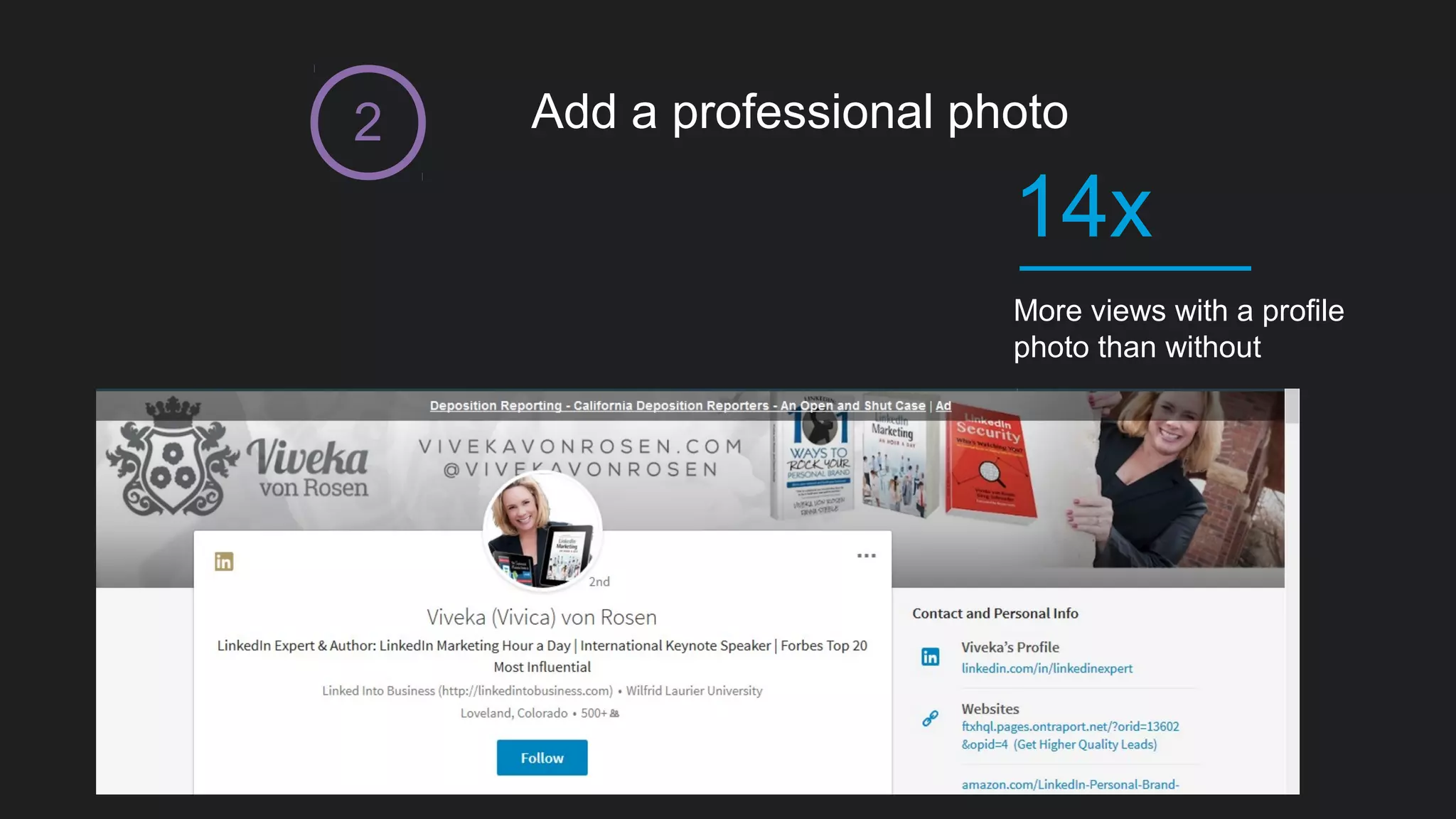
Visitors see your background and profile images first
1
Add a professional photo
More views with a profile
photo than without
14x
2
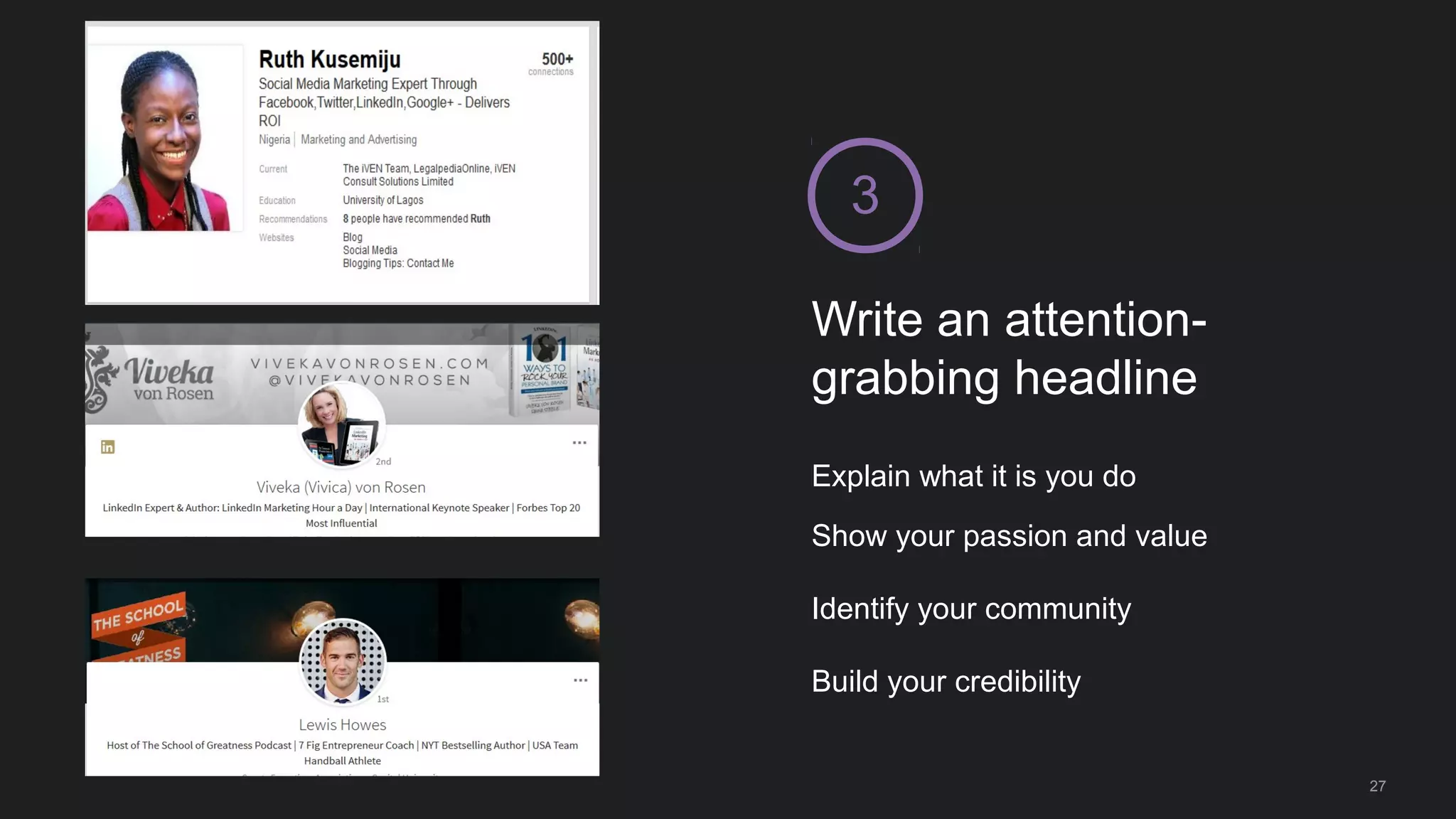
Write an attention-
grabbing headline
3
Explain what it is you do
Show your passion and value
Identify your community
Build your credibility
27
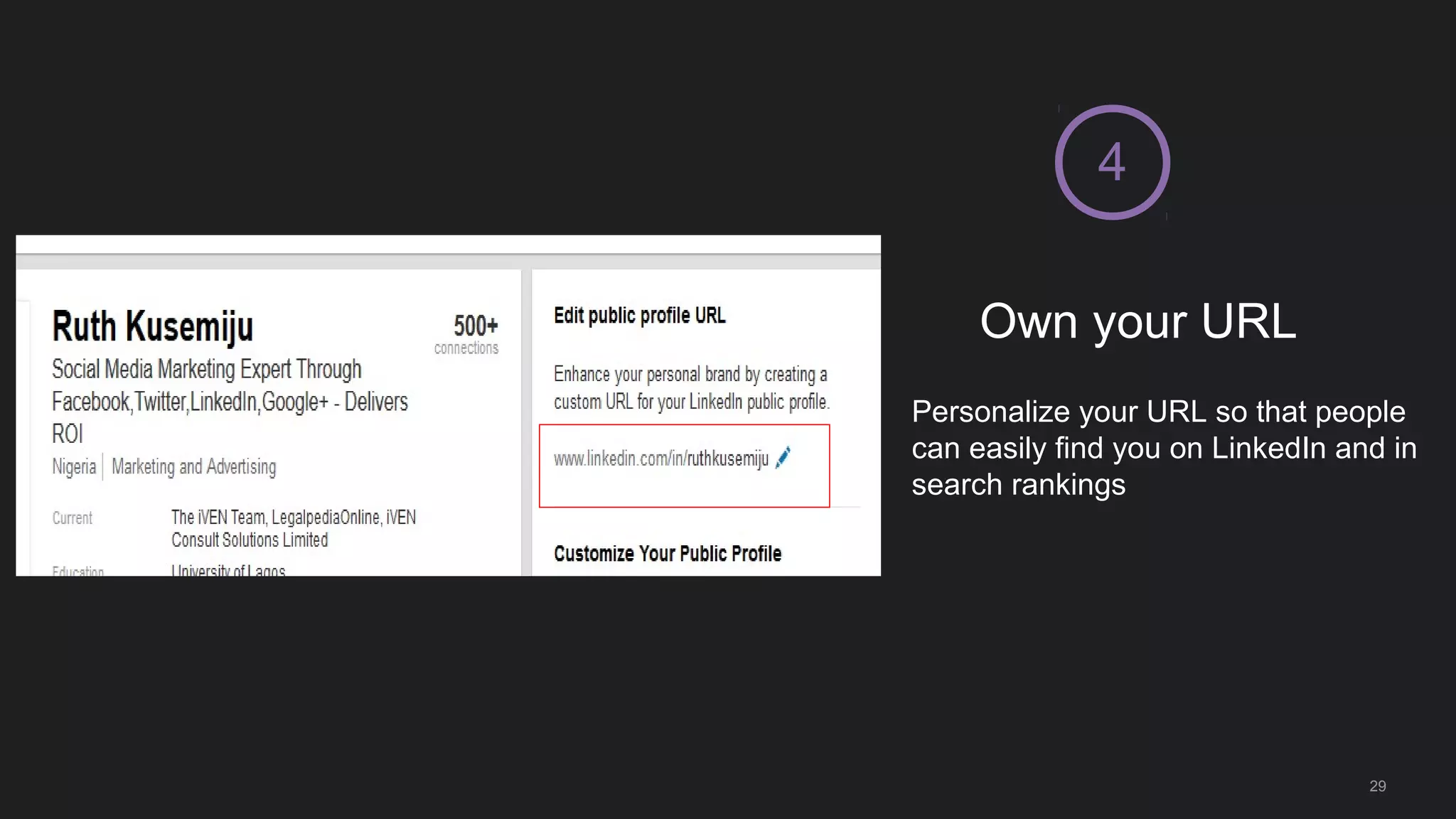
Own your URL
4
Personalize your URL so that people
can easily find you on LinkedIn and in
search rankings
29
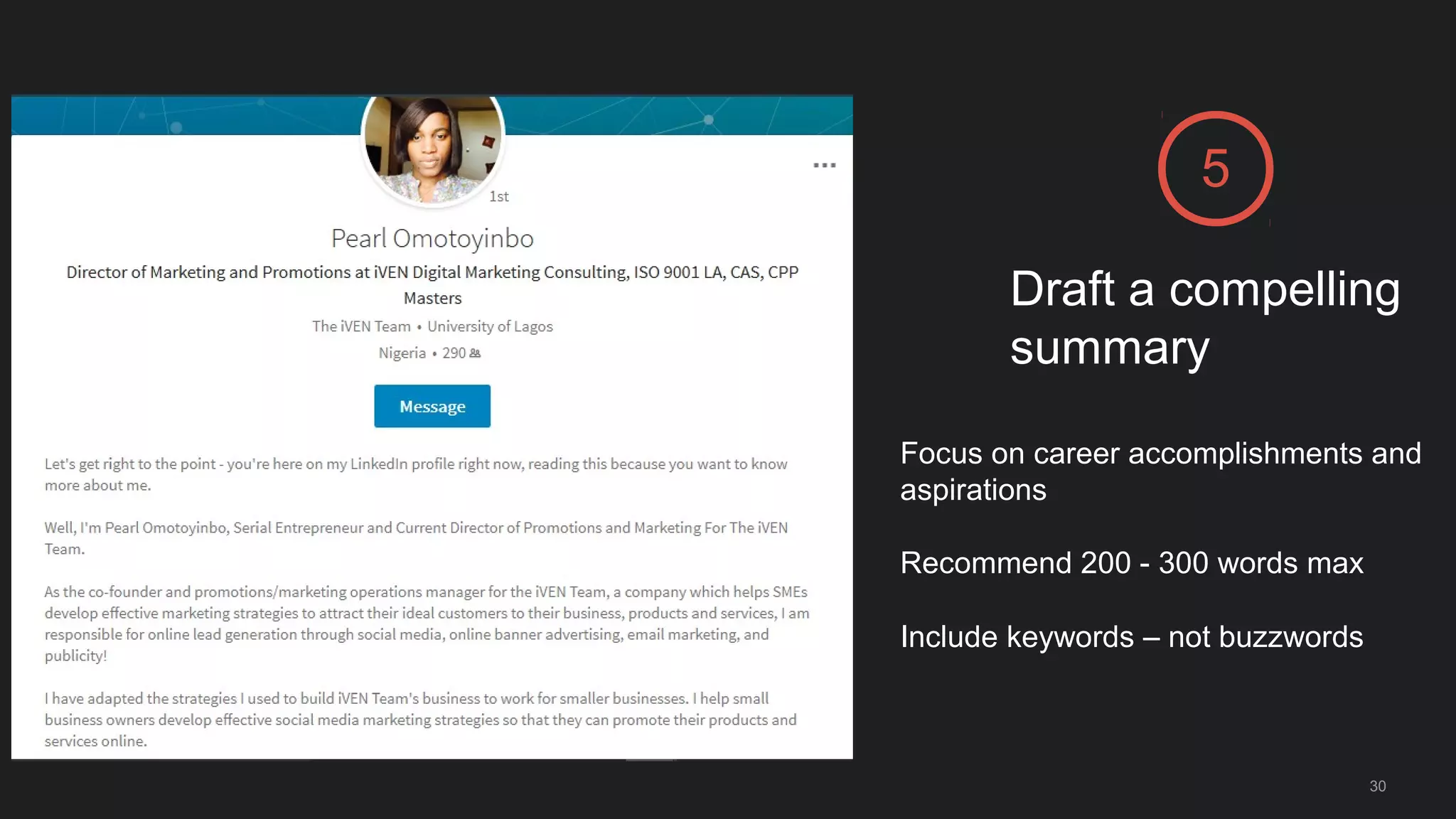
Draft a compelling
summary
5
Focus on career accomplishments and
aspirations
Recommend 200 - 300 words max
Include keywords – not buzzwords
30
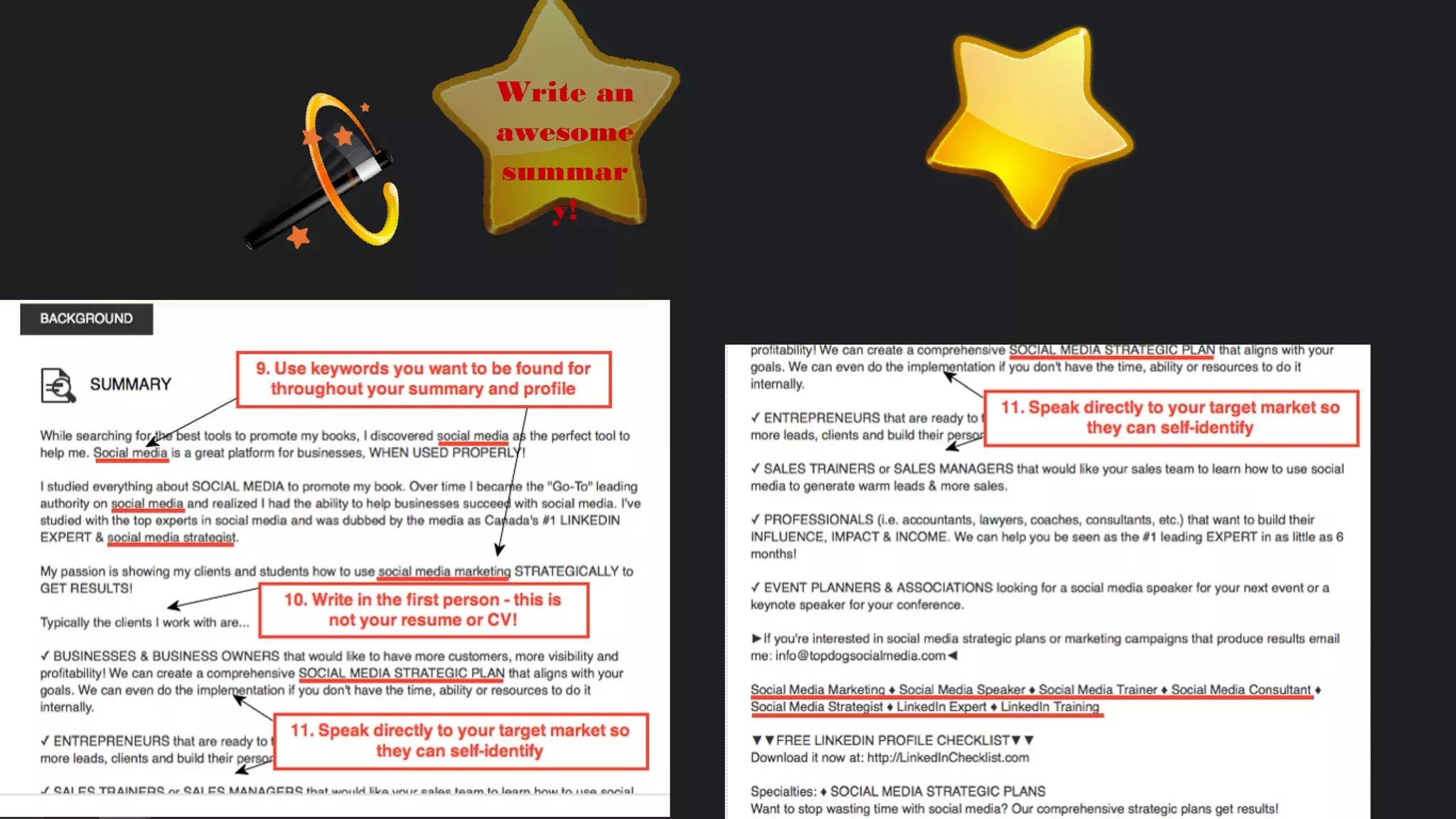
Write an
awesome
summar
y!
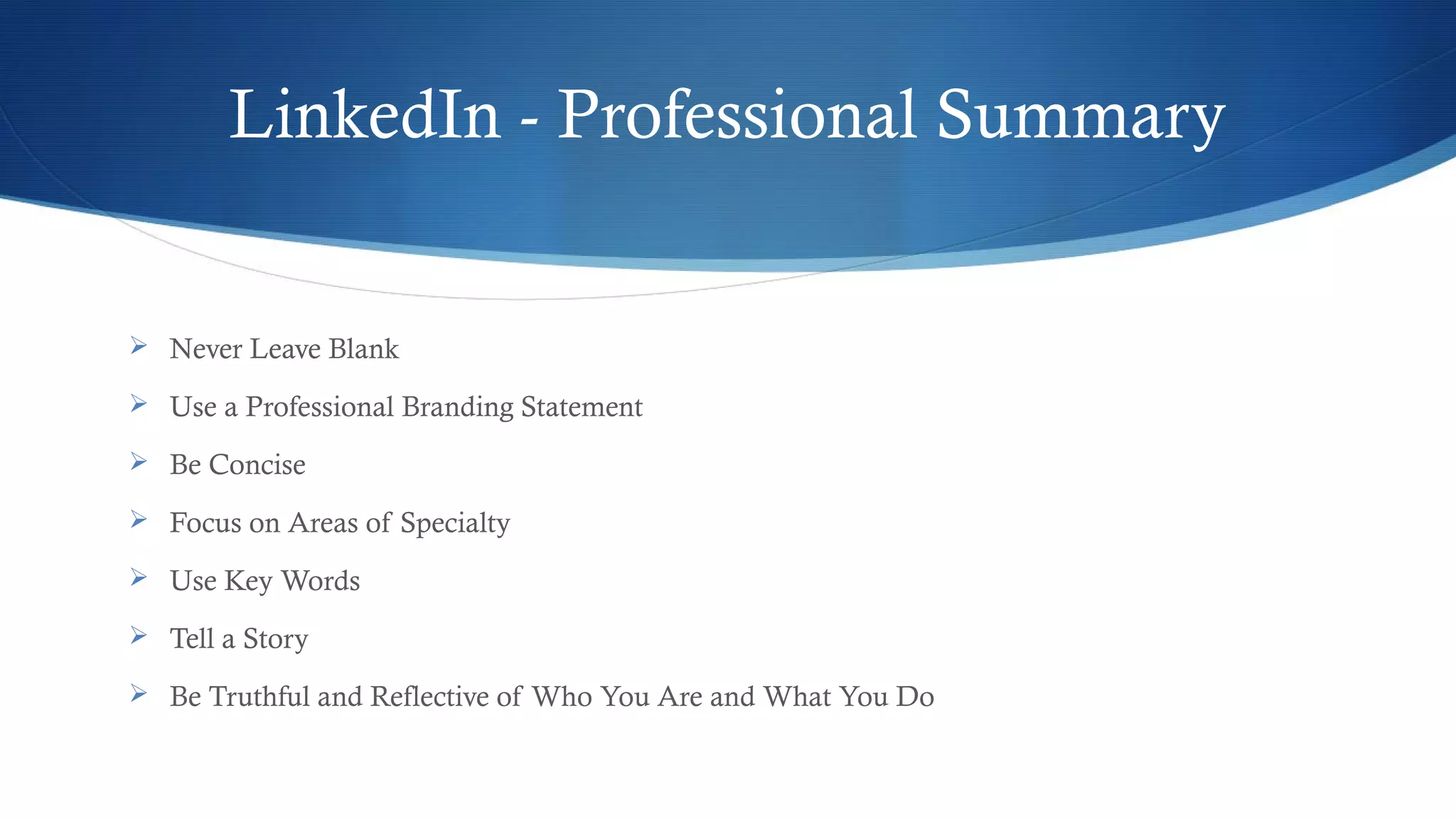
LinkedIn - Professional Summary
 Never Leave Blank
 Use a Professional Branding Statement
 Be Concise
 Focus on Areas of Specialty
 Use Key Words
 Tell a Story
 Be Truthful and Reflective of Who You Are and What You Do
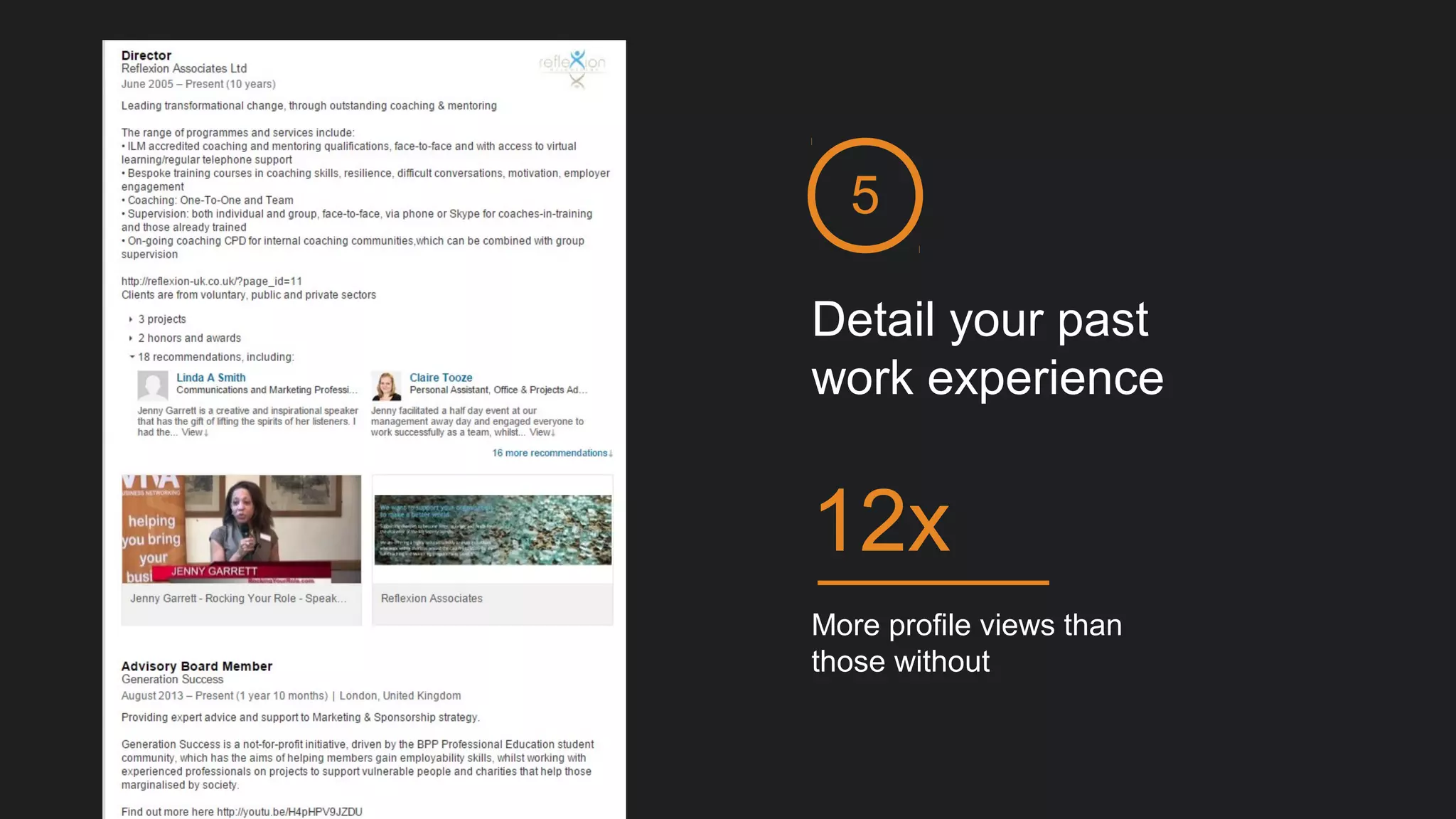
Detail your past
work experience
5
More profile views than
those without
12x
6
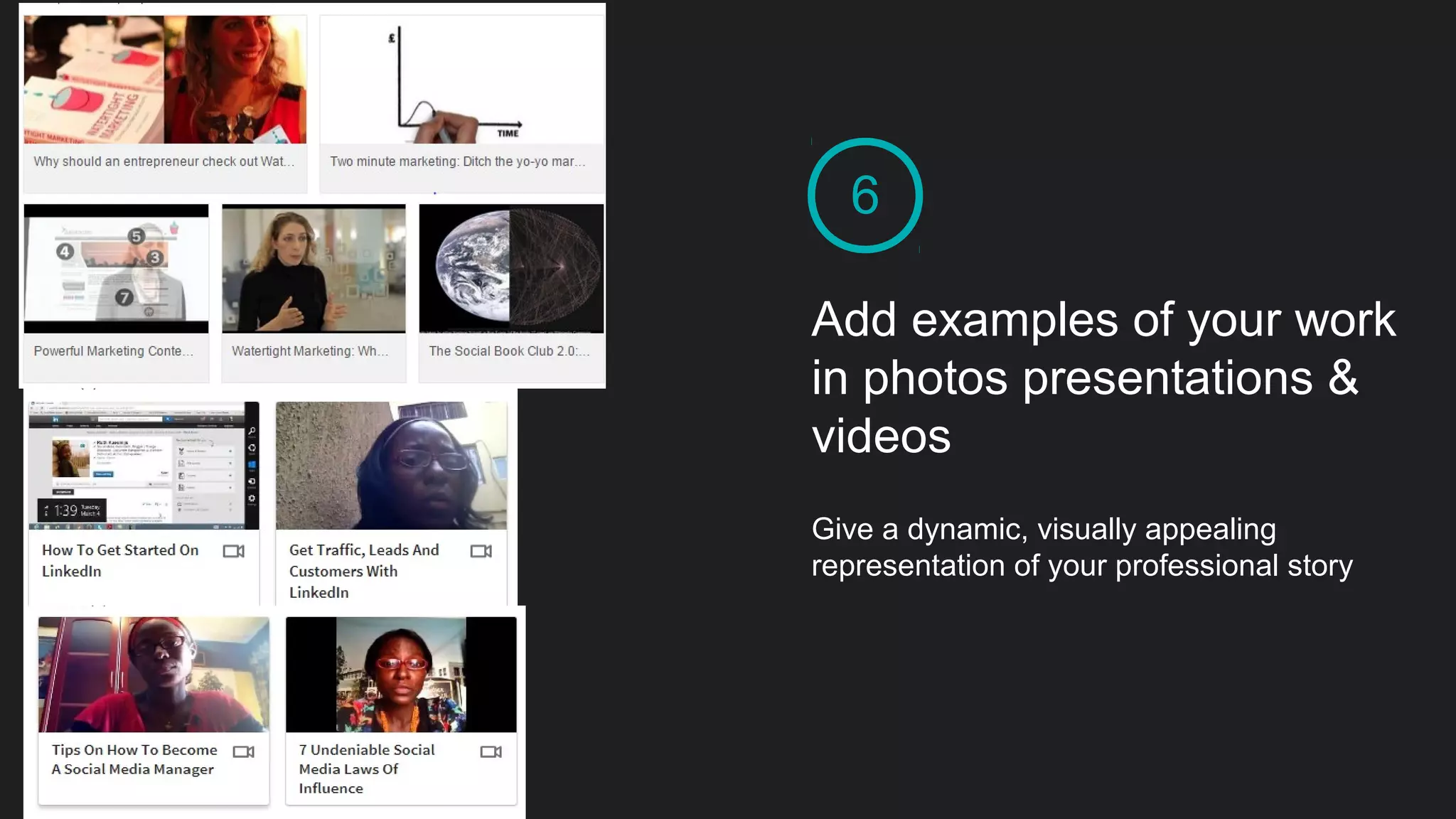
Add examples of your work
in photos presentations &
videos
Give a dynamic, visually appealing
representation of your professional story
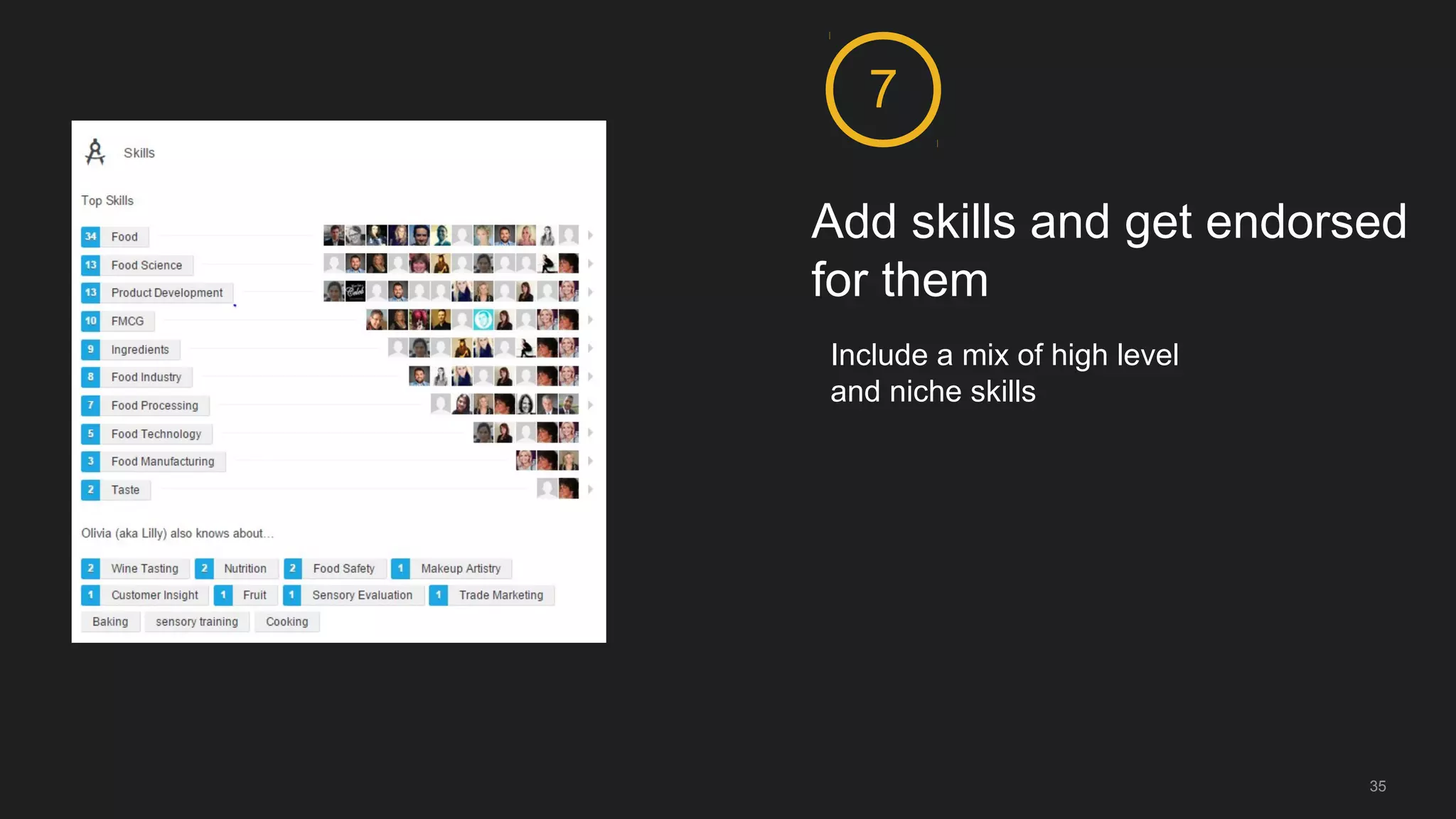
Add skills and get endorsed
for them
7
Include a mix of high level
and niche skills
35
36
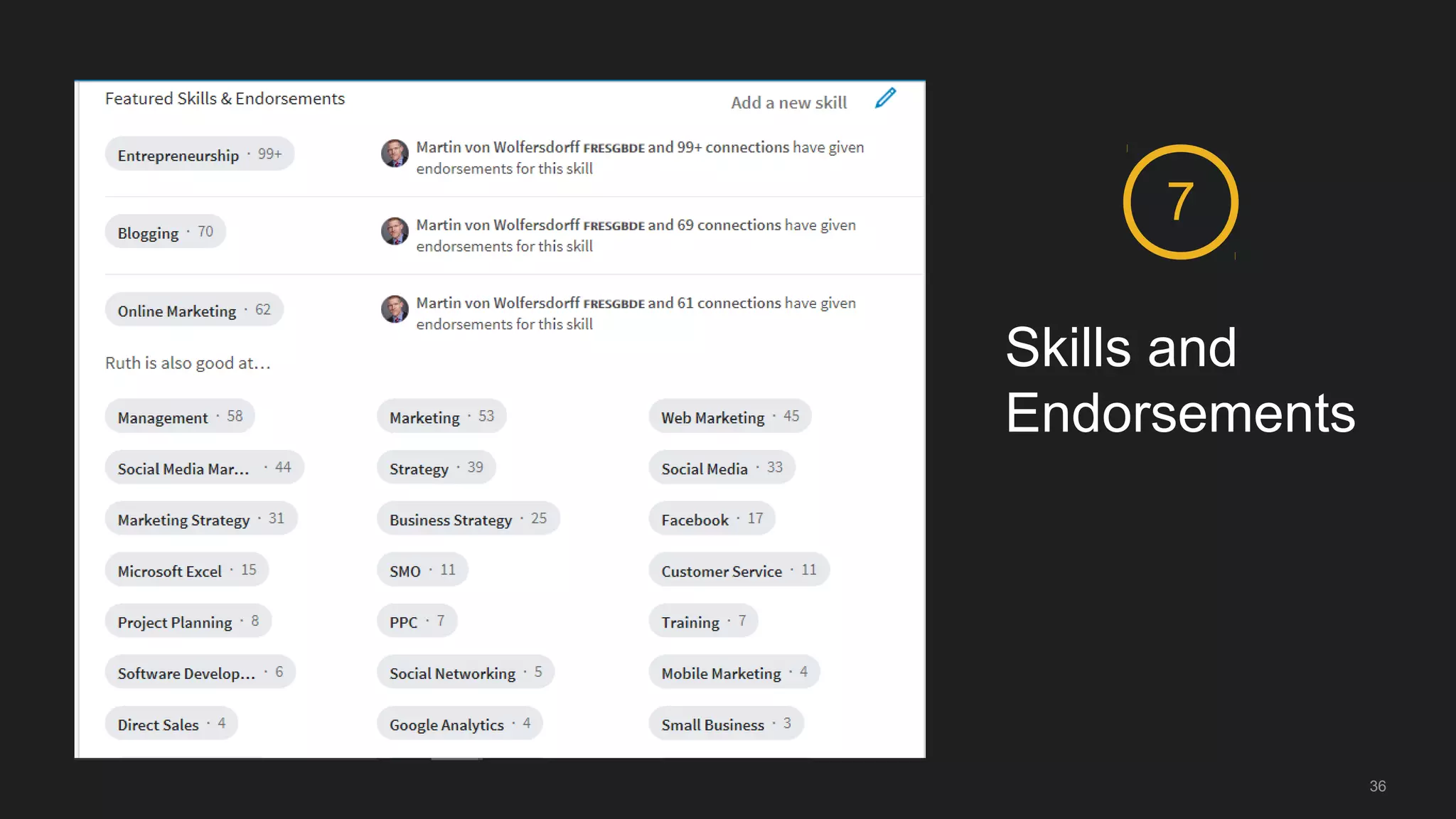
Skills and
Endorsements
7
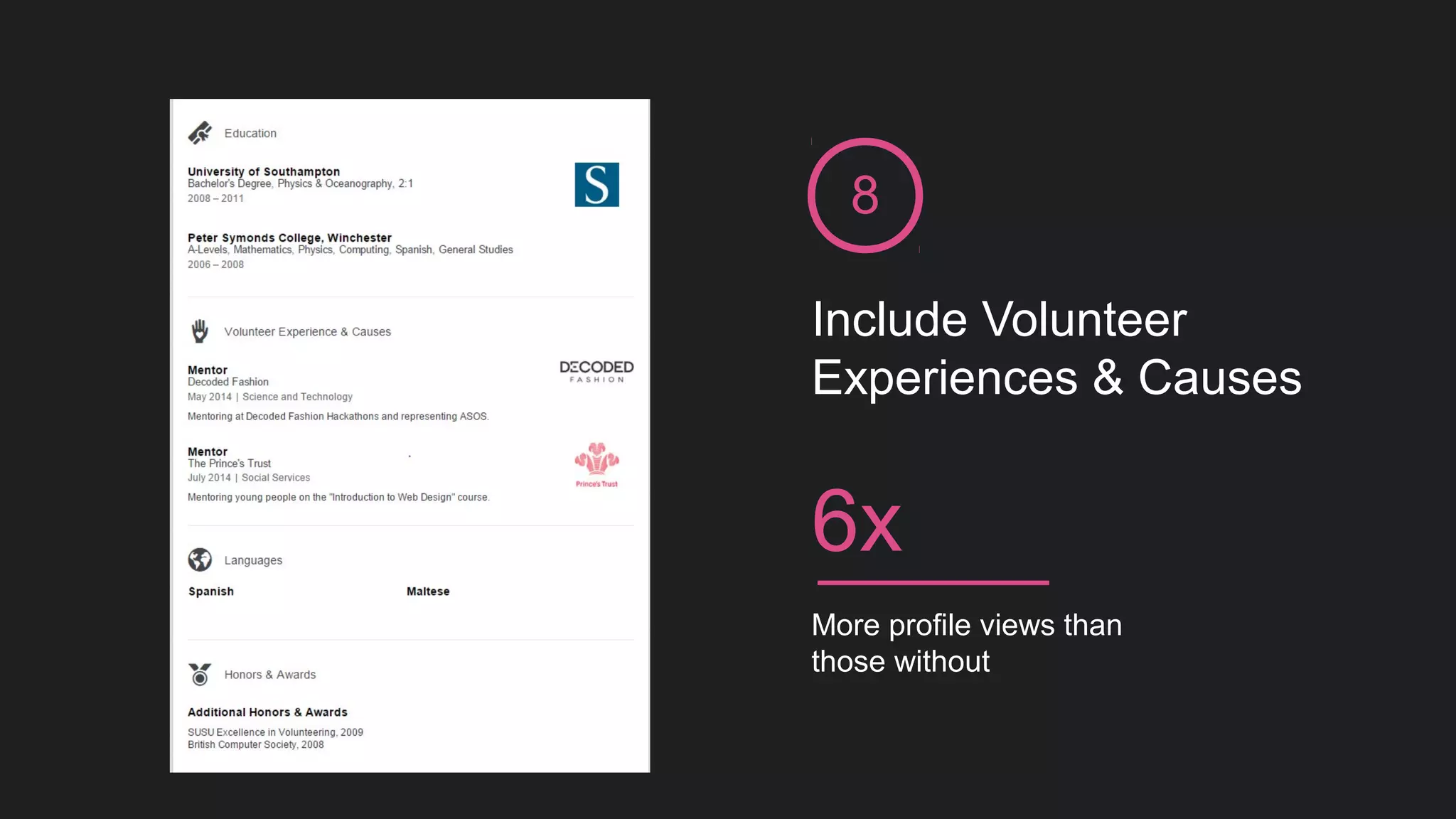
Include Volunteer
Experiences & Causes
8
More profile views than
those without
6x
LinkedIn gives you
the opportunity to
create a multimedia
resume
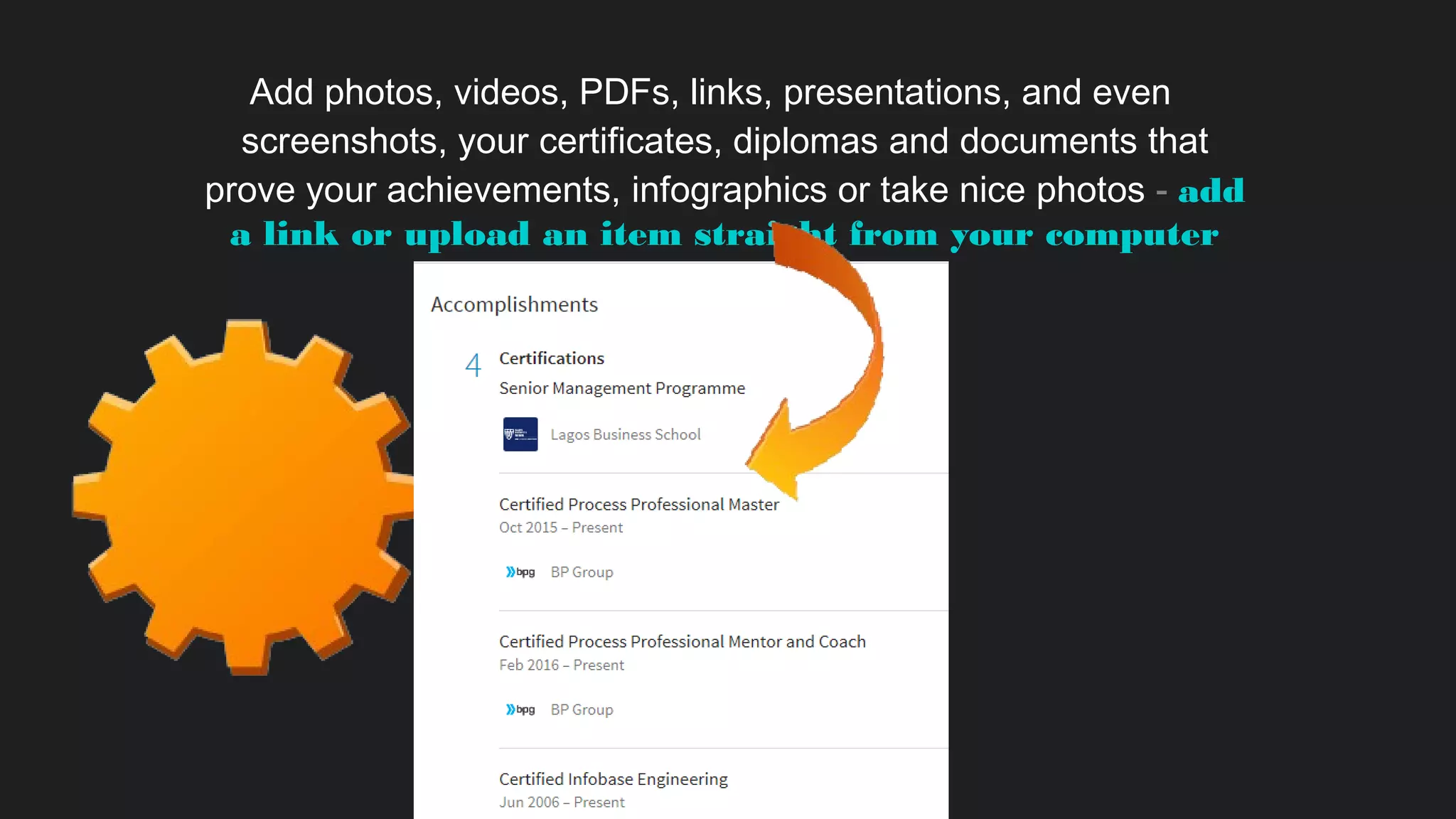
Add photos, videos, PDFs, links, presentations, and even
screenshots, your certificates, diplomas and documents that
prove your achievements, infographics or take nice photos - add
a link or upload an item straight from your computer
Use the “Projects,”
Let people know
how interesting you are!
“Publications”,
and
“Interests”
sections
“Honors & Awards”
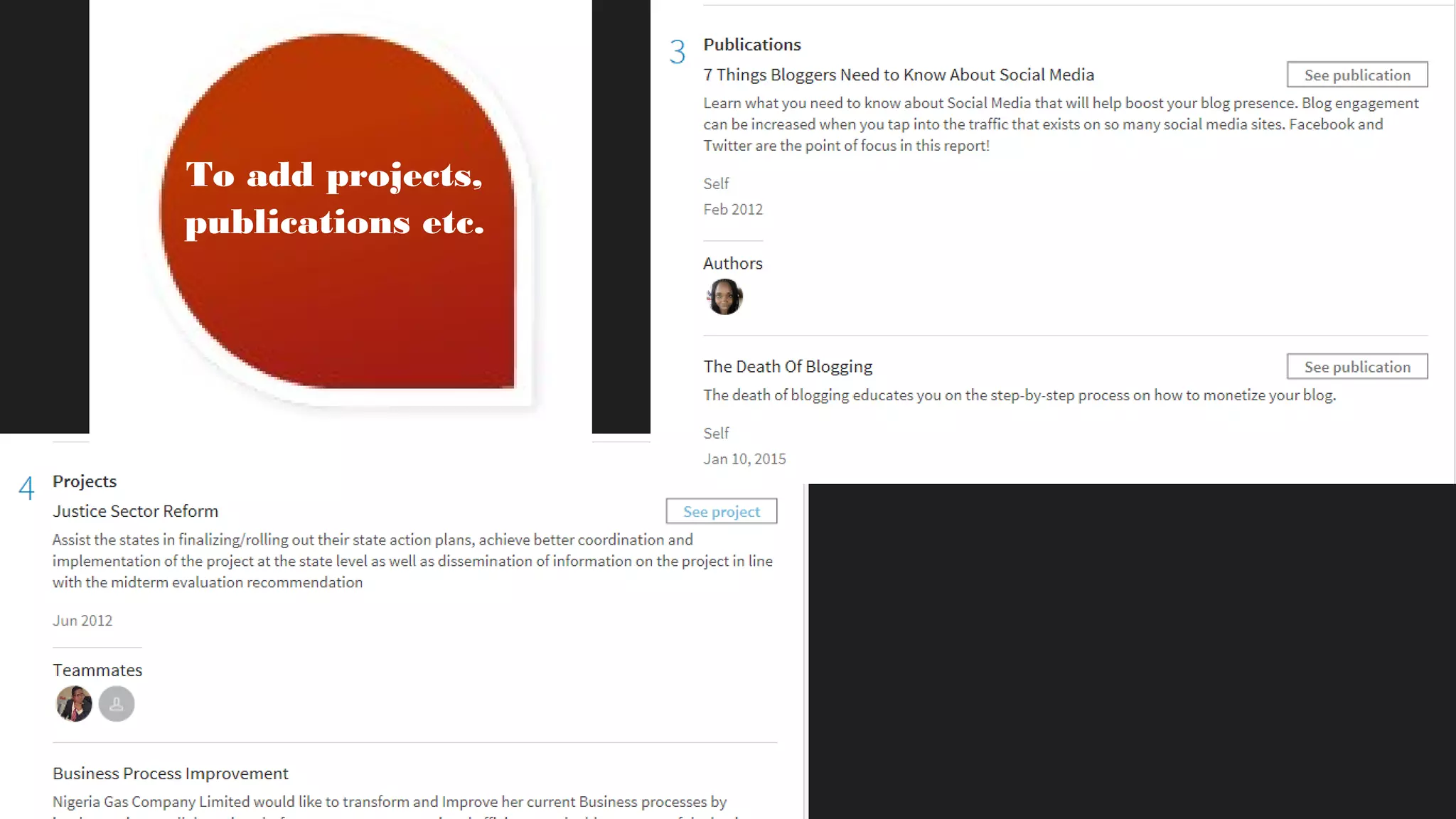
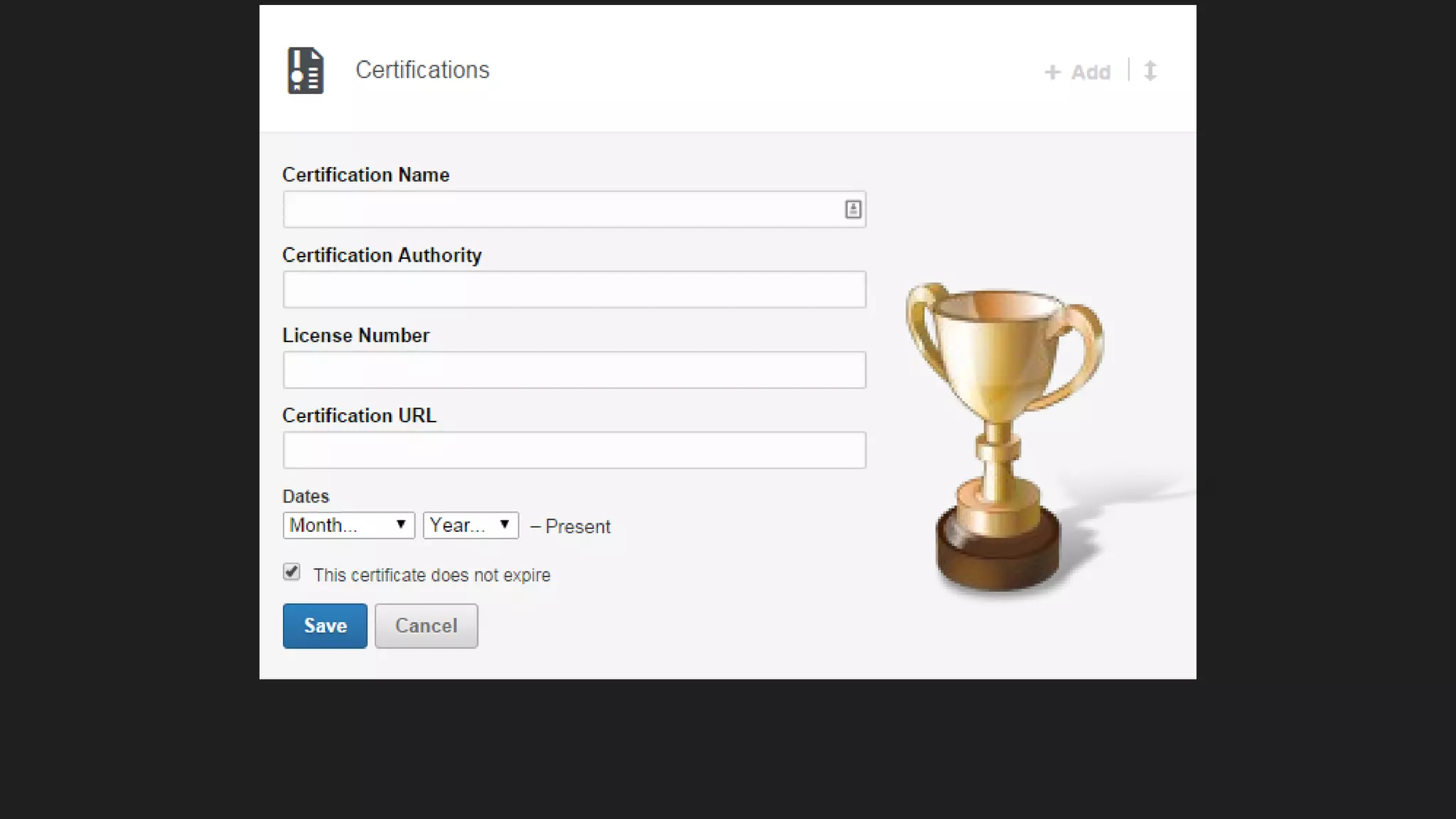
To add projects,
publications etc.
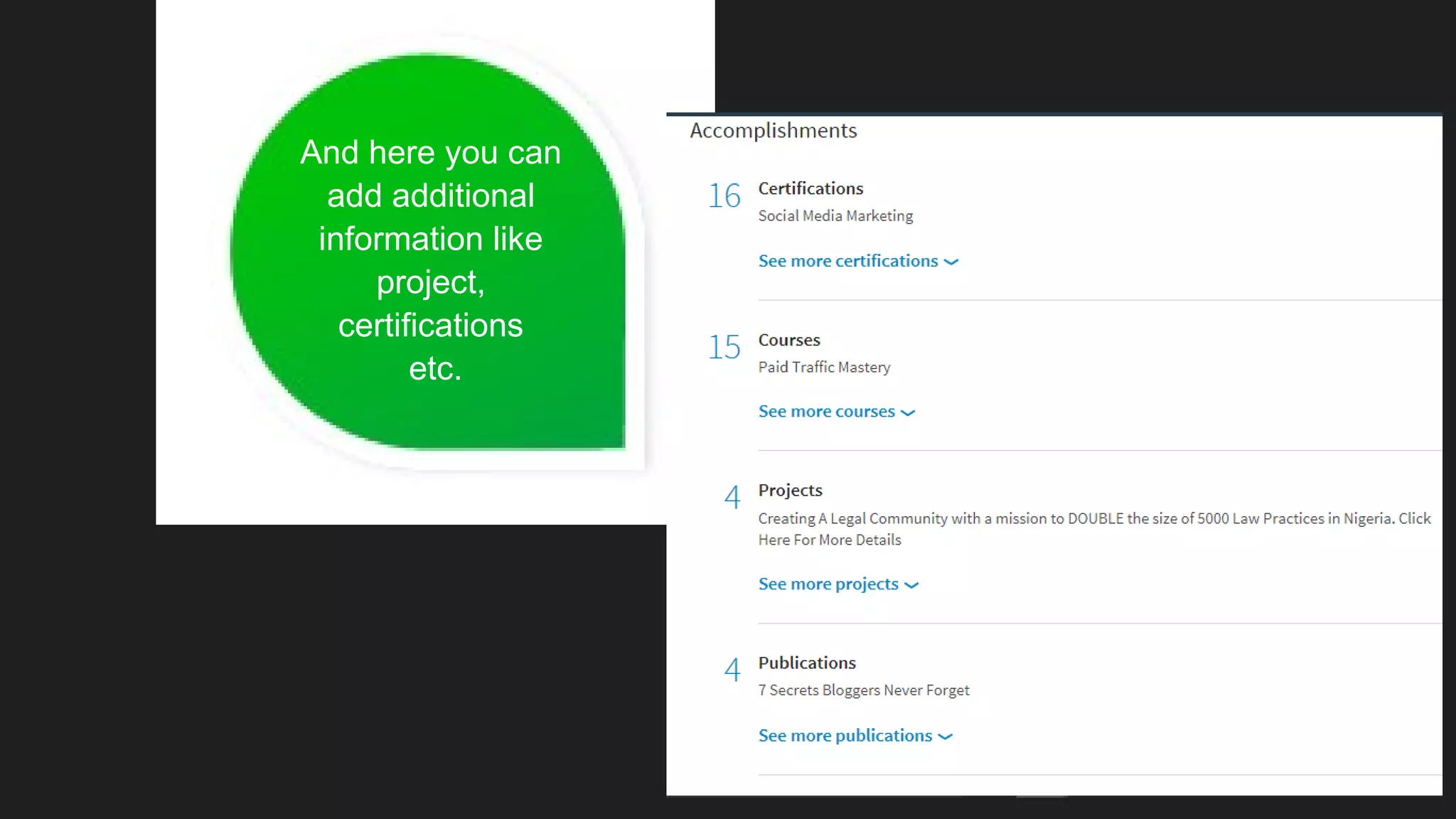
And here you can
add additional
information like
project,
certifications
etc.
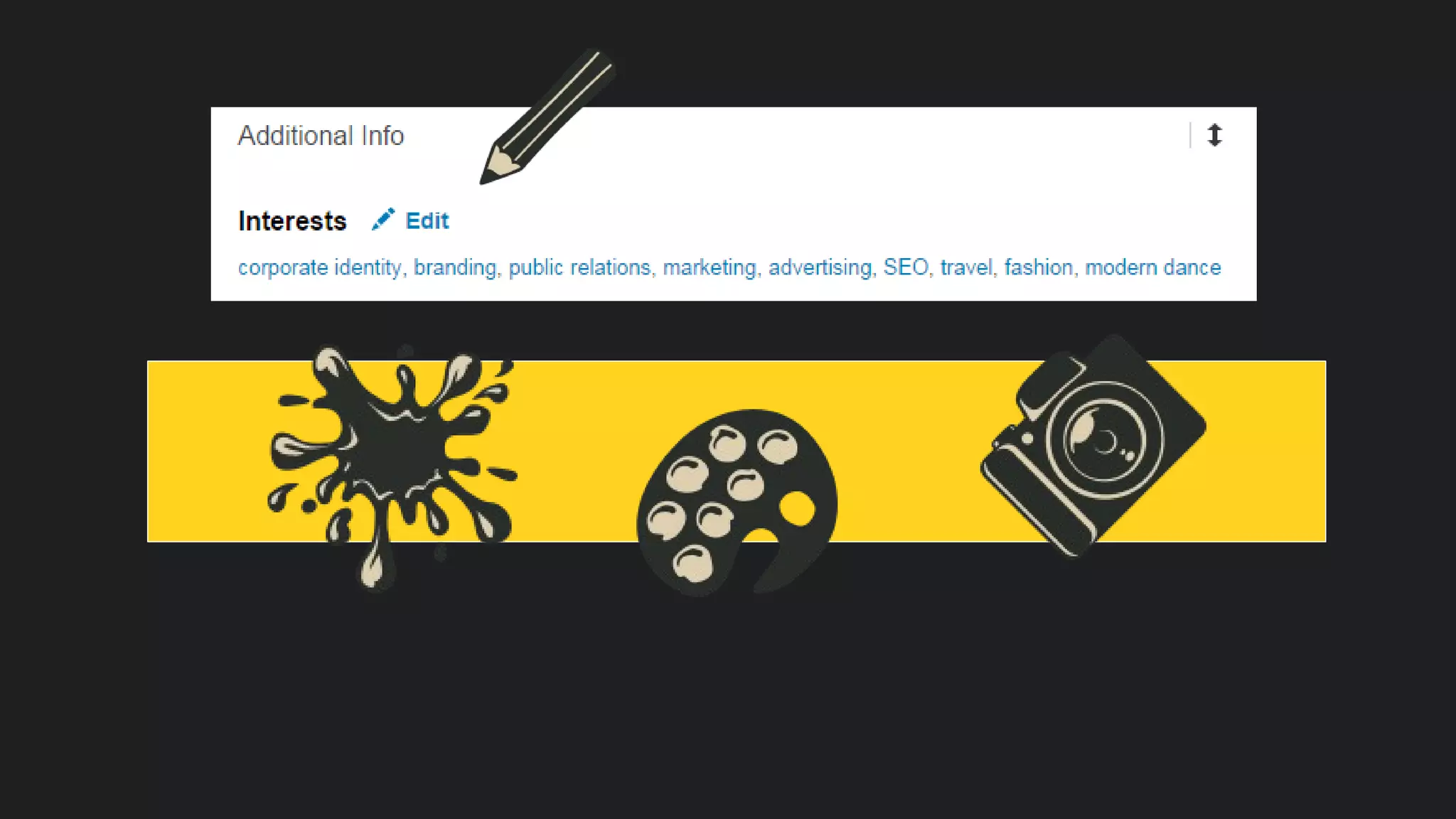
Don’t forget about
interest section
– you can find it
at the bottom
of the LinkedIn profile
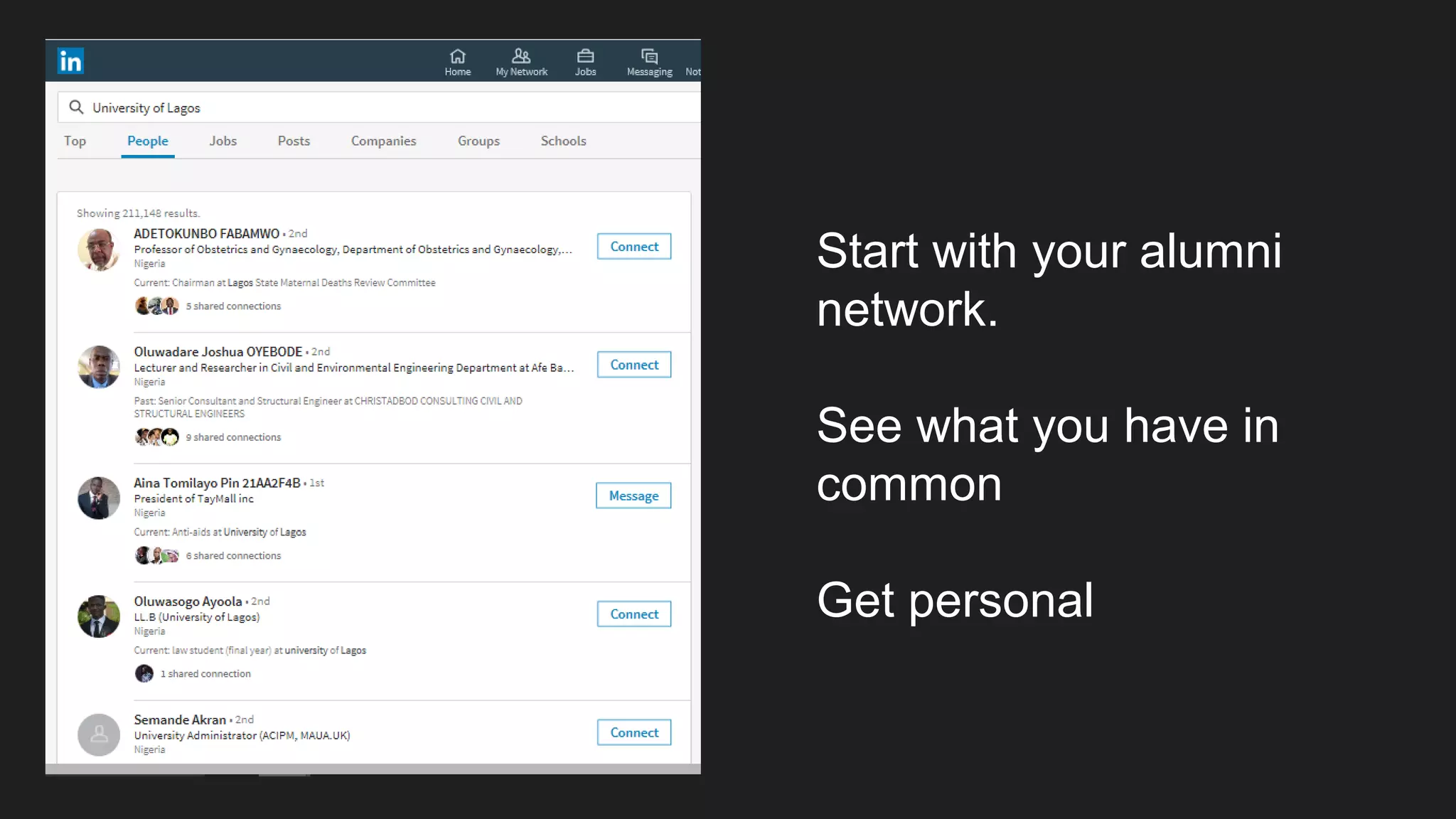
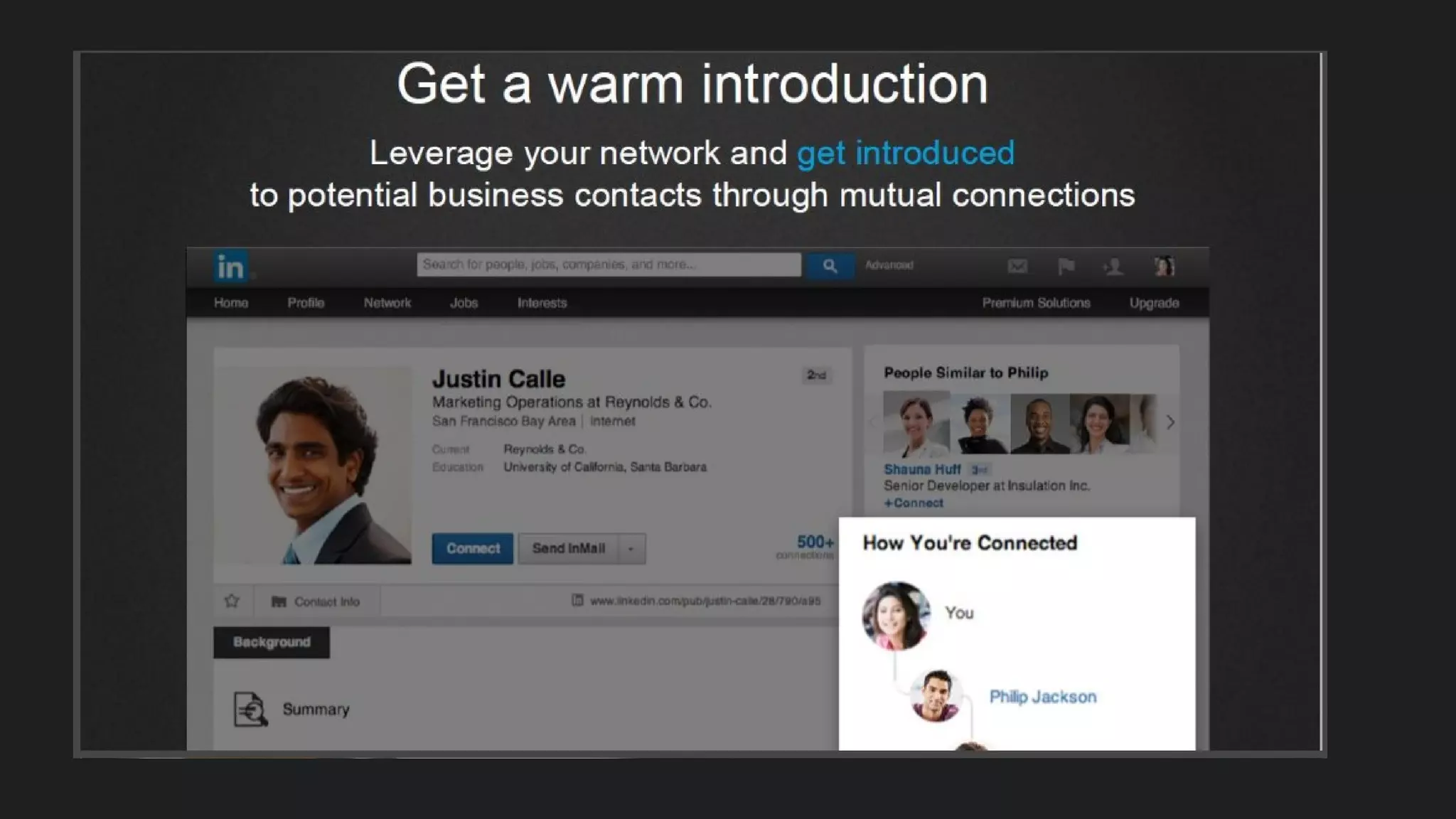
Start with your alumni
network.
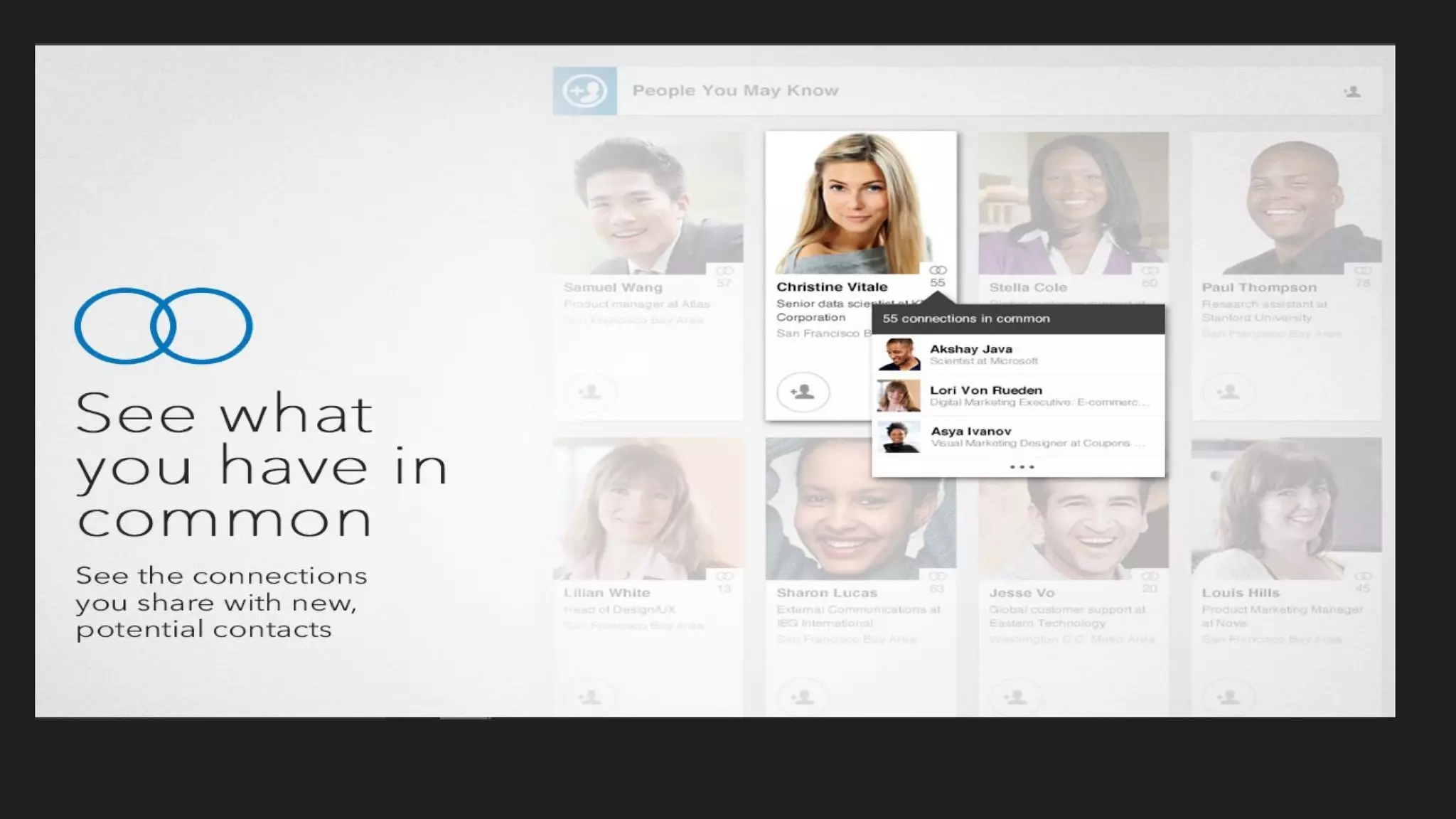
See what you have in
common
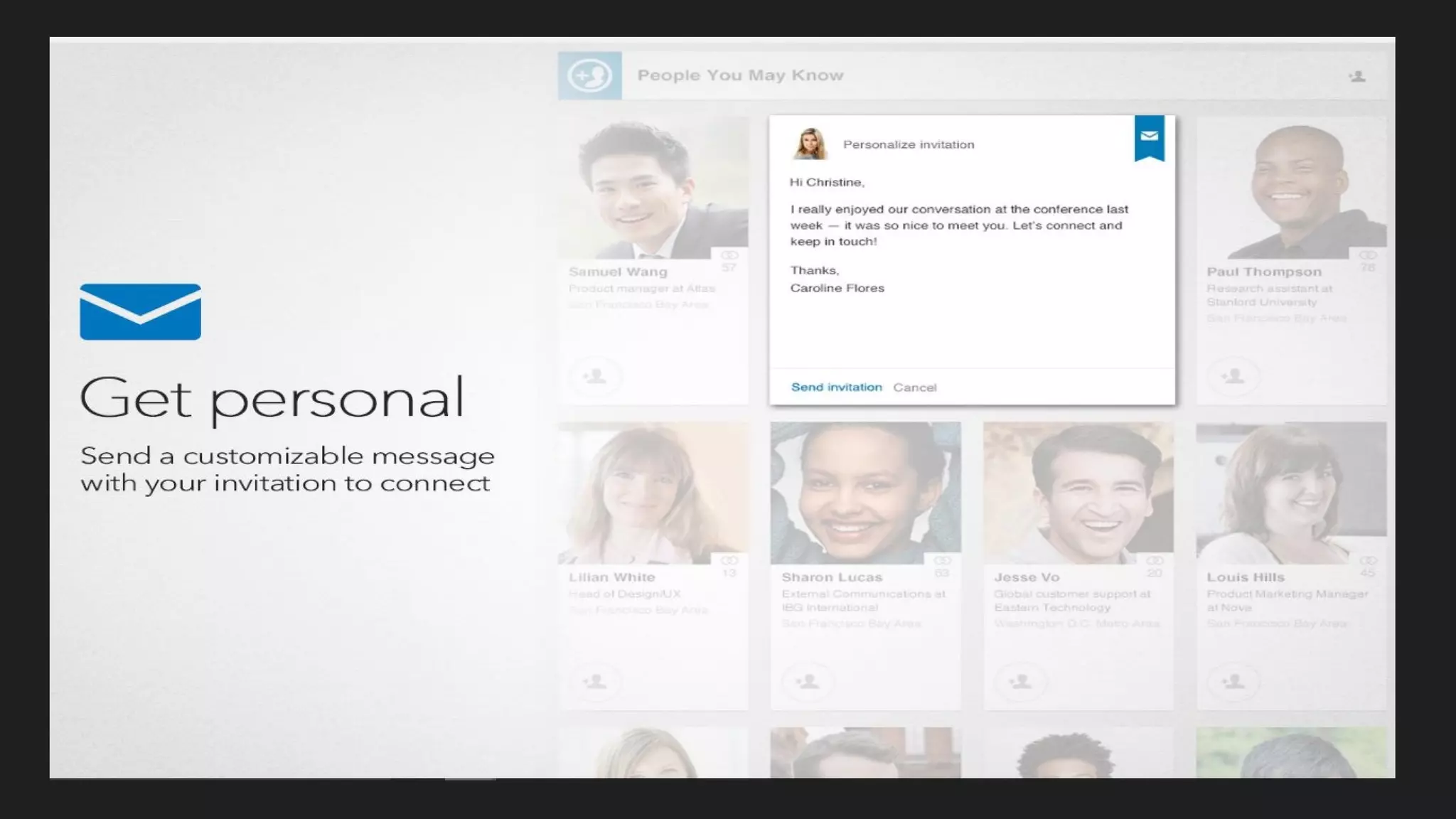
Get personal
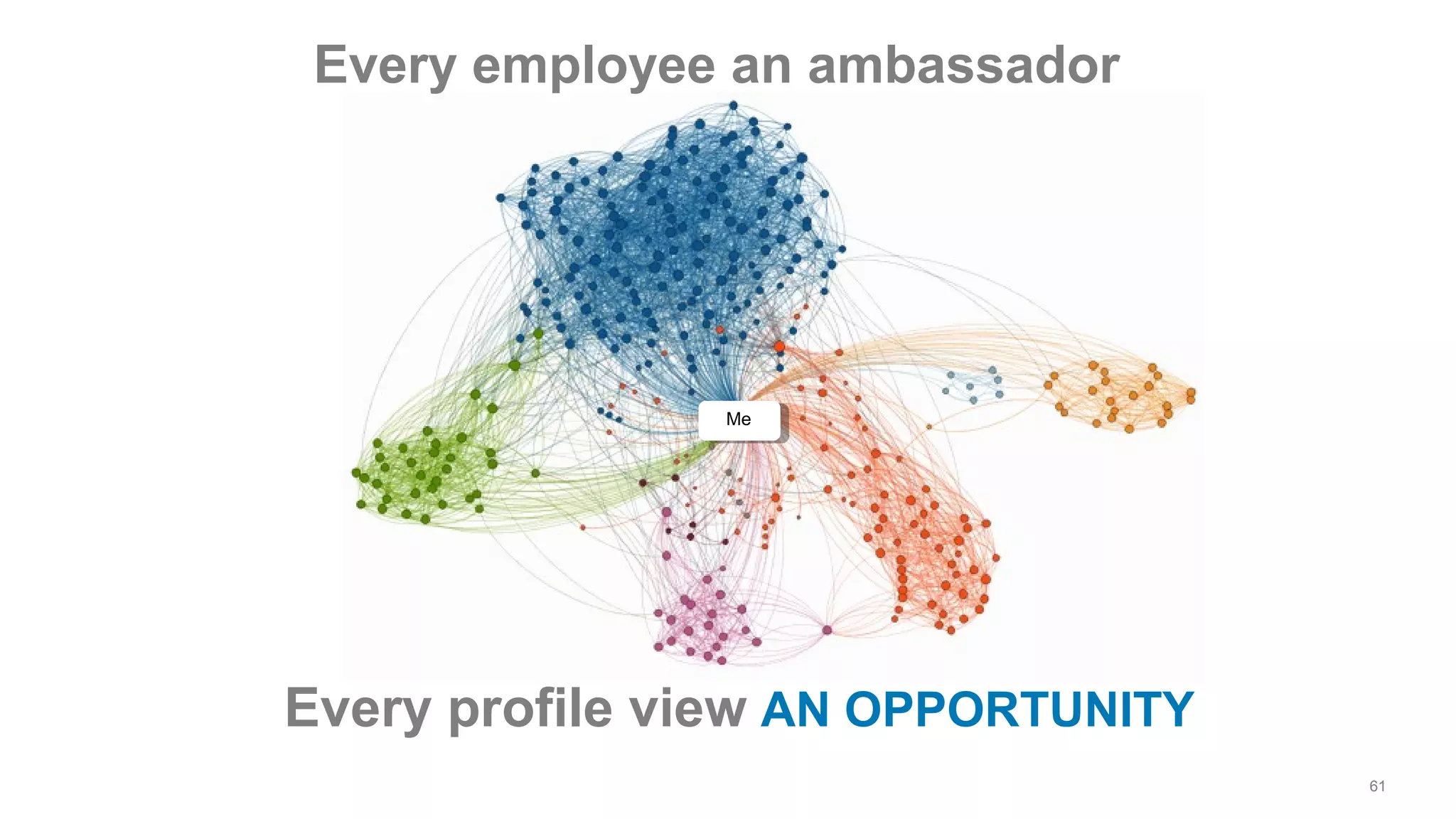
Me
Every employee an ambassador
61
Every profile view AN OPPORTUNITY
69
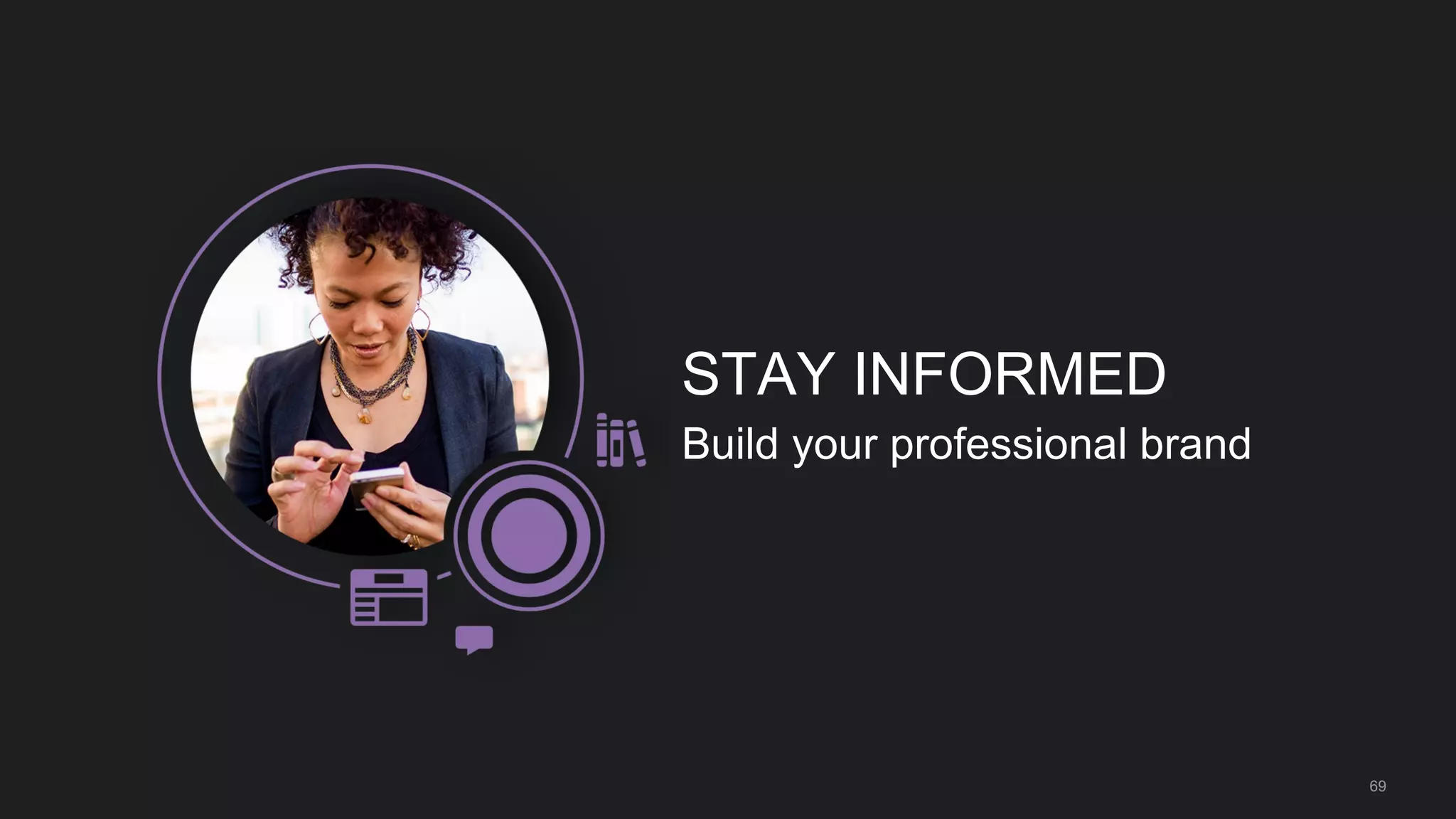
STAY INFORMED
Build your professional brand
70
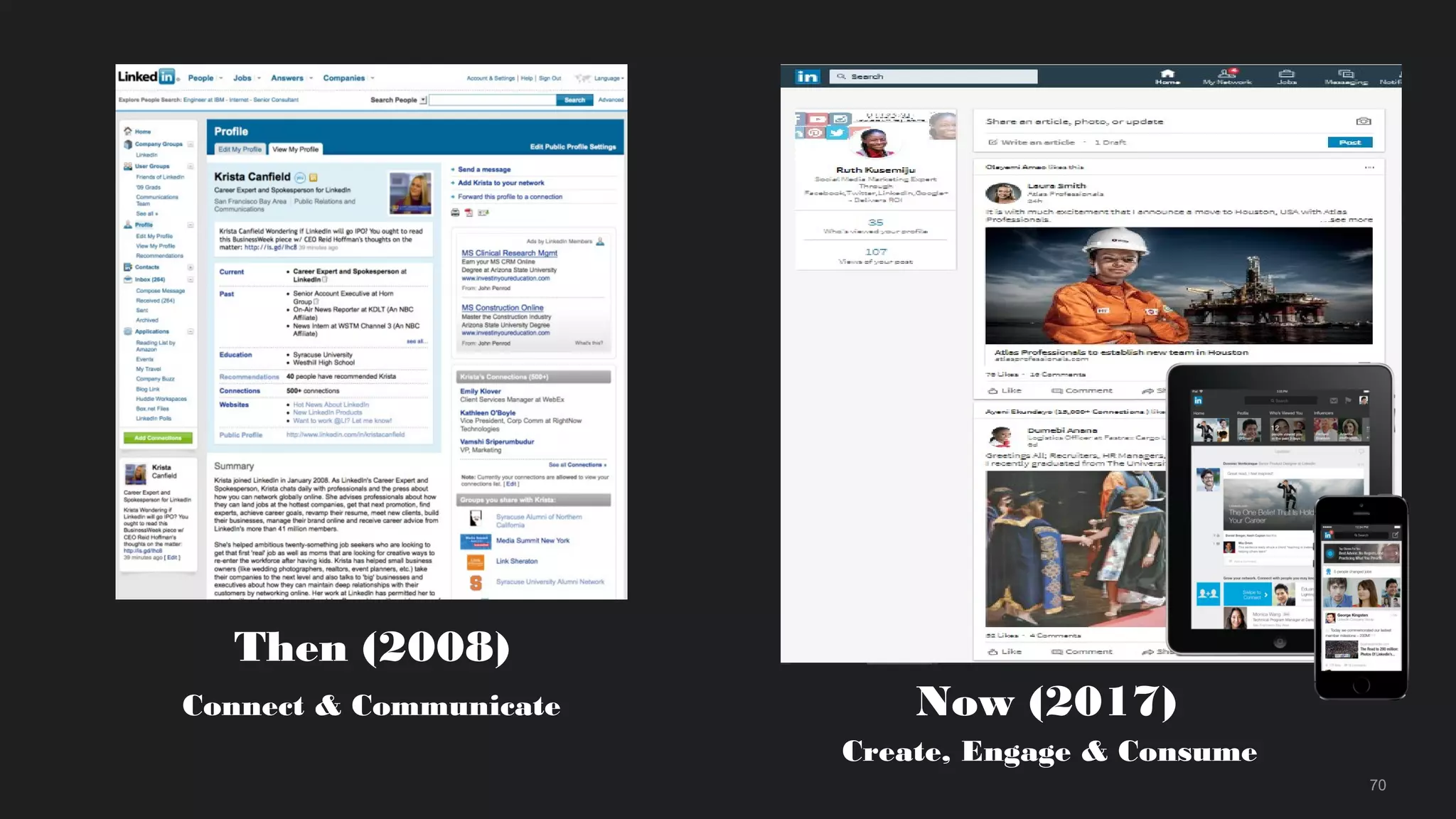
Then (2008)
Connect & Communicate Now (2017)
Create, Engage & Consume
71
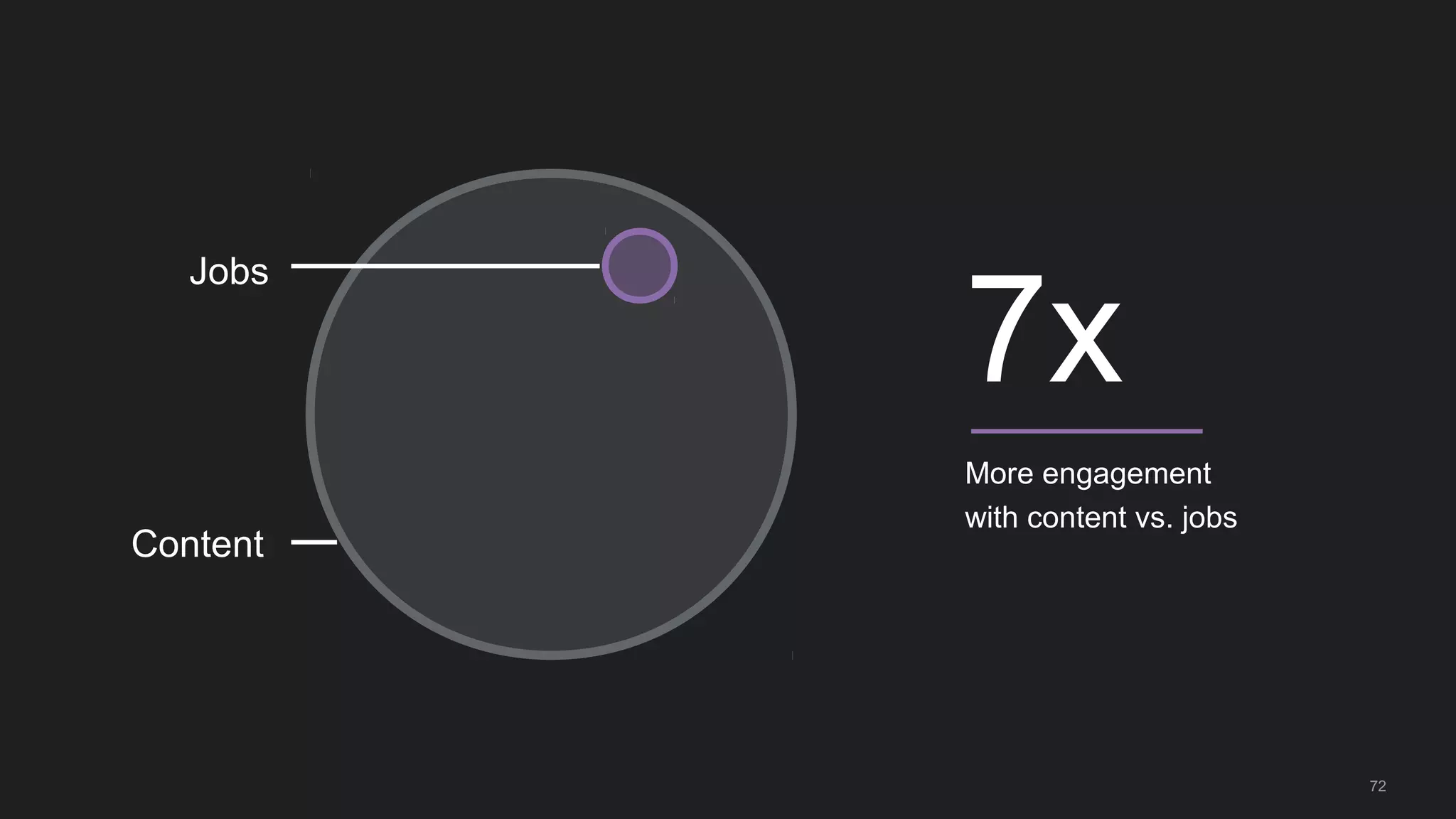
More engagement
with content vs. jobs
7x
Content
Jobs
72
73
74
75
76
77
78
79
80
81
82
83
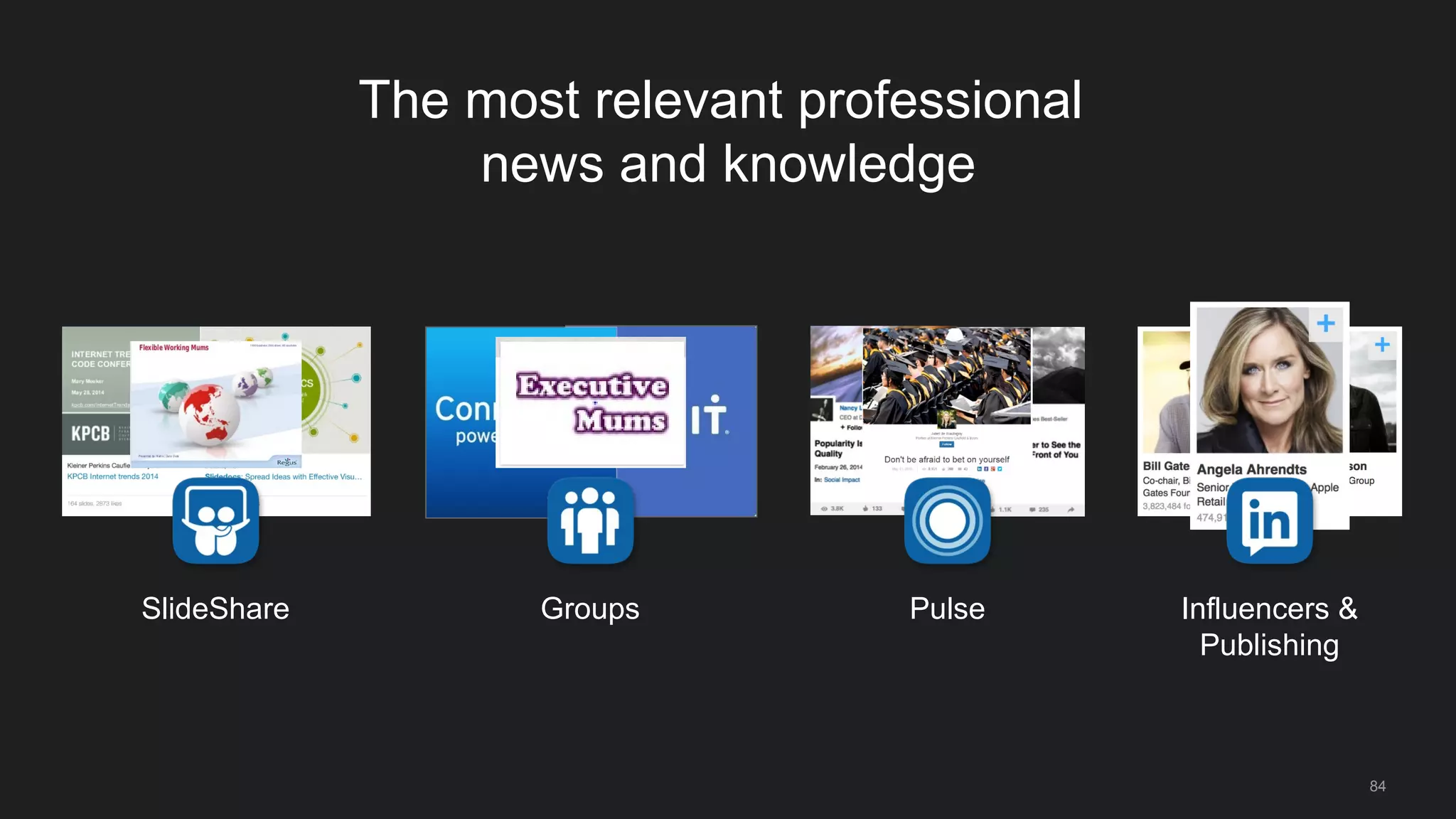
The most relevant professional
news and knowledge
Pulse Influencers &
Publishing
GroupsSlideShare
84
85
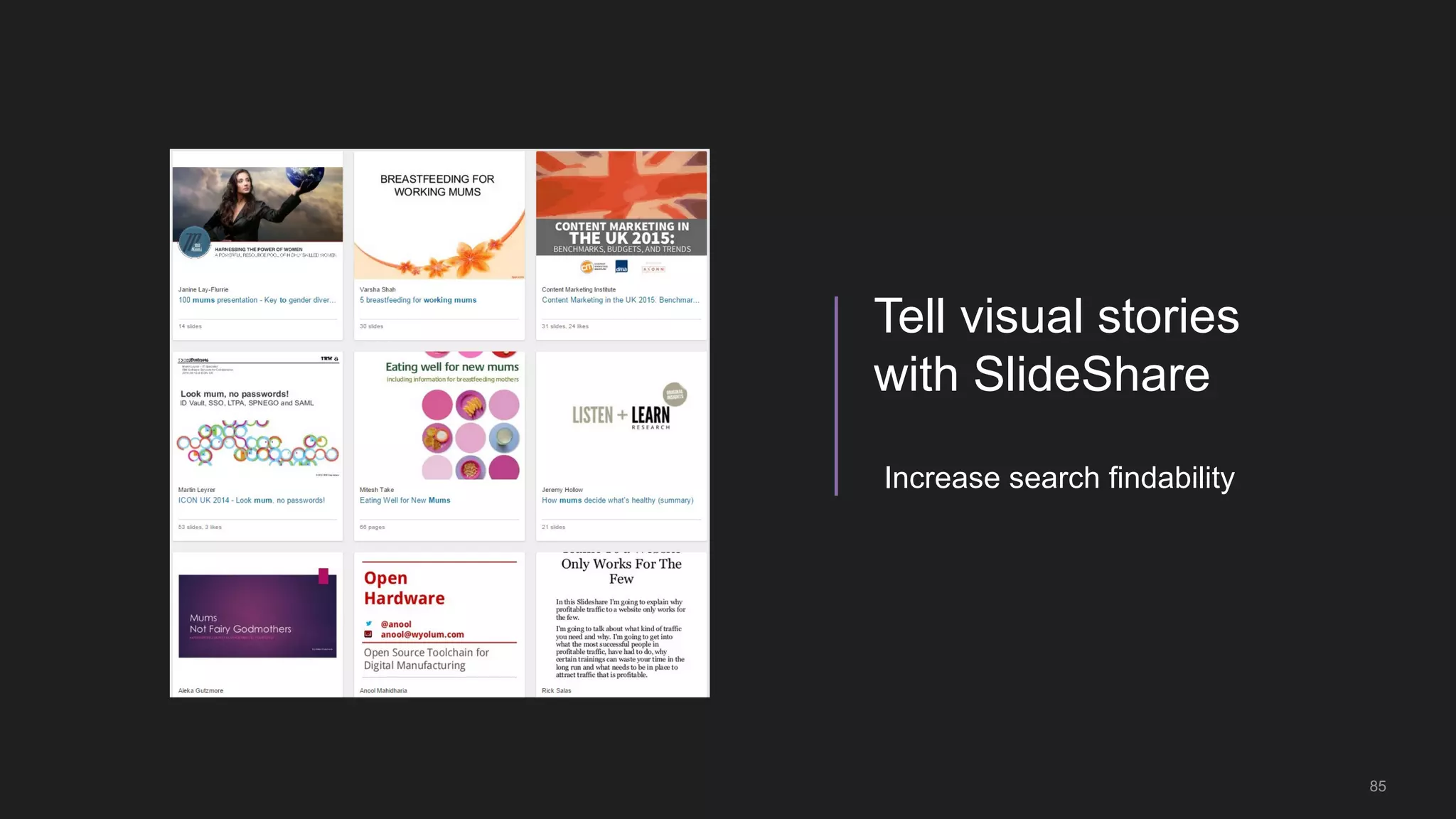
Tell visual stories
with SlideShare
Increase search findability
86
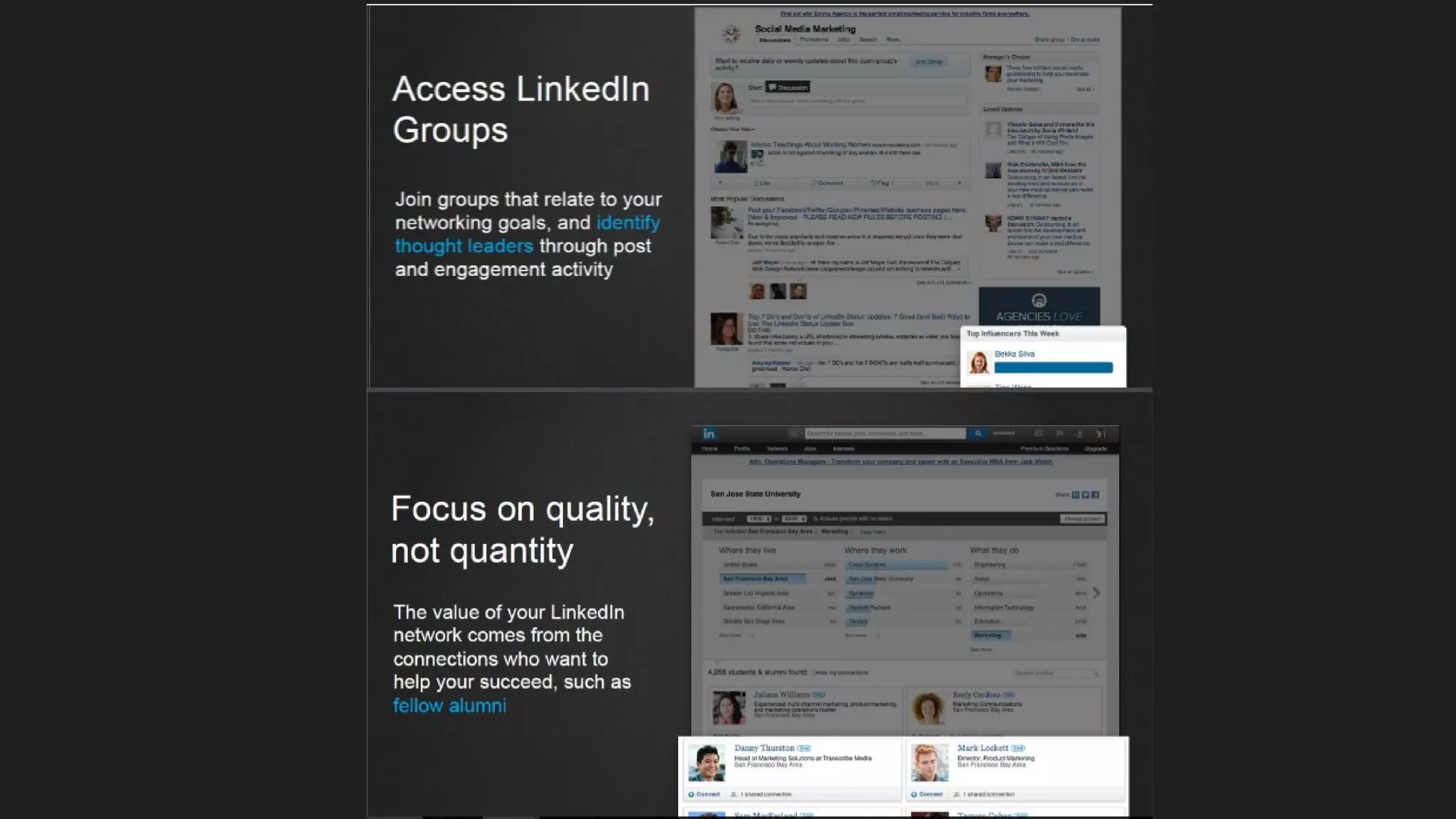
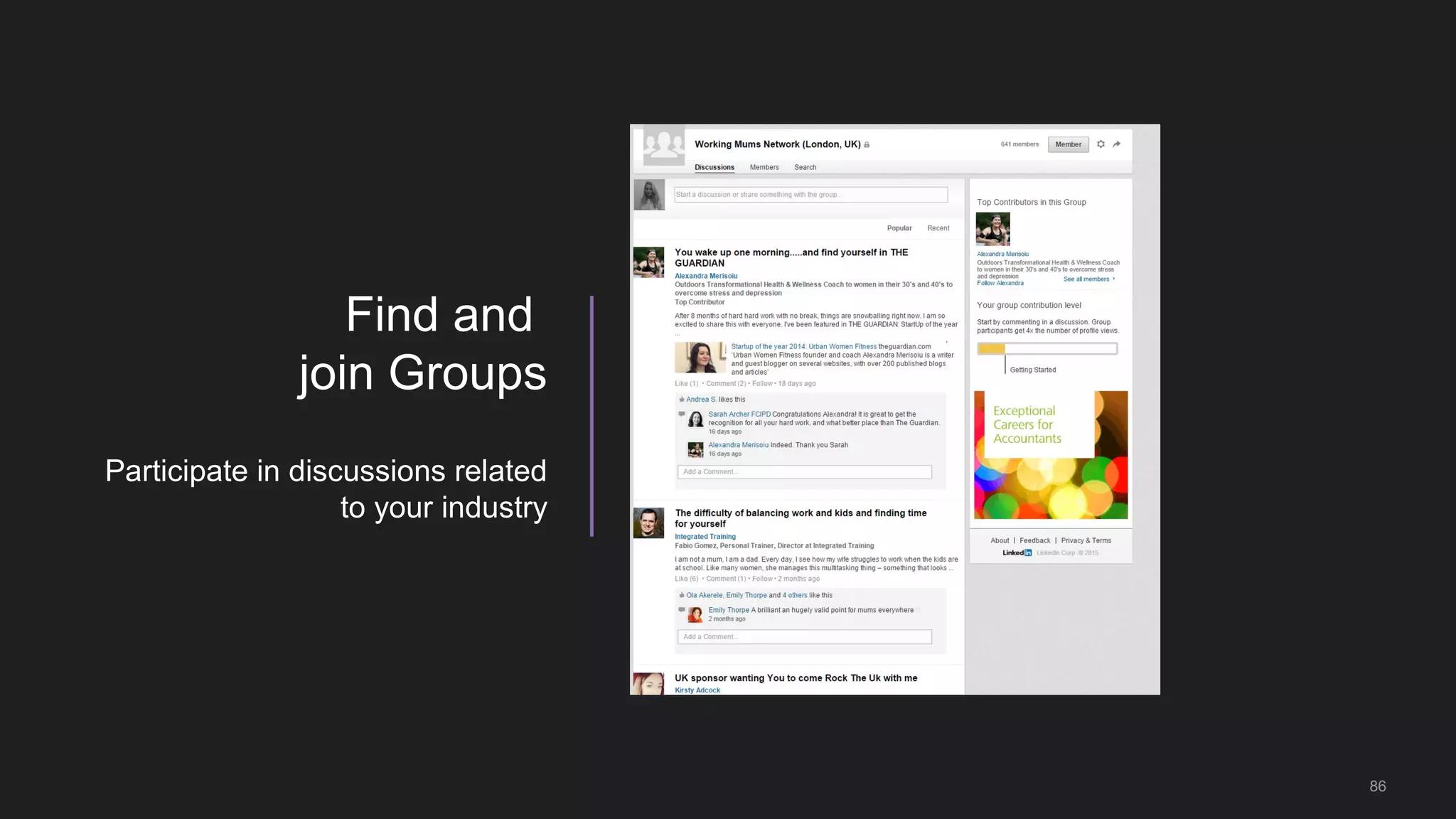
Find and
join Groups
Participate in discussions related
to your industry
Build your
SOCIAL
NETWORKLinkedIn offers you plenty of
interesting groups that you can join.
Join the people with similar
interests to yours,
or people who work in the same
or similar fields get together
to discuss
and exchange knowledge.
Share,
ask,
answer,
meet
and
have fun!
But – don’t spam on
discussion groups or even
on your wall!
It’s strongly recommended from an SEO point of view to join
groups
LinkedIn allows
us to join up to 50
groups – find the
best math for you
as it would boost
your visibility.
90
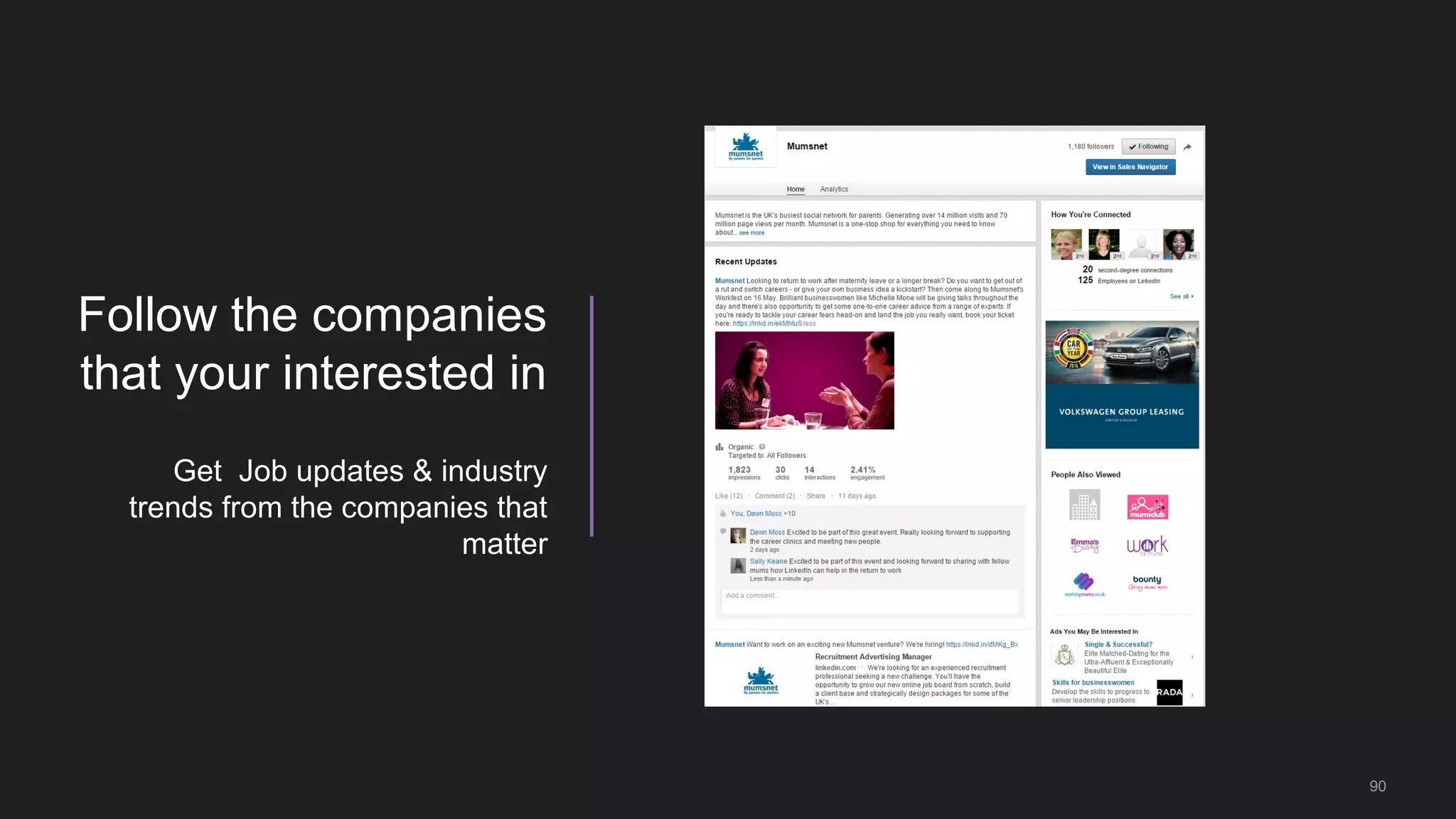
Follow the companies
that your interested in
Get Job updates & industry
trends from the companies that
matter
91
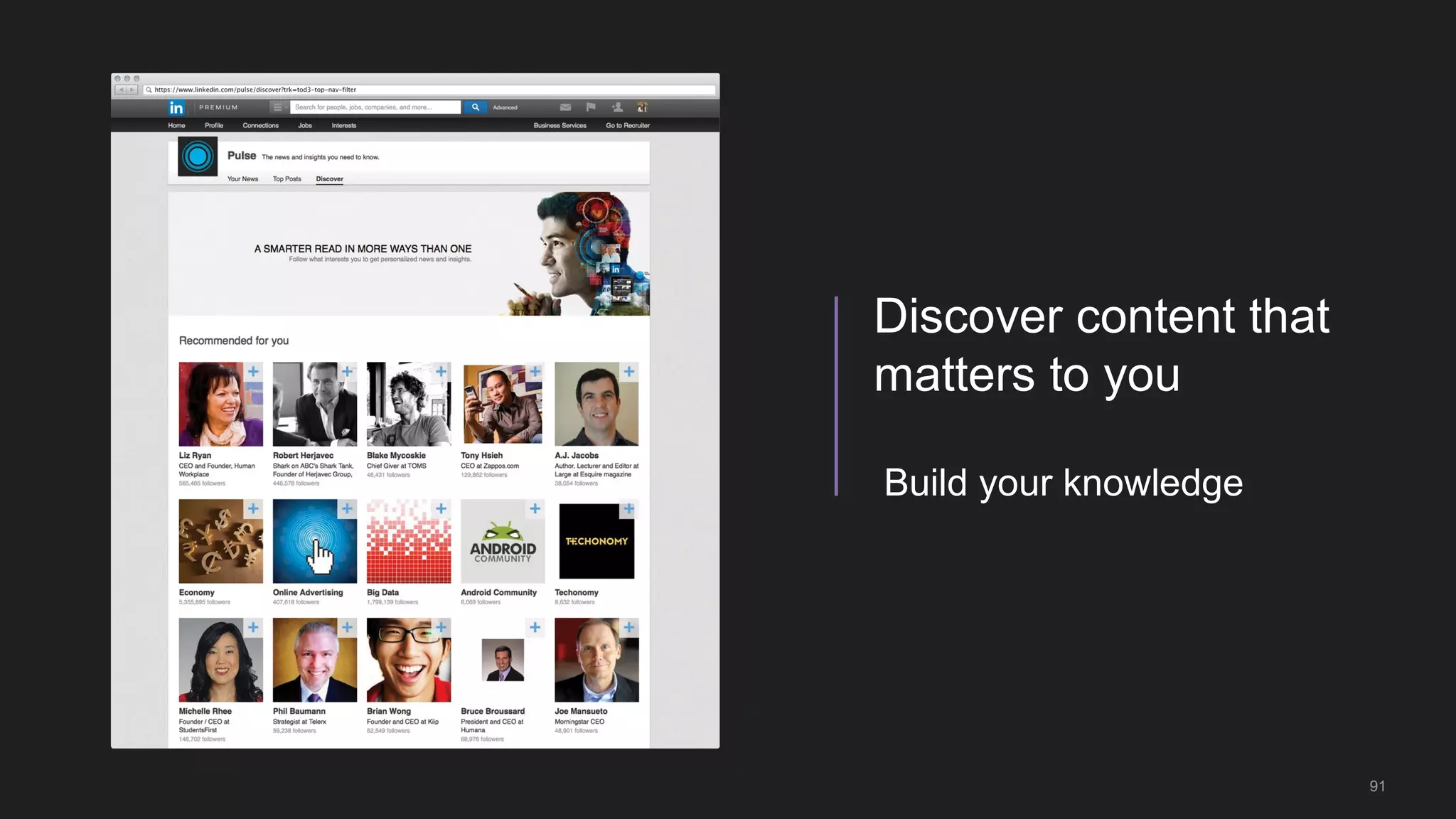
Build your knowledge
Discover content that
matters to you
92
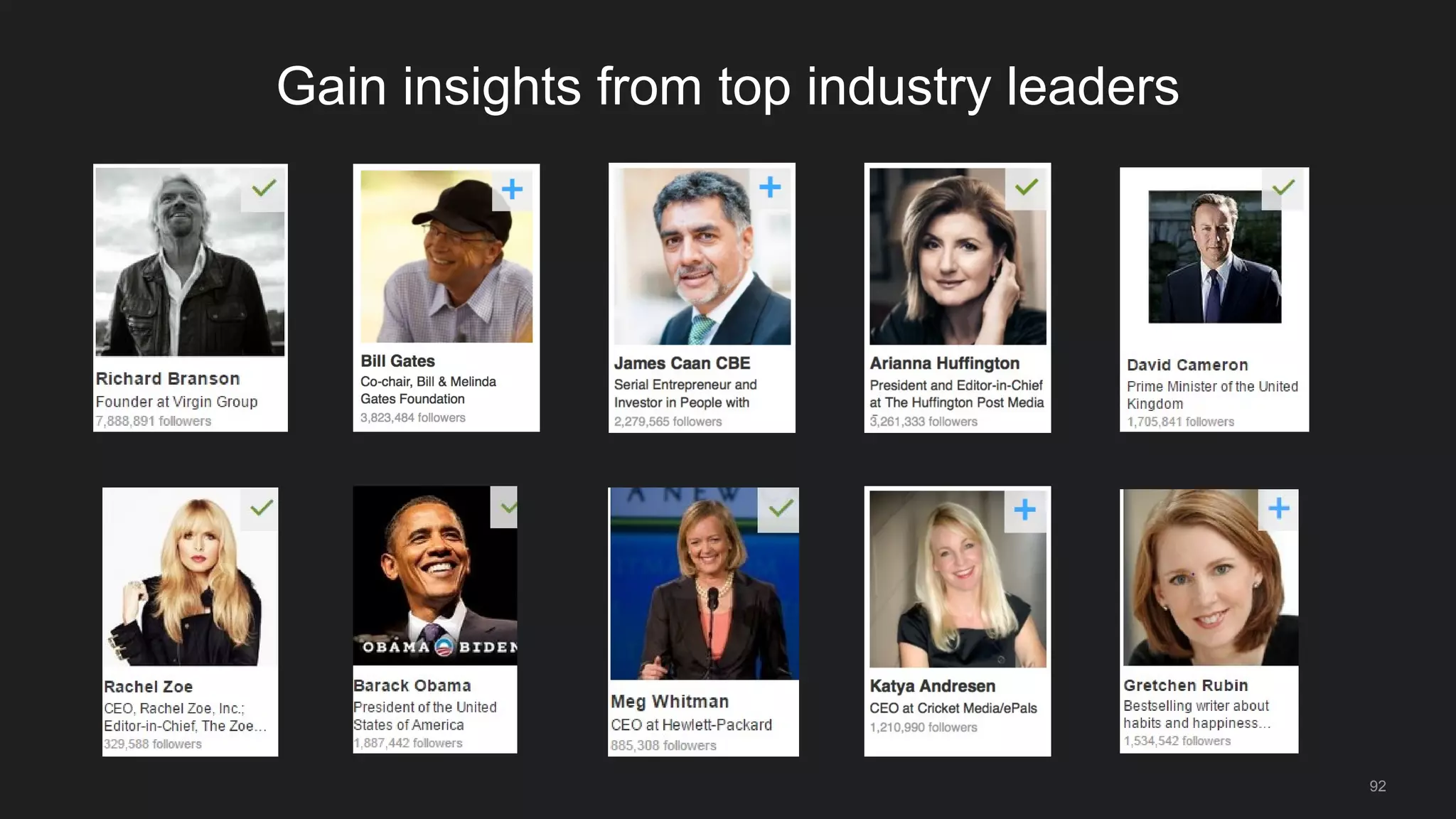
Gain insights from top industry leaders
Helping you grow and engage your network
93
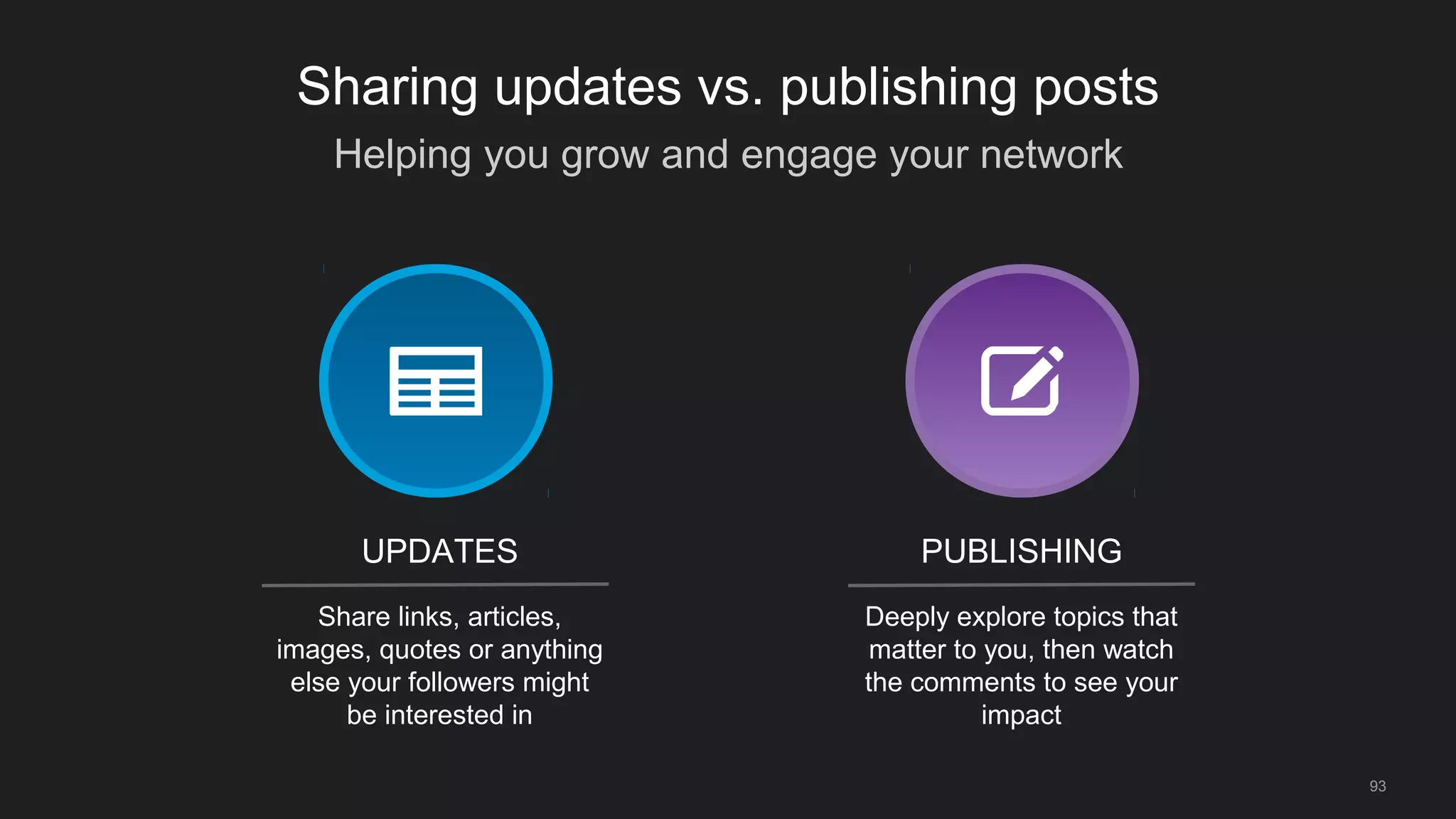
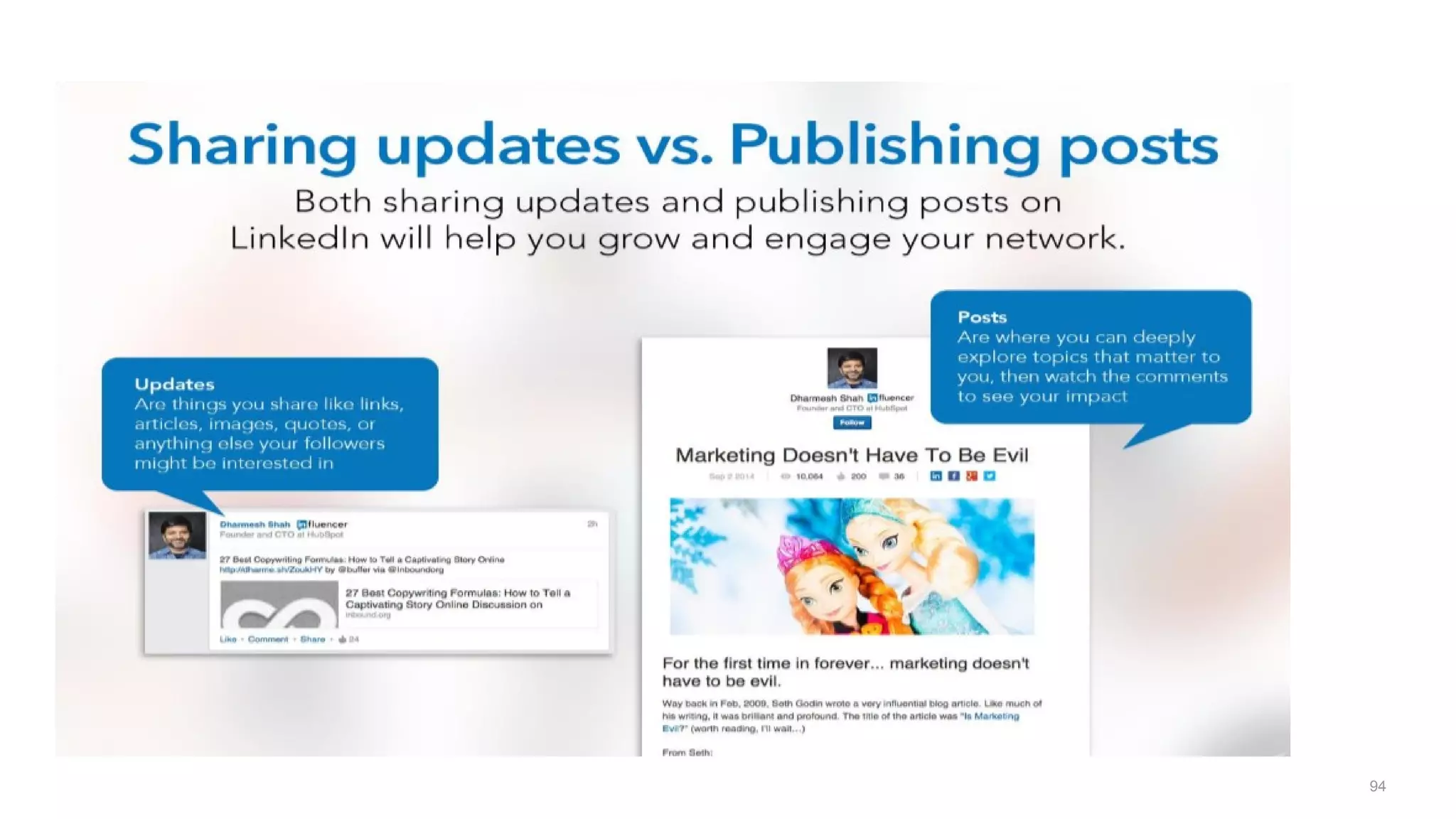
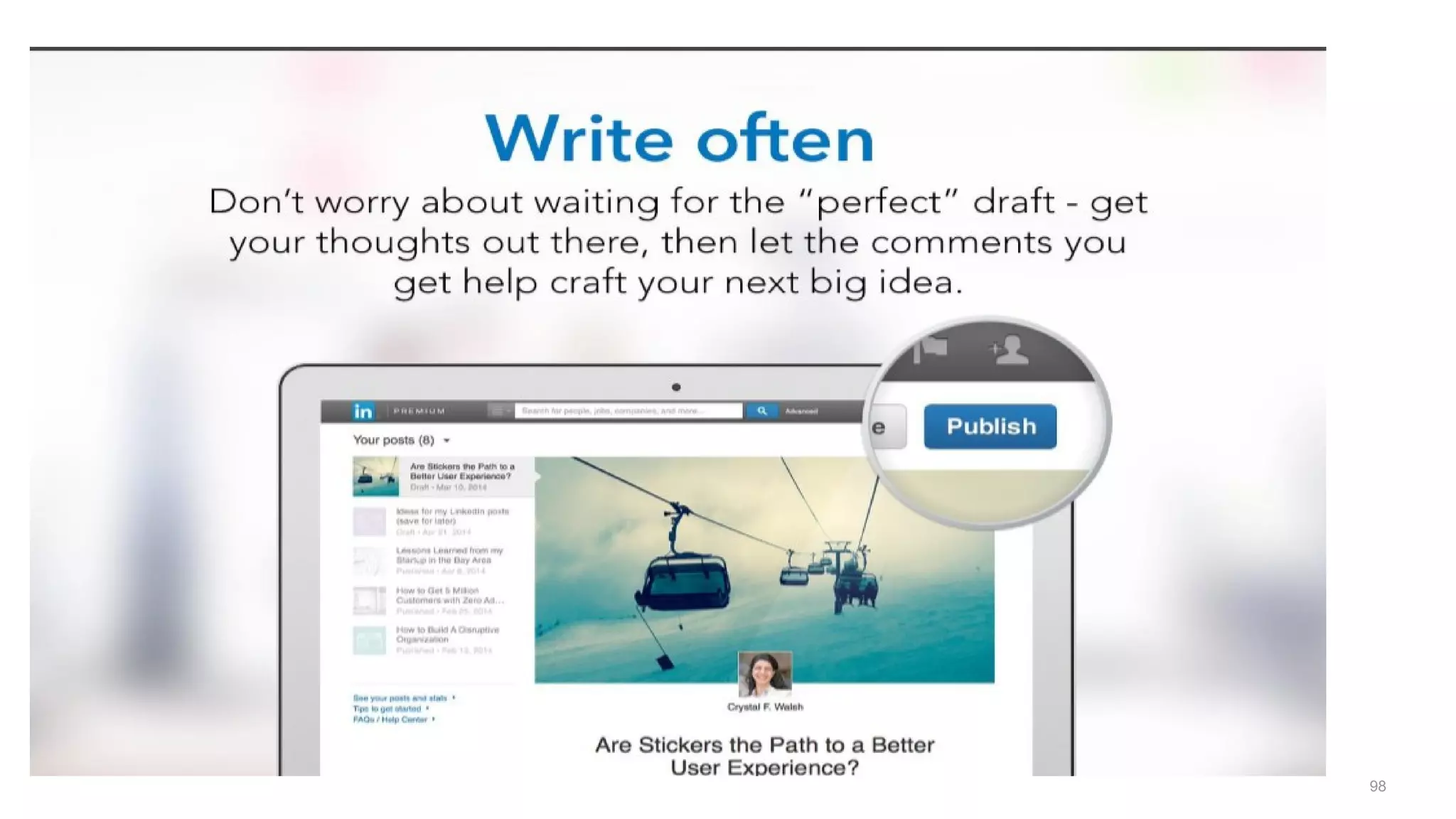
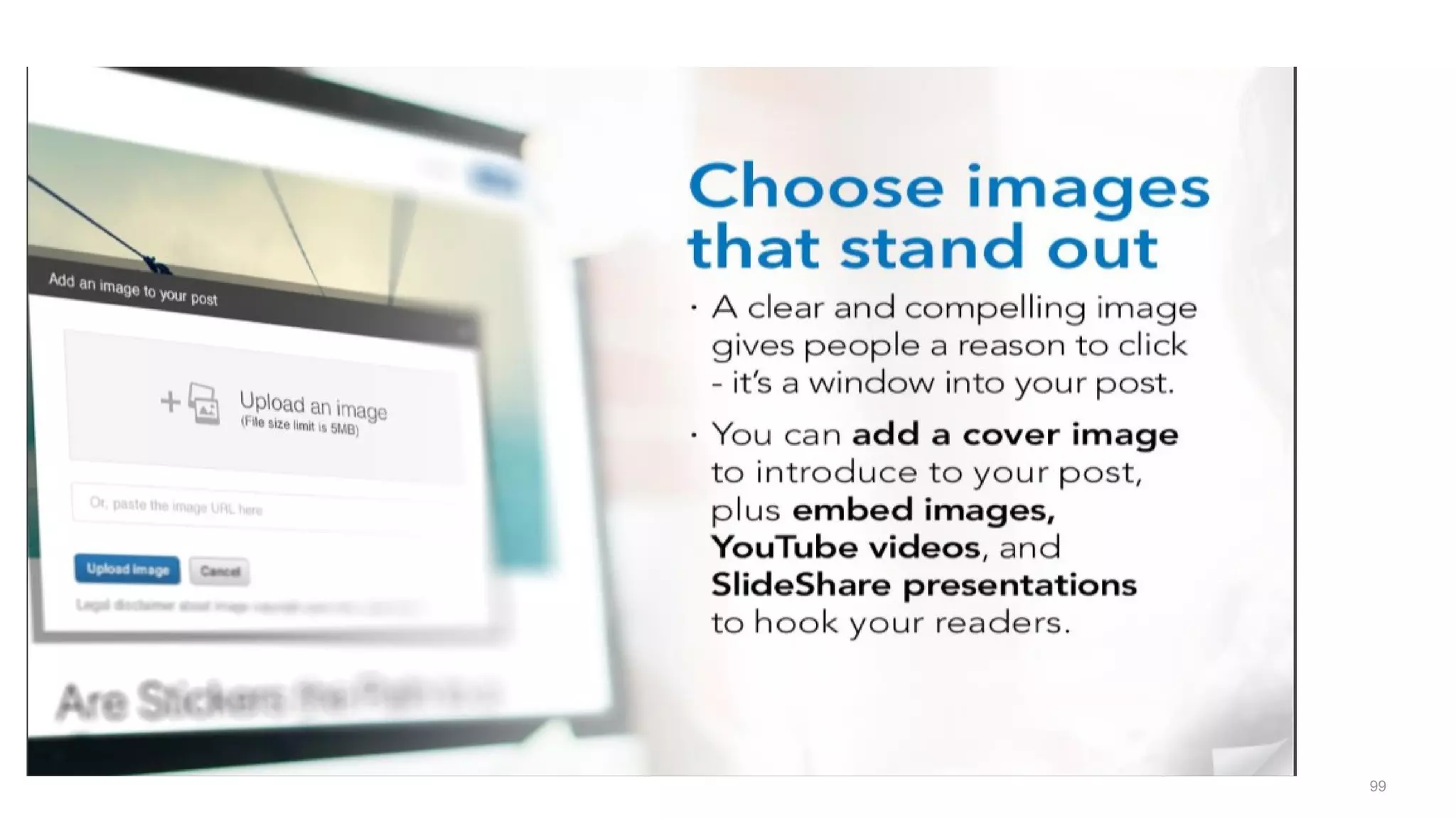
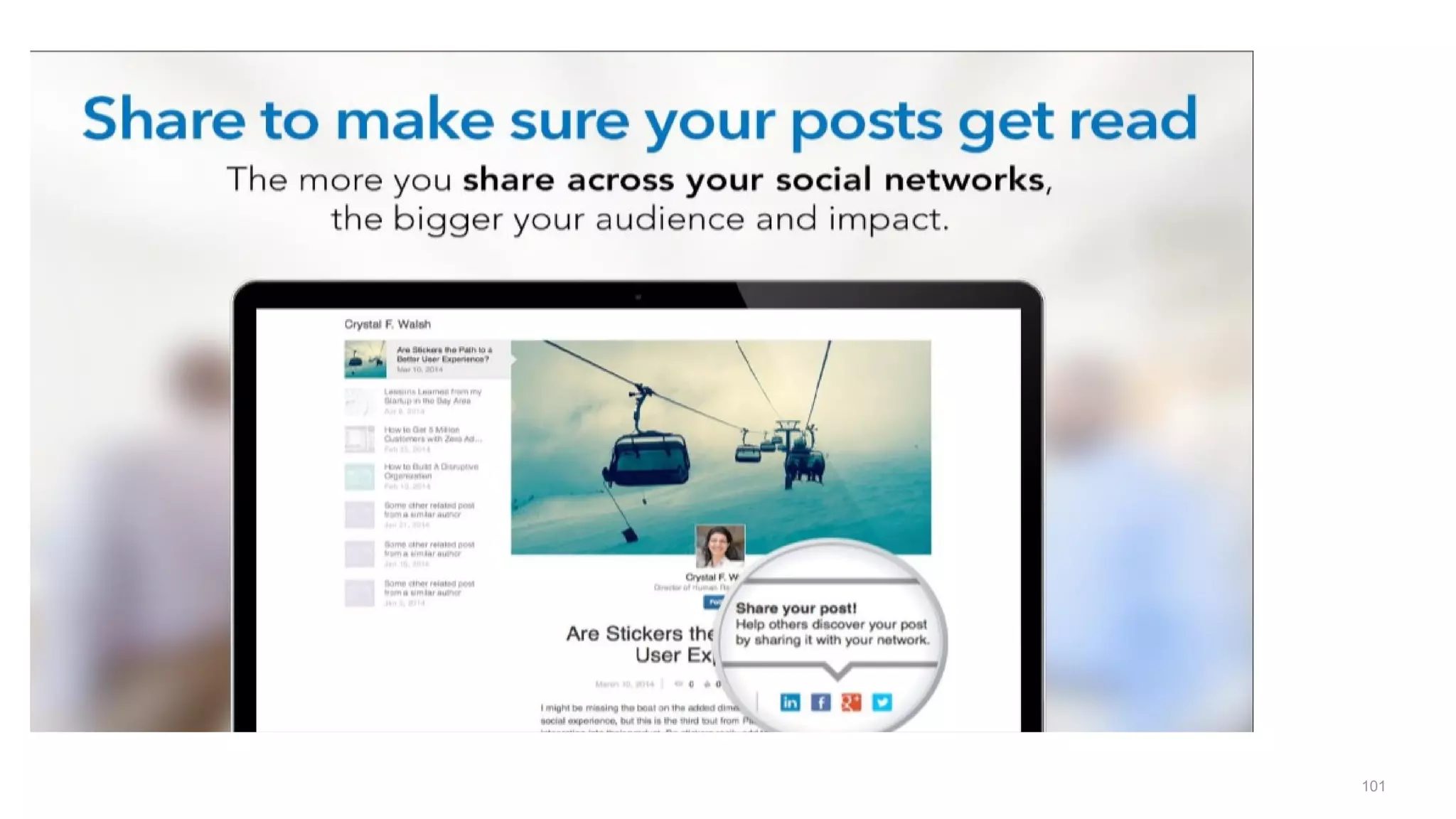
Sharing updates vs. publishing posts
Share links, articles,
images, quotes or anything
else your followers might
be interested in
Deeply explore topics that
matter to you, then watch
the comments to see your
impact
UPDATES PUBLISHING
94
95
96
97
98
99
100
101
102
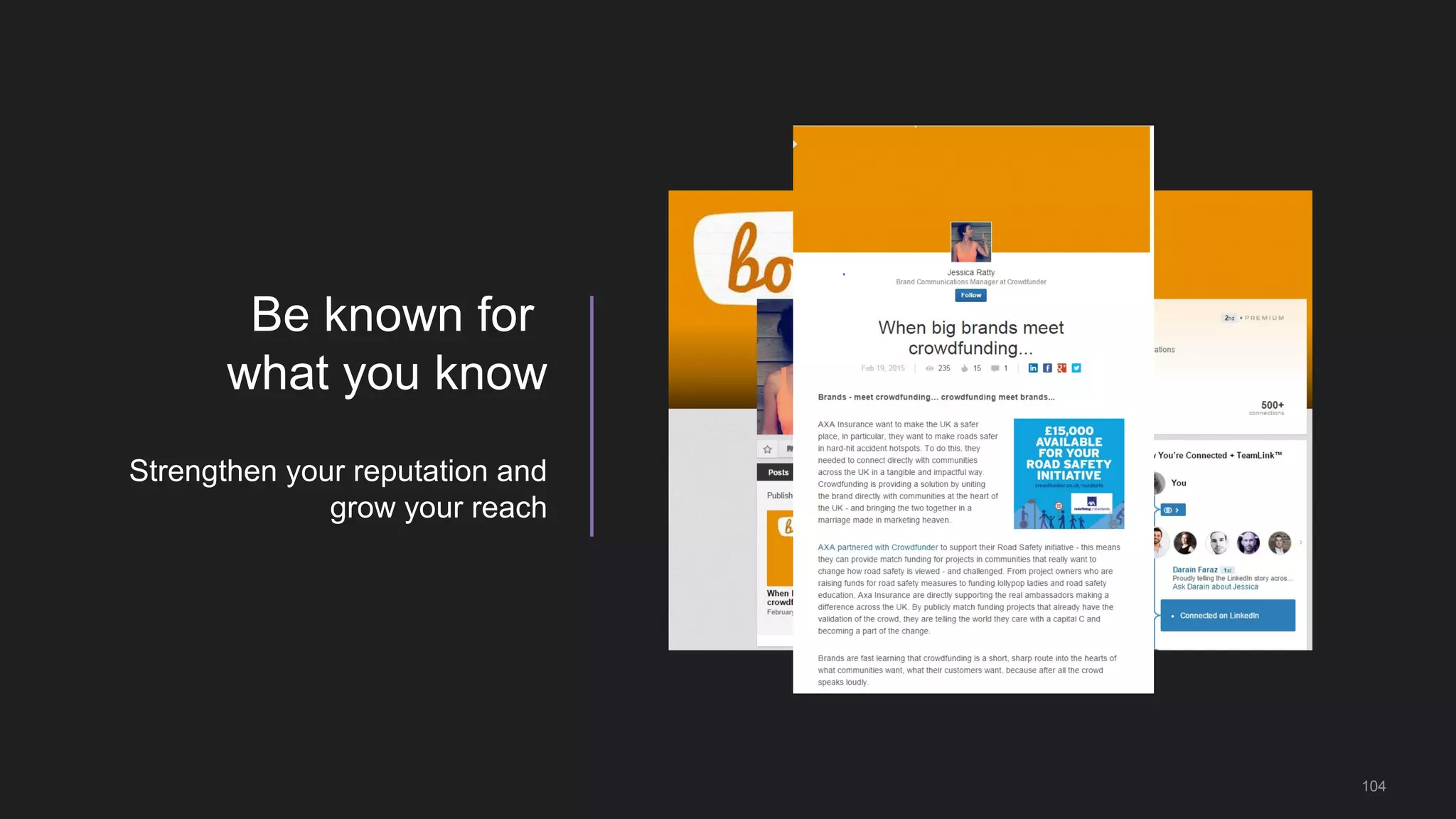
Be known for
what you know
Strengthen your reputation and
grow your reach
104
105
106
107
108
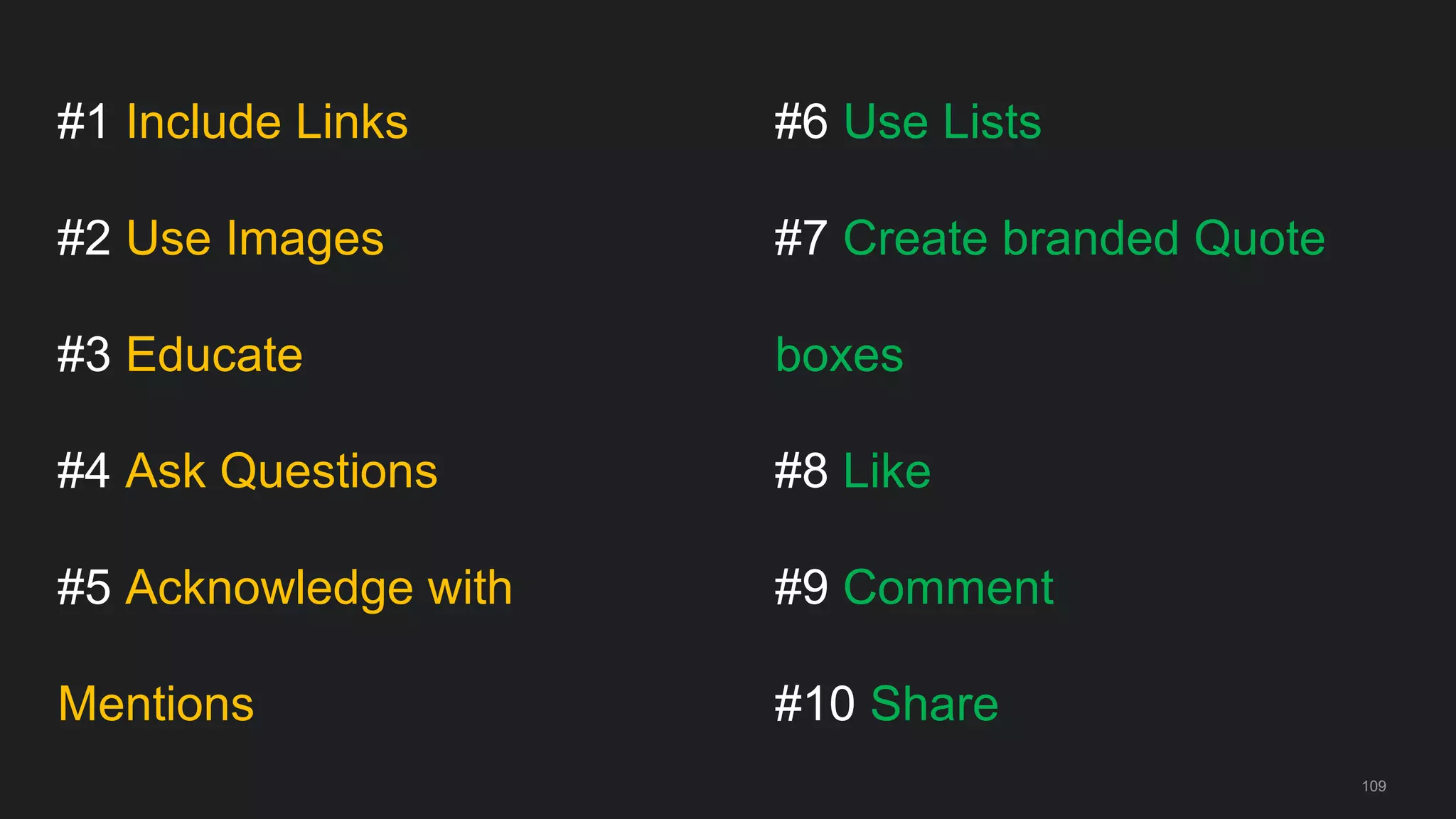
#1 Include Links
#2 Use Images
#3 Educate
#4 Ask Questions
#5 Acknowledge with
Mentions
109
#6 Use Lists
#7 Create branded Quote
boxes
#8 Like
#9 Comment
#10 Share
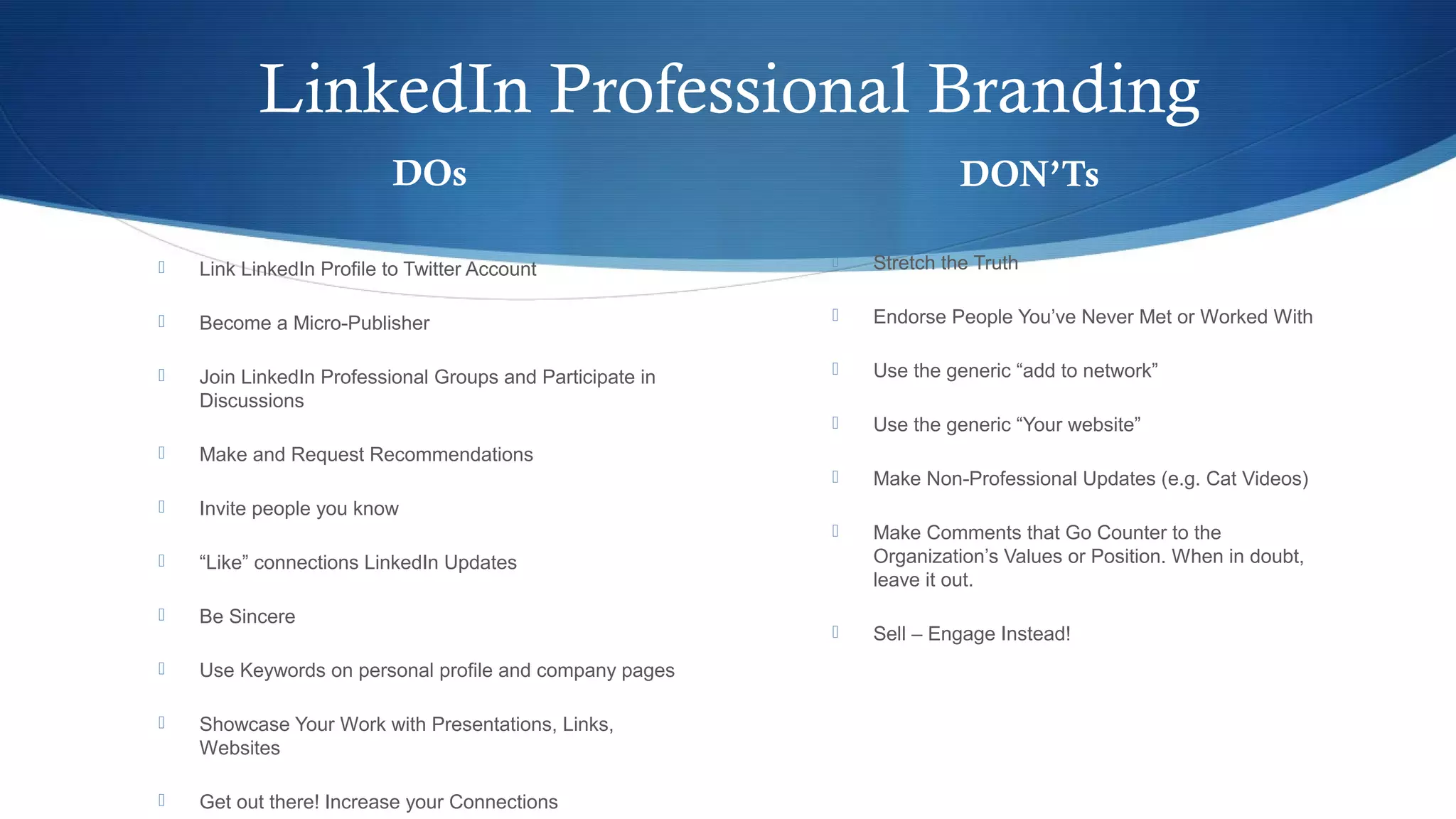
LinkedIn Professional Branding
DOs
 Link LinkedIn Profile to Twitter Account
 Become a Micro-Publisher
 Join LinkedIn Professional Groups and Participate in
Discussions
 Make and Request Recommendations
 Invite people you know
 “Like” connections LinkedIn Updates
 Be Sincere
 Use Keywords on personal profile and company pages
 Showcase Your Work with Presentations, Links,
Websites
 Get out there! Increase your Connections
DON’Ts
 Stretch the Truth
 Endorse People You’ve Never Met or Worked With
 Use the generic “add to network”
 Use the generic “Your website”
 Make Non-Professional Updates (e.g. Cat Videos)
 Make Comments that Go Counter to the
Organization’s Values or Position. When in doubt,
leave it out.
 Sell – Engage Instead!
Here’s What To ExpectHere’s What To Expect
 An Introduction to LinkedIn
(What, Why, How & Facts)
 Building a Complete LinkedIn Profile and its
importance
 The Dos and Don’ts on LinkedIn
 A Special Package
 Q & A Session
Think back on the last 2, 3 years.
How many of you could say…
Burning Platform
O My company did/will do a “restructuring”
O My company was/will be acquired
O My company acquired other companies
O I had to change positions
O I had to do a job search
Are you change-ready ?
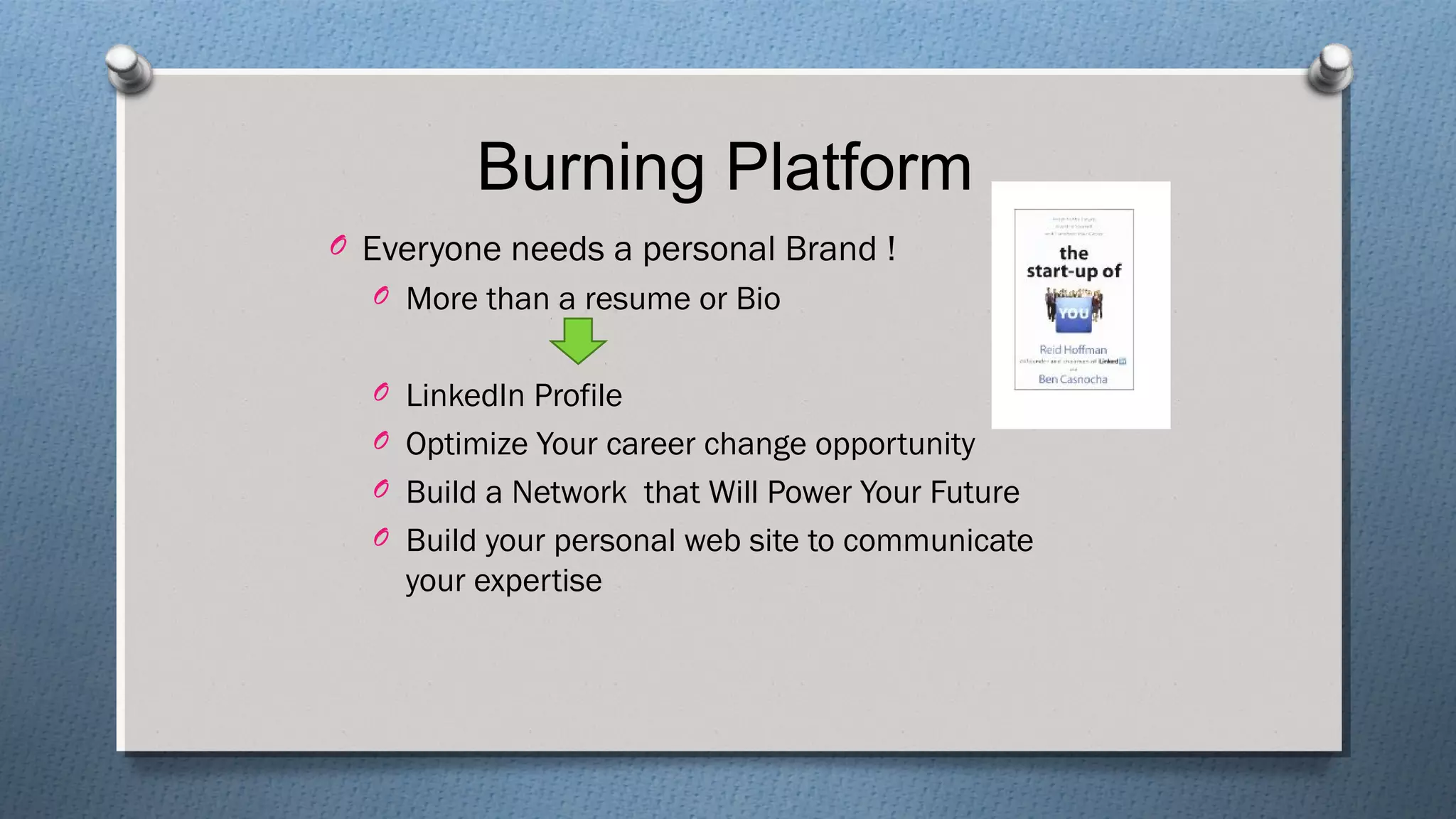
Burning Platform
O Everyone needs a personal Brand !
O More than a resume or Bio
O LinkedIn Profile
O Optimize Your career change opportunity
O Build a Network that Will Power Your Future
O Build your personal web site to communicate
your expertise
Does this sound familiar?
O I started making a LinkedIn profile…but never
finished it.
O I have a profile, but it doesn’t really do anything for
me. No calls, no emails, no messages.
O I’m kind of embarrassed by my profile. It doesn’t
represent me in the best light.
But you know a good profile can…
O Get you job offers even when you’re not looking
O Provide a positive first impression for people
searching your name
O Open up doors and opportunities you didn’t even
know were there
O Help build a network to take you where you want to
go
So the question is…
SO
HOW DO YOU
CONNECT
THE DOTS…
?
What is Your Biggest LinkedIn
Challenge?
Not getting contacted by new
people for job leads
Dedicating time to creating a
great profile. Determining
which items to list explicitly on
the experience section.
Figuring out how to use it
successfully
Are You Maximizing Your
Time On LinkedIn?
How Do I Take My Profile Further?HOW DO
I TAKE MY
PROFILE
FURTHER
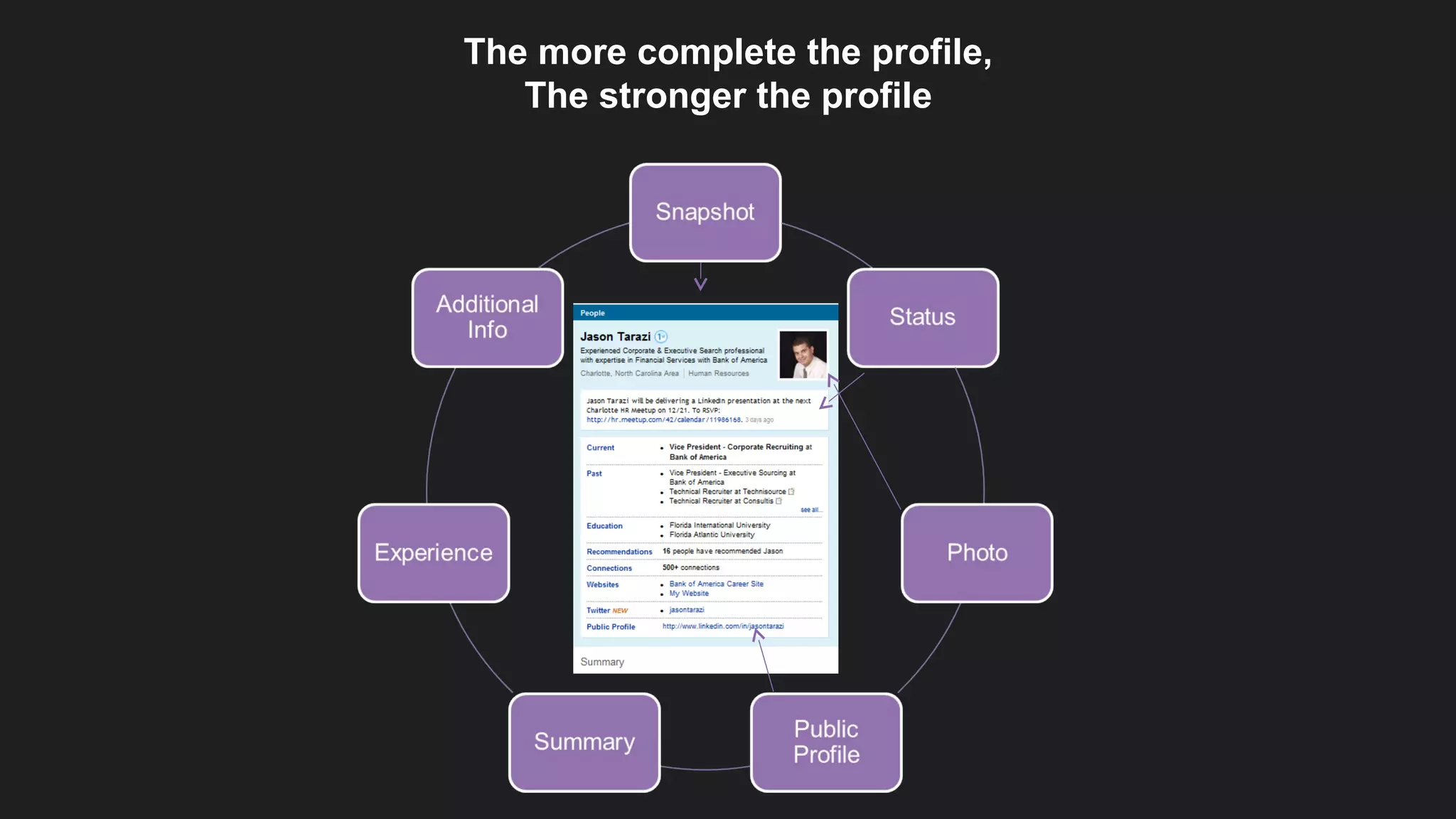
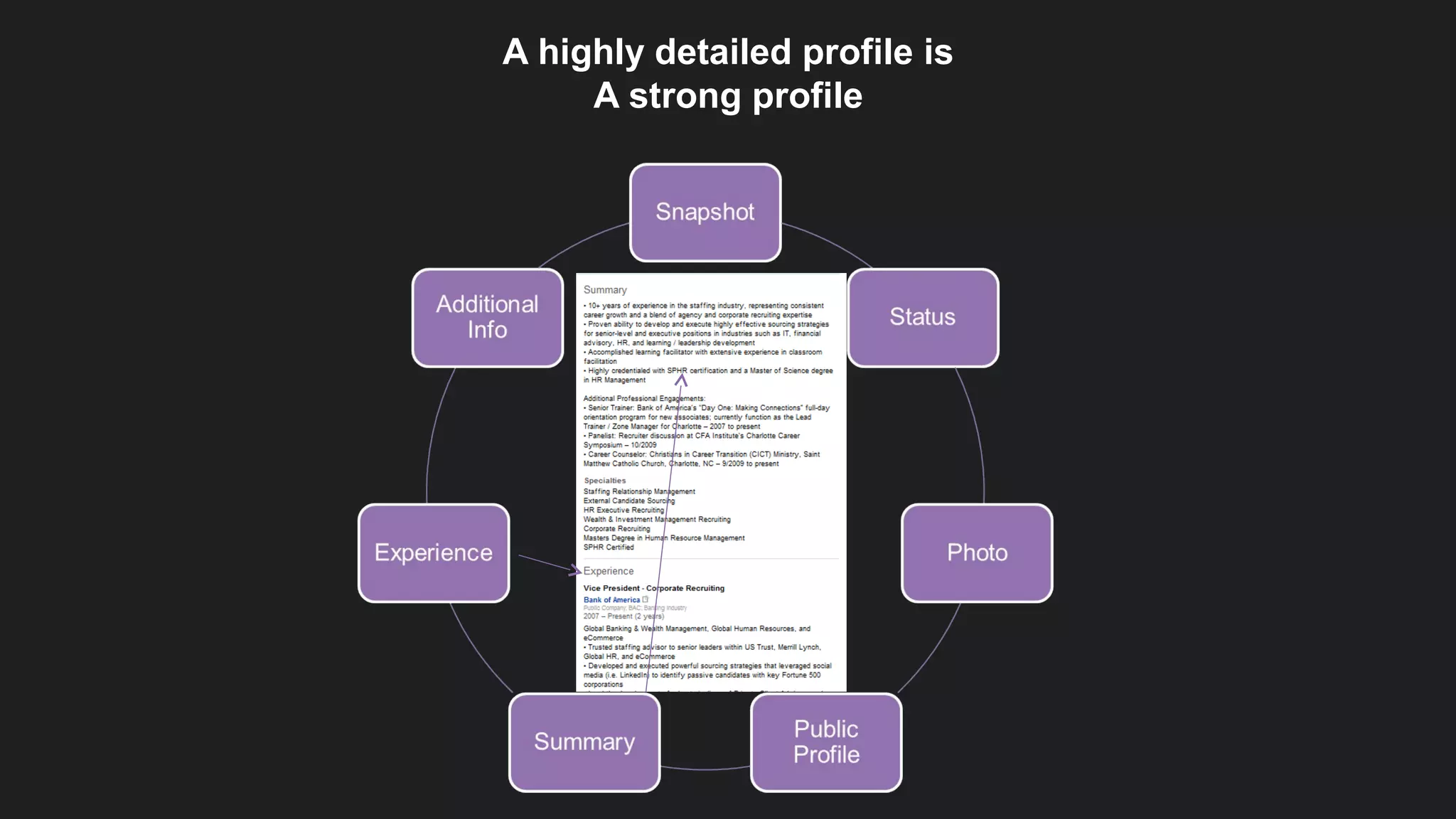
The more complete the profile,
The stronger the profile
A highly detailed profile is
A strong profile
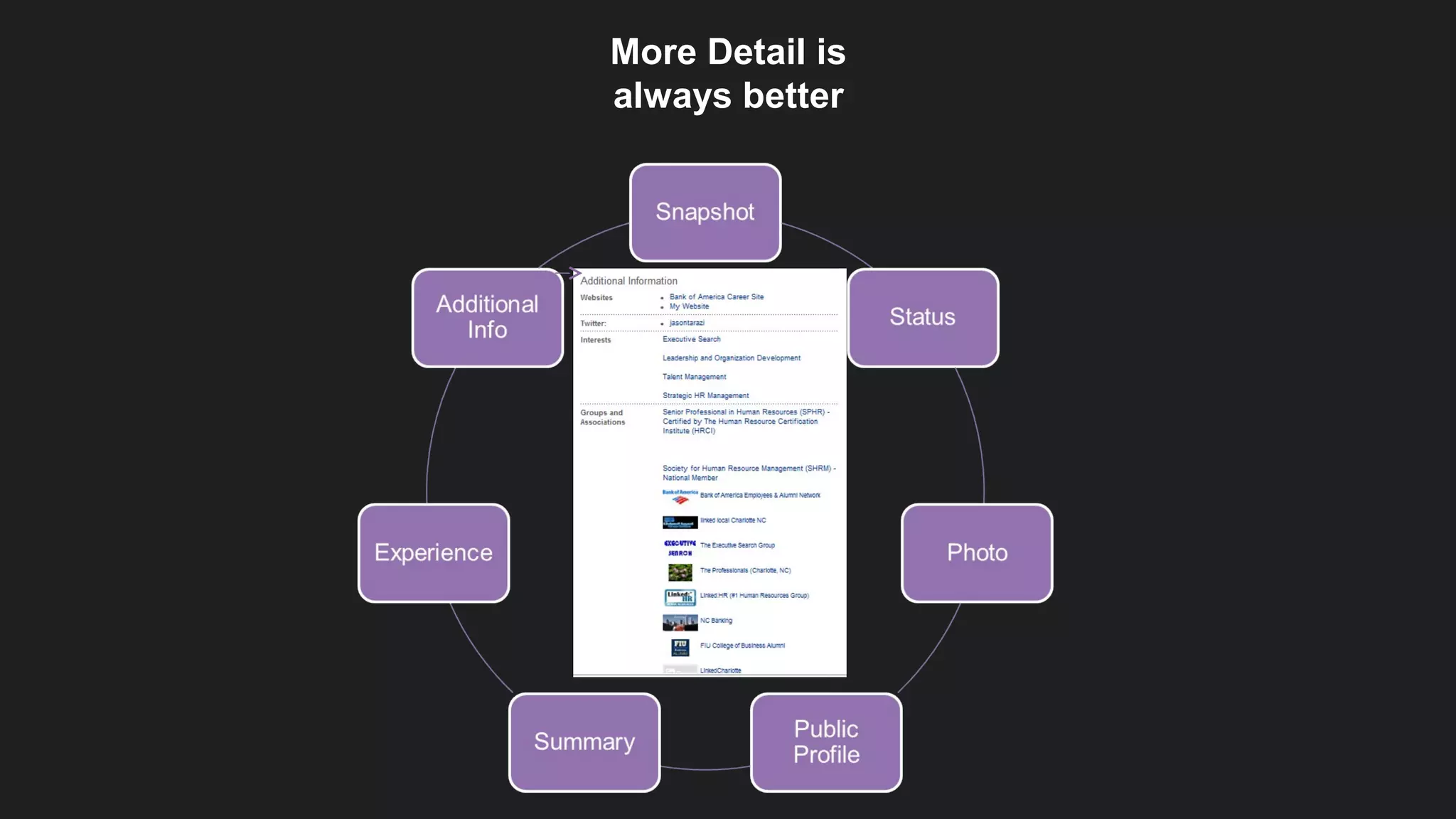
More Detail is
always better
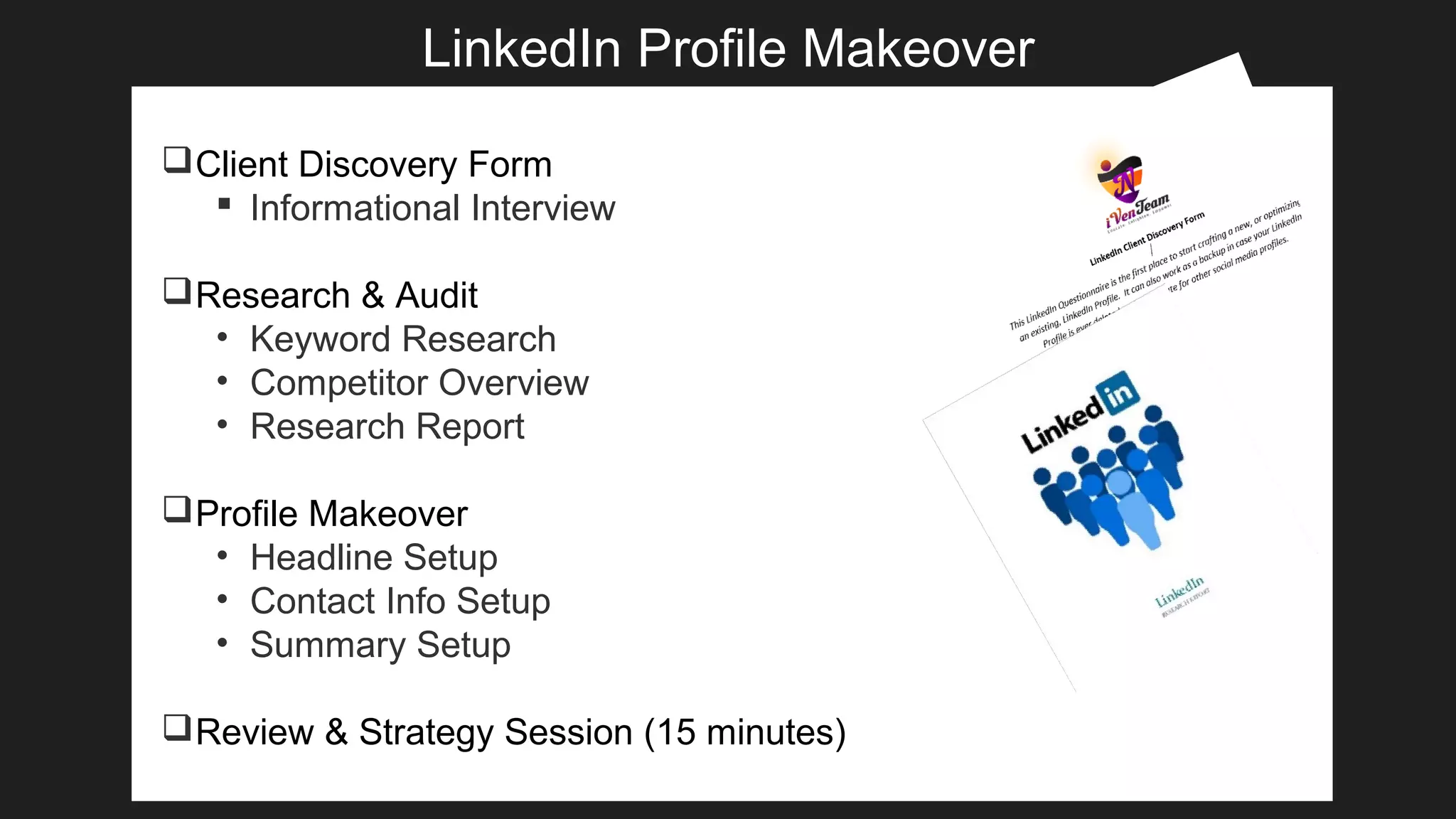
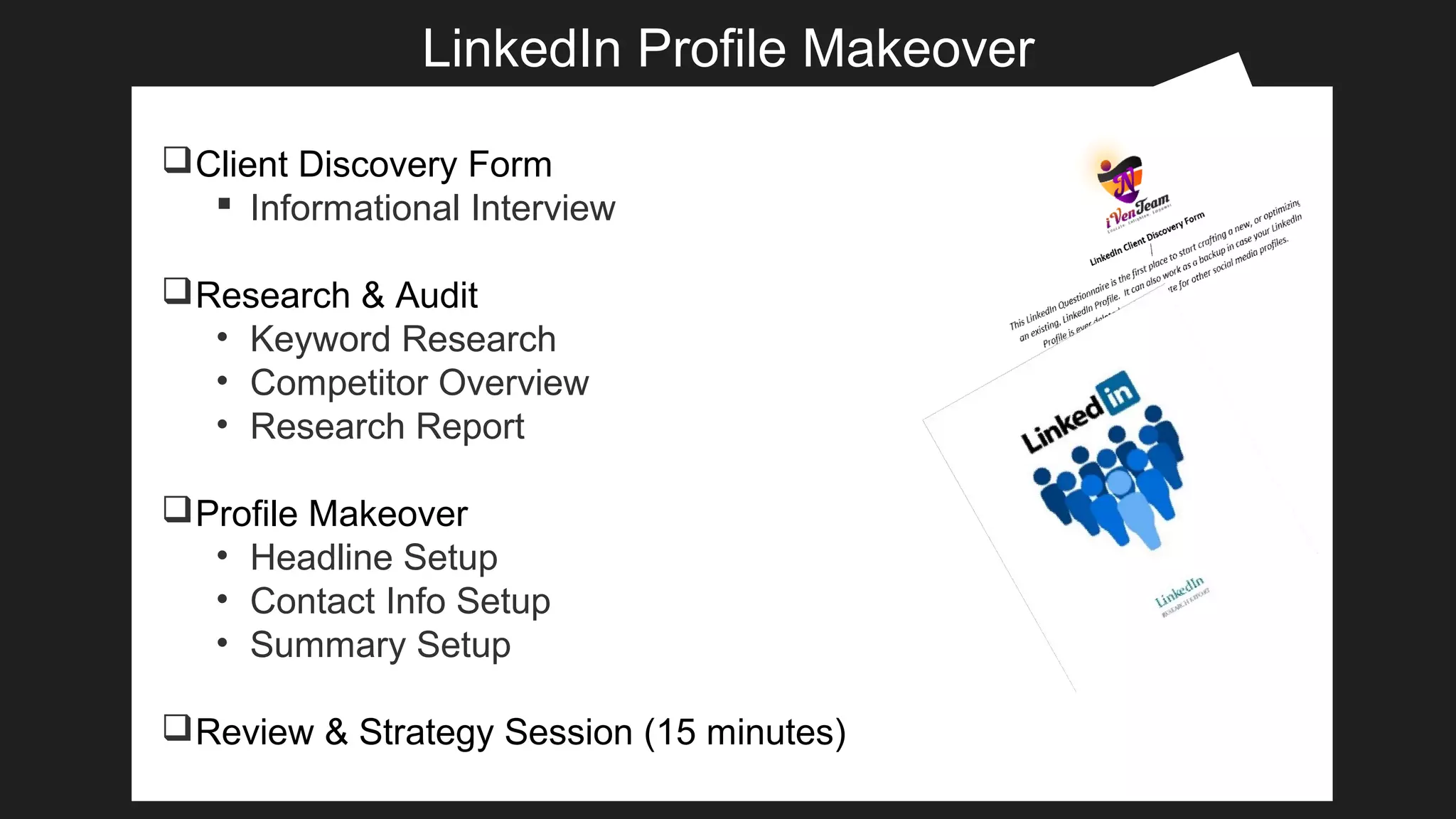
LinkedIn Profile Makeover
Client Discovery Form
 Informational Interview
Research & Audit
• Keyword Research
• Competitor Overview
• Research Report
Profile Makeover
• Headline Setup
• Contact Info Setup
• Summary Setup
Review & Strategy Session (15 minutes)
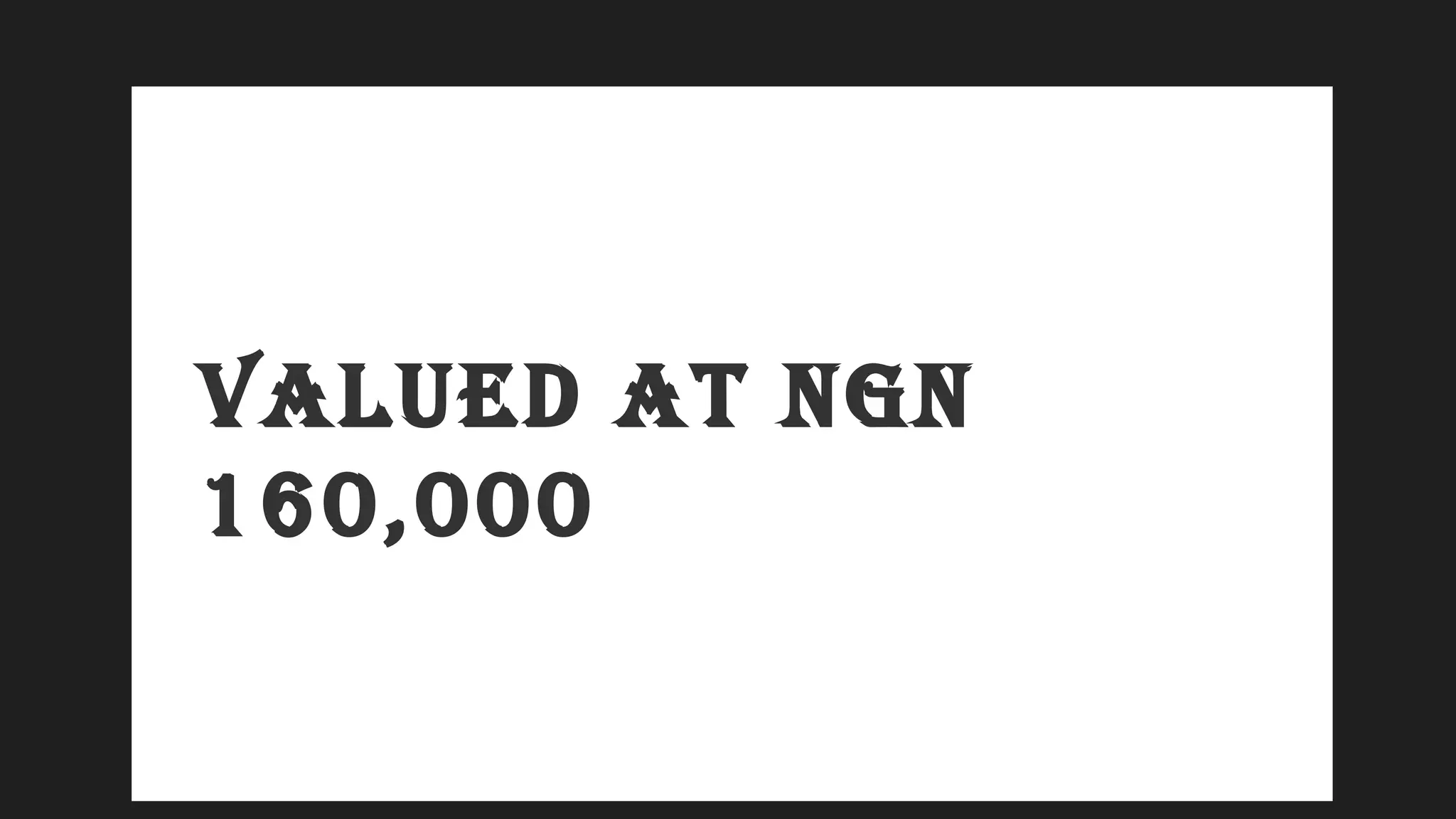
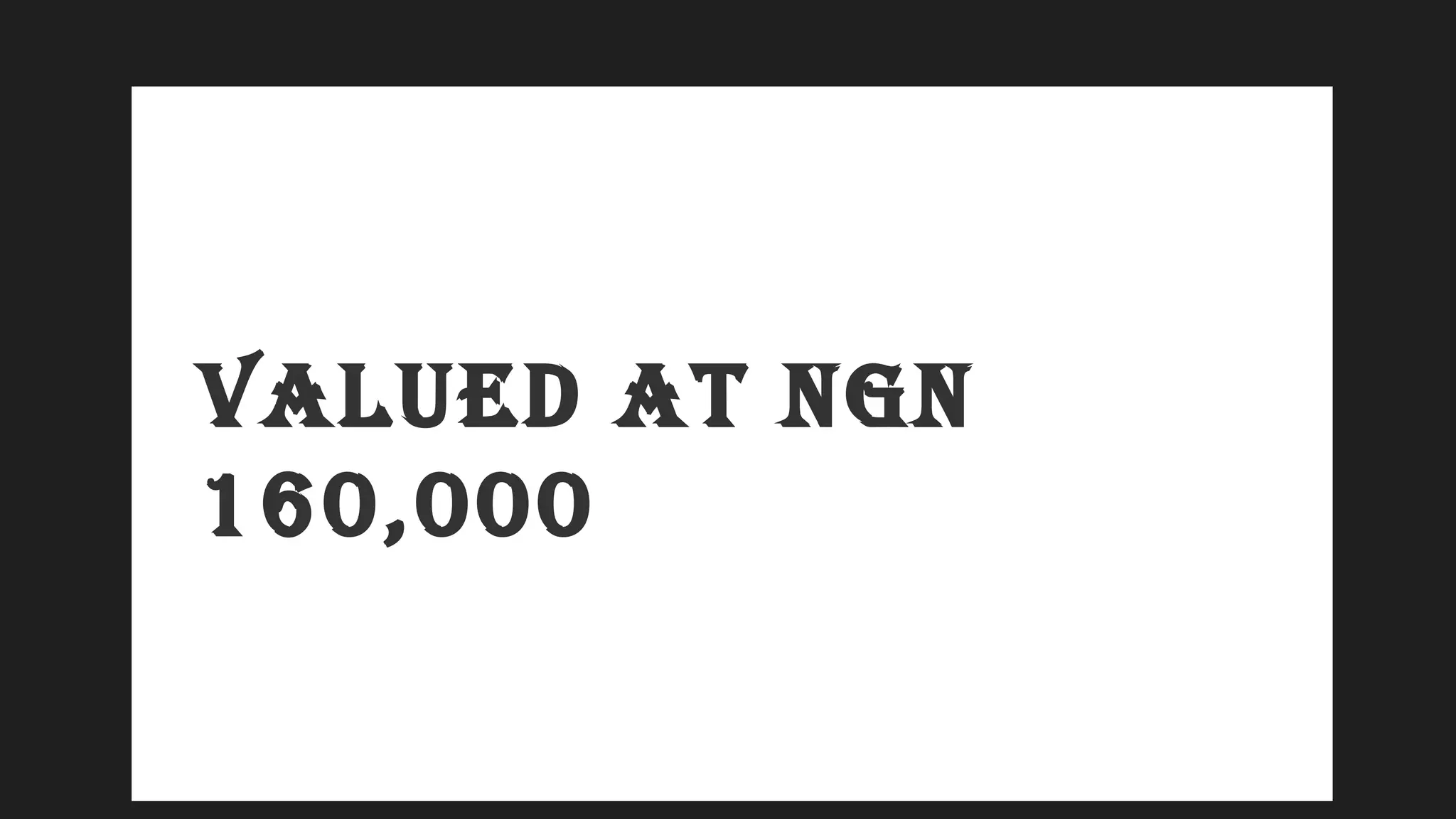
VALUED AT NGN
160,000
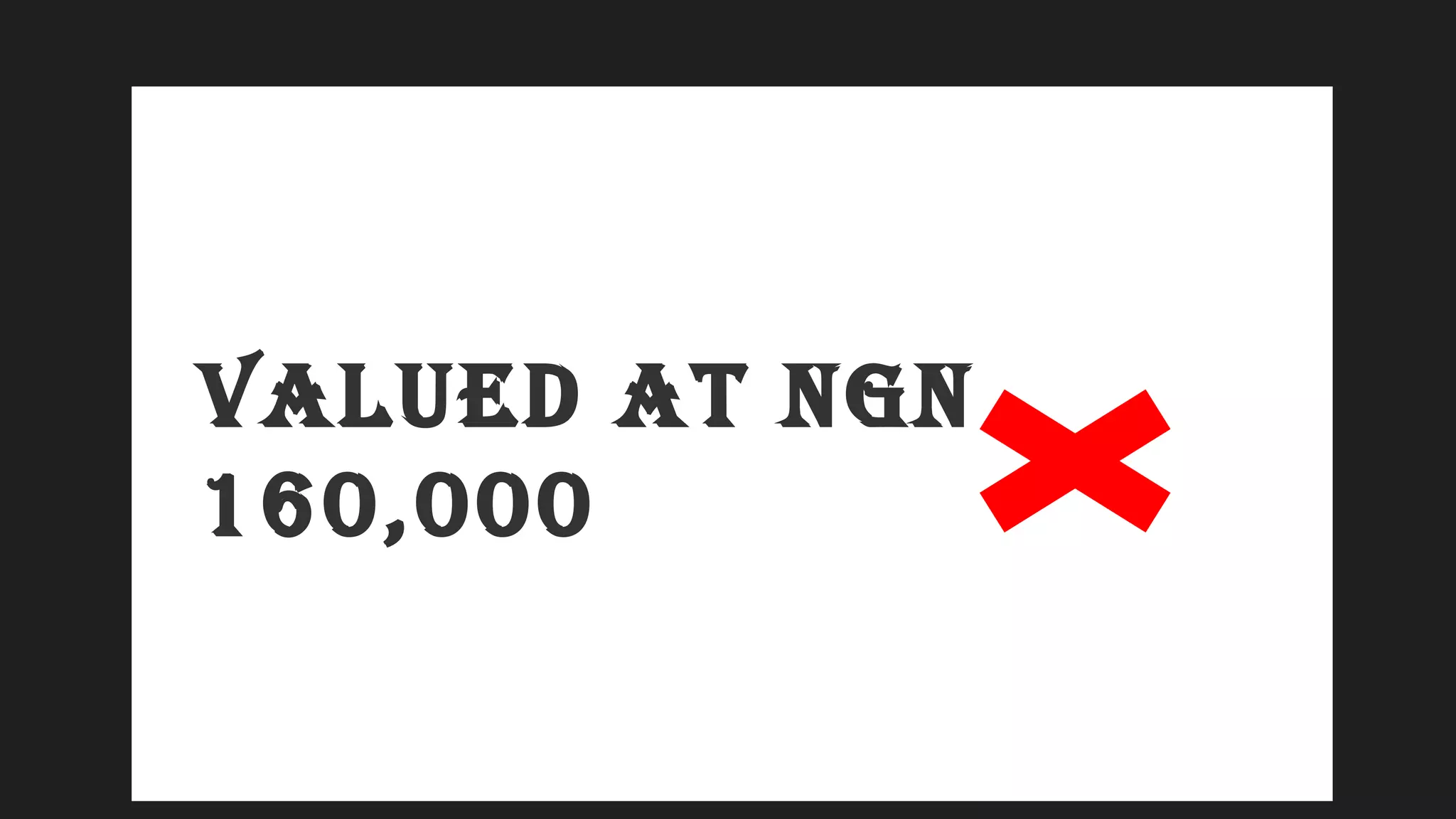
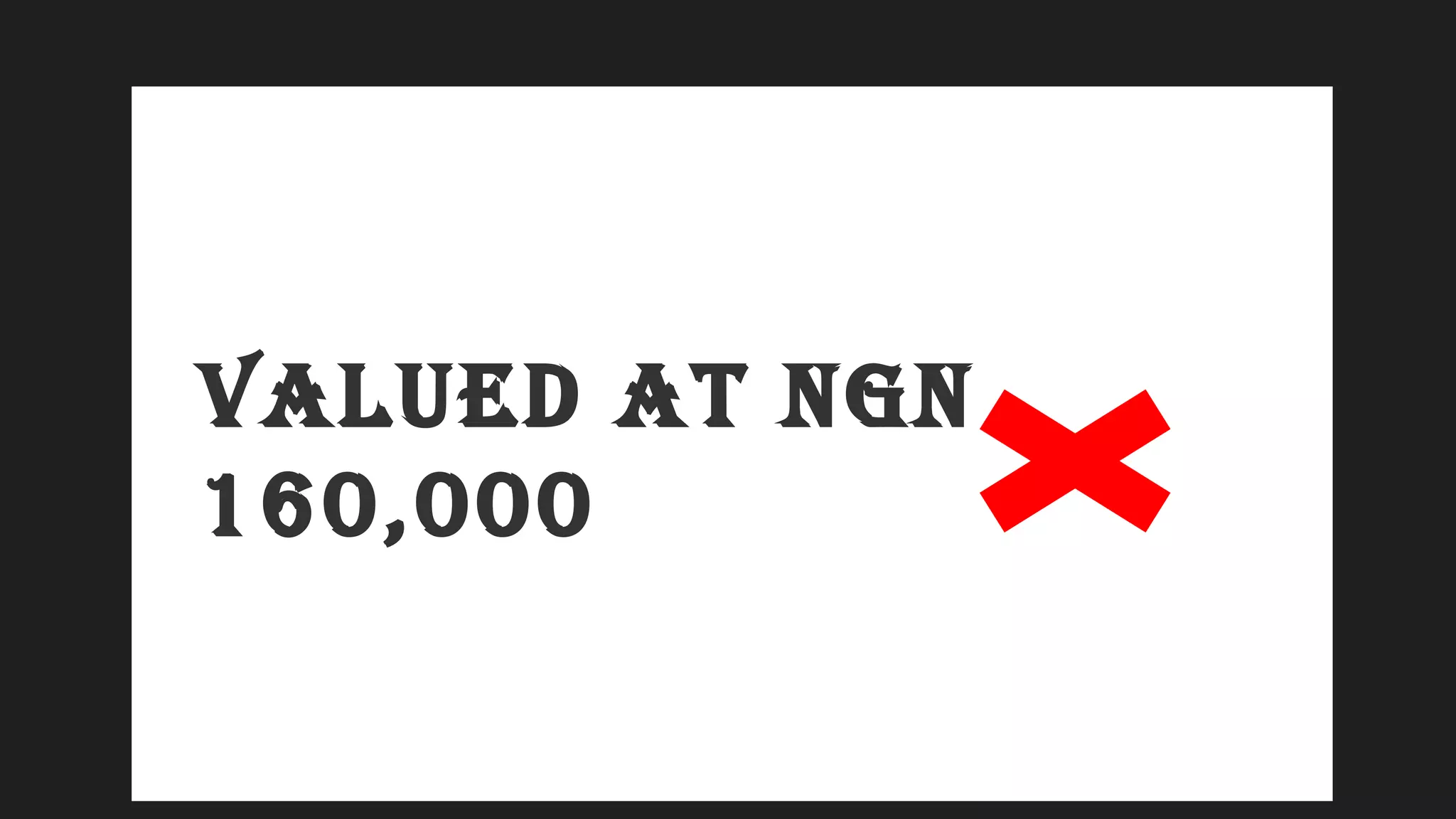
VALUED AT NGN
160,000
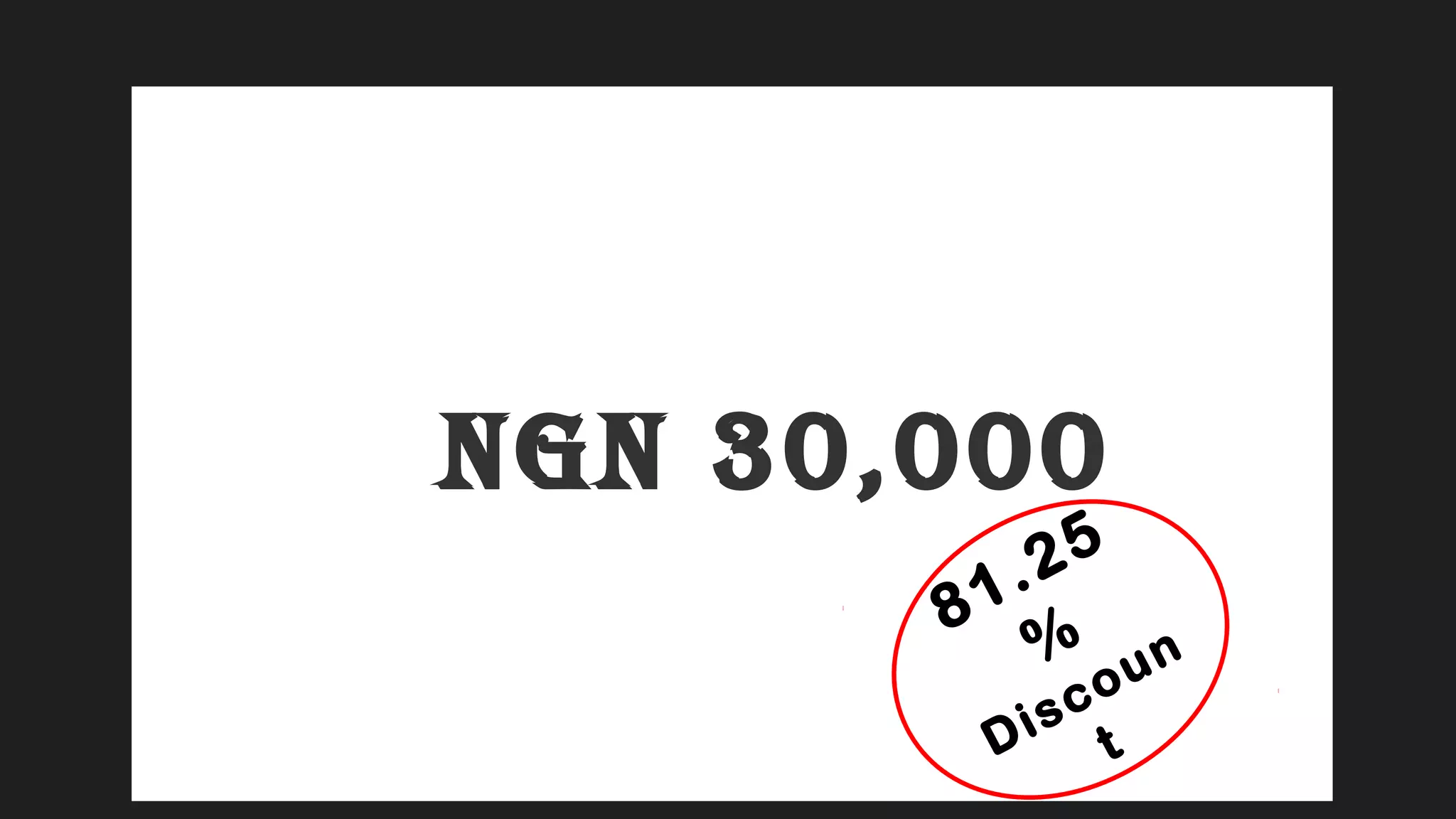
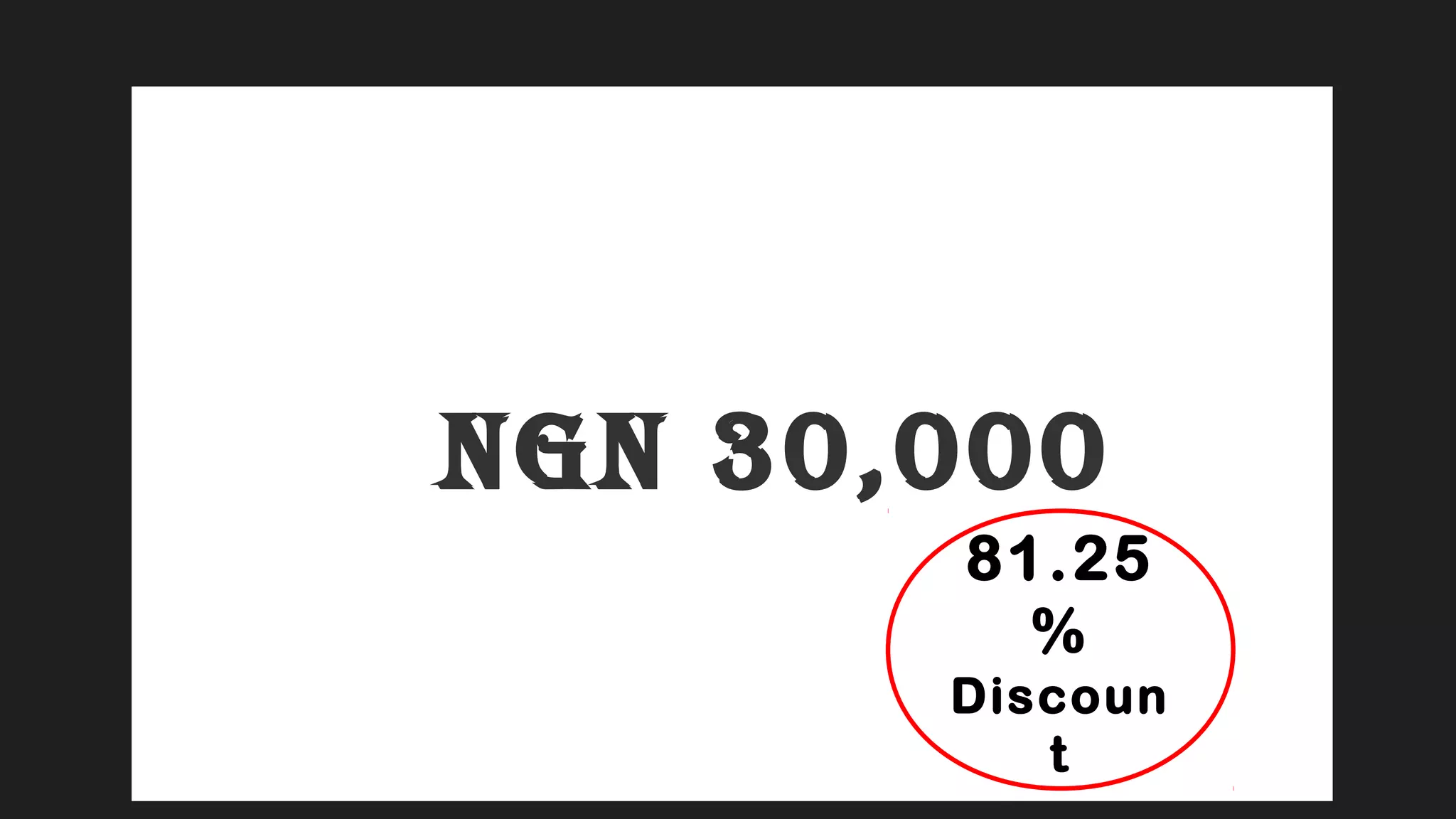
NGN 30,000
81.25
%
Discoun
t
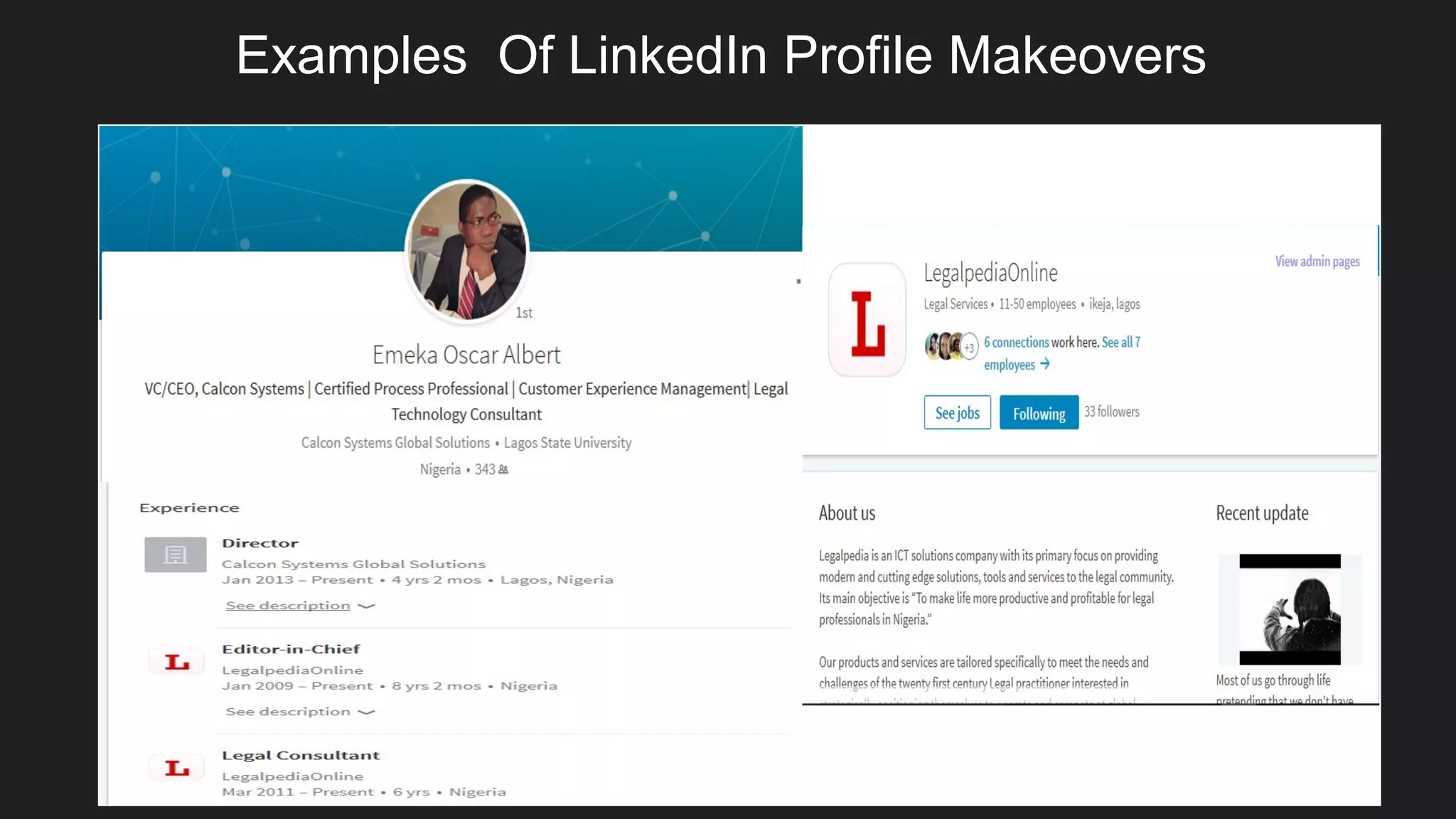
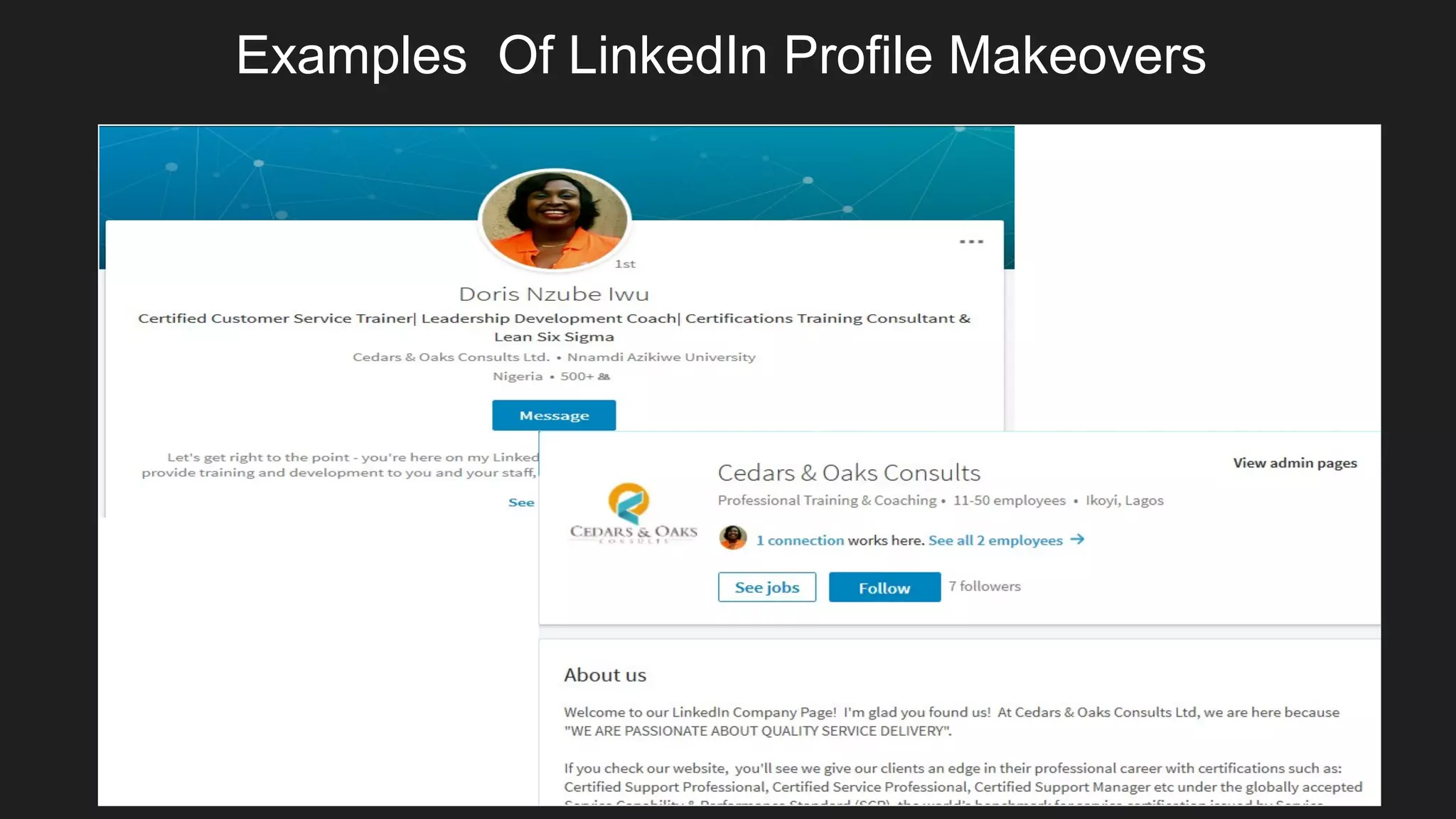
Examples Of LinkedIn Profile Makeovers
BONUSES
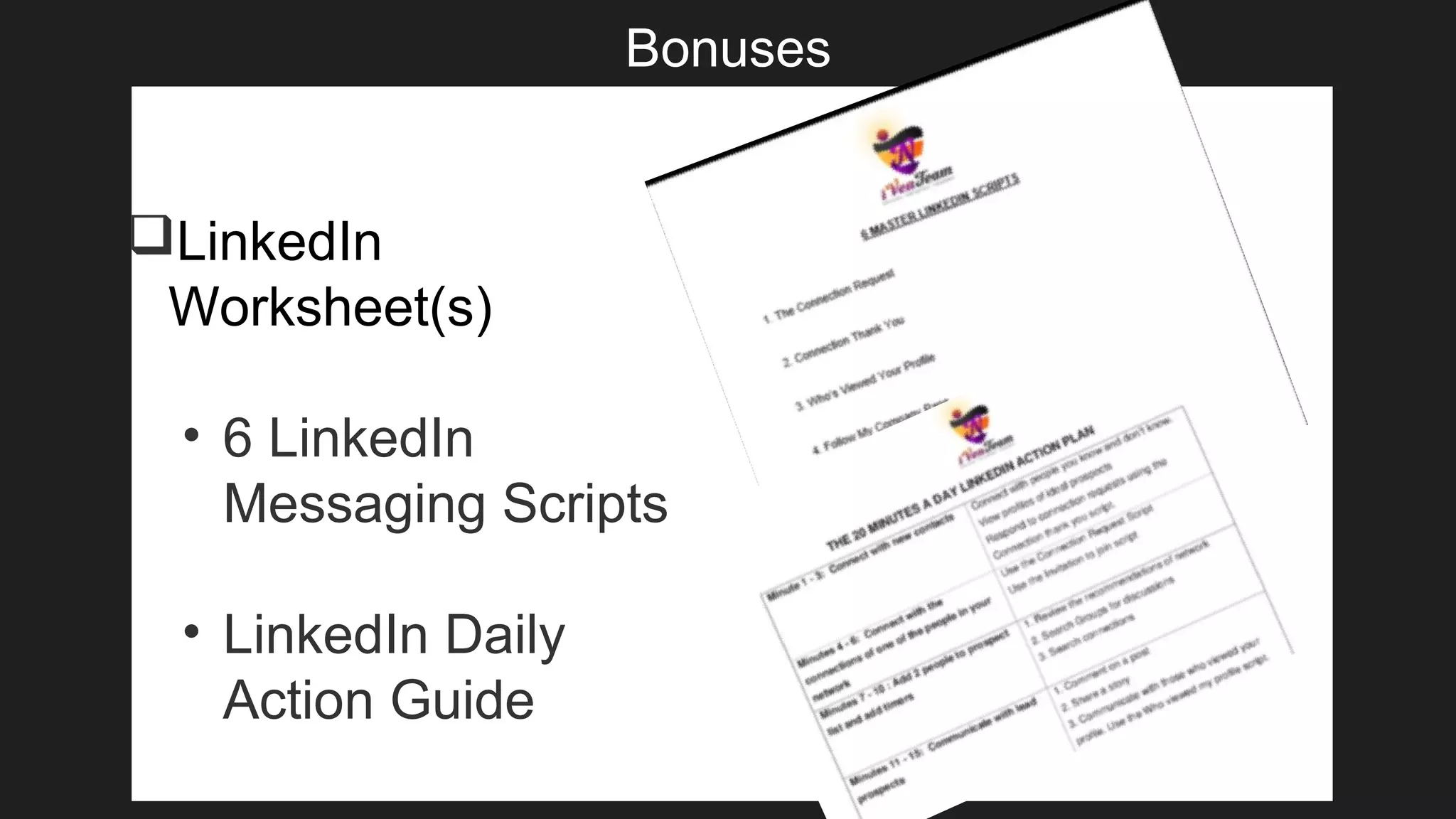
Bonuses
LinkedIn
Worksheet(s)
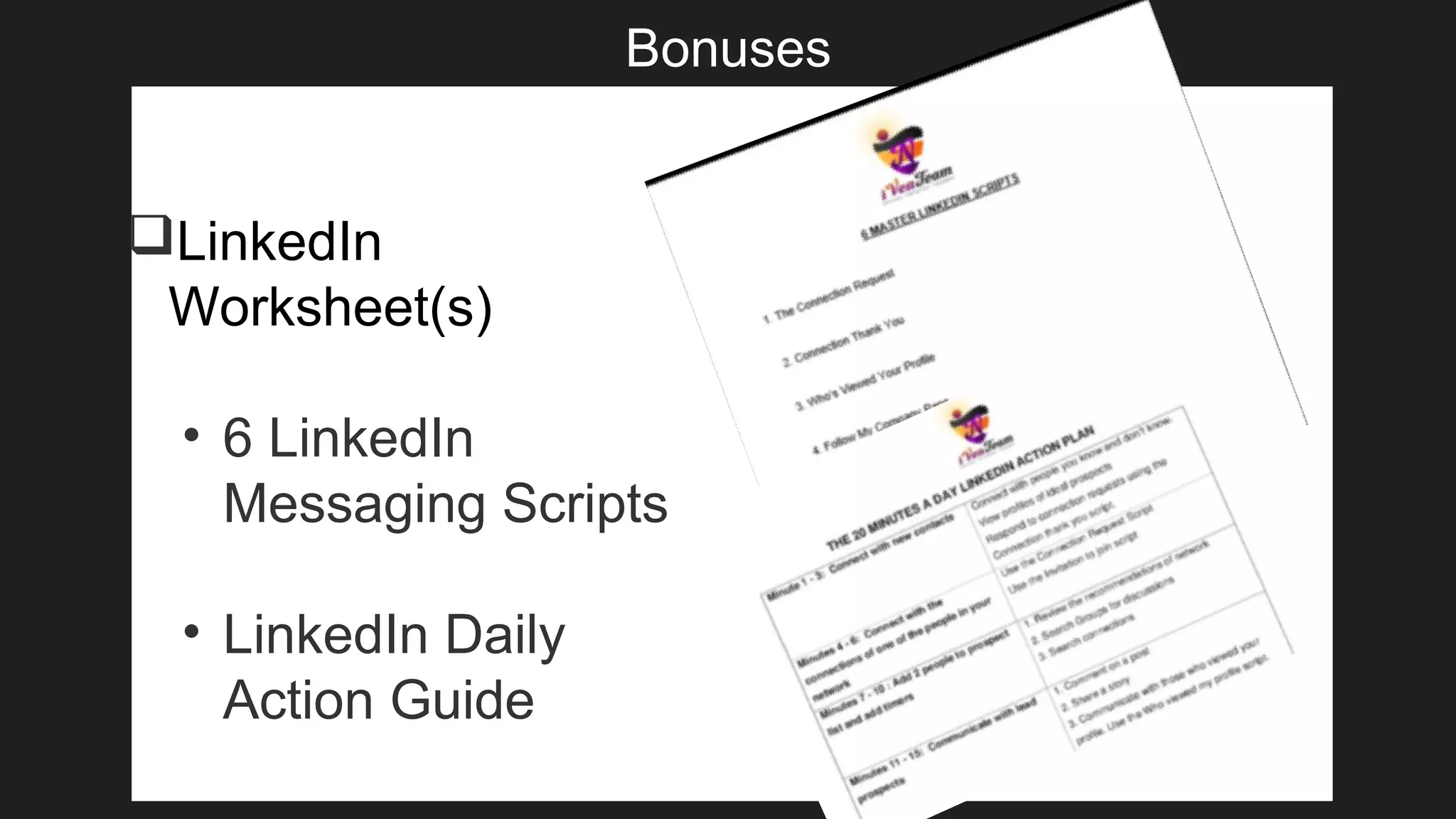
• 6 LinkedIn
Messaging Scripts
• LinkedIn Daily
Action Guide
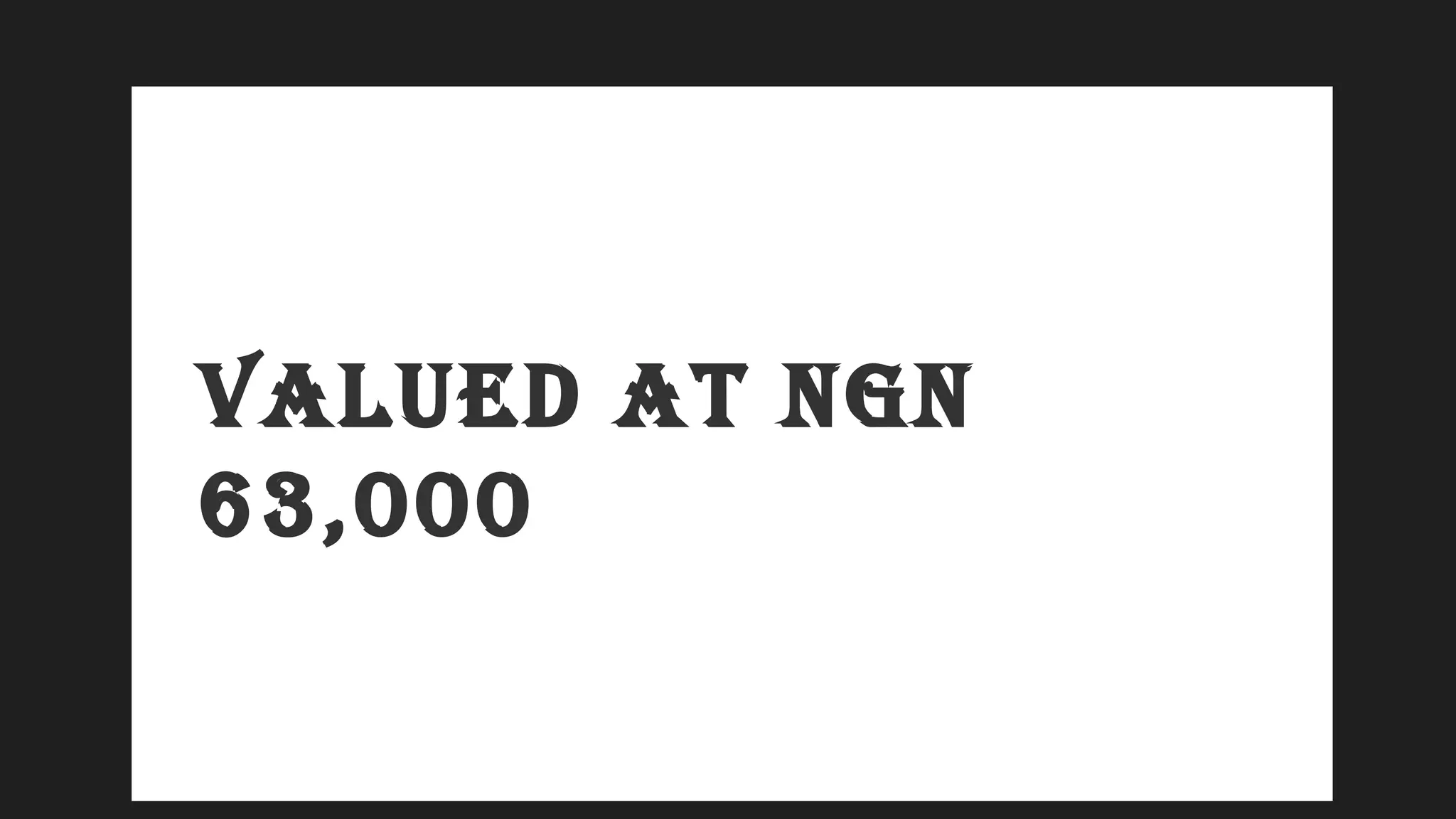
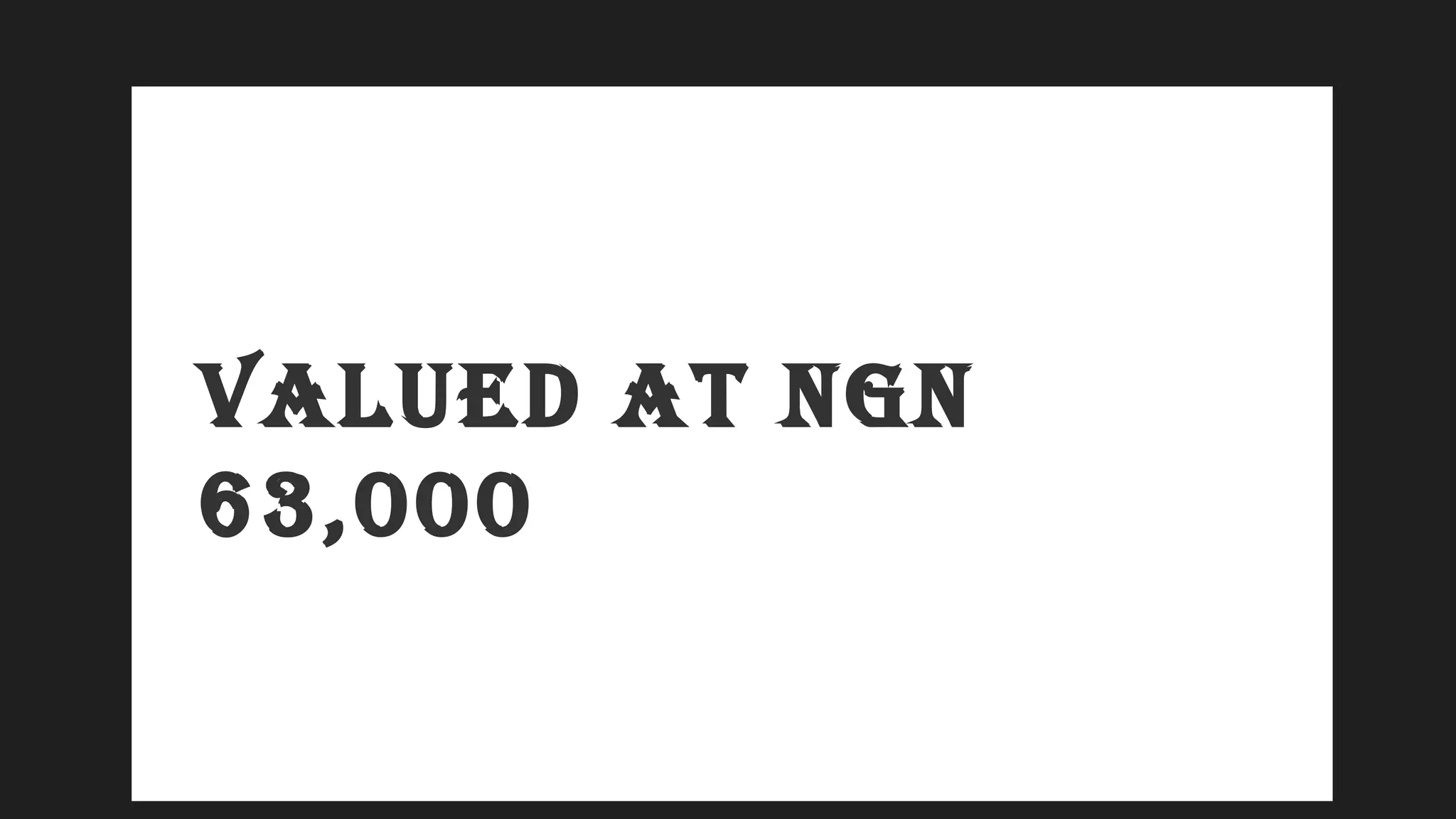
VALUED AT NGN
63,000
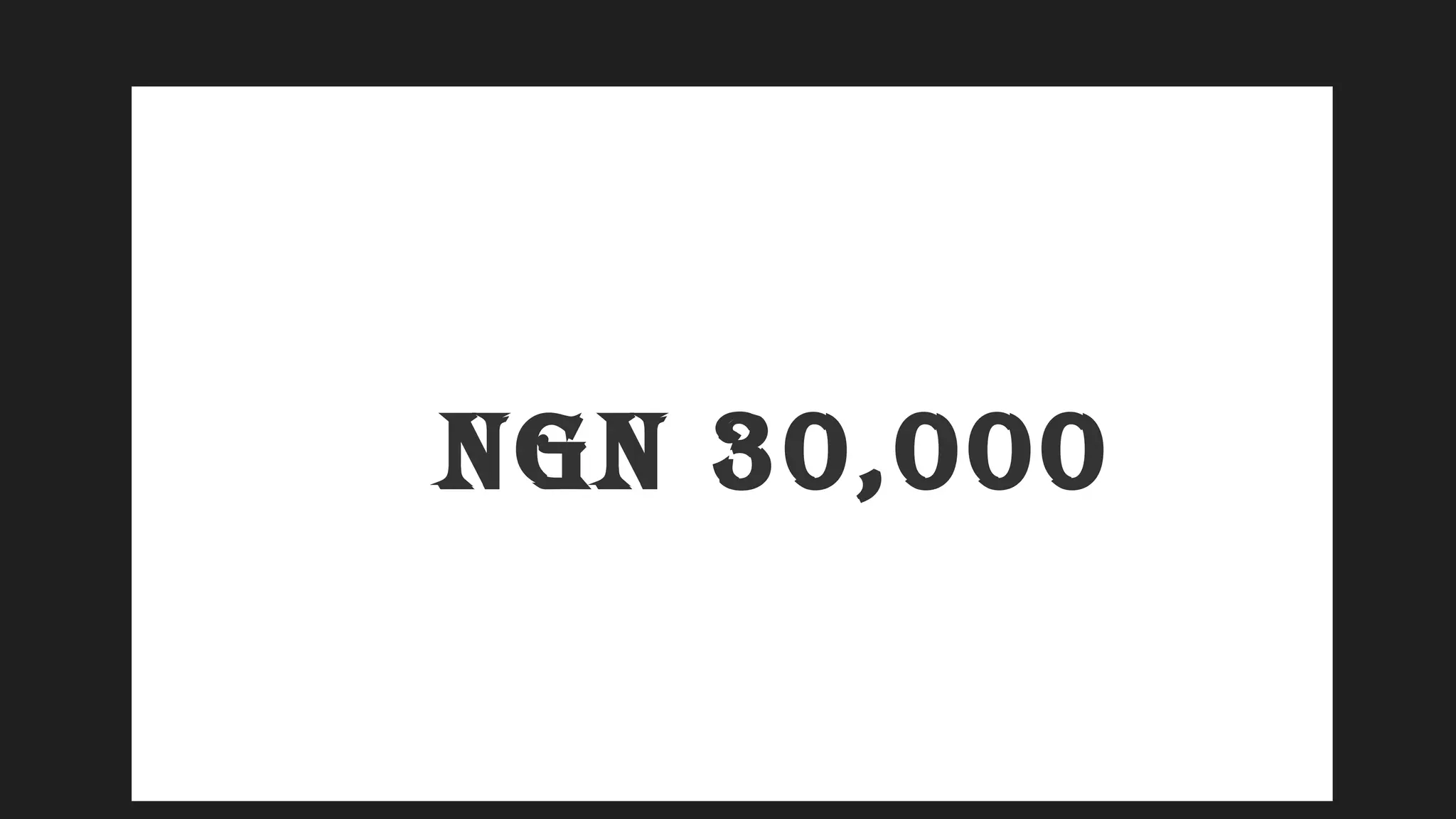
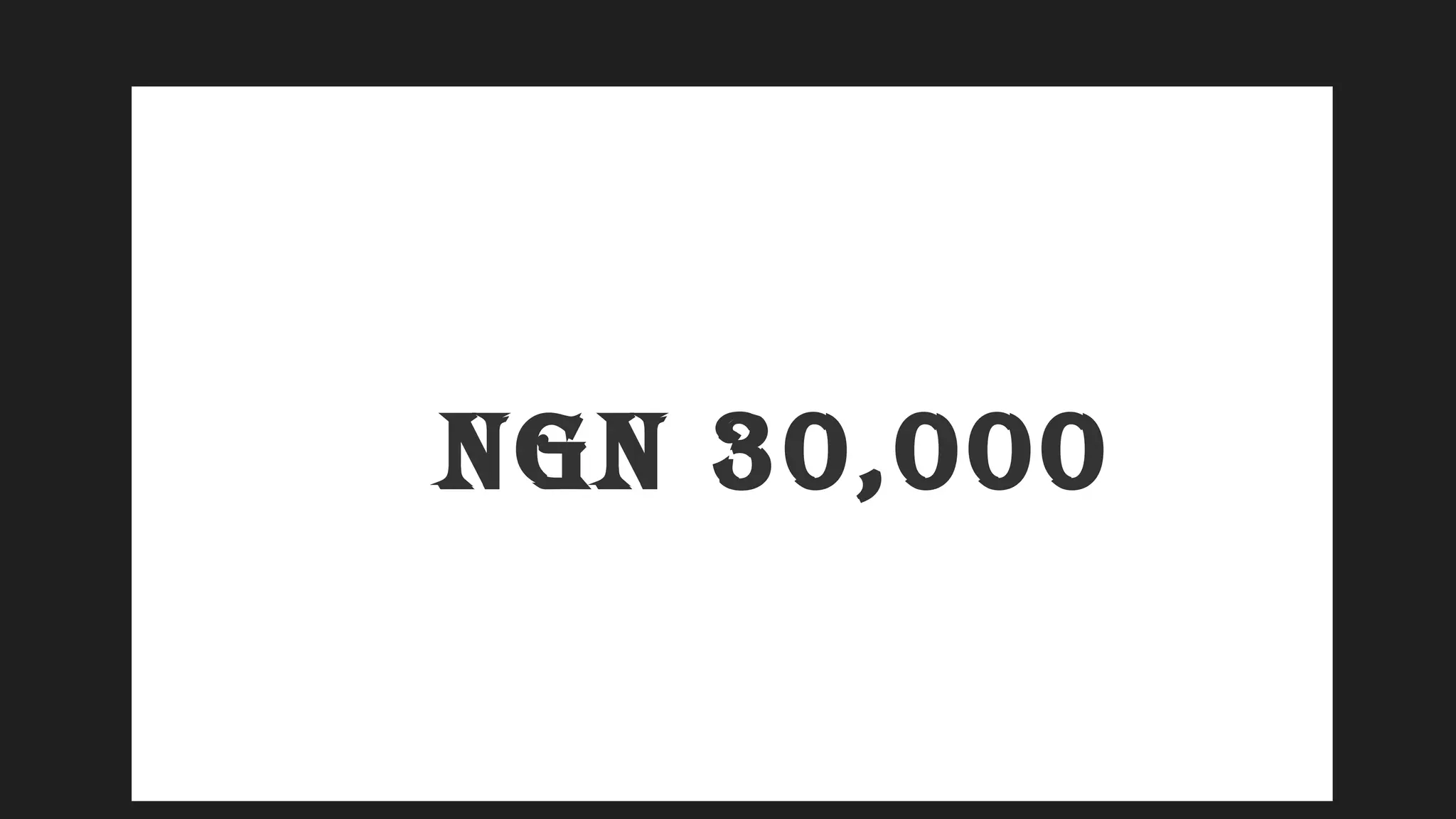
NGN 30,000
LinkedIn Profile Makeover
Client Discovery Form
 Informational Interview
Research & Audit
• Keyword Research
• Competitor Overview
• Research Report
Profile Makeover
• Headline Setup
• Contact Info Setup
• Summary Setup
Review & Strategy Session (15 minutes)
VALUED AT NGN
160,000
VALUED AT NGN
160,000
NGN 30,000
81.25
%
Discoun
t
BONUSES
Bonuses
LinkedIn
Worksheet(s)
• 6 LinkedIn
Messaging Scripts
• LinkedIn Daily
Action Guide
VALUED AT NGN
63,000
NGN 30,000
Wrapping up…
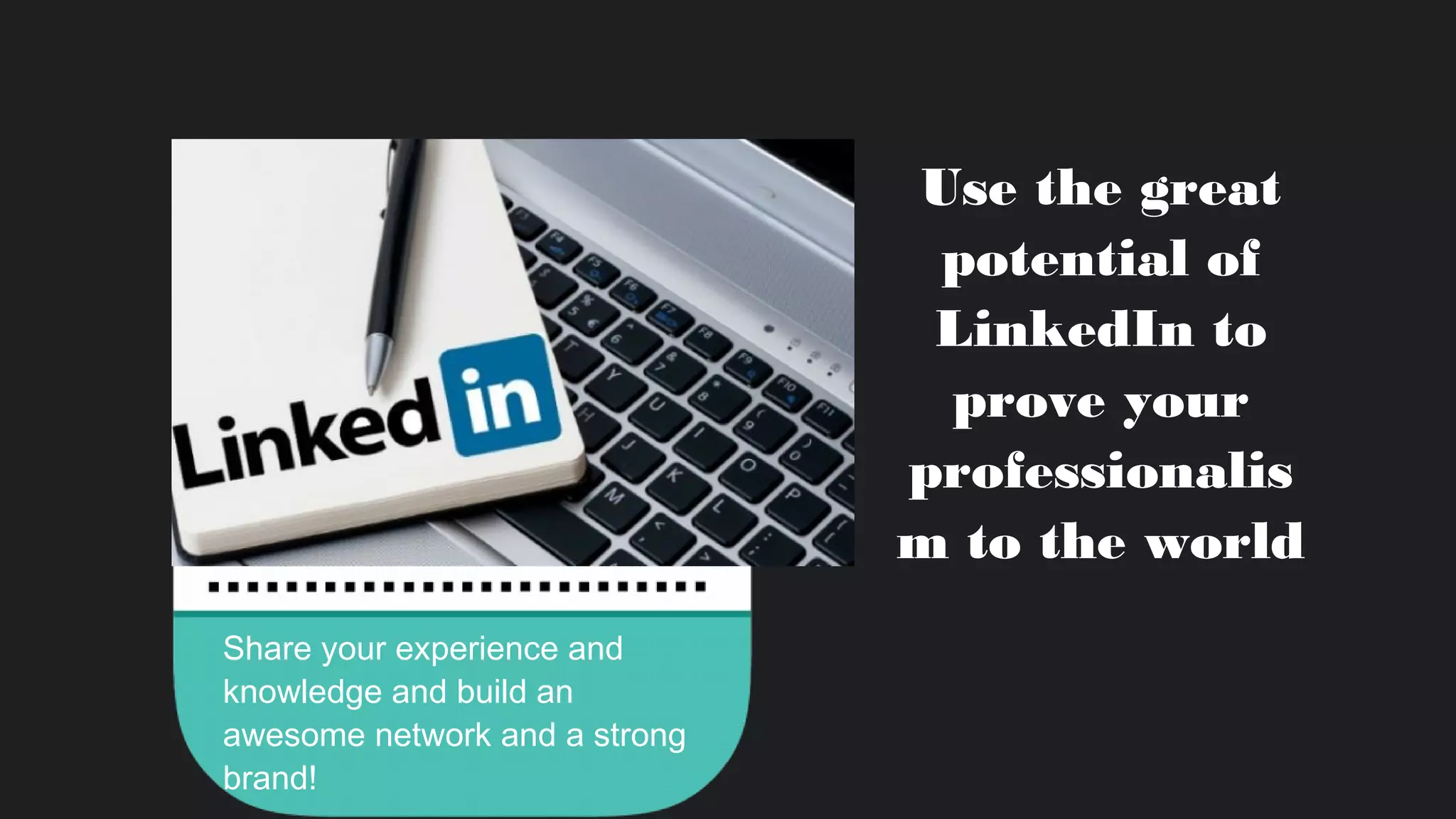
Use the great
potential of
LinkedIn to
prove your
professionalis
m to the world
Share your experience and
knowledge and build an
awesome network and a strong
brand!
How to build a strong brand on LinkedIn

How to build a strong brand on LinkedIn

Editor's Notes

  • #21 Our overall value proposition
  • #22 Our value propositions for members – three ways that LinkedIn helps its members
  • #24 An ideal starting point for connecting with your professional world is building a great profile on LinkedIn
  • #26 Select a photo that represents you professionally. This helps humanize your profile and makes you more approachable. You don’t have to enlist the help of a professional photographer – ensure you’re dressed professionally and alone in the shot and you can even take a photo with the help of a colleague.
  • #27 Select a photo that represents you professionally. This helps humanize your profile and makes you more approachable. You don’t have to enlist the help of a professional photographer – ensure you’re dressed professionally and alone in the shot and you can even take a photo with the help of a colleague.
  • #28 Your profile is the front page of your story. The headline is a great way to show your value and passion in one quick line. Inspire the viewer to read more.
  • #30 Your profile is the front page of your story. The headline is a great way to show your value and passion in one quick line. Inspire the viewer to read more.
  • #31 Adding a summary of 40 words or more makes your profile more likely to turn up in a future employer’s search. A good tip is to ensure your summary includes keywords featured in desirable job descriptions for your field. Describe your experience and tell the world why you work in your chosen career. Avoid buzzwords (examples: strategic, team player, creative) and focus on your career accomplishments.
  • #34 It’s essential to list all past experience. Your profile is 12 times more likely to be viewed if you have more than one position listed.
  • #35 Illustrate your unique professional story and achievements by adding visuals such pictures, compelling videos, links to news stories and innovative presentations to your experience section.
  • #36 Add skills – The optimal number is unique to each person. Include a mix of high level and niche skills and be specific. Get Endorsements -Add skills that your connections can endorse you for and recognize those you’ve worked with on their professional skills. There are over 3 billion endorsements given to date on LinkedIn.
  • #38 Adding causes and volunteer experience is a great way to round out your professional identity. Almost half of all hiring managers say they view volunteer experience as equivalent to formal work experience.
  • #73 The usage of our platform has dramatically shifted and content now gets 7x more engagement than jobs on LinkedIn. Today, we are the definitive platform for professionals to gain and share content and insights.
  • #85 There are many ways for your to share what you know on LinkedIn, and to also learn from others who are sharing their expertise. I am going to dive deeper into a couple of these. SlideShare – upload you presentations, or infographics. New functionality now where you can with one click from SlideShare, add a presentation to your LinkedIn profile Groups – We have over 2.1M groups on LinkedIn – connect with other professionals with similar interests to you. Collaborate, share, discuss Pulse – Consume content on the topics that interest you. Influencers – Follow industry influencers We also have member publishing, which hopefully you’ve heard of. We’re going to dive deeper into that in a little bit.
  • #86 Upload your latest presentations to SlideShare to share your perspective and key information with other professionals worldwide
  • #87 Look for groups relating to your industry, function, and career interest –– then join a few to stay up to date on trending topics and news. Build a solid professional reputation by sharing your ideas and commenting on others’ posts and providing advice where appropriate.
  • #91 Look for groups relating to your industry, function, and career interest –– then join a few to stay up to date on trending topics and news. Build a solid professional reputation by sharing your ideas and commenting on others’ posts and providing advice where appropriate.
  • #92 Keep up to date on industry news and articles on LinkedIn that will make you better at the job you have now.