OpenSpan Proof of Concept
OpenSpan POC Use Case Overview
• Auto Login functionality
• Unified Composite View
• Account Inquiry Across Web CSR and
Salesforce.com
• Authenticate Caller
• Get Specific Account Details
• Create New Salesforce.com Contact Record
• Create New Case in Salesforce.com and Web CSR
• Auto Notes – Call Wrap up
2
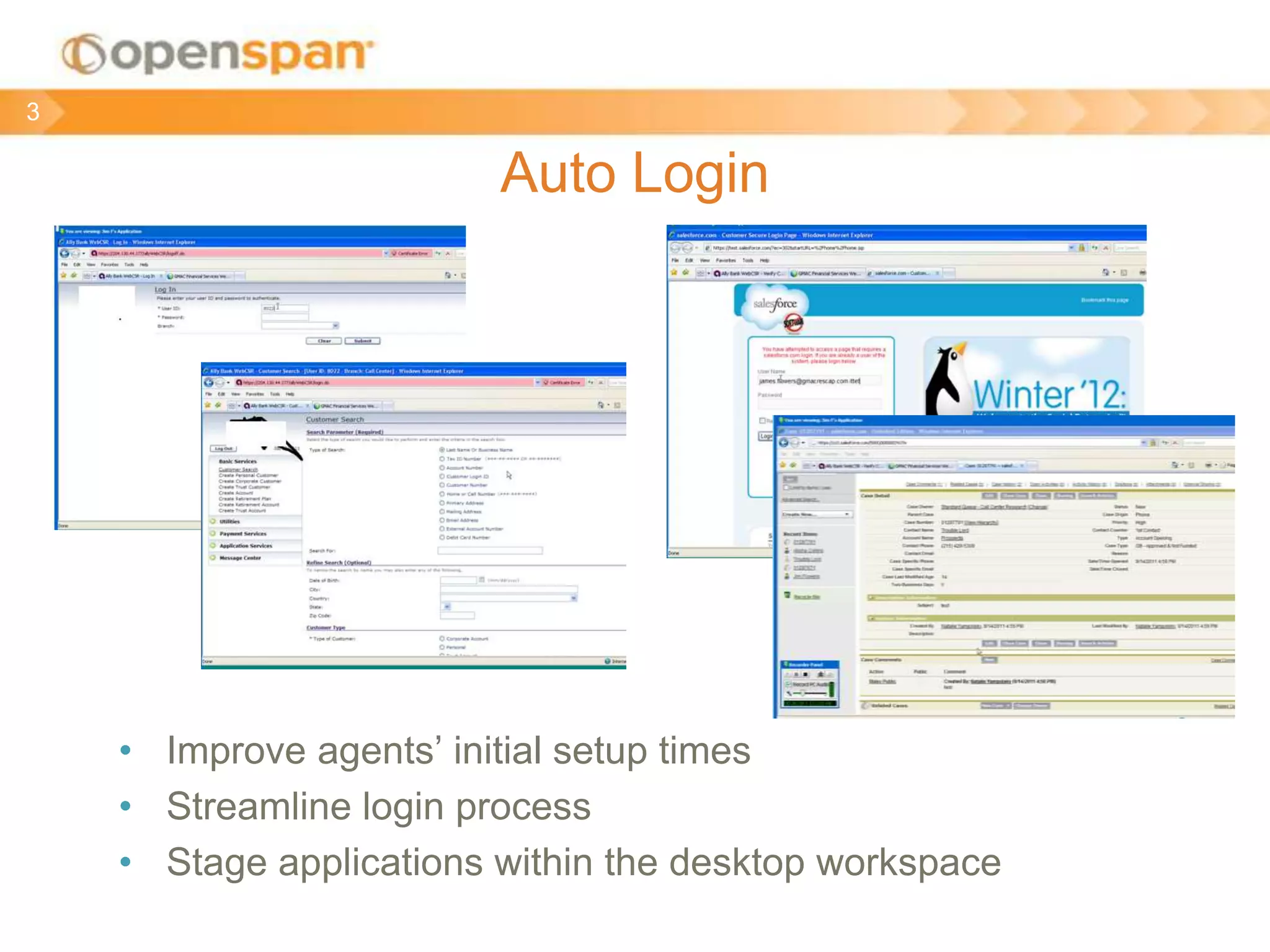
Auto Login
• Improve agents’ initial setup times
• Streamline login process
• Stage applications within the desktop workspace
3
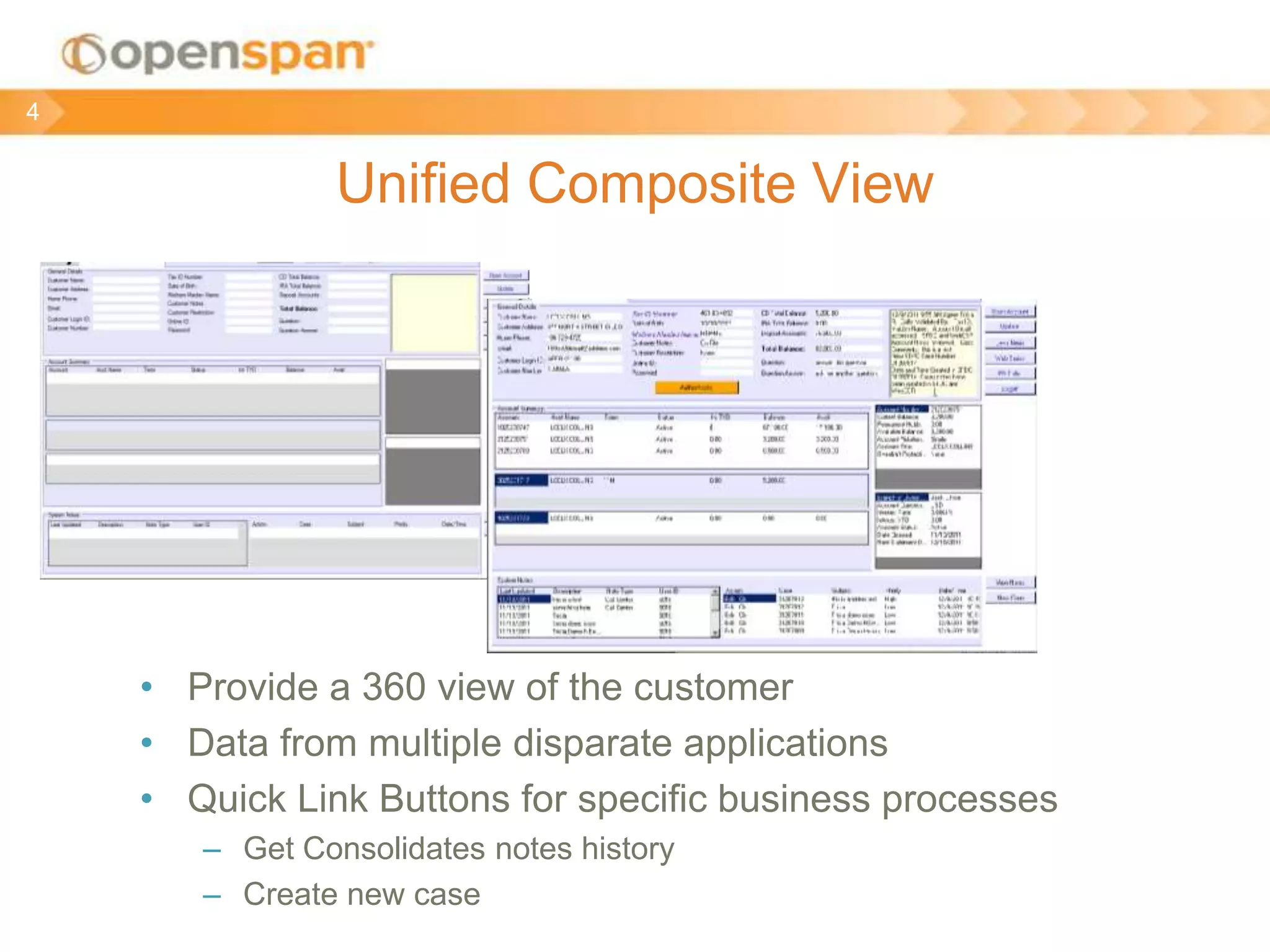
Unified Composite View
• Provide a 360 view of the customer
• Data from multiple disparate applications
• Quick Link Buttons for specific business processes
– Get Consolidates notes history
– Create new case
4
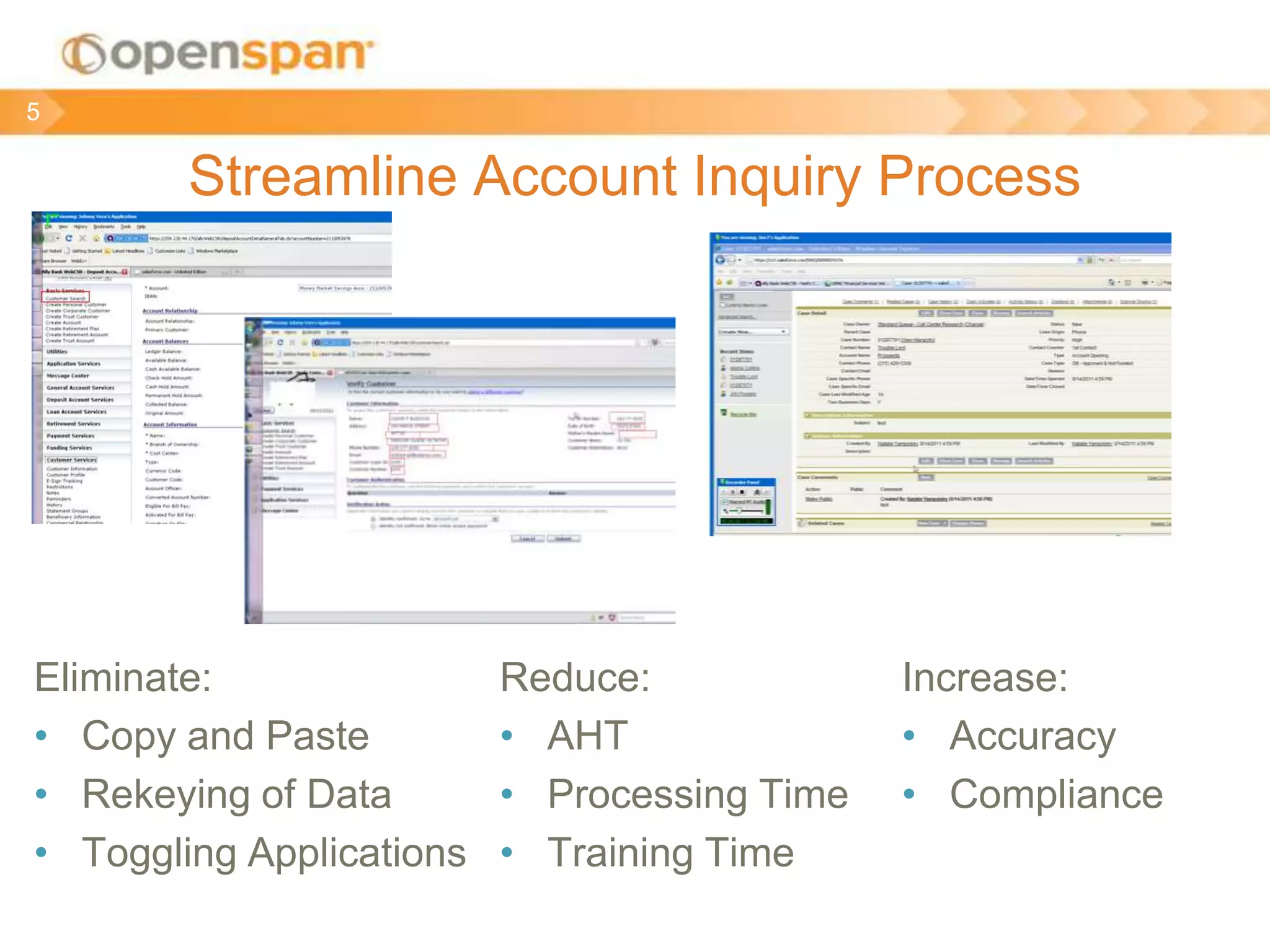
Streamline Account Inquiry Process
Eliminate:
• Copy and Paste
• Rekeying of Data
• Toggling Applications
5
Reduce:
• AHT
• Processing Time
• Training Time
Increase:
• Accuracy
• Compliance
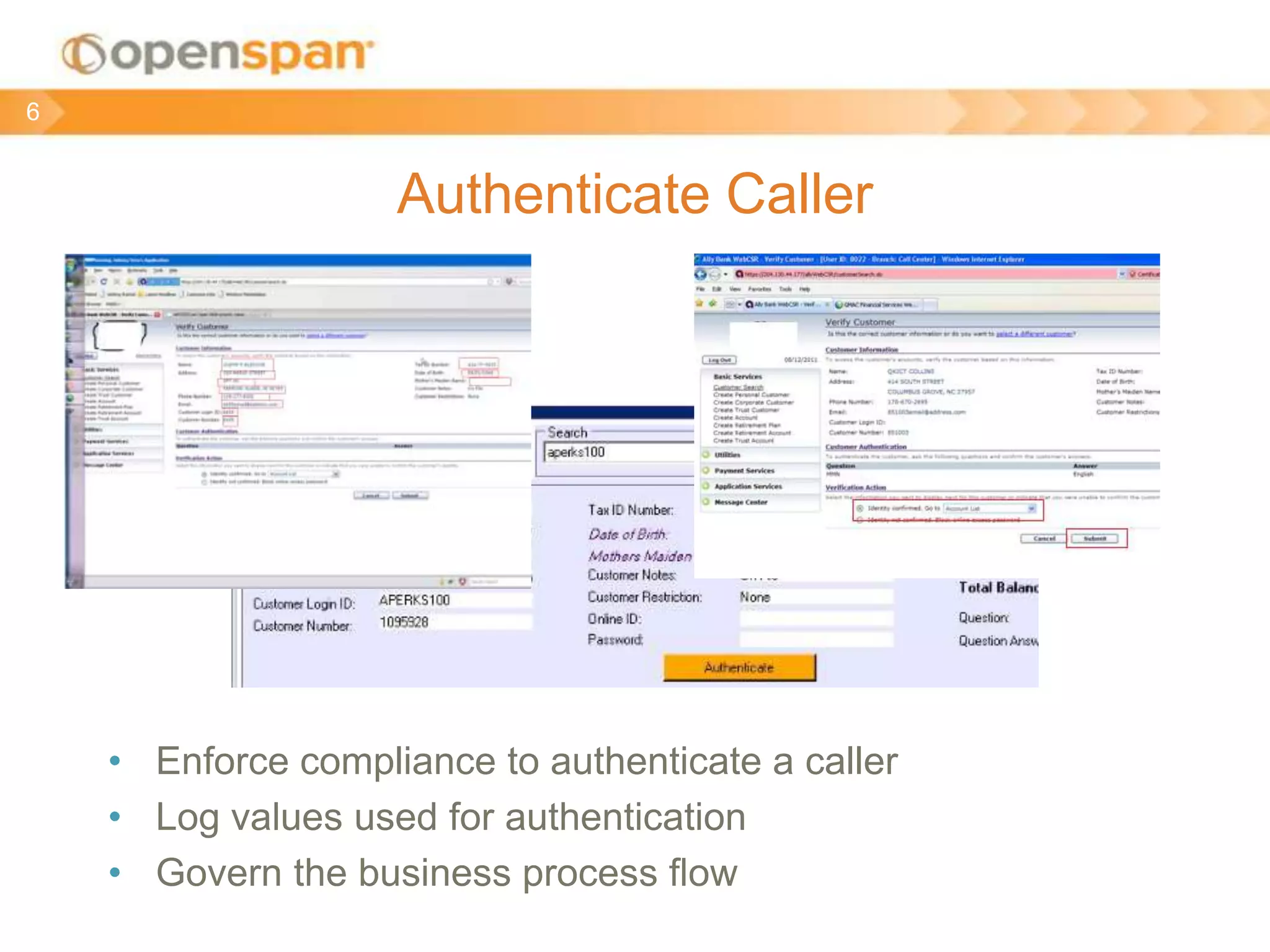
Authenticate Caller
• Enforce compliance to authenticate a caller
• Log values used for authentication
• Govern the business process flow
6
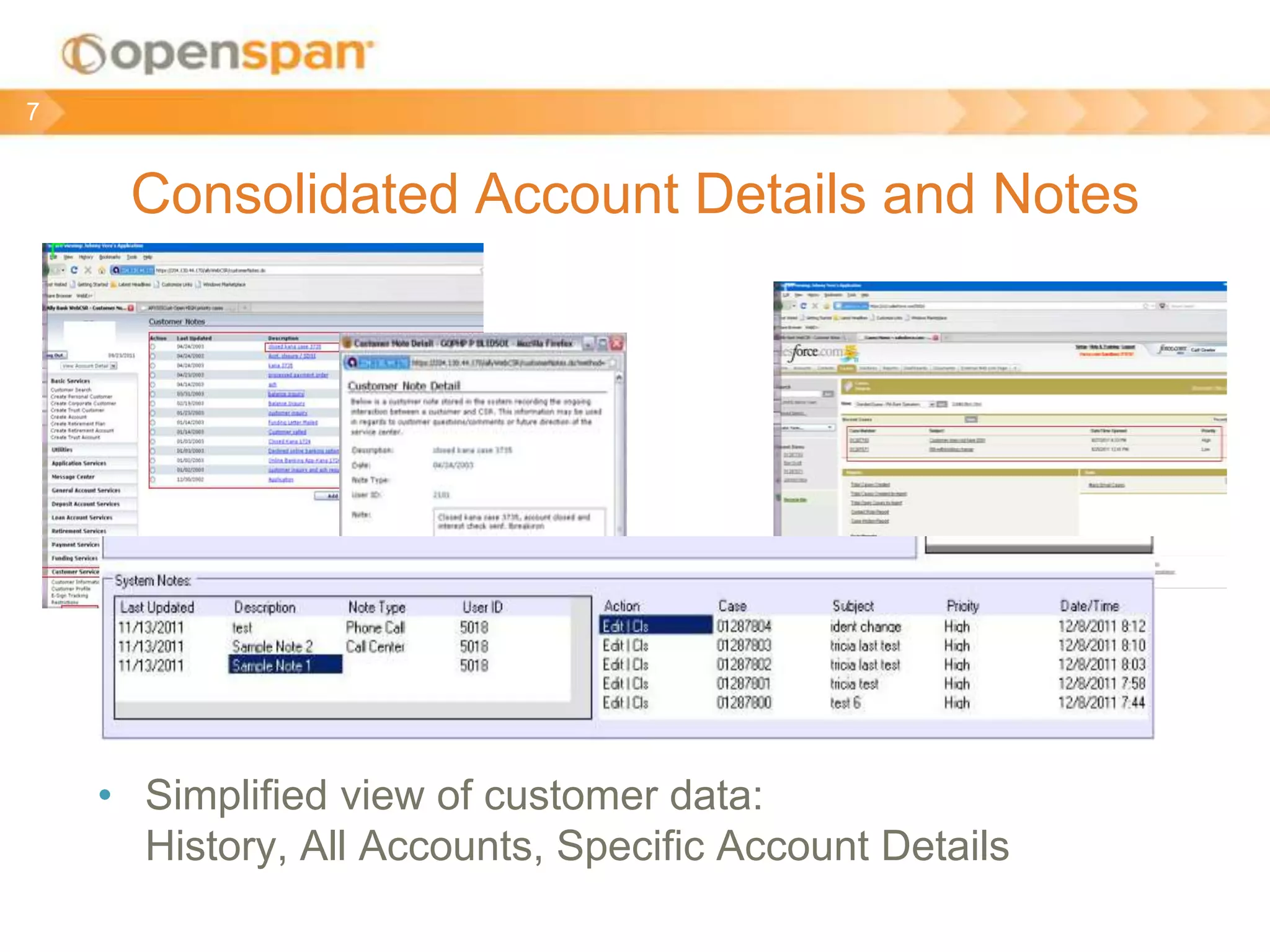
Consolidated Account Details and Notes
• Simplified view of customer data:
History, All Accounts, Specific Account Details
7
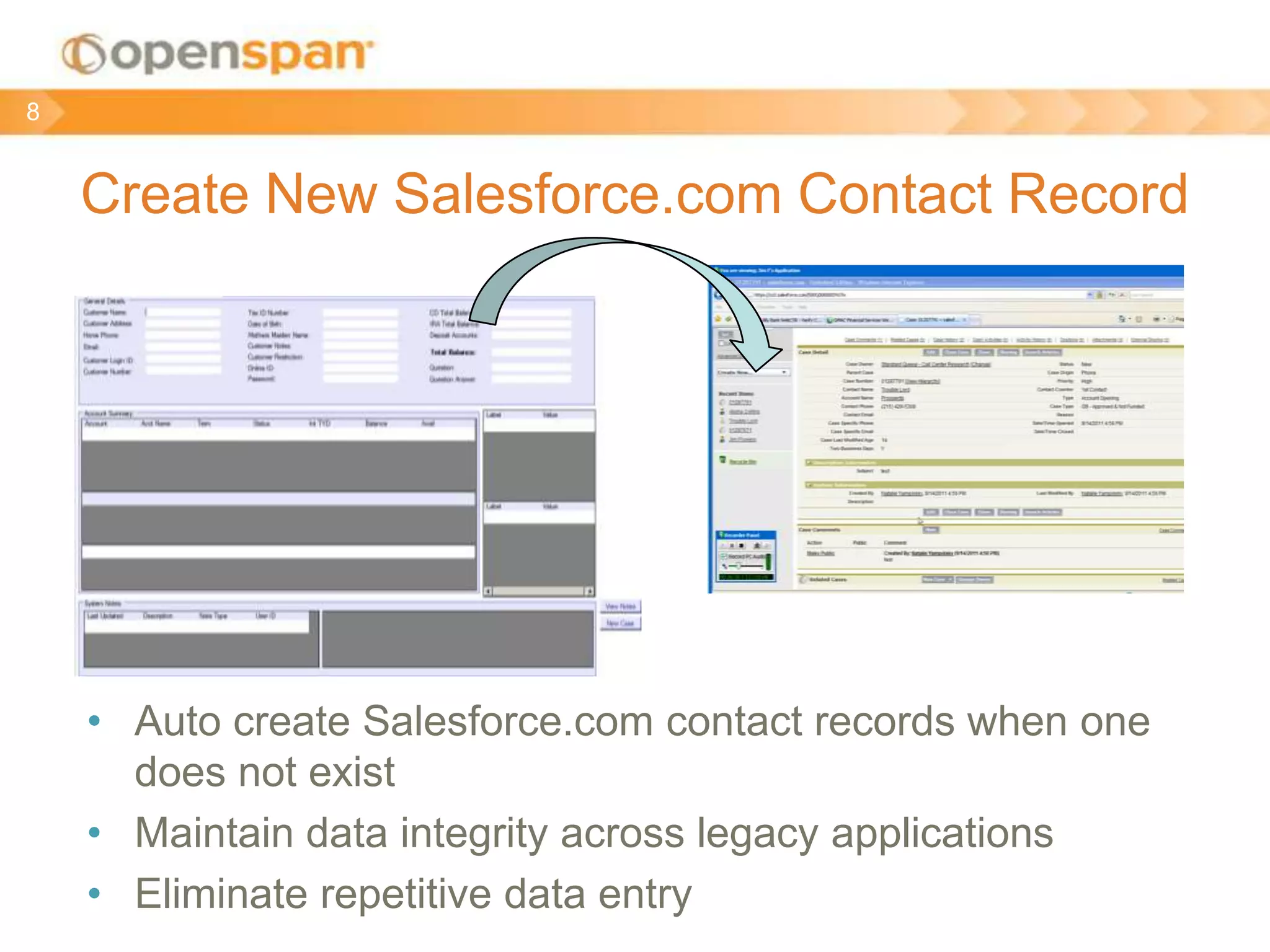
Create New Salesforce.com Contact Record
8
• Auto create Salesforce.com contact records when one
does not exist
• Maintain data integrity across legacy applications
• Eliminate repetitive data entry
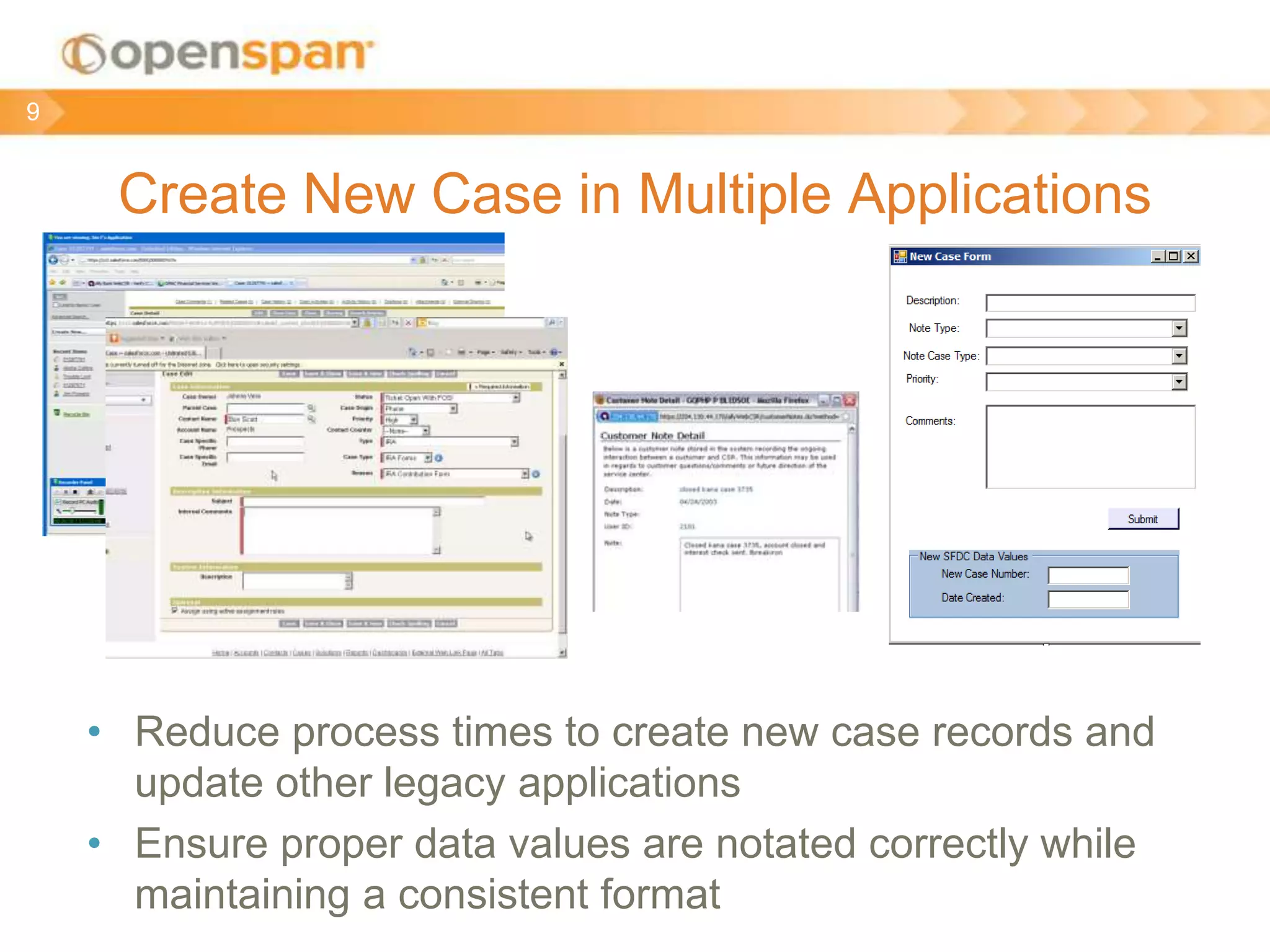
Create New Case in Multiple Applications
• Reduce process times to create new case records and
update other legacy applications
• Ensure proper data values are notated correctly while
maintaining a consistent format
9
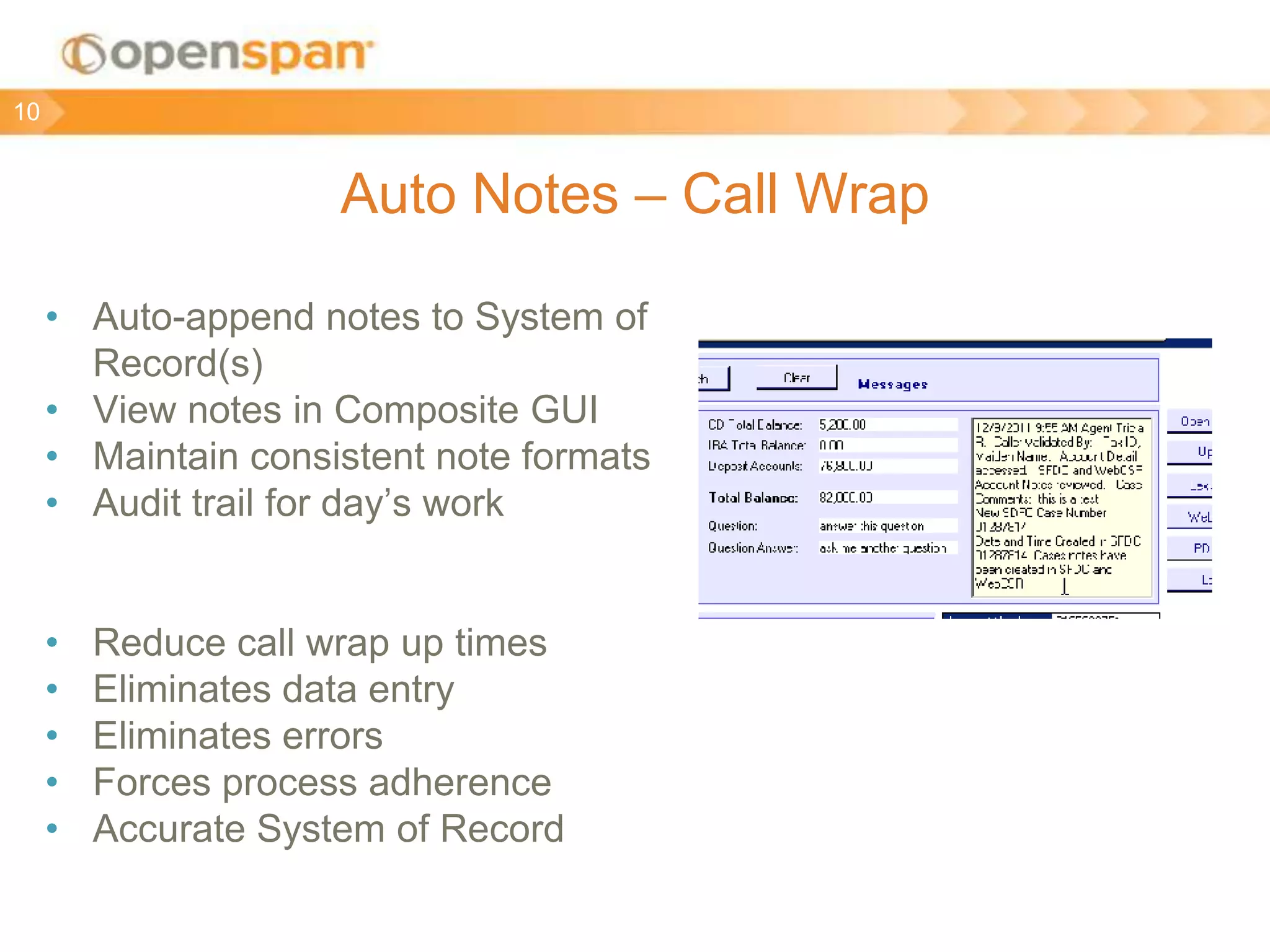
Auto Notes – Call Wrap
• Auto-append notes to System of
Record(s)
• View notes in Composite GUI
• Maintain consistent note formats
• Audit trail for day’s work
• Reduce call wrap up times
• Eliminates data entry
• Eliminates errors
• Forces process adherence
• Accurate System of Record
10
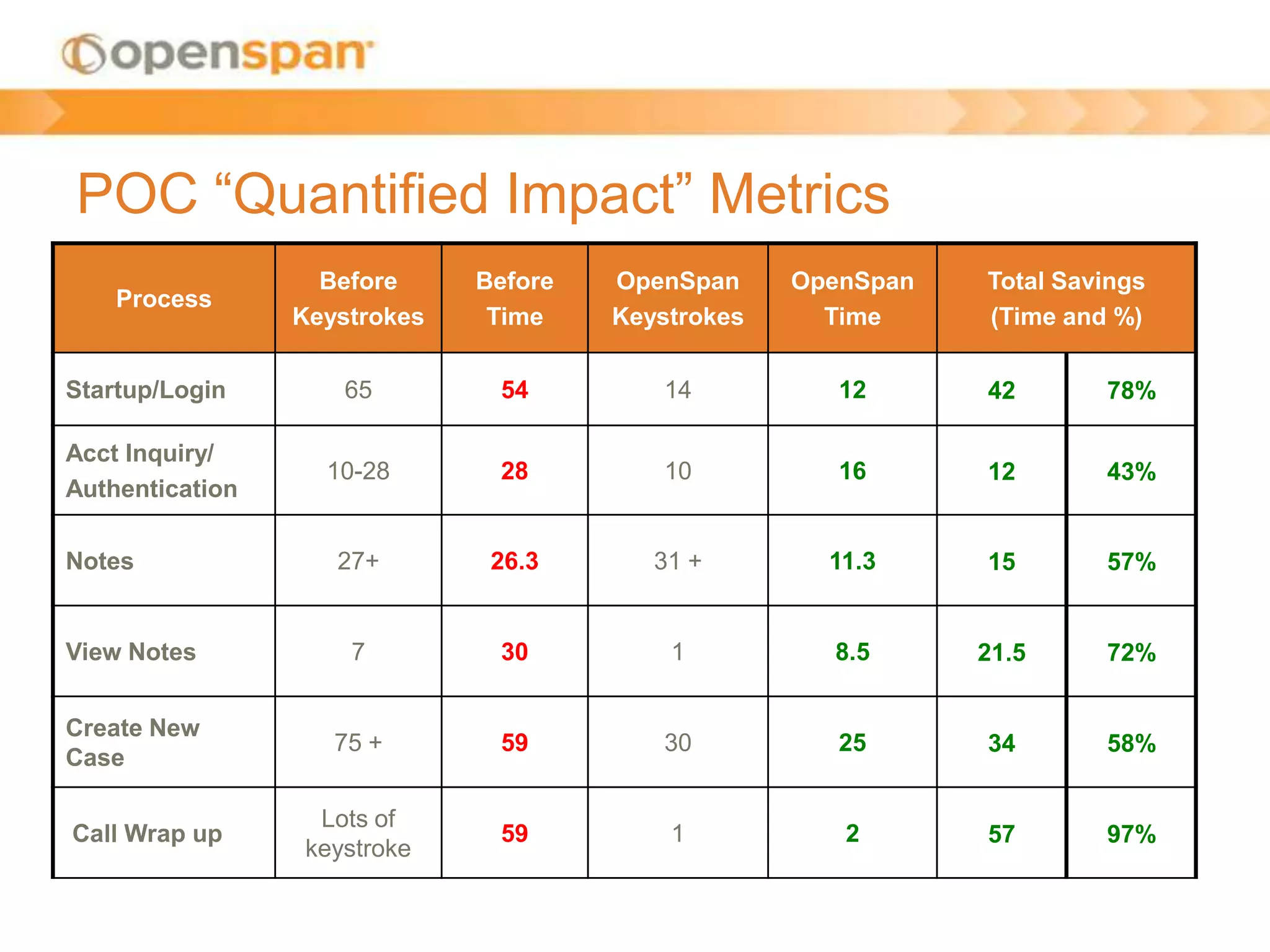
POC “Quantified Impact” Metrics
Process
Before
Keystrokes
Before
Time
OpenSpan
Keystrokes
OpenSpan
Time
Total Savings
(Time and %)
Startup/Login 65 54 14 12 42 78%
Acct Inquiry/
Authentication
10-28 28 10 16 12 43%
Notes 27+ 26.3 31 + 11.3 15 57%
View Notes 7 30 1 8.5 21.5 72%
Create New
Case
75 + 59 30 25 34 58%
Call Wrap up
Lots of
keystroke
59 1 2 57 97%

OpenSpan POC

  • 1.
  • 2.
    OpenSpan POC UseCase Overview • Auto Login functionality • Unified Composite View • Account Inquiry Across Web CSR and Salesforce.com • Authenticate Caller • Get Specific Account Details • Create New Salesforce.com Contact Record • Create New Case in Salesforce.com and Web CSR • Auto Notes – Call Wrap up 2
  • 3.
    Auto Login • Improveagents’ initial setup times • Streamline login process • Stage applications within the desktop workspace 3
  • 4.
    Unified Composite View •Provide a 360 view of the customer • Data from multiple disparate applications • Quick Link Buttons for specific business processes – Get Consolidates notes history – Create new case 4
  • 5.
    Streamline Account InquiryProcess Eliminate: • Copy and Paste • Rekeying of Data • Toggling Applications 5 Reduce: • AHT • Processing Time • Training Time Increase: • Accuracy • Compliance
  • 6.
    Authenticate Caller • Enforcecompliance to authenticate a caller • Log values used for authentication • Govern the business process flow 6
  • 7.
    Consolidated Account Detailsand Notes • Simplified view of customer data: History, All Accounts, Specific Account Details 7
  • 8.
    Create New Salesforce.comContact Record 8 • Auto create Salesforce.com contact records when one does not exist • Maintain data integrity across legacy applications • Eliminate repetitive data entry
  • 9.
    Create New Casein Multiple Applications • Reduce process times to create new case records and update other legacy applications • Ensure proper data values are notated correctly while maintaining a consistent format 9
  • 10.
    Auto Notes –Call Wrap • Auto-append notes to System of Record(s) • View notes in Composite GUI • Maintain consistent note formats • Audit trail for day’s work • Reduce call wrap up times • Eliminates data entry • Eliminates errors • Forces process adherence • Accurate System of Record 10
  • 11.
    POC “Quantified Impact”Metrics Process Before Keystrokes Before Time OpenSpan Keystrokes OpenSpan Time Total Savings (Time and %) Startup/Login 65 54 14 12 42 78% Acct Inquiry/ Authentication 10-28 28 10 16 12 43% Notes 27+ 26.3 31 + 11.3 15 57% View Notes 7 30 1 8.5 21.5 72% Create New Case 75 + 59 30 25 34 58% Call Wrap up Lots of keystroke 59 1 2 57 97%