Downloaded 46 times
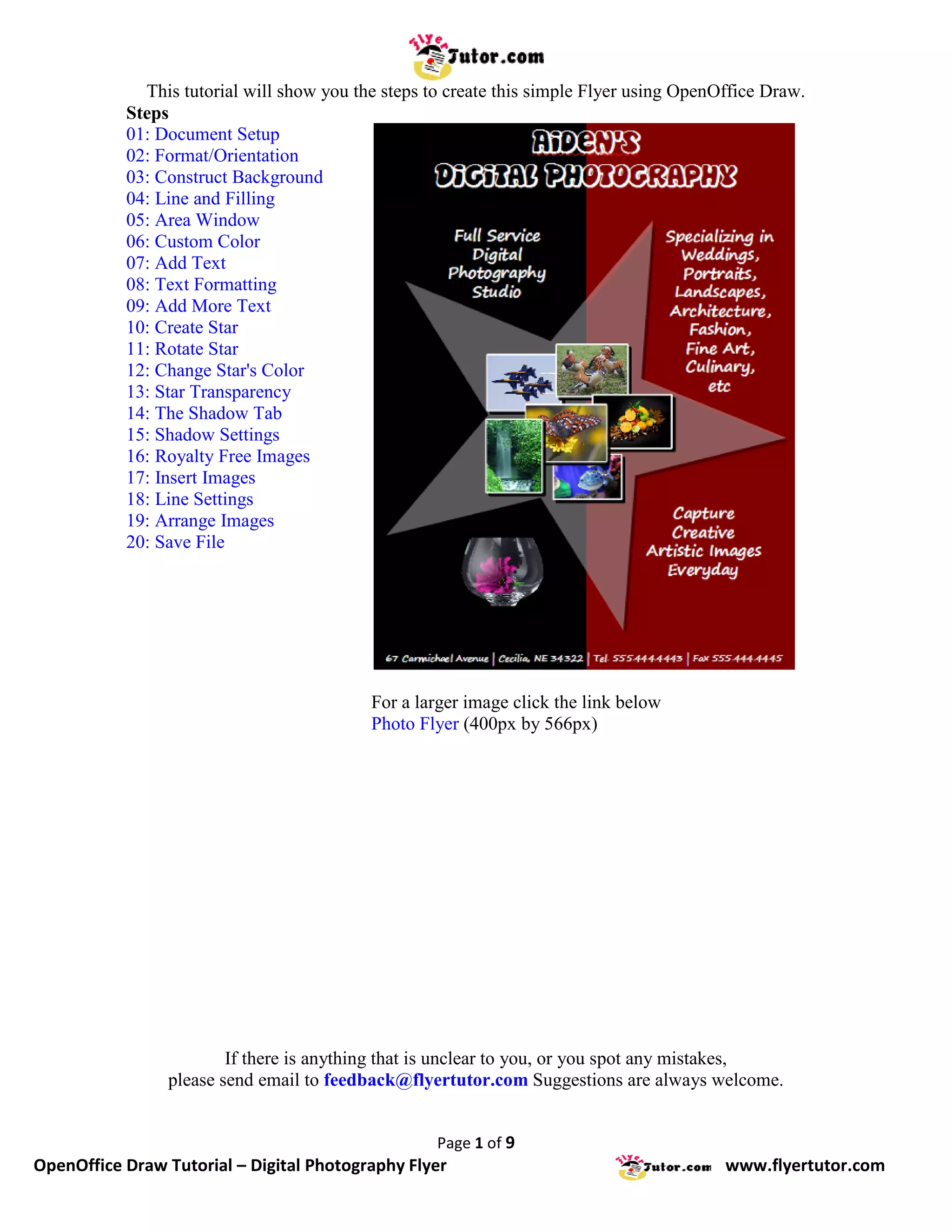
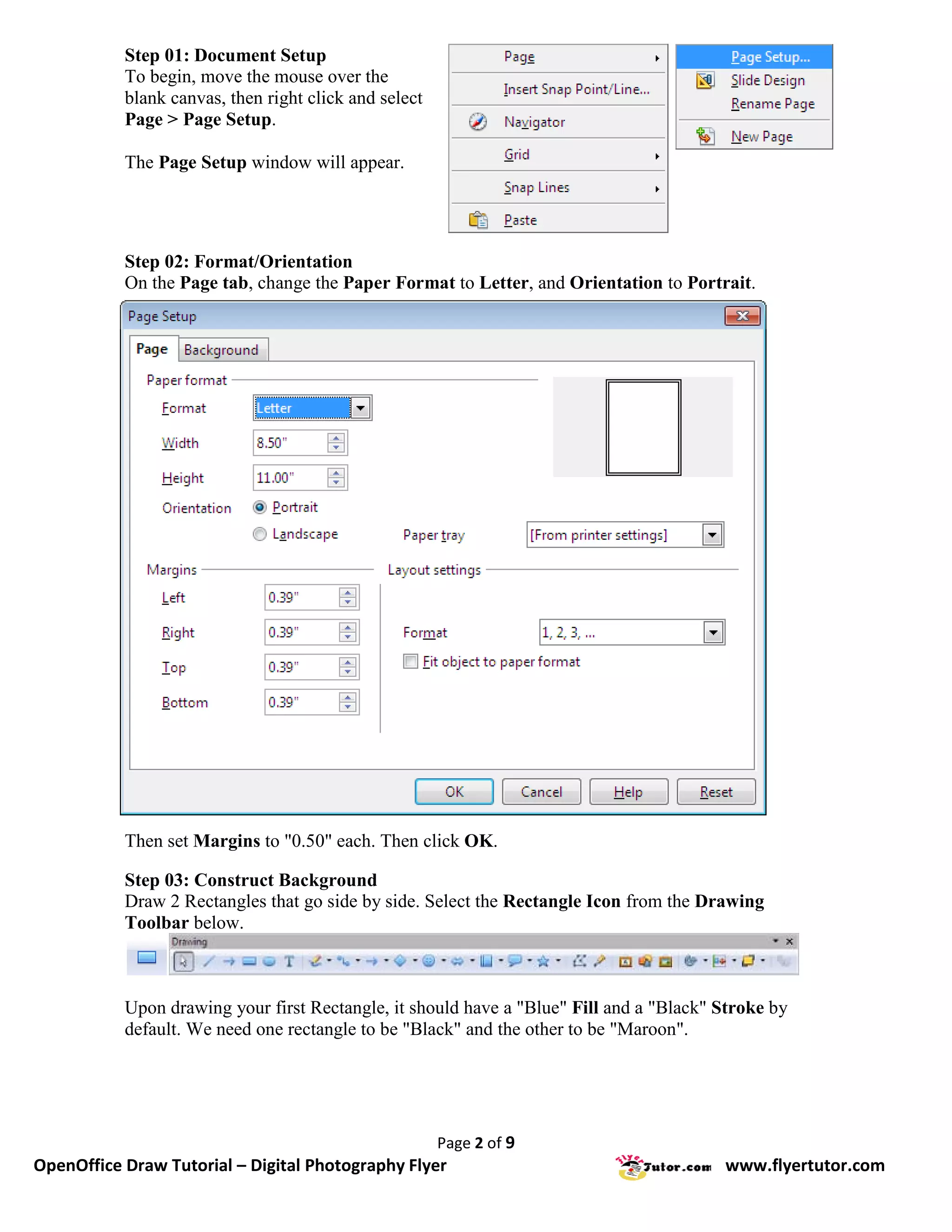
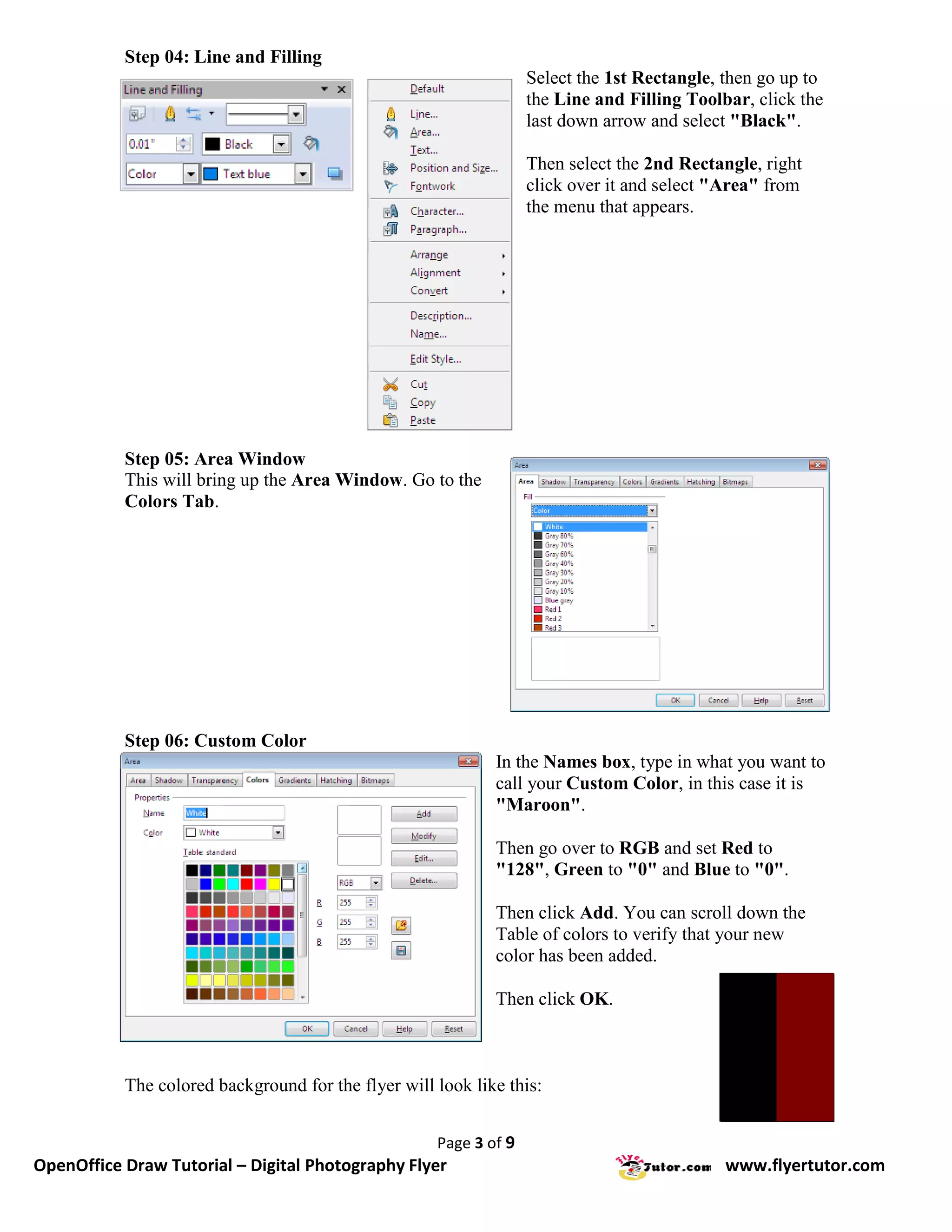
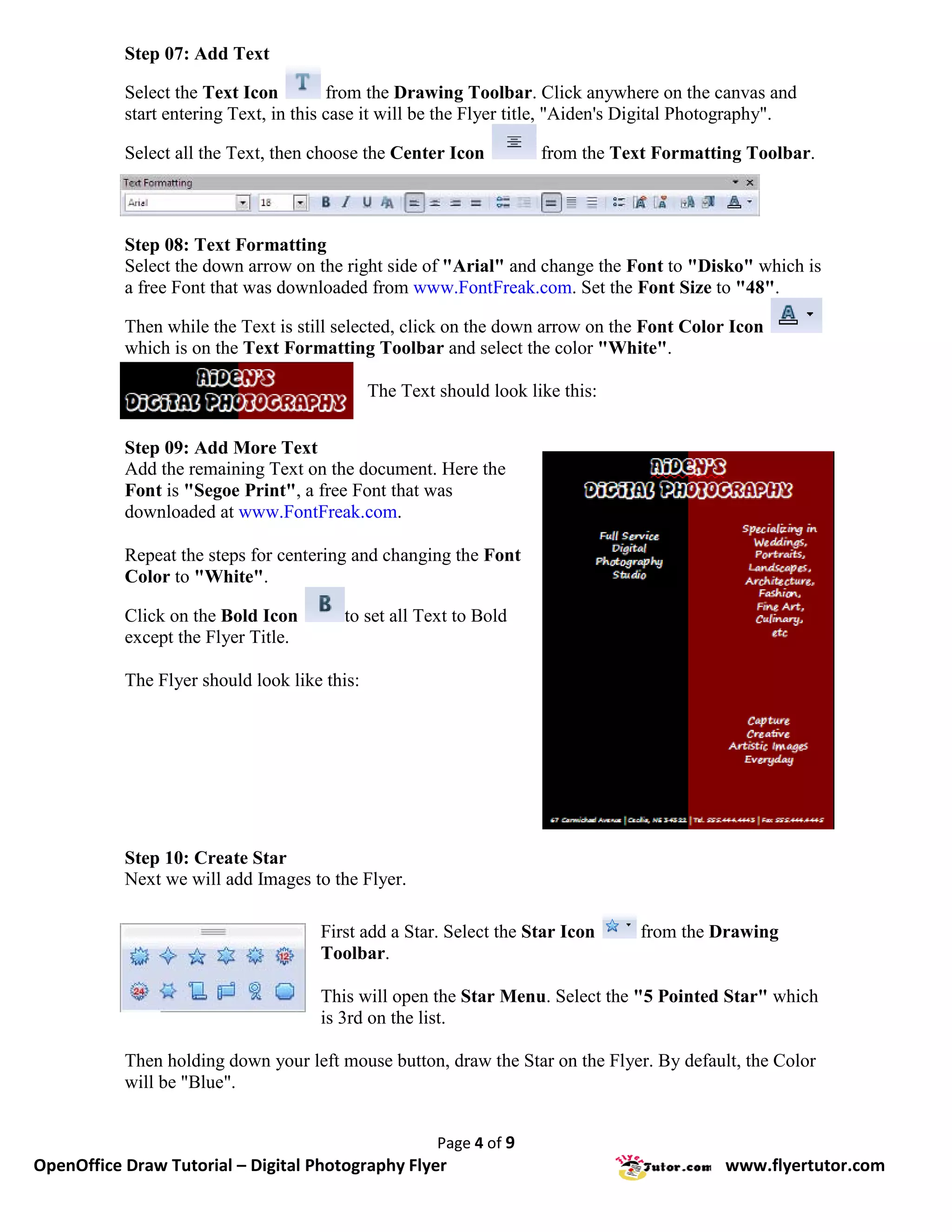
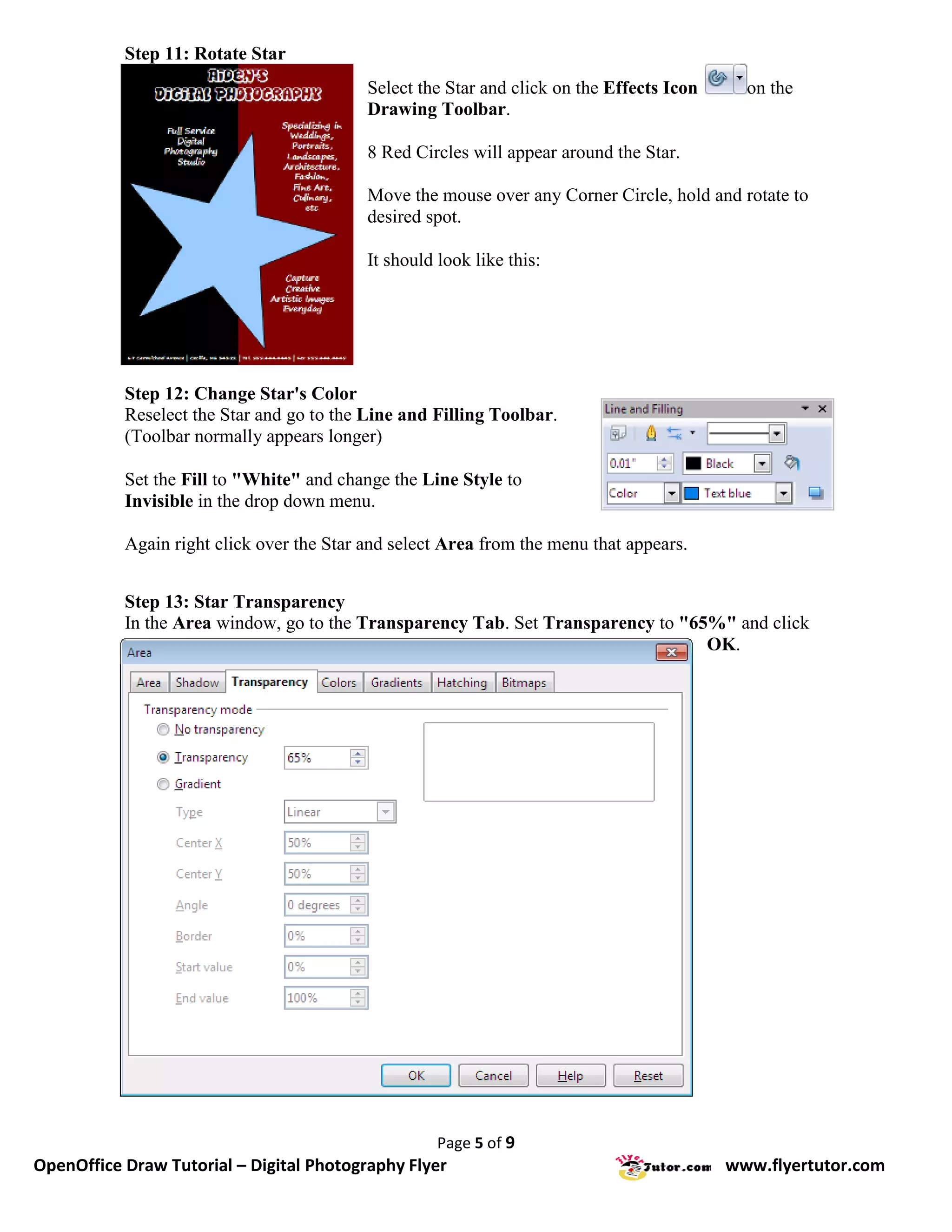
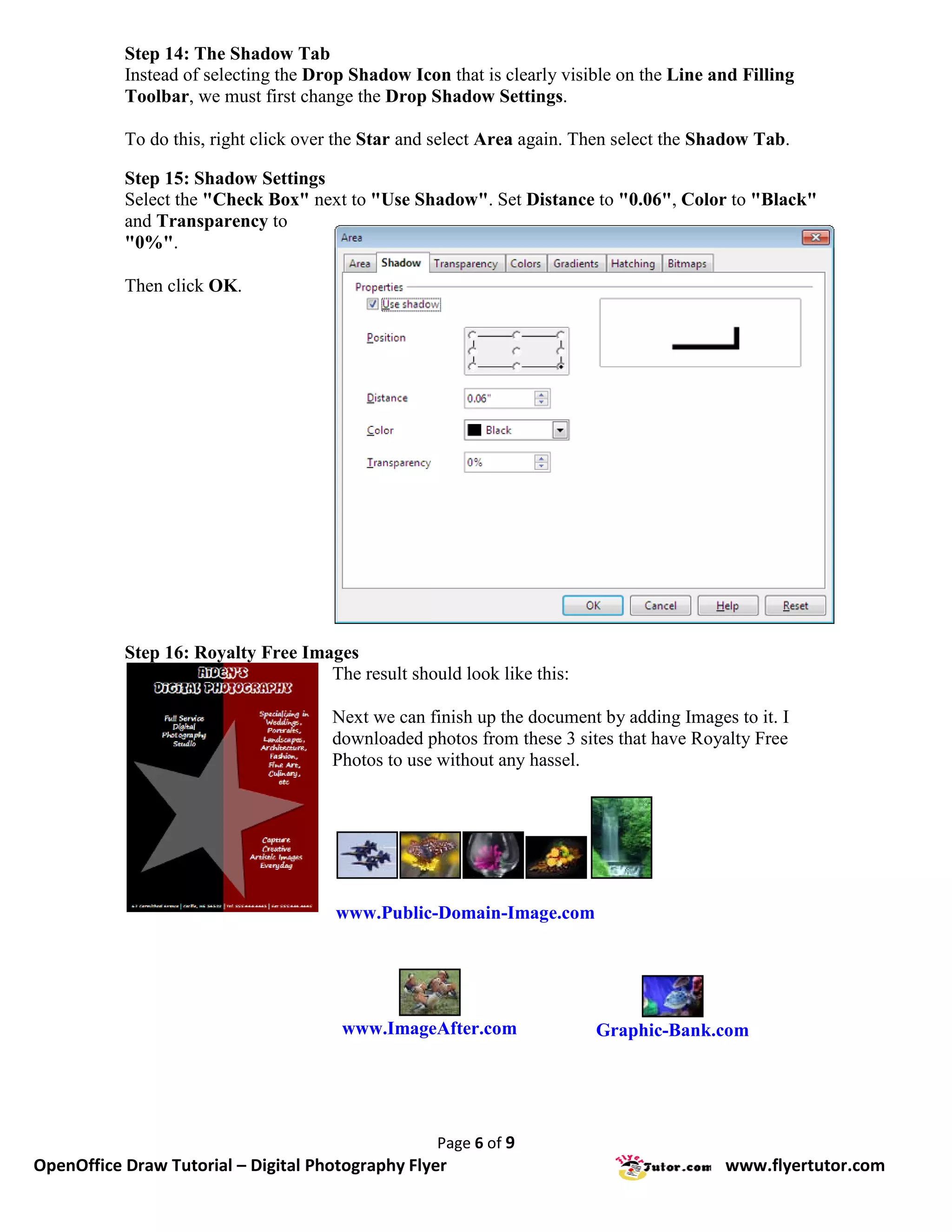
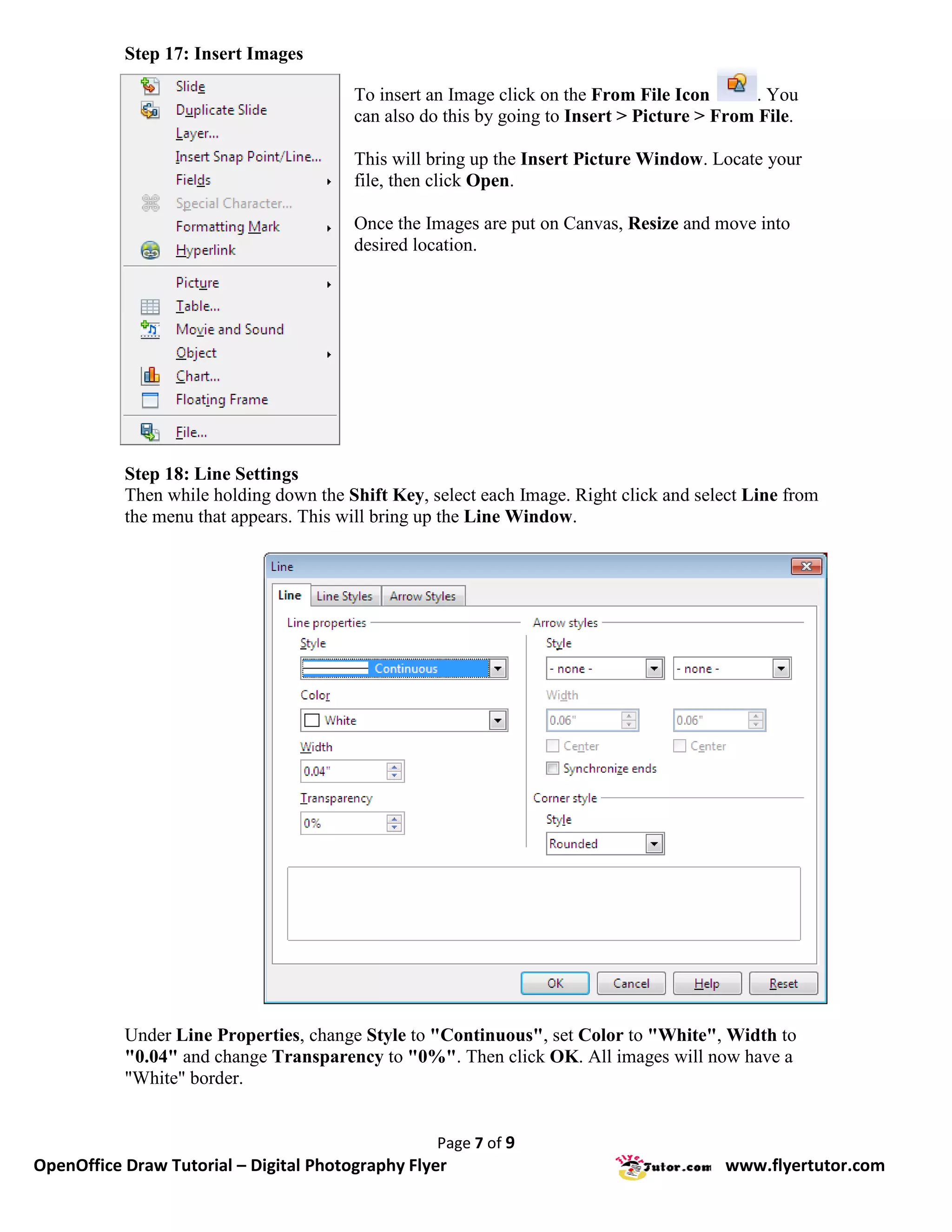
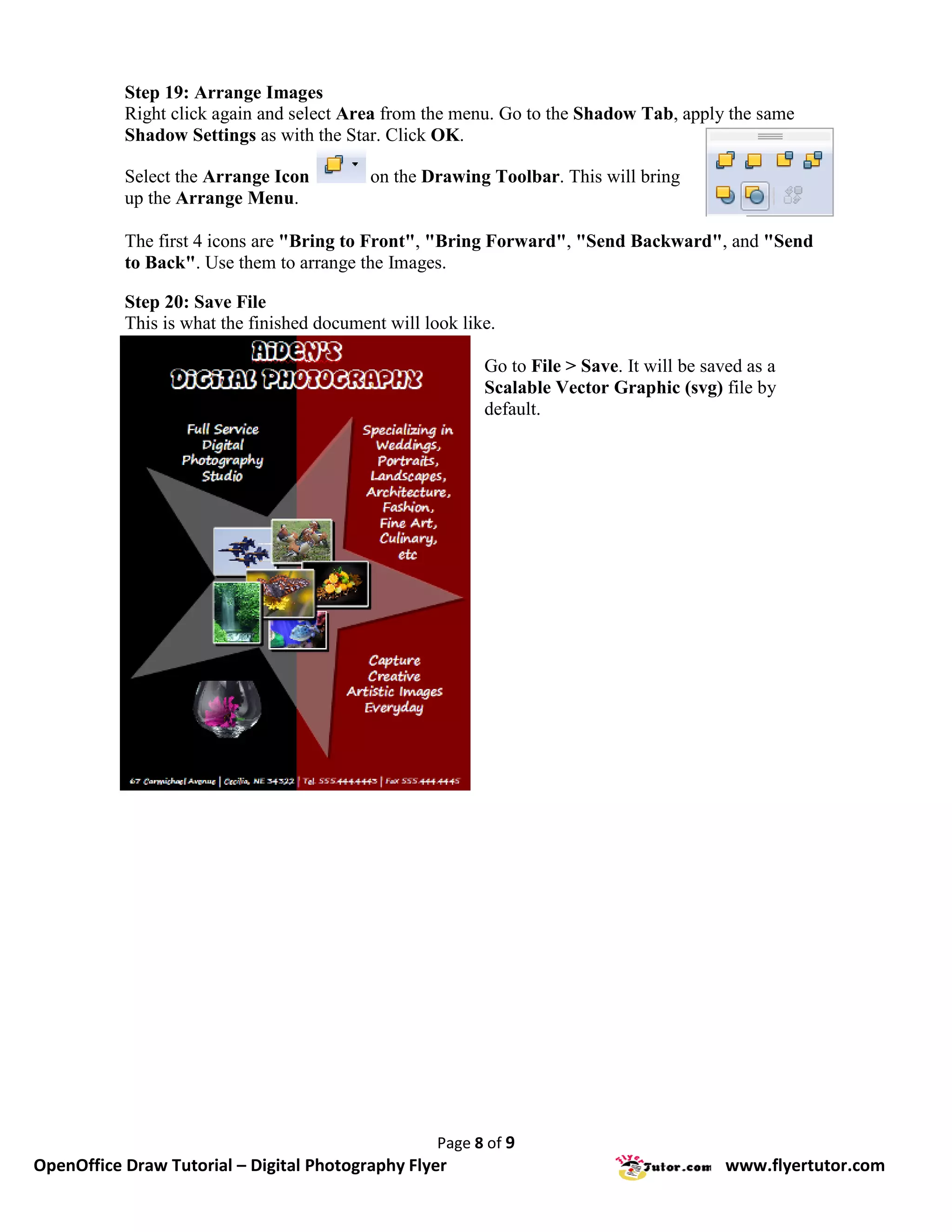
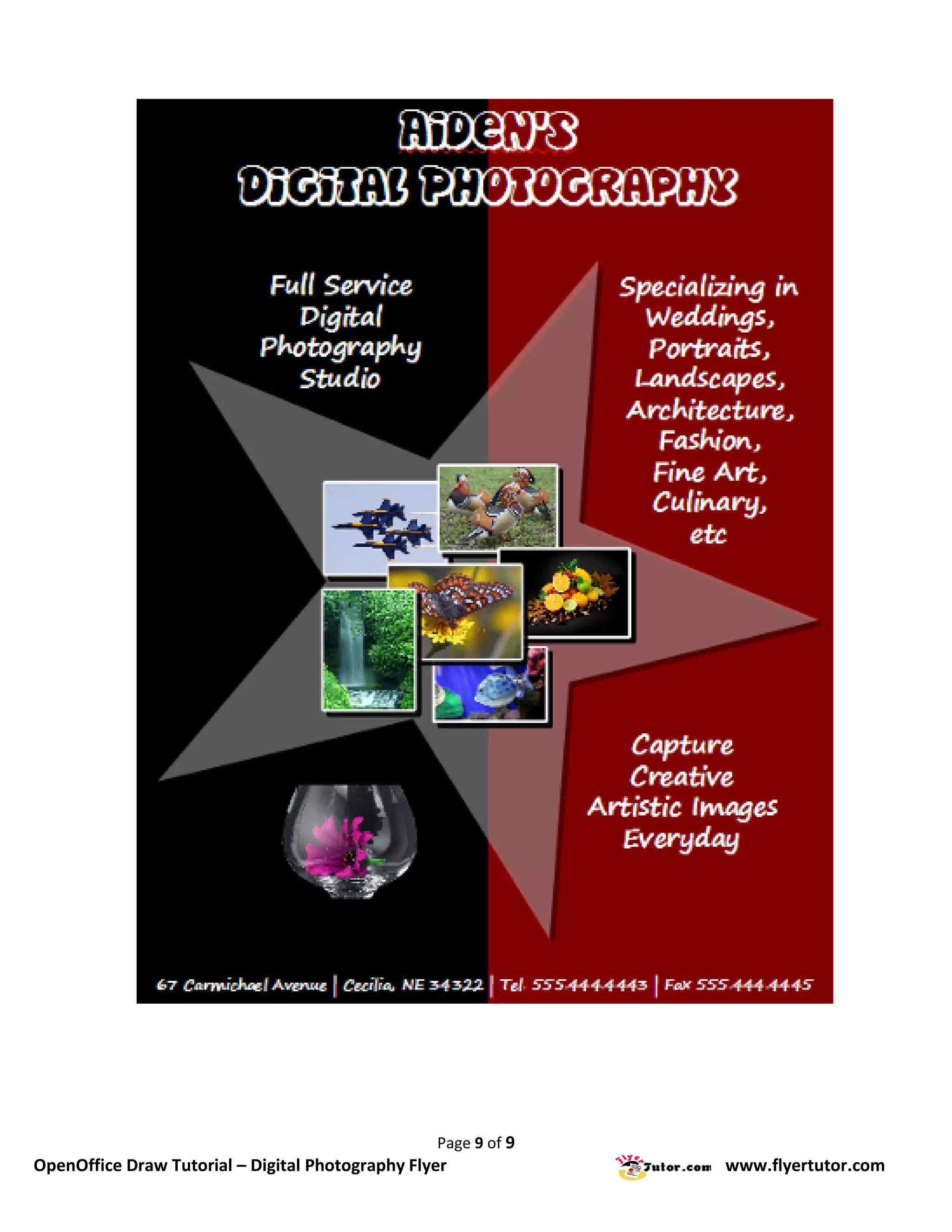

This document provides step-by-step instructions for creating a digital photography flyer using OpenOffice Draw. It details 20 steps to set up the document, add a colored background, insert text, create and format a star image, add royalty-free photos from online sources, and arrange all elements. Formatting details like fonts, colors, borders and shadows are explained for each object. The final flyer promotes a photographer's work and showcases sample photos.


