OER Schools
Leadership Workshop
Josie Fraser
ICT Strategy Lead (Children’s Capital)
30 November 2015
Agenda
• Leicester City Council’s digital literacy work
• Digital resources and schools
• Introducing open educational resources (OER)
• All about open licenses
• Implementing a school policy
• Embedding open educational practice
• Next steps
www.digilitleic.com
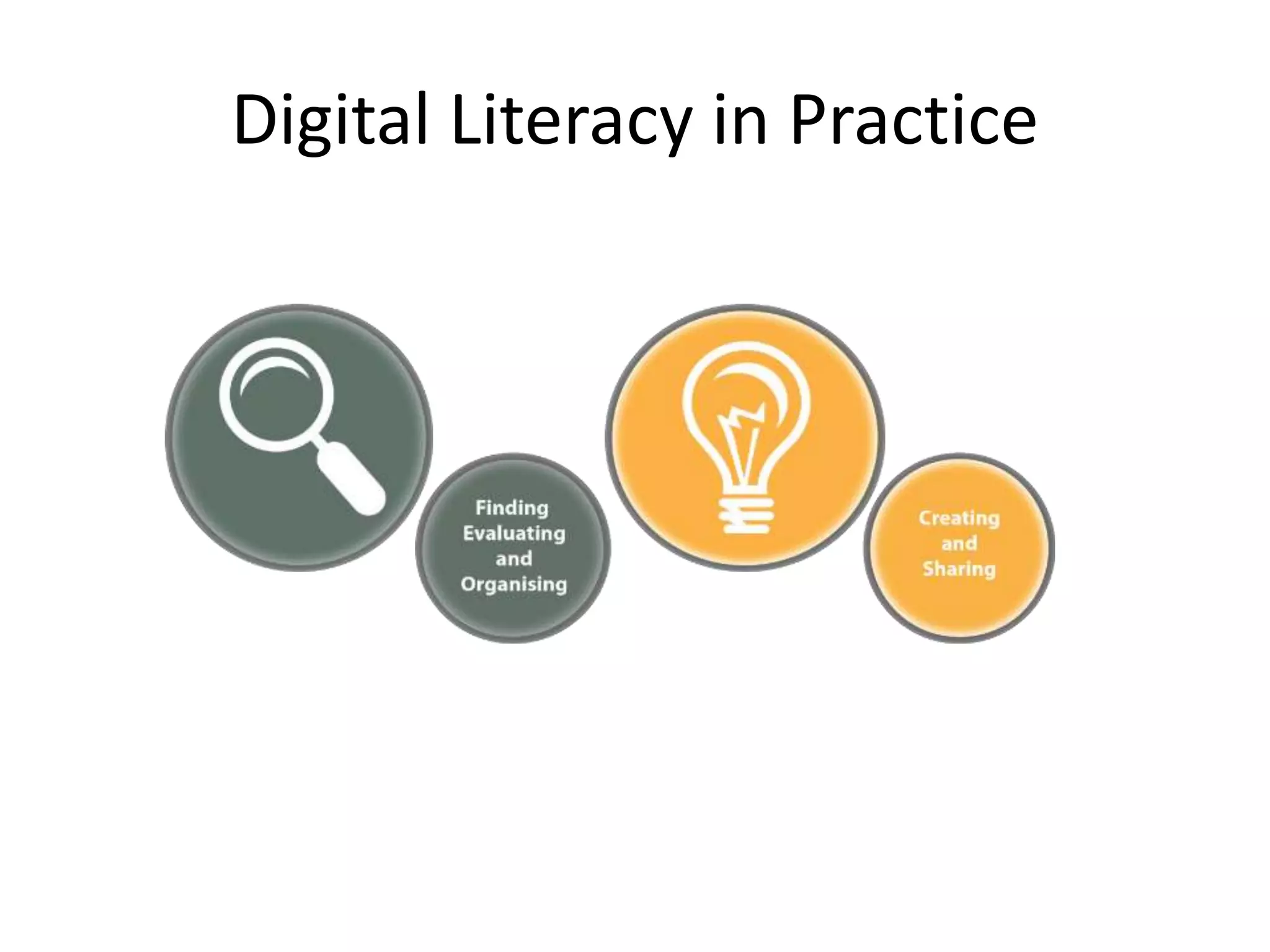
Digital Literacy in Practice
http://schools.leicester.gov.uk/ls/open-education/
“Open licences, including the
Creative Commons licences, provide
educators and everyone else with a
clear, simple way to specify how
resources can be used and reused,
and how the work should be
credited.”
What does an openly licensed
resource look like?
Creative Commons Attribution 4.0
International (CC BY 4.0)
Take a look at the
Creative Commons
licence selector
Activity – Creative Commons Licences
Working in pairs, look at the different kinds of
Creative Commons licences available. Decide
which kind of licence you think is best for your
school, and why.
Practical approaches
Alongside the guidance documents, there are six
supporting documents, with workshop activities,
and step-by-step walkthroughs to help staff find,
use and make open educational resources.
Resources are packaged in PDF and editable
bundles for quick download, and are available
from
http://schools.leicester.gov.uk/openeducation
Using Flickr to find
great Creative
Commons licenced
images
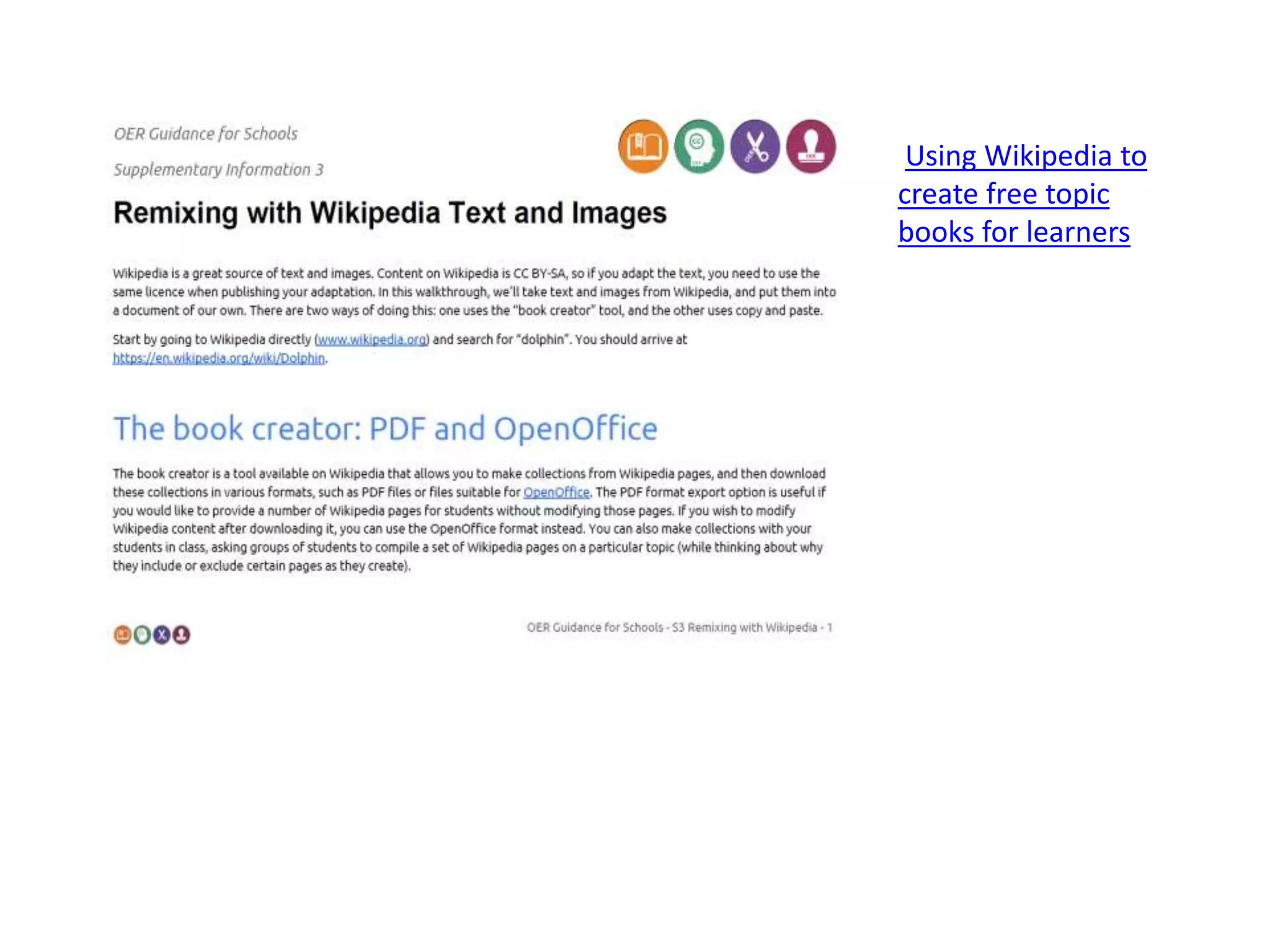
Using Wikipedia to
create free topic
books for learners
Leicester City Council has given
permission for staff at community &
voluntary controlled schools in the city
to openly license the educational
resources they produce in the line of
their employment.
What does the permission mean?
• “Educational resources”
• “Openly licence”
• Why do we need a local policy in place?
• What about voluntary aided schools,
foundation schools (or trusts), and
academies?
• Recognising current practice
• Digital literacy
• Empowering schools and staff
• Promoting & sharing great work
• Ensuring Public Value
• Equality of access to learning for all
• Open & collaborative practice
Who owns Intellectual Property Rights
to the materials you produce?
• Employees
• Students
• Moral Rights
Key questions for schools
• Do staff know about open licensing?
• Are all staff aware of the new permission?
• Which is your schools preferred open licence?
• What resources should/could schools and staff
be sharing?
• How staff be supported to share work openly?
Key questions for School Governors
• Is the local authority the legal employer of your school staff (this will be
the case for community and voluntary controlled schools)? If so, have they
got an OER policy in place?
• Do you have a school OER Policy in place? If not, you can review and
download model policy documents.
• Do staff at your school know about open licencing? Find out if they are
aware of OER and how to find and use them. If not, the OER Guidance for
Schools is a great place to start
• How can staff be supported to share their work openly? Sharing work
under open licence is a great way of promoting your school, and
showcasing high quality work. Staff may not want to share work openly – if
not, find out why. Your school community should be proud of its work.
• Find out about the types of open licences available, and the benefits and
limitations of these. The Understanding Open Licencing document
outlines these. The governing body should play a key role in deciding
which type of licence the school recommends for staff.
Why do we need a school policy?
Activity –
reviewing the model schools policy
We will work through the model schools policy.
Feel free to ask questions and mark up the
documents!
Section one: Openly Licensing
Educational Resources
Section two:
Definitions
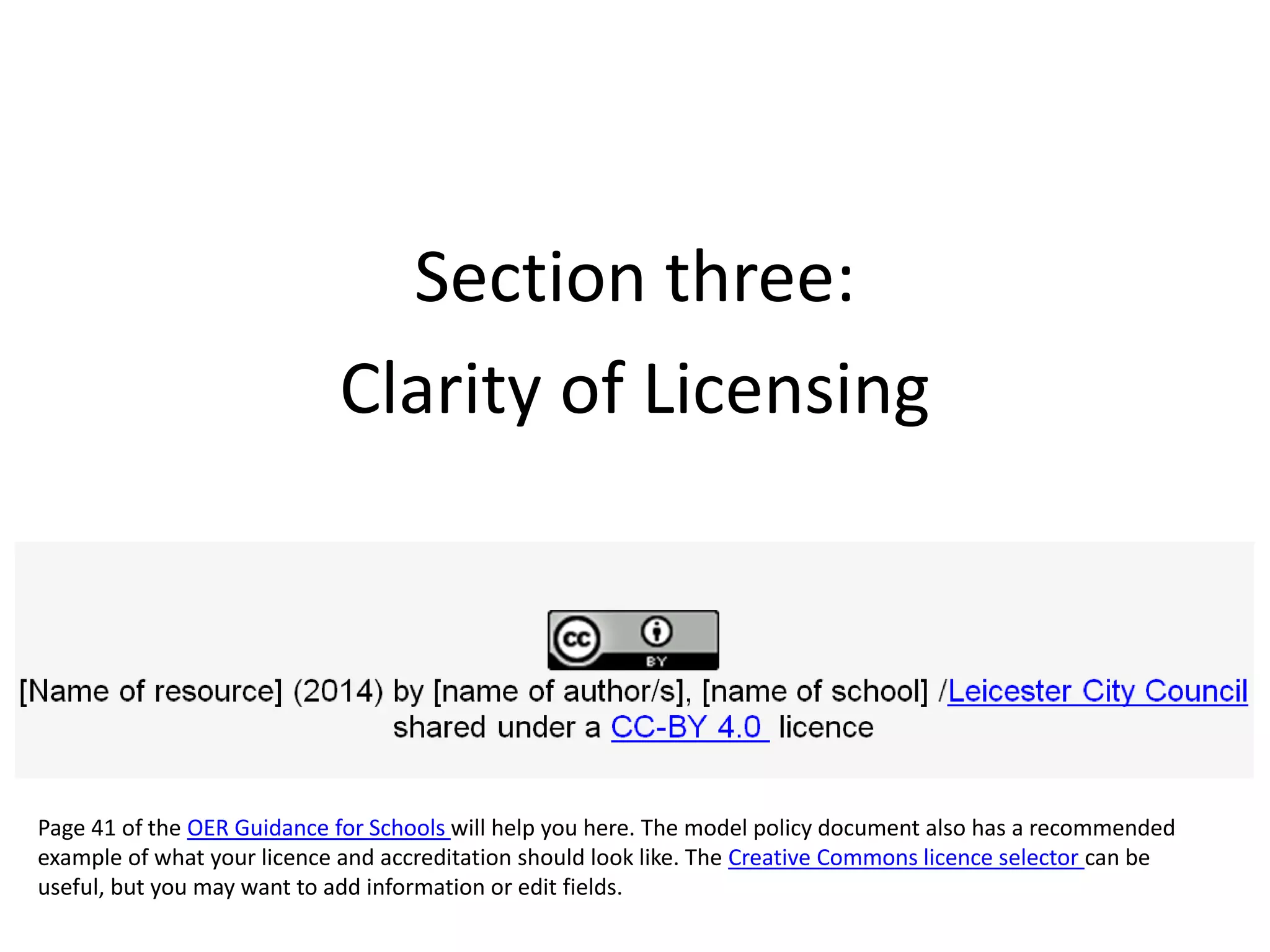
Section three:
Clarity of Licensing
Page 41 of the OER Guidance for Schools will help you here. The model policy document also has a recommended
example of what your licence and accreditation should look like. The Creative Commons licence selector can be
useful, but you may want to add information or edit fields.
Section four: Disputes & Commercial
Exploitation
Activity: practical issues
Scenario A:
A staff member applies to you to because they have accepted a commercial offer to
sell materials they have developed for their class.
How do you respond?
Scenario B:
A staff member has created some excellent resources. You suggest they openly licence
and share their resources more widely. The staff member refuses point blank.
Why do you think they might not want to share their resources?
Scenario C:
As Head of Department, you are looking to embed open sharing of educational
resources in order to support professional development and collaboration.
What key practices would you implement to support staff in sharing their resources?
Thank you!
josie.fraser@leicester.gov.uk

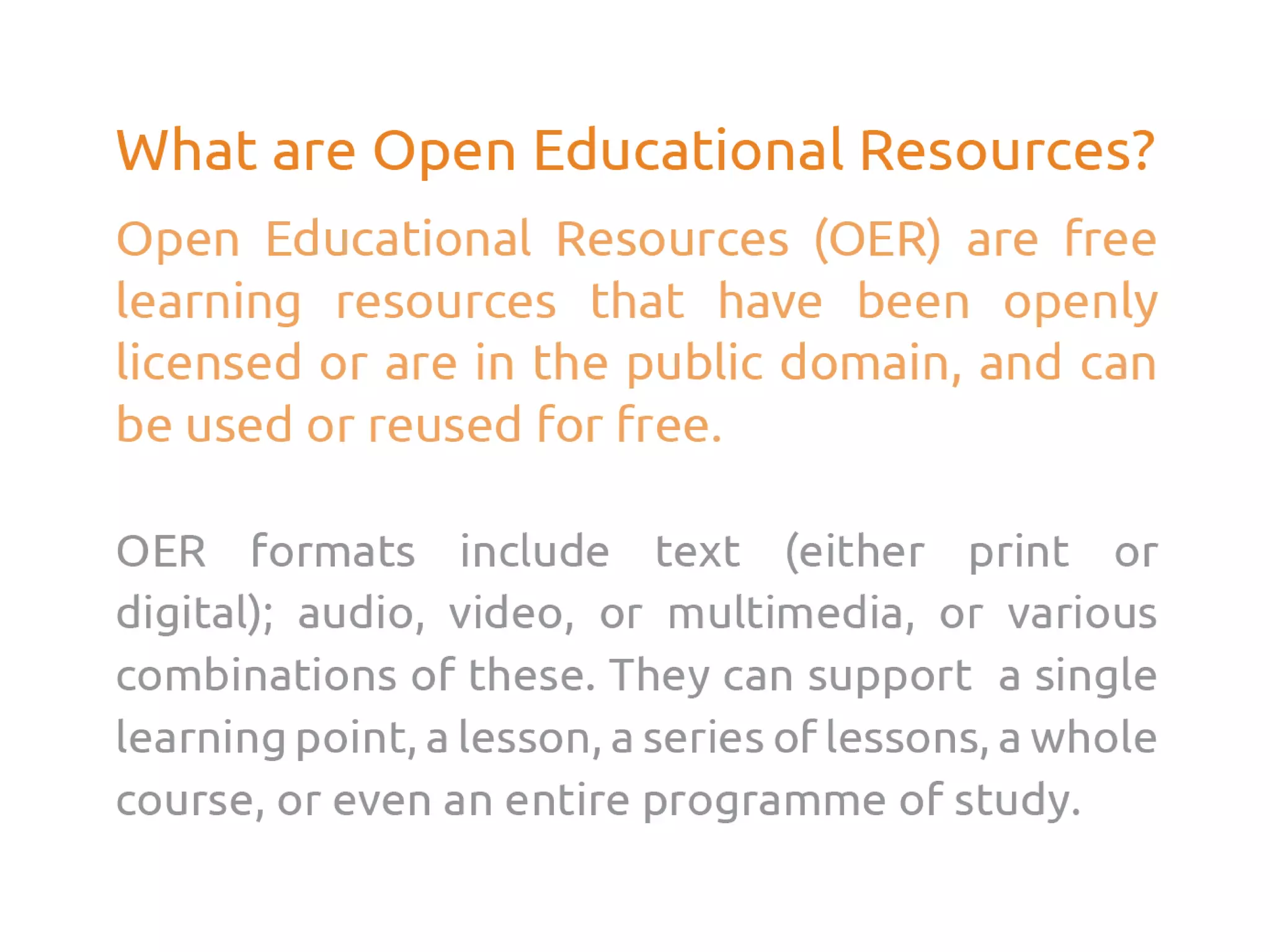
Open Educational Resources (OER) Workshop

  • 1.
    OER Schools Leadership Workshop JosieFraser ICT Strategy Lead (Children’s Capital) 30 November 2015
  • 2.
    Agenda • Leicester CityCouncil’s digital literacy work • Digital resources and schools • Introducing open educational resources (OER) • All about open licenses • Implementing a school policy • Embedding open educational practice • Next steps
  • 3.
  • 4.
  • 6.
  • 14.
    “Open licences, includingthe Creative Commons licences, provide educators and everyone else with a clear, simple way to specify how resources can be used and reused, and how the work should be credited.”
  • 15.
    What does anopenly licensed resource look like?
  • 16.
    Creative Commons Attribution4.0 International (CC BY 4.0)
  • 18.
    Take a lookat the Creative Commons licence selector
  • 19.
    Activity – CreativeCommons Licences Working in pairs, look at the different kinds of Creative Commons licences available. Decide which kind of licence you think is best for your school, and why.
  • 22.
    Practical approaches Alongside theguidance documents, there are six supporting documents, with workshop activities, and step-by-step walkthroughs to help staff find, use and make open educational resources. Resources are packaged in PDF and editable bundles for quick download, and are available from http://schools.leicester.gov.uk/openeducation
  • 23.
    Using Flickr tofind great Creative Commons licenced images
  • 24.
    Using Wikipedia to createfree topic books for learners
  • 27.
    Leicester City Councilhas given permission for staff at community & voluntary controlled schools in the city to openly license the educational resources they produce in the line of their employment.
  • 28.
    What does thepermission mean? • “Educational resources” • “Openly licence” • Why do we need a local policy in place? • What about voluntary aided schools, foundation schools (or trusts), and academies?
  • 29.
    • Recognising currentpractice • Digital literacy • Empowering schools and staff • Promoting & sharing great work • Ensuring Public Value • Equality of access to learning for all • Open & collaborative practice
  • 30.
    Who owns IntellectualProperty Rights to the materials you produce? • Employees • Students • Moral Rights
  • 31.
    Key questions forschools • Do staff know about open licensing? • Are all staff aware of the new permission? • Which is your schools preferred open licence? • What resources should/could schools and staff be sharing? • How staff be supported to share work openly?
  • 32.
    Key questions forSchool Governors • Is the local authority the legal employer of your school staff (this will be the case for community and voluntary controlled schools)? If so, have they got an OER policy in place? • Do you have a school OER Policy in place? If not, you can review and download model policy documents. • Do staff at your school know about open licencing? Find out if they are aware of OER and how to find and use them. If not, the OER Guidance for Schools is a great place to start • How can staff be supported to share their work openly? Sharing work under open licence is a great way of promoting your school, and showcasing high quality work. Staff may not want to share work openly – if not, find out why. Your school community should be proud of its work. • Find out about the types of open licences available, and the benefits and limitations of these. The Understanding Open Licencing document outlines these. The governing body should play a key role in deciding which type of licence the school recommends for staff.
  • 33.
    Why do weneed a school policy?
  • 34.
    Activity – reviewing themodel schools policy We will work through the model schools policy. Feel free to ask questions and mark up the documents!
  • 35.
    Section one: OpenlyLicensing Educational Resources
  • 37.
  • 38.
    Section three: Clarity ofLicensing Page 41 of the OER Guidance for Schools will help you here. The model policy document also has a recommended example of what your licence and accreditation should look like. The Creative Commons licence selector can be useful, but you may want to add information or edit fields.
  • 39.
    Section four: Disputes& Commercial Exploitation
  • 40.
    Activity: practical issues ScenarioA: A staff member applies to you to because they have accepted a commercial offer to sell materials they have developed for their class. How do you respond? Scenario B: A staff member has created some excellent resources. You suggest they openly licence and share their resources more widely. The staff member refuses point blank. Why do you think they might not want to share their resources? Scenario C: As Head of Department, you are looking to embed open sharing of educational resources in order to support professional development and collaboration. What key practices would you implement to support staff in sharing their resources?
  • 41.