LEVERAGING THE WEB
With
SEARCH AND ONLINE
MARKETING
AGENDA
1. Introductions
2. Online Marketing - Why Should You Care
3. Strategy #1 – Get Found (SEO)
4. 10 Low Budget Marketing Ideas
We love being connected…in fact
we are addicted to it!
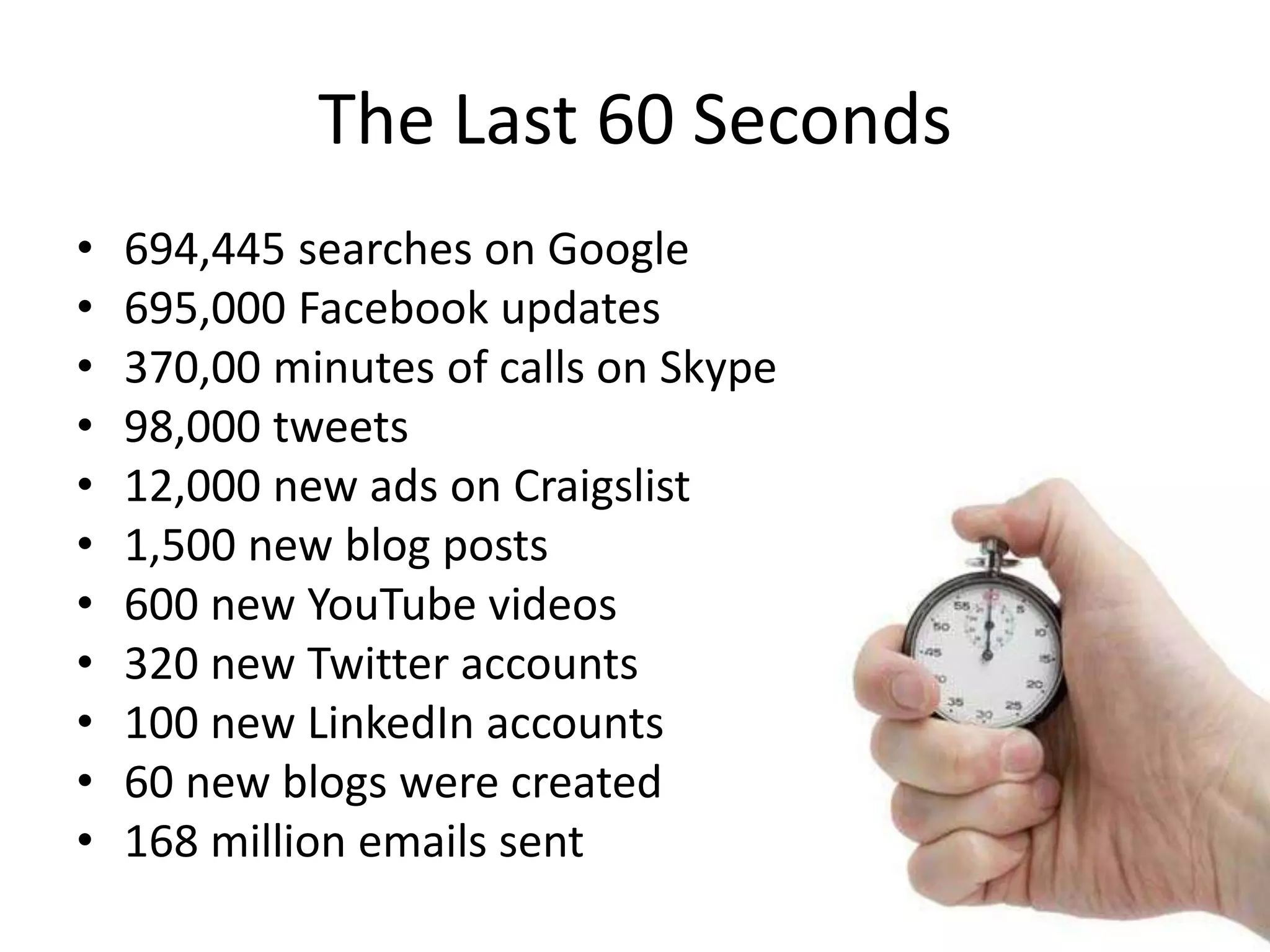
The Last 60 Seconds
• 694,445 searches on Google
• 695,000 Facebook updates
• 370,00 minutes of calls on Skype
• 98,000 tweets
• 12,000 new ads on Craigslist
• 1,500 new blog posts
• 600 new YouTube videos
• 320 new Twitter accounts
• 100 new LinkedIn accounts
• 60 new blogs were created
• 168 million emails sent
SEO
What the heck is SEO?
Search Engine Optimization
[surch] [en-juhn] [op-tuh-muh-zey-shuhn]:
The process of improving the visibility of a
website or a web page in a search engine's
"natural," or un-paid search results.
IN PLAIN ENGLISH: GETTING YOUR
WEBSITE FOUND ON GOOGLE
Why Should I Care?
• Every Day – One Billion Google
Searches
• 85% of Searchers Click Organic Results
• Organic search is the #1 lead conversion
tactic outranking email marketing and paid
search.
HOW MUCH IS IT WORTH TO RANK ON
GOOGLE?
Something to Think About
STEP I
Setting Your Site Up for Success
1. Keywords
2. Content
3. Navigation & Usability
Research
Keyword Research
1. Identifying niches without
significant competition
2. Look for the low-hanging fruit of
micro niches
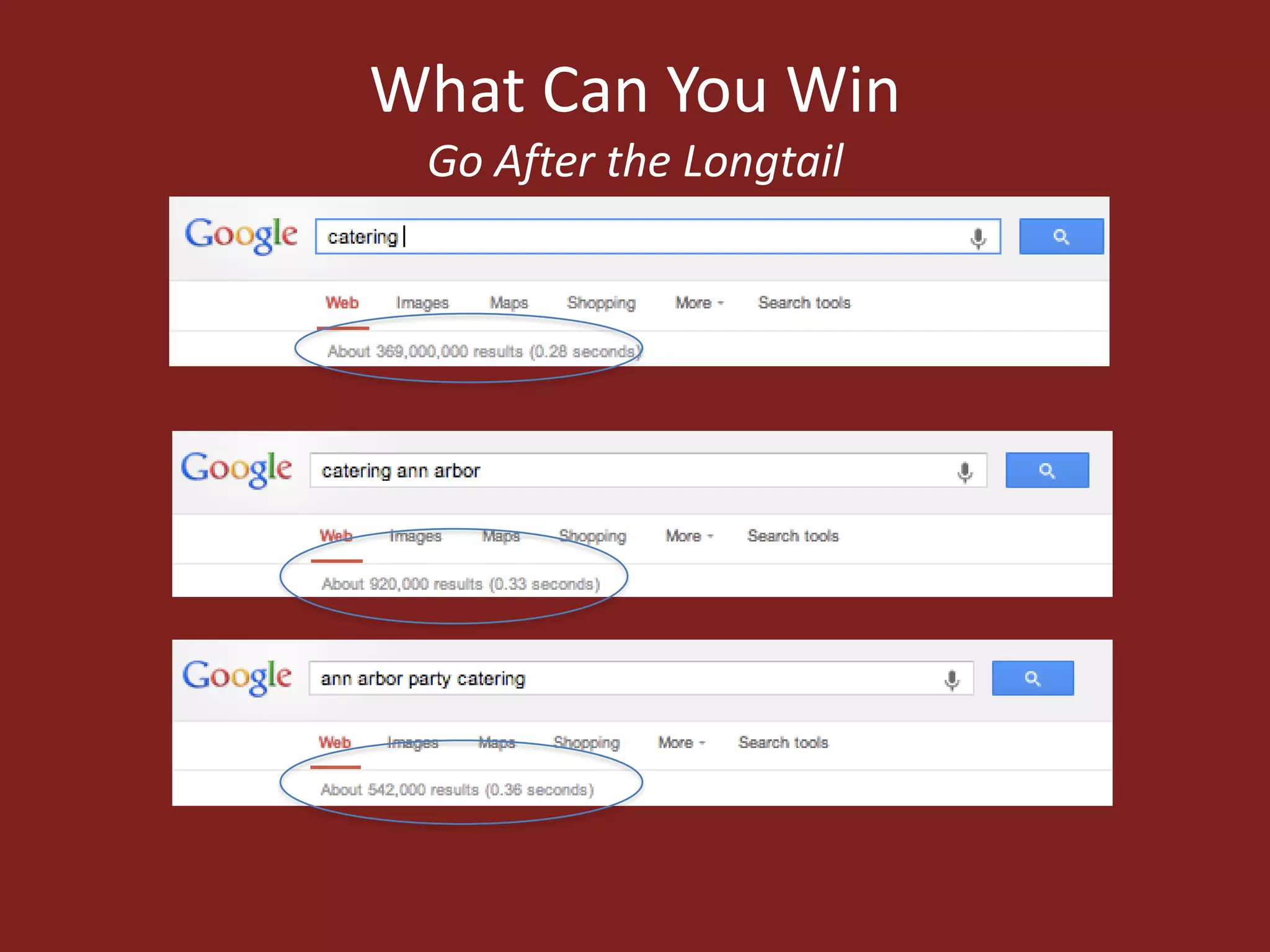
3. Look for long-tail keywords
4. Reverse engineer your competition’s
websites
Research Tools
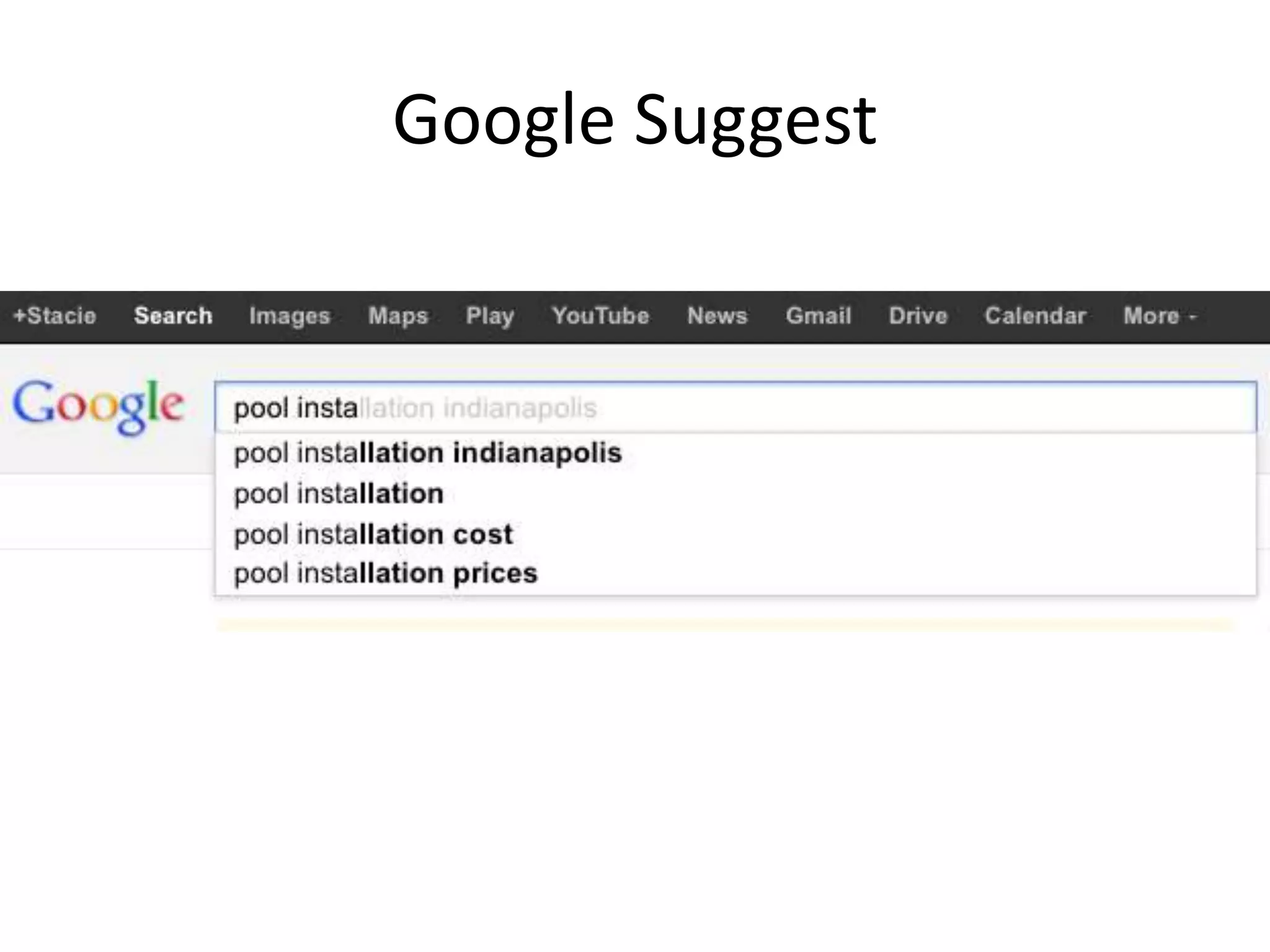
• Google Suggest
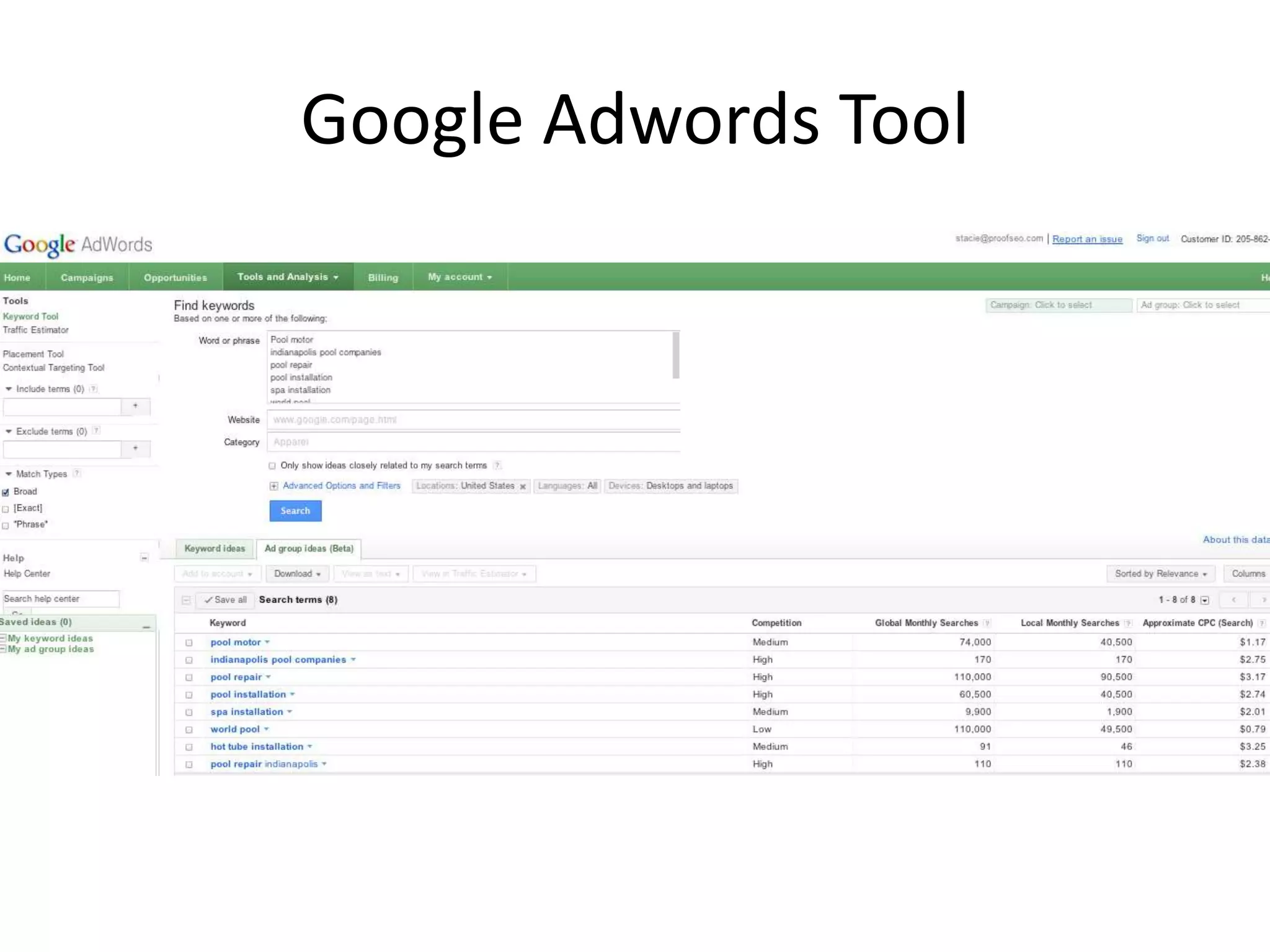
• Google Adwords Tool
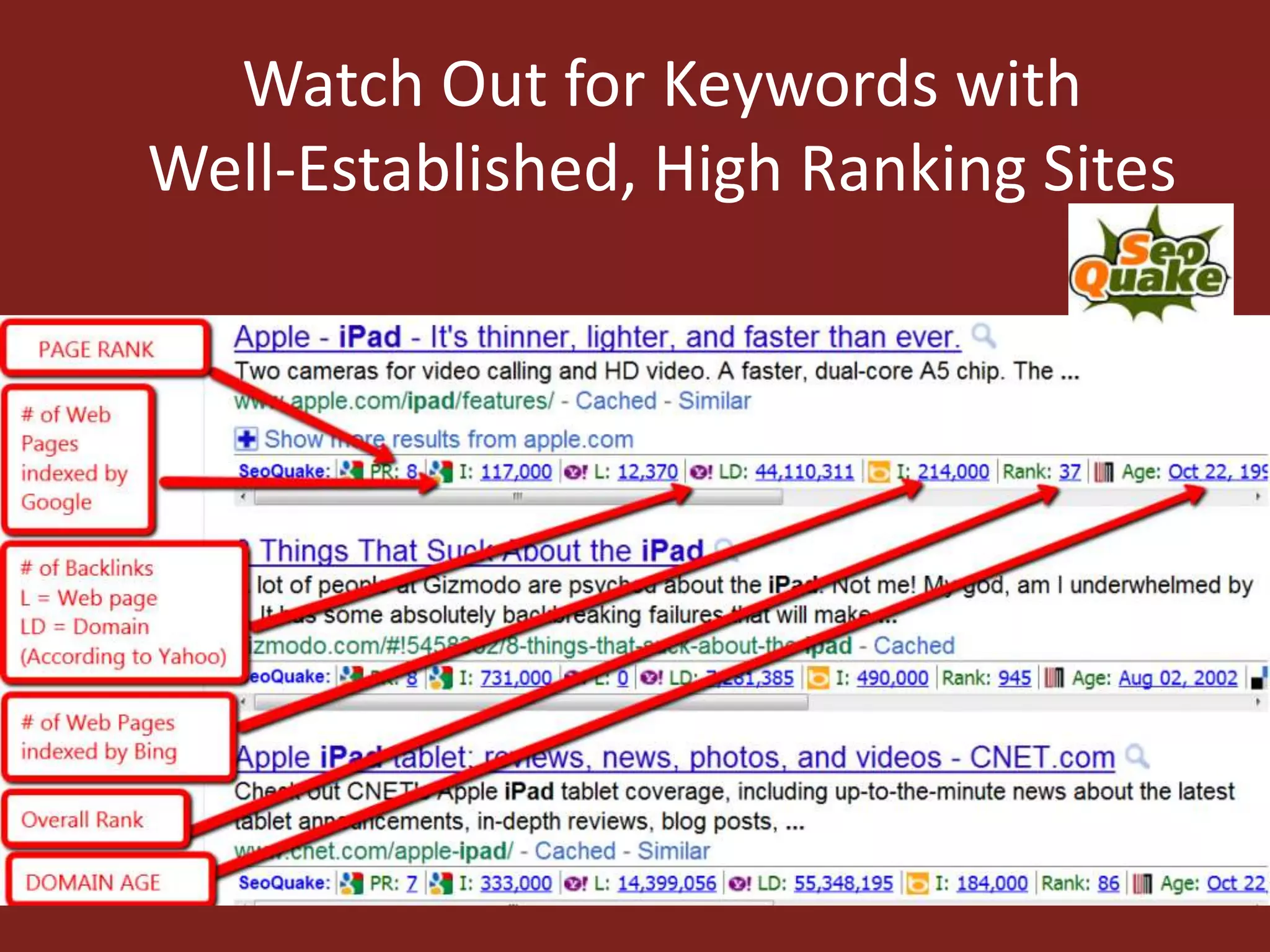
• SEO Quake
• SEMRush
Google Suggest
Google Adwords Tool
What Can You Win
Go After the Longtail
Watch Out for Keywords with
Well-Established, High Ranking Sites
Create Quality,
Engaging Content
Content
• Interesting
• Easily consumable
• Easily shareable
• Optimized to be found
• Focused on evergreen - long shelf Life
• Write on search terms you can win
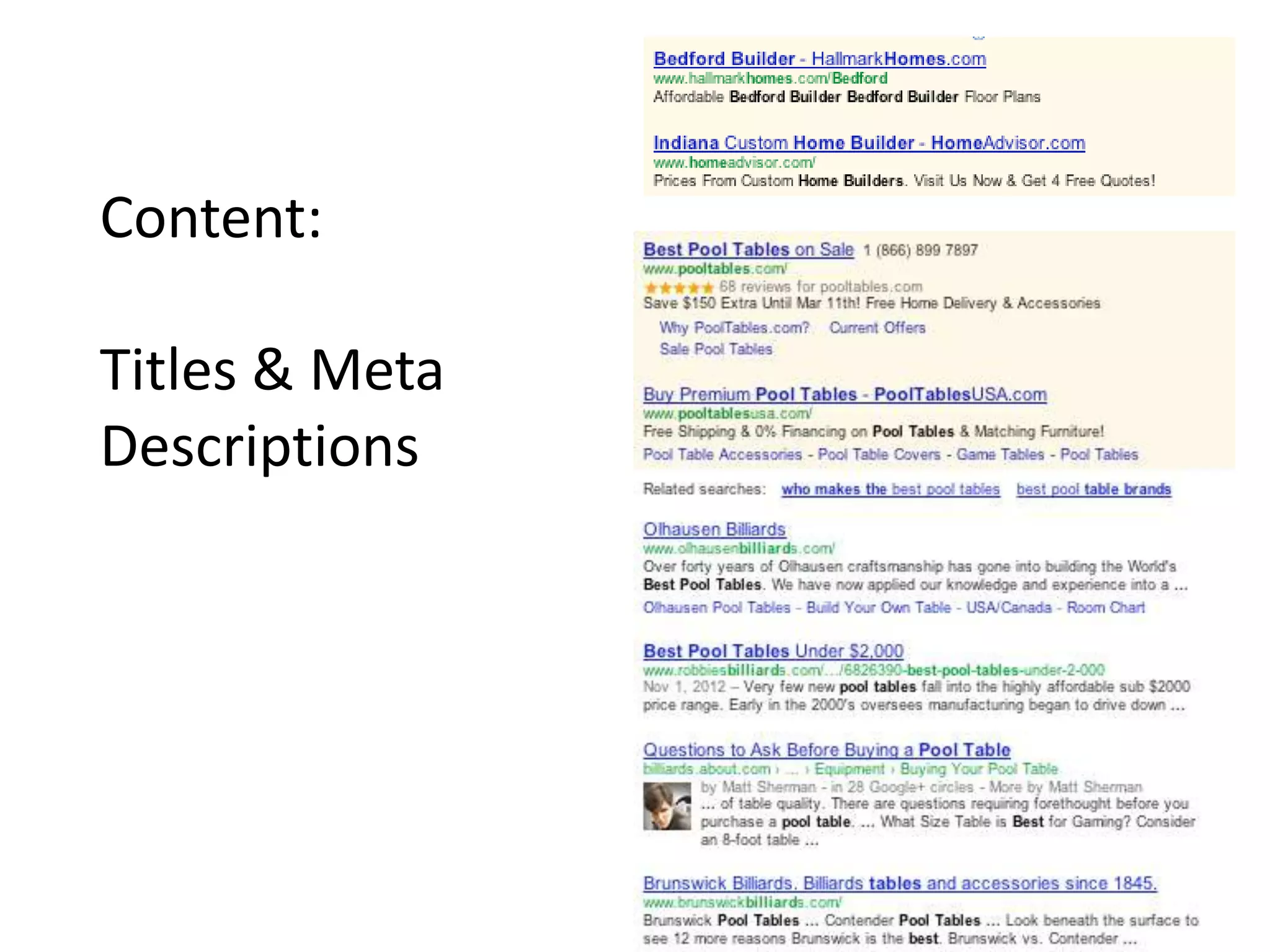
Content:
Titles & Meta
Descriptions
Keyword Breakdown
• Use the keyword in the page title at least once.
Keep the keyword as close to the beginning of
the page title as possible.
• Once in a H1 header tag.
• At least 3 times in the body copy.
• At least once in the URL.
STEP II
Website Optimization
The Basics
SEO Friendly Website
• Easy to use navigation and simple site
structure.
• Professional website design
• Accessibility to modern browsers (Firefox,
Internet Explorer, Safari, Chrome etc.).
• High quality and credible content.
• Site Map
SEO IS NOT A SIT IT AND
FORGET IT PROCESS
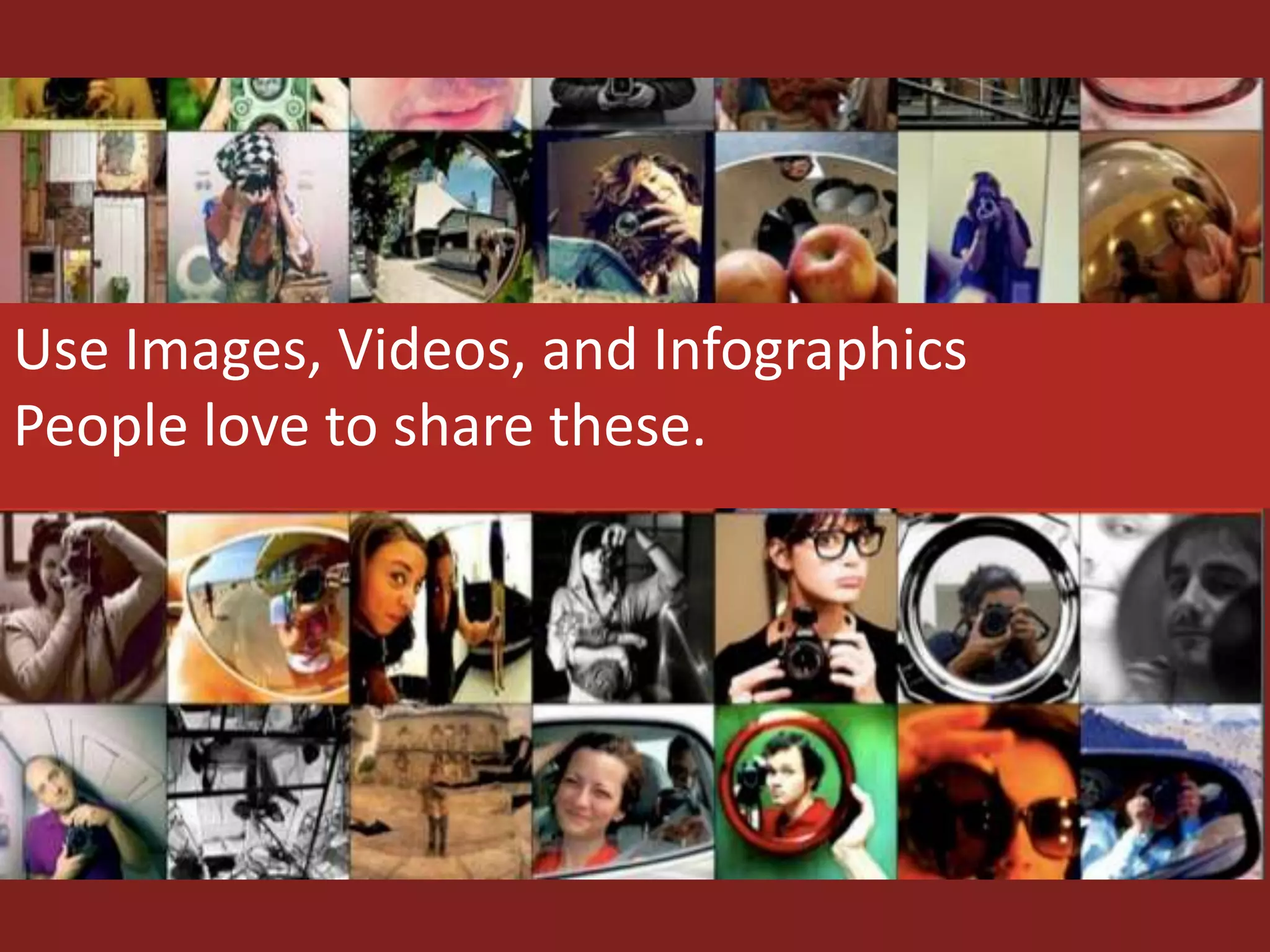
Use Images, Videos, and Infographics
People love to share these.
Image Optimization
Remember -search engines can’t read images
• Use Keywords in File names (mexican-
catering.jpg or fajita- taco-bar.jpg)
• Create Descriptive Alt Text
• Make Your Images Match Your Content
Image Resources
• Flickr –Make sure to use the “creative
commons search” and credit the author by
linking their name back to the photo.
• Stock.xchng – This site provides royalty-free
stock images for use on your site.
• iStockPhoto – This company sells high quality
stock images, and can be a good choice when
you need to find something specific.
Measure#4 Measure
THIS IS THE HARD PART!!
What You Can Learn
• How someone found your site
• What keywords result in the highest sales
conversions
• Which pieces of your content are the least and most
popular
• The demographics of users
• How many people you influence
• Compare your Facebook/Twitter presence virus your
competitors
• Which of your “tweets” are the most popular
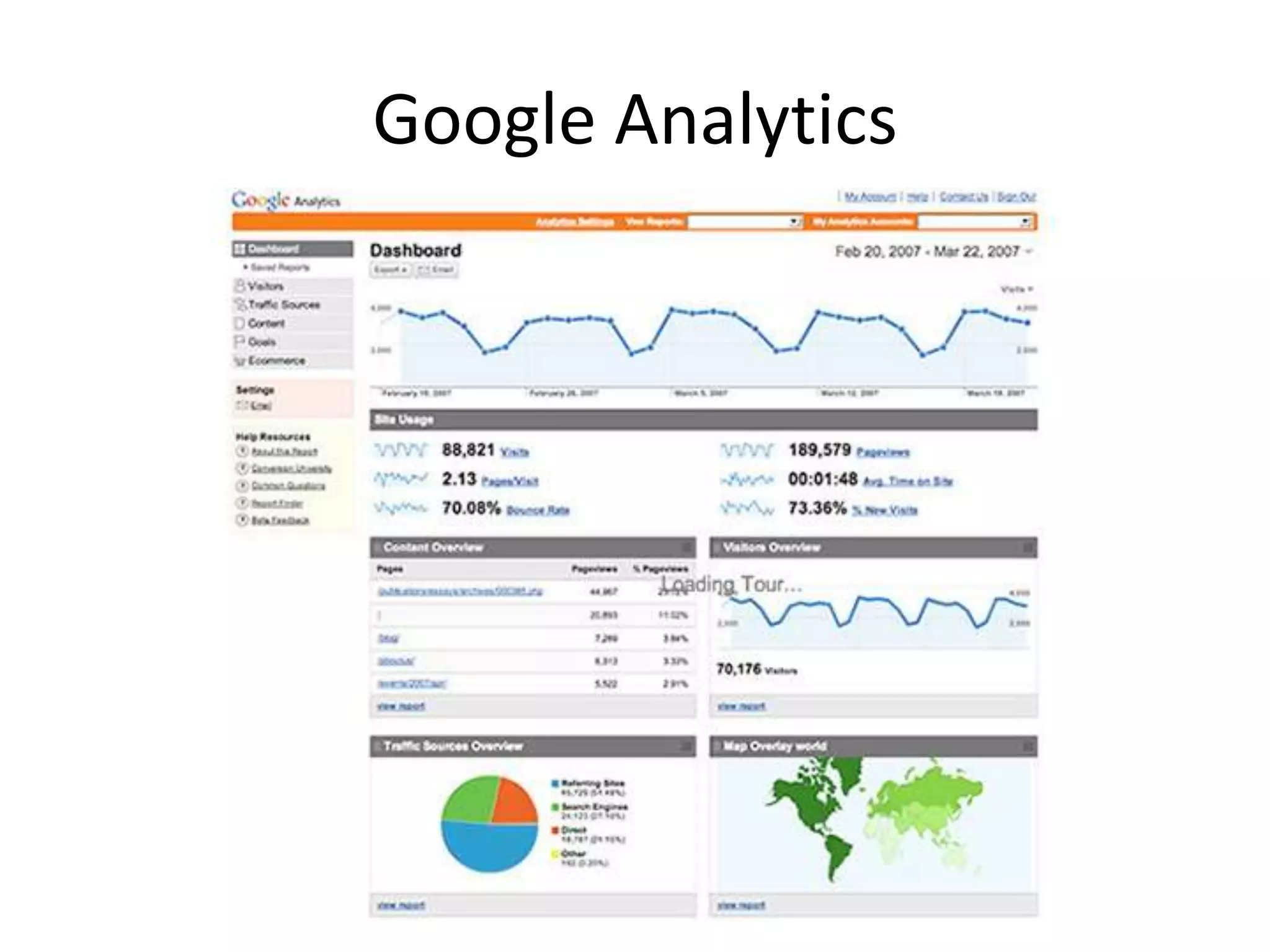
Google Analytics
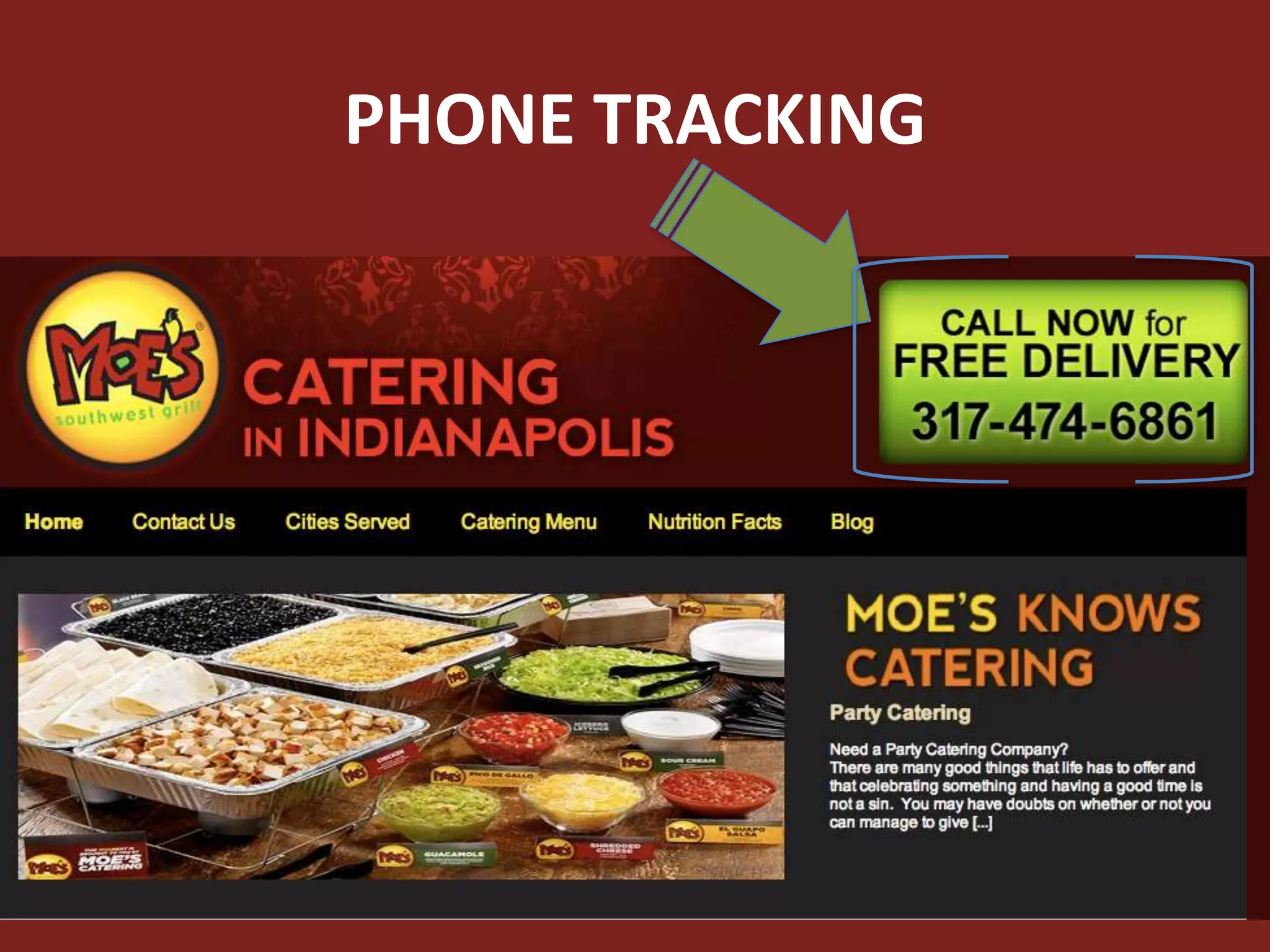
PHONE TRACKING
10 Marketing Ideas
FOR SMALL MARKETING BUDGETS
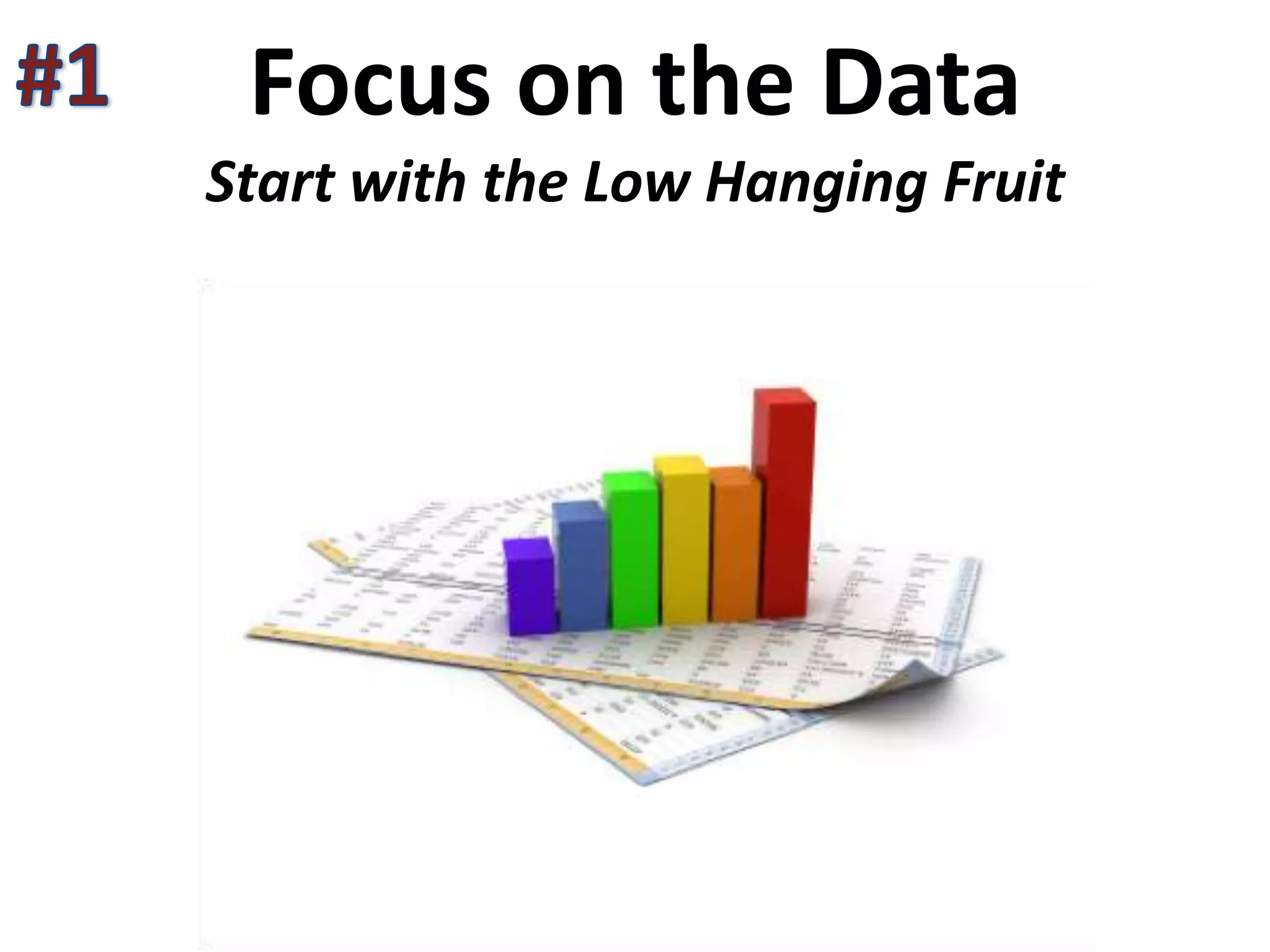
Focus on the Data
Start with the Low Hanging Fruit
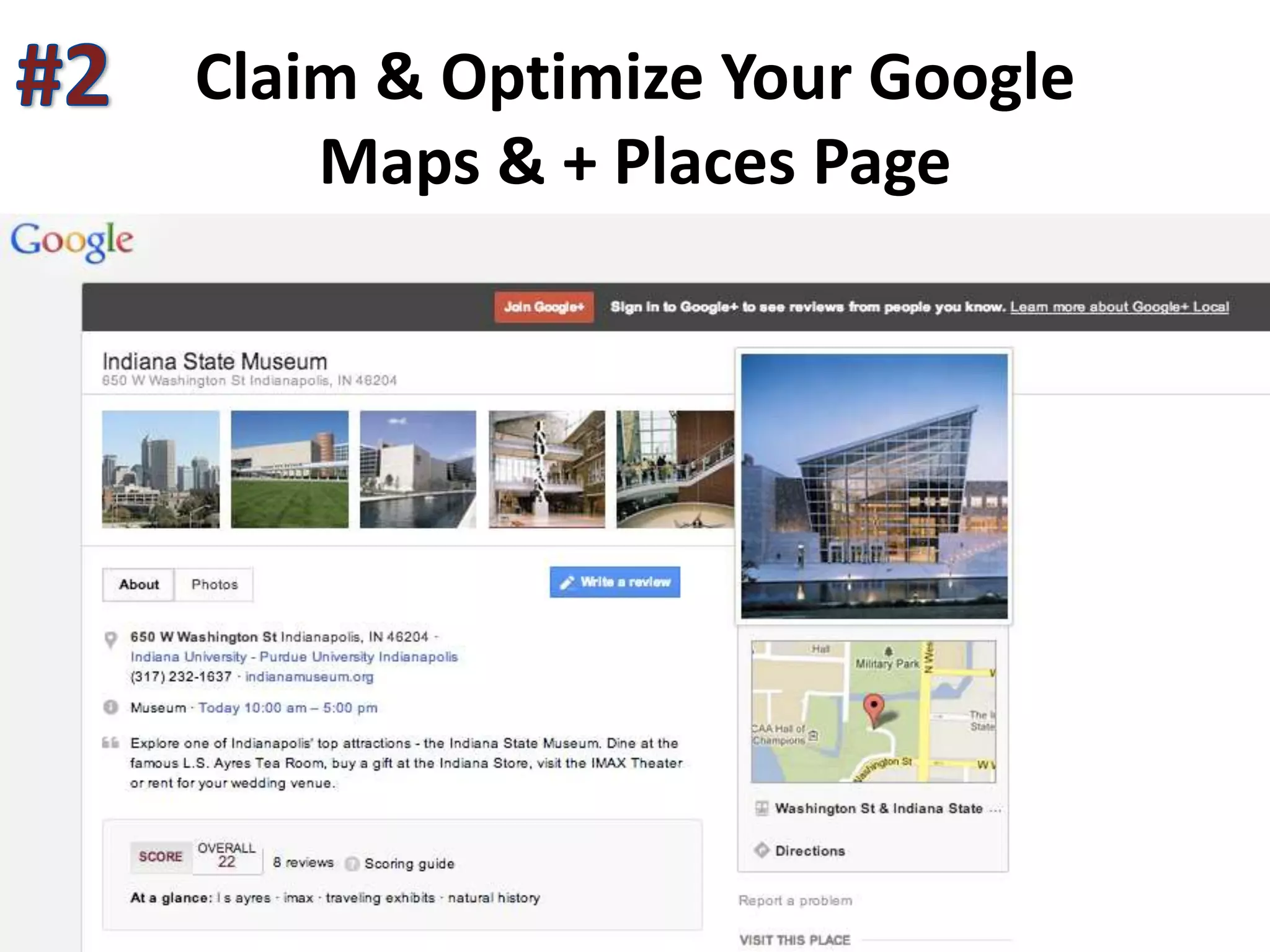
Claim & Optimize Your Google
Maps & + Places Page
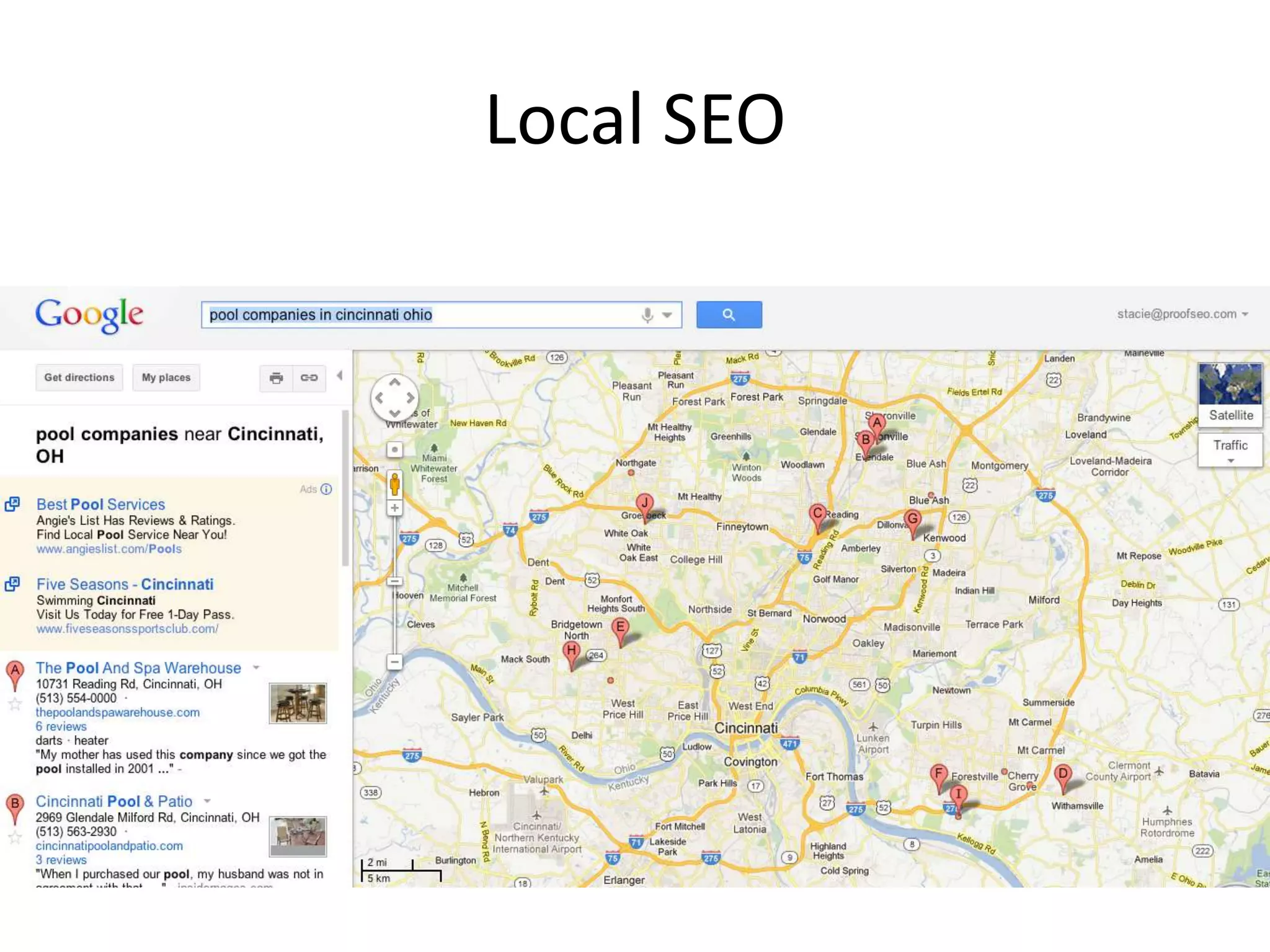
Local SEO
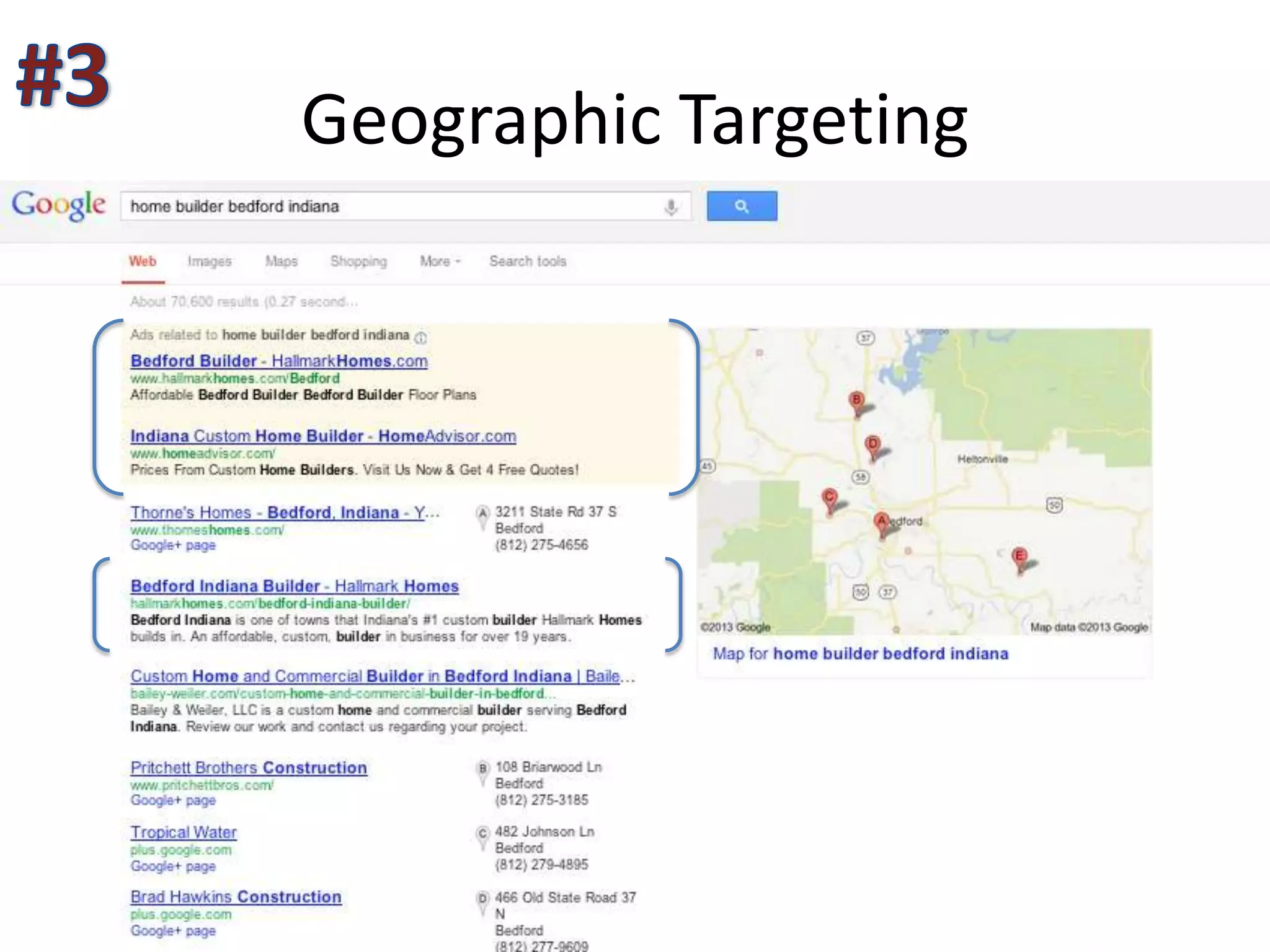
Geographic Targeting
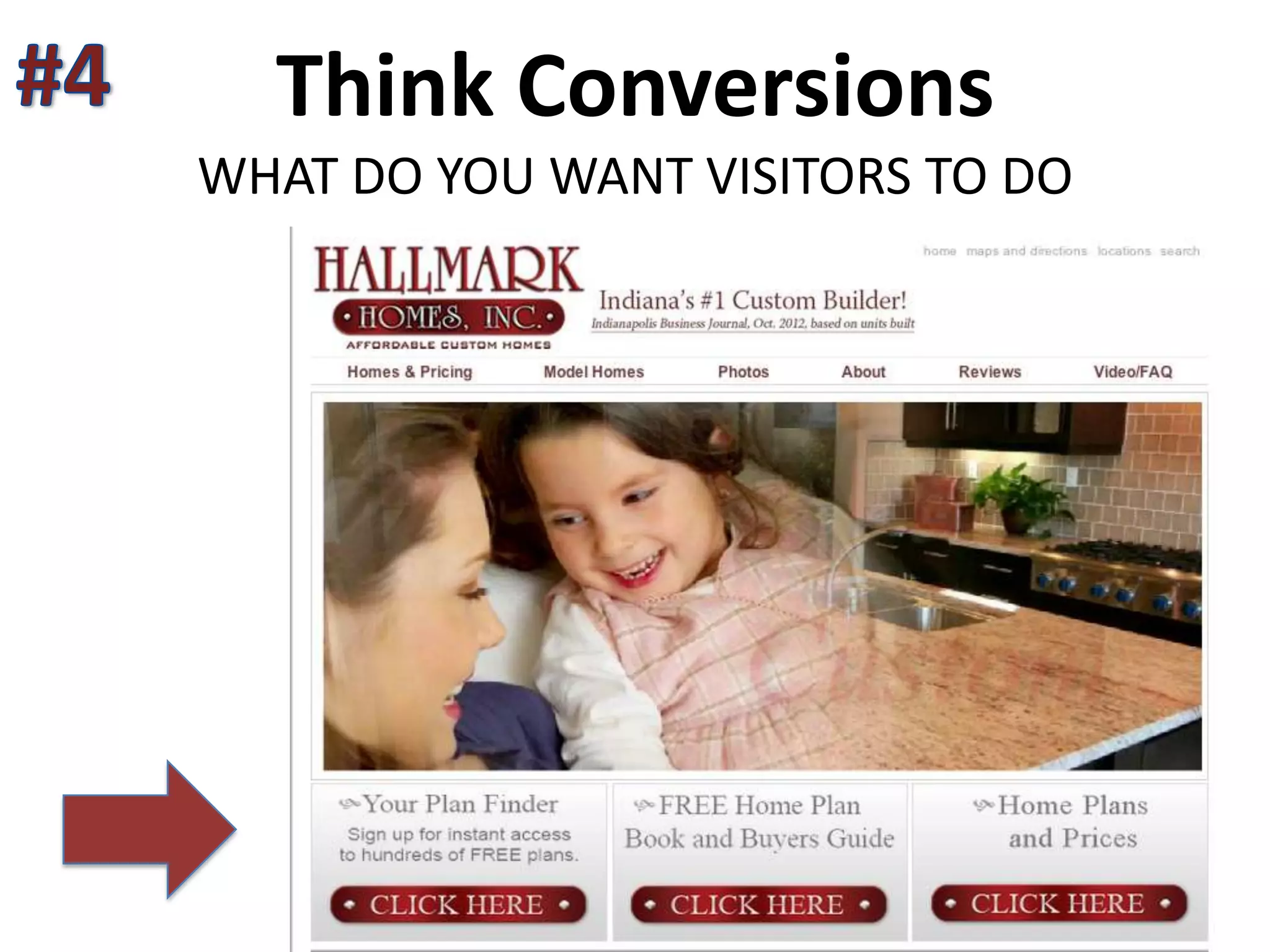
Think Conversions
WHAT DO YOU WANT VISITORS TO DO
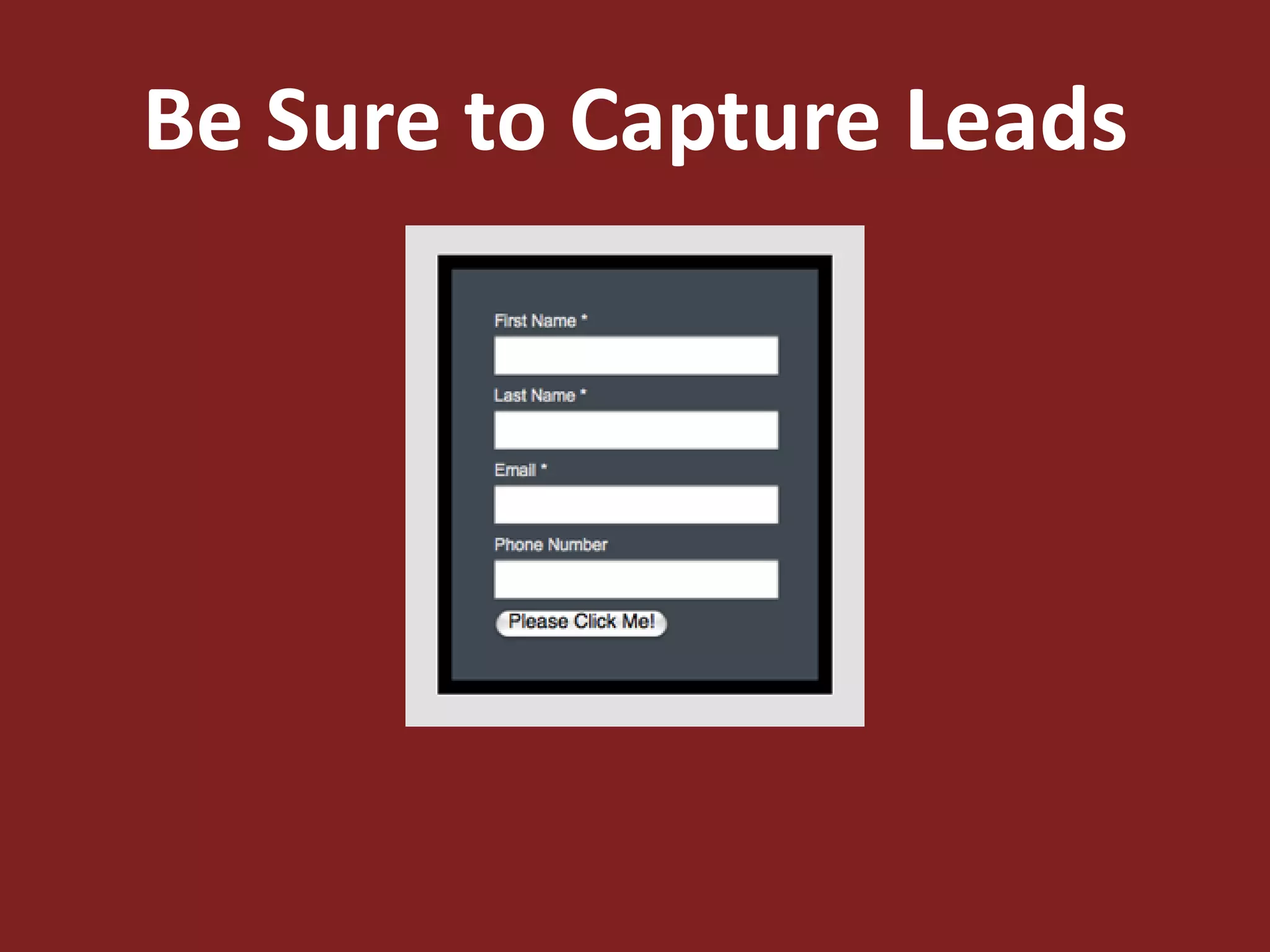
Be Sure to Capture Leads
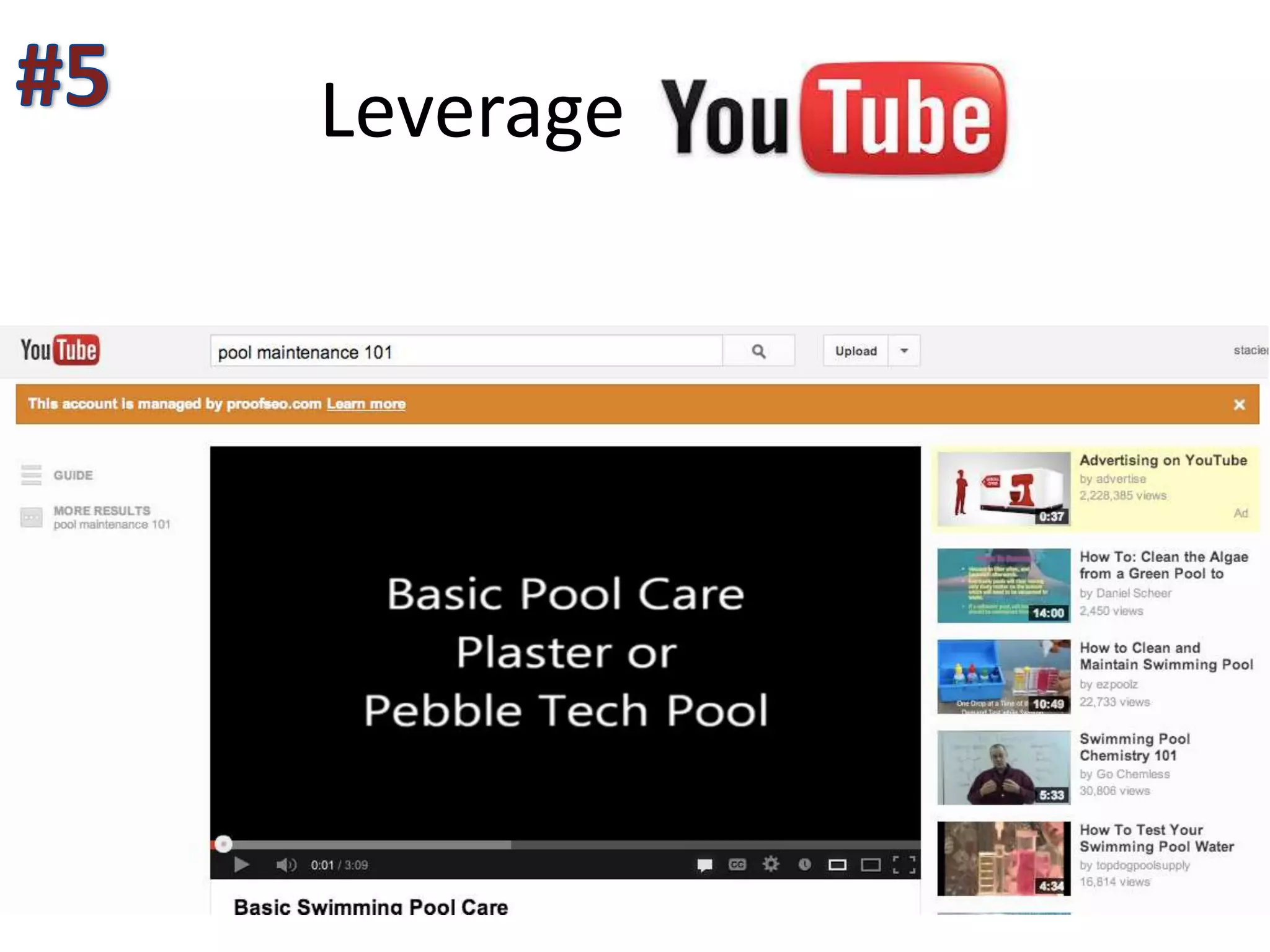
Leverage
Start A Blog
Leverage Social Media
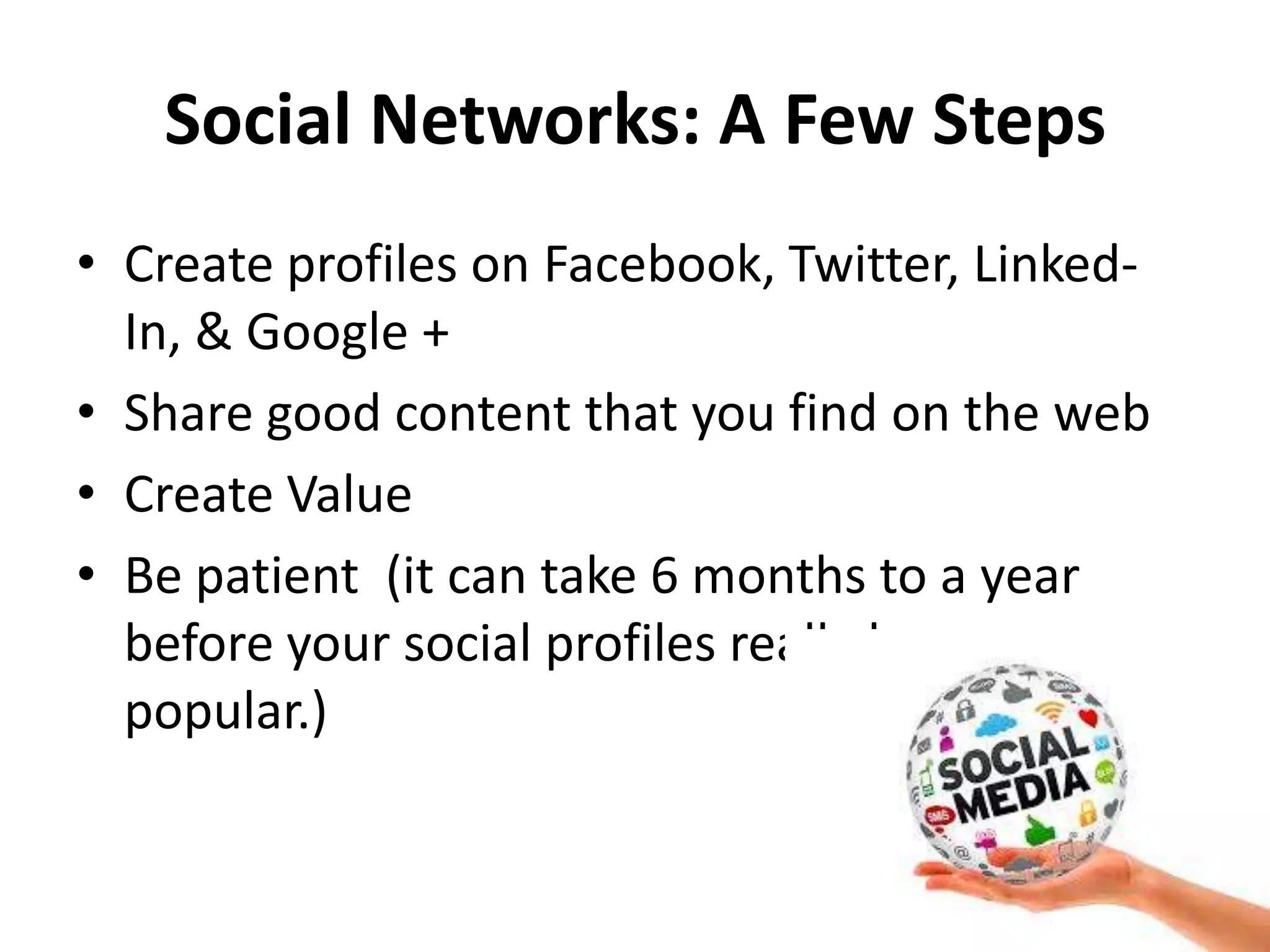
Social Networks: A Few Steps
• Create profiles on Facebook, Twitter, Linked-
In, & Google +
• Share good content that you find on the web
• Create Value
• Be patient (it can take 6 months to a year
before your social profiles really become
popular.)
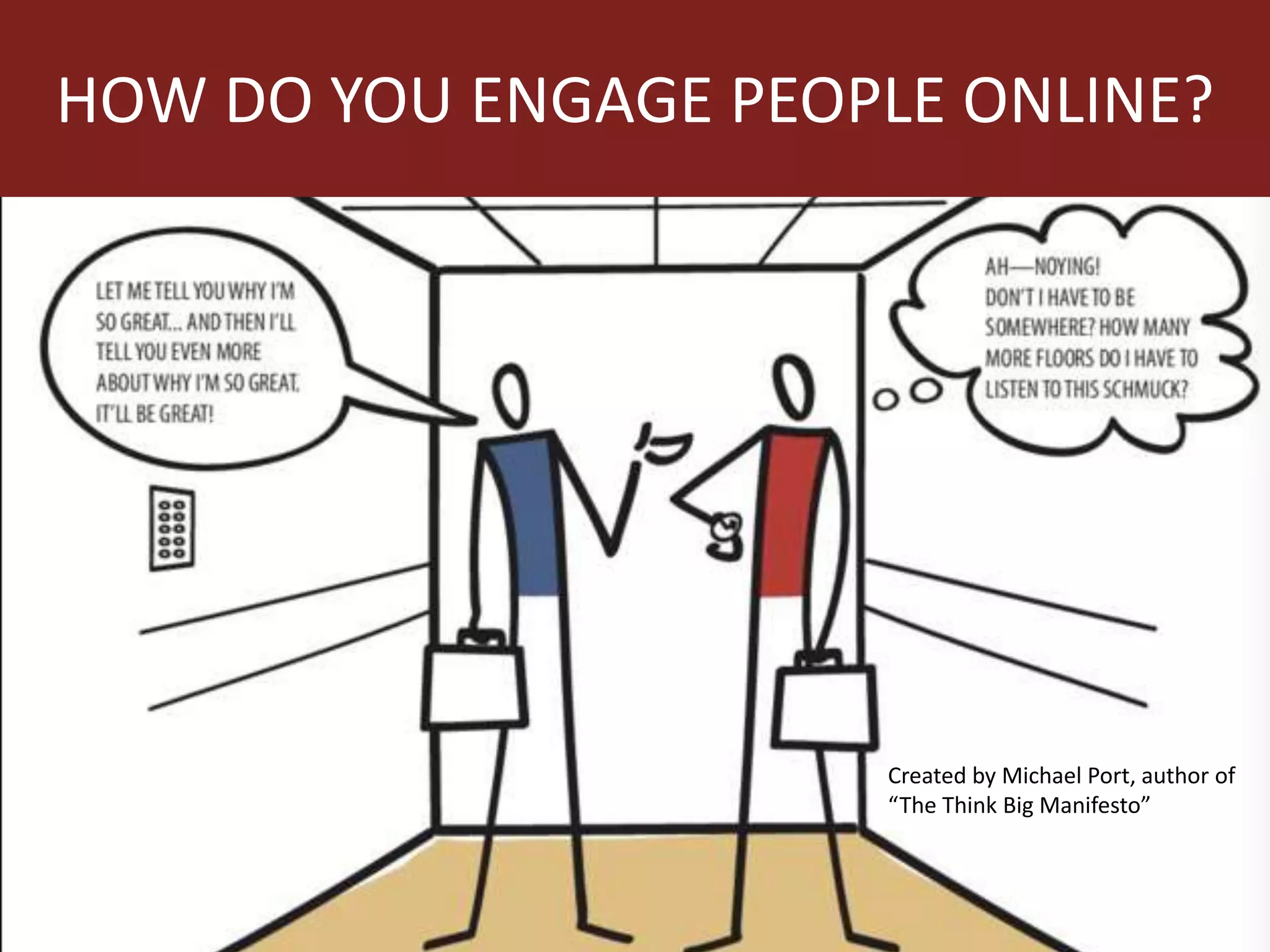
HOW DO YOU ENGAGE PEOPLE ONLINE?
Created by Michael Port, author of
“The Think Big Manifesto”
Answer Questions
• Find Potential Customers on Forums Like
Yahoo Answers
• Answer questions related to the products and
services your company provides
• Dedicate time by offering free advice
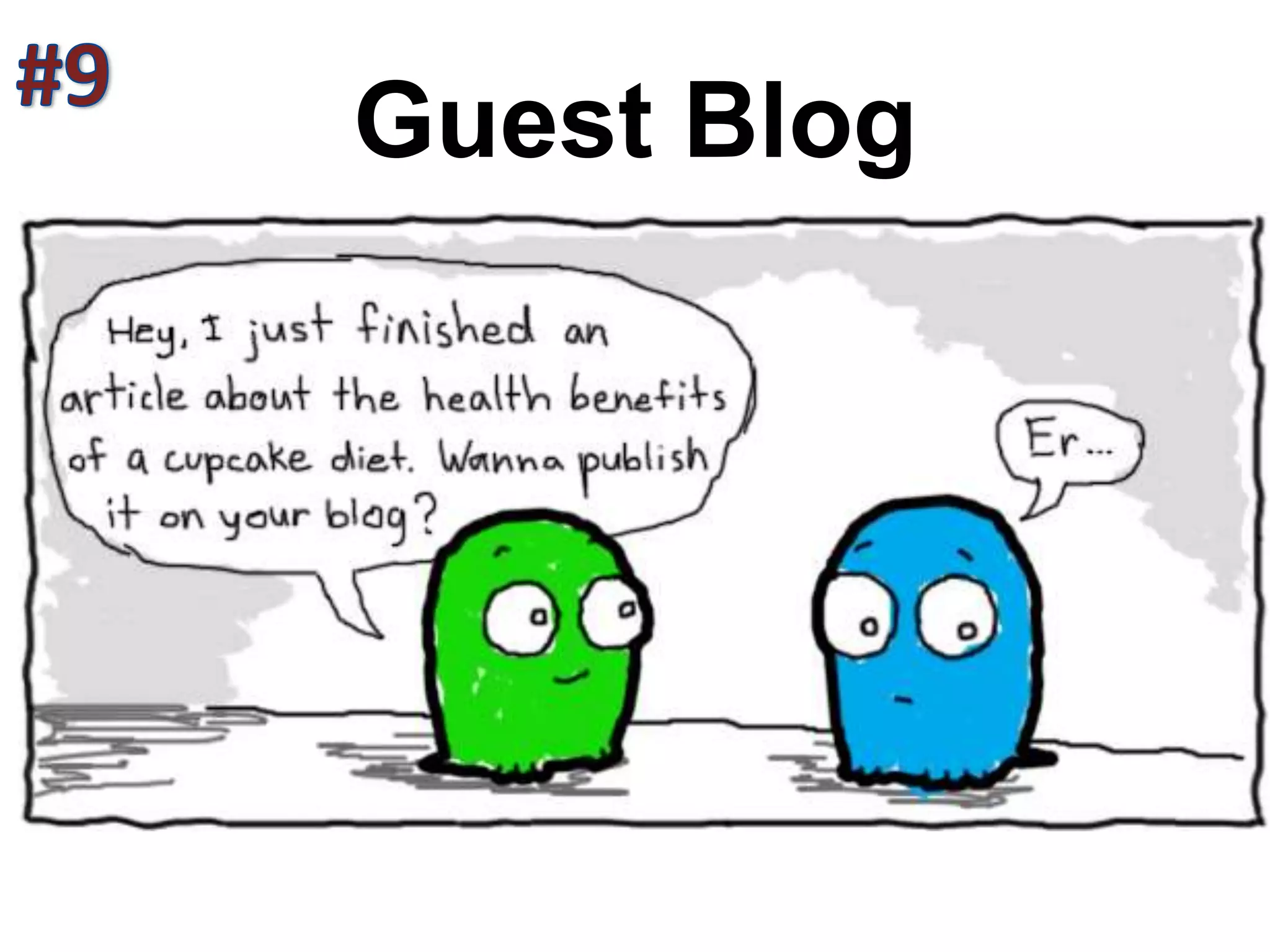
Guest Blog
Offer Discounts
• Utilize Google, Yahoo, FourSquare, Yelp and
others to offer discounts for your services.
• Strategically place discounts on your site
• Offer discounts via email campaigns and ads
• Offer discounts offline (but drive them online
to get the discount)
• Think about Groupon or Living Social
LEVERAGE THE WEB
Questions?
Stacie@proofseo.com
Slides Available at www.Proofseo.com/apsp
TECHNICAL SEO TIPS
ON PAGE SEO
Content on Your Site
• HTML text format – images, Flash files, Java applets, and
other non-text content items are invisible to search engine
spiders and won’t help your site get ranked for your chosen
keywords
• The first sentence in the body text and the first few words of
each sentence are the most important for advanced SEO
necessities. Consider using your target keywords here for
maximum benefit
• Heading 1 (H1) and Heading 2 (H2) texts show the search
engines the main subjects for content to be indexed. Make
H1 and H2 texts keyword friendly and reflective of your page
title.
• Meta descriptions are also important. The meta description is
the short description of a page’s content that appears
directly under the page title in a search engine query.
Page Titles
• Search results only display 70 characters – any page
titles exceeding this will be cut off
• It’s better to place your keywords at the beginning of
the page title and try to leverage branding by ending
every page title with your company name.
• Don’t forget to consider the user experience when
coming up with you page titles. This means, don’t force
the keyword usage since the page title is the first
impression of your site to new users.
Linking
• In-Text Links
• Shallow Navigation - where information on any
page can be accessed within a few clicks
• Breadcrumb Links - navigation that tells users
where they are.
• Consulting > Services > Implementation > Service A
• Consulting > Services > Optimization > Service A
• Consulting > Services > Upgrade > Service A
Examples: Off Page Linking
• Guest Blogging
• Online Press Releases
• Business Listings/Directories
• Social Bookmarketing
• Video’s
• Sharable Content
WATCH YOUR LINK QUALITY
Link Structure
ensure the search engines interpret your links correctly.
• Choose the Right Anchor Text- the text used to
form a hyperlink. (Avoid “click here”)
• Watch Your Link Quality -appear to be written
by experts, have good design, load quickly, and
seem trustworthy
Don’t Be A Cheater
• Trade or Buy Links
• Set up Several Social Sites for Linking only
• Don’t Use Linking Farms
• Don’t post Spam via Comments on Blogs
Technical Website Issues
Ensure the search engines can crawl your site correctly.
• Site Speed
• Canonicalization of Links
• Duplicate Content
• Redirects
• Code Errors
• Site Maps

Online Marketing and SEO Workshop

  • 1.
    LEVERAGING THE WEB With SEARCHAND ONLINE MARKETING
  • 2.
    AGENDA 1. Introductions 2. OnlineMarketing - Why Should You Care 3. Strategy #1 – Get Found (SEO) 4. 10 Low Budget Marketing Ideas
  • 3.
    We love beingconnected…in fact we are addicted to it!
  • 4.
    The Last 60Seconds • 694,445 searches on Google • 695,000 Facebook updates • 370,00 minutes of calls on Skype • 98,000 tweets • 12,000 new ads on Craigslist • 1,500 new blog posts • 600 new YouTube videos • 320 new Twitter accounts • 100 new LinkedIn accounts • 60 new blogs were created • 168 million emails sent
  • 5.
  • 7.
    What the heckis SEO? Search Engine Optimization [surch] [en-juhn] [op-tuh-muh-zey-shuhn]: The process of improving the visibility of a website or a web page in a search engine's "natural," or un-paid search results. IN PLAIN ENGLISH: GETTING YOUR WEBSITE FOUND ON GOOGLE
  • 8.
    Why Should ICare? • Every Day – One Billion Google Searches • 85% of Searchers Click Organic Results • Organic search is the #1 lead conversion tactic outranking email marketing and paid search.
  • 9.
    HOW MUCH ISIT WORTH TO RANK ON GOOGLE? Something to Think About
  • 10.
    STEP I Setting YourSite Up for Success 1. Keywords 2. Content 3. Navigation & Usability
  • 11.
  • 12.
    Keyword Research 1. Identifyingniches without significant competition 2. Look for the low-hanging fruit of micro niches 3. Look for long-tail keywords 4. Reverse engineer your competition’s websites
  • 13.
    Research Tools • GoogleSuggest • Google Adwords Tool • SEO Quake • SEMRush
  • 14.
  • 15.
  • 16.
    What Can YouWin Go After the Longtail
  • 17.
    Watch Out forKeywords with Well-Established, High Ranking Sites
  • 18.
  • 19.
    Content • Interesting • Easilyconsumable • Easily shareable • Optimized to be found • Focused on evergreen - long shelf Life • Write on search terms you can win
  • 20.
  • 21.
    Keyword Breakdown • Usethe keyword in the page title at least once. Keep the keyword as close to the beginning of the page title as possible. • Once in a H1 header tag. • At least 3 times in the body copy. • At least once in the URL.
  • 22.
  • 23.
    SEO Friendly Website •Easy to use navigation and simple site structure. • Professional website design • Accessibility to modern browsers (Firefox, Internet Explorer, Safari, Chrome etc.). • High quality and credible content. • Site Map
  • 24.
    SEO IS NOTA SIT IT AND FORGET IT PROCESS
  • 25.
    Use Images, Videos,and Infographics People love to share these.
  • 26.
    Image Optimization Remember -searchengines can’t read images • Use Keywords in File names (mexican- catering.jpg or fajita- taco-bar.jpg) • Create Descriptive Alt Text • Make Your Images Match Your Content
  • 27.
    Image Resources • Flickr–Make sure to use the “creative commons search” and credit the author by linking their name back to the photo. • Stock.xchng – This site provides royalty-free stock images for use on your site. • iStockPhoto – This company sells high quality stock images, and can be a good choice when you need to find something specific.
  • 28.
  • 29.
    What You CanLearn • How someone found your site • What keywords result in the highest sales conversions • Which pieces of your content are the least and most popular • The demographics of users • How many people you influence • Compare your Facebook/Twitter presence virus your competitors • Which of your “tweets” are the most popular
  • 30.
  • 31.
  • 32.
    10 Marketing Ideas FORSMALL MARKETING BUDGETS
  • 33.
    Focus on theData Start with the Low Hanging Fruit
  • 34.
    Claim & OptimizeYour Google Maps & + Places Page
  • 35.
  • 36.
  • 37.
    Think Conversions WHAT DOYOU WANT VISITORS TO DO
  • 38.
    Be Sure toCapture Leads
  • 39.
  • 40.
  • 41.
  • 42.
    Social Networks: AFew Steps • Create profiles on Facebook, Twitter, Linked- In, & Google + • Share good content that you find on the web • Create Value • Be patient (it can take 6 months to a year before your social profiles really become popular.)
  • 43.
    HOW DO YOUENGAGE PEOPLE ONLINE? Created by Michael Port, author of “The Think Big Manifesto”
  • 44.
    Answer Questions • FindPotential Customers on Forums Like Yahoo Answers • Answer questions related to the products and services your company provides • Dedicate time by offering free advice
  • 45.
  • 46.
    Offer Discounts • UtilizeGoogle, Yahoo, FourSquare, Yelp and others to offer discounts for your services. • Strategically place discounts on your site • Offer discounts via email campaigns and ads • Offer discounts offline (but drive them online to get the discount) • Think about Groupon or Living Social
  • 47.
  • 48.
  • 49.
  • 50.
  • 51.
    Content on YourSite • HTML text format – images, Flash files, Java applets, and other non-text content items are invisible to search engine spiders and won’t help your site get ranked for your chosen keywords • The first sentence in the body text and the first few words of each sentence are the most important for advanced SEO necessities. Consider using your target keywords here for maximum benefit • Heading 1 (H1) and Heading 2 (H2) texts show the search engines the main subjects for content to be indexed. Make H1 and H2 texts keyword friendly and reflective of your page title. • Meta descriptions are also important. The meta description is the short description of a page’s content that appears directly under the page title in a search engine query.
  • 52.
    Page Titles • Searchresults only display 70 characters – any page titles exceeding this will be cut off • It’s better to place your keywords at the beginning of the page title and try to leverage branding by ending every page title with your company name. • Don’t forget to consider the user experience when coming up with you page titles. This means, don’t force the keyword usage since the page title is the first impression of your site to new users.
  • 53.
    Linking • In-Text Links •Shallow Navigation - where information on any page can be accessed within a few clicks • Breadcrumb Links - navigation that tells users where they are. • Consulting > Services > Implementation > Service A • Consulting > Services > Optimization > Service A • Consulting > Services > Upgrade > Service A
  • 54.
    Examples: Off PageLinking • Guest Blogging • Online Press Releases • Business Listings/Directories • Social Bookmarketing • Video’s • Sharable Content WATCH YOUR LINK QUALITY
  • 55.
    Link Structure ensure thesearch engines interpret your links correctly. • Choose the Right Anchor Text- the text used to form a hyperlink. (Avoid “click here”) • Watch Your Link Quality -appear to be written by experts, have good design, load quickly, and seem trustworthy
  • 56.
    Don’t Be ACheater • Trade or Buy Links • Set up Several Social Sites for Linking only • Don’t Use Linking Farms • Don’t post Spam via Comments on Blogs
  • 57.
    Technical Website Issues Ensurethe search engines can crawl your site correctly. • Site Speed • Canonicalization of Links • Duplicate Content • Redirects • Code Errors • Site Maps

Editor's Notes

  • #3 INTRODUCTIONS – Company, What They Know about SEO, Why Did They Come this Morning, What Would You Like To Learn. Do you have a website? 
  • #5 No wonder we can never keep up with our inboxes!
  • #16 Reverse Engineer – dog training tips
  • #20 (Did you see this dog riding on a bike) (“Whoa, this pretty picture demonstrates the best hair design”)(“Guys, I found scientific proof of why we need to do the dishes!”)
  • #24 (a page listing and linking to all other major pages on your site which allows search engine spiders to crawl (search) your site easier.
  • #30 Tracking #’s, coupon codes
  • #44 Example…Invite a person to participate….Vegas Example
  • #58 Woo Rank, SEO Moz,