
OFFLINE & STORAGE
APP CACHE, LOCAL STORAGE & SESSION STORAGE
Offline HTML5 Web apps
Yes, the website can work even if
you are Offline
How ?
ApplicationCache interface
The Application Cache (or AppCache)
allows a developer to specify which
files the browser should cache and
make available to offline users. Your
app will load and work correctly, even if
the user presses the refresh button
while they're offline.
Steps to achieve app cache
1. Add .htaccess support
2. Create the manifest file
3. Link your manifest file to the html
document
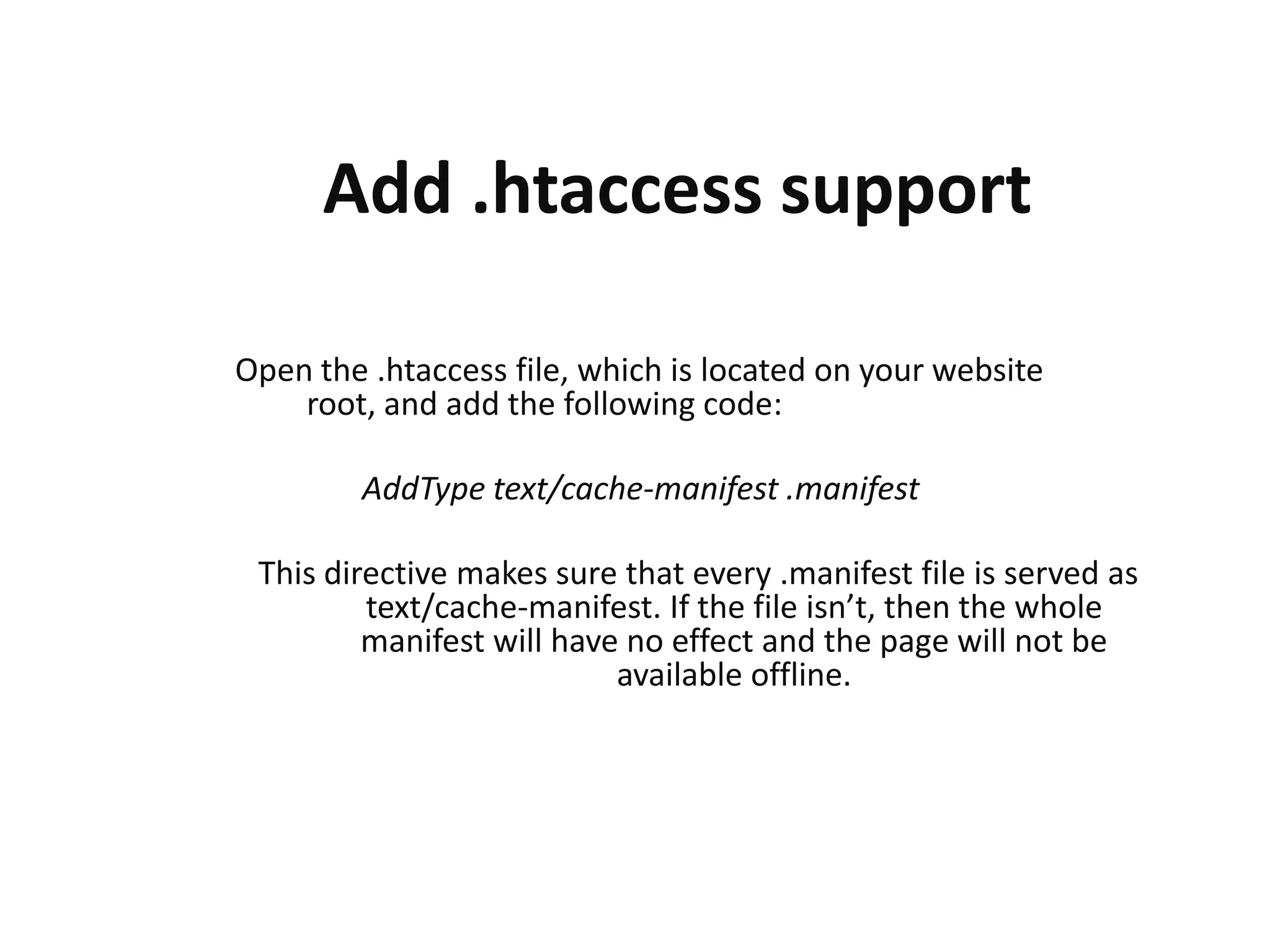
Add .htaccess support
Open the .htaccess file, which is located on your website
root, and add the following code:
AddType text/cache-manifest .manifest
This directive makes sure that every .manifest file is served as
text/cache-manifest. If the file isn’t, then the whole
manifest will have no effect and the page will not be
available offline.
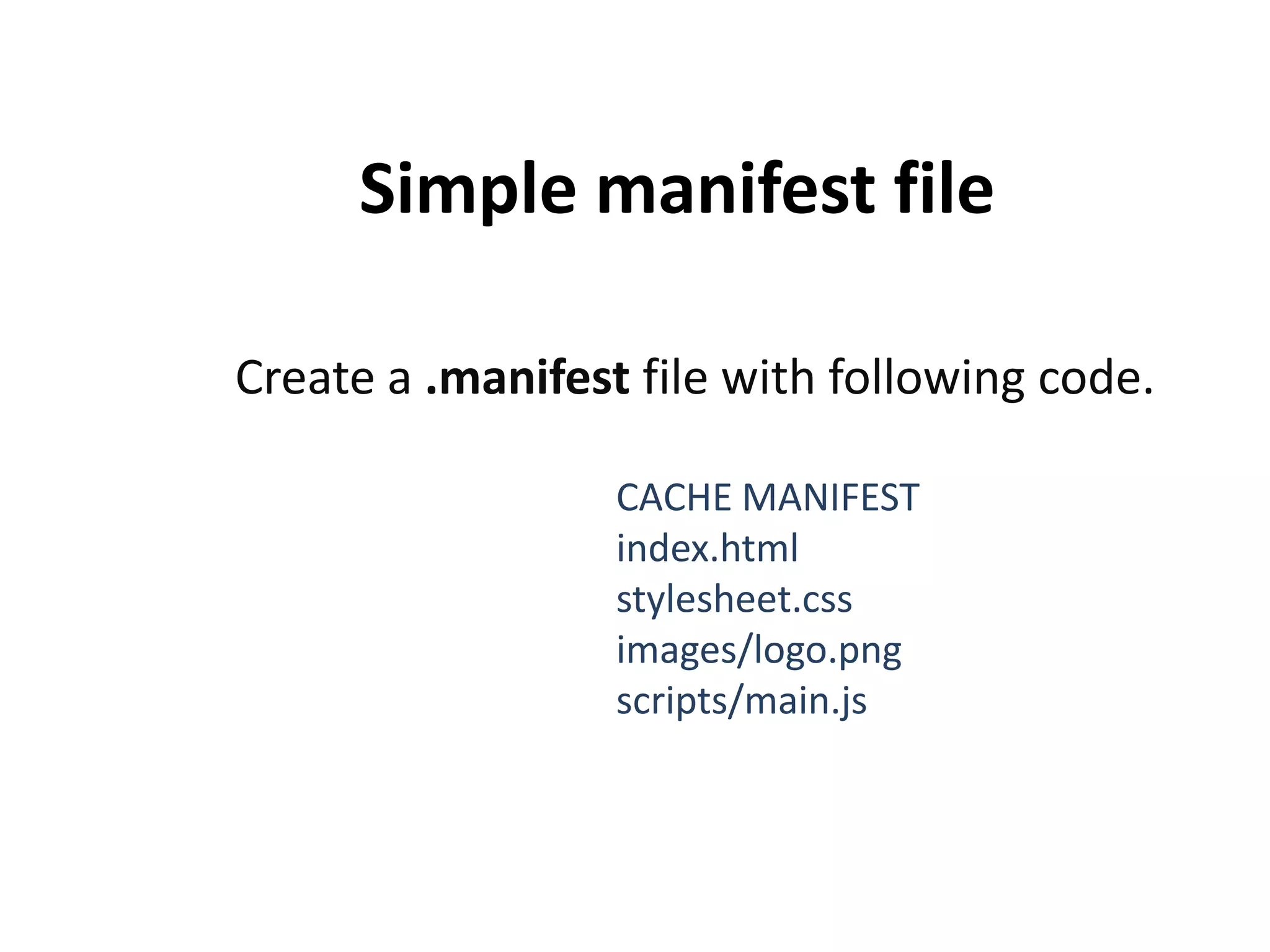
Simple manifest file
Create a .manifest file with following code.
CACHE MANIFEST
index.html
stylesheet.css
images/logo.png
scripts/main.js
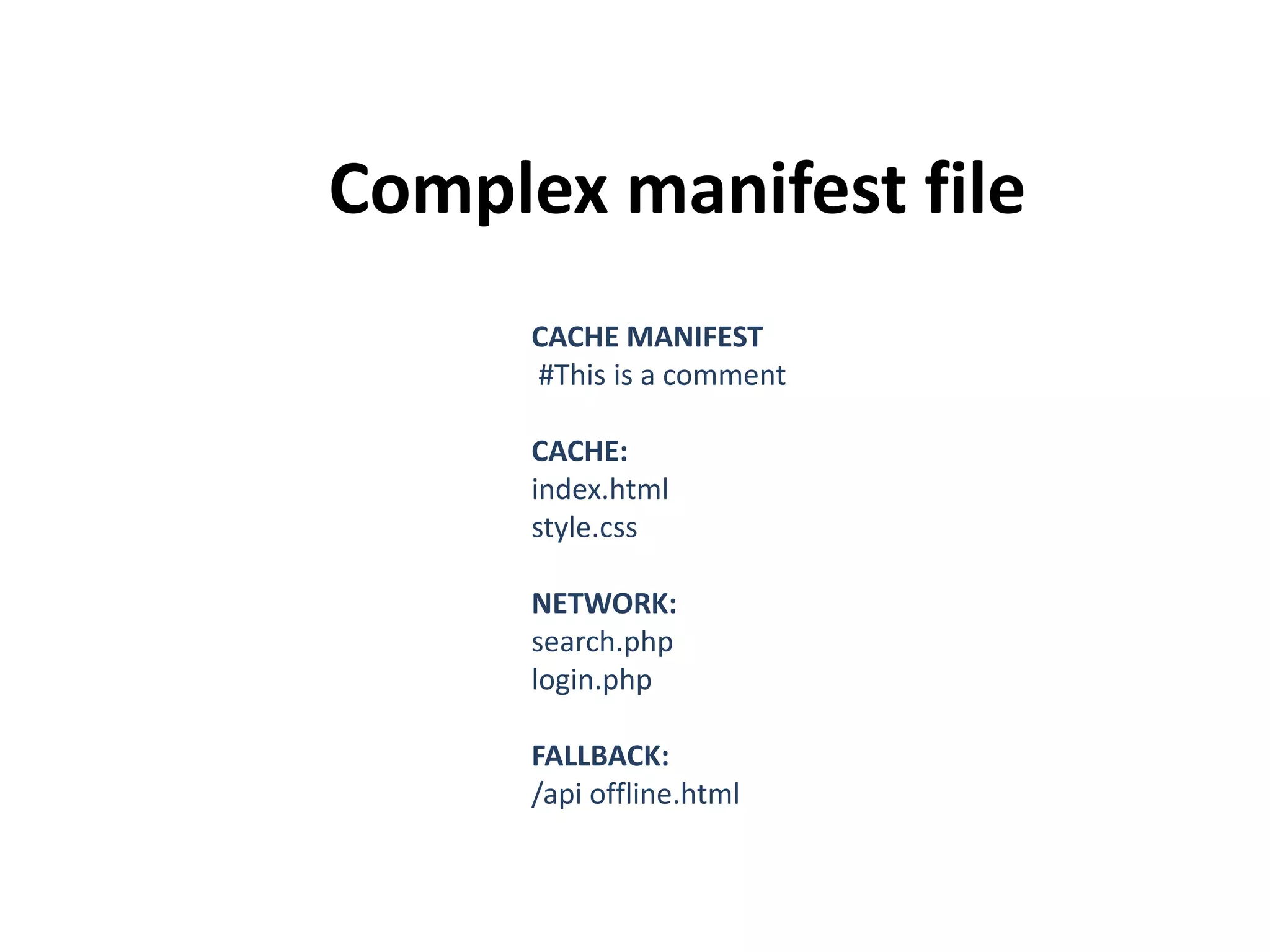
Complex manifest file
CACHE MANIFEST
#This is a comment
CACHE:
index.html
style.css
NETWORK:
search.php
login.php

FALLBACK:
/api offline.html
Link your manifest file to the
html document
add the manifest attribute to the html element as below.

<html manifest="/offline.manifest">
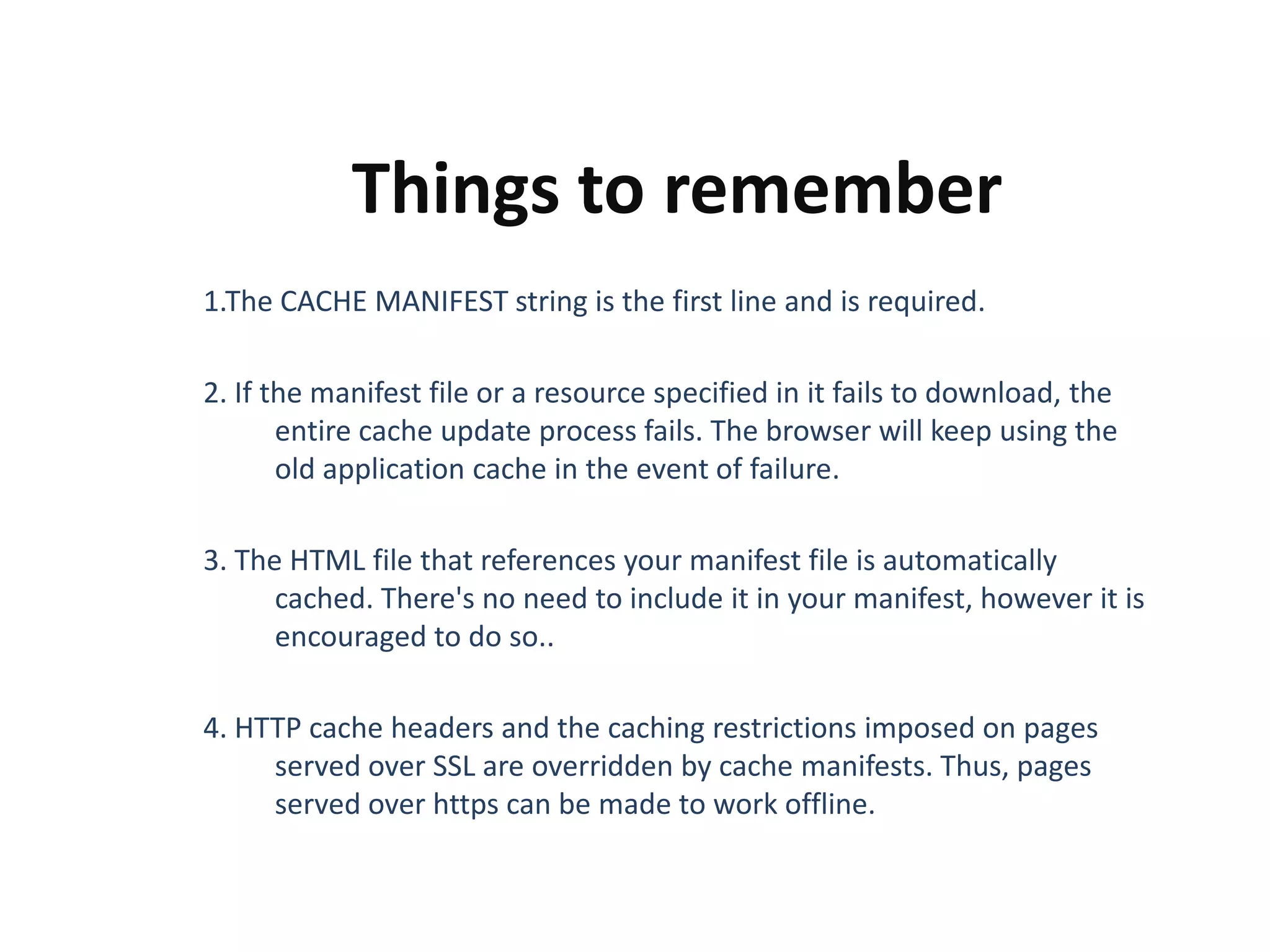
Things to remember
1.The CACHE MANIFEST string is the first line and is required.
2. If the manifest file or a resource specified in it fails to download, the
entire cache update process fails. The browser will keep using the
old application cache in the event of failure.

3. The HTML file that references your manifest file is automatically
cached. There's no need to include it in your manifest, however it is
encouraged to do so..
4. HTTP cache headers and the caching restrictions imposed on pages
served over SSL are overridden by cache manifests. Thus, pages
served over https can be made to work offline.
UPDATING THE CACHE
Once an application is offline it remains cached until one
of the following happens:
1. The user clears their browser's data storage for your
site.
2. The manifest file is modified. Note: updating a file
listed in the manifest doesn't mean the browser will
re-cache that resource. The manifest file itself must
be altered.
3. The app cache is programmatically updated.
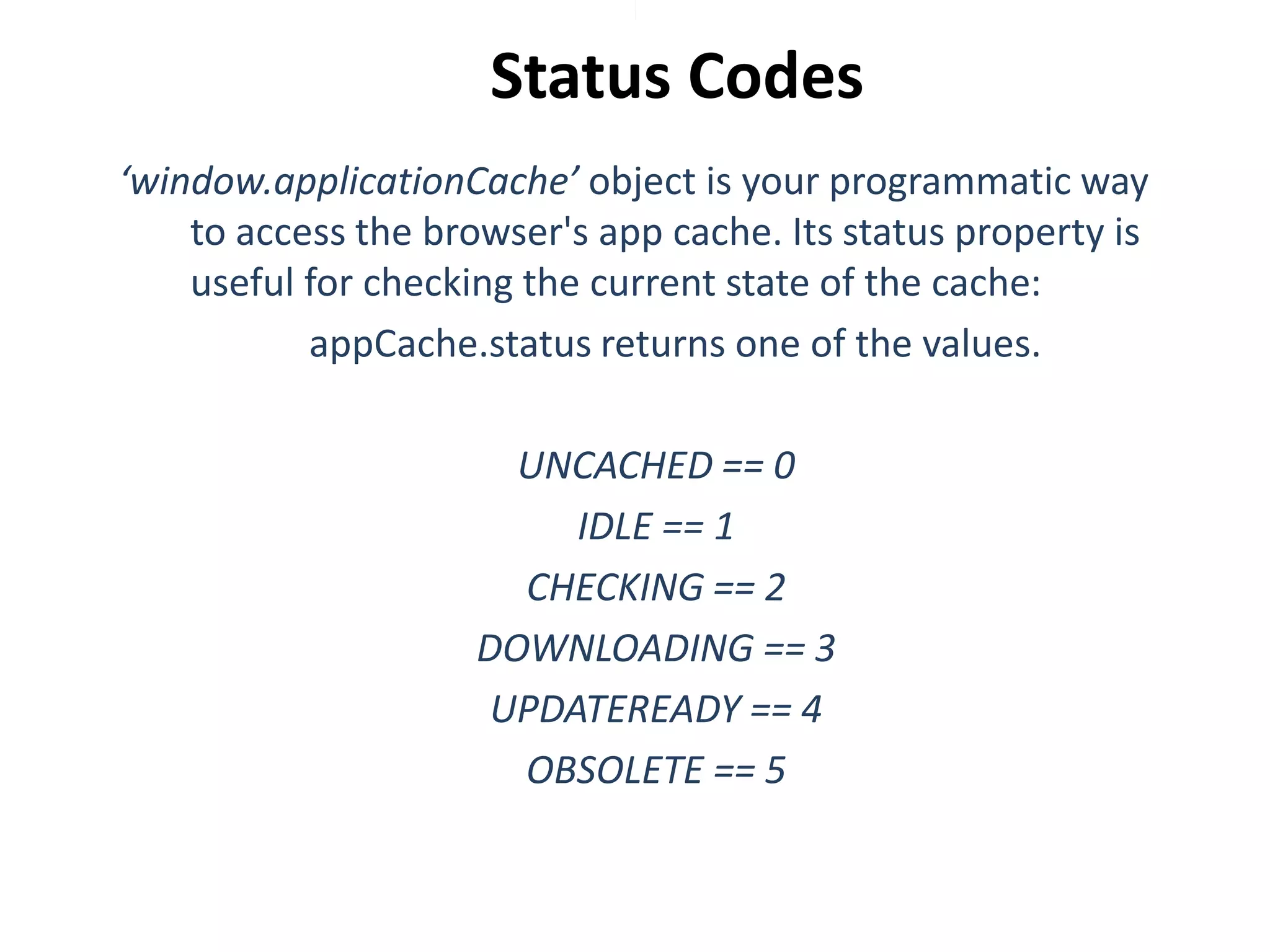
Status Codes
‘window.applicationCache’ object is your programmatic way
to access the browser's app cache. Its status property is
useful for checking the current state of the cache:
appCache.status returns one of the values.
UNCACHED == 0
IDLE == 1
CHECKING == 2
DOWNLOADING == 3
UPDATEREADY == 4
OBSOLETE == 5
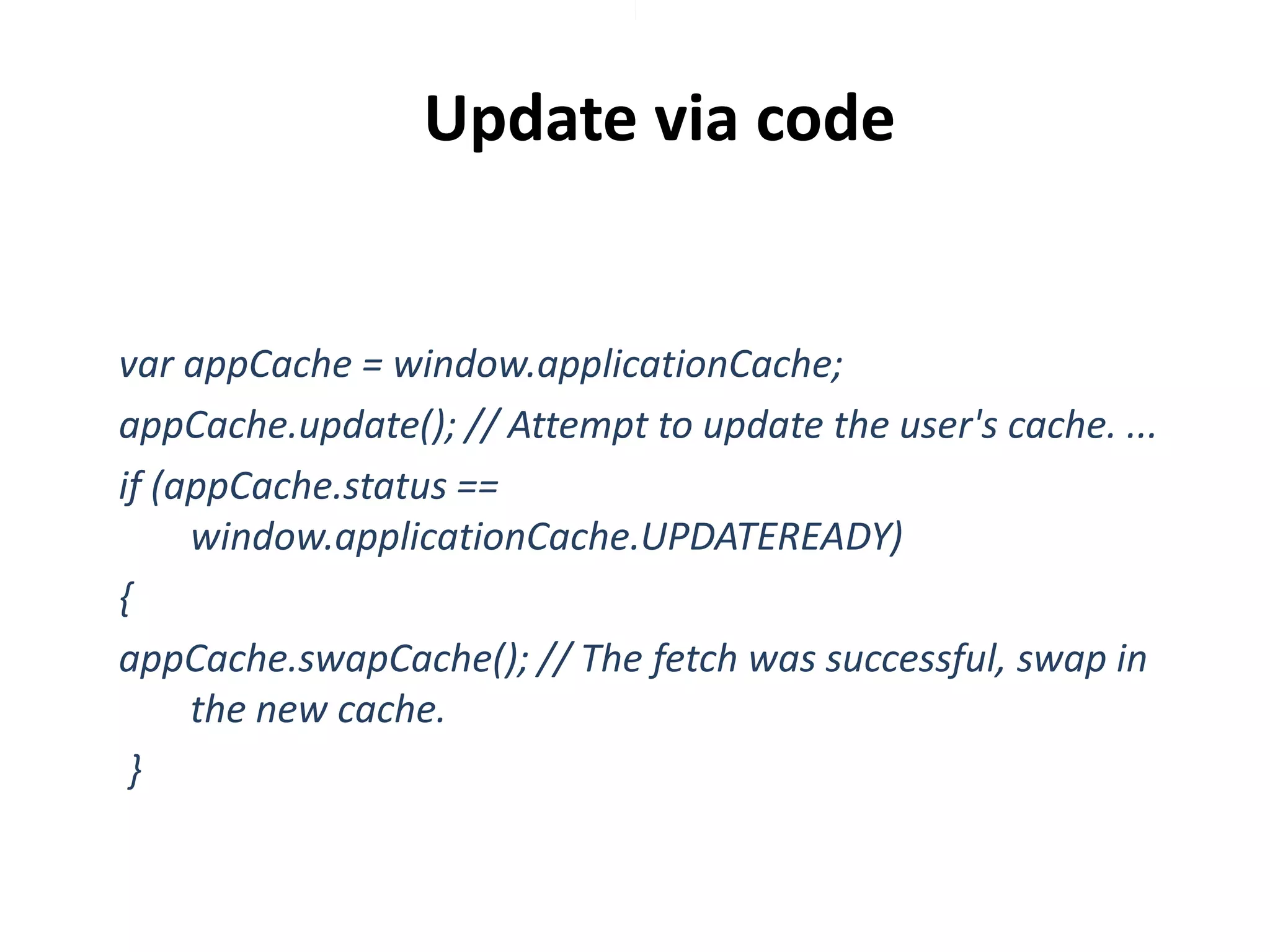
Update via code

var appCache = window.applicationCache;
appCache.update(); // Attempt to update the user's cache. ...
if (appCache.status ==
window.applicationCache.UPDATEREADY)
{
appCache.swapCache(); // The fetch was successful, swap in
the new cache.
}
Demo & References
appcachefacts.info/demo
http://diveintohtml5.info/offline.html
http://dev.w3.org/html5/spec/offline.html
http://dev.w3.org/html5/spec-authorview/spec.html#application-cache-api
http://www.html5rocks.com/en/tutorials/appcache/beginner/
http://www.catswhocode.com/blog/how-to-create-offlinehtml5-web-apps-in-5-easy-steps
Popular web apps using this are…
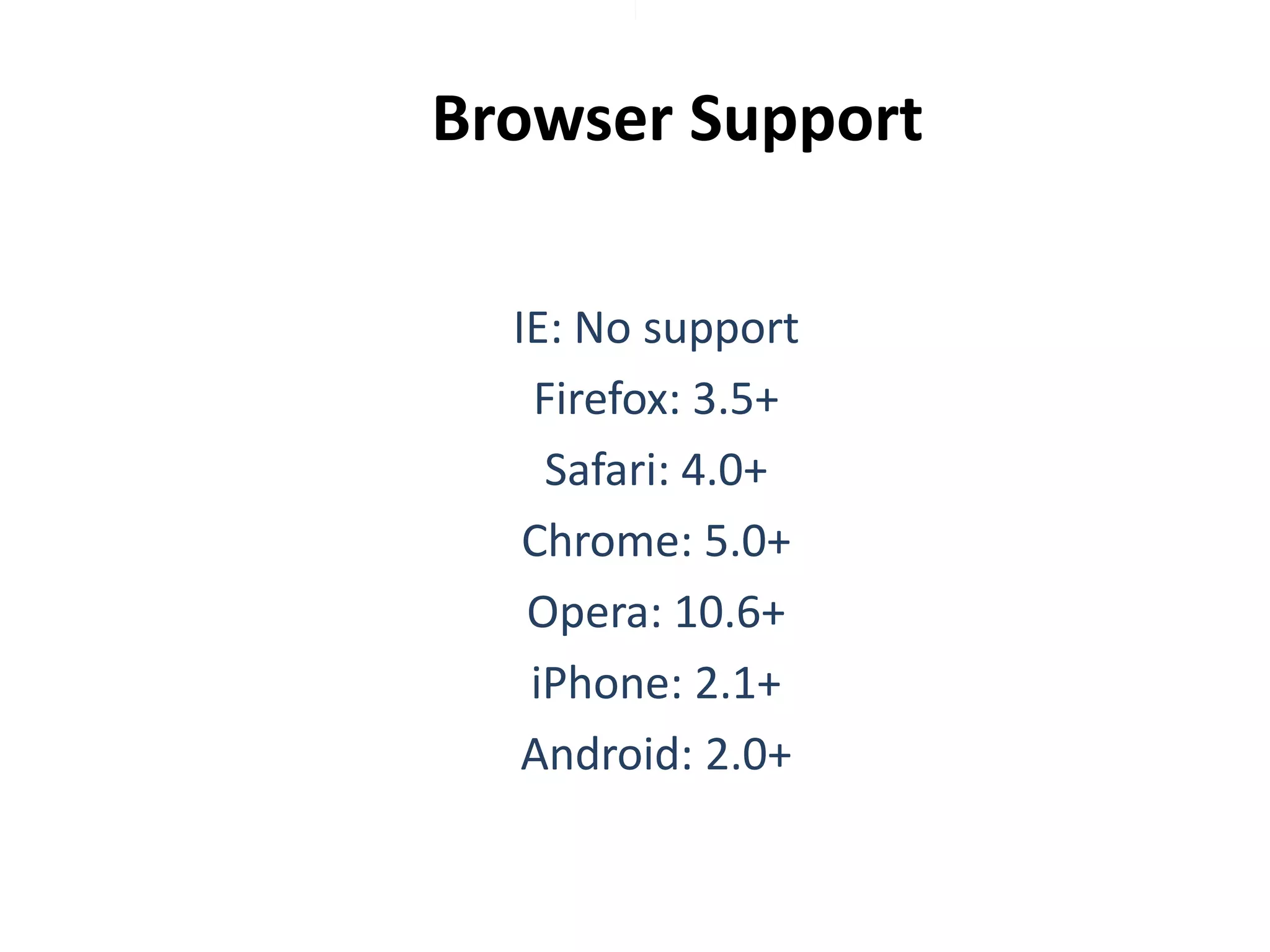
Browser Support
IE: No support
Firefox: 3.5+
Safari: 4.0+
Chrome: 5.0+
Opera: 10.6+
iPhone: 2.1+
Android: 2.0+

Offline Storage