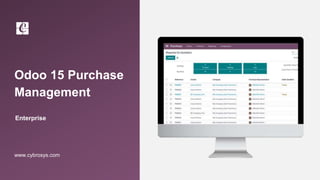
Odoo 15 Purchase
Management
Enterprise
www.cybrosys.com
INTRODUCTION
❖ Purchase management is an inevitable and significant components.
❖ It handle all purchase related operations.
❖ The procurement process are handle by purchase department and buying materials,
services and other goods require for manufacturing the product that has to be delivered to
customers is a responsibility of the purchase department of the company.
❖ So through effective purchase management product cost can be reduced and we can
improve the savings.
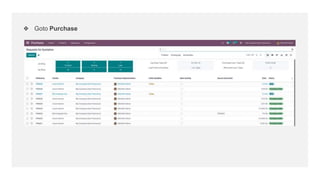
❖ Goto Purchase
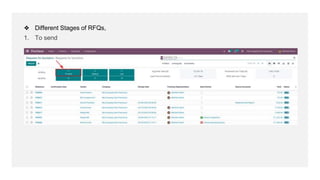
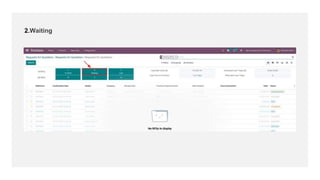
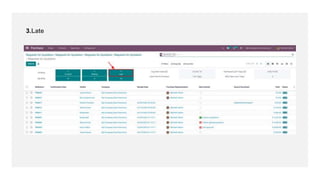
❖ Different Stages of RFQs,
1. To send
2.Waiting
3.Late
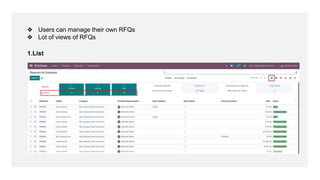
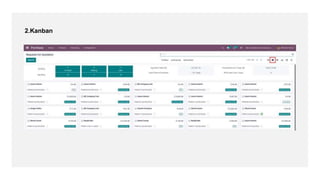
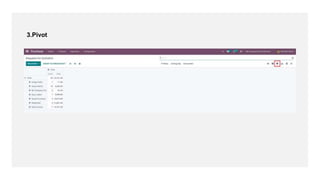
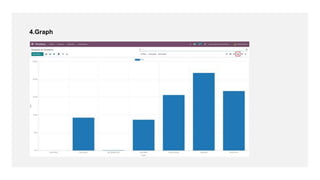
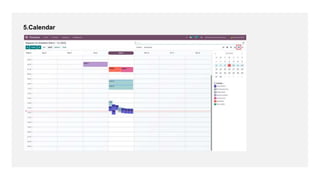
❖ Users can manage their own RFQs
❖ Lot of views of RFQs
1.List
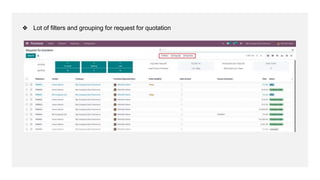
❖ Lot of filters and grouping for request for quotation
2.Kanban
3.Pivot
4.Graph
5.Calendar
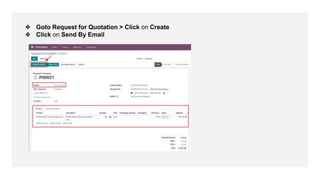
❖ Goto Request for Quotation > Click on Create
❖ Click on Send By Email
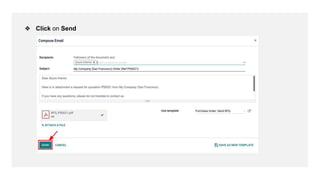
❖ Click on Send
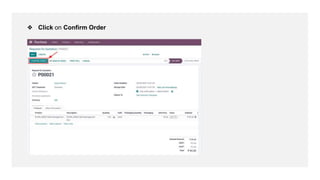
❖ Click on Confirm Order
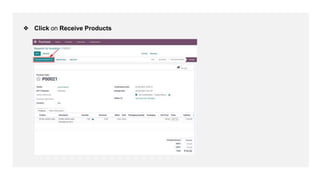
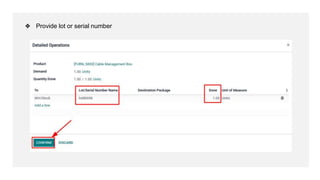
❖ Click on Receive Products
❖ Provide lot or serial number
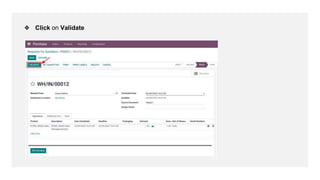
❖ Click on Validate
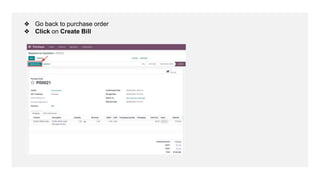
❖ Go back to purchase order
❖ Click on Create Bill
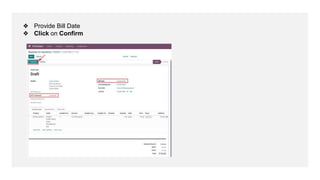
❖ Provide Bill Date
❖ Click on Confirm
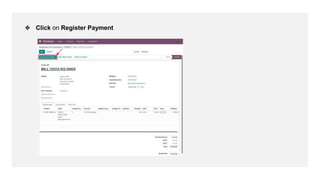
❖ Click on Register Payment
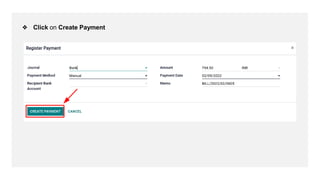
❖ Click on Create Payment
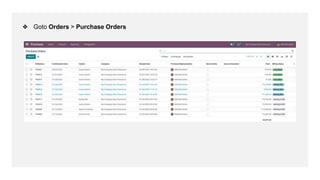
❖ Goto Orders > Purchase Orders
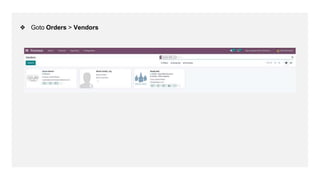
❖ Goto Orders > Vendors
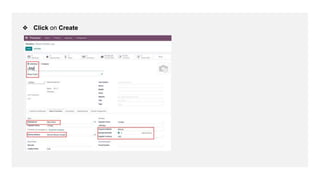
❖ Click on Create
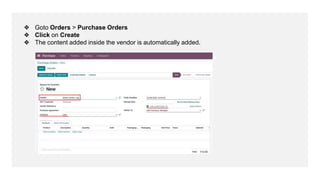
❖ Goto Orders > Purchase Orders
❖ Click on Create
❖ The content added inside the vendor is automatically added.
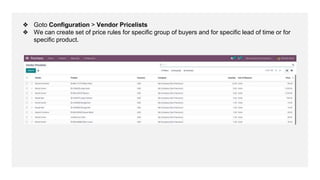
❖ Goto Configuration > Vendor Pricelists
❖ We can create set of price rules for specific group of buyers and for specific lead of time or for
specific product.
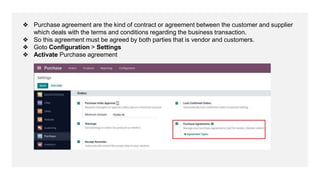
❖ Purchase agreement are the kind of contract or agreement between the customer and supplier
which deals with the terms and conditions regarding the business transaction.
❖ So this agreement must be agreed by both parties that is vendor and customers.
❖ Goto Configuration > Settings
❖ Activate Purchase agreement
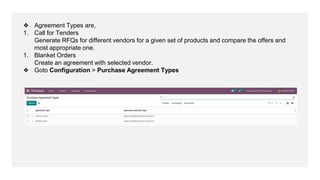
❖ Agreement Types are,
1. Call for Tenders
Generate RFQs for different vendors for a given set of products and compare the offers and
most appropriate one.
1. Blanket Orders
Create an agreement with selected vendor.
❖ Goto Configuration > Purchase Agreement Types
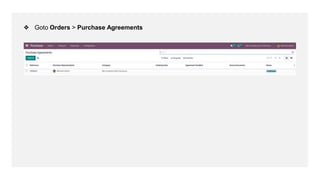
❖ Goto Orders > Purchase Agreements
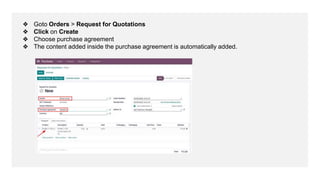
❖ Goto Orders > Request for Quotations
❖ Click on Create
❖ Choose purchase agreement
❖ The content added inside the purchase agreement is automatically added.
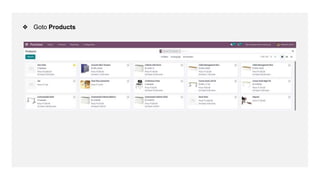
❖ Goto Products
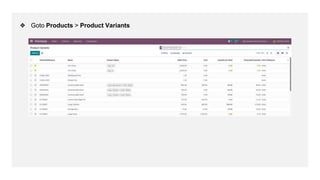
❖ Goto Products > Product Variants
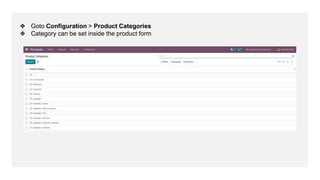
❖ Goto Configuration > Product Categories
❖ Category can be set inside the product form
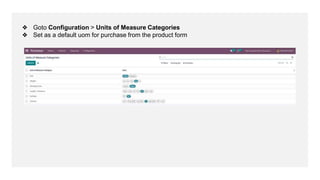
❖ Goto Configuration > Units of Measure Categories
❖ Set as a default uom for purchase from the product form
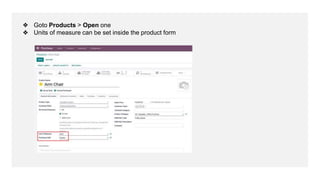
❖ Goto Products > Open one
❖ Units of measure can be set inside the product form
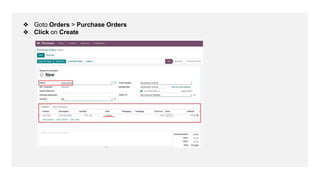
❖ Goto Orders > Purchase Orders
❖ Click on Create
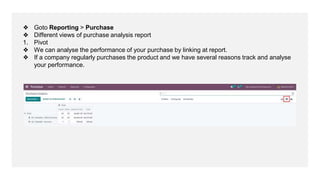
❖ Goto Reporting > Purchase
❖ Different views of purchase analysis report
1. Pivot
❖ We can analyse the performance of your purchase by linking at report.
❖ If a company regularly purchases the product and we have several reasons track and analyse
your performance.
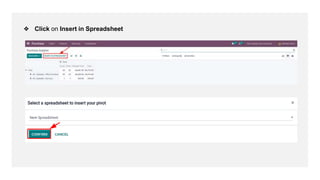
❖ Click on Insert in Spreadsheet
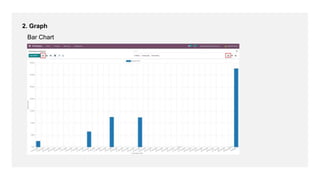
2. Graph
Bar Chart
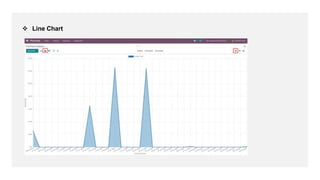
 Line Chart
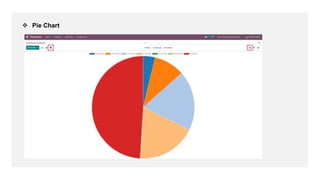
 Pie Chart
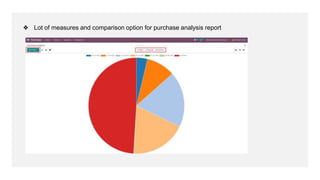
❖ Lot of measures and comparison option for purchase analysis report
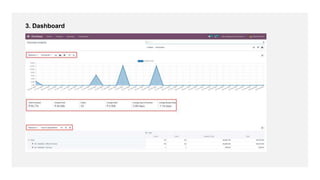
3. Dashboard
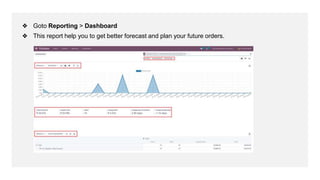
❖ Goto Reporting > Dashboard
❖ This report help you to get better forecast and plan your future orders.
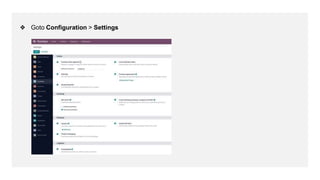
❖ Goto Configuration > Settings
❖ 3-way matching is done by comparing the quantities and purchase order reception and vendor
bills.
❖ Dropshipping is used to directly deliver goods from vendors to customers. In the case we are
not storing the product in our stock.
For More
Details
Check our company website for related blogs and Odoo
book.
Odoo Book V15
Check our YouTube channel for functional and technical
videos in Odoo.
Odoo 15 Purchase Management
Thank You

Odoo 15 purchase management