1
The Most Visionary
Solutions Integrator
in the IT Industry
Virtualization Solutions
2
What is Virtualization?
By decoupling the data and applications from the physical resources
they run on, IT organizations have the flexibility to manage resources
in new ways that allow them to meet changing workload demands.
Types of Virtualization
• Server
• Storage
• Network
• Applications
• Operating Systems
3
Why Virtualization?
A fully orchestrated
virtualized infrastructure can
respond quickly to new
application demands and
service requirements,
because IT is not constrained
by a predetermined
relationship between
services and physical
hardware.
4
Virtualization Benefits
With correct methodology, virtualization can:
• Increase server, network, storage & application resource utilization
• Increase operational efficiency & responsiveness to business units
• Reduce rack footprint, power & cooling costs
• Centralize management & reduce administrative costs
• Reduce Recovery Point Objective & Recovery Time Objective
• Increase security & data protection
• Create a more scalable & reliable IT environment
• Improve product lifecycle management
• Lower total cost of ownership
5
Why InterVision for Virtualization?
After being in the industry for over 20 years, we have:
• Experience implementing hundreds of enterprise-wide virtualization initiatives for
customers.
• Expertise designing & deploying converged architectures, including FlexPod, HDS
UCP, & HP VirtualSystem.
• Close relationships with the leading virtualization partners & specialized expertise
with their solutions.
• Systems engineering staff with
specialized expertise across key IT
disciplines including networking,
storage, virtualization, security &
enterprise applications.
• Specialized expertise in Backup &
Disaster Recovery of virtualized IT
environments.
6
Virtualized IT Resources
Servers
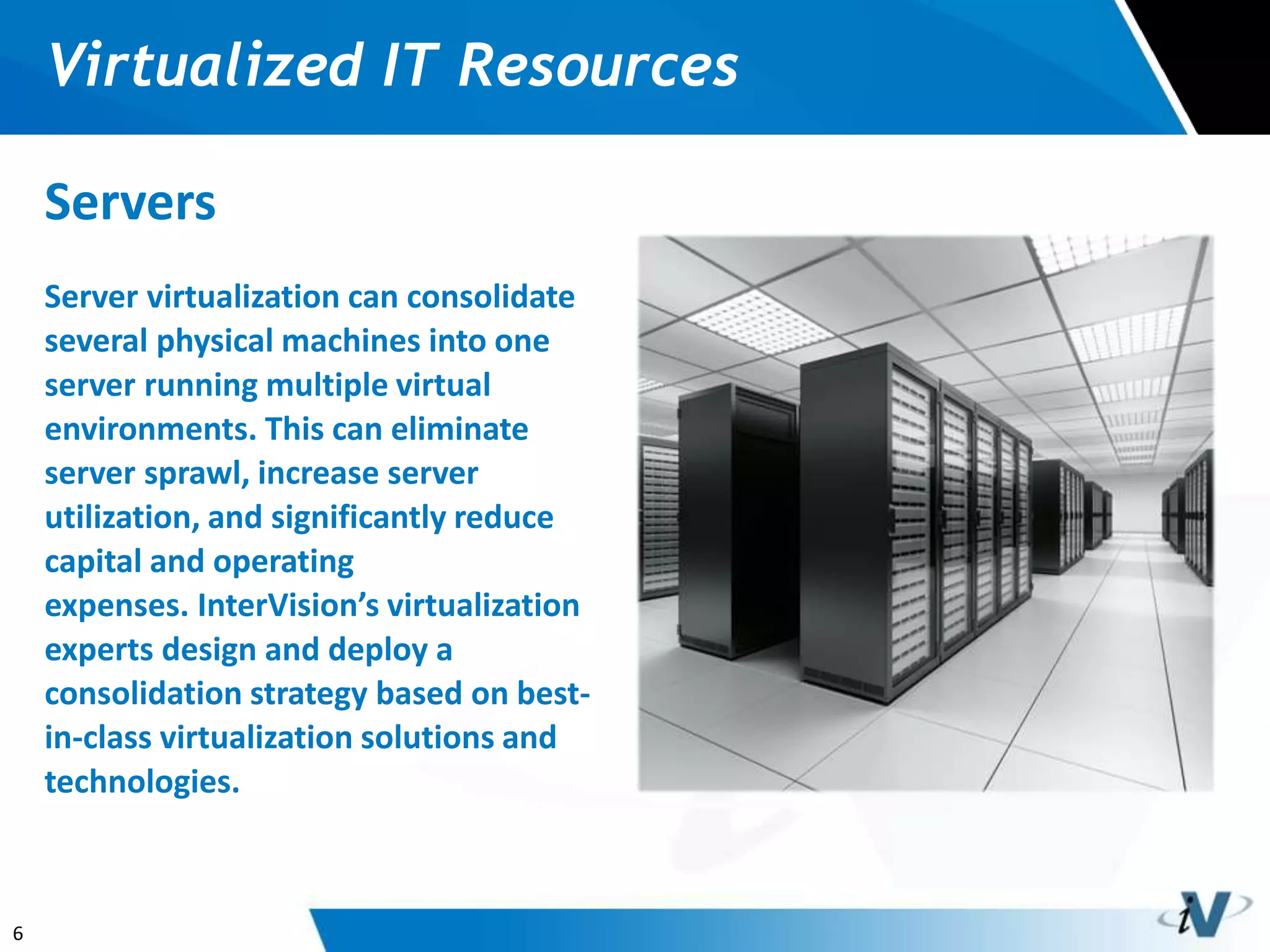
Server virtualization can consolidate
several physical machines into one
server running multiple virtual
environments. This can eliminate
server sprawl, increase server
utilization, and significantly reduce
capital and operating
expenses. InterVision’s virtualization
experts design and deploy a
consolidation strategy based on best-
in-class virtualization solutions and
technologies.
7
Virtualized IT Resources
Desktops
Virtual desktops can make it easier
to get new computers up and
running, simplify desktop
management, improve security, and
reduce hardware, software and
resource costs. InterVision can help
you choose the right infrastructure
and software to create a dynamic
virtual desktop infrastructure
solution that improves application
performance and efficiently utilizes
resources.
8
Virtualized IT Resources
Storage
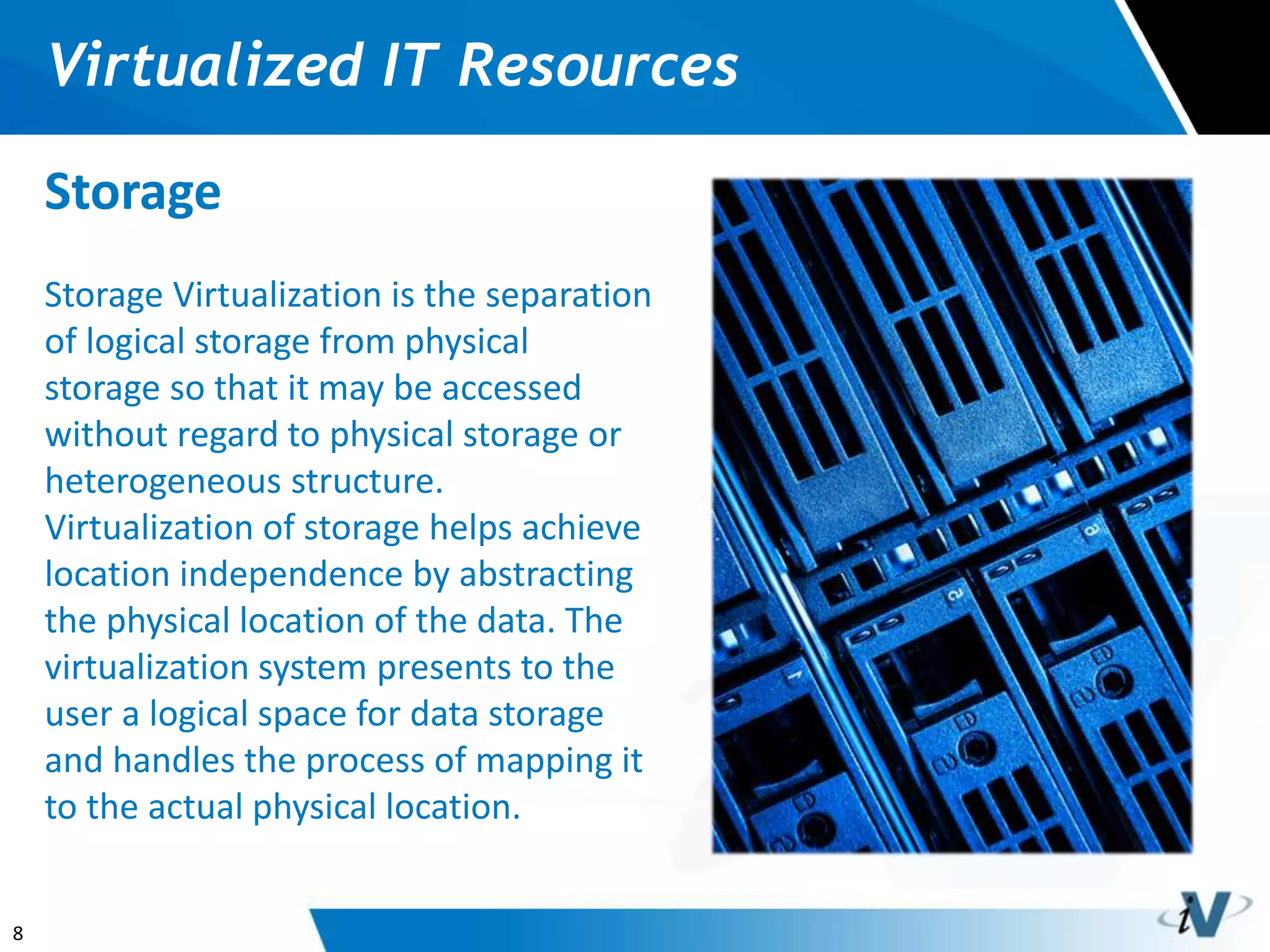
Storage Virtualization is the separation
of logical storage from physical
storage so that it may be accessed
without regard to physical storage or
heterogeneous structure.
Virtualization of storage helps achieve
location independence by abstracting
the physical location of the data. The
virtualization system presents to the
user a logical space for data storage
and handles the process of mapping it
to the actual physical location.
9
Virtualized IT Resources
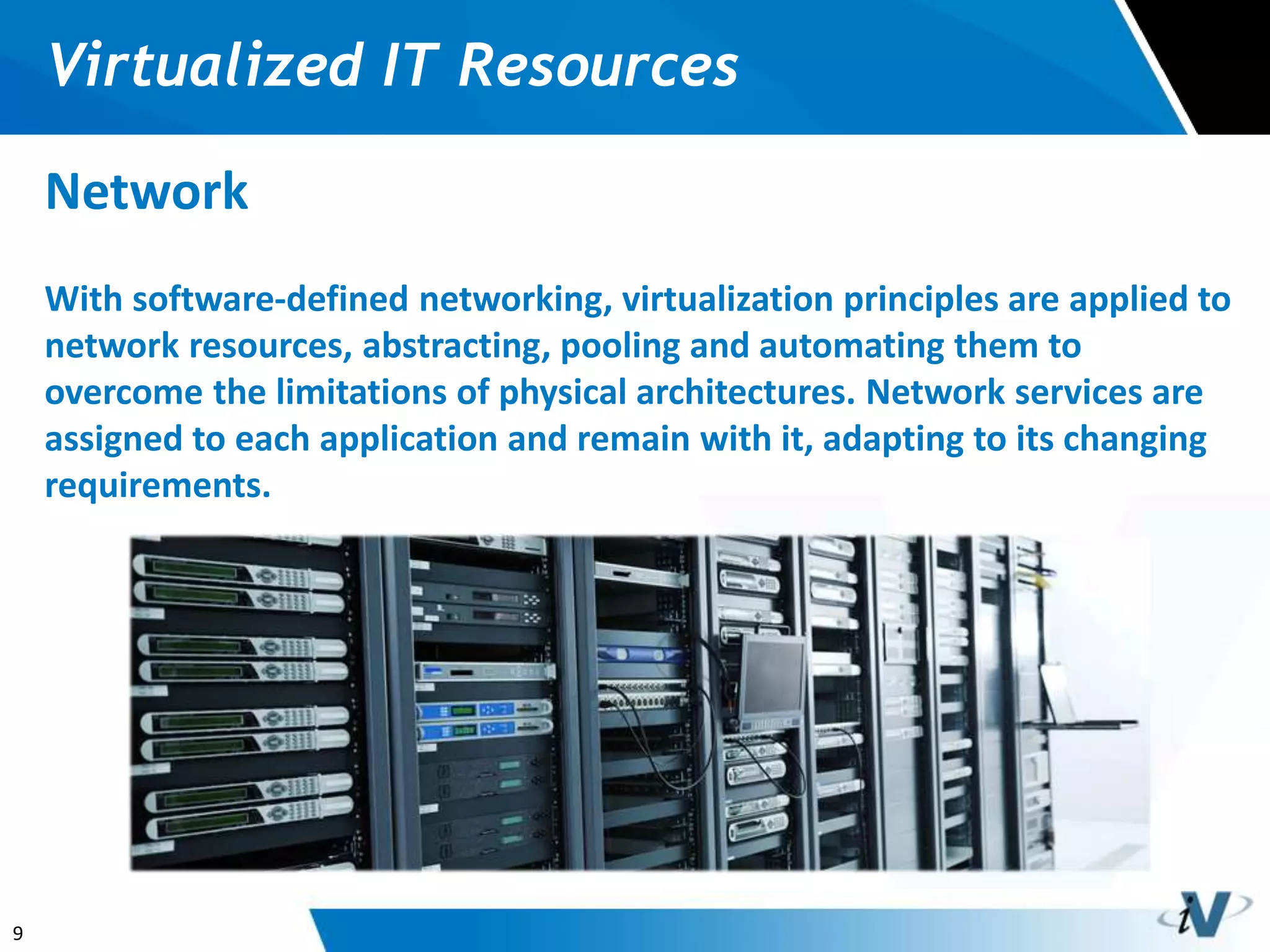
Network
With software-defined networking, virtualization principles are applied to
network resources, abstracting, pooling and automating them to
overcome the limitations of physical architectures. Network services are
assigned to each application and remain with it, adapting to its changing
requirements.
10
Virtualized IT Resources
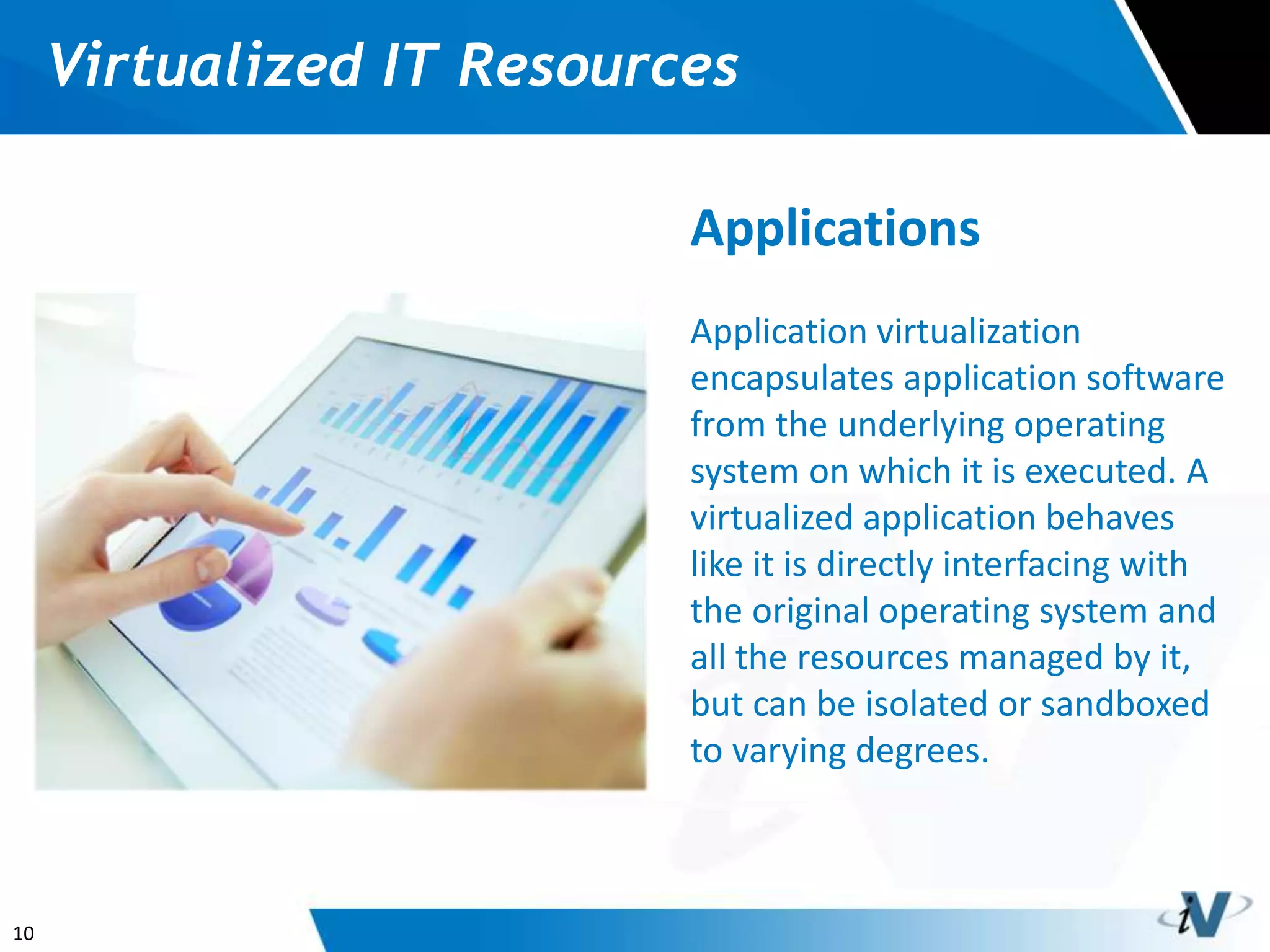
Applications
Application virtualization
encapsulates application software
from the underlying operating
system on which it is executed. A
virtualized application behaves
like it is directly interfacing with
the original operating system and
all the resources managed by it,
but can be isolated or sandboxed
to varying degrees.
11
InterVision’s Virtualization Services
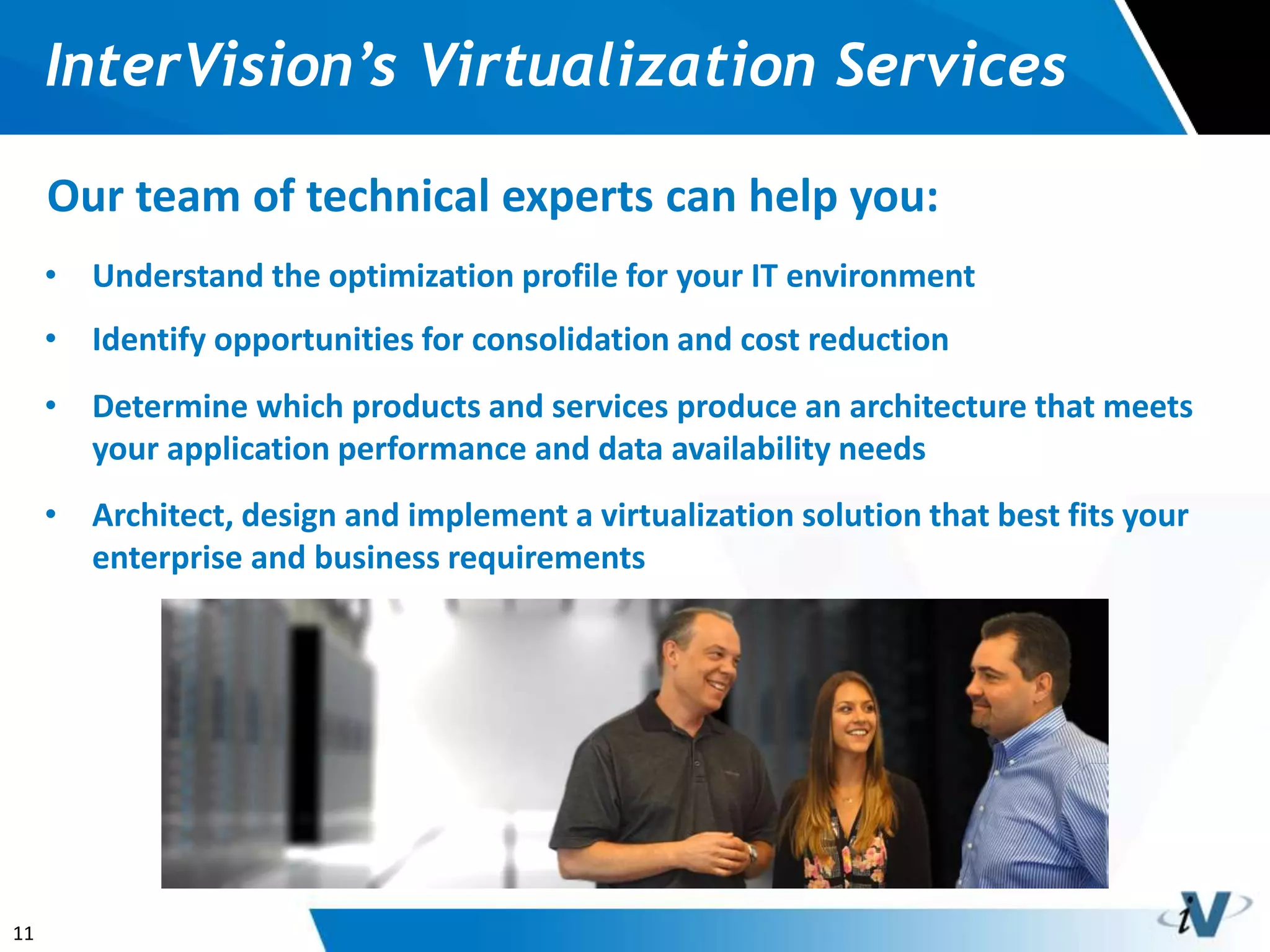
Our team of technical experts can help you:
• Understand the optimization profile for your IT environment
• Identify opportunities for consolidation and cost reduction
• Determine which products and services produce an architecture that meets
your application performance and data availability needs
• Architect, design and implement a virtualization solution that best fits your
enterprise and business requirements
12
If you have any questions about
virtualization or are interested in
talking about virtualization in your
company, please feel free to reach us
at info@intervision.com

Network Virtualization

  • 1.
    1 The Most Visionary SolutionsIntegrator in the IT Industry Virtualization Solutions
  • 2.
    2 What is Virtualization? Bydecoupling the data and applications from the physical resources they run on, IT organizations have the flexibility to manage resources in new ways that allow them to meet changing workload demands. Types of Virtualization • Server • Storage • Network • Applications • Operating Systems
  • 3.
    3 Why Virtualization? A fullyorchestrated virtualized infrastructure can respond quickly to new application demands and service requirements, because IT is not constrained by a predetermined relationship between services and physical hardware.
  • 4.
    4 Virtualization Benefits With correctmethodology, virtualization can: • Increase server, network, storage & application resource utilization • Increase operational efficiency & responsiveness to business units • Reduce rack footprint, power & cooling costs • Centralize management & reduce administrative costs • Reduce Recovery Point Objective & Recovery Time Objective • Increase security & data protection • Create a more scalable & reliable IT environment • Improve product lifecycle management • Lower total cost of ownership
  • 5.
    5 Why InterVision forVirtualization? After being in the industry for over 20 years, we have: • Experience implementing hundreds of enterprise-wide virtualization initiatives for customers. • Expertise designing & deploying converged architectures, including FlexPod, HDS UCP, & HP VirtualSystem. • Close relationships with the leading virtualization partners & specialized expertise with their solutions. • Systems engineering staff with specialized expertise across key IT disciplines including networking, storage, virtualization, security & enterprise applications. • Specialized expertise in Backup & Disaster Recovery of virtualized IT environments.
  • 6.
    6 Virtualized IT Resources Servers Servervirtualization can consolidate several physical machines into one server running multiple virtual environments. This can eliminate server sprawl, increase server utilization, and significantly reduce capital and operating expenses. InterVision’s virtualization experts design and deploy a consolidation strategy based on best- in-class virtualization solutions and technologies.
  • 7.
    7 Virtualized IT Resources Desktops Virtualdesktops can make it easier to get new computers up and running, simplify desktop management, improve security, and reduce hardware, software and resource costs. InterVision can help you choose the right infrastructure and software to create a dynamic virtual desktop infrastructure solution that improves application performance and efficiently utilizes resources.
  • 8.
    8 Virtualized IT Resources Storage StorageVirtualization is the separation of logical storage from physical storage so that it may be accessed without regard to physical storage or heterogeneous structure. Virtualization of storage helps achieve location independence by abstracting the physical location of the data. The virtualization system presents to the user a logical space for data storage and handles the process of mapping it to the actual physical location.
  • 9.
    9 Virtualized IT Resources Network Withsoftware-defined networking, virtualization principles are applied to network resources, abstracting, pooling and automating them to overcome the limitations of physical architectures. Network services are assigned to each application and remain with it, adapting to its changing requirements.
  • 10.
    10 Virtualized IT Resources Applications Applicationvirtualization encapsulates application software from the underlying operating system on which it is executed. A virtualized application behaves like it is directly interfacing with the original operating system and all the resources managed by it, but can be isolated or sandboxed to varying degrees.
  • 11.
    11 InterVision’s Virtualization Services Ourteam of technical experts can help you: • Understand the optimization profile for your IT environment • Identify opportunities for consolidation and cost reduction • Determine which products and services produce an architecture that meets your application performance and data availability needs • Architect, design and implement a virtualization solution that best fits your enterprise and business requirements
  • 12.
    12 If you haveany questions about virtualization or are interested in talking about virtualization in your company, please feel free to reach us at info@intervision.com