Blue Team
Training Series
Introductory guide to blue team
operations
Thank you to our sponsor
• This type of training is made possible by the
great people at Linode.
• Linode is a privately-owned cloud hosting
company that is passionate about Linux and
loves contributing to the community by
providing free training on Linux, Information
security & DevOps.
• As an added bonus, they have offered $100 in
free Linode credit.
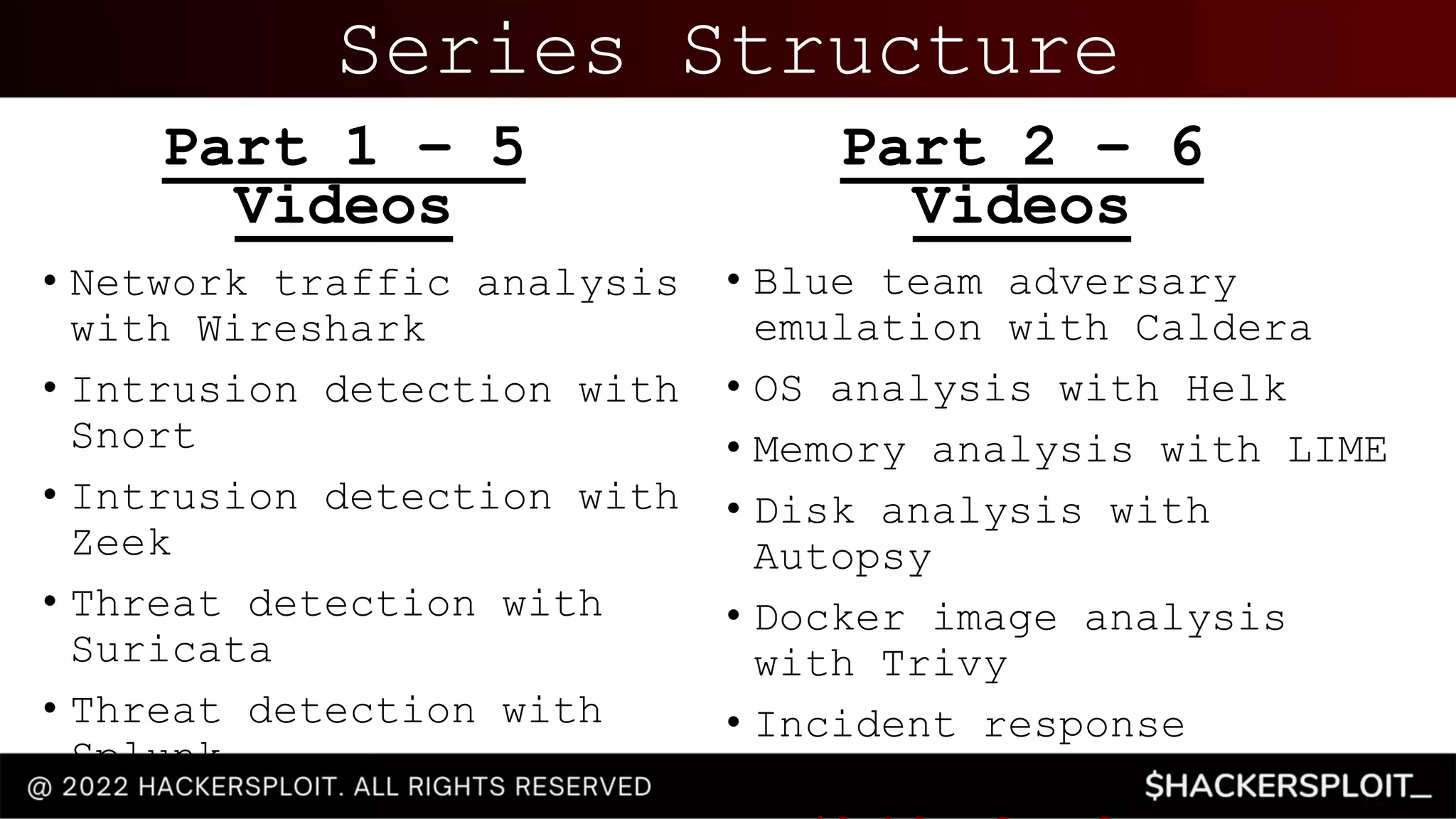
Series Structure
• Network traffic analysis
with Wireshark
• Intrusion detection with
Snort
• Intrusion detection with
Zeek
• Threat detection with
Suricata
• Threat detection with
Splunk
Part 1 – 5
Videos
• Blue team adversary
emulation with Caldera
• OS analysis with Helk
• Memory analysis with LIME
• Disk analysis with
Autopsy
• Docker image analysis
with Trivy
• Incident response
fundamentals
Part 2 – 6
Videos
Blue Team Operations
• Blue Team operations consists of the techniques & tools
used by security analysts or a SOC team to proactively
defend and protect against attacks by malicious actors.
• The primary objectives of the Blue Team are:
• Incident response
• Network traffic analysis
• Analyzing logs and event correlation
• Threat modelling/intelligence
• Identifying threat actors and their C2 infrastructure
• Identifying suspicious activity and indicators of compromise
• Digital forensics
• This objective of this training series is to provide
you with the skills required to detect, harden and
protect digital infrastructure and assets from
malicious threat actors.
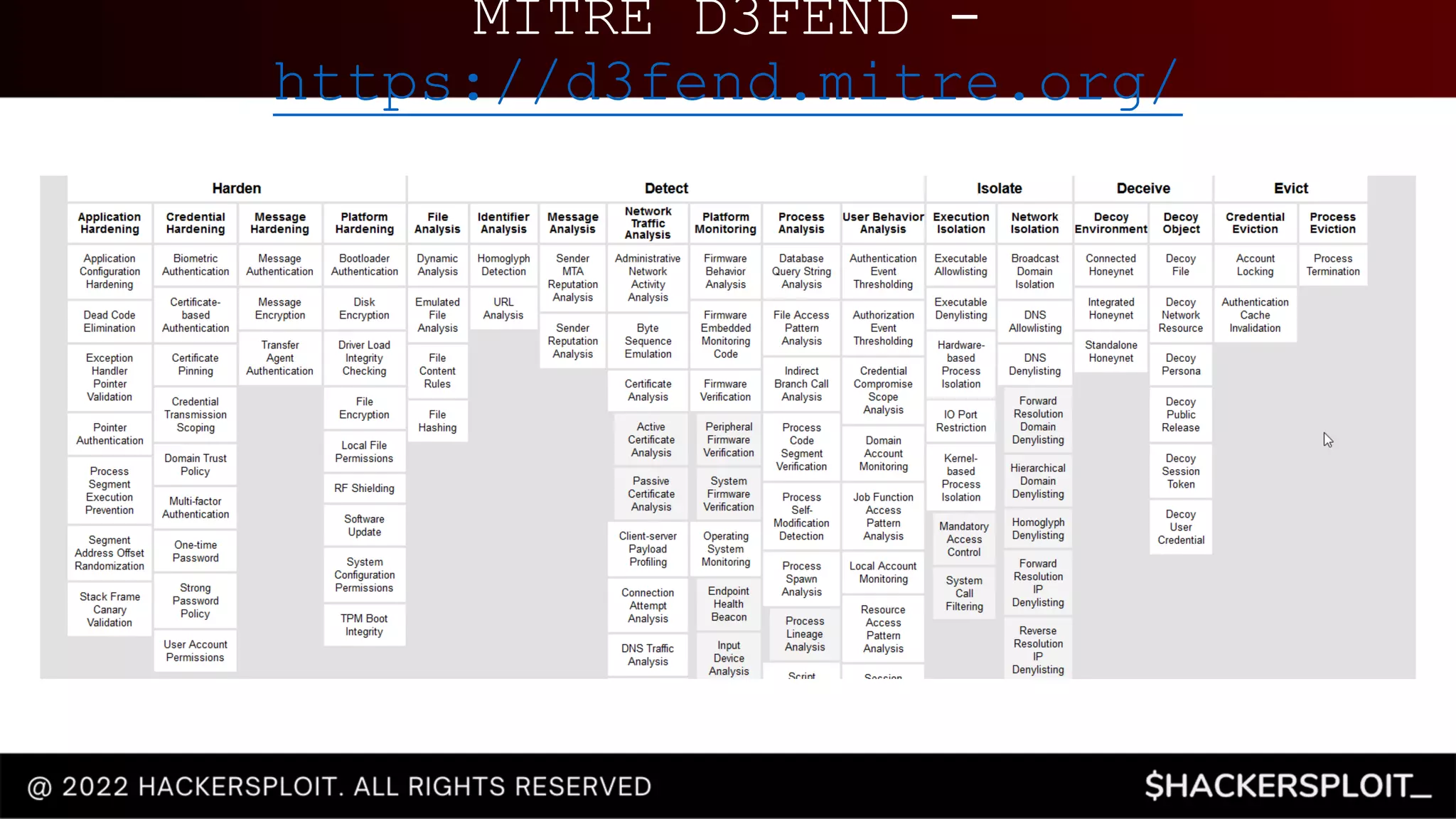
MITRE D3FEND -
https://d3fend.mitre.org/
Network Traffic
Analysis With
Wireshark
Analyzing malicious network
traffic with Wireshark
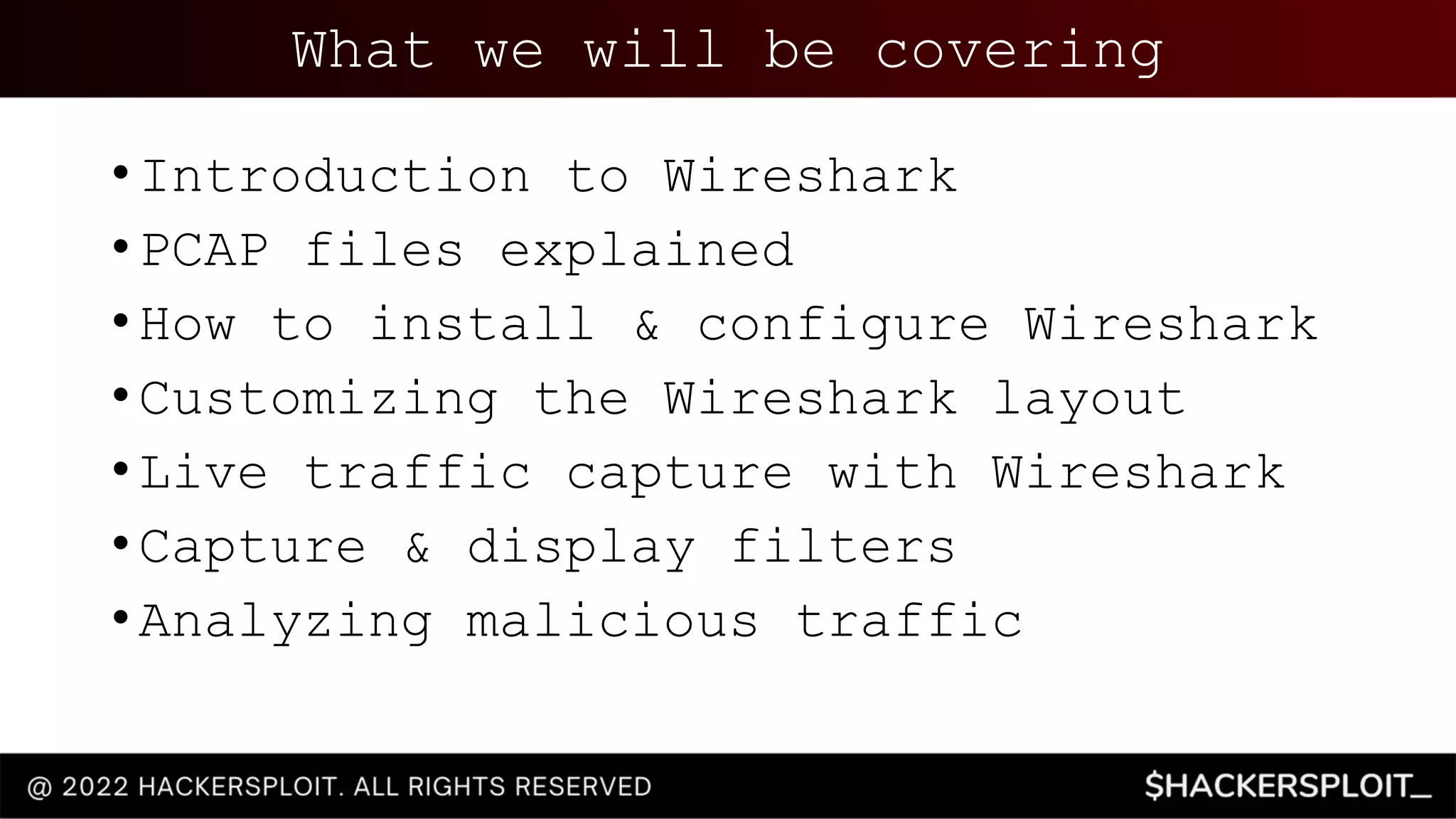
What we will be covering
• Introduction to Wireshark
• PCAP files explained
• How to install & configure Wireshark
• Customizing the Wireshark layout
• Live traffic capture with Wireshark
• Capture & display filters
• Analyzing malicious traffic
Prerequisites
• Familiarity with Linux and various
command line utilities.
• Familiarity with Windows.
• A good understanding of the OSI model and
the layers that make up the model.
• Functional knowledge of TCP/IP & UDP.
• Familiarity with information security
concepts.
• Familiarity with HTTP & Web technologies.
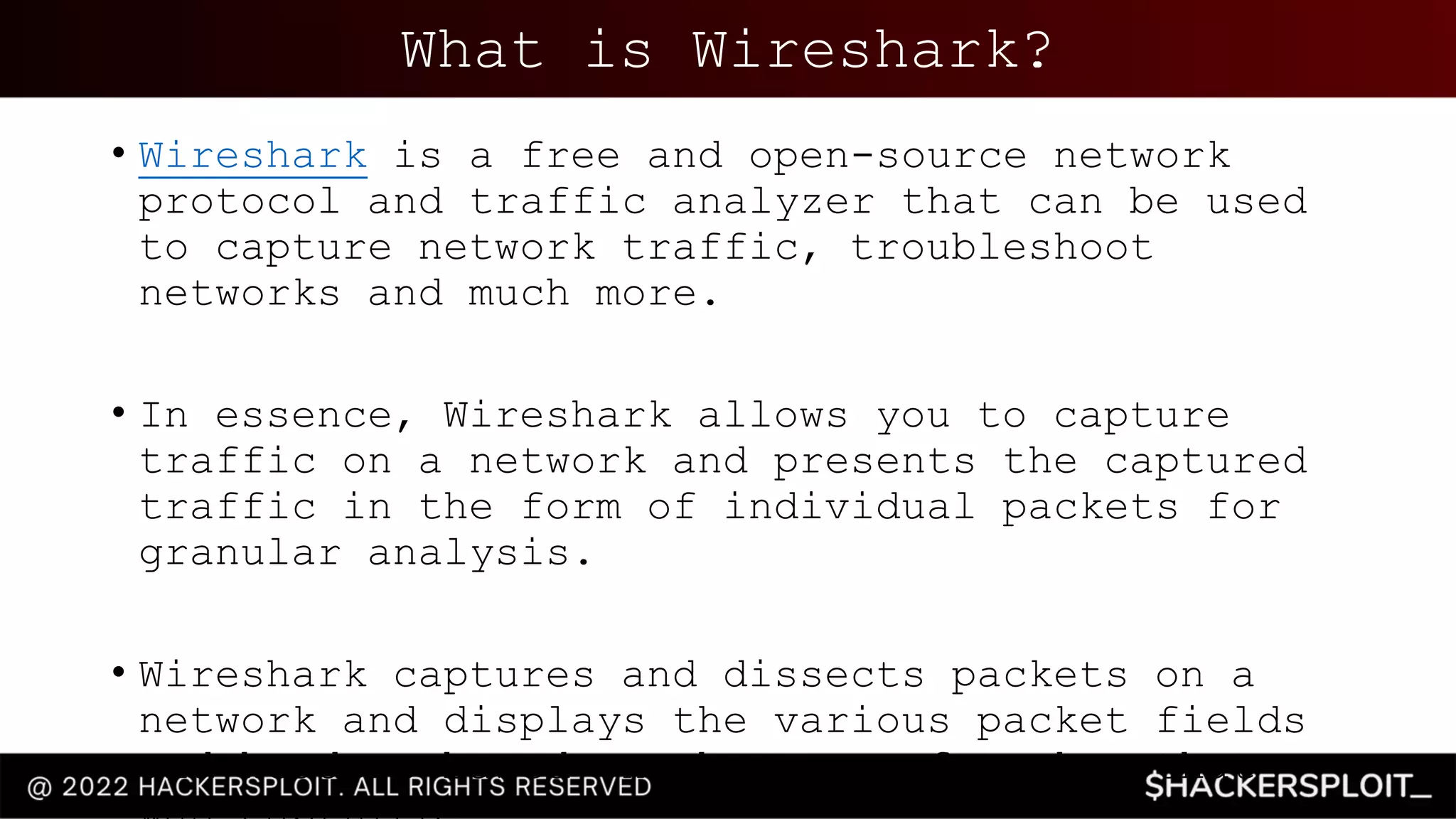
What is Wireshark?
• Wireshark is a free and open-source network
protocol and traffic analyzer that can be used
to capture network traffic, troubleshoot
networks and much more.
• In essence, Wireshark allows you to capture
traffic on a network and presents the captured
traffic in the form of individual packets for
granular analysis.
• Wireshark captures and dissects packets on a
network and displays the various packet fields
and headers based on the type of packet that
Packets
• A packet also known as a network frame, is a
piece of data sent over a network.
• Packets contain various headers that are used
to specify the type of packet, the source and
destination IP as well as the protocol.
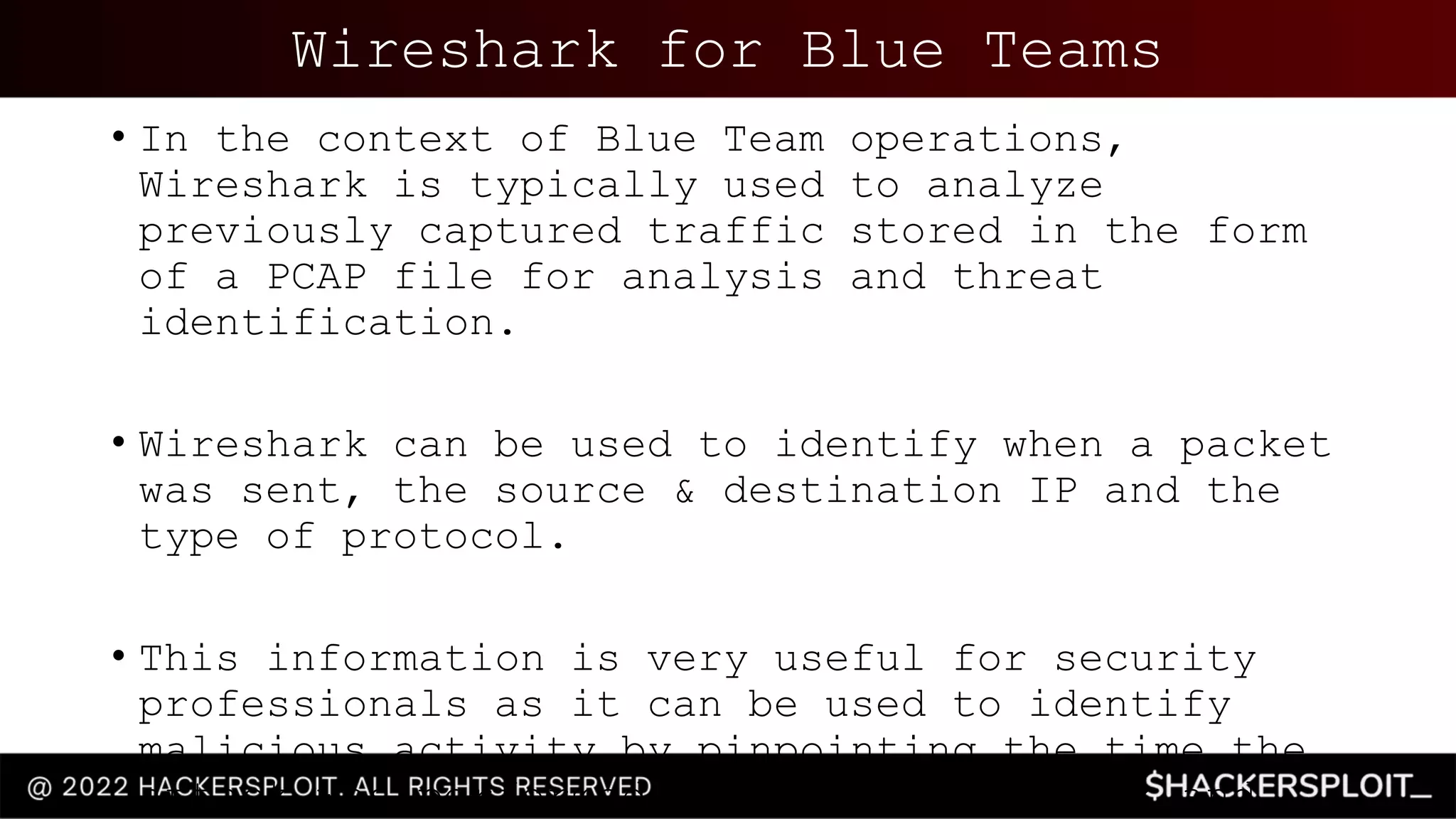
Wireshark for Blue Teams
• In the context of Blue Team operations,
Wireshark is typically used to analyze
previously captured traffic stored in the form
of a PCAP file for analysis and threat
identification.
• Wireshark can be used to identify when a packet
was sent, the source & destination IP and the
type of protocol.
• This information is very useful for security
professionals as it can be used to identify
malicious activity by pinpointing the time the
attack was performed, the type of attack and
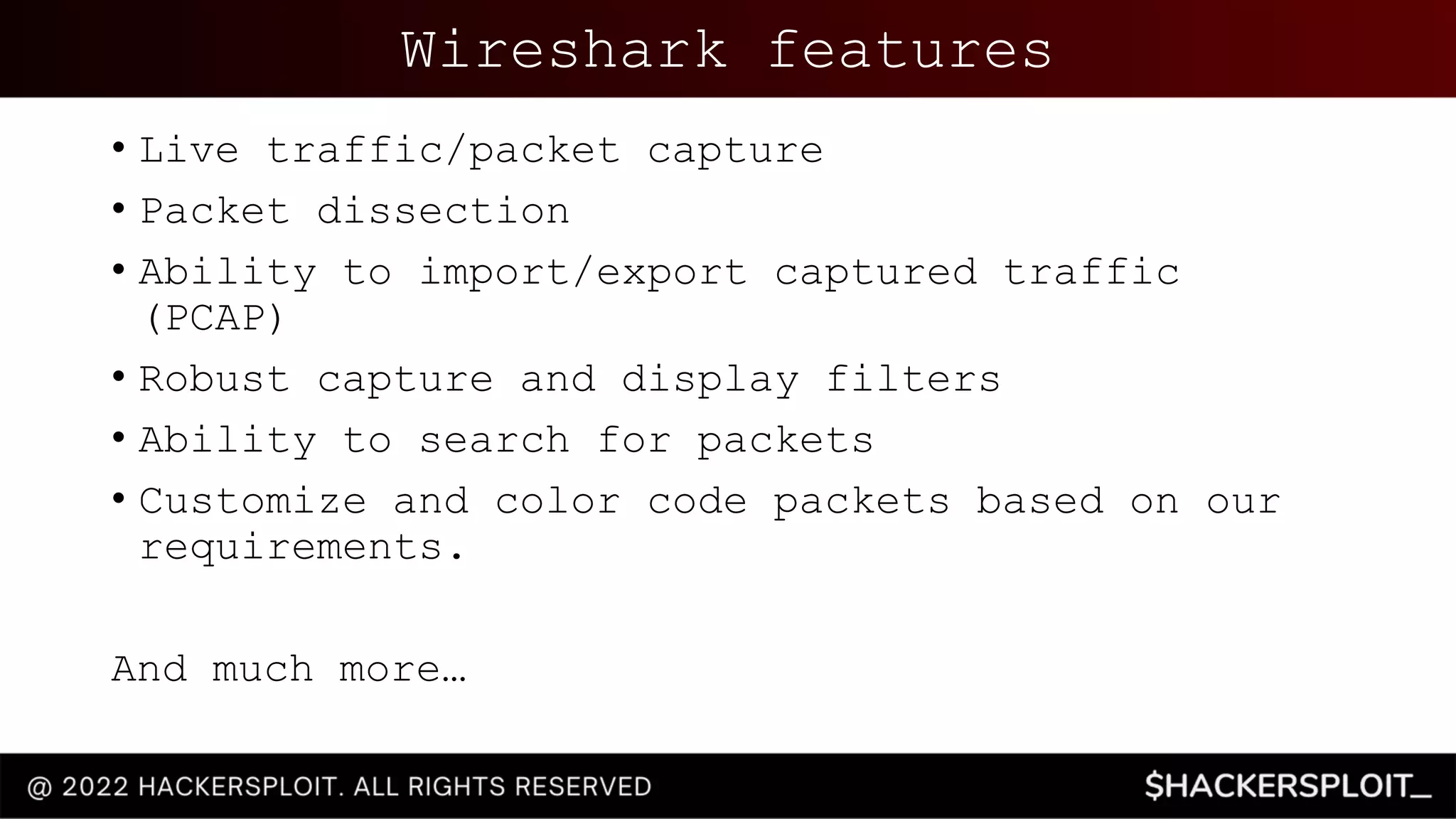
Wireshark features
• Live traffic/packet capture
• Packet dissection
• Ability to import/export captured traffic
(PCAP)
• Robust capture and display filters
• Ability to search for packets
• Customize and color code packets based on our
requirements.
And much more…
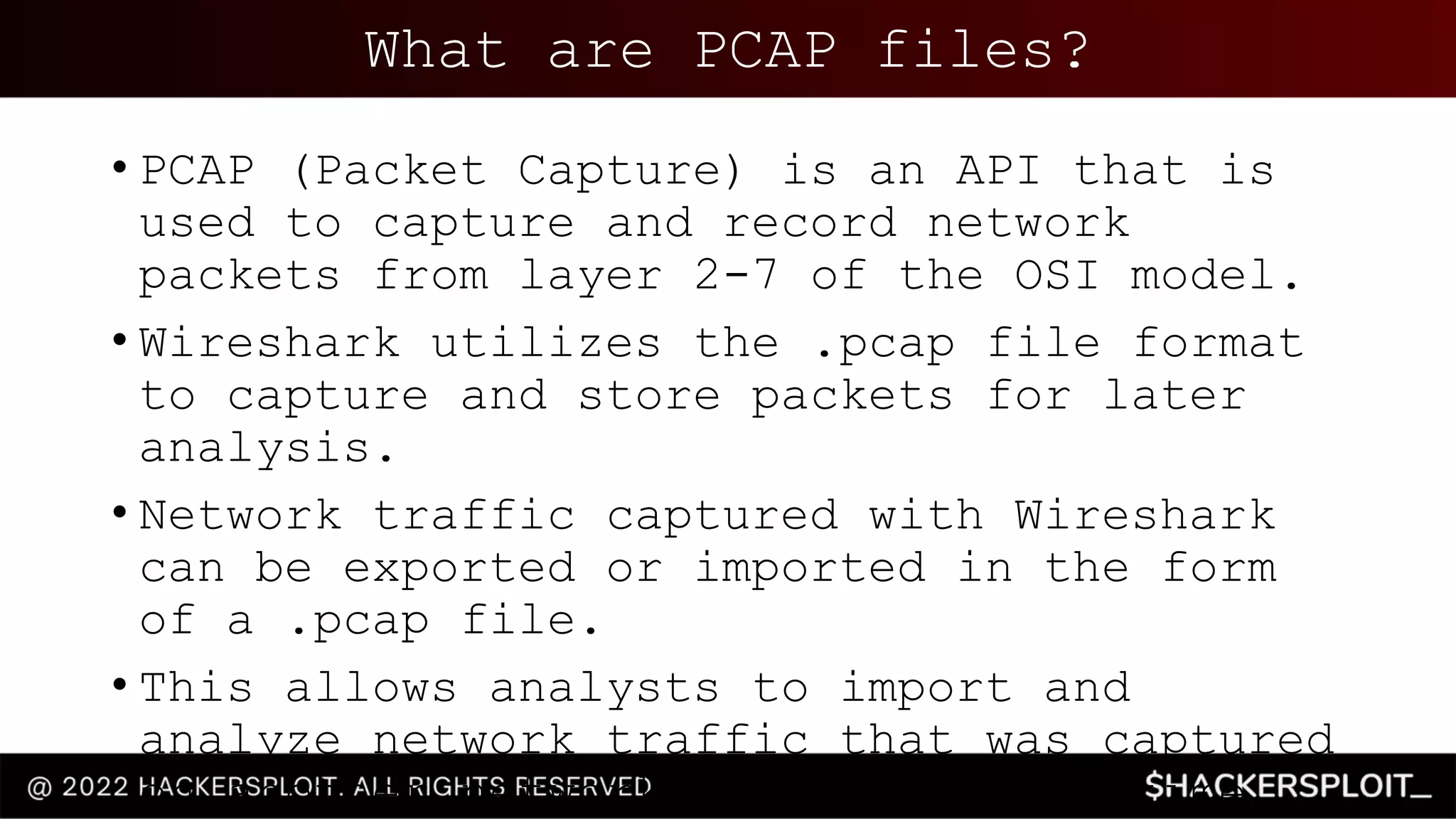
What are PCAP files?
• PCAP (Packet Capture) is an API that is
used to capture and record network
packets from layer 2-7 of the OSI model.
• Wireshark utilizes the .pcap file format
to capture and store packets for later
analysis.
• Network traffic captured with Wireshark
can be exported or imported in the form
of a .pcap file.
• This allows analysts to import and
analyze network traffic that was captured
on another network at a different time.
Installing Wireshark
• Wireshark is cross platform and is
available for both UNIX and Windows.
• You can download Wireshark here:
https://www.wireshark.org/
Lab
Environmen
t
• The techniques demonstrated in this
video have been performed on:
• Ubuntu 20.04
• Feel free to use whatever Linux
distribution you are comfortable with.
• Given the malicious nature of the
traffic/packets contained within the
PCAP files we will be analyzing, we do
not recommend following along with
these techniques on Windows.
• The PCAP files used in this
demonstration are available here:
https://github.com/AlexisAhmed/Wireshar
k-Traffic-Analysis
Intrusion Detection
With Snort
Next up

Network Traffic Analysis With Wireshark.pptx

  • 1.
    Blue Team Training Series Introductoryguide to blue team operations
  • 2.
    Thank you toour sponsor • This type of training is made possible by the great people at Linode. • Linode is a privately-owned cloud hosting company that is passionate about Linux and loves contributing to the community by providing free training on Linux, Information security & DevOps. • As an added bonus, they have offered $100 in free Linode credit.
  • 3.
    Series Structure • Networktraffic analysis with Wireshark • Intrusion detection with Snort • Intrusion detection with Zeek • Threat detection with Suricata • Threat detection with Splunk Part 1 – 5 Videos • Blue team adversary emulation with Caldera • OS analysis with Helk • Memory analysis with LIME • Disk analysis with Autopsy • Docker image analysis with Trivy • Incident response fundamentals Part 2 – 6 Videos
  • 4.
    Blue Team Operations •Blue Team operations consists of the techniques & tools used by security analysts or a SOC team to proactively defend and protect against attacks by malicious actors. • The primary objectives of the Blue Team are: • Incident response • Network traffic analysis • Analyzing logs and event correlation • Threat modelling/intelligence • Identifying threat actors and their C2 infrastructure • Identifying suspicious activity and indicators of compromise • Digital forensics • This objective of this training series is to provide you with the skills required to detect, harden and protect digital infrastructure and assets from malicious threat actors.
  • 5.
  • 6.
    Network Traffic Analysis With Wireshark Analyzingmalicious network traffic with Wireshark
  • 7.
    What we willbe covering • Introduction to Wireshark • PCAP files explained • How to install & configure Wireshark • Customizing the Wireshark layout • Live traffic capture with Wireshark • Capture & display filters • Analyzing malicious traffic
  • 8.
    Prerequisites • Familiarity withLinux and various command line utilities. • Familiarity with Windows. • A good understanding of the OSI model and the layers that make up the model. • Functional knowledge of TCP/IP & UDP. • Familiarity with information security concepts. • Familiarity with HTTP & Web technologies.
  • 9.
    What is Wireshark? •Wireshark is a free and open-source network protocol and traffic analyzer that can be used to capture network traffic, troubleshoot networks and much more. • In essence, Wireshark allows you to capture traffic on a network and presents the captured traffic in the form of individual packets for granular analysis. • Wireshark captures and dissects packets on a network and displays the various packet fields and headers based on the type of packet that
  • 10.
    Packets • A packetalso known as a network frame, is a piece of data sent over a network. • Packets contain various headers that are used to specify the type of packet, the source and destination IP as well as the protocol.
  • 11.
    Wireshark for BlueTeams • In the context of Blue Team operations, Wireshark is typically used to analyze previously captured traffic stored in the form of a PCAP file for analysis and threat identification. • Wireshark can be used to identify when a packet was sent, the source & destination IP and the type of protocol. • This information is very useful for security professionals as it can be used to identify malicious activity by pinpointing the time the attack was performed, the type of attack and
  • 12.
    Wireshark features • Livetraffic/packet capture • Packet dissection • Ability to import/export captured traffic (PCAP) • Robust capture and display filters • Ability to search for packets • Customize and color code packets based on our requirements. And much more…
  • 13.
    What are PCAPfiles? • PCAP (Packet Capture) is an API that is used to capture and record network packets from layer 2-7 of the OSI model. • Wireshark utilizes the .pcap file format to capture and store packets for later analysis. • Network traffic captured with Wireshark can be exported or imported in the form of a .pcap file. • This allows analysts to import and analyze network traffic that was captured on another network at a different time.
  • 14.
    Installing Wireshark • Wiresharkis cross platform and is available for both UNIX and Windows. • You can download Wireshark here: https://www.wireshark.org/
  • 15.
    Lab Environmen t • The techniquesdemonstrated in this video have been performed on: • Ubuntu 20.04 • Feel free to use whatever Linux distribution you are comfortable with. • Given the malicious nature of the traffic/packets contained within the PCAP files we will be analyzing, we do not recommend following along with these techniques on Windows. • The PCAP files used in this demonstration are available here: https://github.com/AlexisAhmed/Wireshar k-Traffic-Analysis
  • 18.