District Overview
   All buildings have wireless internet access
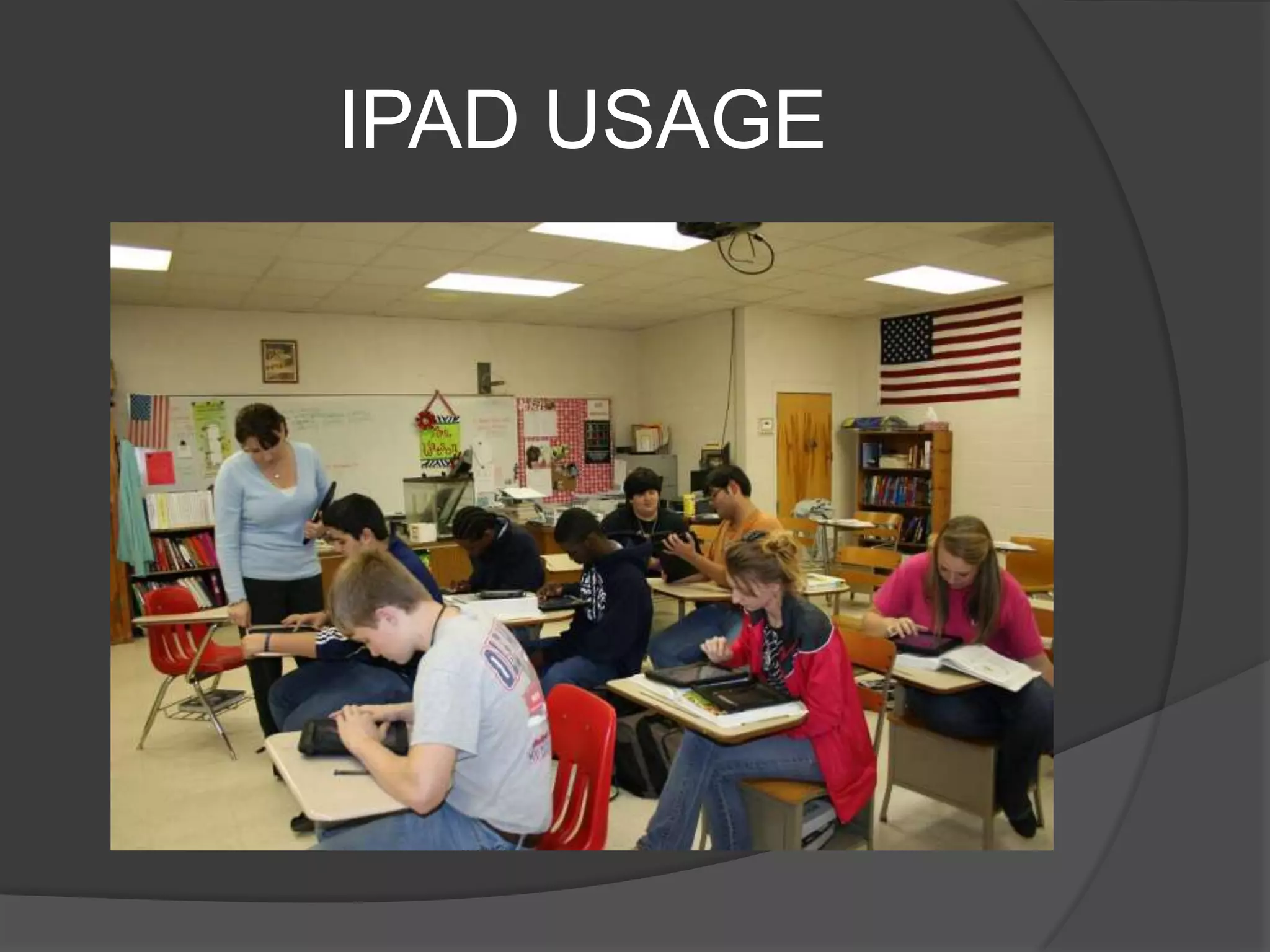
   There are a total of 8 computer labs in the
    district
   All PC’s are 4 or less years old
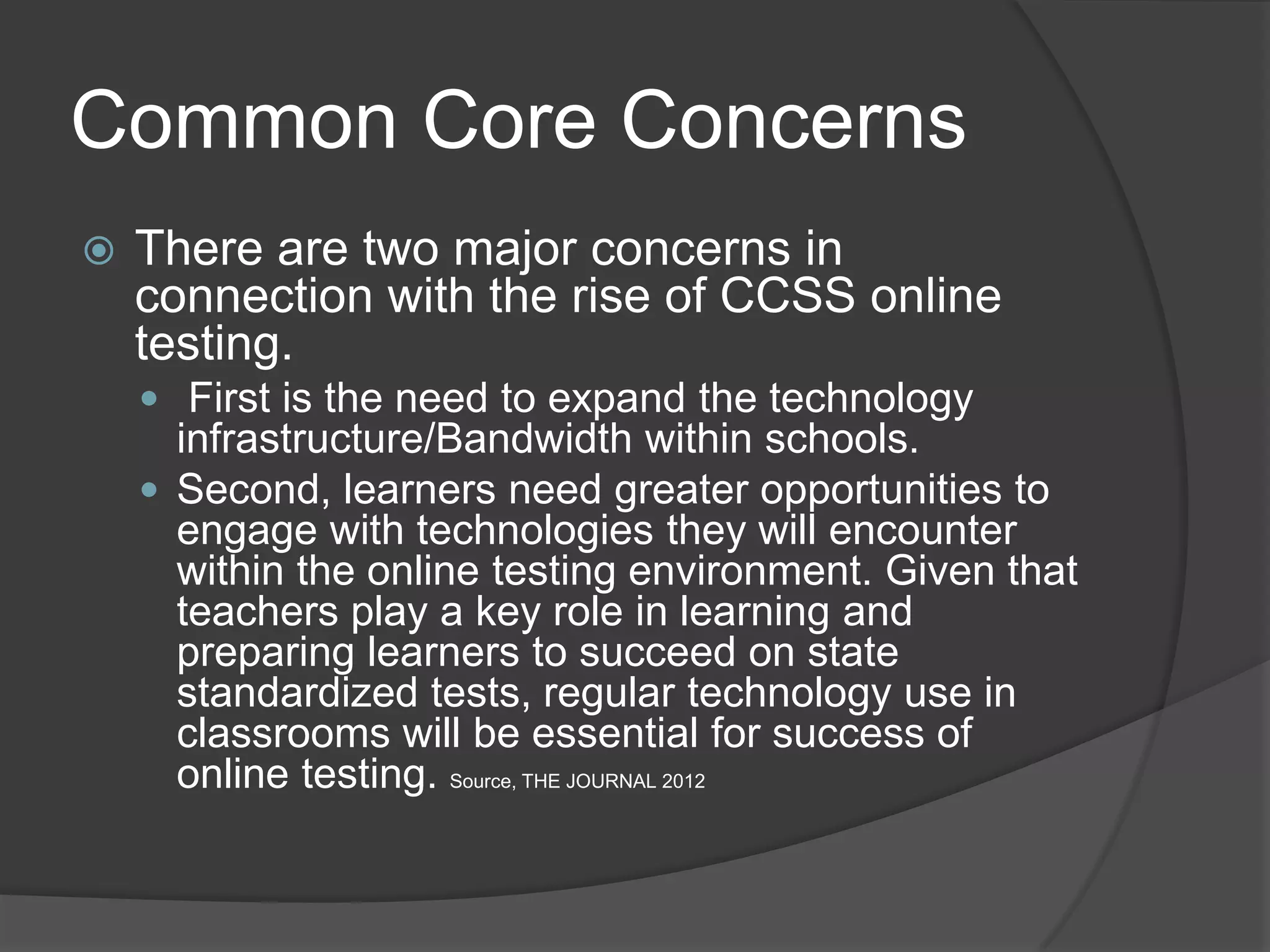
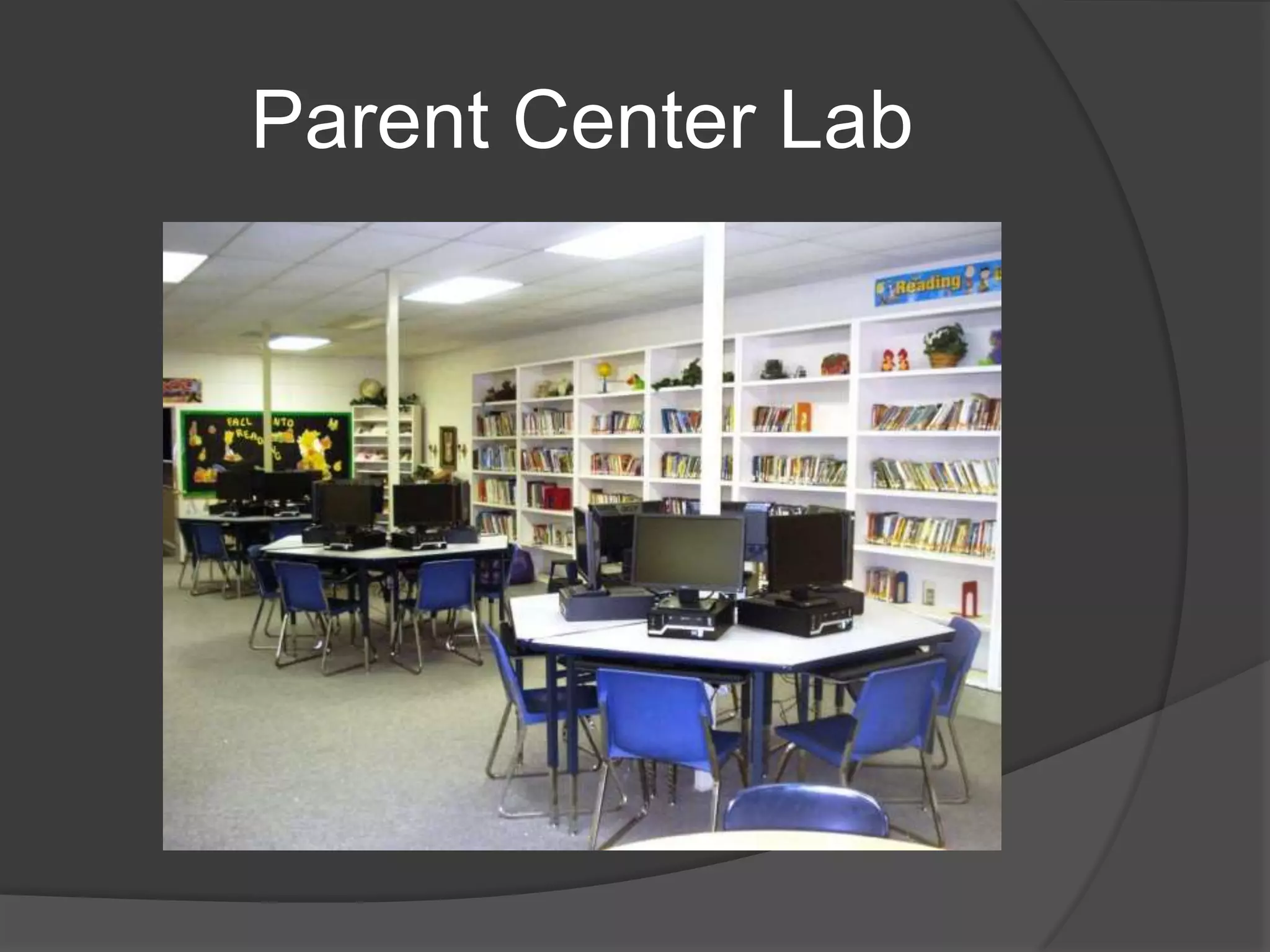
   Students have access to IPAD and Android
    tablets
   All Elementary and Middle School Classrooms
    are equipped with Smartboards
   All network wiring has been upgraded
   We are approaching 900 internet connected
    devices in the district
What’s New
   Google Apps/Gmail
   New Computers in Elementary/ Middle School
   Computer Lab Upgrades/Reallocation
   AEST Upgrades
   IPAD/ Android Tablets
   New Antivirus
   Internet Filter/ Activity Monitoring
   Network Printers
   Smartboards
   Scholastic Reading Program Now In More
    Grades
Google Apps/Email
 Starting in August all district email
  accounts have been upgraded to
  GMAIL/ Google Apps
 Benefits
       Greatly Reduced Downtime .1%
       Added Security and Reliability
       Mobile Email, Calendar and IM Access
        More Features
       Cost 0 Dollars
       Interesting Fact 61 of The Top 100 Colleges
        use Google Apps
Computer Lab
Upgrades/Reallocation
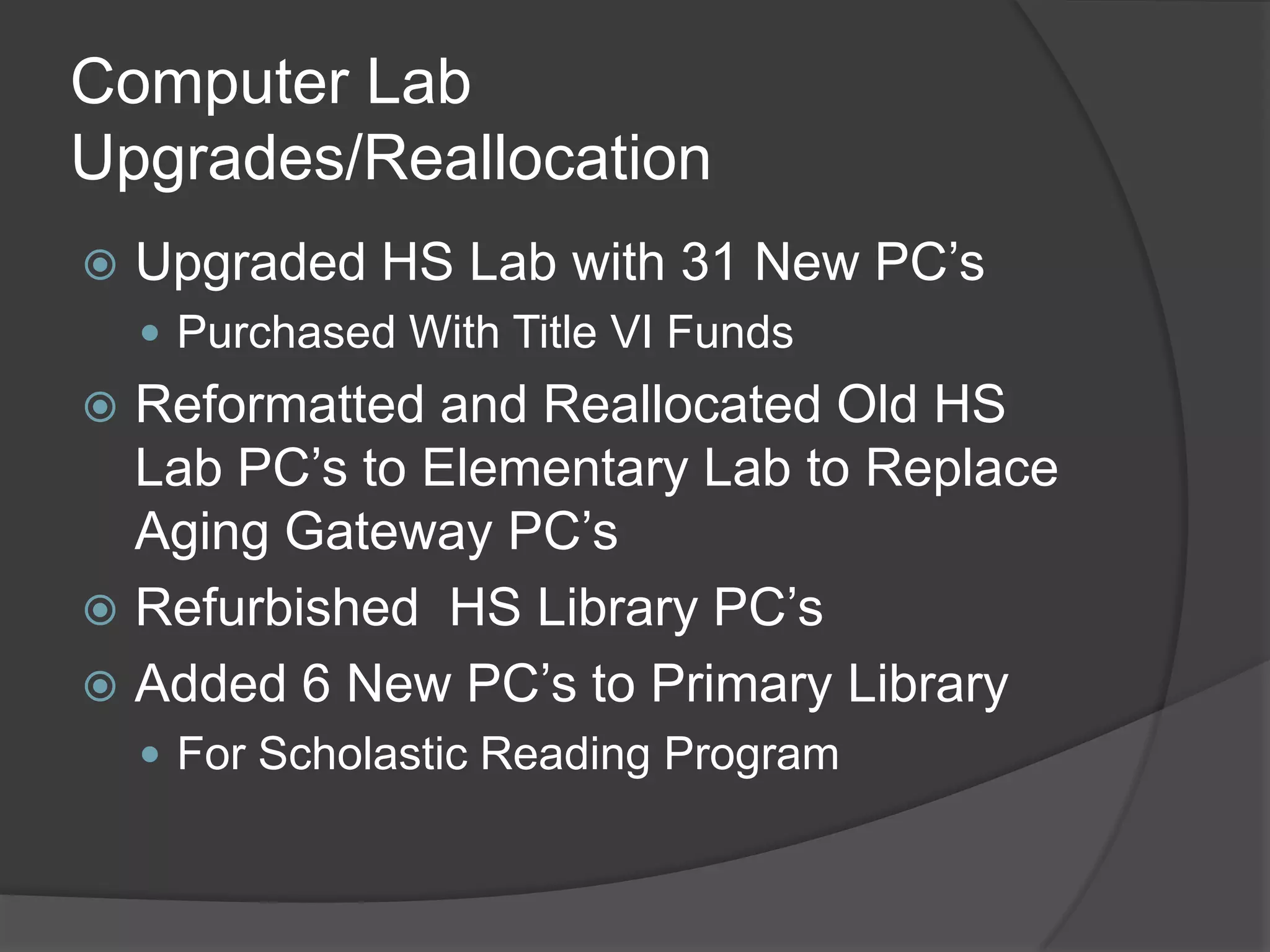
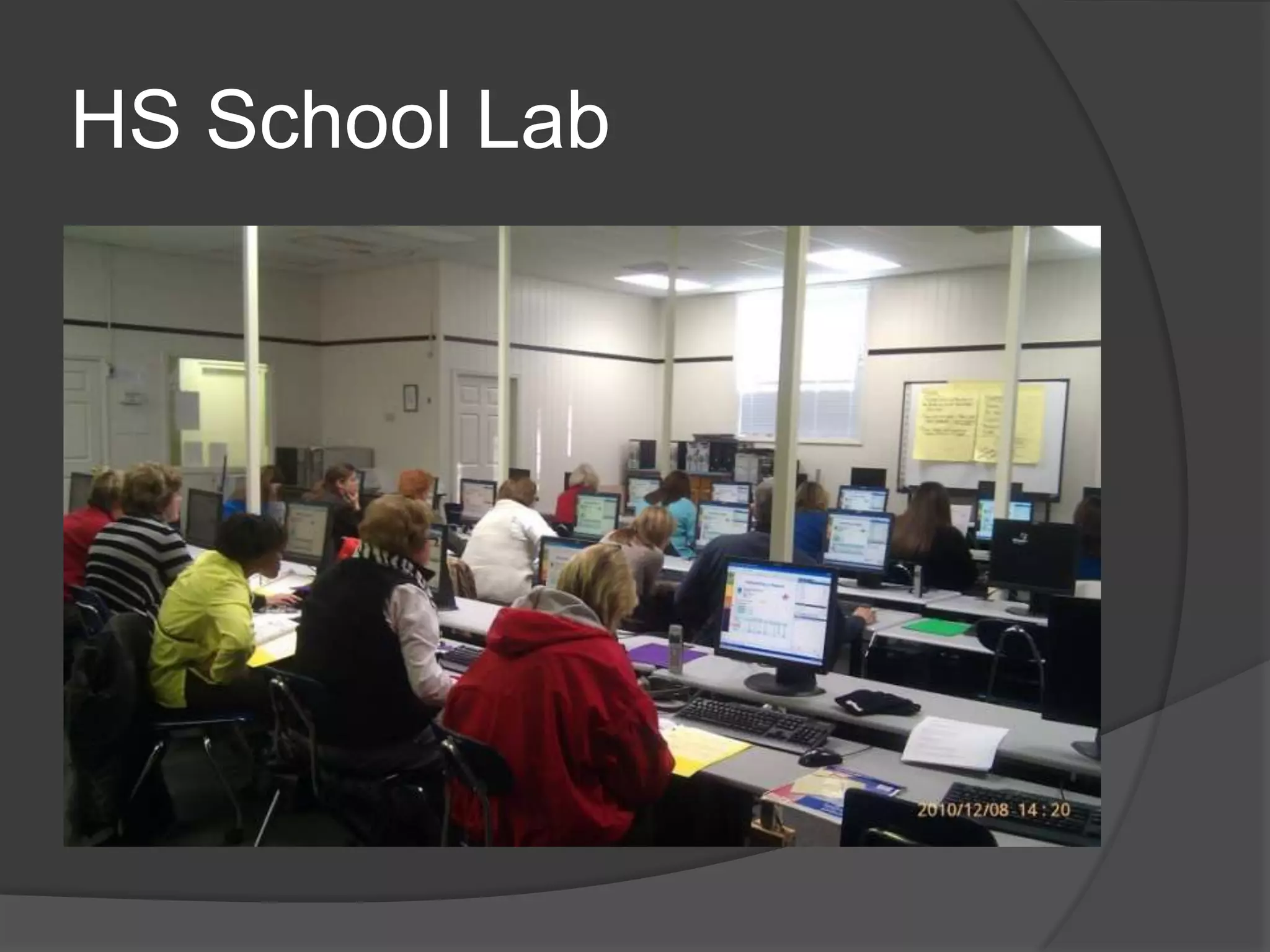
   Upgraded HS Lab with 31 New PC’s
     Purchased With Title VI Funds
 Reformatted and Reallocated Old HS
  Lab PC’s to Elementary Lab to Replace
  Aging Gateway PC’s
 Refurbished HS Library PC’s
 Added 6 New PC’s to Primary Library
     For Scholastic Reading Program
AEST Upgrade
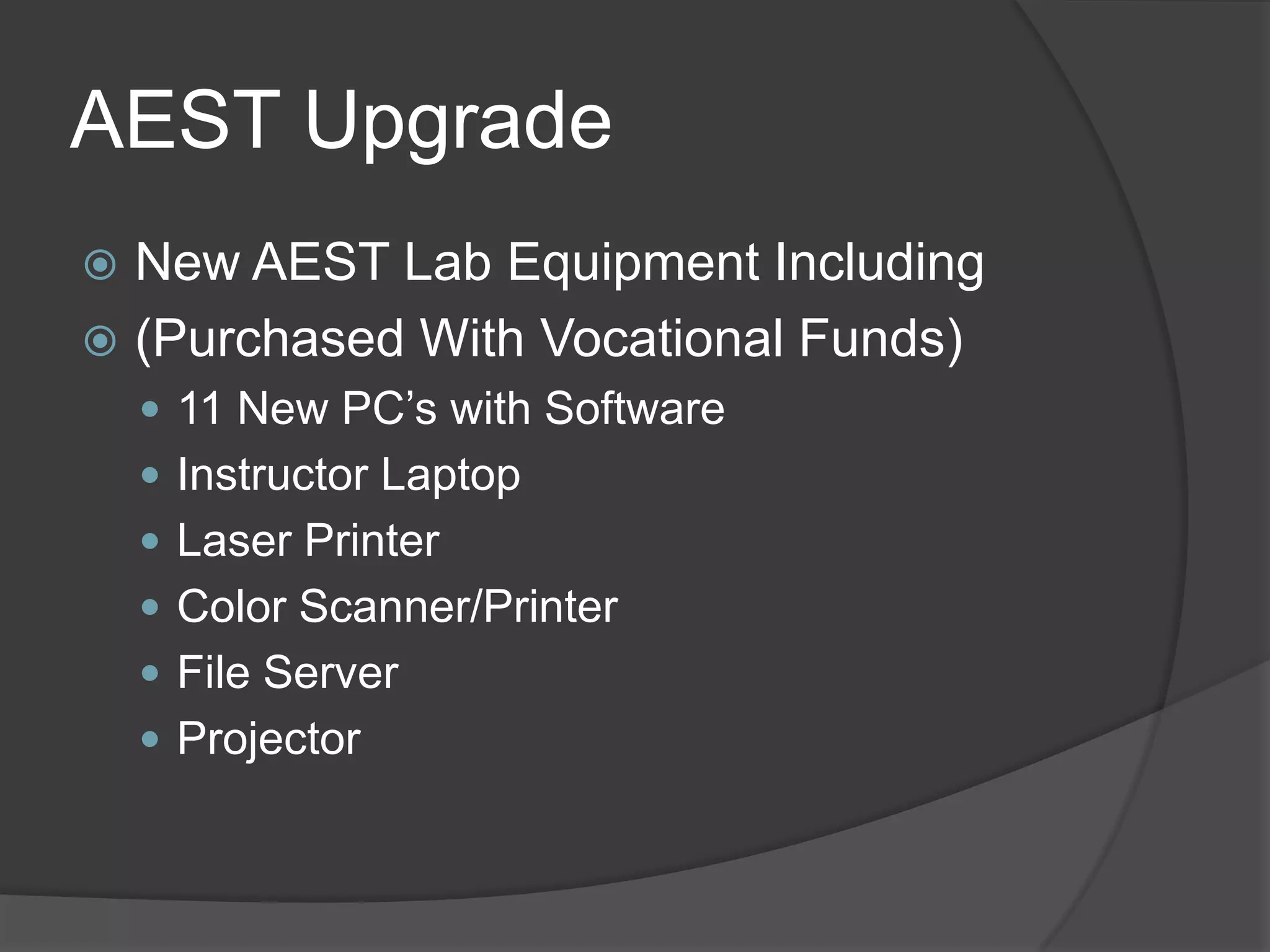
 New AEST Lab Equipment Including
 (Purchased With Vocational Funds)
     11 New PC’s with Software
     Instructor Laptop
     Laser Printer
     Color Scanner/Printer
     File Server
     Projector
IPADS/Android Tablets
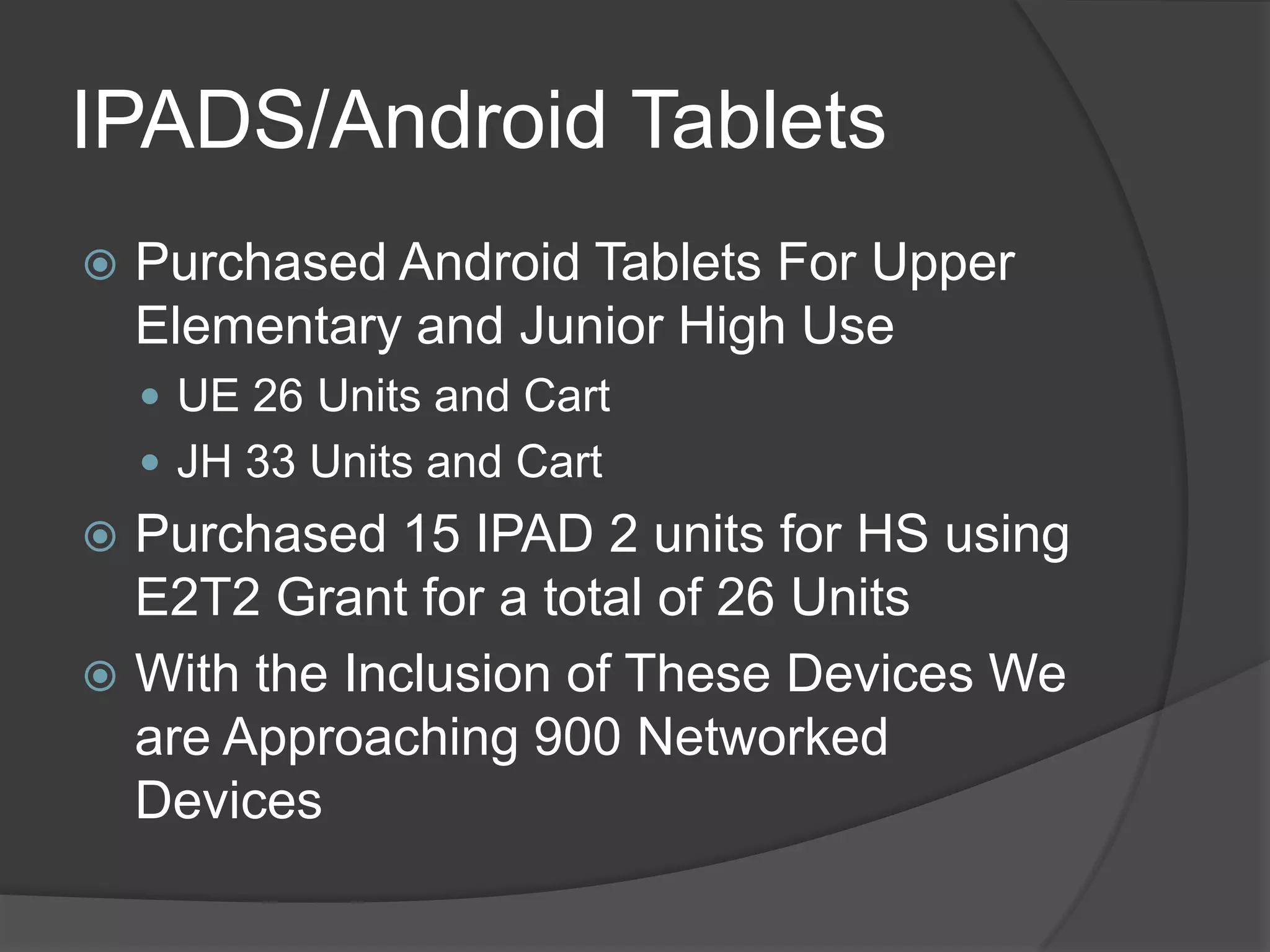
   Purchased Android Tablets For Upper
    Elementary and Junior High Use
     UE 26 Units and Cart
     JH 33 Units and Cart
 Purchased 15 IPAD 2 units for HS using
  E2T2 Grant for a total of 26 Units
 With the Inclusion of These Devices We
  are Approaching 900 Networked
  Devices
New District Antivirus
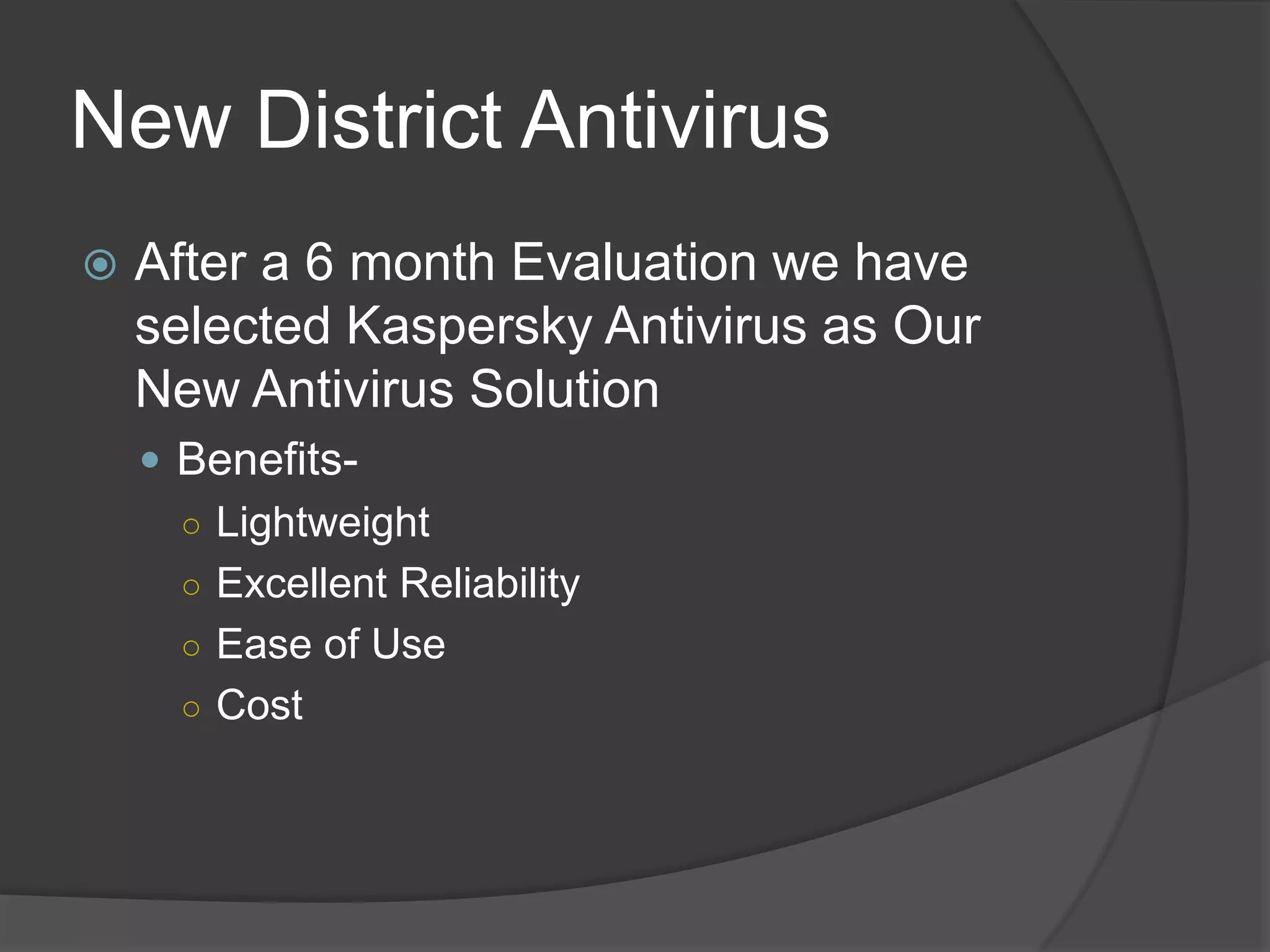
   After a 6 month Evaluation we have
    selected Kaspersky Antivirus as Our
    New Antivirus Solution
     Benefits-
      ○ Lightweight
      ○ Excellent Reliability
      ○ Ease of Use
      ○ Cost
Internet Filter/ Monitoring
   After evaluating Multiple Products we
    Selected The IBOSS Internet Filter/
    Monitor
     Benefits
      ○ Greatly Increased Reliability
      ○ More Control of Web Content
      ○ Ability to Produce Detailed Reports of User
        Activity/Bandwidth Usage SEE ATT*
      ○ Maintain CIPA Compliance
Network Printers
 We Have Continued to Transition from
  Costly Classroom InkJets to Laser
  Network Printers
 All Schools With the Exception Of The
  High School Now Have Network Printer
  Access
       Benefits
       Reduced Cost
       Greater Reliability
       Lower Maintenance
Smartboards
 SmartBoard Implementation in Both
  Upper Elementary and Junior High is
  Now Complete
 All Staff Have Undergone Multiple in
  Depth Training Sessions
     Benefits
      ○ Increased Student Engagement
      ○ More Relevant Technology Integration
      ○ Ability to Enhance Instruction with Media
      ○ Can Aid Both Visual Learners and ADD/
        ADHD Children
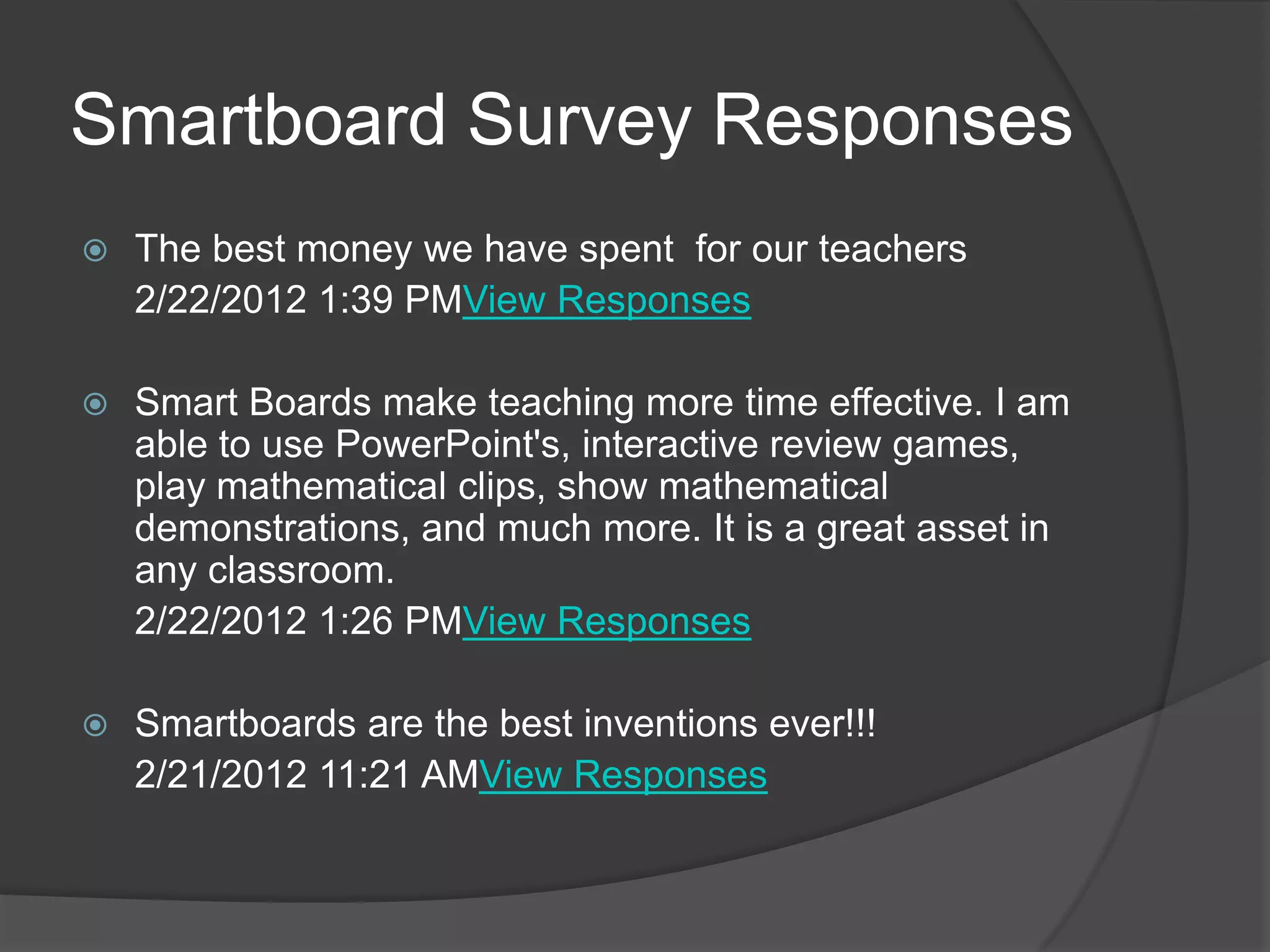
Smartboard Survey Responses
   The best money we have spent for our teachers
    2/22/2012 1:39 PMView Responses

   Smart Boards make teaching more time effective. I am
    able to use PowerPoint's, interactive review games,
    play mathematical clips, show mathematical
    demonstrations, and much more. It is a great asset in
    any classroom.
    2/22/2012 1:26 PMView Responses

   Smartboards are the best inventions ever!!!
    2/21/2012 11:21 AMView Responses
Other Stuff
   New Graphing Calculators For HS and Junior High
   Document Cameras For Some Of Our SmartBoards
   Digital Camcorder For Video Teacher Evaluations
   Security Cameras
   All Labs Can Now be Reserved Through School
    Website
   Carpenter Grant For Journalism Lab
   Gilmore Foundation Grant For HS
   Our District Website Viewership is Continuing to
    Increase (Visits This Year) AVG 400 Visits Per Day
   ERATE Funds Received Paid 87% of All
    Communication Related Expenses in 2011-2012
    EST. $30,000 savings
Future Projects
 ICT I, ICTII, STEM Lab Upgrades
   Age of Lab Equipment is Now 4 to 5 Years
   All Redesign Labs are Experiencing Increased Hardware Failure
     Due to Usage and Age
  Replace Telephone System
       Current System is Over 8 Years Old
       No Room For Expansion
       Multiple Outages
       No Voicemail Features
       Emergency Communication Concern
   Continue Classroom Upgrade Cycle (HS,3rd, K)
   Continue SmartBoard Implementation (3rd Grade - HS)
   Implement an Electronic Work Order System
   Implement Individual User Logins For Staff (Active Directory)
   Implement New More Effective Notification System
   Upgrade Electrical Wiring in Elementary, JH,
Challenges and Concerns
 Staff Technology Proficiency/ Buy In
 Growing Pains (More Devices More
  Problems)
     Bandwidth Needs
     Asset Management
     Increased Workload/Downtime
 Common Core Technology
  Requirements (District Wide Online
  Testing) ATT*
 Staying Relevant Compared to Area
  Schools
Staff Technology Proficiency
   Surveys indicate that staff is willing to
    further integrate technology in a
    meaningful way however they express a
    need for more training.
Common Core Concerns
   There are two major concerns in
    connection with the rise of CCSS online
    testing.
     First is the need to expand the technology
      infrastructure/Bandwidth within schools.
     Second, learners need greater opportunities to
      engage with technologies they will encounter
      within the online testing environment. Given that
      teachers play a key role in learning and
      preparing learners to succeed on state
      standardized tests, regular technology use in
      classrooms will be essential for success of
      online testing. Source, THE JOURNAL 2012
IPAD USAGE
Parent Center Lab
Android Tablets
HS School Lab
Thank You For Your Continued Support In
Providing Our Staff and Students with the Tools
They Need to Teach and Learn in Today’s World

Nettleton school district technology updates 2013 - 2014

  • 2.
    District Overview  All buildings have wireless internet access  There are a total of 8 computer labs in the district  All PC’s are 4 or less years old  Students have access to IPAD and Android tablets  All Elementary and Middle School Classrooms are equipped with Smartboards  All network wiring has been upgraded  We are approaching 900 internet connected devices in the district
  • 3.
    What’s New  Google Apps/Gmail  New Computers in Elementary/ Middle School  Computer Lab Upgrades/Reallocation  AEST Upgrades  IPAD/ Android Tablets  New Antivirus  Internet Filter/ Activity Monitoring  Network Printers  Smartboards  Scholastic Reading Program Now In More Grades
  • 4.
    Google Apps/Email  Startingin August all district email accounts have been upgraded to GMAIL/ Google Apps  Benefits  Greatly Reduced Downtime .1%  Added Security and Reliability  Mobile Email, Calendar and IM Access  More Features  Cost 0 Dollars  Interesting Fact 61 of The Top 100 Colleges use Google Apps
  • 5.
    Computer Lab Upgrades/Reallocation  Upgraded HS Lab with 31 New PC’s  Purchased With Title VI Funds  Reformatted and Reallocated Old HS Lab PC’s to Elementary Lab to Replace Aging Gateway PC’s  Refurbished HS Library PC’s  Added 6 New PC’s to Primary Library  For Scholastic Reading Program
  • 6.
    AEST Upgrade  NewAEST Lab Equipment Including  (Purchased With Vocational Funds)  11 New PC’s with Software  Instructor Laptop  Laser Printer  Color Scanner/Printer  File Server  Projector
  • 7.
    IPADS/Android Tablets  Purchased Android Tablets For Upper Elementary and Junior High Use  UE 26 Units and Cart  JH 33 Units and Cart  Purchased 15 IPAD 2 units for HS using E2T2 Grant for a total of 26 Units  With the Inclusion of These Devices We are Approaching 900 Networked Devices
  • 8.
    New District Antivirus  After a 6 month Evaluation we have selected Kaspersky Antivirus as Our New Antivirus Solution  Benefits- ○ Lightweight ○ Excellent Reliability ○ Ease of Use ○ Cost
  • 9.
    Internet Filter/ Monitoring  After evaluating Multiple Products we Selected The IBOSS Internet Filter/ Monitor  Benefits ○ Greatly Increased Reliability ○ More Control of Web Content ○ Ability to Produce Detailed Reports of User Activity/Bandwidth Usage SEE ATT* ○ Maintain CIPA Compliance
  • 10.
    Network Printers  WeHave Continued to Transition from Costly Classroom InkJets to Laser Network Printers  All Schools With the Exception Of The High School Now Have Network Printer Access  Benefits  Reduced Cost  Greater Reliability  Lower Maintenance
  • 11.
    Smartboards  SmartBoard Implementationin Both Upper Elementary and Junior High is Now Complete  All Staff Have Undergone Multiple in Depth Training Sessions  Benefits ○ Increased Student Engagement ○ More Relevant Technology Integration ○ Ability to Enhance Instruction with Media ○ Can Aid Both Visual Learners and ADD/ ADHD Children
  • 12.
    Smartboard Survey Responses  The best money we have spent for our teachers 2/22/2012 1:39 PMView Responses  Smart Boards make teaching more time effective. I am able to use PowerPoint's, interactive review games, play mathematical clips, show mathematical demonstrations, and much more. It is a great asset in any classroom. 2/22/2012 1:26 PMView Responses  Smartboards are the best inventions ever!!! 2/21/2012 11:21 AMView Responses
  • 13.
    Other Stuff  New Graphing Calculators For HS and Junior High  Document Cameras For Some Of Our SmartBoards  Digital Camcorder For Video Teacher Evaluations  Security Cameras  All Labs Can Now be Reserved Through School Website  Carpenter Grant For Journalism Lab  Gilmore Foundation Grant For HS  Our District Website Viewership is Continuing to Increase (Visits This Year) AVG 400 Visits Per Day  ERATE Funds Received Paid 87% of All Communication Related Expenses in 2011-2012 EST. $30,000 savings
  • 14.
    Future Projects  ICTI, ICTII, STEM Lab Upgrades  Age of Lab Equipment is Now 4 to 5 Years  All Redesign Labs are Experiencing Increased Hardware Failure Due to Usage and Age  Replace Telephone System  Current System is Over 8 Years Old  No Room For Expansion  Multiple Outages  No Voicemail Features  Emergency Communication Concern  Continue Classroom Upgrade Cycle (HS,3rd, K)  Continue SmartBoard Implementation (3rd Grade - HS)  Implement an Electronic Work Order System  Implement Individual User Logins For Staff (Active Directory)  Implement New More Effective Notification System  Upgrade Electrical Wiring in Elementary, JH,
  • 15.
    Challenges and Concerns Staff Technology Proficiency/ Buy In  Growing Pains (More Devices More Problems)  Bandwidth Needs  Asset Management  Increased Workload/Downtime  Common Core Technology Requirements (District Wide Online Testing) ATT*  Staying Relevant Compared to Area Schools
  • 16.
    Staff Technology Proficiency  Surveys indicate that staff is willing to further integrate technology in a meaningful way however they express a need for more training.
  • 17.
    Common Core Concerns  There are two major concerns in connection with the rise of CCSS online testing.  First is the need to expand the technology infrastructure/Bandwidth within schools.  Second, learners need greater opportunities to engage with technologies they will encounter within the online testing environment. Given that teachers play a key role in learning and preparing learners to succeed on state standardized tests, regular technology use in classrooms will be essential for success of online testing. Source, THE JOURNAL 2012
  • 18.
  • 19.
  • 20.
  • 21.
  • 22.
    Thank You ForYour Continued Support In Providing Our Staff and Students with the Tools They Need to Teach and Learn in Today’s World

Editor's Notes