Policy-based routing (PBR) on Juniper NetScreen firewalls allows routing decisions to be based on various packet attributes like source/destination addresses, ports, and protocols. This provides flexibility to redirect traffic in different ways, such as sending all HTTP traffic through a transparent proxy server or distributing traffic across multiple internet connections. The configuration involves creating extended ACLs to match traffic, match groups to group ACLs, action groups to define routing actions, policies to combine matches and actions, and binding policies to interfaces or virtual routers. Keeping PBR configurations simple and leaving room for future policies is recommended.
Introduction to Policy Based Routing (PBR) on Juniper netscreen firewalls, which involves making routing decisions based on combinations of source/destination IP addresses, ports, protocols, and goals like traffic management.
To implement PBR, the requirement is to have ScreenOS 5.4 or later on Juniper netscreen firewalls.
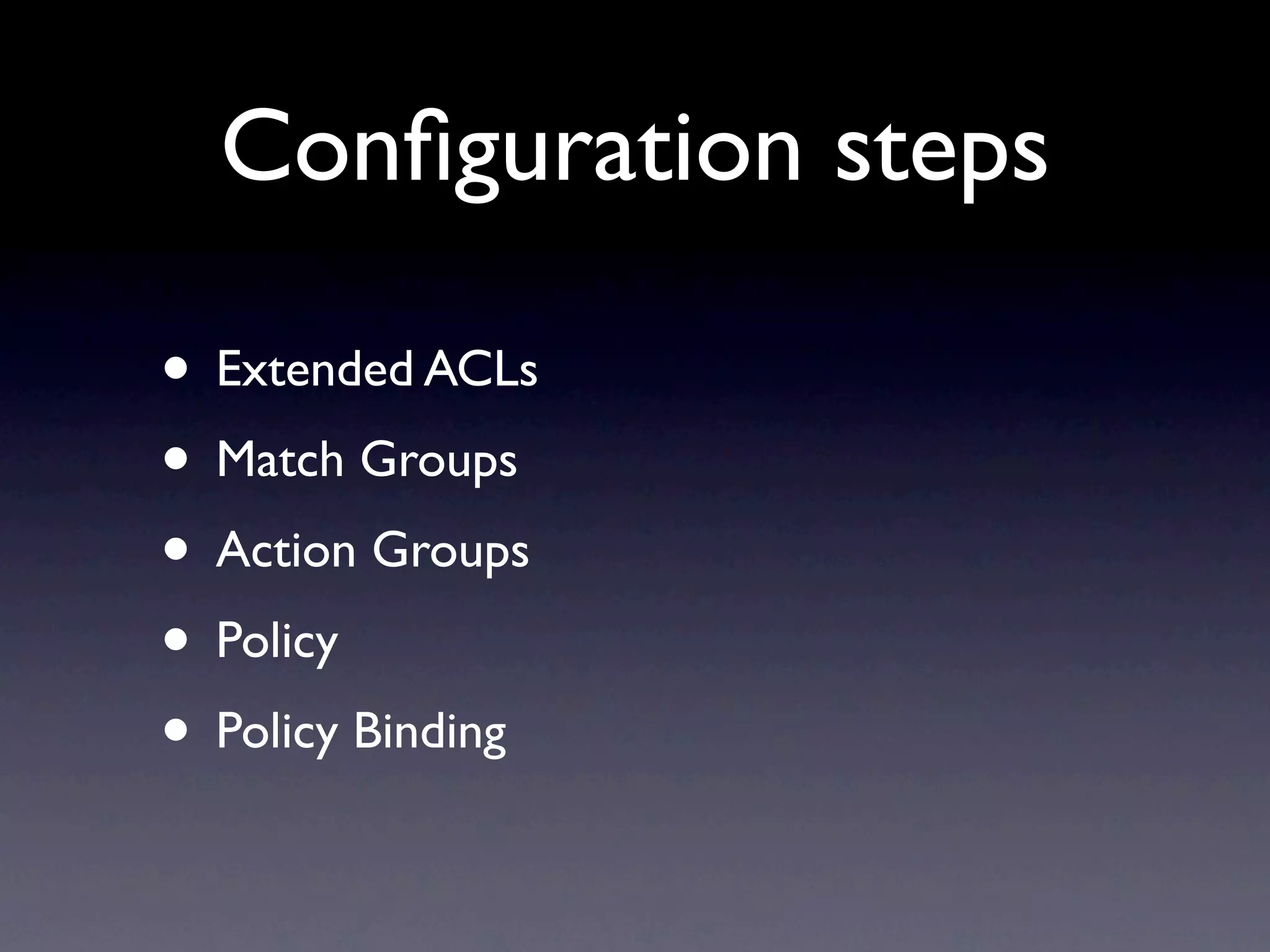
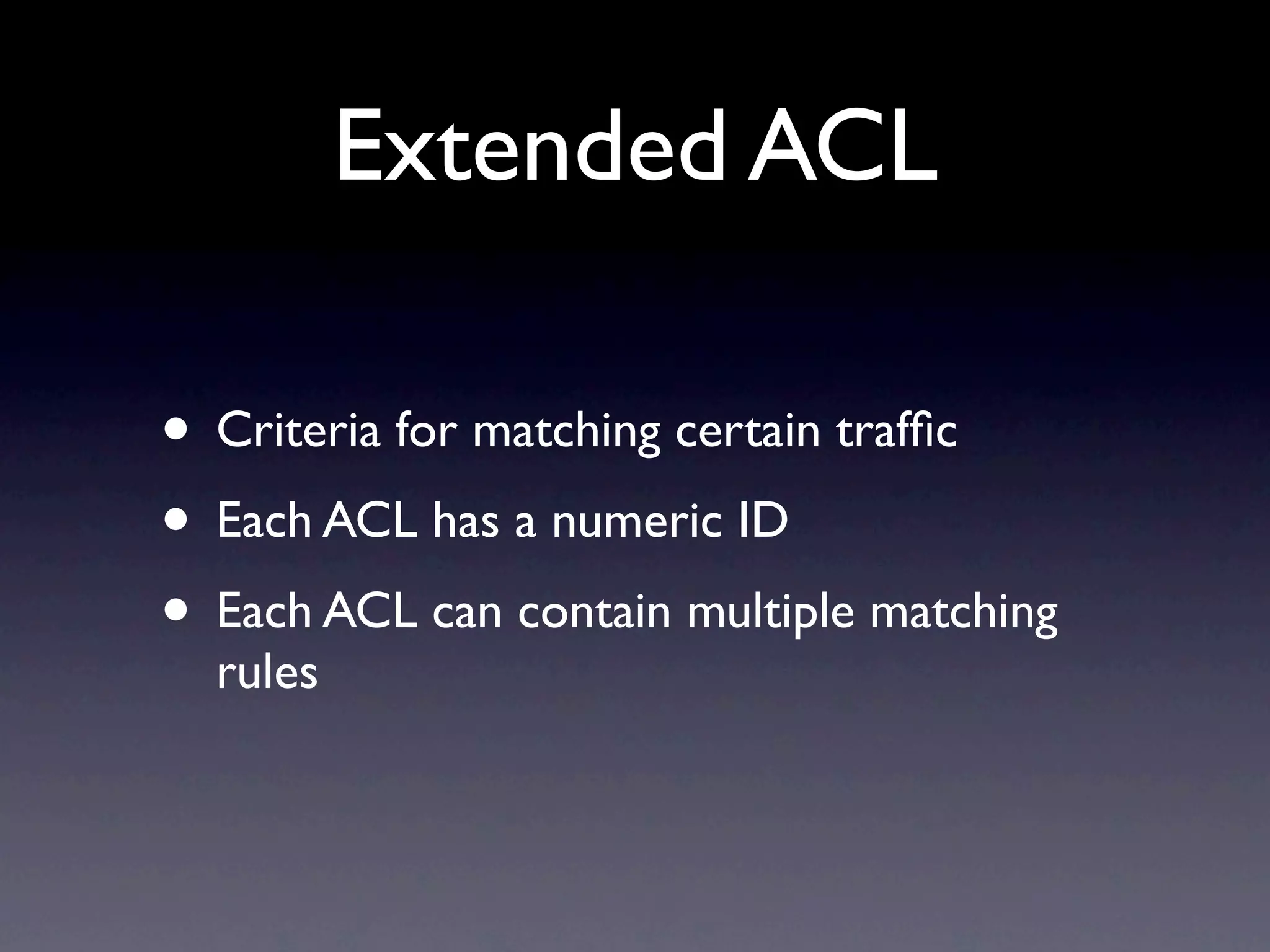
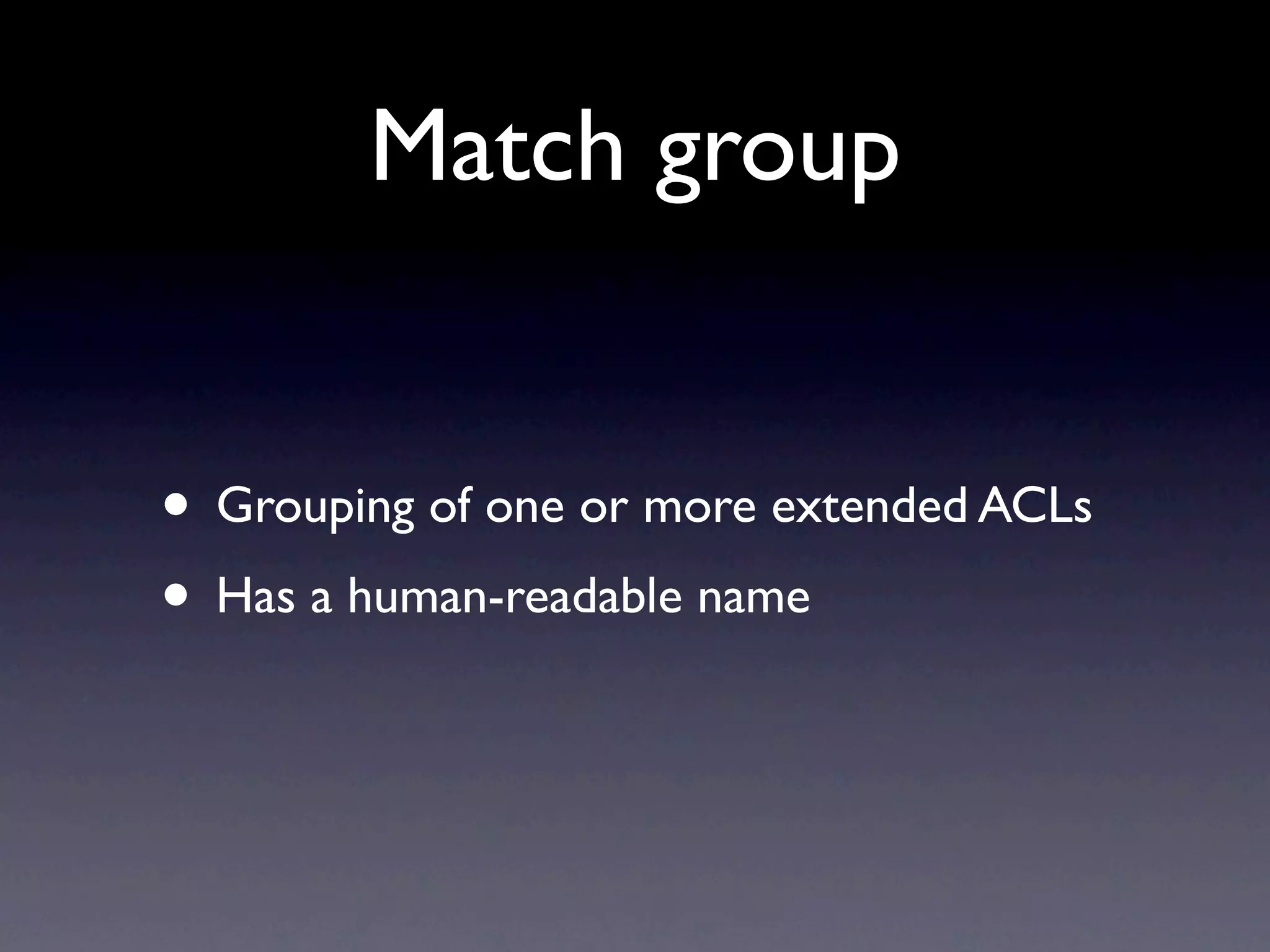
Configuration steps include using Extended ACLs, Match Groups, Action Groups, Policy creation, and Policy Binding, along with their functions in routing decisions.
PBR needs to be enabled on every inbound interface, with tips on using CLI, avoiding policy renumbering, and keeping configurations simple.
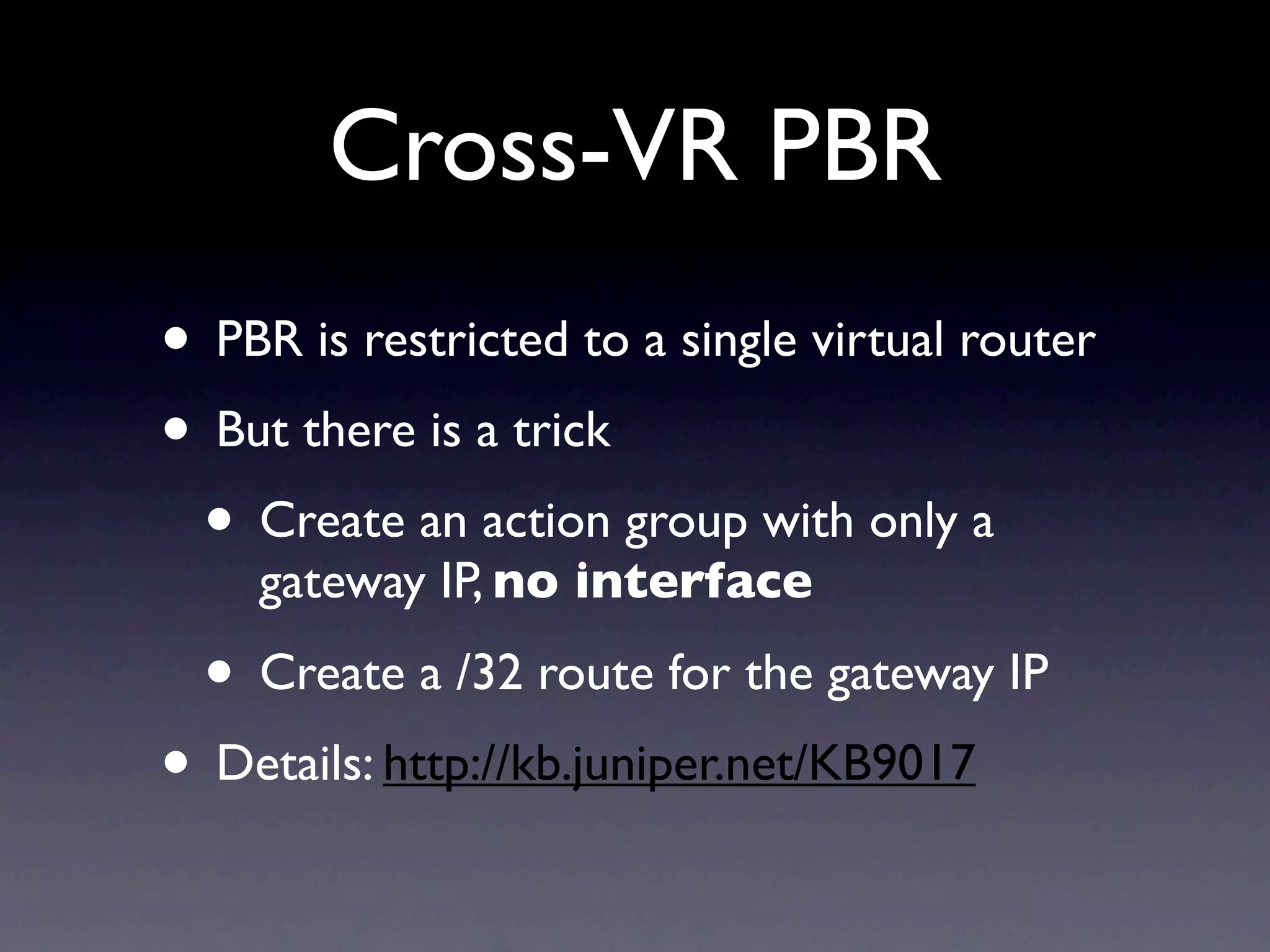
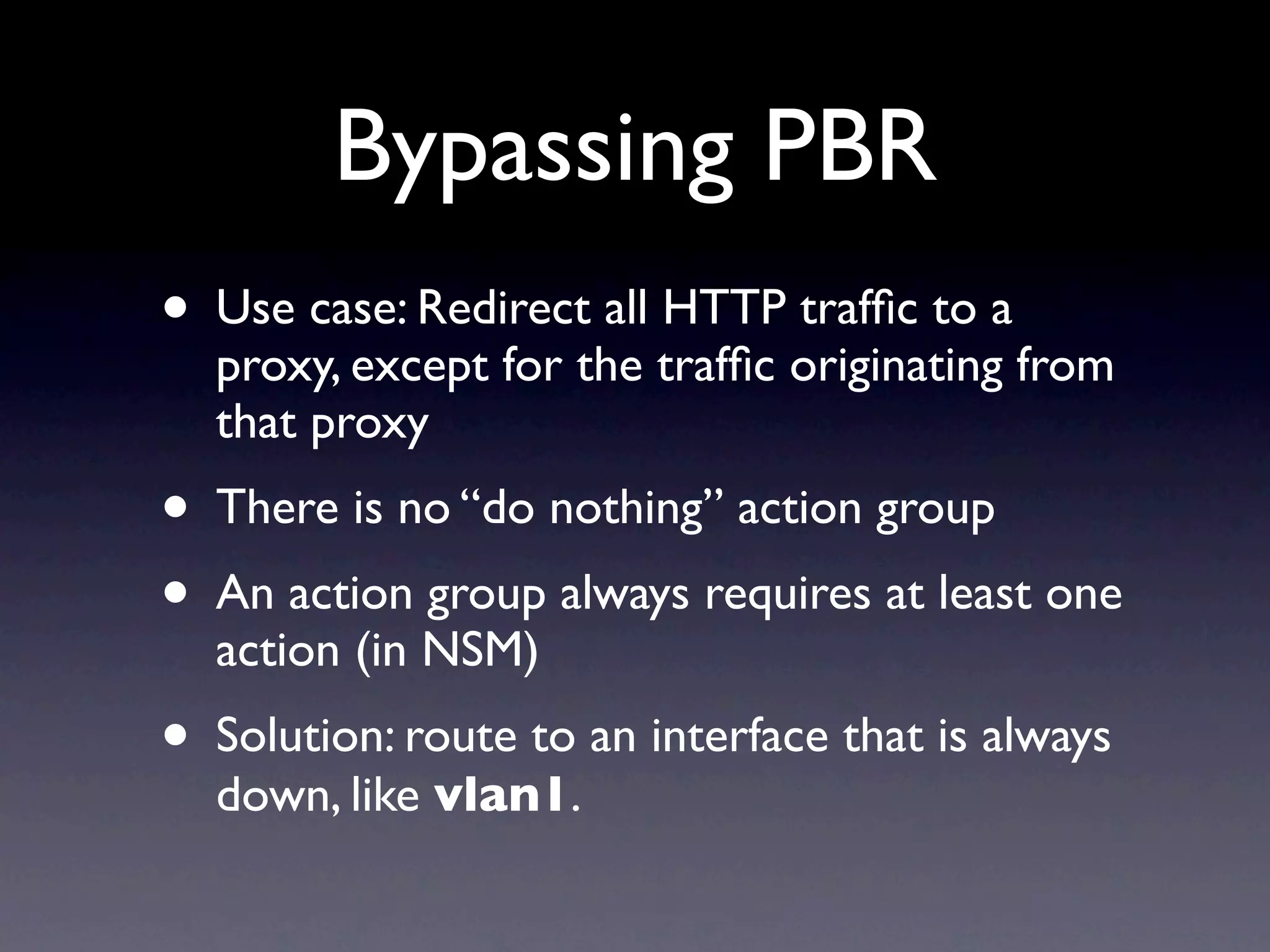
Strategies for Cross-VR PBR and Bypassing PBR, detailing methods to redirect traffic while maintaining some exceptions.
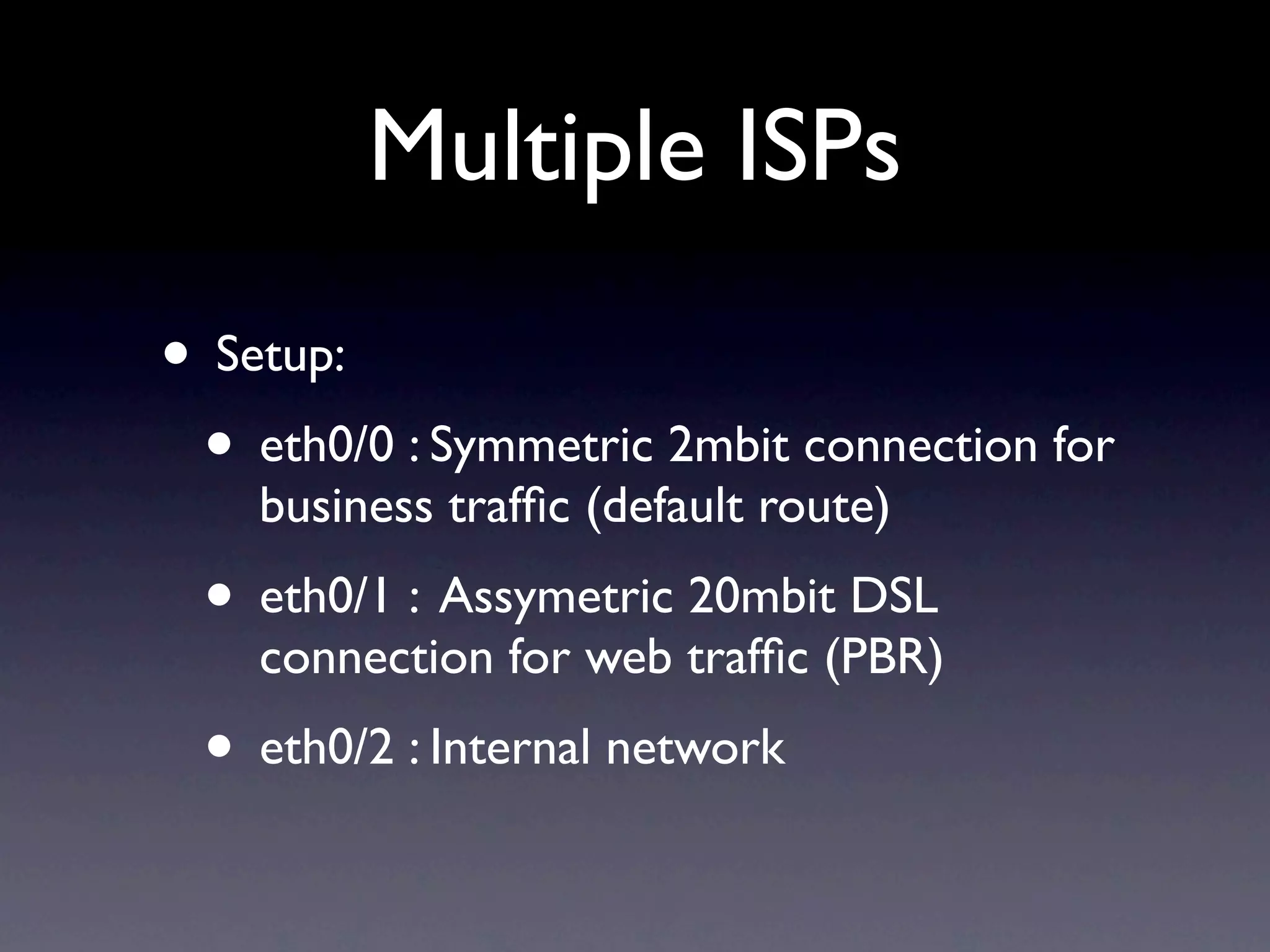
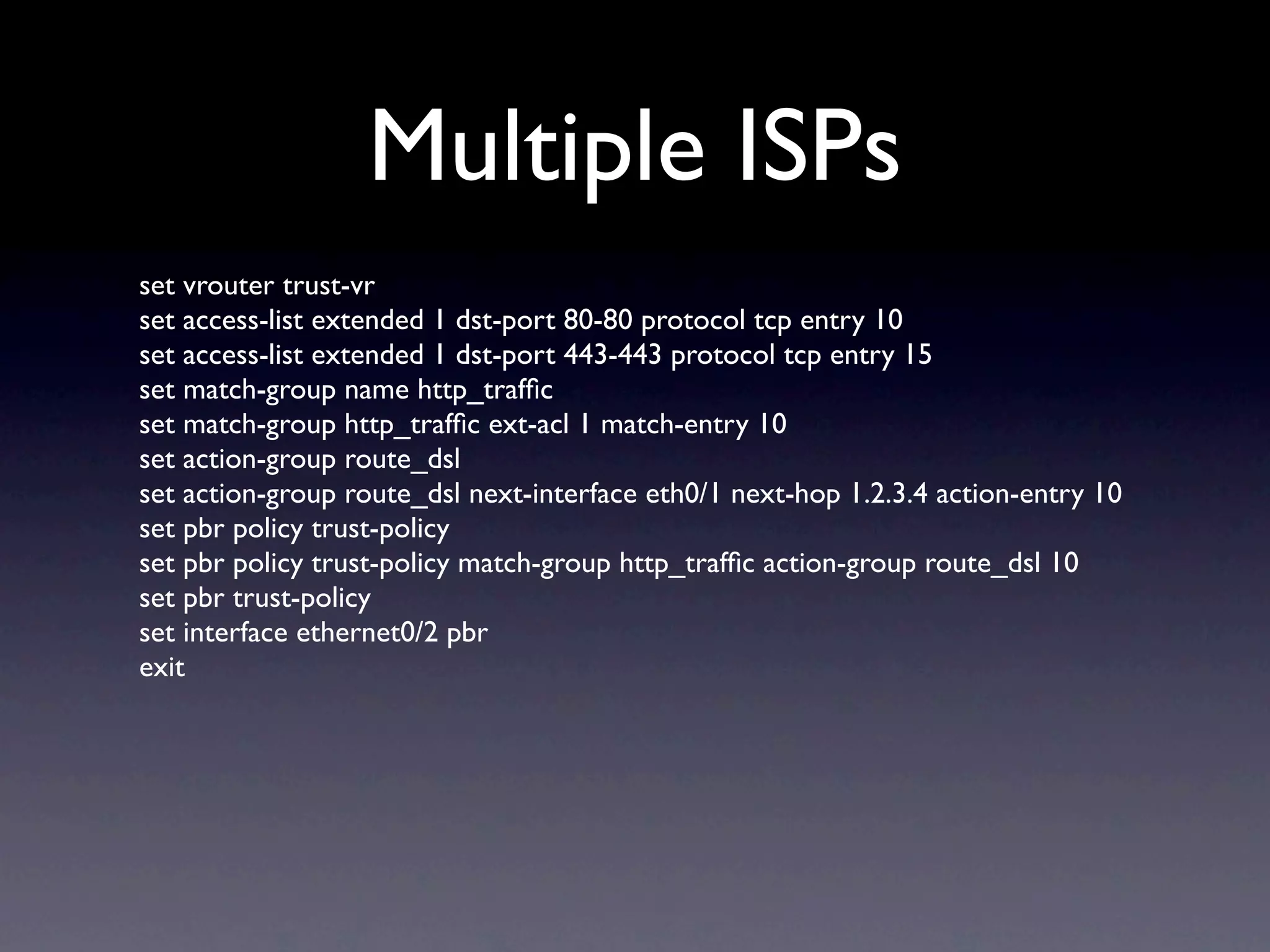
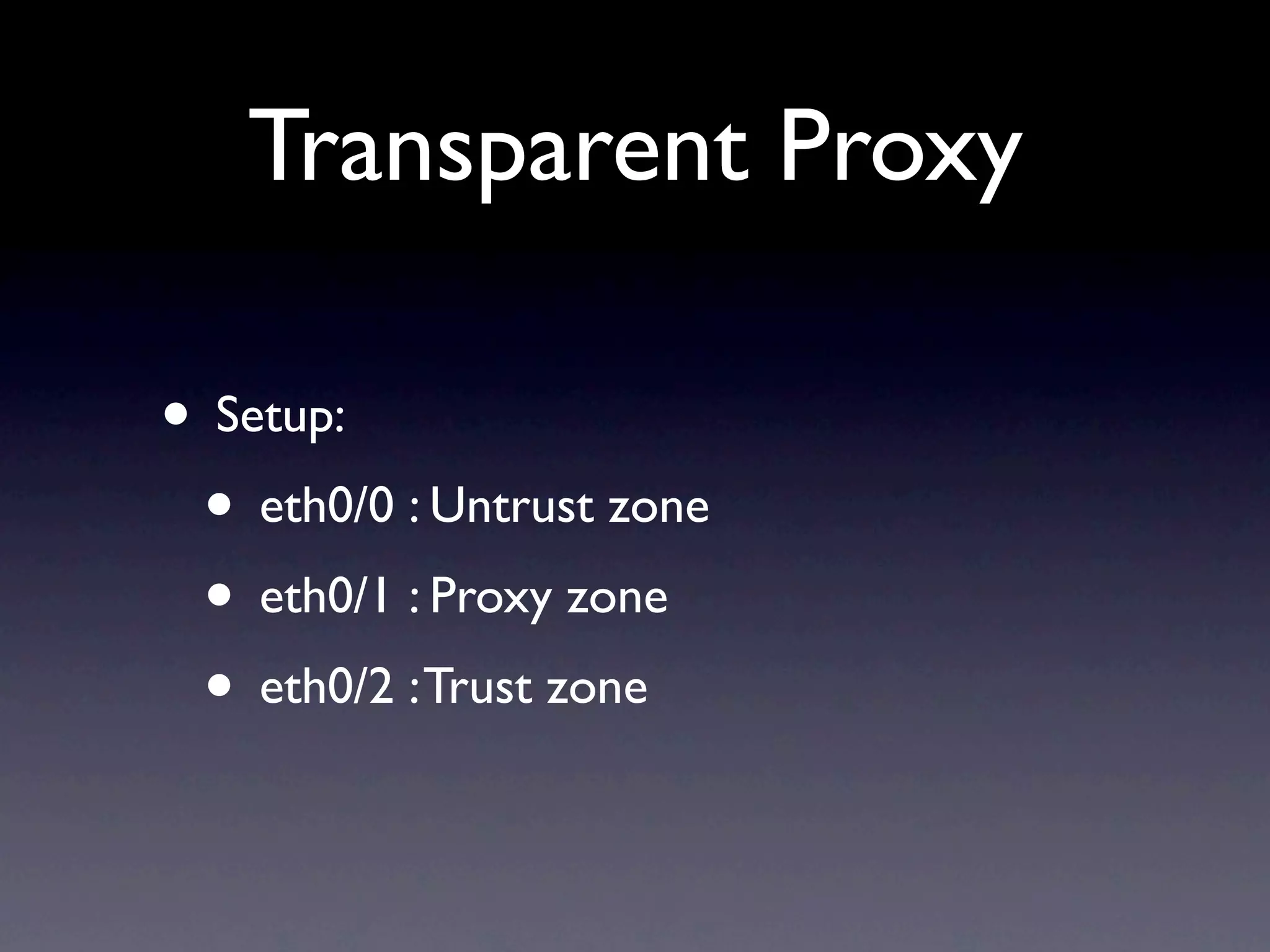
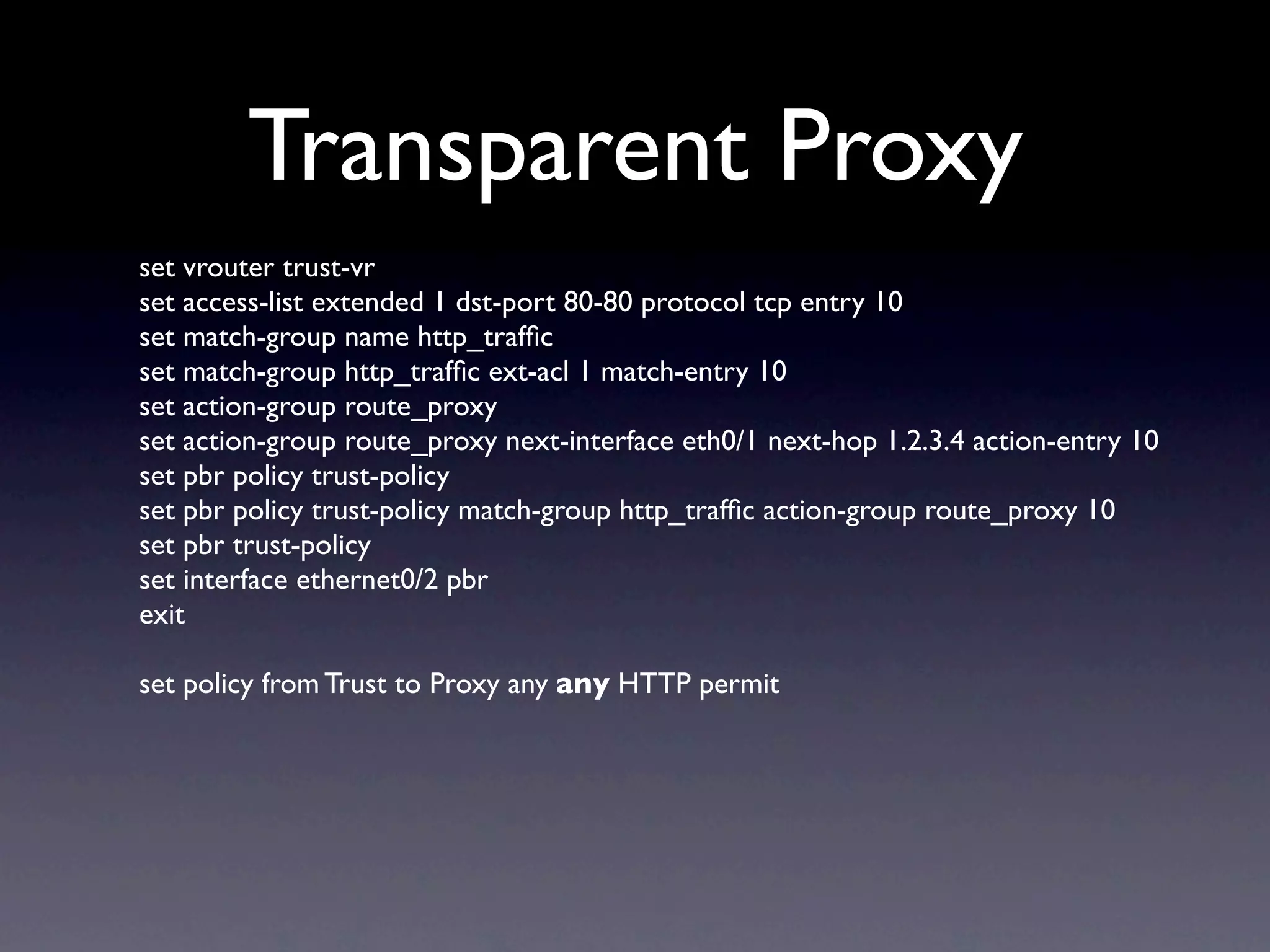
Real-world examples of using PBR for multiple ISPs and Transparent Proxy setups, with configuration commands and requirements.
Closing slide with invitation for questions and contact information of the presenter.
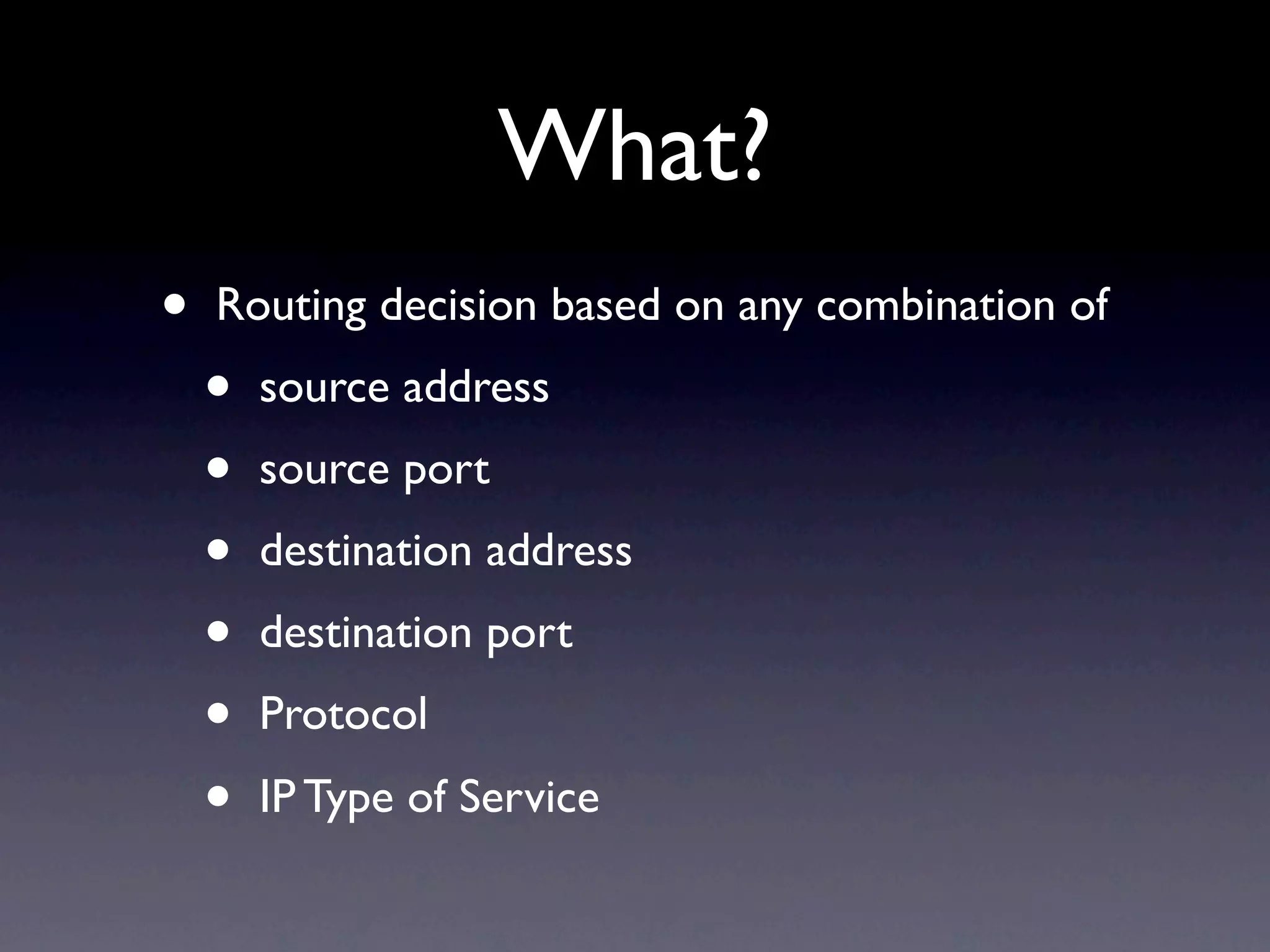
What?
• Routing decision based on any combination of
• source address
• source port
• destination address
• destination port
• Protocol
• IP Type of Service
3.
Why?
• Redirect allHTTP traffic via a transparent
proxy server
• Distribute traffic across multiple internet
connections
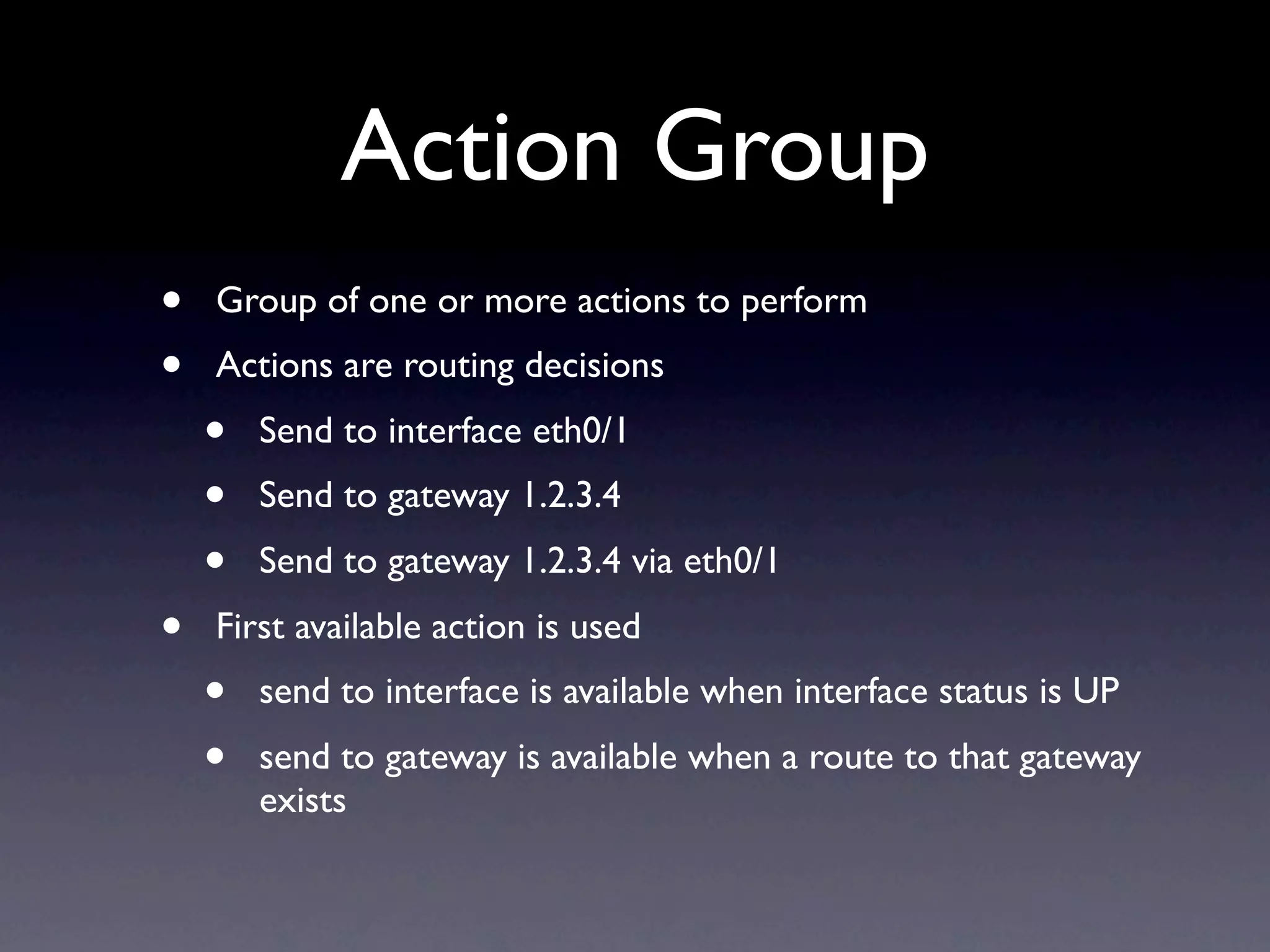
Action Group
• Group of one or more actions to perform
• Actions are routing decisions
• Send to interface eth0/1
• Send to gateway 1.2.3.4
• Send to gateway 1.2.3.4 via eth0/1
• First available action is used
• send to interface is available when interface status is UP
• send to gateway is available when a route to that gateway
exists
10.
Policy
• Combines matchinggroups and action
groups to make routing decisions
• When there is no policy match, the regular
routing tables are used
11.
Policy binding
• ThePBR policy can be bound to
• a virtual router
• a zone
• an interface
• When different policies are configured on
different levels, the most specific is used
• Interface > Zone > Virtual router
12.
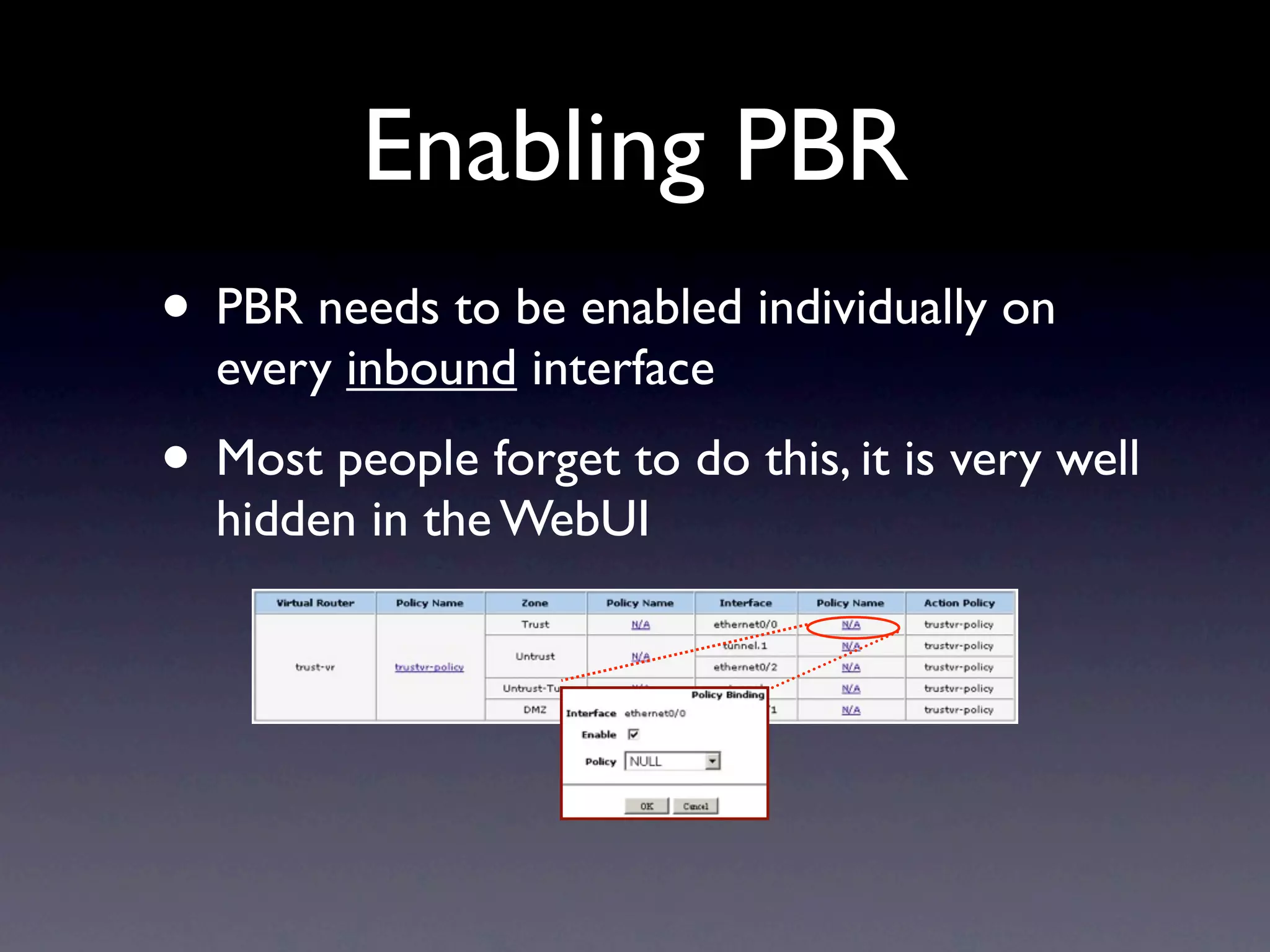
Enabling PBR
• PBRneeds to be enabled individually on
every inbound interface
• Most people forget to do this, it is very well
hidden in the WebUI
Tips
• If atfirst you don’t succeed, use the CLI,
the WebUI is pretty error prone
• Policies can’t be renumbered. Don’t start
with policy id 1, leave some room for future
policies
• Keep it simple, don’t duplicate the regular
routing tables in PBR
15.
Cross-VR PBR
• PBRis restricted to a single virtual router
• But there is a trick
• Create an action group with only a
gateway IP, no interface
• Create a /32 route for the gateway IP
• Details: http://kb.juniper.net/KB9017
16.
Bypassing PBR
• Usecase: Redirect all HTTP traffic to a
proxy, except for the traffic originating from
that proxy
• There is no “do nothing” action group
• An action group always requires at least one
action (in NSM)
• Solution: route to an interface that is always
down, like vlan1.
Transparent Proxy
set vroutertrust-vr
set access-list extended 1 dst-port 80-80 protocol tcp entry 10
set match-group name http_traffic
set match-group http_traffic ext-acl 1 match-entry 10
set action-group route_proxy
set action-group route_proxy next-interface eth0/1 next-hop 1.2.3.4 action-entry 10
set pbr policy trust-policy
set pbr policy trust-policy match-group http_traffic action-group route_proxy 10
set pbr trust-policy
set interface ethernet0/2 pbr
exit
set policy from Trust to Proxy any any HTTP permit




![Internet Routing Registry and RPKI Tutorial, by Nurul Islam Roman [APNIC 38]](https://cdn.slidesharecdn.com/ss_thumbnails/irr-v2-140914210106-phpapp02-thumbnail.jpg?width=640&height=640&fit=bounds)


![Internet Routing Registry Tutorial, by Nurul Islam Roman [APRICOT 2015]](https://cdn.slidesharecdn.com/ss_thumbnails/irr-apricot2015-v31425365523-150319000724-conversion-gate01-thumbnail.jpg?width=640&height=640&fit=bounds)


