Session ID:
Prepared by:
Remember to complete your evaluation for this session within the app!
Moving Oracle
Applications to the Cloud
Which Cloud is Right for Me?
02.28.2019
Doug Hahn
Global Head of EPM
Datavail
@doug_hahn
Presenter
• 25+ years in IT, 15 consulting, 10 IT executive
• Teams of 70+
• Experience across multiple disciplines
• Active in ODTUG, IOUG, OAUG and QUEST
– Chair OAUG Marketing and Communication Committee and Content
Generation Sub Committee
– Ex-Chair of the OAUG Customer Support Council
– Former board member BIWA (IOUG)
• Multiple public speaking engagements, OOW, Collaborate and regional users
groups
• Publications:
– OAUG Insight Magazine Summer 2009 edition -- R12 and OBIEE:
Intelligence Investments for Turbulent Times and
– OAUG Insight Magazine Fall 2015 – Oracle Support Identifier Groups.
• OAUG Speaker of the Year 2017
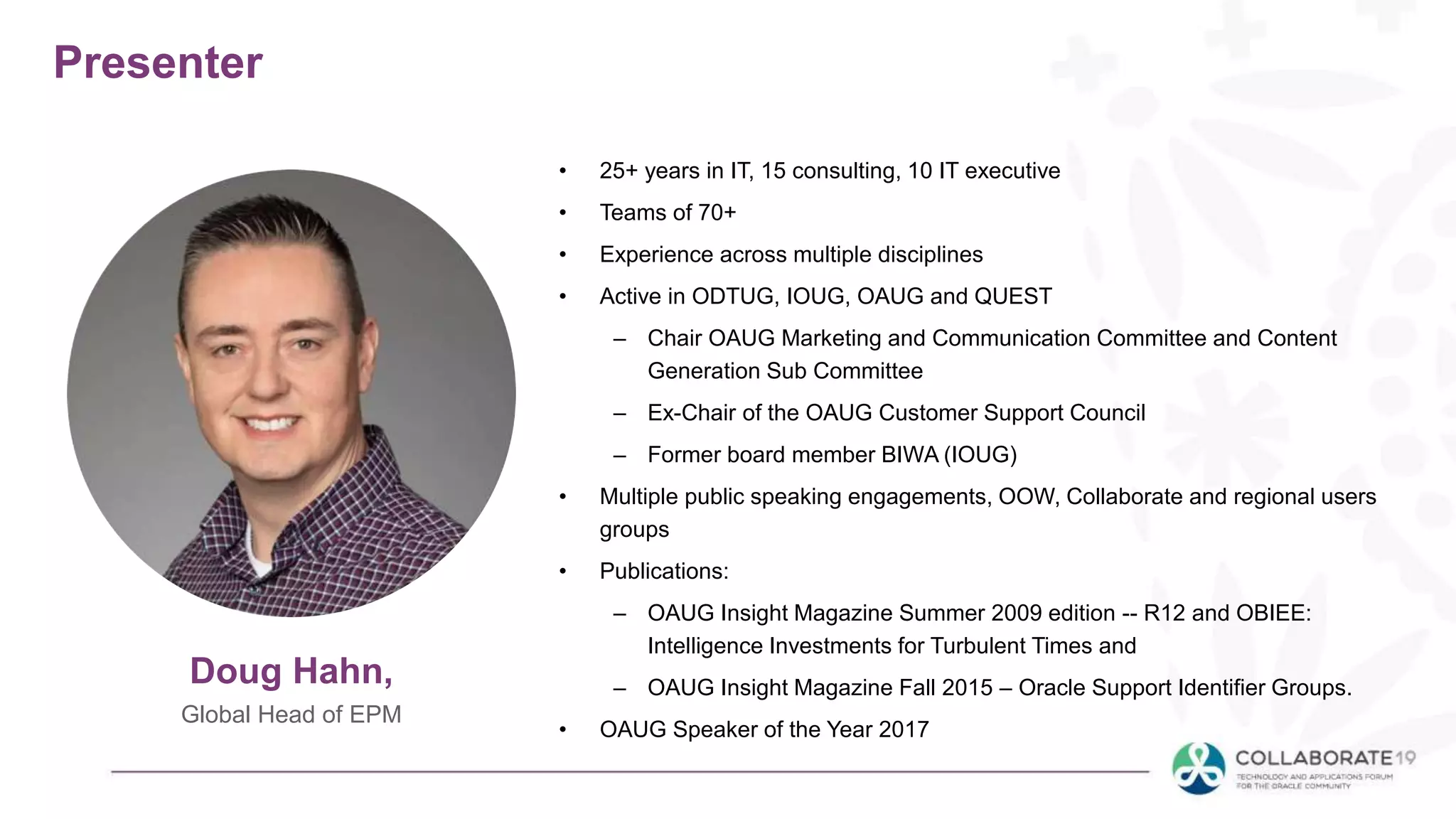
Doug Hahn,
Global Head of EPM
About Datavail
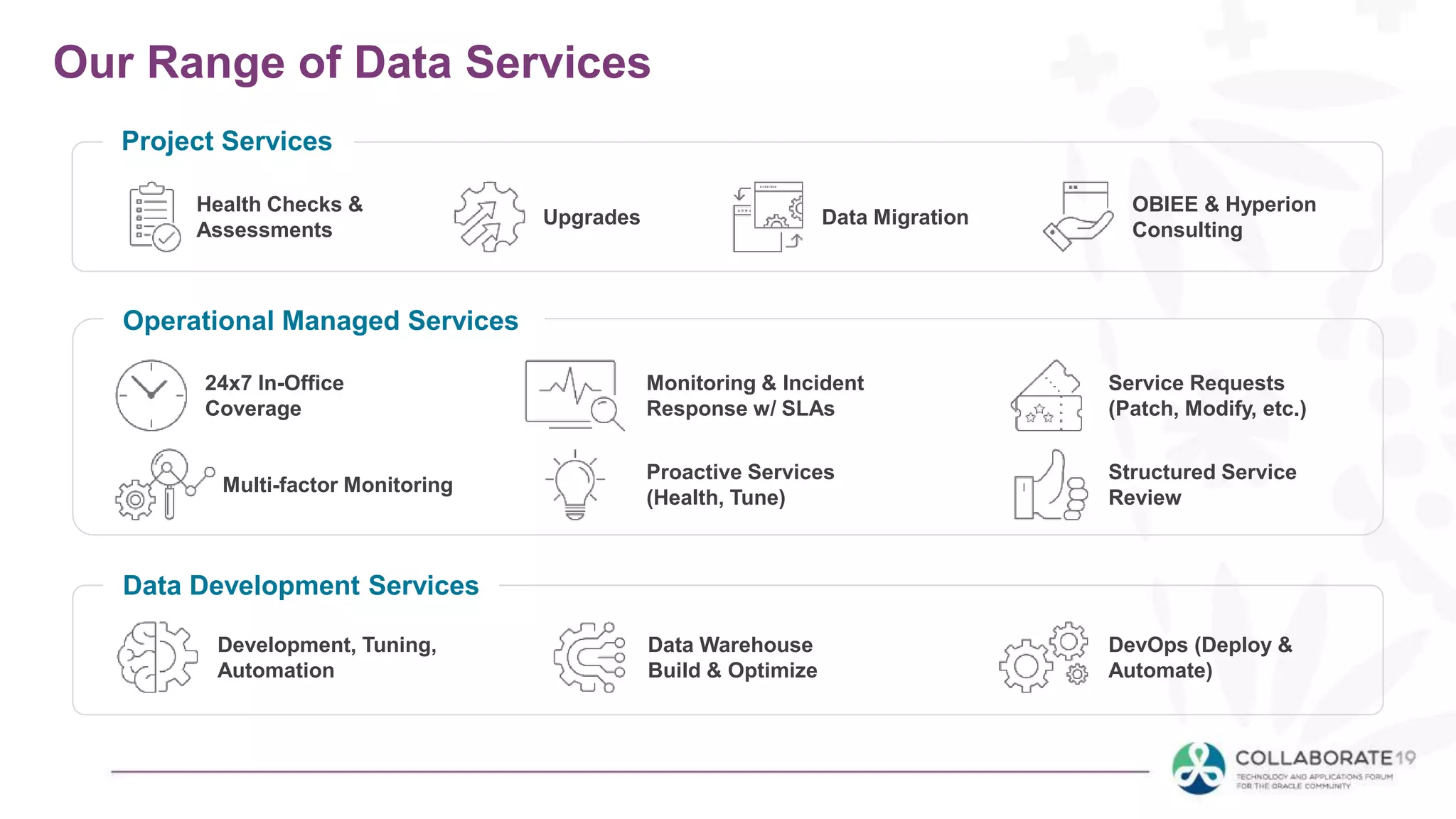
Our Range of Data Services
Health Checks &
Assessments
Project Services
Upgrades Data Migration
OBIEE & Hyperion
Consulting
24x7 In-Office
Coverage
Operational Managed Services
Monitoring & Incident
Response w/ SLAs
Service Requests
(Patch, Modify, etc.)
Multi-factor Monitoring
Proactive Services
(Health, Tune)
Structured Service
Review
Data Development Services
Development, Tuning,
Automation
Data Warehouse
Build & Optimize
DevOps (Deploy &
Automate)
Win Shoes
Fill out the session survey
for a chance to win an
exclusive pair of Datavail’s
running shoes!
Hyperion
Hero Award
Contest submission deadline:
April 10th
*Prize value can also be donated to a charity of choice.
*
What this Session IS
• We will go over the various cloud types
• Discuss how cloud is used to mean different things
• Understanding these options, pros and cons
• Talk about leveraging cloud-based architectures
– What works well
– What works less well
• Applies to many products (on-prem and cloud)
– Hyperion, JDEdwards, EBS, PeopleSoft, DRM, OBIEE/OBIA
What this session is NOT
• Not a specific guide for your organization
• This is not one-size-fits-all
• Deeper conversations needed
• You can’t be an expert in 60 min.
Agenda
• What is Cloud?
• Types of XaaS
– FaaS, SaaS, PaaS, DBaaS, IaaS, Hosting, AMS
• Oracle vs other definitions
• Decision Matrix
• Workload considerations
• Extras – backups, cloning, encryption
• Compliance issues – multi-tenant, data privacy,
data location, PII, PCI, HIPPA
• What have we seen…
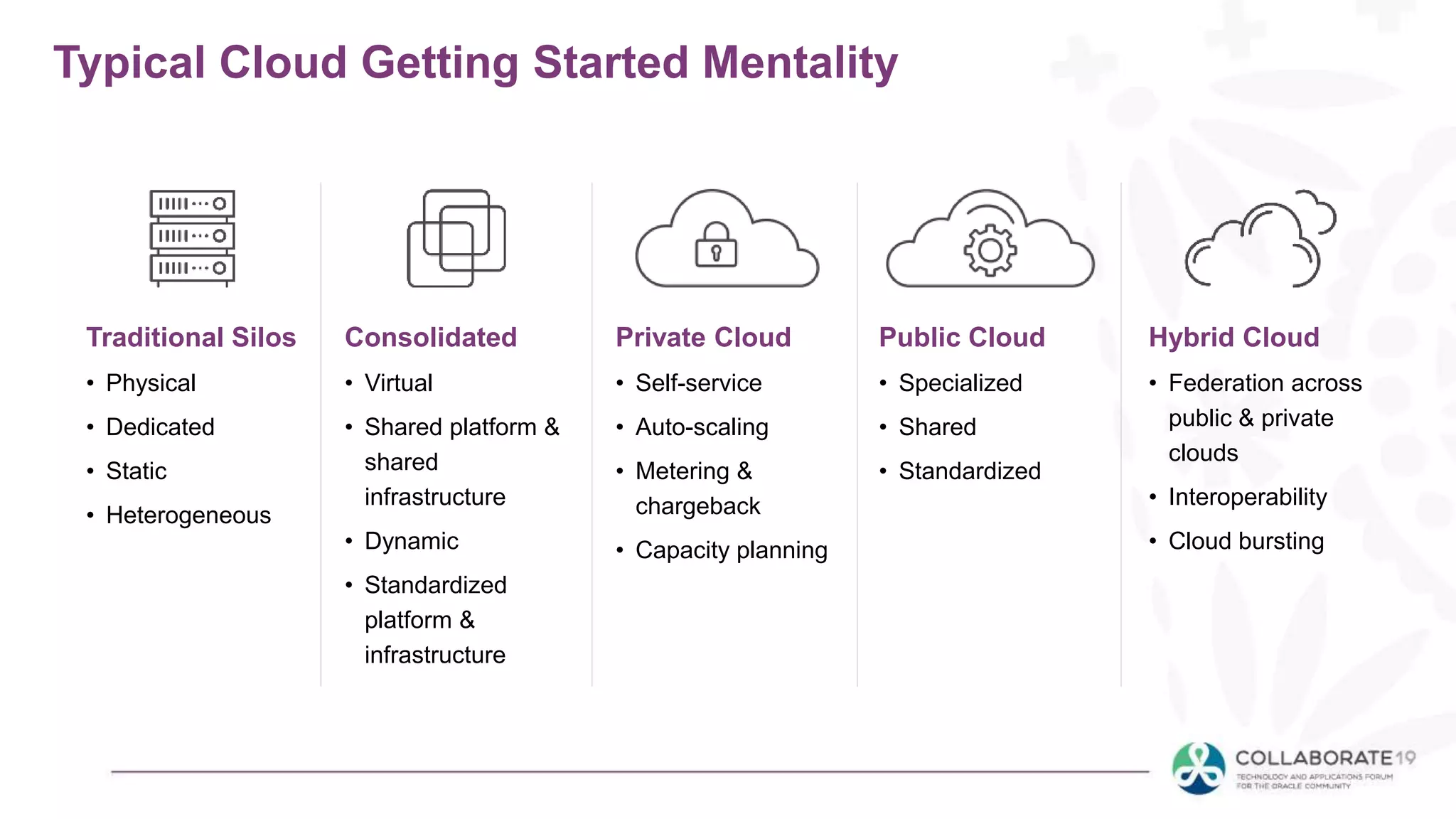
Typical Cloud Getting Started Mentality
Traditional Silos
• Physical
• Dedicated
• Static
• Heterogeneous
Consolidated
• Virtual
• Shared platform &
shared
infrastructure
• Dynamic
• Standardized
platform &
infrastructure
Private Cloud
• Self-service
• Auto-scaling
• Metering &
chargeback
• Capacity planning
Public Cloud
• Specialized
• Shared
• Standardized
Hybrid Cloud
• Federation across
public & private
clouds
• Interoperability
• Cloud bursting
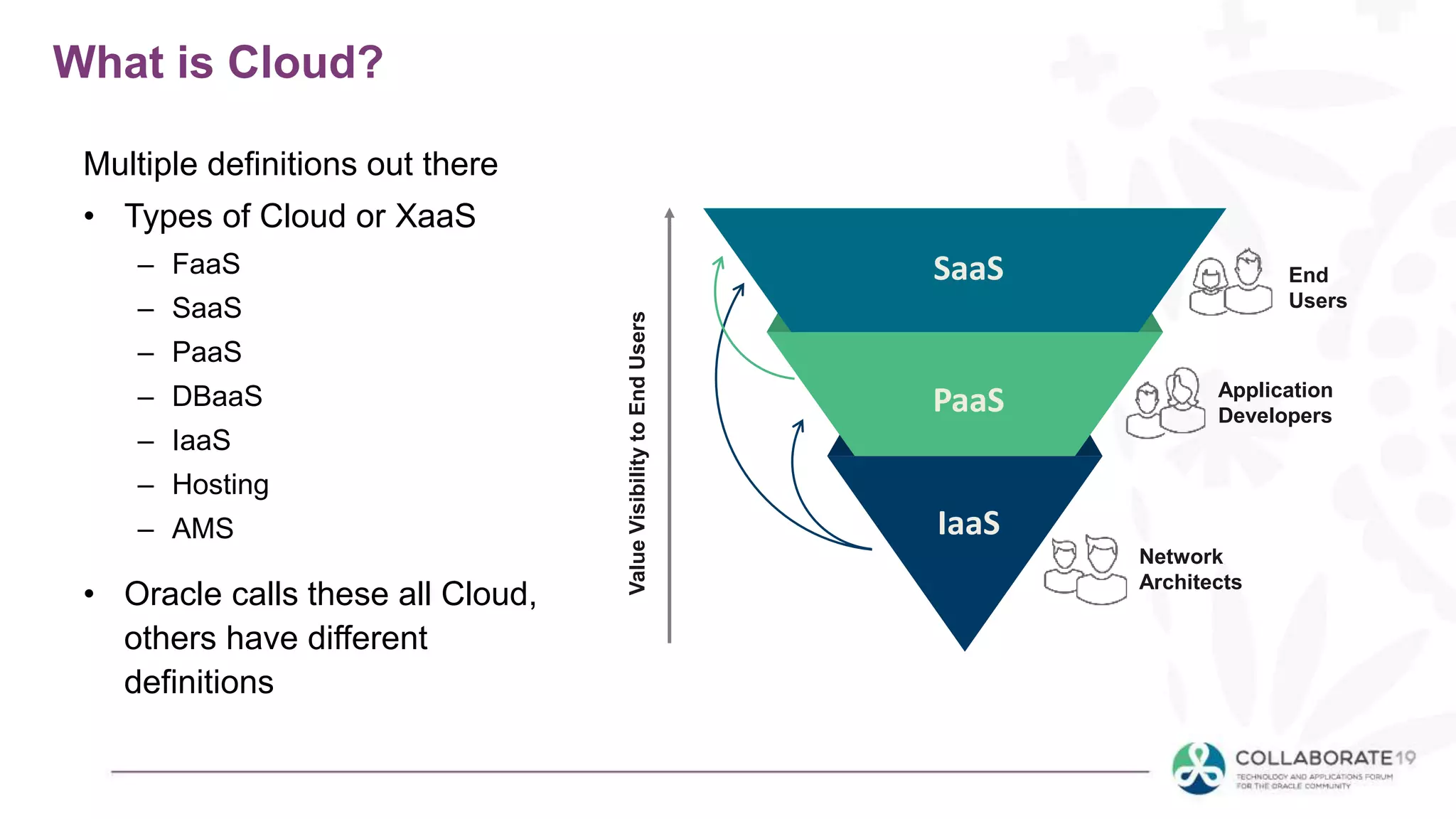
What is Cloud?
Multiple definitions out there
• Types of Cloud or XaaS
– FaaS
– SaaS
– PaaS
– DBaaS
– IaaS
– Hosting
– AMS
• Oracle calls these all Cloud,
others have different
definitions
End
Users
Application
Developers
Network
Architects
SaaS
PaaS
IaaS
ValueVisibilitytoEndUsers
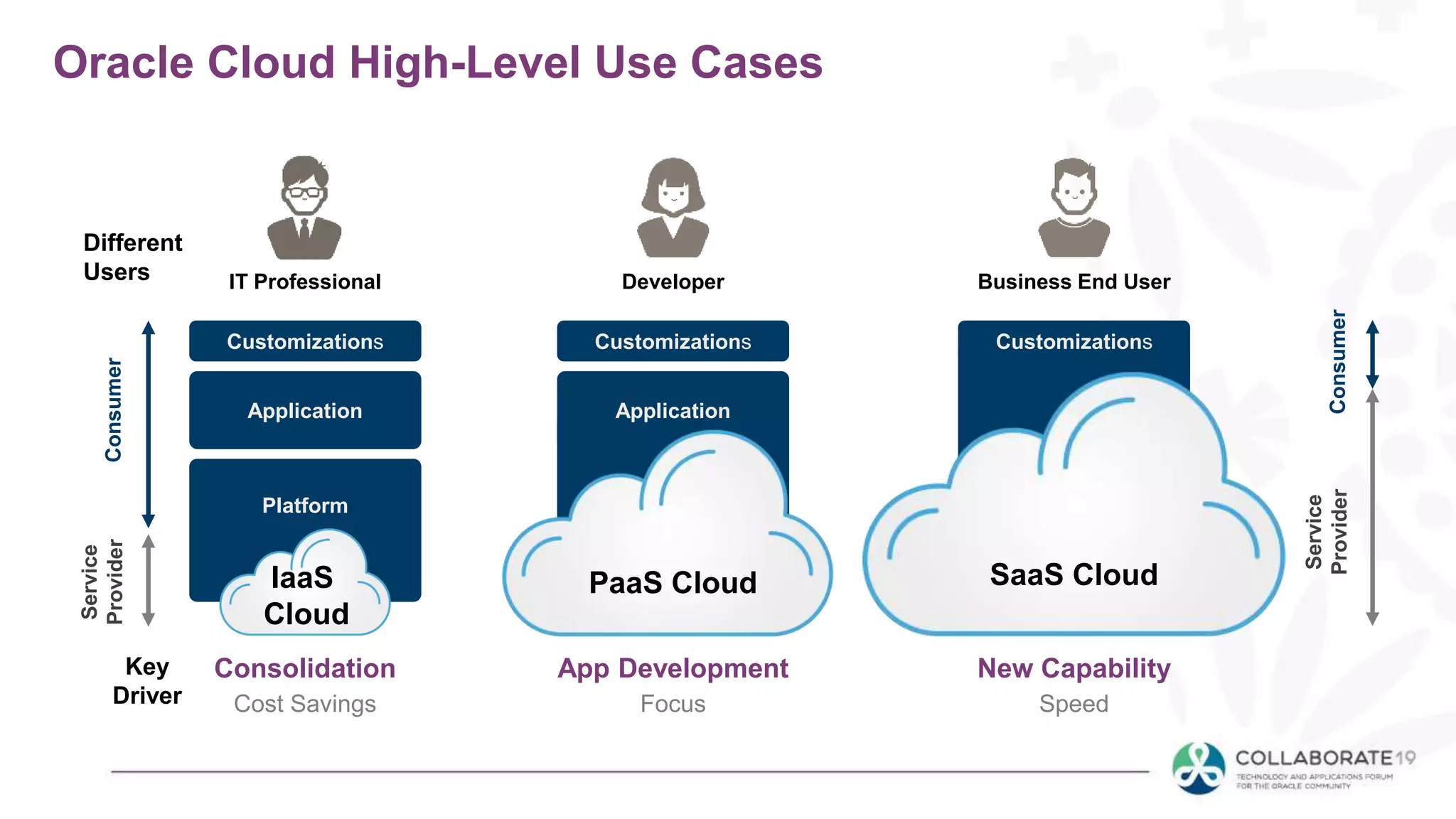
Oracle Cloud High-Level Use Cases
Customizations
Application
Platform
Consolidation
Cost Savings
Customizations
App Development
Focus
Customizations
New Capability
Speed
IT Professional Developer Business End User
Application
Different
Users
Service
ProviderConsumer
Service
ProviderConsumer
IaaS
Cloud
Key
Driver
PaaS Cloud SaaS Cloud
FaaS – Function-as-a-Service
• This is a future option
• Buy only what you use
• Channel-by-channel, instead of cable or dish lineup
SaaS – Software-as-a-Service
• Bundled functions into a service
• Application that is developed/ported into a shared
infrastructure model
• Data, applications are typically stored outside your
firewall
PaaS
Platform-as-a-Service
• Think of this like an SDK (Please don’t shoot me for
the over-simplification)
• Develop, run, and manage applications without
needing to manage the infrastructure
• Plug-and-play modules to enhance capabilities quickly
• Used to enhance or extend SaaS solutions
• Also sometimes used to describe on-prem applications
on IaaS
DBaaS – Database-as-a-Service
• Quickly stand up a database, create some tables and
upload data
IaaS – Software-as-a-Service
• Think servers
• Bare metal options
• Pre-build OS
• Get a desktop or server up and running quickly
Hosting
• Putting your on-premises
server/DB/app onto someone
else's hardware
• Could be a virtual or physical
move
• Could be a rack, or a VM
AMS
• Third party that you contract to
manage your server, DB,
application, services etc.
• Some of these work together,
others build on one another
Application Management Services
SaaS
• When the off-the-shelf product will meet your needs
• Commodity services
• Limited or no customizations
• Extensions ok (PaaS)
• Operating budget is available
• CapEx is not available
• Limited interfaces, self-contained business processes
Which to use?
PaaS
• Can be in your cloud, or a provider
• Quick deployments
• Avoids expensive or complex architecture
• Convention tools may be limited
Which to use?
IaaS
• Major players are Oracle, Amazon, Google, Microsoft
• Provides a server (may contain OS, web server etc)
• Workloads are quite variable
– High usage for short periods of time
– Can be turned off at night, weekends, outside peak
periods
• Need quick provisioning
• User self-service
Which to use?
• Can business processes be changed to conform to the
application?
• Standard processes across the globe
• Limited interfaces/data loads
• Reporting needs are minimal
• Do you own your data? Can you locally store it later?
Decision Matrix SaaS
• A set of questions to help understand the workload
being considered
• Not all workloads are suitable for the cloud
• Best to derive a formula to determine suitability
• Based on workload, costs, availability, need to flex
CPU, memory, storage
Decision Matrix IaaS
• Can the service be provided outside of your data
center?
• Allow providers to clone/backup/test DR
• Many will include BIOS, OS, Java patching
• Ability to grow and shrink CPU, memory, storage
needs
• Data location/data privacy concerns
Decision Matrix Hosting
• Many times hosting/AMS can be combined for cost
savings
• May include application/database level patching
• Concerns about who has access to the data
• Cloning of complex applications like EBS
• Provide Level 1 and Level 2 support
• More team focus on enhancement backlog
Decision Matrix AMS
Workload Considerations
• Workloads are high and consistent
• Considerable customization or extensions are
needed
• Legal/compliance reasons around requiring
data stored on site
• You have the staff and expertise to support it
• Existing software licenses are already paid for
• May be best to wait for next
upgrade cycle
• Business processes are not
standardized
• Capital vs operating expense
• Cloud is not always the cheapest
Those were cloud options. On-premises is better when:
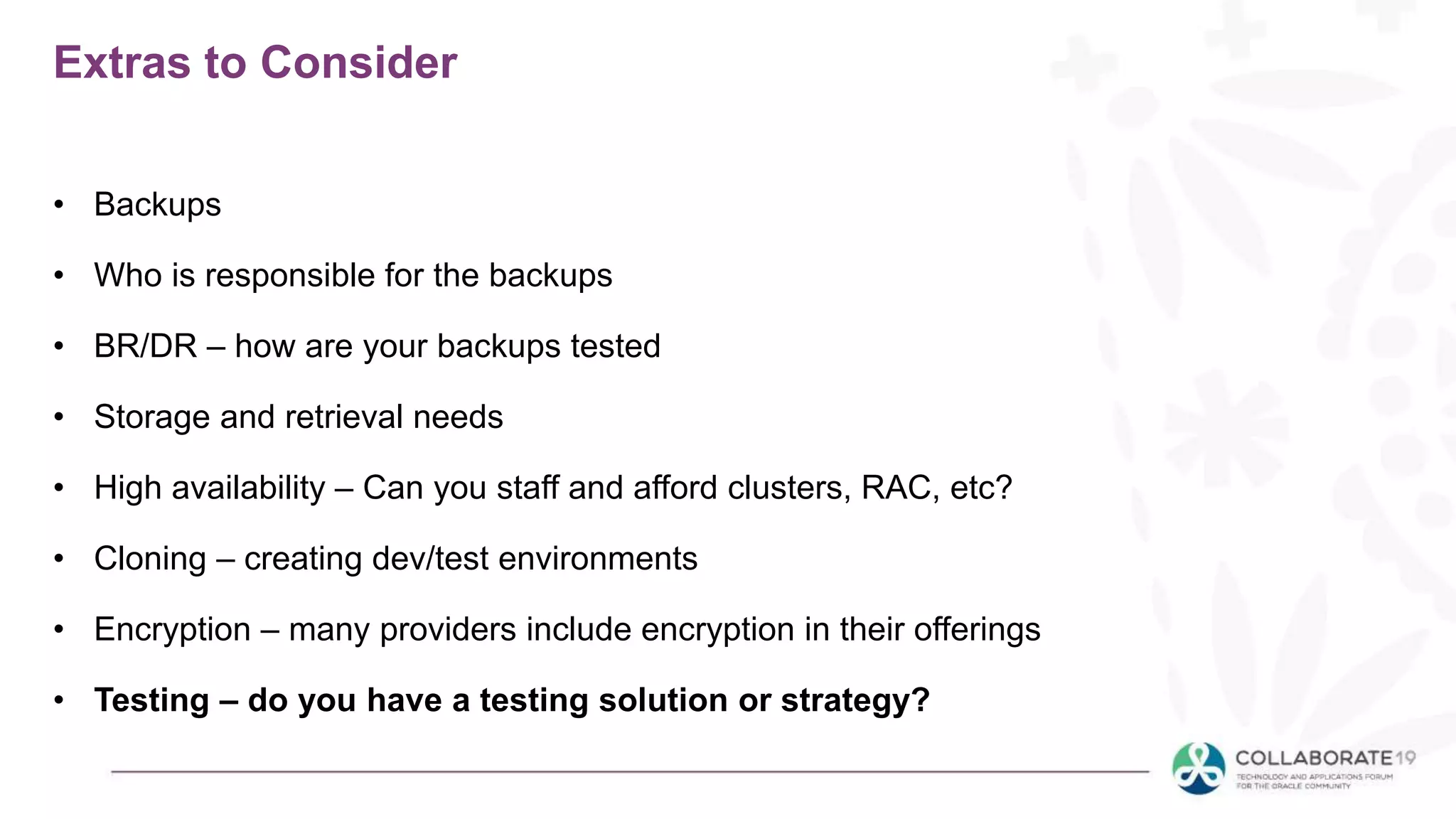
Extras to Consider
• Backups
• Who is responsible for the backups
• BR/DR – how are your backups tested
• Storage and retrieval needs
• High availability – Can you staff and afford clusters, RAC, etc?
• Cloning – creating dev/test environments
• Encryption – many providers include encryption in their offerings
• Testing – do you have a testing solution or strategy?
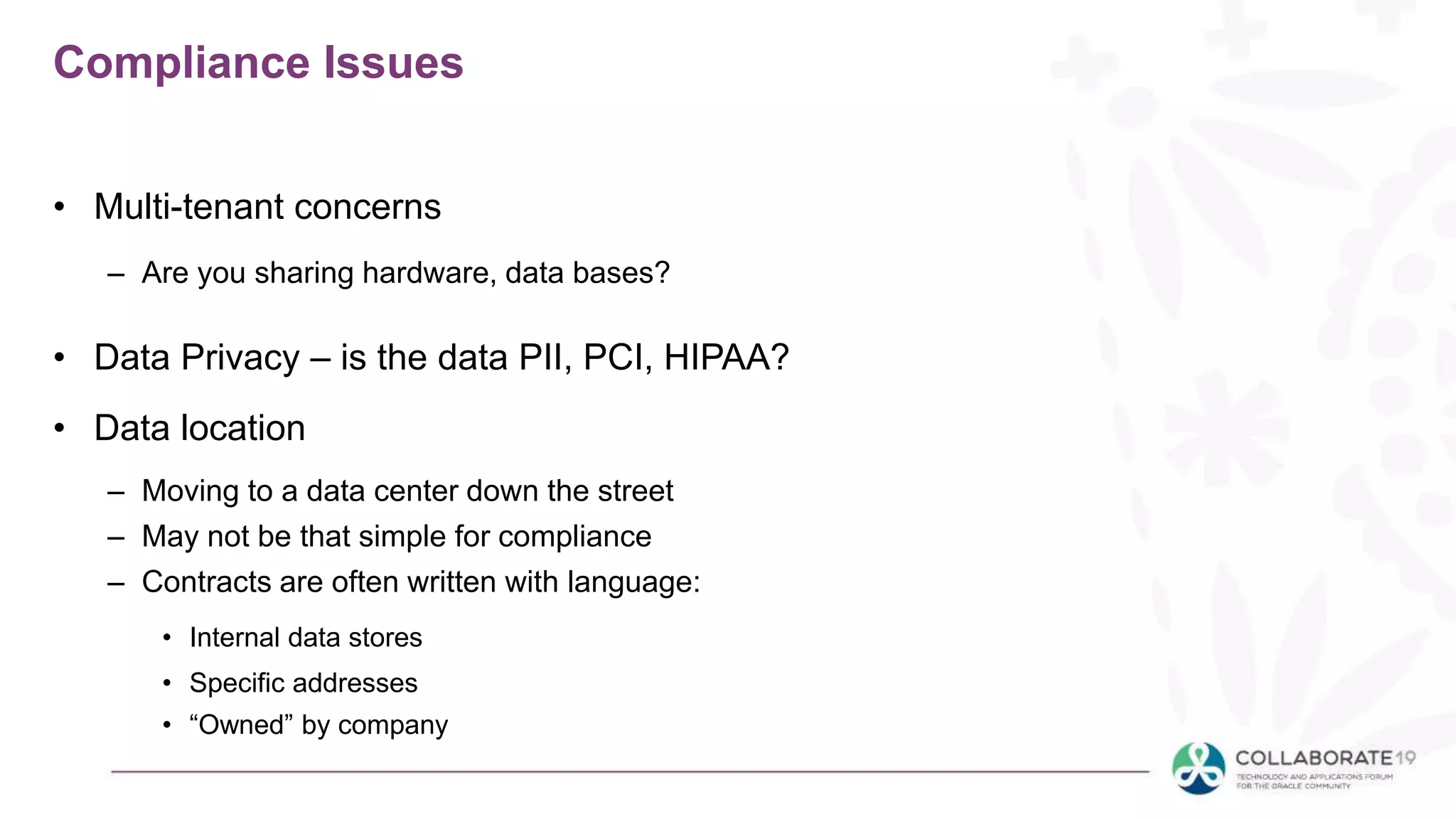
Compliance Issues
• Multi-tenant concerns
– Are you sharing hardware, data bases?
• Data Privacy – is the data PII, PCI, HIPAA?
• Data location
– Moving to a data center down the street
– May not be that simple for compliance
– Contracts are often written with language:
• Internal data stores
• Specific addresses
• “Owned” by company
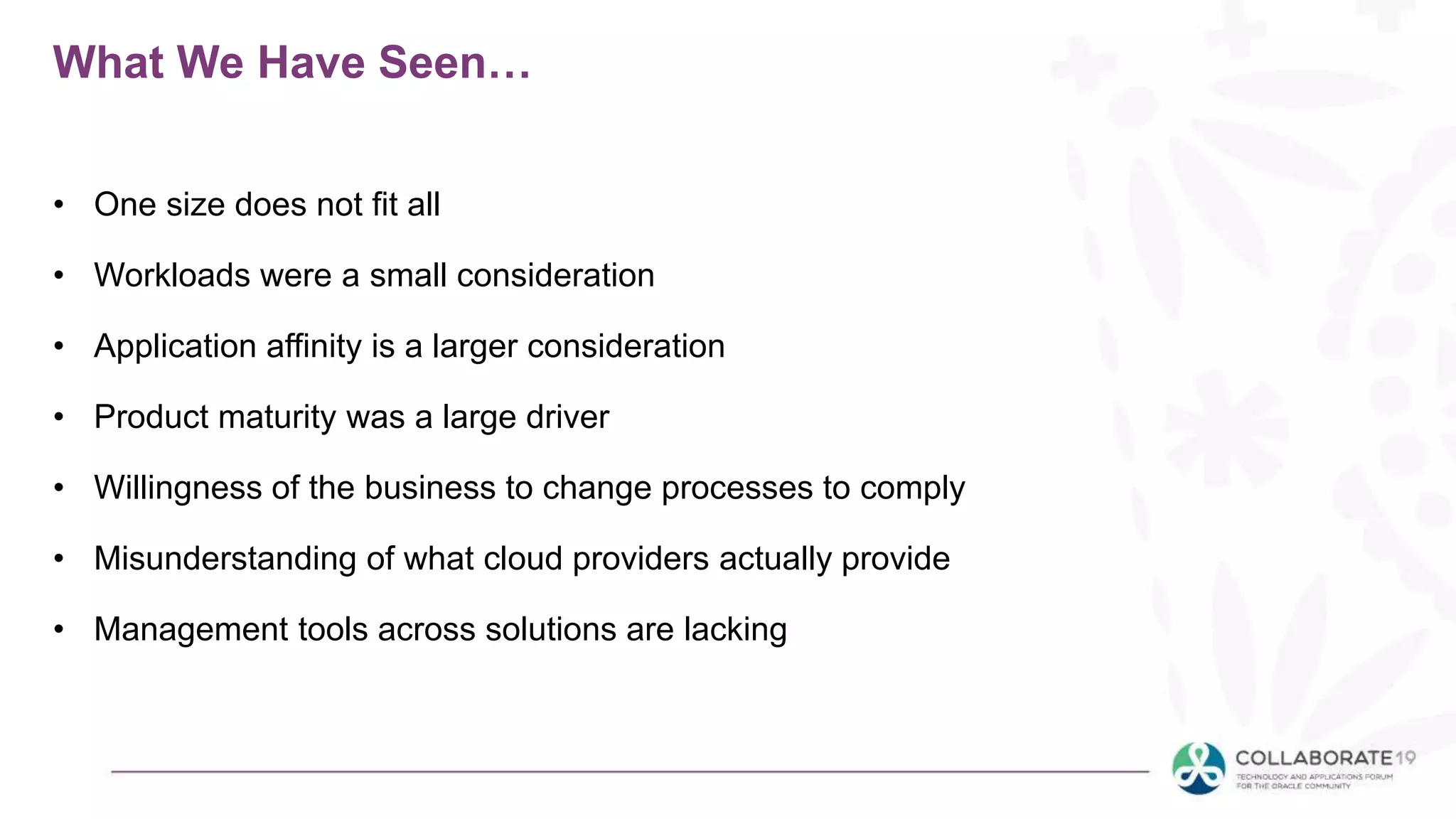
What We Have Seen…
• One size does not fit all
• Workloads were a small consideration
• Application affinity is a larger consideration
• Product maturity was a large driver
• Willingness of the business to change processes to comply
• Misunderstanding of what cloud providers actually provide
• Management tools across solutions are lacking
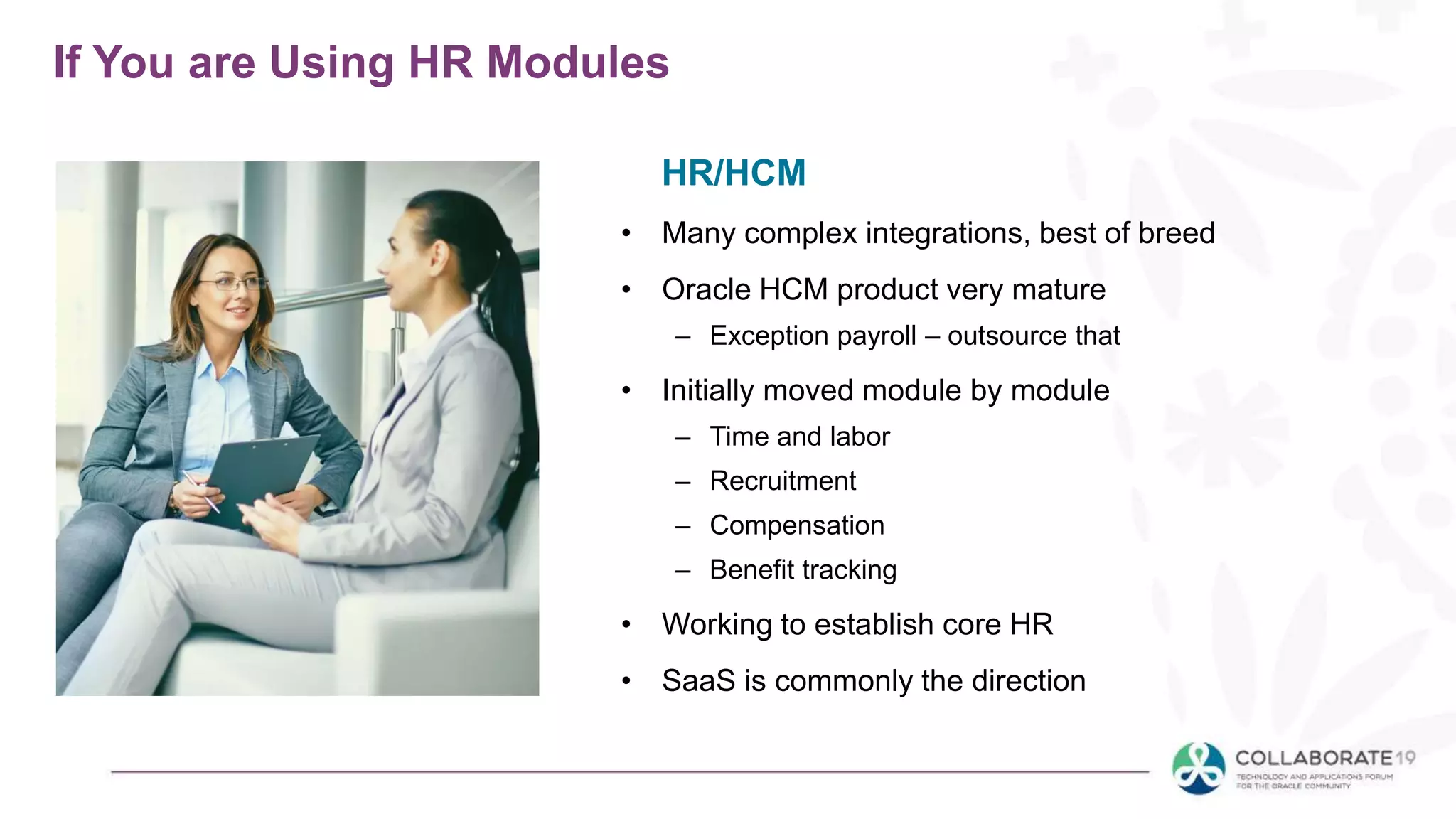
If You are Using HR Modules
• Many complex integrations, best of breed
• Oracle HCM product very mature
– Exception payroll – outsource that
• Initially moved module by module
– Time and labor
– Recruitment
– Compensation
– Benefit tracking
• Working to establish core HR
• SaaS is commonly the direction
HR/HCM
If You are Using Finance
• Cloud offerings in subledger and project accounting
are not there yet
• EPM products have matured a lot in the past year
• Many integrations - reporting needs are huge
• Steady workloads
• Iaas/Hosting/AMS is commonly the direction
Accounting (AR/AP/GL) Planning and
Budgeting
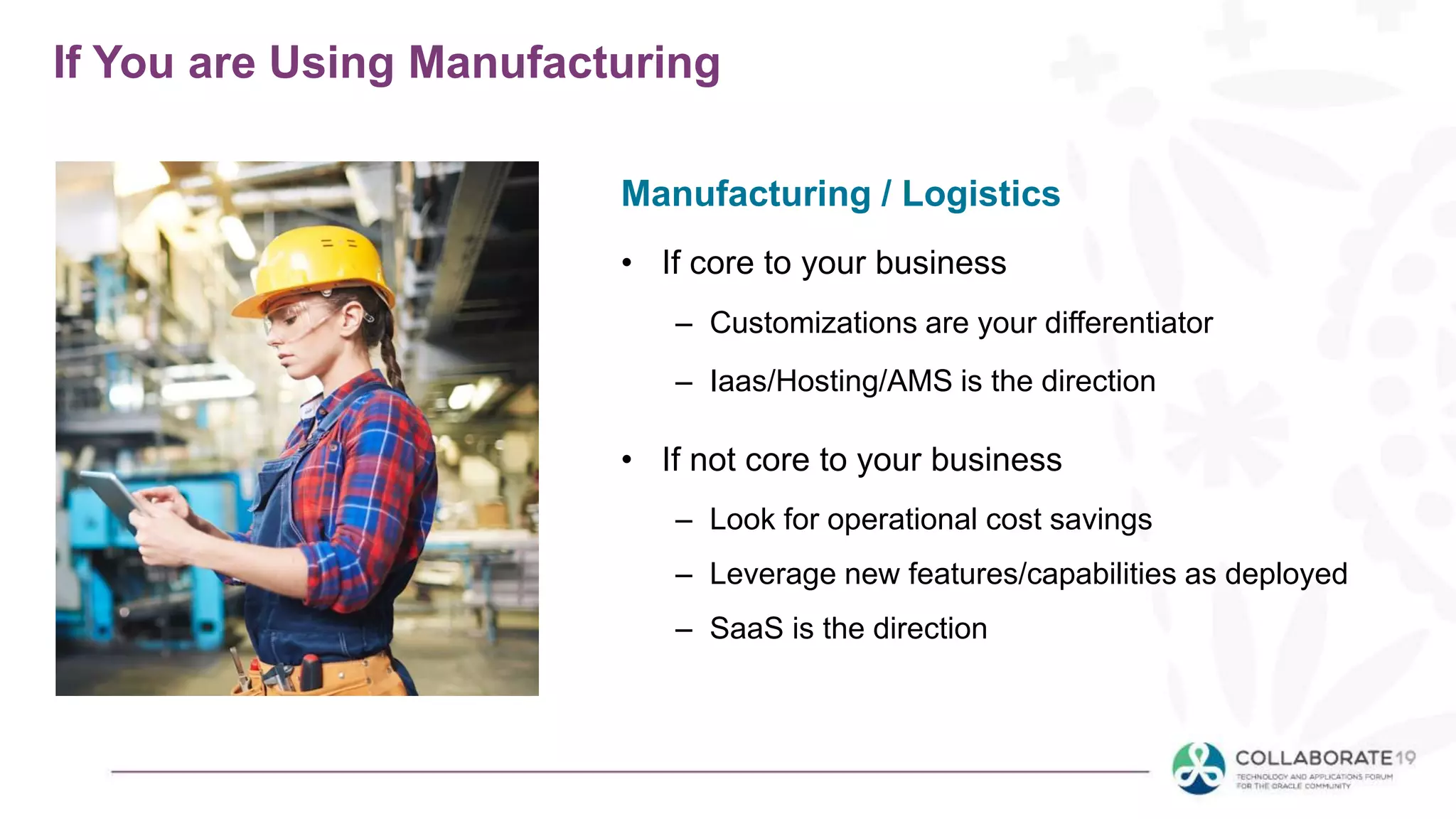
If You are Using Manufacturing
• If core to your business
– Customizations are your differentiator
– Iaas/Hosting/AMS is the direction
• If not core to your business
– Look for operational cost savings
– Leverage new features/capabilities as deployed
– SaaS is the direction
Manufacturing / Logistics
In Summary
• Be sure to understand which XaaS makes
sense, and maybe none do!
• Understand your workload
• List out the extras that come with the
service, not just the functionality
• Compliance issues - think like a lawyer
Session ID:
Remember to complete your evaluation for this session within the app!
Doug.Hahn@Datavail.com

Moving Oracle Applications to the Cloud - Which Cloud is Right for Me?

  • 1.
    Session ID: Prepared by: Rememberto complete your evaluation for this session within the app! Moving Oracle Applications to the Cloud Which Cloud is Right for Me? 02.28.2019 Doug Hahn Global Head of EPM Datavail @doug_hahn
  • 3.
    Presenter • 25+ yearsin IT, 15 consulting, 10 IT executive • Teams of 70+ • Experience across multiple disciplines • Active in ODTUG, IOUG, OAUG and QUEST – Chair OAUG Marketing and Communication Committee and Content Generation Sub Committee – Ex-Chair of the OAUG Customer Support Council – Former board member BIWA (IOUG) • Multiple public speaking engagements, OOW, Collaborate and regional users groups • Publications: – OAUG Insight Magazine Summer 2009 edition -- R12 and OBIEE: Intelligence Investments for Turbulent Times and – OAUG Insight Magazine Fall 2015 – Oracle Support Identifier Groups. • OAUG Speaker of the Year 2017 Doug Hahn, Global Head of EPM
  • 4.
  • 5.
    Our Range ofData Services Health Checks & Assessments Project Services Upgrades Data Migration OBIEE & Hyperion Consulting 24x7 In-Office Coverage Operational Managed Services Monitoring & Incident Response w/ SLAs Service Requests (Patch, Modify, etc.) Multi-factor Monitoring Proactive Services (Health, Tune) Structured Service Review Data Development Services Development, Tuning, Automation Data Warehouse Build & Optimize DevOps (Deploy & Automate)
  • 6.
    Win Shoes Fill outthe session survey for a chance to win an exclusive pair of Datavail’s running shoes!
  • 7.
    Hyperion Hero Award Contest submissiondeadline: April 10th *Prize value can also be donated to a charity of choice. *
  • 8.
    What this SessionIS • We will go over the various cloud types • Discuss how cloud is used to mean different things • Understanding these options, pros and cons • Talk about leveraging cloud-based architectures – What works well – What works less well • Applies to many products (on-prem and cloud) – Hyperion, JDEdwards, EBS, PeopleSoft, DRM, OBIEE/OBIA
  • 9.
    What this sessionis NOT • Not a specific guide for your organization • This is not one-size-fits-all • Deeper conversations needed • You can’t be an expert in 60 min.
  • 10.
    Agenda • What isCloud? • Types of XaaS – FaaS, SaaS, PaaS, DBaaS, IaaS, Hosting, AMS • Oracle vs other definitions • Decision Matrix • Workload considerations • Extras – backups, cloning, encryption • Compliance issues – multi-tenant, data privacy, data location, PII, PCI, HIPPA • What have we seen…
  • 11.
    Typical Cloud GettingStarted Mentality Traditional Silos • Physical • Dedicated • Static • Heterogeneous Consolidated • Virtual • Shared platform & shared infrastructure • Dynamic • Standardized platform & infrastructure Private Cloud • Self-service • Auto-scaling • Metering & chargeback • Capacity planning Public Cloud • Specialized • Shared • Standardized Hybrid Cloud • Federation across public & private clouds • Interoperability • Cloud bursting
  • 12.
    What is Cloud? Multipledefinitions out there • Types of Cloud or XaaS – FaaS – SaaS – PaaS – DBaaS – IaaS – Hosting – AMS • Oracle calls these all Cloud, others have different definitions End Users Application Developers Network Architects SaaS PaaS IaaS ValueVisibilitytoEndUsers
  • 13.
    Oracle Cloud High-LevelUse Cases Customizations Application Platform Consolidation Cost Savings Customizations App Development Focus Customizations New Capability Speed IT Professional Developer Business End User Application Different Users Service ProviderConsumer Service ProviderConsumer IaaS Cloud Key Driver PaaS Cloud SaaS Cloud
  • 14.
    FaaS – Function-as-a-Service •This is a future option • Buy only what you use • Channel-by-channel, instead of cable or dish lineup SaaS – Software-as-a-Service • Bundled functions into a service • Application that is developed/ported into a shared infrastructure model • Data, applications are typically stored outside your firewall
  • 15.
    PaaS Platform-as-a-Service • Think ofthis like an SDK (Please don’t shoot me for the over-simplification) • Develop, run, and manage applications without needing to manage the infrastructure • Plug-and-play modules to enhance capabilities quickly • Used to enhance or extend SaaS solutions • Also sometimes used to describe on-prem applications on IaaS
  • 16.
    DBaaS – Database-as-a-Service •Quickly stand up a database, create some tables and upload data IaaS – Software-as-a-Service • Think servers • Bare metal options • Pre-build OS • Get a desktop or server up and running quickly
  • 17.
    Hosting • Putting youron-premises server/DB/app onto someone else's hardware • Could be a virtual or physical move • Could be a rack, or a VM AMS • Third party that you contract to manage your server, DB, application, services etc. • Some of these work together, others build on one another Application Management Services
  • 18.
    SaaS • When theoff-the-shelf product will meet your needs • Commodity services • Limited or no customizations • Extensions ok (PaaS) • Operating budget is available • CapEx is not available • Limited interfaces, self-contained business processes Which to use?
  • 19.
    PaaS • Can bein your cloud, or a provider • Quick deployments • Avoids expensive or complex architecture • Convention tools may be limited Which to use?
  • 20.
    IaaS • Major playersare Oracle, Amazon, Google, Microsoft • Provides a server (may contain OS, web server etc) • Workloads are quite variable – High usage for short periods of time – Can be turned off at night, weekends, outside peak periods • Need quick provisioning • User self-service Which to use?
  • 21.
    • Can businessprocesses be changed to conform to the application? • Standard processes across the globe • Limited interfaces/data loads • Reporting needs are minimal • Do you own your data? Can you locally store it later? Decision Matrix SaaS
  • 22.
    • A setof questions to help understand the workload being considered • Not all workloads are suitable for the cloud • Best to derive a formula to determine suitability • Based on workload, costs, availability, need to flex CPU, memory, storage Decision Matrix IaaS
  • 23.
    • Can theservice be provided outside of your data center? • Allow providers to clone/backup/test DR • Many will include BIOS, OS, Java patching • Ability to grow and shrink CPU, memory, storage needs • Data location/data privacy concerns Decision Matrix Hosting
  • 24.
    • Many timeshosting/AMS can be combined for cost savings • May include application/database level patching • Concerns about who has access to the data • Cloning of complex applications like EBS • Provide Level 1 and Level 2 support • More team focus on enhancement backlog Decision Matrix AMS
  • 25.
    Workload Considerations • Workloadsare high and consistent • Considerable customization or extensions are needed • Legal/compliance reasons around requiring data stored on site • You have the staff and expertise to support it • Existing software licenses are already paid for • May be best to wait for next upgrade cycle • Business processes are not standardized • Capital vs operating expense • Cloud is not always the cheapest Those were cloud options. On-premises is better when:
  • 26.
    Extras to Consider •Backups • Who is responsible for the backups • BR/DR – how are your backups tested • Storage and retrieval needs • High availability – Can you staff and afford clusters, RAC, etc? • Cloning – creating dev/test environments • Encryption – many providers include encryption in their offerings • Testing – do you have a testing solution or strategy?
  • 27.
    Compliance Issues • Multi-tenantconcerns – Are you sharing hardware, data bases? • Data Privacy – is the data PII, PCI, HIPAA? • Data location – Moving to a data center down the street – May not be that simple for compliance – Contracts are often written with language: • Internal data stores • Specific addresses • “Owned” by company
  • 28.
    What We HaveSeen… • One size does not fit all • Workloads were a small consideration • Application affinity is a larger consideration • Product maturity was a large driver • Willingness of the business to change processes to comply • Misunderstanding of what cloud providers actually provide • Management tools across solutions are lacking
  • 29.
    If You areUsing HR Modules • Many complex integrations, best of breed • Oracle HCM product very mature – Exception payroll – outsource that • Initially moved module by module – Time and labor – Recruitment – Compensation – Benefit tracking • Working to establish core HR • SaaS is commonly the direction HR/HCM
  • 30.
    If You areUsing Finance • Cloud offerings in subledger and project accounting are not there yet • EPM products have matured a lot in the past year • Many integrations - reporting needs are huge • Steady workloads • Iaas/Hosting/AMS is commonly the direction Accounting (AR/AP/GL) Planning and Budgeting
  • 31.
    If You areUsing Manufacturing • If core to your business – Customizations are your differentiator – Iaas/Hosting/AMS is the direction • If not core to your business – Look for operational cost savings – Leverage new features/capabilities as deployed – SaaS is the direction Manufacturing / Logistics
  • 32.
    In Summary • Besure to understand which XaaS makes sense, and maybe none do! • Understand your workload • List out the extras that come with the service, not just the functionality • Compliance issues - think like a lawyer
  • 33.
    Session ID: Remember tocomplete your evaluation for this session within the app! Doug.Hahn@Datavail.com