Evaluating Cloud Database Offerings?
INSIGHTS Presentation Series
RDX Insights Series Presentation
04/20/2017
Chris Foot, VP Technology Strategies
Remote DBA Experts
www.rdx.com
Consider Your
Options Wisely!
A video of this presentation can be
found on RDX’s YouTube Channel:
https://youtu.be/6BkkJgM72Ioz
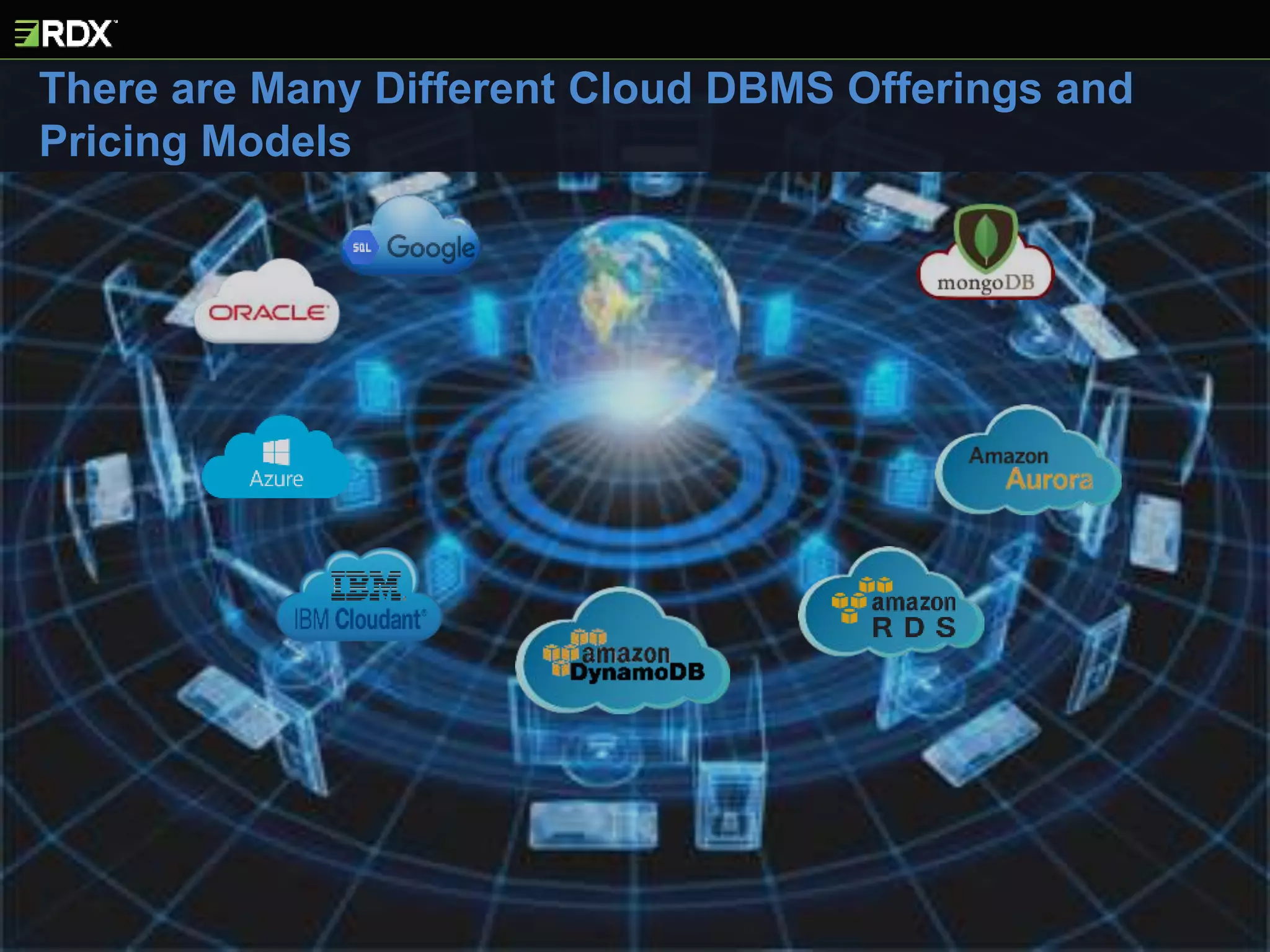
There are Many Different Cloud DBMS Offerings and
Pricing Models
Cloud DBs are Architectures - Not Products
Offerings Range from Simple to Rocket Science
Cloud DBs Impact on Support > What Most Think
Not all DB Apps are “Cloud Friendly”
Auditing and Compliance
OSConfiguration
DiskConfiguration
CPU
Pricing Models
Monitoring
Memory
Administration
Access Mechanisms
ArchitectureDesign
Policies&Procedures
Tools
Training Security
EdgeTechnologies
Backup/Recovery
StaffRoles
Redundancy
ProvisioningTuning
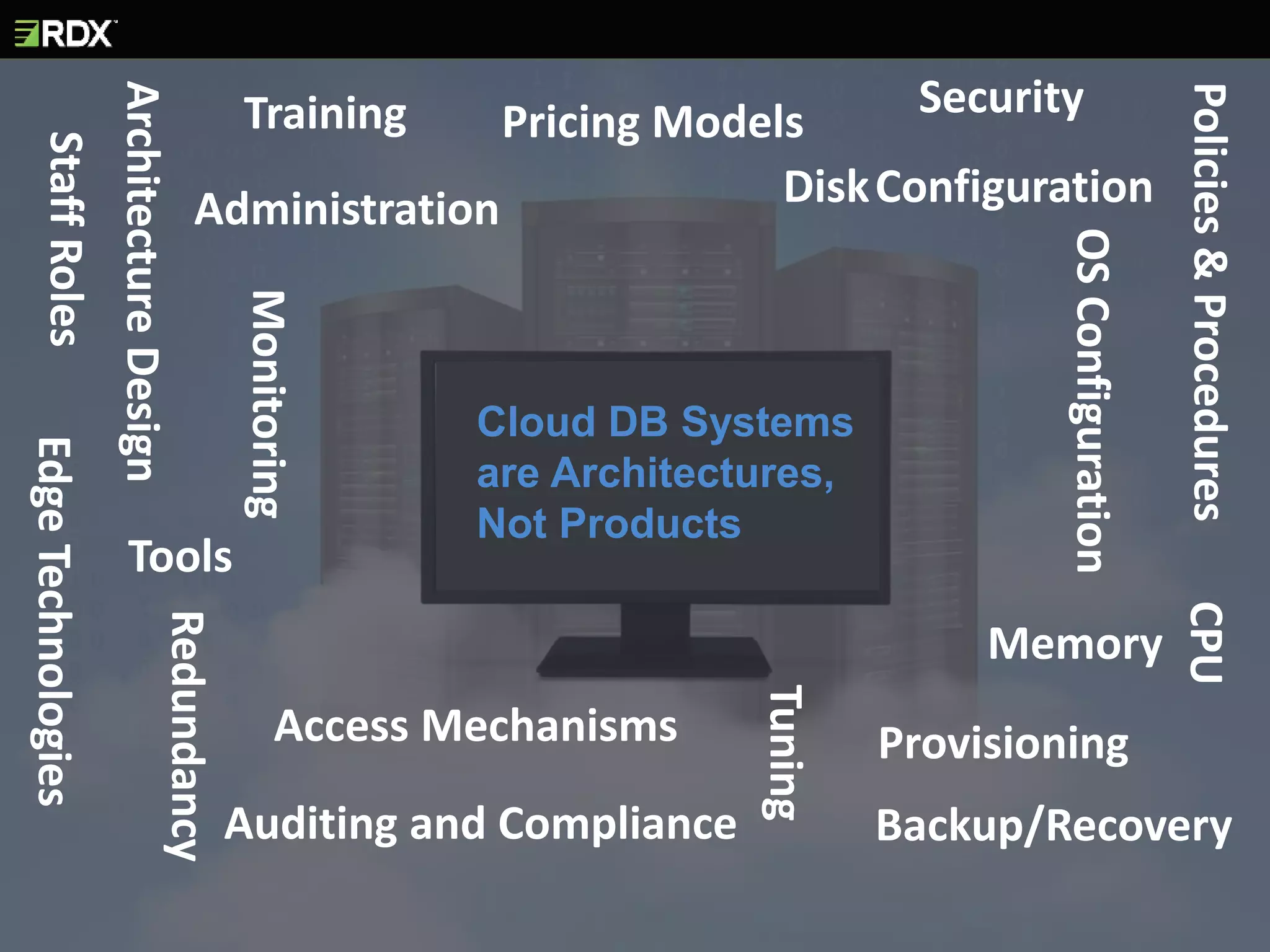
Cloud DB Systems
are Architectures,
Not Products
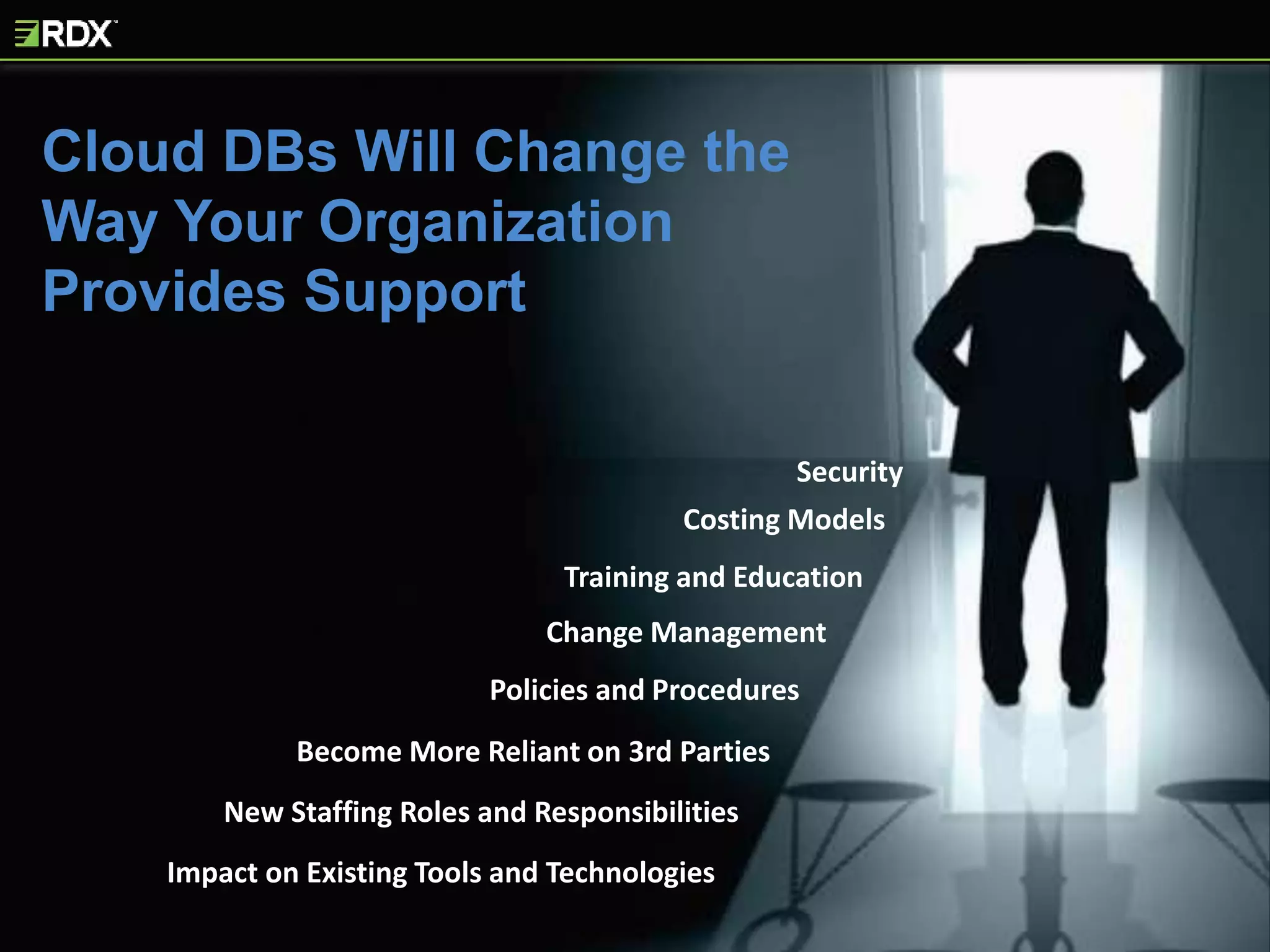
Policies and Procedures
Become More Reliant on 3rd Parties
Impact on Existing Tools and Technologies
Training and Education
New Staffing Roles and Responsibilities
Change Management
Security
Cloud DBs Will Change the
Way Your Organization
Provides Support
Costing Models
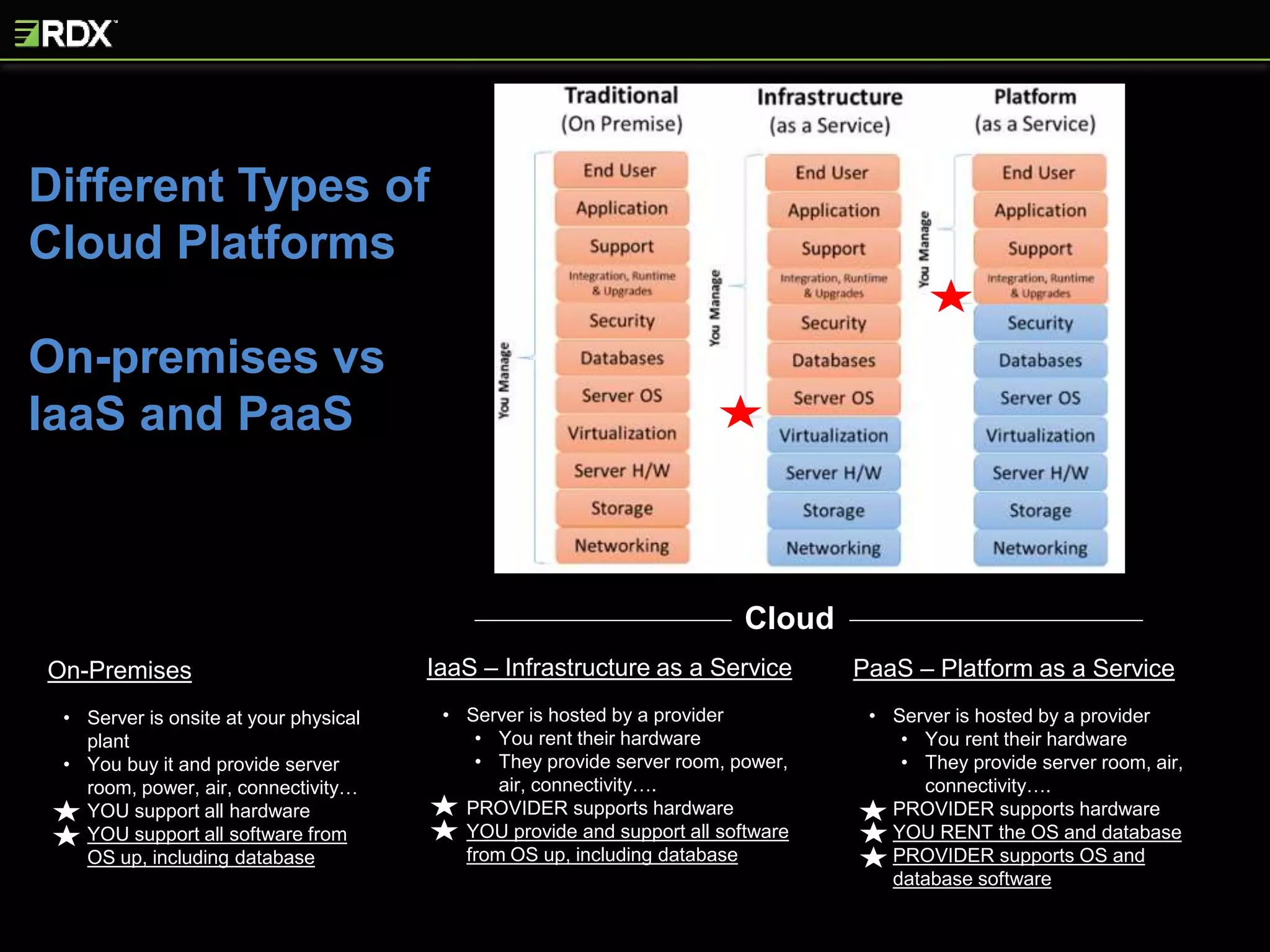
Different Types of
Cloud Platforms
On-premises vs
IaaS and PaaS
On-Premises
• Server is onsite at your physical
plant
• You buy it and provide server
room, power, air, connectivity…
• YOU support all hardware
• YOU support all software from
OS up, including database
IaaS – Infrastructure as a Service
• Server is hosted by a provider
• You rent their hardware
• They provide server room, power,
air, connectivity….
• PROVIDER supports hardware
• YOU provide and support all software
from OS up, including database
PaaS – Platform as a Service
• Server is hosted by a provider
• You rent their hardware
• They provide server room, air,
connectivity….
• PROVIDER supports hardware
• YOU RENT the OS and database
• PROVIDER supports OS and
database software
Cloud
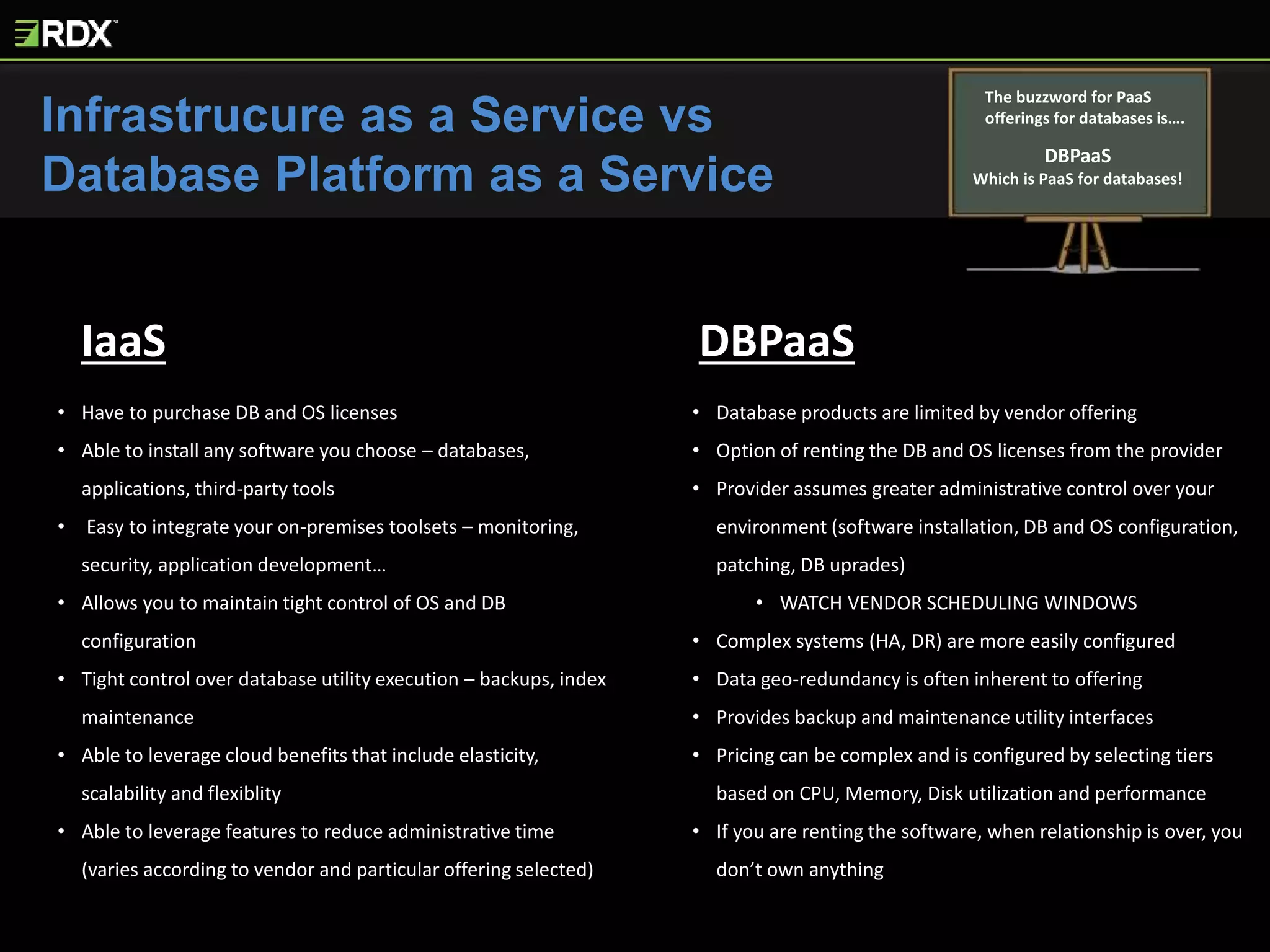
Infrastrucure as a Service vs
Database Platform as a Service
The buzzword for PaaS
offerings for databases is….
DBPaaS
Which is PaaS for databases!
IaaS DBPaaS
• Have to purchase DB and OS licenses
• Able to install any software you choose – databases,
applications, third-party tools
• Easy to integrate your on-premises toolsets – monitoring,
security, application development…
• Allows you to maintain tight control of OS and DB
configuration
• Tight control over database utility execution – backups, index
maintenance
• Able to leverage cloud benefits that include elasticity,
scalability and flexiblity
• Able to leverage features to reduce administrative time
(varies according to vendor and particular offering selected)
• Database products are limited by vendor offering
• Option of renting the DB and OS licenses from the provider
• Provider assumes greater administrative control over your
environment (software installation, DB and OS configuration,
patching, DB uprades)
• WATCH VENDOR SCHEDULING WINDOWS
• Complex systems (HA, DR) are more easily configured
• Data geo-redundancy is often inherent to offering
• Provides backup and maintenance utility interfaces
• Pricing can be complex and is configured by selecting tiers
based on CPU, Memory, Disk utilization and performance
• If you are renting the software, when relationship is over, you
don’t own anything
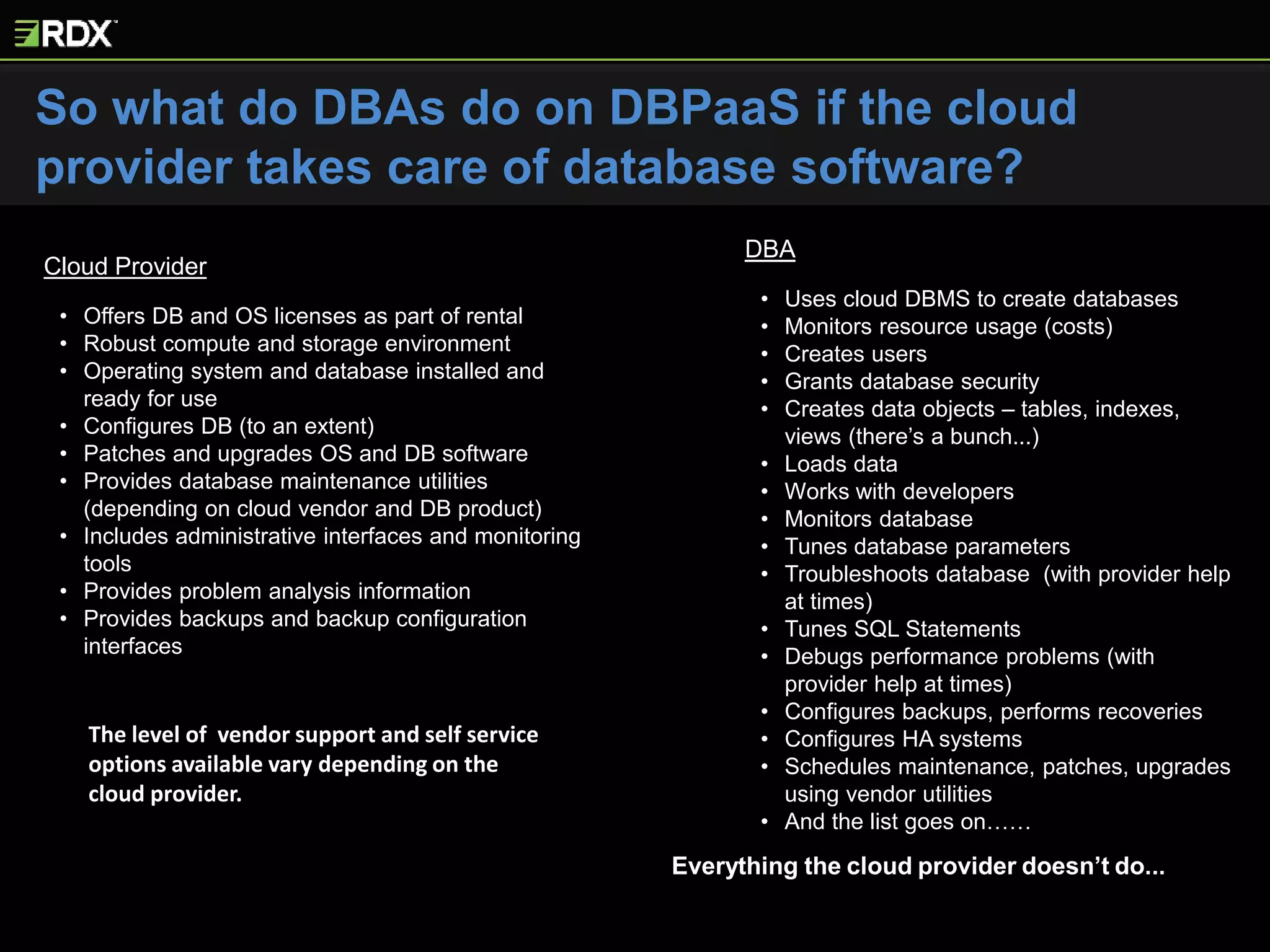
Cloud Provider
• Offers DB and OS licenses as part of rental
• Robust compute and storage environment
• Operating system and database installed and
ready for use
• Configures DB (to an extent)
• Patches and upgrades OS and DB software
• Provides database maintenance utilities
(depending on cloud vendor and DB product)
• Includes administrative interfaces and monitoring
tools
• Provides problem analysis information
• Provides backups and backup configuration
interfaces
DBA
• Uses cloud DBMS to create databases
• Monitors resource usage (costs)
• Creates users
• Grants database security
• Creates data objects – tables, indexes,
views (there’s a bunch...)
• Loads data
• Works with developers
• Monitors database
• Tunes database parameters
• Troubleshoots database (with provider help
at times)
• Tunes SQL Statements
• Debugs performance problems (with
provider help at times)
• Configures backups, performs recoveries
• Configures HA systems
• Schedules maintenance, patches, upgrades
using vendor utilities
• And the list goes on……
The level of vendor support and self service
options available vary depending on the
cloud provider.
Everything the cloud provider doesn’t do...
So what do DBAs do on DBPaaS if the cloud
provider takes care of database software?
YOU WILL BE REQUIRED TO ADJUST YOUR CHANGE
MANAGEMENT PROCESSES AND DOCUMENTATION
Cloud Databases Are Administered Differently
than On-Premises Systems
Greater Impact DBPaaS – Less Impact IaaS
Policies and Procedures Will Change
Security, disaster recovery, change management, monitoring,
problem resolution, job scheduling, administrative best practices,
repeatable processes, internal, industry specific, governmental
regulatory compliance, naming conventions – add required
documentation here…
Greater Impact DBPaaS – Less Impact IaaS
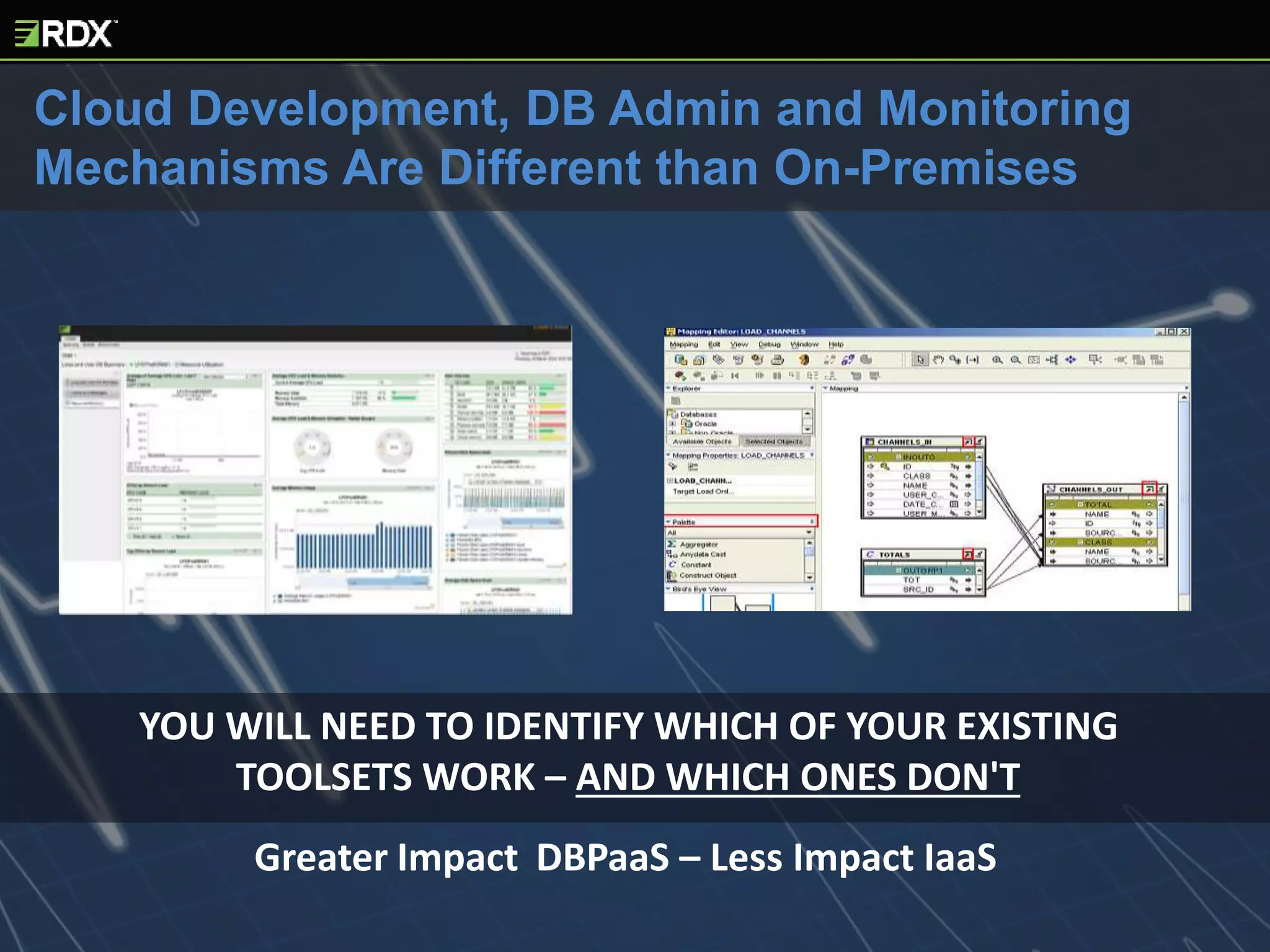
YOU WILL NEED TO IDENTIFY WHICH OF YOUR EXISTING
TOOLSETS WORK – AND WHICH ONES DON'T
Greater Impact DBPaaS – Less Impact IaaS
Cloud Development, DB Admin and Monitoring
Mechanisms Are Different than On-Premises
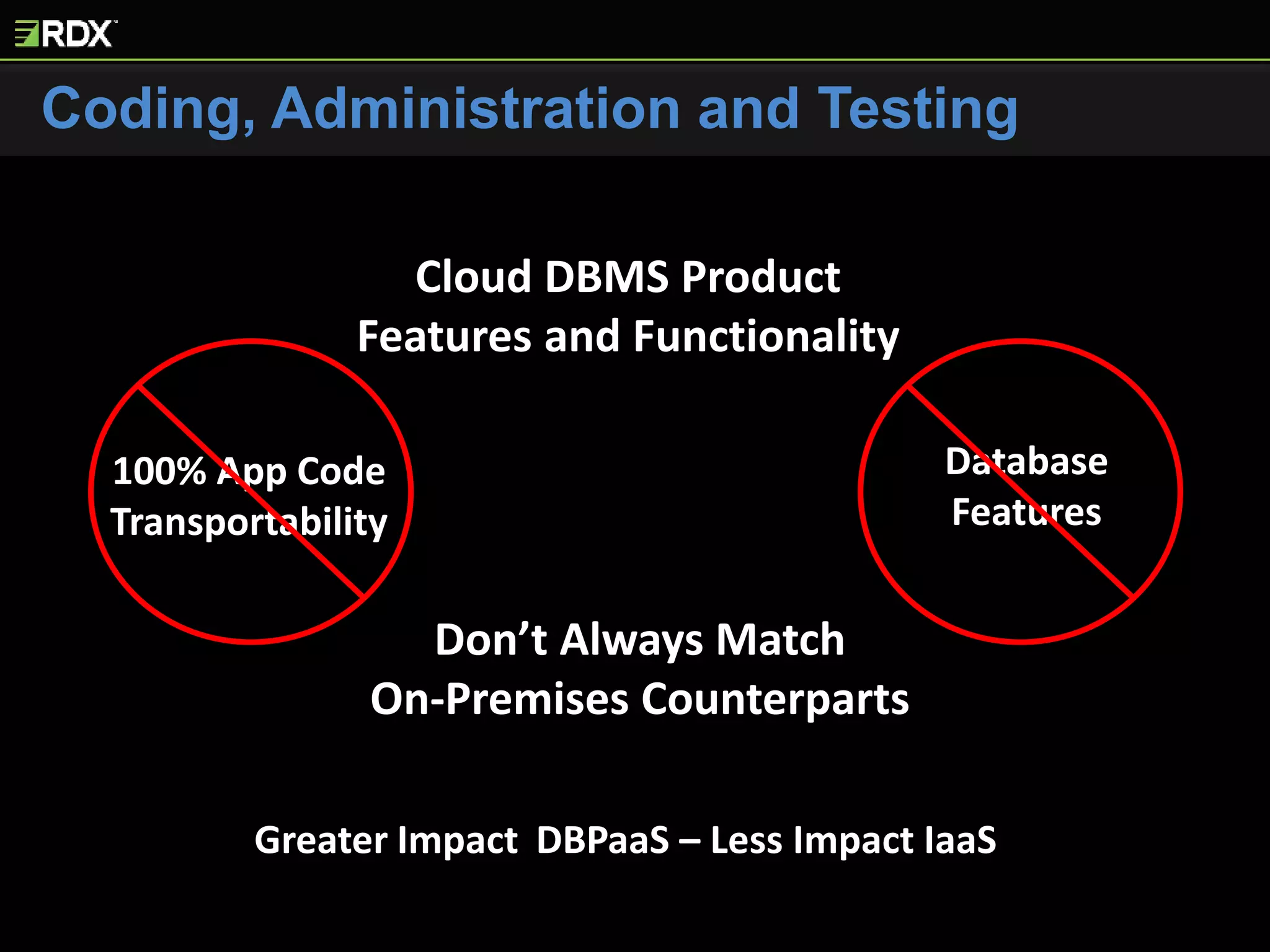
Coding, Administration and Testing
100% App Code
Transportability
Database
Features
Cloud DBMS Product
Features and Functionality
Don’t Always Match
On-Premises Counterparts
Greater Impact DBPaaS – Less Impact IaaS
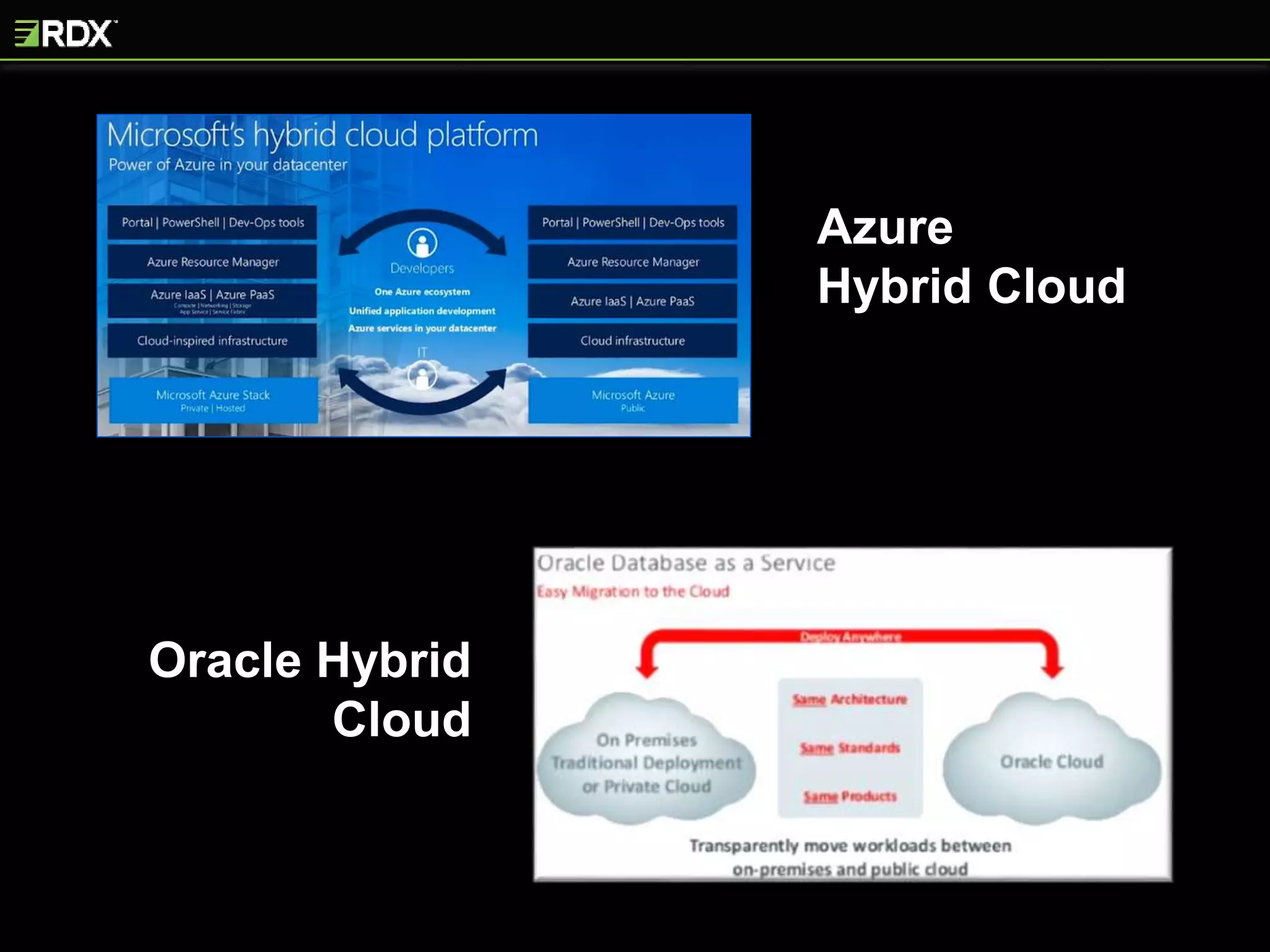
Azure
Hybrid Cloud
Oracle Hybrid
Cloud
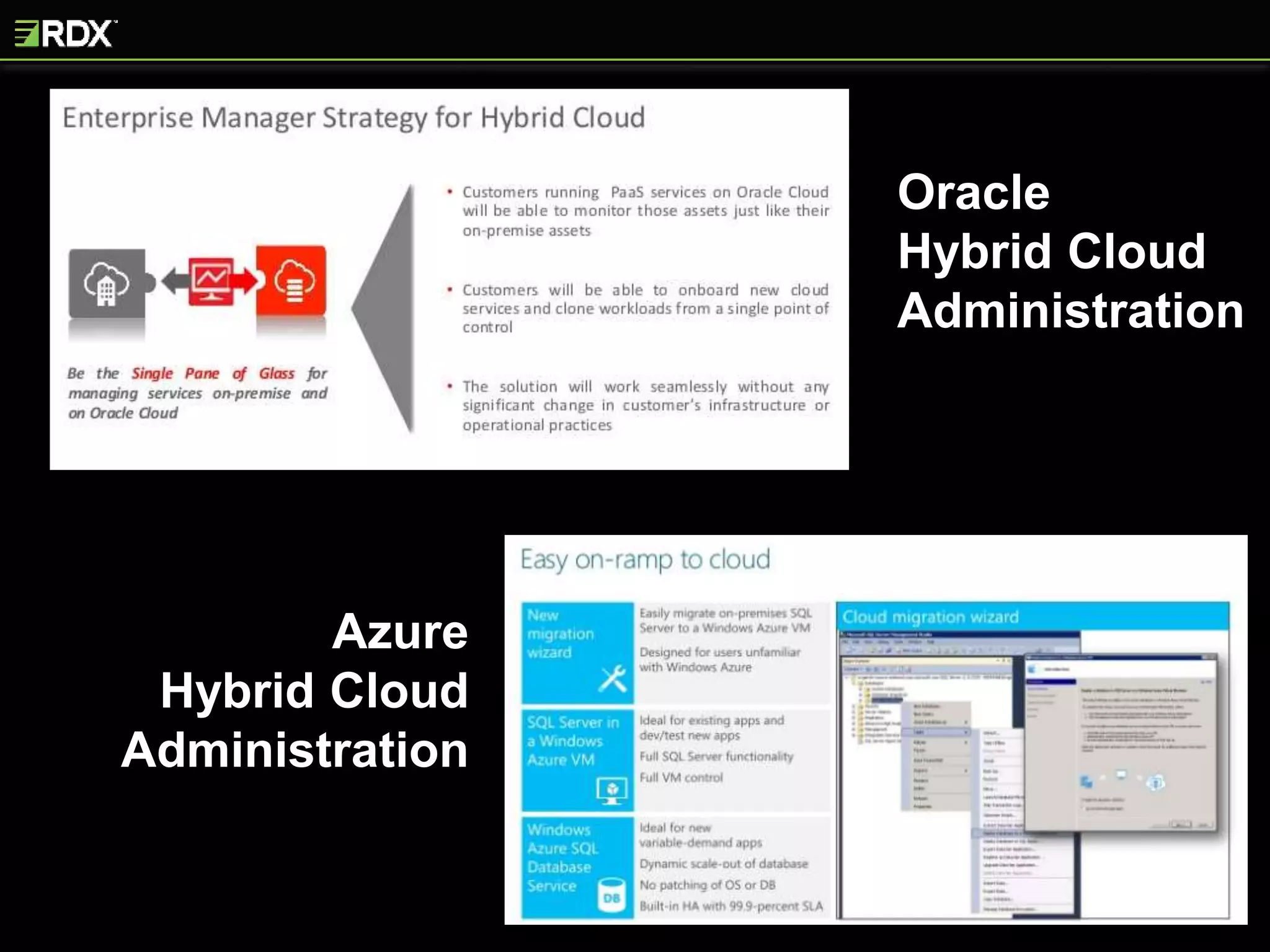
Oracle
Hybrid Cloud
Administration
Azure
Hybrid Cloud
Administration
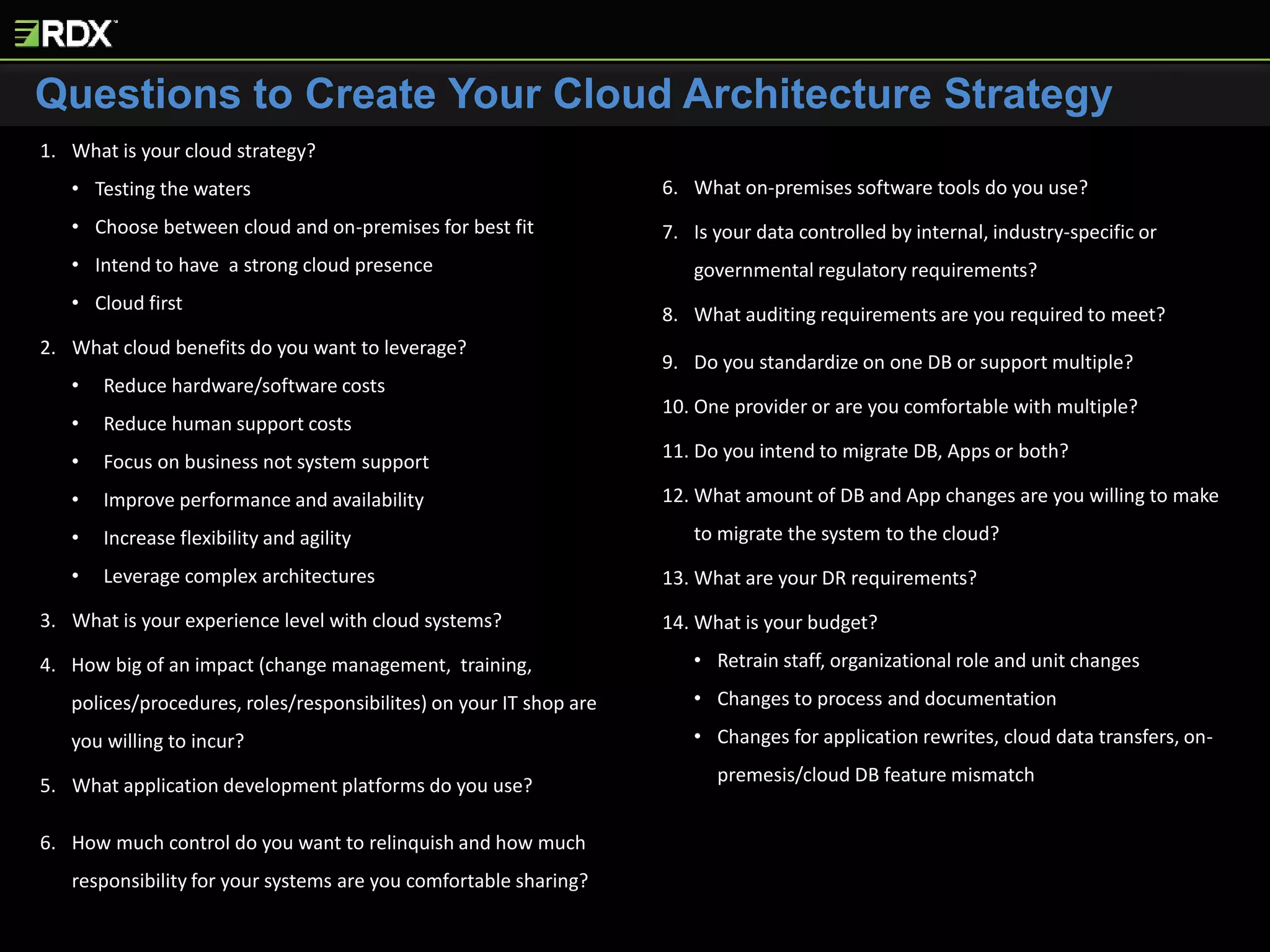
Questions to Create Your Cloud Architecture Strategy
1. What is your cloud strategy?
• Testing the waters
• Choose between cloud and on-premises for best fit
• Intend to have a strong cloud presence
• Cloud first
2. What cloud benefits do you want to leverage?
• Reduce hardware/software costs
• Reduce human support costs
• Focus on business not system support
• Improve performance and availability
• Increase flexibility and agility
• Leverage complex architectures
3. What is your experience level with cloud systems?
4. How big of an impact (change management, training,
polices/procedures, roles/responsibilites) on your IT shop are
you willing to incur?
5. What application development platforms do you use?
6. How much control do you want to relinquish and how much
responsibility for your systems are you comfortable sharing?
7. What on-premises software tools do you use?
8. Is your data controlled by internal, industry-specific or
governmental regulatory requirements?
9. What auditing requirements are you required to meet?
10. Do you standardize on one DB or support multiple?
11. One provider or are you comfortable with multiple?
12. Do you intend to migrate DB, Apps or both?
13. What amount of DB and App changes are you willing to make
to migrate the system to the cloud?
14. What are your DR requirements?
15. What is your budget?
• Retrain staff, organizational role and unit changes
• Changes to process and documentation
• Changes for application rewrites, cloud data transfers, on-
premesis/cloud DB feature mismatch
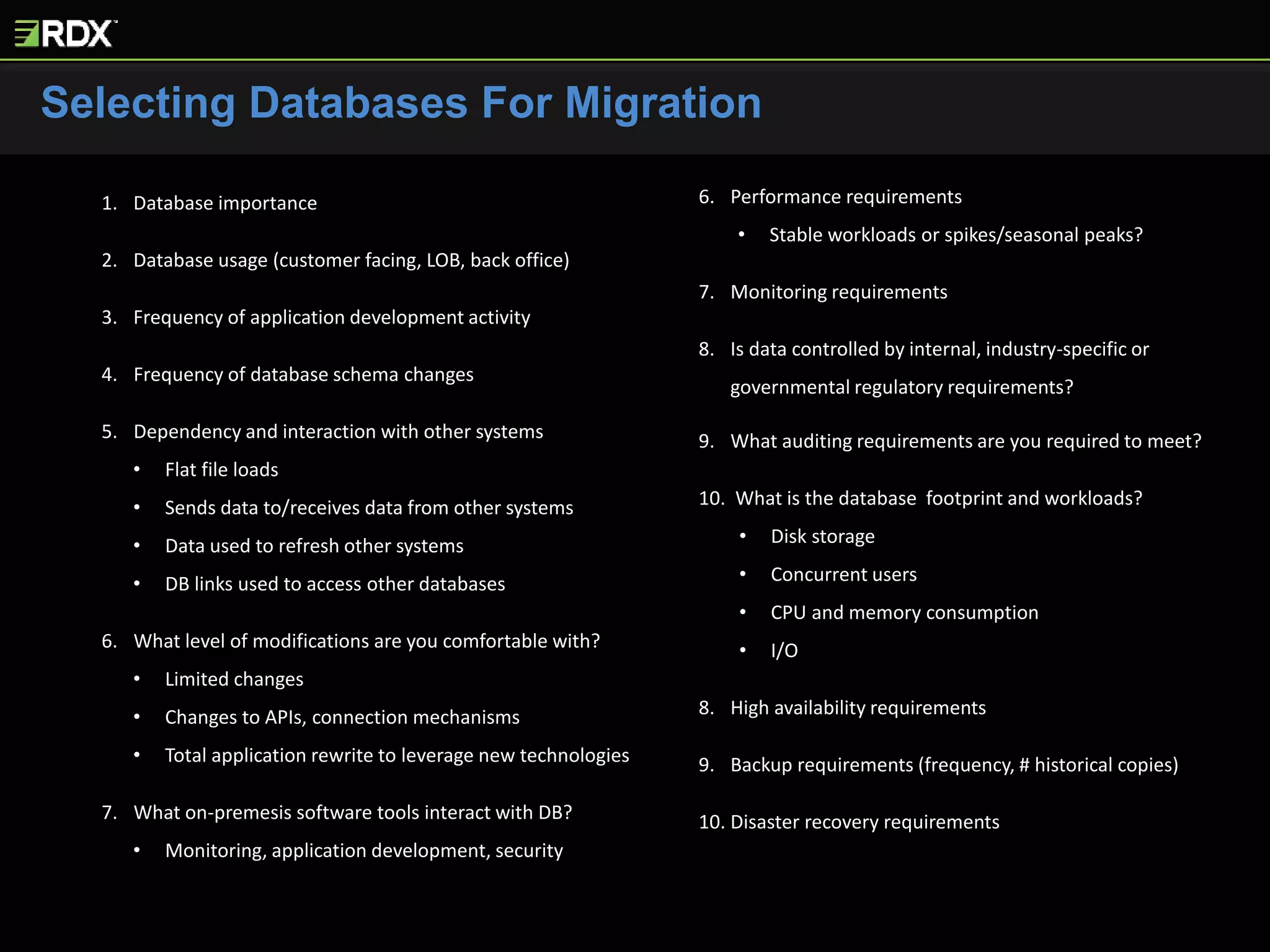
Selecting Databases For Migration
1. Database importance
2. Database usage (customer facing, LOB, back office)
3. Frequency of application development activity
4. Frequency of database schema changes
5. Dependency and interaction with other systems
• Flat file loads
• Sends data to/receives data from other systems
• Data used to refresh other systems
• DB links used to access other databases
6. What level of modifications are you comfortable with?
• Limited changes
• Changes to APIs, connection mechanisms
• Total application rewrite to leverage new technologies
7. What on-premesis software tools interact with DB?
• Monitoring, application development, security
8. Performance requirements
• Stable workloads or spikes/seasonal peaks?
9. Monitoring requirements
10. Is data controlled by internal, industry-specific or
governmental regulatory requirements?
11. What auditing requirements are you required to meet?
12. What is the database footprint and workloads?
• Disk storage
• Concurrent users
• CPU and memory consumption
• I/O
13. High availability requirements
14. Backup requirements (frequency, # historical copies)
15. Disaster recovery requirements
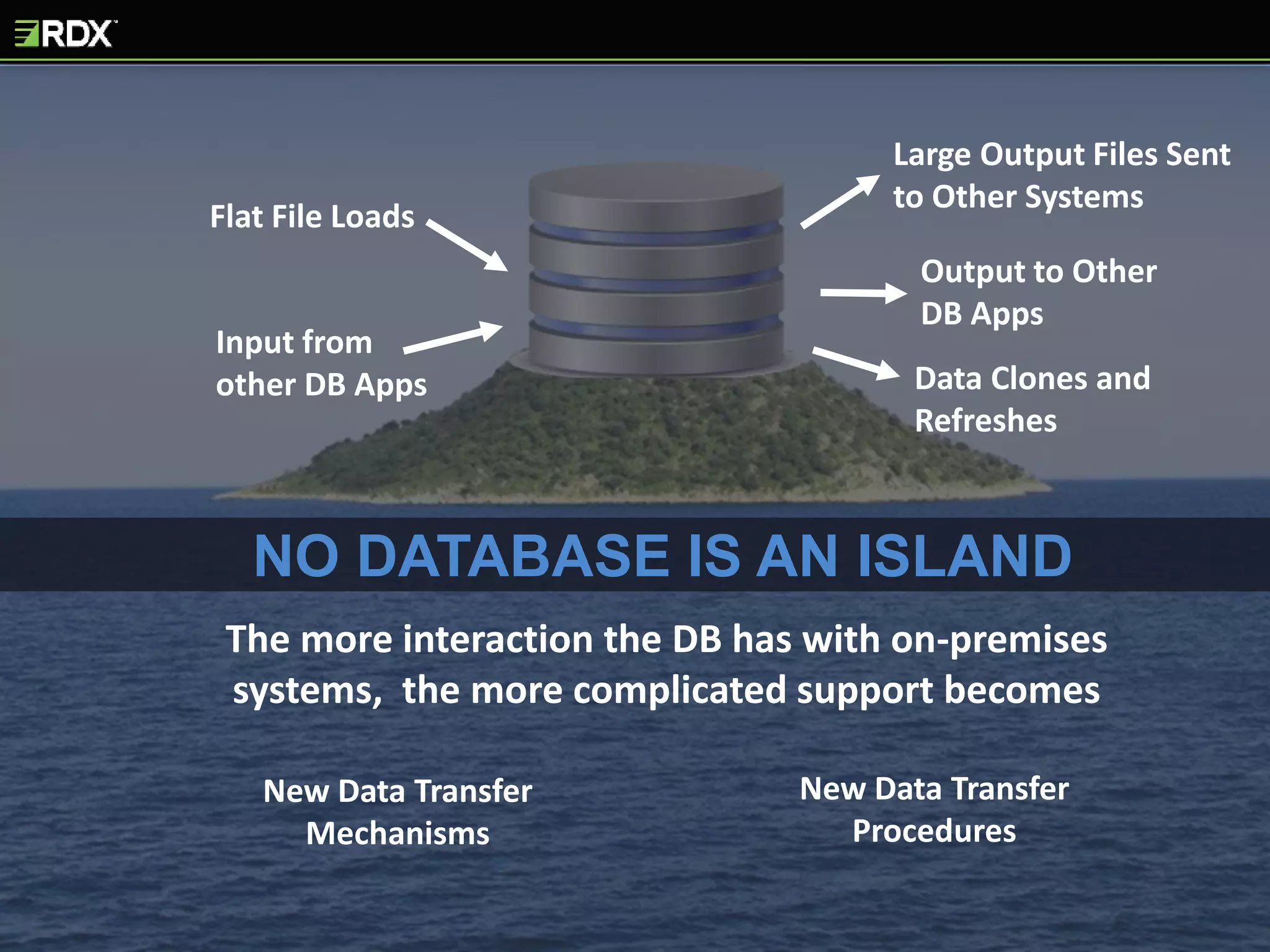
The more interaction the DB has with on-premises
systems, the more complicated support becomes
Flat File Loads
Input from
other DB Apps
Large Output Files Sent
to Other Systems
Output to Other
DB Apps
Data Clones and
Refreshes
NO DATABASE IS AN ISLAND
New Data Transfer
Mechanisms
New Data Transfer
Procedures
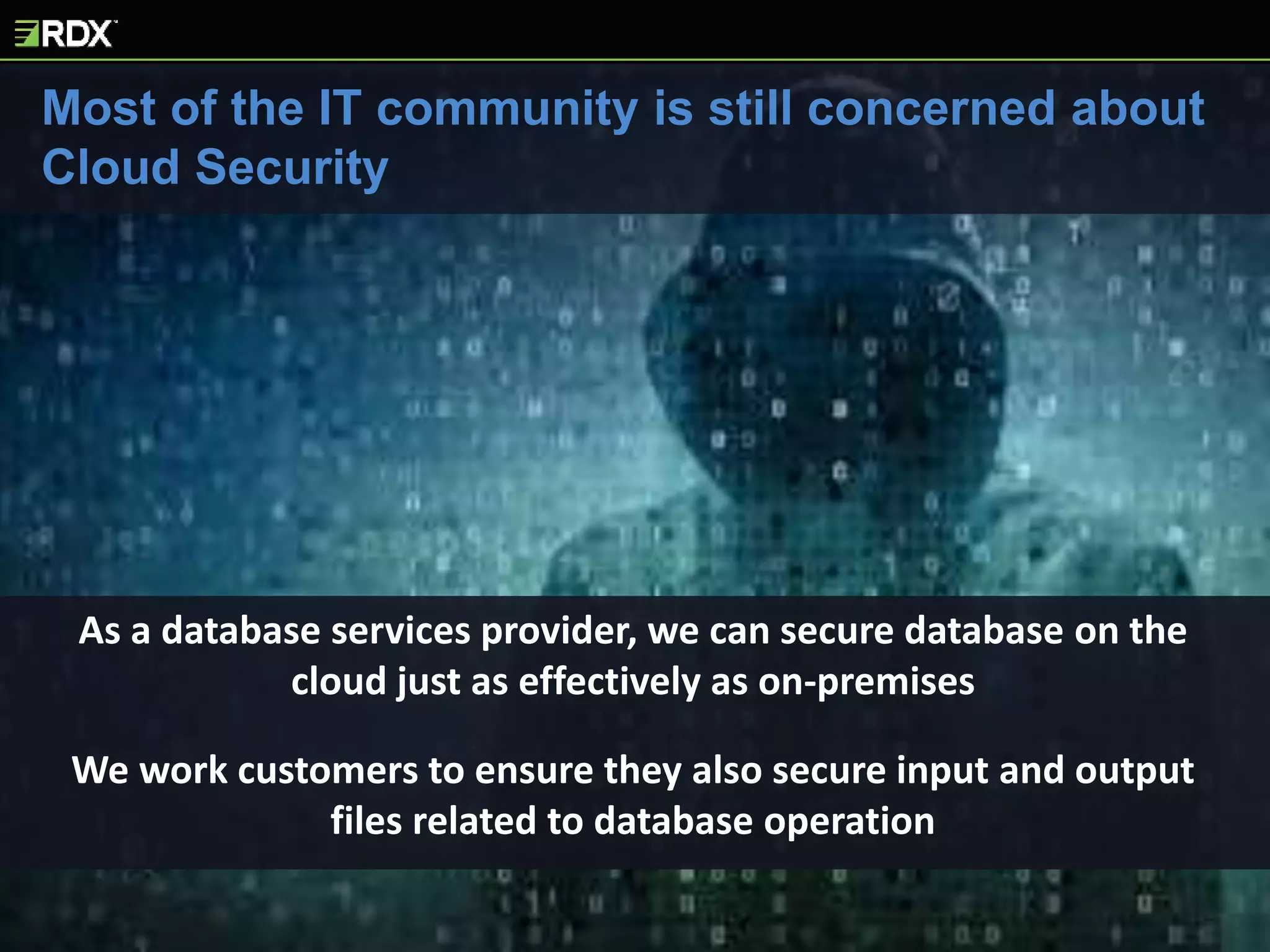
Most of the IT community is still concerned about
Cloud Security
As a database services provider, we can secure database on the
cloud just as effectively as on-premises
We work customers to ensure they also secure input and output
files related to database operation
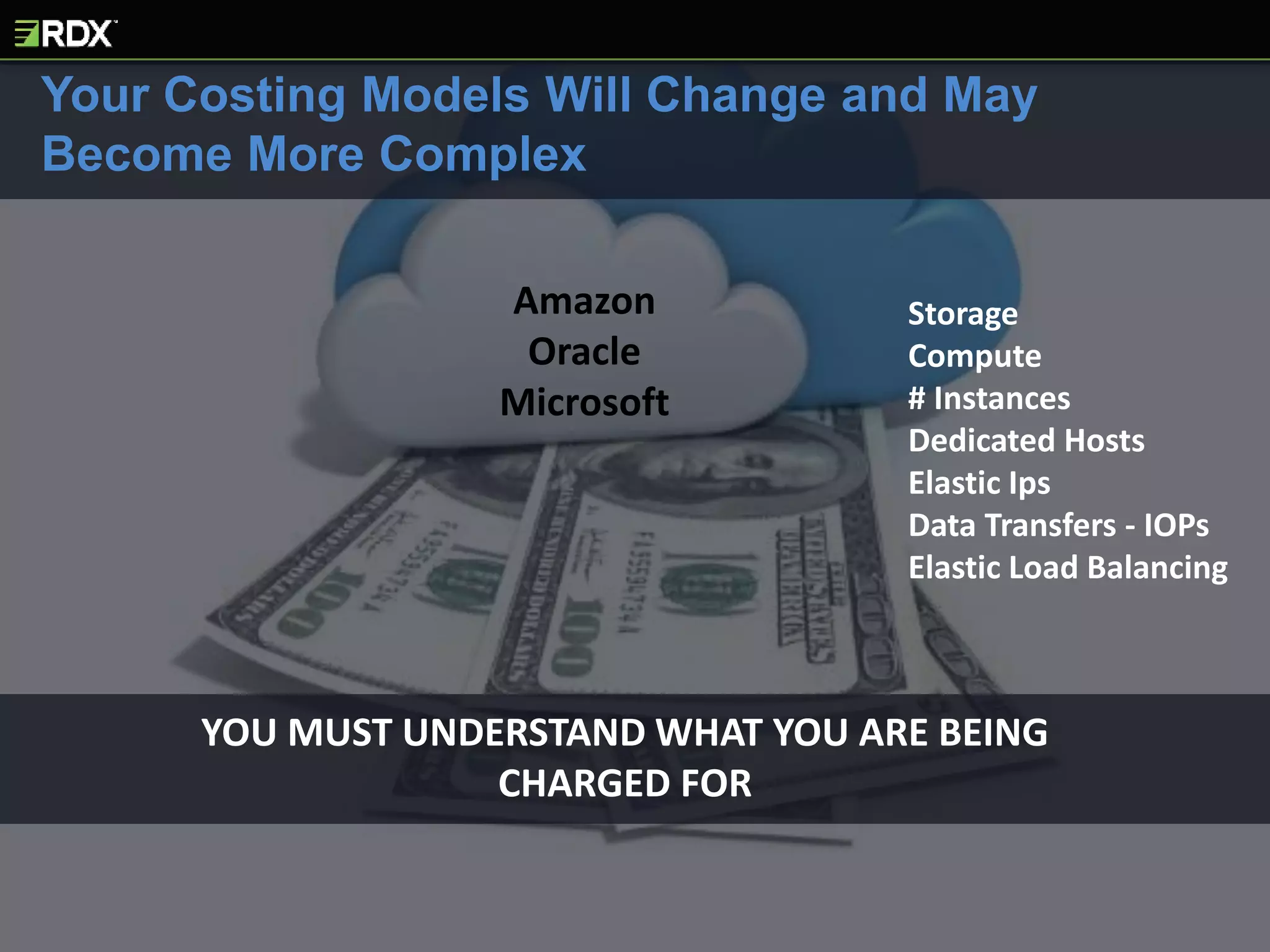
YOU MUST UNDERSTAND WHAT YOU ARE BEING
CHARGED FOR
Your Costing Models Will Change and May
Become More Complex
Storage
Compute
# Instances
Dedicated Hosts
Elastic Ips
Data Transfers - IOPs
Elastic Load Balancing
Amazon
Oracle
Microsoft
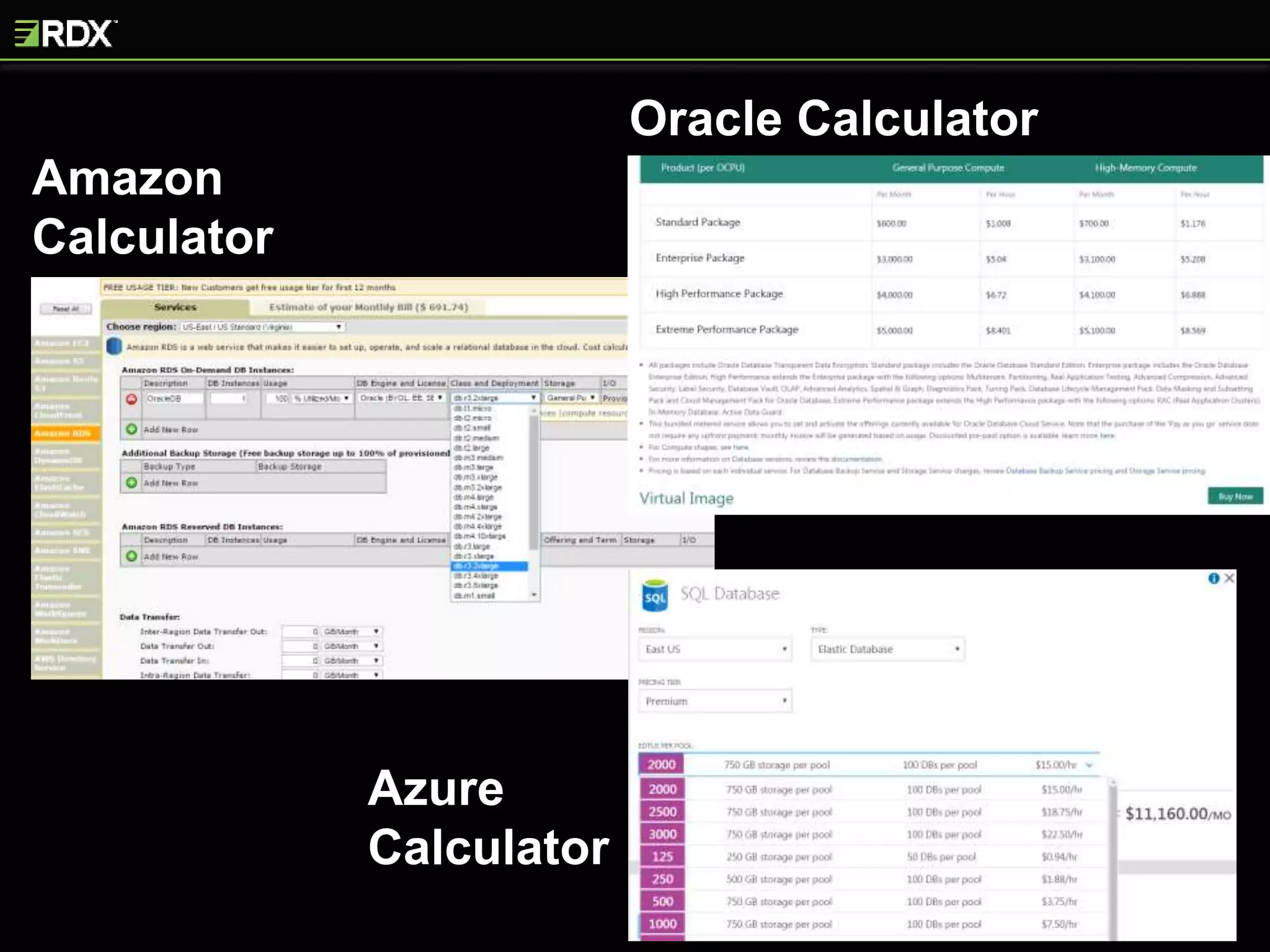
Amazon
Calculator
Azure
Calculator
Oracle Calculator
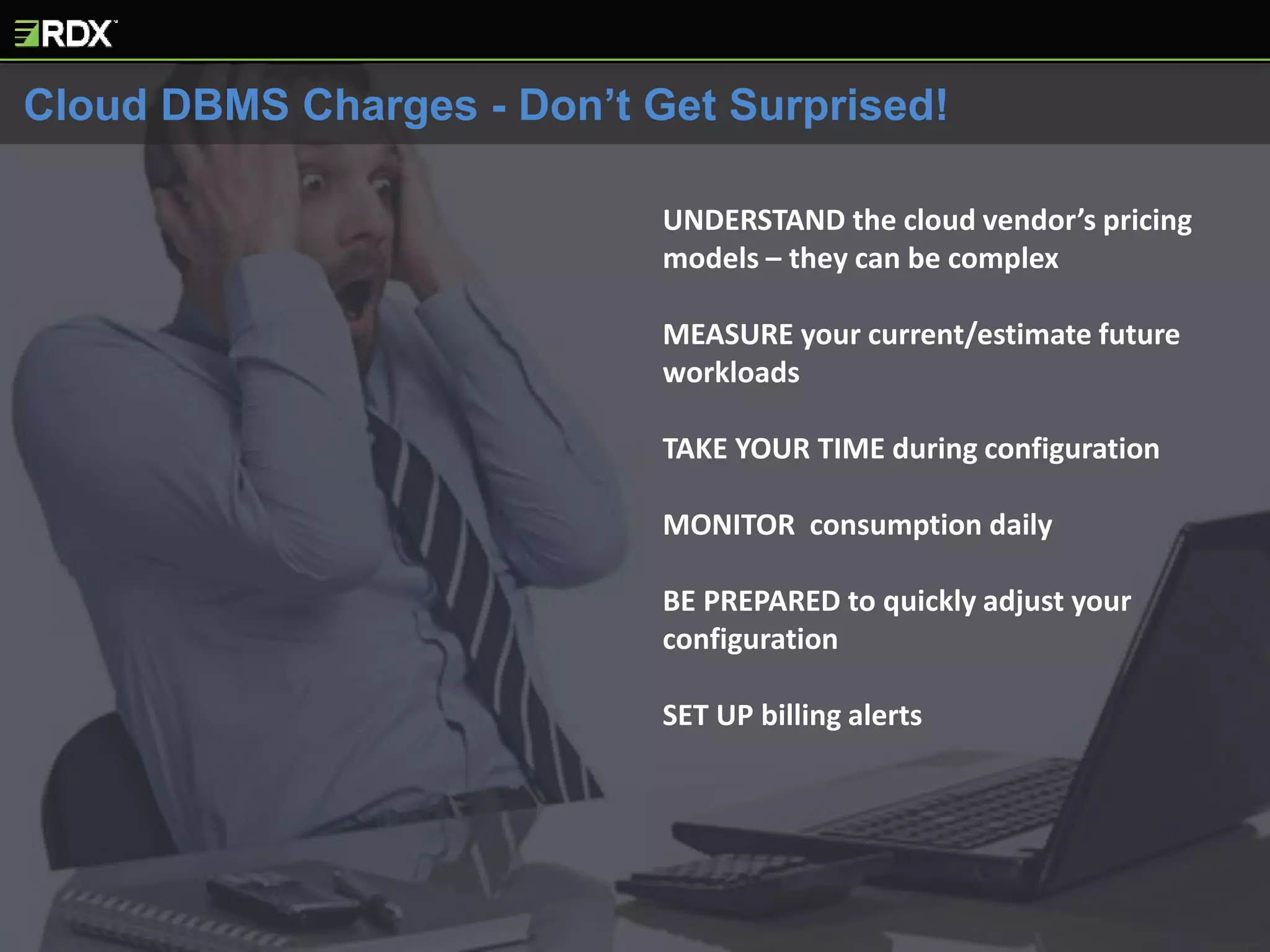
UNDERSTAND the cloud vendor’s pricing
models – they can be complex
MEASURE your current/estimate future
workloads
TAKE YOUR TIME during configuration
MONITOR consumption daily
BE PREPARED to quickly adjust your
configuration
SET UP billing alerts
Cloud DBMS Charges - Don’t Get Surprised!
The 3 BIG Players for
IaaS and DBPaaS
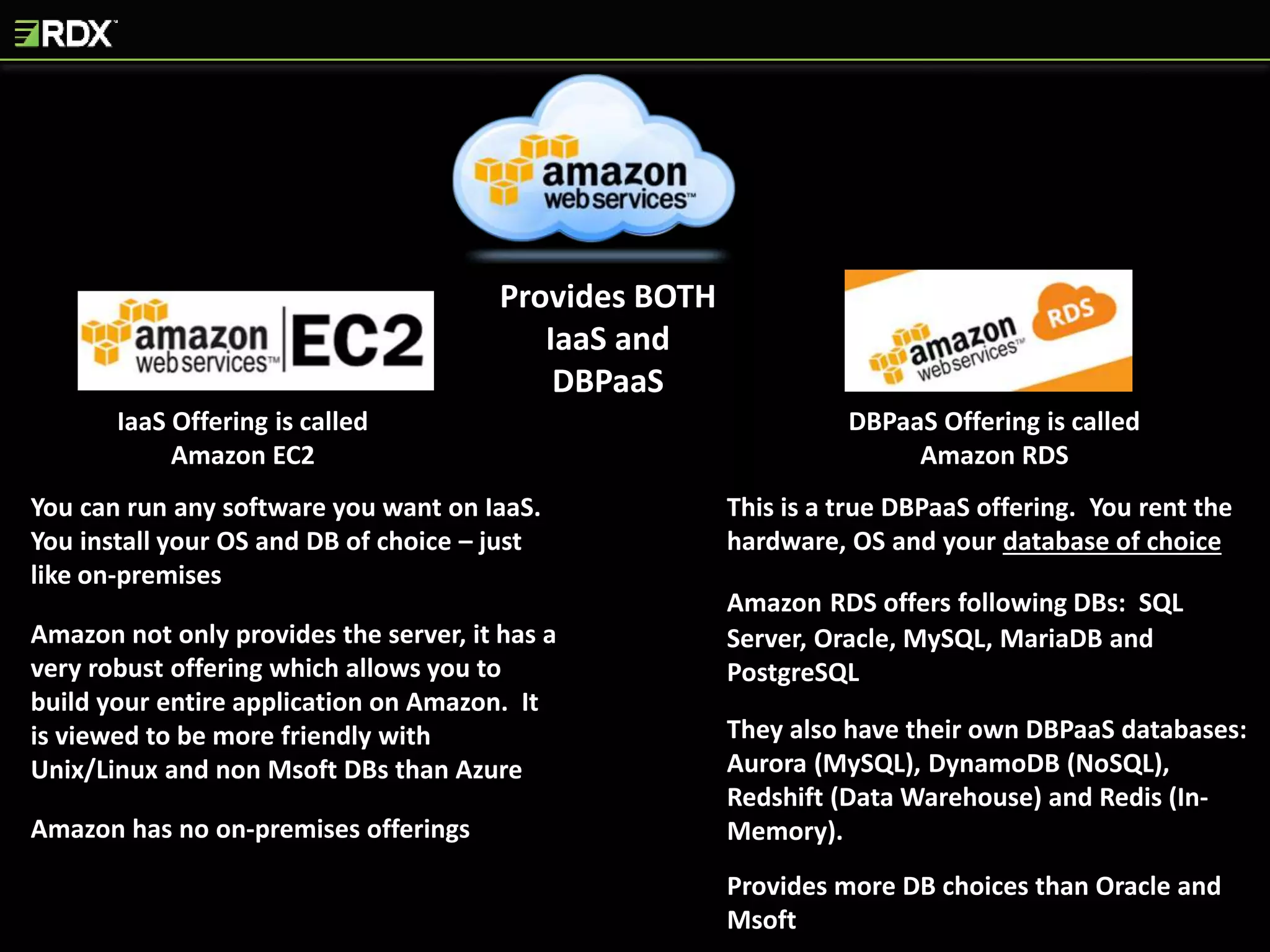
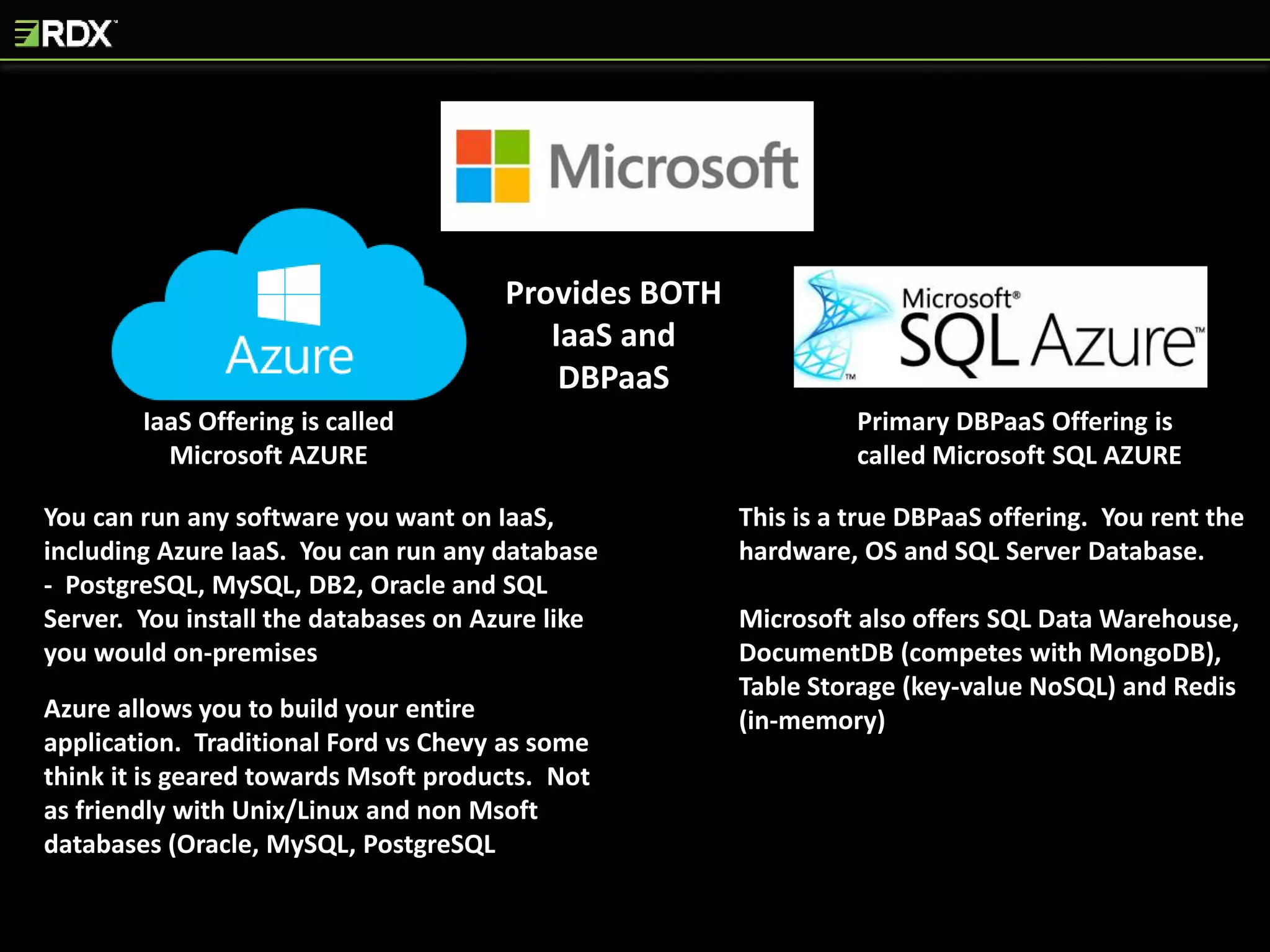
IaaS Offering is called
Amazon EC2
Provides BOTH
IaaS and
DBPaaS
DBPaaS Offering is called
Amazon RDS
You can run any software you want on IaaS.
You install your OS and DB of choice – just
like on-premises
Amazon not only provides the server, it has a
very robust offering which allows you to
build your entire application on Amazon. It
is viewed to be more friendly with
Unix/Linux and non Msoft DBs than Azure
Amazon has no on-premises offerings
This is a true DBPaaS offering. You rent the
hardware, OS and your database of choice
Amazon RDS offers following DBs: SQL
Server, Oracle, MySQL, MariaDB and
PostgreSQL
They also have their own DBPaaS databases:
Aurora (MySQL), DynamoDB (NoSQL),
Redshift (Data Warehouse) and Redis (In-
Memory).
Provides more DB choices than Oracle and
Msoft
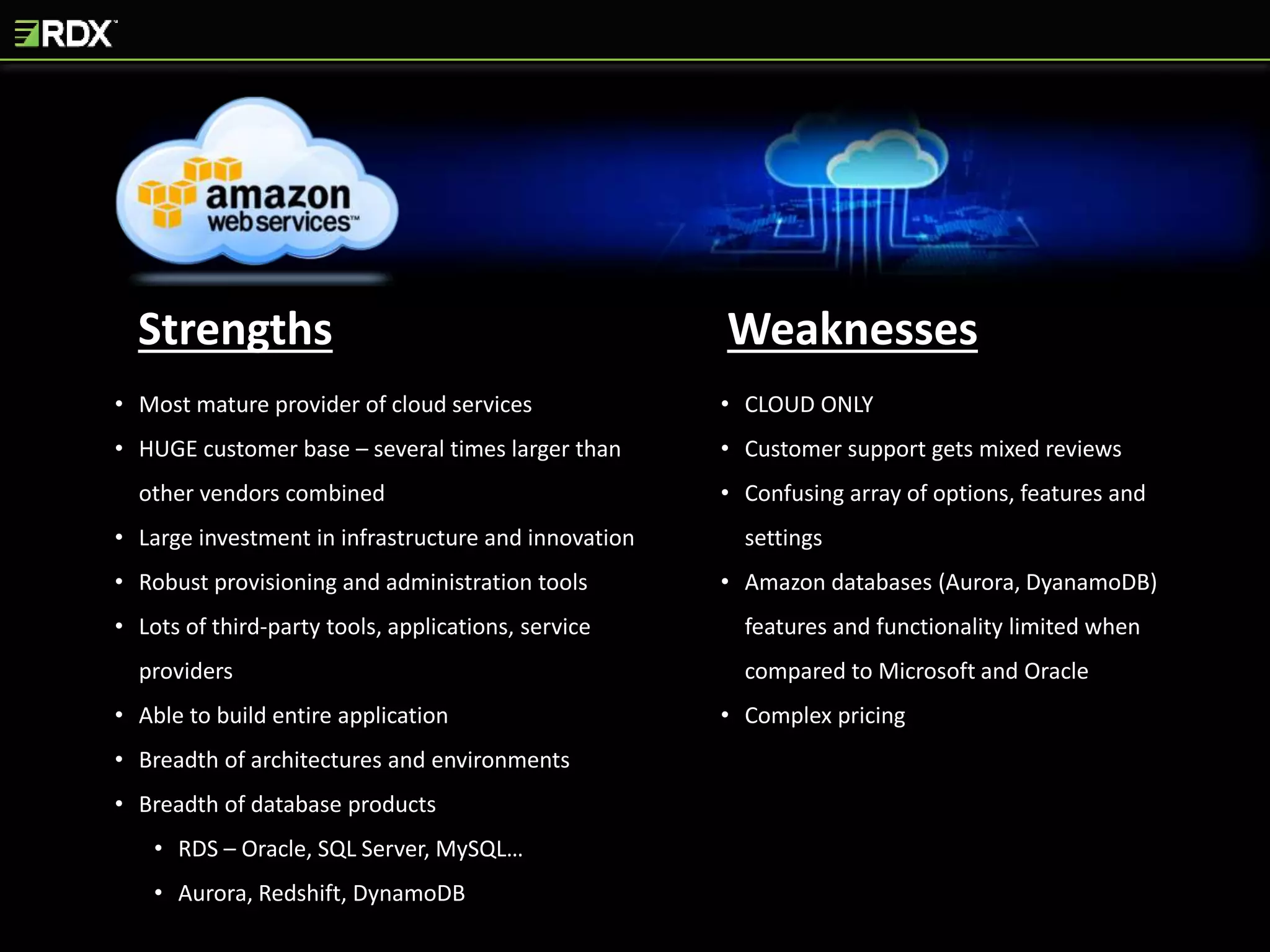
Strengths Weaknesses
• Most mature provider of cloud services
• HUGE customer base – several times larger than
other vendors combined
• Large investment in infrastructure and innovation
• Robust provisioning and administration tools
• Lots of third-party tools, applications, service
providers
• Able to build entire application
• Breadth of architectures and environments
• Breadth of database products
• RDS – Oracle, SQL Server, MySQL…
• Aurora, Redshift, DynamoDB
• CLOUD ONLY
• Customer support gets mixed reviews
• Confusing array of options, features and
settings
• Amazon databases (Aurora, DyanamoDB)
features and functionality limited when
compared to Microsoft and Oracle
• Complex pricing
IaaS Offering is called
Microsoft AZURE
Provides BOTH
IaaS and
DBPaaS
Primary DBPaaS Offering is
called Microsoft SQL AZURE
You can run any software you want on IaaS,
including Azure IaaS. You can run any database
- PostgreSQL, MySQL, DB2, Oracle and SQL
Server. You install the databases on Azure like
you would on-premises
Azure allows you to build your entire
application. Traditional Ford vs Chevy as some
think it is geared towards Msoft products. Not
as friendly with Unix/Linux and non Msoft
databases (Oracle, MySQL, PostgreSQL
This is a true DBPaaS offering. You rent the
hardware, OS and SQL Server Database.
Microsoft also offers SQL Data Warehouse,
DocumentDB (competes with MongoDB),
Table Storage (key-value NoSQL) and Redis
(in-memory)
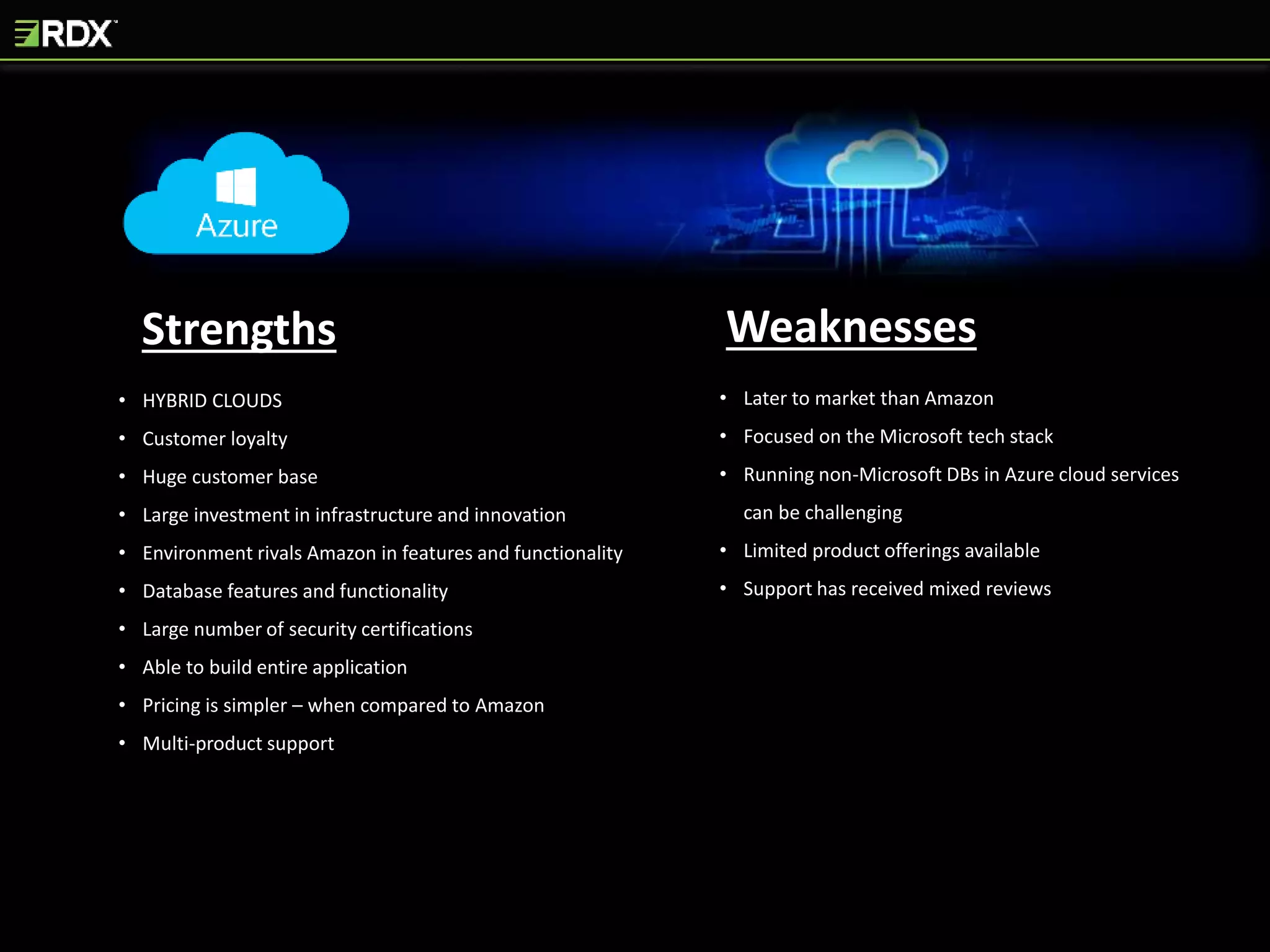
Strengths Weaknesses
• HYBRID CLOUDS
• Customer loyalty
• Huge customer base
• Large investment in infrastructure and innovation
• Environment rivals Amazon in features and functionality
• Database features and functionality
• Large number of security certifications
• Able to build entire application
• Pricing is simpler – when compared to Amazon
• Multi-product support
• Later to market than Amazon
• Focused on the Microsoft tech stack
• Running non-Microsoft DBs in Azure cloud services
can be challenging
• Limited product offerings available
• Support has received mixed reviews
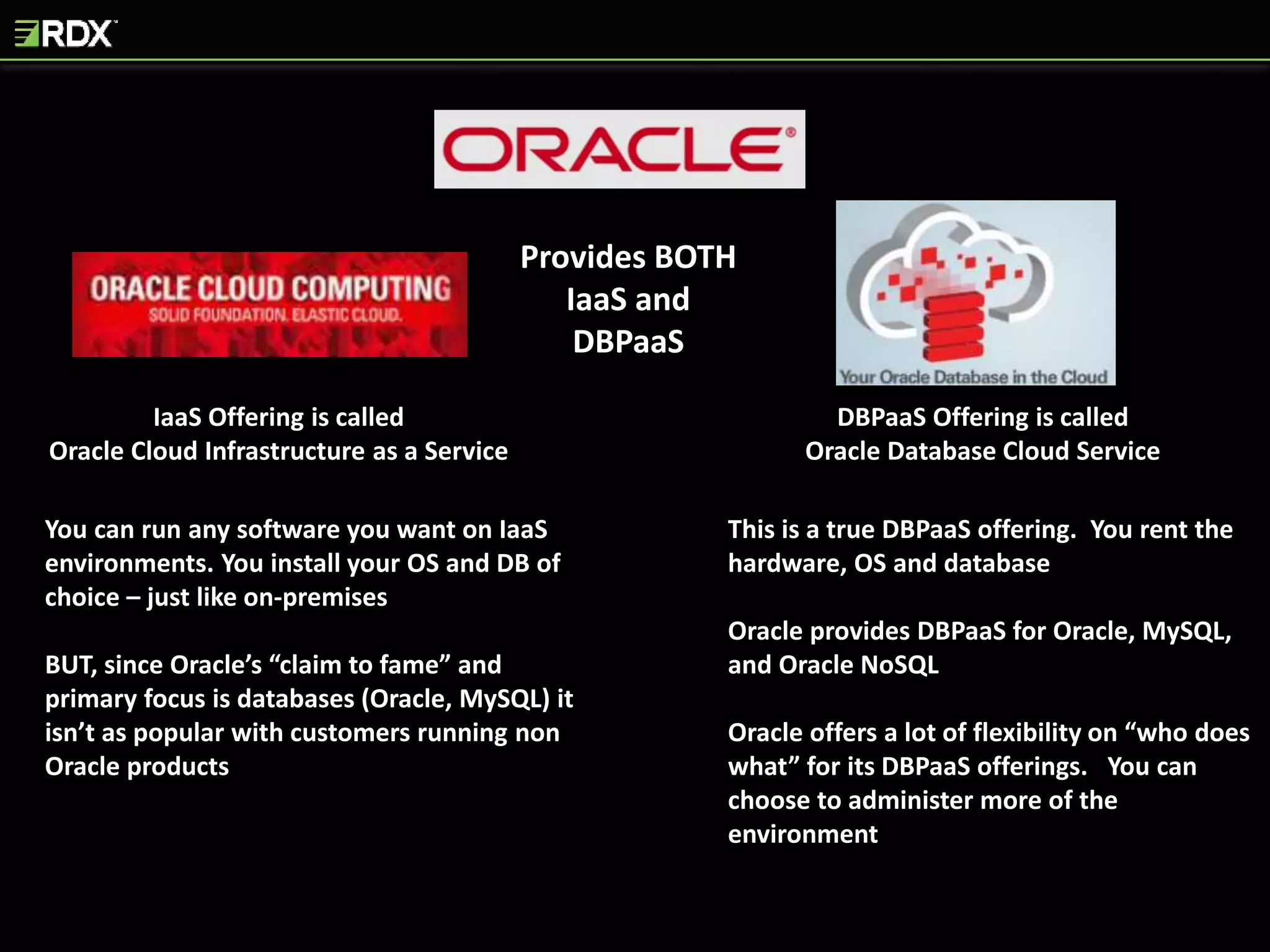
IaaS Offering is called
Oracle Cloud Infrastructure as a Service
Provides BOTH
IaaS and
DBPaaS
DBPaaS Offering is called
Oracle Database Cloud Service
You can run any software you want on IaaS
environments. You install your OS and DB of
choice – just like on-premises
BUT, since Oracle’s “claim to fame” and
primary focus is databases (Oracle, MySQL) it
isn’t as popular with customers running non
Oracle products
This is a true DBPaaS offering. You rent the
hardware, OS and database
Oracle provides DBPaaS for Oracle, MySQL,
and Oracle NoSQL
Oracle offers a lot of flexibility on “who does
what” for its DBPaaS offerings. You can
choose to administer more of the
environment
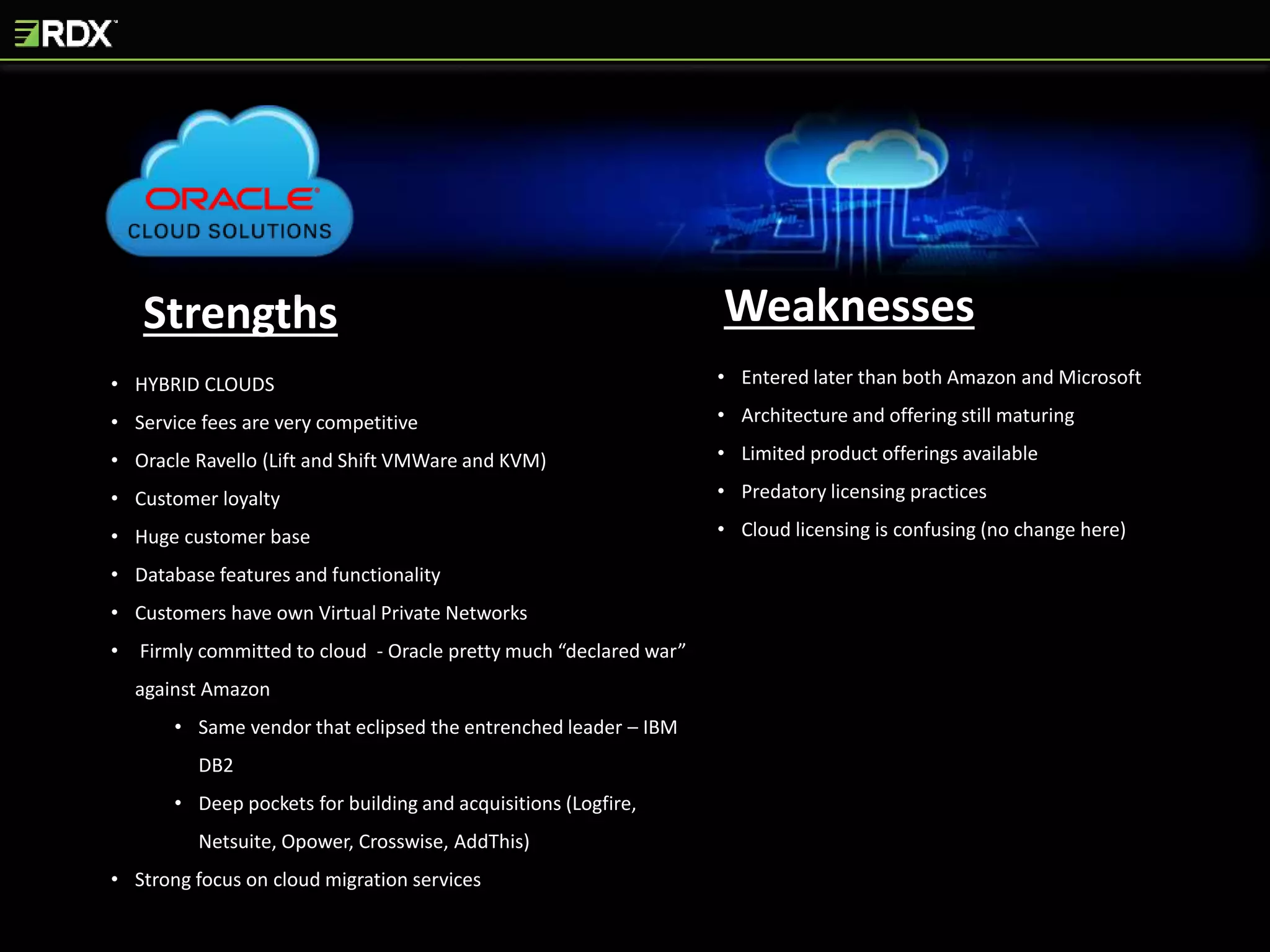
Strengths Weaknesses
• HYBRID CLOUDS
• Service fees are very competitive
• Oracle Ravello (Lift and Shift VMWare and KVM)
• Customer loyalty
• Huge customer base
• Database features and functionality
• Customers have own Virtual Private Networks
• Firmly committed to cloud - Oracle pretty much “declared war”
against Amazon
• Same vendor that eclipsed the entrenched leader – IBM
DB2
• Deep pockets for building and acquisitions (Logfire,
Netsuite, Opower, Crosswise, AddThis)
• Strong focus on cloud migration services
• Entered later than both Amazon and Microsoft
• Architecture and offering still maturing
• Limited product offerings available
• Predatory licensing practices
• Cloud licensing is confusing (no change here)
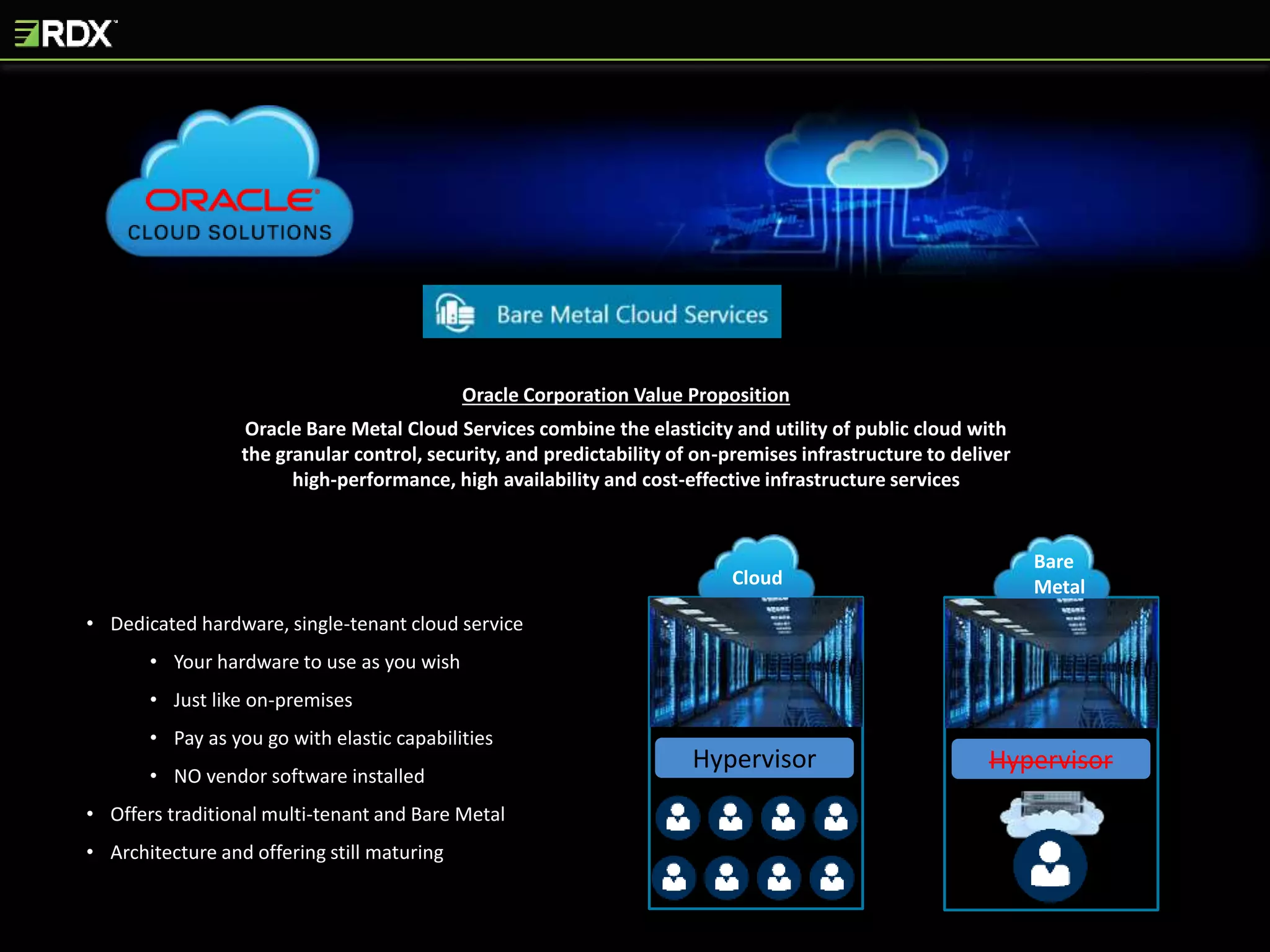
Oracle Corporation Value Proposition
Oracle Bare Metal Cloud Services combine the elasticity and utility of public cloud with
the granular control, security, and predictability of on-premises infrastructure to deliver
high-performance, high availability and cost-effective infrastructure services
• Dedicated hardware, single-tenant cloud service
• Your hardware to use as you wish
• Just like on-premises
• Pay as you go with elastic capabilities
• NO vendor software installed
• Offers traditional multi-tenant and Bare Metal
• Architecture and offering still maturing
Bare
MetalCloud
Hypervisor Hypervisor
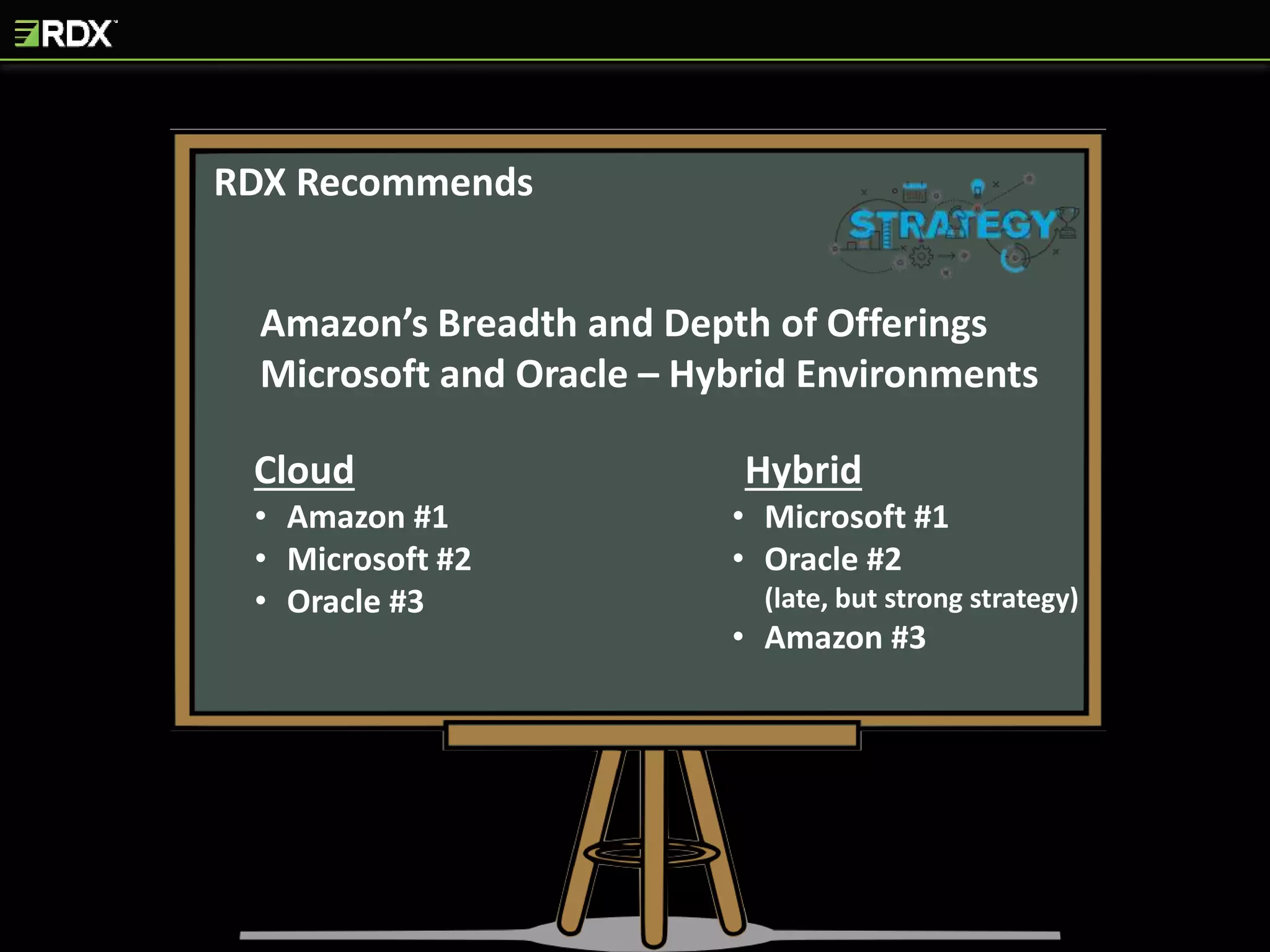
RDX Recommends
Amazon’s Breadth and Depth of Offerings
Microsoft and Oracle – Hybrid Environments
• Amazon #1
• Microsoft #2
• Oracle #3
• Microsoft #1
• Oracle #2
(late, but strong strategy)
• Amazon #3
Cloud Hybrid
CHOOSE THAT
VENDOR WISELY
You Will Share Responsibility with a Third Party Provider for
the Security, Availability, Performance and Recoverability of
Your DBMS
THE HARDER IT IS TO
SWITCH VENDORS
The More You Have to Tailor Your Database and Application
to Work With Your Chosen Cloud Architecture
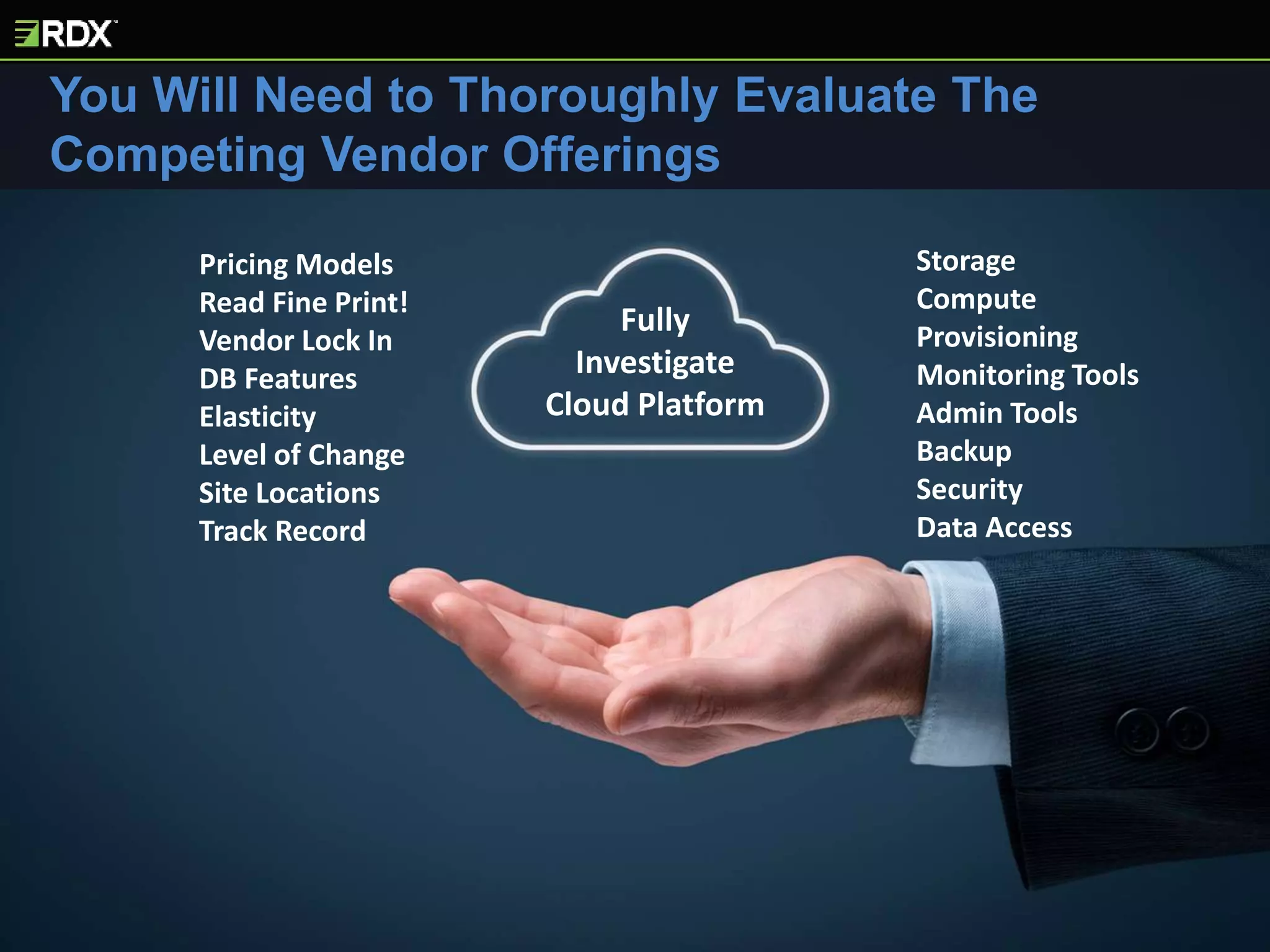
You Will Need to Thoroughly Evaluate The
Competing Vendor Offerings
Fully
Investigate
Cloud Platform
Pricing Models
Read Fine Print!
Vendor Lock In
DB Features
Elasticity
Level of Change
Site Locations
Track Record
Storage
Compute
Provisioning
Monitoring Tools
Admin Tools
Backup
Security
Data Access
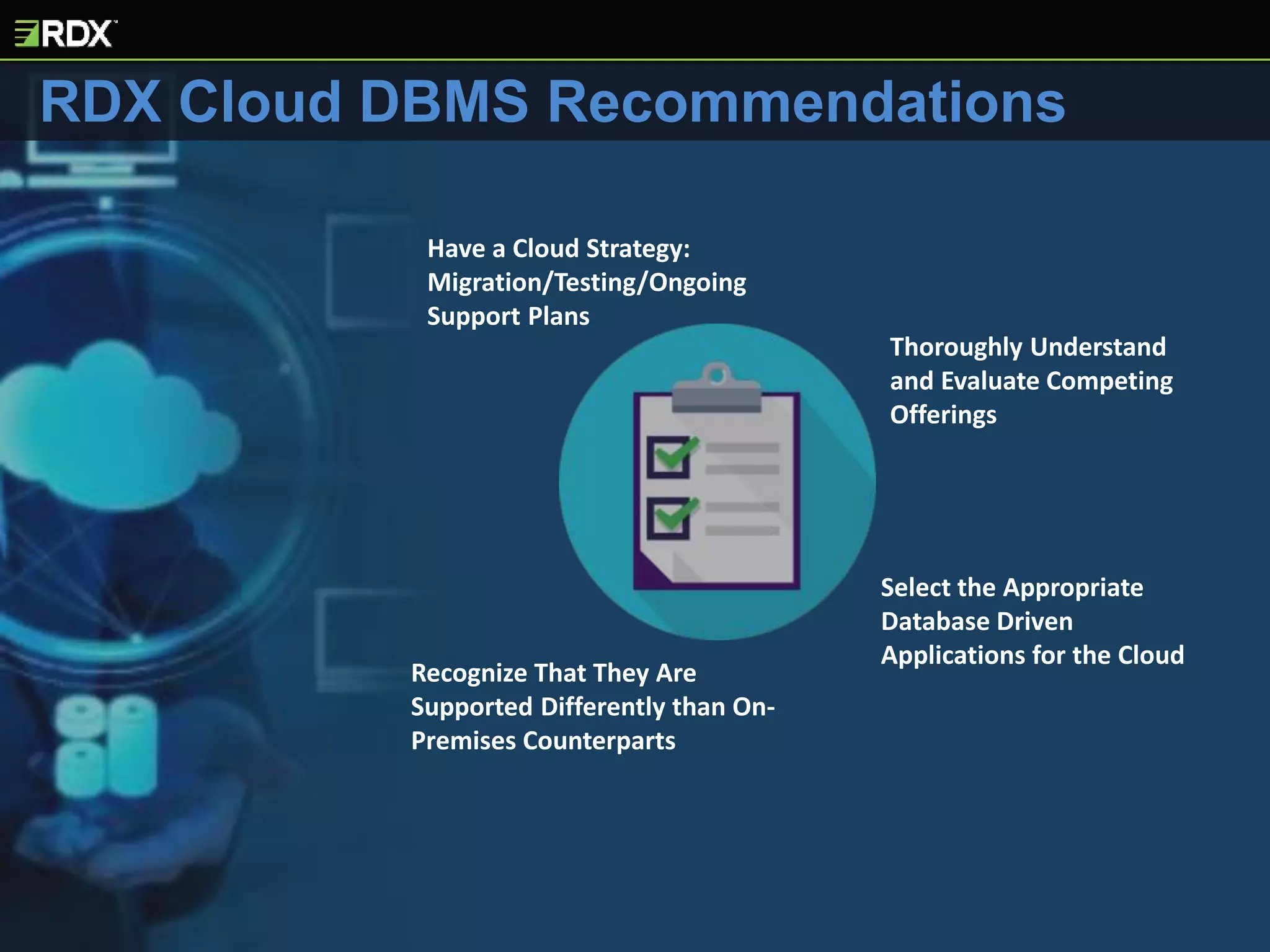
Select the Appropriate
Database Driven
Applications for the Cloud
Have a Cloud Strategy:
Migration/Testing/Ongoing
Support Plans
Thoroughly Understand
and Evaluate Competing
Offerings
Recognize That They Are
Supported Differently than On-
Premises Counterparts
RDX Cloud DBMS Recommendations
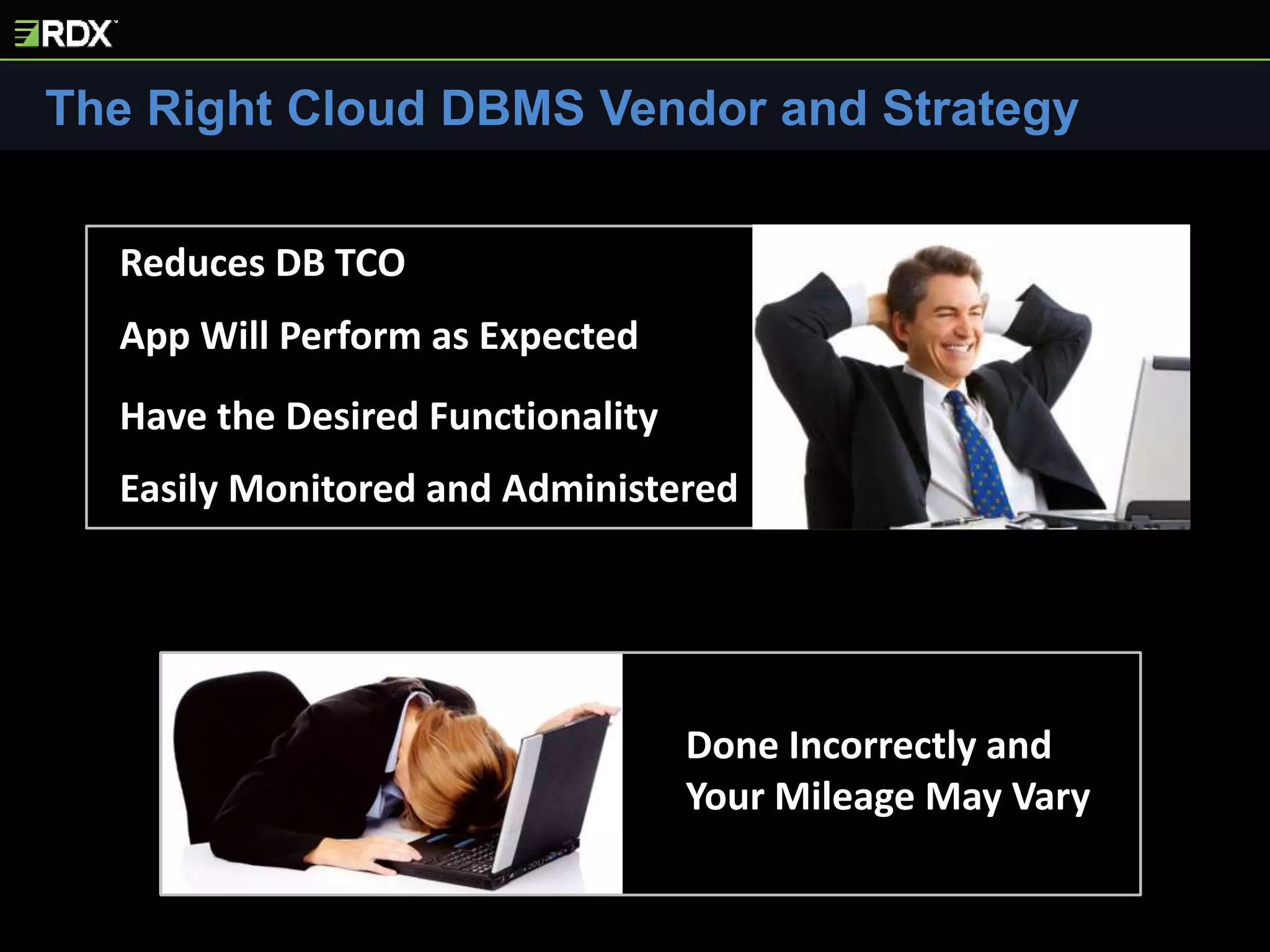
The Right Cloud DBMS Vendor and Strategy
Done Incorrectly and
Your Mileage May Vary
Reduces DB TCO
App Will Perform as Expected
Have the Desired Functionality
Easily Monitored and Administered
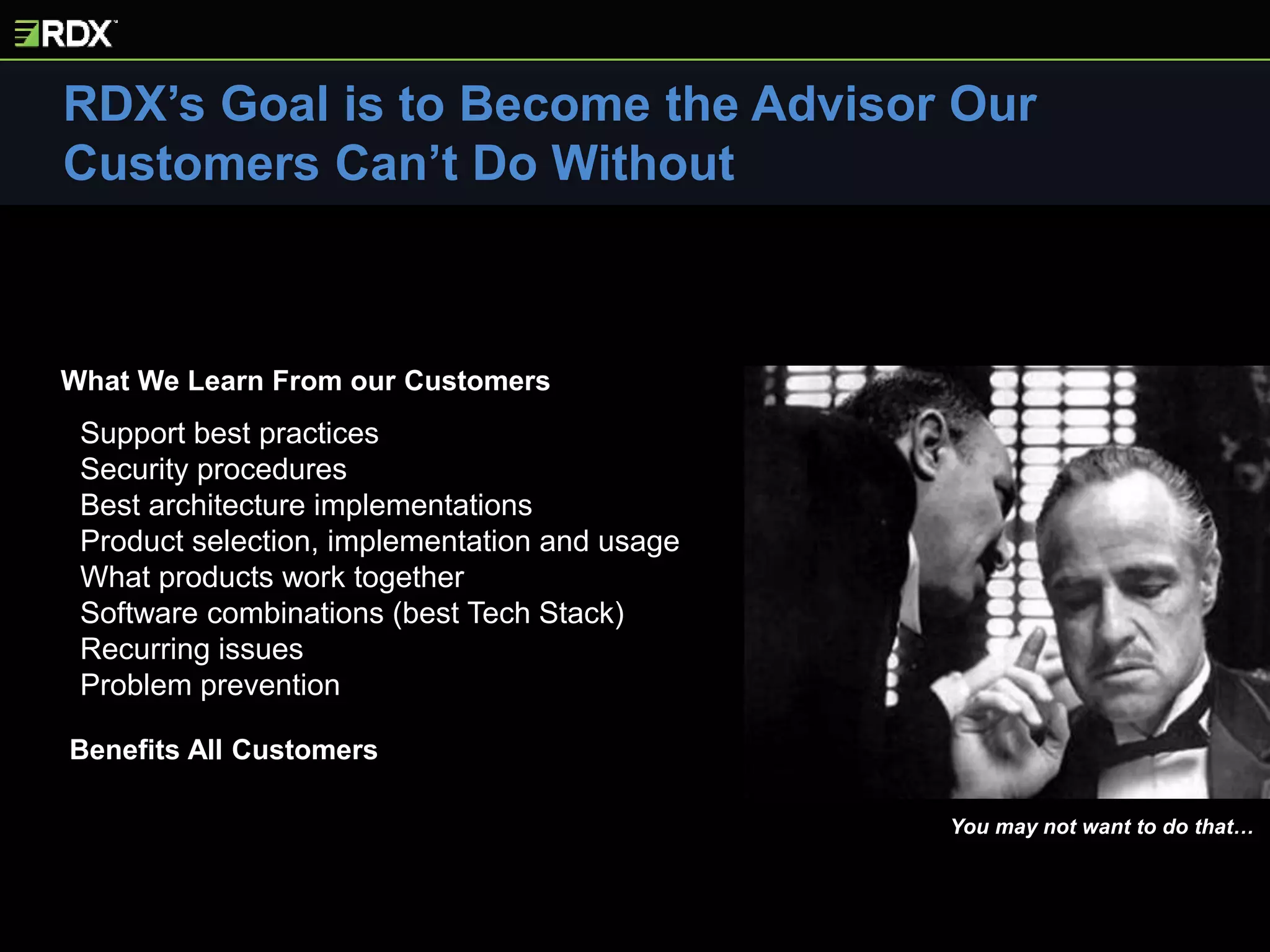
Support best practices
Security procedures
Best architecture implementations
Product selection, implementation and usage
What products work together
Software combinations (best Tech Stack)
Recurring issues
Problem prevention
RDX’s Goal is to Become the Advisor Our
Customers Can’t Do Without
You may not want to do that…
Benefits All Customers
What We Learn From our Customers
Next Month’s Presentation – Business Intelligence Overview and
Demo
The RDX Report
What is NoSQL Video Presentation, Azure Advisor Demo, Oracle Licensing Best
Practices, PostgresQL vs Oracle, Working with Cyber Crime Investigators
LinkedIn
Will You Be Replaced by a Robot?, Selecting Cloud DBMS, NoSQL Architectures,
Database Security Series, Improving Customer Service
20YEARS OF
SERVICE DELIVERY
EXPERIENCE
cfoot@rdx.com

Evaluating Cloud Database Offerings

  • 1.
    Evaluating Cloud DatabaseOfferings? INSIGHTS Presentation Series RDX Insights Series Presentation 04/20/2017 Chris Foot, VP Technology Strategies Remote DBA Experts www.rdx.com Consider Your Options Wisely! A video of this presentation can be found on RDX’s YouTube Channel: https://youtu.be/6BkkJgM72Ioz
  • 2.
    There are ManyDifferent Cloud DBMS Offerings and Pricing Models
  • 3.
    Cloud DBs areArchitectures - Not Products Offerings Range from Simple to Rocket Science Cloud DBs Impact on Support > What Most Think Not all DB Apps are “Cloud Friendly”
  • 4.
    Auditing and Compliance OSConfiguration DiskConfiguration CPU PricingModels Monitoring Memory Administration Access Mechanisms ArchitectureDesign Policies&Procedures Tools Training Security EdgeTechnologies Backup/Recovery StaffRoles Redundancy ProvisioningTuning Cloud DB Systems are Architectures, Not Products
  • 5.
    Policies and Procedures BecomeMore Reliant on 3rd Parties Impact on Existing Tools and Technologies Training and Education New Staffing Roles and Responsibilities Change Management Security Cloud DBs Will Change the Way Your Organization Provides Support Costing Models
  • 6.
    Different Types of CloudPlatforms On-premises vs IaaS and PaaS On-Premises • Server is onsite at your physical plant • You buy it and provide server room, power, air, connectivity… • YOU support all hardware • YOU support all software from OS up, including database IaaS – Infrastructure as a Service • Server is hosted by a provider • You rent their hardware • They provide server room, power, air, connectivity…. • PROVIDER supports hardware • YOU provide and support all software from OS up, including database PaaS – Platform as a Service • Server is hosted by a provider • You rent their hardware • They provide server room, air, connectivity…. • PROVIDER supports hardware • YOU RENT the OS and database • PROVIDER supports OS and database software Cloud
  • 7.
    Infrastrucure as aService vs Database Platform as a Service The buzzword for PaaS offerings for databases is…. DBPaaS Which is PaaS for databases! IaaS DBPaaS • Have to purchase DB and OS licenses • Able to install any software you choose – databases, applications, third-party tools • Easy to integrate your on-premises toolsets – monitoring, security, application development… • Allows you to maintain tight control of OS and DB configuration • Tight control over database utility execution – backups, index maintenance • Able to leverage cloud benefits that include elasticity, scalability and flexiblity • Able to leverage features to reduce administrative time (varies according to vendor and particular offering selected) • Database products are limited by vendor offering • Option of renting the DB and OS licenses from the provider • Provider assumes greater administrative control over your environment (software installation, DB and OS configuration, patching, DB uprades) • WATCH VENDOR SCHEDULING WINDOWS • Complex systems (HA, DR) are more easily configured • Data geo-redundancy is often inherent to offering • Provides backup and maintenance utility interfaces • Pricing can be complex and is configured by selecting tiers based on CPU, Memory, Disk utilization and performance • If you are renting the software, when relationship is over, you don’t own anything
  • 8.
    Cloud Provider • OffersDB and OS licenses as part of rental • Robust compute and storage environment • Operating system and database installed and ready for use • Configures DB (to an extent) • Patches and upgrades OS and DB software • Provides database maintenance utilities (depending on cloud vendor and DB product) • Includes administrative interfaces and monitoring tools • Provides problem analysis information • Provides backups and backup configuration interfaces DBA • Uses cloud DBMS to create databases • Monitors resource usage (costs) • Creates users • Grants database security • Creates data objects – tables, indexes, views (there’s a bunch...) • Loads data • Works with developers • Monitors database • Tunes database parameters • Troubleshoots database (with provider help at times) • Tunes SQL Statements • Debugs performance problems (with provider help at times) • Configures backups, performs recoveries • Configures HA systems • Schedules maintenance, patches, upgrades using vendor utilities • And the list goes on…… The level of vendor support and self service options available vary depending on the cloud provider. Everything the cloud provider doesn’t do... So what do DBAs do on DBPaaS if the cloud provider takes care of database software?
  • 9.
    YOU WILL BEREQUIRED TO ADJUST YOUR CHANGE MANAGEMENT PROCESSES AND DOCUMENTATION Cloud Databases Are Administered Differently than On-Premises Systems Greater Impact DBPaaS – Less Impact IaaS
  • 10.
    Policies and ProceduresWill Change Security, disaster recovery, change management, monitoring, problem resolution, job scheduling, administrative best practices, repeatable processes, internal, industry specific, governmental regulatory compliance, naming conventions – add required documentation here… Greater Impact DBPaaS – Less Impact IaaS
  • 11.
    YOU WILL NEEDTO IDENTIFY WHICH OF YOUR EXISTING TOOLSETS WORK – AND WHICH ONES DON'T Greater Impact DBPaaS – Less Impact IaaS Cloud Development, DB Admin and Monitoring Mechanisms Are Different than On-Premises
  • 12.
    Coding, Administration andTesting 100% App Code Transportability Database Features Cloud DBMS Product Features and Functionality Don’t Always Match On-Premises Counterparts Greater Impact DBPaaS – Less Impact IaaS
  • 13.
  • 14.
  • 15.
    Questions to CreateYour Cloud Architecture Strategy 1. What is your cloud strategy? • Testing the waters • Choose between cloud and on-premises for best fit • Intend to have a strong cloud presence • Cloud first 2. What cloud benefits do you want to leverage? • Reduce hardware/software costs • Reduce human support costs • Focus on business not system support • Improve performance and availability • Increase flexibility and agility • Leverage complex architectures 3. What is your experience level with cloud systems? 4. How big of an impact (change management, training, polices/procedures, roles/responsibilites) on your IT shop are you willing to incur? 5. What application development platforms do you use? 6. How much control do you want to relinquish and how much responsibility for your systems are you comfortable sharing? 7. What on-premises software tools do you use? 8. Is your data controlled by internal, industry-specific or governmental regulatory requirements? 9. What auditing requirements are you required to meet? 10. Do you standardize on one DB or support multiple? 11. One provider or are you comfortable with multiple? 12. Do you intend to migrate DB, Apps or both? 13. What amount of DB and App changes are you willing to make to migrate the system to the cloud? 14. What are your DR requirements? 15. What is your budget? • Retrain staff, organizational role and unit changes • Changes to process and documentation • Changes for application rewrites, cloud data transfers, on- premesis/cloud DB feature mismatch
  • 16.
    Selecting Databases ForMigration 1. Database importance 2. Database usage (customer facing, LOB, back office) 3. Frequency of application development activity 4. Frequency of database schema changes 5. Dependency and interaction with other systems • Flat file loads • Sends data to/receives data from other systems • Data used to refresh other systems • DB links used to access other databases 6. What level of modifications are you comfortable with? • Limited changes • Changes to APIs, connection mechanisms • Total application rewrite to leverage new technologies 7. What on-premesis software tools interact with DB? • Monitoring, application development, security 8. Performance requirements • Stable workloads or spikes/seasonal peaks? 9. Monitoring requirements 10. Is data controlled by internal, industry-specific or governmental regulatory requirements? 11. What auditing requirements are you required to meet? 12. What is the database footprint and workloads? • Disk storage • Concurrent users • CPU and memory consumption • I/O 13. High availability requirements 14. Backup requirements (frequency, # historical copies) 15. Disaster recovery requirements
  • 17.
    The more interactionthe DB has with on-premises systems, the more complicated support becomes Flat File Loads Input from other DB Apps Large Output Files Sent to Other Systems Output to Other DB Apps Data Clones and Refreshes NO DATABASE IS AN ISLAND New Data Transfer Mechanisms New Data Transfer Procedures
  • 18.
    Most of theIT community is still concerned about Cloud Security As a database services provider, we can secure database on the cloud just as effectively as on-premises We work customers to ensure they also secure input and output files related to database operation
  • 19.
    YOU MUST UNDERSTANDWHAT YOU ARE BEING CHARGED FOR Your Costing Models Will Change and May Become More Complex Storage Compute # Instances Dedicated Hosts Elastic Ips Data Transfers - IOPs Elastic Load Balancing Amazon Oracle Microsoft
  • 20.
  • 21.
    UNDERSTAND the cloudvendor’s pricing models – they can be complex MEASURE your current/estimate future workloads TAKE YOUR TIME during configuration MONITOR consumption daily BE PREPARED to quickly adjust your configuration SET UP billing alerts Cloud DBMS Charges - Don’t Get Surprised!
  • 22.
    The 3 BIGPlayers for IaaS and DBPaaS
  • 23.
    IaaS Offering iscalled Amazon EC2 Provides BOTH IaaS and DBPaaS DBPaaS Offering is called Amazon RDS You can run any software you want on IaaS. You install your OS and DB of choice – just like on-premises Amazon not only provides the server, it has a very robust offering which allows you to build your entire application on Amazon. It is viewed to be more friendly with Unix/Linux and non Msoft DBs than Azure Amazon has no on-premises offerings This is a true DBPaaS offering. You rent the hardware, OS and your database of choice Amazon RDS offers following DBs: SQL Server, Oracle, MySQL, MariaDB and PostgreSQL They also have their own DBPaaS databases: Aurora (MySQL), DynamoDB (NoSQL), Redshift (Data Warehouse) and Redis (In- Memory). Provides more DB choices than Oracle and Msoft
  • 24.
    Strengths Weaknesses • Mostmature provider of cloud services • HUGE customer base – several times larger than other vendors combined • Large investment in infrastructure and innovation • Robust provisioning and administration tools • Lots of third-party tools, applications, service providers • Able to build entire application • Breadth of architectures and environments • Breadth of database products • RDS – Oracle, SQL Server, MySQL… • Aurora, Redshift, DynamoDB • CLOUD ONLY • Customer support gets mixed reviews • Confusing array of options, features and settings • Amazon databases (Aurora, DyanamoDB) features and functionality limited when compared to Microsoft and Oracle • Complex pricing
  • 25.
    IaaS Offering iscalled Microsoft AZURE Provides BOTH IaaS and DBPaaS Primary DBPaaS Offering is called Microsoft SQL AZURE You can run any software you want on IaaS, including Azure IaaS. You can run any database - PostgreSQL, MySQL, DB2, Oracle and SQL Server. You install the databases on Azure like you would on-premises Azure allows you to build your entire application. Traditional Ford vs Chevy as some think it is geared towards Msoft products. Not as friendly with Unix/Linux and non Msoft databases (Oracle, MySQL, PostgreSQL This is a true DBPaaS offering. You rent the hardware, OS and SQL Server Database. Microsoft also offers SQL Data Warehouse, DocumentDB (competes with MongoDB), Table Storage (key-value NoSQL) and Redis (in-memory)
  • 26.
    Strengths Weaknesses • HYBRIDCLOUDS • Customer loyalty • Huge customer base • Large investment in infrastructure and innovation • Environment rivals Amazon in features and functionality • Database features and functionality • Large number of security certifications • Able to build entire application • Pricing is simpler – when compared to Amazon • Multi-product support • Later to market than Amazon • Focused on the Microsoft tech stack • Running non-Microsoft DBs in Azure cloud services can be challenging • Limited product offerings available • Support has received mixed reviews
  • 27.
    IaaS Offering iscalled Oracle Cloud Infrastructure as a Service Provides BOTH IaaS and DBPaaS DBPaaS Offering is called Oracle Database Cloud Service You can run any software you want on IaaS environments. You install your OS and DB of choice – just like on-premises BUT, since Oracle’s “claim to fame” and primary focus is databases (Oracle, MySQL) it isn’t as popular with customers running non Oracle products This is a true DBPaaS offering. You rent the hardware, OS and database Oracle provides DBPaaS for Oracle, MySQL, and Oracle NoSQL Oracle offers a lot of flexibility on “who does what” for its DBPaaS offerings. You can choose to administer more of the environment
  • 28.
    Strengths Weaknesses • HYBRIDCLOUDS • Service fees are very competitive • Oracle Ravello (Lift and Shift VMWare and KVM) • Customer loyalty • Huge customer base • Database features and functionality • Customers have own Virtual Private Networks • Firmly committed to cloud - Oracle pretty much “declared war” against Amazon • Same vendor that eclipsed the entrenched leader – IBM DB2 • Deep pockets for building and acquisitions (Logfire, Netsuite, Opower, Crosswise, AddThis) • Strong focus on cloud migration services • Entered later than both Amazon and Microsoft • Architecture and offering still maturing • Limited product offerings available • Predatory licensing practices • Cloud licensing is confusing (no change here)
  • 29.
    Oracle Corporation ValueProposition Oracle Bare Metal Cloud Services combine the elasticity and utility of public cloud with the granular control, security, and predictability of on-premises infrastructure to deliver high-performance, high availability and cost-effective infrastructure services • Dedicated hardware, single-tenant cloud service • Your hardware to use as you wish • Just like on-premises • Pay as you go with elastic capabilities • NO vendor software installed • Offers traditional multi-tenant and Bare Metal • Architecture and offering still maturing Bare MetalCloud Hypervisor Hypervisor
  • 30.
    RDX Recommends Amazon’s Breadthand Depth of Offerings Microsoft and Oracle – Hybrid Environments • Amazon #1 • Microsoft #2 • Oracle #3 • Microsoft #1 • Oracle #2 (late, but strong strategy) • Amazon #3 Cloud Hybrid
  • 31.
    CHOOSE THAT VENDOR WISELY YouWill Share Responsibility with a Third Party Provider for the Security, Availability, Performance and Recoverability of Your DBMS
  • 32.
    THE HARDER ITIS TO SWITCH VENDORS The More You Have to Tailor Your Database and Application to Work With Your Chosen Cloud Architecture
  • 33.
    You Will Needto Thoroughly Evaluate The Competing Vendor Offerings Fully Investigate Cloud Platform Pricing Models Read Fine Print! Vendor Lock In DB Features Elasticity Level of Change Site Locations Track Record Storage Compute Provisioning Monitoring Tools Admin Tools Backup Security Data Access
  • 34.
    Select the Appropriate DatabaseDriven Applications for the Cloud Have a Cloud Strategy: Migration/Testing/Ongoing Support Plans Thoroughly Understand and Evaluate Competing Offerings Recognize That They Are Supported Differently than On- Premises Counterparts RDX Cloud DBMS Recommendations
  • 35.
    The Right CloudDBMS Vendor and Strategy Done Incorrectly and Your Mileage May Vary Reduces DB TCO App Will Perform as Expected Have the Desired Functionality Easily Monitored and Administered
  • 36.
    Support best practices Securityprocedures Best architecture implementations Product selection, implementation and usage What products work together Software combinations (best Tech Stack) Recurring issues Problem prevention RDX’s Goal is to Become the Advisor Our Customers Can’t Do Without You may not want to do that… Benefits All Customers What We Learn From our Customers
  • 37.
    Next Month’s Presentation– Business Intelligence Overview and Demo The RDX Report What is NoSQL Video Presentation, Azure Advisor Demo, Oracle Licensing Best Practices, PostgresQL vs Oracle, Working with Cyber Crime Investigators LinkedIn Will You Be Replaced by a Robot?, Selecting Cloud DBMS, NoSQL Architectures, Database Security Series, Improving Customer Service 20YEARS OF SERVICE DELIVERY EXPERIENCE cfoot@rdx.com