MOSIX Cluster 
By : 
Abhay Nitin Pai (13MCC1032)
Introduction 
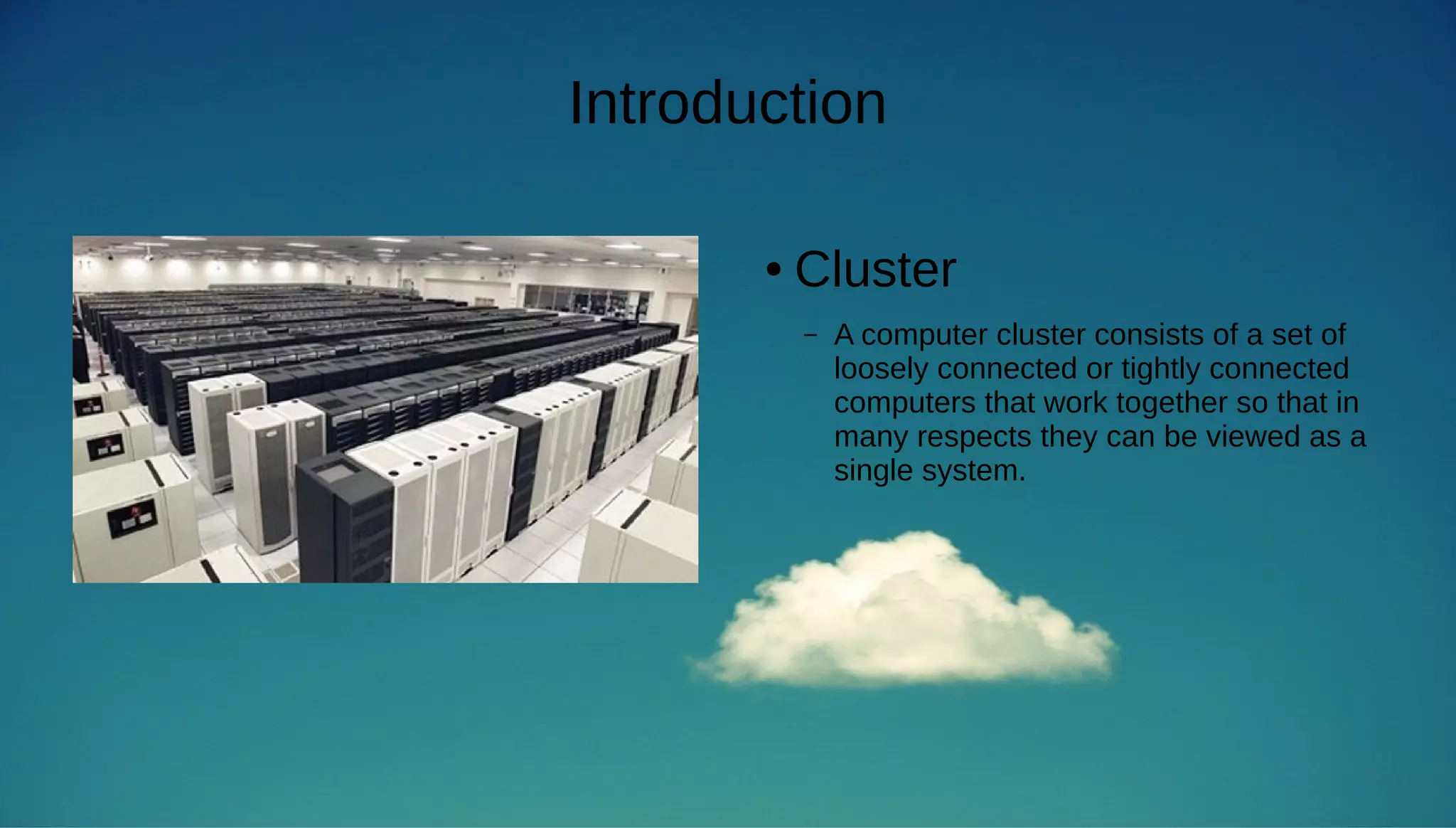
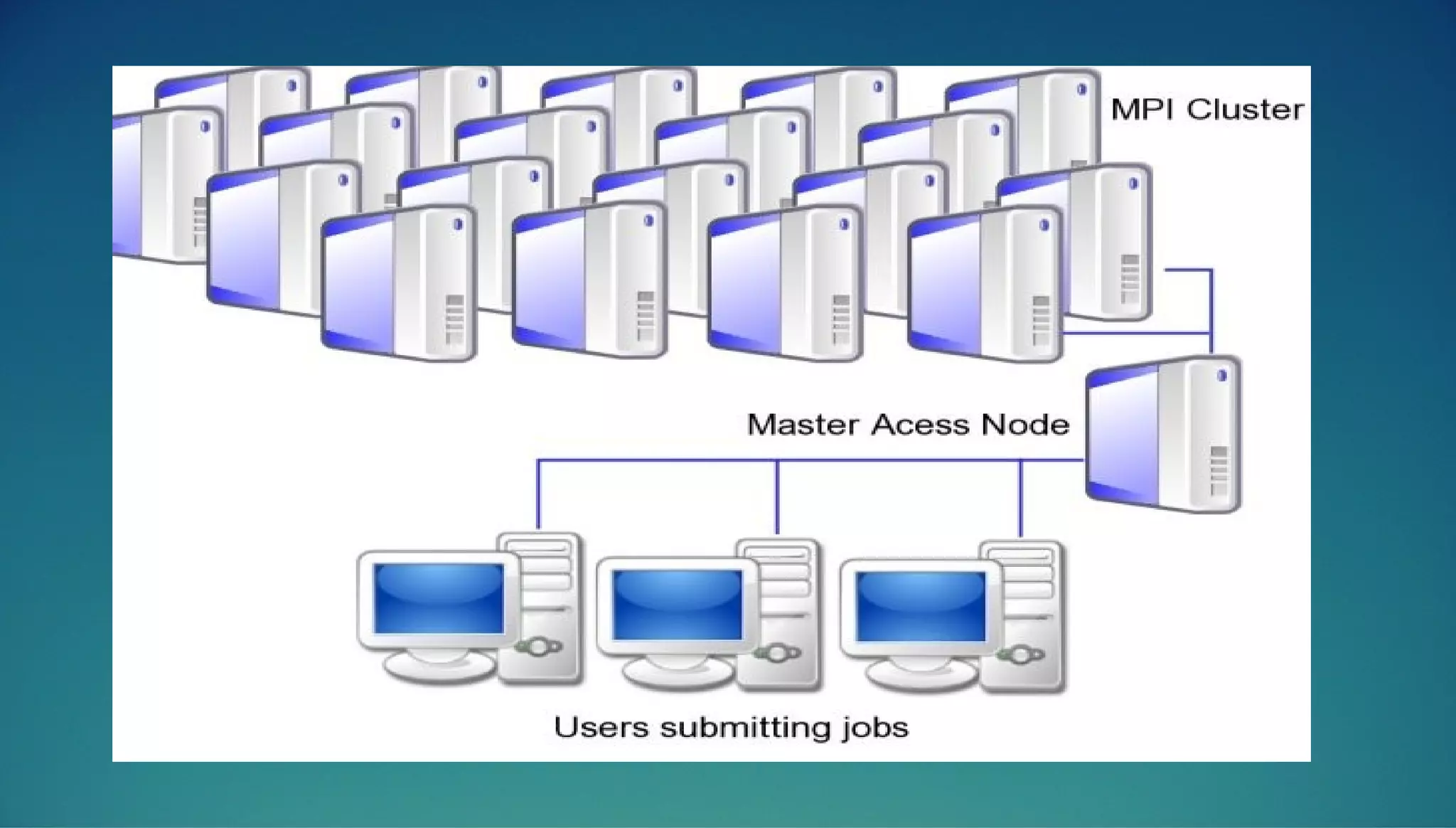
● Cluster 
– A computer cluster consists of a set of 
loosely connected or tightly connected 
computers that work together so that in 
many respects they can be viewed as a 
single system.
Data Intensive and Compute Intensive 
● Data Intensive 
– Data-intensive computing is a class of parallel computing applications 
which use a data parallel approach to processing large volumes of data 
typically terabytes or petabytes in size and typically referred to as big 
data. 
● Compute Intensive 
– Compute-Intensive is a class of parallel computing applications where the 
need for processing power is huge. Some applications without the use of 
clusters may take years on a single core personal computer to get the 
results.
What is the need for cluster ? 
● To perform compute-intensive operations 
● Also if nodes in the clusters are used with Data-Intensive 
environment like Hadoop, an optimal level of server usage can 
be achived. 
● Clusters also can be used to serve compute services in the 
cloud 
– Ex: Installing Compute Services(Nova for openstack) on the cluster
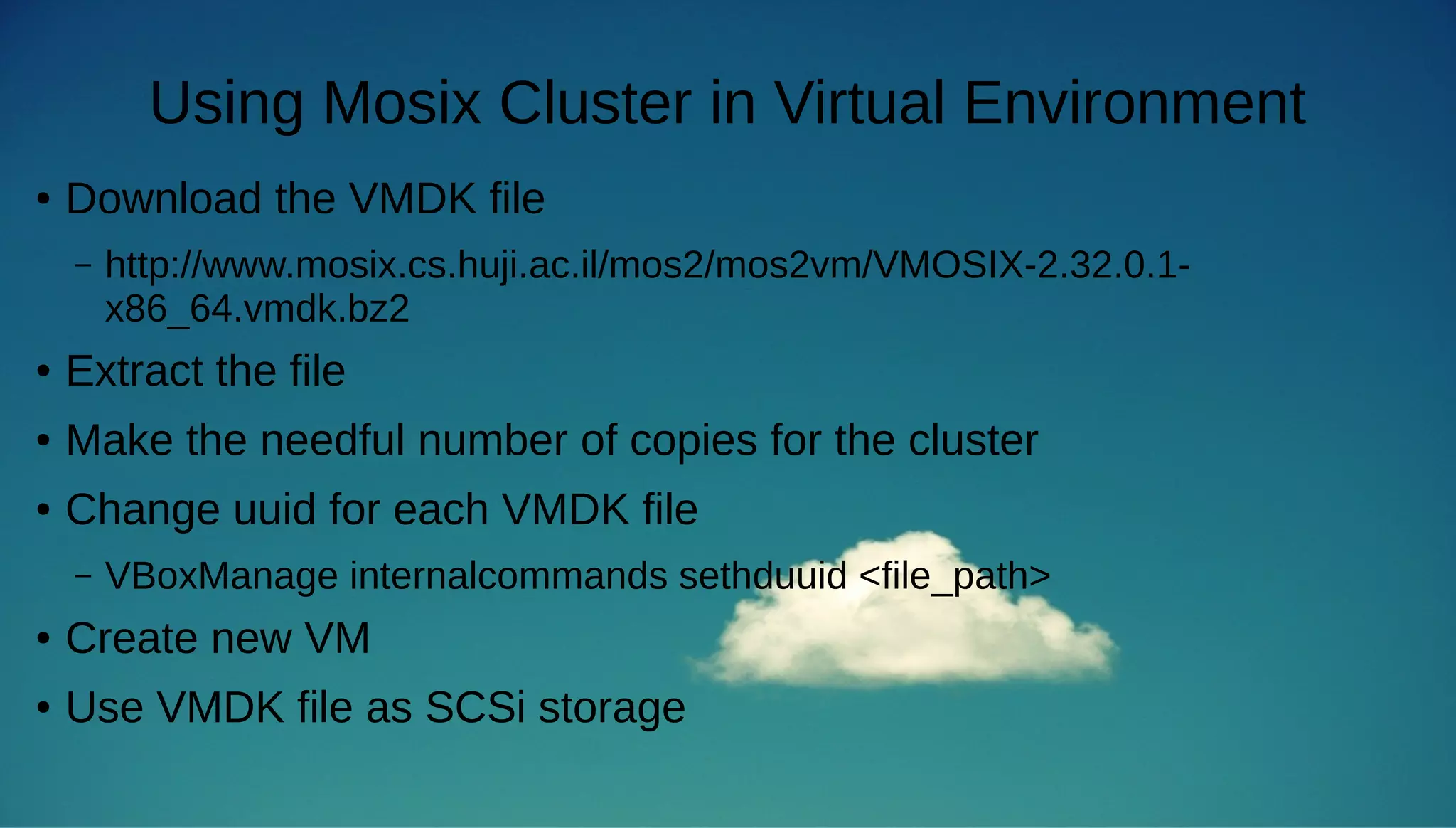
Using Mosix Cluster in Virtual Environment 
● Download the VMDK file 
– http://www.mosix.cs.huji.ac.il/mos2/mos2vm/VMOSIX-2.32.0.1- 
x86_64.vmdk.bz2 
● Extract the file 
● Make the needful number of copies for the cluster 
● Change uuid for each VMDK file 
– VBoxManage internalcommands sethduuid <file_path> 
● Create new VM 
● Use VMDK file as SCSi storage
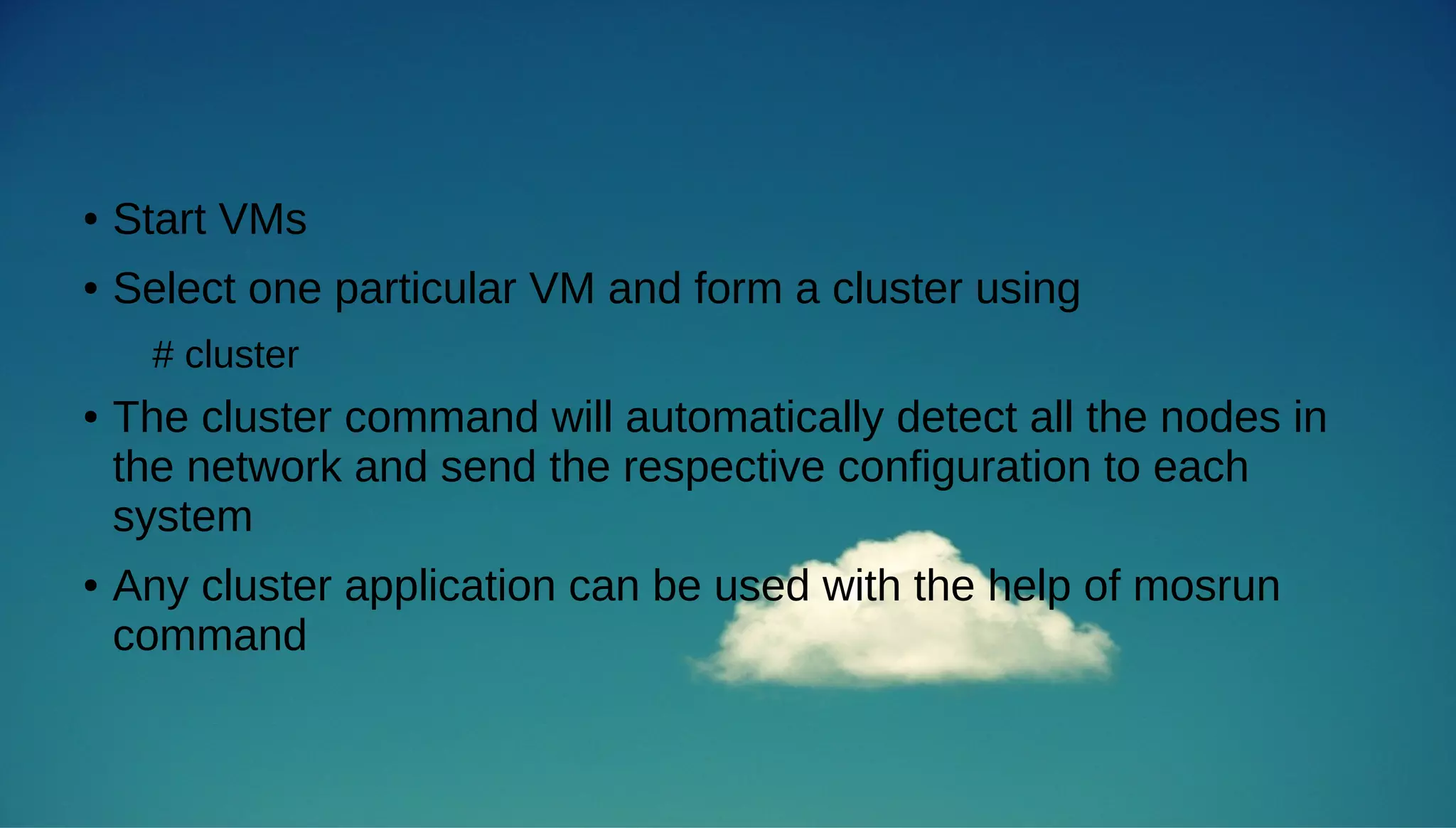
● Start VMs 
● Select one particular VM and form a cluster using 
# cluster 
● The cluster command will automatically detect all the nodes in 
the network and send the respective configuration to each 
system 
● Any cluster application can be used with the help of mosrun 
command
List of Commands 
● Basic commands 
– mosrun 
– mosps 
– mosmon 
– mosmigrate 
– moskillall
Mosix Cluster

Mosix Cluster

  • 1.
    MOSIX Cluster By: Abhay Nitin Pai (13MCC1032)
  • 2.
    Introduction ● Cluster – A computer cluster consists of a set of loosely connected or tightly connected computers that work together so that in many respects they can be viewed as a single system.
  • 4.
    Data Intensive andCompute Intensive ● Data Intensive – Data-intensive computing is a class of parallel computing applications which use a data parallel approach to processing large volumes of data typically terabytes or petabytes in size and typically referred to as big data. ● Compute Intensive – Compute-Intensive is a class of parallel computing applications where the need for processing power is huge. Some applications without the use of clusters may take years on a single core personal computer to get the results.
  • 5.
    What is theneed for cluster ? ● To perform compute-intensive operations ● Also if nodes in the clusters are used with Data-Intensive environment like Hadoop, an optimal level of server usage can be achived. ● Clusters also can be used to serve compute services in the cloud – Ex: Installing Compute Services(Nova for openstack) on the cluster
  • 6.
    Using Mosix Clusterin Virtual Environment ● Download the VMDK file – http://www.mosix.cs.huji.ac.il/mos2/mos2vm/VMOSIX-2.32.0.1- x86_64.vmdk.bz2 ● Extract the file ● Make the needful number of copies for the cluster ● Change uuid for each VMDK file – VBoxManage internalcommands sethduuid <file_path> ● Create new VM ● Use VMDK file as SCSi storage
  • 7.
    ● Start VMs ● Select one particular VM and form a cluster using # cluster ● The cluster command will automatically detect all the nodes in the network and send the respective configuration to each system ● Any cluster application can be used with the help of mosrun command
  • 8.
    List of Commands ● Basic commands – mosrun – mosps – mosmon – mosmigrate – moskillall