



Mobile Apps for


      Teaching
Goals
Understand the possibilities
and limitations of using mobile apps
Focus on pedagogy
Download and use at least one app
Image by Cristiano Betta
A little bit about the world of
mobile apps...
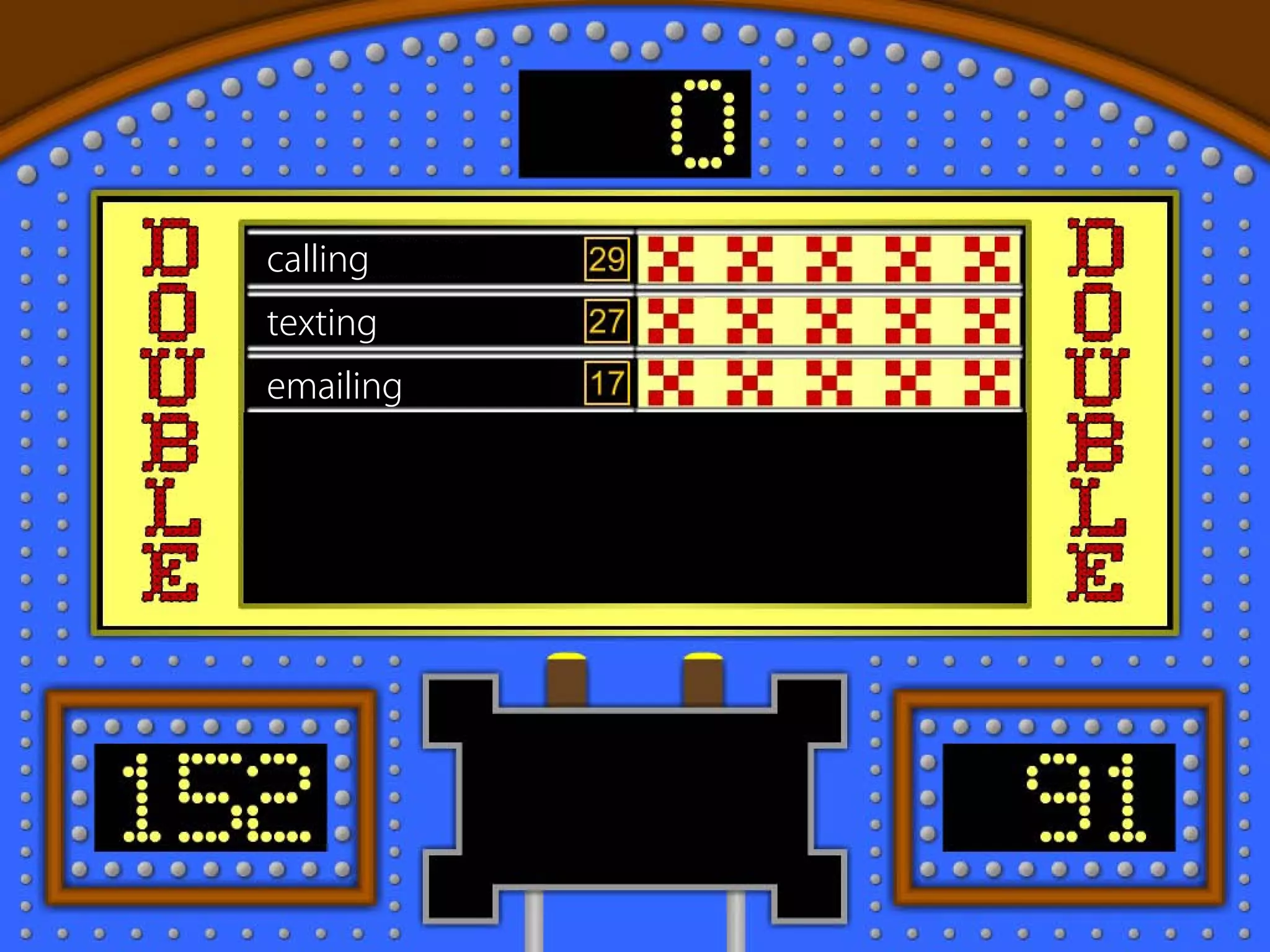
5 years ago, we used our phones for...
calling
texting
emailing
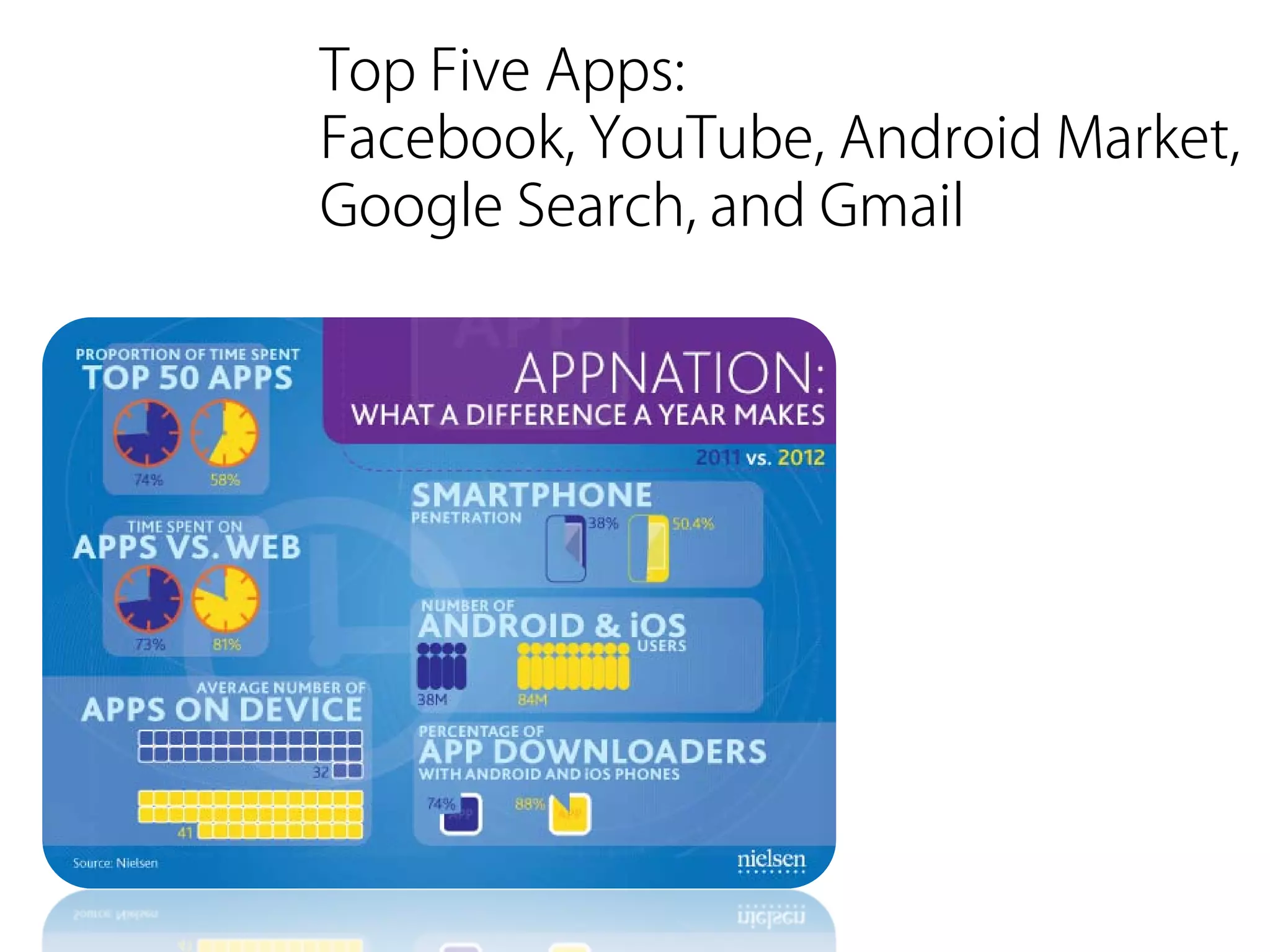
Times have changed...
Top Five Apps:
Facebook, YouTube, Android Market,
Google Search, and Gmail
... but how many people have a
cell phone?
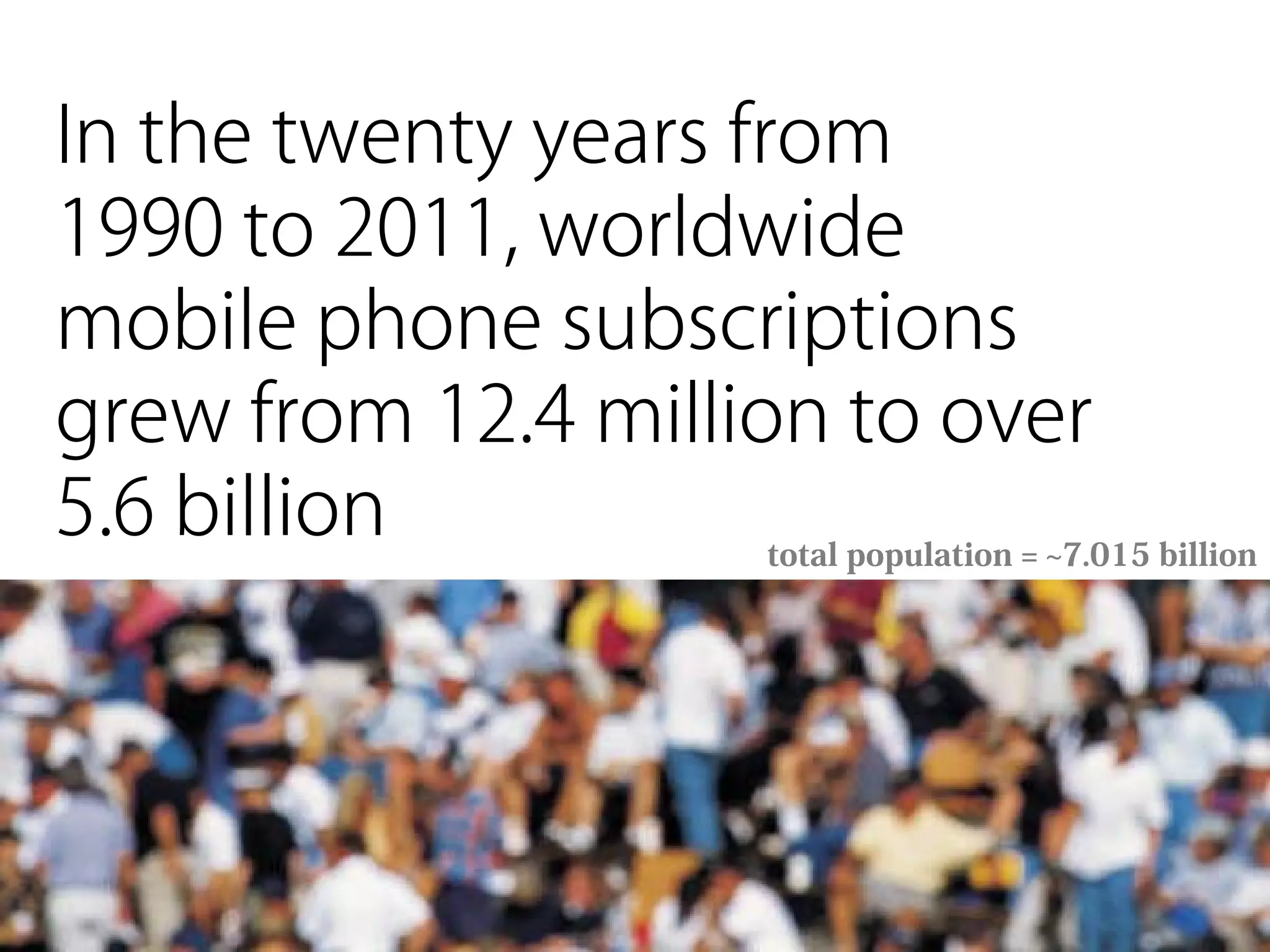
In the twenty years from
1990 to 2011, worldwide
mobile phone subscriptions
grew from 12.4 million to over
5.6 billion           total population = ~7.015 billion
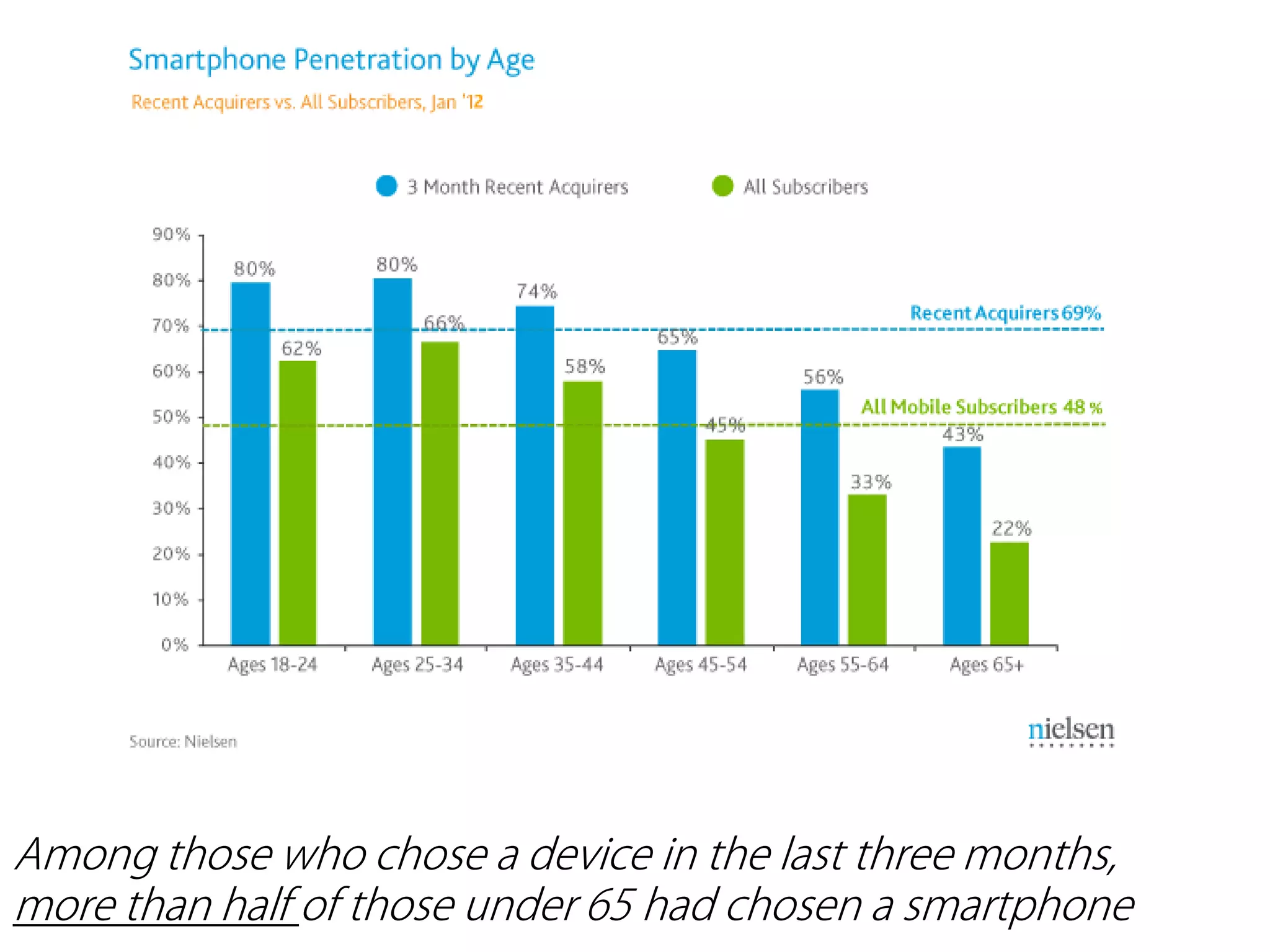
Among those who chose a device in the last three months,
more than half of those under 65 had chosen a smartphone
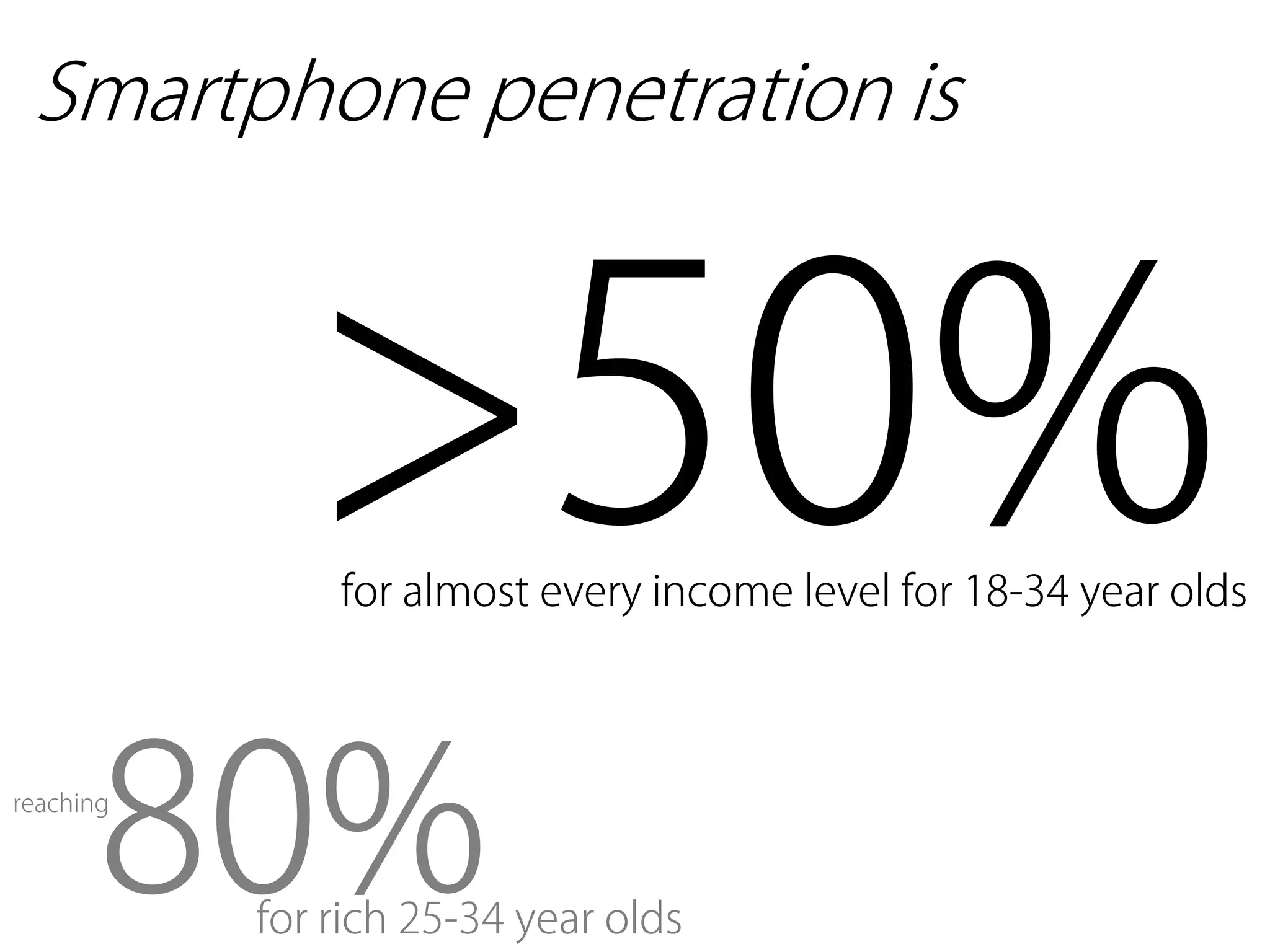
Smartphone penetration is


             >50%
               for almost every income level for 18-34 year olds


       80%
reaching


           for rich 25-34 year olds
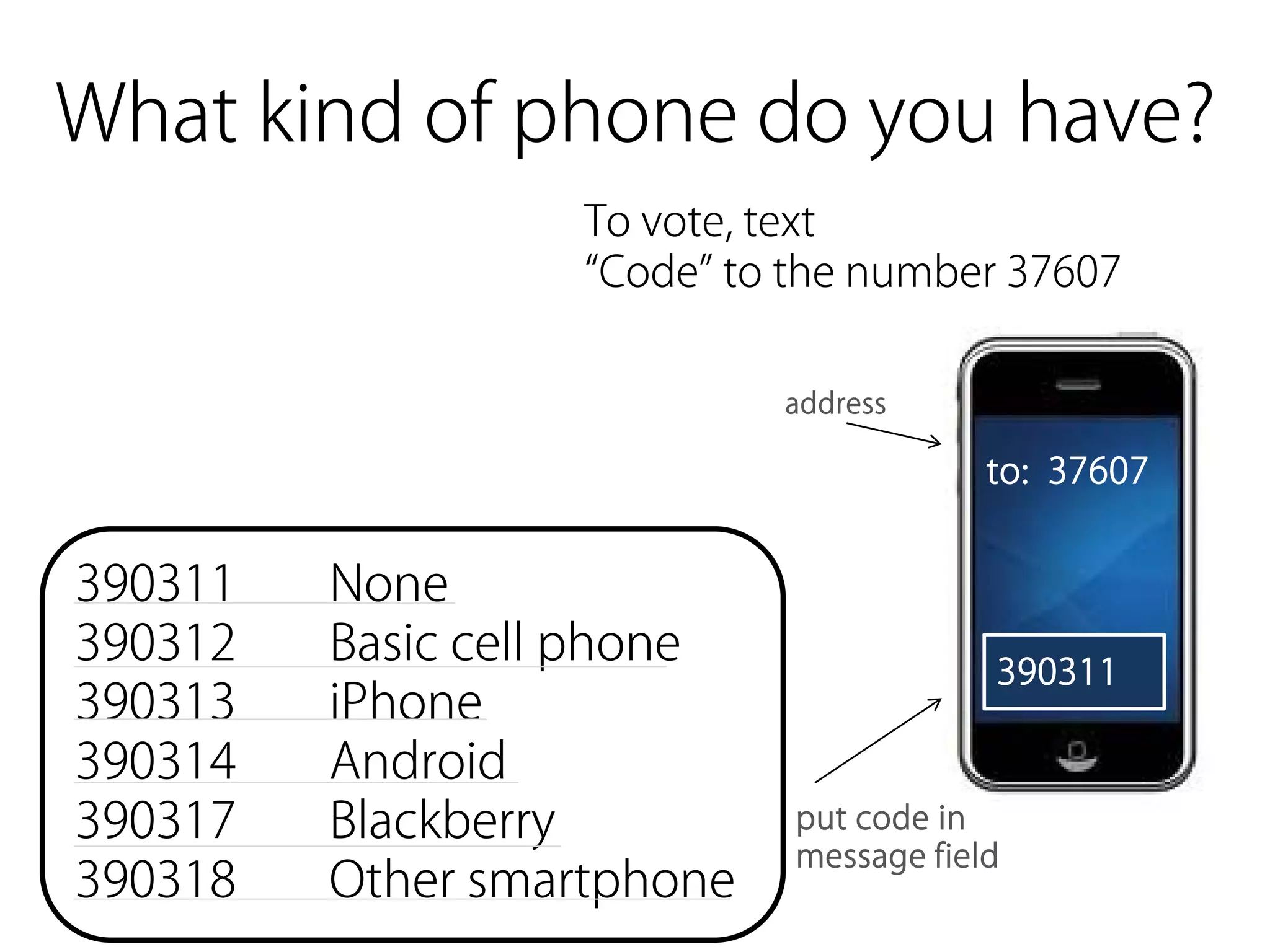
What kind of phone do you have?
                   To vote, text
                   “Code” to the number 37607

                            address

                                         to: 37607


390311   None
390312   Basic cell phone                390311
390313   iPhone
390314   Android
390317   Blackberry          put code in
                             message field
390318   Other smartphone
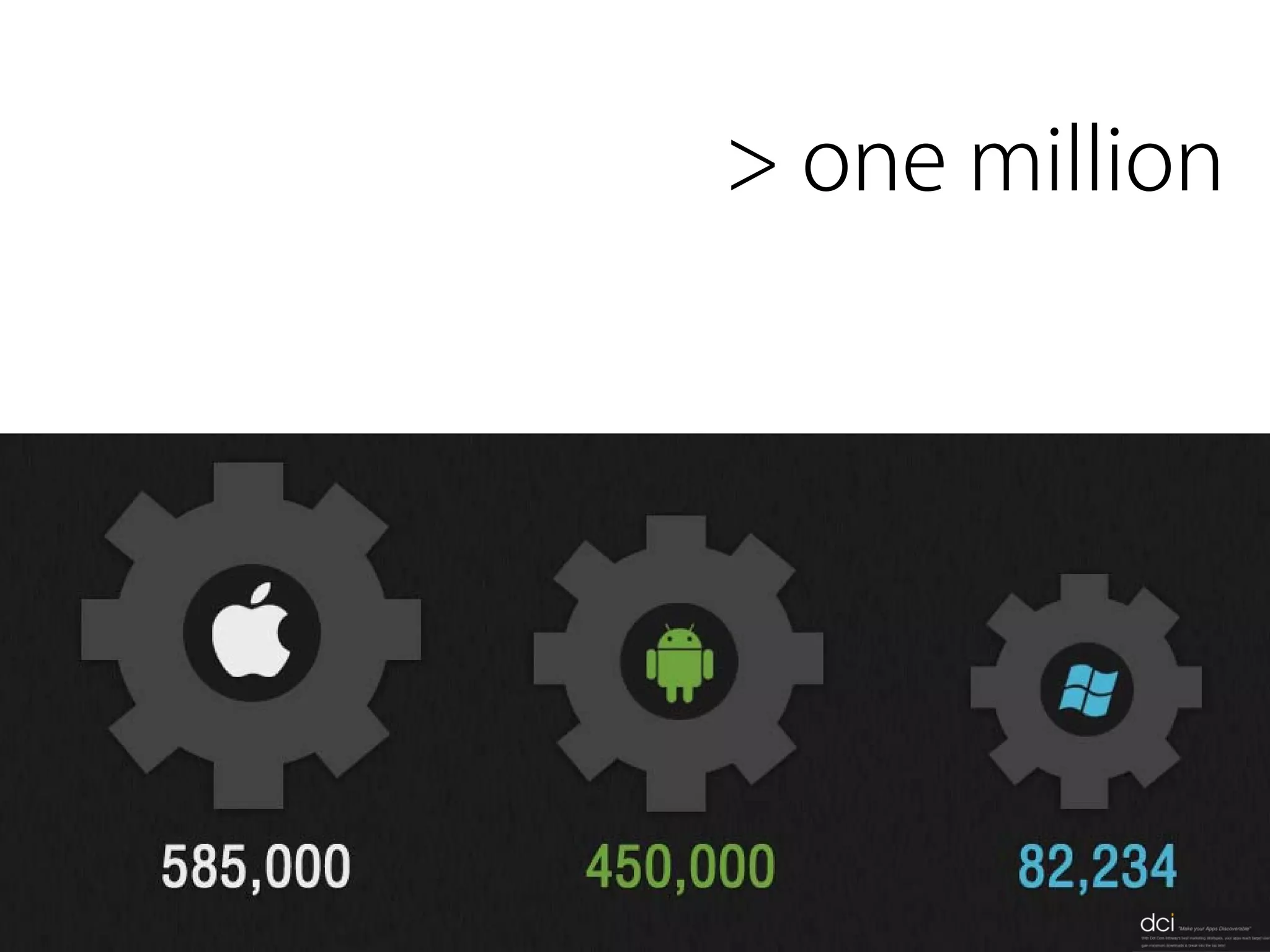
... and how many apps are there?
> one million
Ubiquitous computing (ubicomp) is a post-desktop
             model of human-computer interaction in which
             information processing has been thoroughly
             integrated into everyday objects and activities. In the
             course of ordinary activities, someone
             "using" ubiquitous computing engages many
             computational devices and systems simultaneously,
             and may not necessarily even be aware that they are

ubiquitous   doing so. This model is usually considered an
             advancement from the desktop paradigm. More
             formally, ubiquitous computing is defined as
             "machines that fit the human environment instead of
             forcing humans to enter theirs."[1]
             This paradigm is also described as pervasive
             computing, ambient intelligence,[2] or, more
             recently, everywhere,[3] where each term emphasizes
             slightly different aspects. When primarily concerning
             the objects involved, it is also physical computing,
             the Internet of Things, haptic computing,[4] and things
             that think. Rather than propose a single definition for
             ubiquitous computing and for these related terms, a
             taxonomy of properties for ubiquitous computing has
             been proposed, from which different kinds or flavors of
             ubiquitous systems and applications can be
             described.[5]
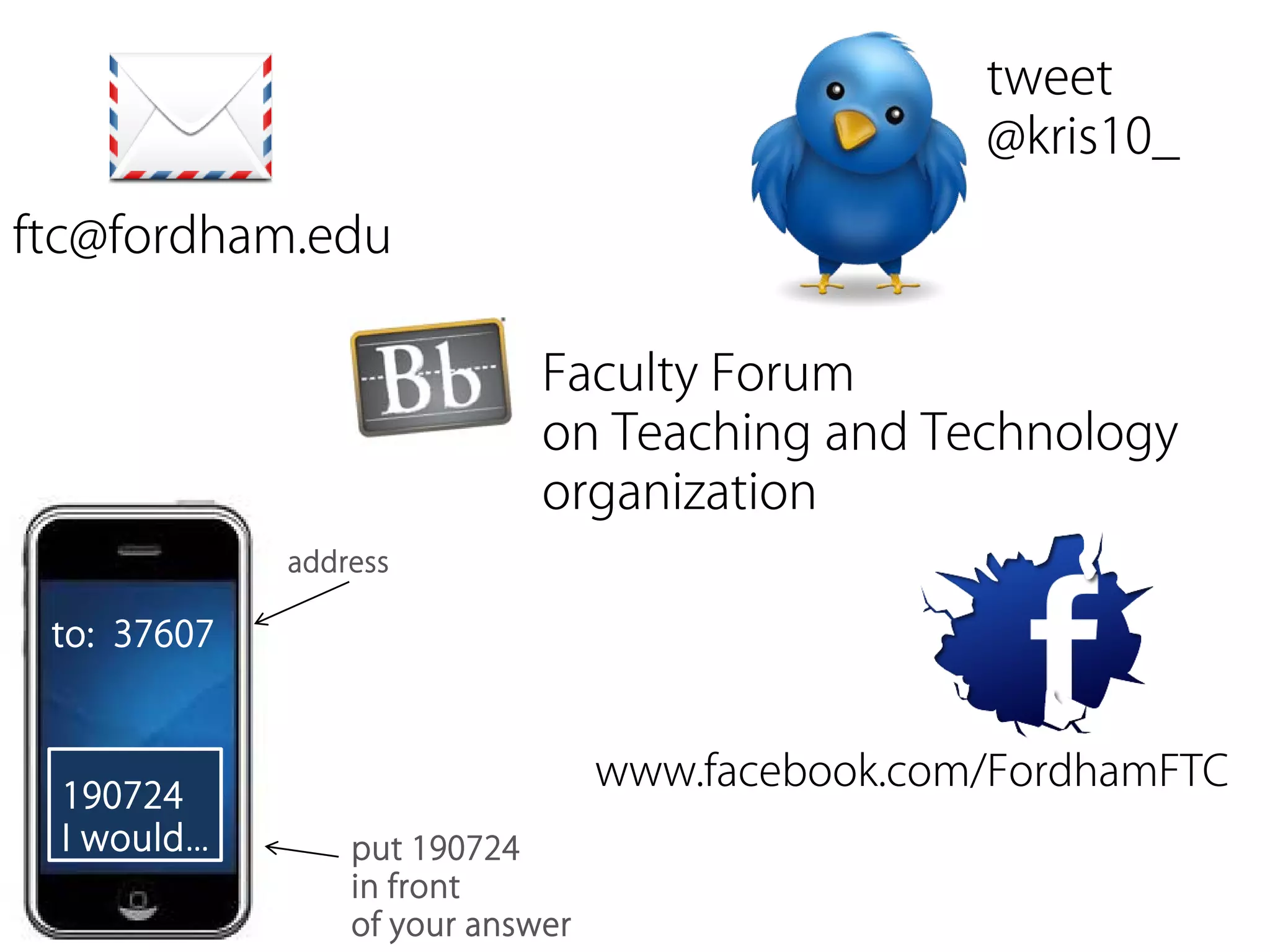
what other ways can you
use a real-time communication
device in your classroom?
tweet
                                                  @kris10_

ftc@fordham.edu

                             Faculty Forum
                             on Teaching and Technology
                             organization
             address

 to: 37607


                                  www.facebook.com/FordhamFTC
 190724
 I would…        put 190724
                 in front
                 of your answer
working together to achieve a goal.[1] It is
                a recursive[2] process where two or more
                people or organizations work together to
                realize shared goals, (this is more than the
                intersection of common goals seen in co-
                operative ventures, but a deep, collective,
                determination to reach an identical

collaborative
                objective[by whom?][original research?]) —
                for example, an intriguing[improper
                synthesis?] endeavor[3][4] that is creative in
                nature[5]—by sharing knowledge, learning
                and building consensus. Most collaboration
                requires leadership, although the form of
                leadership can be social within
                a decentralized and egalitarian group.[6] In
                particular, teams that work collaboratively
                can obtain greater resources, recognition and
                reward when facing competition for finite
                resources.[7] Collaboration is also present in
                opposing goals exhibiting the notion
                of adversarial collaboration, though this is not
                a common case for using the word.
ubiquitous


        collaborative

   real-time
What students want from
mobile technology...
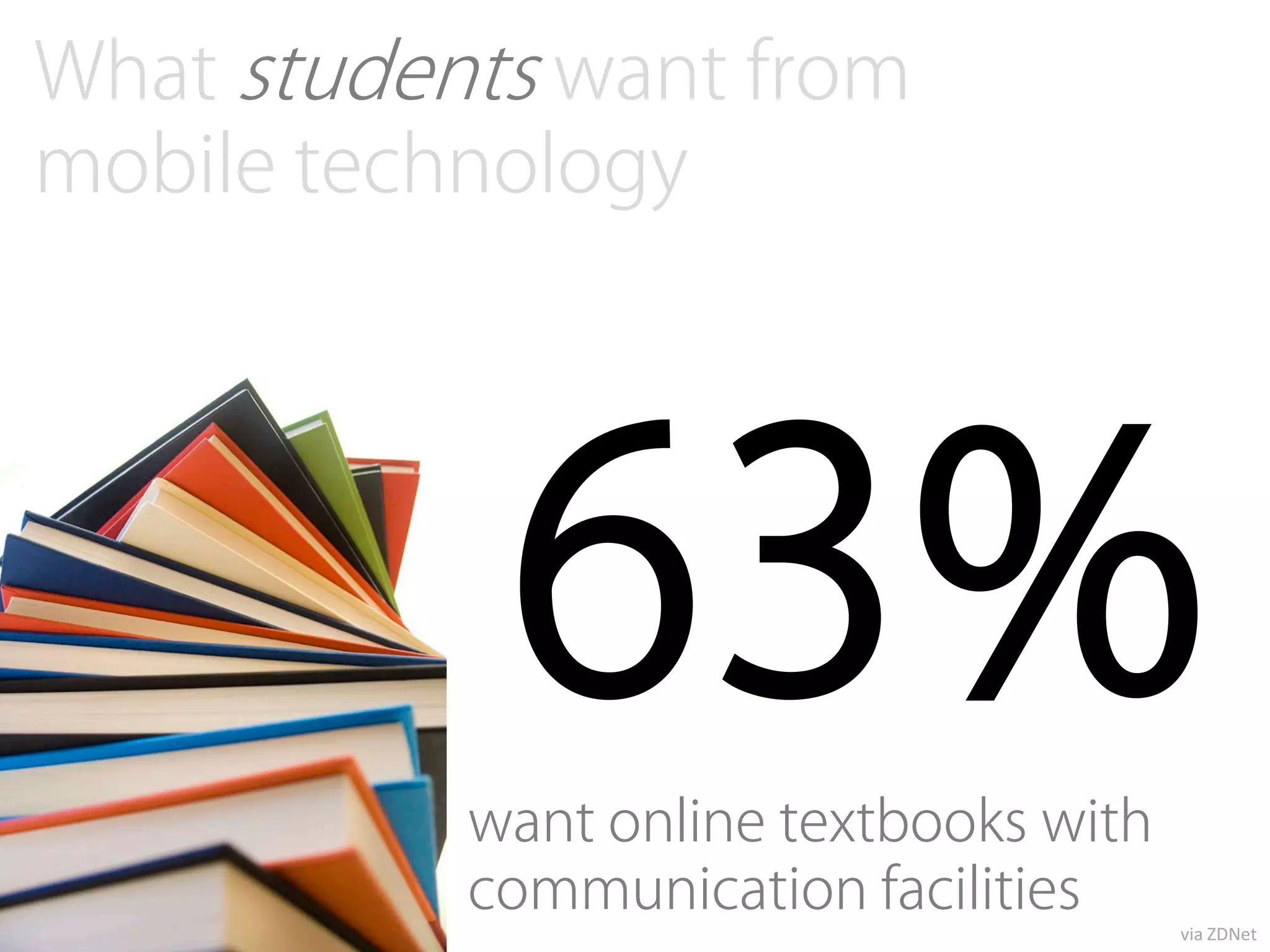
What students want from
mobile technology


            63%
           want online textbooks with
           communication facilities
                                        via ZDNet
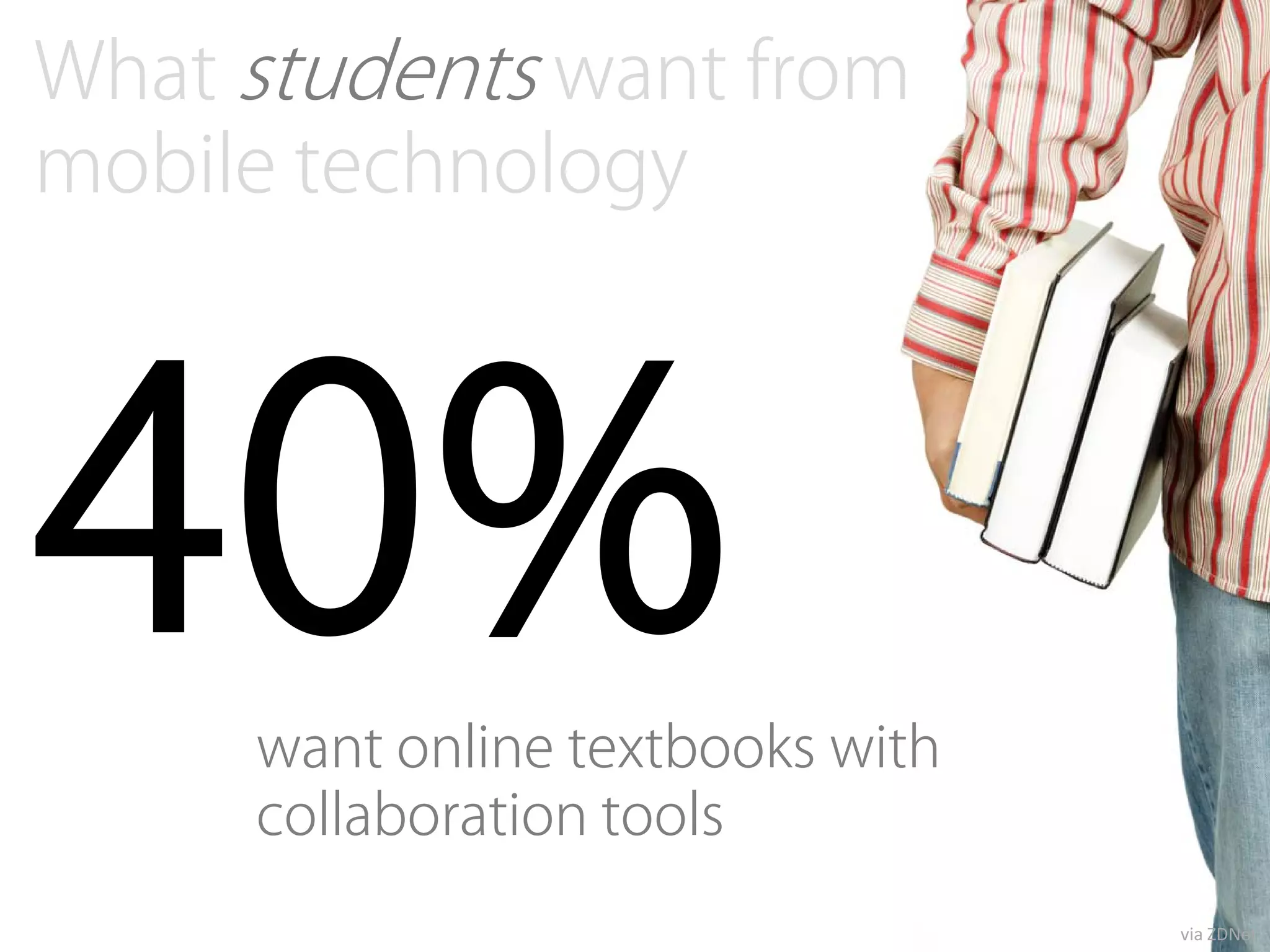
What students want from
mobile technology


40%  want online textbooks with
     collaboration tools
                                  via ZDNet
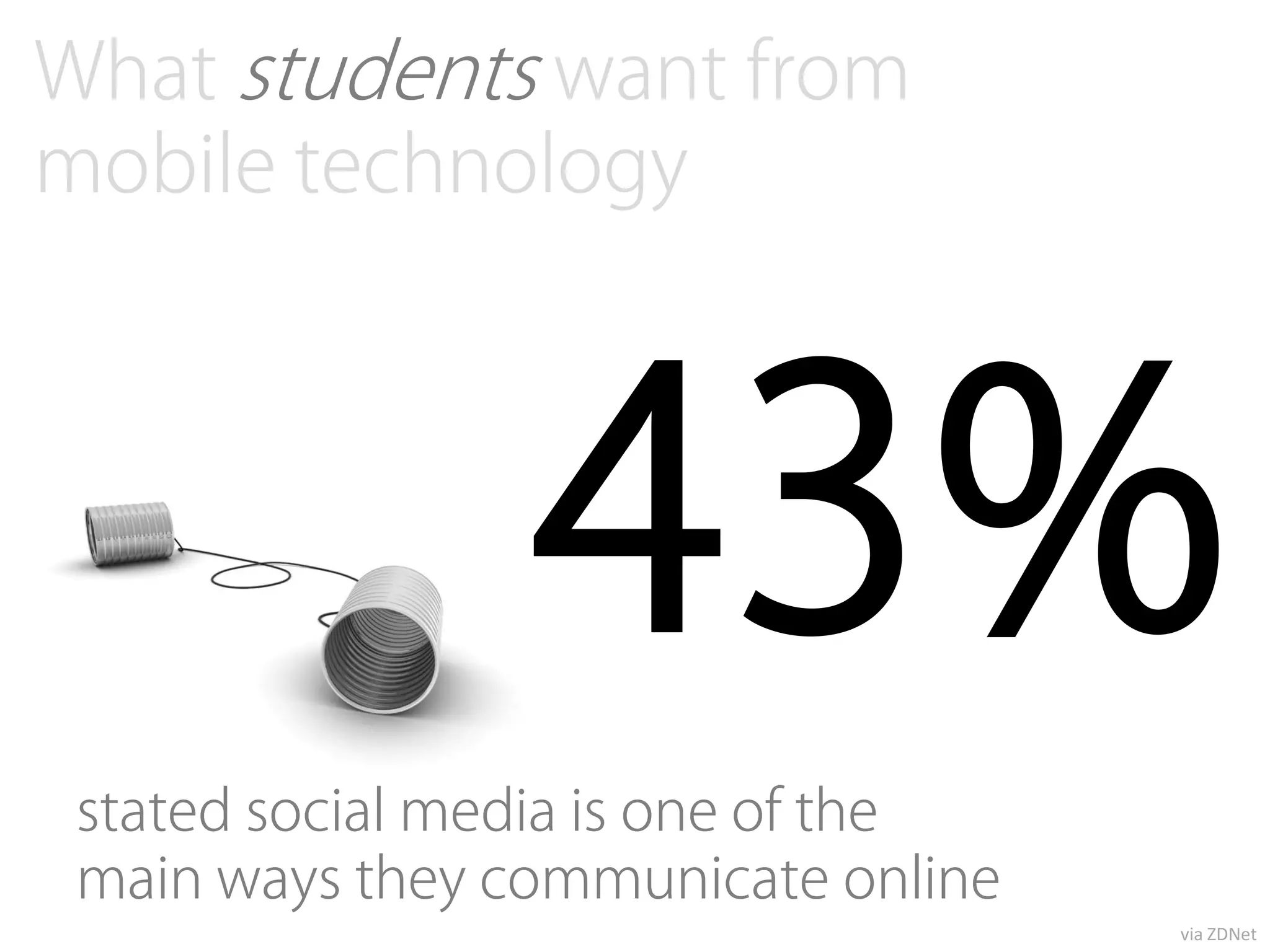
What students want from
mobile technology


                 43%
 stated social media is one of the
 main ways they communicate online
                                     via ZDNet
What do YOU
want from mobile technology?
remember...
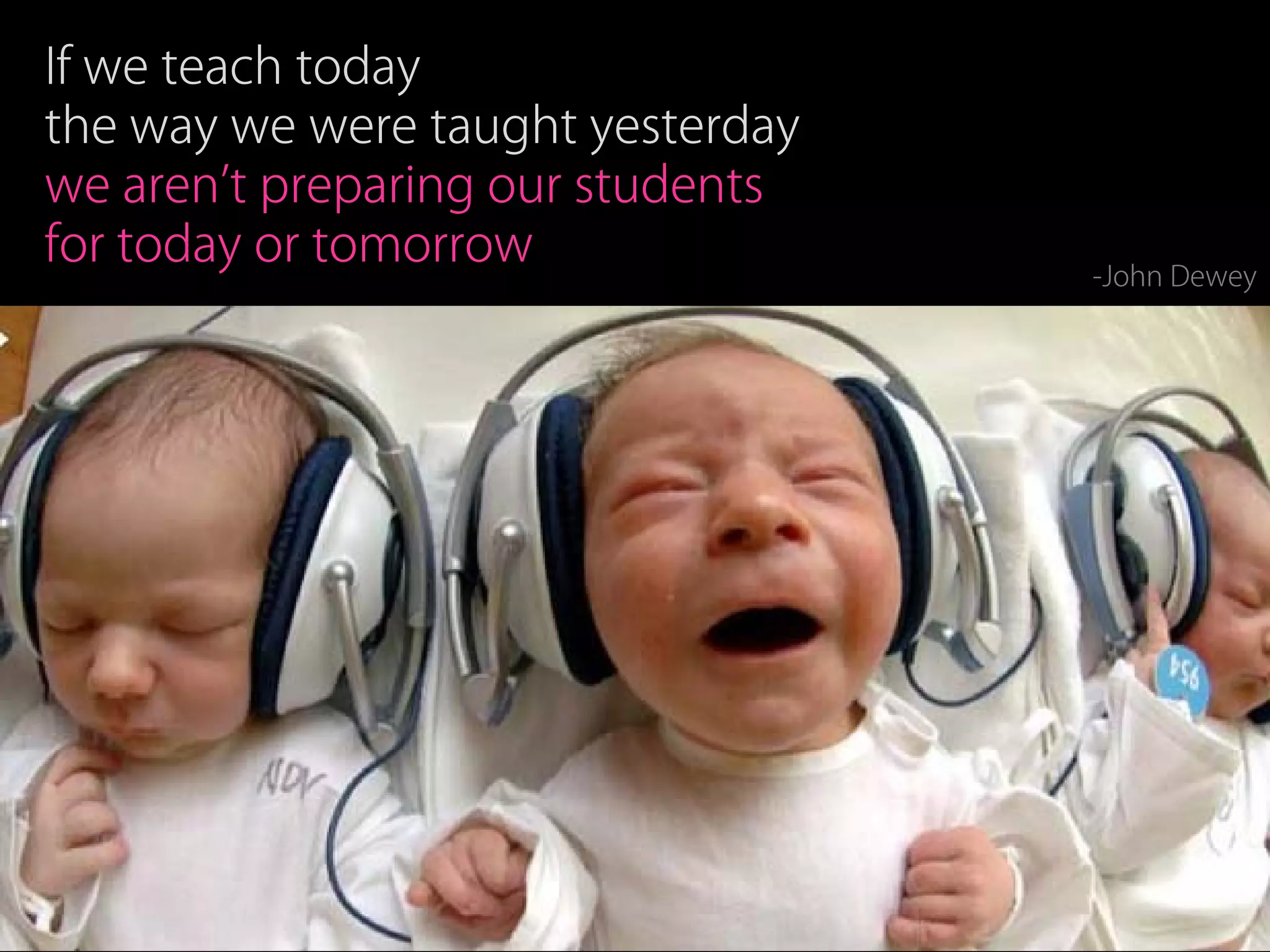
If we teach today
the way we were taught yesterday
we aren’t preparing our students
for today or tomorrow
                                   -John Dewey
Nuts and
   Bolts
Are there any limitations?
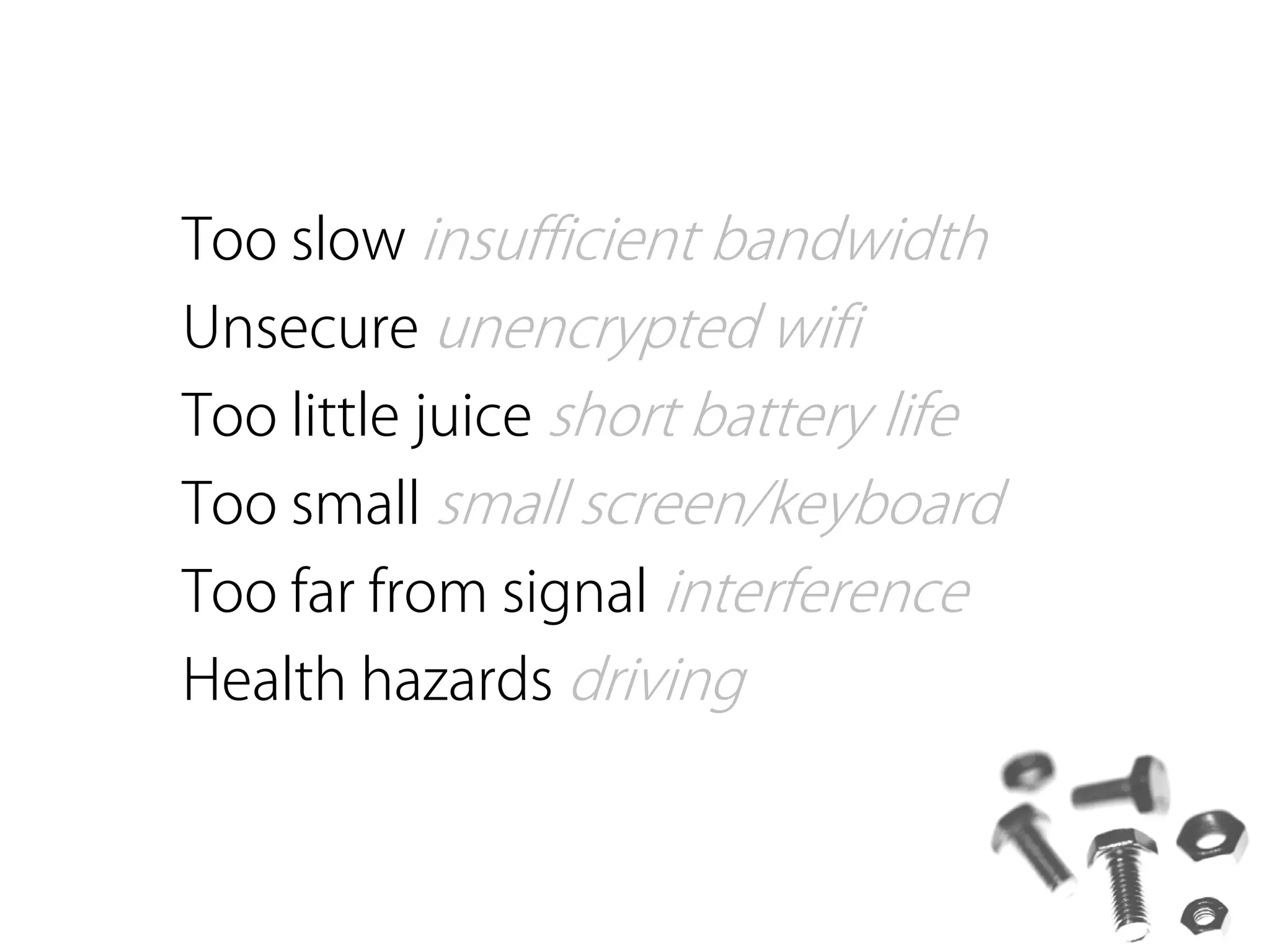
Too slow insufficient bandwidth
Unsecure unencrypted wifi
Too little juice short battery life
Too small small screen/keyboard
Too far from signal interference
Health hazards driving
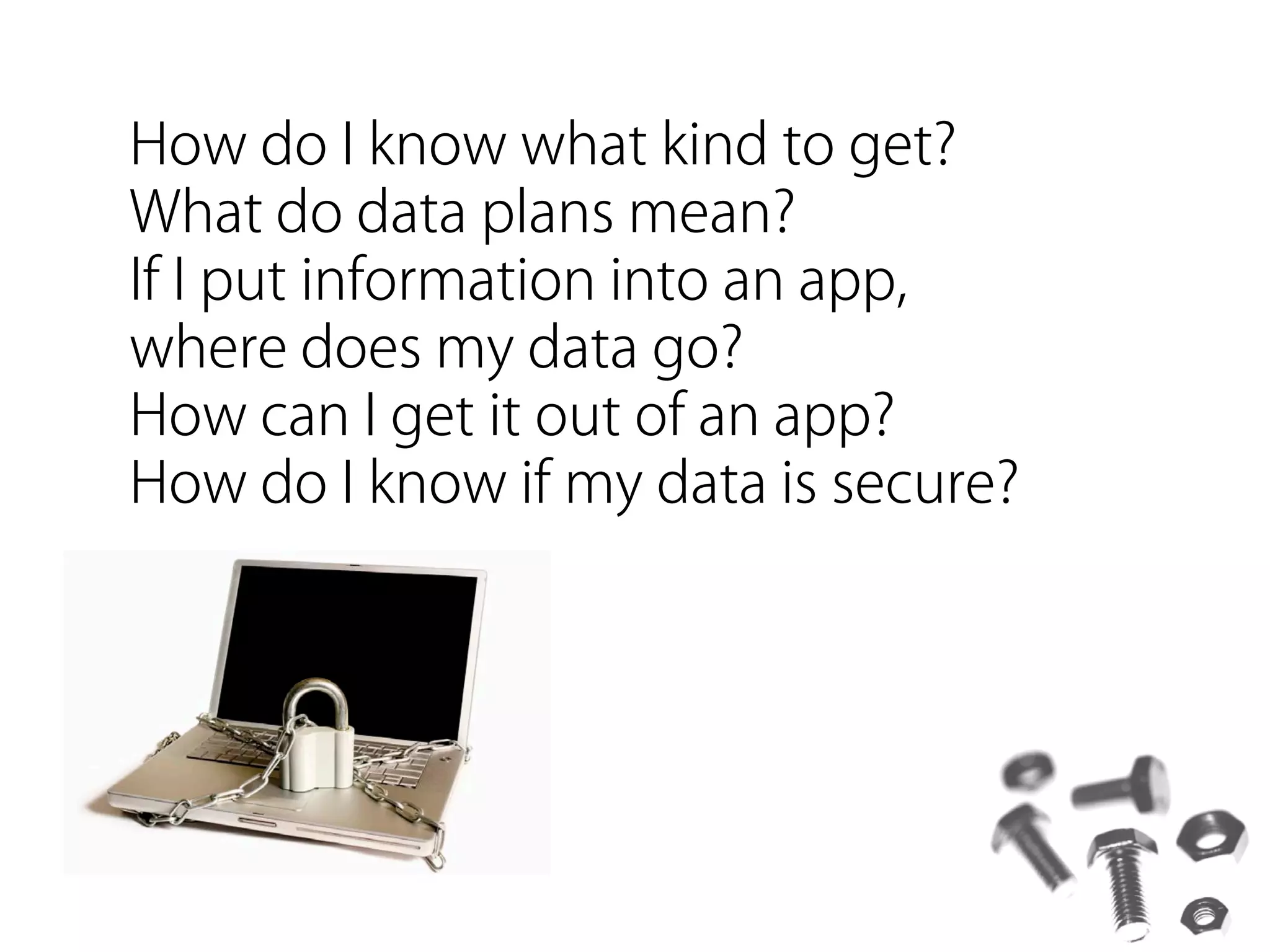
How do I know what kind to get?
What do data plans mean?
If I put information into an app,
where does my data go?
How can I get it out of an app?
How do I know if my data is secure?
there always seems to be some
homework...
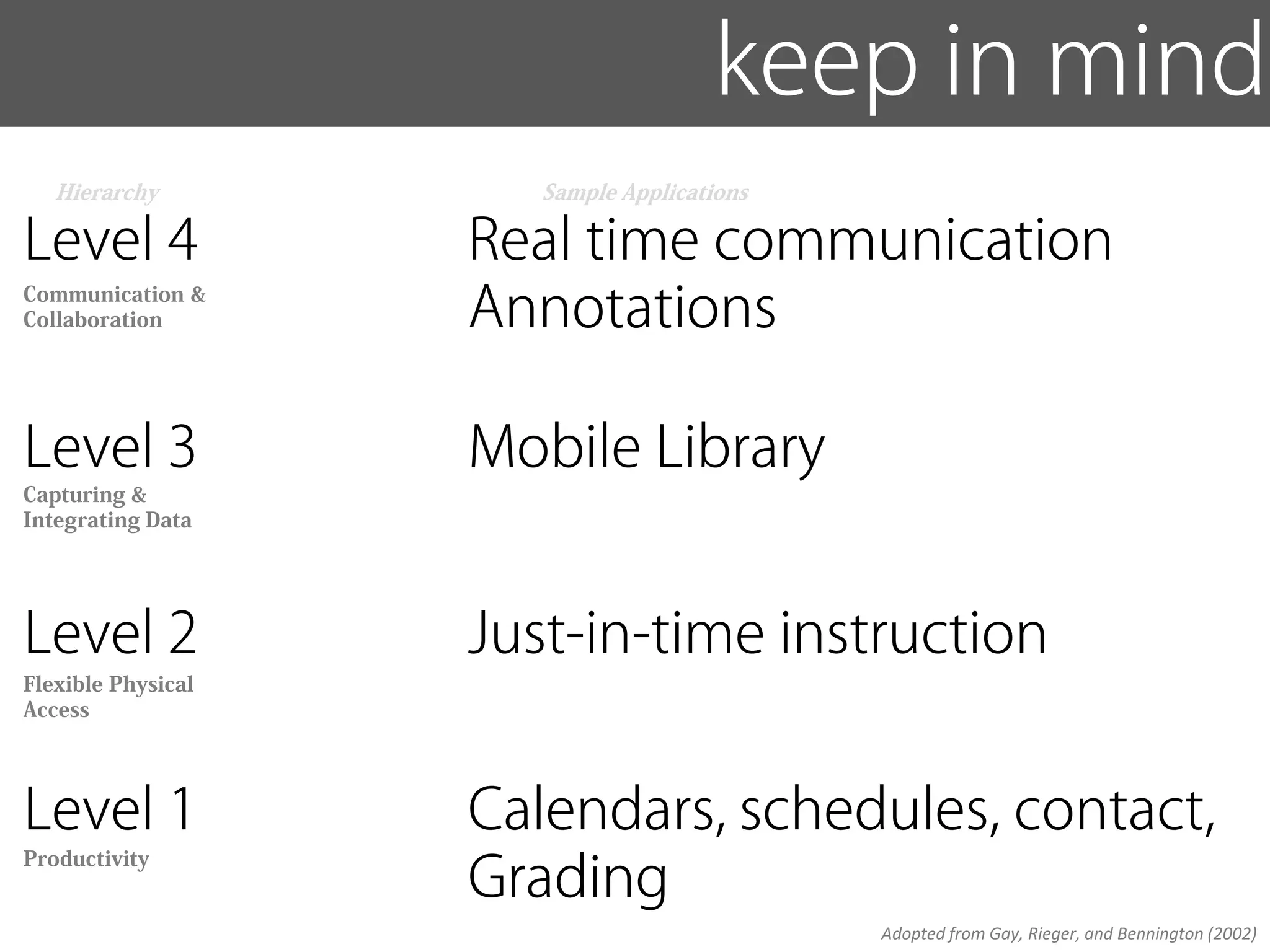
keep in mind
   Hierarchy           Sample Applications

Level 4             Real time communication
Communication &
Collaboration       Annotations

Level 3             Mobile Library
Capturing &
Integrating Data


Level 2             Just-in-time instruction
Flexible Physical
Access


Level 1             Calendars, schedules, contact,
                    Grading
Productivity


                                             Adopted from Gay, Rieger, and Bennington (2002)
Examples some examples
 Tools for
     Teaching
Examples some examples
 Tools for
     Teaching, citations
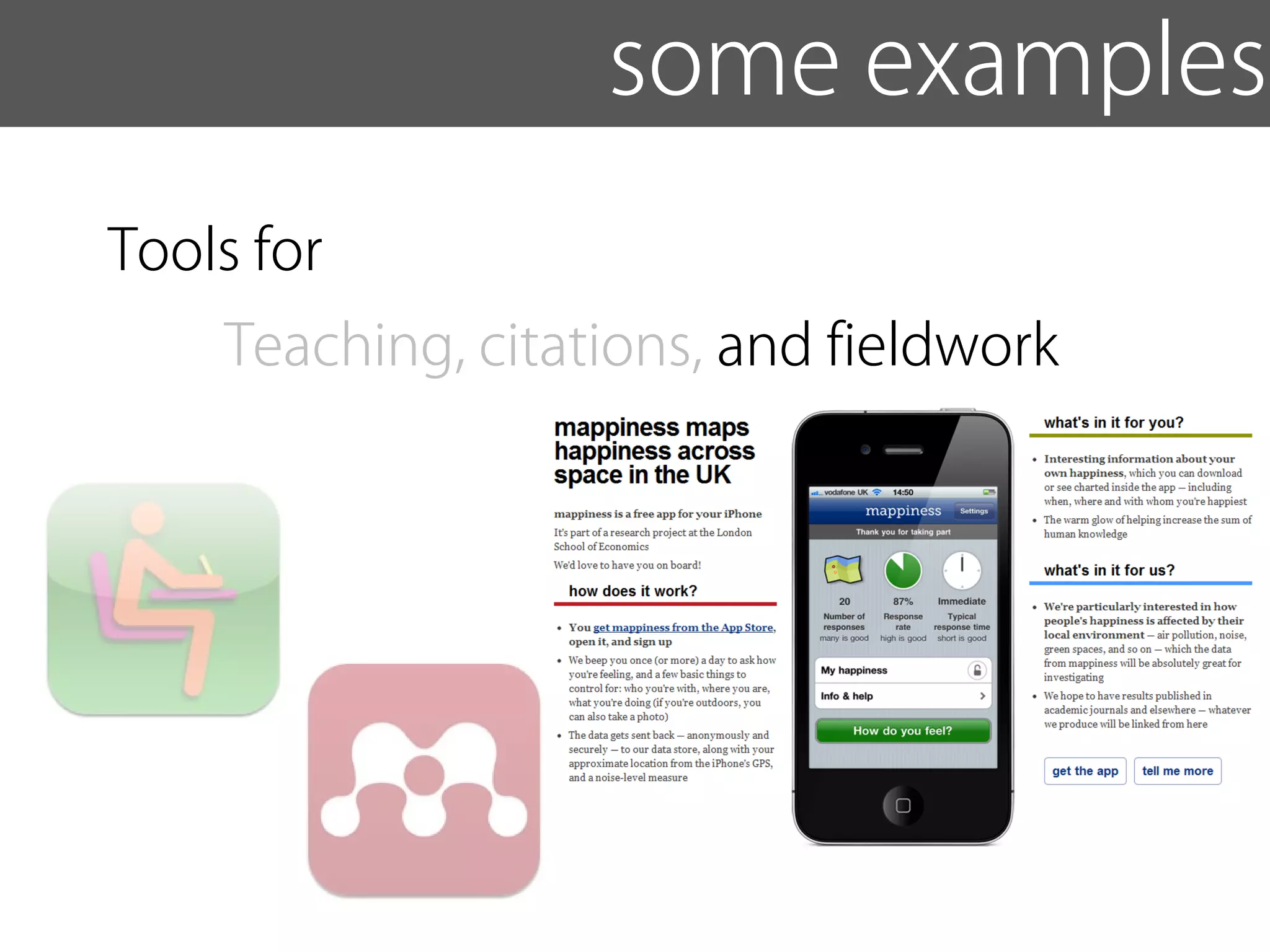
Examples some examples
 Tools for
     Teaching, citations, and fieldwork
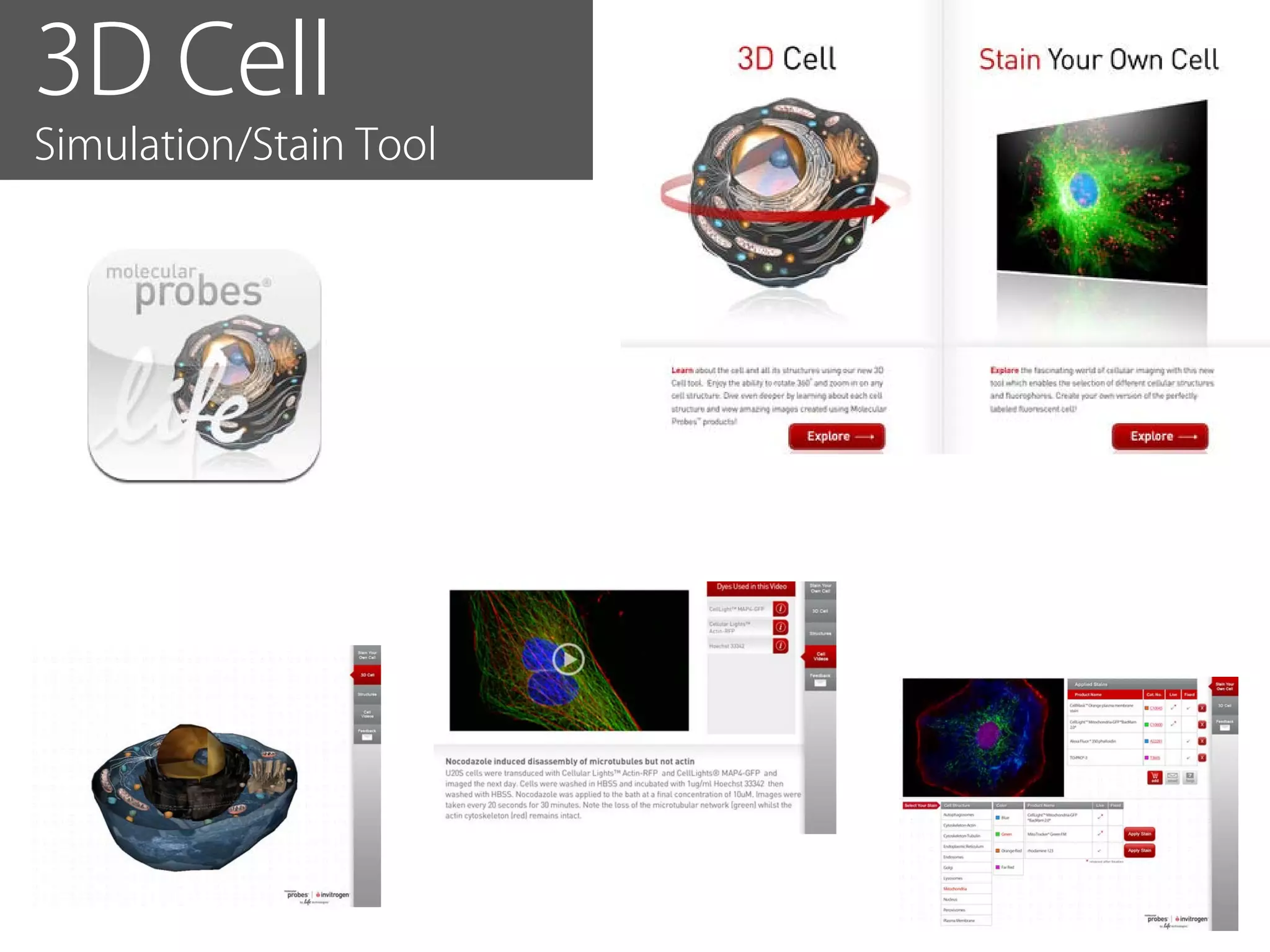
3D Cell
Simulation/Stain Tool
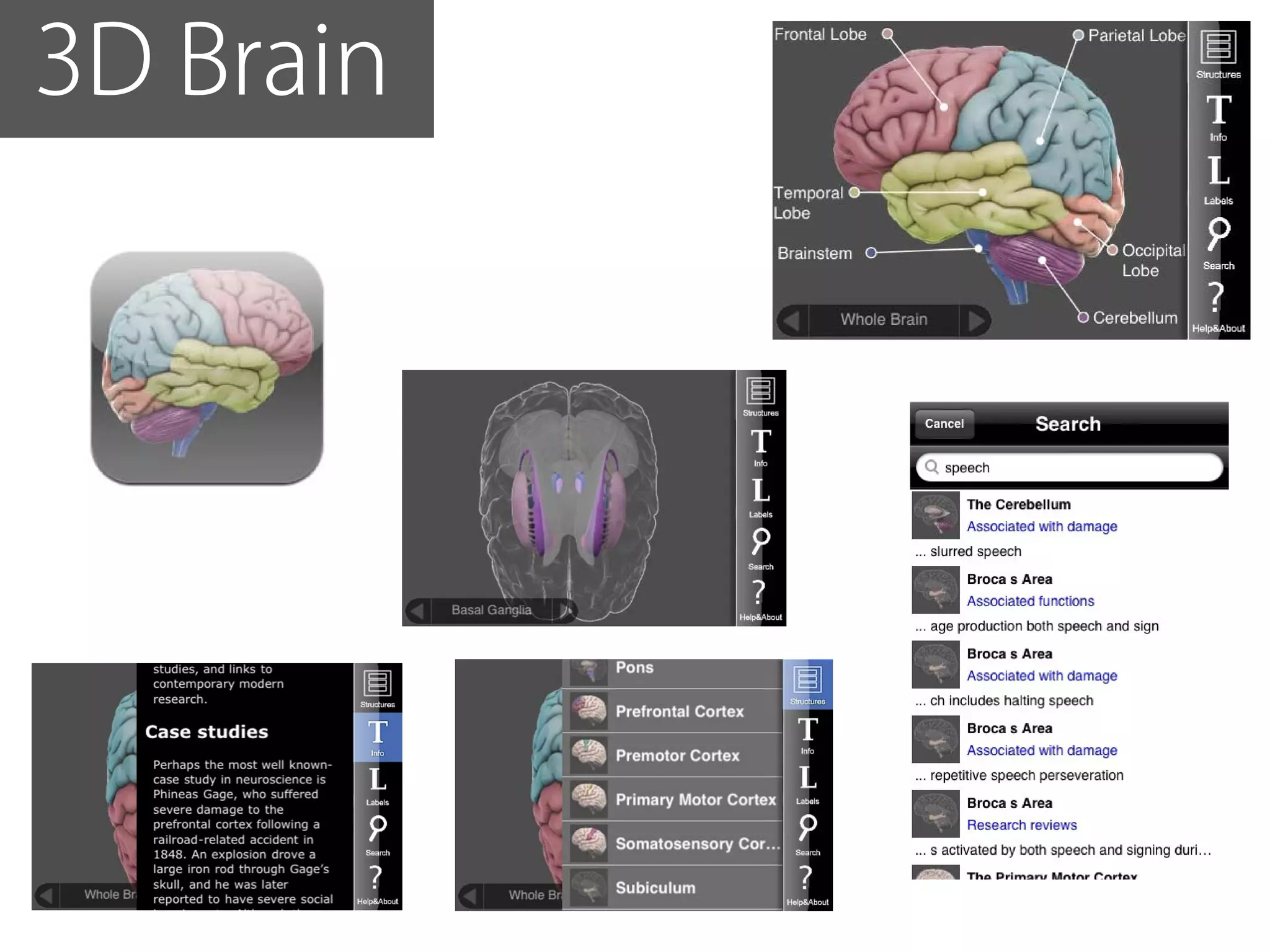
3D Brain
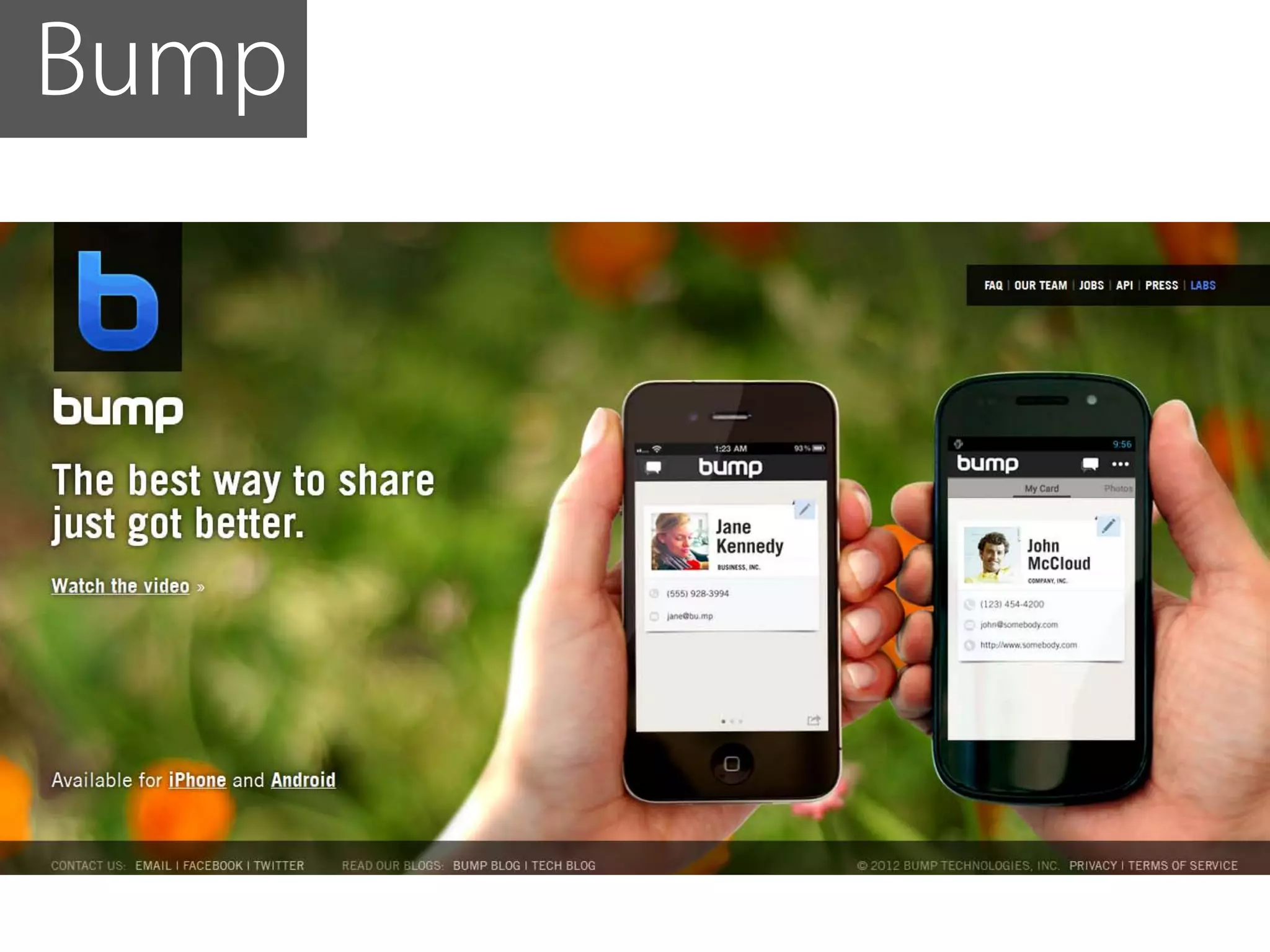
Bump
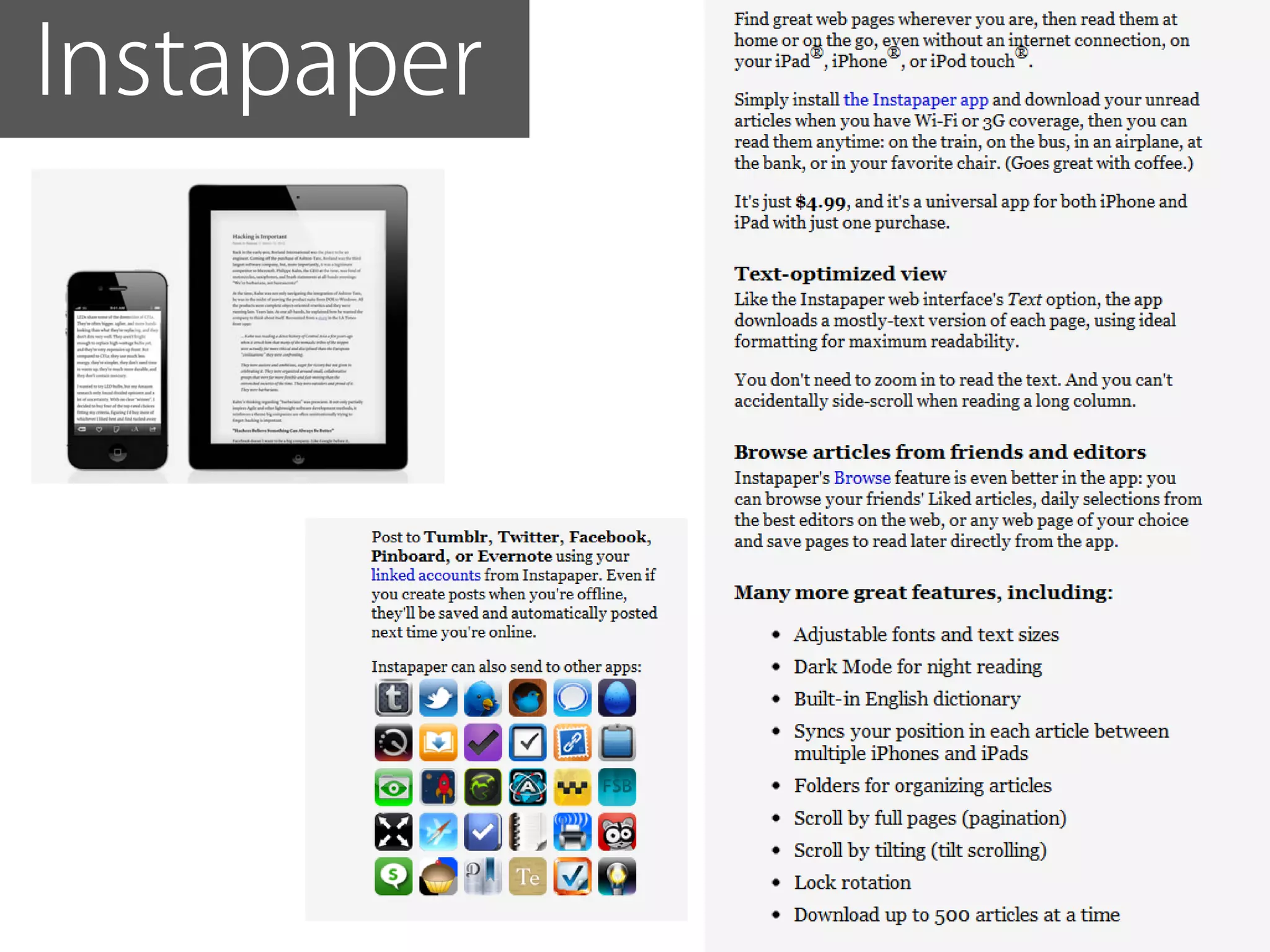
Instapaper
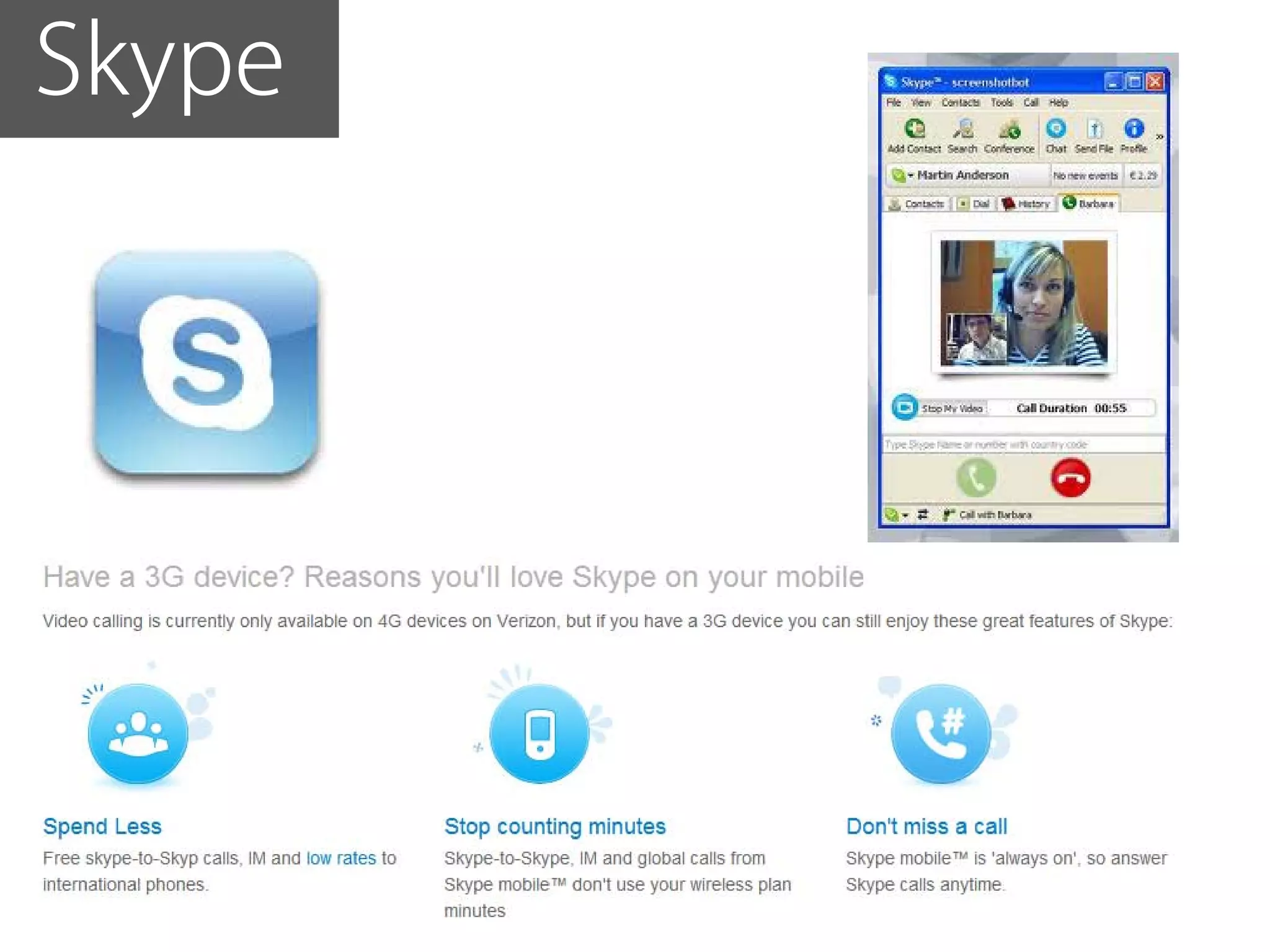
Skype
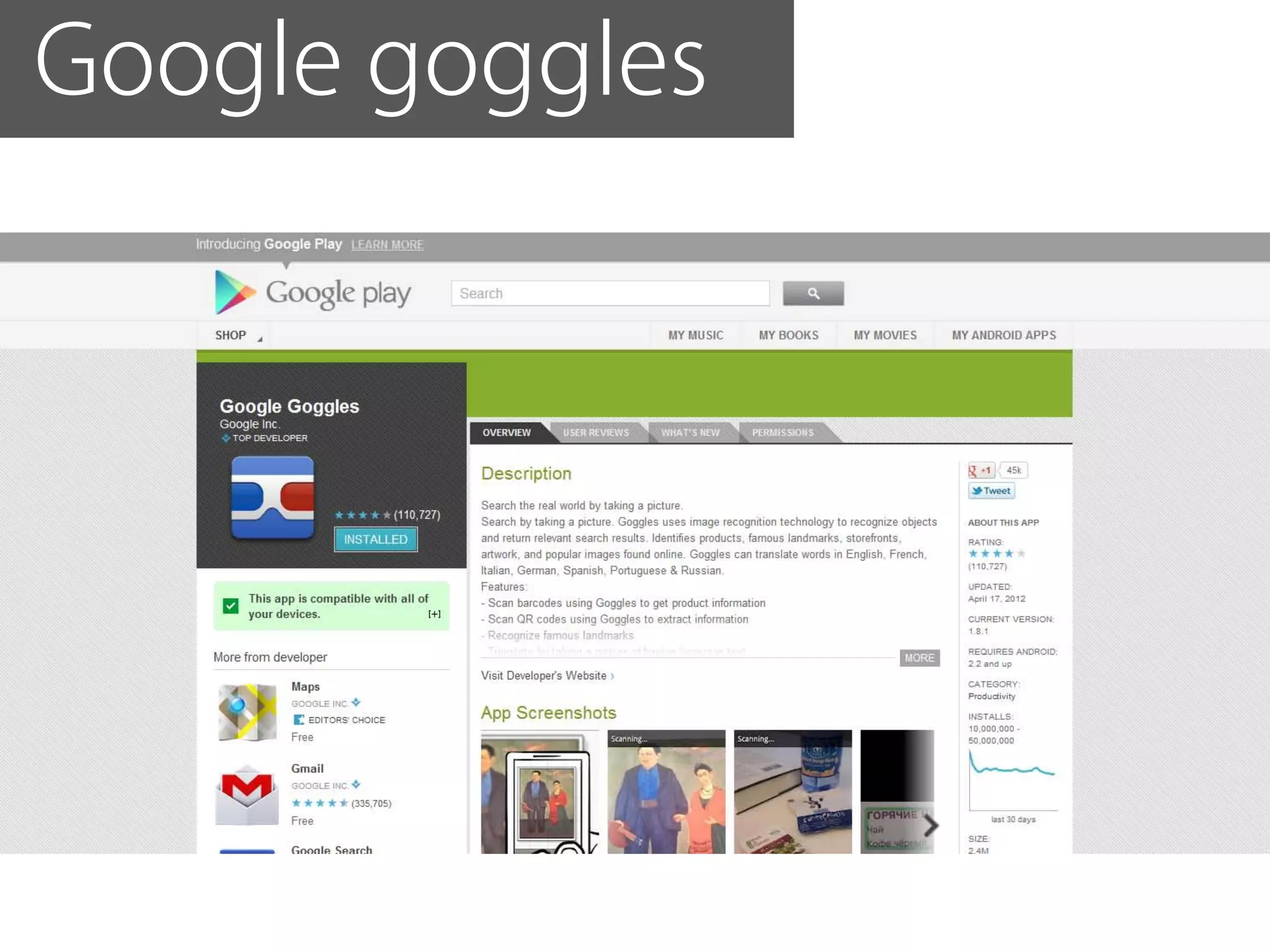
Google goggles
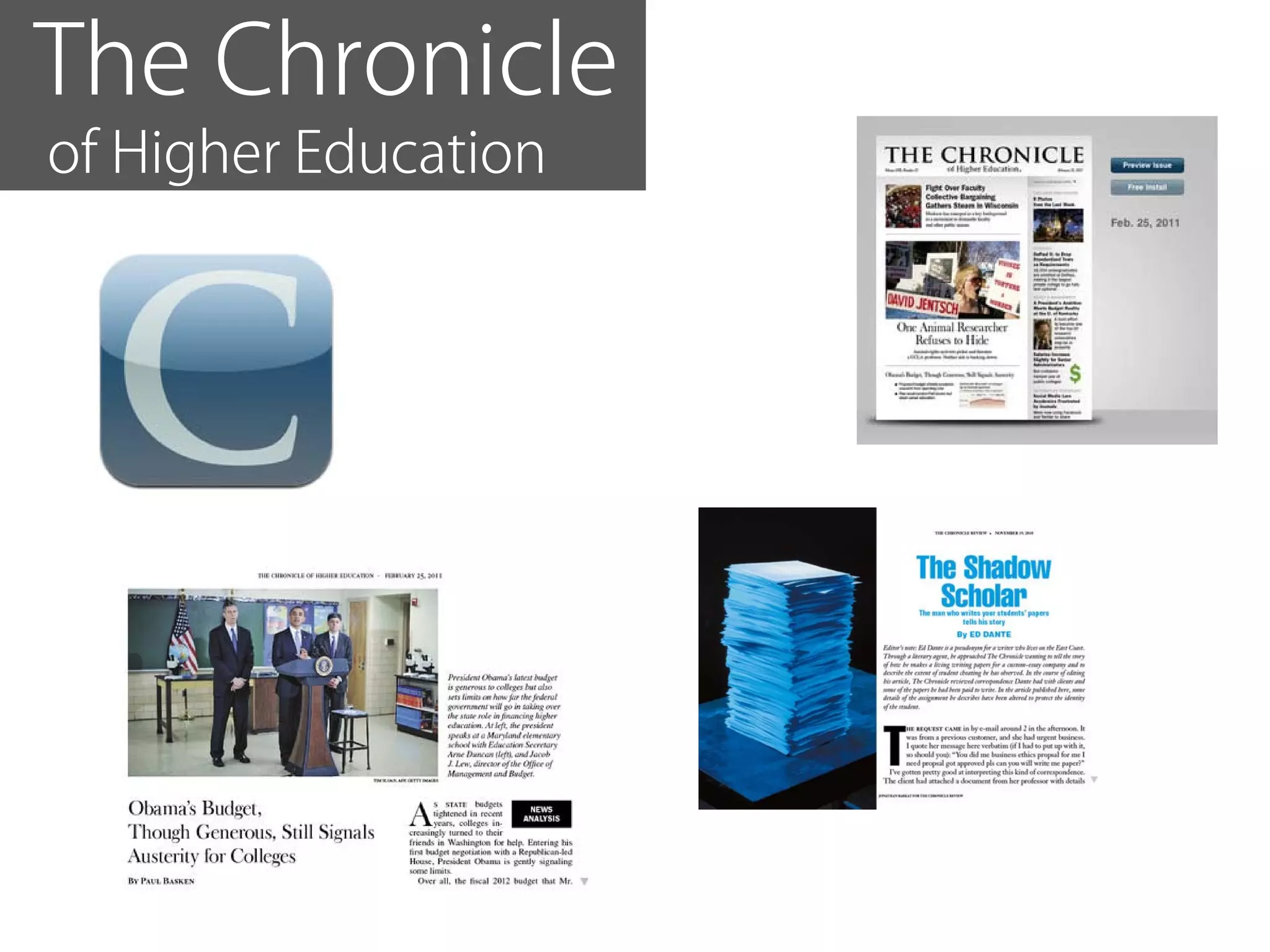
The Chronicle
of Higher Education
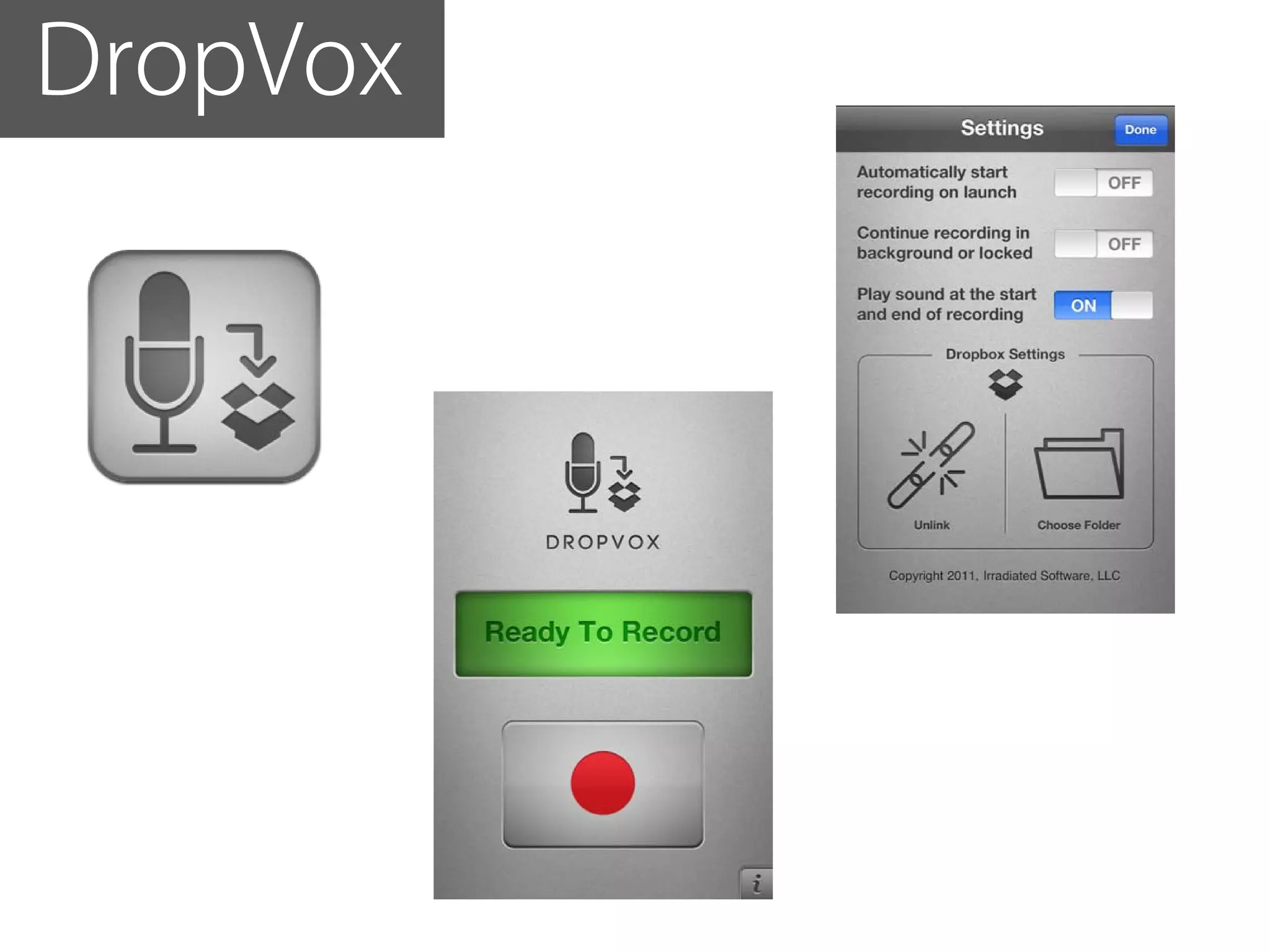
DropVox
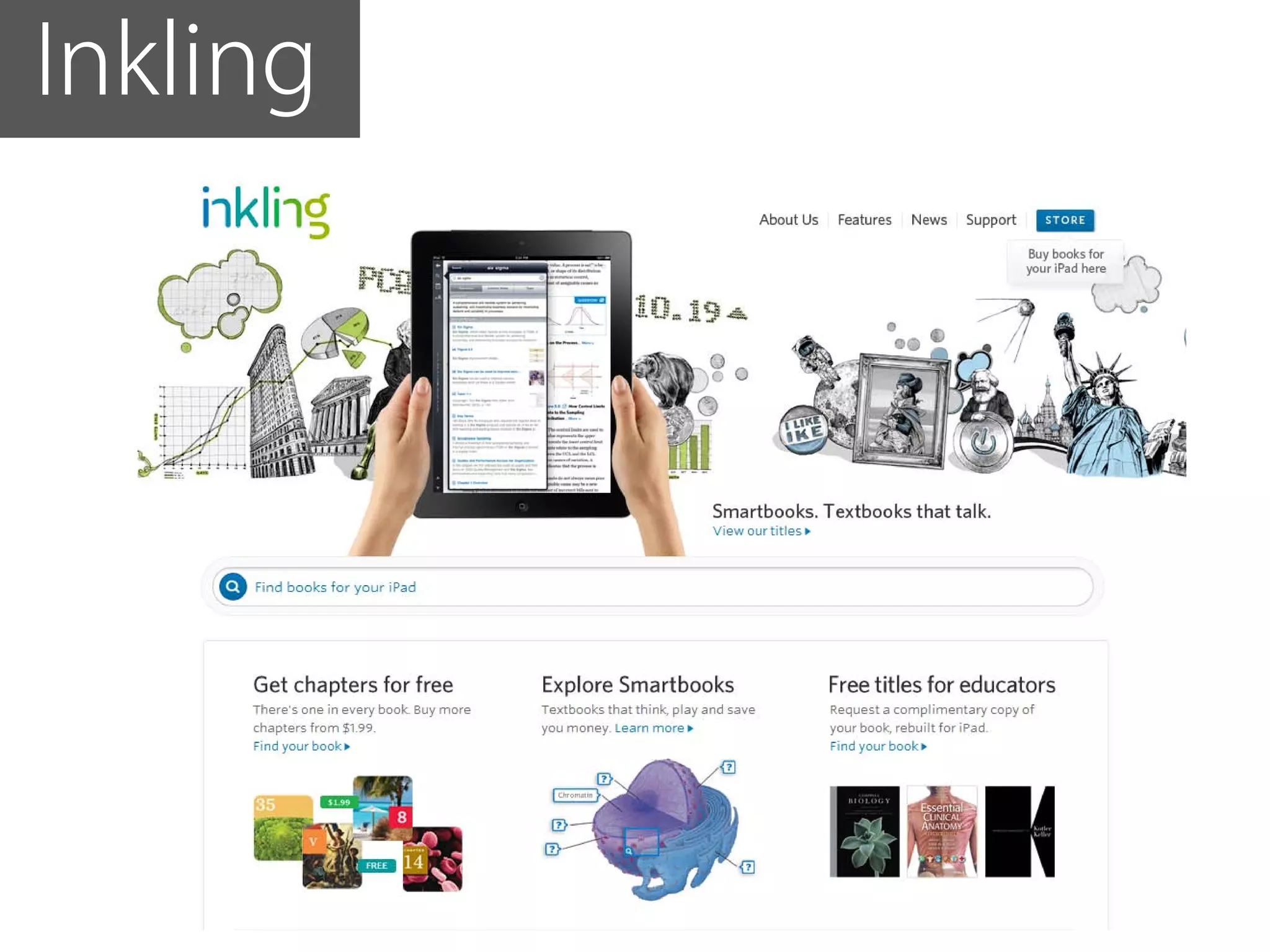
Inkling
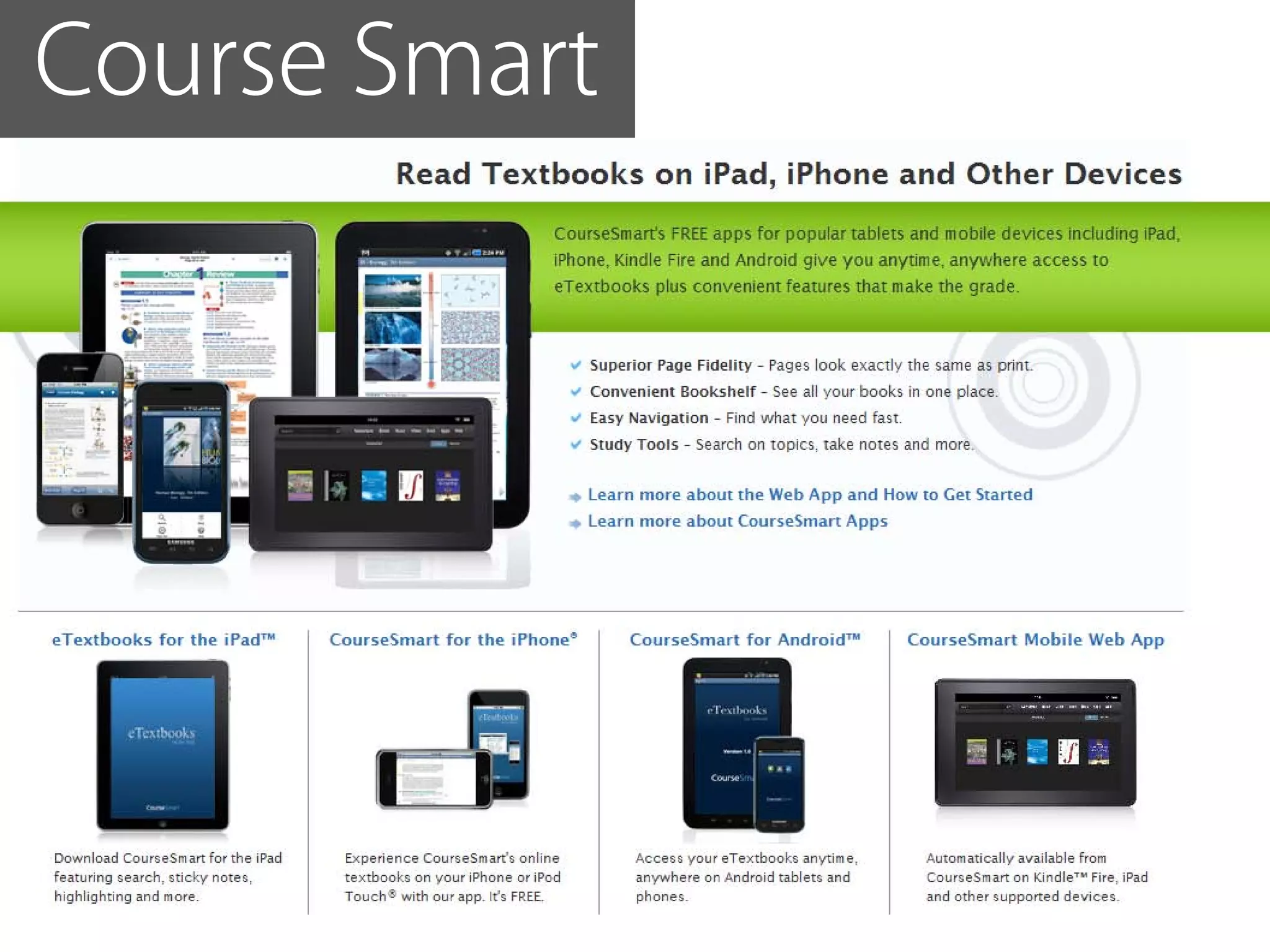
Course Smart
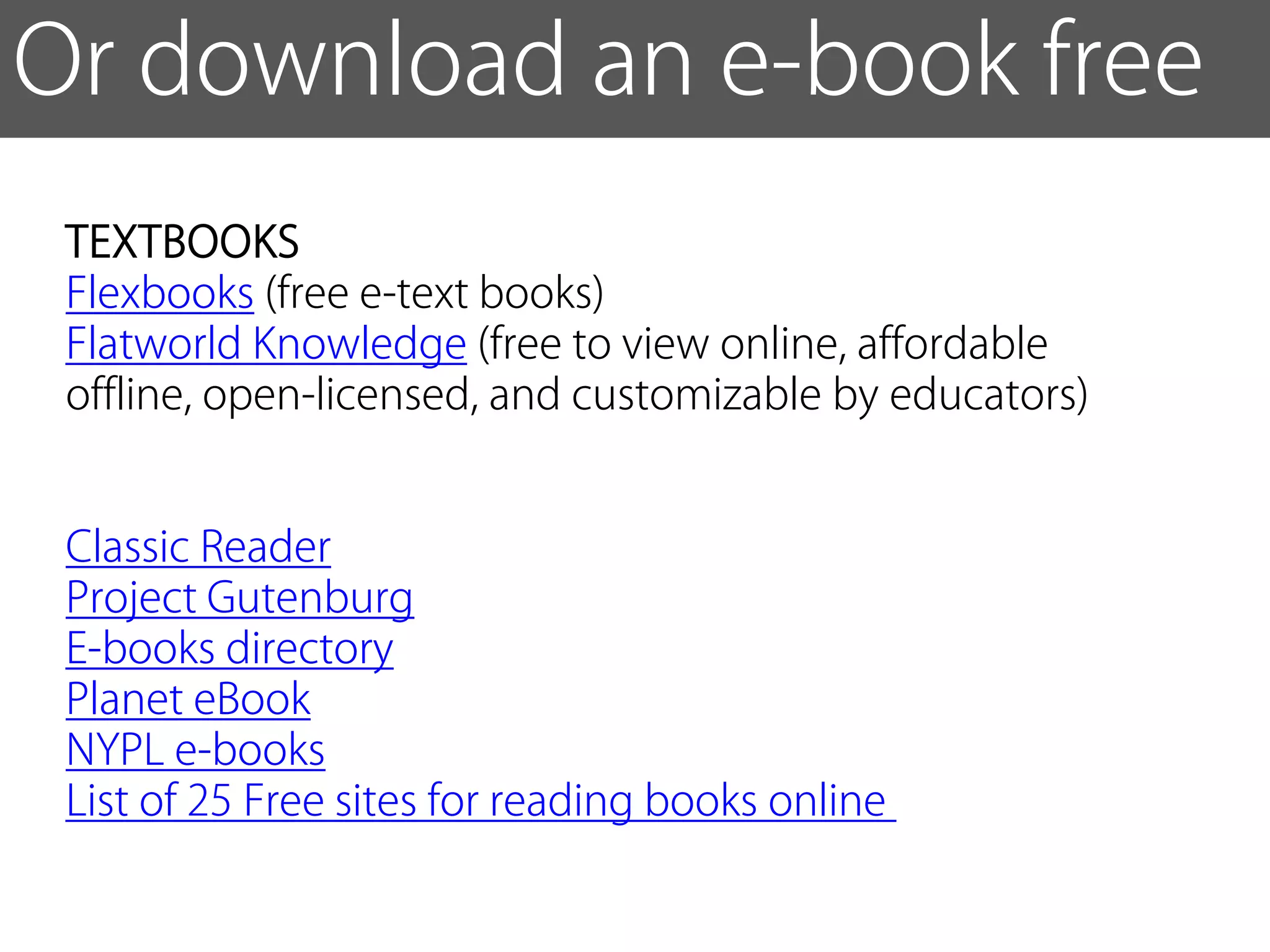
Or download an e-book free
 TEXTBOOKS
 Flexbooks (free e-text books)
 Flatworld Knowledge (free to view online, affordable
 offline, open-licensed, and customizable by educators)


 Classic Reader
 Project Gutenburg
 E-books directory
 Planet eBook
 NYPL e-books
 List of 25 Free sites for reading books online
remember, mobile computing
is not just about apps...
it’s a platform...
What do YOU
want from mobile technology?
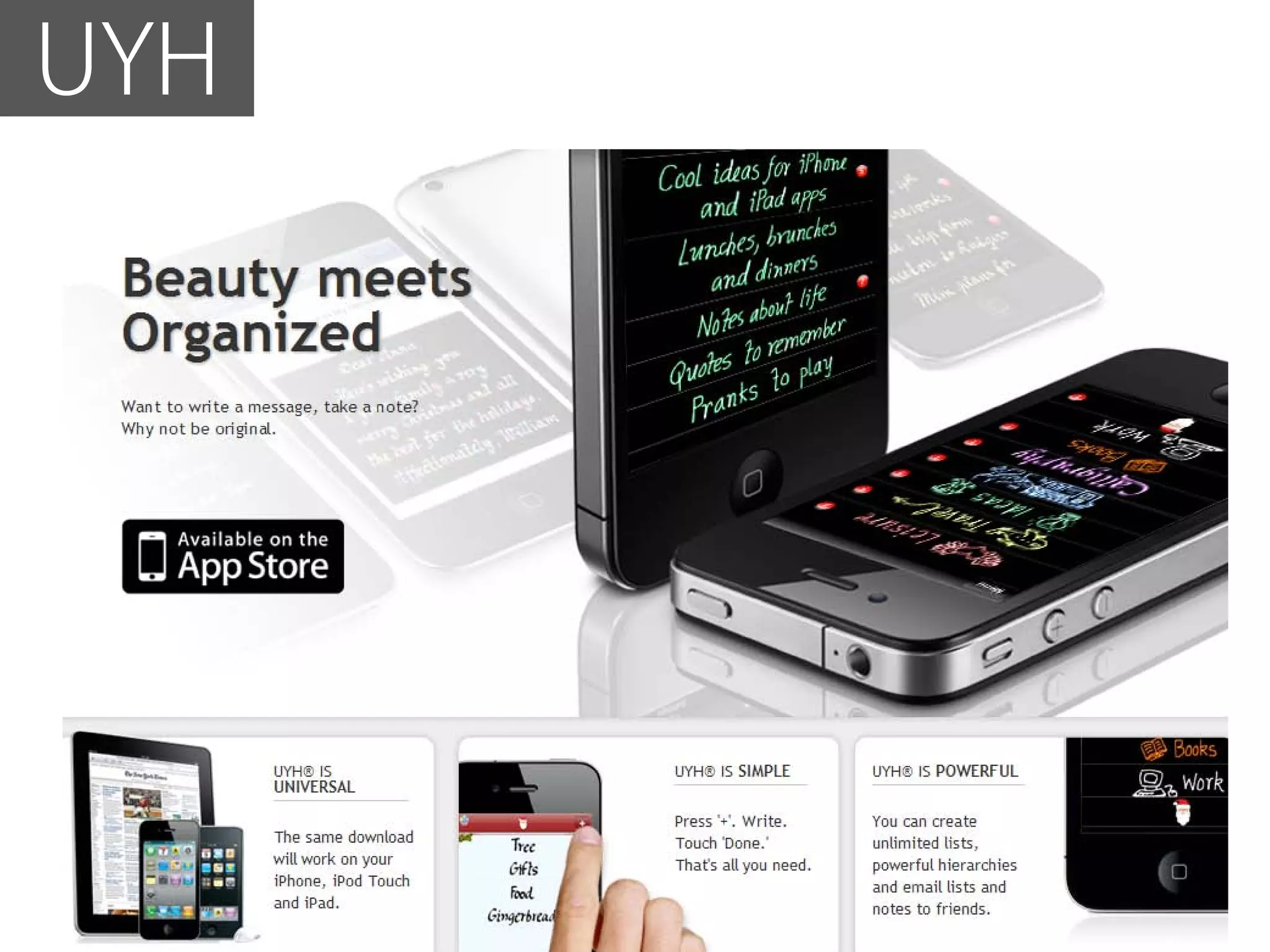
UYH
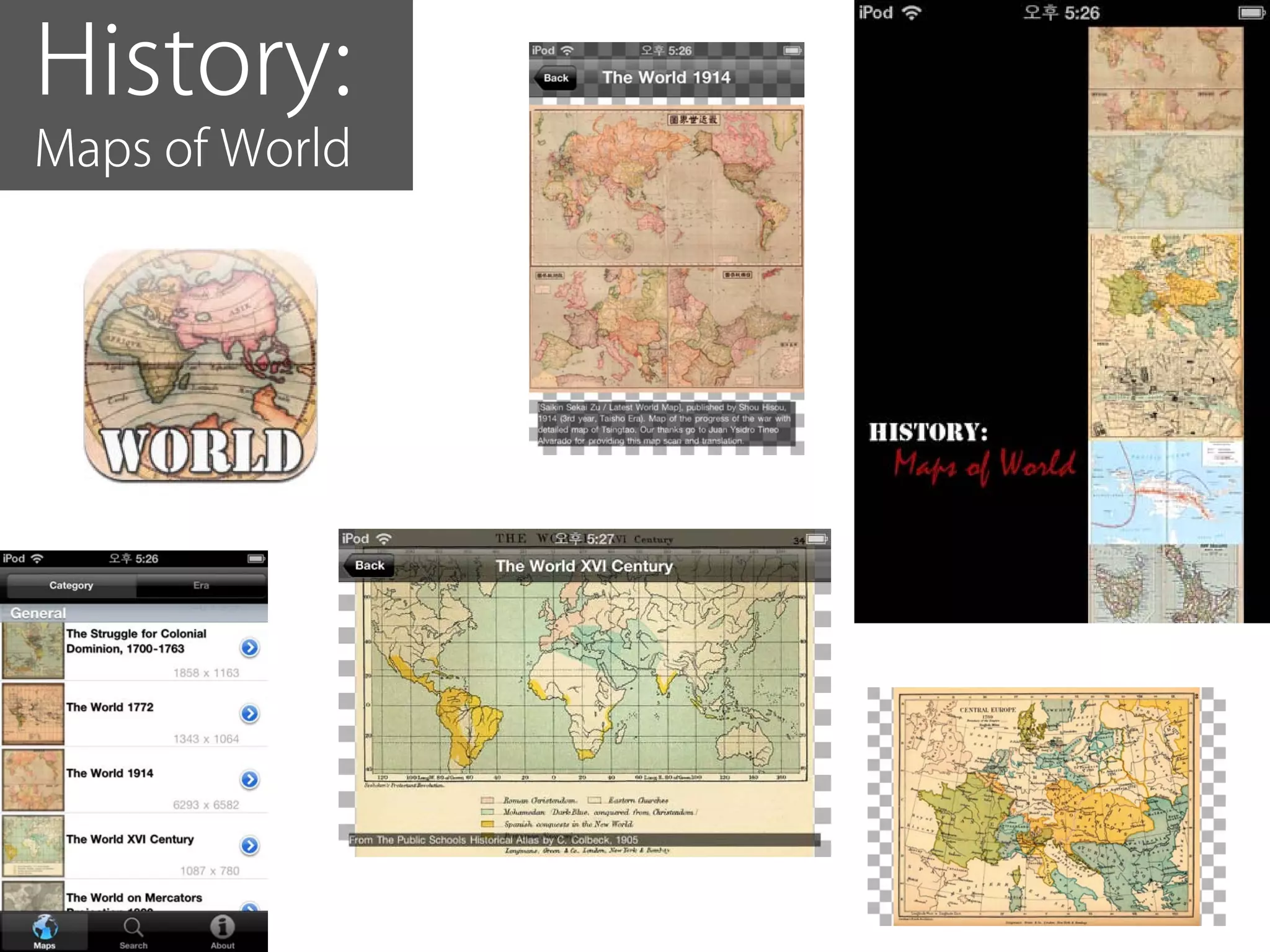
History:
Maps of World
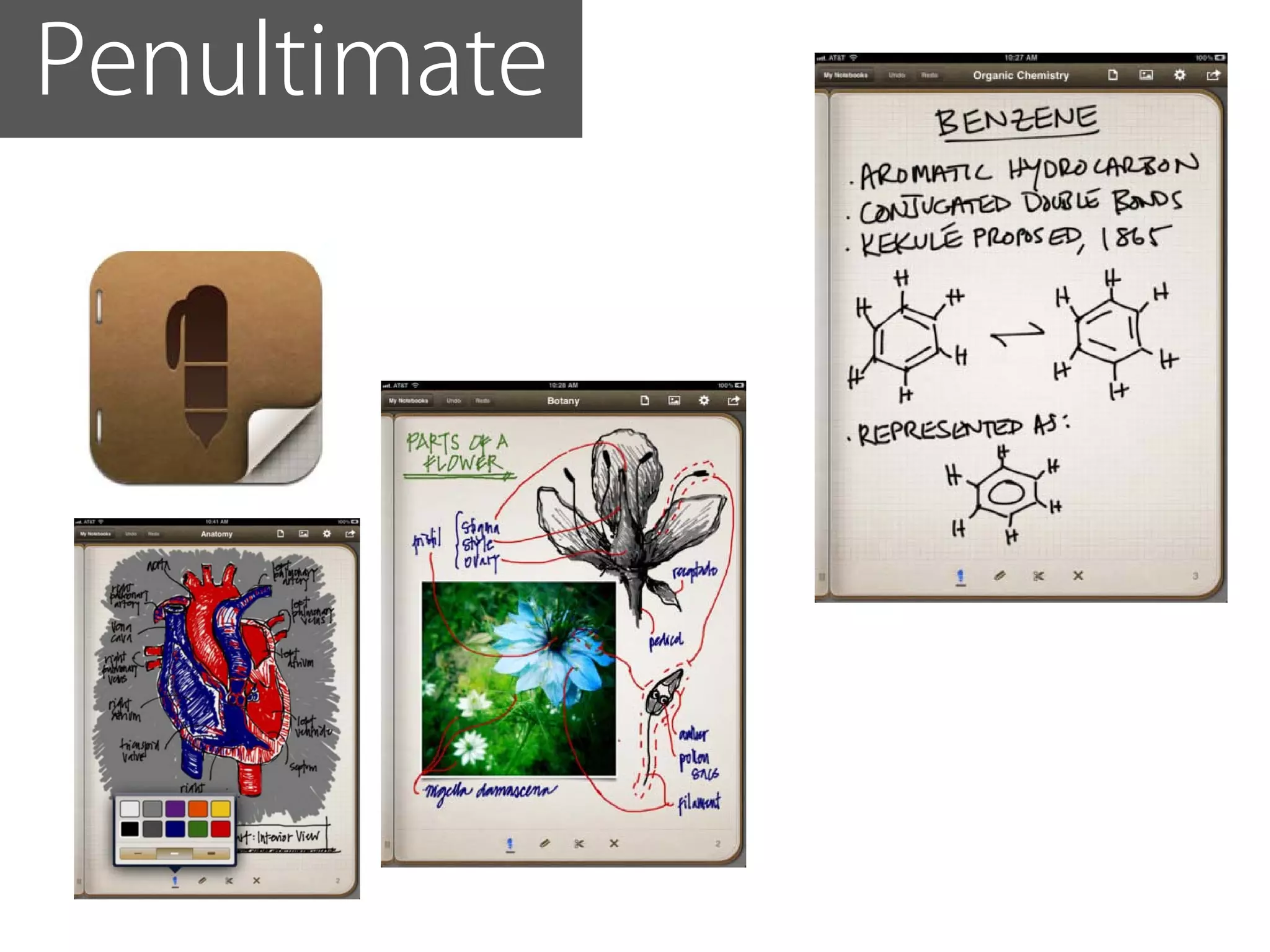
Penultimate
Zite
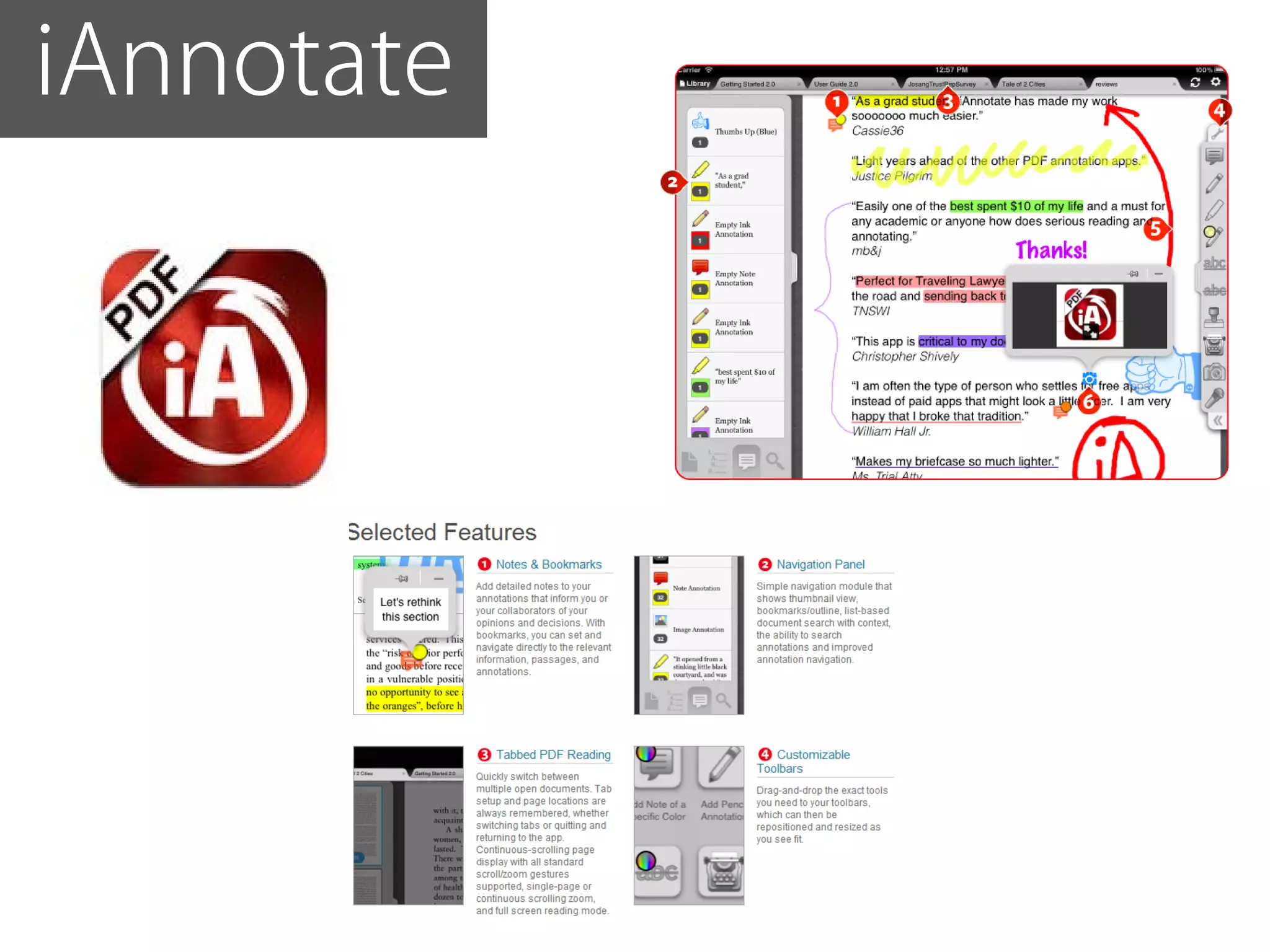
iAnnotate
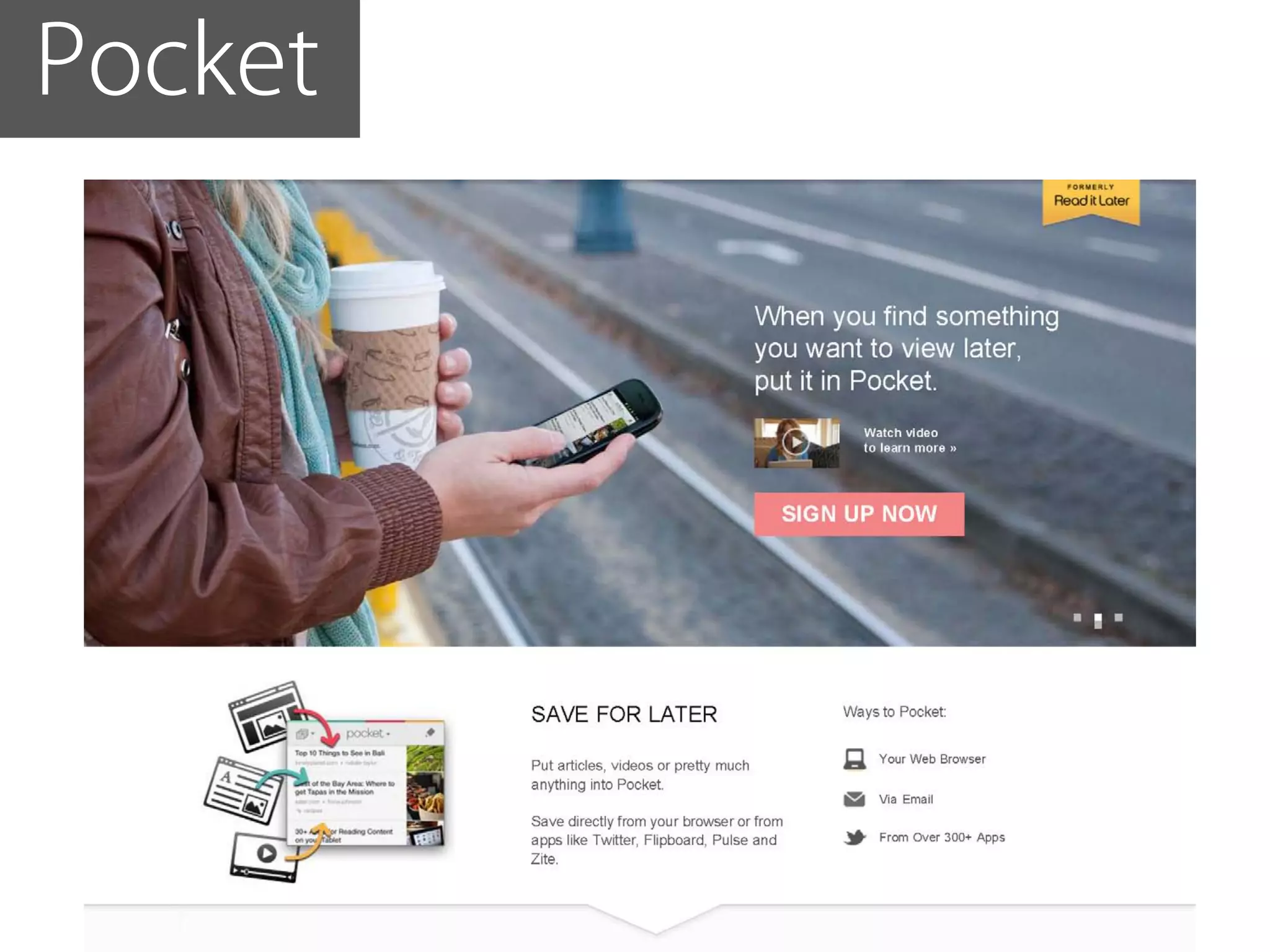
Pocket
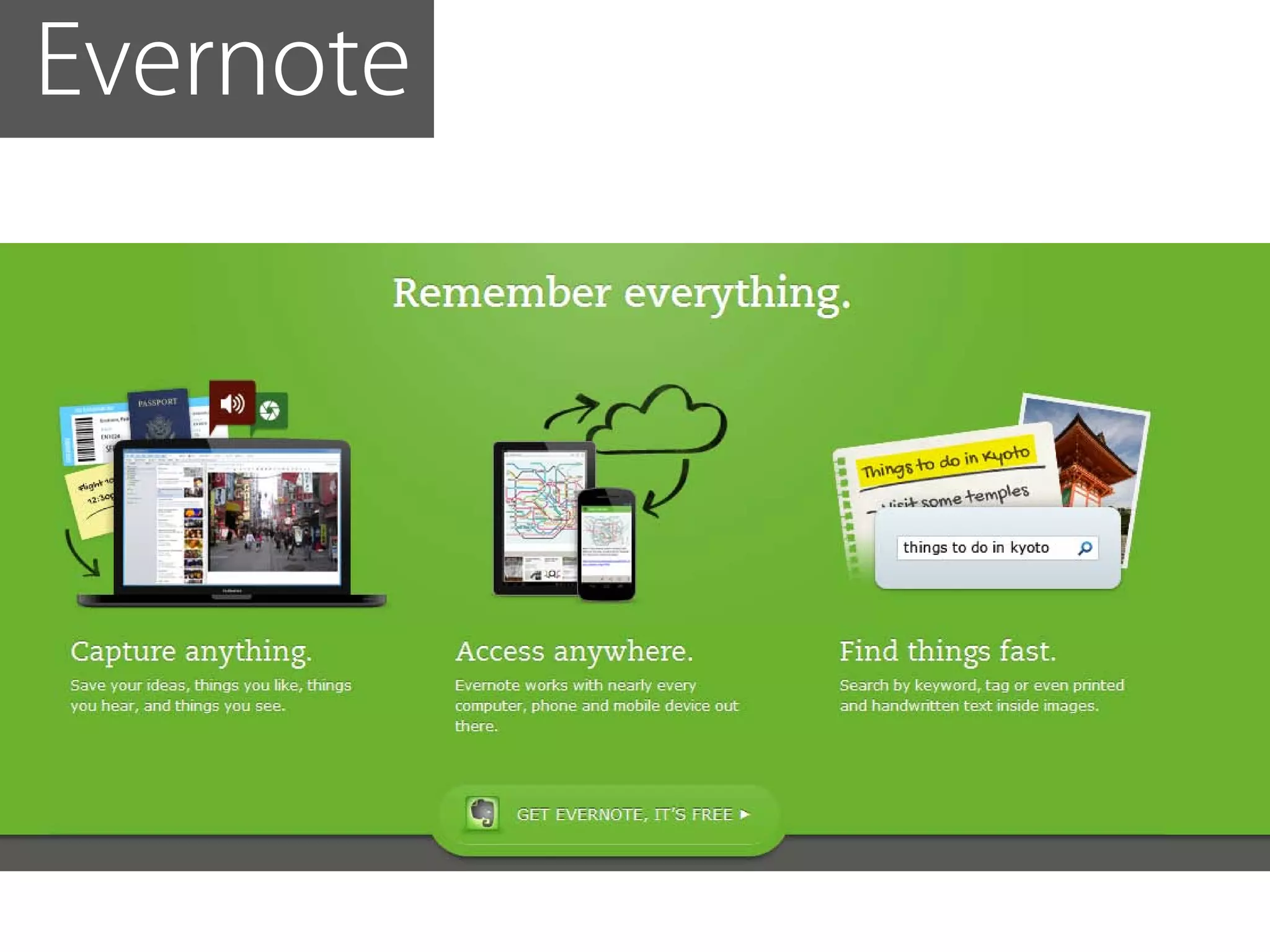
Evernote
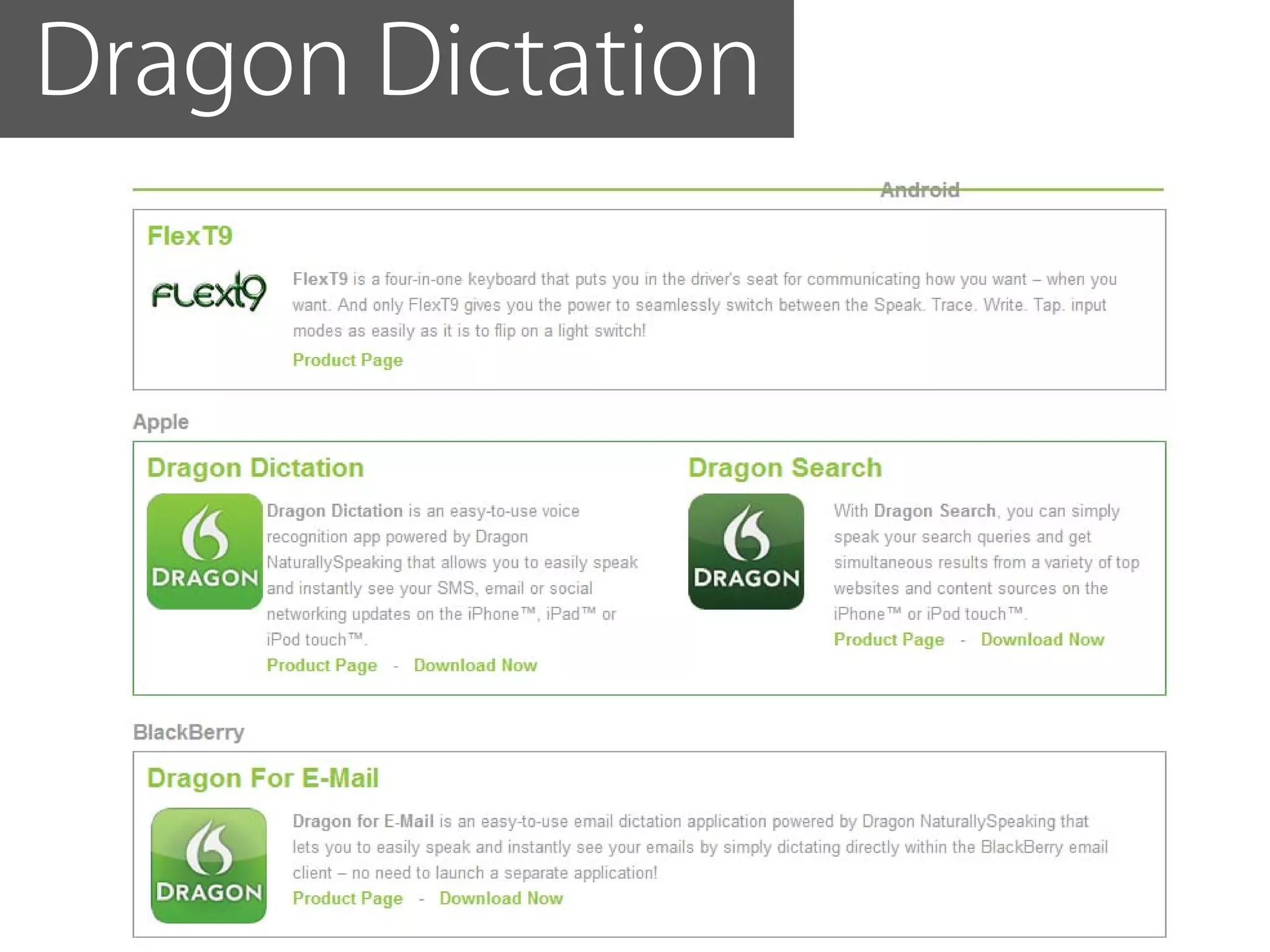
Dragon Dictation
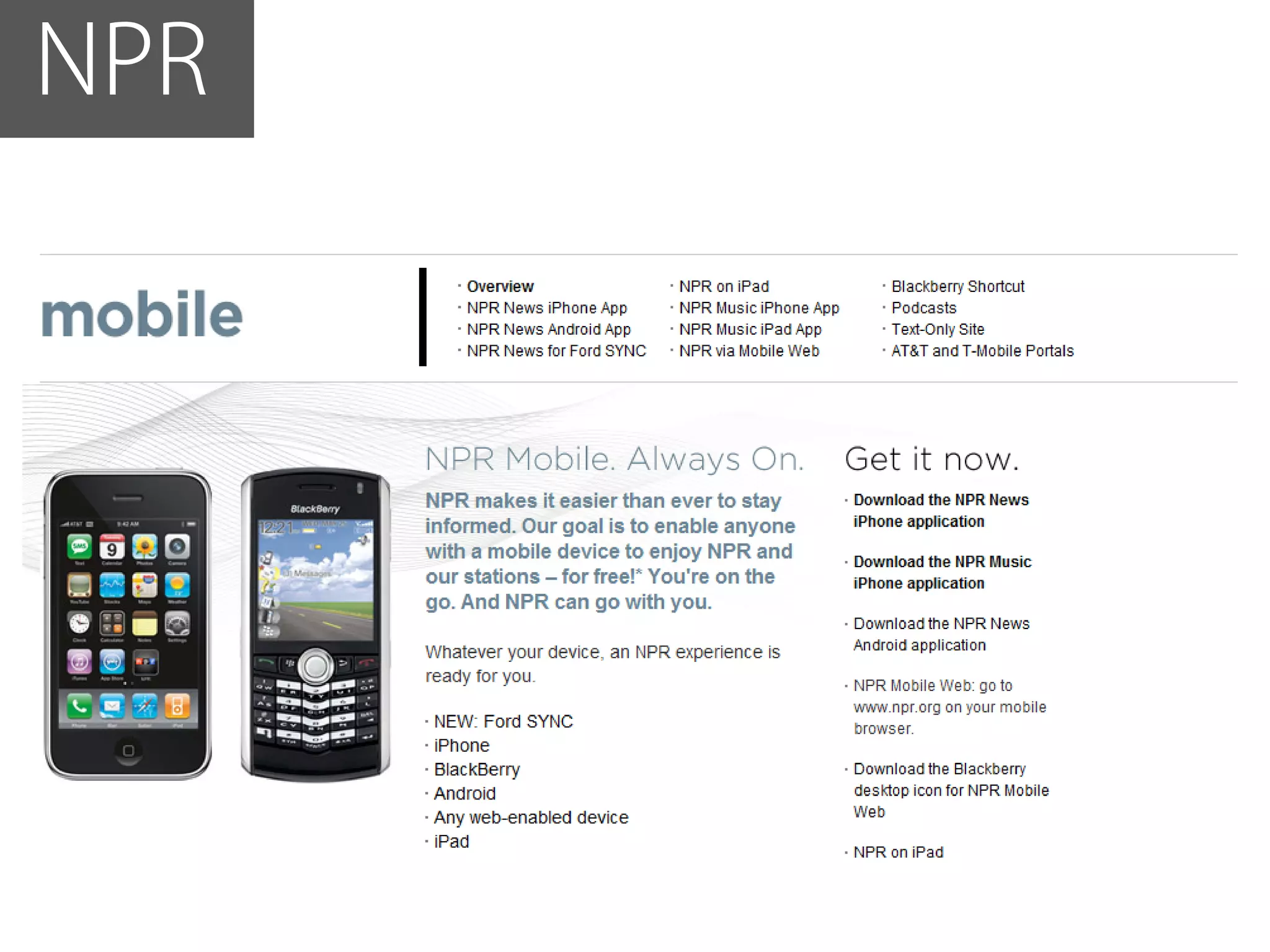
NPR
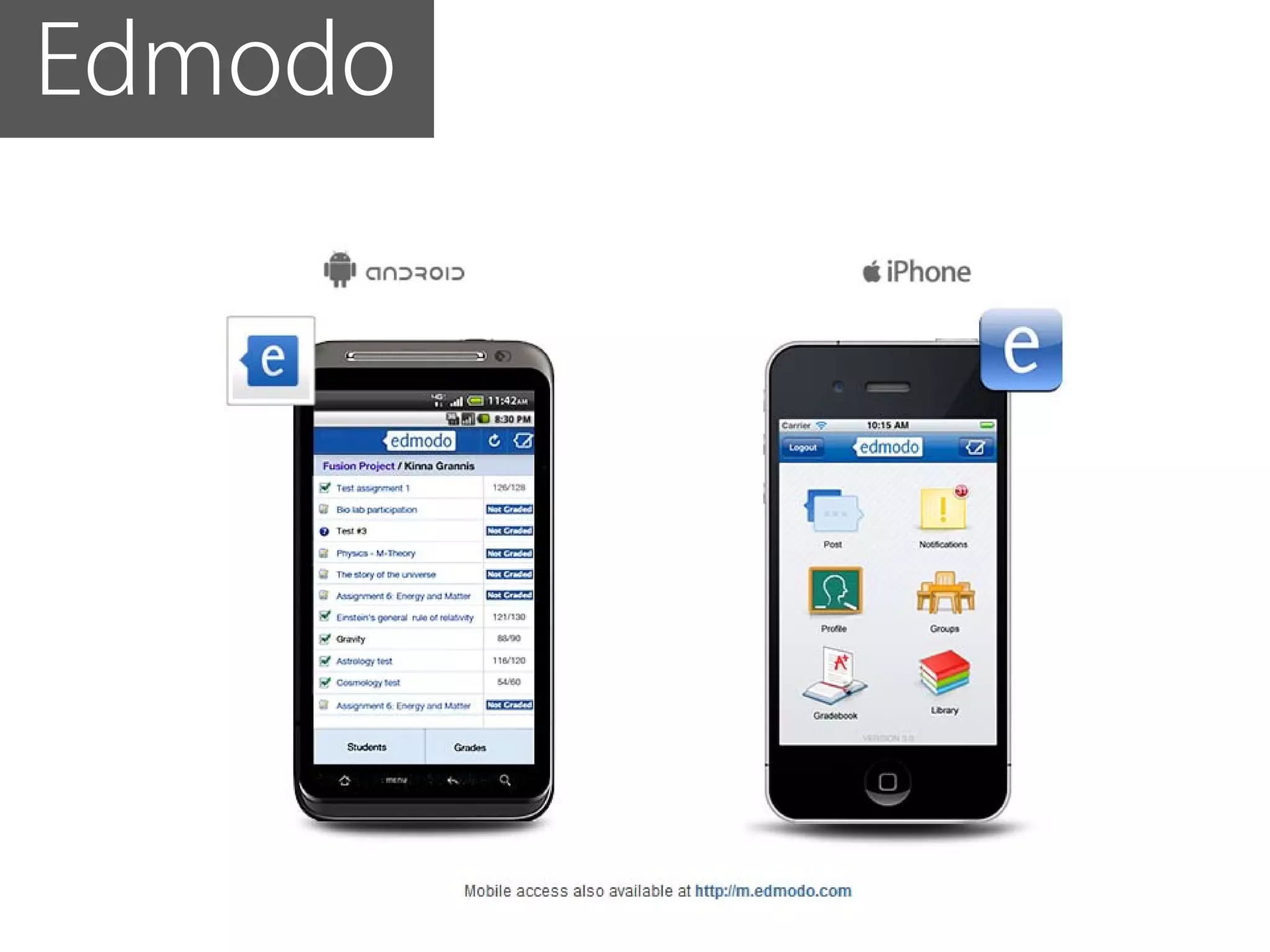
Edmodo
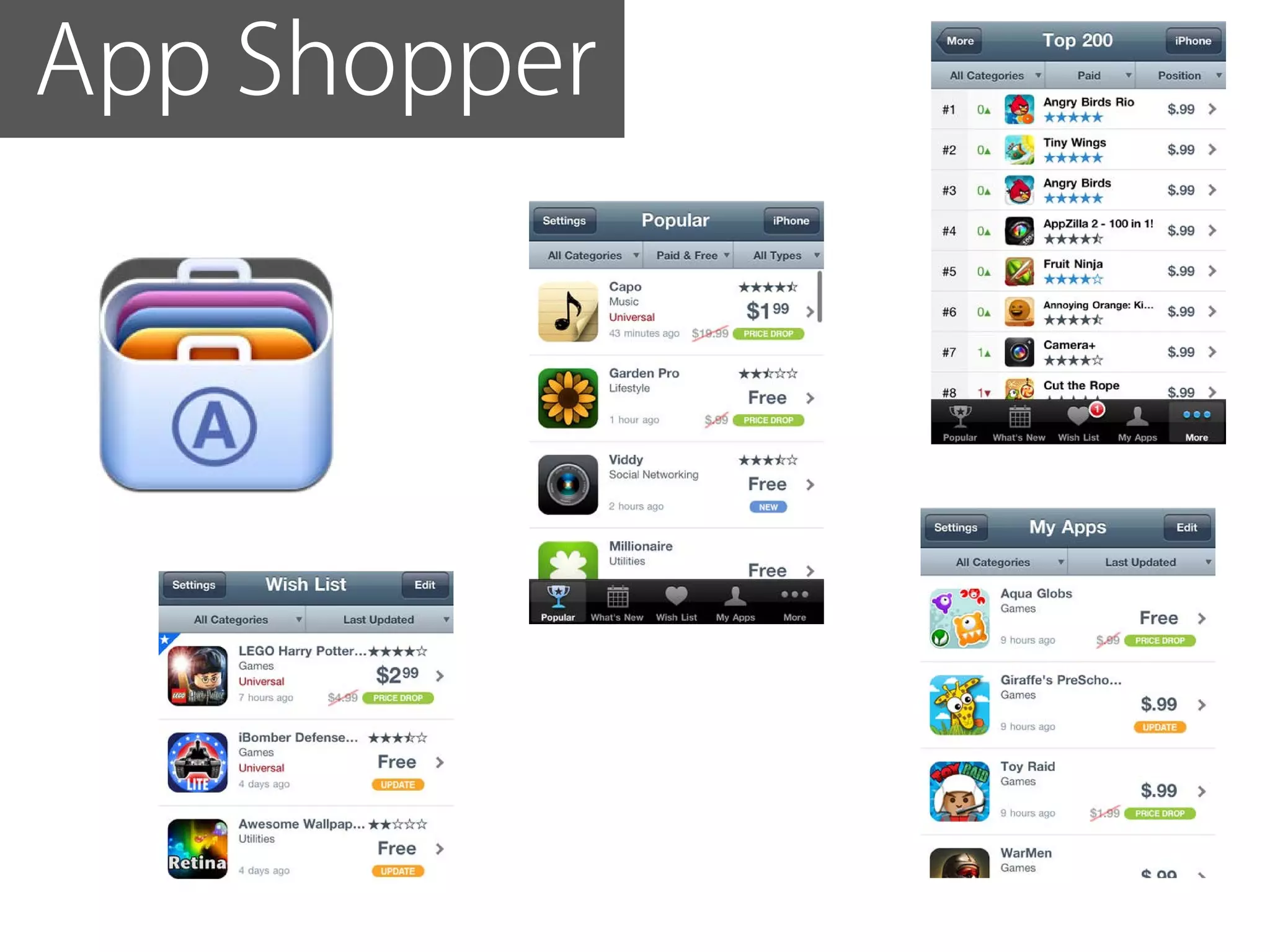
App Shopper
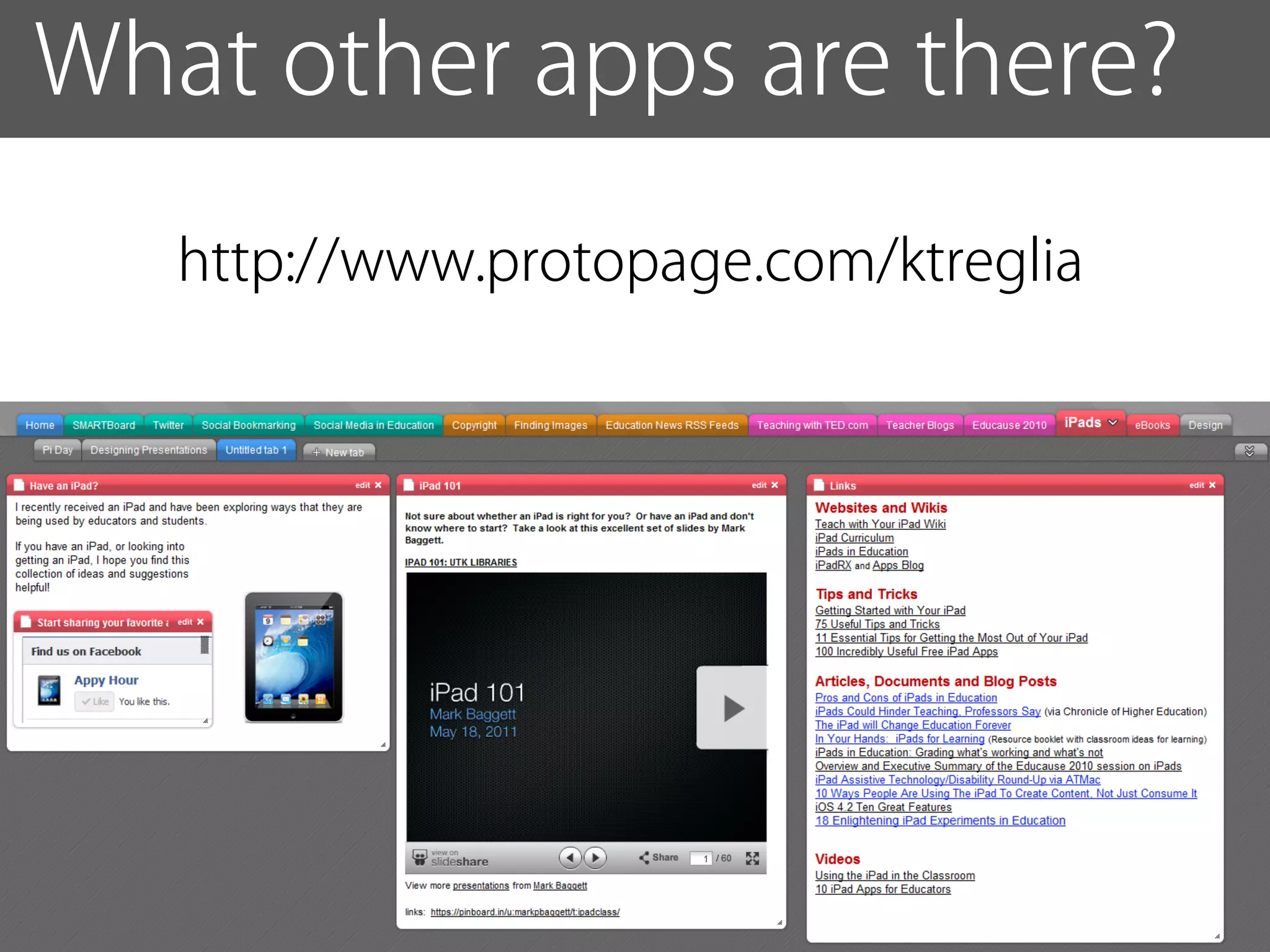
What other apps are there?
   http://www.protopage.com/ktreglia
Remember those goals?


          How did we do?
Understand the possibilities
and limitations of using
mobile apps

Focus on pedagogy

Download and use
at least one app
Resources
http://www.protopage.com/ktreglia

http://delicious.com/krillion/apps

www.fordham.edu/ftc


  tweet me!
  @kris10_
                                     ftc@fordham.edu

Mobile apps for education final

  • 1.
  • 2.
  • 3.
    Understand the possibilities andlimitations of using mobile apps
  • 4.
  • 5.
    Download and useat least one app
  • 6.
    Image by CristianoBetta A little bit about the world of mobile apps...
  • 7.
    5 years ago,we used our phones for...
  • 9.
  • 10.
  • 11.
    Top Five Apps: Facebook,YouTube, Android Market, Google Search, and Gmail
  • 12.
    ... but howmany people have a cell phone?
  • 13.
    In the twentyyears from 1990 to 2011, worldwide mobile phone subscriptions grew from 12.4 million to over 5.6 billion total population = ~7.015 billion
  • 14.
    Among those whochose a device in the last three months, more than half of those under 65 had chosen a smartphone
  • 15.
    Smartphone penetration is >50% for almost every income level for 18-34 year olds 80% reaching for rich 25-34 year olds
  • 16.
    What kind ofphone do you have? To vote, text “Code” to the number 37607 address to: 37607 390311 None 390312 Basic cell phone 390311 390313 iPhone 390314 Android 390317 Blackberry put code in message field 390318 Other smartphone
  • 17.
    ... and howmany apps are there?
  • 18.
  • 19.
    Ubiquitous computing (ubicomp)is a post-desktop model of human-computer interaction in which information processing has been thoroughly integrated into everyday objects and activities. In the course of ordinary activities, someone "using" ubiquitous computing engages many computational devices and systems simultaneously, and may not necessarily even be aware that they are ubiquitous doing so. This model is usually considered an advancement from the desktop paradigm. More formally, ubiquitous computing is defined as "machines that fit the human environment instead of forcing humans to enter theirs."[1] This paradigm is also described as pervasive computing, ambient intelligence,[2] or, more recently, everywhere,[3] where each term emphasizes slightly different aspects. When primarily concerning the objects involved, it is also physical computing, the Internet of Things, haptic computing,[4] and things that think. Rather than propose a single definition for ubiquitous computing and for these related terms, a taxonomy of properties for ubiquitous computing has been proposed, from which different kinds or flavors of ubiquitous systems and applications can be described.[5]
  • 20.
    what other wayscan you use a real-time communication device in your classroom?
  • 21.
    tweet @kris10_ ftc@fordham.edu Faculty Forum on Teaching and Technology organization address to: 37607 www.facebook.com/FordhamFTC 190724 I would… put 190724 in front of your answer
  • 22.
    working together toachieve a goal.[1] It is a recursive[2] process where two or more people or organizations work together to realize shared goals, (this is more than the intersection of common goals seen in co- operative ventures, but a deep, collective, determination to reach an identical collaborative objective[by whom?][original research?]) — for example, an intriguing[improper synthesis?] endeavor[3][4] that is creative in nature[5]—by sharing knowledge, learning and building consensus. Most collaboration requires leadership, although the form of leadership can be social within a decentralized and egalitarian group.[6] In particular, teams that work collaboratively can obtain greater resources, recognition and reward when facing competition for finite resources.[7] Collaboration is also present in opposing goals exhibiting the notion of adversarial collaboration, though this is not a common case for using the word.
  • 23.
    ubiquitous collaborative real-time
  • 24.
    What students wantfrom mobile technology...
  • 25.
    What students wantfrom mobile technology 63% want online textbooks with communication facilities via ZDNet
  • 26.
    What students wantfrom mobile technology 40% want online textbooks with collaboration tools via ZDNet
  • 27.
    What students wantfrom mobile technology 43% stated social media is one of the main ways they communicate online via ZDNet
  • 28.
    What do YOU wantfrom mobile technology?
  • 29.
  • 30.
    If we teachtoday the way we were taught yesterday we aren’t preparing our students for today or tomorrow -John Dewey
  • 31.
    Nuts and Bolts
  • 32.
    Are there anylimitations?
  • 33.
    Too slow insufficientbandwidth Unsecure unencrypted wifi Too little juice short battery life Too small small screen/keyboard Too far from signal interference Health hazards driving
  • 34.
    How do Iknow what kind to get? What do data plans mean? If I put information into an app, where does my data go? How can I get it out of an app? How do I know if my data is secure?
  • 35.
    there always seemsto be some homework...
  • 36.
    keep in mind Hierarchy Sample Applications Level 4 Real time communication Communication & Collaboration Annotations Level 3 Mobile Library Capturing & Integrating Data Level 2 Just-in-time instruction Flexible Physical Access Level 1 Calendars, schedules, contact, Grading Productivity Adopted from Gay, Rieger, and Bennington (2002)
  • 37.
    Examples some examples Tools for Teaching
  • 38.
    Examples some examples Tools for Teaching, citations
  • 39.
    Examples some examples Tools for Teaching, citations, and fieldwork
  • 40.
  • 41.
  • 42.
  • 43.
  • 44.
  • 45.
  • 46.
  • 47.
  • 48.
  • 49.
  • 51.
    Or download ane-book free TEXTBOOKS Flexbooks (free e-text books) Flatworld Knowledge (free to view online, affordable offline, open-licensed, and customizable by educators) Classic Reader Project Gutenburg E-books directory Planet eBook NYPL e-books List of 25 Free sites for reading books online
  • 52.
    remember, mobile computing isnot just about apps... it’s a platform...
  • 53.
    What do YOU wantfrom mobile technology?
  • 54.
  • 55.
  • 56.
  • 57.
  • 58.
  • 59.
  • 60.
  • 61.
  • 62.
  • 63.
  • 64.
  • 65.
    What other appsare there? http://www.protopage.com/ktreglia
  • 66.
    Remember those goals? How did we do?
  • 67.
    Understand the possibilities andlimitations of using mobile apps Focus on pedagogy Download and use at least one app
  • 68.