Roberto Cortez
Maven
Taming the Beast
Roberto Cortez
Passionate Developer, Blogger, Youtuber, Speaker, Triber, JUG Leader, Java Champion
twitter:
@radcortez
blog:
http://www.radcortez.com
youtube:
http://youtube.com/radcortez
mail:
radcortez@yahoo.com
Questions?
As soon as you have them!
Agenda
• State of the Art
• History
• Common Problems and Pitfalls
• Bonus
Do you hate Maven?
It’s slow!
It’s verbose!
It’s XML!
Steep Learning Curve!
It’s complex!
It’s hard to extend!
It’s unreliable!
Popularity
Source: Rebellabs
0%
17,5%
35%
52,5%
70%
Maven Gradle Ant
11%
16%
68%
17%
11%
64%
39%
4%
54%
50%
0%
53%
2010 2012 2013 2016
Facts
• It’s around for more than 10 years
• Is not going away anytime soon
• Embrace it
Bad Reputation?
• All developers run into problems
• New developers go through the same hard
learning process
• Let’s fix that!
A Bit of History
• Maven was born from the desire to make
several projects work in the same way
• Standardize on a set of practices
• Stop “reinventing the wheel”
A Bit of History
• Reuse developers knowledge
• Easier for developers to move across projects
• Focus on what needs to be done
Learn how to play with it!
• What are the most common pitfalls?
• How to fix them or debug them?
• Save countless hours of pain and frustration
Common Problems
and
Pitfalls
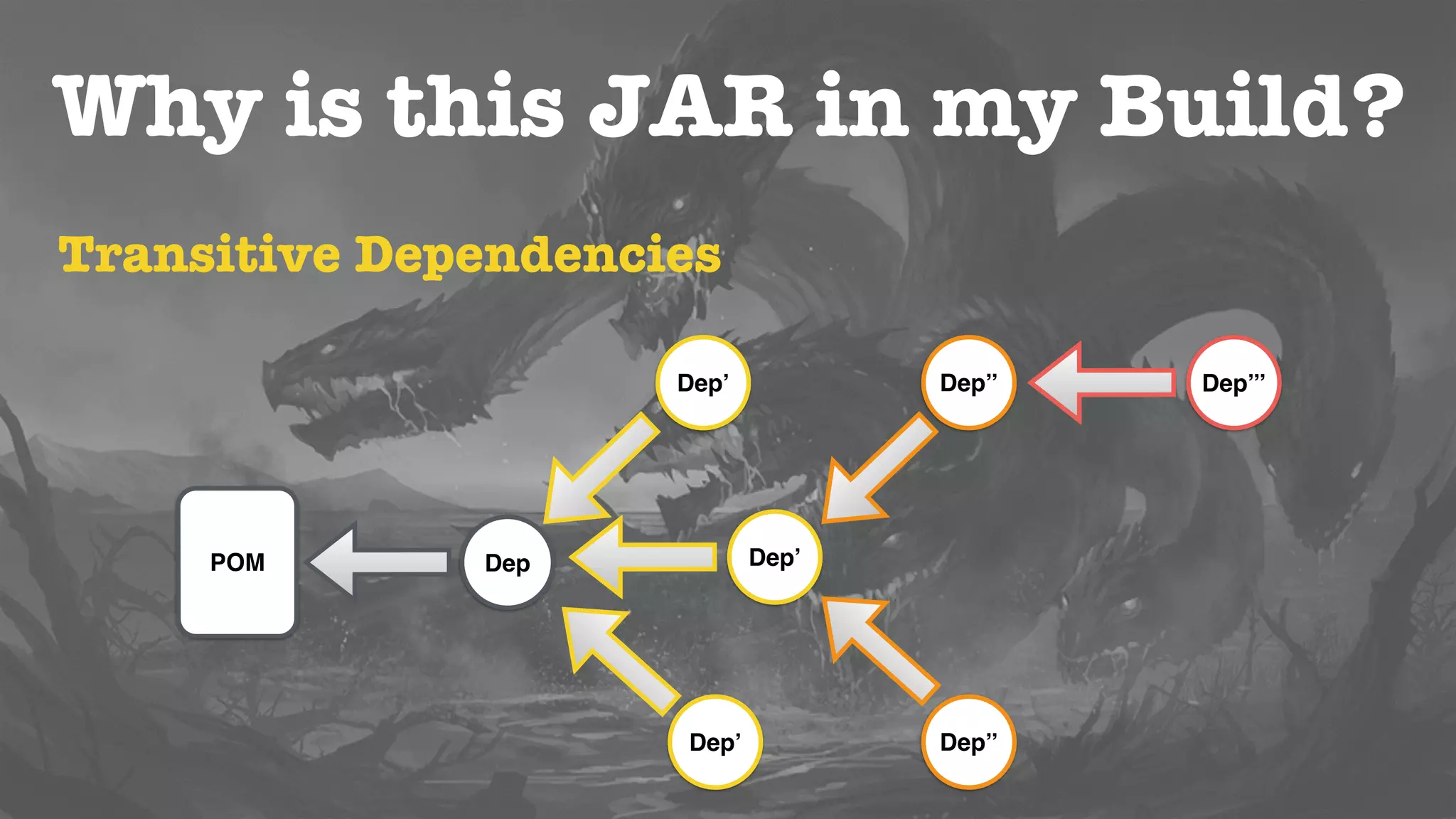
Why is this JAR in my Build?
POM Dep
Dep’’
Dep’’
Dep’
Dep’
Dep’
Dep’’’
Transitive Dependencies
• Useful to include what you need automatically
• No limit in the numbers of dependency levels
• Graphs of libraries can quickly grow out of
control
DOWNLOADS THE INTERNET!
Why is this JAR in my Build?
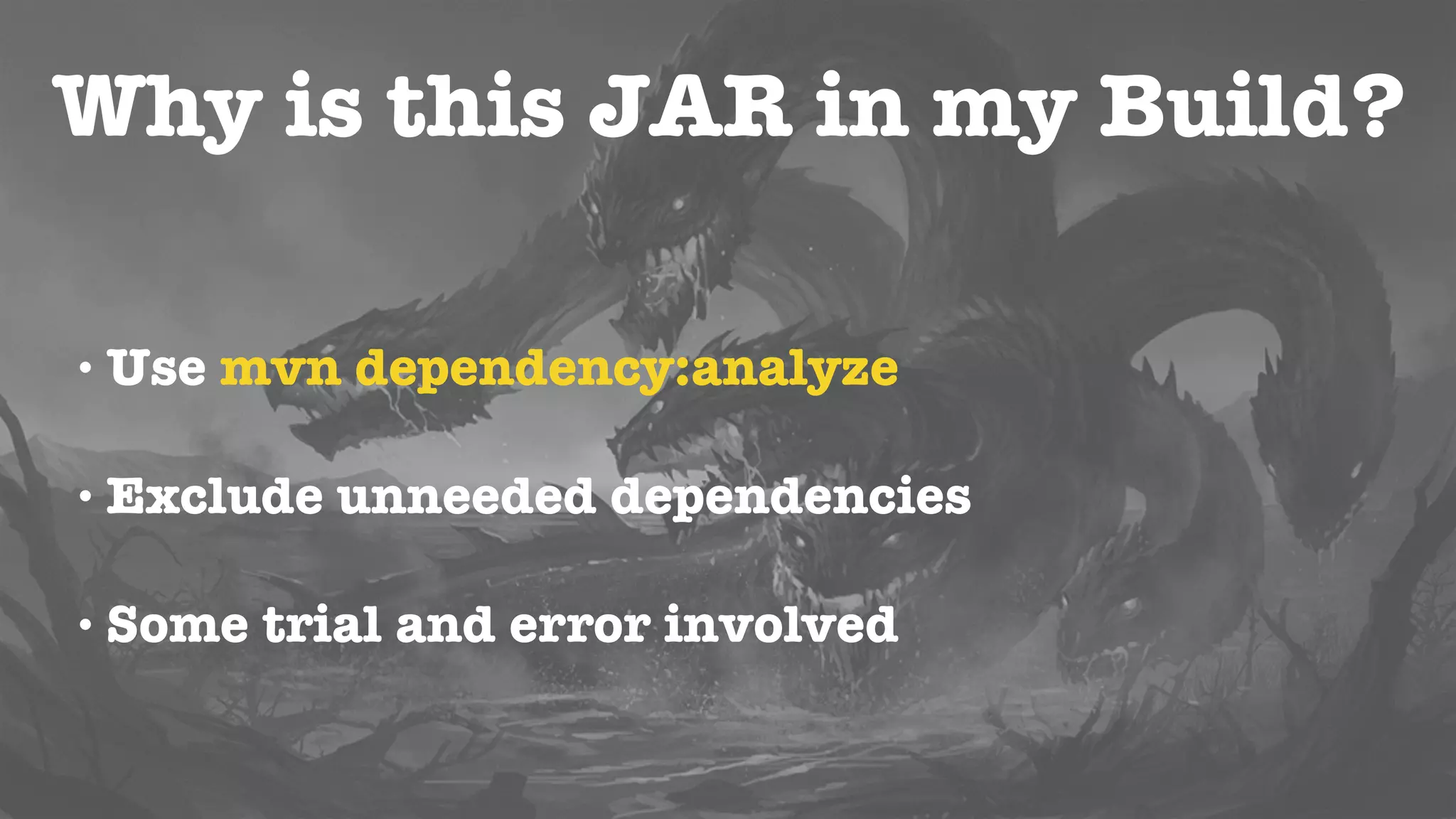
• Include ONLY what you need!
• Use mvn dependency:analyze
• Exclude unneeded dependencies
• Some trial and error involved
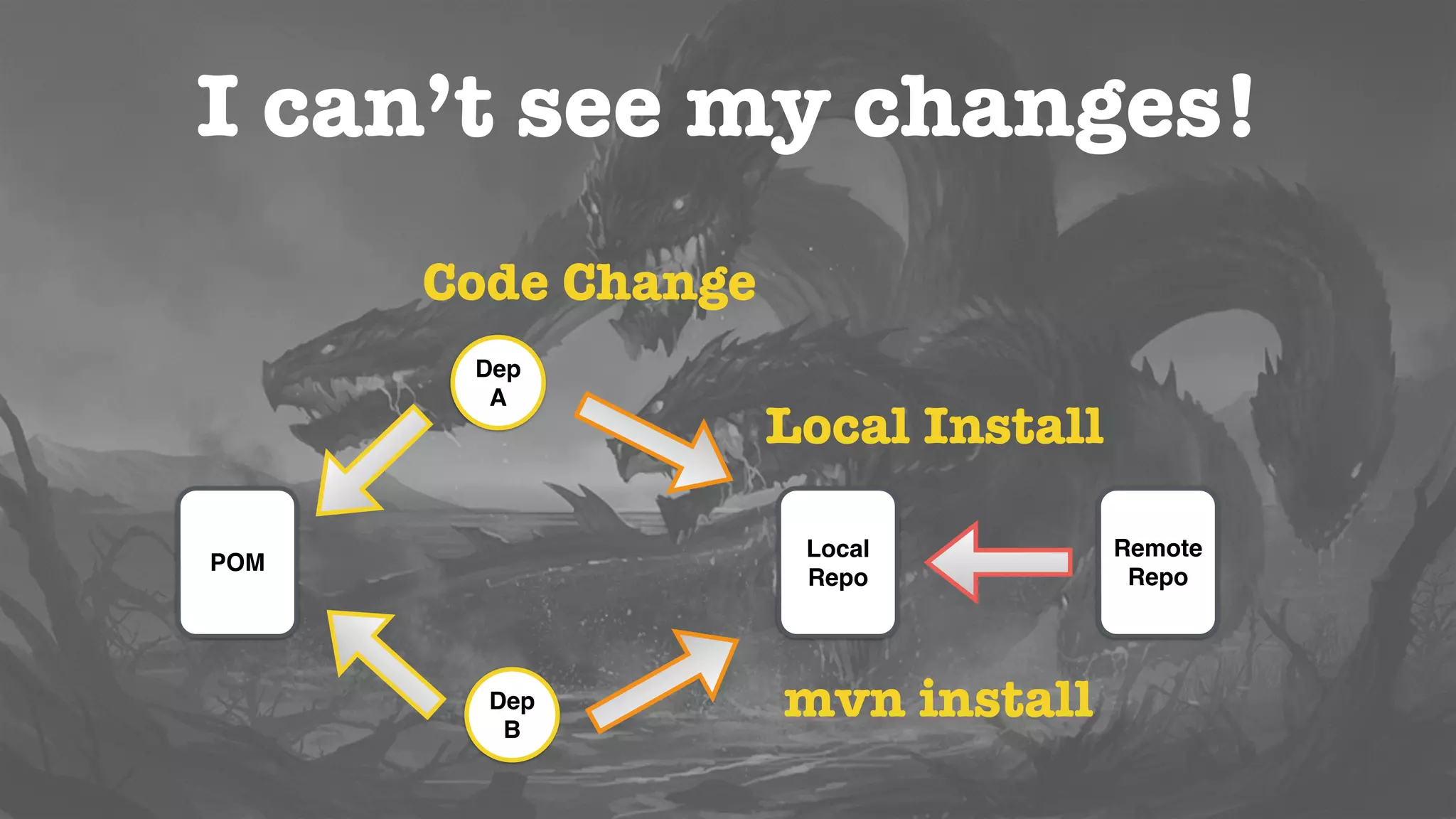
I can’t see my changes!
• Dependencies are not build in the local repo
• Dependency version is not correct
• Remote repo has overwritten changes
Repositories
• Local and Remote
• Checks for Remote repo for dependency
• Downloads to Local and use if from there from
that point forward
I can’t see my changes!
POM
Dep
A
Dep
B
Local
Repo
Remote
Repo
Code Change
Local Install
mvn install
POM
I can’t see my changes!
• That’s why the first thing you learn is mvn
install!
• Places the artifact in your local repository
• All the other projects can use it now
SNAPSHOT versions
• Not stable versions, still changing
• Maven will attempt to update them
• SNAPSHOT versions from remote may override
your local changes
I can’t see my changes!
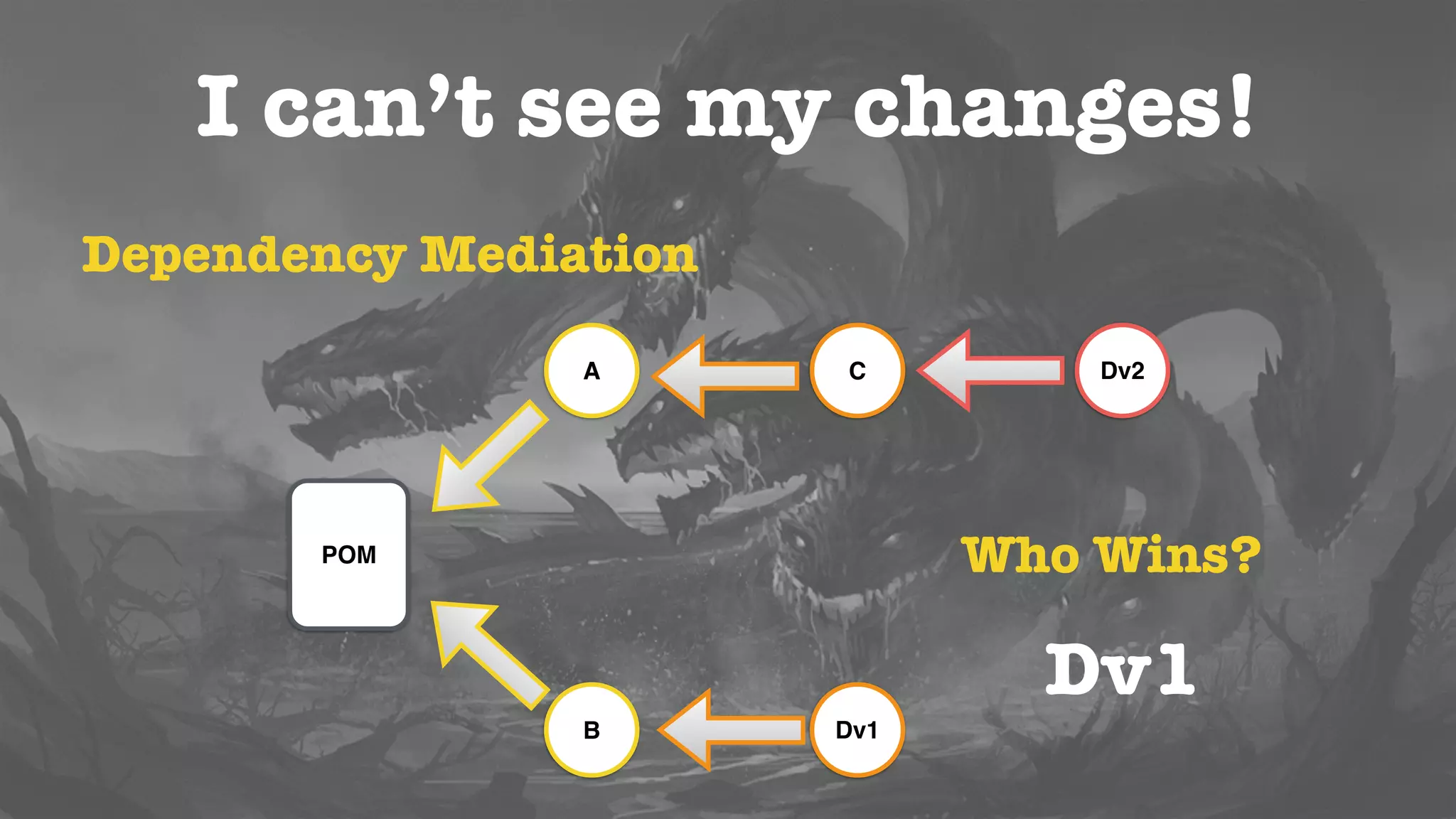
Dependency Mediation
POM
C
Dv1
A
B
Dv2
Who Wins?
Dv1
I can’t see my changes!
• Use mvn dependency:tree -Dverbose
• Exclude the unwanted dependency or include
the required one in the main project
Version Ranges
• x.y.z indicate the preferred dependency version
to use
• You can use RELEASE for the latest stable
version
• Or LATEST for the latest one, including
SNAPSHOTS
I can’t see my changes!
1.0.021.0.2a1.0.21.0.20
Which one is the latest version?
1.0.2a
Versions
• Maven expects MajorVersion, MinorVersion,
Incremental Version, BuildNumber, Qualifier
• If you don’t follow the expected scheme, it is
just treated as a String
• Check ComparableVersion
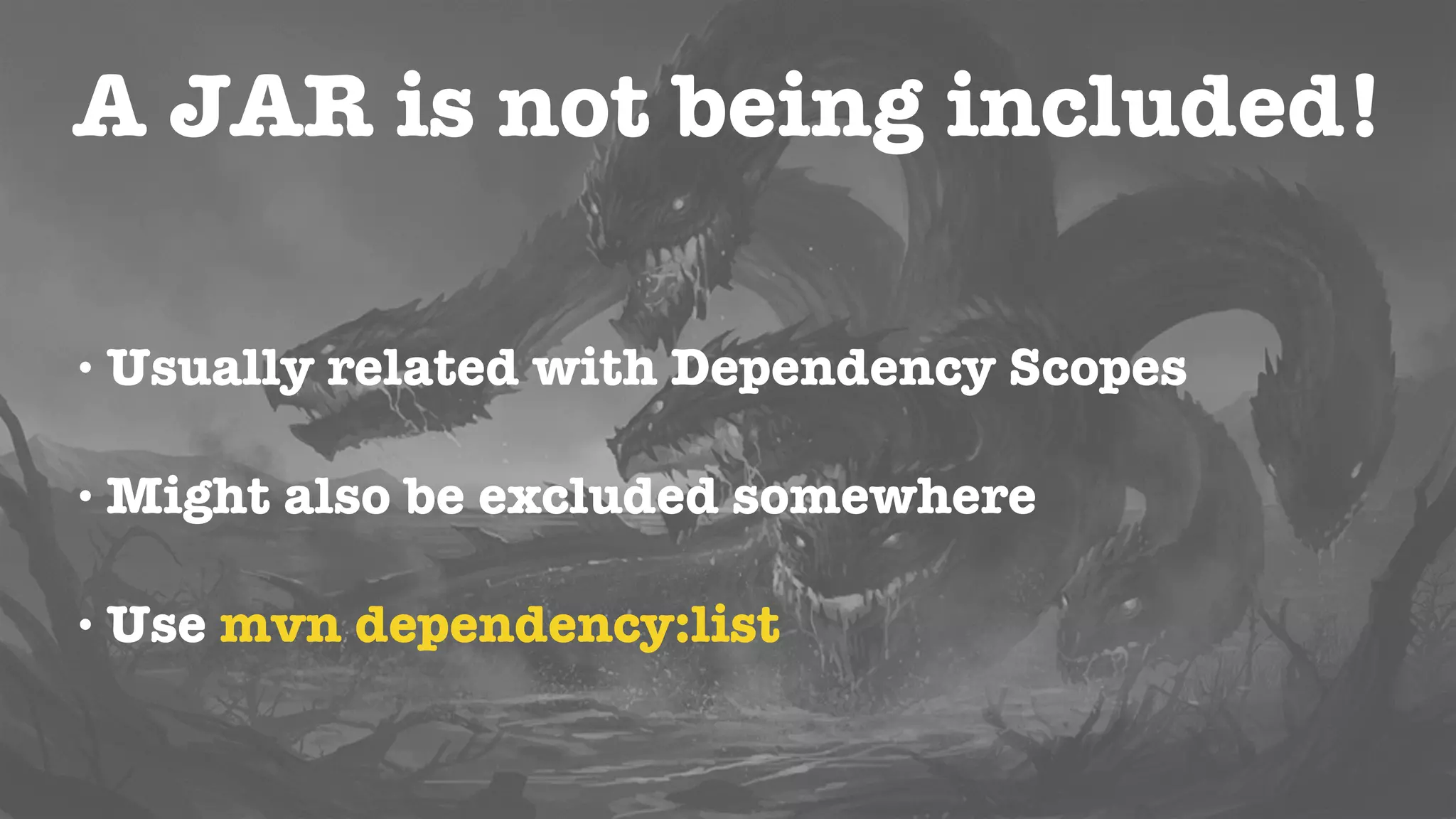
A JAR is not being included!
• Usually related with Dependency Scopes
• Might also be excluded somewhere
• May cause ClassNotFoundException
Dependency Scopes
• Used to calculate different classpaths
• Compile (default), Runtime, Provided, Test,
System
• Affect how Transitive Dependencies are
resolved
A JAR is not being included!
• Use mvn dependency:list
• Change dependencies to use the appropriate
scope
I can’t find the Artifact!
• “Could not resolve dependencies… Could not
find artifact”
• Even worst than the Java NPE
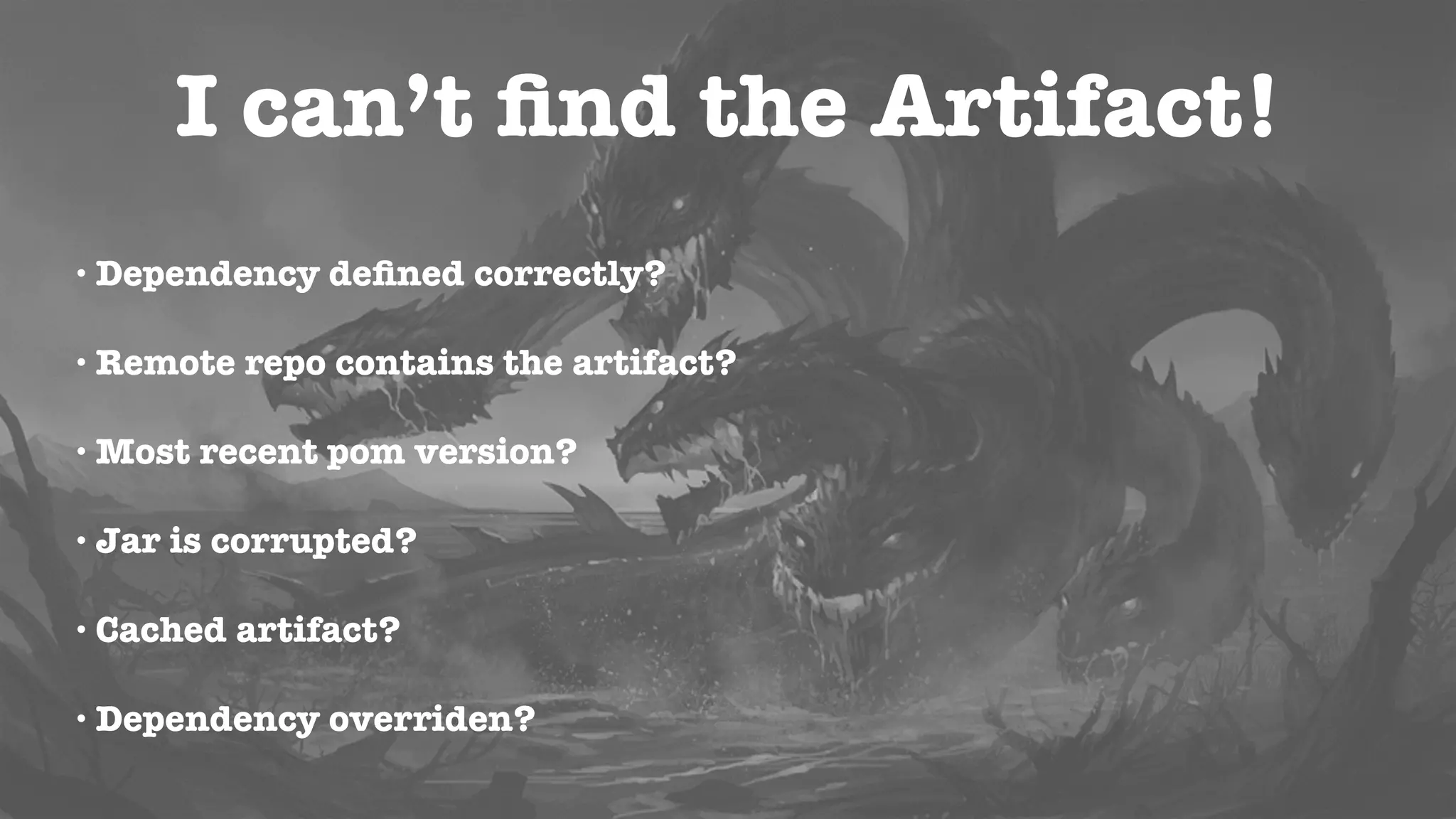
I can’t find the Artifact!
• Dependency defined correctly?
• Remote repo contains the artifact?
• Most recent pom version?
• Jar is corrupted?
• Cached artifact?
• Dependency overriden?
I can’t find the Artifact!
• Artifacts get renamed all the time
• The artifact might be in another remote repo
• POM parent might not be the latest
Weapons of Choice
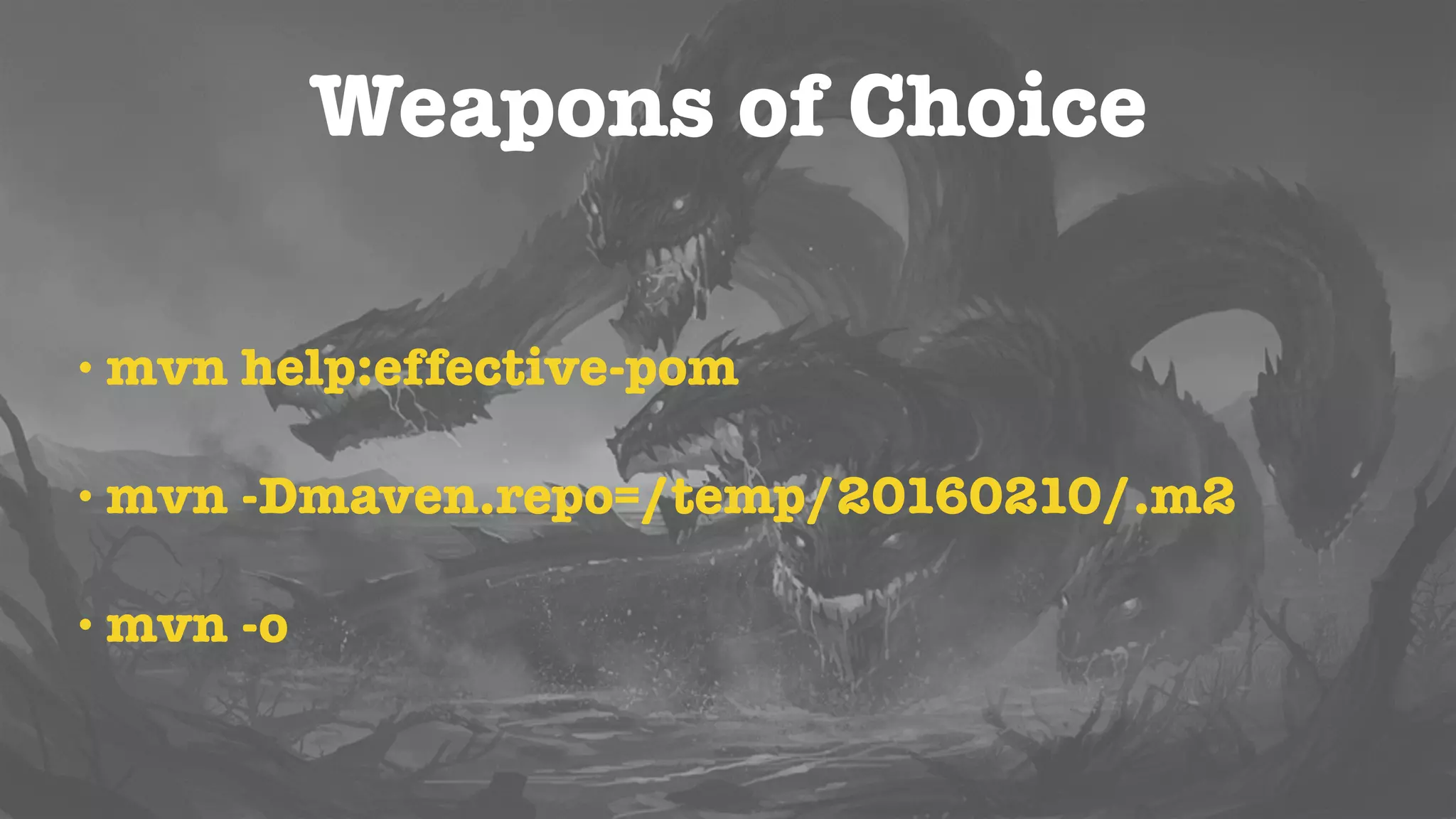
• mvn help:effective-pom
• mvn help:effective-settings
• mvn -Dmaven.repo.local=/temp/210916/.m2
• mvn versions:display-dependency-updates
Bonus
Improve your build
• Use a Plugin and Dependency Management section
• Specify versions
• Avoid SNAPSHOTS
• Use Global Properties
• Use Modules
Bonus: Speedup your Build
• By default, modules are built sequentially
• Depending on your project, you can run the
build in parallel
• It can speed your build substancially
Bonus: Speedup your Build
• mvn -T 2 install (2 Threads)
• mvn -T 1C install (1 Thread per core)
Bonus: Speedup your Build
• Build only what you need
• Skip tests
• Offline
• Tune JVM options
Bonus: Speedup your Build
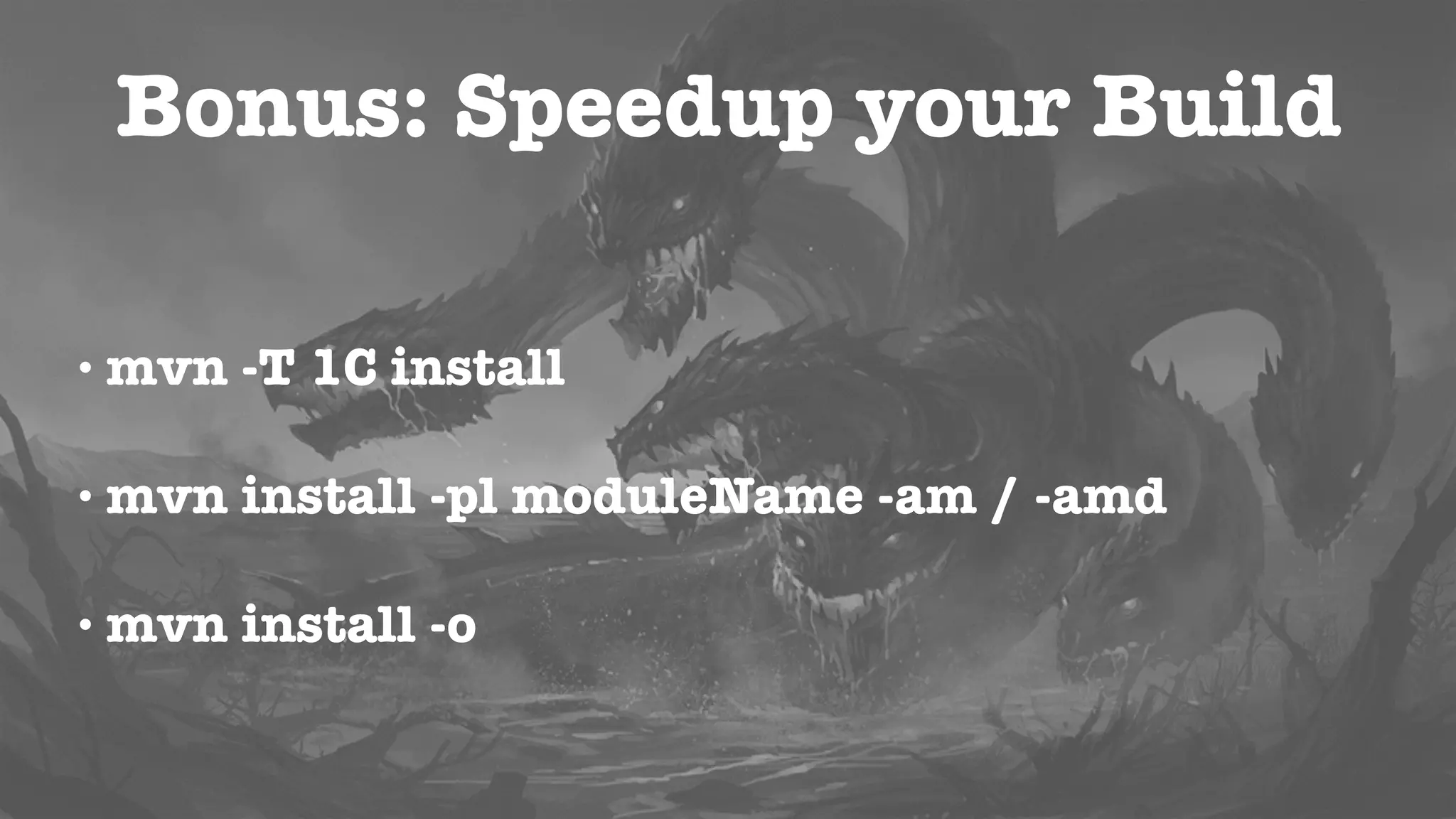
• mvn install -pl moduleName -am / -amd
• mvn -Dmaven.test.skip=true-XX:+TieredCompilation -XX:TieredStopAtLevel=1
• -XX:+TieredCompilation -XX:TieredStopAtLevel=1
• mvn -o
Bonus: Improve your Environment
• Add colours to Maven command line:
github.com/jcgay/maven-color
• Add Autocomplete:
github.com/juven/maven-bash-completion
Final Considerations
• Everyone should be responsible
• Keep it clean
• If you feel that you are fighting with the tool,
you are probably doing it wrong
Tamed?
Never trust the IDE!
If it works on the command-line
then the IDE is the problem!
Thank you for Attending!
QA
twitter:
@radcortez
blog:
http://www.radcortez.com
youtube:
http://youtube.com/radcortez
mail:
radcortez@yahoo.com

Maven - Taming the Beast

  • 1.
  • 2.
    Roberto Cortez Passionate Developer,Blogger, Youtuber, Speaker, Triber, JUG Leader, Java Champion twitter: @radcortez blog: http://www.radcortez.com youtube: http://youtube.com/radcortez mail: radcortez@yahoo.com
  • 3.
    Questions? As soon asyou have them!
  • 4.
    Agenda • State ofthe Art • History • Common Problems and Pitfalls • Bonus
  • 5.
  • 6.
    It’s slow! It’s verbose! It’sXML! Steep Learning Curve! It’s complex! It’s hard to extend! It’s unreliable!
  • 7.
    Popularity Source: Rebellabs 0% 17,5% 35% 52,5% 70% Maven GradleAnt 11% 16% 68% 17% 11% 64% 39% 4% 54% 50% 0% 53% 2010 2012 2013 2016
  • 8.
    Facts • It’s aroundfor more than 10 years • Is not going away anytime soon • Embrace it
  • 9.
    Bad Reputation? • Alldevelopers run into problems • New developers go through the same hard learning process • Let’s fix that!
  • 10.
    A Bit ofHistory • Maven was born from the desire to make several projects work in the same way • Standardize on a set of practices • Stop “reinventing the wheel”
  • 11.
    A Bit ofHistory • Reuse developers knowledge • Easier for developers to move across projects • Focus on what needs to be done
  • 12.
    Learn how toplay with it! • What are the most common pitfalls? • How to fix them or debug them? • Save countless hours of pain and frustration
  • 13.
  • 14.
    Why is thisJAR in my Build? POM Dep Dep’’ Dep’’ Dep’ Dep’ Dep’ Dep’’’ Transitive Dependencies
  • 15.
    Transitive Dependencies • Usefulto include what you need automatically • No limit in the numbers of dependency levels • Graphs of libraries can quickly grow out of control
  • 16.
  • 17.
    Why is thisJAR in my Build? • Include ONLY what you need! • Use mvn dependency:analyze • Exclude unneeded dependencies • Some trial and error involved
  • 18.
    I can’t seemy changes! • Dependencies are not build in the local repo • Dependency version is not correct • Remote repo has overwritten changes
  • 19.
    Repositories • Local andRemote • Checks for Remote repo for dependency • Downloads to Local and use if from there from that point forward
  • 20.
    I can’t seemy changes! POM Dep A Dep B Local Repo Remote Repo Code Change Local Install mvn install POM
  • 21.
    I can’t seemy changes! • That’s why the first thing you learn is mvn install! • Places the artifact in your local repository • All the other projects can use it now
  • 22.
    SNAPSHOT versions • Notstable versions, still changing • Maven will attempt to update them • SNAPSHOT versions from remote may override your local changes
  • 23.
    I can’t seemy changes! Dependency Mediation POM C Dv1 A B Dv2 Who Wins? Dv1
  • 24.
    I can’t seemy changes! • Use mvn dependency:tree -Dverbose • Exclude the unwanted dependency or include the required one in the main project
  • 25.
    Version Ranges • x.y.zindicate the preferred dependency version to use • You can use RELEASE for the latest stable version • Or LATEST for the latest one, including SNAPSHOTS
  • 26.
    I can’t seemy changes! 1.0.021.0.2a1.0.21.0.20 Which one is the latest version? 1.0.2a
  • 27.
    Versions • Maven expectsMajorVersion, MinorVersion, Incremental Version, BuildNumber, Qualifier • If you don’t follow the expected scheme, it is just treated as a String • Check ComparableVersion
  • 28.
    A JAR isnot being included! • Usually related with Dependency Scopes • Might also be excluded somewhere • May cause ClassNotFoundException
  • 29.
    Dependency Scopes • Usedto calculate different classpaths • Compile (default), Runtime, Provided, Test, System • Affect how Transitive Dependencies are resolved
  • 30.
    A JAR isnot being included! • Use mvn dependency:list • Change dependencies to use the appropriate scope
  • 31.
    I can’t findthe Artifact! • “Could not resolve dependencies… Could not find artifact” • Even worst than the Java NPE
  • 32.
    I can’t findthe Artifact! • Dependency defined correctly? • Remote repo contains the artifact? • Most recent pom version? • Jar is corrupted? • Cached artifact? • Dependency overriden?
  • 33.
    I can’t findthe Artifact! • Artifacts get renamed all the time • The artifact might be in another remote repo • POM parent might not be the latest
  • 34.
    Weapons of Choice •mvn help:effective-pom • mvn help:effective-settings • mvn -Dmaven.repo.local=/temp/210916/.m2 • mvn versions:display-dependency-updates
  • 35.
  • 36.
    Improve your build •Use a Plugin and Dependency Management section • Specify versions • Avoid SNAPSHOTS • Use Global Properties • Use Modules
  • 37.
    Bonus: Speedup yourBuild • By default, modules are built sequentially • Depending on your project, you can run the build in parallel • It can speed your build substancially
  • 38.
    Bonus: Speedup yourBuild • mvn -T 2 install (2 Threads) • mvn -T 1C install (1 Thread per core)
  • 39.
    Bonus: Speedup yourBuild • Build only what you need • Skip tests • Offline • Tune JVM options
  • 40.
    Bonus: Speedup yourBuild • mvn install -pl moduleName -am / -amd • mvn -Dmaven.test.skip=true-XX:+TieredCompilation -XX:TieredStopAtLevel=1 • -XX:+TieredCompilation -XX:TieredStopAtLevel=1 • mvn -o
  • 41.
    Bonus: Improve yourEnvironment • Add colours to Maven command line: github.com/jcgay/maven-color • Add Autocomplete: github.com/juven/maven-bash-completion
  • 42.
    Final Considerations • Everyoneshould be responsible • Keep it clean • If you feel that you are fighting with the tool, you are probably doing it wrong
  • 43.
  • 44.
    Never trust theIDE! If it works on the command-line then the IDE is the problem!
  • 45.
    Thank you forAttending! QA twitter: @radcortez blog: http://www.radcortez.com youtube: http://youtube.com/radcortez mail: radcortez@yahoo.com