We’ll start at the ½ hour
MarcEdit Shelter-In-Place
Webinar 8: Automated
editing through scripts and
tooling
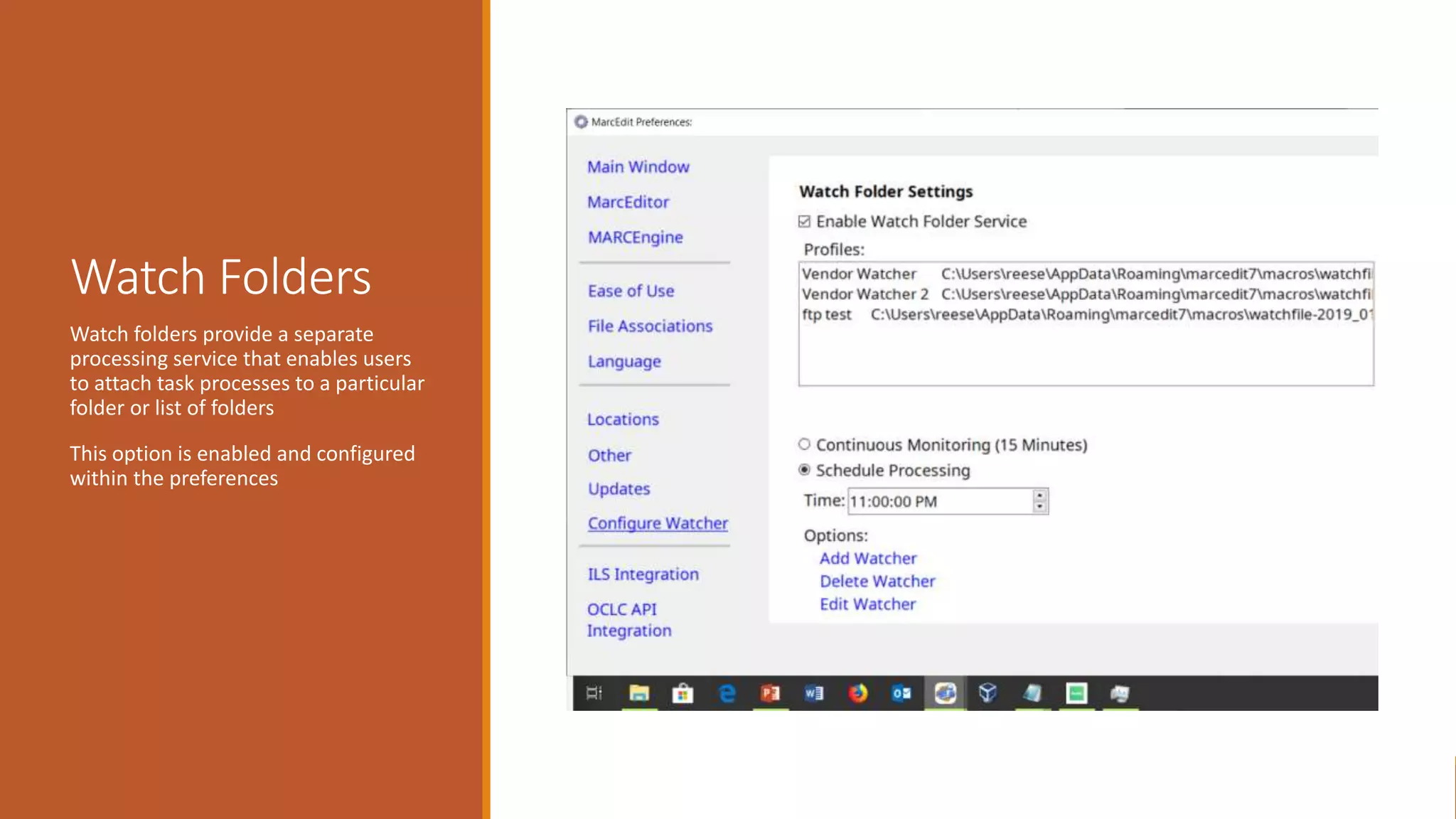
Watch Folders
Watch folders provide a separate
processing service that enables users
to attach task processes to a particular
folder or list of folders
This option is enabled and configured
within the preferences
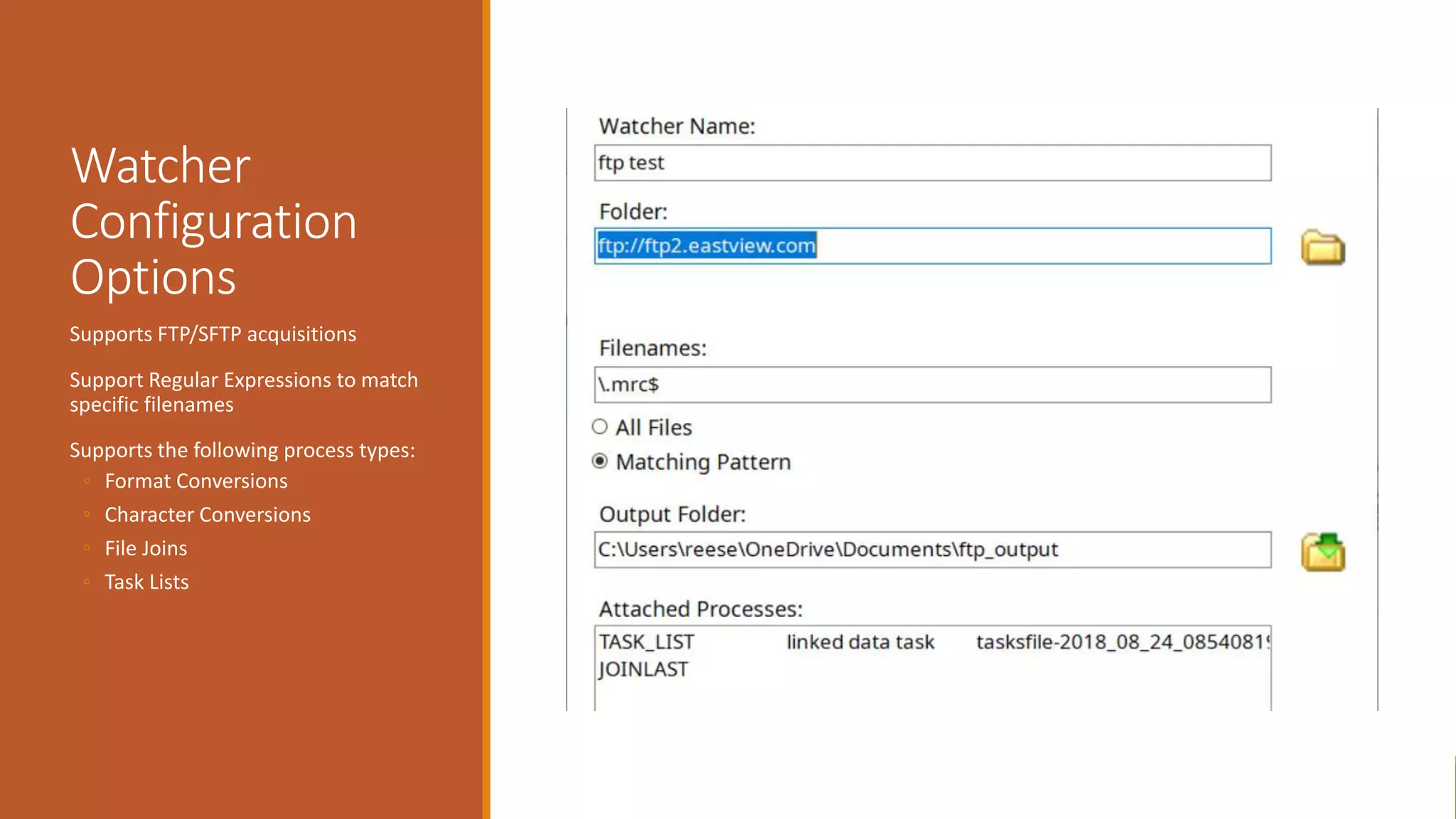
Watcher
Configuration
Options
Supports FTP/SFTP acquisitions
Support Regular Expressions to match
specific filenames
Supports the following process types:
◦ Format Conversions
◦ Character Conversions
◦ File Joins
◦ Task Lists
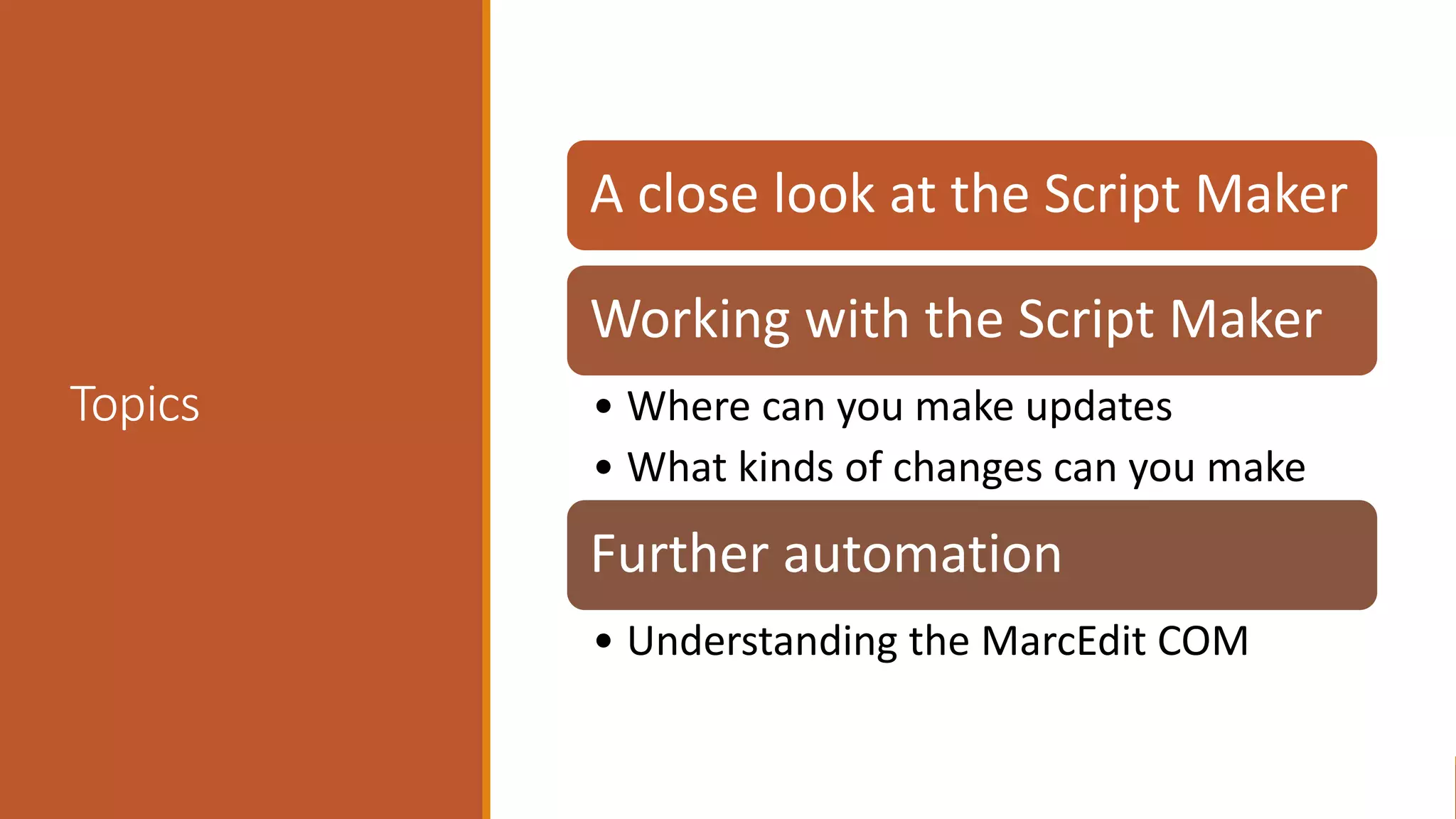
Topics
A close look at the Script Maker
Working with the Script Maker
• Where can you make updates
• What kinds of changes can you make
Further automation
• Understanding the MarcEdit COM
MarcEdit Script
Wizard
MarcEdit Script Wizard provides a template approach to
automating MarcEdit
◦ What does it provide:
◦ Templates for Sorting data
◦ Templates for Making Files
◦ Templates for Breaking Files
◦ Provides a simplified method for accessing all data in the record
Understanding
how it works
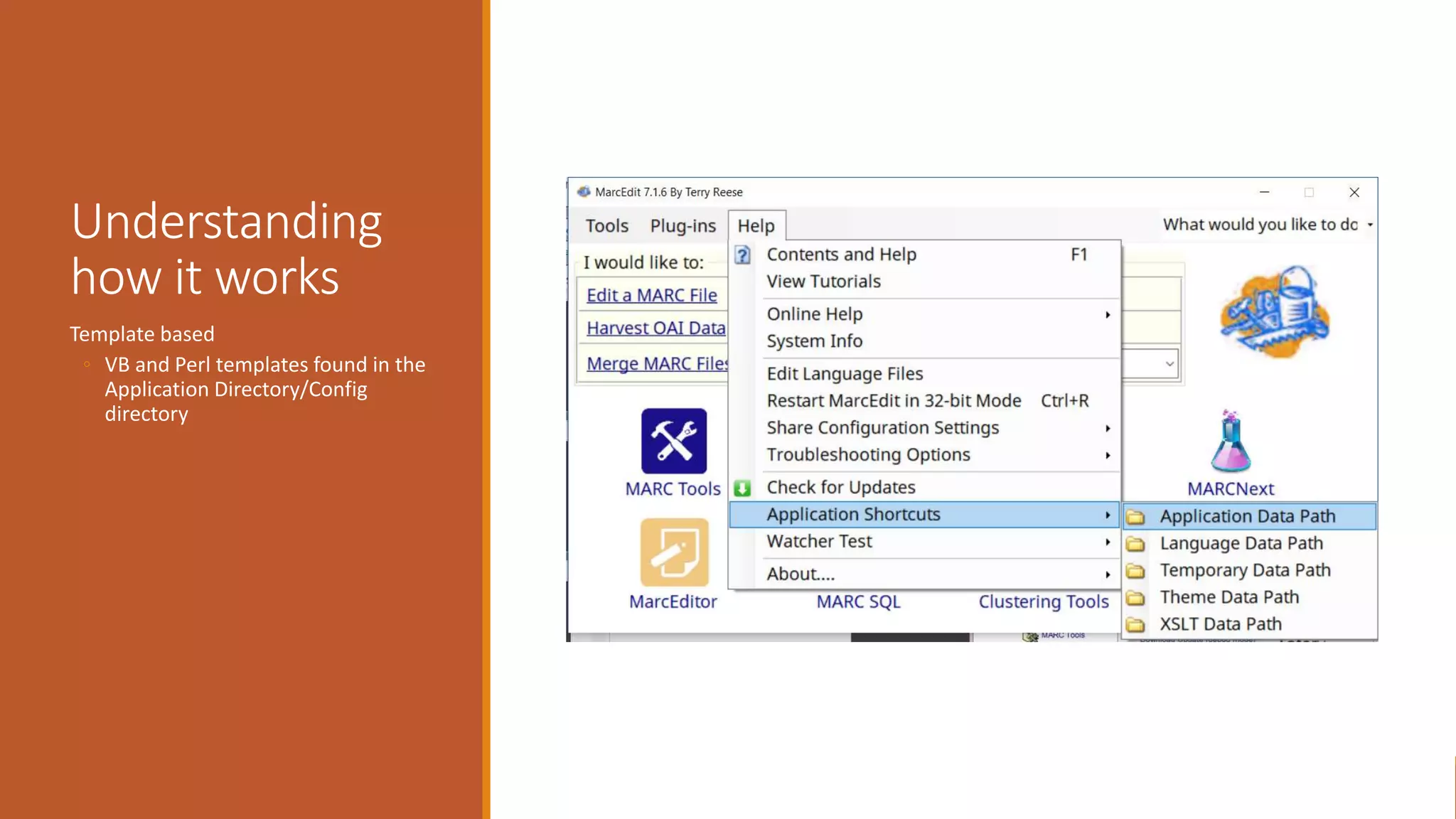
Template based
◦ VB and Perl templates found in the
Application Directory/Config
directory
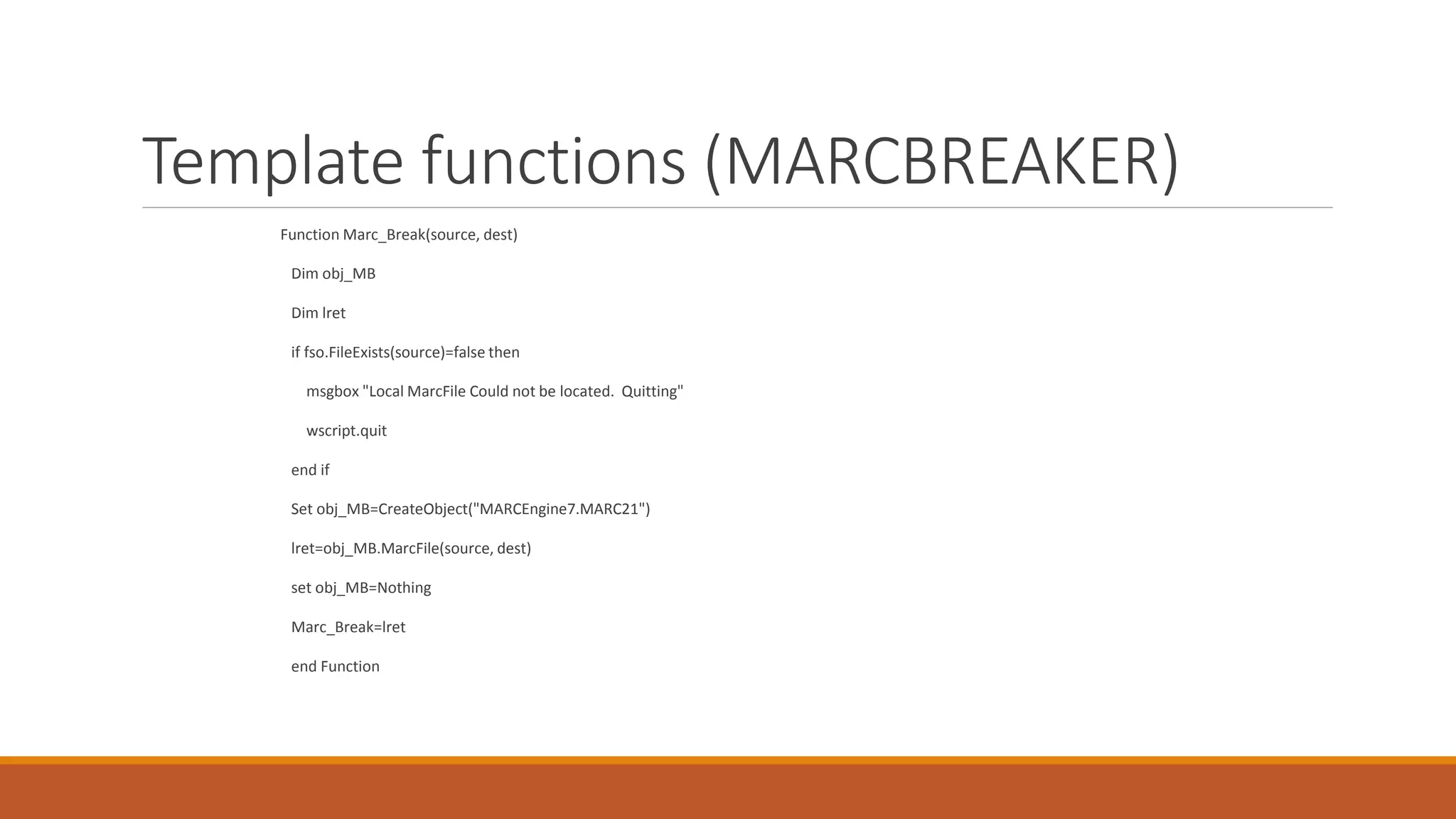
Template functions (MARCBREAKER)
Function Marc_Break(source, dest)
Dim obj_MB
Dim lret
if fso.FileExists(source)=false then
msgbox "Local MarcFile Could not be located. Quitting"
wscript.quit
end if
Set obj_MB=CreateObject("MARCEngine7.MARC21")
lret=obj_MB.MarcFile(source, dest)
set obj_MB=Nothing
Marc_Break=lret
end Function
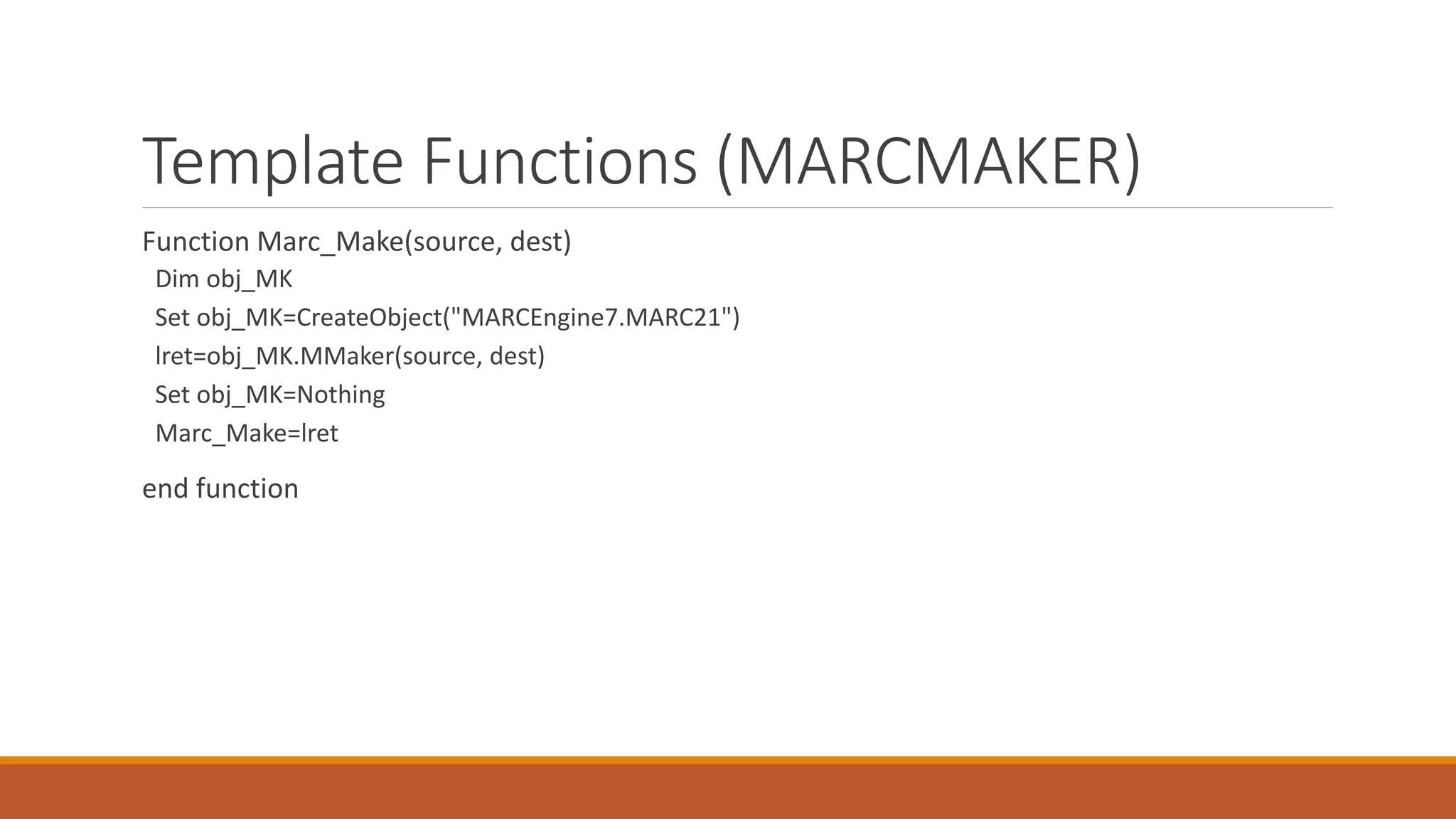
Template Functions (MARCMAKER)
Function Marc_Make(source, dest)
Dim obj_MK
Set obj_MK=CreateObject("MARCEngine7.MARC21")
lret=obj_MK.MMaker(source, dest)
Set obj_MK=Nothing
Marc_Make=lret
end function
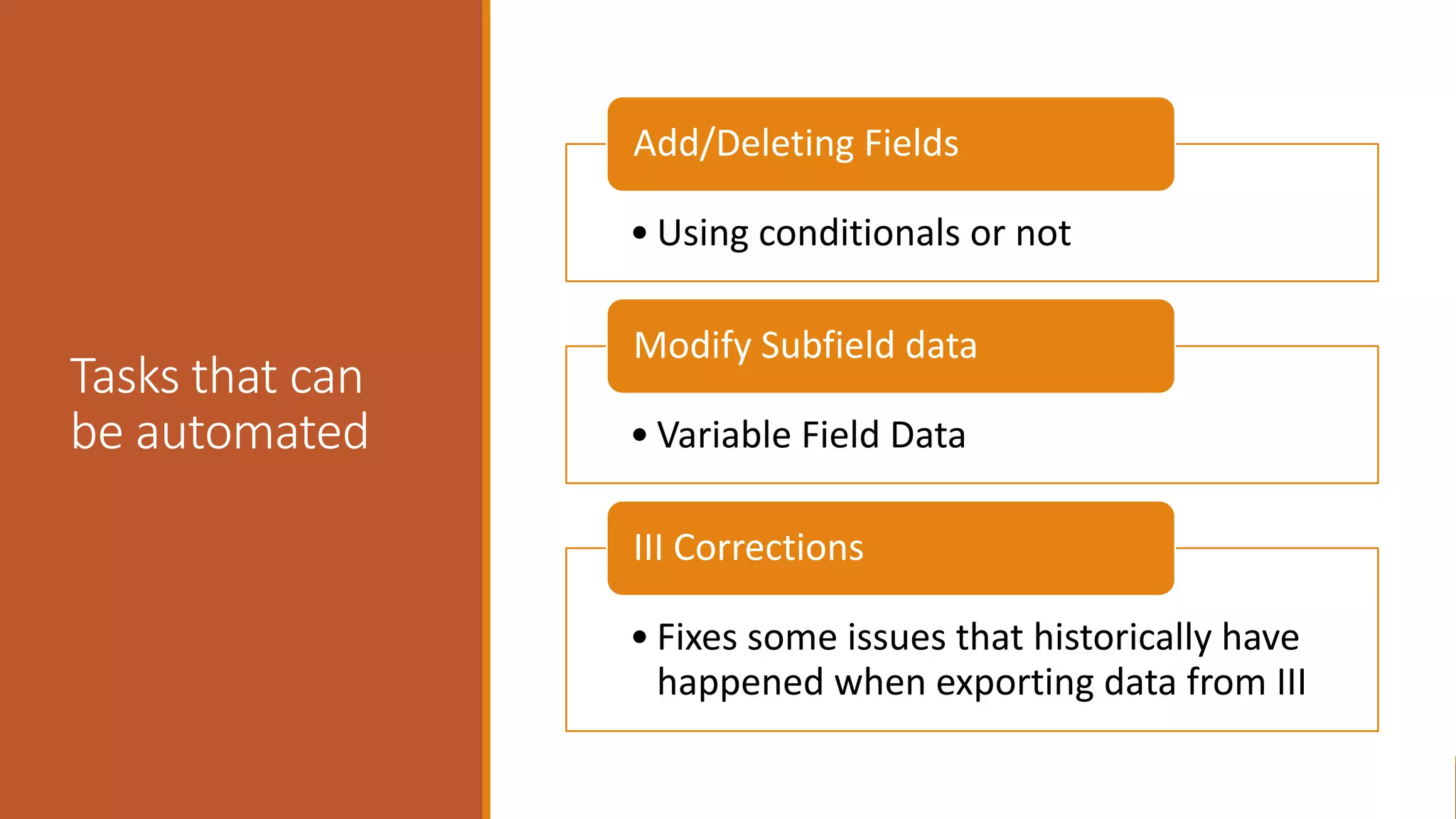
Tasks that can
be automated
• Using conditionals or not
Add/Deleting Fields
• Variable Field Data
Modify Subfield data
• Fixes some issues that historically have
happened when exporting data from III
III Corrections
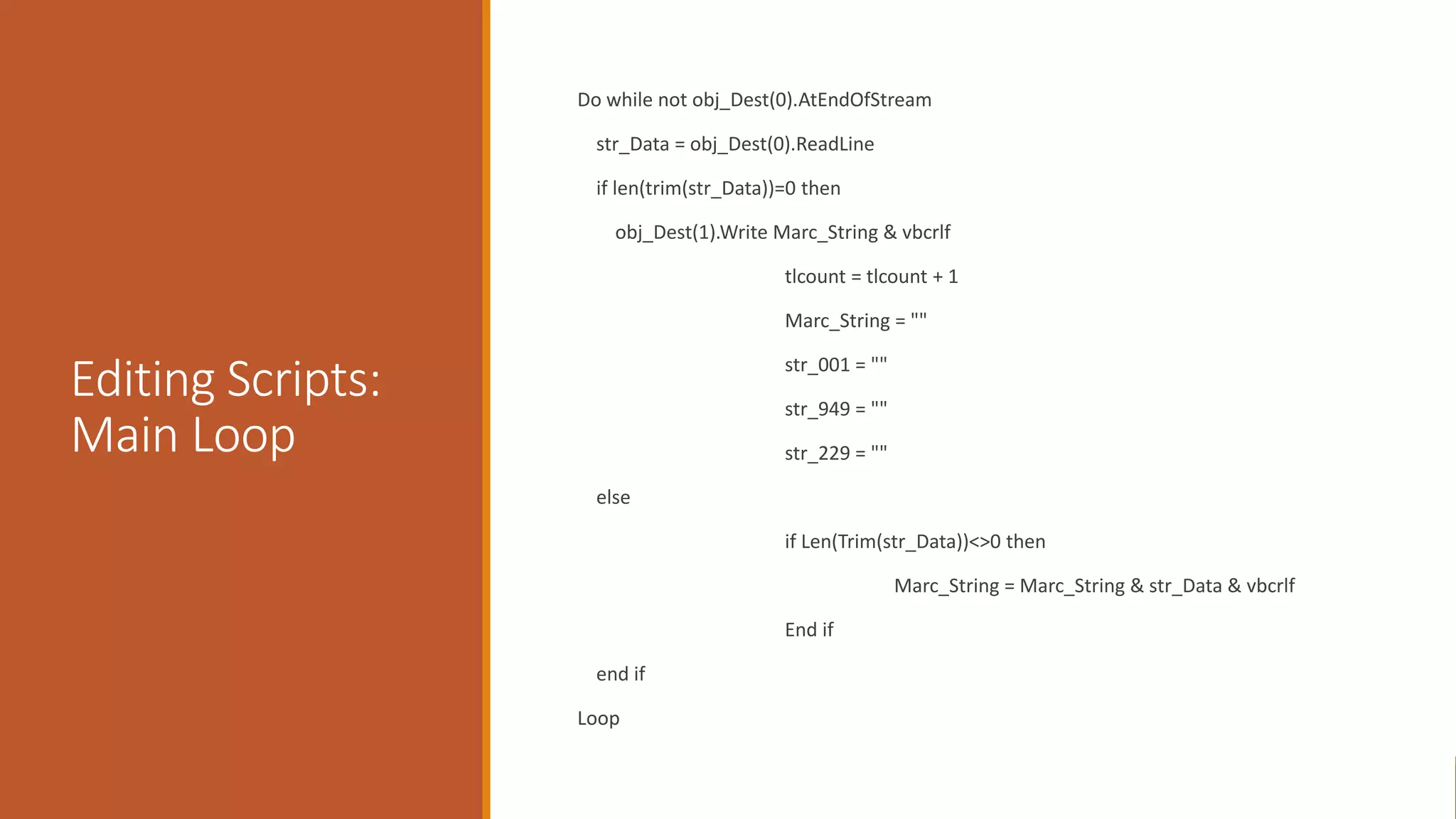
Editing Scripts:
Main Loop
Do while not obj_Dest(0).AtEndOfStream
str_Data = obj_Dest(0).ReadLine
if len(trim(str_Data))=0 then
obj_Dest(1).Write Marc_String & vbcrlf
tlcount = tlcount + 1
Marc_String = ""
str_001 = ""
str_949 = ""
str_229 = ""
else
if Len(Trim(str_Data))<>0 then
Marc_String = Marc_String & str_Data & vbcrlf
End if
end if
Loop
Script Examples
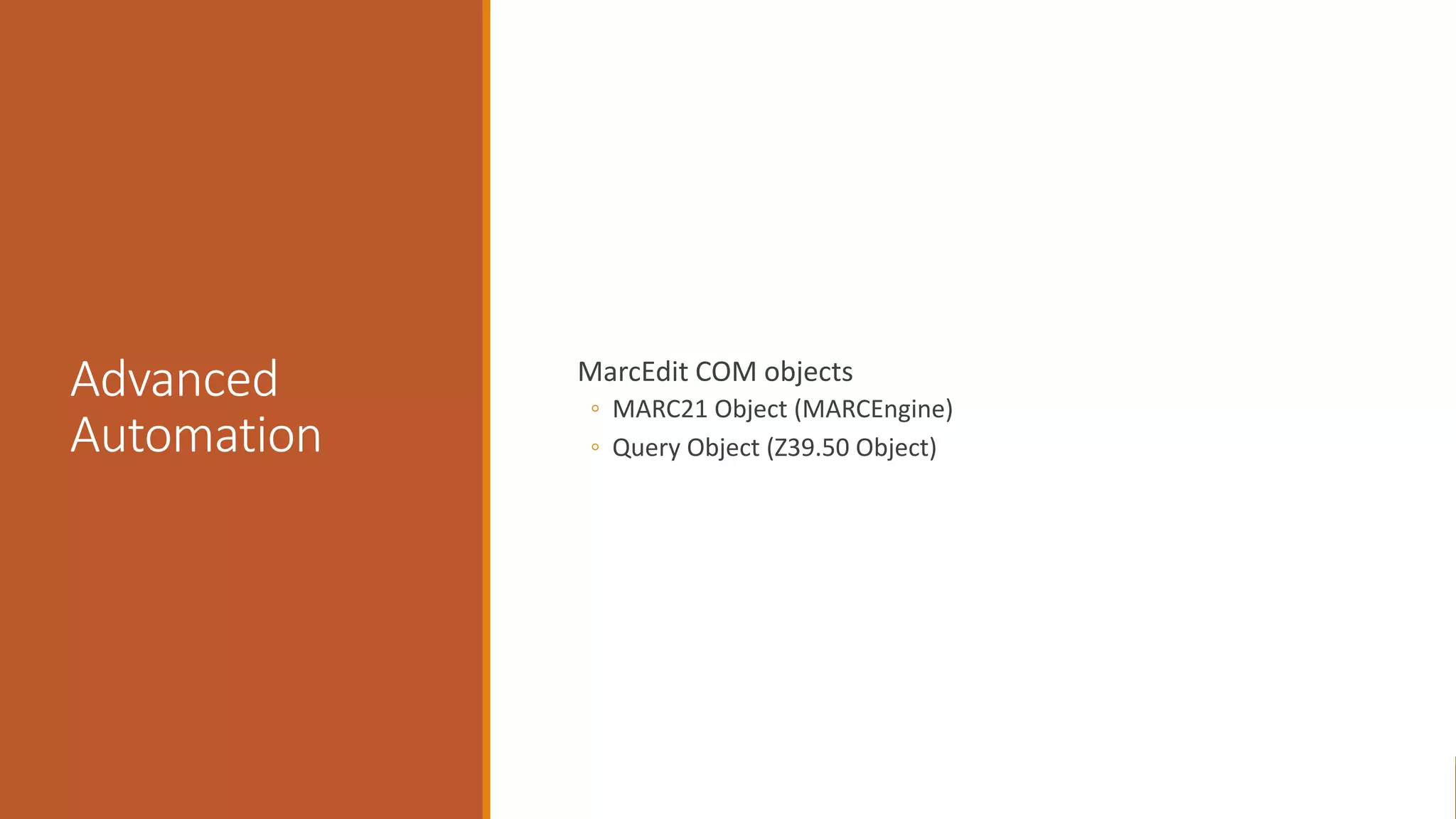
Advanced
Automation
MarcEdit COM objects
◦ MARC21 Object (MARCEngine)
◦ Query Object (Z39.50 Object)
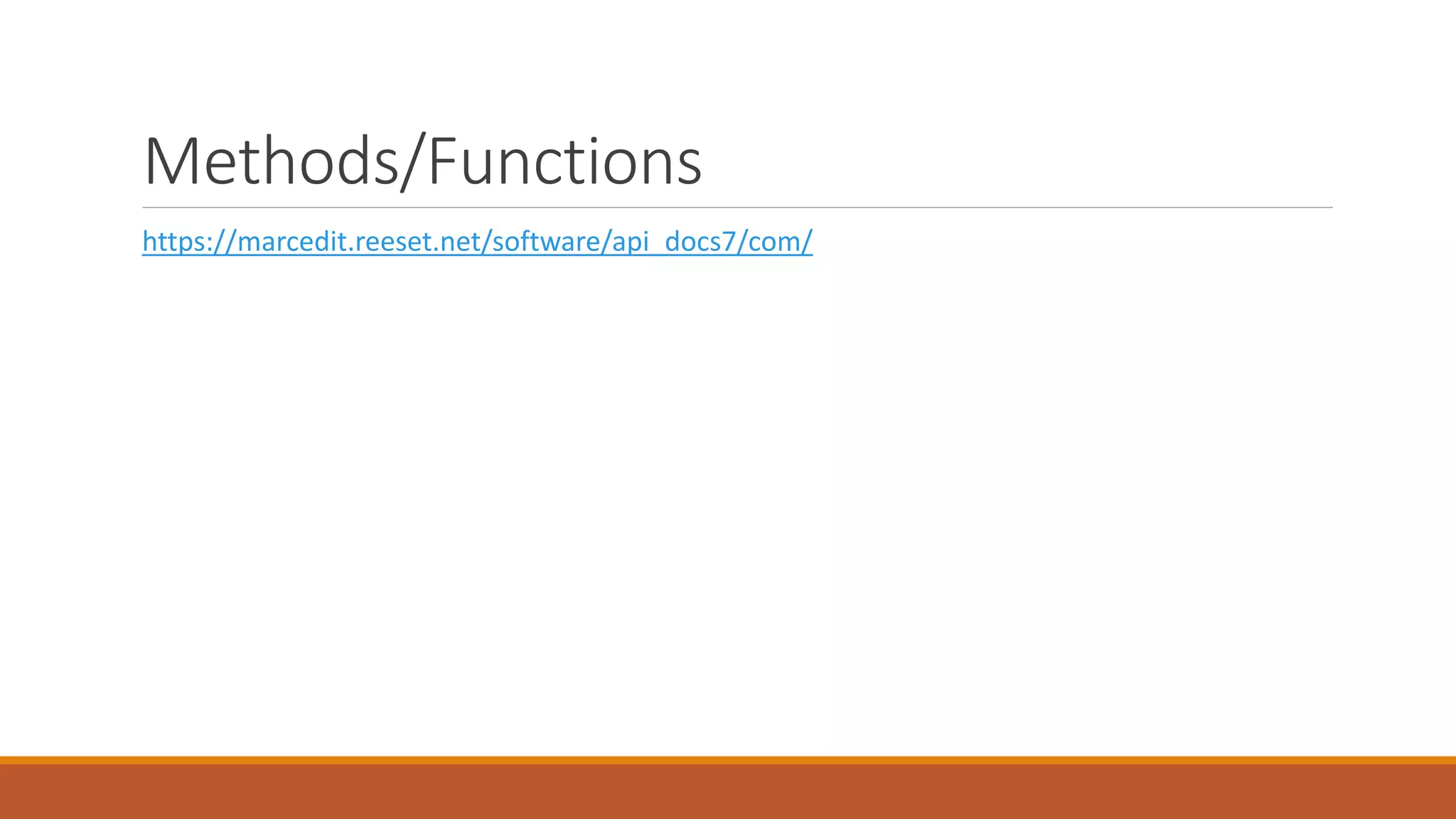
Methods/Functions
https://marcedit.reeset.net/software/api_docs7/com/
Automating the
Command Line
MarcEdit includes a command-line program called cmarcedit
◦ Command line program wraps the engine functionality,
character conversion functionality and xml processing
◦ XSLT functions require you to define each XSLT file that you wish
to use, including the MARCXML => Mnemonic xslt translation.
Command Line
Examples
Running Tasks via the Terminal. The -experimental flag is
optional but runs tasks natively and is significantly faster. This
functionality will eventually be standard.
>> cmarcedit.exe -s [sourcefile] -d [destfile] -task [fullpath to
task file]
Validating Records:
>> cmarcedit.exe -s [sourcefile] -validate
Add -clean to remove invalid records:
>> cmarcedit.exe -s [sourcefile] -validate -clean
Command to tell you if dups exist in a file:
>> cmarcedit.exe -s [sourcefile] -dups?
Command to Export Delimited values:
>>cmarcedit.exe -s 100_a_coded_test.mrk -d 001_100.txt -rules
UNIMARC_bib_001_100_coded.txt -export_delimited -D t
MarcEdit
CommandLine
http://marcedit.reeset.net/cmarcedit-exe-using-the-
command-line
And:
https://marcedit.reeset.net/learning_marcedit/book-v-
features-for-developers/chapter-4-working-with-marcedits-
command-line-tools/
MarcEdit Shelter-In-Place Webinar 8: Automated editing through scripts and tooling

MarcEdit Shelter-In-Place Webinar 8: Automated editing through scripts and tooling