Managing States
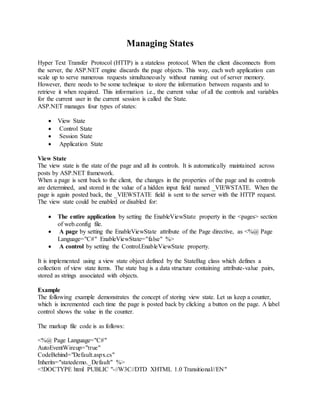
Hyper Text Transfer Protocol (HTTP) is a stateless protocol. When the client disconnects from
the server, the ASP.NET engine discards the page objects. This way, each web application can
scale up to serve numerous requests simultaneously without running out of server memory.
However, there needs to be some technique to store the information between requests and to
retrieve it when required. This information i.e., the current value of all the controls and variables
for the current user in the current session is called the State.
ASP.NET manages four types of states:
 View State
 Control State
 Session State
 Application State
View State
The view state is the state of the page and all its controls. It is automatically maintained across
posts by ASP.NET framework.
When a page is sent back to the client, the changes in the properties of the page and its controls
are determined, and stored in the value of a hidden input field named _VIEWSTATE. When the
page is again posted back, the _VIEWSTATE field is sent to the server with the HTTP request.
The view state could be enabled or disabled for:
 The entire application by setting the EnableViewState property in the <pages> section
of web.config file.
 A page by setting the EnableViewState attribute of the Page directive, as <%@ Page
Language="C#" EnableViewState="false" %>
 A control by setting the Control.EnableViewState property.
It is implemented using a view state object defined by the StateBag class which defines a
collection of view state items. The state bag is a data structure containing attribute-value pairs,
stored as strings associated with objects.
Example
The following example demonstrates the concept of storing view state. Let us keep a counter,
which is incremented each time the page is posted back by clicking a button on the page. A label
control shows the value in the counter.
The markup file code is as follows:
<%@ Page Language="C#"
AutoEventWireup="true"
CodeBehind="Default.aspx.cs"
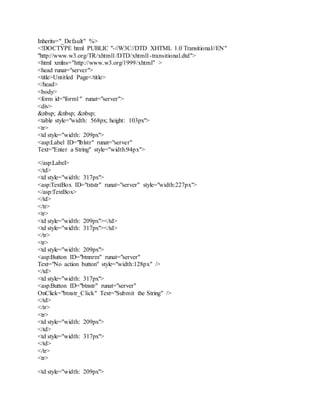
Inherits="statedemo._Default" %>
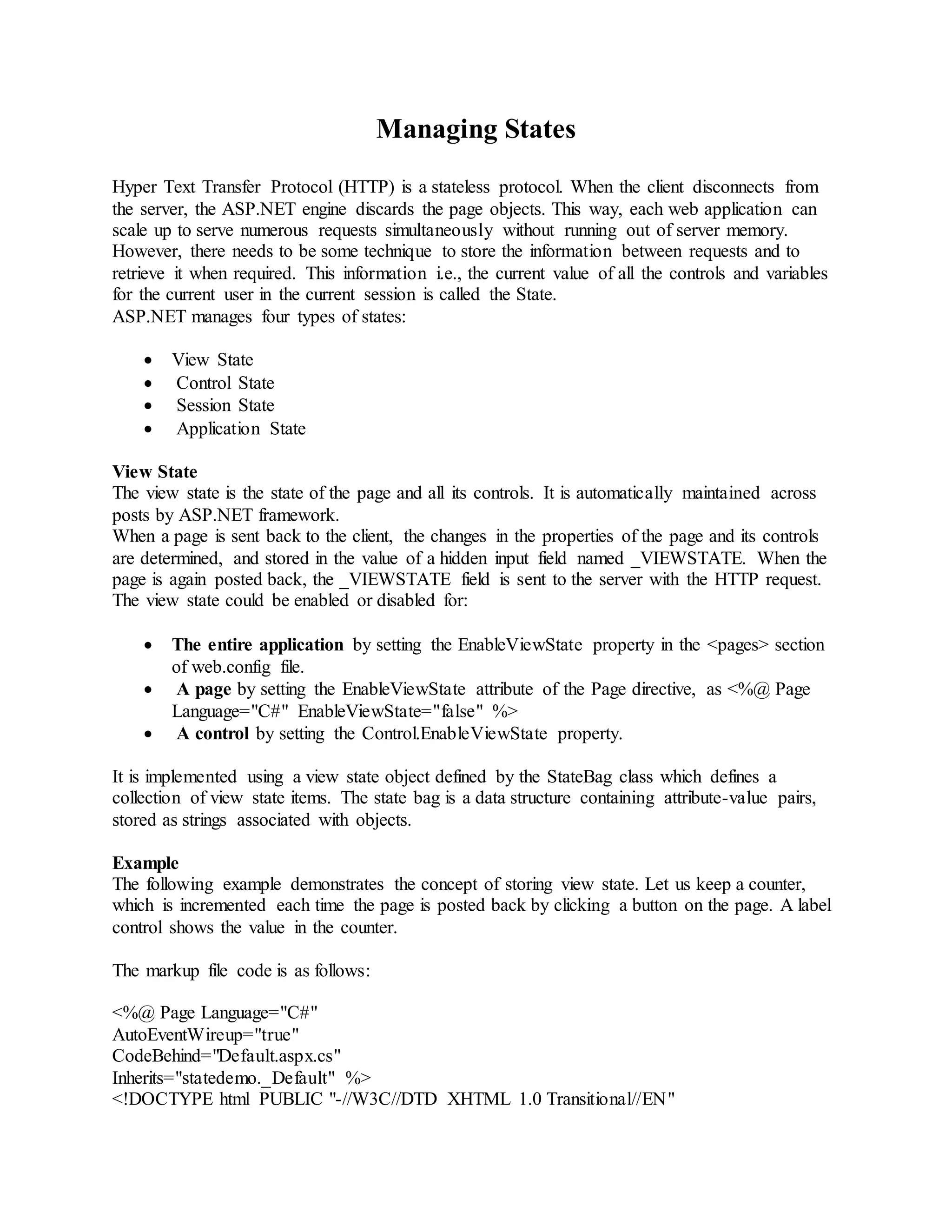
<!DOCTYPE html PUBLIC "-//W3C//DTD XHTML 1.0 Transitional//EN"
"http://www.w3.org/TR/xhtml1/DTD/xhtml1-transitional.dtd">
<html xmlns="http://www.w3.org/1999/xhtml" >
<head runat="server">
<title>Untitled Page</title>
</head>
<body>
<form id="form1" runat="server">
<div>
<h3>View State demo</h3>
Page Counter:
<asp:Label ID="lblCounter" runat="server" />
<asp:Button ID="btnIncrement" runat="server"
Text="Add Count"
onclick="btnIncrement_Click" />
</div>
</form>
</body>
</html>
The code behind file for the example is shown here:
public partial class _Default : System.Web.UI.Page
{
public int counter
{
get
{
if (ViewState["pcounter"] != null)
{
return ((int)ViewState["pcounter"]);
}
else
{
return 0;
}
}
set
{
ViewState["pcounter"] = value;
}
}
protected void Page_Load(object sender, EventArgs e)
{
lblCounter.Text = counter.ToString();
counter++;
}
}
Control State
Control state cannot be modified, accessed directly, or disabled.
SessionState
When a user connects to an ASP.NET website, a new session object is created. When session
state is turned on, a new session state object is created for each new request. This session state
object becomes part of the context and it is available through the page.
Session state is generally used for storing application data such as inventory, supplier list,
customer record, or shopping cart. It can also keep information about the user and his
preferences, and keep the track of pending operations.
Sessions are identified and tracked with a 120-bit SessionID, which is passed from client to
server and back as cookie or a modified URL. The SessionID is globally unique and random.
The session state object is created from the HttpSessionState class, which defines a collection of
session state items.
The session state object is a name-value pair to store and retrieve some information from the
session state object. You could use the following code for the same:
void StoreSessionInfo()
{
String fromuser = TextBox1.Text;
Session["fromuser"] = fromuser;
}
void RetrieveSessionInfo()
{
String fromuser = Session["fromuser"];
Label1.Text = fromuser;
}
The above code stores only strings in the Session dictionary object, however, it can store all the
primitive data types and arrays composed of primitive data types, as well as the DataSet,
DataTable, HashTable, and Image objects, as well as any user-defined class that inherits from the
ISerializable object.
Example
The following example demonstrates the concept of storing session state. There are two buttons
on the page, a text box to enter string and a label to display the text stored from last session.
The mark up file code is as follows:
<%@ Page Language="C#"
AutoEventWireup="true"
CodeFile="Default.aspx.cs"
Inherits="_Default" %>
<!DOCTYPE html PUBLIC "-//W3C//DTD XHTML 1.0 Transitional//EN"
"http://www.w3.org/TR/xhtml1/DTD/xhtml1-transitional.dtd">
<html xmlns="http://www.w3.org/1999/xhtml" >
<head runat="server">
<title>Untitled Page</title>
</head>
<body>
<form id="form1" runat="server">
<div>
&nbsp; &nbsp; &nbsp;
<table style="width: 568px; height: 103px">
<tr>
<td style="width: 209px">
<asp:Label ID="lblstr" runat="server"
Text="Enter a String" style="width:94px">
</asp:Label>
</td>
<td style="width: 317px">
<asp:TextBox ID="txtstr" runat="server" style="width:227px">
</asp:TextBox>
</td>
</tr>
<tr>
<td style="width: 209px"></td>
<td style="width: 317px"></td>
</tr>
<tr>
<td style="width: 209px">
<asp:Button ID="btnnrm" runat="server"
Text="No action button" style="width:128px" />
</td>
<td style="width: 317px">
<asp:Button ID="btnstr" runat="server"
OnClick="btnstr_Click" Text="Submit the String" />
</td>
</tr>
<tr>
<td style="width: 209px">
</td>
<td style="width: 317px">
</td>
</tr>
<tr>
<td style="width: 209px">
<asp:Label ID="lblsession" runat="server"
style="width:231px">
</asp:Label>
</td>
<td style="width: 317px">
</td>
</tr>
<tr>
<td style="width: 209px">
<asp:Label ID="lblshstr" runat="server">
</asp:Label>
</td>
<td style="width: 317px">
</td>
</tr>
</table>
</div>
</form>
</body>
</html>
The code behind file is given here:
public partial class _Default : System.Web.UI.Page
{
String mystr;
protected void Page_Load(object sender, EventArgs e)
{
this.lblshstr.Text = this.mystr;
this.lblsession.Text = (String)this.Session["str"];
}
protected void btnstr_Click(object sender, EventArgs e)
{
this.mystr = this.txtstr.Text;
this.Session["str"] = this.txtstr.Text;
this.lblshstr.Text = this.mystr;
this.lblsession.Text = (String)this.Session["str"];
}
}
Application State
TheASP.NET application is the collection of all web pages, code and other files within a single
virtual directory on a web server. When information is stored in application state, it is available
to all the users.
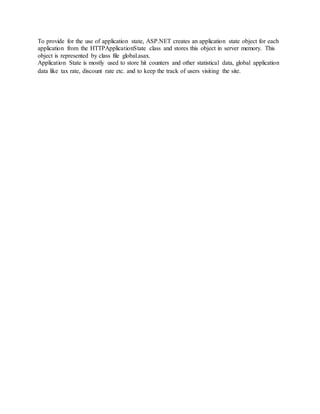
To provide for the use of application state, ASP.NET creates an application state object for each
application from the HTTPApplicationState class and stores this object in server memory. This
object is represented by class file global.asax.
Application State is mostly used to store hit counters and other statistical data, global application
data like tax rate, discount rate etc. and to keep the track of users visiting the site.

Managing states

  • 1.
    Managing States Hyper TextTransfer Protocol (HTTP) is a stateless protocol. When the client disconnects from the server, the ASP.NET engine discards the page objects. This way, each web application can scale up to serve numerous requests simultaneously without running out of server memory. However, there needs to be some technique to store the information between requests and to retrieve it when required. This information i.e., the current value of all the controls and variables for the current user in the current session is called the State. ASP.NET manages four types of states:  View State  Control State  Session State  Application State View State The view state is the state of the page and all its controls. It is automatically maintained across posts by ASP.NET framework. When a page is sent back to the client, the changes in the properties of the page and its controls are determined, and stored in the value of a hidden input field named _VIEWSTATE. When the page is again posted back, the _VIEWSTATE field is sent to the server with the HTTP request. The view state could be enabled or disabled for:  The entire application by setting the EnableViewState property in the <pages> section of web.config file.  A page by setting the EnableViewState attribute of the Page directive, as <%@ Page Language="C#" EnableViewState="false" %>  A control by setting the Control.EnableViewState property. It is implemented using a view state object defined by the StateBag class which defines a collection of view state items. The state bag is a data structure containing attribute-value pairs, stored as strings associated with objects. Example The following example demonstrates the concept of storing view state. Let us keep a counter, which is incremented each time the page is posted back by clicking a button on the page. A label control shows the value in the counter. The markup file code is as follows: <%@ Page Language="C#" AutoEventWireup="true" CodeBehind="Default.aspx.cs" Inherits="statedemo._Default" %> <!DOCTYPE html PUBLIC "-//W3C//DTD XHTML 1.0 Transitional//EN"
  • 2.
    "http://www.w3.org/TR/xhtml1/DTD/xhtml1-transitional.dtd"> <html xmlns="http://www.w3.org/1999/xhtml" > <headrunat="server"> <title>Untitled Page</title> </head> <body> <form id="form1" runat="server"> <div> <h3>View State demo</h3> Page Counter: <asp:Label ID="lblCounter" runat="server" /> <asp:Button ID="btnIncrement" runat="server" Text="Add Count" onclick="btnIncrement_Click" /> </div> </form> </body> </html> The code behind file for the example is shown here: public partial class _Default : System.Web.UI.Page { public int counter { get { if (ViewState["pcounter"] != null) { return ((int)ViewState["pcounter"]); } else { return 0; } } set { ViewState["pcounter"] = value; } } protected void Page_Load(object sender, EventArgs e) { lblCounter.Text = counter.ToString(); counter++;
  • 3.
    } } Control State Control statecannot be modified, accessed directly, or disabled. SessionState When a user connects to an ASP.NET website, a new session object is created. When session state is turned on, a new session state object is created for each new request. This session state object becomes part of the context and it is available through the page. Session state is generally used for storing application data such as inventory, supplier list, customer record, or shopping cart. It can also keep information about the user and his preferences, and keep the track of pending operations. Sessions are identified and tracked with a 120-bit SessionID, which is passed from client to server and back as cookie or a modified URL. The SessionID is globally unique and random. The session state object is created from the HttpSessionState class, which defines a collection of session state items. The session state object is a name-value pair to store and retrieve some information from the session state object. You could use the following code for the same: void StoreSessionInfo() { String fromuser = TextBox1.Text; Session["fromuser"] = fromuser; } void RetrieveSessionInfo() { String fromuser = Session["fromuser"]; Label1.Text = fromuser; } The above code stores only strings in the Session dictionary object, however, it can store all the primitive data types and arrays composed of primitive data types, as well as the DataSet, DataTable, HashTable, and Image objects, as well as any user-defined class that inherits from the ISerializable object. Example The following example demonstrates the concept of storing session state. There are two buttons on the page, a text box to enter string and a label to display the text stored from last session. The mark up file code is as follows: <%@ Page Language="C#" AutoEventWireup="true" CodeFile="Default.aspx.cs"
  • 4.
    Inherits="_Default" %> <!DOCTYPE htmlPUBLIC "-//W3C//DTD XHTML 1.0 Transitional//EN" "http://www.w3.org/TR/xhtml1/DTD/xhtml1-transitional.dtd"> <html xmlns="http://www.w3.org/1999/xhtml" > <head runat="server"> <title>Untitled Page</title> </head> <body> <form id="form1" runat="server"> <div> &nbsp; &nbsp; &nbsp; <table style="width: 568px; height: 103px"> <tr> <td style="width: 209px"> <asp:Label ID="lblstr" runat="server" Text="Enter a String" style="width:94px"> </asp:Label> </td> <td style="width: 317px"> <asp:TextBox ID="txtstr" runat="server" style="width:227px"> </asp:TextBox> </td> </tr> <tr> <td style="width: 209px"></td> <td style="width: 317px"></td> </tr> <tr> <td style="width: 209px"> <asp:Button ID="btnnrm" runat="server" Text="No action button" style="width:128px" /> </td> <td style="width: 317px"> <asp:Button ID="btnstr" runat="server" OnClick="btnstr_Click" Text="Submit the String" /> </td> </tr> <tr> <td style="width: 209px"> </td> <td style="width: 317px"> </td> </tr> <tr> <td style="width: 209px">
  • 5.
    <asp:Label ID="lblsession" runat="server" style="width:231px"> </asp:Label> </td> <tdstyle="width: 317px"> </td> </tr> <tr> <td style="width: 209px"> <asp:Label ID="lblshstr" runat="server"> </asp:Label> </td> <td style="width: 317px"> </td> </tr> </table> </div> </form> </body> </html> The code behind file is given here: public partial class _Default : System.Web.UI.Page { String mystr; protected void Page_Load(object sender, EventArgs e) { this.lblshstr.Text = this.mystr; this.lblsession.Text = (String)this.Session["str"]; } protected void btnstr_Click(object sender, EventArgs e) { this.mystr = this.txtstr.Text; this.Session["str"] = this.txtstr.Text; this.lblshstr.Text = this.mystr; this.lblsession.Text = (String)this.Session["str"]; } } Application State TheASP.NET application is the collection of all web pages, code and other files within a single virtual directory on a web server. When information is stored in application state, it is available to all the users.
  • 6.
    To provide forthe use of application state, ASP.NET creates an application state object for each application from the HTTPApplicationState class and stores this object in server memory. This object is represented by class file global.asax. Application State is mostly used to store hit counters and other statistical data, global application data like tax rate, discount rate etc. and to keep the track of users visiting the site.