Made by –Chetan
(b120020079)
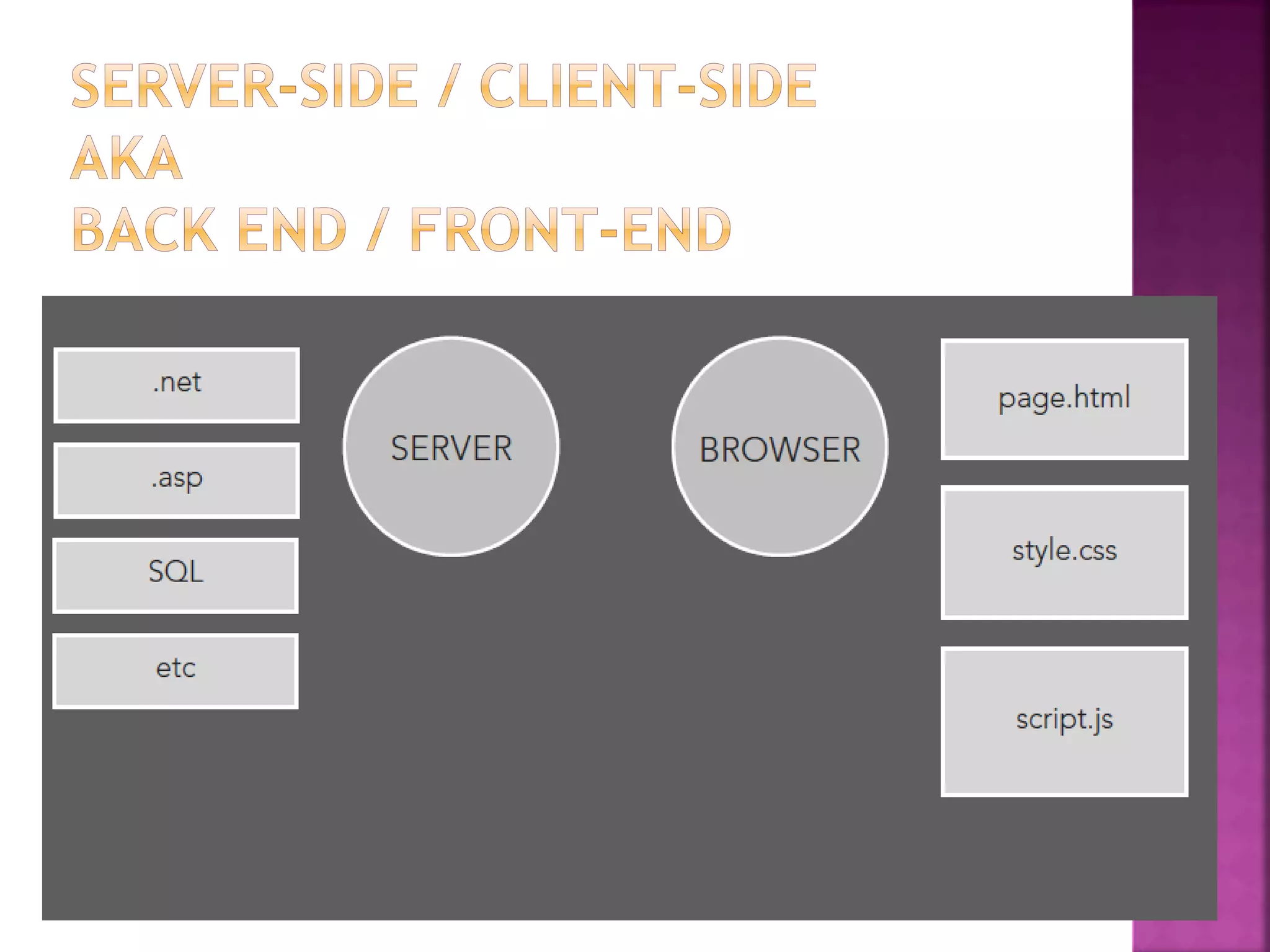
 A static website is a group of self-
contained, individual pages (or page),
sent to the browser from the server one-
page-at-a-time.
 Dynamic web content is built when it is
requested, by the user directly, or
programmatically while a user is on a
page (e.g., facebook updates).
 Most websites contain both static and
dynamic elements.
 HTML is a markup language
for describing web documents (web pages).
 HTML stands
for Hyper Text Markup Language
 A markup language is a set of markup tags
 HTML documents are described by HTML tags
 Each HTML tag describes different document
content
<HTML>
<HEAD>
</HEAD>
<BODY>
</BODY>
</HTML>
<tag>Content</tag>
Tags normally come in pairs. The first tag is the start
tag, and the second tag is the end tag.
 A stylesheet is a set of rules defining how an
html element will be “presented” in the
browser.
 These rules are targeted to specific elements
in the html document.
 The “cascade” part of CSS is a set of rules
for resolving conflicts with multiple CSS rules
applied to the same elements.
 For example, if there are two rules defining
the color or your h1 elements, the rule that
comes last in the cascade order will“trump”
the other.
 Every style is defined by a selector and a
declaration. The declaration contains at least one
property/value pair. Together they are called a CSS
Rule.
 CSS comes in three types:
 In a separate file (external). They are written as
shown<link href=“name.css” type=“text/css”>
under head tag.
 At the top of a web page document (internal).They
are placed inside the head tag section under the
style tag.
 Right next to the text it decorates (inline). It is
defined by using style attribute.
Priority order of CSS
Inline> Internal>External
 body {declaration}
 p {declaration}
 h1 {declaration}
 ul {declaration}
The simplest selector is the type selector,
which targets an html element by name.
 CSS
#logo {declaration}
 HTML
<img id=”logo” src=”” alt=””>
An ID is an html attribute that is added to your
html markup. You reference that ID in your css
with a hash.
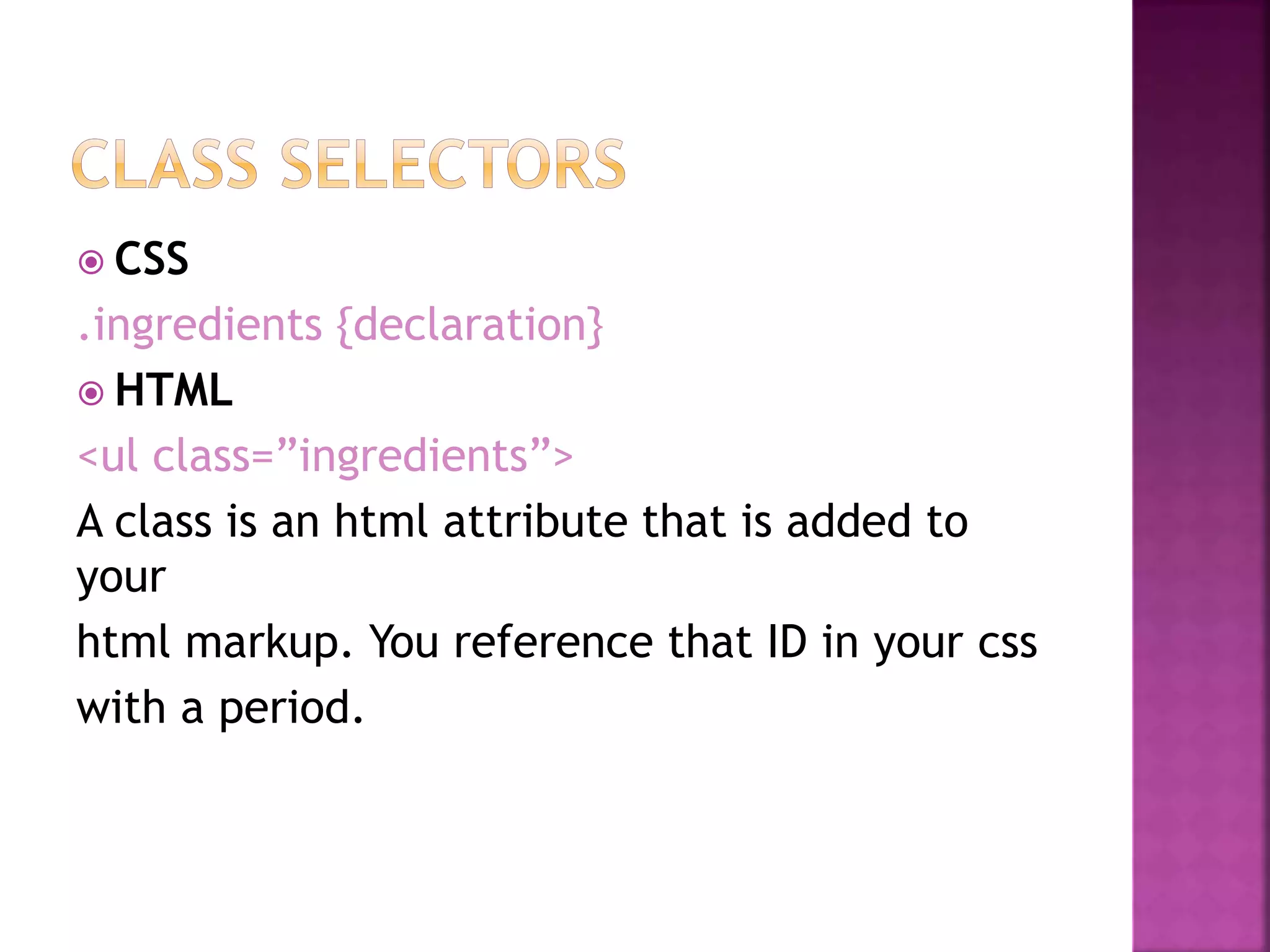
 CSS
.ingredients {declaration}
 HTML
<ul class=”ingredients”>
A class is an html attribute that is added to
your
html markup. You reference that ID in your css
with a period.
 The most important difference between IDs
and classes is that there can be only one ID
on a page, but multiple classes.
 An ID is more specific than a class.
 An element can have both an ID and multiple
classes.
 JavaScript was designed to add interactivity to
HTML pages
 JavaScript is a scripting language (a scripting
language is a lightweight programming language)
 A JavaScript consists of lines of executable
computer code
 A JavaScript is usually embedded directly into
HTML pages
 JavaScript is an interpreted language (means
that scripts execute without preliminary
compilation)
 Everyone can use JavaScript without purchasing
a license
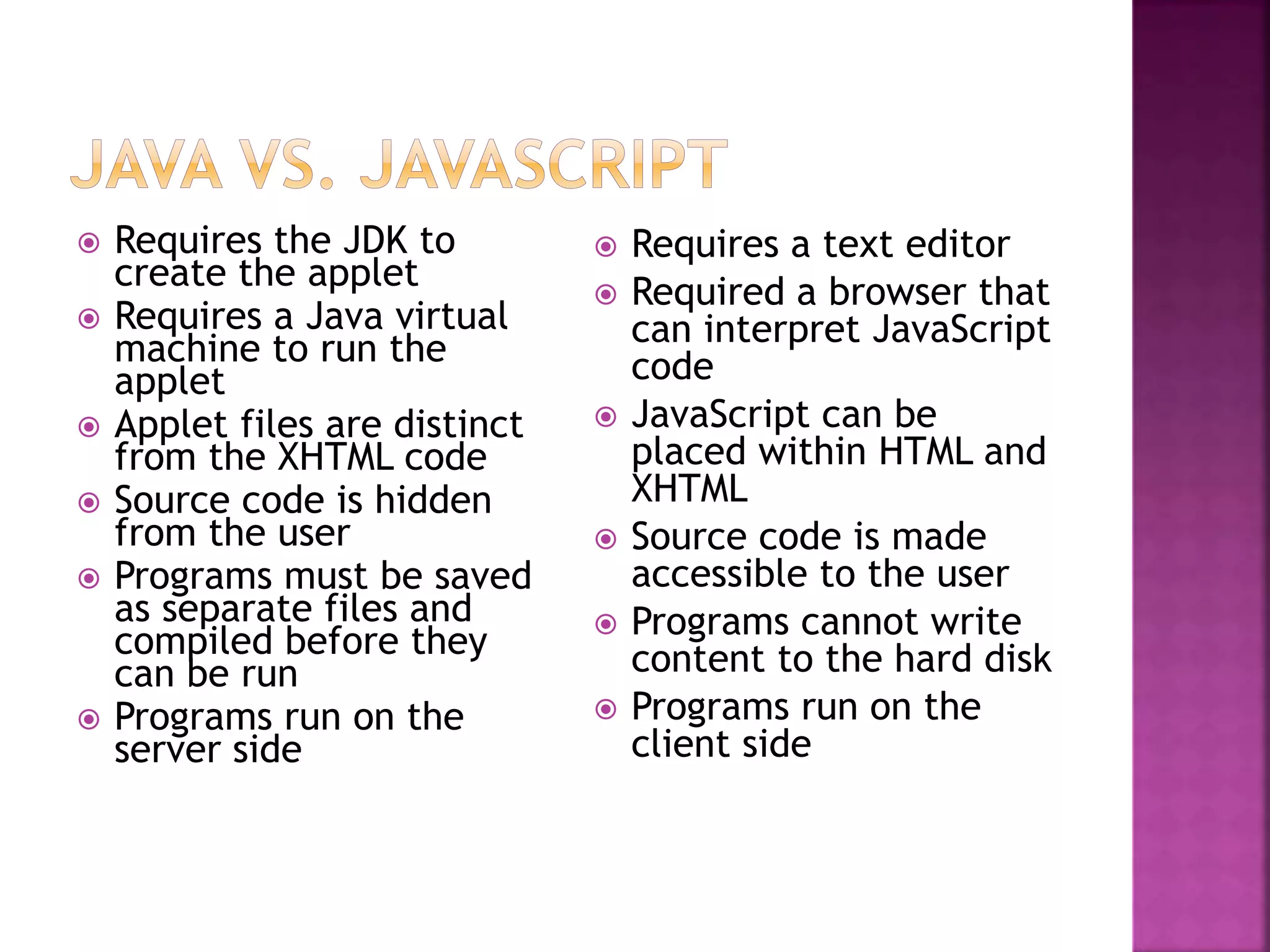
 Requires the JDK to
create the applet
 Requires a Java virtual
machine to run the
applet
 Applet files are distinct
from the XHTML code
 Source code is hidden
from the user
 Programs must be saved
as separate files and
compiled before they
can be run
 Programs run on the
server side
 Requires a text editor
 Required a browser that
can interpret JavaScript
code
 JavaScript can be
placed within HTML and
XHTML
 Source code is made
accessible to the user
 Programs cannot write
content to the hard disk
 Programs run on the
client side
 JavaScript code is included within <script> tags:
 <script type="text/javascript">
document.write("<h1>Hello World!</h1>") ;
</script>
 JavaScript can be put in the <head> or in the <body> of an
HTML document
 JavaScript functions should be defined in the <head>
 This ensures that the function is loaded before it is
needed
 JavaScript in the <body> will be executed as the page loads
 JavaScript can be put in a separate .js file
 <script src="myJavaScriptFile.js"></script>
 Put this HTML wherever you would put the actual
JavaScript code
 An external .js file lets you use the same JavaScript on
multiple HTML pages
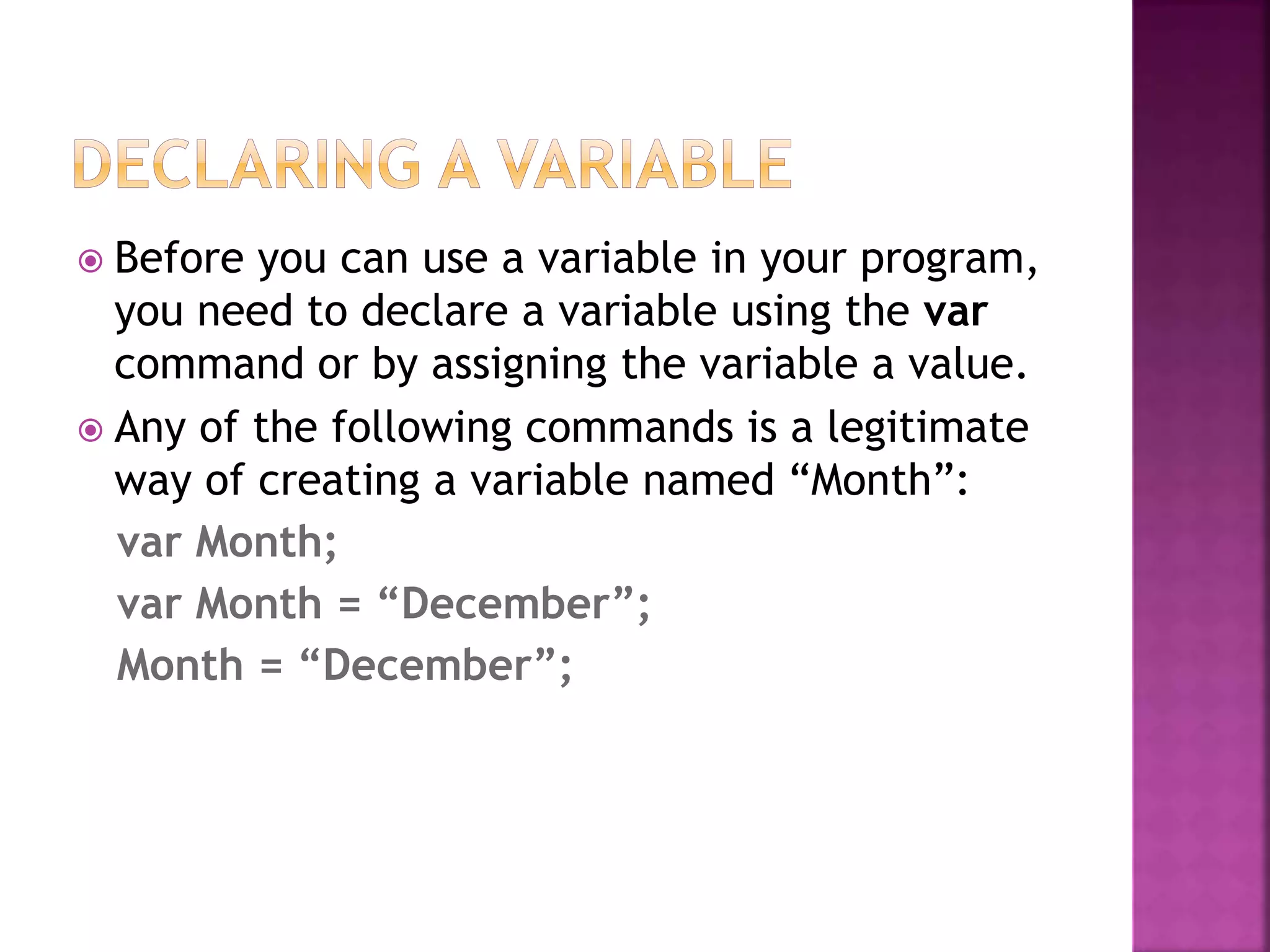
 Before you can use a variable in your program,
you need to declare a variable using the var
command or by assigning the variable a value.
 Any of the following commands is a legitimate
way of creating a variable named “Month”:
var Month;
var Month = “December”;
Month = “December”;
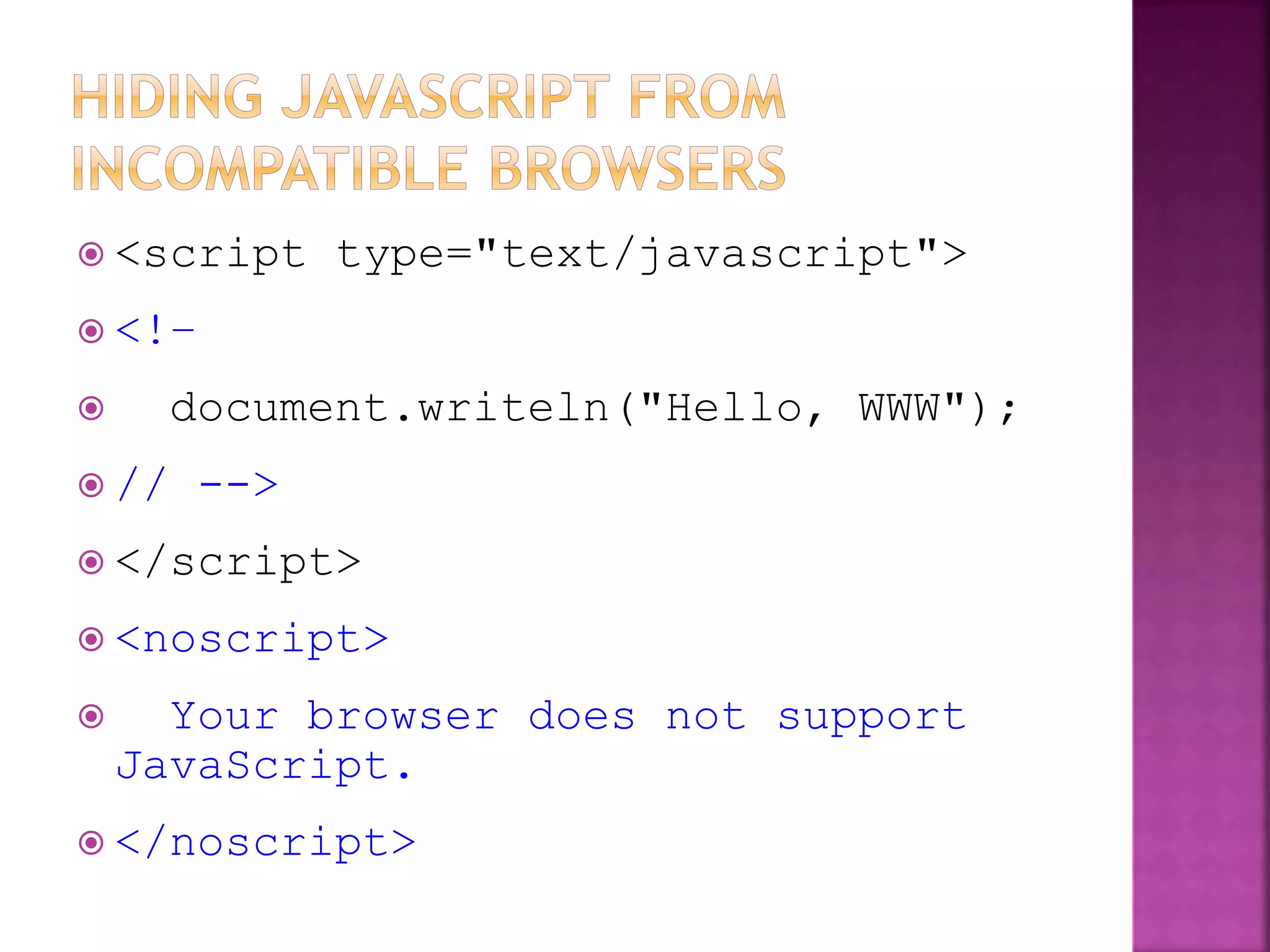
 <script type="text/javascript">
 <!–
 document.writeln("Hello, WWW");
 // -->
 </script>
 <noscript>
 Your browser does not support
JavaScript.
 </noscript>
 Display a message in a dialog box.
 The dialog box will block the browser
alert("Text to be displayed");
var answer = confirm("Are you sure?");
 Display a message in a dialog box with two buttons:
"OK" or "Cancel".
 confirm() returns true if the user click "OK".
Otherwise it returns false.
 Display a message and allow the user to enter a value
 The second argument is the "default value" to be
displayed in the input textfield.
 Without the default value, "undefined" is shown in the
input textfield.
 If the user click the "OK" button, prompt() returns the
value in the input textfield as a string.
 If the user click the "Cancel" button, prompt() returns
null.
prompt("What is your student id number?");
prompt("What is your name?”, "No name");
<script type="text/javascript">
alert("This is an Alert method");
confirm("Are you OK?");
prompt("What is your name?");
prompt("How old are you?","20");
</script>
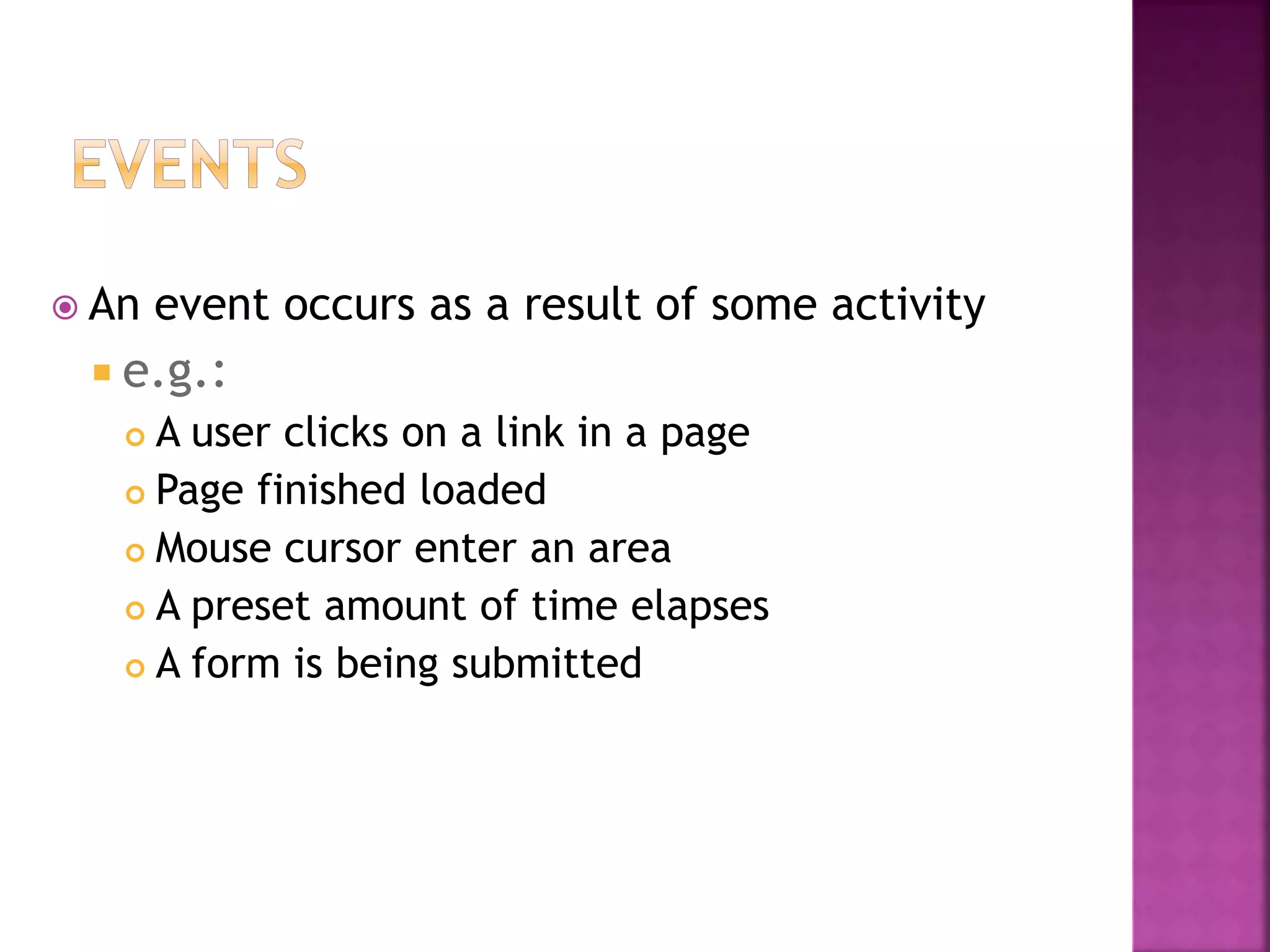
 An event occurs as a result of some activity
 e.g.:
 A user clicks on a link in a page
 Page finished loaded
 Mouse cursor enter an area
 A preset amount of time elapses
 A form is being submitted
 Event Handler – a segment of codes (usually a
function) to be executed when an event occurs
 We can specify event handlers as attributes in the
HTML tags.
 The attribute names typically take the form
"onXXX" where XXX is the event name.
 e.g.:
<a href="…" onClick="alert('Bye')">Other
Website</a>
Event Handlers Triggered when
onChange The value of the text field, textarea, or a drop down list
is modified
onClick A link, an image or a form element is clicked once
onDblClick The element is double-clicked
onMouseDown The user presses the mouse button
onLoad A document or an image is loaded
onSubmit A user submits a form
onReset The form is reset
onUnLoad The user closes a document or a frame
onResize A form is resized by the user

Presentation

  • 1.
  • 2.
     A staticwebsite is a group of self- contained, individual pages (or page), sent to the browser from the server one- page-at-a-time.  Dynamic web content is built when it is requested, by the user directly, or programmatically while a user is on a page (e.g., facebook updates).  Most websites contain both static and dynamic elements.
  • 5.
     HTML isa markup language for describing web documents (web pages).  HTML stands for Hyper Text Markup Language  A markup language is a set of markup tags  HTML documents are described by HTML tags  Each HTML tag describes different document content
  • 6.
  • 7.
    <tag>Content</tag> Tags normally comein pairs. The first tag is the start tag, and the second tag is the end tag.
  • 8.
     A stylesheetis a set of rules defining how an html element will be “presented” in the browser.  These rules are targeted to specific elements in the html document.  The “cascade” part of CSS is a set of rules for resolving conflicts with multiple CSS rules applied to the same elements.  For example, if there are two rules defining the color or your h1 elements, the rule that comes last in the cascade order will“trump” the other.
  • 9.
     Every styleis defined by a selector and a declaration. The declaration contains at least one property/value pair. Together they are called a CSS Rule.
  • 10.
     CSS comesin three types:  In a separate file (external). They are written as shown<link href=“name.css” type=“text/css”> under head tag.  At the top of a web page document (internal).They are placed inside the head tag section under the style tag.  Right next to the text it decorates (inline). It is defined by using style attribute. Priority order of CSS Inline> Internal>External
  • 12.
     body {declaration} p {declaration}  h1 {declaration}  ul {declaration} The simplest selector is the type selector, which targets an html element by name.
  • 13.
     CSS #logo {declaration} HTML <img id=”logo” src=”” alt=””> An ID is an html attribute that is added to your html markup. You reference that ID in your css with a hash.
  • 14.
     CSS .ingredients {declaration} HTML <ul class=”ingredients”> A class is an html attribute that is added to your html markup. You reference that ID in your css with a period.
  • 15.
     The mostimportant difference between IDs and classes is that there can be only one ID on a page, but multiple classes.  An ID is more specific than a class.  An element can have both an ID and multiple classes.
  • 16.
     JavaScript wasdesigned to add interactivity to HTML pages  JavaScript is a scripting language (a scripting language is a lightweight programming language)  A JavaScript consists of lines of executable computer code  A JavaScript is usually embedded directly into HTML pages  JavaScript is an interpreted language (means that scripts execute without preliminary compilation)  Everyone can use JavaScript without purchasing a license
  • 17.
     Requires theJDK to create the applet  Requires a Java virtual machine to run the applet  Applet files are distinct from the XHTML code  Source code is hidden from the user  Programs must be saved as separate files and compiled before they can be run  Programs run on the server side  Requires a text editor  Required a browser that can interpret JavaScript code  JavaScript can be placed within HTML and XHTML  Source code is made accessible to the user  Programs cannot write content to the hard disk  Programs run on the client side
  • 18.
     JavaScript codeis included within <script> tags:  <script type="text/javascript"> document.write("<h1>Hello World!</h1>") ; </script>  JavaScript can be put in the <head> or in the <body> of an HTML document  JavaScript functions should be defined in the <head>  This ensures that the function is loaded before it is needed  JavaScript in the <body> will be executed as the page loads  JavaScript can be put in a separate .js file  <script src="myJavaScriptFile.js"></script>  Put this HTML wherever you would put the actual JavaScript code  An external .js file lets you use the same JavaScript on multiple HTML pages
  • 19.
     Before youcan use a variable in your program, you need to declare a variable using the var command or by assigning the variable a value.  Any of the following commands is a legitimate way of creating a variable named “Month”: var Month; var Month = “December”; Month = “December”;
  • 20.
     <script type="text/javascript"> <!–  document.writeln("Hello, WWW");  // -->  </script>  <noscript>  Your browser does not support JavaScript.  </noscript>
  • 21.
     Display amessage in a dialog box.  The dialog box will block the browser alert("Text to be displayed"); var answer = confirm("Are you sure?");  Display a message in a dialog box with two buttons: "OK" or "Cancel".  confirm() returns true if the user click "OK". Otherwise it returns false.
  • 22.
     Display amessage and allow the user to enter a value  The second argument is the "default value" to be displayed in the input textfield.  Without the default value, "undefined" is shown in the input textfield.  If the user click the "OK" button, prompt() returns the value in the input textfield as a string.  If the user click the "Cancel" button, prompt() returns null. prompt("What is your student id number?"); prompt("What is your name?”, "No name");
  • 23.
    <script type="text/javascript"> alert("This isan Alert method"); confirm("Are you OK?"); prompt("What is your name?"); prompt("How old are you?","20"); </script>
  • 24.
     An eventoccurs as a result of some activity  e.g.:  A user clicks on a link in a page  Page finished loaded  Mouse cursor enter an area  A preset amount of time elapses  A form is being submitted
  • 25.
     Event Handler– a segment of codes (usually a function) to be executed when an event occurs  We can specify event handlers as attributes in the HTML tags.  The attribute names typically take the form "onXXX" where XXX is the event name.  e.g.: <a href="…" onClick="alert('Bye')">Other Website</a>
  • 26.
    Event Handlers Triggeredwhen onChange The value of the text field, textarea, or a drop down list is modified onClick A link, an image or a form element is clicked once onDblClick The element is double-clicked onMouseDown The user presses the mouse button onLoad A document or an image is loaded onSubmit A user submits a form onReset The form is reset onUnLoad The user closes a document or a frame onResize A form is resized by the user