



Prioritization and
Time Management
Desktop Education for Parks &
         Recreation
      January 2013
Presented by Jim Wheeler
DESKTOP EDUCATION FOR PARKS AND RECREATION
WELCOME AND SIGN-IN
   PLEASE mute your
    phone by hitting *6.           YOU   Please sign in (by
    will be not be speaking during the
    webinar. However, YOU WILL use       typing in the chat
    the webinar chat and feedback box
    often.
                                         box) with:
   Phone audio is much more
    reliable than computer audio. If     • Your Agency Name
    you are listening through            • The number of people
    your computer speakers and             watching/attending the
    have audio problems during
    the webinar PLEASE dial in             webinar from your
    to the number above.                   agency today
   Have you downloaded and              • What is the name of
    printed a copy of your                 the person who will be
    handouts? (Sent in today’s             inputting answers into
    reminder update.)
                                           the webinar application
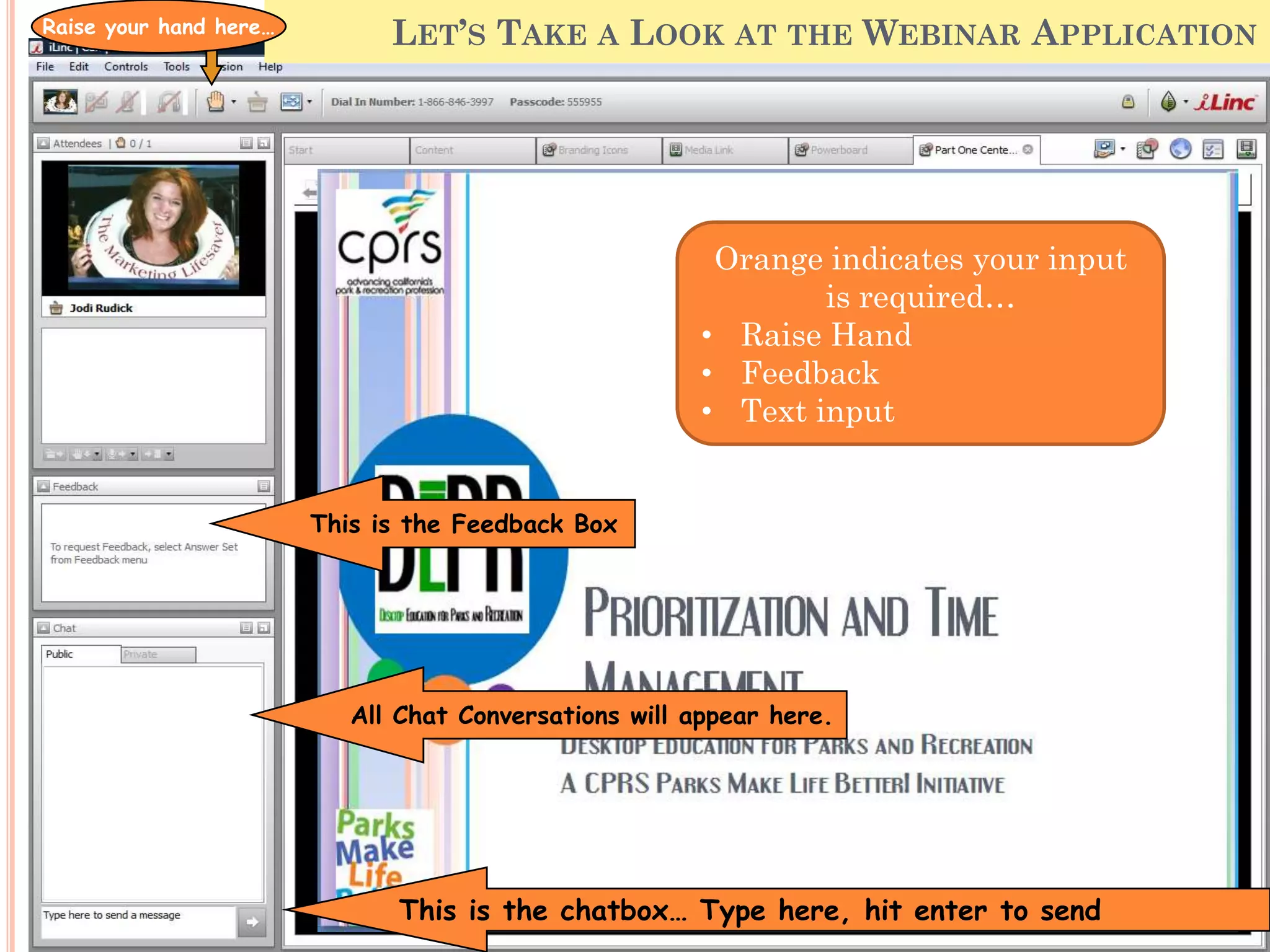
Raise your hand here…
                                       LET’S TAKE A LOOK AT THE WEBINAR APPLICATION


                                                         Orange indicates your input is
                                                                  required…
                                                        • Raise Hand
                                                        • Feedback
                                                        • Text input


                        This is the Feedback Box


                           All Chat Conversations will appear here.


                               This is the chatbox… Type here, hit enter to send
Yes or No…
Do you want CEUs for this session?

 You do not need to be      Please direct any
  a CPRS member to            questions specific to
  receive CEUs.               CEUs to Leslie Fritz at
 You must view the           CPRS (California Parks
  session live                and Recreation
                              Society)
 You must complete the
  post webinar CEU           leslie@cprs.org

  “Test” (8-10 questions)    916.665.2777

 Test must be returned
  within 14 days of the
  webinar date.
RAISE YOUR HAND IF…

 You have ever found yourself
 asking, “Where did the day go?”
HOW WELL DO YOU AGREE WITH THIS
STATEMENT:


 (Answer in the
 feedback box)
 “My ability to
 prioritize my work
 and personal
 tasks while
 managing my
 time effectively is
 critical to my
 success.”
FILL IN THE TEXT BOX

My favorite thing about my job is…
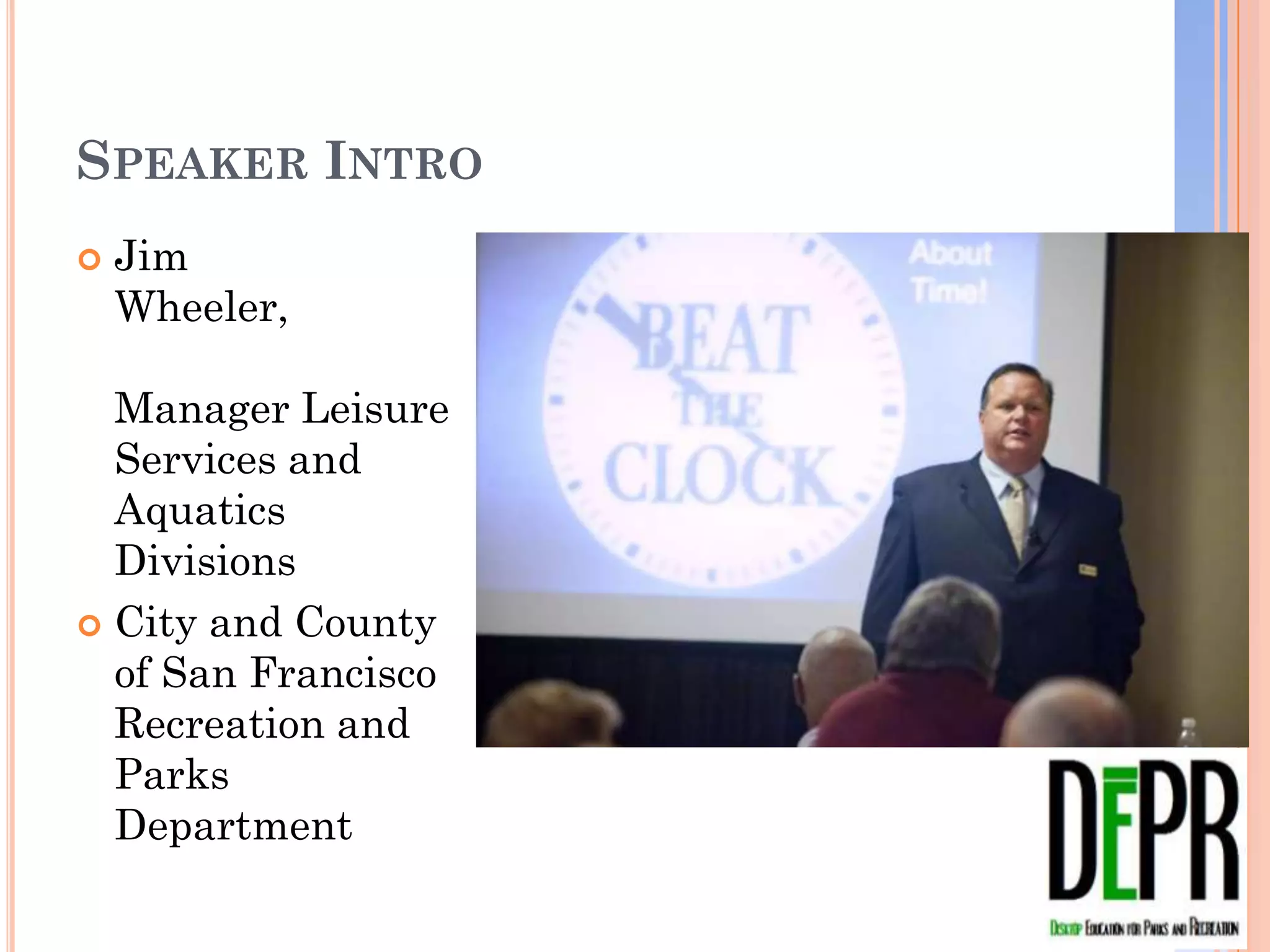
SPEAKER INTRO
   Jim
    Wheeler,

  Manager Leisure
  Services and
  Aquatics Divisions
 City and County of
  San Francisco
  Recreation and
  Parks Department
PRIORITIZATION AND TIME MANAGEMENT
LEARNING OUTCOMES
   By the end of this webinar you should be able to:
       Explain the role goal setting plays in success
       Identify controllable and uncontrollable factors that take
        time in the workplace
       Develop basic task listing techniques to organize your
        workload
       Organize work using the “Urgency/Importance Matrix” to
        prioritize tasks and daily duties
       Use proven techniques to improve efficiency in handling
        phone calls, e-mails and paper filing
PRIORITIZATION OR GOAL SETTING?
   There is a thin line between prioritization and goal
    setting

   Goal setting is long range and takes priorities into
    account

   Prioritization happens all day everyday
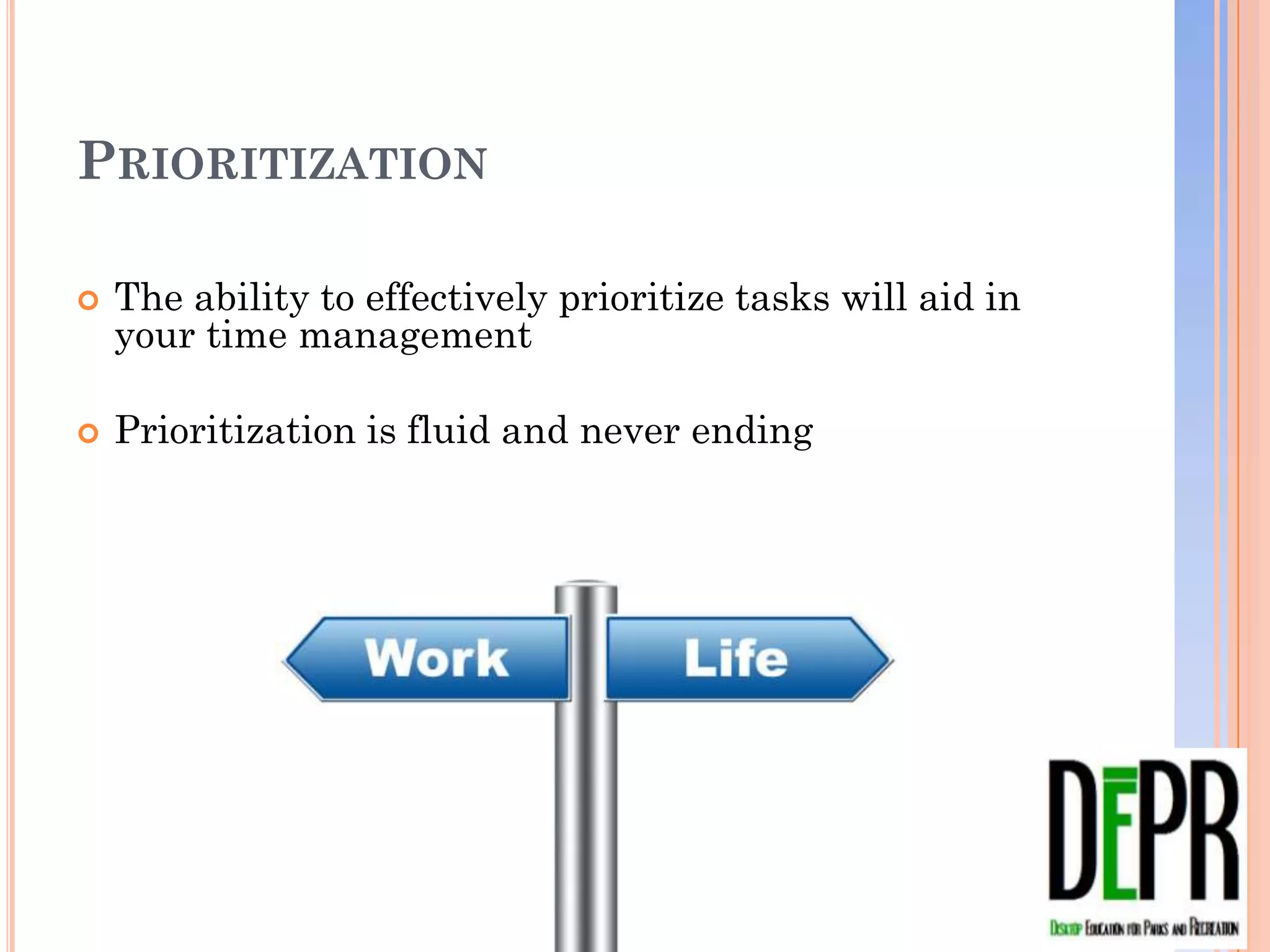
PRIORITIZATION

   The ability to effectively prioritize tasks will aid in your
    time management

   Prioritization is fluid and never ending
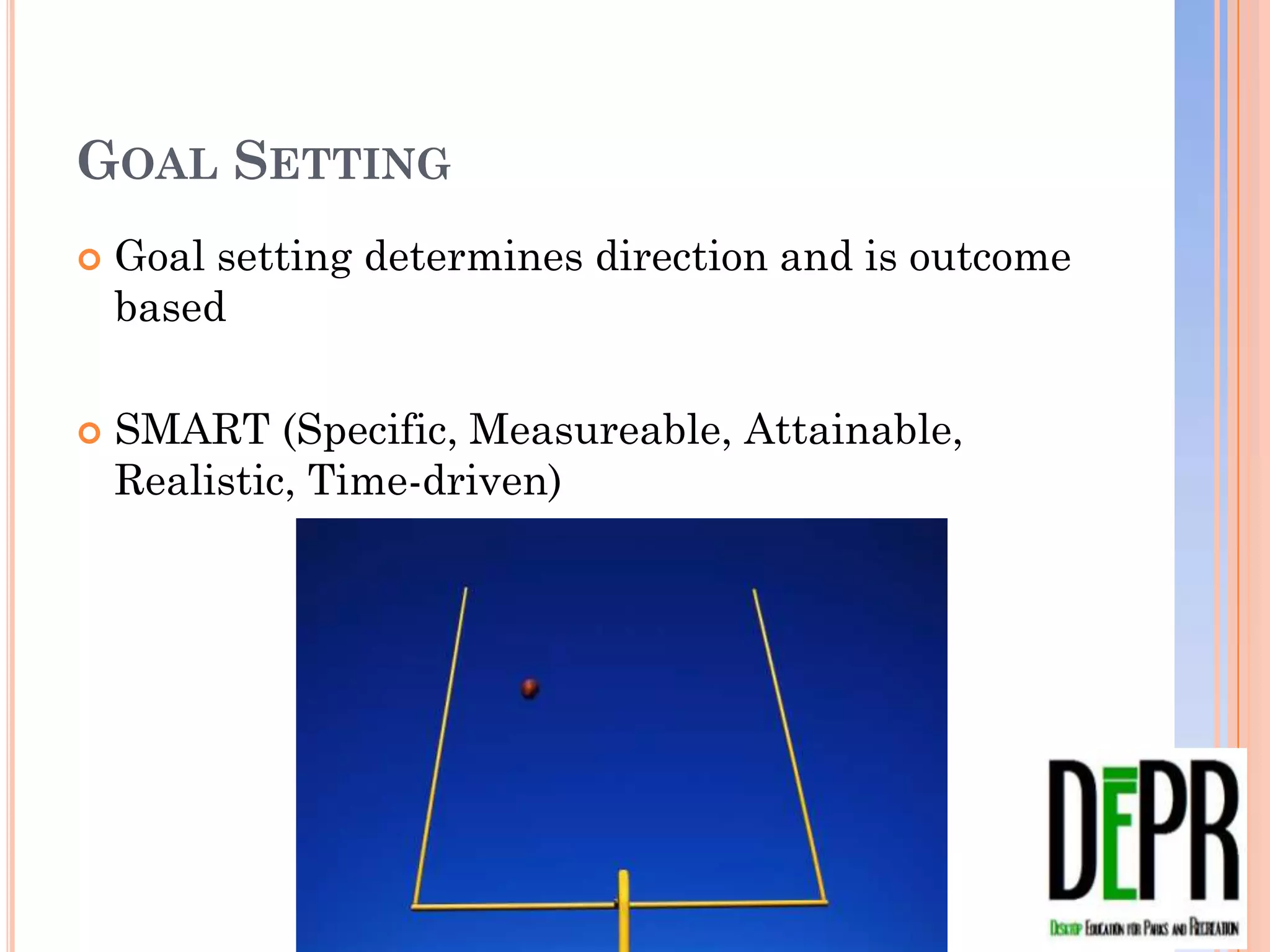
GOAL SETTING
   Goal setting determines direction and is outcome
    based

   SMART (Specific, Measureable, Attainable,
    Realistic, Time-driven)
PRE-WEBINAR ASSIGNMENT ONE
   “How Good is Your Time Management?”


      http://www.mindtools.com/pages/article/newHTE_88.htm
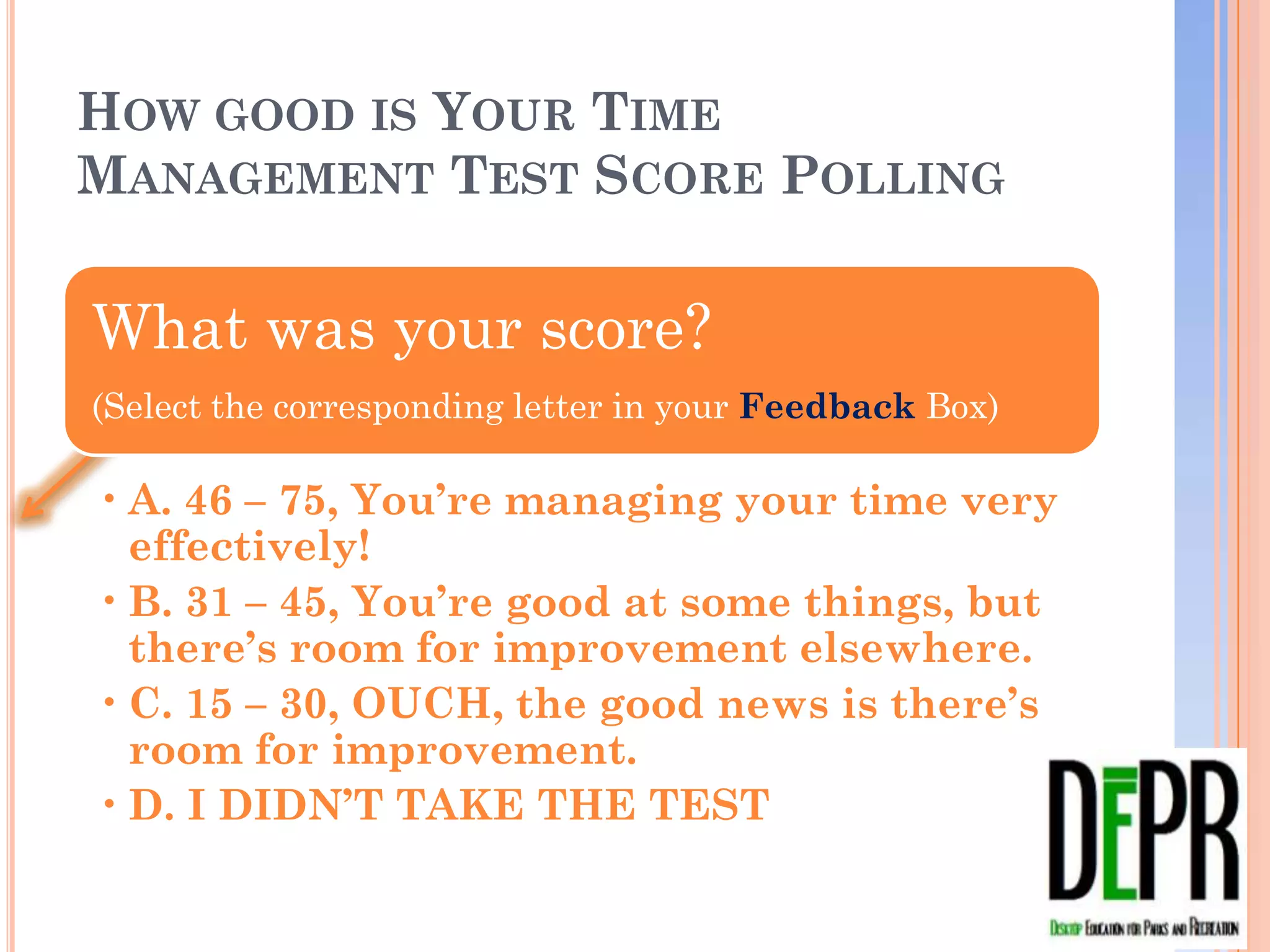
HOW GOOD IS YOUR TIME MANAGEMENT
TEST SCORE POLLING


What was your score?
(Select the corresponding letter in your Feedback Box)

• A. 46 – 75, You’re managing your time very
  effectively!
• B. 31 – 45, You’re good at some things, but
  there’s room for improvement elsewhere.
• C. 15 – 30, OUCH, the good news is there’s
  room for improvement.
• D. I DIDN’T TAKE THE TEST
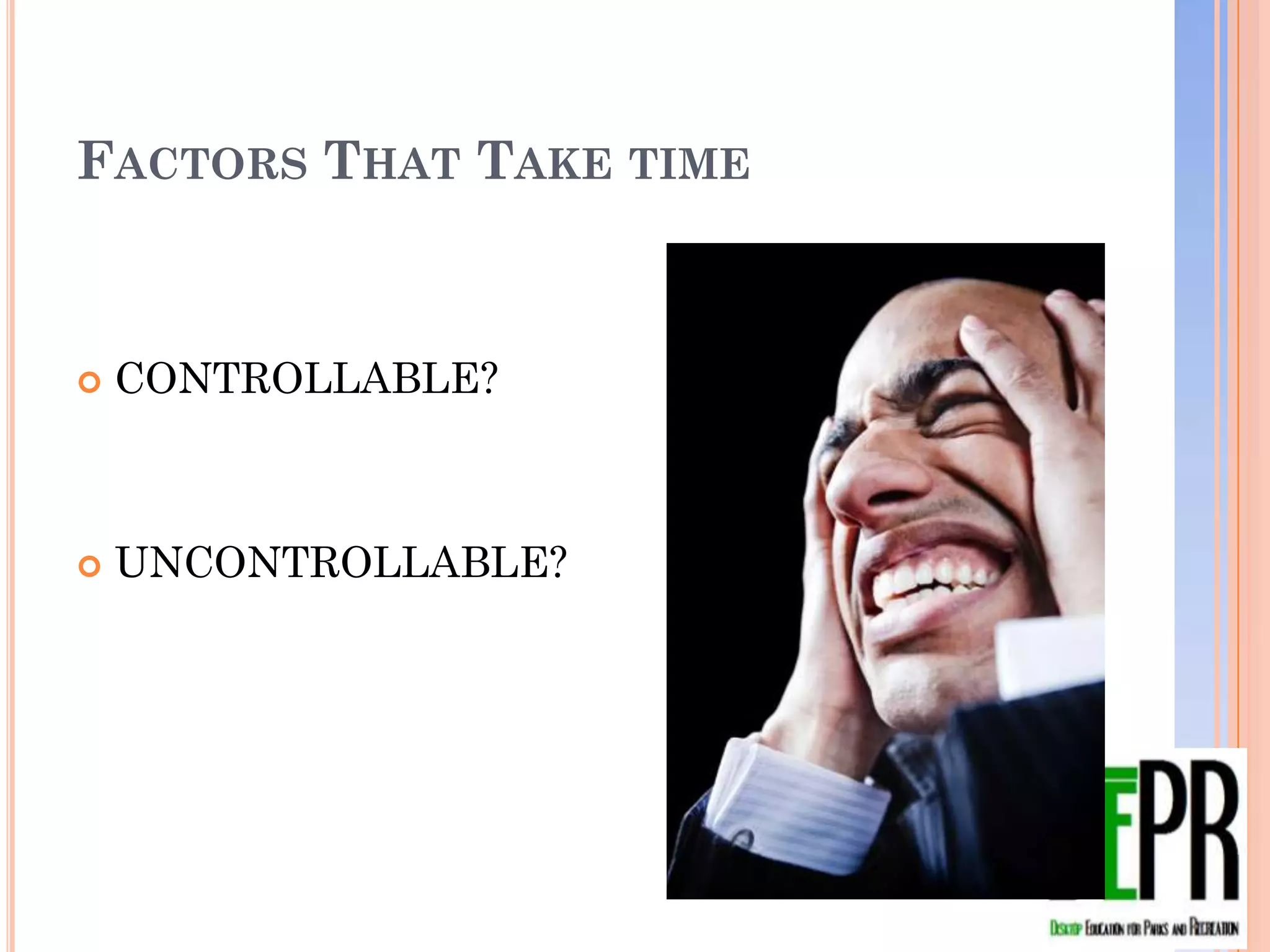
FACTORS THAT TAKE TIME


   CONTROLLABLE?


   UNCONTROLLABLE?
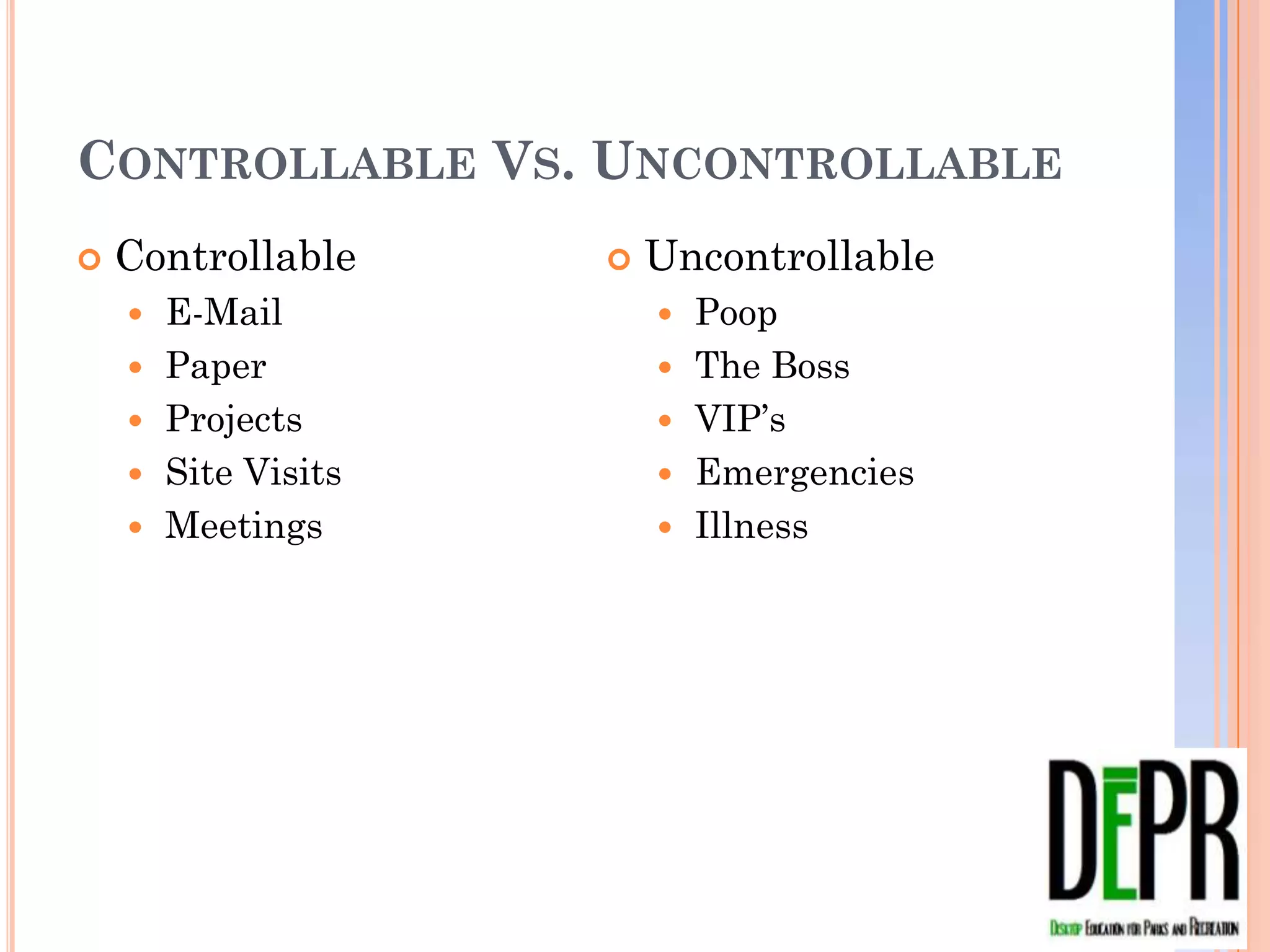
CONTROLLABLE VS. UNCONTROLLABLE
   Controllable         Uncontrollable
       E-Mail               Poop
       Paper                The Boss
       Projects             VIP’s
       Site Visits          Emergencies
       Meetings             Illness
What are other
Controllable factors?
List in your text box…
What are other
WHAT ARE OTHER
 UNcontrollable factors?
UNCONTROLLABLE FACTORS?
List in your text box…
YOU CANNOT CONTROL THE
UNCONTROLLABLE. BUT, YOU CAN
CONTROL HOW YOU DEAL WITH IT…
TOOLS THAT HELP MANAGE TIME AND
HELP PRIORITIZE TASKS
                      10 to 15 items you deal
 In your               with on a regular basis
                       or one time project.
 feedback box…
 Did you develop      My current work task
 a project/task        list has 82 items, my
 list?                 personal list has 15
 Yes or
 No
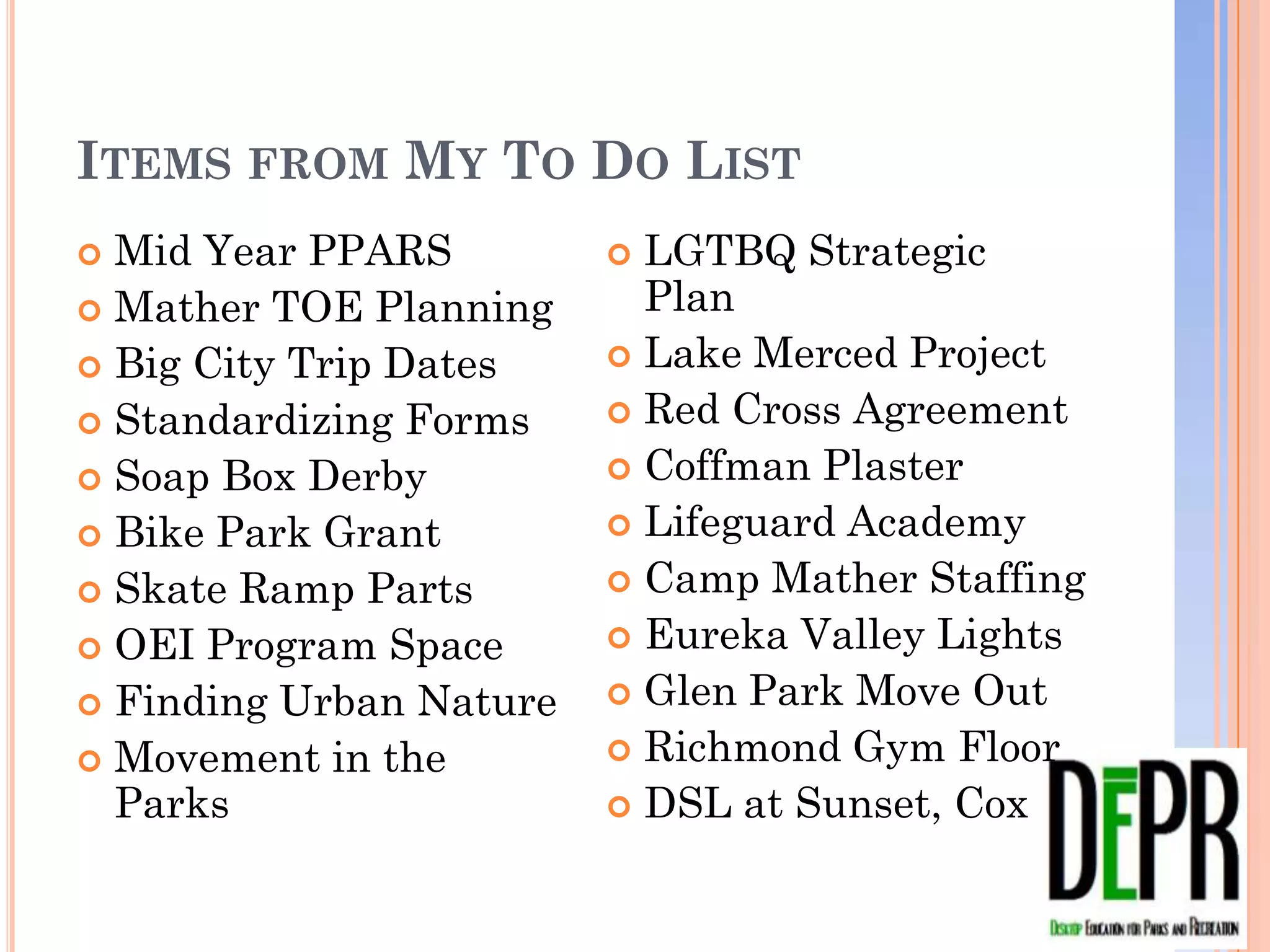
ITEMS FROM MY TO DO LIST
 Mid Year PPARS           LGTBQ Strategic Plan
 Mather TOE Planning      Lake Merced Project
 Big City Trip Dates      Red Cross Agreement
 Standardizing Forms      Coffman Plaster
 Soap Box Derby           Lifeguard Academy
 Bike Park Grant          Camp Mather Staffing
 Skate Ramp Parts         Eureka Valley Lights
 OEI Program Space        Glen Park Move Out
 Finding Urban Nature     Richmond Gym Floor
 Movement in the Parks    DSL at Sunset, Cox
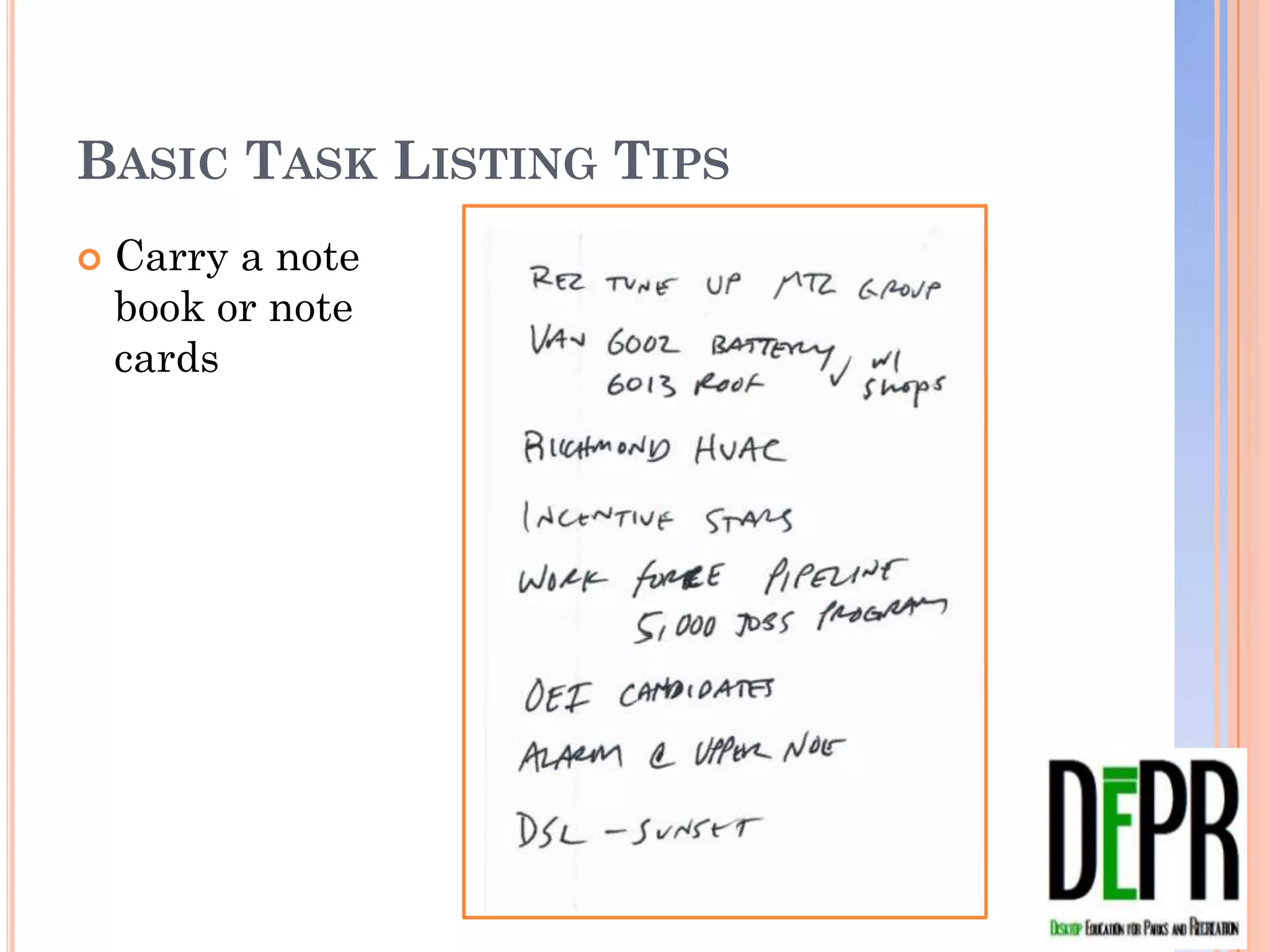
BASIC TASK LISTING TIPS
   Carry a note
    book or note
    cards
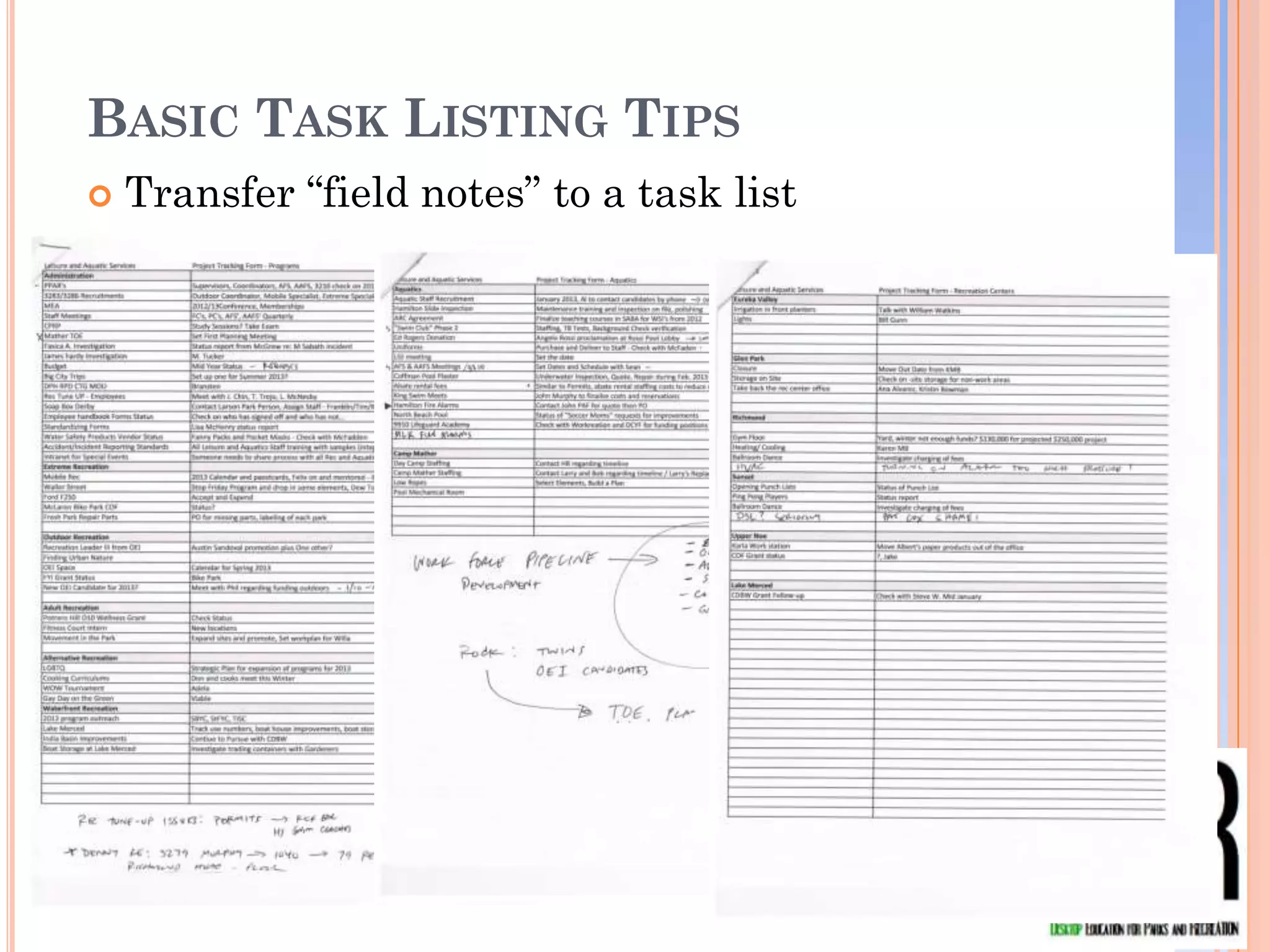
BASIC TASK LISTING TIPS
   Transfer “field notes” to a task list
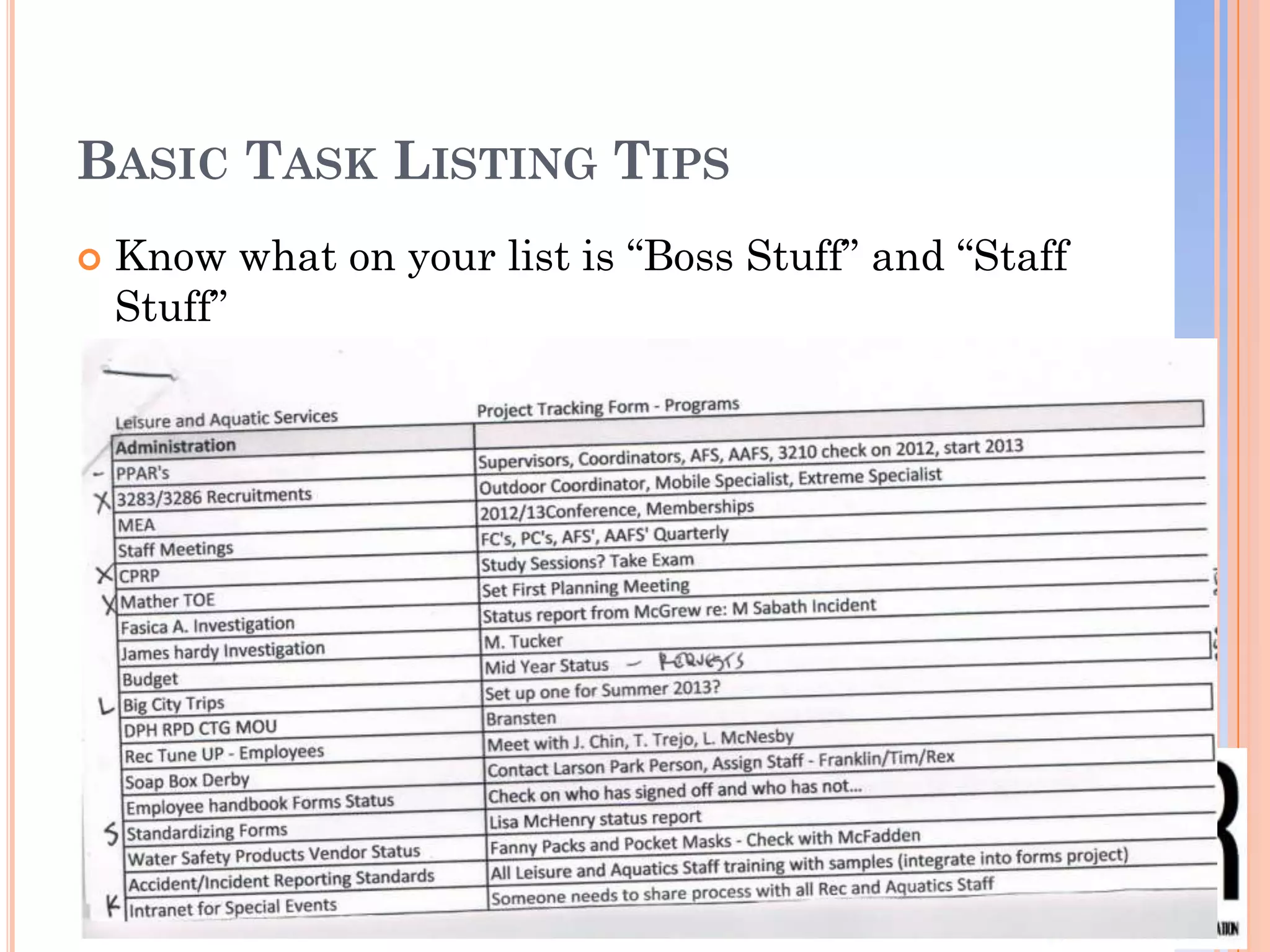
BASIC TASK LISTING TIPS
   Know what on your list is “Boss Stuff” and “Staff
    Stuff”
BASIC TASK LISTING TIPS

Raise your
hand if you use
a “task” or “to      How often do you re-
do” list?            prioritize it?
                     (Use feedback box)
                     •   A. Hourly
Re-prioritize        •   B. Daily
your task list       •   C. Weekly
continually.         •   D. Monthly
On your handout…
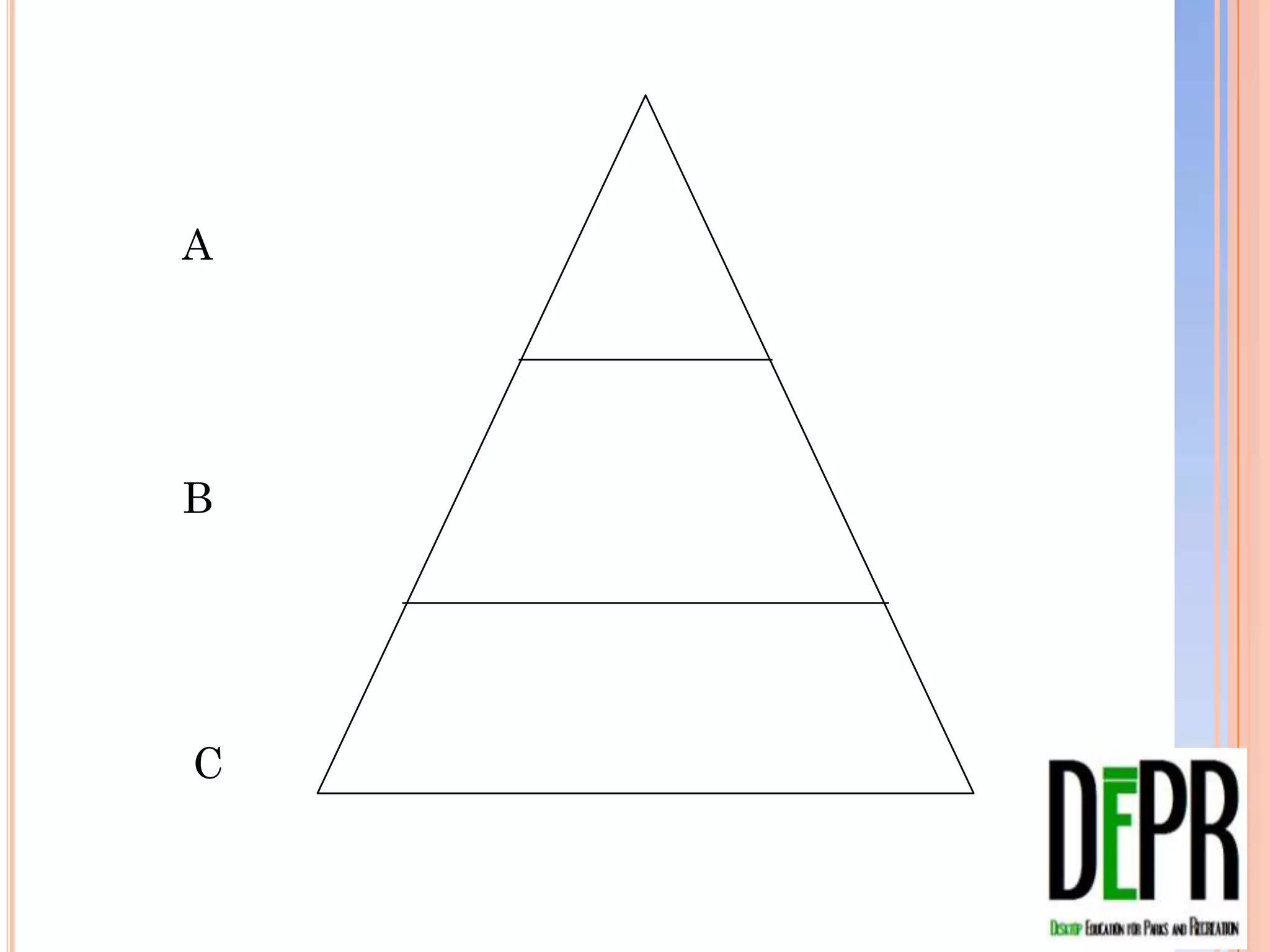
Take a moment and prioritize your pre-
assignment task list giving each item
an “A, B or C”.
A


B


C
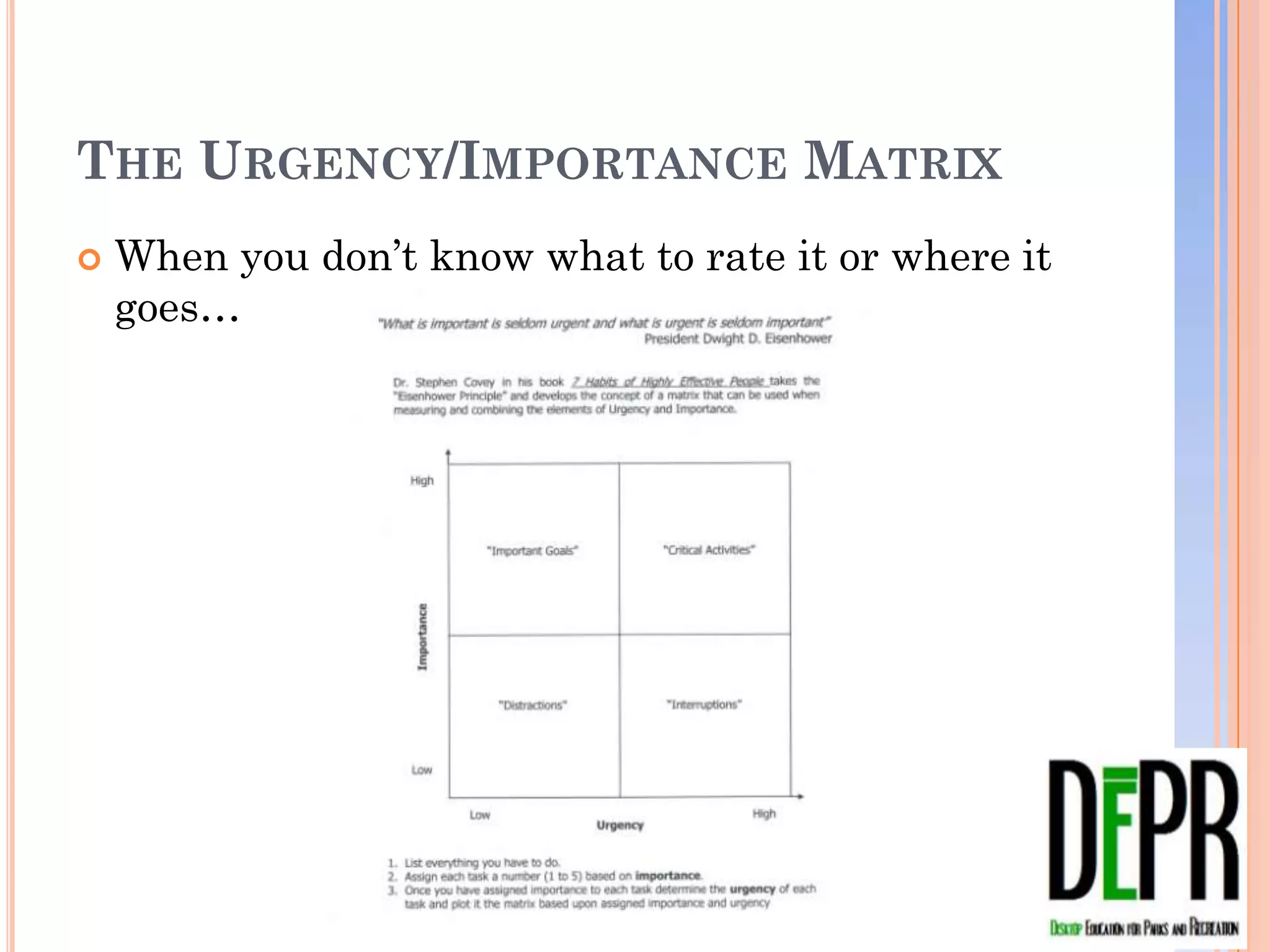
THE URGENCY/IMPORTANCE MATRIX
   When you don’t know what to rate it or where it
    goes…
URGENT VERSUS IMPORTANT


On your handout…
• Take the items on your task list and apply
  a couple of them to the matrix.
• A, B, C or not on the list… If they are
  important enough they will come back to
  you
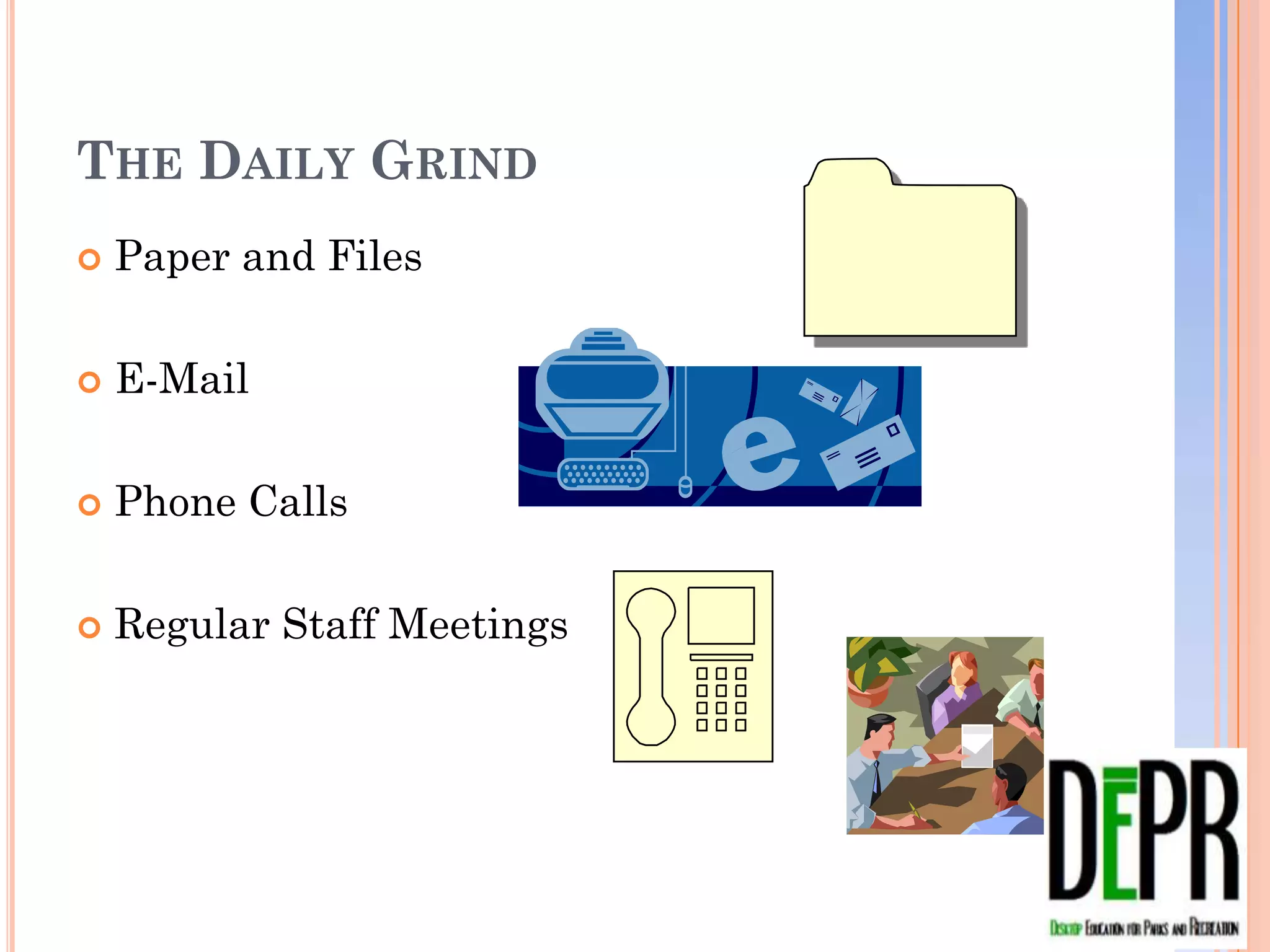
THE DAILY GRIND
   Paper and Files

   E-Mail

   Phone Calls

   Regular Staff Meetings
PAPER FILES
                    Above ground and
                     underground files


Is your desk        Annual clean outs

A. clean or B.      F.A.R.T. system for
cluttered?           dealing with paper
(feedback box)        File
                      Act
                      Refer
                      Trash
E-MAIL
                    Folders and flagging
    How many         features
    each day?
    (feedback       Monday check backs
    box)
                    Delete and archive for
•   A. 1-20          faster searches
•   B. 21-40
•   C. 41-60
•   D. 61 plus
PHONE CALLS
   The office phone versus the cell phone, let people
    know where you stand

   You don’t have to answer them all, that’s why there
    is voice mail

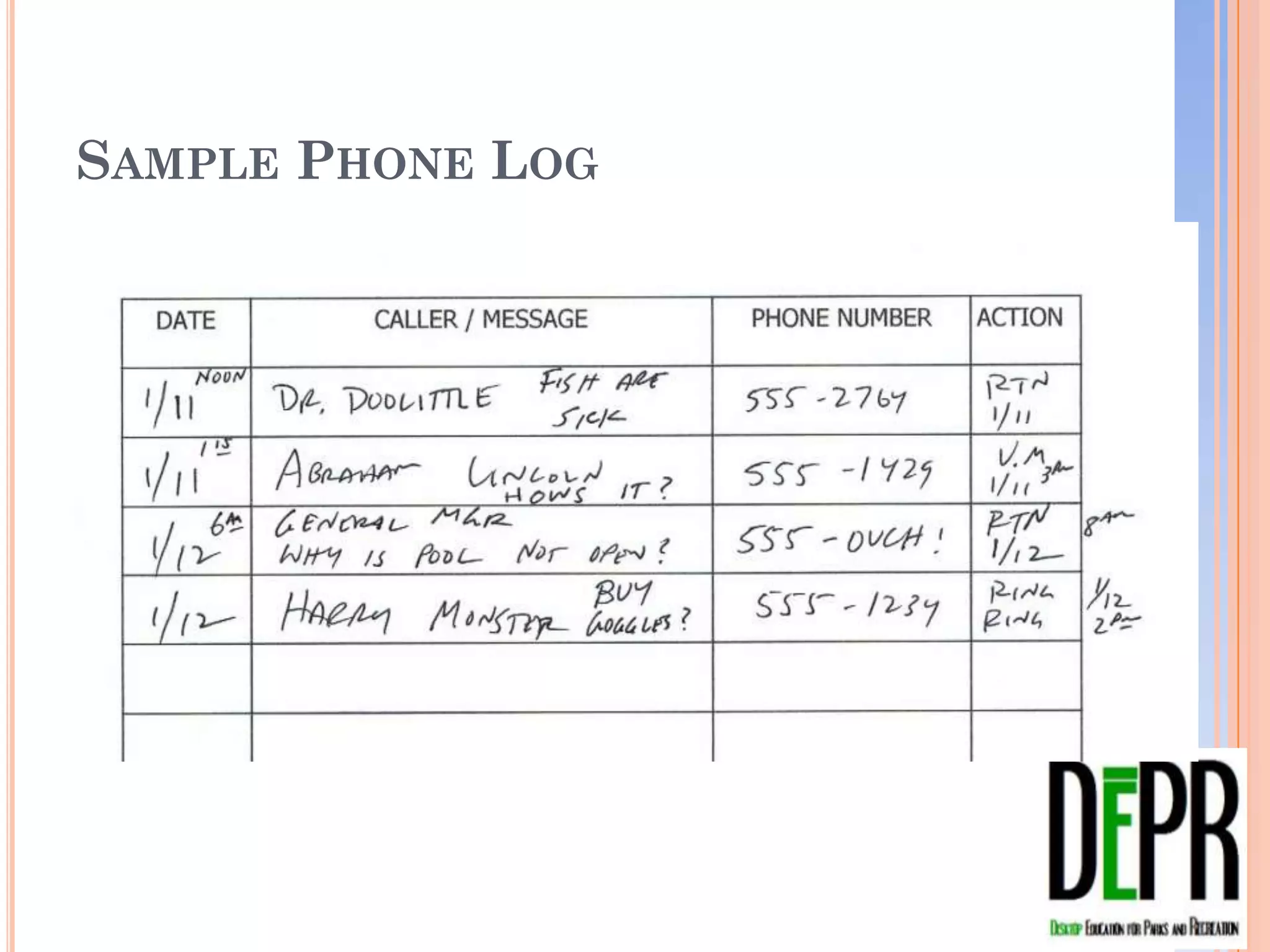
   Use a phone log for record keeping of calls in and
    out of your office
SAMPLE PHONE LOG
STAFF
   Regular Meetings with Staff and Superiors

   Teach them what is urgent, what you need to know,
    what you trust them with, your priorities

   2 Minute Rule is critical to success

   Make them come to you if possible

   Always remain approachable
PRIORITIZATION AND TIME MANAGEMENT
LEARNING OUTCOMES
   You should NOW be able to:
       Explain the role goal setting plays in success
       Identify controllable and uncontrollable factors that
        take time in the workplace
       Develop basic task listing techniques to organize
        your workload
       Organize work using the “Urgency/Importance
        Matrix” to prioritize tasks and daily duties
       Use proven techniques to improve efficiency in
        handling phone calls, e-mails and paper filing
REVIEW


 Please type in the text box
 the most valuable thing you
 learned today…
CALL TO ACTION


 Please type into the text box one
 thing you WILL do as a result of
 being here today…
SEE YOU NEXT MONTH!
 Speaker: Dr. Chris Chamberlain
 Make and Take Energize, Motivate and Sustain
  Momentum in your Staff

   Remember -- Your follow-up email with today’s
    slides, handouts AND CEU Test (required only
    for those wishing to receive CEU credit for this
    webinar) will arrive in about an hour!
FEEDBACK PLEASE…
HOW STRONGLY TO YOU AGREE WITH THIS STATEMENT…


  This webinar was a very good
  use of my/our time. I look
  forward to next month’s
  session.


   Feel free to leave additional comments or
   suggestions in the text box…
CONTACT JIM
   Jim Wheeler, Manager Leisure and Aquatics
    San Francisco Recreation and Park Department
    415-831-6833 james.wheeler@sfgov.org

   Jim Wheeler, Owner
    Total Aquatic Management
    510-523-3155 swimnjim@hotmail.com

Make and Take Prioritization January 2013 Webinar Slides

  • 1.
    Prioritization and Time Management DesktopEducation for Parks & Recreation January 2013 Presented by Jim Wheeler
  • 2.
    DESKTOP EDUCATION FORPARKS AND RECREATION WELCOME AND SIGN-IN  PLEASE mute your phone by hitting *6. YOU Please sign in (by will be not be speaking during the webinar. However, YOU WILL use typing in the chat the webinar chat and feedback box often. box) with:  Phone audio is much more reliable than computer audio. If • Your Agency Name you are listening through • The number of people your computer speakers and watching/attending the have audio problems during the webinar PLEASE dial in webinar from your to the number above. agency today  Have you downloaded and • What is the name of printed a copy of your the person who will be handouts? (Sent in today’s inputting answers into reminder update.) the webinar application
  • 3.
    Raise your handhere… LET’S TAKE A LOOK AT THE WEBINAR APPLICATION Orange indicates your input is required… • Raise Hand • Feedback • Text input This is the Feedback Box All Chat Conversations will appear here. This is the chatbox… Type here, hit enter to send
  • 4.
    Yes or No… Doyou want CEUs for this session?  You do not need to be  Please direct any a CPRS member to questions specific to receive CEUs. CEUs to Leslie Fritz at  You must view the CPRS (California Parks session live and Recreation Society)  You must complete the post webinar CEU  leslie@cprs.org “Test” (8-10 questions)  916.665.2777  Test must be returned within 14 days of the webinar date.
  • 5.
    RAISE YOUR HANDIF… You have ever found yourself asking, “Where did the day go?”
  • 6.
    HOW WELL DOYOU AGREE WITH THIS STATEMENT: (Answer in the feedback box) “My ability to prioritize my work and personal tasks while managing my time effectively is critical to my success.”
  • 7.
    FILL IN THETEXT BOX My favorite thing about my job is…
  • 8.
    SPEAKER INTRO  Jim Wheeler, Manager Leisure Services and Aquatics Divisions  City and County of San Francisco Recreation and Parks Department
  • 9.
    PRIORITIZATION AND TIMEMANAGEMENT LEARNING OUTCOMES  By the end of this webinar you should be able to:  Explain the role goal setting plays in success  Identify controllable and uncontrollable factors that take time in the workplace  Develop basic task listing techniques to organize your workload  Organize work using the “Urgency/Importance Matrix” to prioritize tasks and daily duties  Use proven techniques to improve efficiency in handling phone calls, e-mails and paper filing
  • 10.
    PRIORITIZATION OR GOALSETTING?  There is a thin line between prioritization and goal setting  Goal setting is long range and takes priorities into account  Prioritization happens all day everyday
  • 11.
    PRIORITIZATION  The ability to effectively prioritize tasks will aid in your time management  Prioritization is fluid and never ending
  • 12.
    GOAL SETTING  Goal setting determines direction and is outcome based  SMART (Specific, Measureable, Attainable, Realistic, Time-driven)
  • 13.
    PRE-WEBINAR ASSIGNMENT ONE  “How Good is Your Time Management?” http://www.mindtools.com/pages/article/newHTE_88.htm
  • 14.
    HOW GOOD ISYOUR TIME MANAGEMENT TEST SCORE POLLING What was your score? (Select the corresponding letter in your Feedback Box) • A. 46 – 75, You’re managing your time very effectively! • B. 31 – 45, You’re good at some things, but there’s room for improvement elsewhere. • C. 15 – 30, OUCH, the good news is there’s room for improvement. • D. I DIDN’T TAKE THE TEST
  • 15.
    FACTORS THAT TAKETIME  CONTROLLABLE?  UNCONTROLLABLE?
  • 16.
    CONTROLLABLE VS. UNCONTROLLABLE  Controllable  Uncontrollable  E-Mail  Poop  Paper  The Boss  Projects  VIP’s  Site Visits  Emergencies  Meetings  Illness
  • 17.
    What are other Controllablefactors? List in your text box…
  • 18.
    What are other WHATARE OTHER UNcontrollable factors? UNCONTROLLABLE FACTORS? List in your text box…
  • 19.
    YOU CANNOT CONTROLTHE UNCONTROLLABLE. BUT, YOU CAN CONTROL HOW YOU DEAL WITH IT…
  • 20.
    TOOLS THAT HELPMANAGE TIME AND HELP PRIORITIZE TASKS  10 to 15 items you deal In your with on a regular basis or one time project. feedback box… Did you develop  My current work task a project/task list has 82 items, my list? personal list has 15 Yes or No
  • 21.
    ITEMS FROM MYTO DO LIST  Mid Year PPARS  LGTBQ Strategic Plan  Mather TOE Planning  Lake Merced Project  Big City Trip Dates  Red Cross Agreement  Standardizing Forms  Coffman Plaster  Soap Box Derby  Lifeguard Academy  Bike Park Grant  Camp Mather Staffing  Skate Ramp Parts  Eureka Valley Lights  OEI Program Space  Glen Park Move Out  Finding Urban Nature  Richmond Gym Floor  Movement in the Parks  DSL at Sunset, Cox
  • 22.
    BASIC TASK LISTINGTIPS  Carry a note book or note cards
  • 23.
    BASIC TASK LISTINGTIPS  Transfer “field notes” to a task list
  • 24.
    BASIC TASK LISTINGTIPS  Know what on your list is “Boss Stuff” and “Staff Stuff”
  • 25.
    BASIC TASK LISTINGTIPS Raise your hand if you use a “task” or “to How often do you re- do” list? prioritize it? (Use feedback box) • A. Hourly Re-prioritize • B. Daily your task list • C. Weekly continually. • D. Monthly
  • 26.
    On your handout… Takea moment and prioritize your pre- assignment task list giving each item an “A, B or C”.
  • 27.
  • 28.
    THE URGENCY/IMPORTANCE MATRIX  When you don’t know what to rate it or where it goes…
  • 29.
    URGENT VERSUS IMPORTANT Onyour handout… • Take the items on your task list and apply a couple of them to the matrix. • A, B, C or not on the list… If they are important enough they will come back to you
  • 30.
    THE DAILY GRIND  Paper and Files  E-Mail  Phone Calls  Regular Staff Meetings
  • 31.
    PAPER FILES  Above ground and underground files Is your desk  Annual clean outs A. clean or B.  F.A.R.T. system for cluttered? dealing with paper (feedback box)  File  Act  Refer  Trash
  • 32.
    E-MAIL  Folders and flagging How many features each day? (feedback  Monday check backs box)  Delete and archive for • A. 1-20 faster searches • B. 21-40 • C. 41-60 • D. 61 plus
  • 33.
    PHONE CALLS  The office phone versus the cell phone, let people know where you stand  You don’t have to answer them all, that’s why there is voice mail  Use a phone log for record keeping of calls in and out of your office
  • 34.
  • 35.
    STAFF  Regular Meetings with Staff and Superiors  Teach them what is urgent, what you need to know, what you trust them with, your priorities  2 Minute Rule is critical to success  Make them come to you if possible  Always remain approachable
  • 36.
    PRIORITIZATION AND TIMEMANAGEMENT LEARNING OUTCOMES  You should NOW be able to:  Explain the role goal setting plays in success  Identify controllable and uncontrollable factors that take time in the workplace  Develop basic task listing techniques to organize your workload  Organize work using the “Urgency/Importance Matrix” to prioritize tasks and daily duties  Use proven techniques to improve efficiency in handling phone calls, e-mails and paper filing
  • 37.
    REVIEW Please typein the text box the most valuable thing you learned today…
  • 38.
    CALL TO ACTION Please type into the text box one thing you WILL do as a result of being here today…
  • 39.
    SEE YOU NEXTMONTH!  Speaker: Dr. Chris Chamberlain  Make and Take Energize, Motivate and Sustain Momentum in your Staff  Remember -- Your follow-up email with today’s slides, handouts AND CEU Test (required only for those wishing to receive CEU credit for this webinar) will arrive in about an hour!
  • 40.
    FEEDBACK PLEASE… HOW STRONGLYTO YOU AGREE WITH THIS STATEMENT… This webinar was a very good use of my/our time. I look forward to next month’s session. Feel free to leave additional comments or suggestions in the text box…
  • 41.
    CONTACT JIM  Jim Wheeler, Manager Leisure and Aquatics San Francisco Recreation and Park Department 415-831-6833 james.wheeler@sfgov.org  Jim Wheeler, Owner Total Aquatic Management 510-523-3155 swimnjim@hotmail.com

Editor's Notes

  • #4 Jodi—add content here or delete