LXC on Ganeti 
Yuto Kawamura(kawamuray) 
Email: kawamuray.dadada@gmail.com
Google summer of Code 
● Global program that offers students stipends to write code for open source 
projects 
● 4420 students 
● 6313 proposals 
● (don’t know how much of them were accepted)
Improve LXC support 
● Project accepted by Ganeti on Google Summer of Code 2014 
● Objective 
○ Improve LXC support on Ganeti 
○ Fix existing broken implementation 
○ Add unit tests 
○ Setup QA 
○ Add additional features 
● Mentored by Hrvoje Ribicic
LXC 
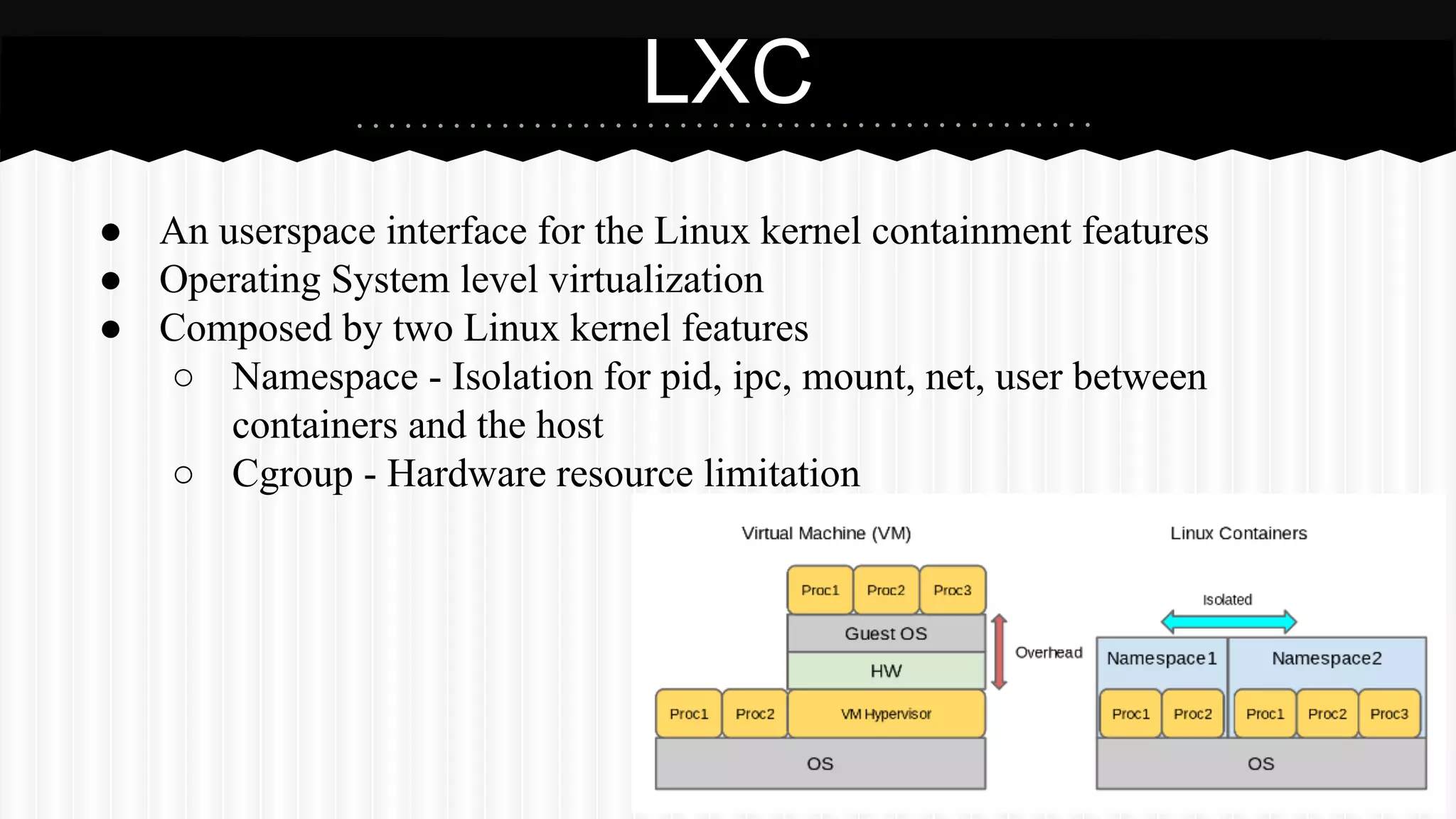
● An userspace interface for the Linux kernel containment features 
● Operating System level virtualization 
● Composed by two Linux kernel features 
○ Namespace - Isolation for pid, ipc, mount, net, user between 
containers and the host 
○ Cgroup - Hardware resource limitation
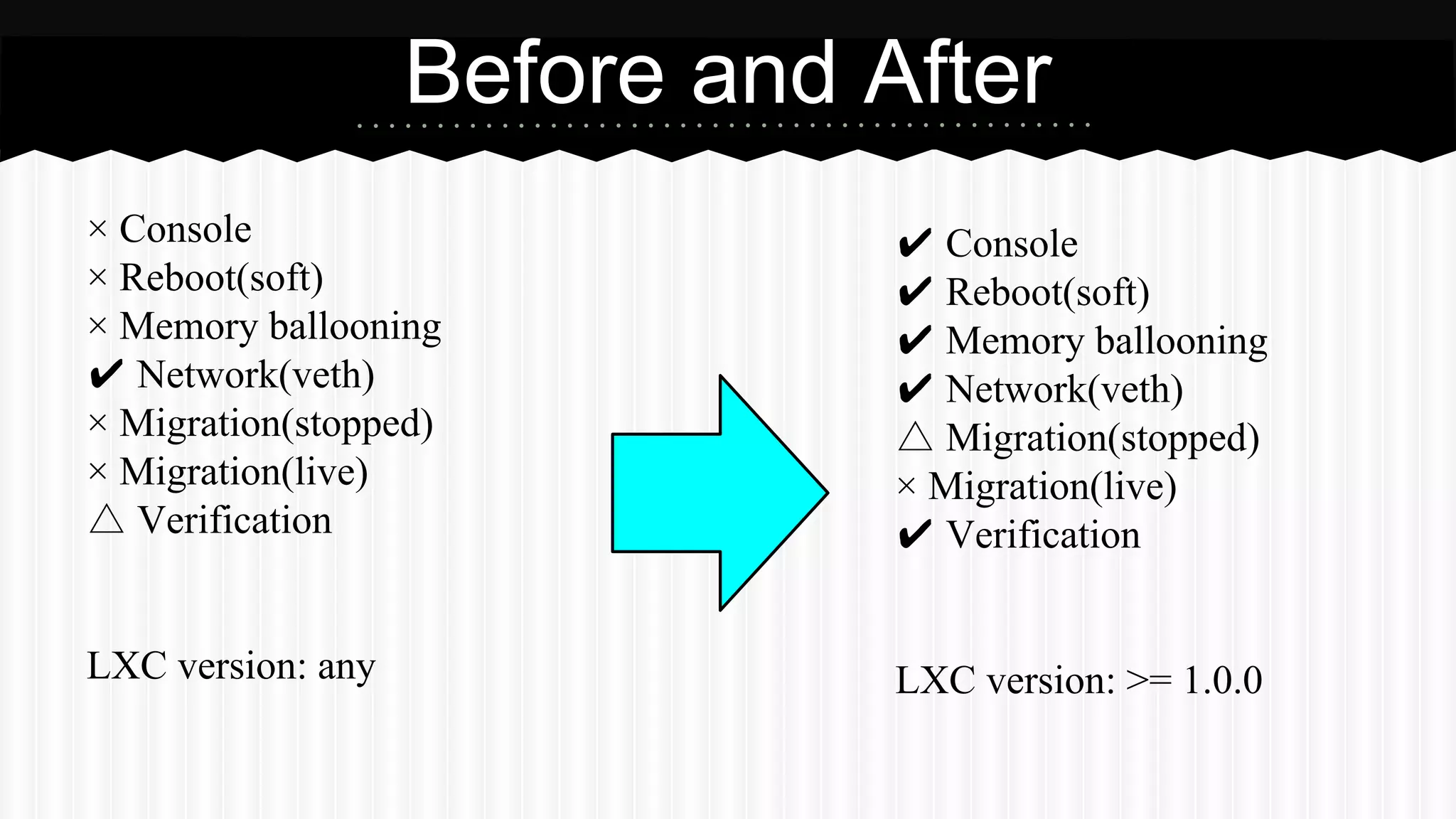
× Console 
× Reboot(soft) 
× Memory ballooning 
✔ Network(veth) 
× Migration(stopped) 
× Migration(live) 
△ Verification 
LXC version: any 
Before and After 
✔ Console 
✔ Reboot(soft) 
✔ Memory ballooning 
✔ Network(veth) 
△ Migration(stopped) 
× Migration(live) 
✔ Verification 
LXC version: >= 1.0.0
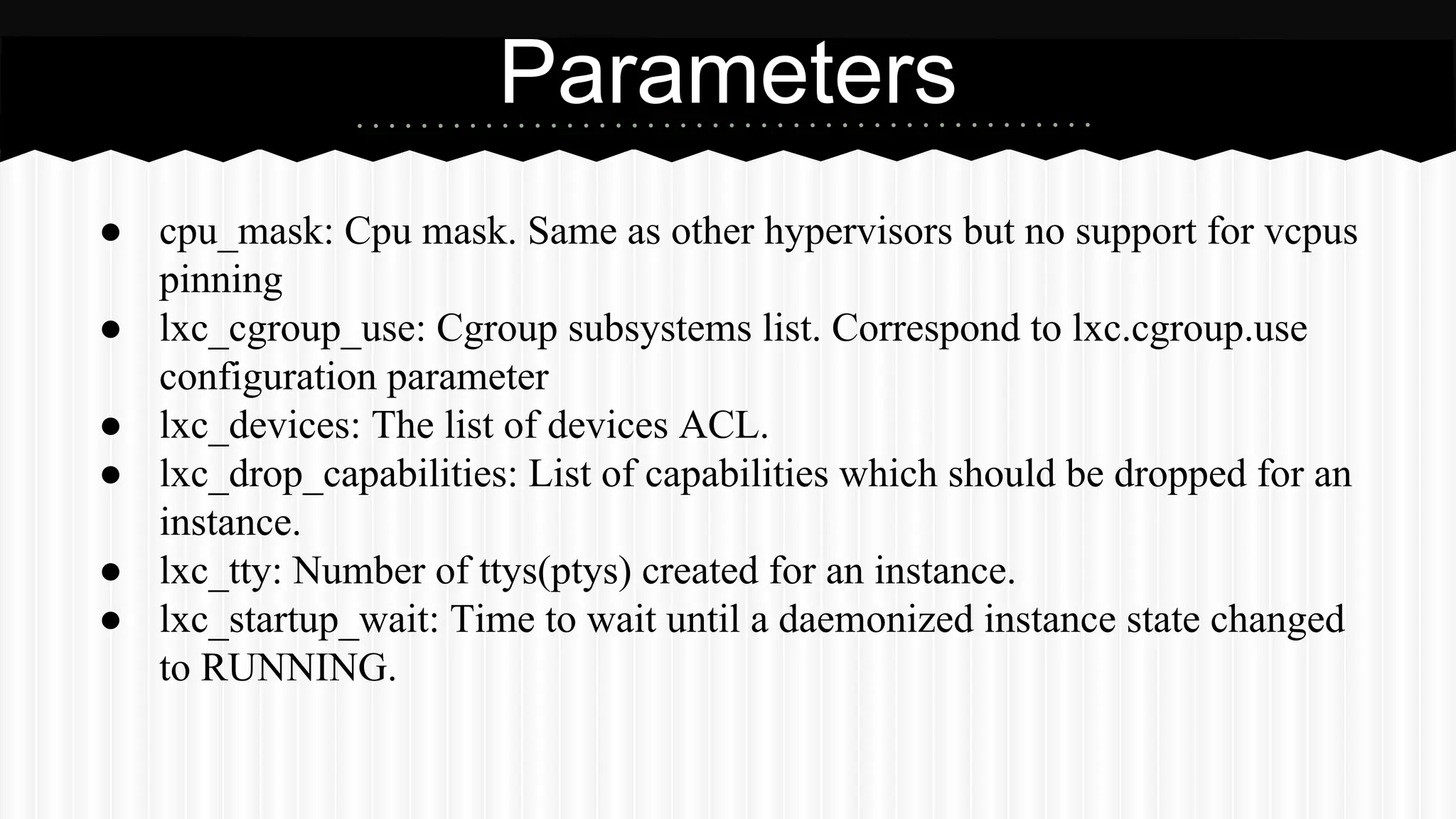
● cpu_mask: Cpu mask. Same as other hypervisors but no support for vcpus 
pinning 
● lxc_cgroup_use: Cgroup subsystems list. Correspond to lxc.cgroup.use 
configuration parameter 
● lxc_devices: The list of devices ACL. 
● lxc_drop_capabilities: List of capabilities which should be dropped for an 
instance. 
● lxc_tty: Number of ttys(ptys) created for an instance. 
● lxc_startup_wait: Time to wait until a daemonized instance state changed 
to RUNNING. 
Parameters
Parameters 
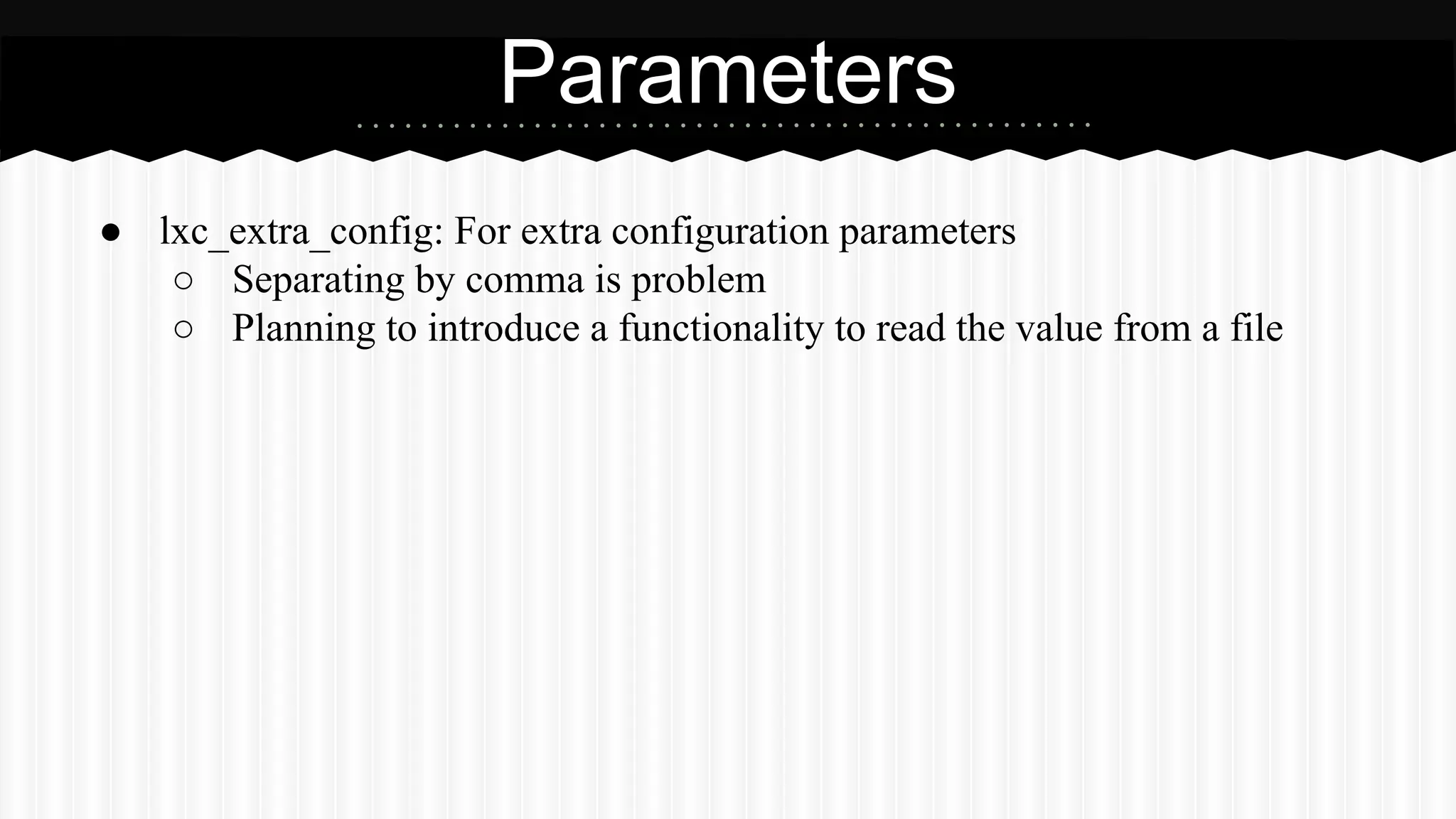
● lxc_extra_config: For extra configuration parameters 
○ Separating by comma is problem 
○ Planning to introduce a functionality to read the value from a file
How to try? 
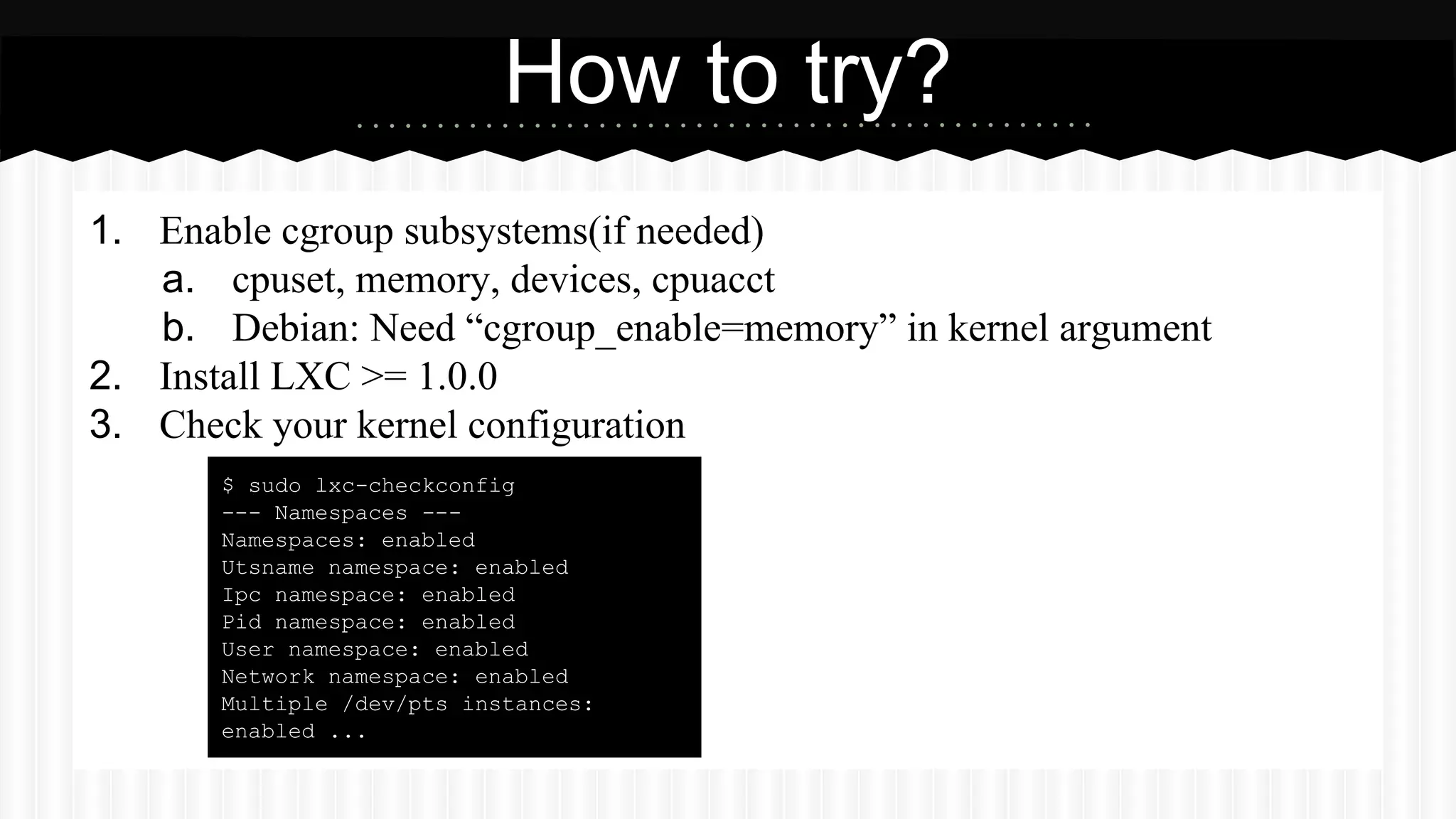
1. Enable cgroup subsystems(if needed) 
a. cpuset, memory, devices, cpuacct 
b. Debian: Need “cgroup_enable=memory” in kernel argument 
2. Install LXC >= 1.0.0 
3. Check your kernel configuration 
$ sudo lxc-checkconfig 
--- Namespaces --- 
Namespaces: enabled 
Utsname namespace: enabled 
Ipc namespace: enabled 
Pid namespace: enabled 
User namespace: enabled 
Network namespace: enabled 
Multiple /dev/pts instances: 
enabled ...
4. 
5. 
6. 
How to try? 
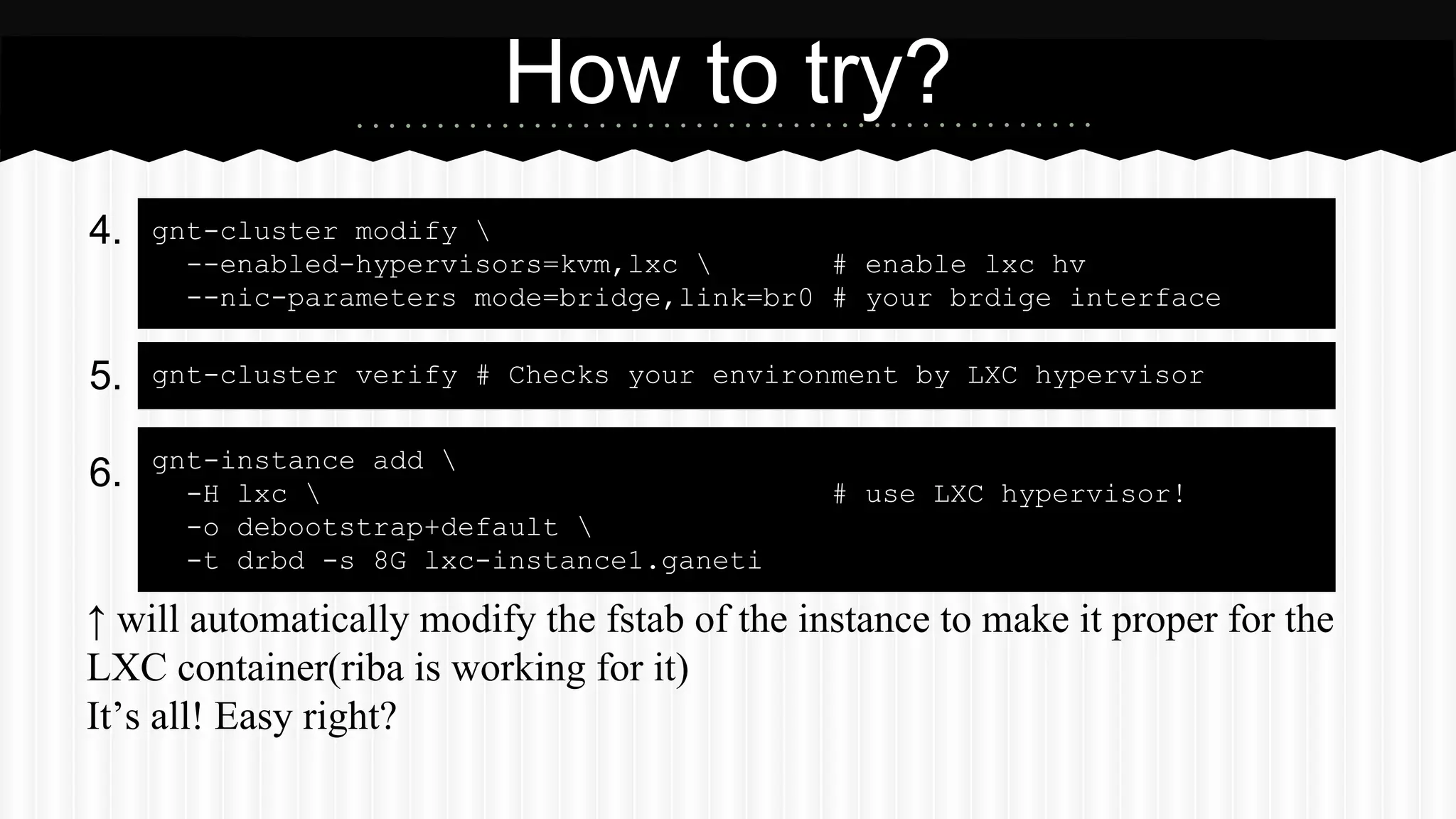
gnt-cluster modify  
--enabled-hypervisors=kvm,lxc  # enable lxc hv 
--nic-parameters mode=bridge,link=br0 # your brdige interface 
gnt-cluster verify # Checks your environment by LXC hypervisor 
gnt-instance add  
-H lxc  # use LXC hypervisor! 
-o debootstrap+default  
-t drbd -s 8G lxc-instance1.ganeti 
↑ will automatically modify the fstab of the instance to make it proper for the 
LXC container(riba is working for it) 
It’s all! Easy right?
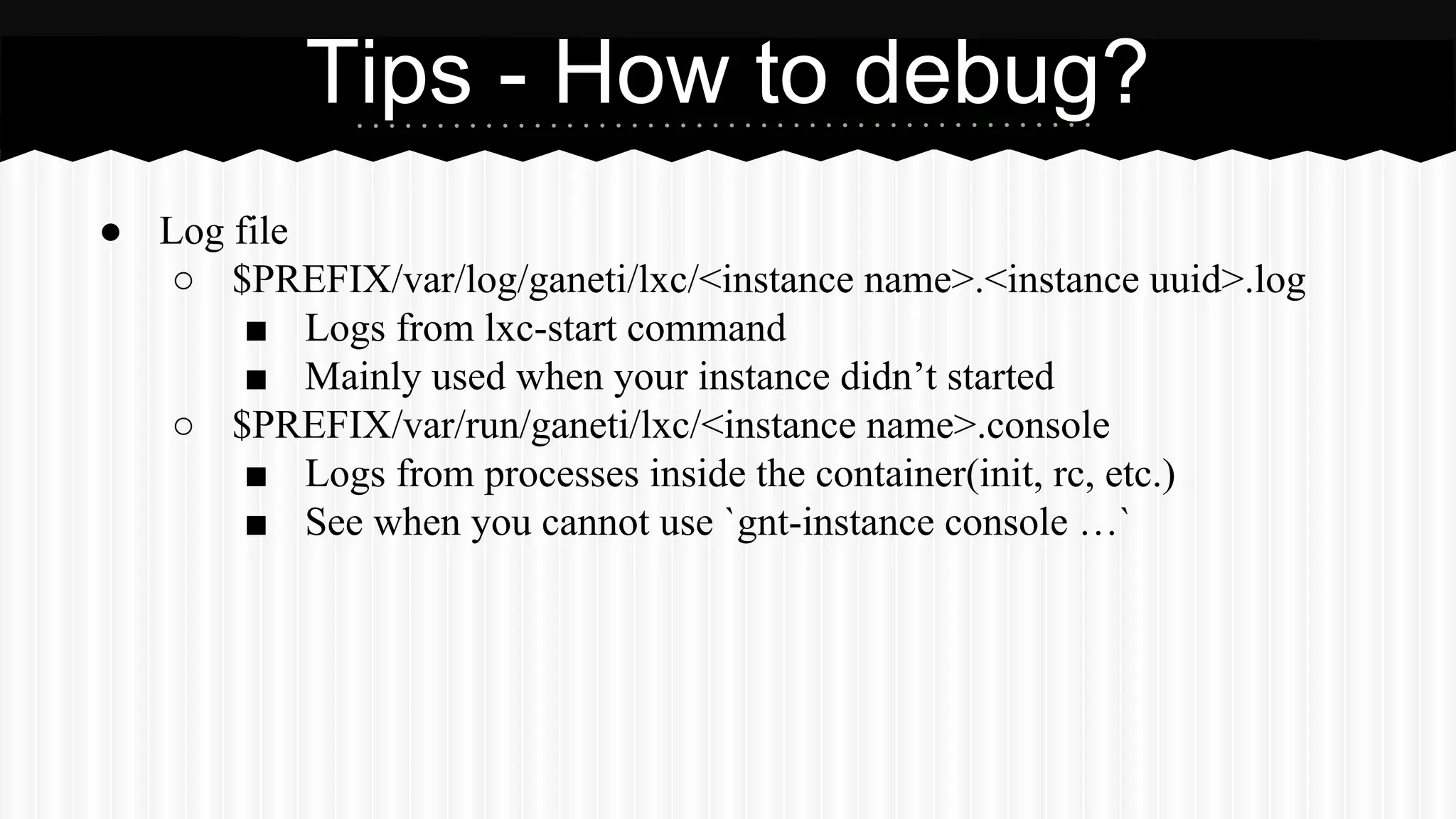
● Log file 
Tips - How to debug? 
○ $PREFIX/var/log/ganeti/lxc/<instance name>.<instance uuid>.log 
■ Logs from lxc-start command 
■ Mainly used when your instance didn’t started 
○ $PREFIX/var/run/ganeti/lxc/<instance name>.console 
■ Logs from processes inside the container(init, rc, etc.) 
■ See when you cannot use `gnt-instance console …`
Implementations
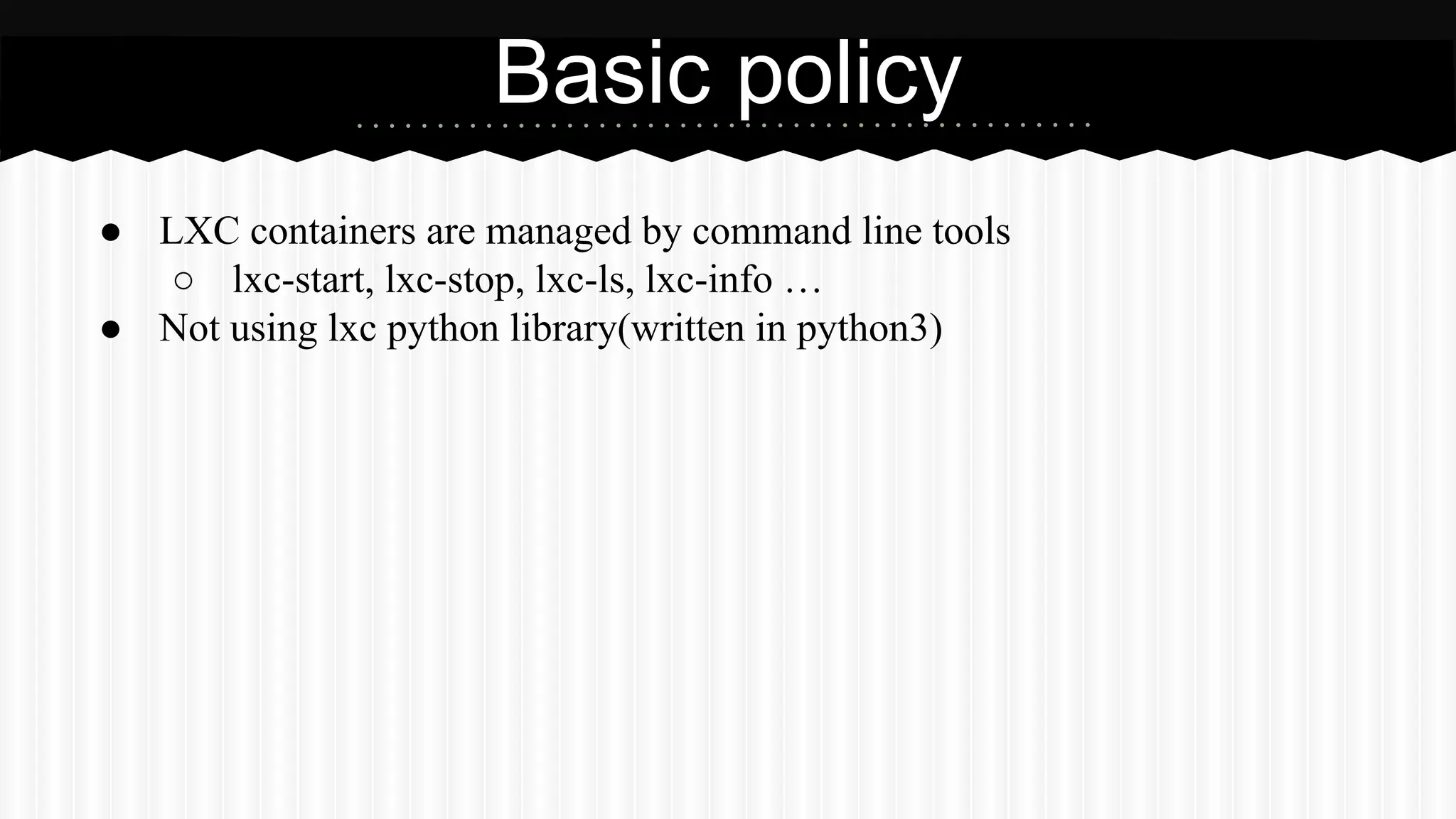
Basic policy 
● LXC containers are managed by command line tools 
○ lxc-start, lxc-stop, lxc-ls, lxc-info … 
● Not using lxc python library(written in python3)
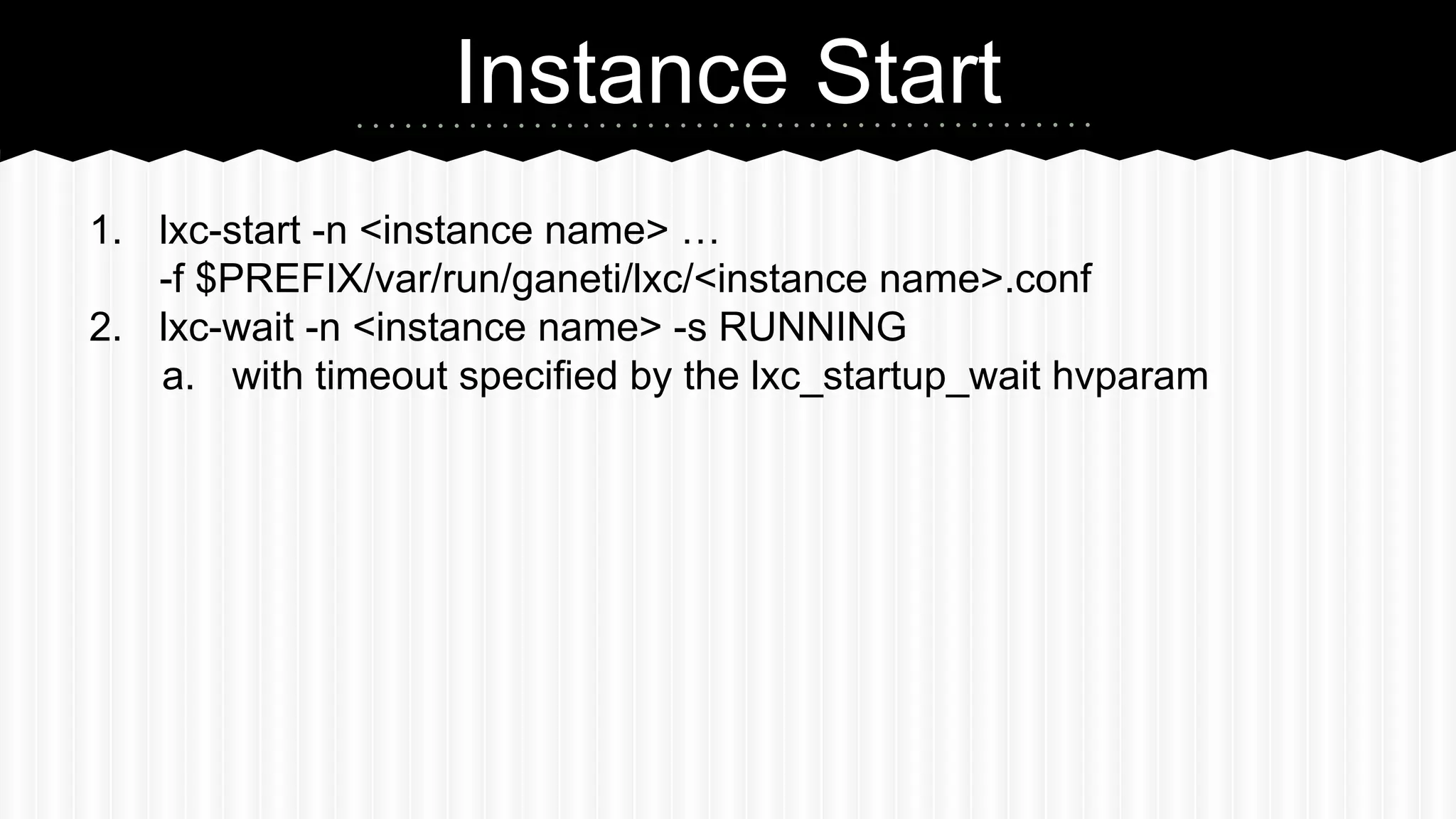
Instance Start 
1. lxc-start -n <instance name> … 
-f $PREFIX/var/run/ganeti/lxc/<instance name>.conf 
2. lxc-wait -n <instance name> -s RUNNING 
a. with timeout specified by the lxc_startup_wait hvparam
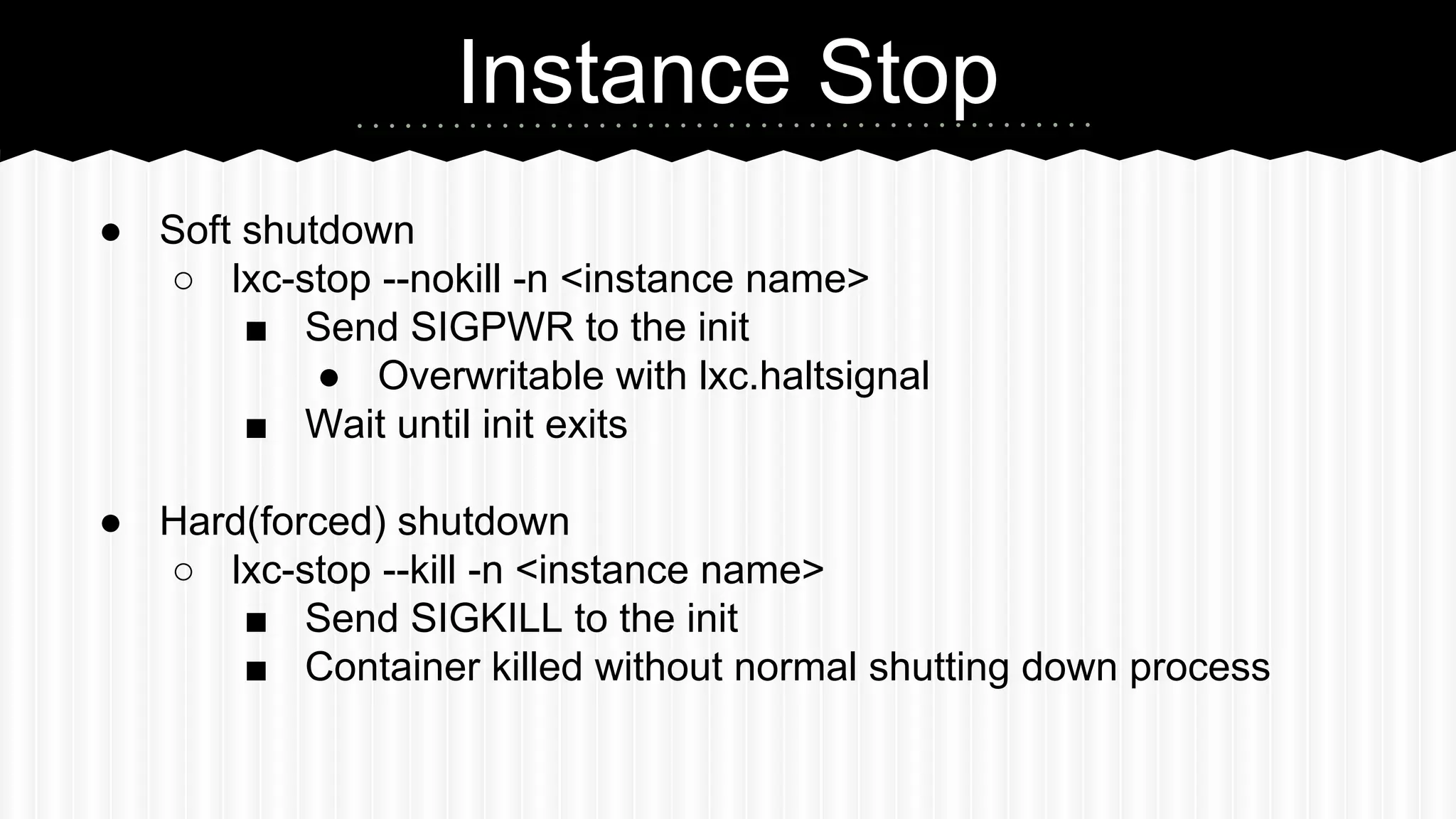
Instance Stop 
● Soft shutdown 
○ lxc-stop --nokill -n <instance name> 
■ Send SIGPWR to the init 
● Overwritable with lxc.haltsignal 
■ Wait until init exits 
● Hard(forced) shutdown 
○ lxc-stop --kill -n <instance name> 
■ Send SIGKILL to the init 
■ Container killed without normal shutting down process
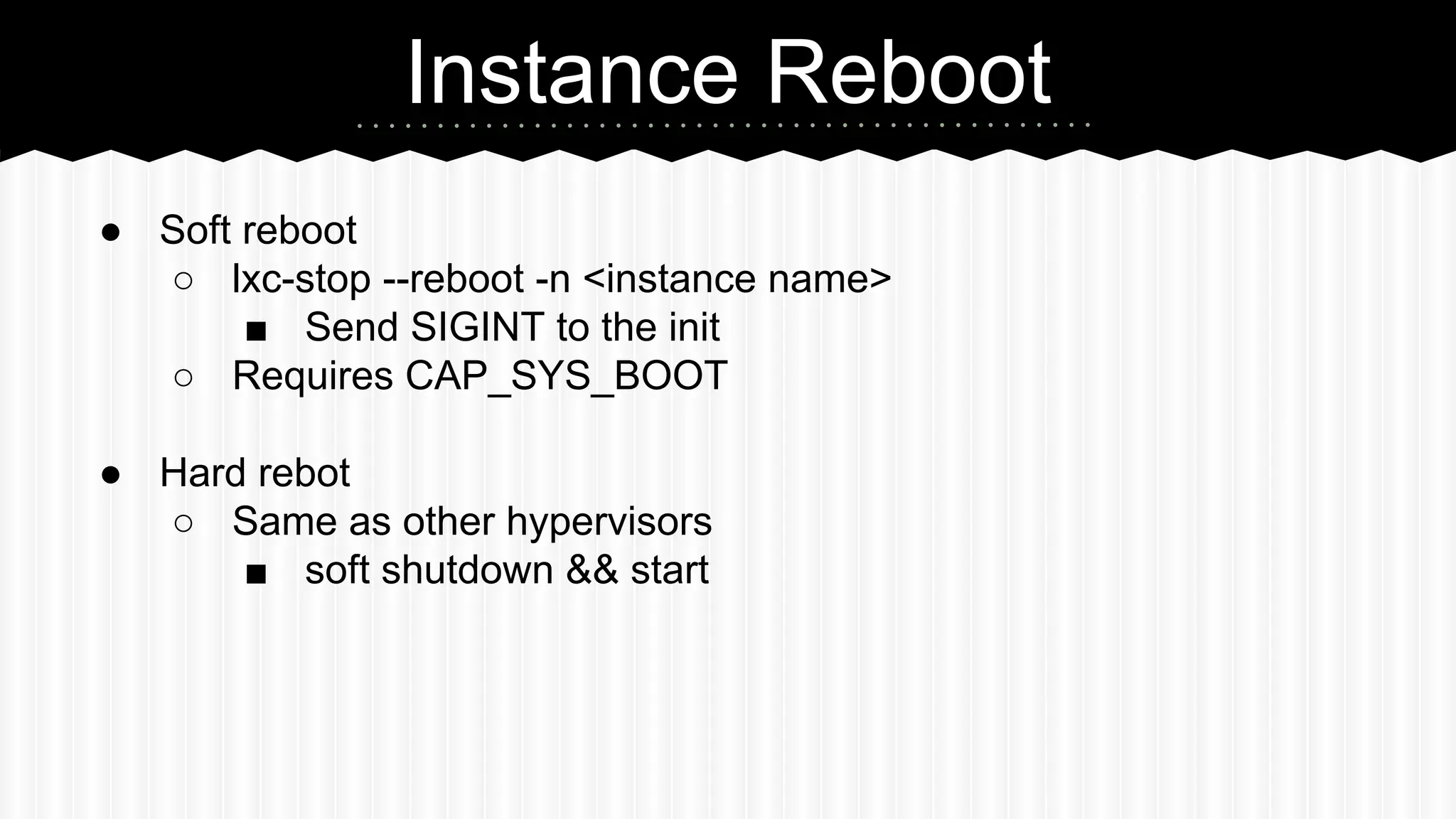
Instance Reboot 
● Soft reboot 
○ lxc-stop --reboot -n <instance name> 
■ Send SIGINT to the init 
○ Requires CAP_SYS_BOOT 
● Hard rebot 
○ Same as other hypervisors 
■ soft shutdown && start
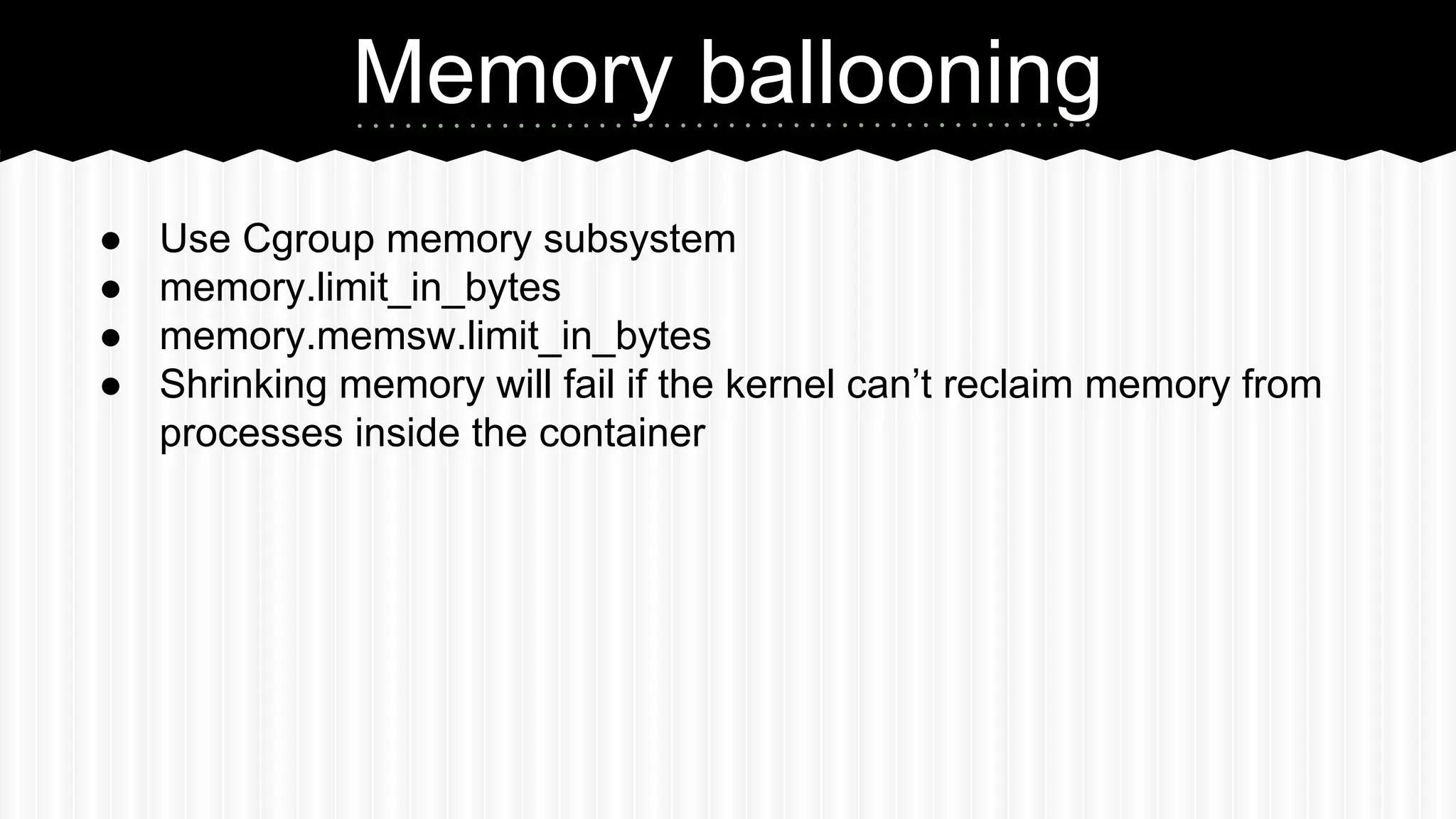
Memory ballooning 
● Use Cgroup memory subsystem 
● memory.limit_in_bytes 
● memory.memsw.limit_in_bytes 
● Shrinking memory will fail if the kernel can’t reclaim memory from 
processes inside the container
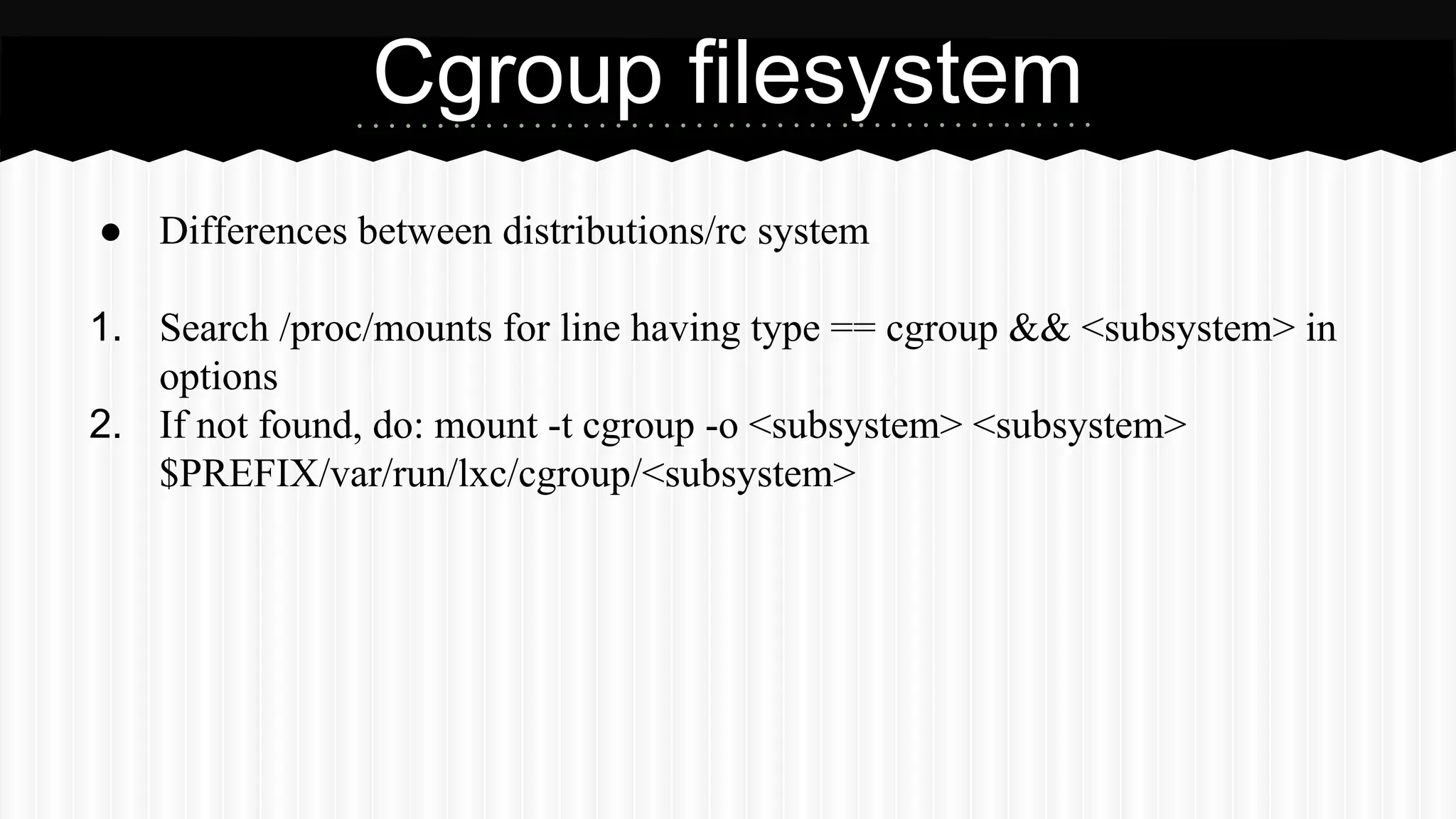
Cgroup filesystem 
● Differences between distributions/rc system 
1. Search /proc/mounts for line having type == cgroup && <subsystem> in 
options 
2. If not found, do: mount -t cgroup -o <subsystem> <subsystem> 
$PREFIX/var/run/lxc/cgroup/<subsystem>
Storage mount 
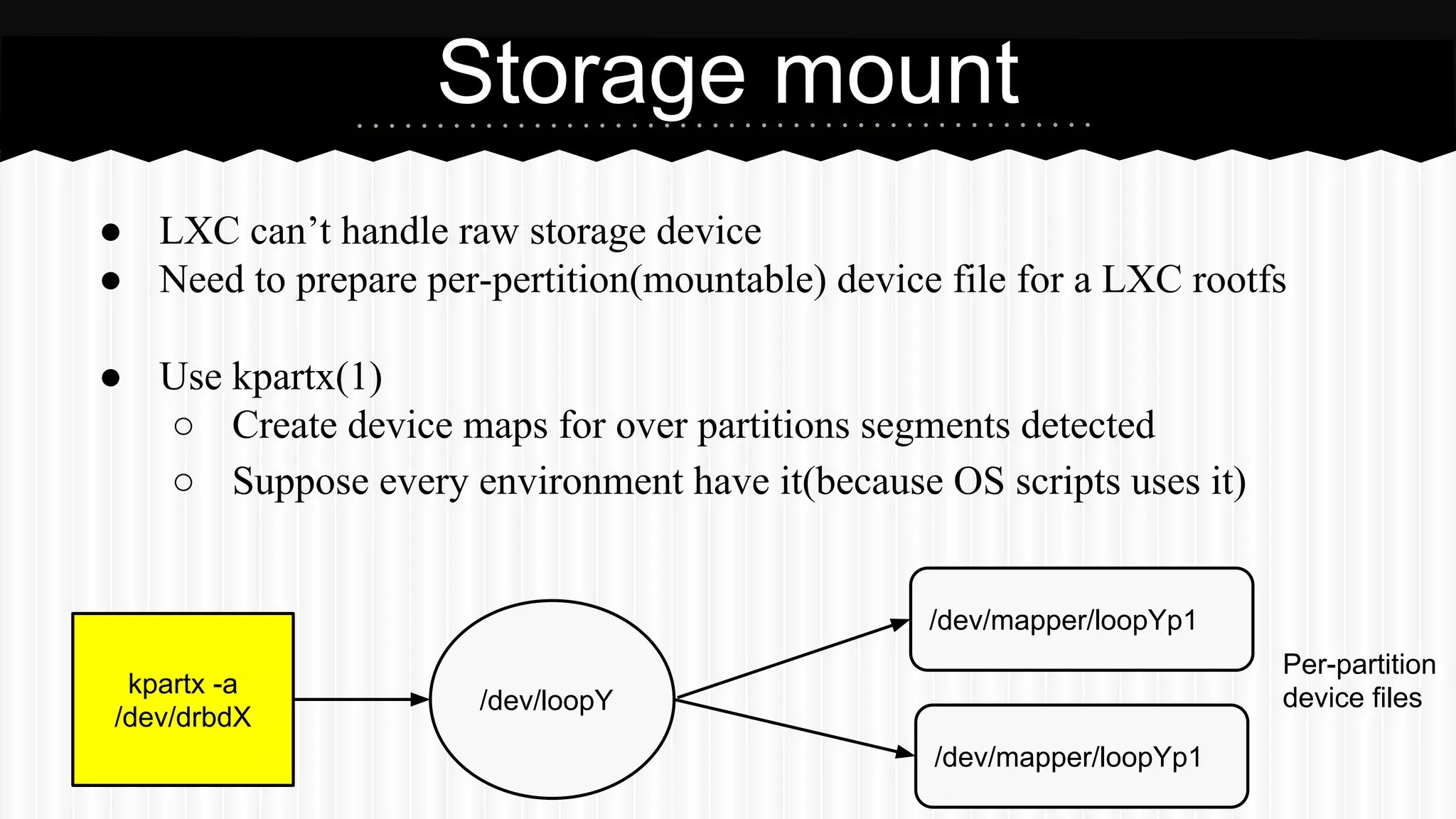
● LXC can’t handle raw storage device 
● Need to prepare per-pertition(mountable) device file for a LXC rootfs 
● Use kpartx(1) 
○ Create device maps for over partitions segments detected 
○ Suppose every environment have it(because OS scripts uses it) 
kpartx -a 
/dev/drbdX /dev/loopY 
/dev/mapper/loopYp1 
/dev/mapper/loopYp1 
Per-partition 
device files
Storage mount 
● Use first partition as a rootfs 
○ lxc.rootfs = /dev/mapper/loopNp1 
● You may have to increase the number of max_loop
Quality 
● Tested on Debian Linux/Gentoo Linux with LXC 1.0.0 and 1.0.5 
● Passed basic QA 
but … 
● Need more example of use 
● Possibly contains platform(distribution) related problems 
○ especially around the cgroup
What’s next?
Future candidates 
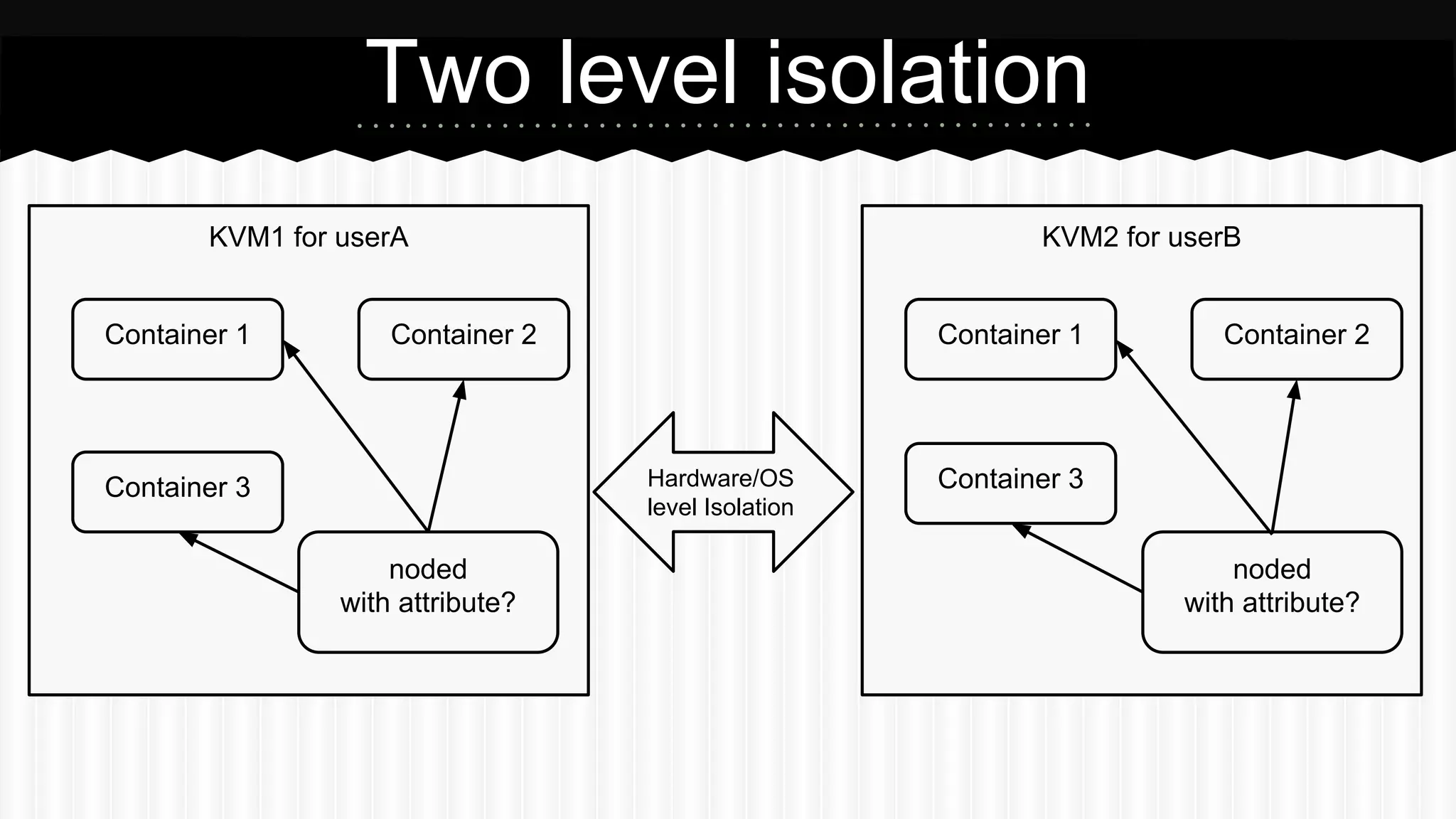
● Two level isolation(IOW, containers inside a Virtual Machine) 
● LXC instance migration
Two level isolation 
KVM1 for userA 
Container 1 Container 2 
Container 3 
KVM2 for userB 
Container 1 Container 2 
Hardware/OS Container 3 
level Isolation 
noded 
with attribute? 
noded 
with attribute?
Instance Migration 
● LXC has no migration functionality 
● Have to implement it on our own
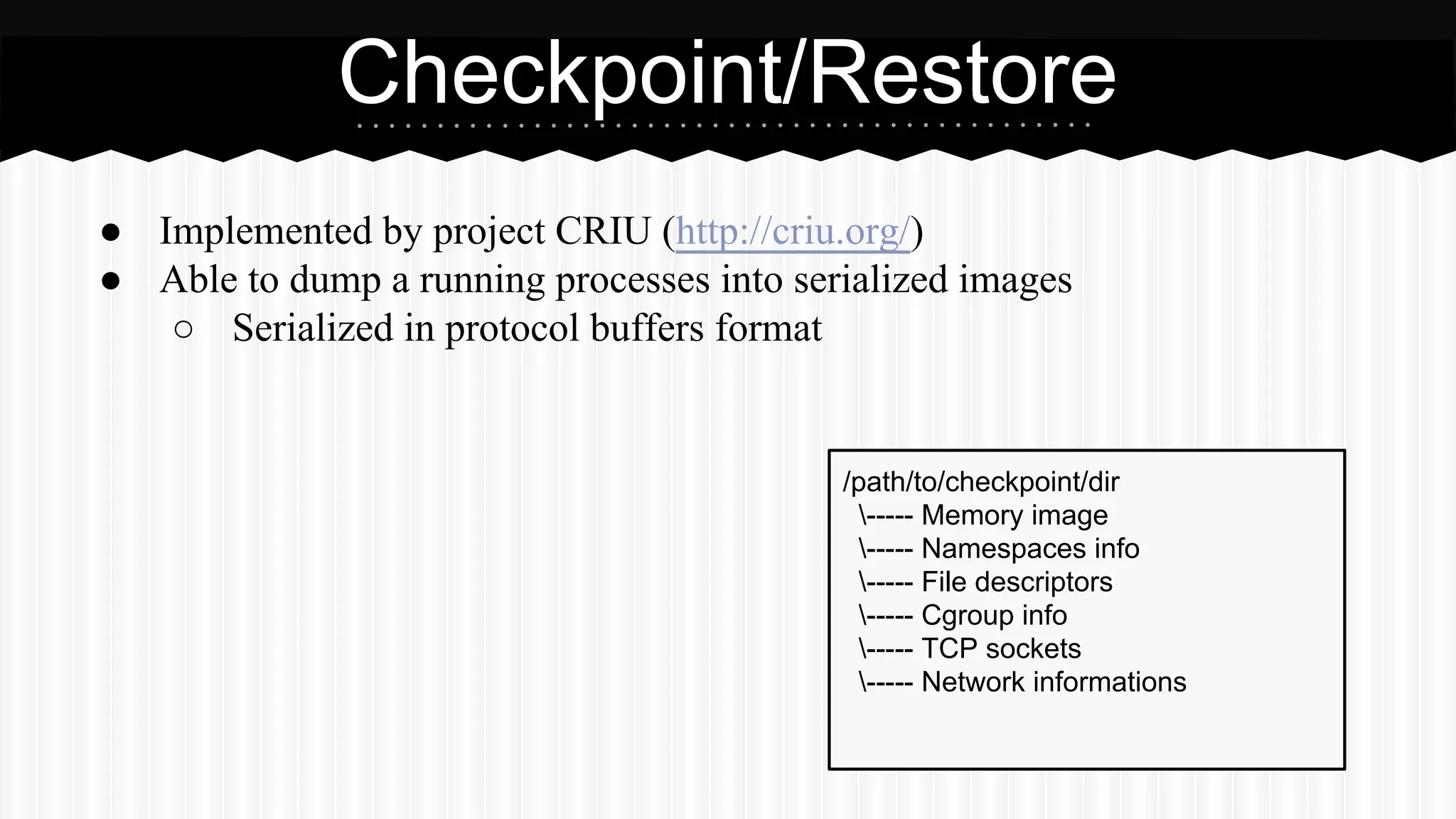
Checkpoint/Restore 
● Implemented by project CRIU (http://criu.org/) 
● Able to dump a running processes into serialized images 
○ Serialized in protocol buffers format 
/path/to/checkpoint/dir 
----- Memory image 
----- Namespaces info 
----- File descriptors 
----- Cgroup info 
----- TCP sockets 
----- Network informations
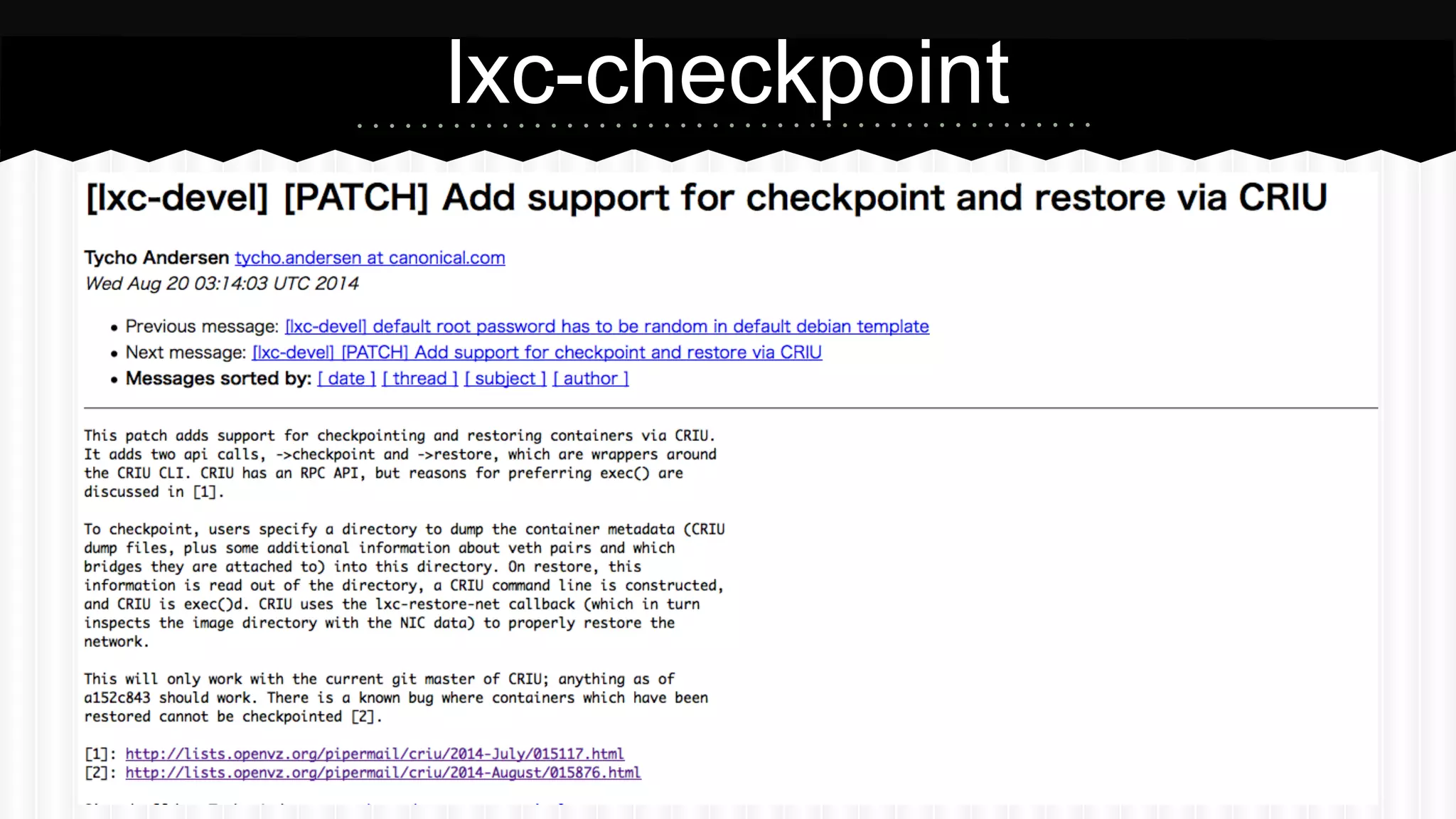
lxc-checkpoint
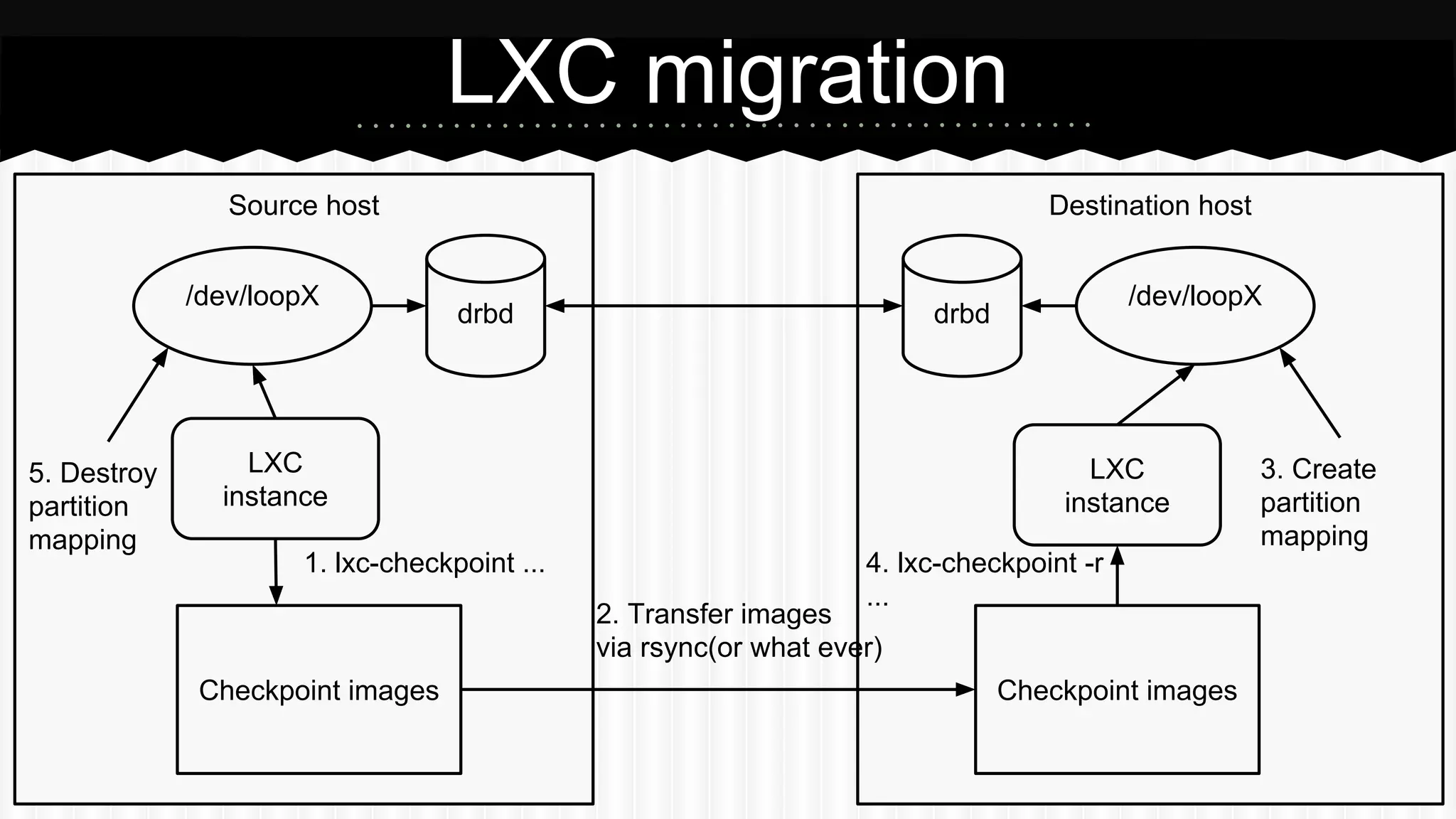
LXC migration 
Source host Destination host 
/dev/loopX drbd drbd /dev/loopX 
LXC 
instance 
4. lxc-checkpoint -r 
... 
2. Transfer images 
via rsync(or what ever) 
1. lxc-checkpoint ... 
LXC 
instance 
Checkpoint images Checkpoint images 
3. Create 
partition 
mapping 
5. Destroy 
partition 
mapping
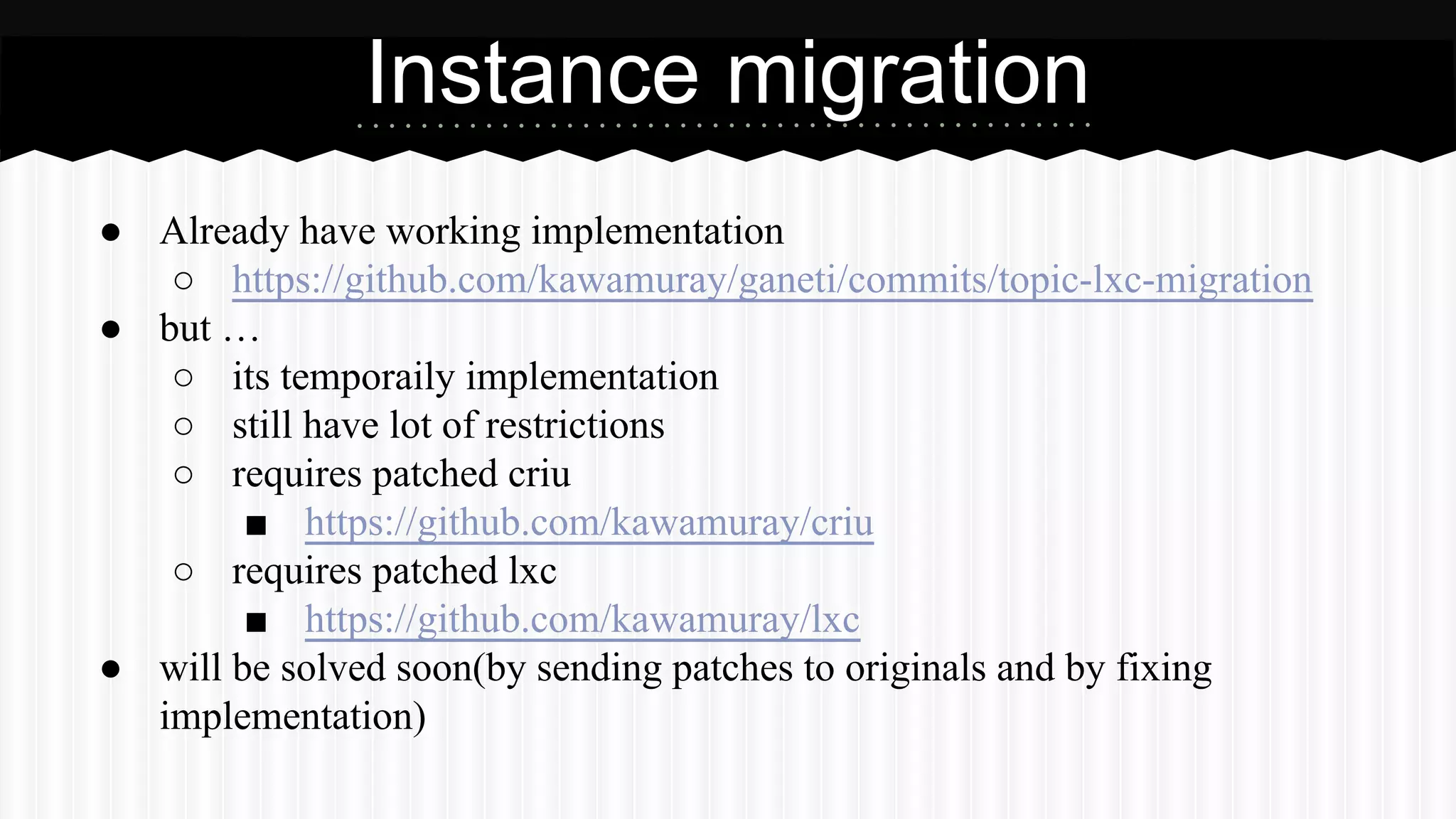
Instance migration 
● Already have working implementation 
○ https://github.com/kawamuray/ganeti/commits/topic-lxc-migration 
● but … 
○ its temporaily implementation 
○ still have lot of restrictions 
○ requires patched criu 
■ https://github.com/kawamuray/criu 
○ requires patched lxc 
■ https://github.com/kawamuray/lxc 
● will be solved soon(by sending patches to originals and by fixing 
implementation)
Demo
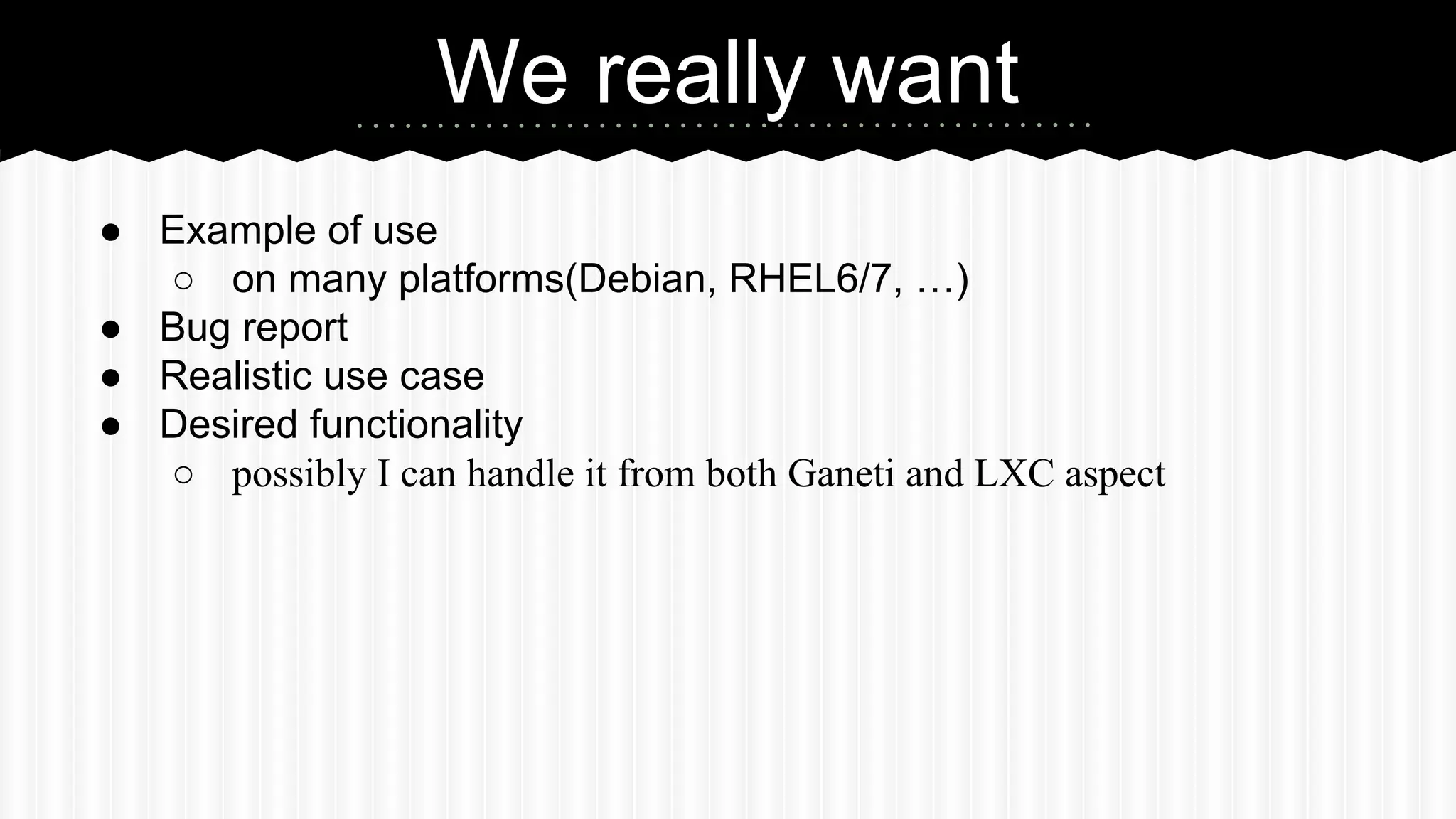
We really want 
● Example of use 
○ on many platforms(Debian, RHEL6/7, …) 
● Bug report 
● Realistic use case 
● Desired functionality 
○ possibly I can handle it from both Ganeti and LXC aspect
Special thanks to Riba 
For your great mentorship!
Questions? 
Opinions? 
Ideas? 
Requests?

LXC on Ganeti

  • 1.
    LXC on Ganeti Yuto Kawamura(kawamuray) Email: kawamuray.dadada@gmail.com
  • 2.
    Google summer ofCode ● Global program that offers students stipends to write code for open source projects ● 4420 students ● 6313 proposals ● (don’t know how much of them were accepted)
  • 3.
    Improve LXC support ● Project accepted by Ganeti on Google Summer of Code 2014 ● Objective ○ Improve LXC support on Ganeti ○ Fix existing broken implementation ○ Add unit tests ○ Setup QA ○ Add additional features ● Mentored by Hrvoje Ribicic
  • 4.
    LXC ● Anuserspace interface for the Linux kernel containment features ● Operating System level virtualization ● Composed by two Linux kernel features ○ Namespace - Isolation for pid, ipc, mount, net, user between containers and the host ○ Cgroup - Hardware resource limitation
  • 5.
    × Console ×Reboot(soft) × Memory ballooning ✔ Network(veth) × Migration(stopped) × Migration(live) △ Verification LXC version: any Before and After ✔ Console ✔ Reboot(soft) ✔ Memory ballooning ✔ Network(veth) △ Migration(stopped) × Migration(live) ✔ Verification LXC version: >= 1.0.0
  • 6.
    ● cpu_mask: Cpumask. Same as other hypervisors but no support for vcpus pinning ● lxc_cgroup_use: Cgroup subsystems list. Correspond to lxc.cgroup.use configuration parameter ● lxc_devices: The list of devices ACL. ● lxc_drop_capabilities: List of capabilities which should be dropped for an instance. ● lxc_tty: Number of ttys(ptys) created for an instance. ● lxc_startup_wait: Time to wait until a daemonized instance state changed to RUNNING. Parameters
  • 7.
    Parameters ● lxc_extra_config:For extra configuration parameters ○ Separating by comma is problem ○ Planning to introduce a functionality to read the value from a file
  • 8.
    How to try? 1. Enable cgroup subsystems(if needed) a. cpuset, memory, devices, cpuacct b. Debian: Need “cgroup_enable=memory” in kernel argument 2. Install LXC >= 1.0.0 3. Check your kernel configuration $ sudo lxc-checkconfig --- Namespaces --- Namespaces: enabled Utsname namespace: enabled Ipc namespace: enabled Pid namespace: enabled User namespace: enabled Network namespace: enabled Multiple /dev/pts instances: enabled ...
  • 9.
    4. 5. 6. How to try? gnt-cluster modify --enabled-hypervisors=kvm,lxc # enable lxc hv --nic-parameters mode=bridge,link=br0 # your brdige interface gnt-cluster verify # Checks your environment by LXC hypervisor gnt-instance add -H lxc # use LXC hypervisor! -o debootstrap+default -t drbd -s 8G lxc-instance1.ganeti ↑ will automatically modify the fstab of the instance to make it proper for the LXC container(riba is working for it) It’s all! Easy right?
  • 10.
    ● Log file Tips - How to debug? ○ $PREFIX/var/log/ganeti/lxc/<instance name>.<instance uuid>.log ■ Logs from lxc-start command ■ Mainly used when your instance didn’t started ○ $PREFIX/var/run/ganeti/lxc/<instance name>.console ■ Logs from processes inside the container(init, rc, etc.) ■ See when you cannot use `gnt-instance console …`
  • 11.
  • 12.
    Basic policy ●LXC containers are managed by command line tools ○ lxc-start, lxc-stop, lxc-ls, lxc-info … ● Not using lxc python library(written in python3)
  • 13.
    Instance Start 1.lxc-start -n <instance name> … -f $PREFIX/var/run/ganeti/lxc/<instance name>.conf 2. lxc-wait -n <instance name> -s RUNNING a. with timeout specified by the lxc_startup_wait hvparam
  • 14.
    Instance Stop ●Soft shutdown ○ lxc-stop --nokill -n <instance name> ■ Send SIGPWR to the init ● Overwritable with lxc.haltsignal ■ Wait until init exits ● Hard(forced) shutdown ○ lxc-stop --kill -n <instance name> ■ Send SIGKILL to the init ■ Container killed without normal shutting down process
  • 15.
    Instance Reboot ●Soft reboot ○ lxc-stop --reboot -n <instance name> ■ Send SIGINT to the init ○ Requires CAP_SYS_BOOT ● Hard rebot ○ Same as other hypervisors ■ soft shutdown && start
  • 16.
    Memory ballooning ●Use Cgroup memory subsystem ● memory.limit_in_bytes ● memory.memsw.limit_in_bytes ● Shrinking memory will fail if the kernel can’t reclaim memory from processes inside the container
  • 17.
    Cgroup filesystem ●Differences between distributions/rc system 1. Search /proc/mounts for line having type == cgroup && <subsystem> in options 2. If not found, do: mount -t cgroup -o <subsystem> <subsystem> $PREFIX/var/run/lxc/cgroup/<subsystem>
  • 18.
    Storage mount ●LXC can’t handle raw storage device ● Need to prepare per-pertition(mountable) device file for a LXC rootfs ● Use kpartx(1) ○ Create device maps for over partitions segments detected ○ Suppose every environment have it(because OS scripts uses it) kpartx -a /dev/drbdX /dev/loopY /dev/mapper/loopYp1 /dev/mapper/loopYp1 Per-partition device files
  • 19.
    Storage mount ●Use first partition as a rootfs ○ lxc.rootfs = /dev/mapper/loopNp1 ● You may have to increase the number of max_loop
  • 20.
    Quality ● Testedon Debian Linux/Gentoo Linux with LXC 1.0.0 and 1.0.5 ● Passed basic QA but … ● Need more example of use ● Possibly contains platform(distribution) related problems ○ especially around the cgroup
  • 21.
  • 22.
    Future candidates ●Two level isolation(IOW, containers inside a Virtual Machine) ● LXC instance migration
  • 23.
    Two level isolation KVM1 for userA Container 1 Container 2 Container 3 KVM2 for userB Container 1 Container 2 Hardware/OS Container 3 level Isolation noded with attribute? noded with attribute?
  • 24.
    Instance Migration ●LXC has no migration functionality ● Have to implement it on our own
  • 25.
    Checkpoint/Restore ● Implementedby project CRIU (http://criu.org/) ● Able to dump a running processes into serialized images ○ Serialized in protocol buffers format /path/to/checkpoint/dir ----- Memory image ----- Namespaces info ----- File descriptors ----- Cgroup info ----- TCP sockets ----- Network informations
  • 26.
  • 27.
    LXC migration Sourcehost Destination host /dev/loopX drbd drbd /dev/loopX LXC instance 4. lxc-checkpoint -r ... 2. Transfer images via rsync(or what ever) 1. lxc-checkpoint ... LXC instance Checkpoint images Checkpoint images 3. Create partition mapping 5. Destroy partition mapping
  • 28.
    Instance migration ●Already have working implementation ○ https://github.com/kawamuray/ganeti/commits/topic-lxc-migration ● but … ○ its temporaily implementation ○ still have lot of restrictions ○ requires patched criu ■ https://github.com/kawamuray/criu ○ requires patched lxc ■ https://github.com/kawamuray/lxc ● will be solved soon(by sending patches to originals and by fixing implementation)
  • 29.
  • 30.
    We really want ● Example of use ○ on many platforms(Debian, RHEL6/7, …) ● Bug report ● Realistic use case ● Desired functionality ○ possibly I can handle it from both Ganeti and LXC aspect
  • 31.
    Special thanks toRiba For your great mentorship!
  • 32.