
Linkedin Basics
Wednesday 20 May 2015
OUTLINE
1. LINKEDIN BACKGROUND
2. LINKEDIN BASICs
Personal profiling
Professional data & key word use
Additional content & referrals
Professional groups
OUTLINE
3. LINKEDIN ADVANCED
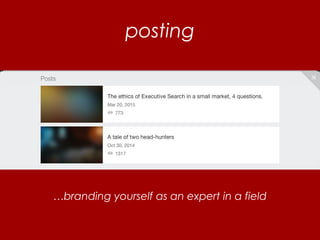
Posting
Creating a Group
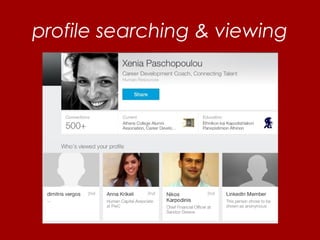
Profile viewing & Enriching Contacts
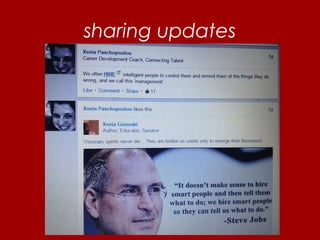
Sharing - Updates
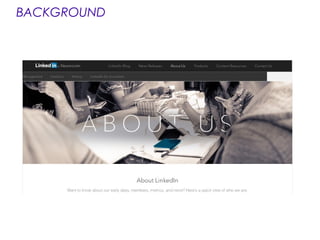
BACKGROUND
MISSION to connect the world's
professionals to make them more
productive and successful.
BACKGROUND
When you join LinkedIn, you get access
to people, jobs, news, updates, and
insights that help you be great at what
you do.
BACKGROUND
BACKGROUND
LinkedIn officially launched on May 5, 2003.
Jeff Weiner is the CEO
Founders: Reid Hoffman, Allen Blue,
Konstantin Guericke, Eric Ly and
Jean-Luc Vaillant
BACKGROUND – Facts
• 1 million+ followers
• 228second-degree connections with
me!
• 8,080Employees on LinkedIn
• 364 million members in over 200
countries and territories
Linkedin – Basics
Profile building OR just another CV?
What you do 1st
Ideas?
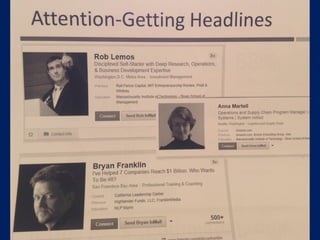
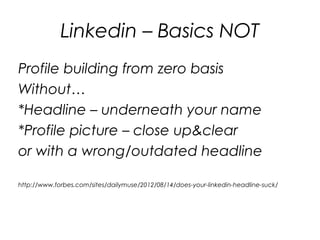
Profile building from zero basis
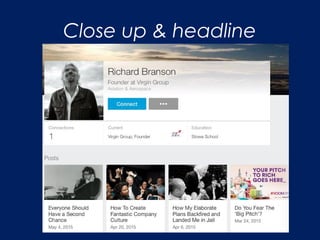
*Headline – underneath your name
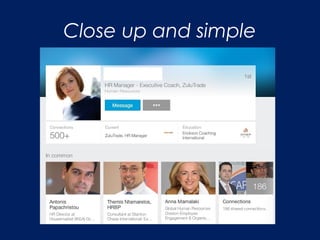
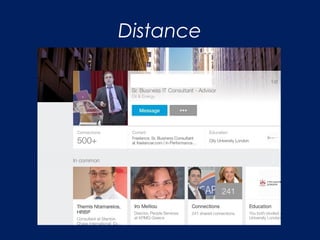
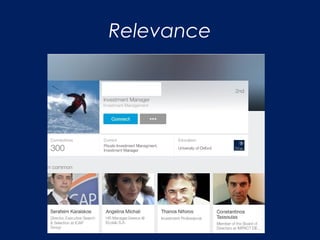
*Profile picture – close up&clear
http://www.forbes.com/sites/dailymuse/2012/08/14/does-your-linkedin-headline-suck/
Linkedin – Basics
Linkedin – Basic steps
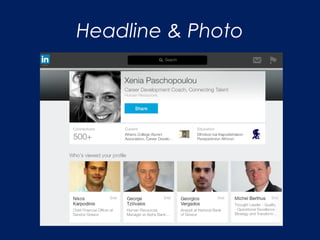
Headline & Photo
Close up & headline
Close up and simple
Distance
Relevance
Profile building from zero basis
Without…
*Headline – underneath your name
*Profile picture – close up&clear
or with a wrong/outdated headline
http://www.forbes.com/sites/dailymuse/2012/08/14/does-your-linkedin-headline-suck/
Linkedin – Basics NOT
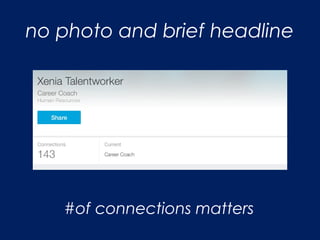
no photo and brief headline
#of connections matters
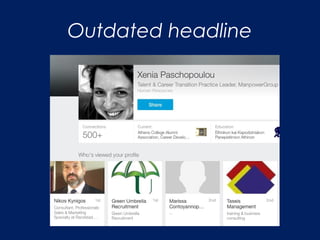
Outdated headline
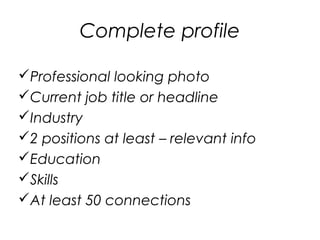
Complete profile
Professional looking photo
Current job title or headline
Industry
2 positions at least – relevant info
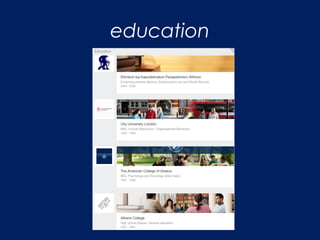
Education
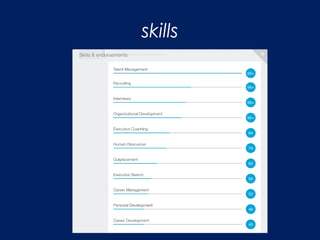
Skills
At least 50 connections
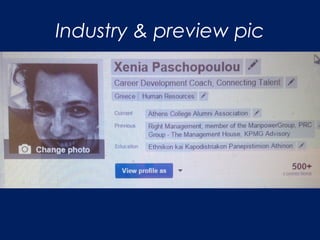
Industry & preview pic
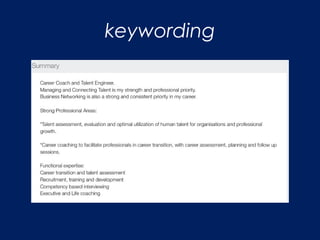
keywording
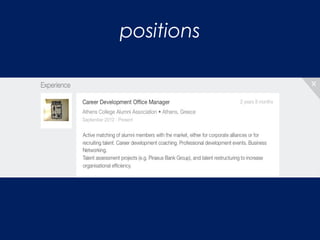
positions
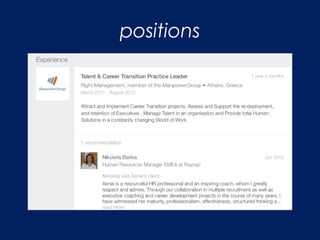
positions
skills
education
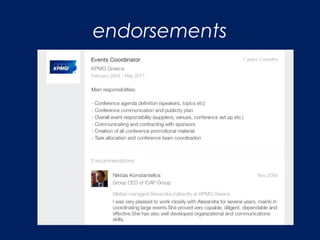
endorsements
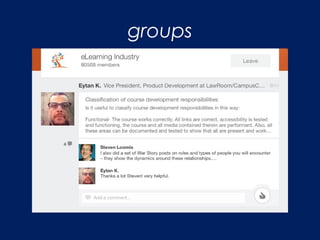
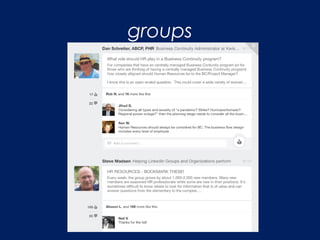
groups
groups
groups
Generally, international professional
groups are rich in content and answers on
various subjects – not necessarily relevant
to the group’s core mission
Linkedin – advanced
Posting
Creating a group
Profile viewing
Enriching contacts
Sharing updates
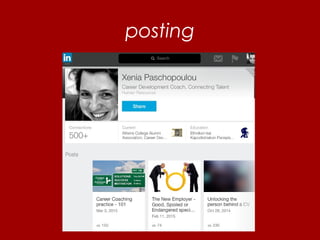
posting
posting
…branding yourself as an expert in a field
creating a group
Visibility to a community you are
interested in
Creating a group of professionals
with your ‘rules’ and style
Setting a tone, branding also
yourself as an expert in the field
Sharing info on your field within this
group
Recruiting
enriching contacts
Via groups & other contacts
Try to find people who belong to
your target field.
Do not connect with everyone –
everything – whatever!
profile searching & viewing
sharing updates
sharing updates
Learn the art of giving and sharing first
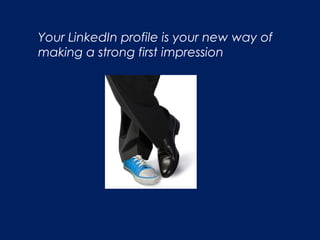
Your LinkedIn profile is your new way of
making a strong first impression
Other issues to discuss:
Paid vs unpaid membership
Job search
LinkedIn products – a whole industry (webinars,
whitepapers, etc)
Synchronize with all other media or not?
Notes to keep
Quality of contacts
Keyword use
Have an opinion & express yourself
Be active in your network – organize, comment, post,
update, share (passivity is a liability)
Bonus track
LinkedIn as a recruitment tool
Recruitment
When using a tablet – Linkedin app or
through your PC, the LinkedIn
experience is different.
You may choose the following links in
either case
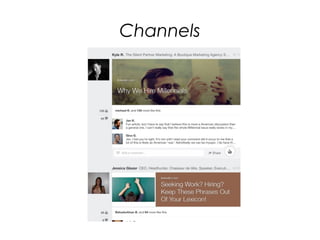
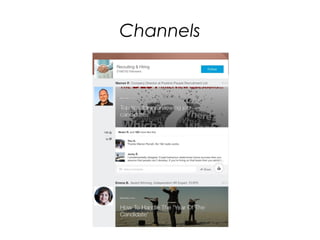
Channels
Channels
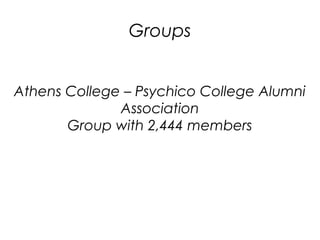
Groups
Athens College – Psychico College Alumni
Association
Group with 2,444 members
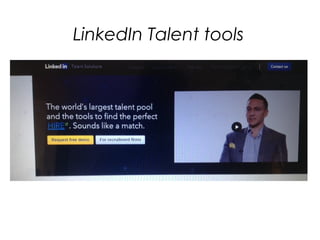
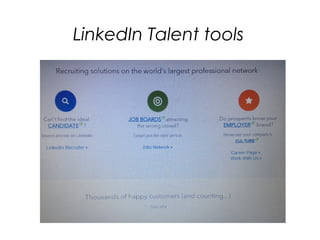
LinkedIn Talent tools
Sources of info for optimal linkedin use
Main: MIT Sloan Career Development office,
on Linkedin.
Peripheral:
a. https://press.linkedin.com/about-linkedin
Slideshare.net
b. Linkedin for Personal Branding, CV experts,
Μαρία Παφιώλη.
c. Maximizing LinkedIn
d. https://business.linkedin.com/talent-
solutions/products/recruiter for recruitment
e. The Start-up of You, Reid Hoffman (co-
founder and chairman LinkedIn) and Ben
Casnocha, Random House Business Books
Linkedin Basics
Wednesday 20 May 2015
Thank you!

Linkedin basics