Let’s get real: An introduction
to AR, VR, MR, XR and more
The webinar will begin shortly
The webinar will begin at 8 am PT | 11 am ET | 4 pm BST
2 0 2 2
C R E A T O R S E R I E S
Let’s get real:
An introduction to
AR, VR, MR, XR and more
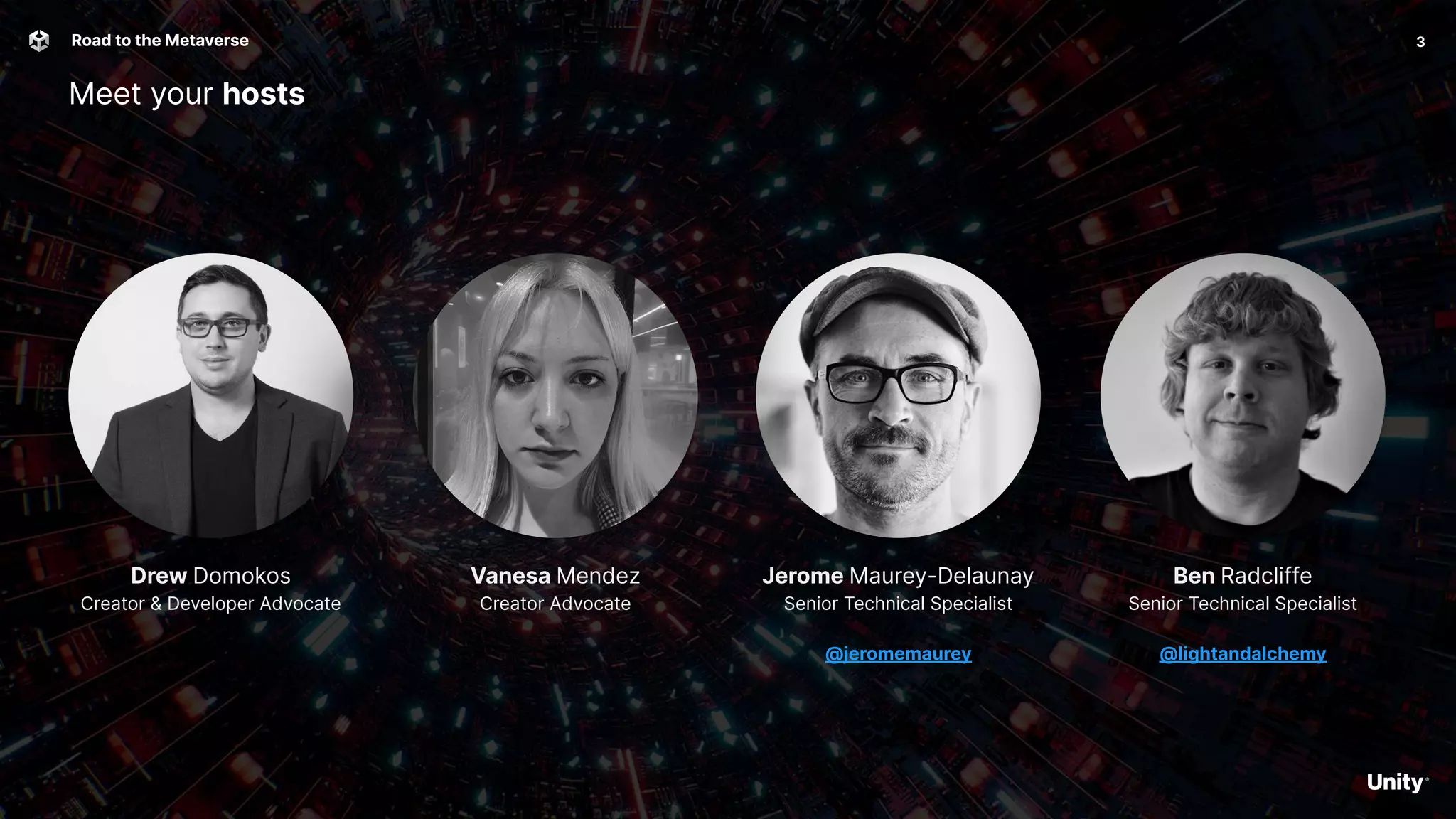
Vanesa Mendez
Creator Advocate
Meet your hosts
3
Road to the Metaverse
Ben Radcliffe
Senior Technical Specialist
@lightandalchemy
Jerome Maurey-Delaunay
Senior Technical Specialist
@jeromemaurey
Drew Domokos
Creator & Developer Advocate
4
Road to the Metaverse -> Welcome to the metaverse: Your journey starts here
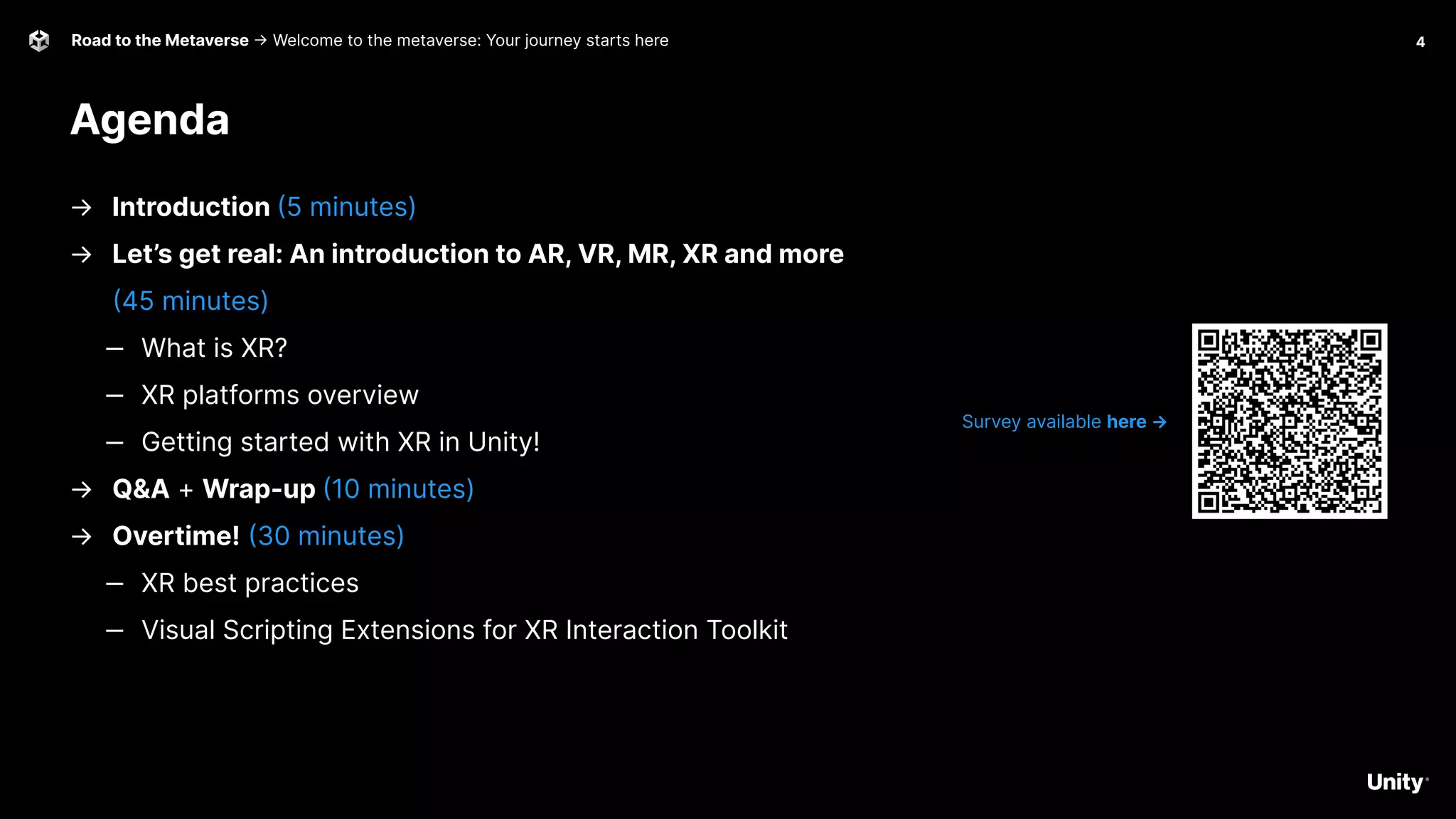
Agenda
Survey available here →
→ Introduction (5 minutes)
→ Let’s get real: An introduction to AR, VR, MR, XR and more
(45 minutes)
‒ What is XR?
‒ XR platforms overview
‒ Getting started with XR in Unity!
→ Q&A + Wrap-up (10 minutes)
→ Overtime! (30 minutes)
‒ XR best practices
‒ Visual Scripting Extensions for XR Interaction Toolkit
5
Introduction
Tales from the Metaverse!
Road to the Metaverse 6
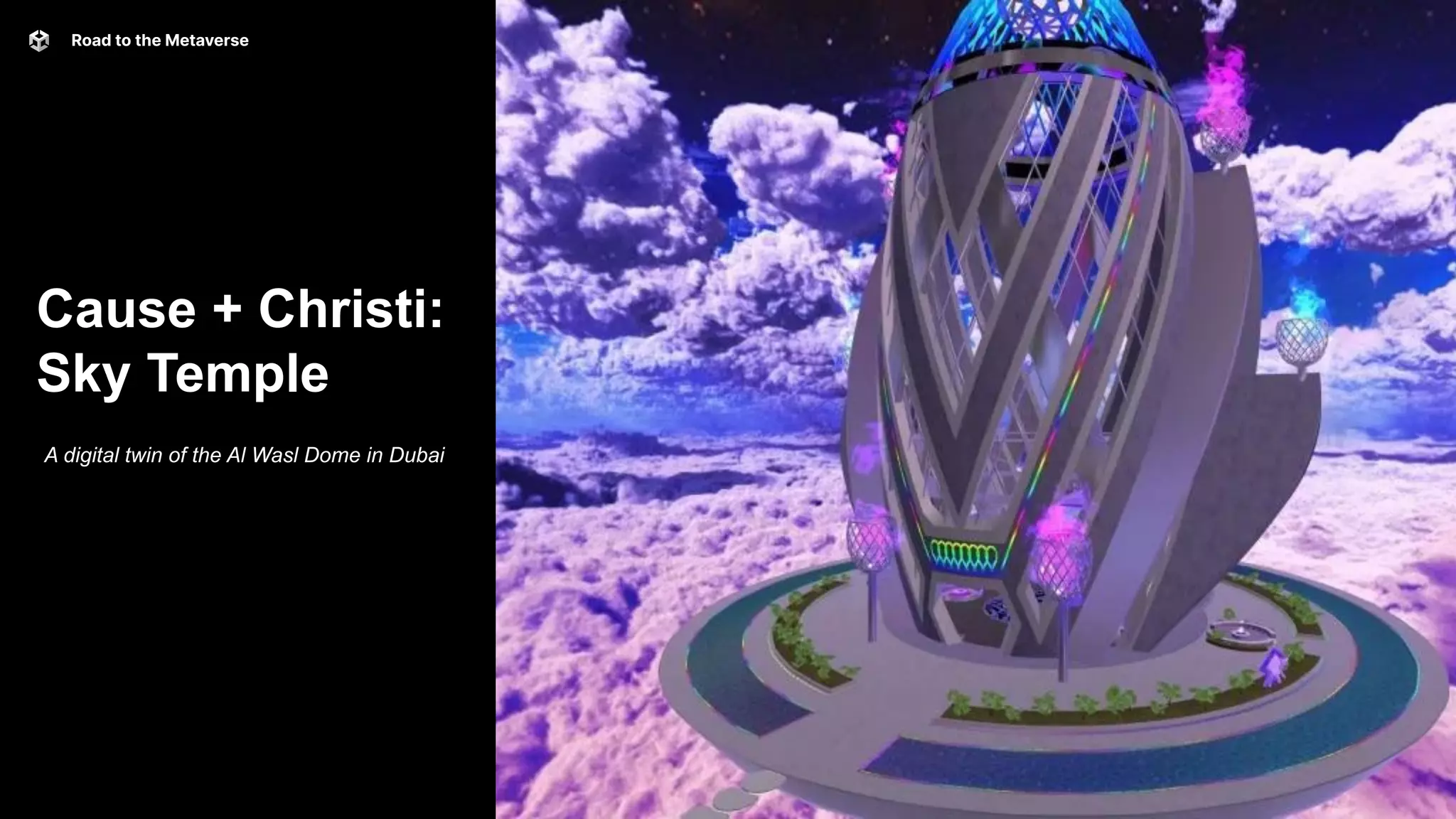
Cause + Christi:
Sky Temple
A digital twin of the Al Wasl Dome in Dubai
7
Road to the Metaverse 8
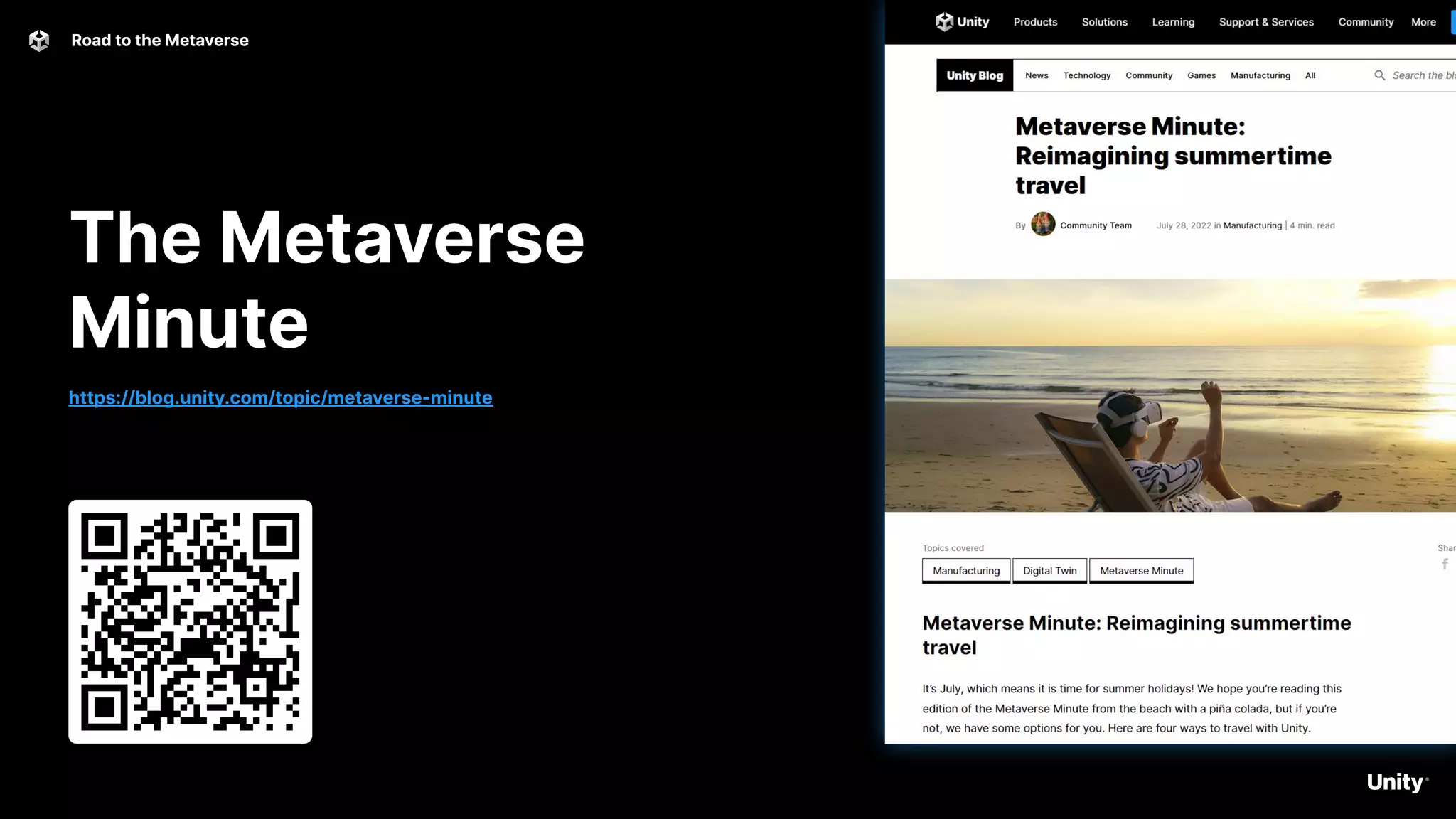
The Metaverse
Minute
https://blog.unity.com/topic/metaverse-minute
Road to the Metaverse 9
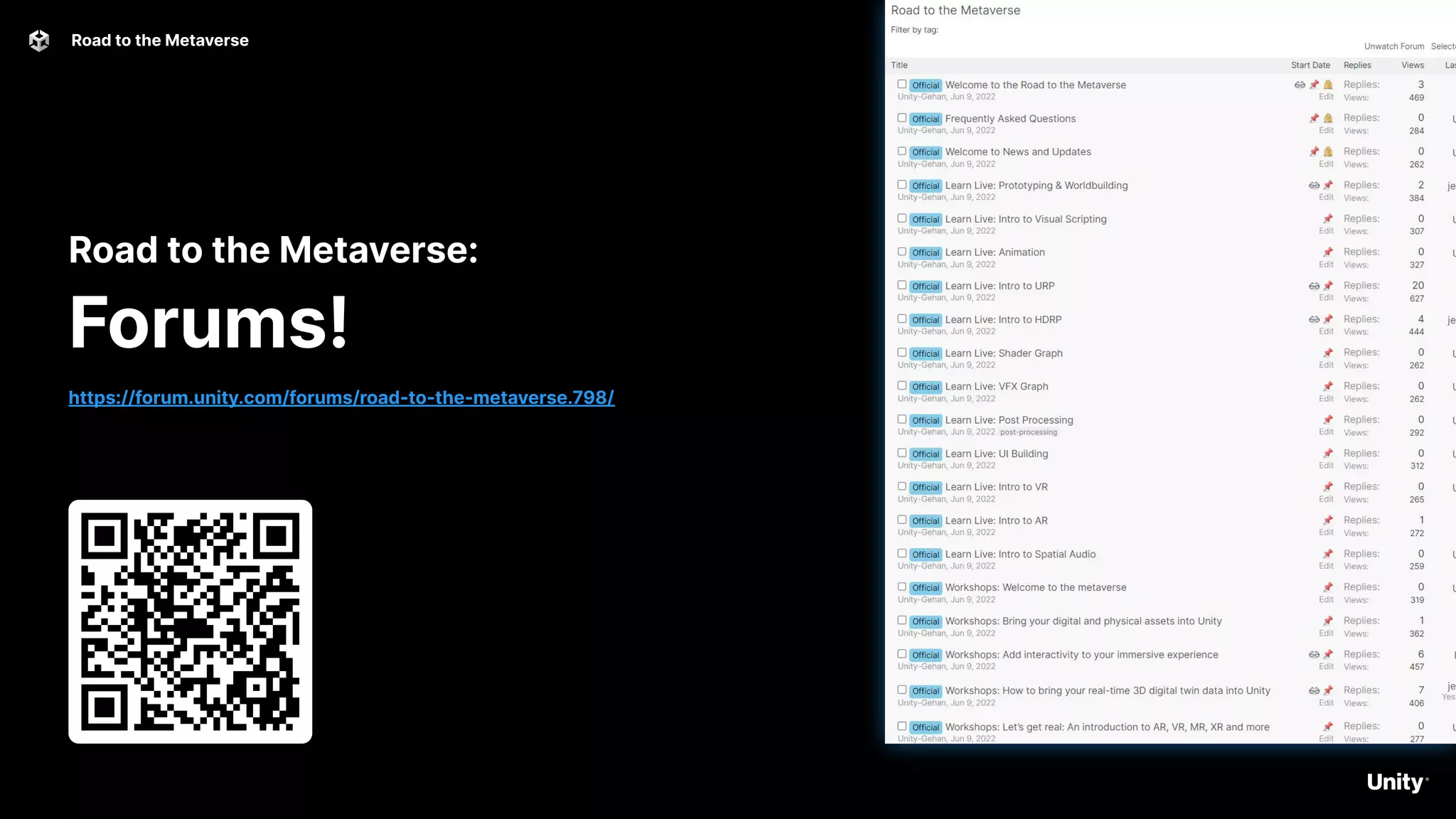
Road to the Metaverse:
Forums!
https://forum.unity.com/forums/road-to-the-metaverse.798/
10
Let’s get real:
An introduction to
AR, VR, MR, XR and more
C R E A T O R S E R I E S
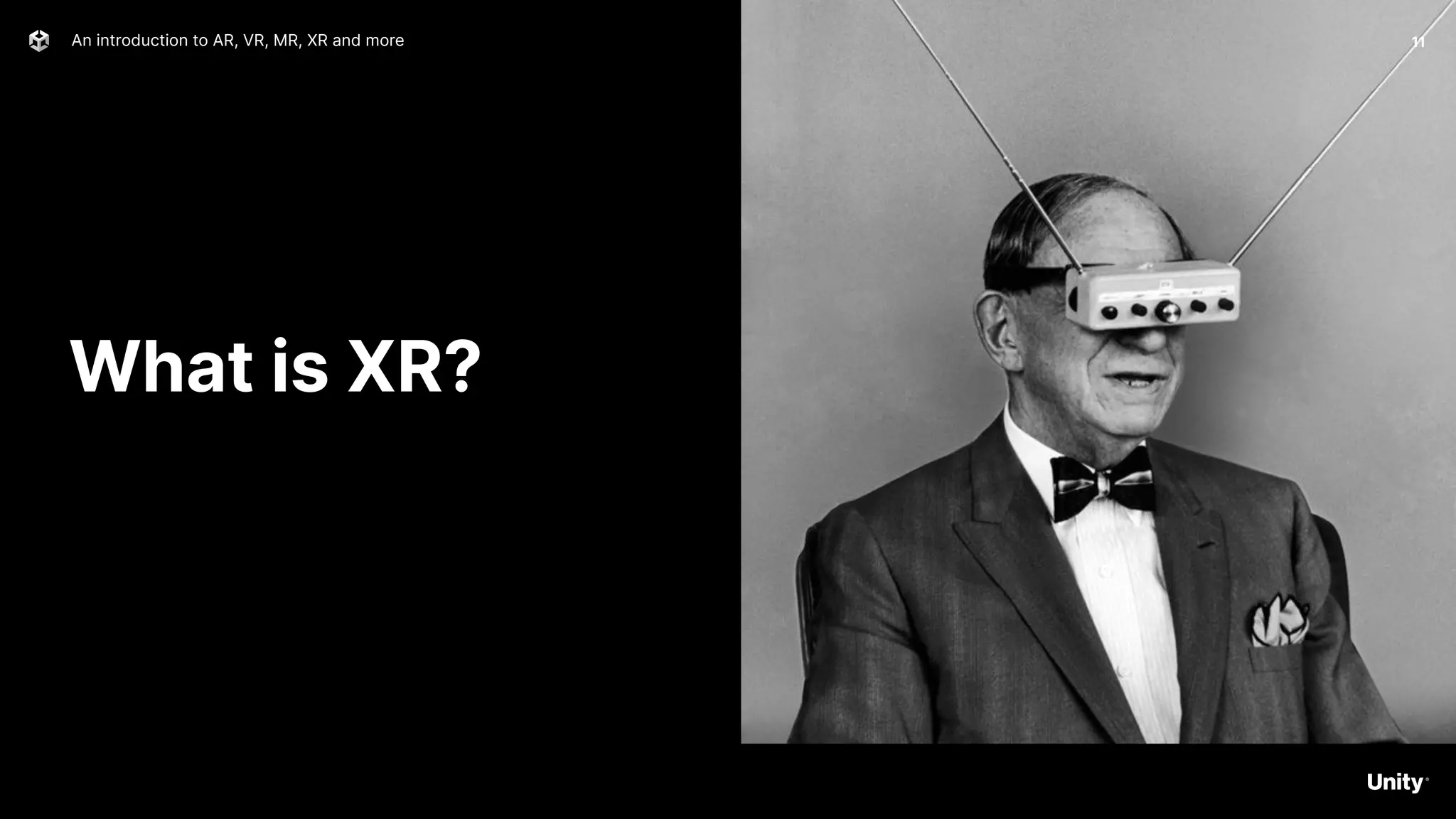
What is XR?
11
An introduction to AR, VR, MR, XR and more
What is XR?
Getting started with XR in Unity
What is XR? It's shorthand for a related set of new
technologies that are changing the way we interact with
the world and with each other: Virtual Reality, Augmented
Reality, and Mixed Reality.
● VR - Virtual Reality
● MR - Mixed Reality
● AR - Augmented Reality
● XR - Umbrella term for all the above
Unity Learn Intro to XR
12
13
What is XR? -> Hardware Platforms
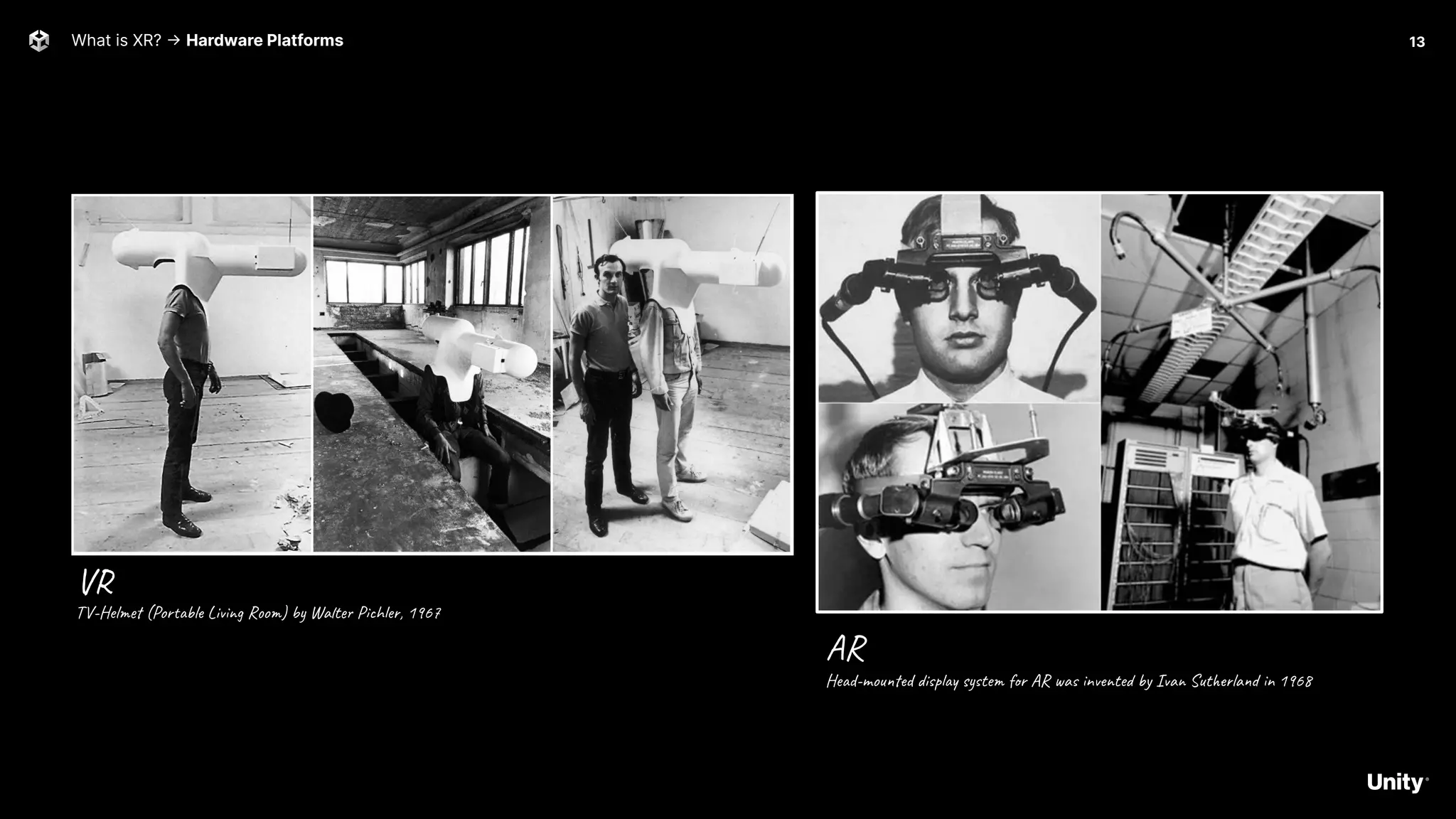
VR
AR
Head-mounted display system for AR was invented by Ivan Sutherland in 1968
TV-Helmet (Portable Living Room) by Walter Pichler, 1967
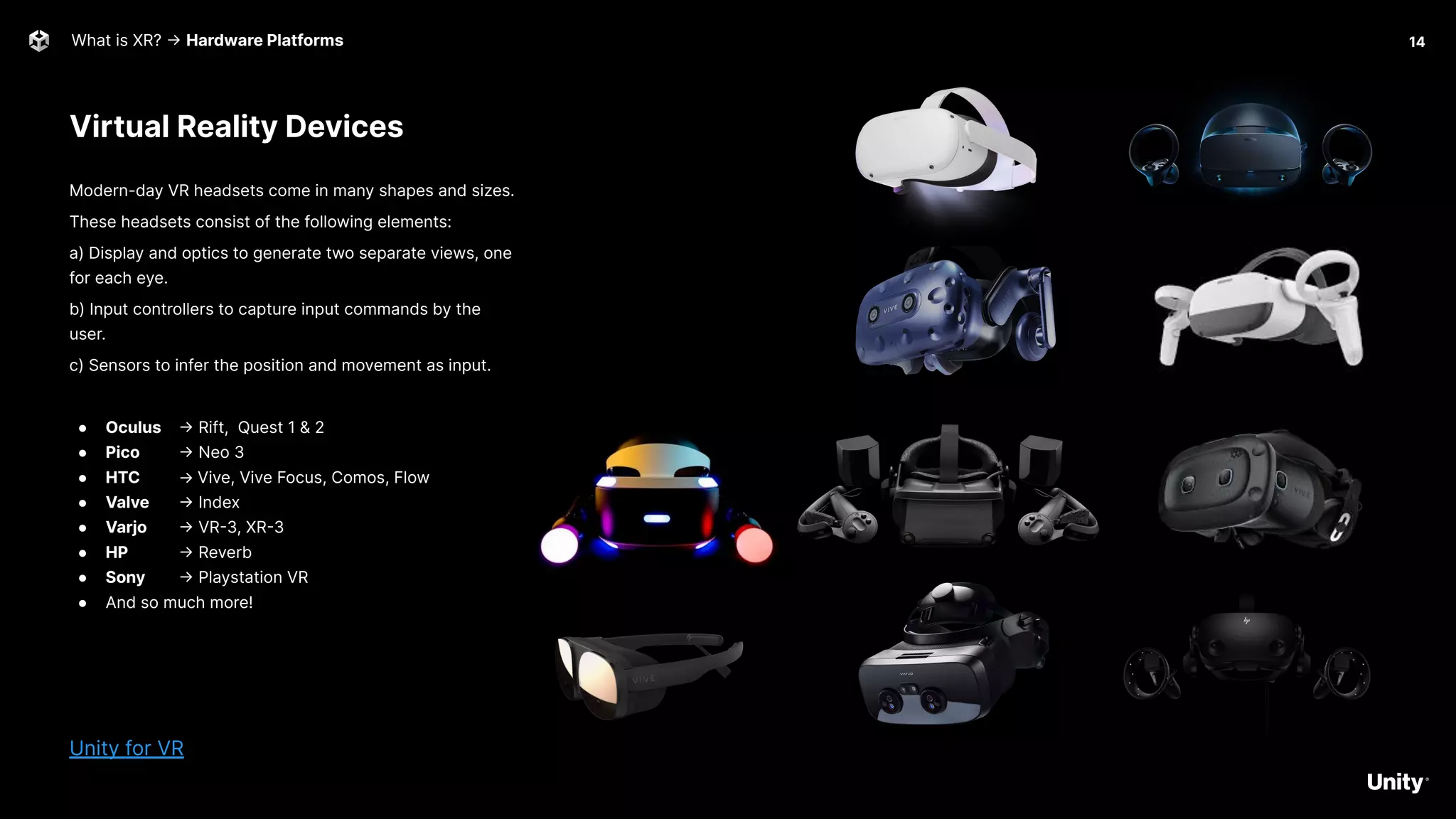
Virtual Reality Devices
What is XR? -> Hardware Platforms
Modern-day VR headsets come in many shapes and sizes.
These headsets consist of the following elements:
a) Display and optics to generate two separate views, one
for each eye.
b) Input controllers to capture input commands by the
user.
c) Sensors to infer the position and movement as input.
● Oculus -> Rift, Quest 1 & 2
● Pico -> Neo 3
● HTC → Vive, Vive Focus, Comos, Flow
● Valve -> Index
● Varjo -> VR-3, XR-3
● HP -> Reverb
● Sony -> Playstation VR
● And so much more!
Unity for VR
14
What is XR? -> Hardware Platforms
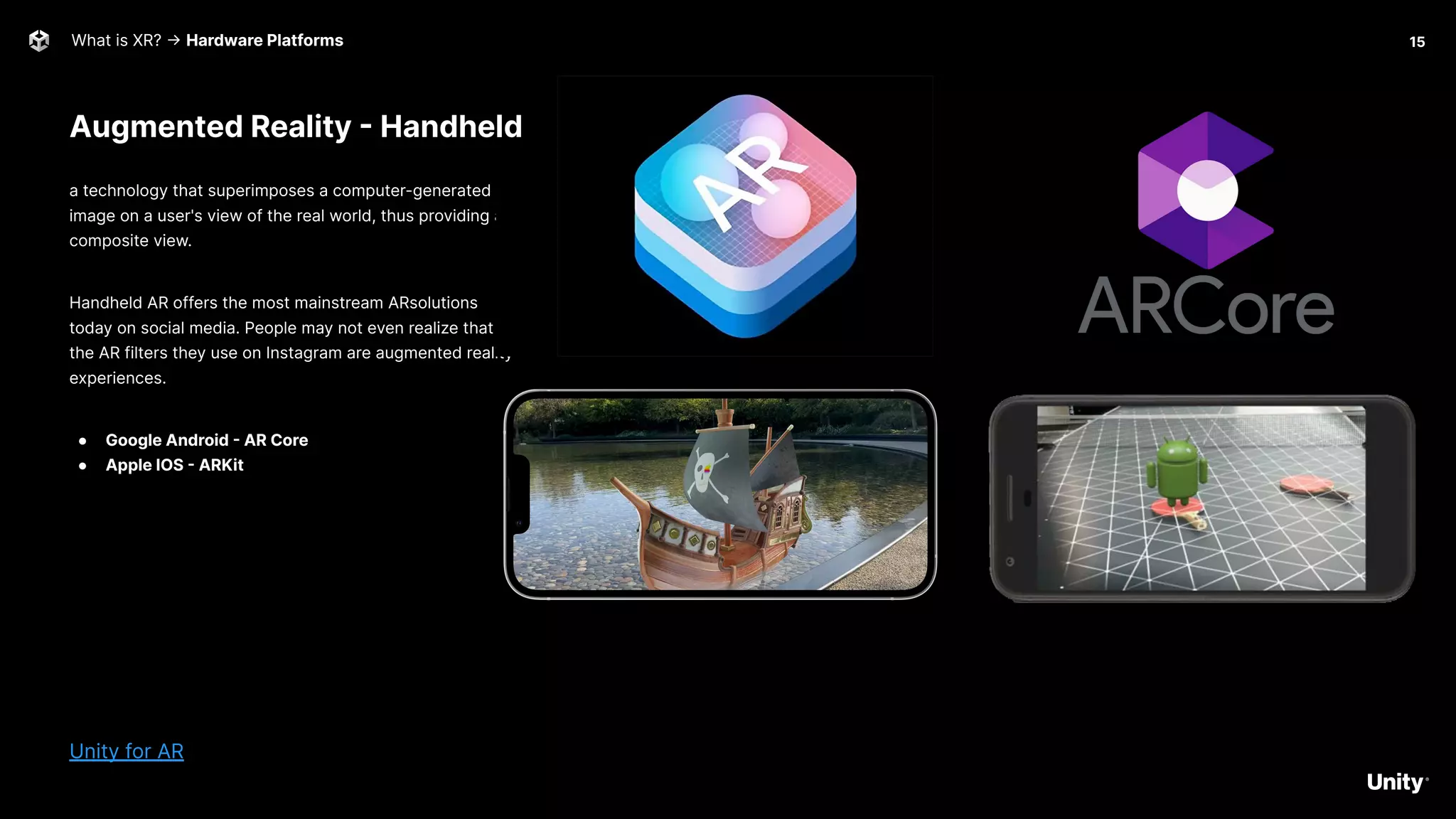
a technology that superimposes a computer-generated
image on a user's view of the real world, thus providing a
composite view.
Handheld AR offers the most mainstream ARsolutions
today on social media. People may not even realize that
the AR filters they use on Instagram are augmented reality
experiences.
● Google Android - AR Core
● Apple IOS - ARKit
Unity for AR
15
Augmented Reality - Handheld
What is XR? -> Hardware Platforms
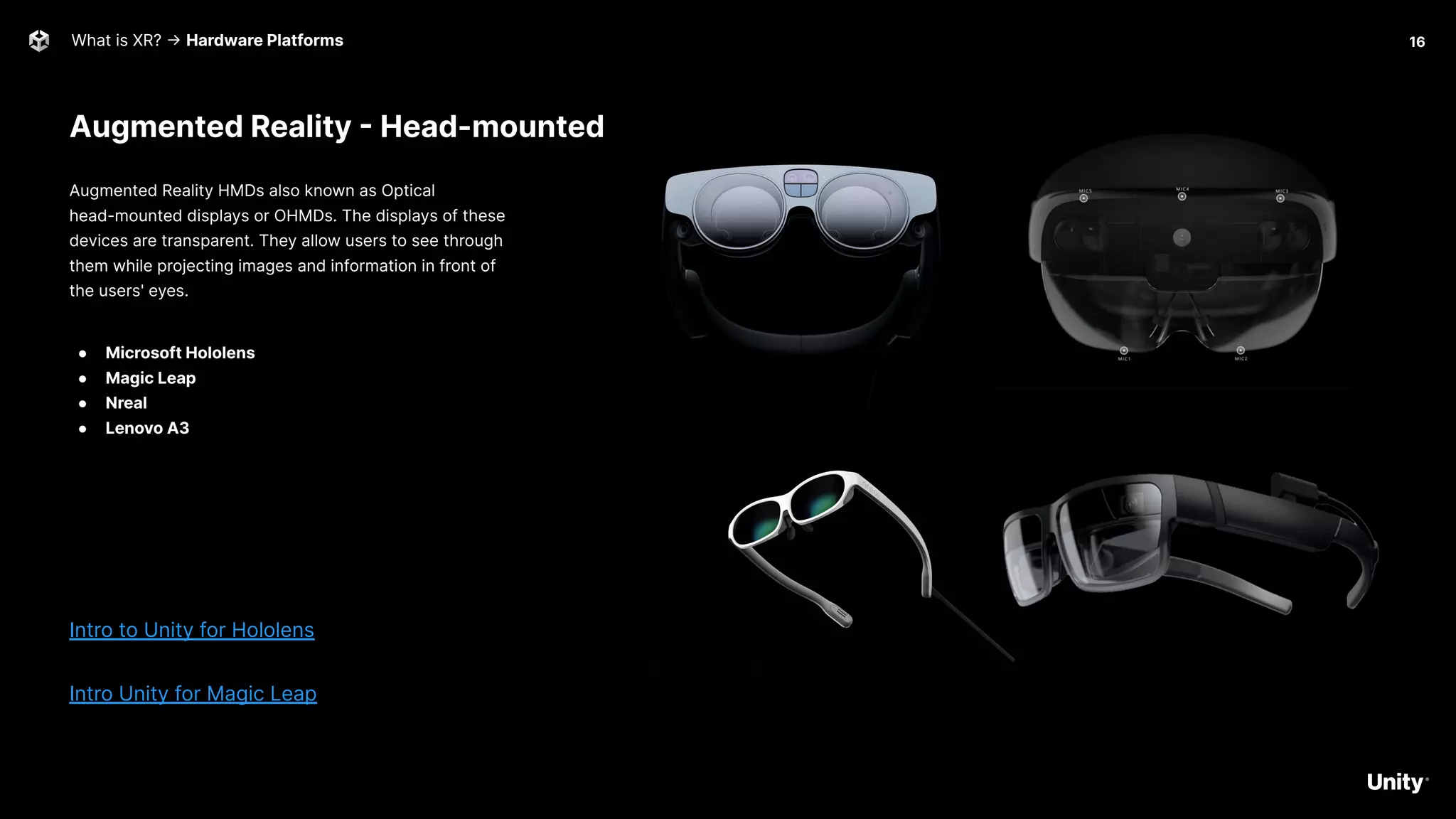
Augmented Reality - Head-mounted
Augmented Reality HMDs also known as Optical
head-mounted displays or OHMDs. The displays of these
devices are transparent. They allow users to see through
them while projecting images and information in front of
the users' eyes.
● Microsoft Hololens
● Magic Leap
● Nreal
● Lenovo A3
Intro to Unity for Hololens
Intro Unity for Magic Leap
16
Mixed Reality
What is XR? -> Hardware Platforms
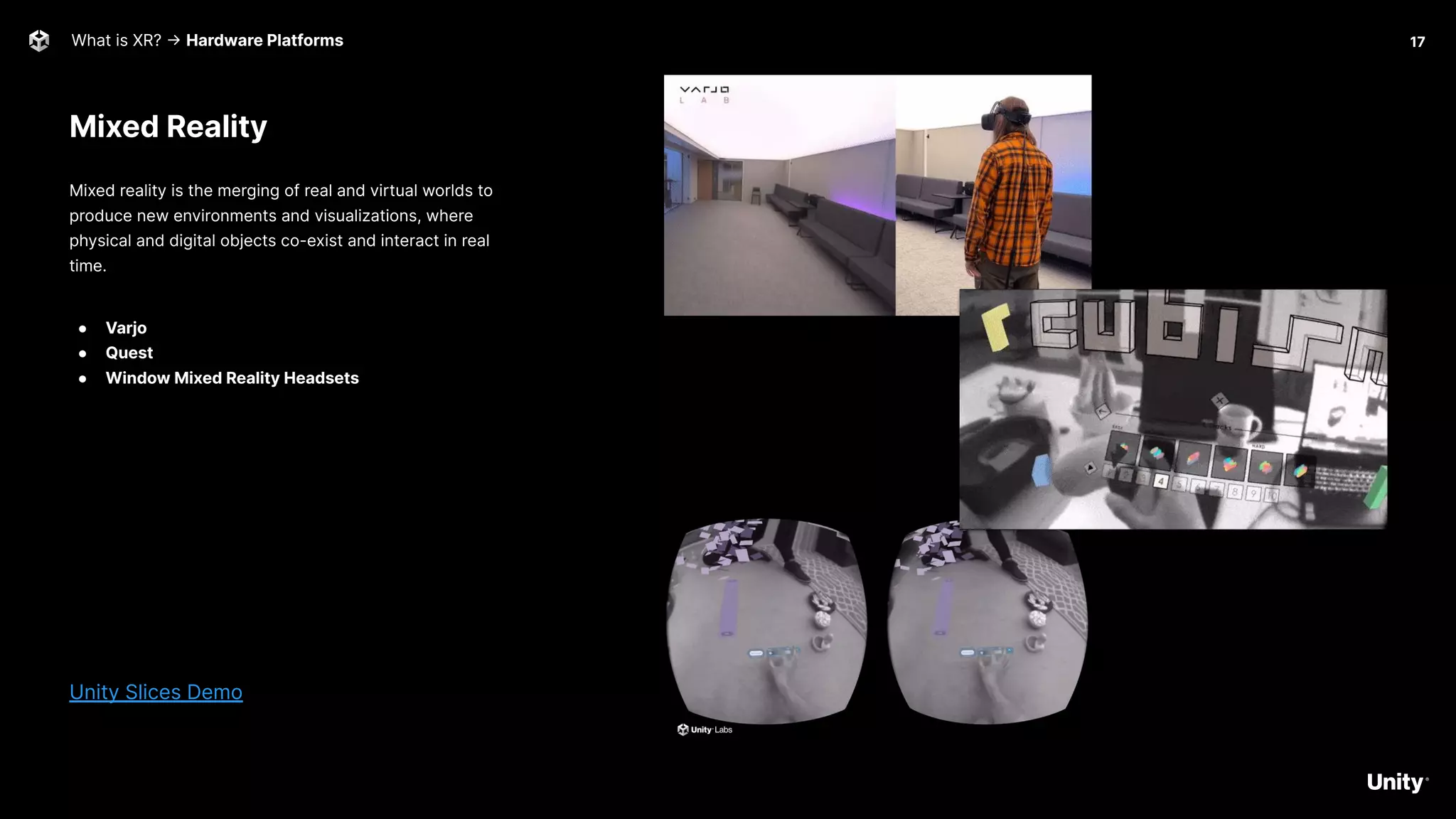
Mixed reality is the merging of real and virtual worlds to
produce new environments and visualizations, where
physical and digital objects co-exist and interact in real
time.
● Varjo
● Quest
● Window Mixed Reality Headsets
Unity Slices Demo
17
What is XR? -> Demo 18
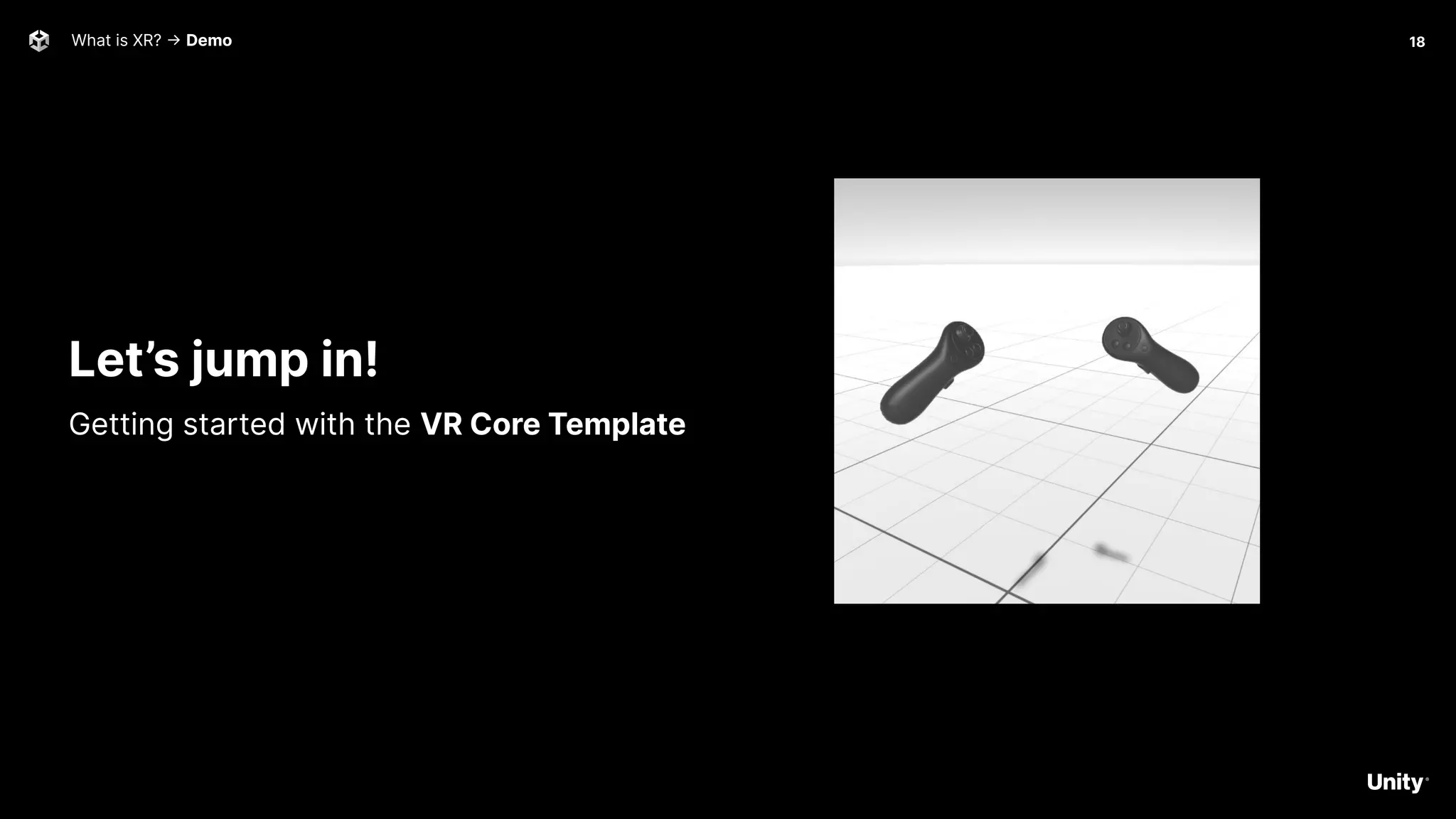
Let’s jump in!
Getting started with the VR Core Template
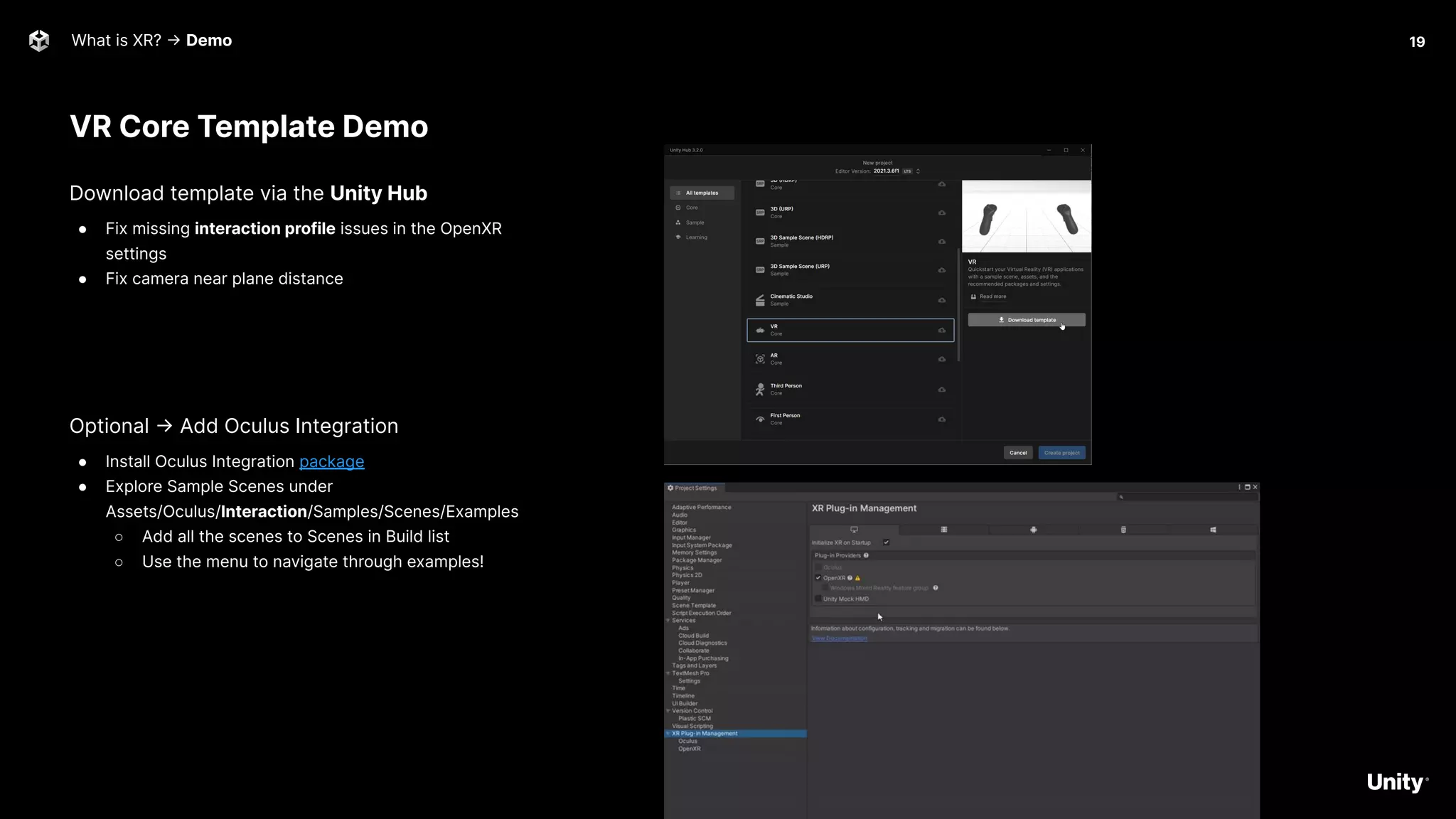
VR Core Template Demo
What is XR? -> Demo
Download template via the Unity Hub
● Fix missing interaction profile issues in the OpenXR
settings
● Fix camera near plane distance
Optional -> Add Oculus Integration
● Install Oculus Integration package
● Explore Sample Scenes under
Assets/Oculus/Interaction/Samples/Scenes/Examples
○ Add all the scenes to Scenes in Build list
○ Use the menu to navigate through examples!
19
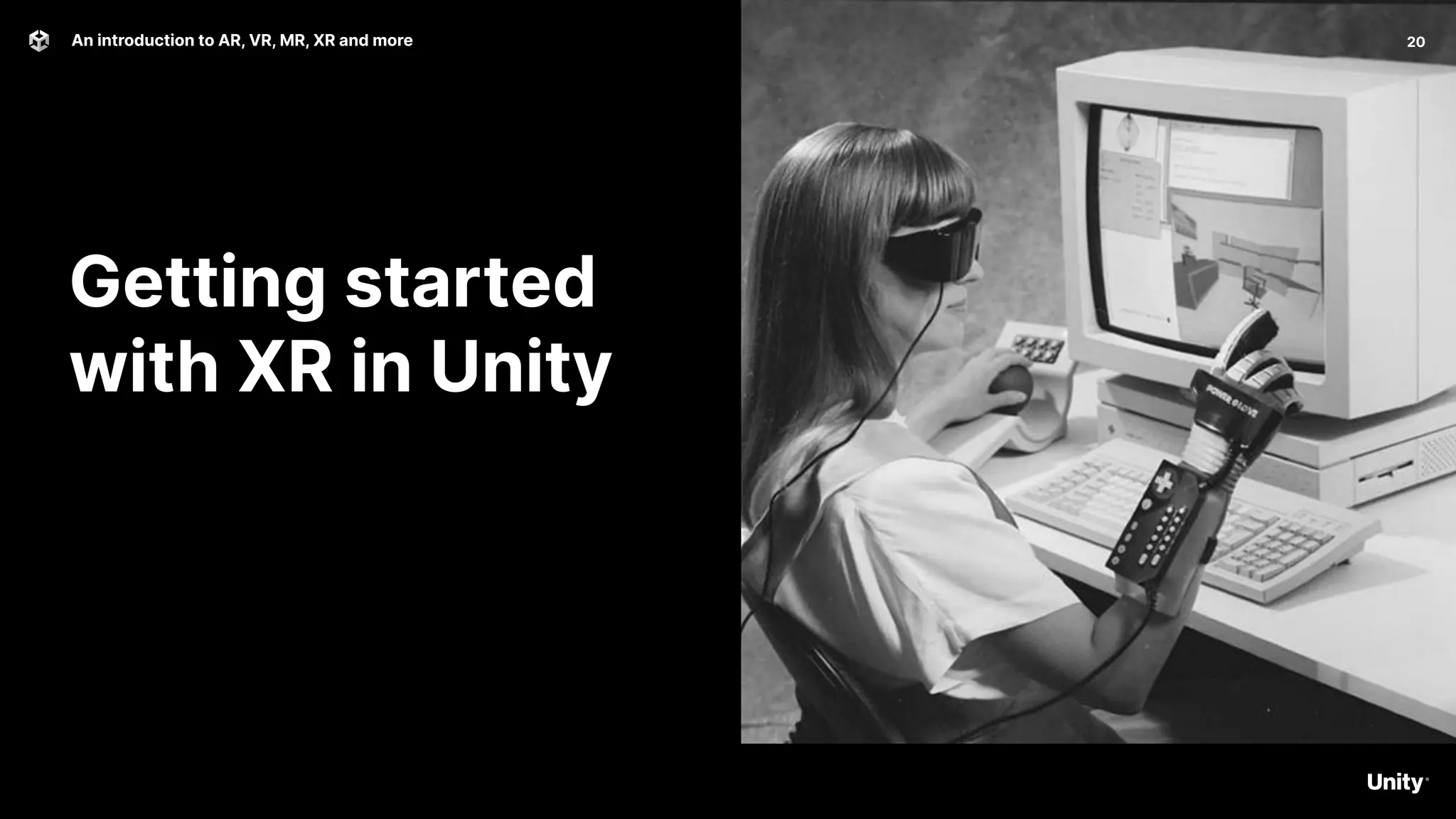
Getting started
with XR in Unity
20
An introduction to AR, VR, MR, XR and more
Getting started with XR in Unity 21
All your Toolkits are belong to us
Unity
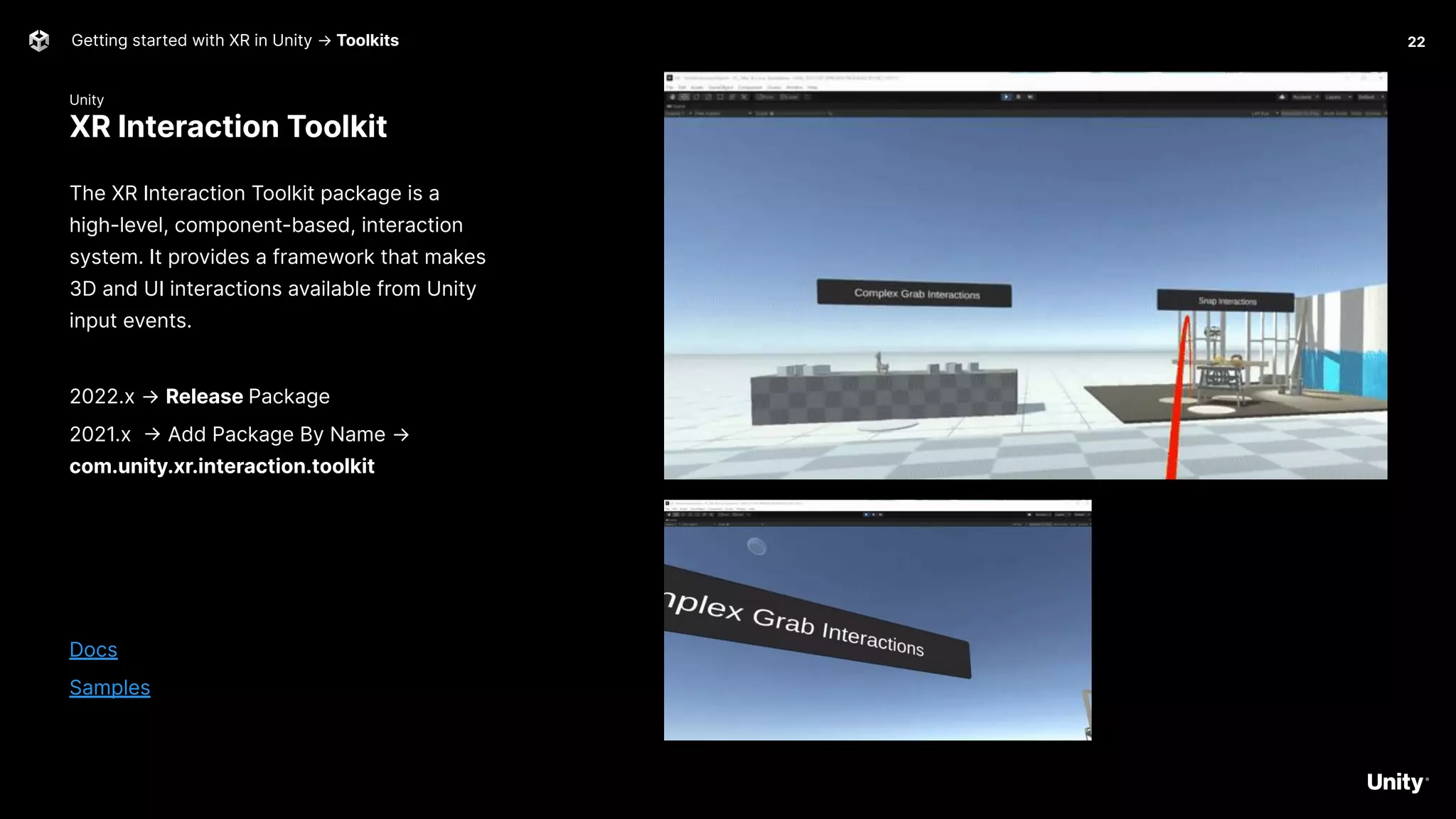
XR Interaction Toolkit
Getting started with XR in Unity → Toolkits
The XR Interaction Toolkit package is a
high-level, component-based, interaction
system. It provides a framework that makes
3D and UI interactions available from Unity
input events.
2022.x → Release Package
2021.x -> Add Package By Name →
com.unity.xr.interaction.toolkit
Docs
Samples
22
Microsoft
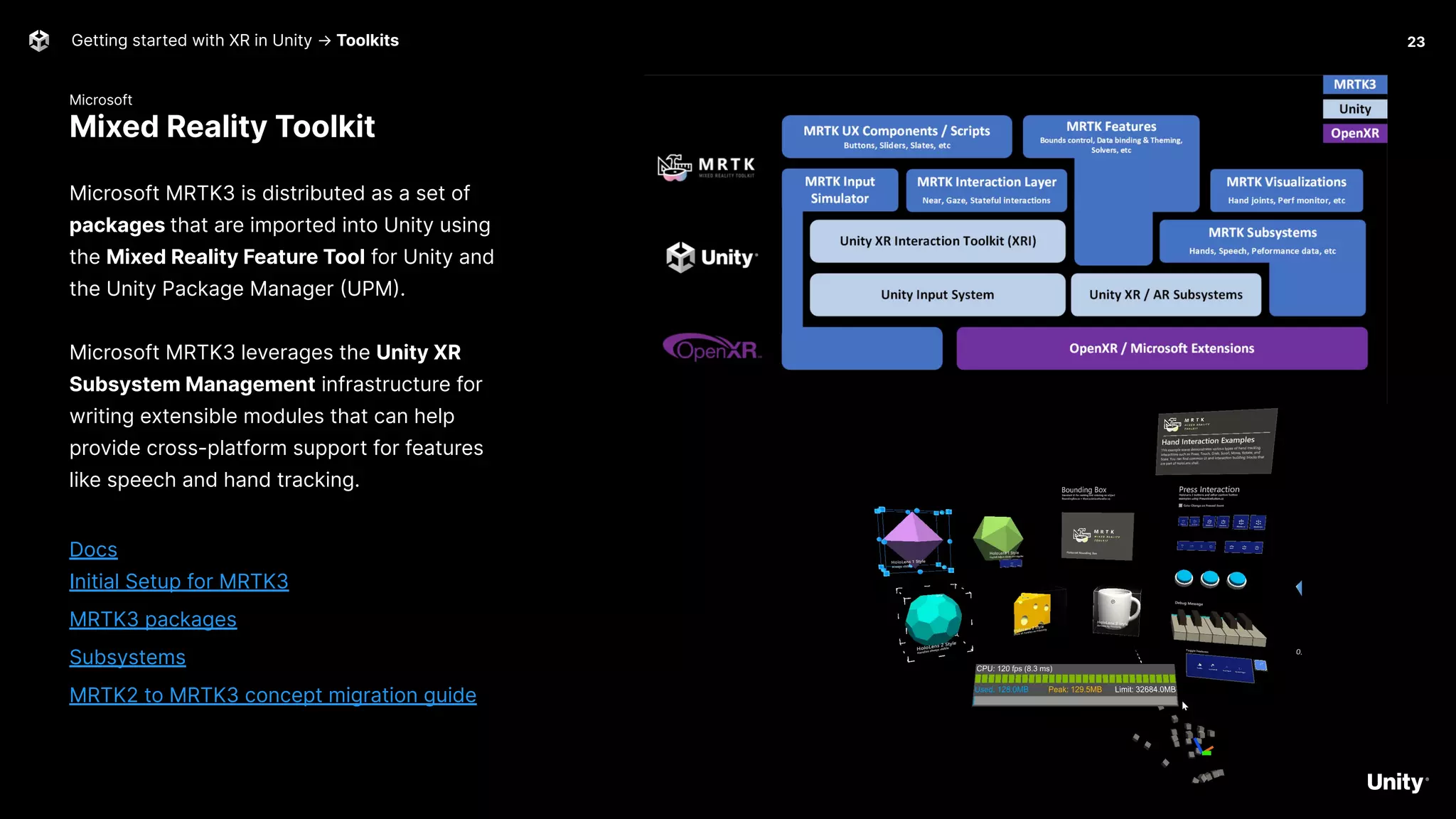
Mixed Reality Toolkit
Getting started with XR in Unity → Toolkits
Microsoft MRTK3 is distributed as a set of
packages that are imported into Unity using
the Mixed Reality Feature Tool for Unity and
the Unity Package Manager (UPM).
Microsoft MRTK3 leverages the Unity XR
Subsystem Management infrastructure for
writing extensible modules that can help
provide cross-platform support for features
like speech and hand tracking.
Docs
Initial Setup for MRTK3
MRTK3 packages
Subsystems
MRTK2 to MRTK3 concept migration guide
23
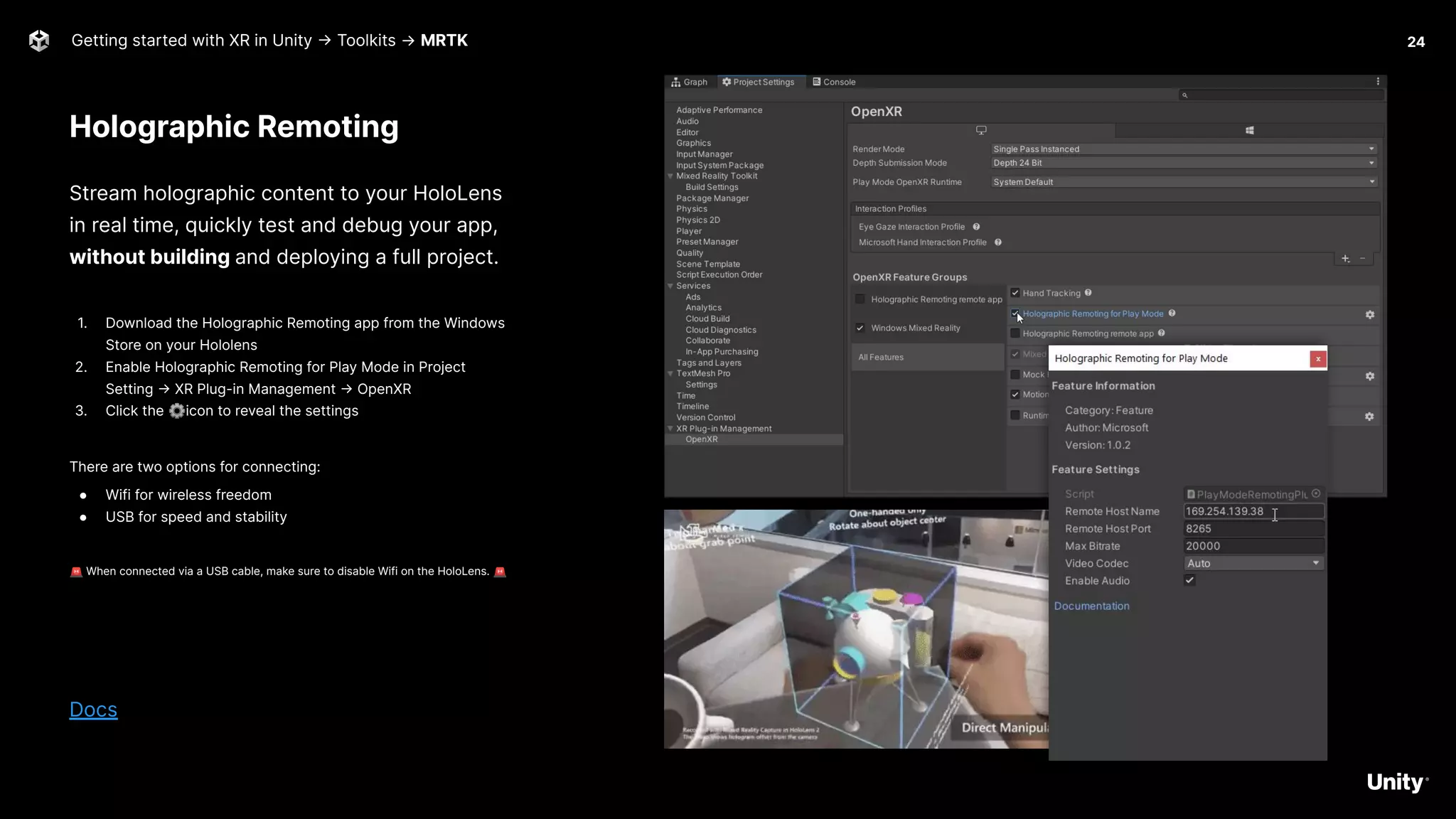
Holographic Remoting
Getting started with XR in Unity -> Toolkits → MRTK
Stream holographic content to your HoloLens
in real time, quickly test and debug your app,
without building and deploying a full project.
1. Download the Holographic Remoting app from the Windows
Store on your Hololens
2. Enable Holographic Remoting for Play Mode in Project
Setting -> XR Plug-in Management -> OpenXR
3. Click the ⚙icon to reveal the settings
There are two options for connecting:
● Wifi for wireless freedom
● USB for speed and stability
🚨 When connected via a USB cable, make sure to disable Wifi on the HoloLens. 🚨
Docs
24
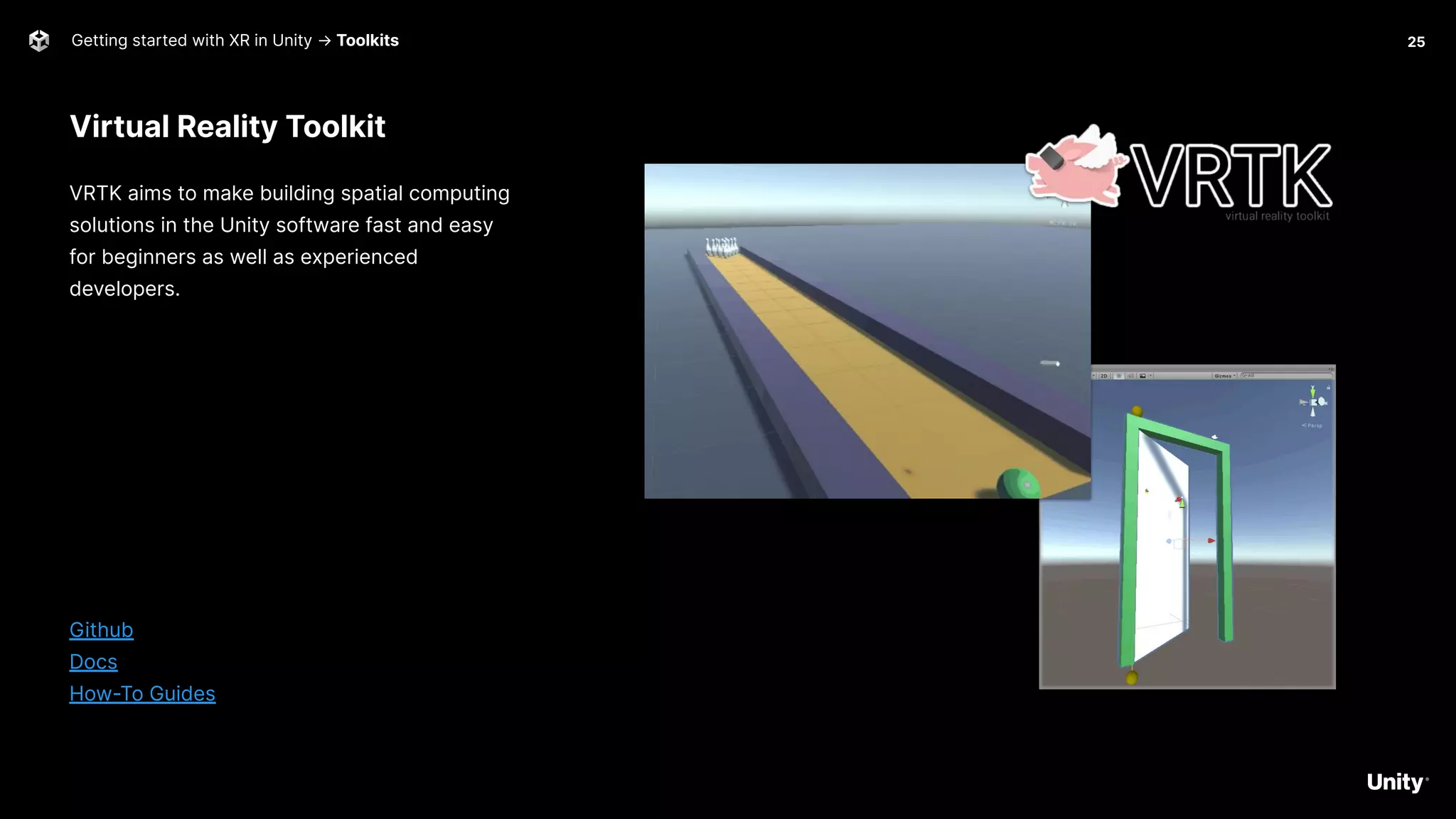
Virtual Reality Toolkit
Getting started with XR in Unity → Toolkits
VRTK aims to make building spatial computing
solutions in the Unity software fast and easy
for beginners as well as experienced
developers.
Github
Docs
How-To Guides
25
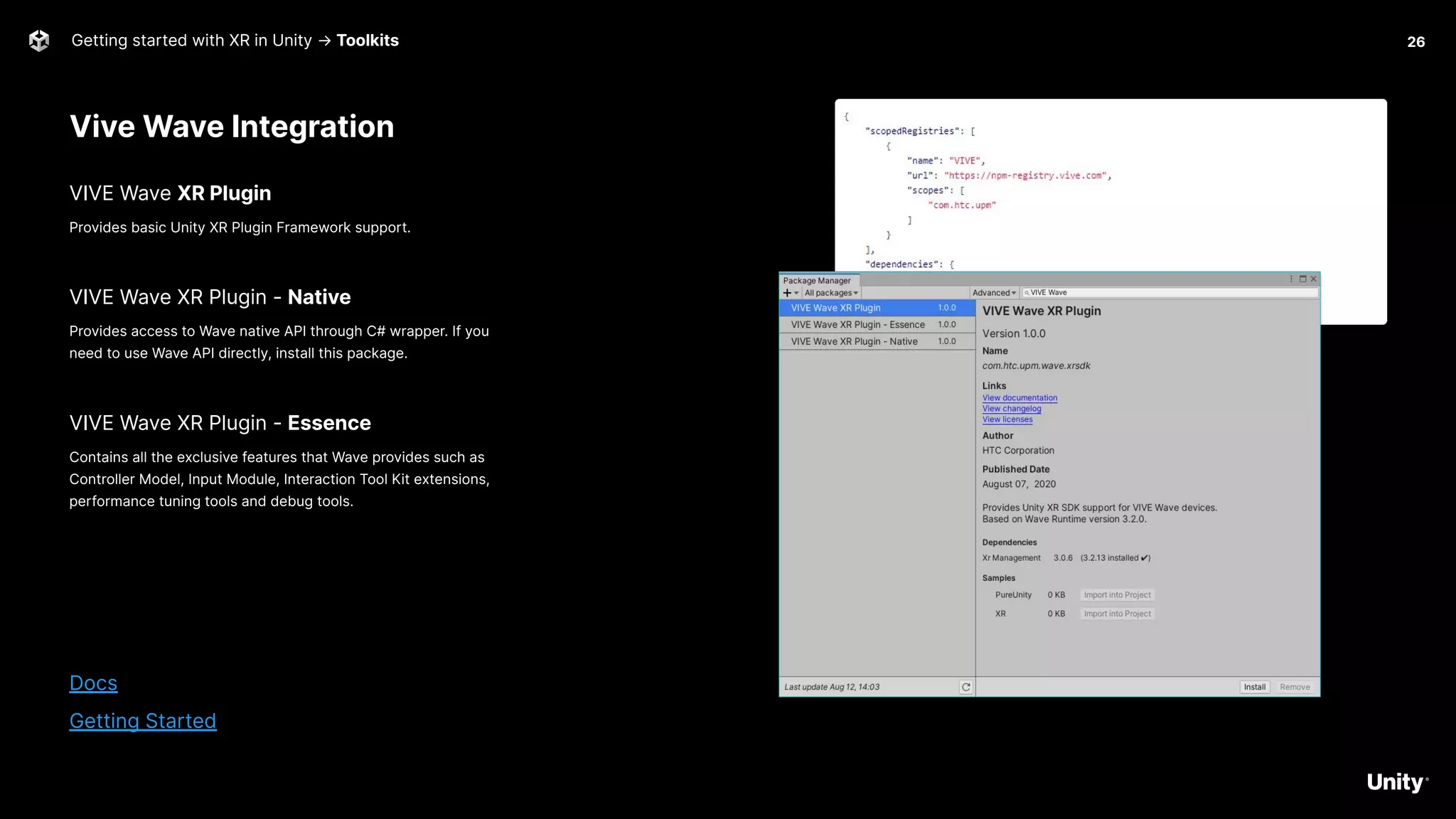
Vive Wave Integration
Getting started with XR in Unity → Toolkits
VIVE Wave XR Plugin
Provides basic Unity XR Plugin Framework support.
VIVE Wave XR Plugin - Native
Provides access to Wave native API through C# wrapper. If you
need to use Wave API directly, install this package.
VIVE Wave XR Plugin - Essence
Contains all the exclusive features that Wave provides such as
Controller Model, Input Module, Interaction Tool Kit extensions,
performance tuning tools and debug tools.
Docs
Getting Started
26
Valve
SteamVR
Getting started with XR in Unity → Toolkits
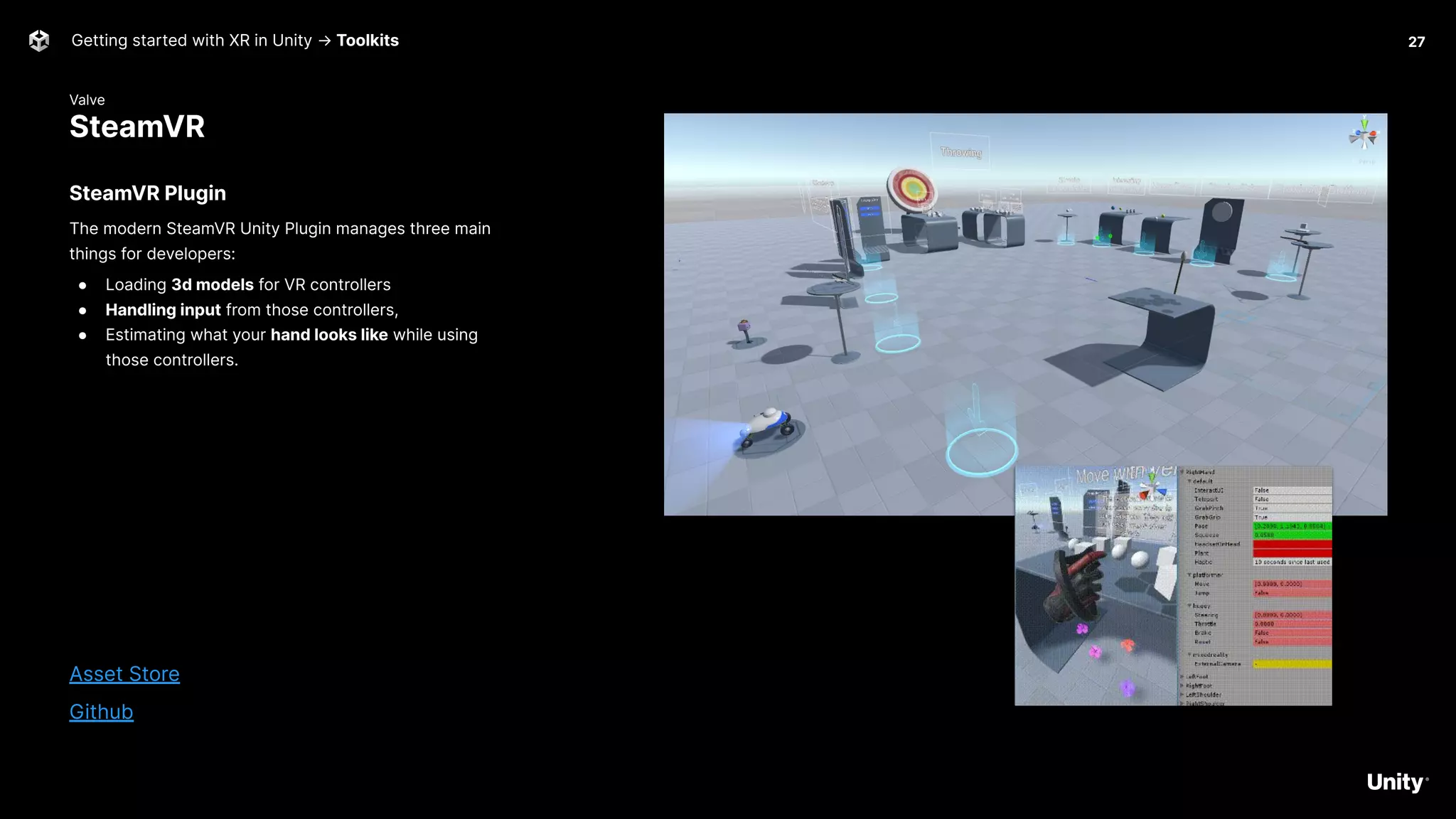
SteamVR Plugin
The modern SteamVR Unity Plugin manages three main
things for developers:
● Loading 3d models for VR controllers
● Handling input from those controllers,
● Estimating what your hand looks like while using
those controllers.
Asset Store
Github
27
Meta
Quest 1 & 2
Getting started with XR in Unity → Toolkits
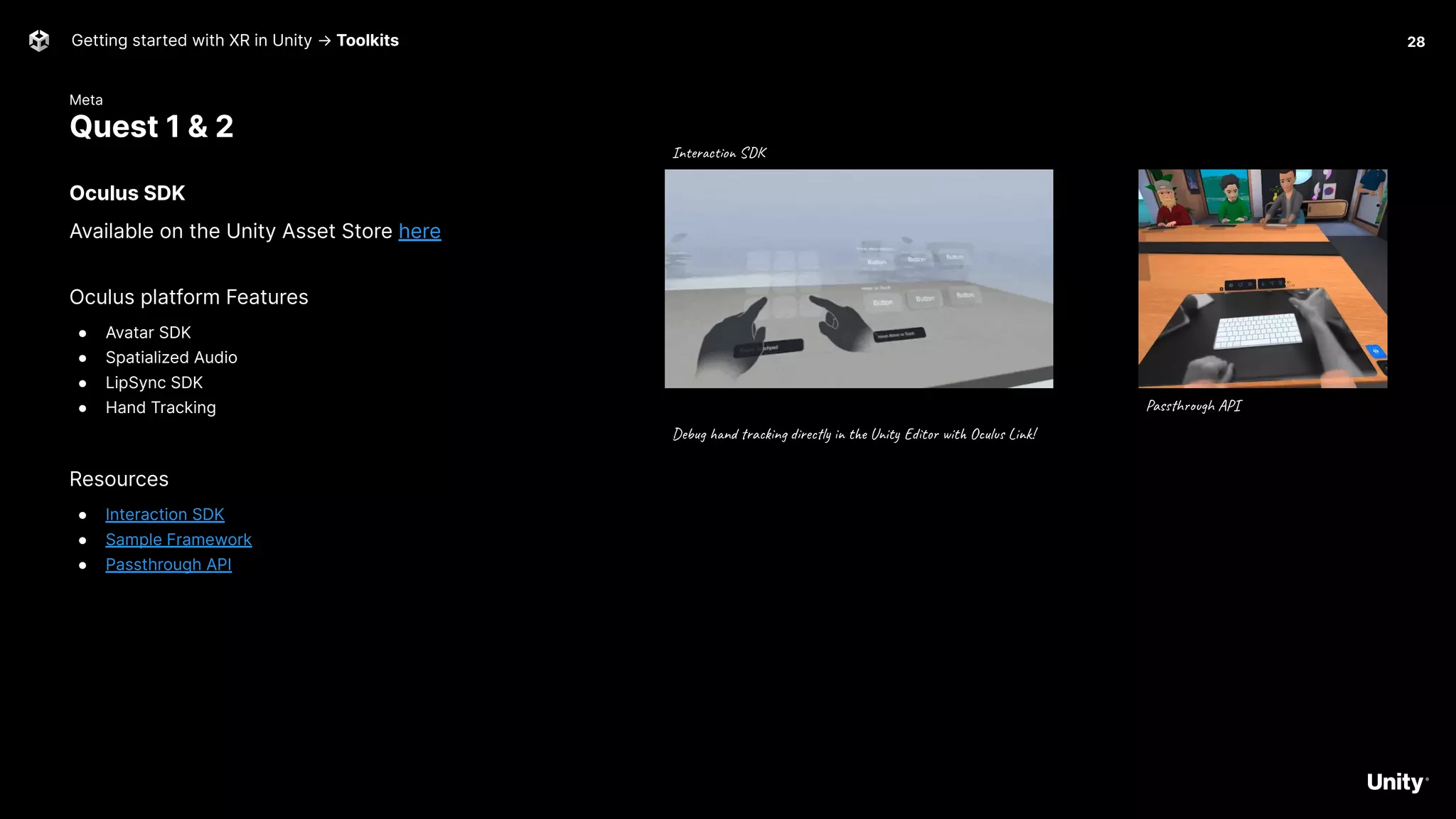
Oculus SDK
Available on the Unity Asset Store here
Oculus platform Features
● Avatar SDK
● Spatialized Audio
● LipSync SDK
● Hand Tracking
Resources
● Interaction SDK
● Sample Framework
● Passthrough API
28
Debug hand tracking directly in the Unity Editor with Oculus Link!
Interaction SDK
Passthrough API
VRMADA
UltimateXR
Getting started with XR in Unity → Toolkits
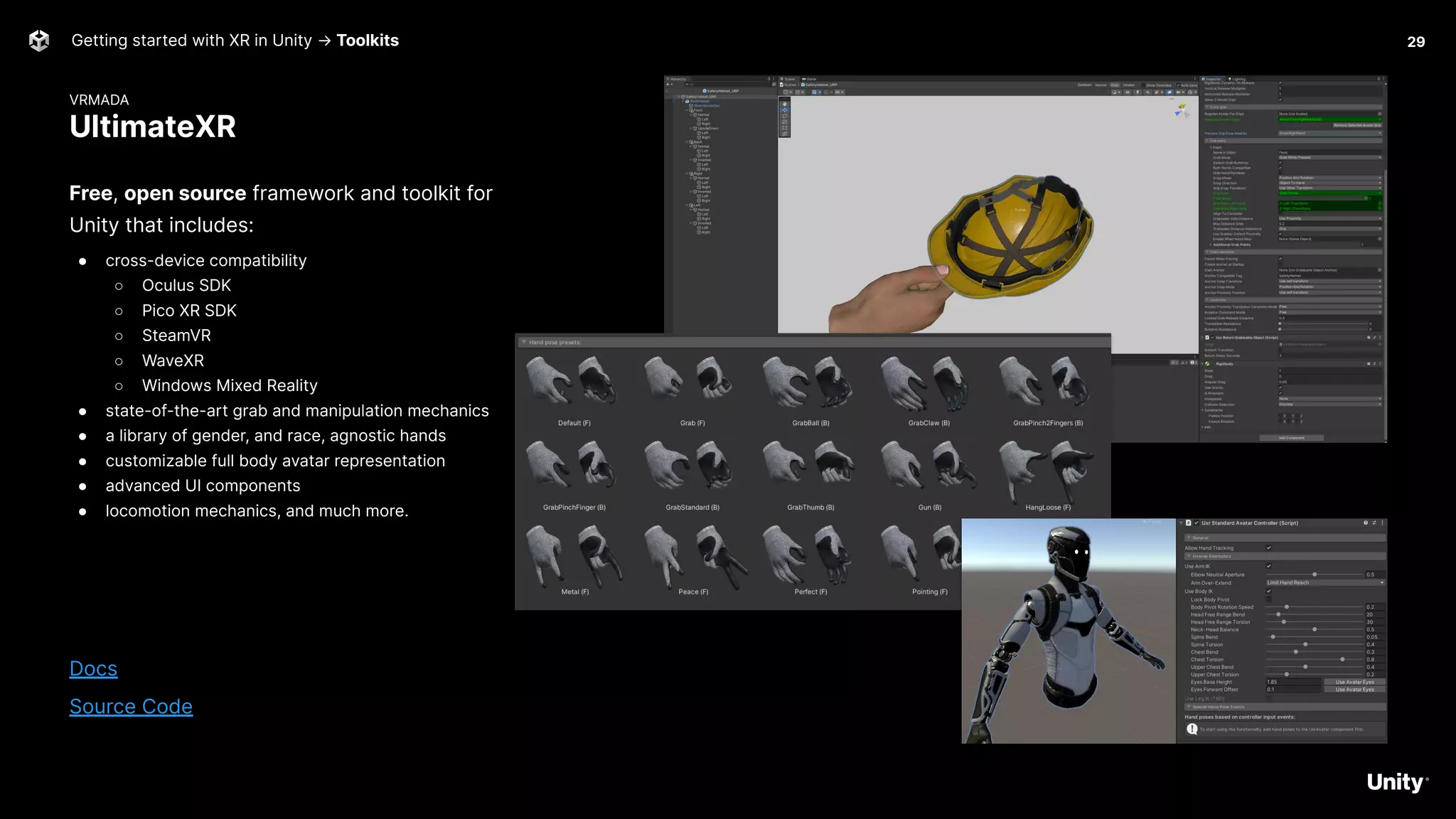
Free, open source framework and toolkit for
Unity that includes:
● cross-device compatibility
○ Oculus SDK
○ Pico XR SDK
○ SteamVR
○ WaveXR
○ Windows Mixed Reality
● state-of-the-art grab and manipulation mechanics
● a library of gender, and race, agnostic hands
● customizable full body avatar representation
● advanced UI components
● locomotion mechanics, and much more.
Docs
Source Code
29
Unity
AR Foundation
Getting started with XR in Unity → Toolkits
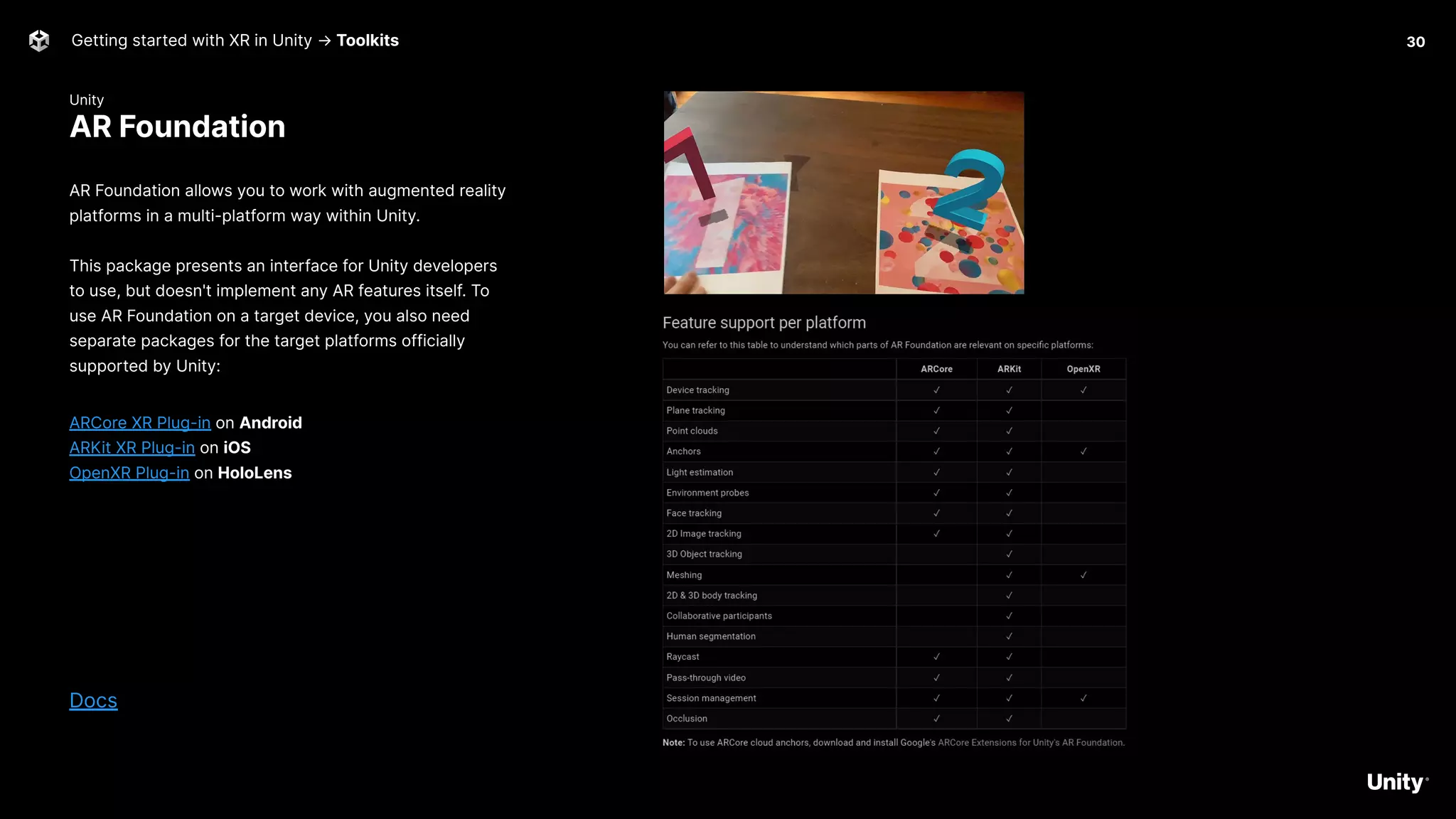
AR Foundation allows you to work with augmented reality
platforms in a multi-platform way within Unity.
This package presents an interface for Unity developers
to use, but doesn't implement any AR features itself. To
use AR Foundation on a target device, you also need
separate packages for the target platforms officially
supported by Unity:
ARCore XR Plug-in on Android
ARKit XR Plug-in on iOS
OpenXR Plug-in on HoloLens
Docs
30
AR Foundation Samples
What is XR? -> Demo 31
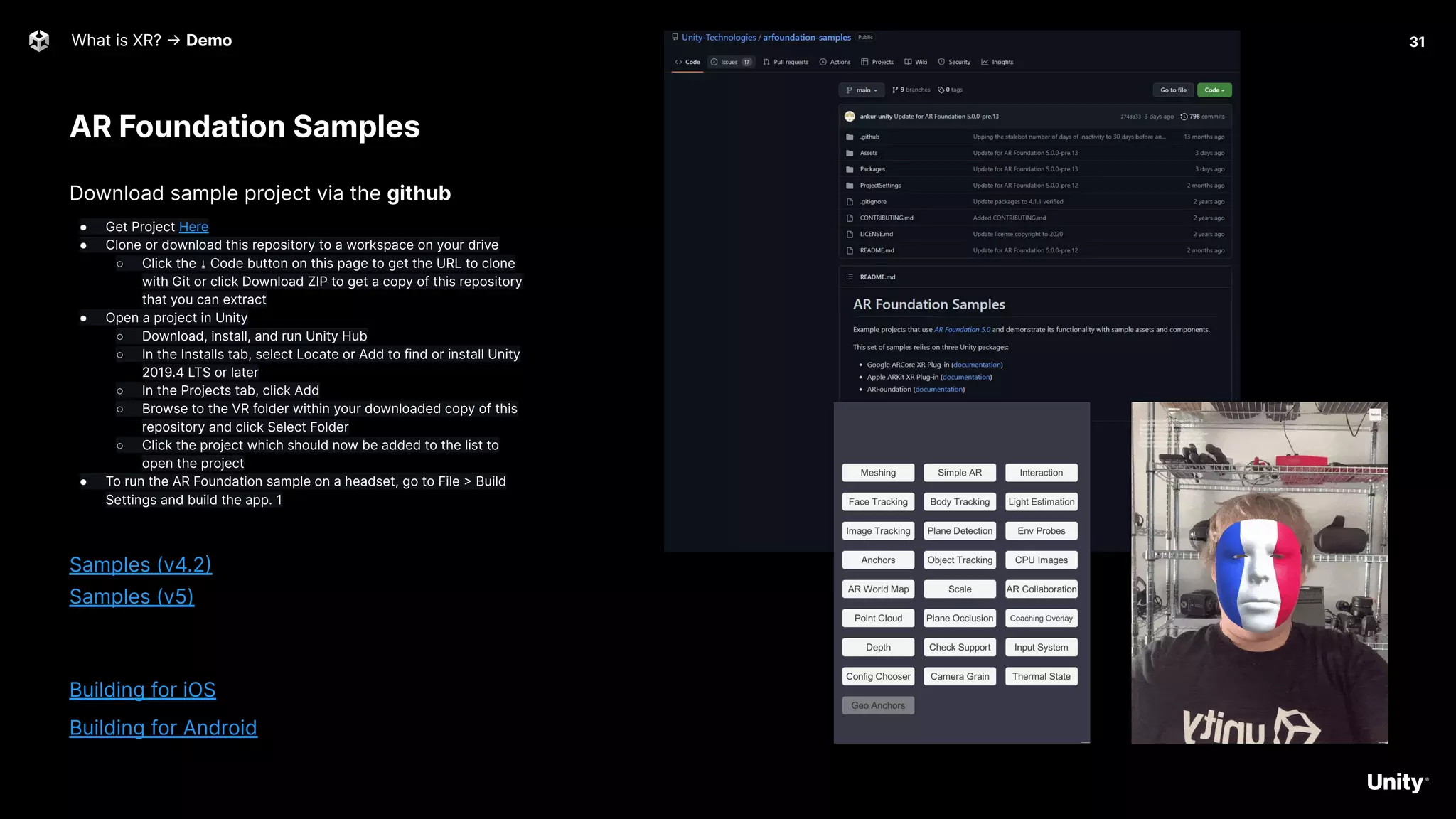
Download sample project via the github
● Get Project Here
● Clone or download this repository to a workspace on your drive
○ Click the ⤓ Code button on this page to get the URL to clone
with Git or click Download ZIP to get a copy of this repository
that you can extract
● Open a project in Unity
○ Download, install, and run Unity Hub
○ In the Installs tab, select Locate or Add to find or install Unity
2019.4 LTS or later
○ In the Projects tab, click Add
○ Browse to the VR folder within your downloaded copy of this
repository and click Select Folder
○ Click the project which should now be added to the list to
open the project
● To run the AR Foundation sample on a headset, go to File > Build
Settings and build the app. 1
Samples (v4.2)
Samples (v5)
Building for iOS
Building for Android
PTC
Vuforia
Getting started with XR in Unity → Toolkits
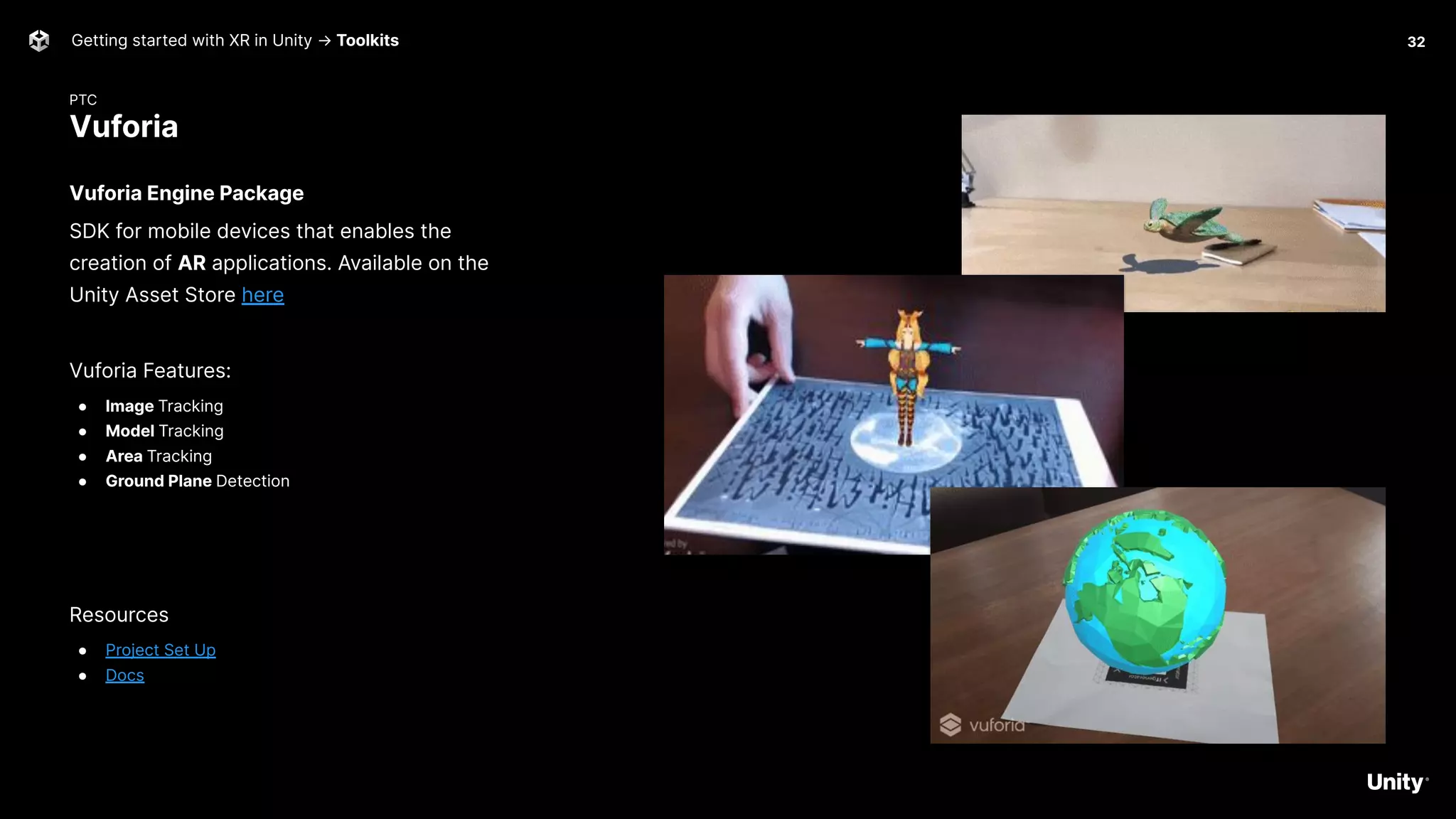
Vuforia Engine Package
SDK for mobile devices that enables the
creation of AR applications. Available on the
Unity Asset Store here
Vuforia Features:
● Image Tracking
● Model Tracking
● Area Tracking
● Ground Plane Detection
Resources
● Project Set Up
● Docs
32
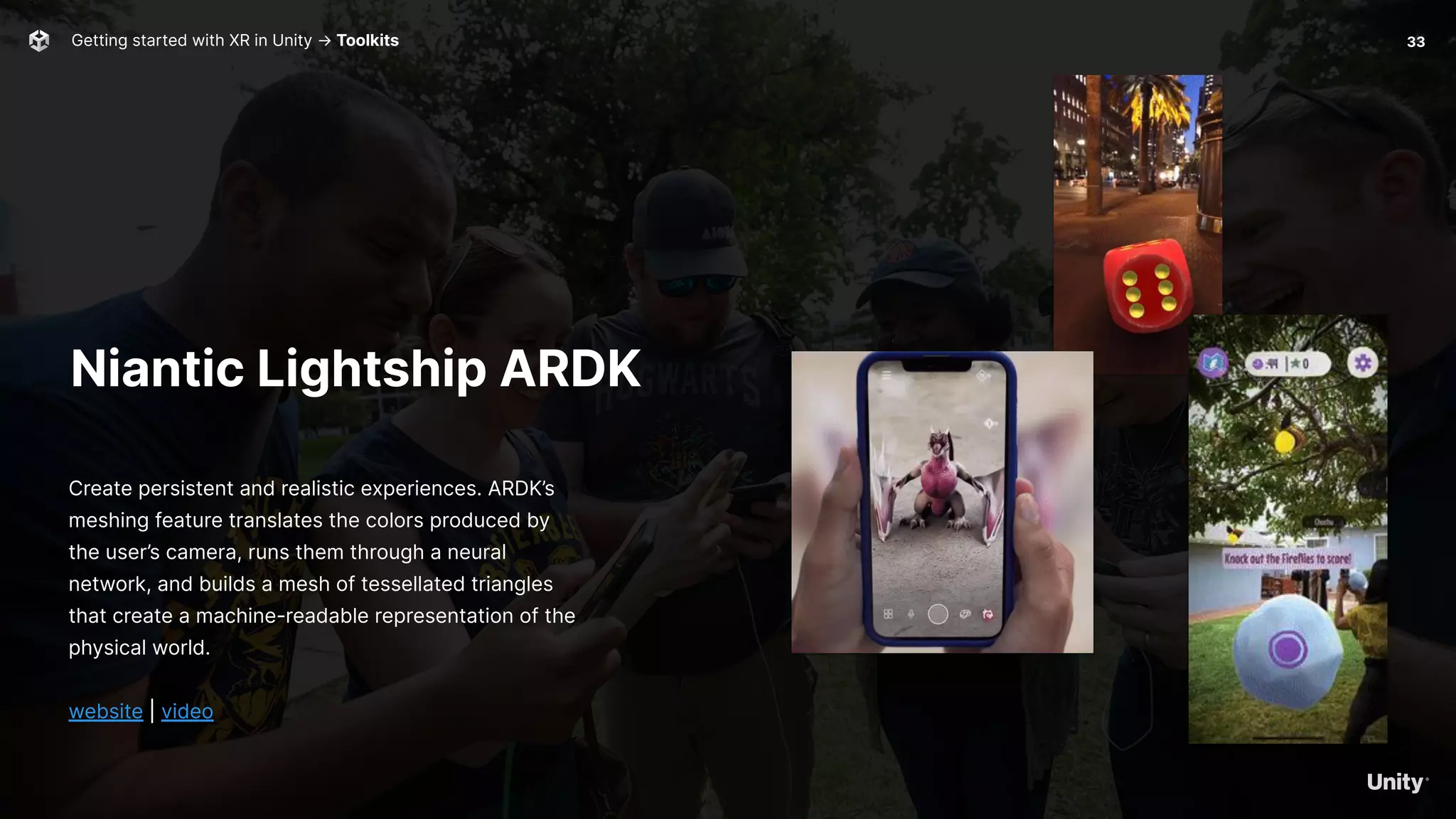
Niantic Lightship ARDK
Create persistent and realistic experiences. ARDK’s
meshing feature translates the colors produced by
the user’s camera, runs them through a neural
network, and builds a mesh of tessellated triangles
that create a machine-readable representation of the
physical world.
website | video
Getting started with XR in Unity → Toolkits 33
Visometry
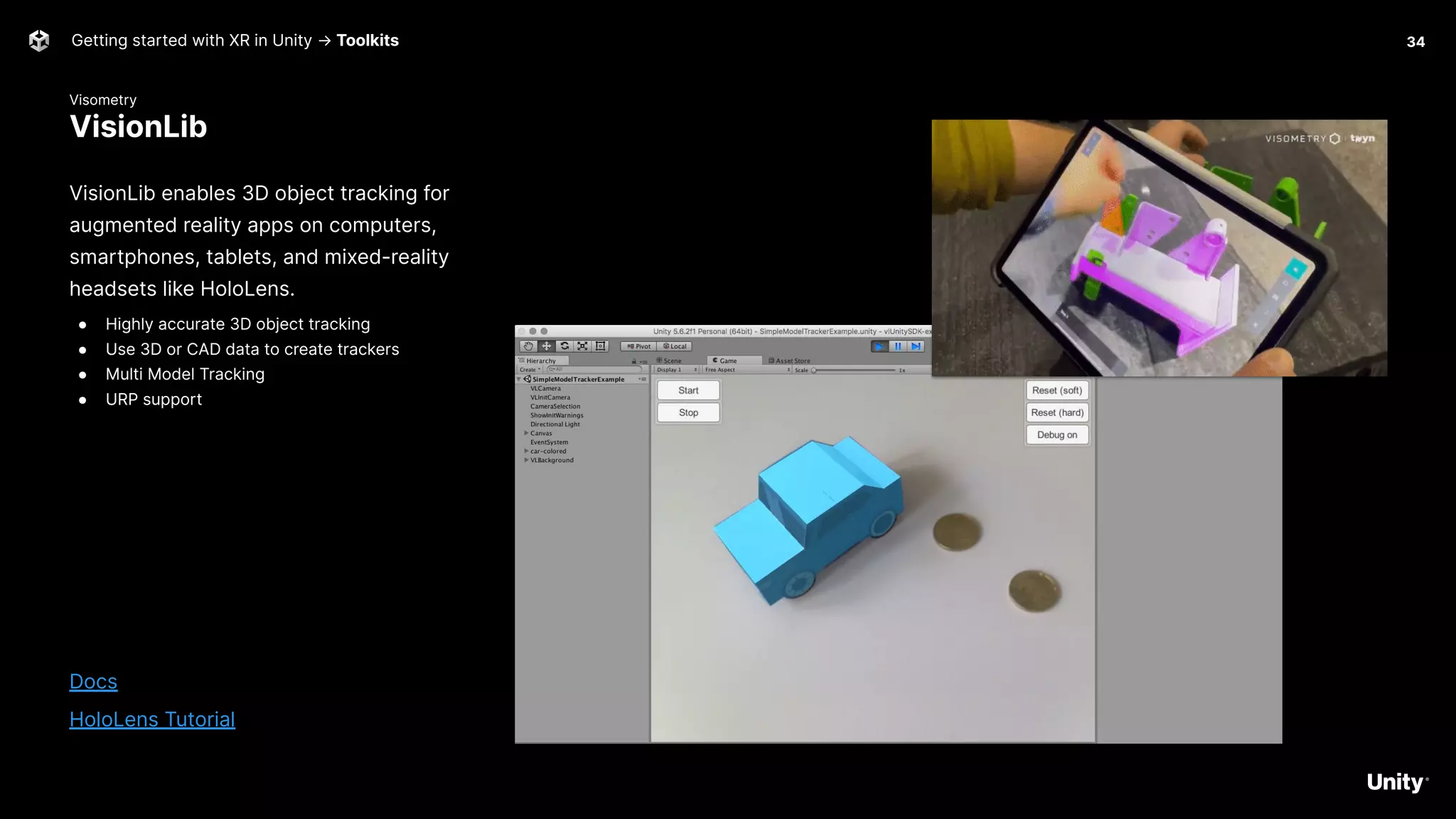
VisionLib
Getting started with XR in Unity → Toolkits 34
VisionLib enables 3D object tracking for
augmented reality apps on computers,
smartphones, tablets, and mixed-reality
headsets like HoloLens.
● Highly accurate 3D object tracking
● Use 3D or CAD data to create trackers
● Multi Model Tracking
● URP support
Docs
HoloLens Tutorial
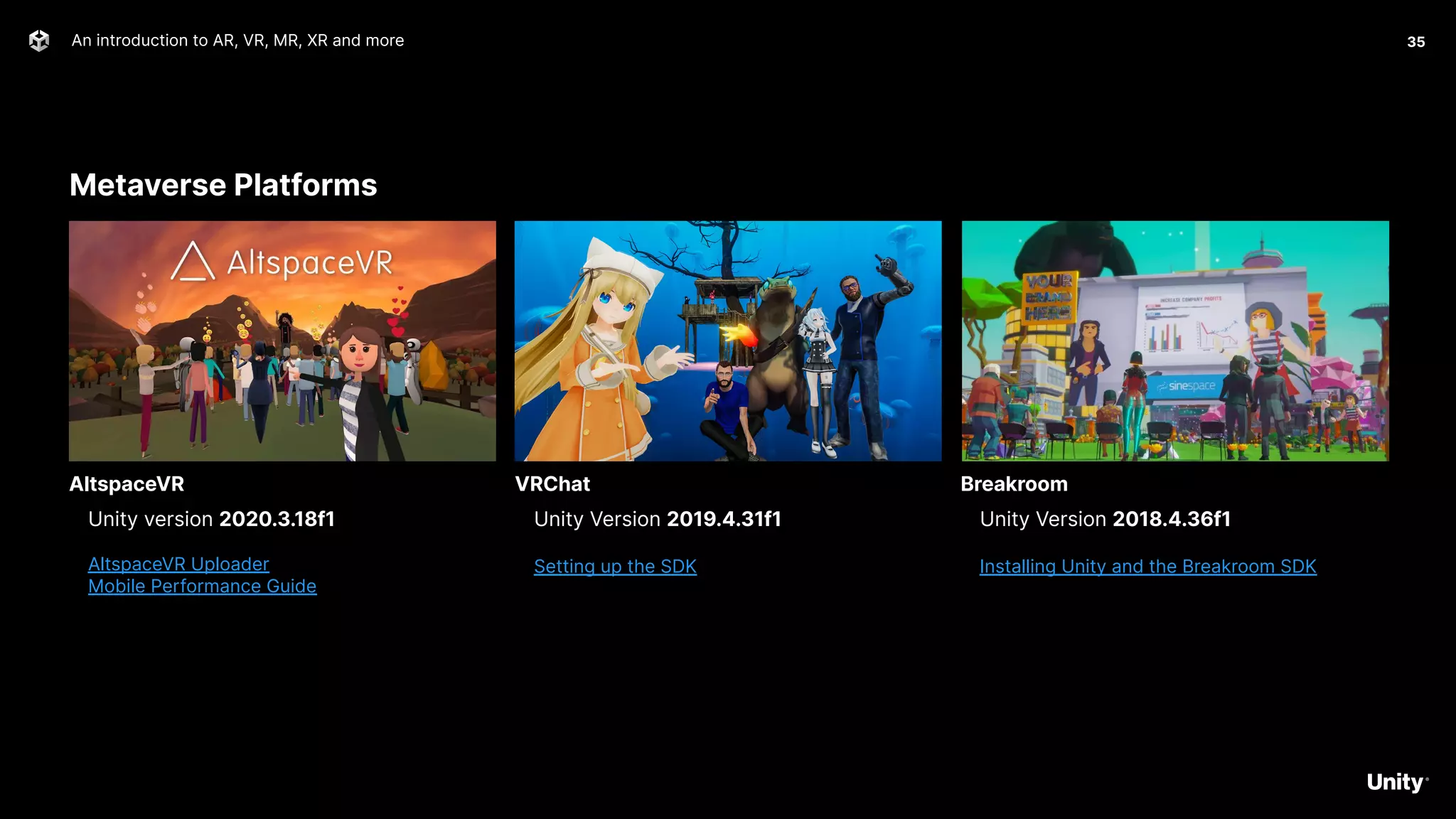
Metaverse Platforms
An introduction to AR, VR, MR, XR and more 35
Unity version 2020.3.18f1
AltspaceVR Uploader
Mobile Performance Guide
AltspaceVR
Unity Version 2019.4.31f1
Setting up the SDK
VRChat
Unity Version 2018.4.36f1
Installing Unity and the Breakroom SDK
Breakroom
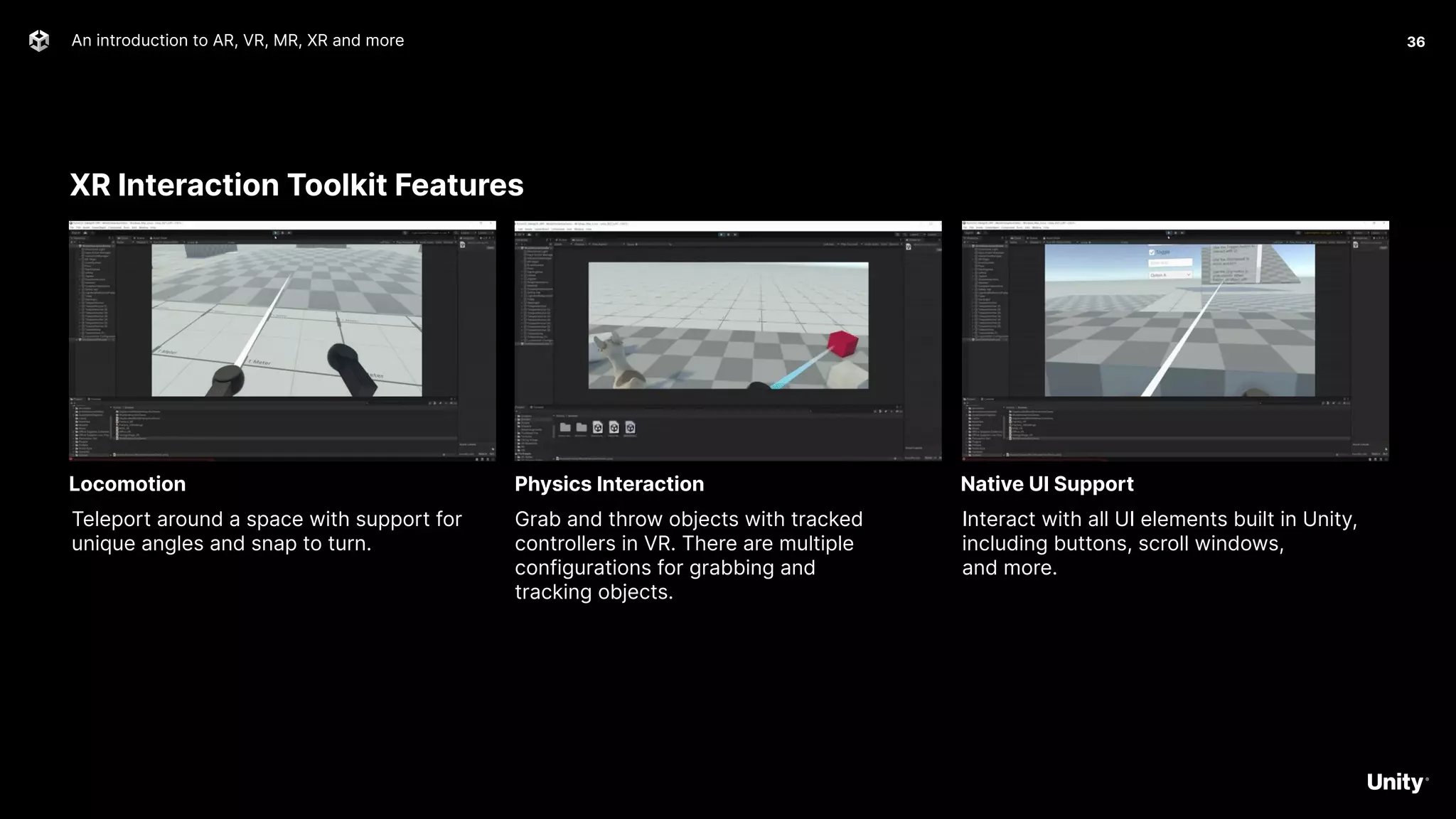
XR Interaction Toolkit Features
An introduction to AR, VR, MR, XR and more 36
Teleport around a space with support for
unique angles and snap to turn.
Locomotion
Grab and throw objects with tracked
controllers in VR. There are multiple
configurations for grabbing and
tracking objects.
Physics Interaction
Interact with all UI elements built in Unity,
including buttons, scroll windows,
and more.
Native UI Support
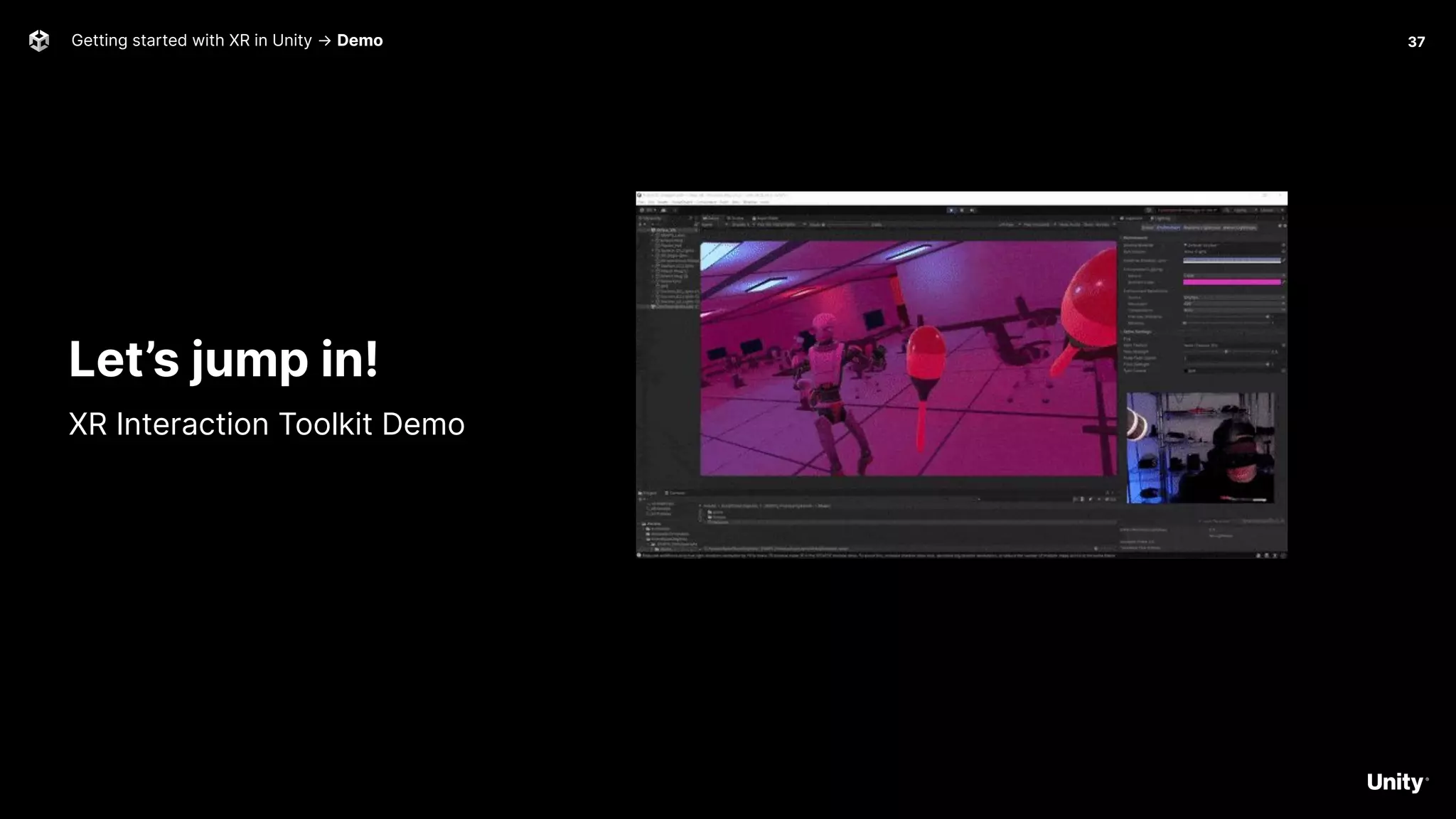
Getting started with XR in Unity → Demo 37
Let’s jump in!
XR Interaction Toolkit Demo
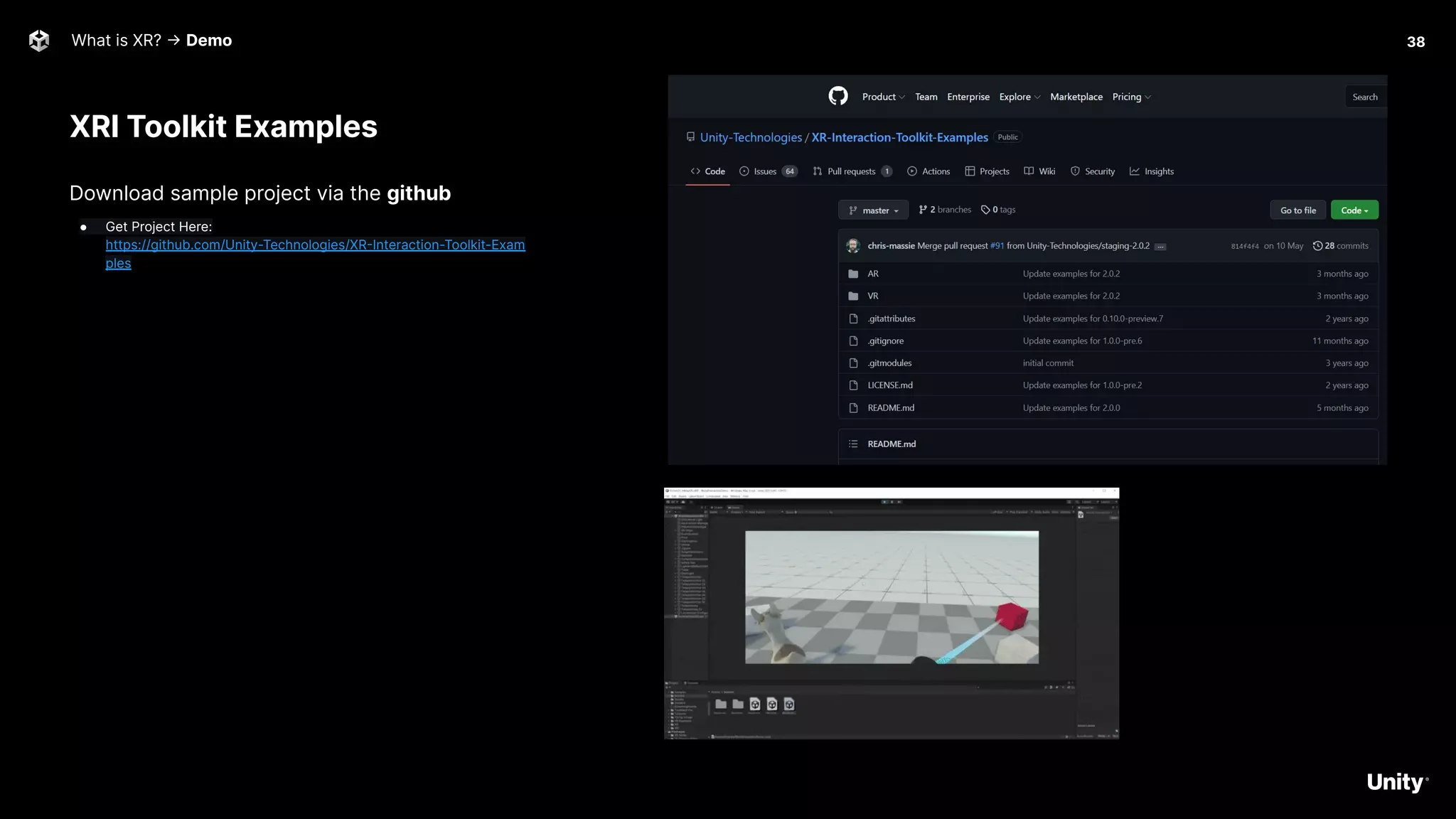
XRI Toolkit Examples
What is XR? -> Demo
Download sample project via the github
● Get Project Here:
https://github.com/Unity-Technologies/XR-Interaction-Toolkit-Exam
ples
38
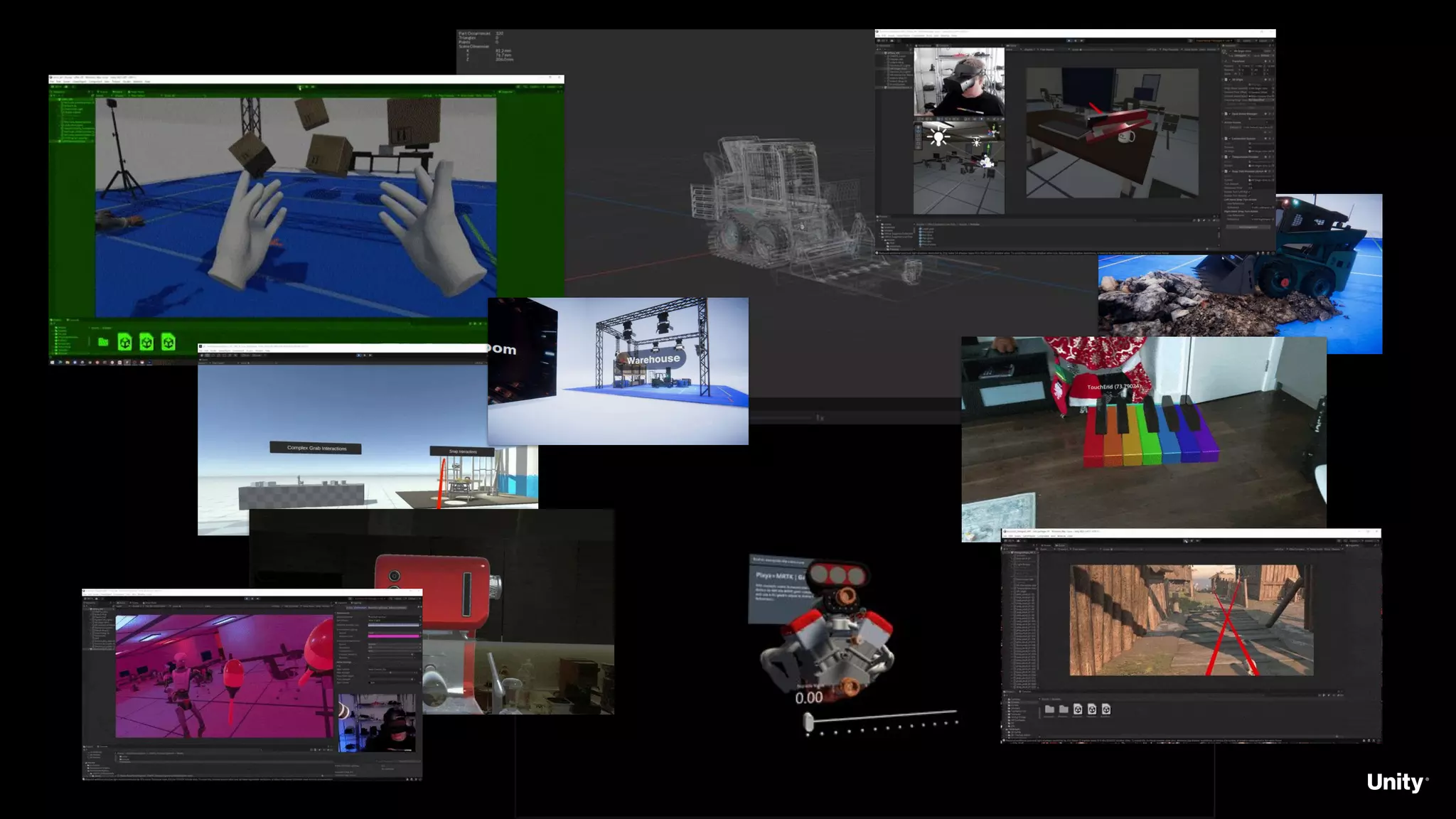
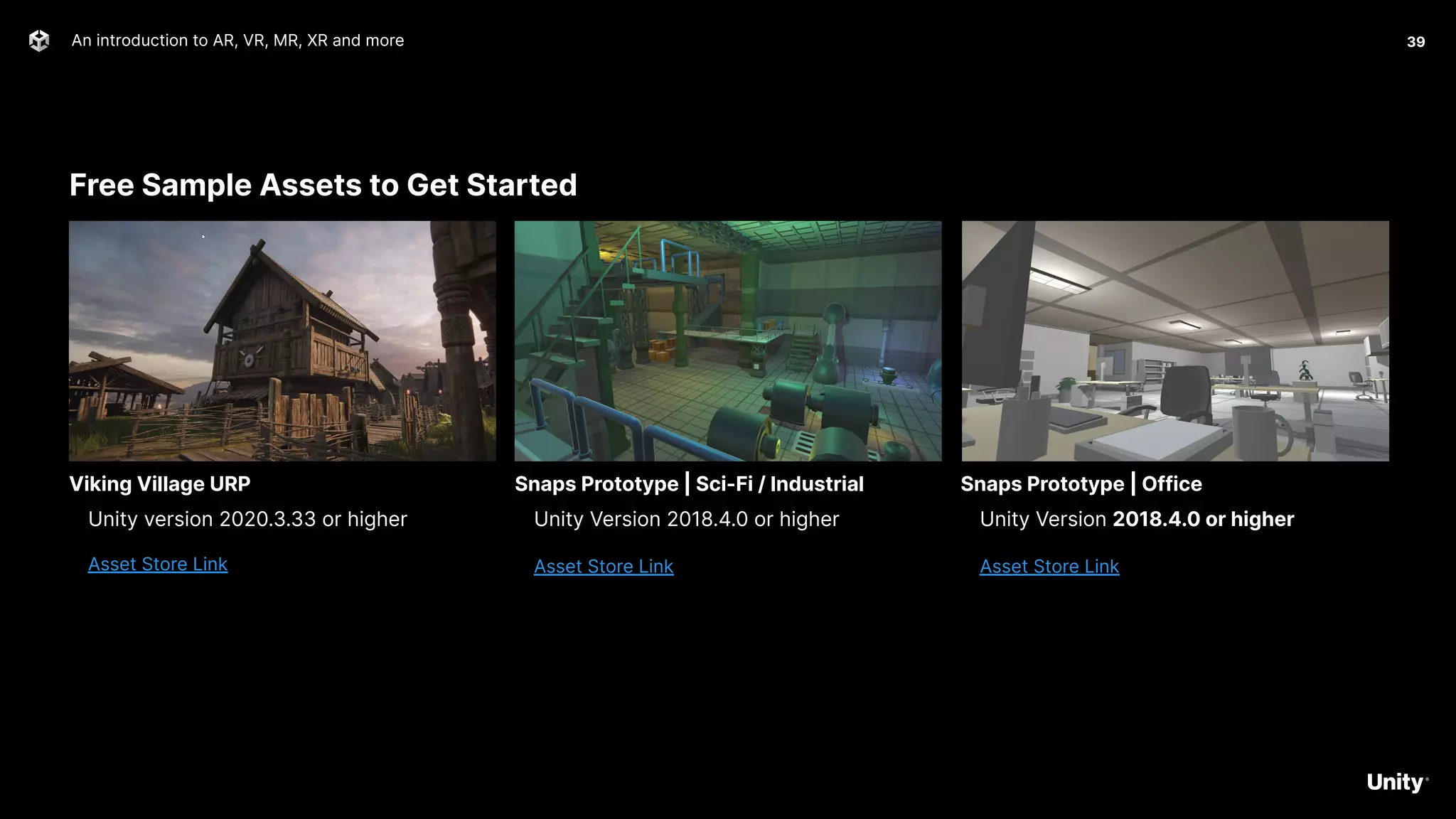
Free Sample Assets to Get Started
An introduction to AR, VR, MR, XR and more 39
Unity version 2020.3.33 or higher
Asset Store Link
Viking Village URP
Unity Version 2018.4.0 or higher
Asset Store Link
Snaps Prototype | Sci-Fi / Industrial
Unity Version 2018.4.0 or higher
Asset Store Link
Snaps Prototype | Office
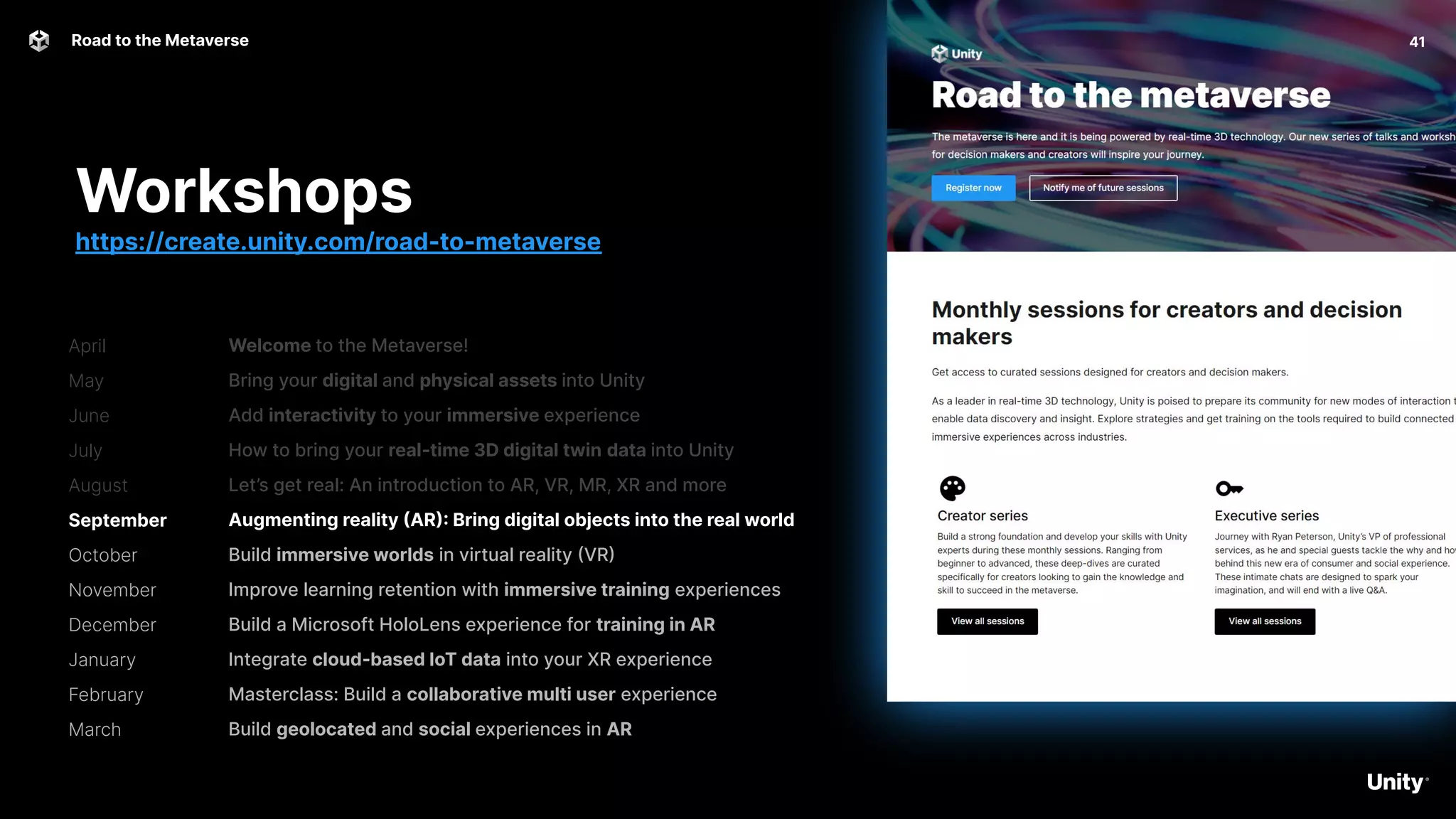
April
May
June
July
August
September
October
November
December
January
February
March
41
Road to the Metaverse
Welcome to the Metaverse!
Bring your digital and physical assets into Unity
Add interactivity to your immersive experience
How to bring your real-time 3D digital twin data into Unity
Let’s get real: An introduction to AR, VR, MR, XR and more
Augmenting reality (AR): Bring digital objects into the real world
Build immersive worlds in virtual reality (VR)
Improve learning retention with immersive training experiences
Build a Microsoft HoloLens experience for training in AR
Integrate cloud-based IoT data into your XR experience
Masterclass: Build a collaborative multi user experience
Build geolocated and social experiences in AR
Workshops
https://create.unity.com/road-to-metaverse
42
Road to the Metaverse
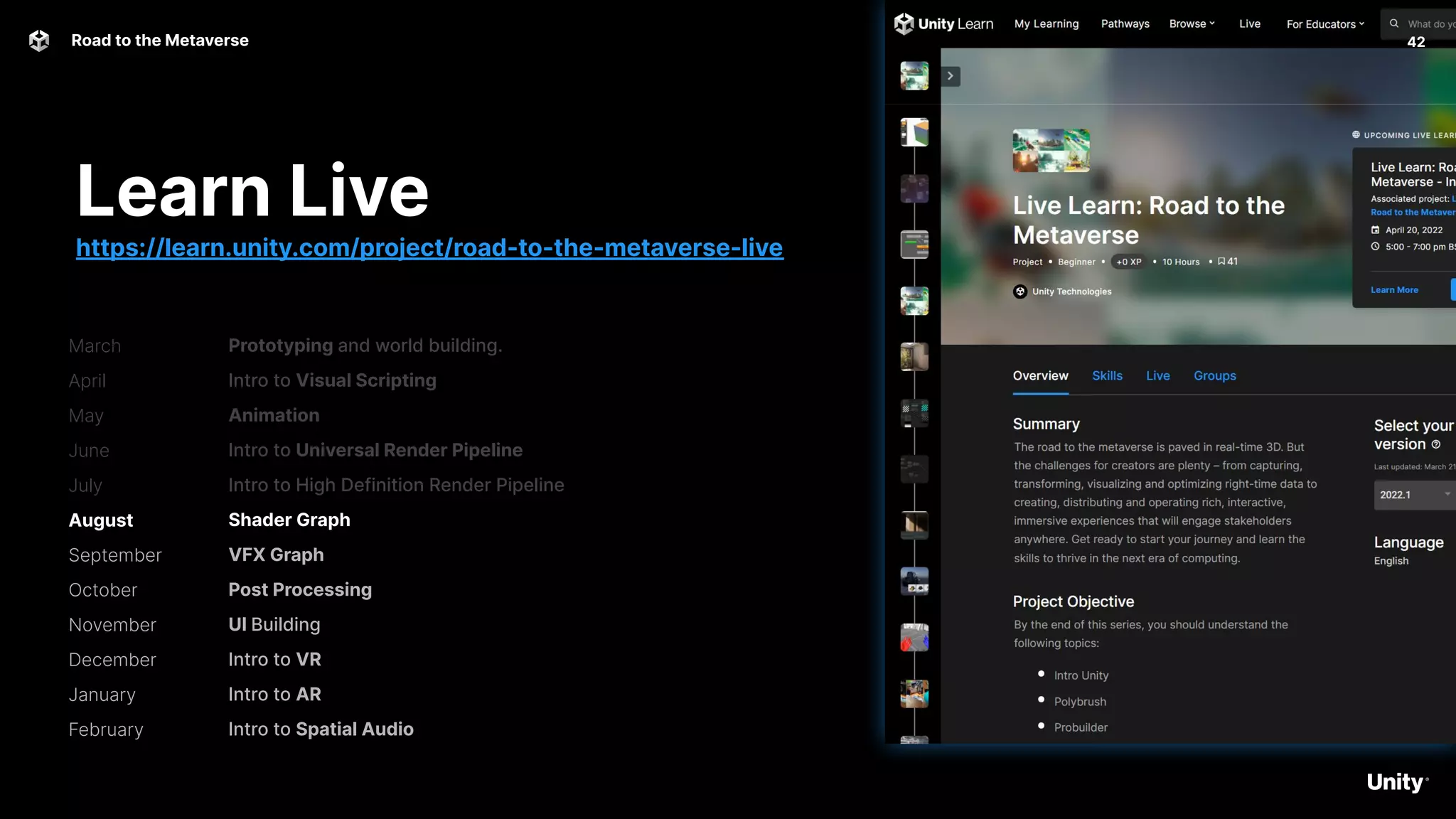
Prototyping and world building.
Intro to Visual Scripting
Animation
Intro to Universal Render Pipeline
Intro to High Definition Render Pipeline
Shader Graph
VFX Graph
Post Processing
UI Building
Intro to VR
Intro to AR
Intro to Spatial Audio
Learn Live
https://learn.unity.com/project/road-to-the-metaverse-live
March
April
May
June
July
August
September
October
November
December
January
February
Road to the Metaverse 43
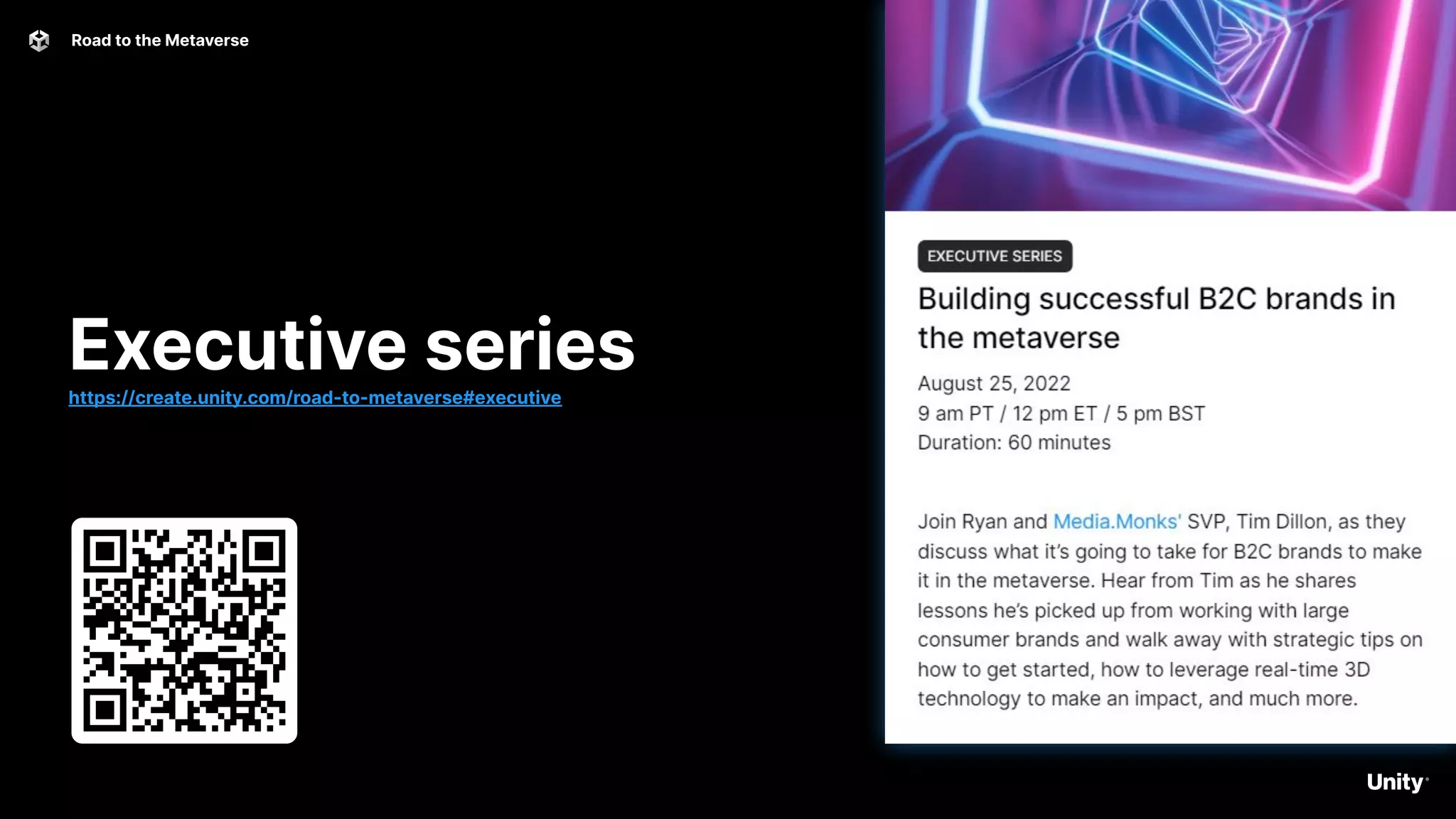
Executive series
https://create.unity.com/road-to-metaverse#executive
Road to the Metaverse 44
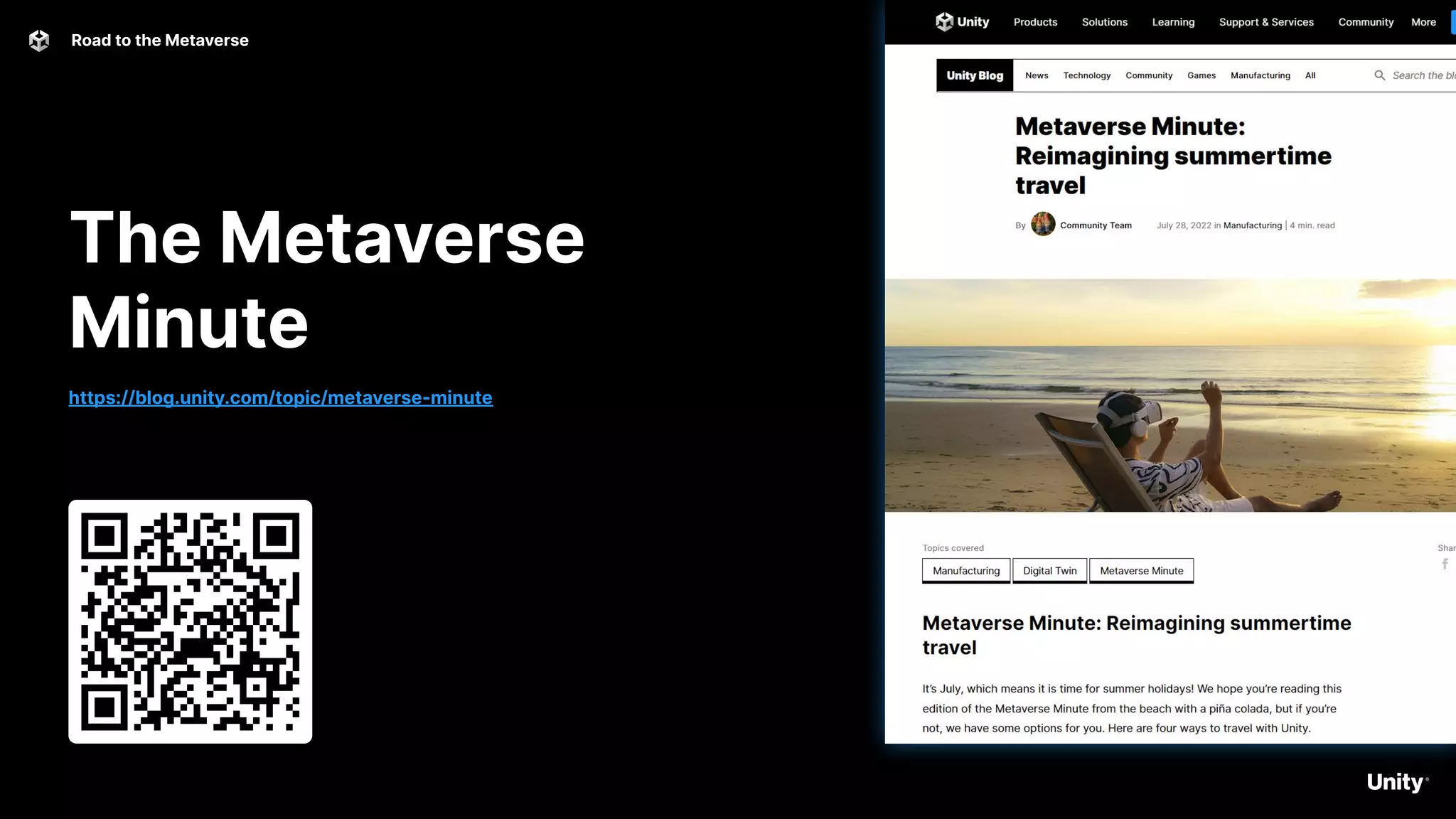
The Metaverse
Minute
https://blog.unity.com/topic/metaverse-minute
Road to the Metaverse 45
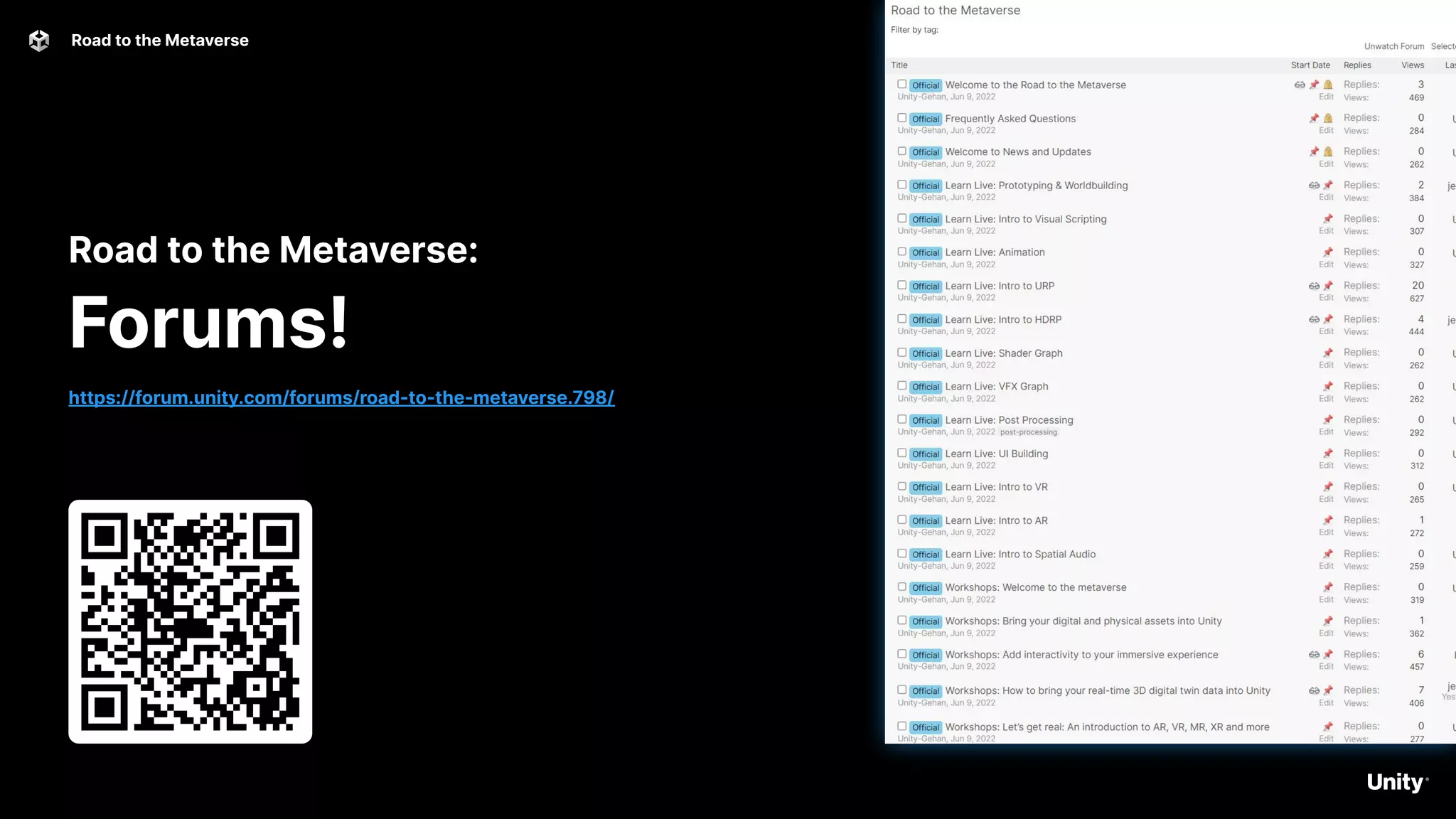
Road to the Metaverse:
Forums!
https://forum.unity.com/forums/road-to-the-metaverse.798/
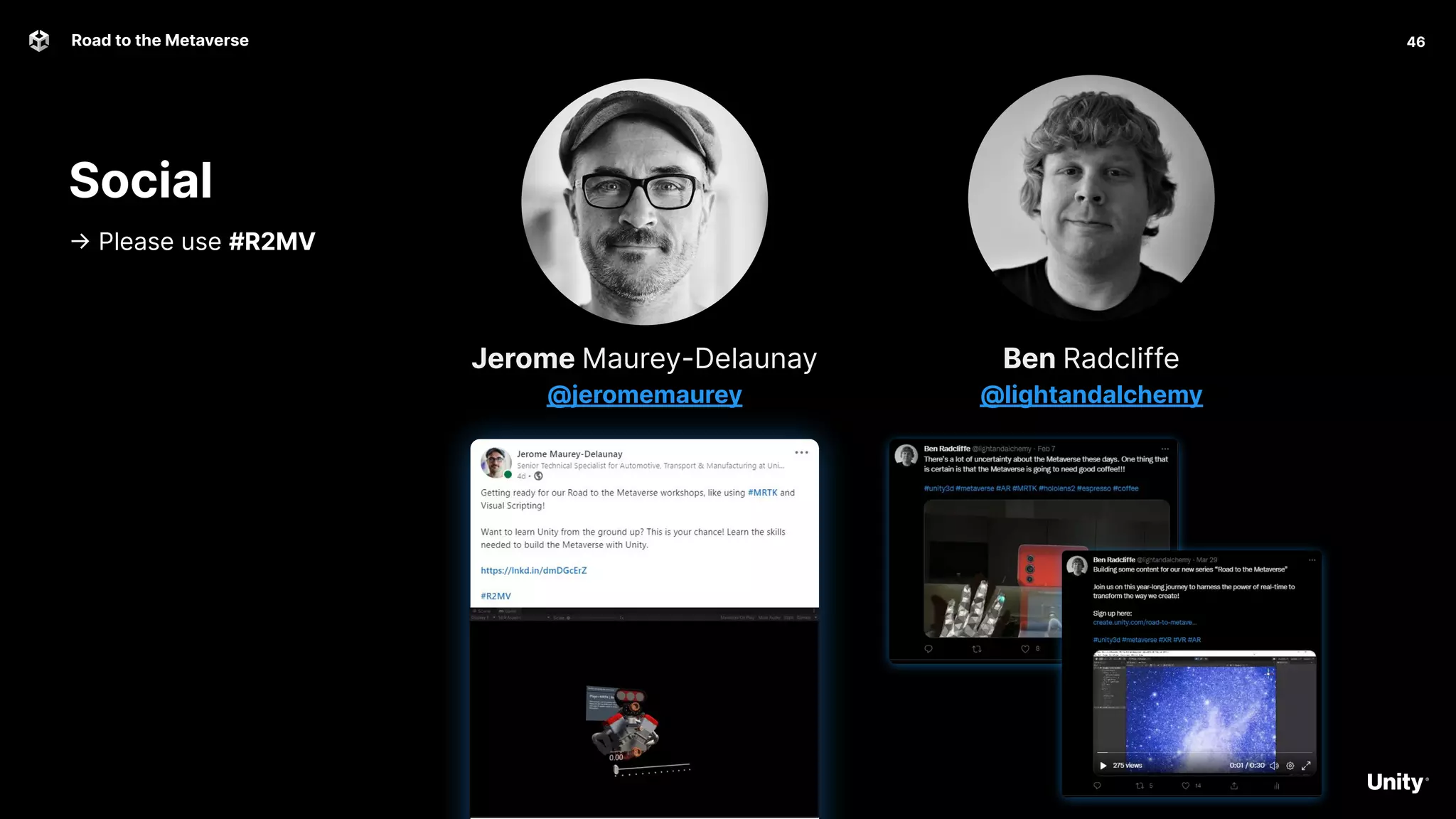
Social
-> Please use #R2MV
46
Road to the Metaverse
Ben Radcliffe
@lightandalchemy
Jerome Maurey-Delaunay
@jeromemaurey
Q&A
Any questions?
Road to the Metaverse
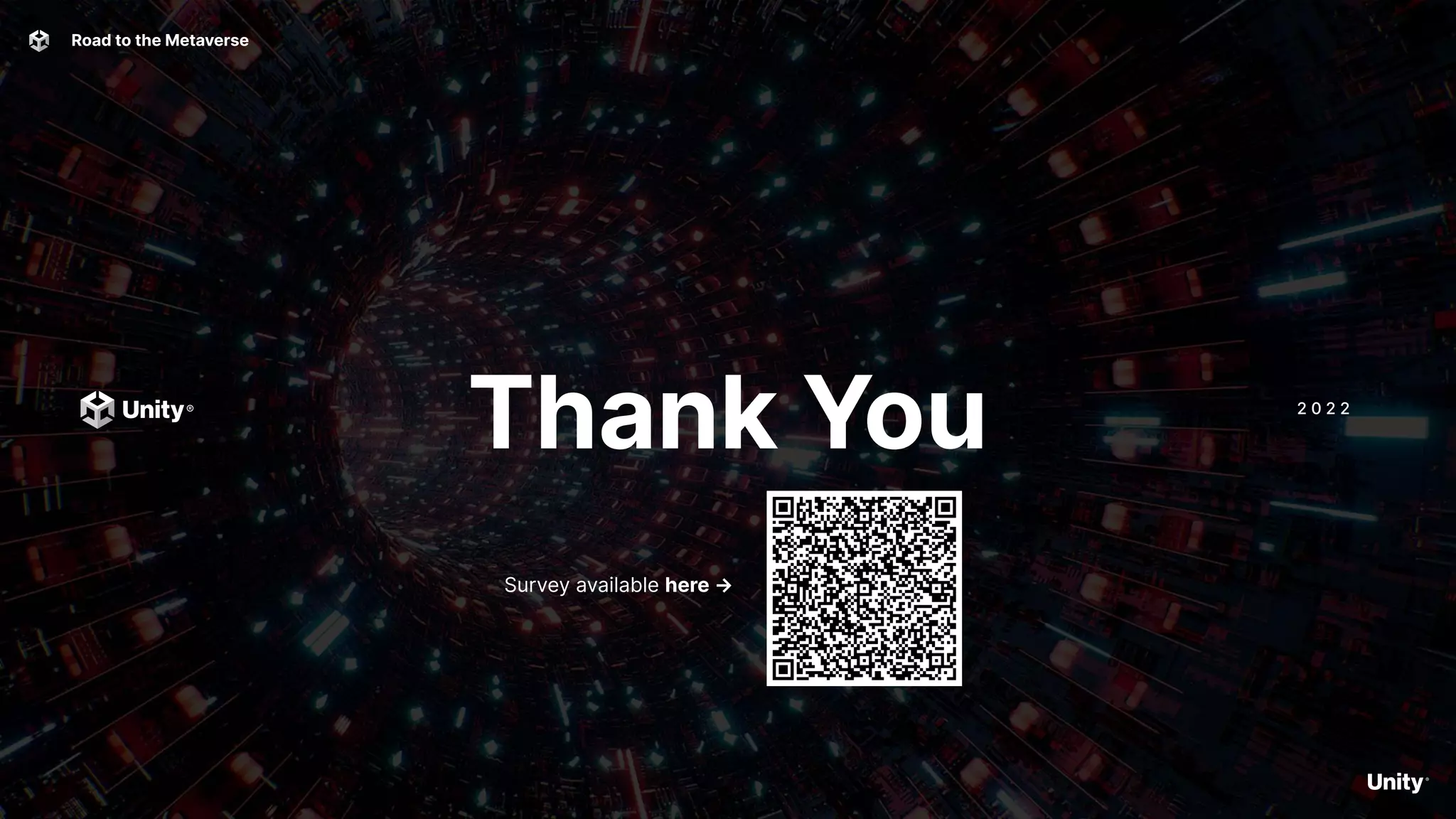
Thank You 2 0 2 2
Road to the Metaverse
Survey available here →
Overtime
Road to the Metaverse
Overtime 50
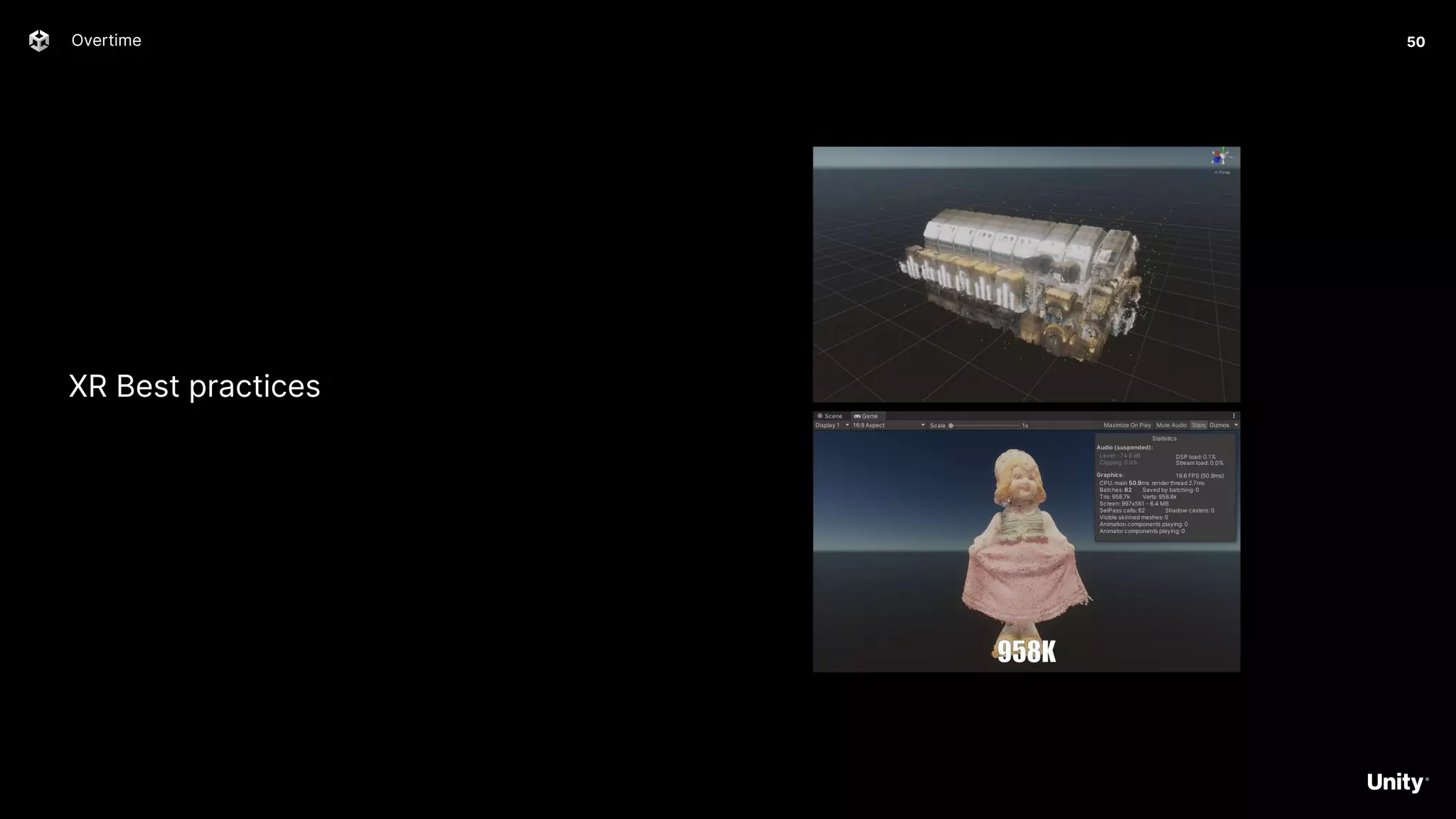
XR Best practices
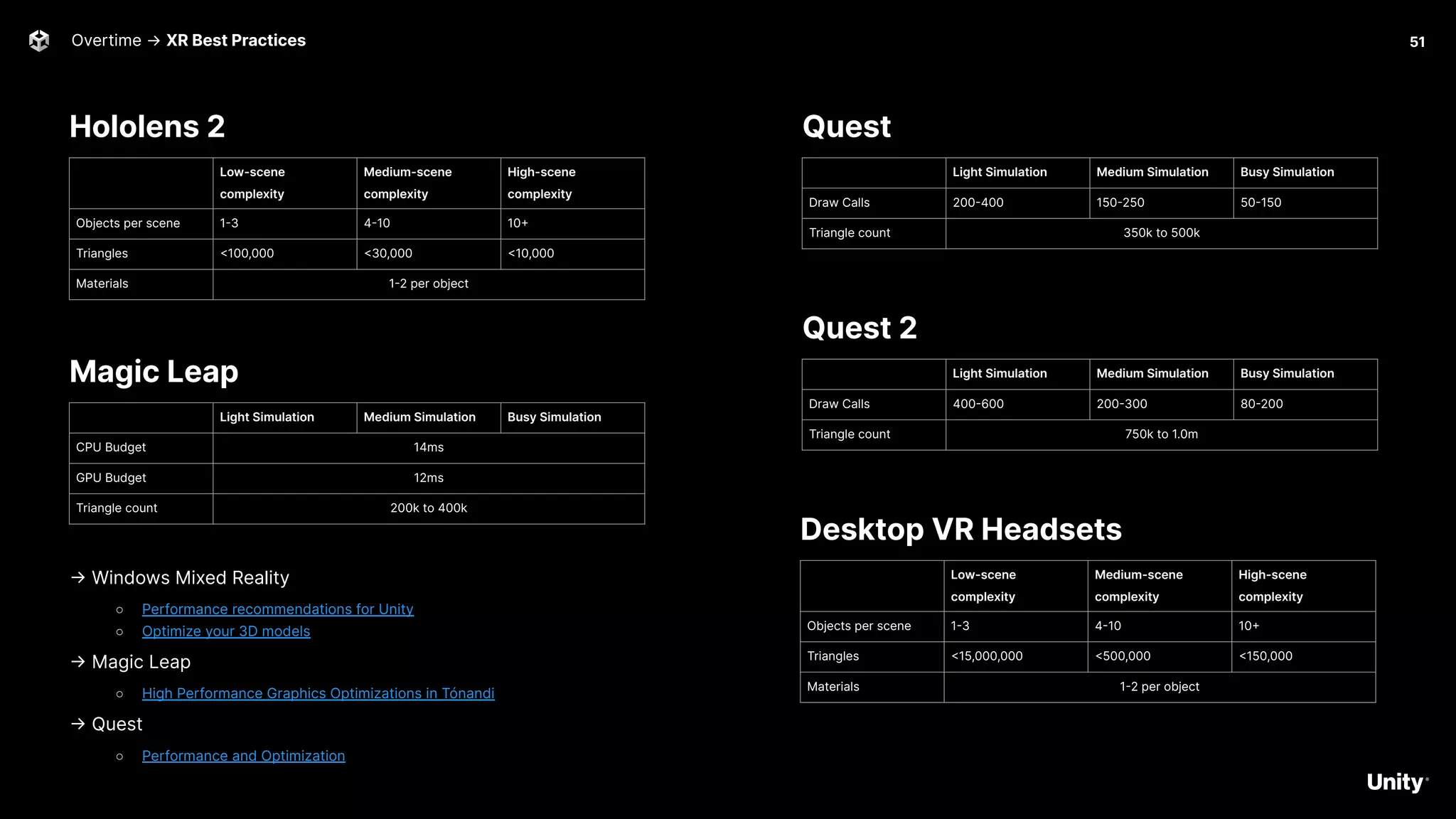
Hololens 2
51
Overtime → XR Best Practices
Low-scene
complexity
Medium-scene
complexity
High-scene
complexity
Objects per scene 1-3 4-10 10+
Triangles <100,000 <30,000 <10,000
Materials 1-2 per object
Quest
-> Windows Mixed Reality
○ Performance recommendations for Unity
○ Optimize your 3D models
-> Magic Leap
○ High Performance Graphics Optimizations in Tónandi
-> Quest
○ Performance and Optimization
Light Simulation Medium Simulation Busy Simulation
Draw Calls 200-400 150-250 50-150
Triangle count 350k to 500k
Quest 2
Light Simulation Medium Simulation Busy Simulation
Draw Calls 400-600 200-300 80-200
Triangle count 750k to 1.0m
Magic Leap
Light Simulation Medium Simulation Busy Simulation
CPU Budget 14ms
GPU Budget 12ms
Triangle count 200k to 400k
Desktop VR Headsets
Low-scene
complexity
Medium-scene
complexity
High-scene
complexity
Objects per scene 1-3 4-10 10+
Triangles <15,000,000 <500,000 <150,000
Materials 1-2 per object
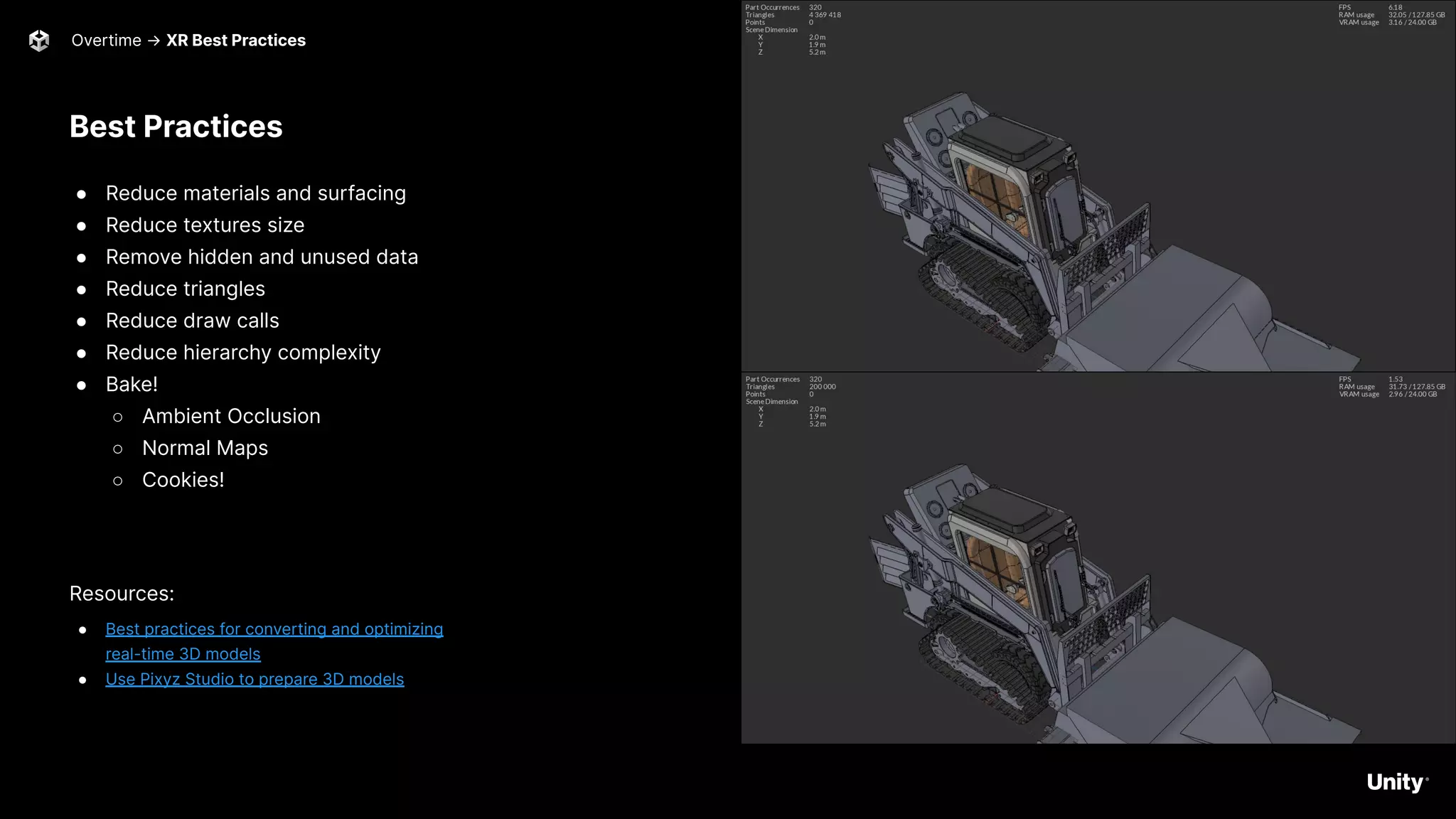
Best Practices
● Reduce materials and surfacing
● Reduce textures size
● Remove hidden and unused data
● Reduce triangles
● Reduce draw calls
● Reduce hierarchy complexity
● Bake!
○ Ambient Occlusion
○ Normal Maps
○ Cookies!
Resources:
● Best practices for converting and optimizing
real-time 3D models
● Use Pixyz Studio to prepare 3D models
Overtime → XR Best Practices 52
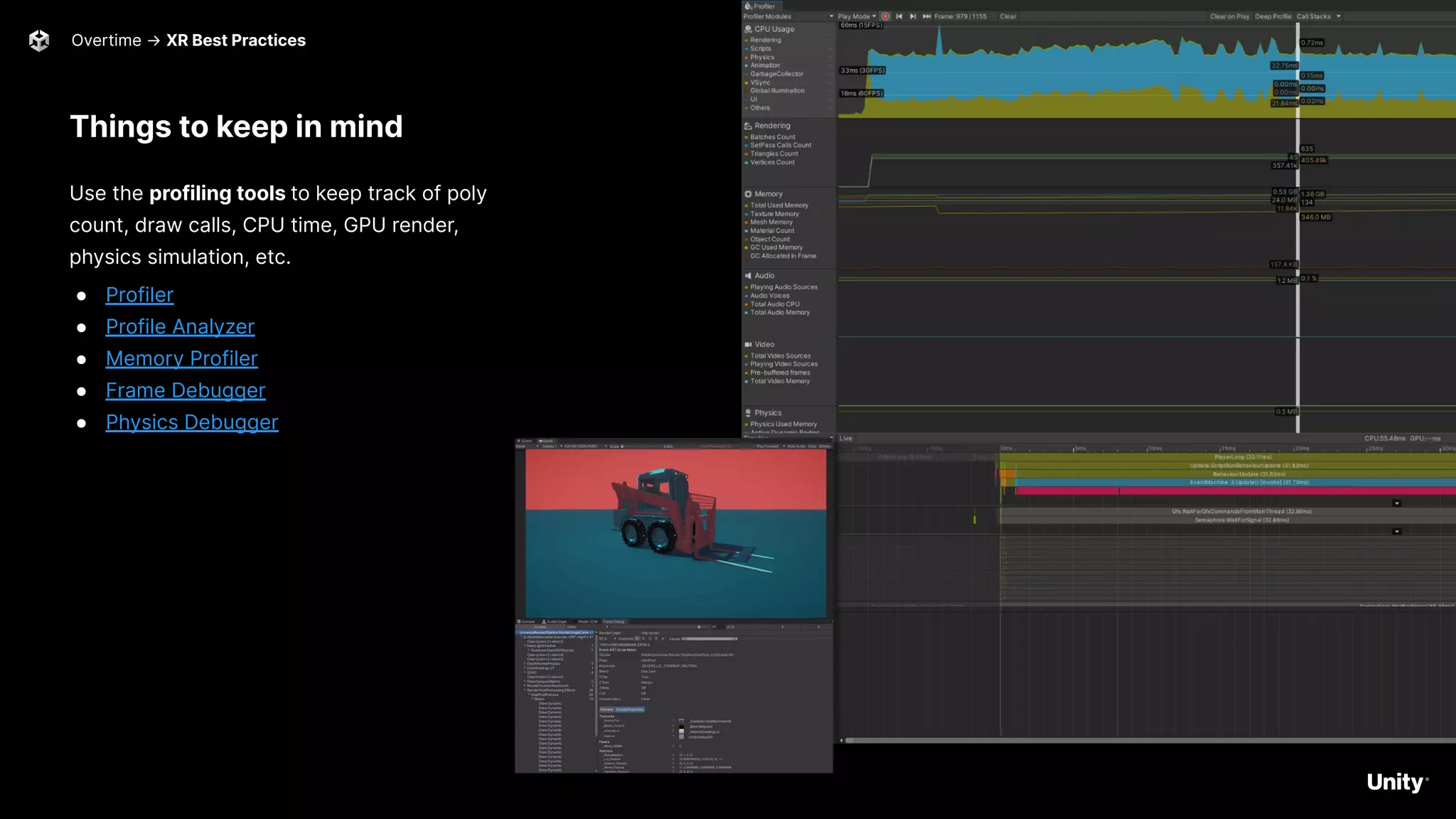
Things to keep in mind
Use the profiling tools to keep track of poly
count, draw calls, CPU time, GPU render,
physics simulation, etc.
● Profiler
● Profile Analyzer
● Memory Profiler
● Frame Debugger
● Physics Debugger
53
Overtime → XR Best Practices
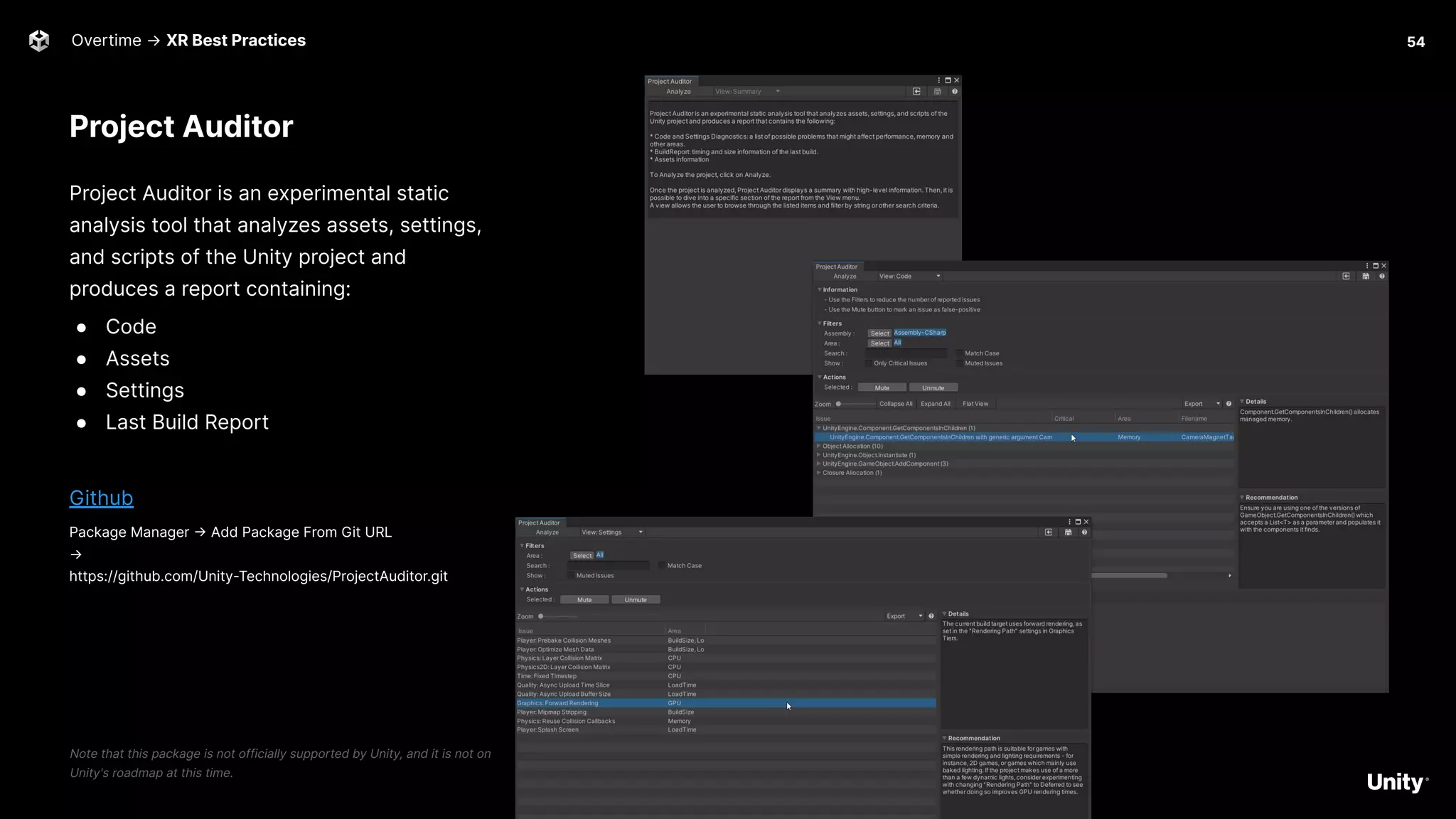
Project Auditor
Project Auditor is an experimental static
analysis tool that analyzes assets, settings,
and scripts of the Unity project and
produces a report containing:
● Code
● Assets
● Settings
● Last Build Report
Github
Package Manager -> Add Package From Git URL
→
https://github.com/Unity-Technologies/ProjectAuditor.git
Note that this package is not officially supported by Unity, and it is not on
Unity's roadmap at this time.
Overtime → XR Best Practices 54
Overtime 55
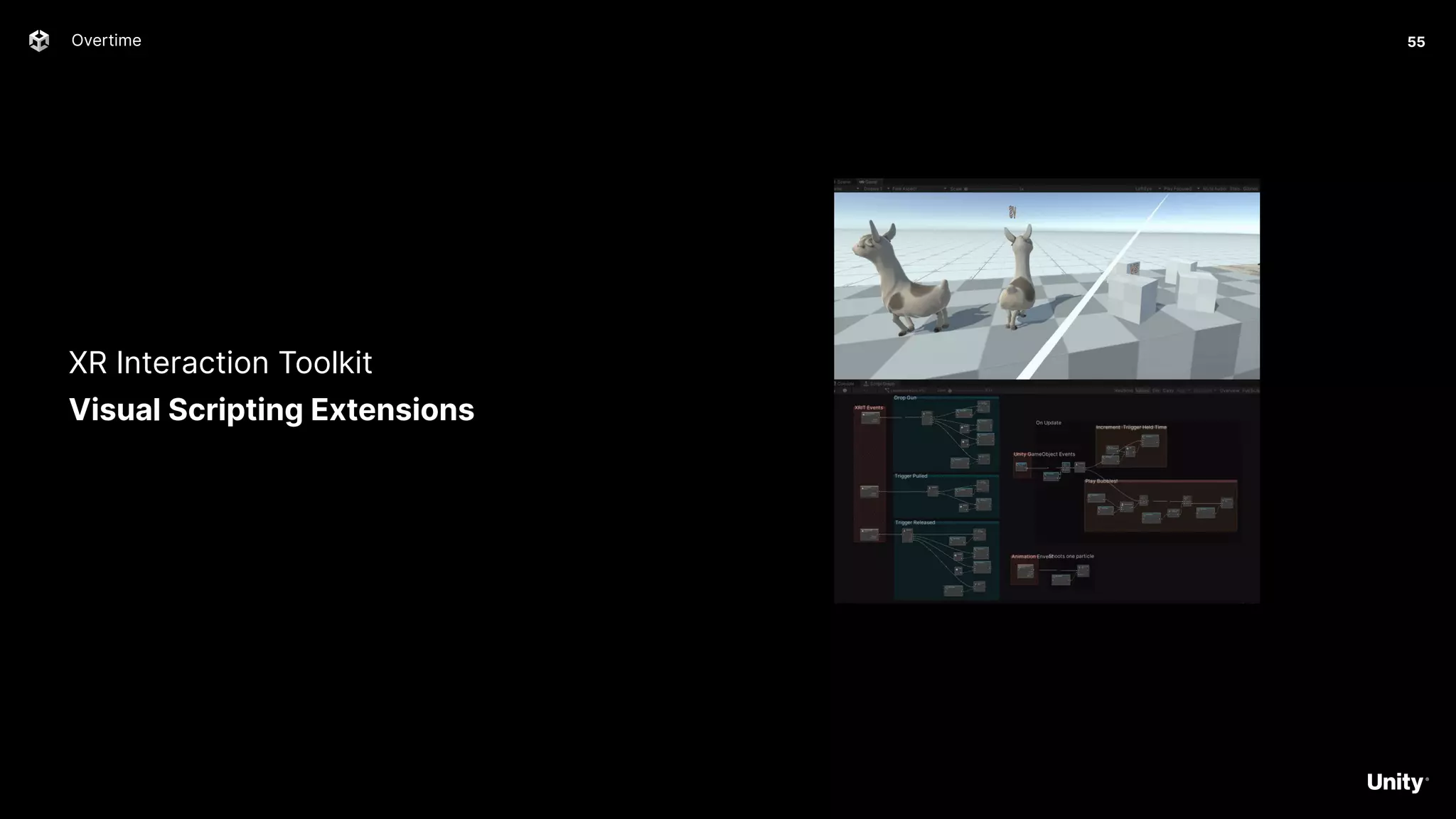
XR Interaction Toolkit
Visual Scripting Extensions
Overtime -> XR Interaction Toolkit Visual Scripting Extensions 56
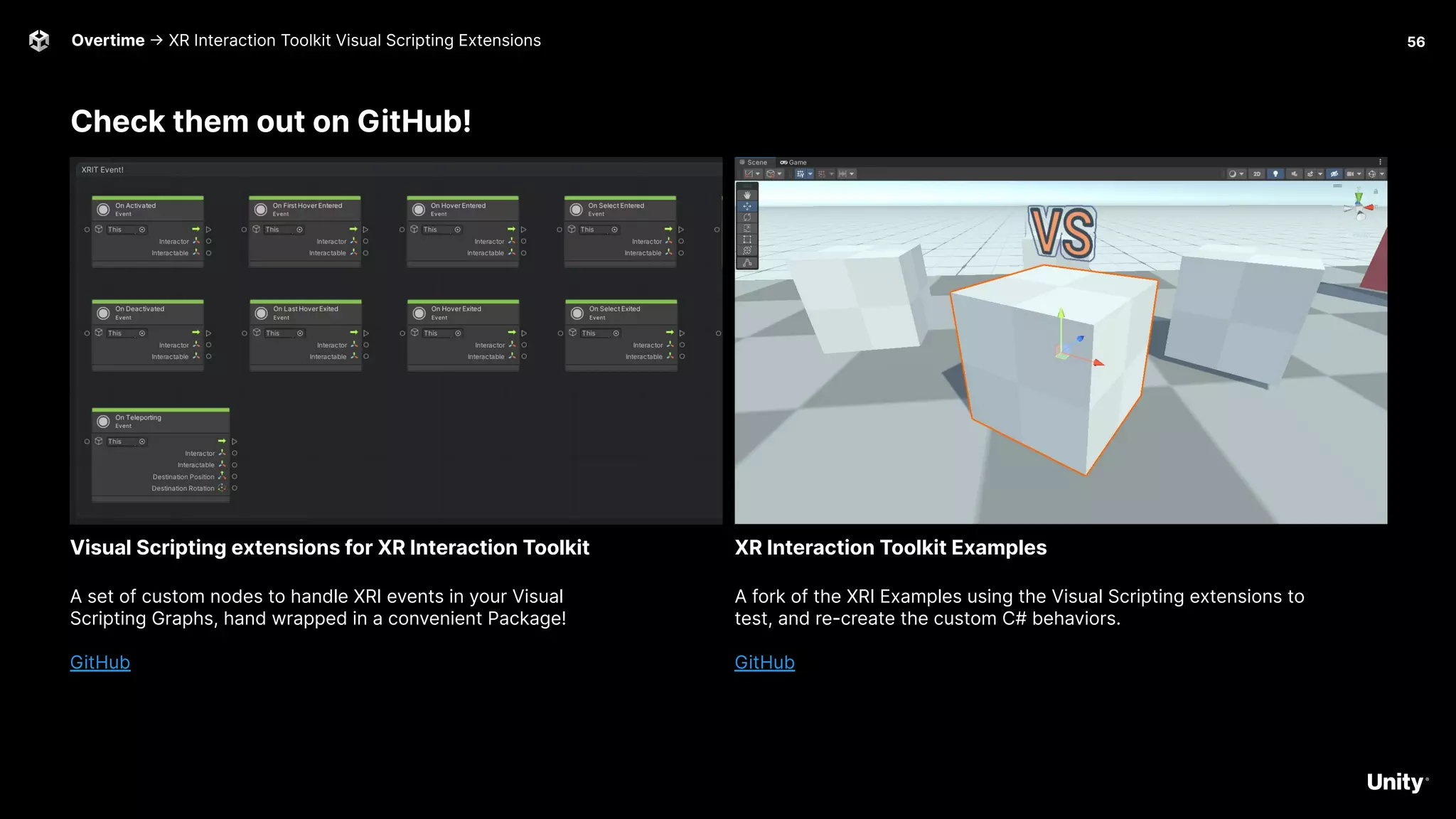
Check them out on GitHub!
A set of custom nodes to handle XRI events in your Visual
Scripting Graphs, hand wrapped in a convenient Package!
GitHub
Visual Scripting extensions for XR Interaction Toolkit
A fork of the XRI Examples using the Visual Scripting extensions to
test, and re-create the custom C# behaviors.
GitHub
XR Interaction Toolkit Examples

Let’s get real: An introduction to AR, VR, MR, XR and more

  • 1.
    Let’s get real:An introduction to AR, VR, MR, XR and more The webinar will begin shortly The webinar will begin at 8 am PT | 11 am ET | 4 pm BST
  • 2.
    2 0 22 C R E A T O R S E R I E S Let’s get real: An introduction to AR, VR, MR, XR and more
  • 3.
    Vanesa Mendez Creator Advocate Meetyour hosts 3 Road to the Metaverse Ben Radcliffe Senior Technical Specialist @lightandalchemy Jerome Maurey-Delaunay Senior Technical Specialist @jeromemaurey Drew Domokos Creator & Developer Advocate
  • 4.
    4 Road to theMetaverse -> Welcome to the metaverse: Your journey starts here Agenda Survey available here → → Introduction (5 minutes) → Let’s get real: An introduction to AR, VR, MR, XR and more (45 minutes) ‒ What is XR? ‒ XR platforms overview ‒ Getting started with XR in Unity! → Q&A + Wrap-up (10 minutes) → Overtime! (30 minutes) ‒ XR best practices ‒ Visual Scripting Extensions for XR Interaction Toolkit
  • 5.
  • 6.
    Road to theMetaverse 6 Cause + Christi: Sky Temple A digital twin of the Al Wasl Dome in Dubai
  • 7.
  • 8.
    Road to theMetaverse 8 The Metaverse Minute https://blog.unity.com/topic/metaverse-minute
  • 9.
    Road to theMetaverse 9 Road to the Metaverse: Forums! https://forum.unity.com/forums/road-to-the-metaverse.798/
  • 10.
    10 Let’s get real: Anintroduction to AR, VR, MR, XR and more C R E A T O R S E R I E S
  • 11.
    What is XR? 11 Anintroduction to AR, VR, MR, XR and more
  • 12.
    What is XR? Gettingstarted with XR in Unity What is XR? It's shorthand for a related set of new technologies that are changing the way we interact with the world and with each other: Virtual Reality, Augmented Reality, and Mixed Reality. ● VR - Virtual Reality ● MR - Mixed Reality ● AR - Augmented Reality ● XR - Umbrella term for all the above Unity Learn Intro to XR 12
  • 13.
    13 What is XR?-> Hardware Platforms VR AR Head-mounted display system for AR was invented by Ivan Sutherland in 1968 TV-Helmet (Portable Living Room) by Walter Pichler, 1967
  • 14.
    Virtual Reality Devices Whatis XR? -> Hardware Platforms Modern-day VR headsets come in many shapes and sizes. These headsets consist of the following elements: a) Display and optics to generate two separate views, one for each eye. b) Input controllers to capture input commands by the user. c) Sensors to infer the position and movement as input. ● Oculus -> Rift, Quest 1 & 2 ● Pico -> Neo 3 ● HTC → Vive, Vive Focus, Comos, Flow ● Valve -> Index ● Varjo -> VR-3, XR-3 ● HP -> Reverb ● Sony -> Playstation VR ● And so much more! Unity for VR 14
  • 15.
    What is XR?-> Hardware Platforms a technology that superimposes a computer-generated image on a user's view of the real world, thus providing a composite view. Handheld AR offers the most mainstream ARsolutions today on social media. People may not even realize that the AR filters they use on Instagram are augmented reality experiences. ● Google Android - AR Core ● Apple IOS - ARKit Unity for AR 15 Augmented Reality - Handheld
  • 16.
    What is XR?-> Hardware Platforms Augmented Reality - Head-mounted Augmented Reality HMDs also known as Optical head-mounted displays or OHMDs. The displays of these devices are transparent. They allow users to see through them while projecting images and information in front of the users' eyes. ● Microsoft Hololens ● Magic Leap ● Nreal ● Lenovo A3 Intro to Unity for Hololens Intro Unity for Magic Leap 16
  • 17.
    Mixed Reality What isXR? -> Hardware Platforms Mixed reality is the merging of real and virtual worlds to produce new environments and visualizations, where physical and digital objects co-exist and interact in real time. ● Varjo ● Quest ● Window Mixed Reality Headsets Unity Slices Demo 17
  • 18.
    What is XR?-> Demo 18 Let’s jump in! Getting started with the VR Core Template
  • 19.
    VR Core TemplateDemo What is XR? -> Demo Download template via the Unity Hub ● Fix missing interaction profile issues in the OpenXR settings ● Fix camera near plane distance Optional -> Add Oculus Integration ● Install Oculus Integration package ● Explore Sample Scenes under Assets/Oculus/Interaction/Samples/Scenes/Examples ○ Add all the scenes to Scenes in Build list ○ Use the menu to navigate through examples! 19
  • 20.
    Getting started with XRin Unity 20 An introduction to AR, VR, MR, XR and more
  • 21.
    Getting started withXR in Unity 21 All your Toolkits are belong to us
  • 22.
    Unity XR Interaction Toolkit Gettingstarted with XR in Unity → Toolkits The XR Interaction Toolkit package is a high-level, component-based, interaction system. It provides a framework that makes 3D and UI interactions available from Unity input events. 2022.x → Release Package 2021.x -> Add Package By Name → com.unity.xr.interaction.toolkit Docs Samples 22
  • 23.
    Microsoft Mixed Reality Toolkit Gettingstarted with XR in Unity → Toolkits Microsoft MRTK3 is distributed as a set of packages that are imported into Unity using the Mixed Reality Feature Tool for Unity and the Unity Package Manager (UPM). Microsoft MRTK3 leverages the Unity XR Subsystem Management infrastructure for writing extensible modules that can help provide cross-platform support for features like speech and hand tracking. Docs Initial Setup for MRTK3 MRTK3 packages Subsystems MRTK2 to MRTK3 concept migration guide 23
  • 24.
    Holographic Remoting Getting startedwith XR in Unity -> Toolkits → MRTK Stream holographic content to your HoloLens in real time, quickly test and debug your app, without building and deploying a full project. 1. Download the Holographic Remoting app from the Windows Store on your Hololens 2. Enable Holographic Remoting for Play Mode in Project Setting -> XR Plug-in Management -> OpenXR 3. Click the ⚙icon to reveal the settings There are two options for connecting: ● Wifi for wireless freedom ● USB for speed and stability 🚨 When connected via a USB cable, make sure to disable Wifi on the HoloLens. 🚨 Docs 24
  • 25.
    Virtual Reality Toolkit Gettingstarted with XR in Unity → Toolkits VRTK aims to make building spatial computing solutions in the Unity software fast and easy for beginners as well as experienced developers. Github Docs How-To Guides 25
  • 26.
    Vive Wave Integration Gettingstarted with XR in Unity → Toolkits VIVE Wave XR Plugin Provides basic Unity XR Plugin Framework support. VIVE Wave XR Plugin - Native Provides access to Wave native API through C# wrapper. If you need to use Wave API directly, install this package. VIVE Wave XR Plugin - Essence Contains all the exclusive features that Wave provides such as Controller Model, Input Module, Interaction Tool Kit extensions, performance tuning tools and debug tools. Docs Getting Started 26
  • 27.
    Valve SteamVR Getting started withXR in Unity → Toolkits SteamVR Plugin The modern SteamVR Unity Plugin manages three main things for developers: ● Loading 3d models for VR controllers ● Handling input from those controllers, ● Estimating what your hand looks like while using those controllers. Asset Store Github 27
  • 28.
    Meta Quest 1 &2 Getting started with XR in Unity → Toolkits Oculus SDK Available on the Unity Asset Store here Oculus platform Features ● Avatar SDK ● Spatialized Audio ● LipSync SDK ● Hand Tracking Resources ● Interaction SDK ● Sample Framework ● Passthrough API 28 Debug hand tracking directly in the Unity Editor with Oculus Link! Interaction SDK Passthrough API
  • 29.
    VRMADA UltimateXR Getting started withXR in Unity → Toolkits Free, open source framework and toolkit for Unity that includes: ● cross-device compatibility ○ Oculus SDK ○ Pico XR SDK ○ SteamVR ○ WaveXR ○ Windows Mixed Reality ● state-of-the-art grab and manipulation mechanics ● a library of gender, and race, agnostic hands ● customizable full body avatar representation ● advanced UI components ● locomotion mechanics, and much more. Docs Source Code 29
  • 30.
    Unity AR Foundation Getting startedwith XR in Unity → Toolkits AR Foundation allows you to work with augmented reality platforms in a multi-platform way within Unity. This package presents an interface for Unity developers to use, but doesn't implement any AR features itself. To use AR Foundation on a target device, you also need separate packages for the target platforms officially supported by Unity: ARCore XR Plug-in on Android ARKit XR Plug-in on iOS OpenXR Plug-in on HoloLens Docs 30
  • 31.
    AR Foundation Samples Whatis XR? -> Demo 31 Download sample project via the github ● Get Project Here ● Clone or download this repository to a workspace on your drive ○ Click the ⤓ Code button on this page to get the URL to clone with Git or click Download ZIP to get a copy of this repository that you can extract ● Open a project in Unity ○ Download, install, and run Unity Hub ○ In the Installs tab, select Locate or Add to find or install Unity 2019.4 LTS or later ○ In the Projects tab, click Add ○ Browse to the VR folder within your downloaded copy of this repository and click Select Folder ○ Click the project which should now be added to the list to open the project ● To run the AR Foundation sample on a headset, go to File > Build Settings and build the app. 1 Samples (v4.2) Samples (v5) Building for iOS Building for Android
  • 32.
    PTC Vuforia Getting started withXR in Unity → Toolkits Vuforia Engine Package SDK for mobile devices that enables the creation of AR applications. Available on the Unity Asset Store here Vuforia Features: ● Image Tracking ● Model Tracking ● Area Tracking ● Ground Plane Detection Resources ● Project Set Up ● Docs 32
  • 33.
    Niantic Lightship ARDK Createpersistent and realistic experiences. ARDK’s meshing feature translates the colors produced by the user’s camera, runs them through a neural network, and builds a mesh of tessellated triangles that create a machine-readable representation of the physical world. website | video Getting started with XR in Unity → Toolkits 33
  • 34.
    Visometry VisionLib Getting started withXR in Unity → Toolkits 34 VisionLib enables 3D object tracking for augmented reality apps on computers, smartphones, tablets, and mixed-reality headsets like HoloLens. ● Highly accurate 3D object tracking ● Use 3D or CAD data to create trackers ● Multi Model Tracking ● URP support Docs HoloLens Tutorial
  • 35.
    Metaverse Platforms An introductionto AR, VR, MR, XR and more 35 Unity version 2020.3.18f1 AltspaceVR Uploader Mobile Performance Guide AltspaceVR Unity Version 2019.4.31f1 Setting up the SDK VRChat Unity Version 2018.4.36f1 Installing Unity and the Breakroom SDK Breakroom
  • 36.
    XR Interaction ToolkitFeatures An introduction to AR, VR, MR, XR and more 36 Teleport around a space with support for unique angles and snap to turn. Locomotion Grab and throw objects with tracked controllers in VR. There are multiple configurations for grabbing and tracking objects. Physics Interaction Interact with all UI elements built in Unity, including buttons, scroll windows, and more. Native UI Support
  • 37.
    Getting started withXR in Unity → Demo 37 Let’s jump in! XR Interaction Toolkit Demo
  • 38.
    XRI Toolkit Examples Whatis XR? -> Demo Download sample project via the github ● Get Project Here: https://github.com/Unity-Technologies/XR-Interaction-Toolkit-Exam ples 38
  • 39.
    Free Sample Assetsto Get Started An introduction to AR, VR, MR, XR and more 39 Unity version 2020.3.33 or higher Asset Store Link Viking Village URP Unity Version 2018.4.0 or higher Asset Store Link Snaps Prototype | Sci-Fi / Industrial Unity Version 2018.4.0 or higher Asset Store Link Snaps Prototype | Office
  • 41.
    April May June July August September October November December January February March 41 Road to theMetaverse Welcome to the Metaverse! Bring your digital and physical assets into Unity Add interactivity to your immersive experience How to bring your real-time 3D digital twin data into Unity Let’s get real: An introduction to AR, VR, MR, XR and more Augmenting reality (AR): Bring digital objects into the real world Build immersive worlds in virtual reality (VR) Improve learning retention with immersive training experiences Build a Microsoft HoloLens experience for training in AR Integrate cloud-based IoT data into your XR experience Masterclass: Build a collaborative multi user experience Build geolocated and social experiences in AR Workshops https://create.unity.com/road-to-metaverse
  • 42.
    42 Road to theMetaverse Prototyping and world building. Intro to Visual Scripting Animation Intro to Universal Render Pipeline Intro to High Definition Render Pipeline Shader Graph VFX Graph Post Processing UI Building Intro to VR Intro to AR Intro to Spatial Audio Learn Live https://learn.unity.com/project/road-to-the-metaverse-live March April May June July August September October November December January February
  • 43.
    Road to theMetaverse 43 Executive series https://create.unity.com/road-to-metaverse#executive
  • 44.
    Road to theMetaverse 44 The Metaverse Minute https://blog.unity.com/topic/metaverse-minute
  • 45.
    Road to theMetaverse 45 Road to the Metaverse: Forums! https://forum.unity.com/forums/road-to-the-metaverse.798/
  • 46.
    Social -> Please use#R2MV 46 Road to the Metaverse Ben Radcliffe @lightandalchemy Jerome Maurey-Delaunay @jeromemaurey
  • 47.
  • 48.
    Thank You 20 2 2 Road to the Metaverse Survey available here →
  • 49.
  • 50.
  • 51.
    Hololens 2 51 Overtime →XR Best Practices Low-scene complexity Medium-scene complexity High-scene complexity Objects per scene 1-3 4-10 10+ Triangles <100,000 <30,000 <10,000 Materials 1-2 per object Quest -> Windows Mixed Reality ○ Performance recommendations for Unity ○ Optimize your 3D models -> Magic Leap ○ High Performance Graphics Optimizations in Tónandi -> Quest ○ Performance and Optimization Light Simulation Medium Simulation Busy Simulation Draw Calls 200-400 150-250 50-150 Triangle count 350k to 500k Quest 2 Light Simulation Medium Simulation Busy Simulation Draw Calls 400-600 200-300 80-200 Triangle count 750k to 1.0m Magic Leap Light Simulation Medium Simulation Busy Simulation CPU Budget 14ms GPU Budget 12ms Triangle count 200k to 400k Desktop VR Headsets Low-scene complexity Medium-scene complexity High-scene complexity Objects per scene 1-3 4-10 10+ Triangles <15,000,000 <500,000 <150,000 Materials 1-2 per object
  • 52.
    Best Practices ● Reducematerials and surfacing ● Reduce textures size ● Remove hidden and unused data ● Reduce triangles ● Reduce draw calls ● Reduce hierarchy complexity ● Bake! ○ Ambient Occlusion ○ Normal Maps ○ Cookies! Resources: ● Best practices for converting and optimizing real-time 3D models ● Use Pixyz Studio to prepare 3D models Overtime → XR Best Practices 52
  • 53.
    Things to keepin mind Use the profiling tools to keep track of poly count, draw calls, CPU time, GPU render, physics simulation, etc. ● Profiler ● Profile Analyzer ● Memory Profiler ● Frame Debugger ● Physics Debugger 53 Overtime → XR Best Practices
  • 54.
    Project Auditor Project Auditoris an experimental static analysis tool that analyzes assets, settings, and scripts of the Unity project and produces a report containing: ● Code ● Assets ● Settings ● Last Build Report Github Package Manager -> Add Package From Git URL → https://github.com/Unity-Technologies/ProjectAuditor.git Note that this package is not officially supported by Unity, and it is not on Unity's roadmap at this time. Overtime → XR Best Practices 54
  • 55.
    Overtime 55 XR InteractionToolkit Visual Scripting Extensions
  • 56.
    Overtime -> XRInteraction Toolkit Visual Scripting Extensions 56 Check them out on GitHub! A set of custom nodes to handle XRI events in your Visual Scripting Graphs, hand wrapped in a convenient Package! GitHub Visual Scripting extensions for XR Interaction Toolkit A fork of the XRI Examples using the Visual Scripting extensions to test, and re-create the custom C# behaviors. GitHub XR Interaction Toolkit Examples