Mudassar Sharif(Lecturer)
MS in Computer Science, Riphah International
University, Faisalabad
Email: Mudasser.sharif53@gmail.com
Barani Institute of Sciences, (Sahiwal Campus)
Motivation
Outline:
 Understanding Instructions and Addressing
Modes
 Subtitle: An Exploration of Computer
Instructions and Addressing Modes
Instruction:
 In the context of computing, an
instruction refers to a specific operation
or command given to a computer's
central processing unit (CPU) to perform
a particular task. Instructions are part of
machine code, which is the low-level
programming language that directly
corresponds to the binary code that a
computer's CPU can execute.
Instruction:
 Each instruction represents a fundamental
operation, such as arithmetic calculations,
data movement, or control flow, and is
encoded in binary form. A sequence of
instructions forms a program, and the CPU
executes these instructions in order to
carry out the desired computational tasks.
Instructions are a crucial component of
computer programs and play a central role
in the functioning of a computer system.
Importance of instructions
 Execution of Tasks: Instructions form the basic
building blocks of a computer program. Each
instruction represents a specific operation that the
computer's central processing unit (CPU) can
execute. By following a sequence of instructions, a
computer can perform a wide range of tasks, from
simple arithmetic calculations to complex data
manipulations.
 Program Execution: A program is essentially a set
of instructions that directs the computer on how to
perform a particular task or a series of tasks. Without
instructions, there would be no guidance for the
computer to follow, and programs would not be able
to execute.
Importance of instructions
 Control Flow:
Instructions include control flow operations, such
as branching and looping, which determine the flow of
execution within a program. These operations allow
programs to make decisions, repeat certain tasks, and
respond to different conditions during runtime.
 Data Processing:
Instructions facilitate the manipulation and
processing of data. Arithmetic and logical instructions
enable the computer to perform calculations,
comparisons, and other operations on data, allowing for
the implementation of algorithms and the processing of
information.
Importance of instructions
 Communication with Hardware:
Instructions are essential for interacting with
hardware components. Input and output instructions, for
example, enable the transfer of data between the
computer and external devices, such as keyboards,
displays, and storage devices.
 Efficiency:
Different instructions have varying execution
times and resource requirements. Efficient
programming involves choosing the most appropriate
instructions to optimize the performance of a program.
Understanding the characteristics of instructions helps
in writing code that executes quickly and uses system
resources efficiently.
Importance of instructions
 Architecture Compatibility:
Instructions are designed to be compatible with
the underlying hardware architecture. Software
developers write programs using a specific set of
instructions that are supported by the computer's CPU
architecture. This compatibility ensures that programs
can run on specific hardware platforms.
 Low-Level Interaction:
Instructions operate at a low level of abstraction,
directly manipulating the hardware components of the
computer. While high-level programming languages
provide abstraction for easier coding, the instructions
are what the computer ultimately executes.
Types of instructions:
 Arithmetic Instructions:
Addition (ADD): Adds two values.
Subtraction (SUB): Subtracts one value from another.
Multiplication (MUL): Multiplies two values.
Division (DIV): Divides one value by another.
 Logical Instructions:
AND: Performs a bitwise AND operation.
OR: Performs a bitwise OR operation.
XOR: Performs a bitwise exclusive OR operation.
NOT: Inverts the bits of a value.
Types of instructions:
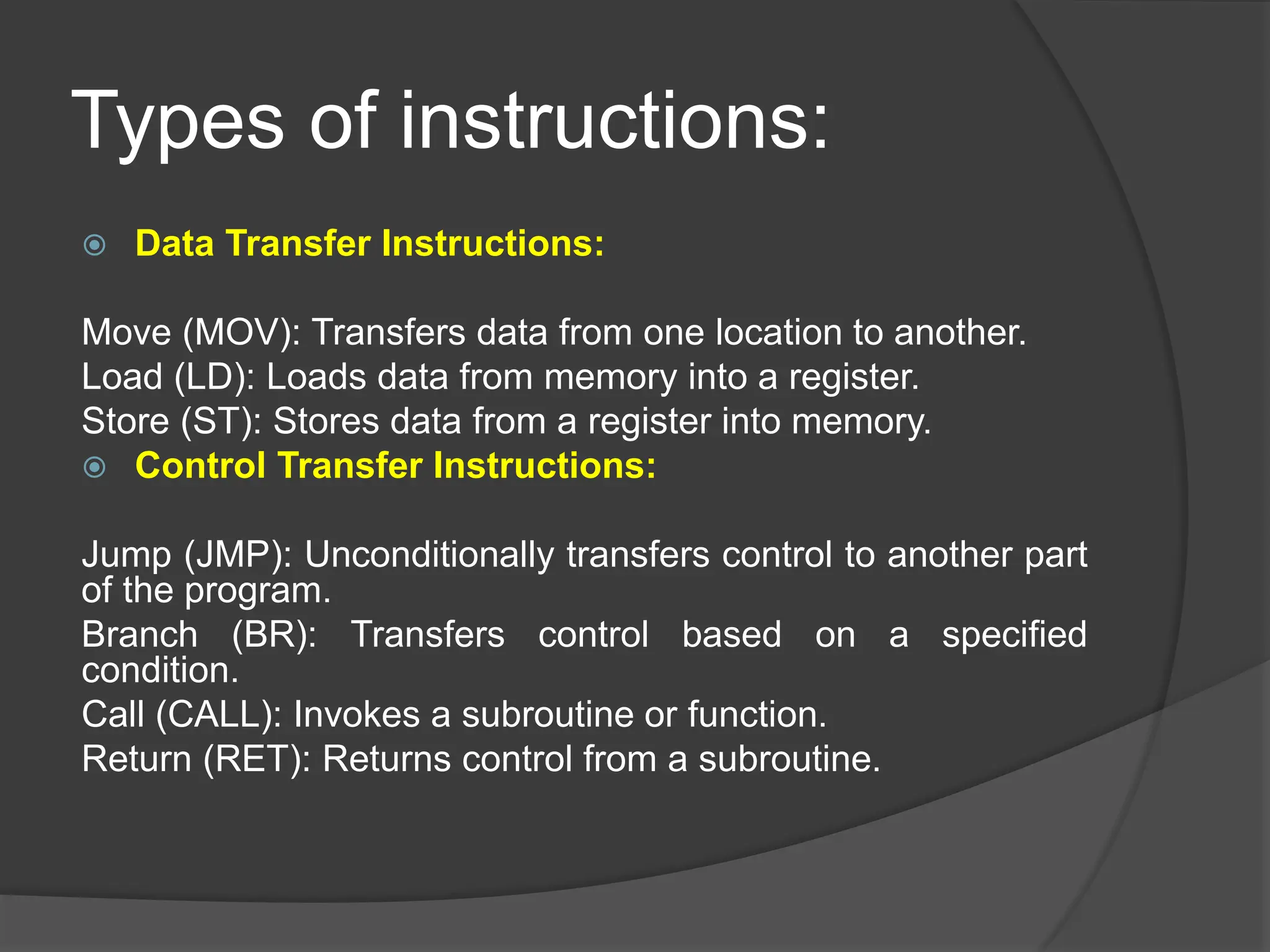
 Data Transfer Instructions:
Move (MOV): Transfers data from one location to another.
Load (LD): Loads data from memory into a register.
Store (ST): Stores data from a register into memory.
 Control Transfer Instructions:
Jump (JMP): Unconditionally transfers control to another part
of the program.
Branch (BR): Transfers control based on a specified
condition.
Call (CALL): Invokes a subroutine or function.
Return (RET): Returns control from a subroutine.
Types of instructions:
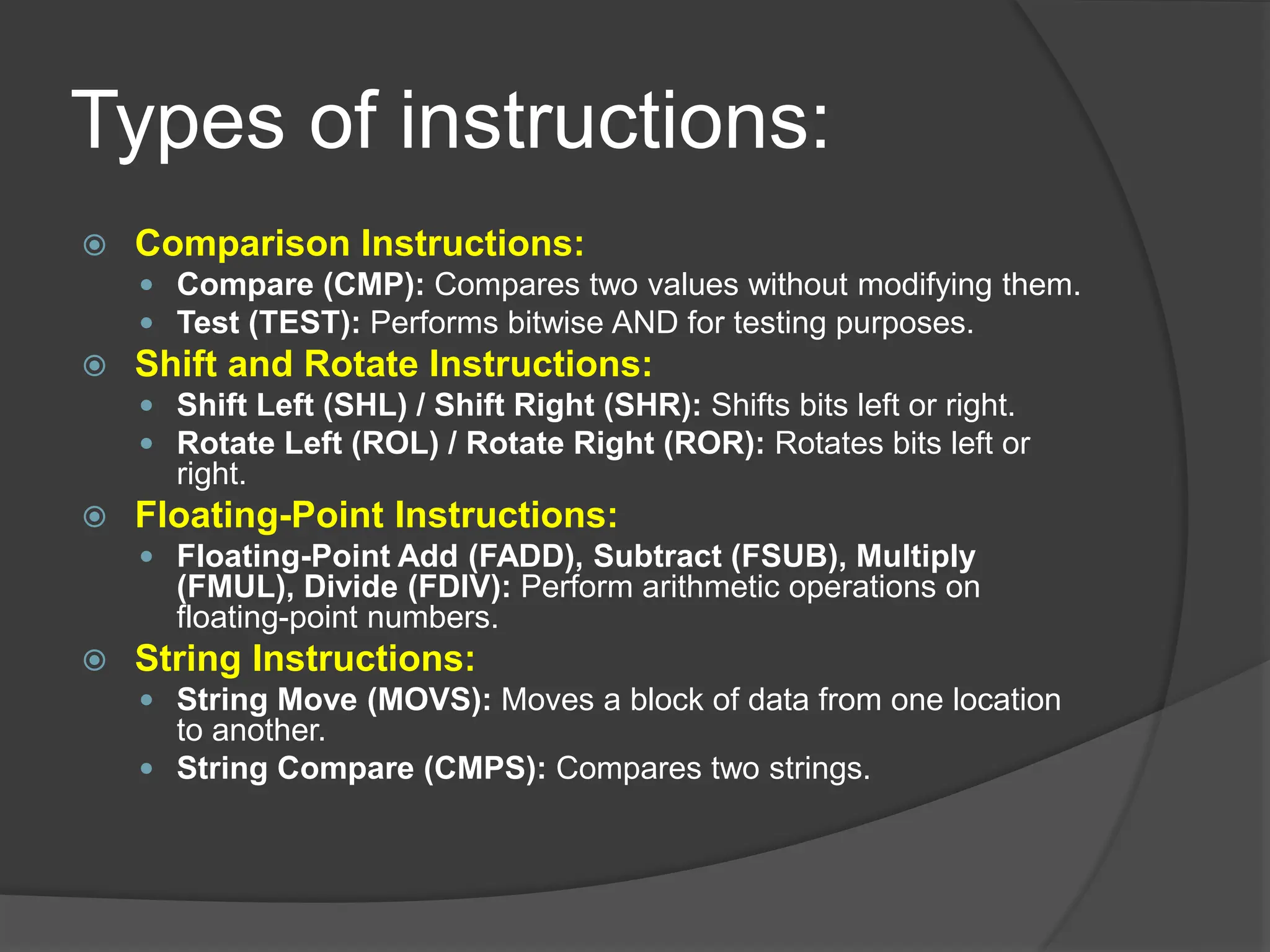
 Comparison Instructions:
 Compare (CMP): Compares two values without modifying them.
 Test (TEST): Performs bitwise AND for testing purposes.
 Shift and Rotate Instructions:
 Shift Left (SHL) / Shift Right (SHR): Shifts bits left or right.
 Rotate Left (ROL) / Rotate Right (ROR): Rotates bits left or
right.
 Floating-Point Instructions:
 Floating-Point Add (FADD), Subtract (FSUB), Multiply
(FMUL), Divide (FDIV): Perform arithmetic operations on
floating-point numbers.
 String Instructions:
 String Move (MOVS): Moves a block of data from one location
to another.
 String Compare (CMPS): Compares two strings.
Types of instructions:
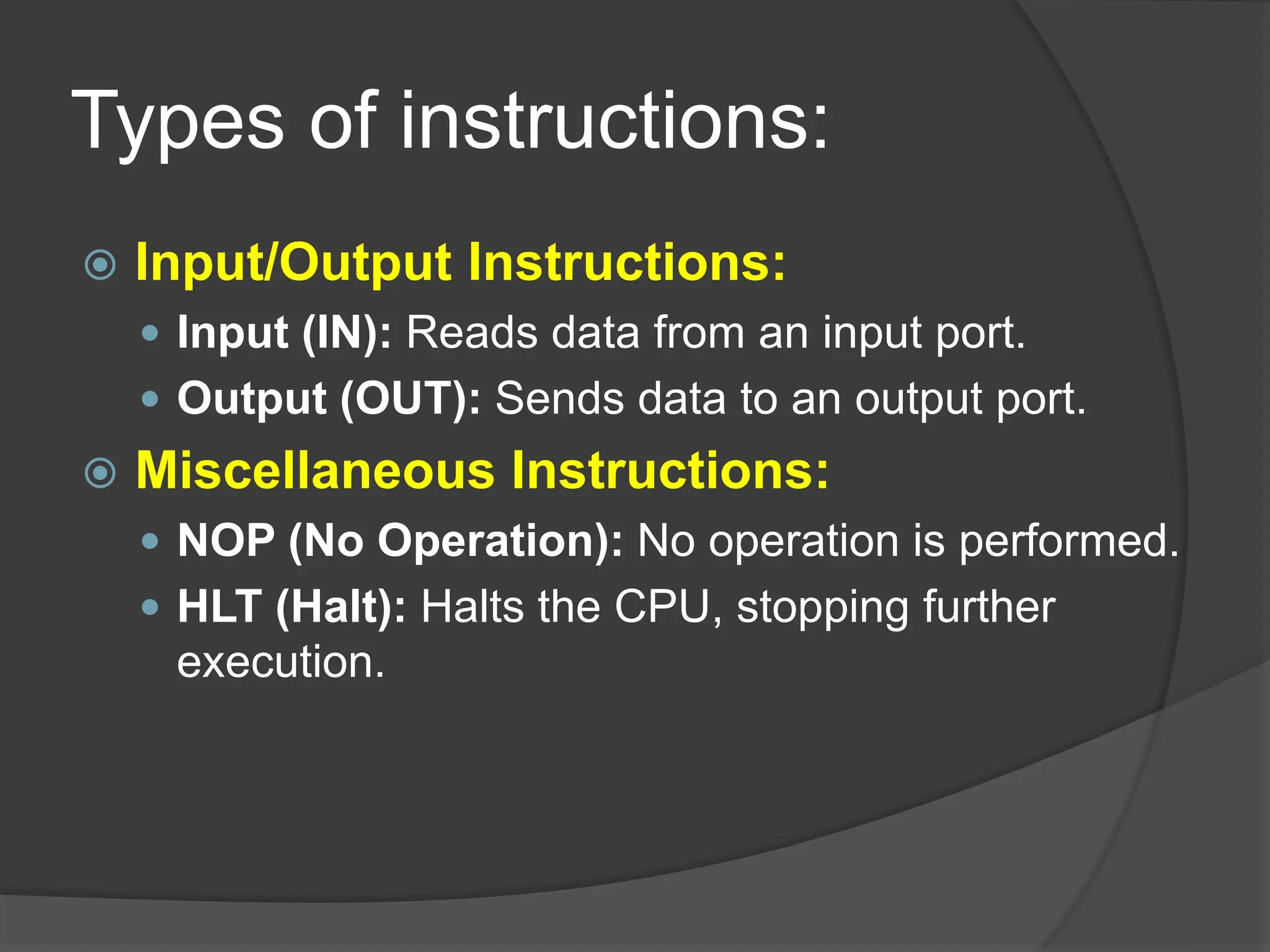
 Input/Output Instructions:
 Input (IN): Reads data from an input port.
 Output (OUT): Sends data to an output port.
 Miscellaneous Instructions:
 NOP (No Operation): No operation is performed.
 HLT (Halt): Halts the CPU, stopping further
execution.
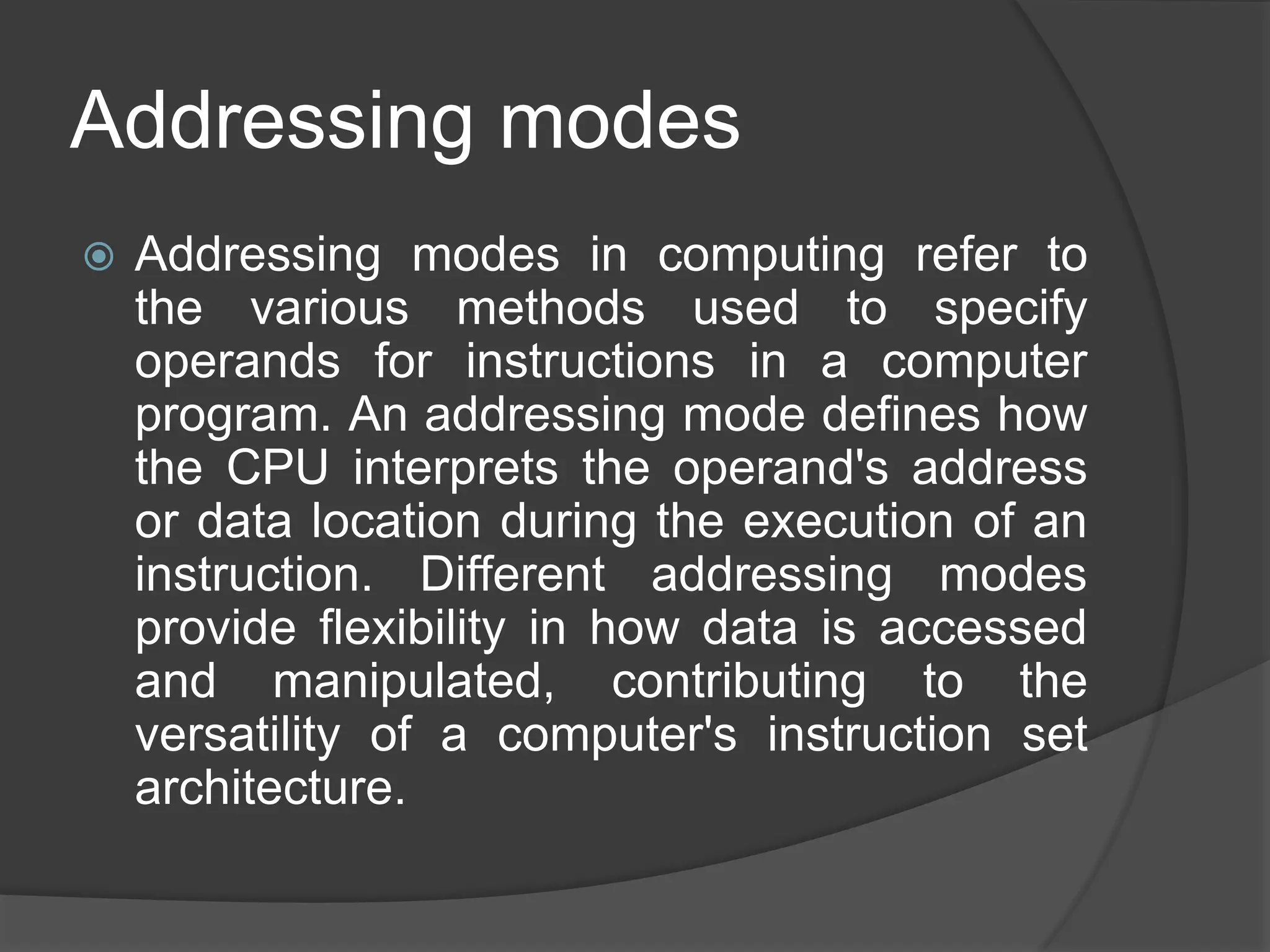
Addressing modes
 Addressing modes in computing refer to
the various methods used to specify
operands for instructions in a computer
program. An addressing mode defines how
the CPU interprets the operand's address
or data location during the execution of an
instruction. Different addressing modes
provide flexibility in how data is accessed
and manipulated, contributing to the
versatility of a computer's instruction set
architecture.
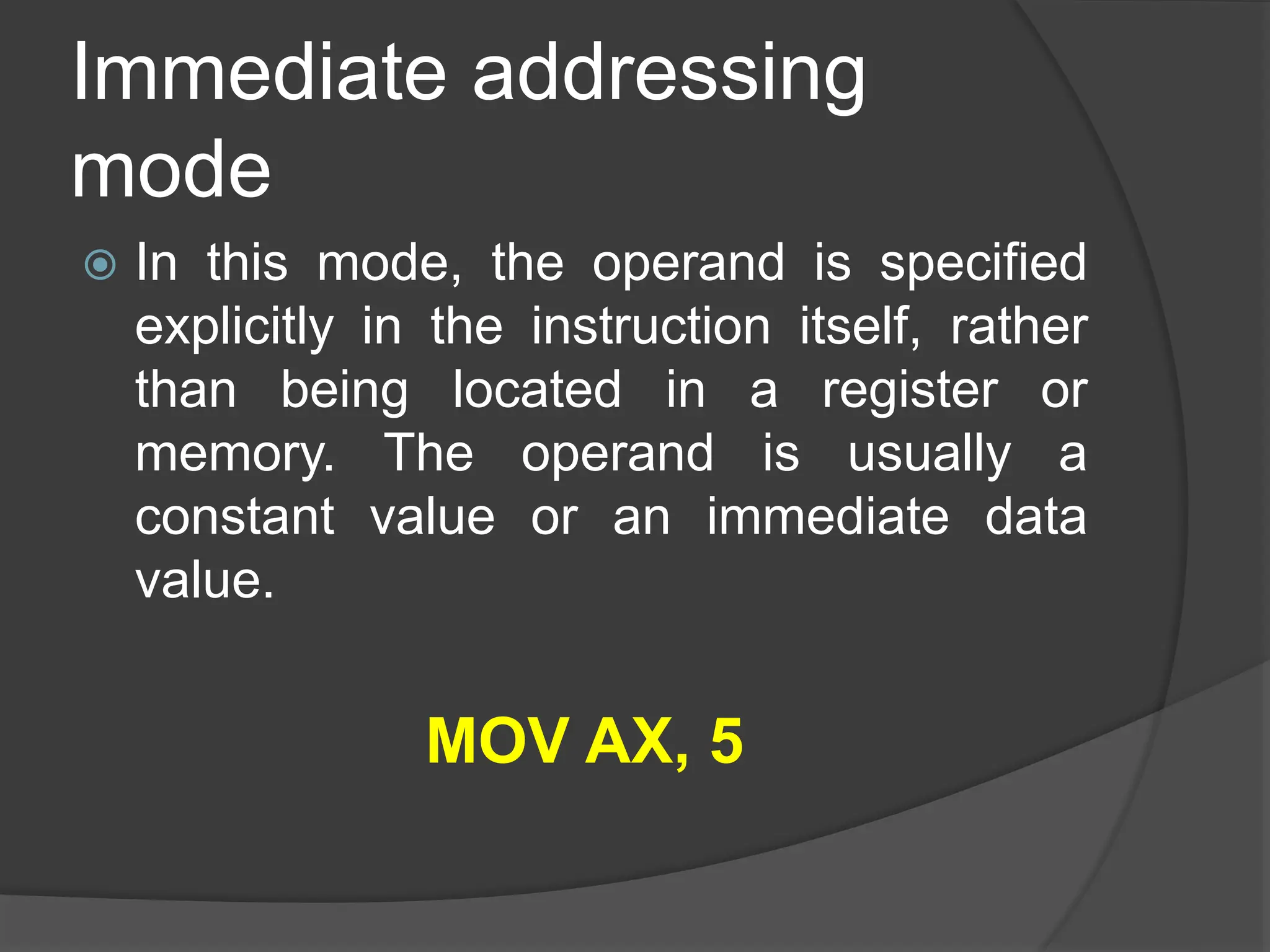
Immediate addressing
mode
 In this mode, the operand is specified
explicitly in the instruction itself, rather
than being located in a register or
memory. The operand is usually a
constant value or an immediate data
value.
MOV AX, 5
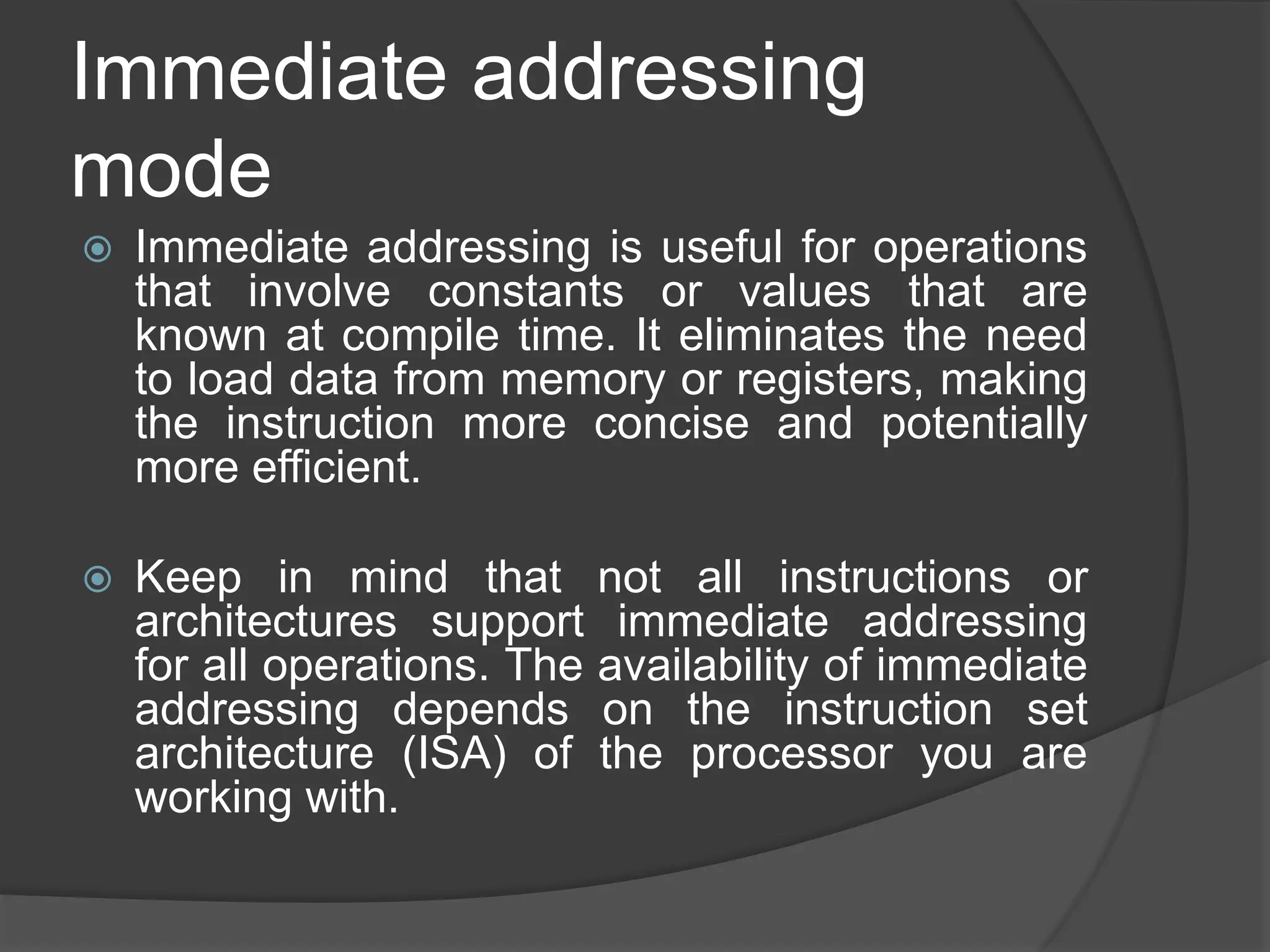
Immediate addressing
mode
 Immediate addressing is useful for operations
that involve constants or values that are
known at compile time. It eliminates the need
to load data from memory or registers, making
the instruction more concise and potentially
more efficient.
 Keep in mind that not all instructions or
architectures support immediate addressing
for all operations. The availability of immediate
addressing depends on the instruction set
architecture (ISA) of the processor you are
working with.
Direct addressing mode
 in direct addressing, the operand's
address is explicitly specified in the
instruction. Instead of providing the
actual data value (as in immediate
addressing), you provide the location or
address where the data can be found in
memory.
MOV AX, [1234]
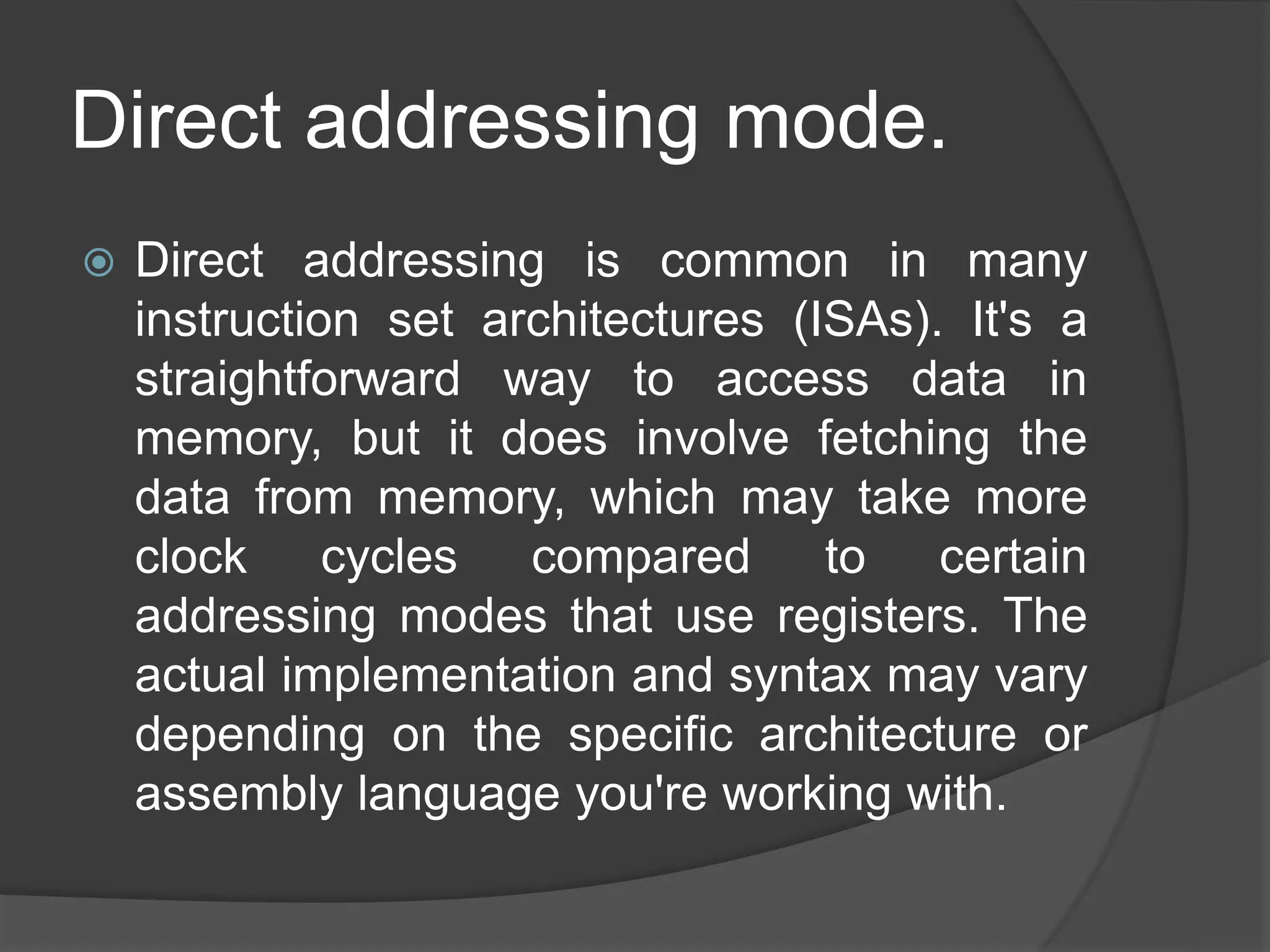
Direct addressing mode.
 Direct addressing is common in many
instruction set architectures (ISAs). It's a
straightforward way to access data in
memory, but it does involve fetching the
data from memory, which may take more
clock cycles compared to certain
addressing modes that use registers. The
actual implementation and syntax may vary
depending on the specific architecture or
assembly language you're working with.
Indirect addressing mode
 In indirect addressing, the operand's
address is not specified directly in the
instruction. Instead, the instruction
contains a reference to the address
where the actual address of the operand
is stored.
MOV AX, [BX]
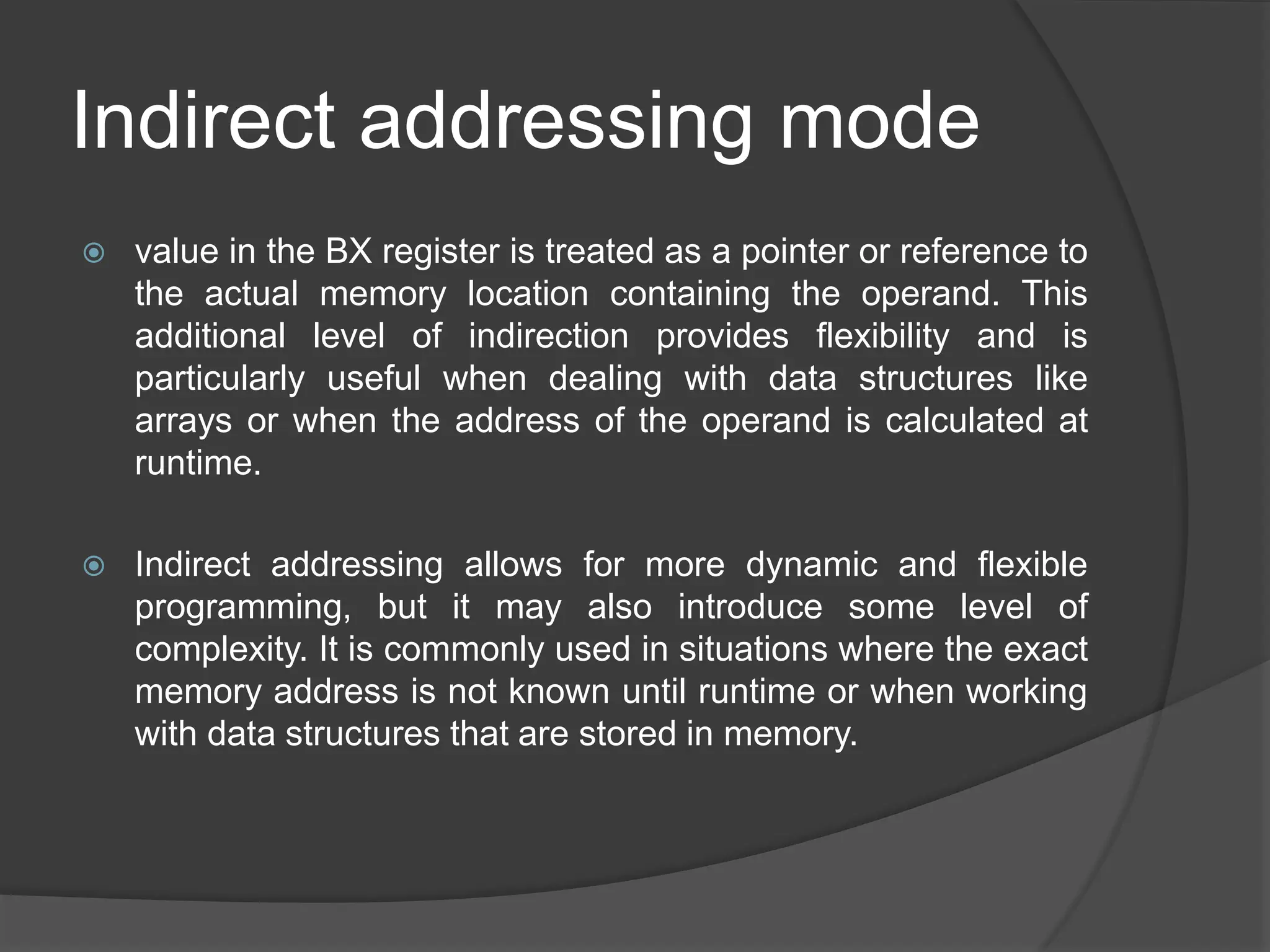
Indirect addressing mode
 value in the BX register is treated as a pointer or reference to
the actual memory location containing the operand. This
additional level of indirection provides flexibility and is
particularly useful when dealing with data structures like
arrays or when the address of the operand is calculated at
runtime.
 Indirect addressing allows for more dynamic and flexible
programming, but it may also introduce some level of
complexity. It is commonly used in situations where the exact
memory address is not known until runtime or when working
with data structures that are stored in memory.
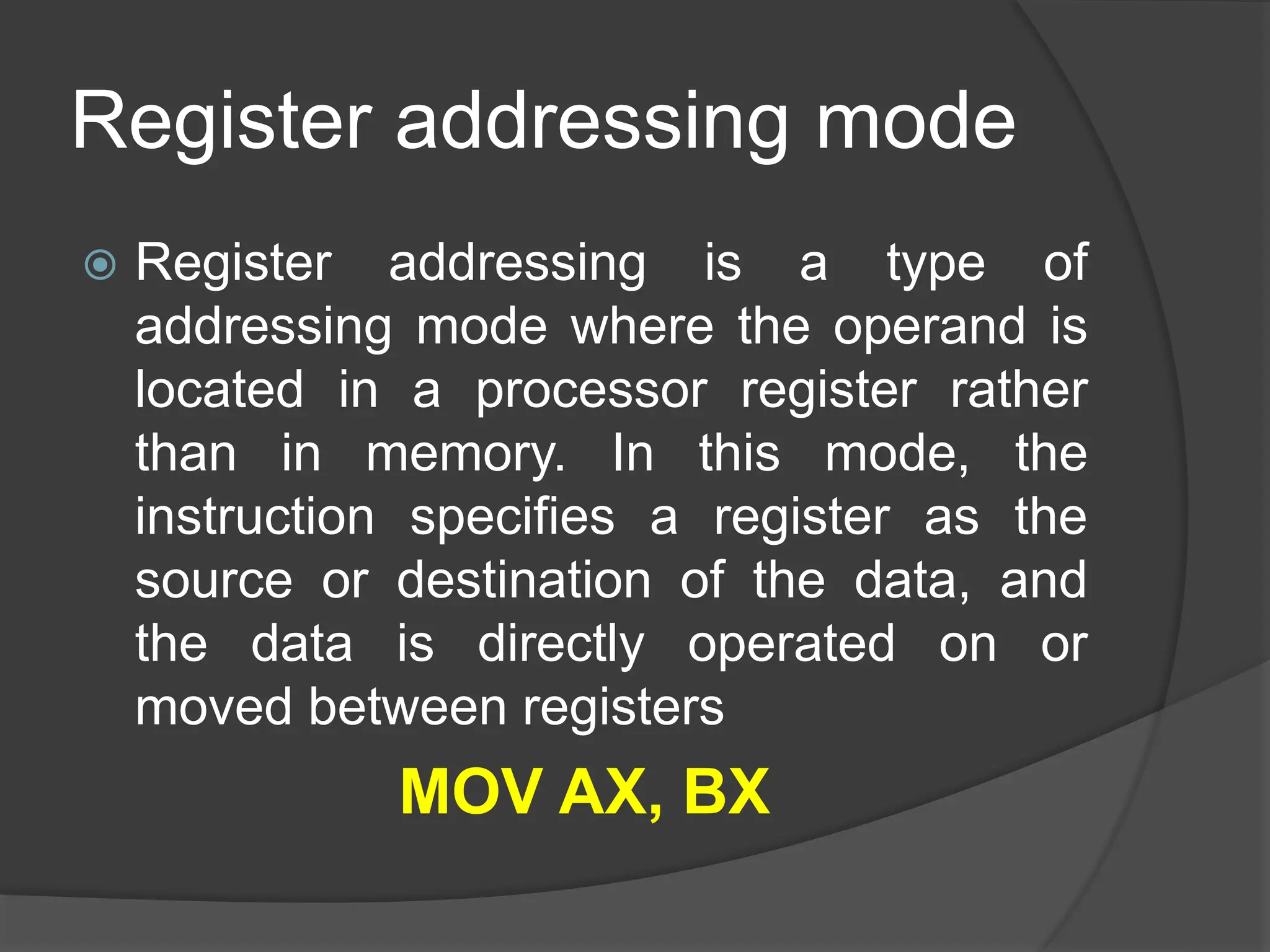
Register addressing mode
 Register addressing is a type of
addressing mode where the operand is
located in a processor register rather
than in memory. In this mode, the
instruction specifies a register as the
source or destination of the data, and
the data is directly operated on or
moved between registers
MOV AX, BX
Register addressing mode
Key points about register addressing:
 Speed: Accessing data from registers is generally faster
than accessing data from memory. Registers are located
within the CPU and are used for fast data manipulation.
 Limited Capacity: Registers have limited capacity
compared to the amount of data that can be stored in
memory. Therefore, register addressing is suitable for
operations involving a small amount of data.
 No Memory Overhead: Since the data is directly in
registers, there is no need to specify memory addresses,
which can make the instruction shorter and potentially
improve instruction throughput.
indirect Register addressing
mode
 Indirect register addressing is a variation
of register addressing where the
operand's address is stored in a register.
Instead of directly specifying the
operand value in the instruction, you use
a register to hold the address of the
operand in memory. This adds a level of
indirection and flexibility to the
addressing mode.
MOV AX, [BX]
indirect Register addressing
mode
Key points about indirect register addressing:
 Flexibility: Indirect addressing with registers allows for more
dynamic and flexible programming. The address stored in the
register can be calculated or modified at runtime.
 Memory Access: While the address is stored in a register, the
actual data is still in memory. This allows for dynamic access to
data structures or arrays.
 Here's an example that illustrates the flexibility of indirect
register addressing:
 MOV BX, 1000 ; Assume BX is the address of an array
 MOV AX, [BX] ; Load the value at the address stored in BX
into AX
Next Lecture
 PCI Bus organization and architecture
 Typical desktop system
 Typical server system
 PCI Commands

Lec 10 Assembly Language in computer organization and Assembly language .pptx

  • 2.
    Mudassar Sharif(Lecturer) MS inComputer Science, Riphah International University, Faisalabad Email: Mudasser.sharif53@gmail.com Barani Institute of Sciences, (Sahiwal Campus)
  • 3.
  • 4.
    Outline:  Understanding Instructionsand Addressing Modes  Subtitle: An Exploration of Computer Instructions and Addressing Modes
  • 5.
    Instruction:  In thecontext of computing, an instruction refers to a specific operation or command given to a computer's central processing unit (CPU) to perform a particular task. Instructions are part of machine code, which is the low-level programming language that directly corresponds to the binary code that a computer's CPU can execute.
  • 6.
    Instruction:  Each instructionrepresents a fundamental operation, such as arithmetic calculations, data movement, or control flow, and is encoded in binary form. A sequence of instructions forms a program, and the CPU executes these instructions in order to carry out the desired computational tasks. Instructions are a crucial component of computer programs and play a central role in the functioning of a computer system.
  • 7.
    Importance of instructions Execution of Tasks: Instructions form the basic building blocks of a computer program. Each instruction represents a specific operation that the computer's central processing unit (CPU) can execute. By following a sequence of instructions, a computer can perform a wide range of tasks, from simple arithmetic calculations to complex data manipulations.  Program Execution: A program is essentially a set of instructions that directs the computer on how to perform a particular task or a series of tasks. Without instructions, there would be no guidance for the computer to follow, and programs would not be able to execute.
  • 8.
    Importance of instructions Control Flow: Instructions include control flow operations, such as branching and looping, which determine the flow of execution within a program. These operations allow programs to make decisions, repeat certain tasks, and respond to different conditions during runtime.  Data Processing: Instructions facilitate the manipulation and processing of data. Arithmetic and logical instructions enable the computer to perform calculations, comparisons, and other operations on data, allowing for the implementation of algorithms and the processing of information.
  • 9.
    Importance of instructions Communication with Hardware: Instructions are essential for interacting with hardware components. Input and output instructions, for example, enable the transfer of data between the computer and external devices, such as keyboards, displays, and storage devices.  Efficiency: Different instructions have varying execution times and resource requirements. Efficient programming involves choosing the most appropriate instructions to optimize the performance of a program. Understanding the characteristics of instructions helps in writing code that executes quickly and uses system resources efficiently.
  • 10.
    Importance of instructions Architecture Compatibility: Instructions are designed to be compatible with the underlying hardware architecture. Software developers write programs using a specific set of instructions that are supported by the computer's CPU architecture. This compatibility ensures that programs can run on specific hardware platforms.  Low-Level Interaction: Instructions operate at a low level of abstraction, directly manipulating the hardware components of the computer. While high-level programming languages provide abstraction for easier coding, the instructions are what the computer ultimately executes.
  • 11.
    Types of instructions: Arithmetic Instructions: Addition (ADD): Adds two values. Subtraction (SUB): Subtracts one value from another. Multiplication (MUL): Multiplies two values. Division (DIV): Divides one value by another.  Logical Instructions: AND: Performs a bitwise AND operation. OR: Performs a bitwise OR operation. XOR: Performs a bitwise exclusive OR operation. NOT: Inverts the bits of a value.
  • 12.
    Types of instructions: Data Transfer Instructions: Move (MOV): Transfers data from one location to another. Load (LD): Loads data from memory into a register. Store (ST): Stores data from a register into memory.  Control Transfer Instructions: Jump (JMP): Unconditionally transfers control to another part of the program. Branch (BR): Transfers control based on a specified condition. Call (CALL): Invokes a subroutine or function. Return (RET): Returns control from a subroutine.
  • 13.
    Types of instructions: Comparison Instructions:  Compare (CMP): Compares two values without modifying them.  Test (TEST): Performs bitwise AND for testing purposes.  Shift and Rotate Instructions:  Shift Left (SHL) / Shift Right (SHR): Shifts bits left or right.  Rotate Left (ROL) / Rotate Right (ROR): Rotates bits left or right.  Floating-Point Instructions:  Floating-Point Add (FADD), Subtract (FSUB), Multiply (FMUL), Divide (FDIV): Perform arithmetic operations on floating-point numbers.  String Instructions:  String Move (MOVS): Moves a block of data from one location to another.  String Compare (CMPS): Compares two strings.
  • 14.
    Types of instructions: Input/Output Instructions:  Input (IN): Reads data from an input port.  Output (OUT): Sends data to an output port.  Miscellaneous Instructions:  NOP (No Operation): No operation is performed.  HLT (Halt): Halts the CPU, stopping further execution.
  • 15.
    Addressing modes  Addressingmodes in computing refer to the various methods used to specify operands for instructions in a computer program. An addressing mode defines how the CPU interprets the operand's address or data location during the execution of an instruction. Different addressing modes provide flexibility in how data is accessed and manipulated, contributing to the versatility of a computer's instruction set architecture.
  • 16.
    Immediate addressing mode  Inthis mode, the operand is specified explicitly in the instruction itself, rather than being located in a register or memory. The operand is usually a constant value or an immediate data value. MOV AX, 5
  • 17.
    Immediate addressing mode  Immediateaddressing is useful for operations that involve constants or values that are known at compile time. It eliminates the need to load data from memory or registers, making the instruction more concise and potentially more efficient.  Keep in mind that not all instructions or architectures support immediate addressing for all operations. The availability of immediate addressing depends on the instruction set architecture (ISA) of the processor you are working with.
  • 18.
    Direct addressing mode in direct addressing, the operand's address is explicitly specified in the instruction. Instead of providing the actual data value (as in immediate addressing), you provide the location or address where the data can be found in memory. MOV AX, [1234]
  • 19.
    Direct addressing mode. Direct addressing is common in many instruction set architectures (ISAs). It's a straightforward way to access data in memory, but it does involve fetching the data from memory, which may take more clock cycles compared to certain addressing modes that use registers. The actual implementation and syntax may vary depending on the specific architecture or assembly language you're working with.
  • 20.
    Indirect addressing mode In indirect addressing, the operand's address is not specified directly in the instruction. Instead, the instruction contains a reference to the address where the actual address of the operand is stored. MOV AX, [BX]
  • 21.
    Indirect addressing mode value in the BX register is treated as a pointer or reference to the actual memory location containing the operand. This additional level of indirection provides flexibility and is particularly useful when dealing with data structures like arrays or when the address of the operand is calculated at runtime.  Indirect addressing allows for more dynamic and flexible programming, but it may also introduce some level of complexity. It is commonly used in situations where the exact memory address is not known until runtime or when working with data structures that are stored in memory.
  • 22.
    Register addressing mode Register addressing is a type of addressing mode where the operand is located in a processor register rather than in memory. In this mode, the instruction specifies a register as the source or destination of the data, and the data is directly operated on or moved between registers MOV AX, BX
  • 23.
    Register addressing mode Keypoints about register addressing:  Speed: Accessing data from registers is generally faster than accessing data from memory. Registers are located within the CPU and are used for fast data manipulation.  Limited Capacity: Registers have limited capacity compared to the amount of data that can be stored in memory. Therefore, register addressing is suitable for operations involving a small amount of data.  No Memory Overhead: Since the data is directly in registers, there is no need to specify memory addresses, which can make the instruction shorter and potentially improve instruction throughput.
  • 24.
    indirect Register addressing mode Indirect register addressing is a variation of register addressing where the operand's address is stored in a register. Instead of directly specifying the operand value in the instruction, you use a register to hold the address of the operand in memory. This adds a level of indirection and flexibility to the addressing mode. MOV AX, [BX]
  • 25.
    indirect Register addressing mode Keypoints about indirect register addressing:  Flexibility: Indirect addressing with registers allows for more dynamic and flexible programming. The address stored in the register can be calculated or modified at runtime.  Memory Access: While the address is stored in a register, the actual data is still in memory. This allows for dynamic access to data structures or arrays.  Here's an example that illustrates the flexibility of indirect register addressing:  MOV BX, 1000 ; Assume BX is the address of an array  MOV AX, [BX] ; Load the value at the address stored in BX into AX
  • 26.
    Next Lecture  PCIBus organization and architecture  Typical desktop system  Typical server system  PCI Commands