LCTE Fall Conference 
October 19, 2012 
Lafayette, Louisiana
I am, Valerie Burton, an AP Literature and 
English IV teacher from New Orleans, 
LA. 
I currently teach at West Jefferson High 
School. I look for any and all 
opportunities to integrate technology 
into my lessons.
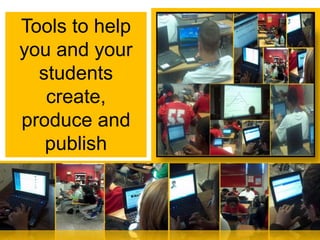
Tools to help 
you and your 
students 
create, 
produce and 
publish
1. Google Docs for collaboration, Google Forms to gather 
information 
2. Weebly.com for ePortfolios and easy websites 
3. Wordle.net for avatars, presentations and prior knowledge 
assessment 
4. Kidblog.org for student blogs 
5. Wordpress.com for an assignment blog 
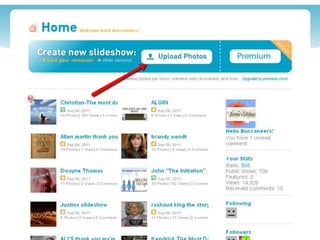
6. Photopeach.com for photomovies 
7. Twitter.com for updates 
8. PBWorks.com to create on online classroom 
9. Wallwisher.com to gather ideas and other online tools 

Tools that we will investigate
http://docs.google.com 
How to video
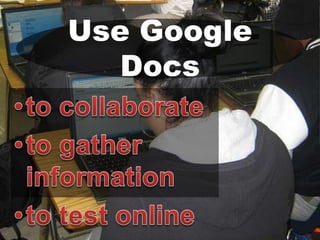
Use Google 
Docs
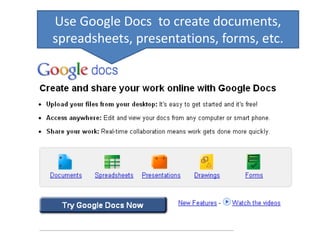
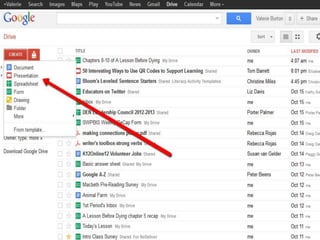
Use Google Docs to create documents, 
spreadsheets, presentations, forms, etc.
How I 
use…
Google Docs for collaboration and to 
gather information 
– Peer Editing – assign students to writing 
groups and they share and revise each 
other’s work. 
– Forms – have students complete surveys for 
pre/postreading assignments 
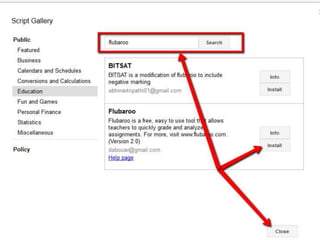
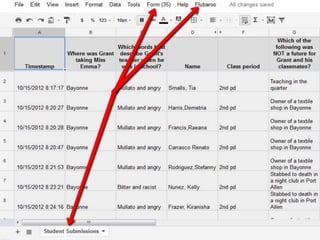
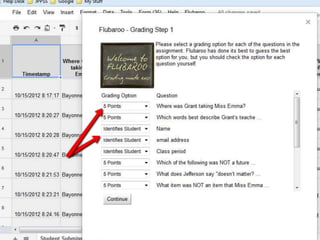
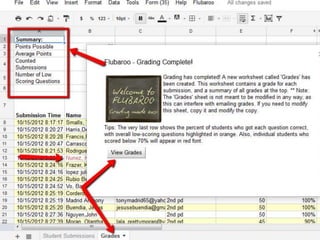
– Tests – create multiple choice tests that can 
be graded by Flubaroo 
– Share information – share a document as a 
webpage
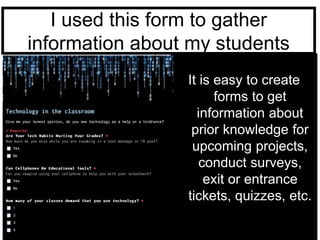
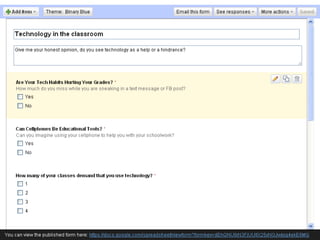
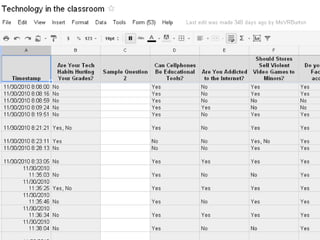
I used this form to gather 
information about my students 
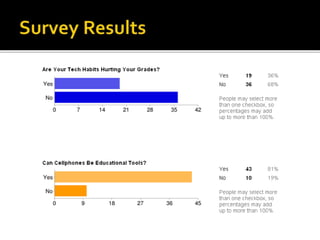
It is easy to create 
forms to get 
information about 
prior knowledge for 
upcoming projects, 
conduct surveys, 
exit or entrance 
tickets, quizzes, etc.
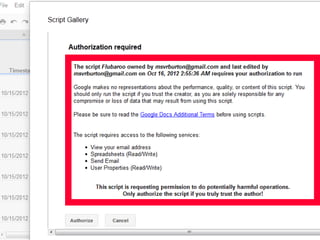
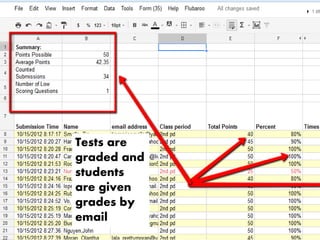
Tests are 
graded and 
students 
are given 
grades by 
email
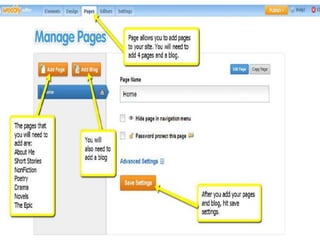
http://www.weebly.com/ 
A quick How To video
How I 
use…
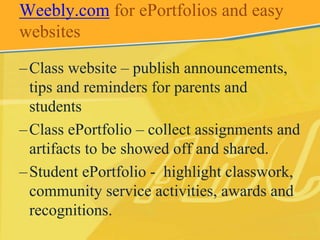
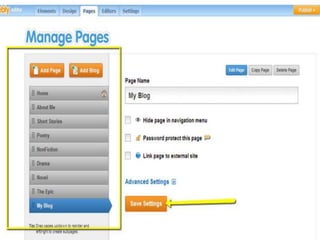
Weebly.com for ePortfolios and easy 
websites 
– Class website – publish announcements, 
tips and reminders for parents and 
students 
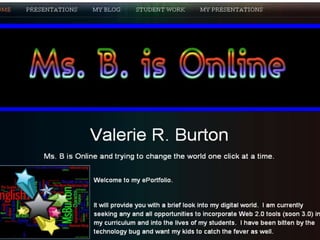
– Class ePortfolio – collect assignments and 
artifacts to be showed off and shared. 
– Student ePortfolio - highlight classwork, 
community service activities, awards and 
recognitions.
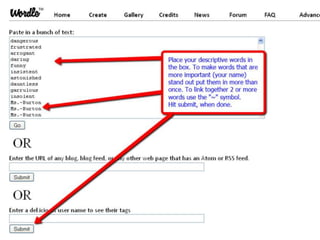
http://www.wordle.net/ 
A quick How To video
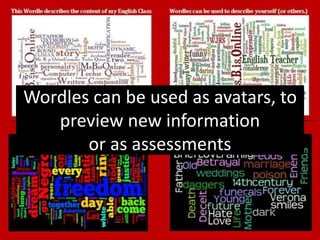
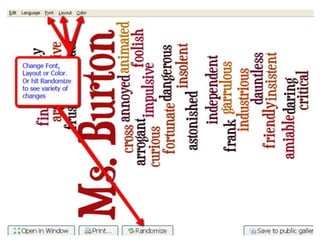
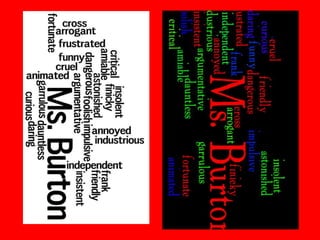
Wordles can be used as avatars, to 
preview new information 
or as assessments
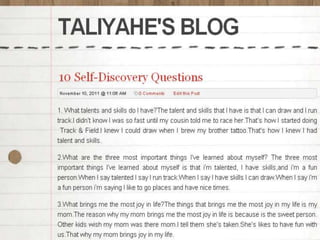
http://kidblog.org/ 
A quick How To video
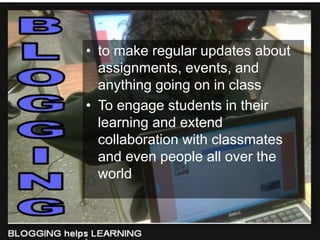
• to make regular updates about 
assignments, events, and 
anything going on in class 
• To engage students in their 
learning and extend 
collaboration with classmates 
and even people all over the 
world
How I 
use…
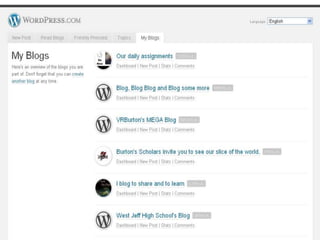
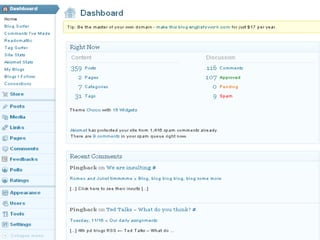
http://wordpress.com/
for an 
assignment 
blog
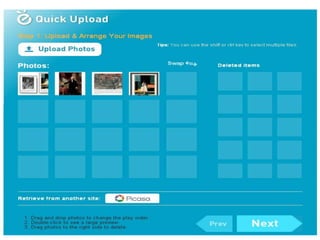
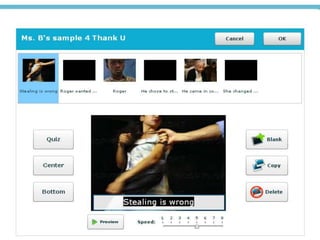
http://photopeach.com/ 
How to video
How I 
use…
http://twitter.com/ 
How to video
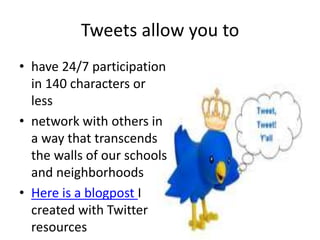
Tweets allow you to 
• have 24/7 participation 
in 140 characters or 
less 
• network with others in 
a way that transcends 
the walls of our schools 
and neighborhoods 
• Here is a blogpost I 
created with Twitter 
resources
http://pbworks.com/ 
How to video
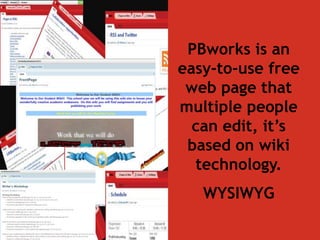
PBworks is an 
easy-to-use free 
web page that 
multiple people 
can edit, it’s 
based on wiki 
technology. 
WYSIWYG
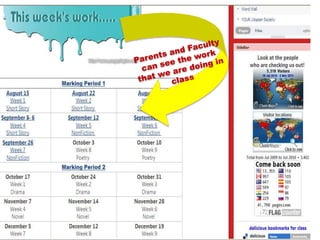
Use PBworks to 
communicate with 
Administrators, 
Faculty, 
Parents and Students
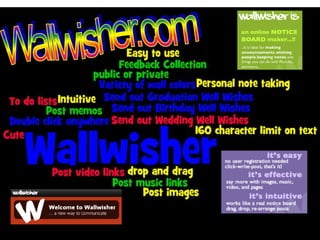
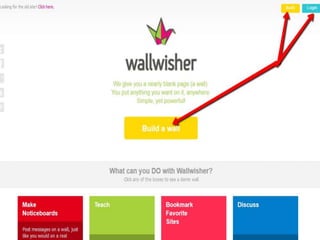
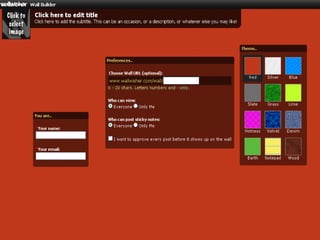
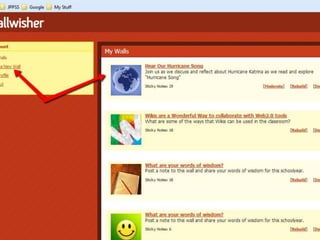
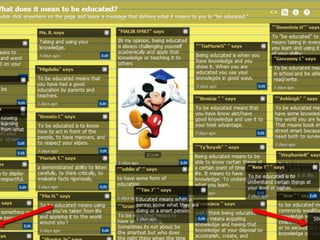
http://www.wallwisher.com/ 
How to video
Tools discussed today 
1. Google Docs for collaboration, Google Forms to 
gather information 
2. Weebly.com for ePortfolios and easy websites 
3. Wordle.net for avatars, presentations and prior 
knowledge assessment 
4. Kidblog.org for student blogs 
5. Wordpress.com for an assignment blog 
6. Photopeach.com for photomovies 
7. Twitter.com for updates 
8. PBWorks.com to create on online classroom 
9. Wallwisher.com to gather ideas and other online 
tools
•Create ways to gather information and results online 
•Create an online class to create and submit assignments 
•Use Twitter to inform parents and students 
•Use Twitter to develop a PLN 
•Use blogs to effectively manage teaching and learning 
•Incorporate new tools into their curriculum 
•Develop student and personal ePortfolios 
•Create PhotoMovie assignments to promote higher critical 
thinking 
•Create Google Forms and Docs to efficiently track 
information"
Did I accomplish my objectives? 
If not, you can find me and my resources at … 
• Email: MsVRBurton@gmail.com 
• Personal eCard: http://about.me/VRBurton 
• PLN Blog: 
http://2blog2share2learn.edublogs.org/ 
• Presenter Site: 
http://msbisonline.weebly.com/ 
• Class Blog : http://msvrburton.edublogs.org/ 
• Twitter : @MsBisOnline 
• http://twitter.com/MsBisOnline
LCTE tech tools
LCTE tech tools

LCTE tech tools

  • 1.
    LCTE Fall Conference October 19, 2012 Lafayette, Louisiana
  • 2.
    I am, ValerieBurton, an AP Literature and English IV teacher from New Orleans, LA. I currently teach at West Jefferson High School. I look for any and all opportunities to integrate technology into my lessons.
  • 3.
    Tools to help you and your students create, produce and publish
  • 4.
    1. Google Docsfor collaboration, Google Forms to gather information 2. Weebly.com for ePortfolios and easy websites 3. Wordle.net for avatars, presentations and prior knowledge assessment 4. Kidblog.org for student blogs 5. Wordpress.com for an assignment blog 6. Photopeach.com for photomovies 7. Twitter.com for updates 8. PBWorks.com to create on online classroom 9. Wallwisher.com to gather ideas and other online tools Tools that we will investigate
  • 5.
  • 6.
  • 7.
    Use Google Docsto create documents, spreadsheets, presentations, forms, etc.
  • 8.
  • 9.
    Google Docs forcollaboration and to gather information – Peer Editing – assign students to writing groups and they share and revise each other’s work. – Forms – have students complete surveys for pre/postreading assignments – Tests – create multiple choice tests that can be graded by Flubaroo – Share information – share a document as a webpage
  • 11.
    I used thisform to gather information about my students It is easy to create forms to get information about prior knowledge for upcoming projects, conduct surveys, exit or entrance tickets, quizzes, etc.
  • 21.
    Tests are gradedand students are given grades by email
  • 22.
  • 24.
  • 25.
    Weebly.com for ePortfoliosand easy websites – Class website – publish announcements, tips and reminders for parents and students – Class ePortfolio – collect assignments and artifacts to be showed off and shared. – Student ePortfolio - highlight classwork, community service activities, awards and recognitions.
  • 29.
  • 30.
    Wordles can beused as avatars, to preview new information or as assessments
  • 34.
  • 35.
    • to makeregular updates about assignments, events, and anything going on in class • To engage students in their learning and extend collaboration with classmates and even people all over the world
  • 36.
  • 39.
  • 42.
  • 44.
  • 47.
  • 49.
  • 50.
    Tweets allow youto • have 24/7 participation in 140 characters or less • network with others in a way that transcends the walls of our schools and neighborhoods • Here is a blogpost I created with Twitter resources
  • 52.
  • 54.
    PBworks is an easy-to-use free web page that multiple people can edit, it’s based on wiki technology. WYSIWYG
  • 55.
    Use PBworks to communicate with Administrators, Faculty, Parents and Students
  • 58.
  • 64.
    Tools discussed today 1. Google Docs for collaboration, Google Forms to gather information 2. Weebly.com for ePortfolios and easy websites 3. Wordle.net for avatars, presentations and prior knowledge assessment 4. Kidblog.org for student blogs 5. Wordpress.com for an assignment blog 6. Photopeach.com for photomovies 7. Twitter.com for updates 8. PBWorks.com to create on online classroom 9. Wallwisher.com to gather ideas and other online tools
  • 65.
    •Create ways togather information and results online •Create an online class to create and submit assignments •Use Twitter to inform parents and students •Use Twitter to develop a PLN •Use blogs to effectively manage teaching and learning •Incorporate new tools into their curriculum •Develop student and personal ePortfolios •Create PhotoMovie assignments to promote higher critical thinking •Create Google Forms and Docs to efficiently track information"
  • 66.
    Did I accomplishmy objectives? If not, you can find me and my resources at … • Email: MsVRBurton@gmail.com • Personal eCard: http://about.me/VRBurton • PLN Blog: http://2blog2share2learn.edublogs.org/ • Presenter Site: http://msbisonline.weebly.com/ • Class Blog : http://msvrburton.edublogs.org/ • Twitter : @MsBisOnline • http://twitter.com/MsBisOnline