





Webinar
Georgia Diaconescu
Interactive Print Consultant
BEST PRACTICES WEBINAR

WELCOME TO LAYAR
BEST PRACTICES WEBINAR
KEY CHALLENGES
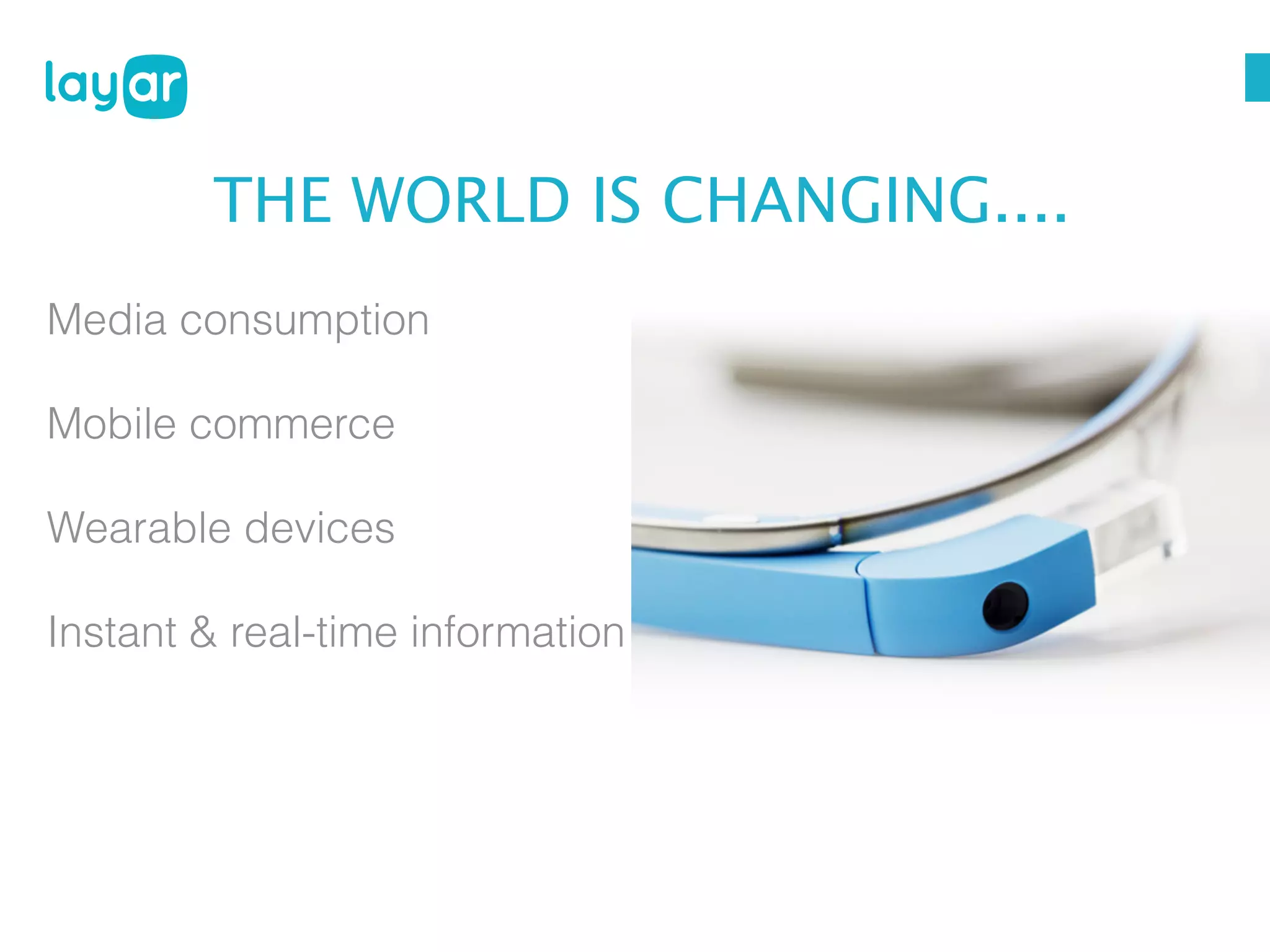
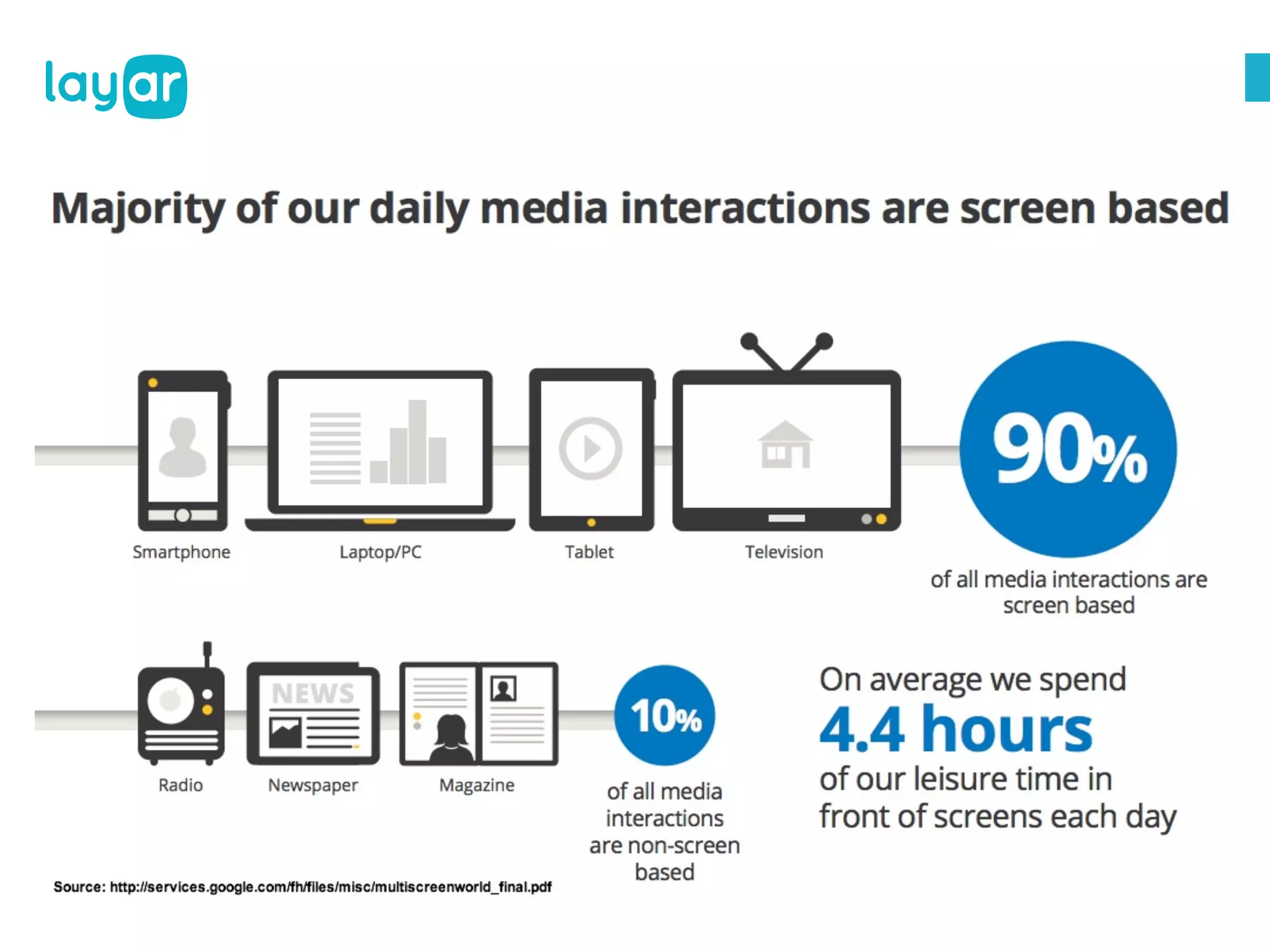
THE WORLD IS CHANGING....
Media consumption
Mobile commerce
Wearable devices
Instant & real-time information
24 uur reclame - Sanoma Lab

NOW WHAT?

© 2013, Layar B.V. STRICTLY Confidential and
Proprietary
Start with print.
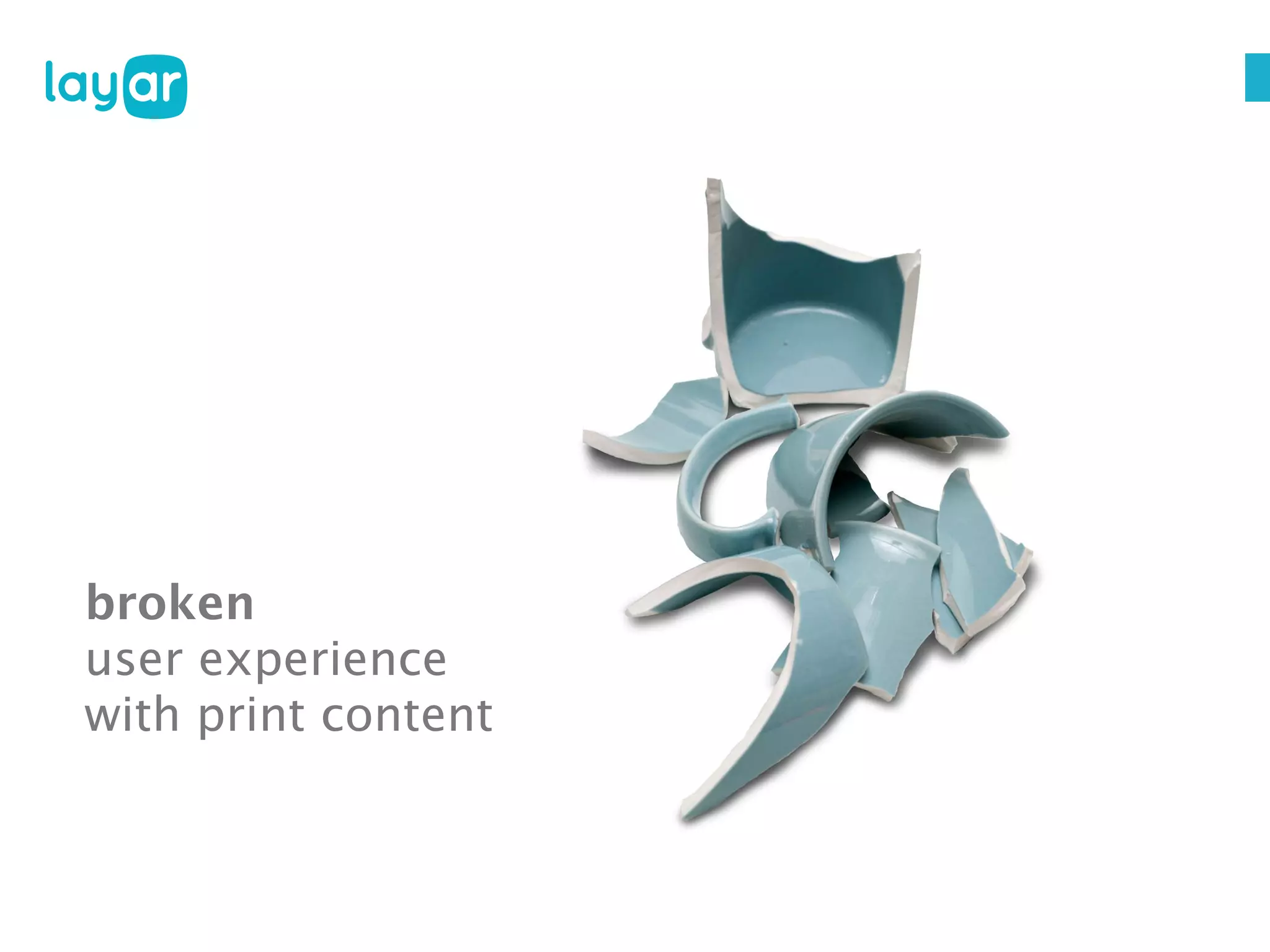
broken
user experience
with print content
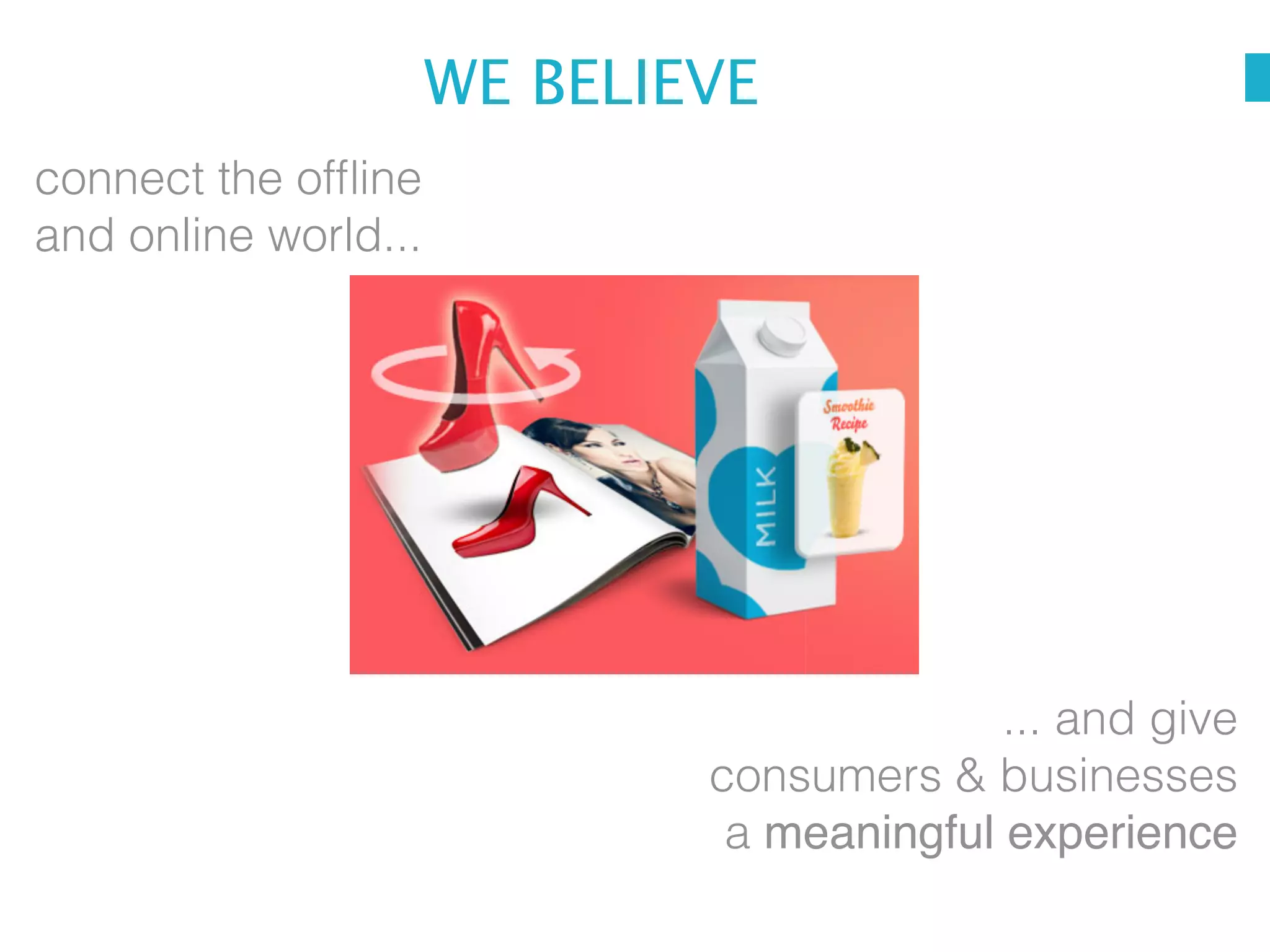
WE BELIEVE
connect the offline
and online world...

... and give
consumers & businesses
a meaningful experience
© 2013, Layar B.V. STRICTLY Confidential and
Proprietary
© 2013, Layar B.V. STRICTLY Confidential and
Proprietary
BEST PRACTICES WEBINAR

GETTING STARTED
BEST PRACTICES WEBINAR

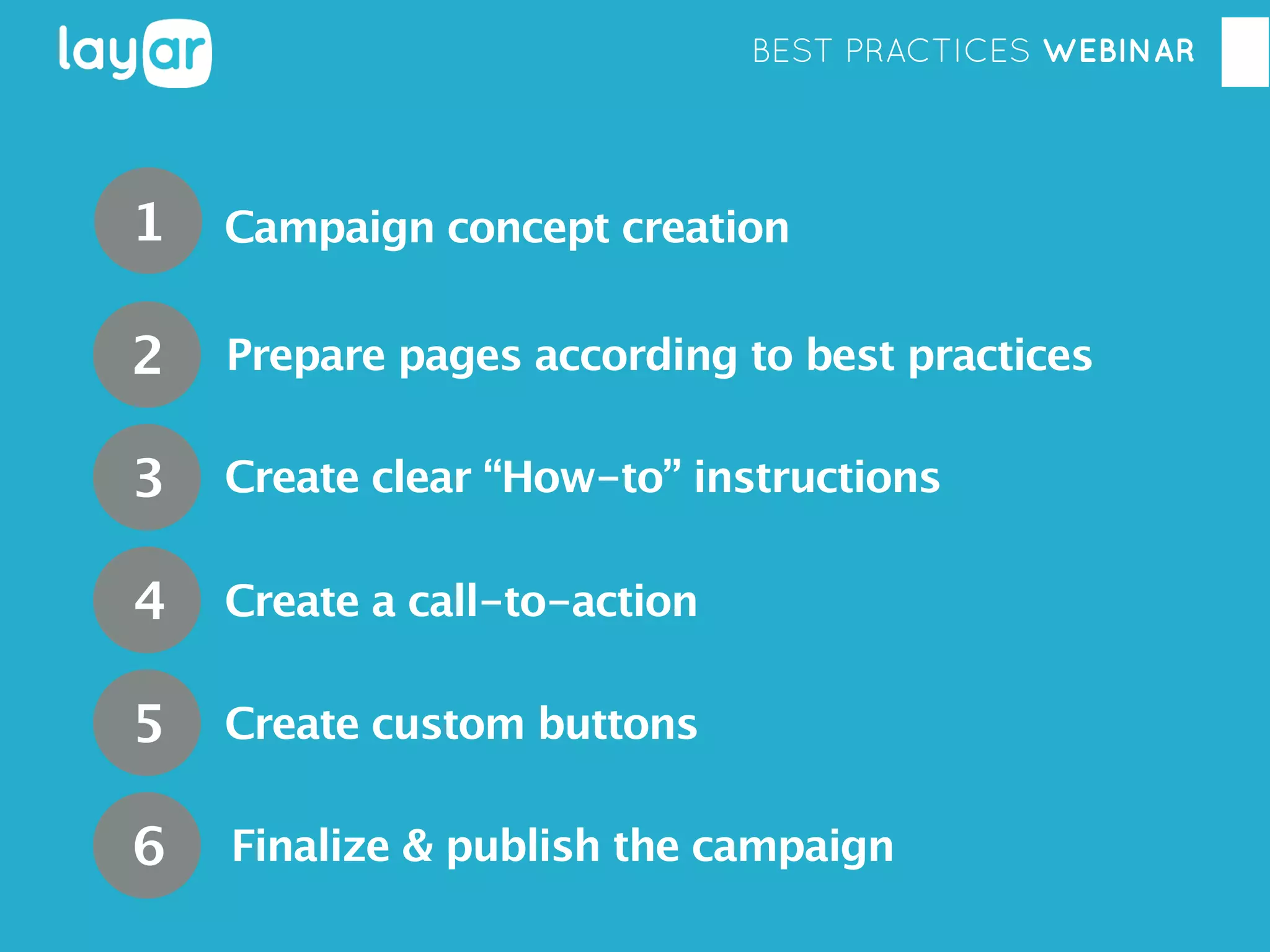
1

Campaign concept creation

2

Prepare pages according to best practices

3

Create clear “How-to” instructions

4

Create a call-to-action

5

Create custom buttons

6

Finalize & publish the campaign
BEST PRACTICES WEBINAR

1 CAMPAIGN CONCEPT CREATION
BEST PRACTICES WEBINAR

In order to make a lasting impression on your readers,
there are a few principles you need to keep in mind
when creating your campaign concept.

SO BEFORE DIVING IN ...
Georgia Diaconescu
Interactive Print Consultant
BEST PRACTICES WEBINAR

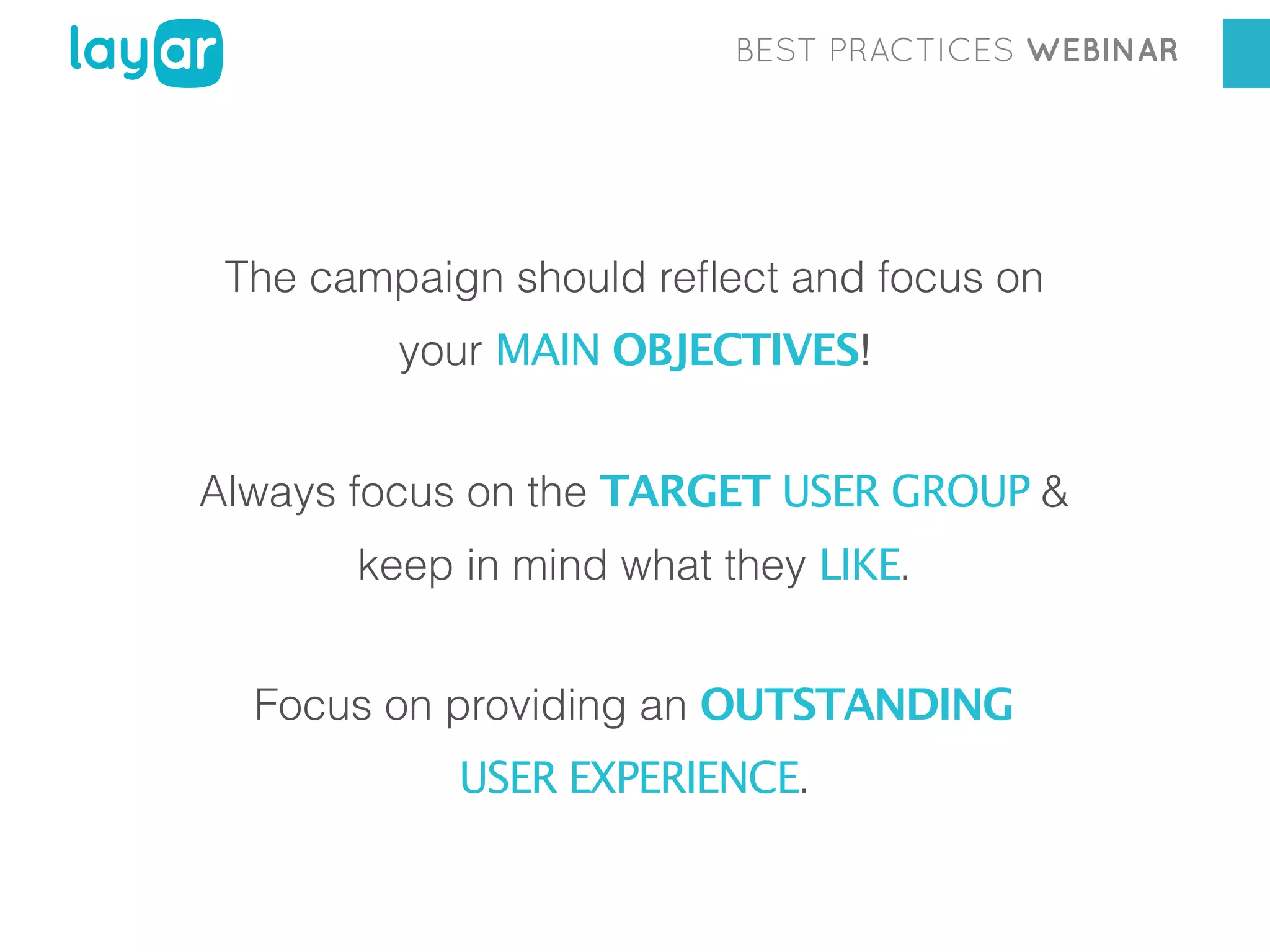
The campaign should reflect and focus on
your MAIN OBJECTIVES!
Always focus on the TARGET USER GROUP &
keep in mind what they LIKE.
Focus on providing an OUTSTANDING
USER EXPERIENCE.
BEST PRACTICES WEBINAR

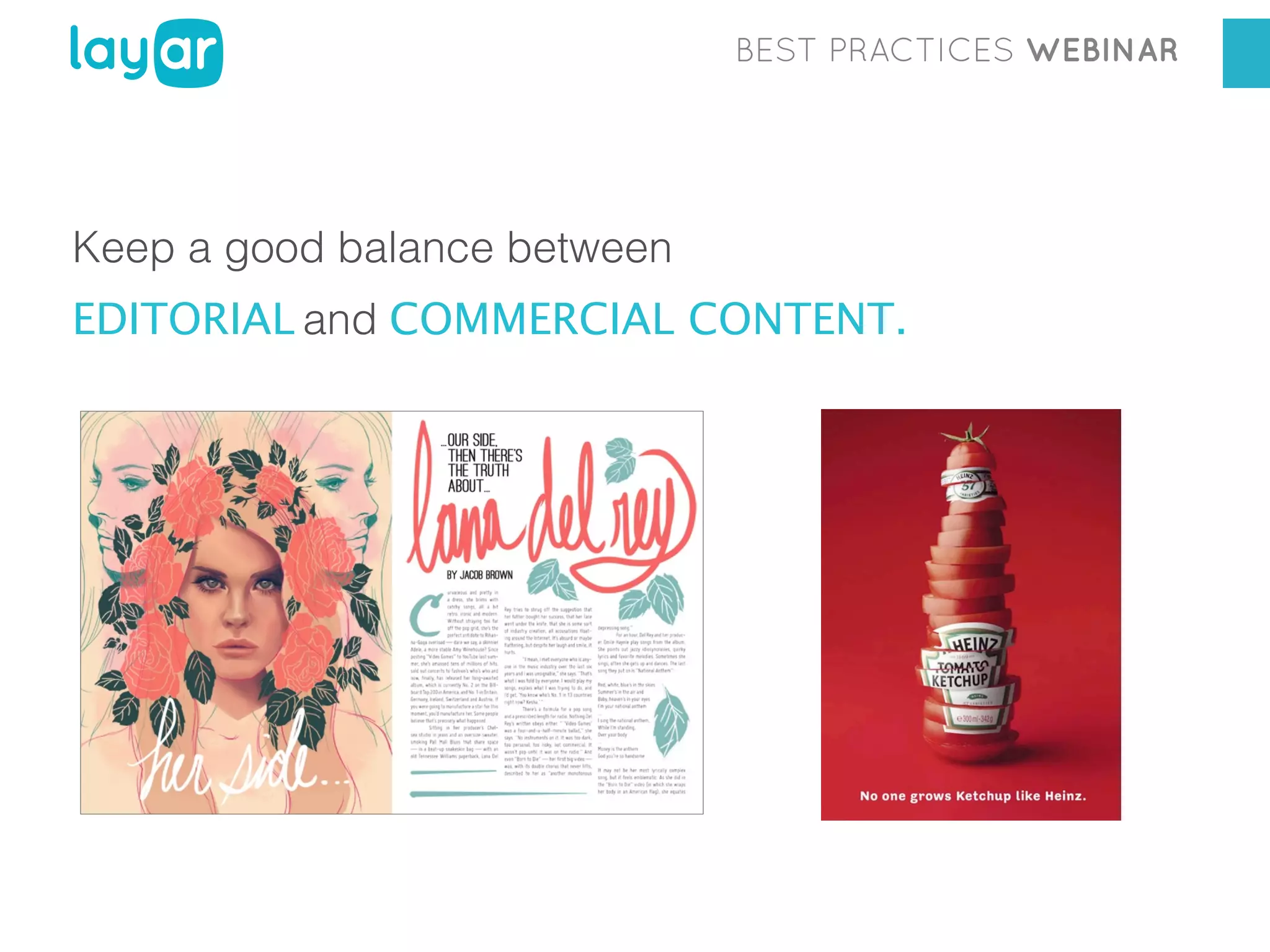
Keep a good balance between
EDITORIAL and COMMERCIAL CONTENT.
BEST PRACTICES WEBINAR

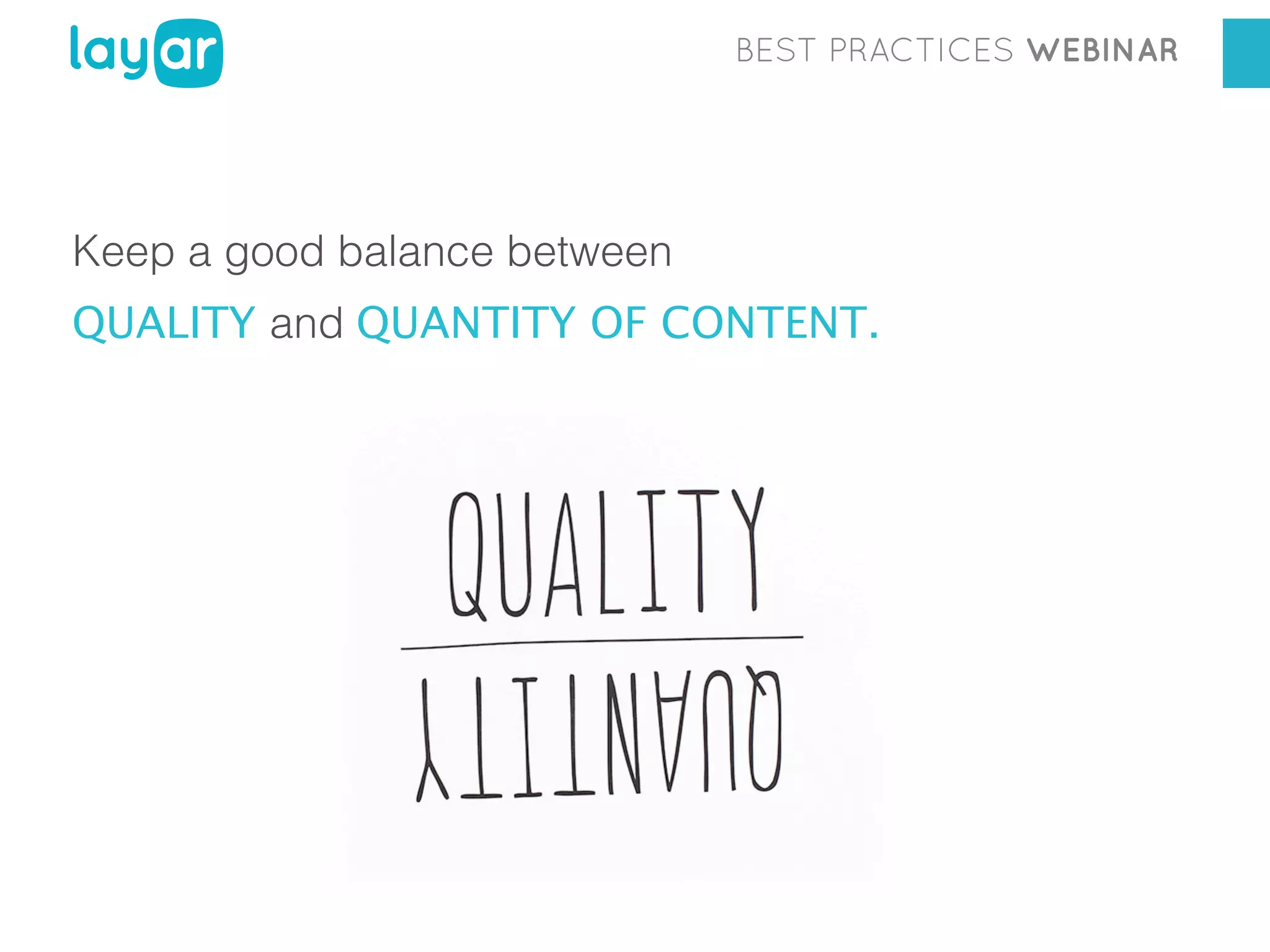
Keep a good balance between
QUALITY and QUANTITY OF CONTENT.
BEST PRACTICES WEBINAR

DO

A few pages with really great, interactive
digital content

DON’T

dull, repetitive content on each page
BEST PRACTICES WEBINAR

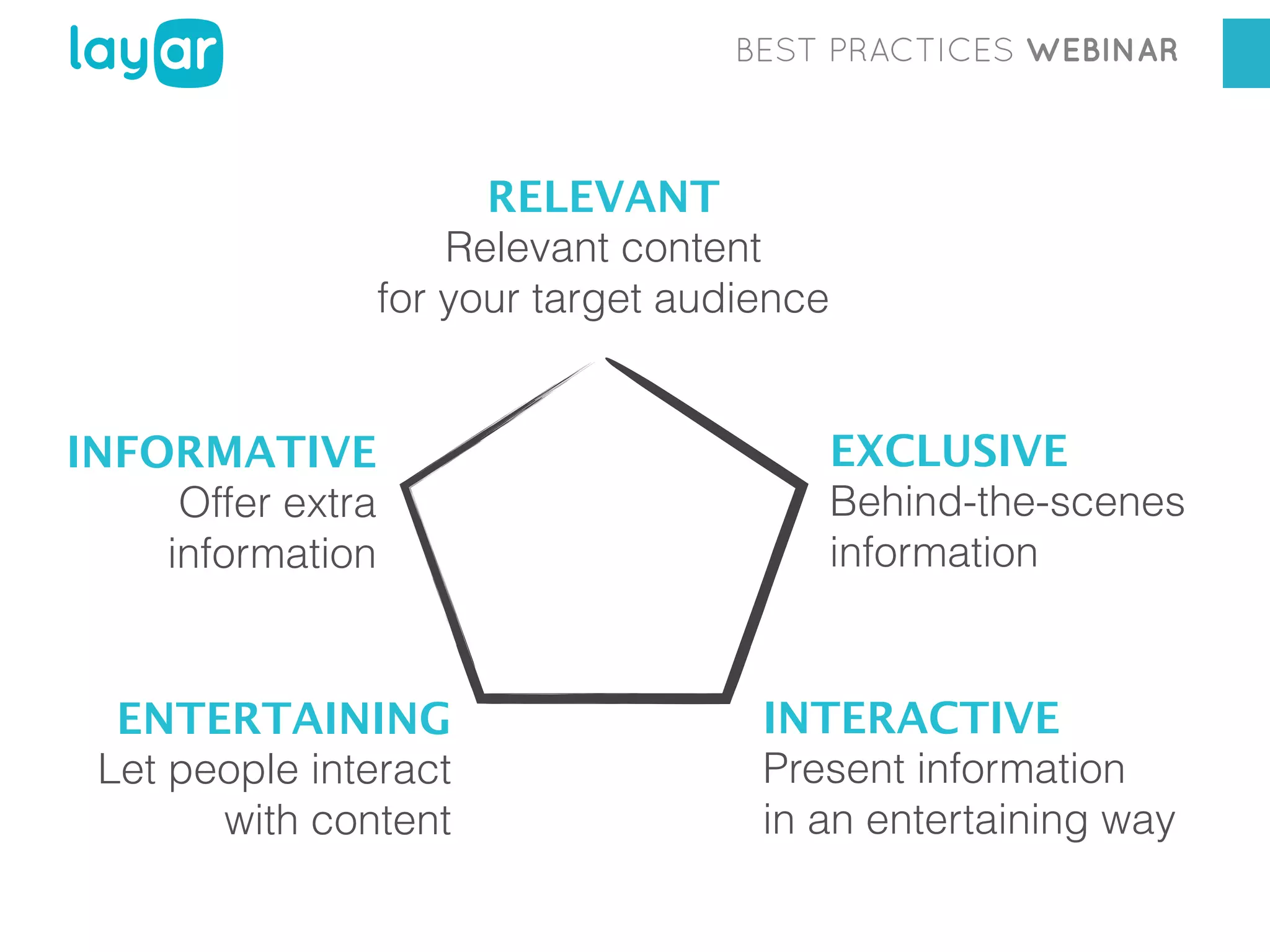
WHAT KIND OF DIGITAL CONTENT?
BEST PRACTICES WEBINAR

RELEVANT
Relevant content
for your target audience
INFORMATIVE
Offer extra
information

ENTERTAINING
Let people interact
with content

EXCLUSIVE
Behind-the-scenes
information

INTERACTIVE
Present information
in an entertaining way
BEST PRACTICES WEBINAR

INTERACTIVE PRINT CONCEPTS
BEST PRACTICES WEBINAR

HIDDEN or INCOMPLETE REALITY
BEST PRACTICES WEBINAR

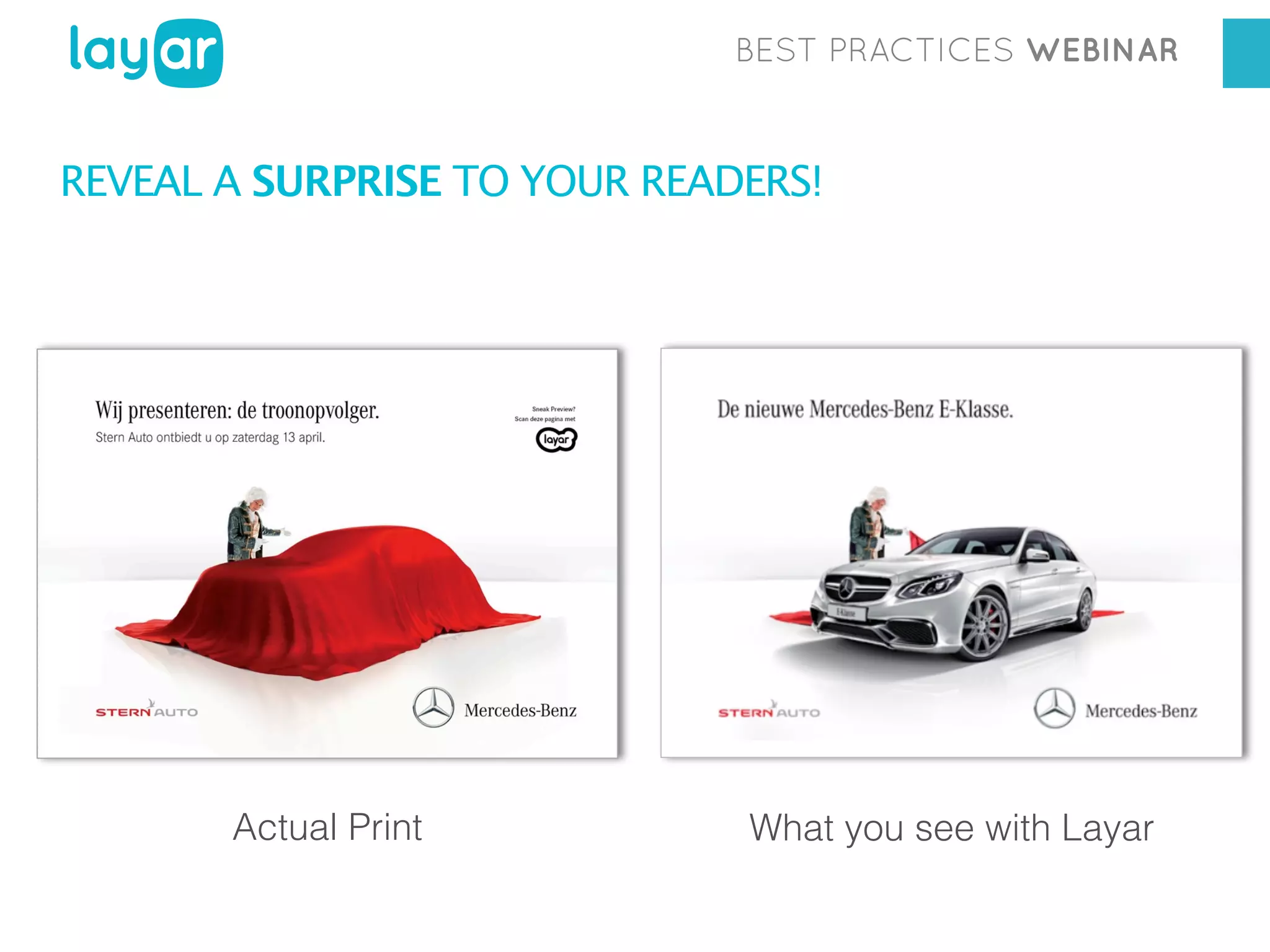
REVEAL A SURPRISE TO YOUR READERS!

Actual Print

What you see with Layar
BEST PRACTICES WEBINAR

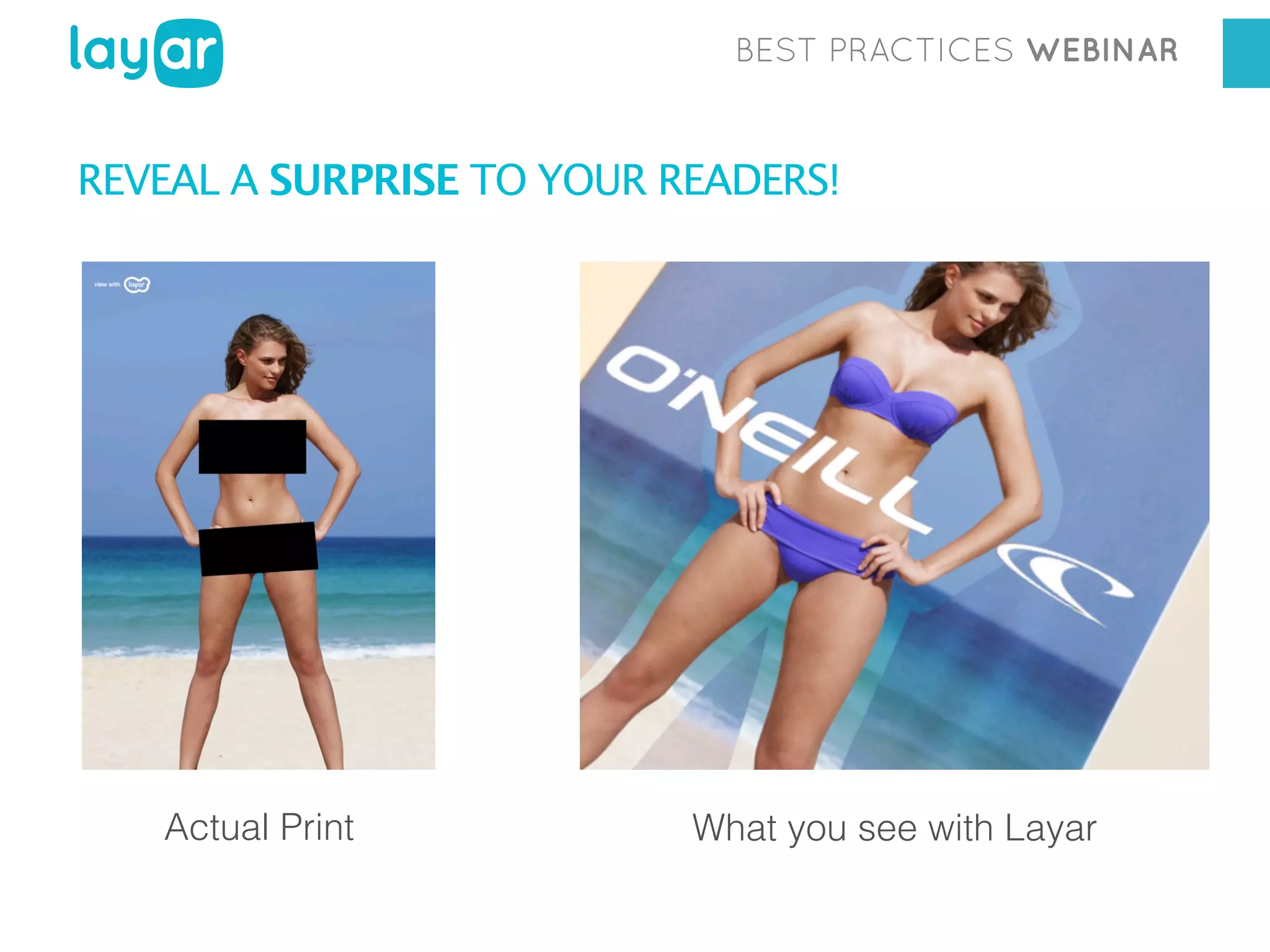
REVEAL A SURPRISE TO YOUR READERS!

Actual Print

What you see with Layar
BEST PRACTICES WEBINAR

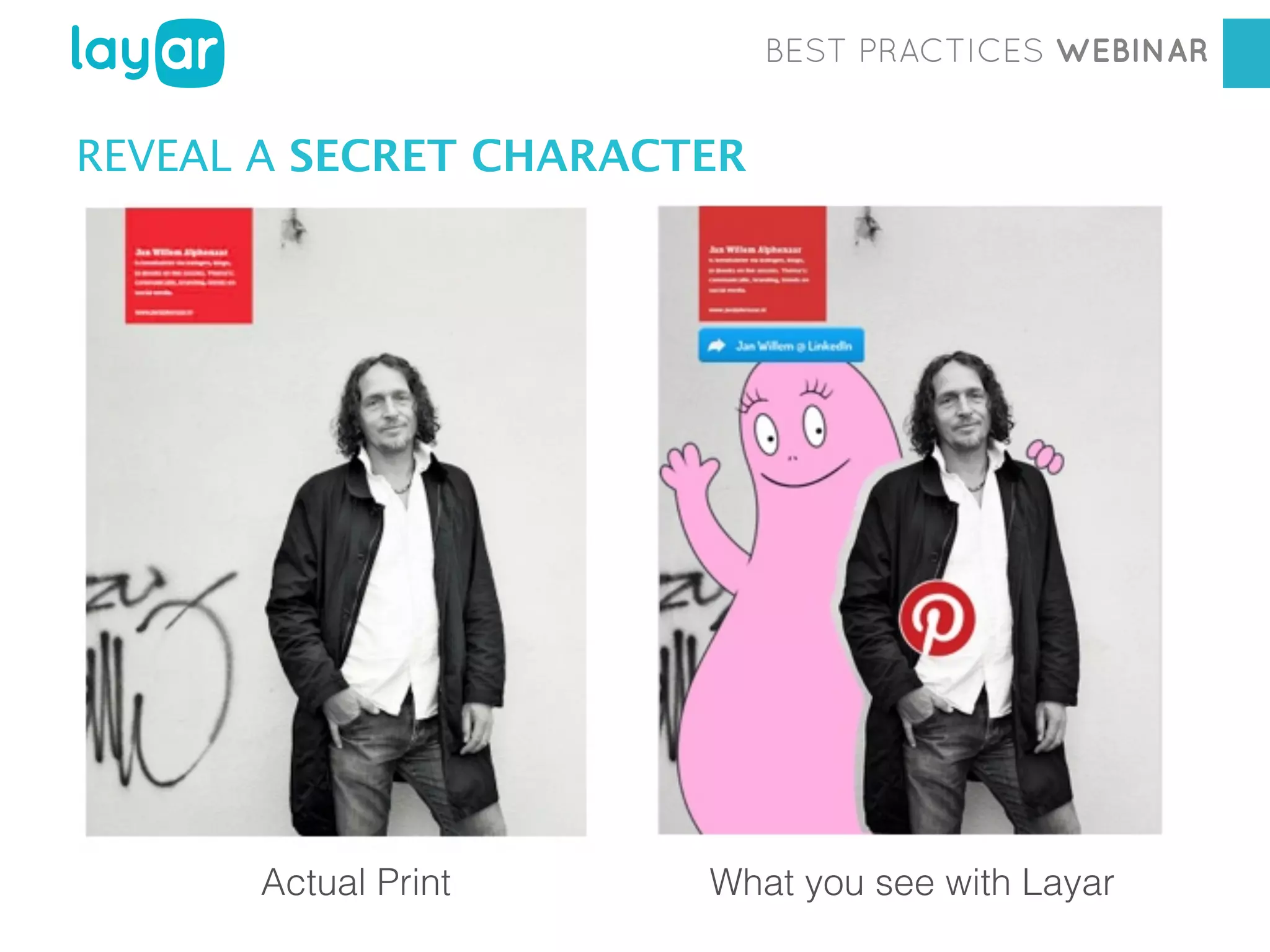
REVEAL A SECRET CHARACTER

Actual Print

Georgia Diaconescu
Interactive Print Consultant
What you see with Layar
BEST PRACTICES WEBINAR

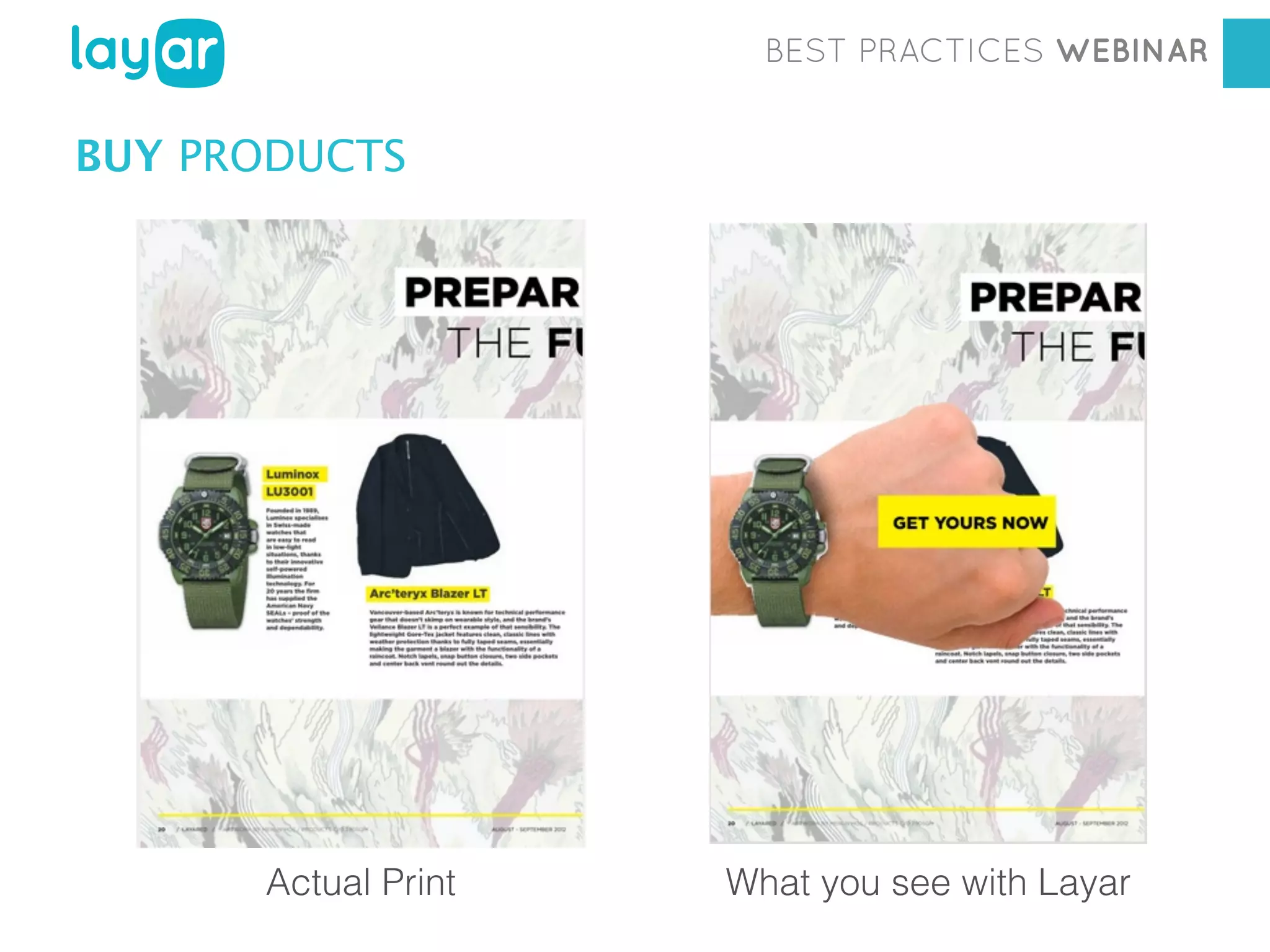
BUY PRODUCTS

Actual Print

Georgia Diaconescu
Interactive Printwith Layar
Consultant
What you see
BEST PRACTICES WEBINAR

SHOPPING EXPERIENCE
BEST PRACTICES WEBINAR

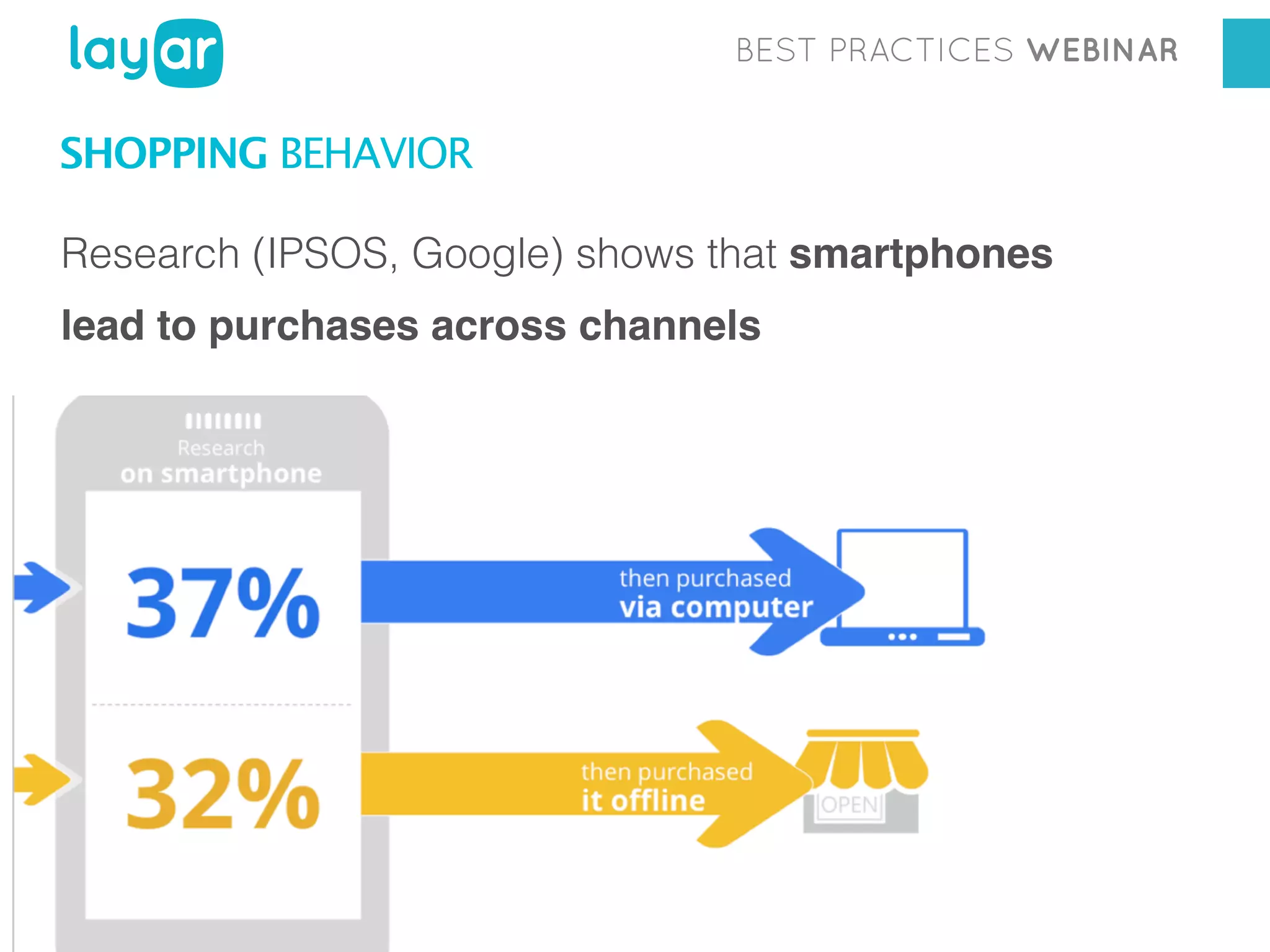
SHOPPING BEHAVIOR
Research (IPSOS, Google) shows that smartphones
lead to purchases across channels
BEST PRACTICES WEBINAR

+

Workshop

Georgia Diaconescu
Interactive Print Consultant
BEST PRACTICES WEBINAR

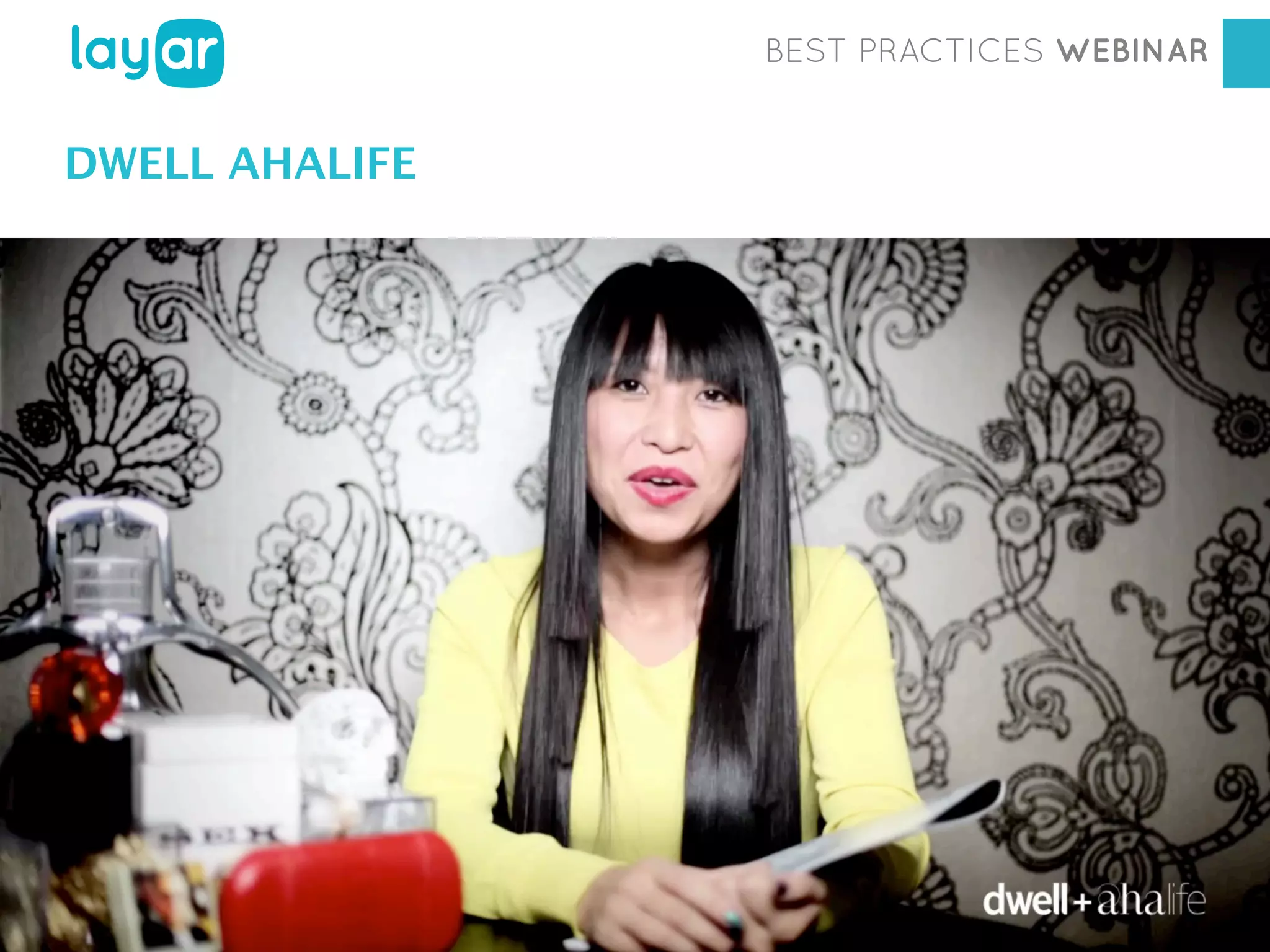
DWELL AHALIFE

Workshop
Georgia Diaconescu
Interactive Print Consultant
BEST PRACTICES WEBINAR

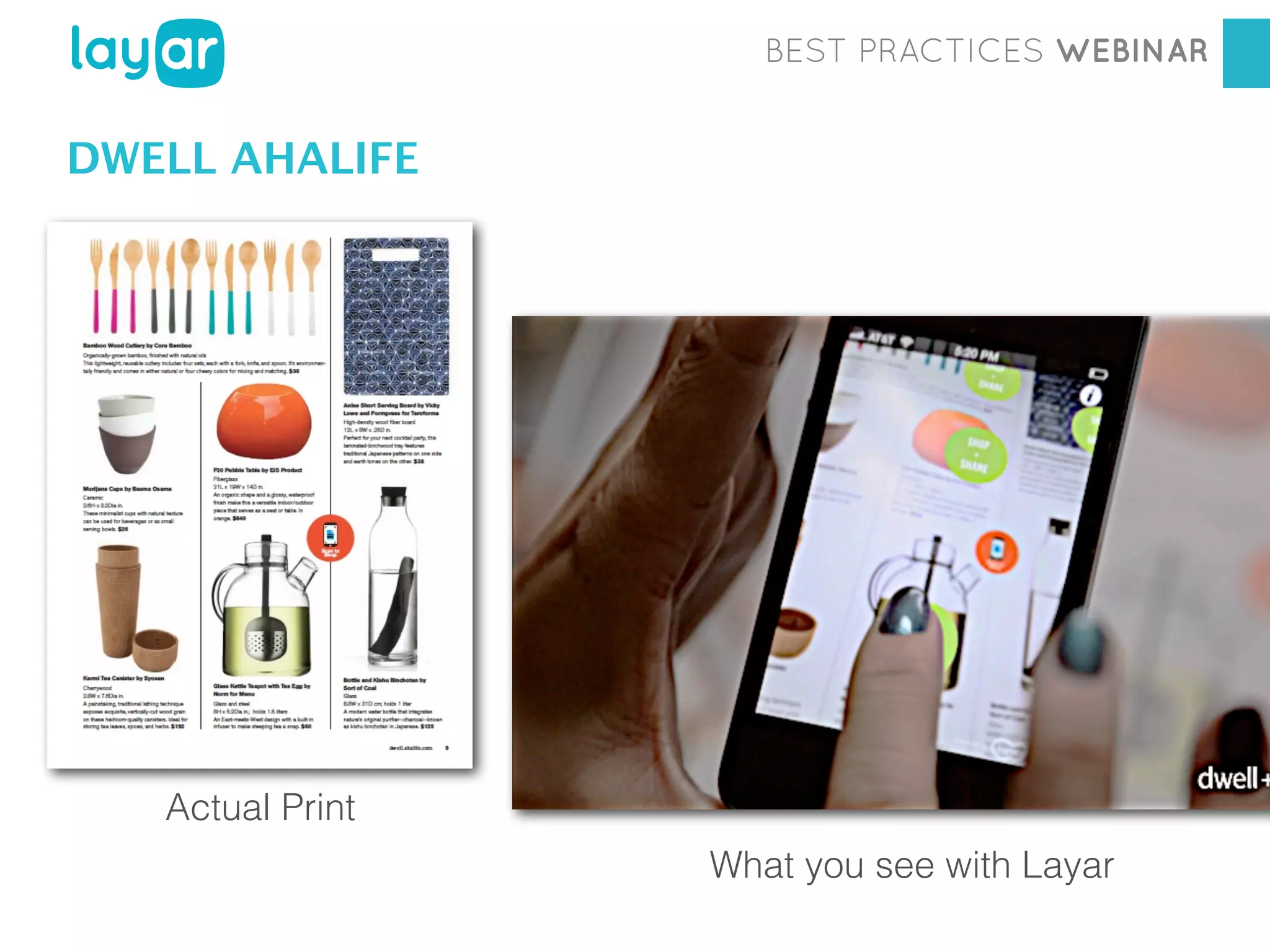
DWELL AHALIFE

Workshop
Actual Print

Georgia Diaconescu
Interactive Print Consultant
What you see with Layar
BEST PRACTICES WEBINAR

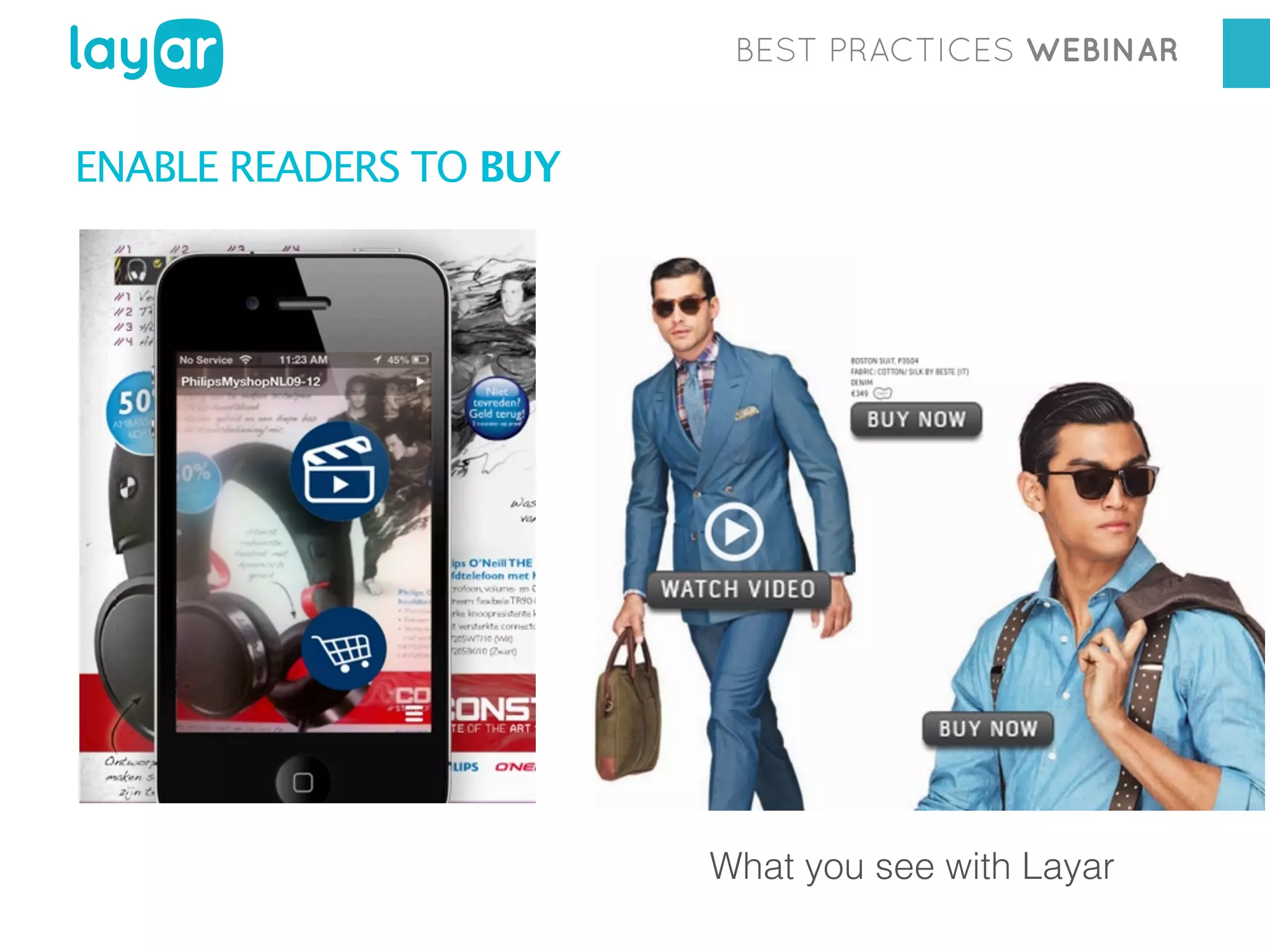
ENABLE READERS TO BUY

What you see with Layar
BEST PRACTICES WEBINAR

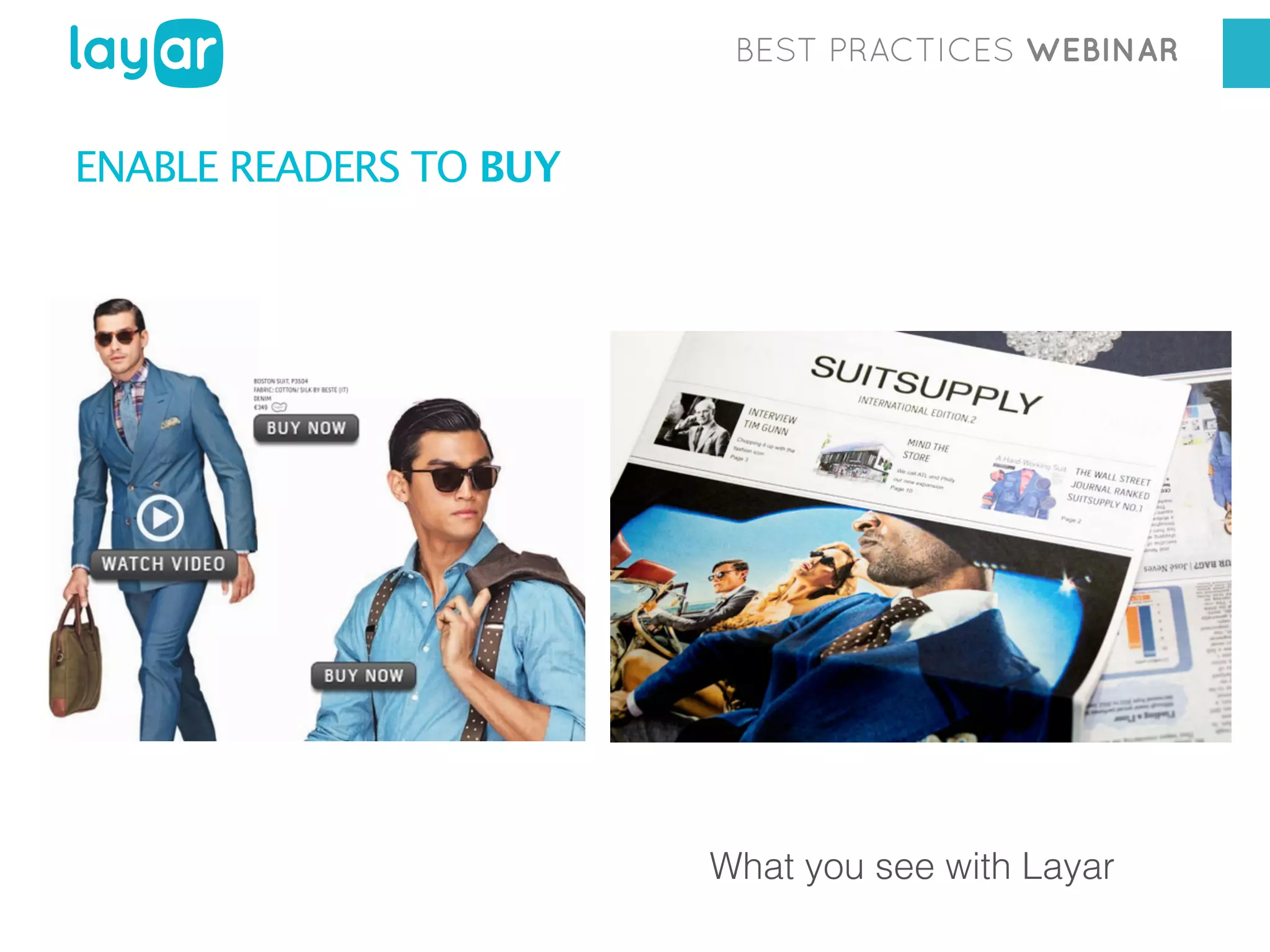
ENABLE READERS TO BUY

What you see with Layar
BEST PRACTICES WEBINAR

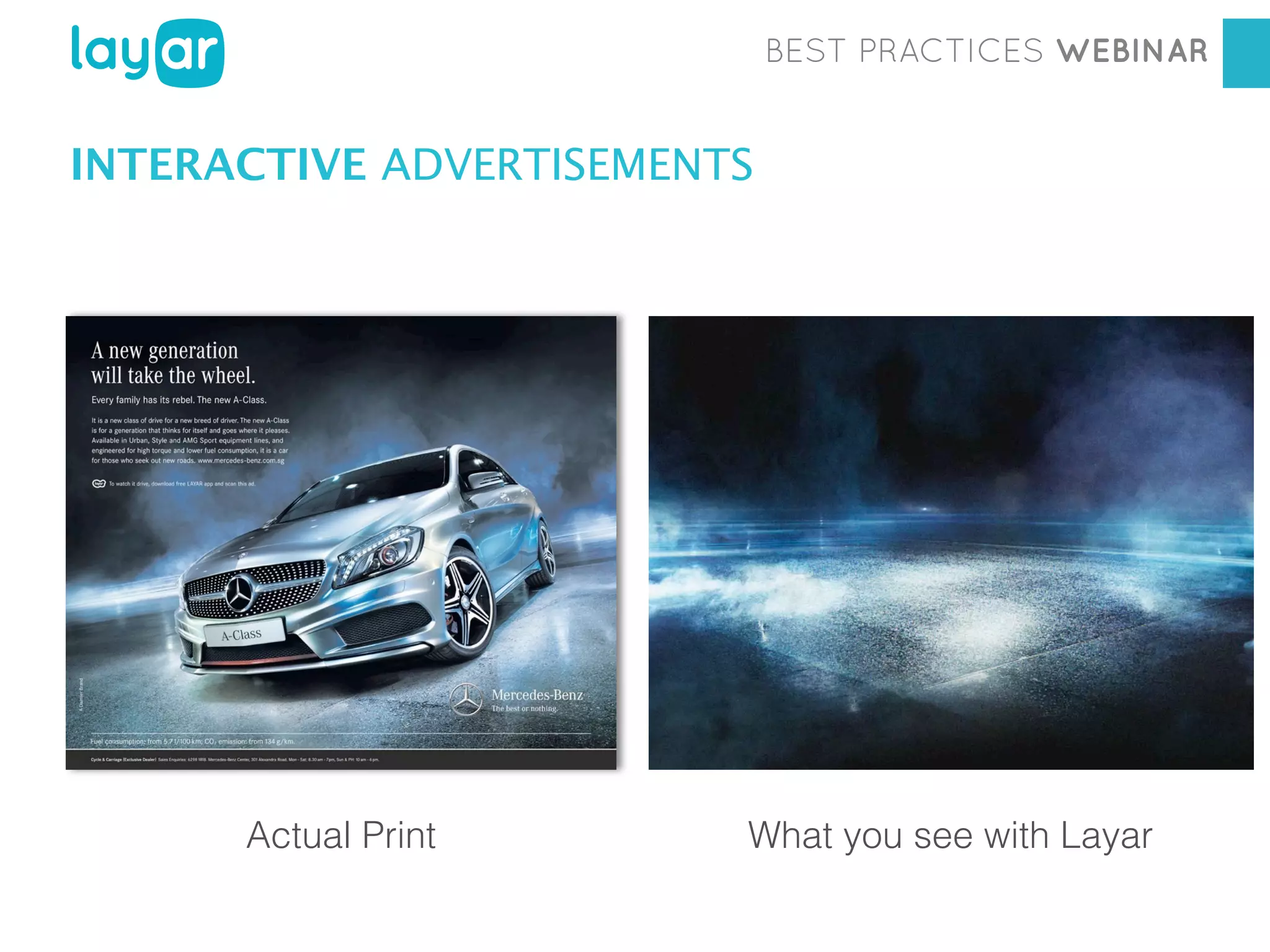
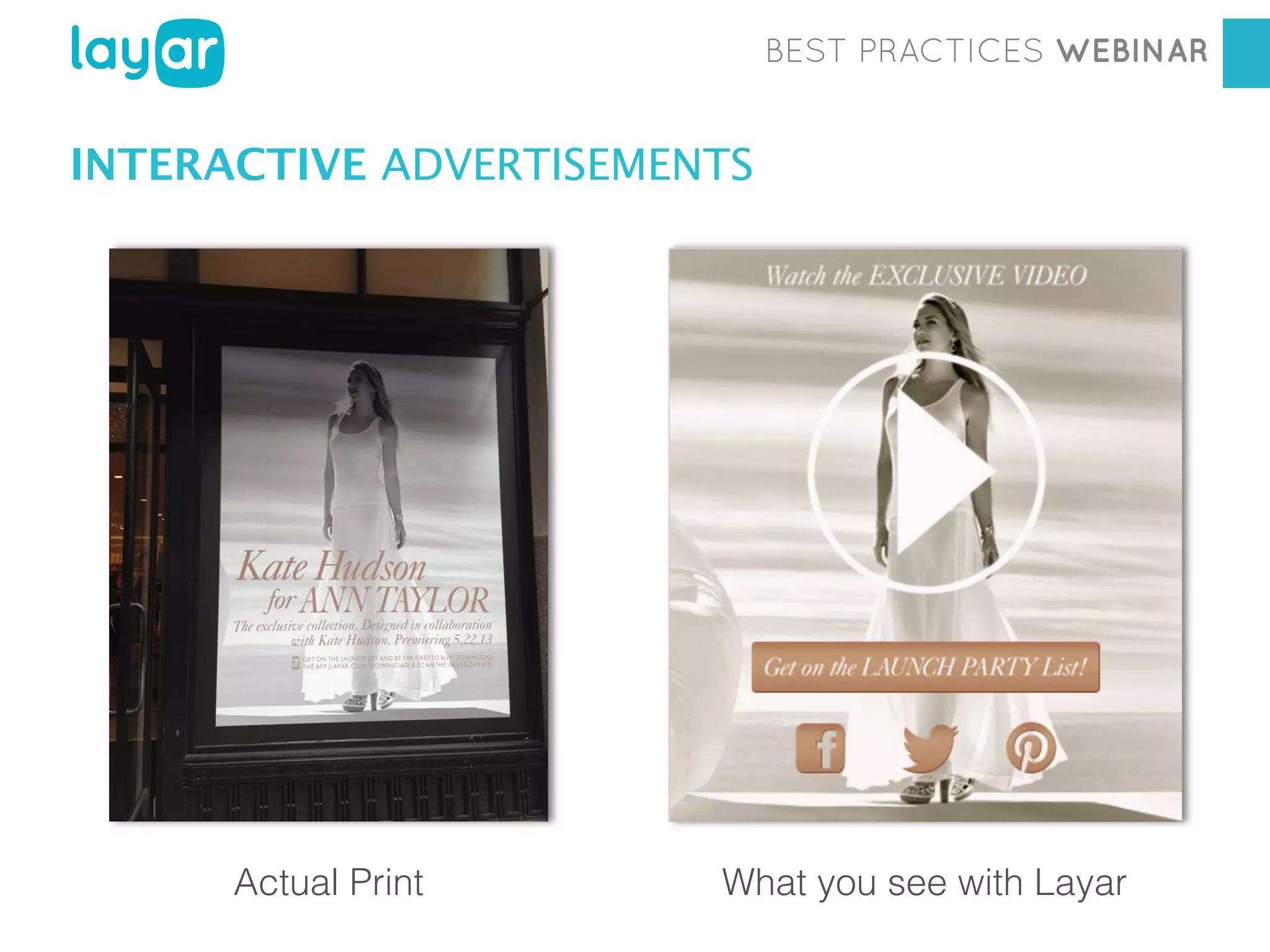
INTERACTIVE ADVERTISEMENTS
BEST PRACTICES WEBINAR

INTERACTIVE ADVERTISEMENTS

Workshop
Actual Print

Georgia Diaconescu
What you see with Layar
Interactive Print Consultant
BEST PRACTICES WEBINAR

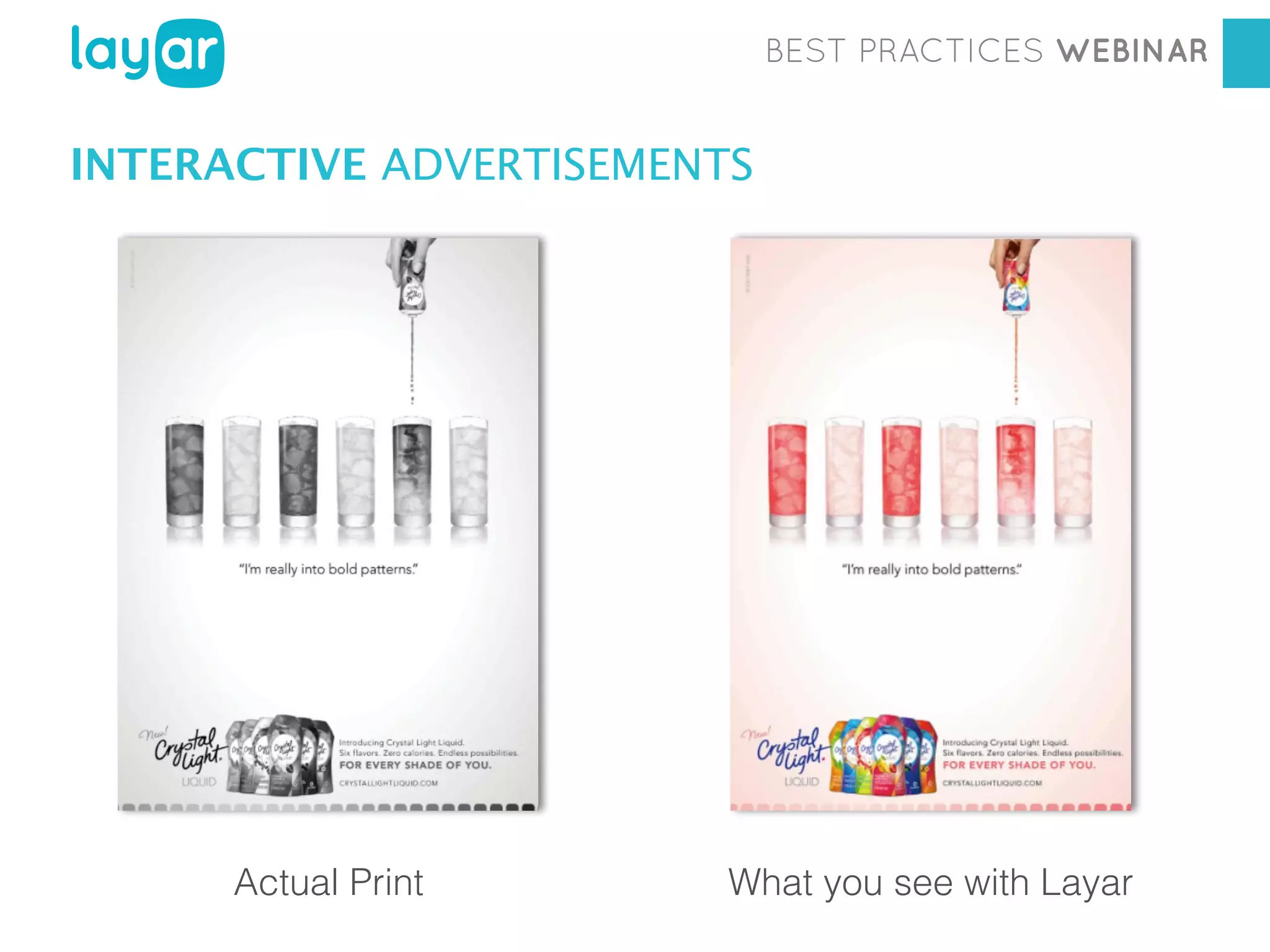
INTERACTIVE ADVERTISEMENTS

Workshop

Actual Print

Georgia Diaconescu
Interactive Printwith Layar
Consultant
What you see
BEST PRACTICES WEBINAR

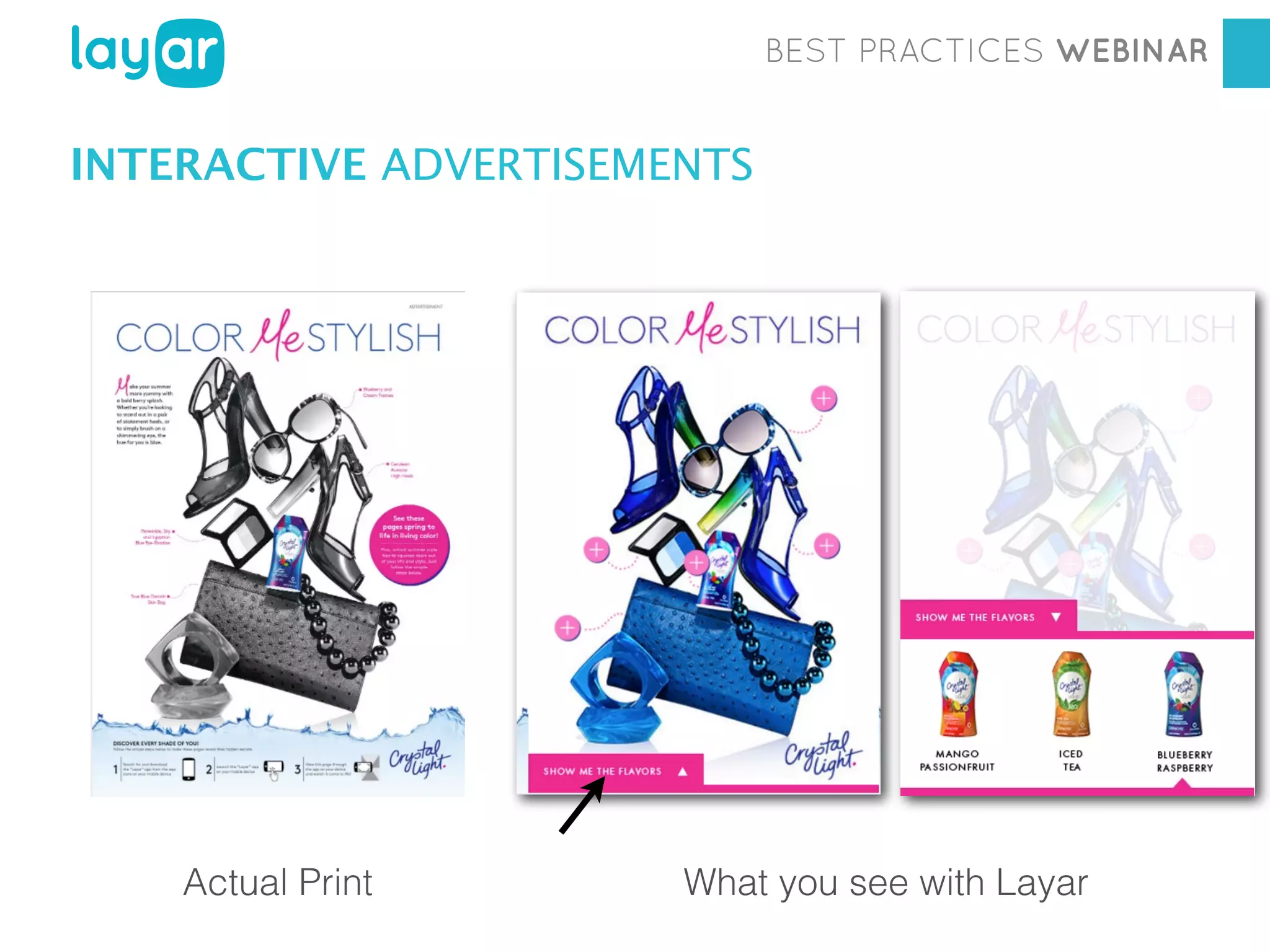
INTERACTIVE ADVERTISEMENTS

Workshop

Actual Print

Georgia Diaconescu
Interactive Print Consultant
What you see with Layar
BEST PRACTICES WEBINAR

INTERACTIVE ADVERTISEMENTS

Workshop

Actual Print

Georgia Diaconescu
Interactive Print Consultant
What you see with Layar
BEST PRACTICES WEBINAR

CONTESTS, SWEEPSTAKES, QUIZZES
BEST PRACTICES WEBINAR

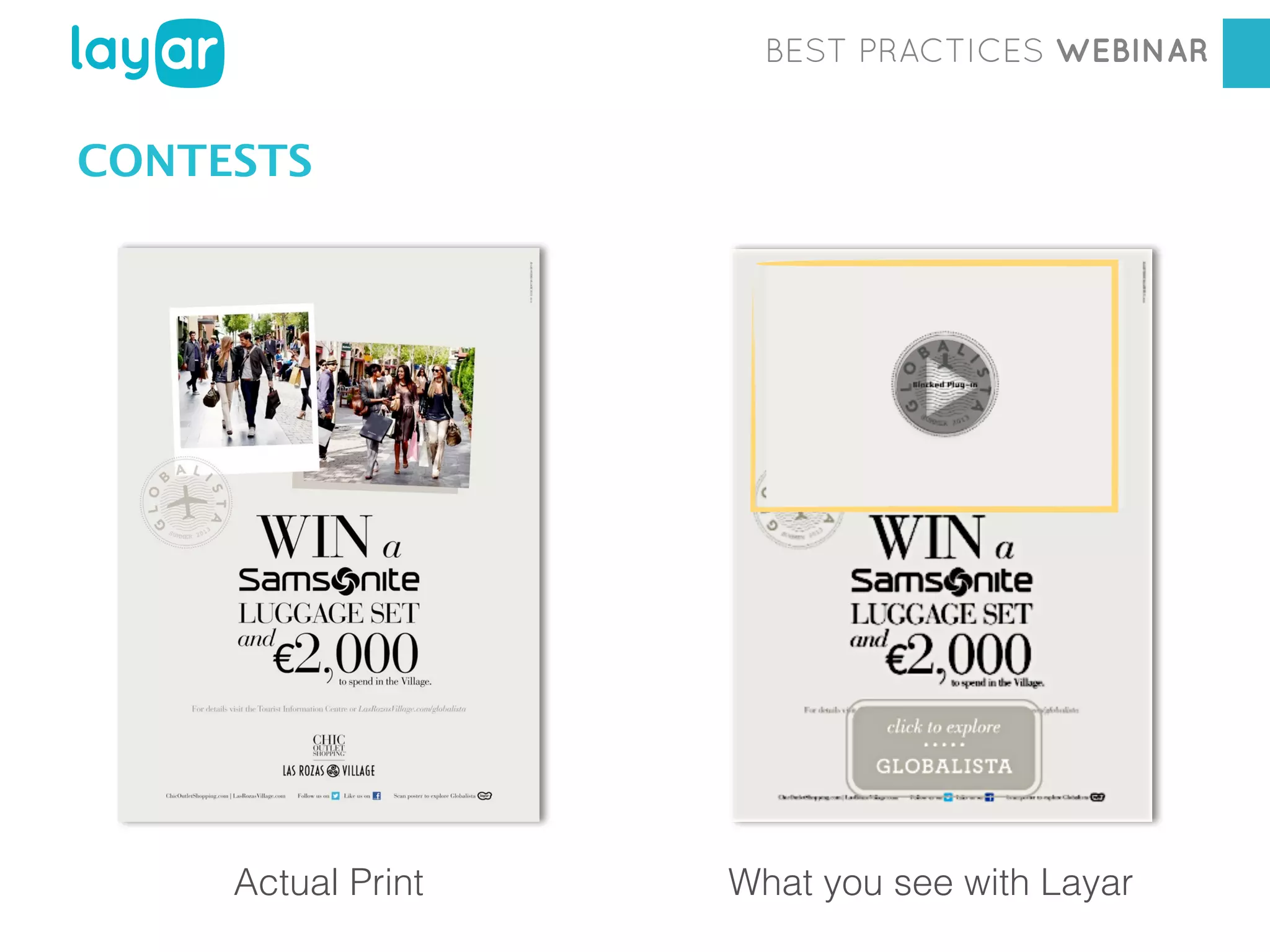
CONTESTS

Workshop

Actual Print

Georgia Diaconescu
Interactive Printwith Layar
Consultant
What you see
BEST PRACTICES WEBINAR

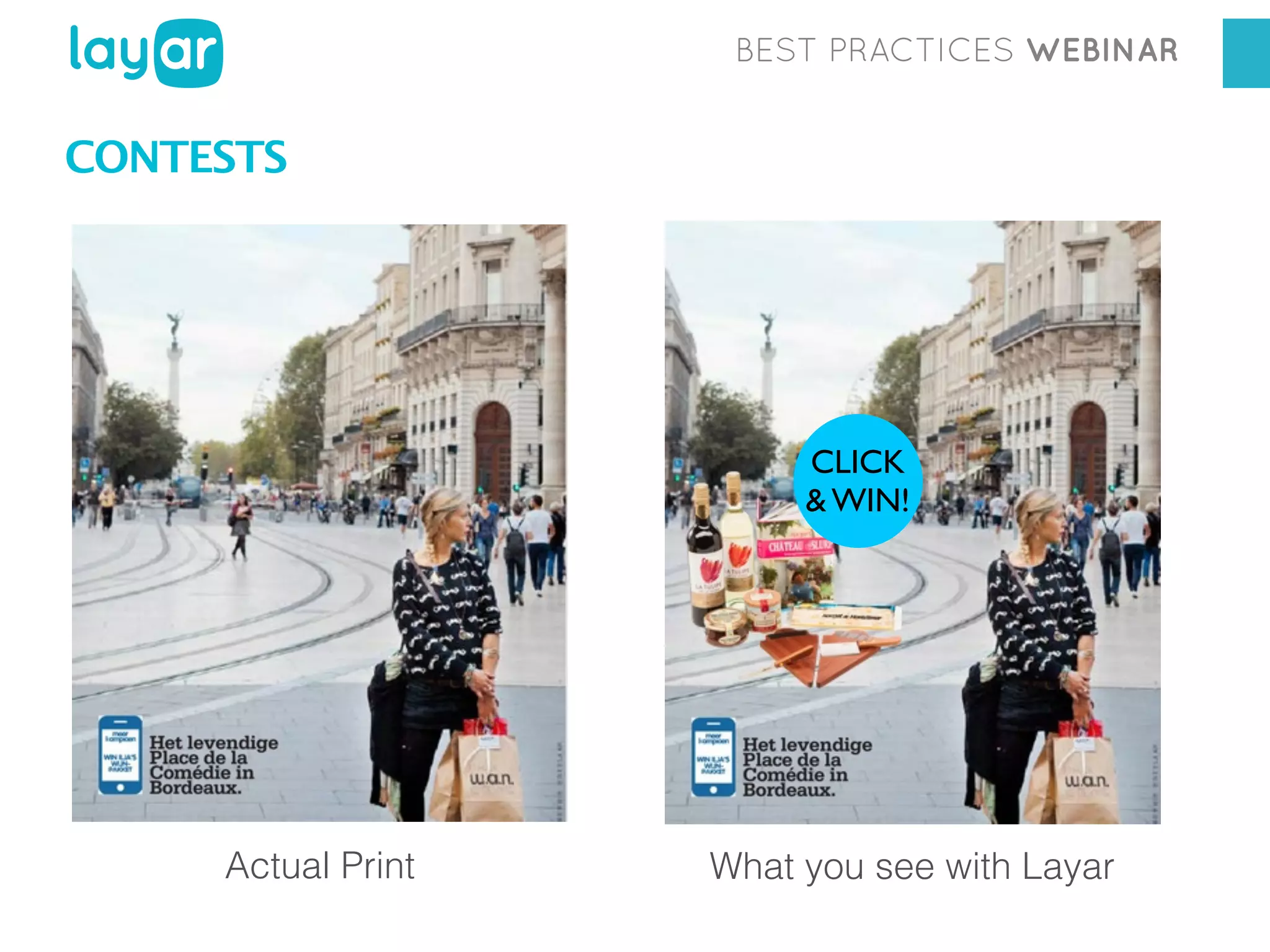
CONTESTS

CLICK
& WIN!

Actual Print

What you see with Layar
BEST PRACTICES WEBINAR

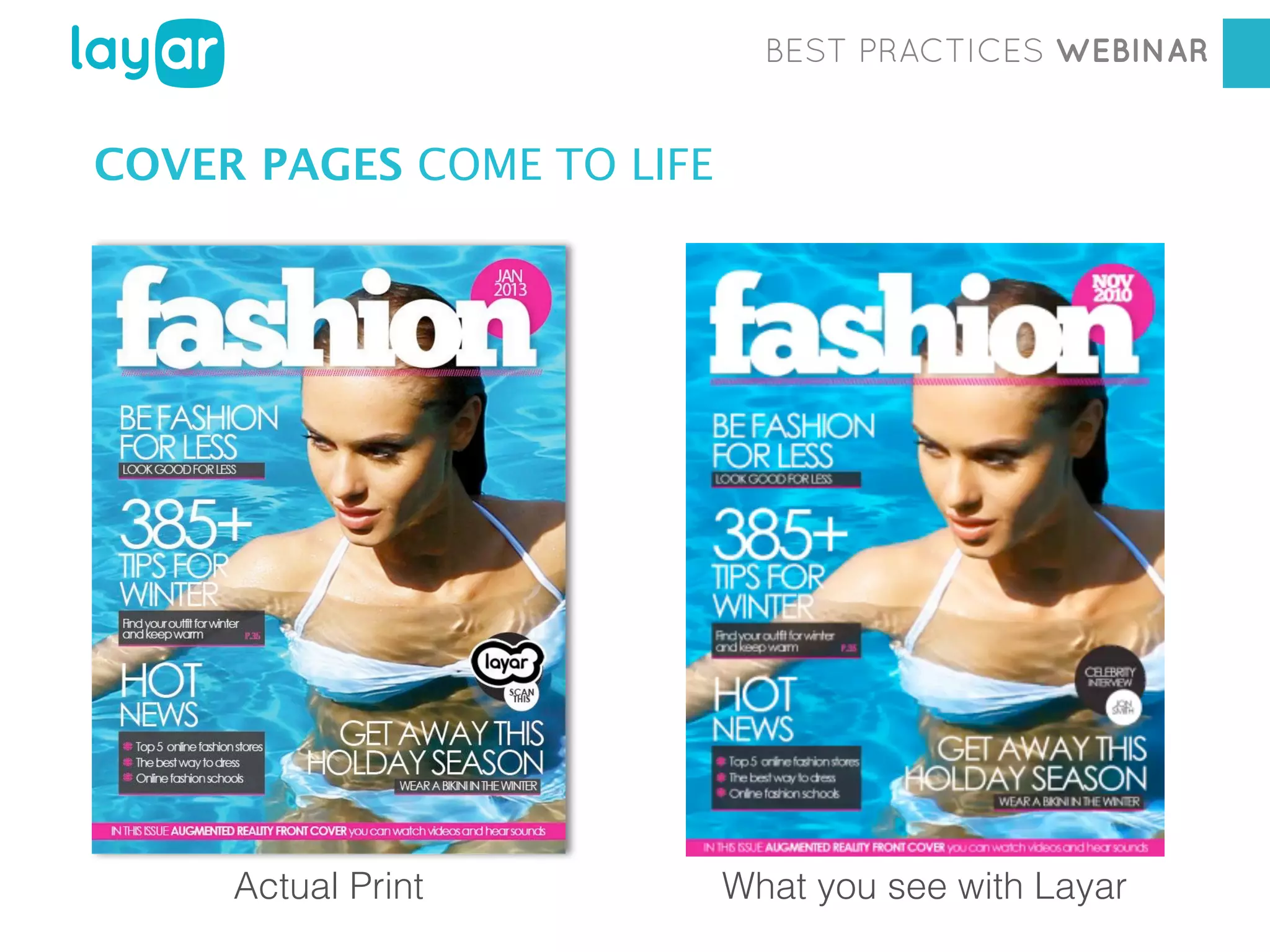
INTERACTIVE COVER PAGES
BEST PRACTICES WEBINAR

COVER PAGES COME TO LIFE

Workshop

Actual Print

Georgia Diaconescu
Interactive Print Consultant
What you see with Layar
BEST PRACTICES WEBINAR

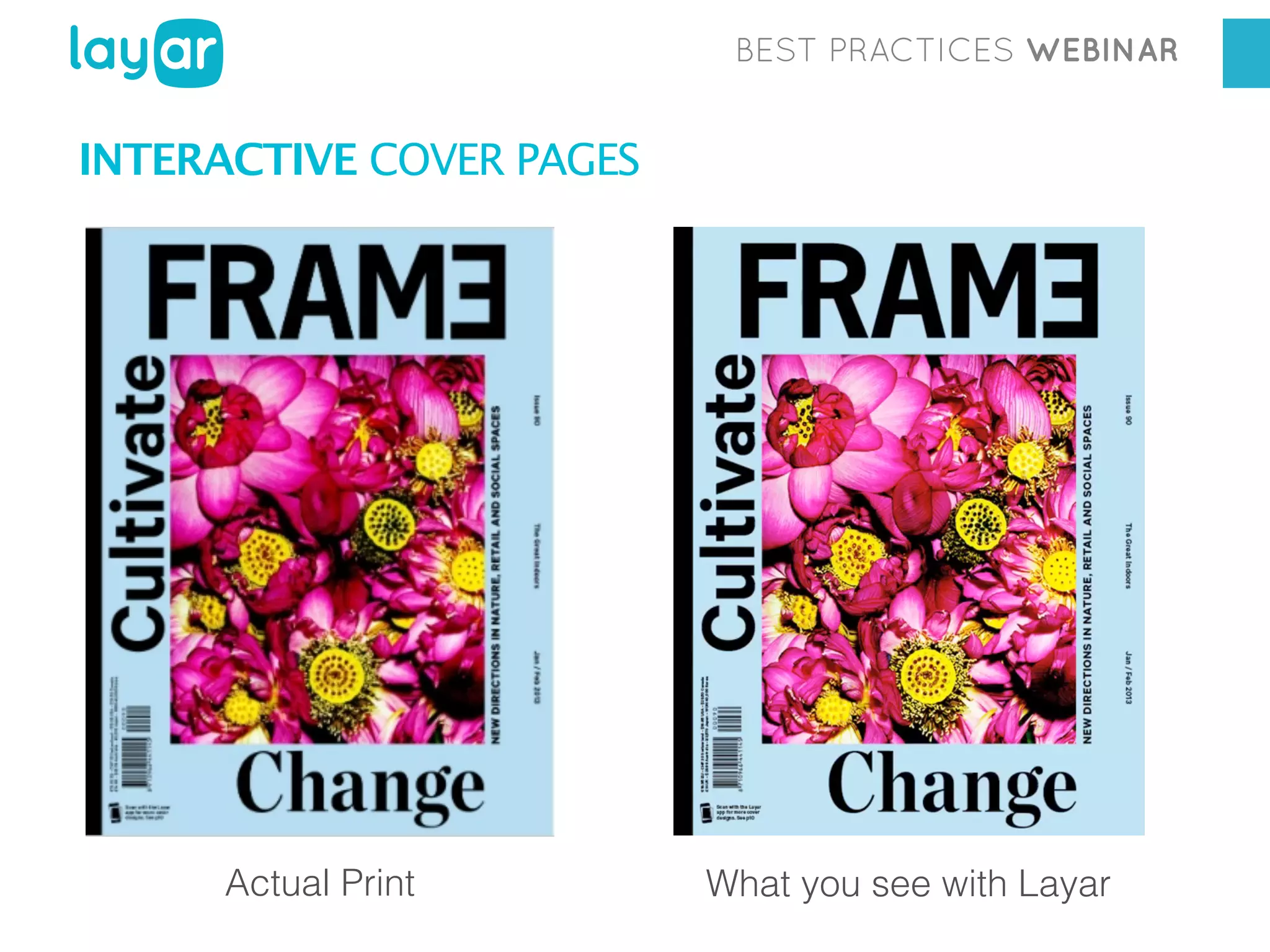
INTERACTIVE COVER PAGES

Actual Print

What you see with Layar
BEST PRACTICES WEBINAR

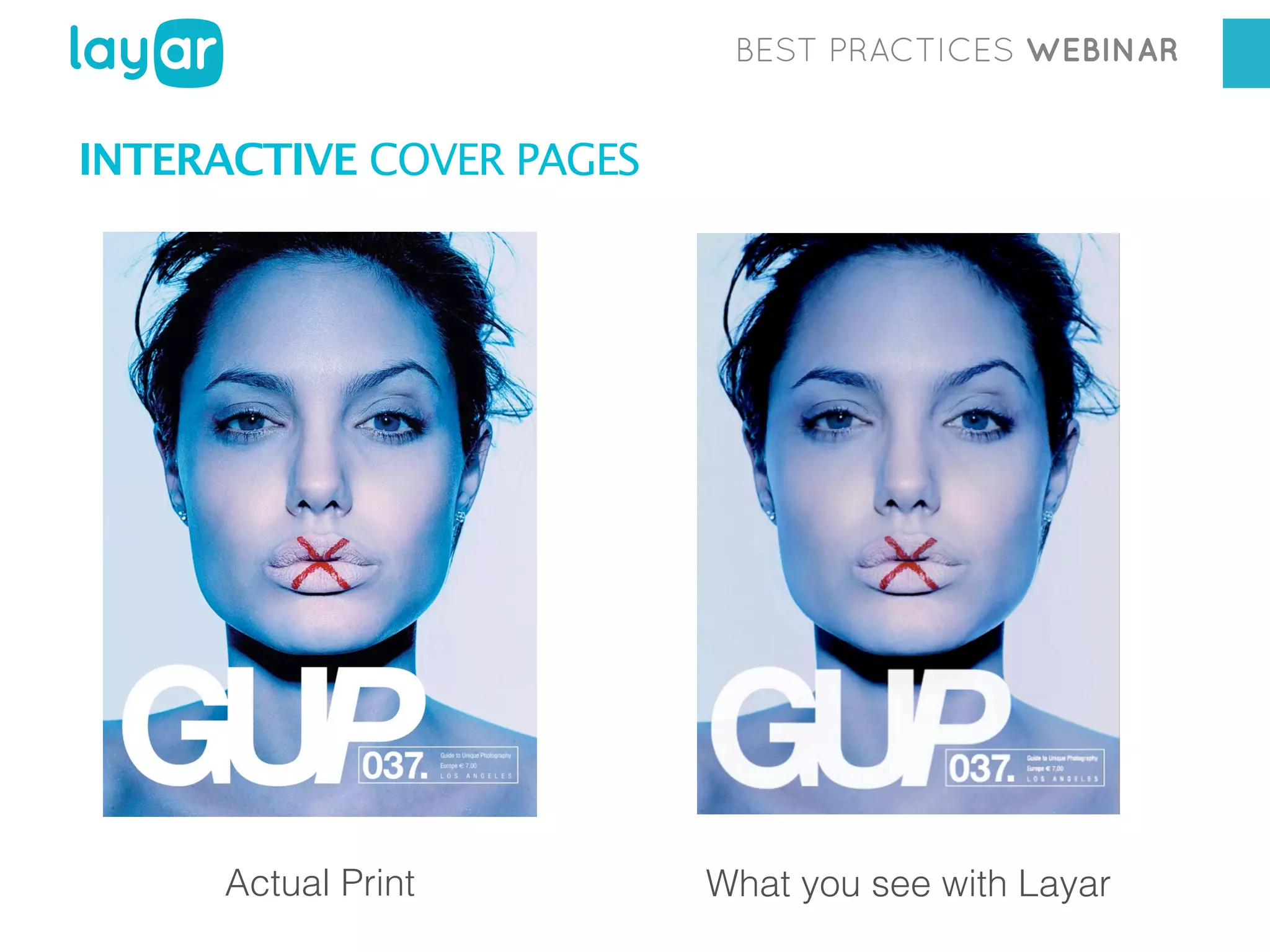
INTERACTIVE COVER PAGES

Actual Print

What you see with Layar
BEST PRACTICES WEBINAR

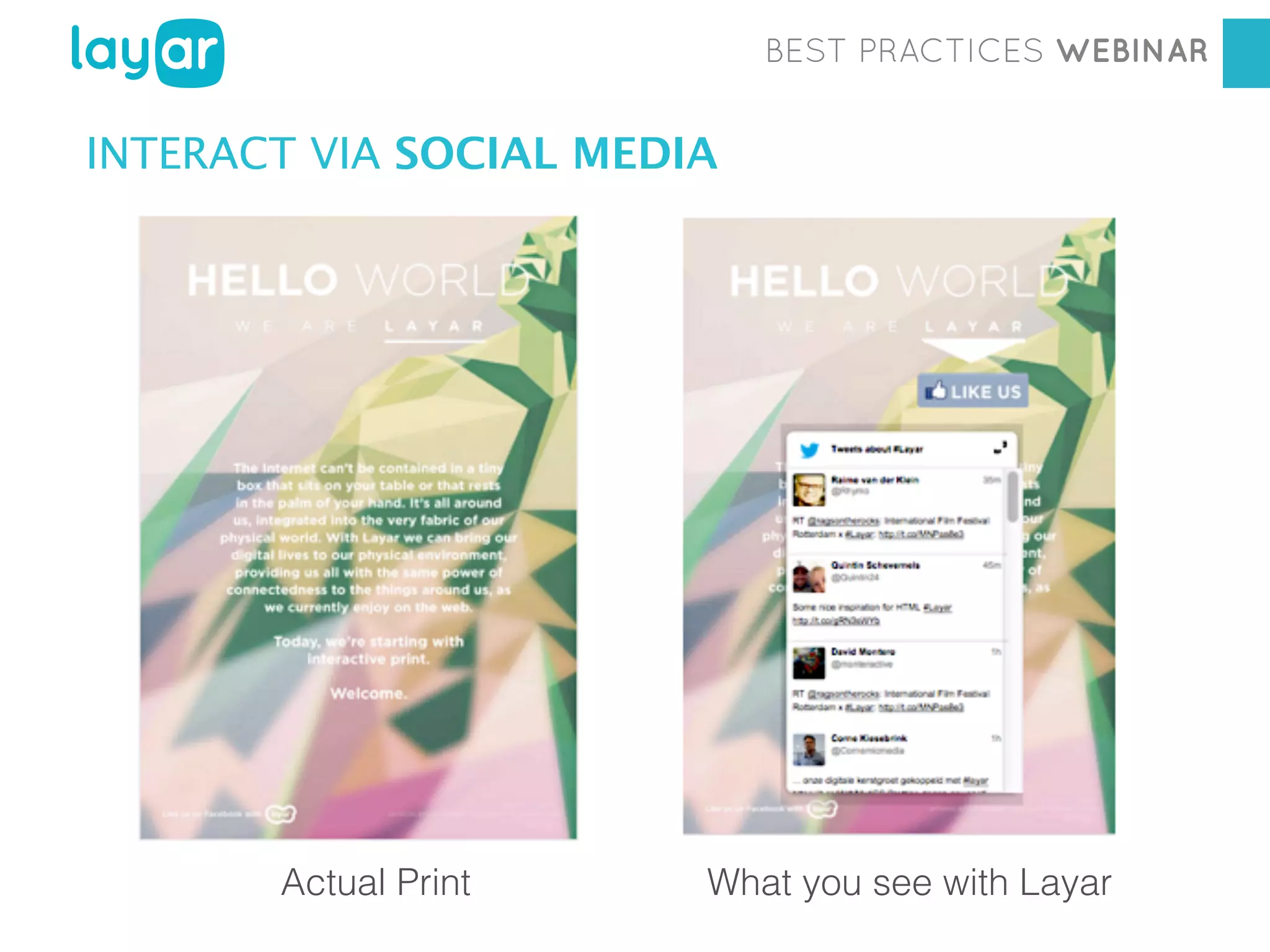
ENGAGE READERS VIA SOCIAL MEDIA
BEST PRACTICES WEBINAR

INTERACT VIA SOCIAL MEDIA

Workshop

Actual Print

Georgia Diaconescu
Interactive Print Consultant
What you see with Layar
BEST PRACTICES WEBINAR

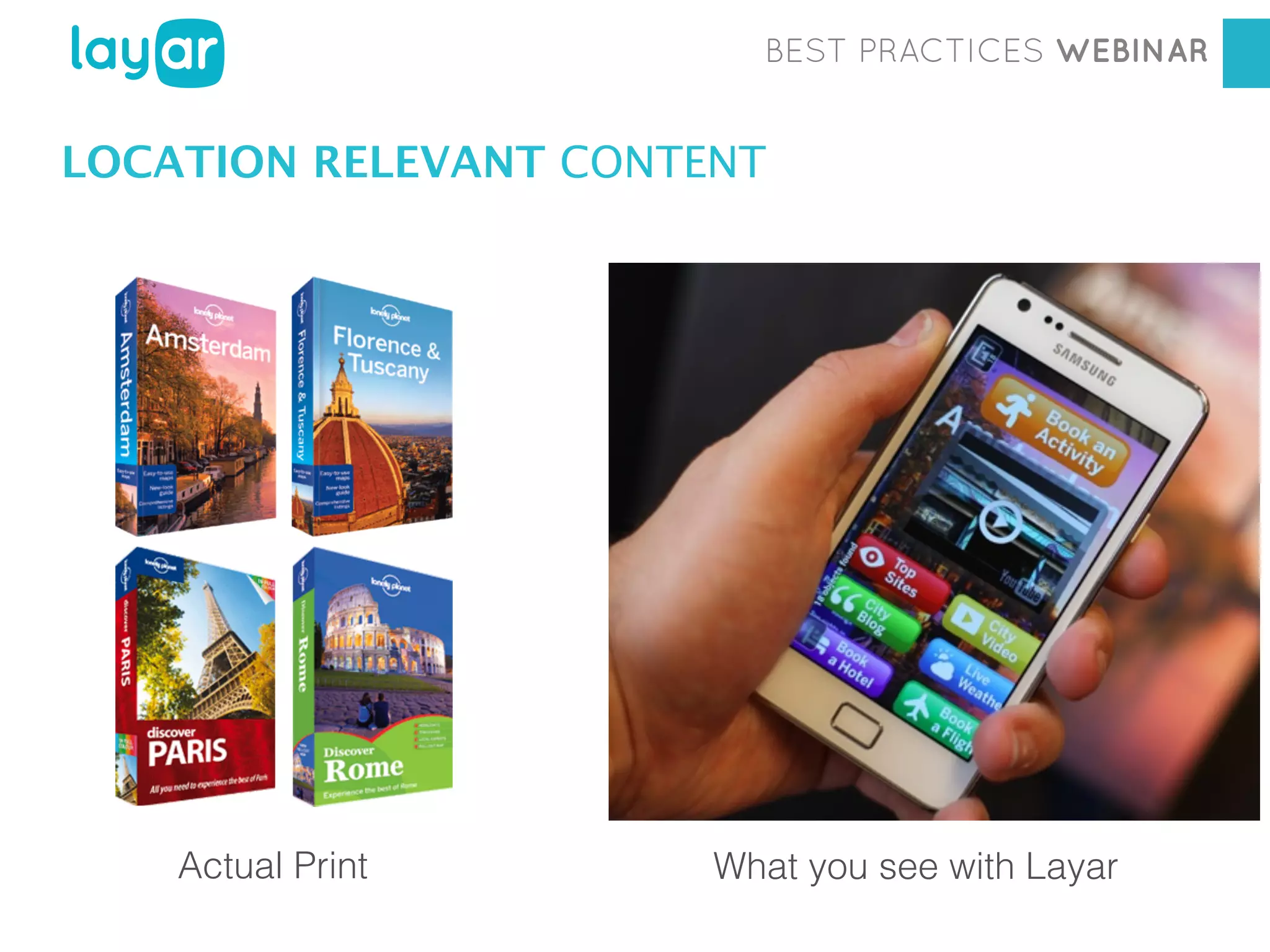
LOCATION RELEVANT CONTENT

Workshop
Actual Print

Georgia Diaconescu
Interactive Print Consultant
What you see with Layar
BEST PRACTICES WEBINAR

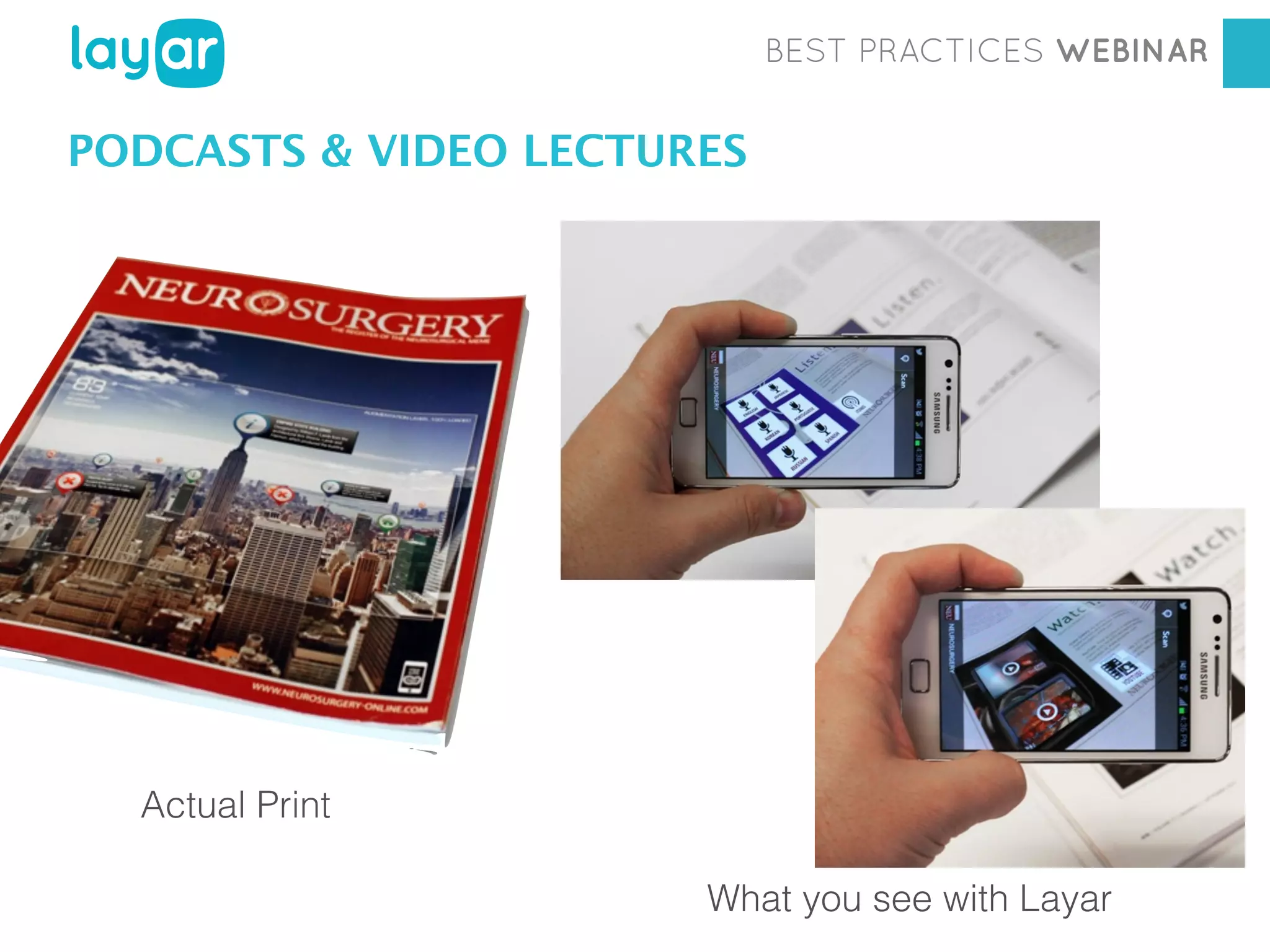
PODCASTS & VIDEO LECTURES

Workshop
Actual Print

Georgia Diaconescu
Interactive Print Consultant
What you see with Layar
BEST PRACTICES WEBINAR

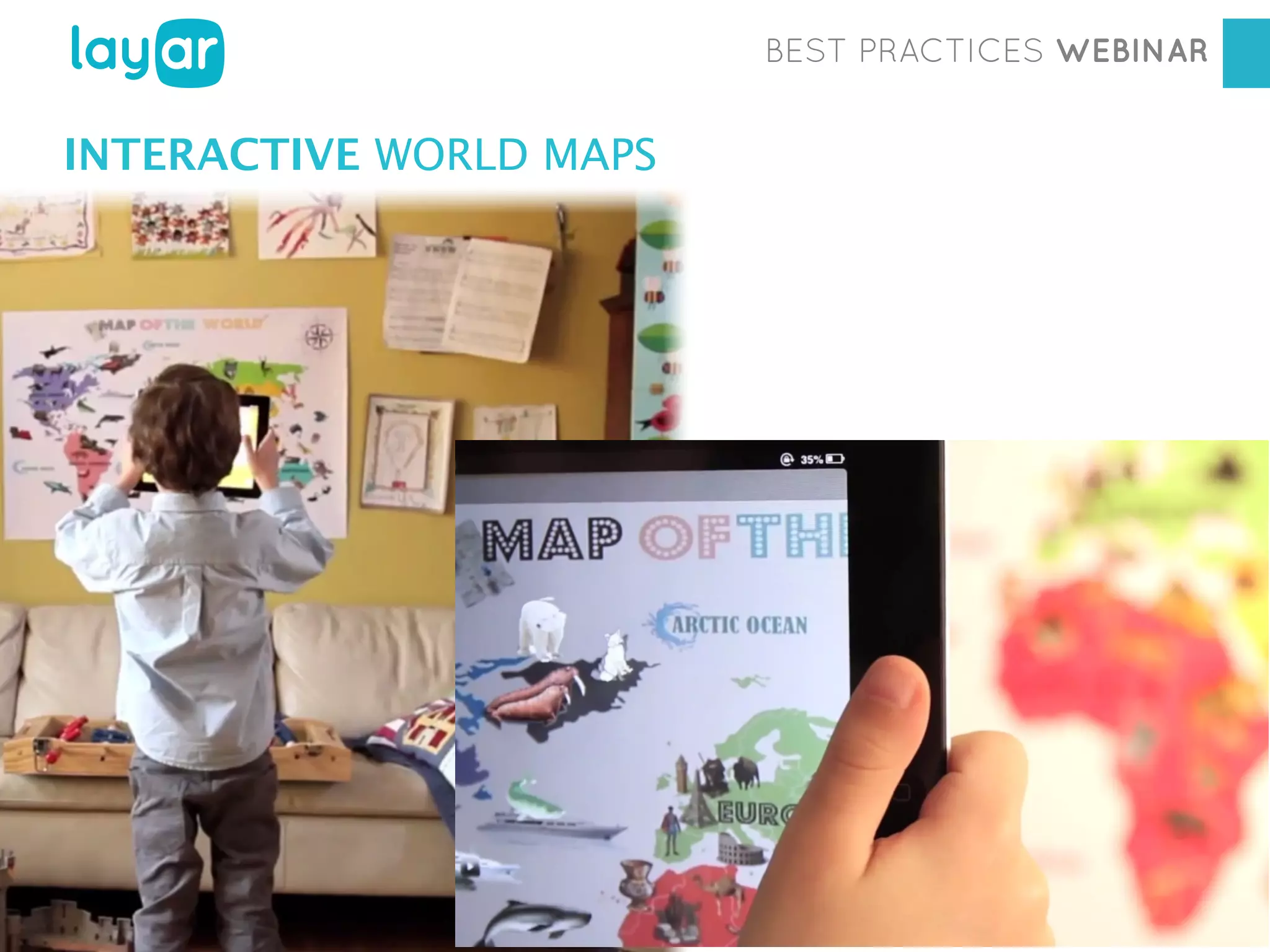
INTERACTIVE WORLD MAPS

Workshop
Georgia Diaconescu
Interactive Print Consultant
BEST PRACTICES WEBINAR

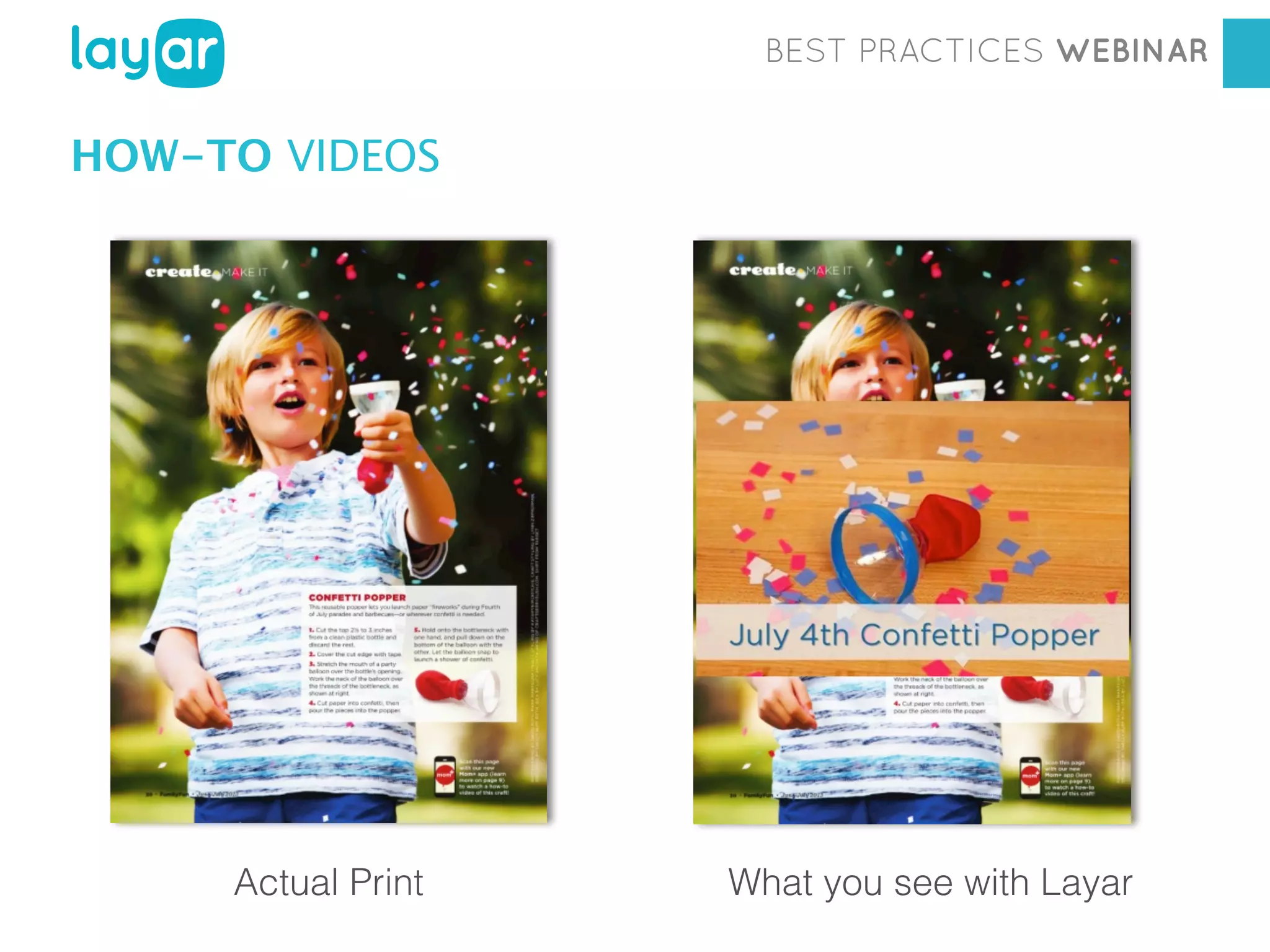
HOW-TO VIDEOS

Workshop

Actual Print

Georgia Diaconescu
Interactive Printwith Layar
Consultant
What you see
BEST PRACTICES WEBINAR

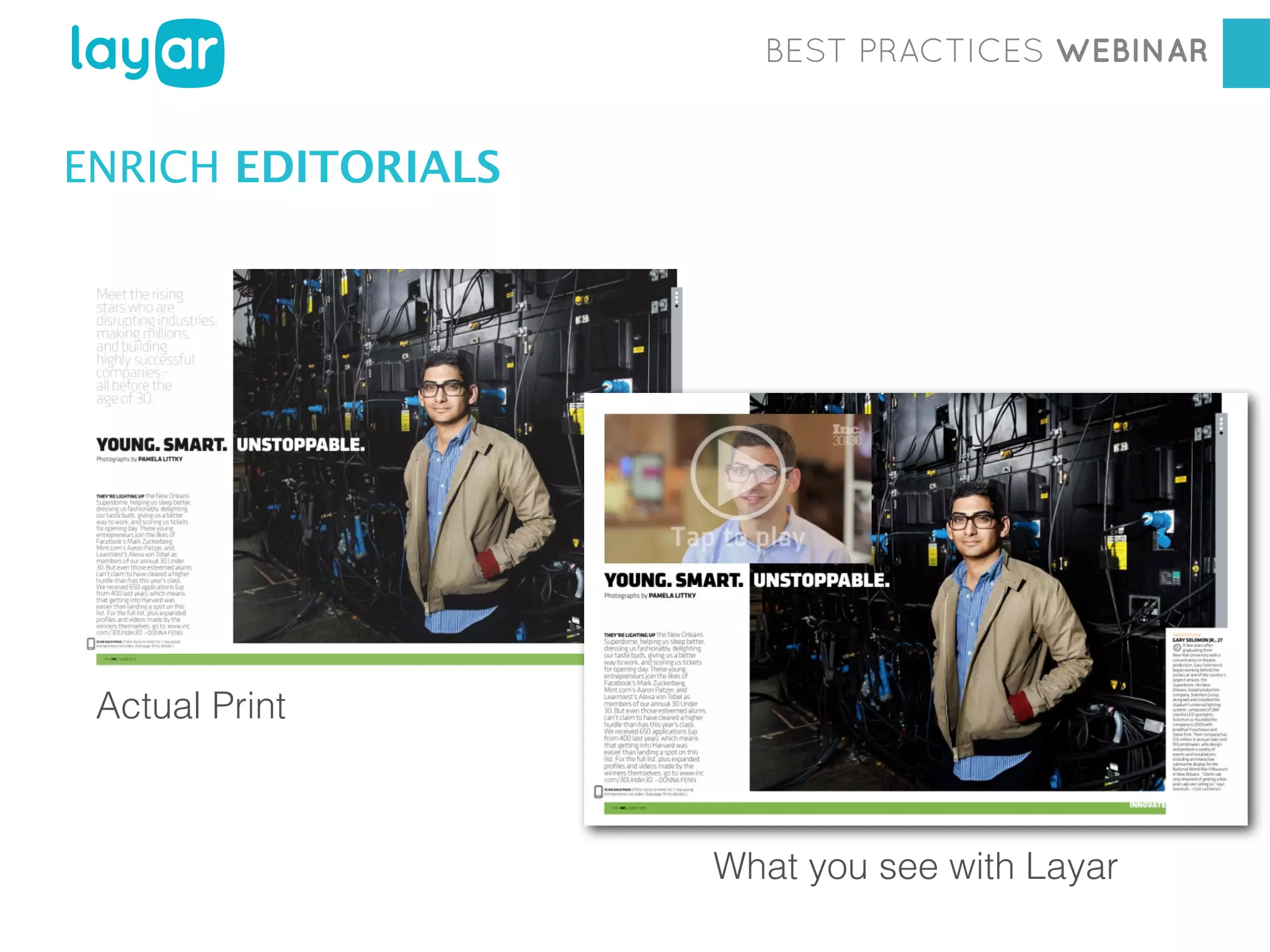
ENRICH EDITORIALS

Actual Print

Workshop
Georgia Diaconescu
Interactive Print Consultant
What you see with Layar
BEST PRACTICES WEBINAR

2

PREPARING PAGES
BEST PRACTICES WEBINAR

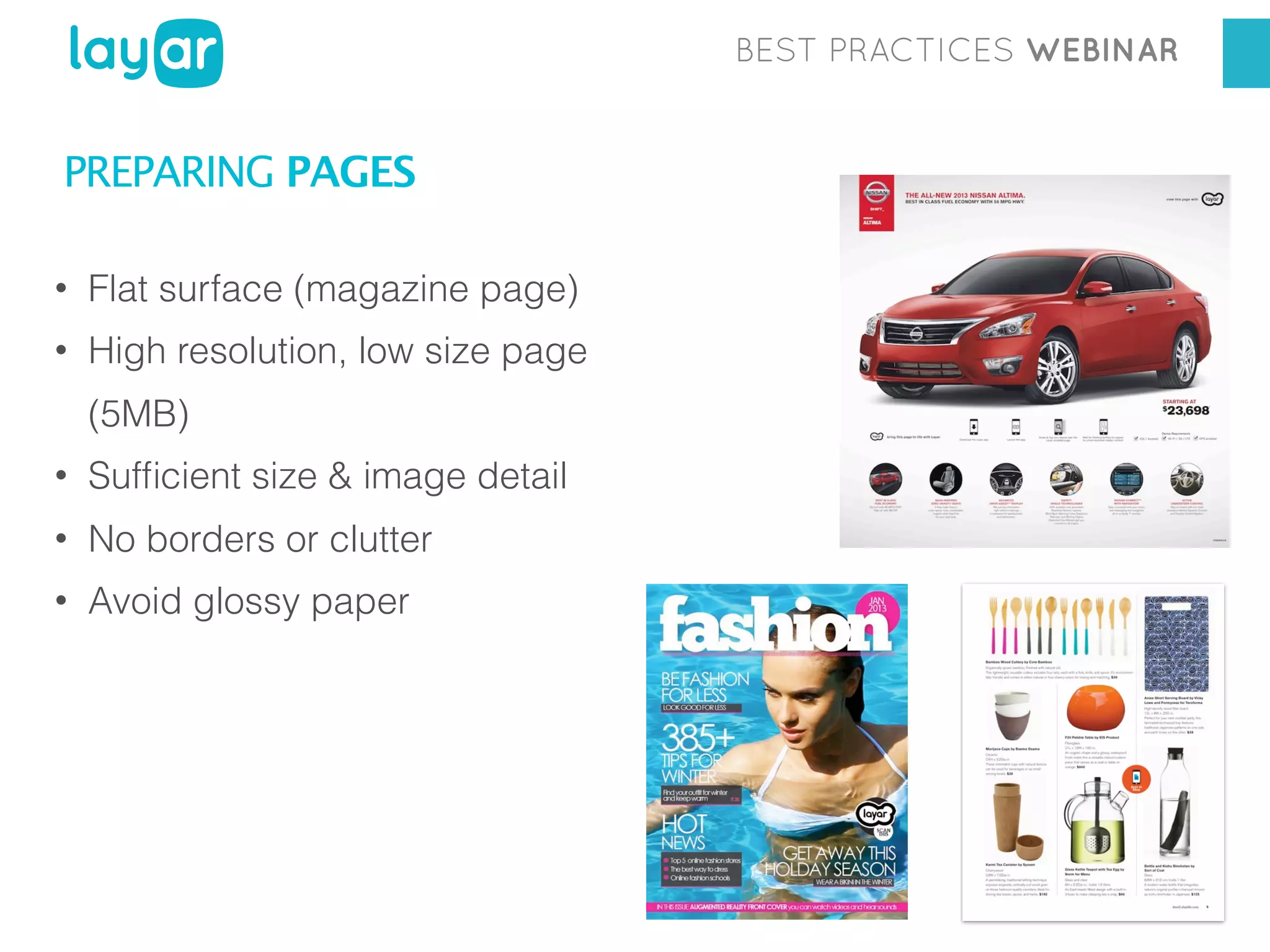
PREPARING PAGES
•

Flat surface (magazine page)

•

High resolution, low size page
(5MB)

•

Sufficient size & image detail

•

No borders or clutter

•

Avoid glossy paper
BEST PRACTICES WEBINAR

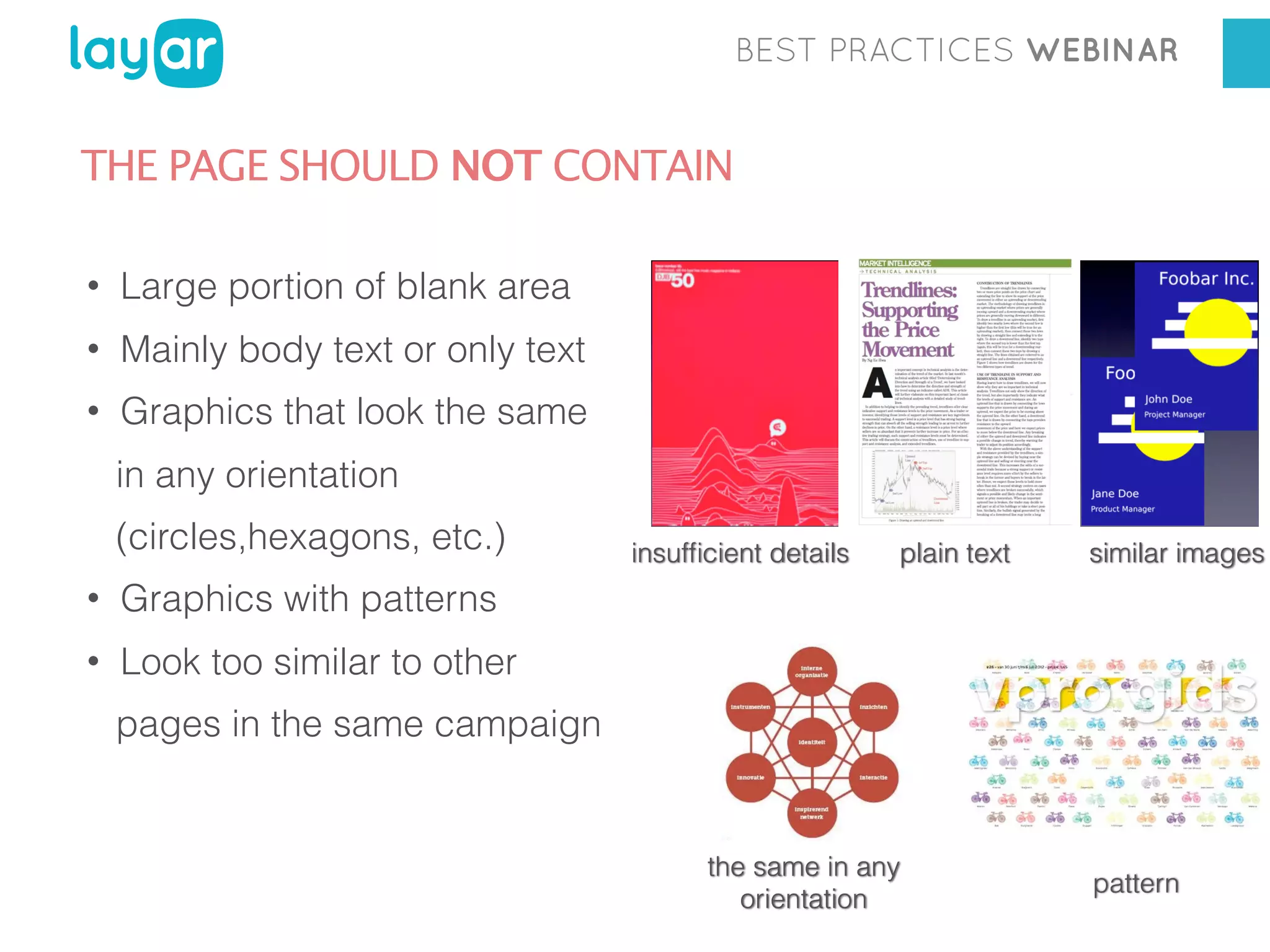
THE PAGE SHOULD NOT CONTAIN
•

Large portion of blank area

•

Mainly body text or only text

•

Graphics that look the same
in any orientation
(circles,hexagons, etc.)

•

plain text

similar images

Graphics with patterns

•

insufficient details

Look too similar to other
pages in the same campaign

the same in any
orientation

pattern
BEST PRACTICES WEBINAR

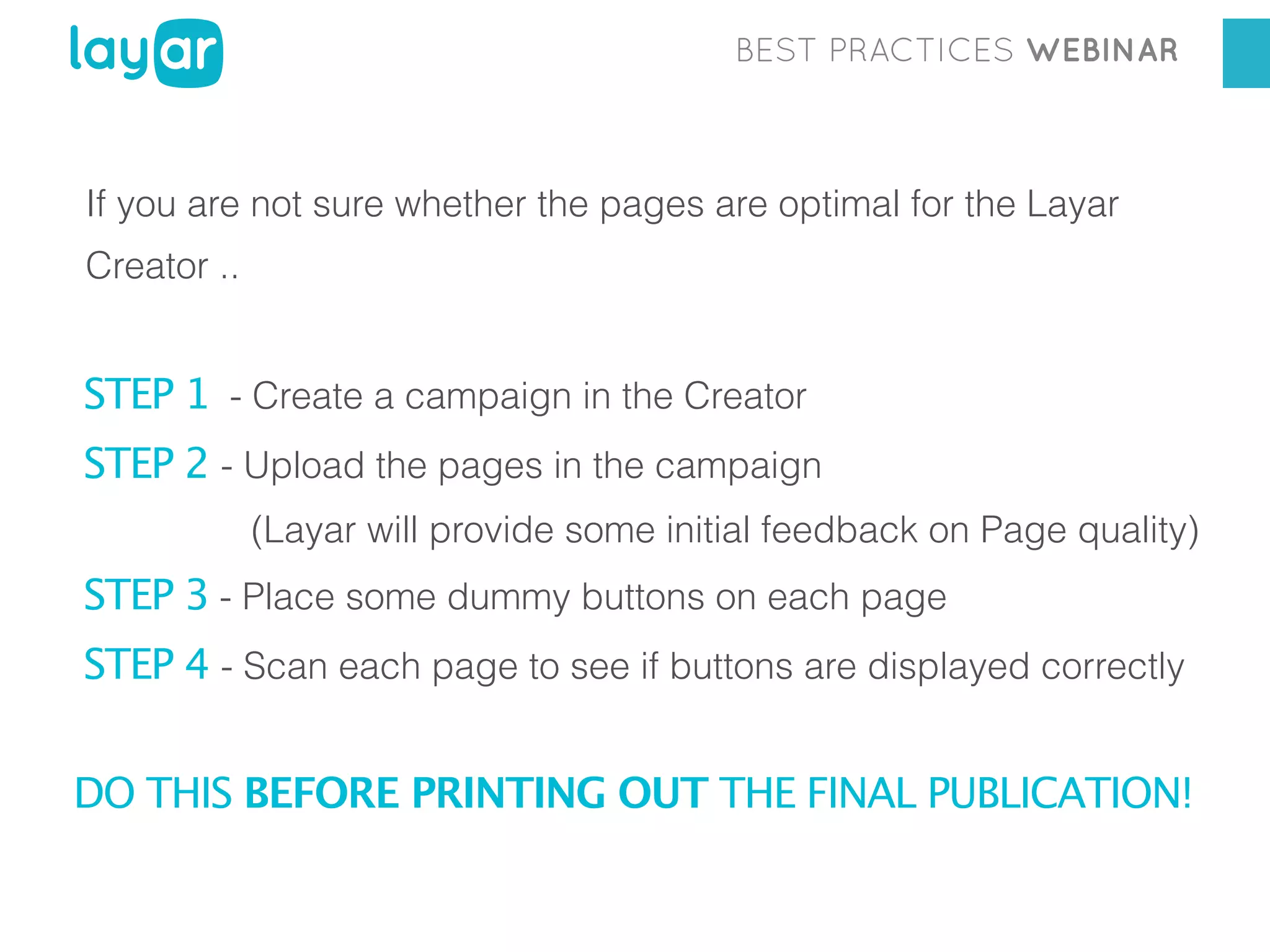
If you are not sure whether the pages are optimal for the Layar
Creator ..

STEP 1 - Create a campaign in the Creator
STEP 2 - Upload the pages in the campaign
(Layar will provide some initial feedback on Page quality)

STEP 3 - Place some dummy buttons on each page
STEP 4 - Scan each page to see if buttons are displayed correctly
DO THIS BEFORE PRINTING OUT THE FINAL PUBLICATION!
BEST PRACTICES WEBINAR

IMPORTANT!
TEST PAGES BEFORE PRINTING OUT
THE FINAL PUBLICATION!
BEST PRACTICES WEBINAR

3

HOW-TO INSTRUCTIONS
BEST PRACTICES WEBINAR

RESERVE SPACE for instructions, preferably one dedicated page.
EXPLAIN WHAT IS SPECIAL about this issue of the magazine. What
is Interactive Print ?
Make people curious about it & give them a reason to engage!
BEST PRACTICES WEBINAR

INSTRUCT HOW TO DISCOVER DIGITAL CONTENT
• How should readers scan the page?
• What should they look for? (Call-to-action)
• Where on the page? (e.g.: upper corner)

Mention the app is available on Android and iPhone.
BEST PRACTICES WEBINAR

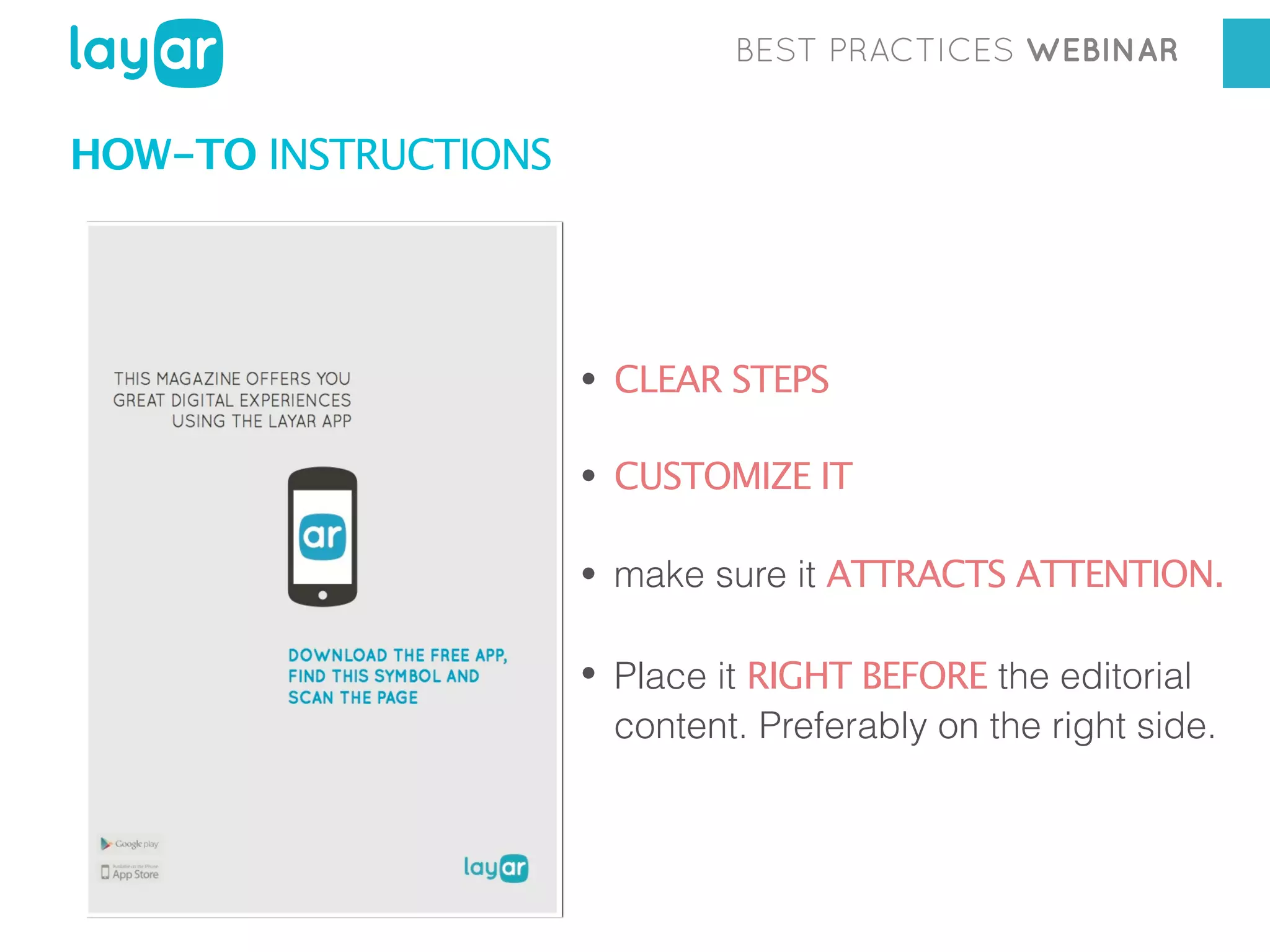
HOW-TO INSTRUCTIONS

• CLEAR STEPS
• CUSTOMIZE IT
• make sure it ATTRACTS ATTENTION.
• Place it RIGHT BEFORE the editorial

content. Preferably on the right side.
BEST PRACTICES WEBINAR

HOW-TO INSTRUCTIONS
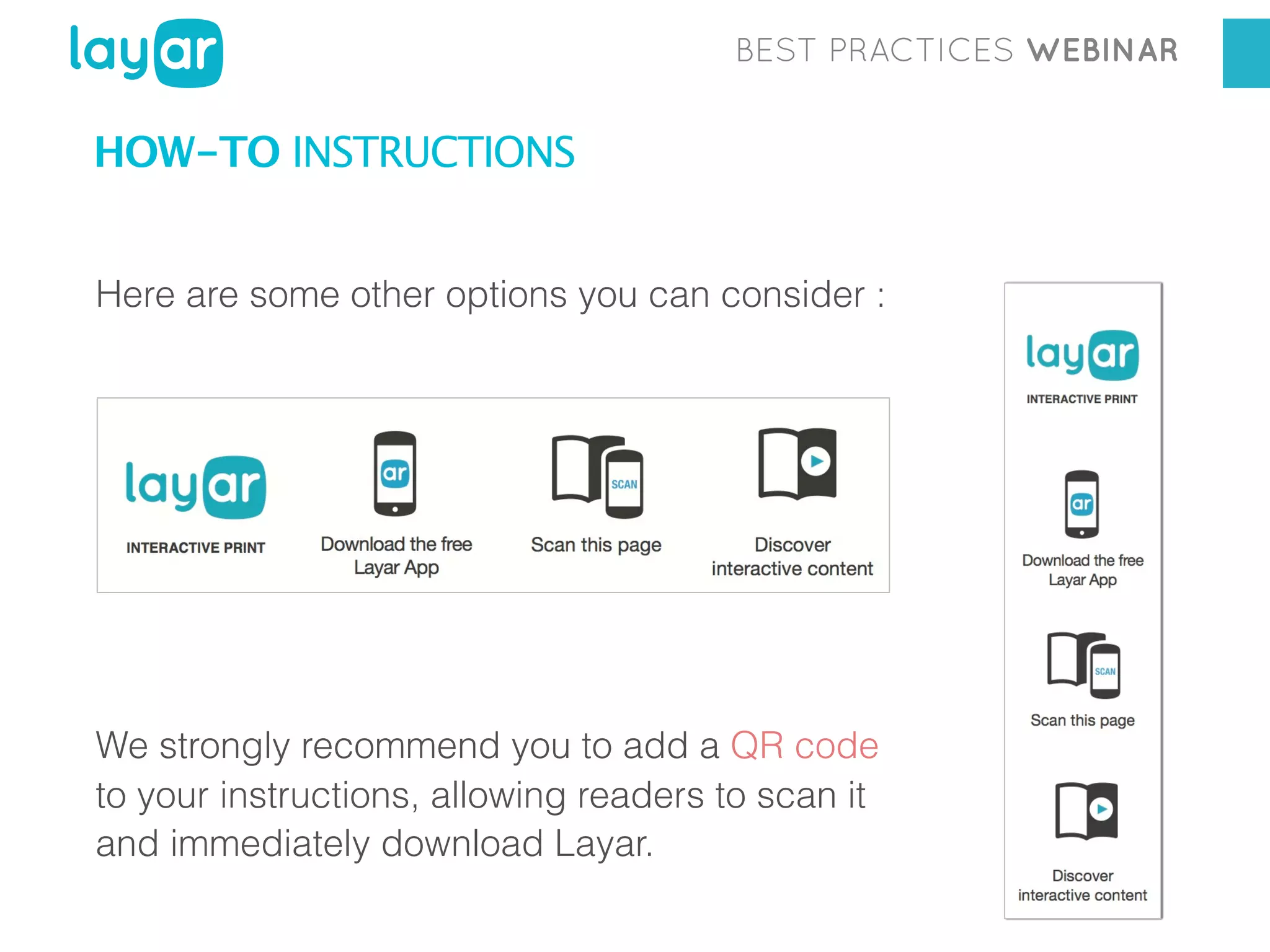
Here are some other options you can consider :

We strongly recommend you to add a QR code
to your instructions, allowing readers to scan it
and immediately download Layar.
BEST PRACTICES WEBINAR

4

CALL-TOACTION
BEST PRACTICES WEBINAR

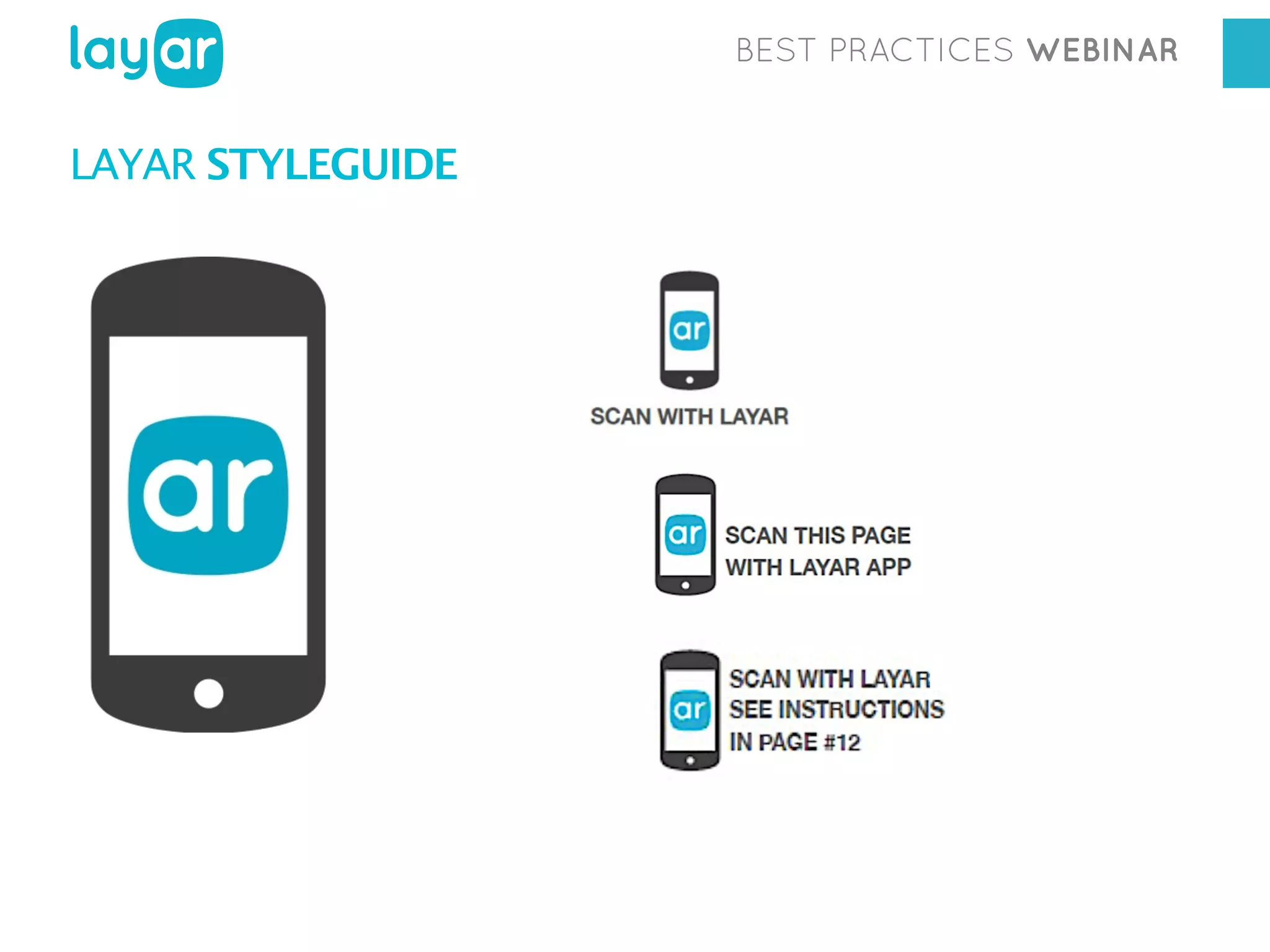
LAYAR STYLEGUIDE
BEST PRACTICES WEBINAR

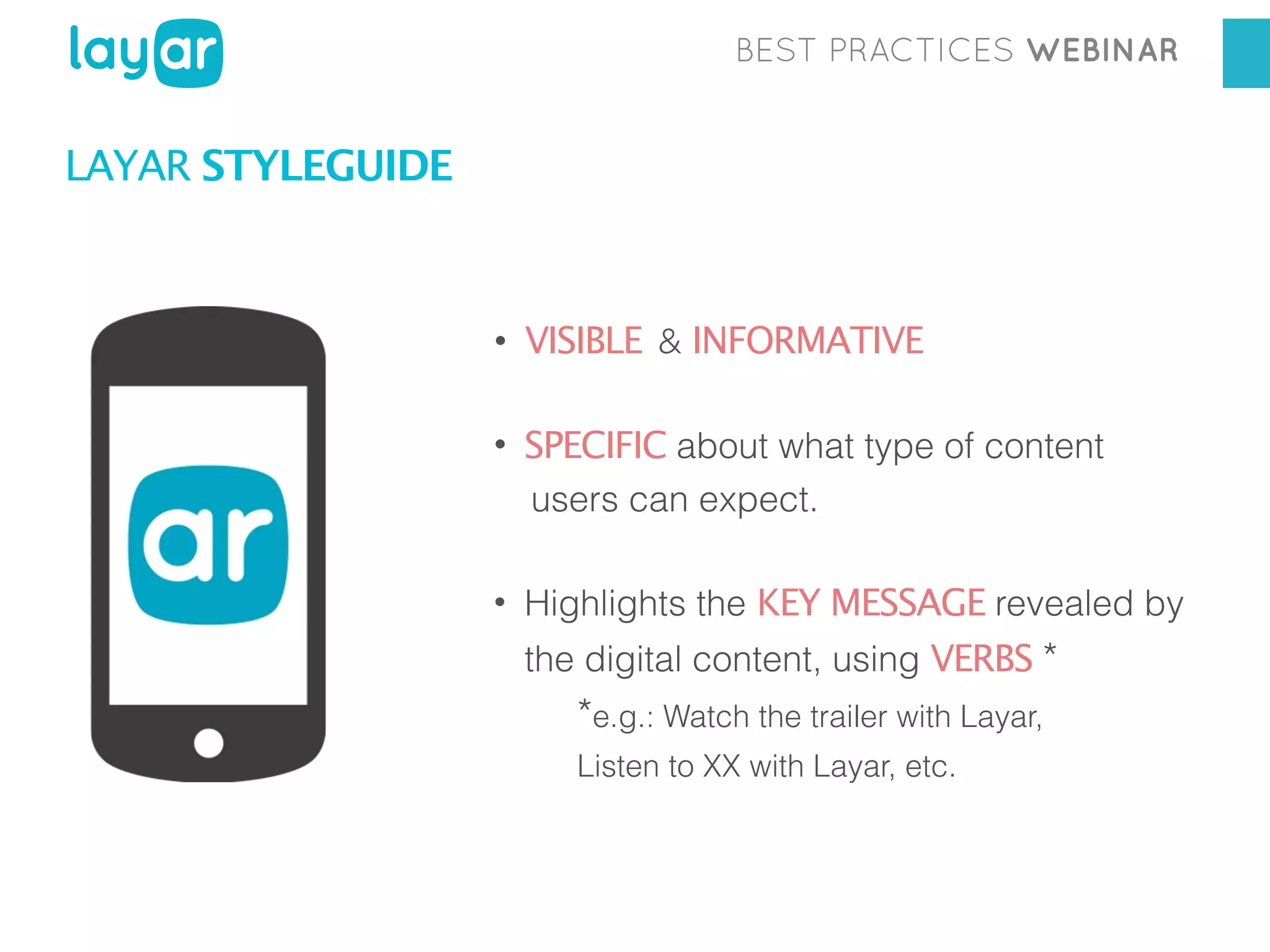
LAYAR STYLEGUIDE

• VISIBLE & INFORMATIVE
• SPECIFIC about what type of content
users can expect.
• Highlights the KEY MESSAGE revealed by
the digital content, using VERBS *

*e.g.: Watch the trailer with Layar,
Listen to XX with Layar, etc.
BEST PRACTICES WEBINAR

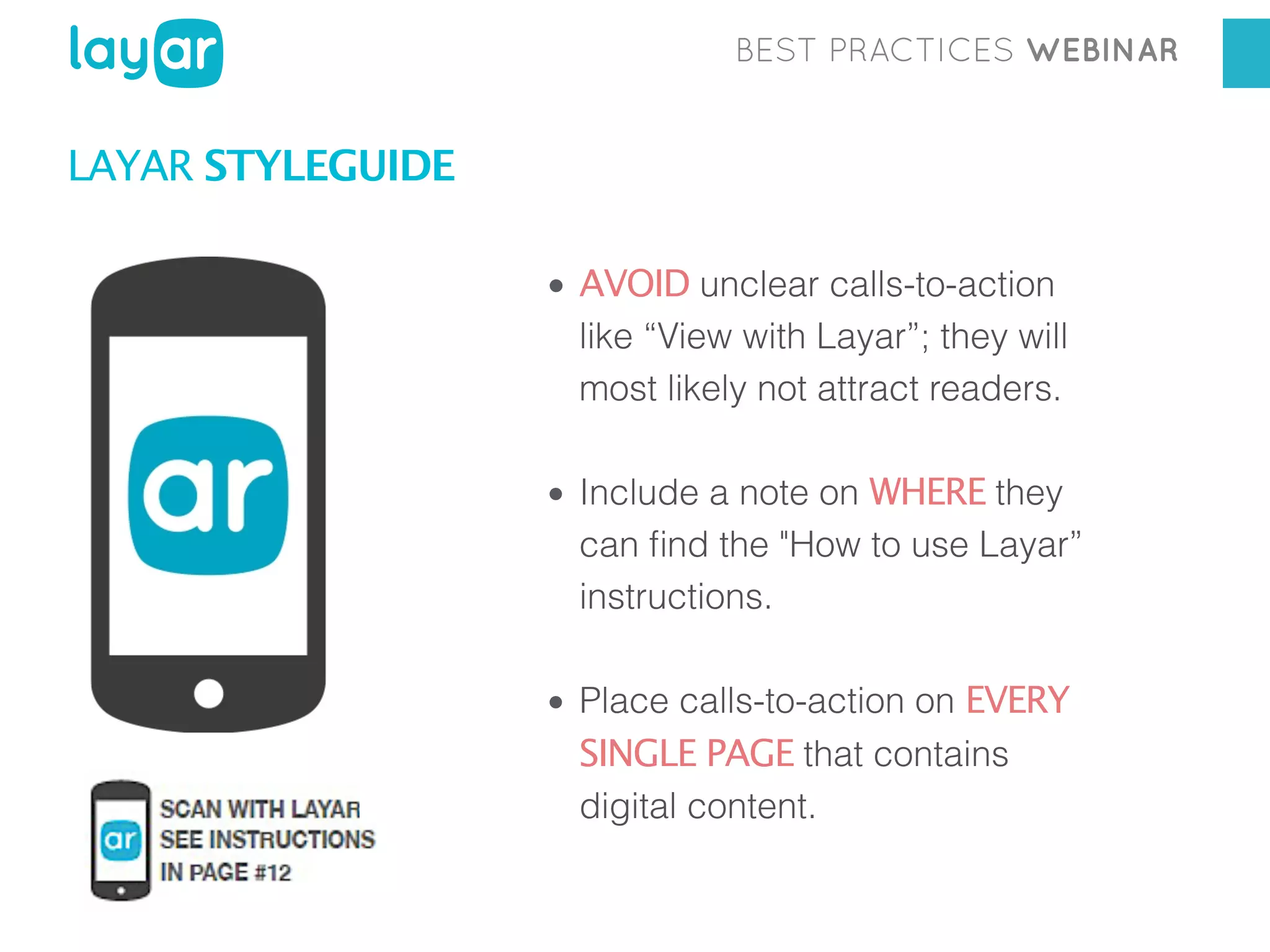
LAYAR STYLEGUIDE
• AVOID unclear calls-to-action
like “View with Layar”; they will
most likely not attract readers.
• Include a note on WHERE they
can find the "How to use Layar”
instructions.
• Place calls-to-action on EVERY
SINGLE PAGE that contains
digital content.
BEST PRACTICES WEBINAR

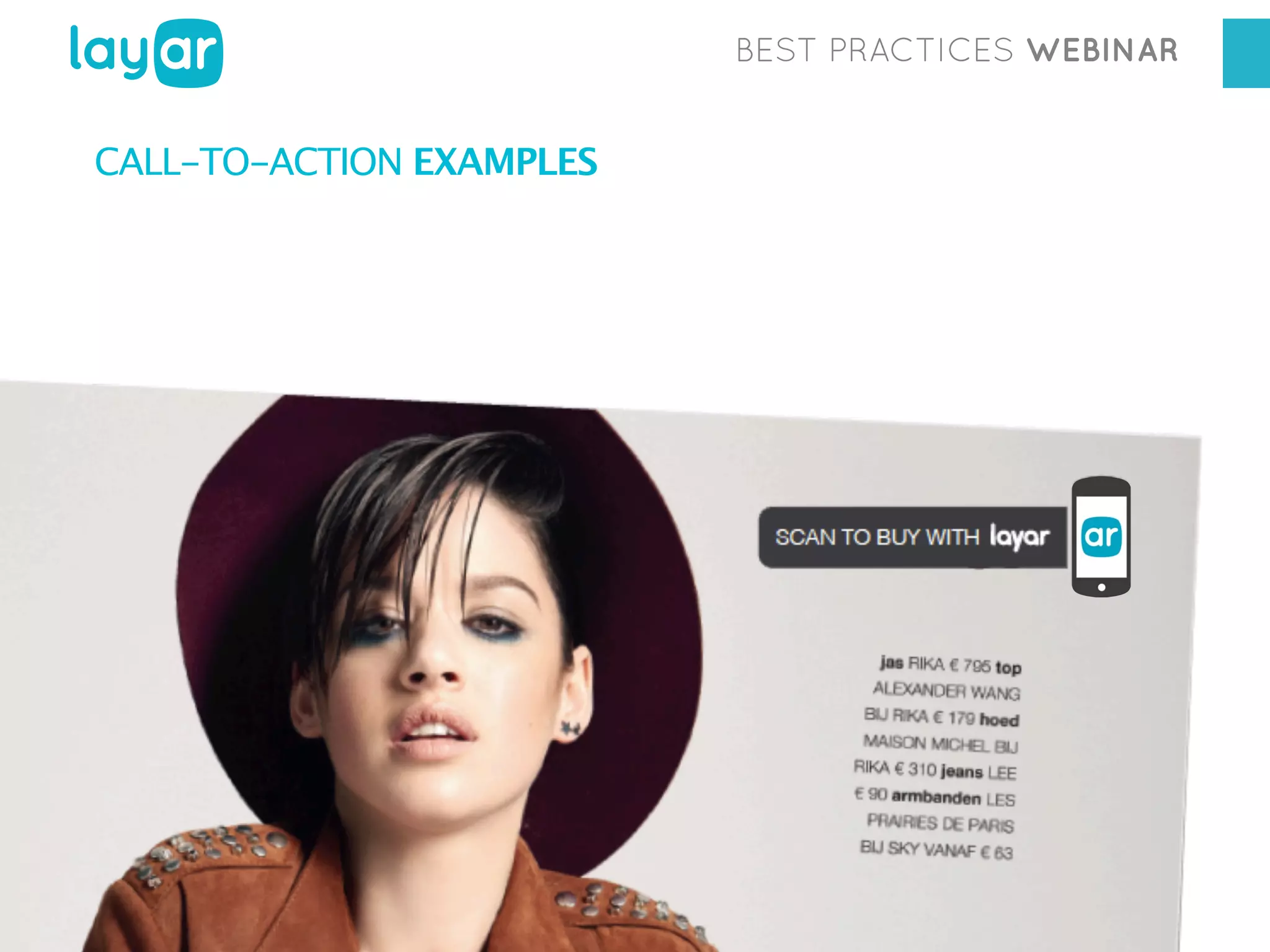
CALL-TO-ACTION EXAMPLES
BEST PRACTICES WEBINAR

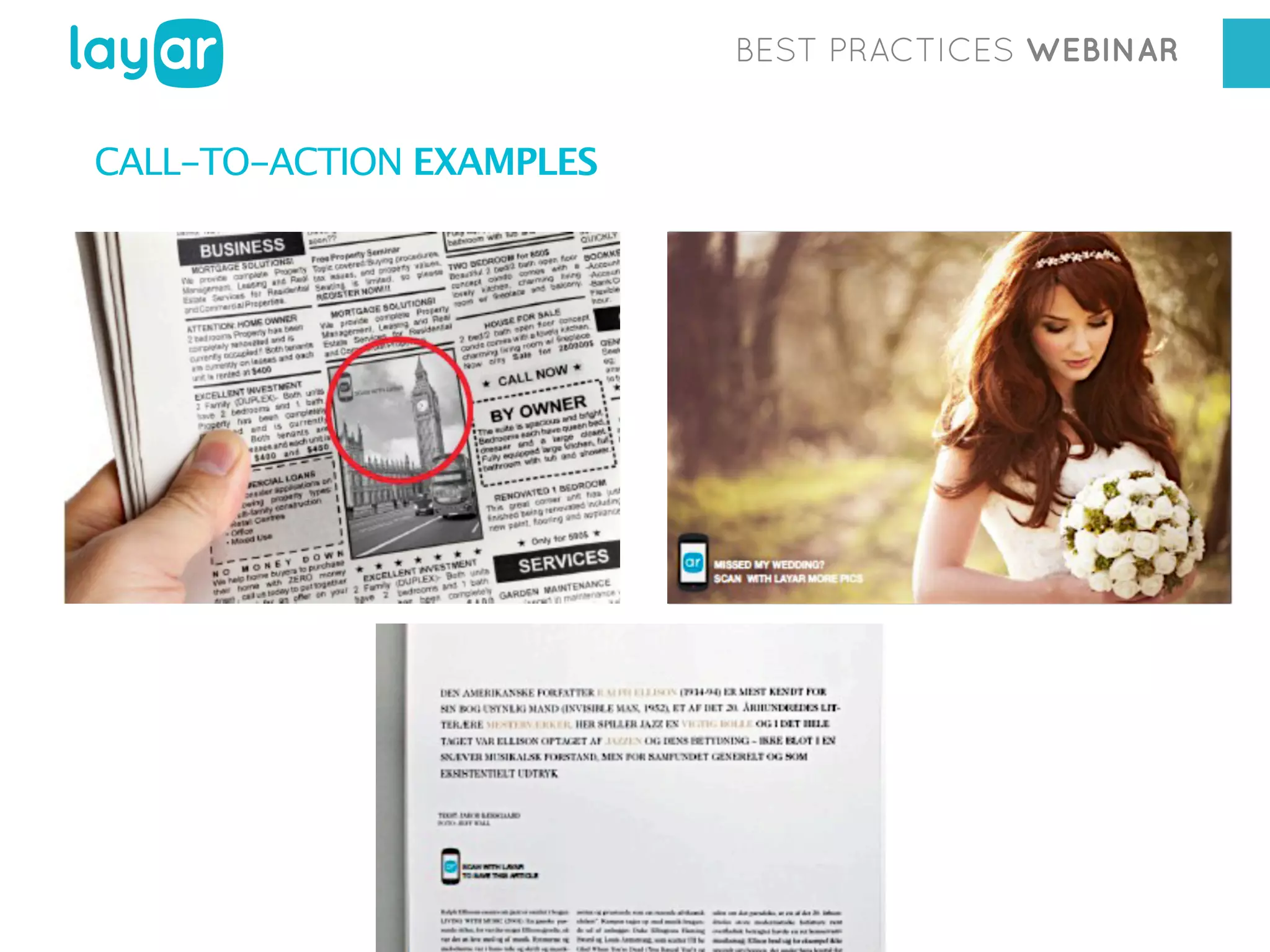
CALL-TO-ACTION EXAMPLES
BEST PRACTICES WEBINAR

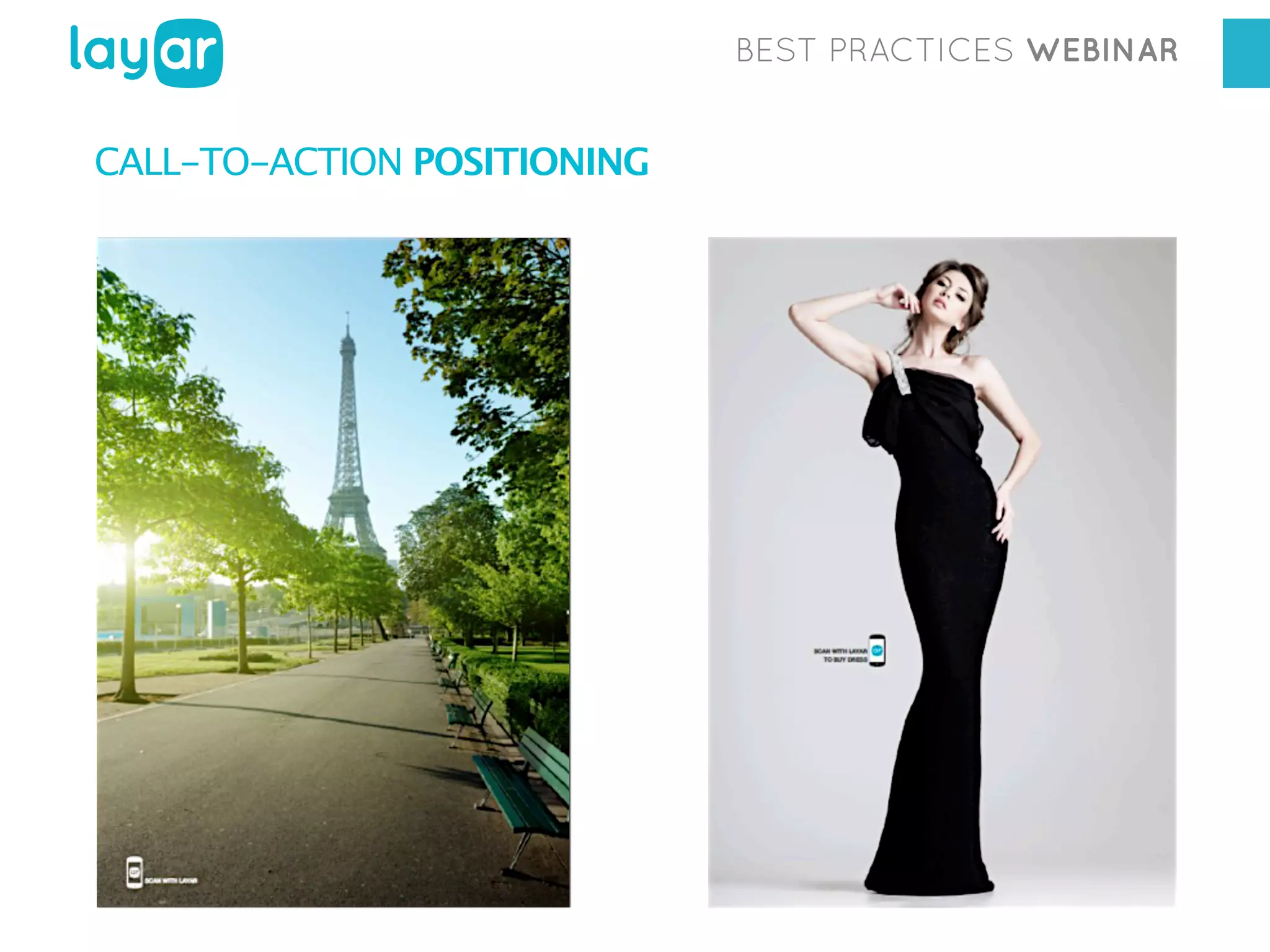
CALL-TO-ACTION POSITIONING
BEST PRACTICES WEBINAR

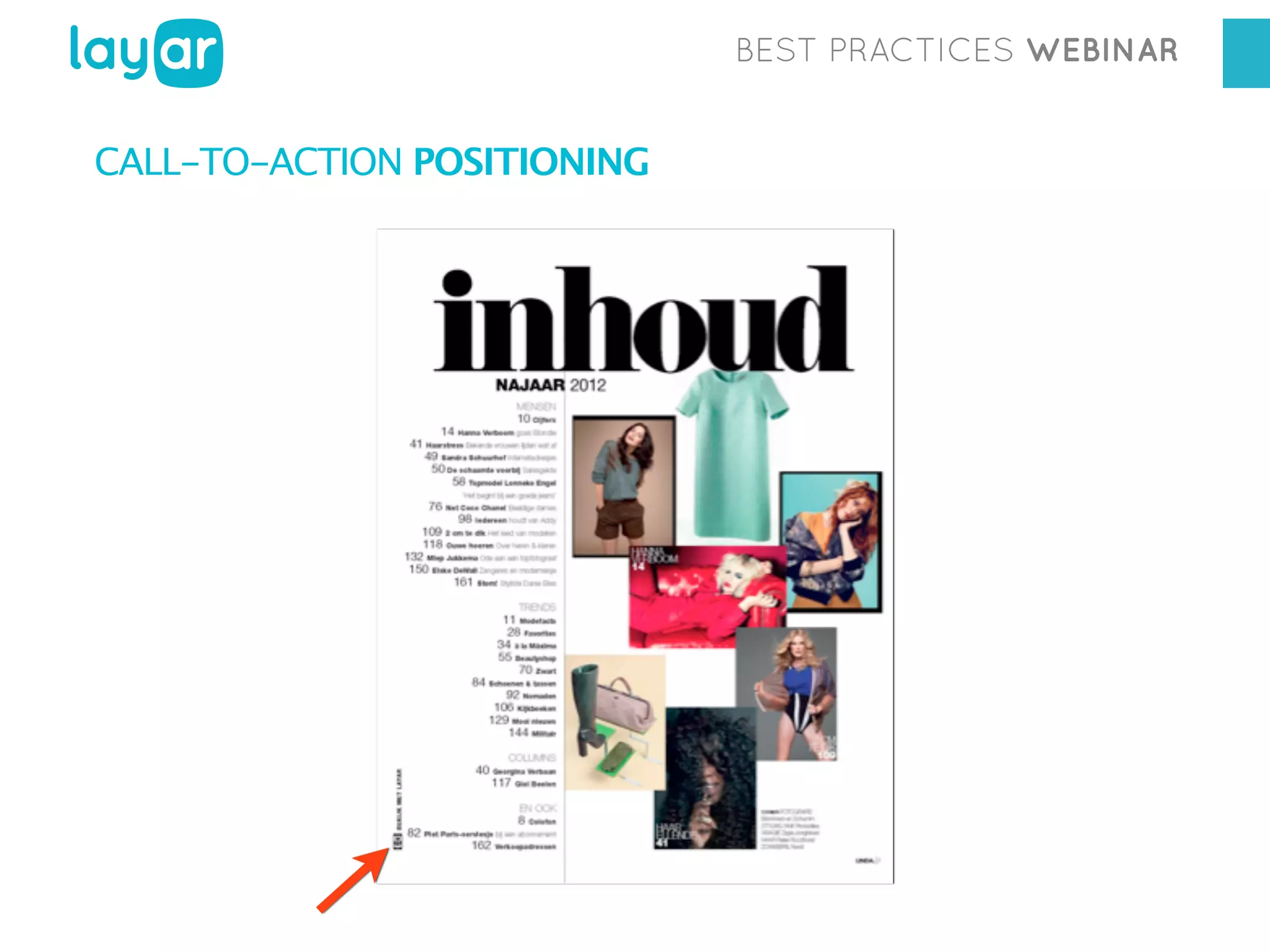
CALL-TO-ACTION POSITIONING
BEST PRACTICES WEBINAR

5

CUSTOM BUTTONS
BEST PRACTICES WEBINAR

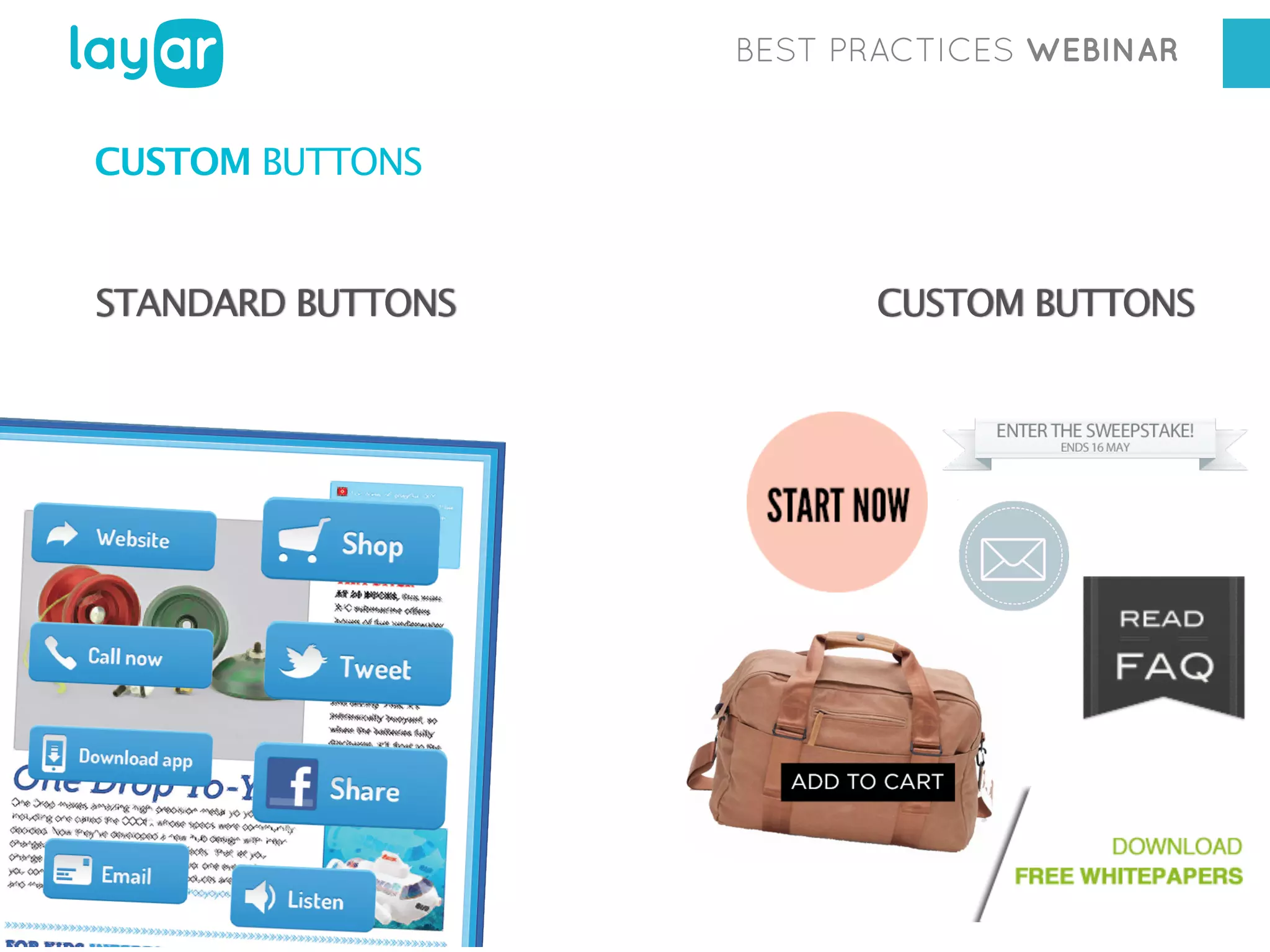
CUSTOM BUTTONS

STANDARD BUTTONS

CUSTOM BUTTONS
BEST PRACTICES WEBINAR

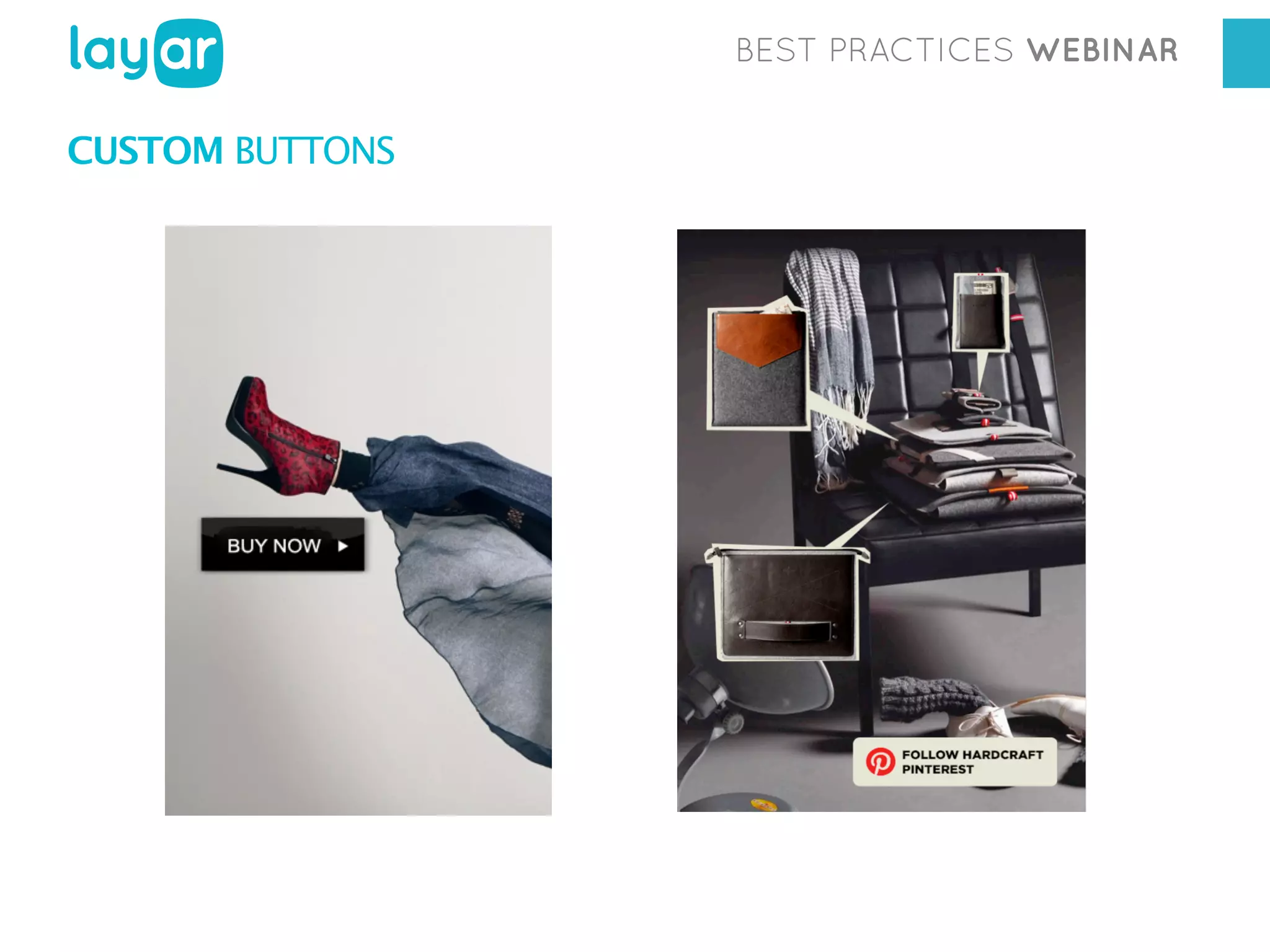
CUSTOM BUTTONS

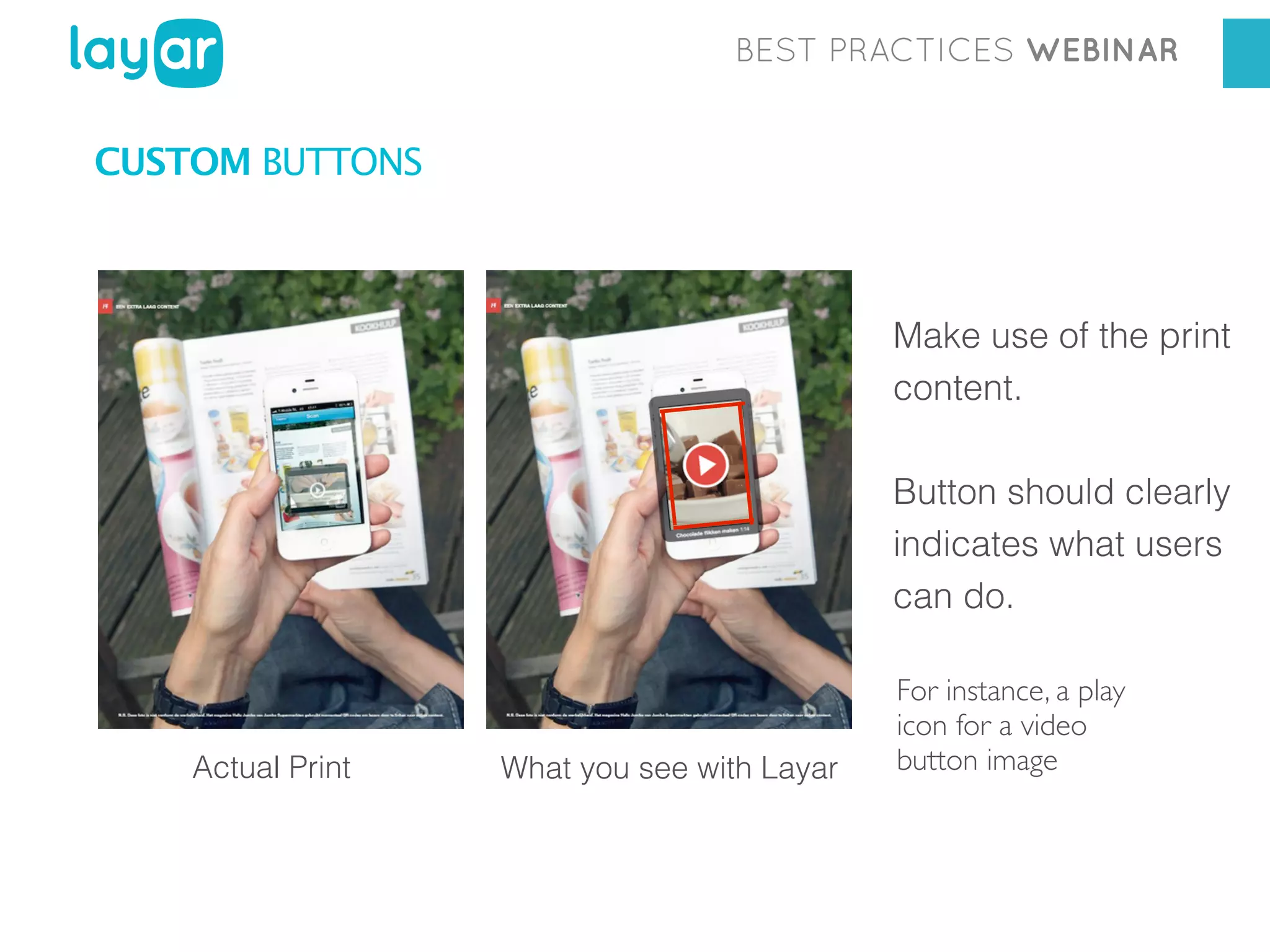
Make use of the print
content.
Button should clearly
indicates what users
can do.

Actual Print

What you see with Layar

For instance, a play
icon for a video
button image
BEST PRACTICES WEBINAR

CUSTOM BUTTONS

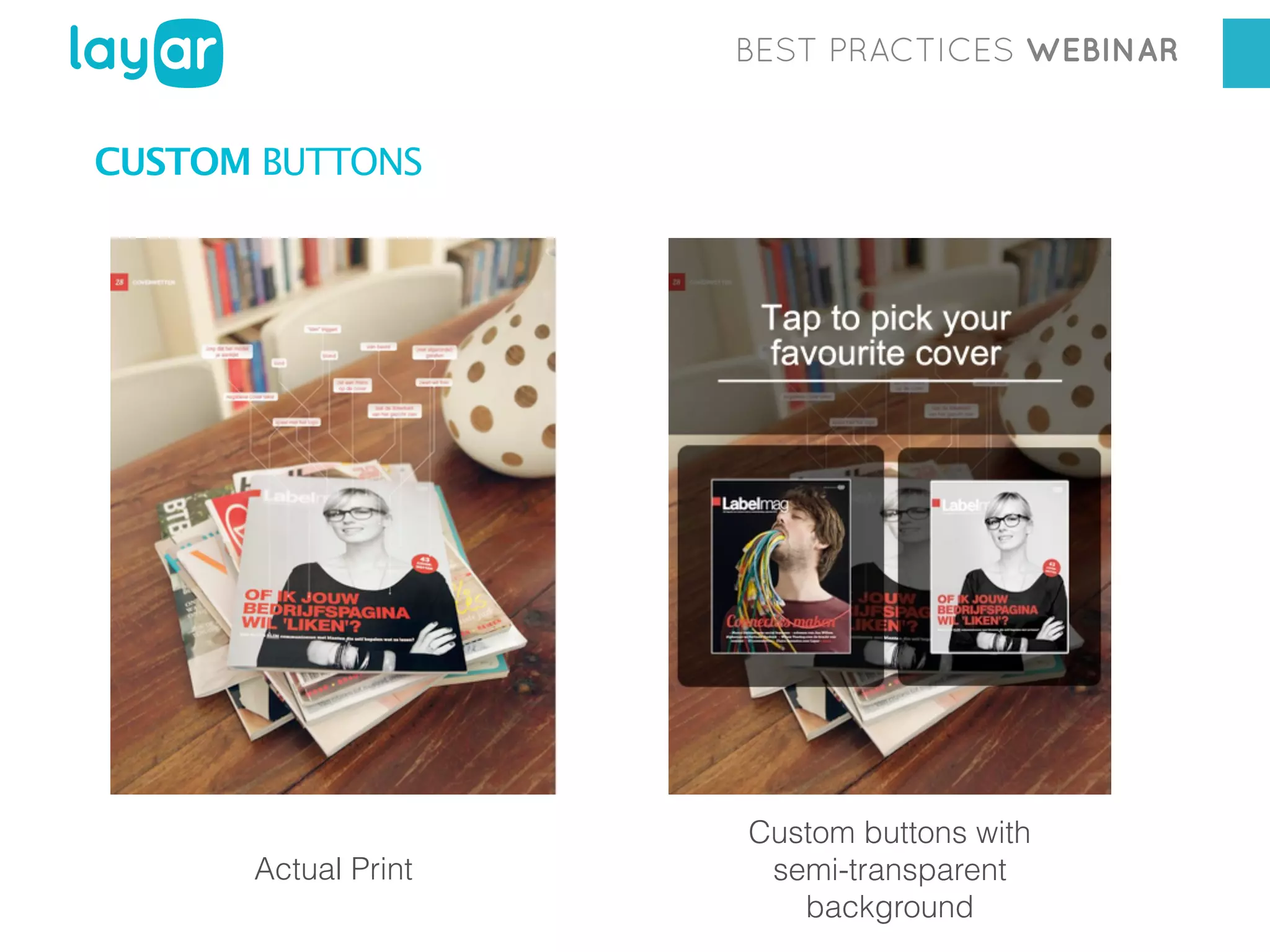
Actual Print

Custom buttons with
semi-transparent
background
BEST PRACTICES WEBINAR

CUSTOM BUTTONS
BEST PRACTICES WEBINAR

CUSTOM BUTTONS

Balancing digital content: EDITORIAL vs ADVERTISING
More of an AESTHETIC CHOICE
Place buttons where it makes the most sense!

Should look NATURAL in context with the print content
Better ON THE VISUALLY BUSY PART of the page and NOT on
blank spaces
BEST PRACTICES WEBINAR

6 TEST & FINALIZE CAMPAIGN
BEST PRACTICES WEBINAR

TEST & FINALIZE CAMPAIGN
Thorough CAMPAIGN TESTING is critical.
GREAT USER EXPERIENCE is THE key to success !

WHAT TO DO?
•
•
•
•
•

Check both technical and aesthetic aspects.
Test your campaign as much as possible.
Check campaign with iPhone and Android devices.
Use the latest Layar App version.
Test your campaign using printed pages!
BEST PRACTICES WEBINAR

TIP!
If possible, DO A TEST with a small group of colleagues,
who were not involved in the project!
BEST PRACTICES WEBINAR

HOW TO TEST?
DOUBLE CHECK THE QUALITY OF THE PAGES

• Are user instructions in your publication clear enough ?
• Are Interactive Print buttons placed at the right place ?
• Are the buttons correctly displayed?
• Does each button function correctly? Are links functional?
• Do videos play as expected?
• Does the campaign offer good user experience?
BEST PRACTICES WEBINAR

RAISE AWARENESS!
BEST PRACTICES WEBINAR

PRIOR COMMUNICATION

BEFORE FINALIZING & PUBLISHING THE CAMPAIGN keep in
mind that you need to communicate to your readers the fact that
your publication has been augmented with digital content.

RAISING READERS’ AWARENESS via PR, promotions, social media
before hand makes a tremendous difference!
BEST PRACTICES WEBINAR

MEASURE YOUR RESULTS
BEST PRACTICES WEBINAR

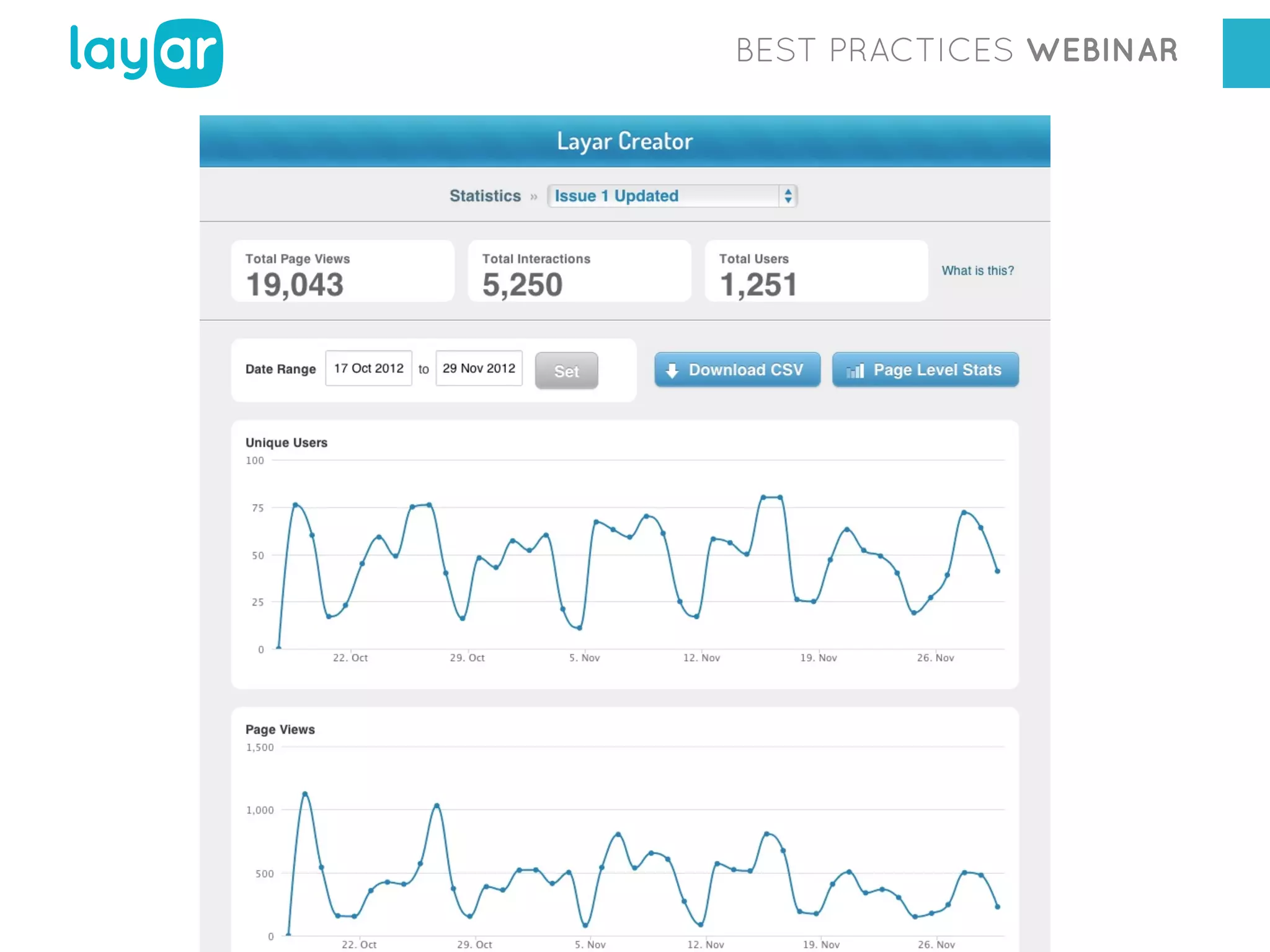
STATISTICS OVERVIEW
The Layar Creator gives you the opportunity to visualize your
statistics in real time (updated every hour):
Campaign statistics

Total page views

Page statistics

Total interactions

Button statistics

Total unique users

These numbers are also displayed on TIMELINES, to give you a
better overview on the PEAK DAYS of your campaign, READING

HABITS of your readers, as well as WHERE ARE THEY FROM.
BEST PRACTICES WEBINAR

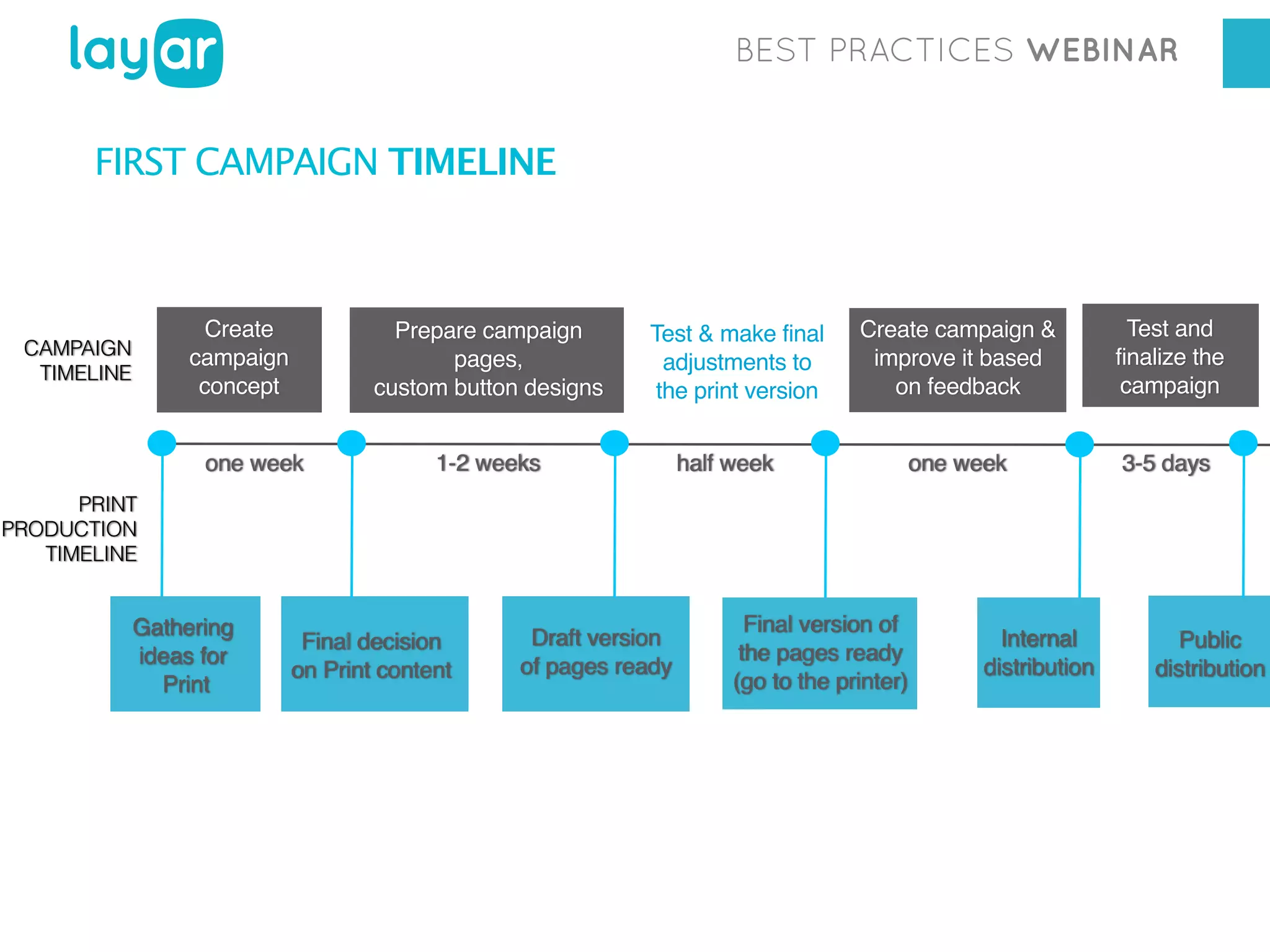
FIRST CAMPAIGN TIMELINE

Create
campaign
concept

CAMPAIGN
TIMELINE

Prepare campaign
pages,
custom button designs

one week

Test & make final
adjustments to
the print version

1-2 weeks

Create campaign &
improve it based
on feedback

Test and
finalize the
campaign

one week

3-5 days

half week

PRINT
PRODUCTION
TIMELINE

Gathering
ideas for
Print

Final decision
on Print content

Draft version
of pages ready

Final version of
the pages ready
(go to the printer)

Internal
distribution

Public
distribution
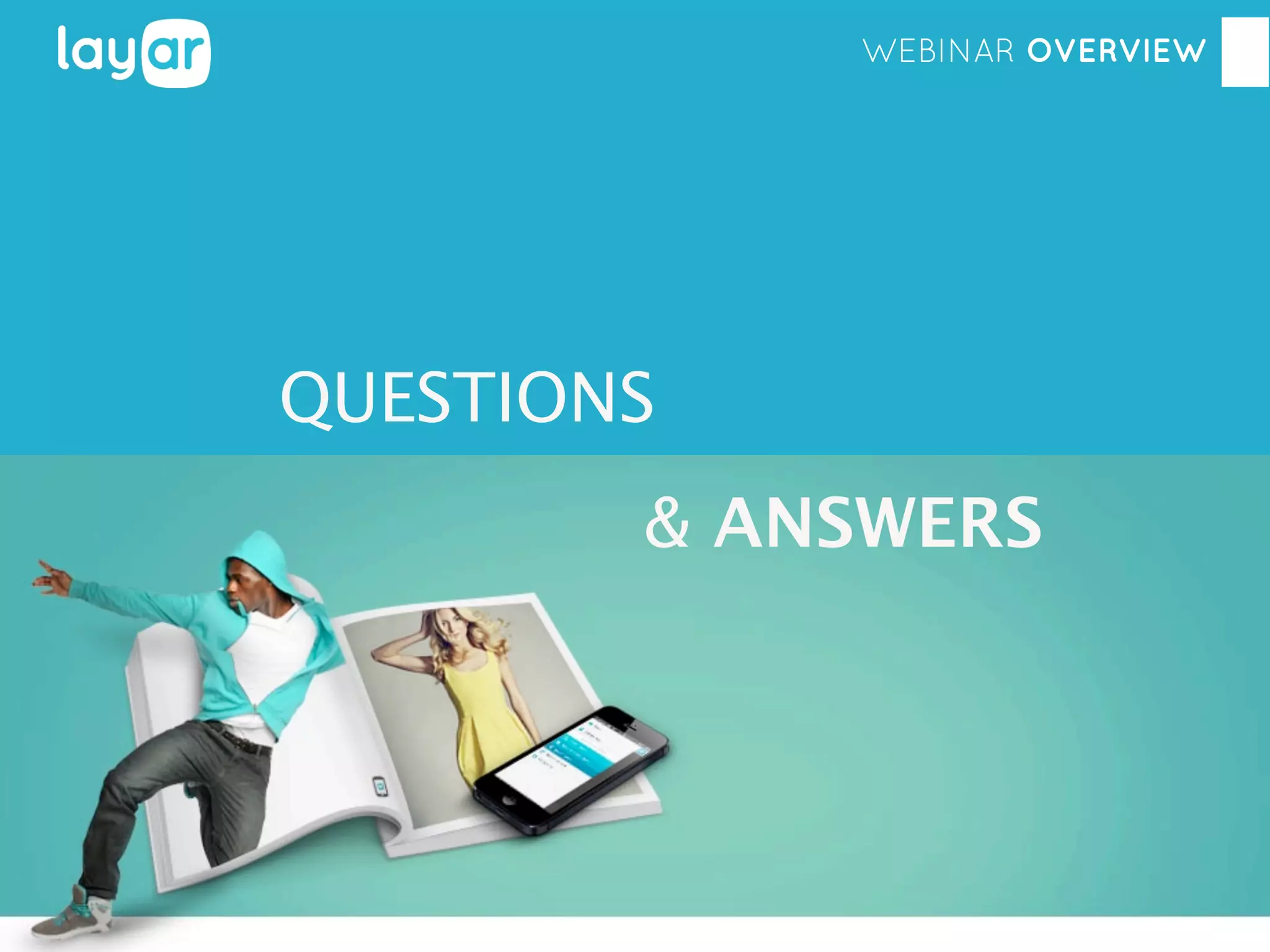
WEBINAR OVERVIEW

QUESTIONS
& ANSWERS
WEBINAR OVERVIEW

THANK YOU!

Layar January 29th Webinar - Get More Out of Interactive Print