1 
1 
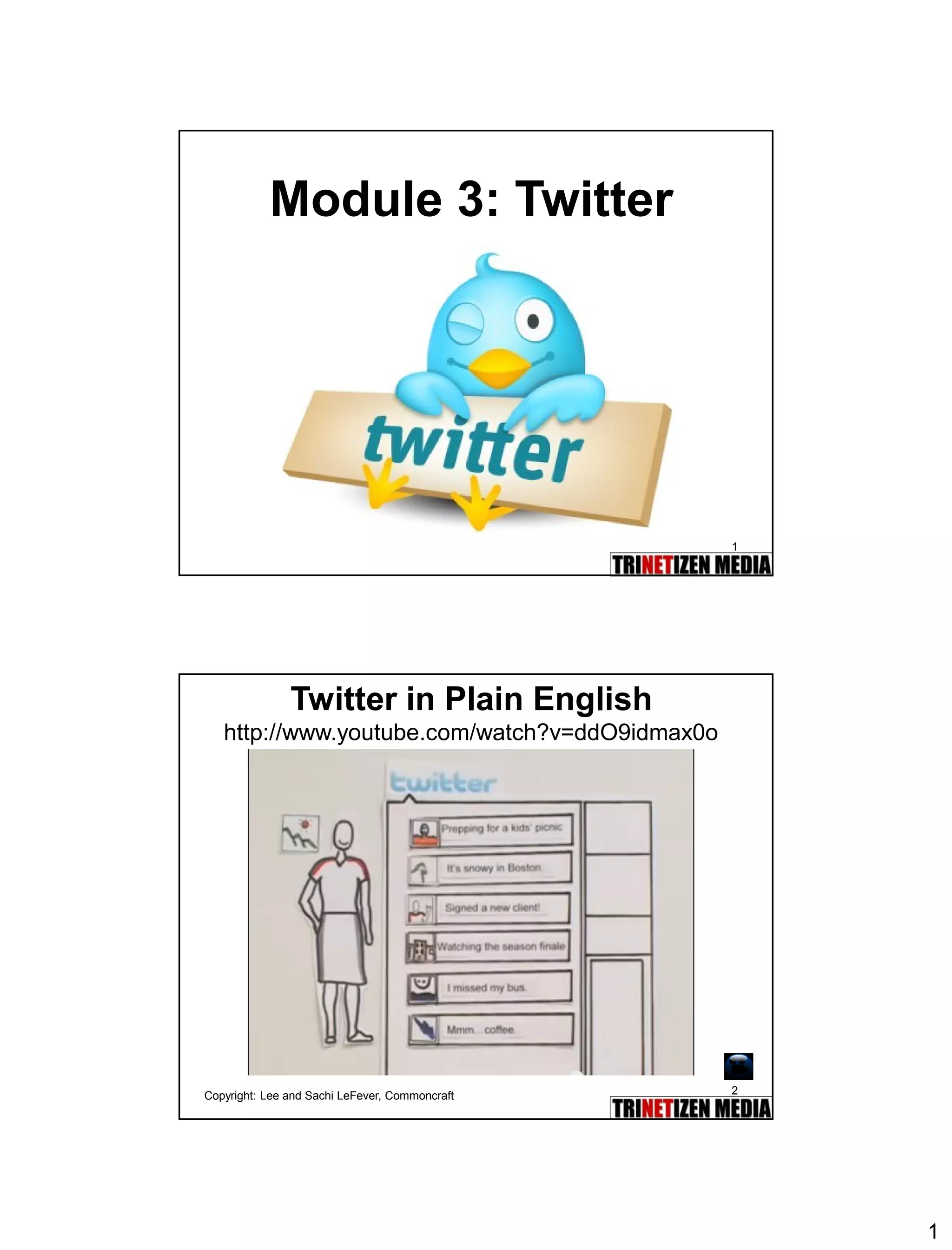
Module 3: Twitter 
2 
Twitter in Plain Englishhttp://www.youtube.com/watch?v=ddO9idmax0o 
Copyright: Lee and Sachi LeFever, Commoncraft
2 
3 
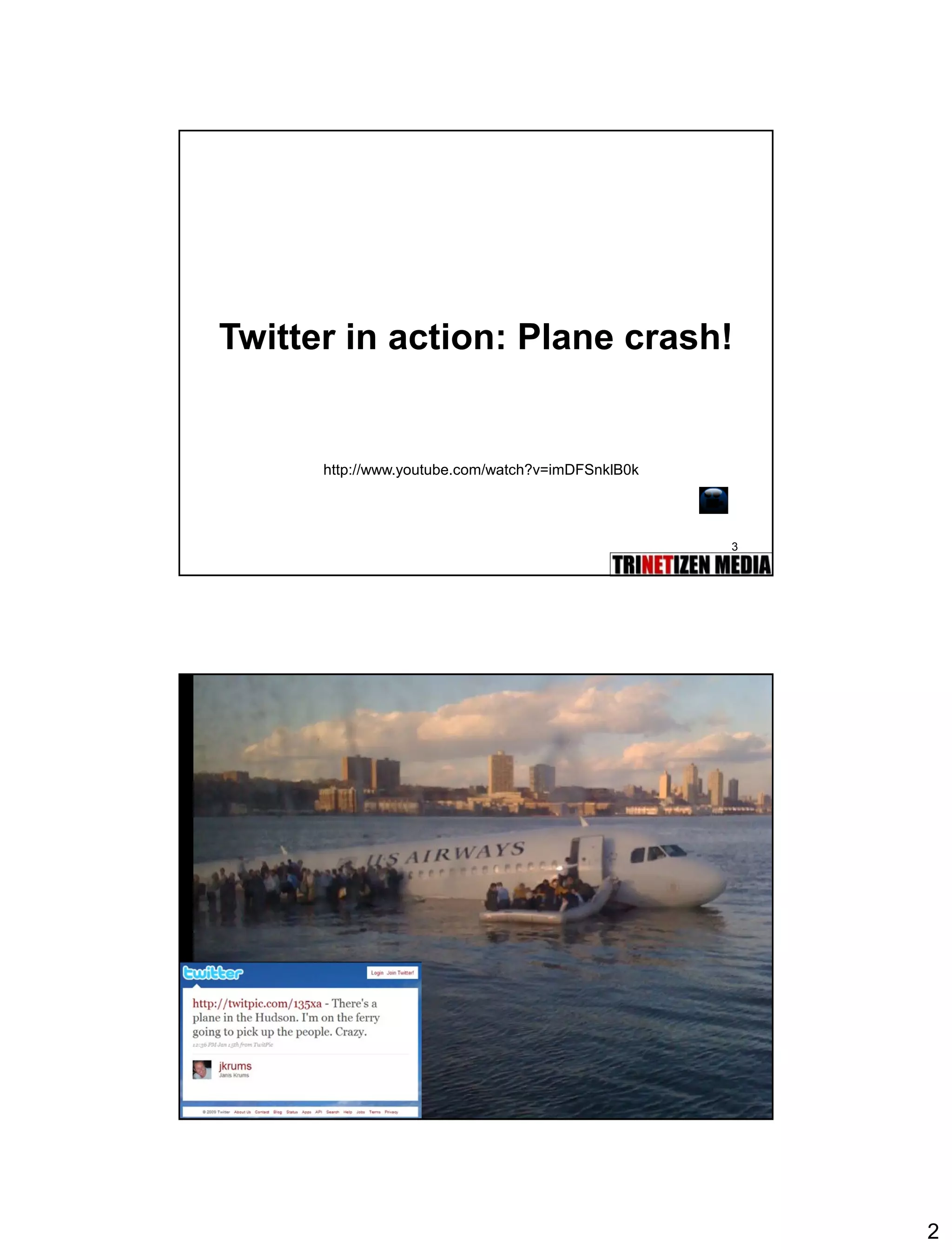
Twitter in action: Plane crash! 
http://www.youtube.com/watch?v=imDFSnklB0k 
4
3 
5 
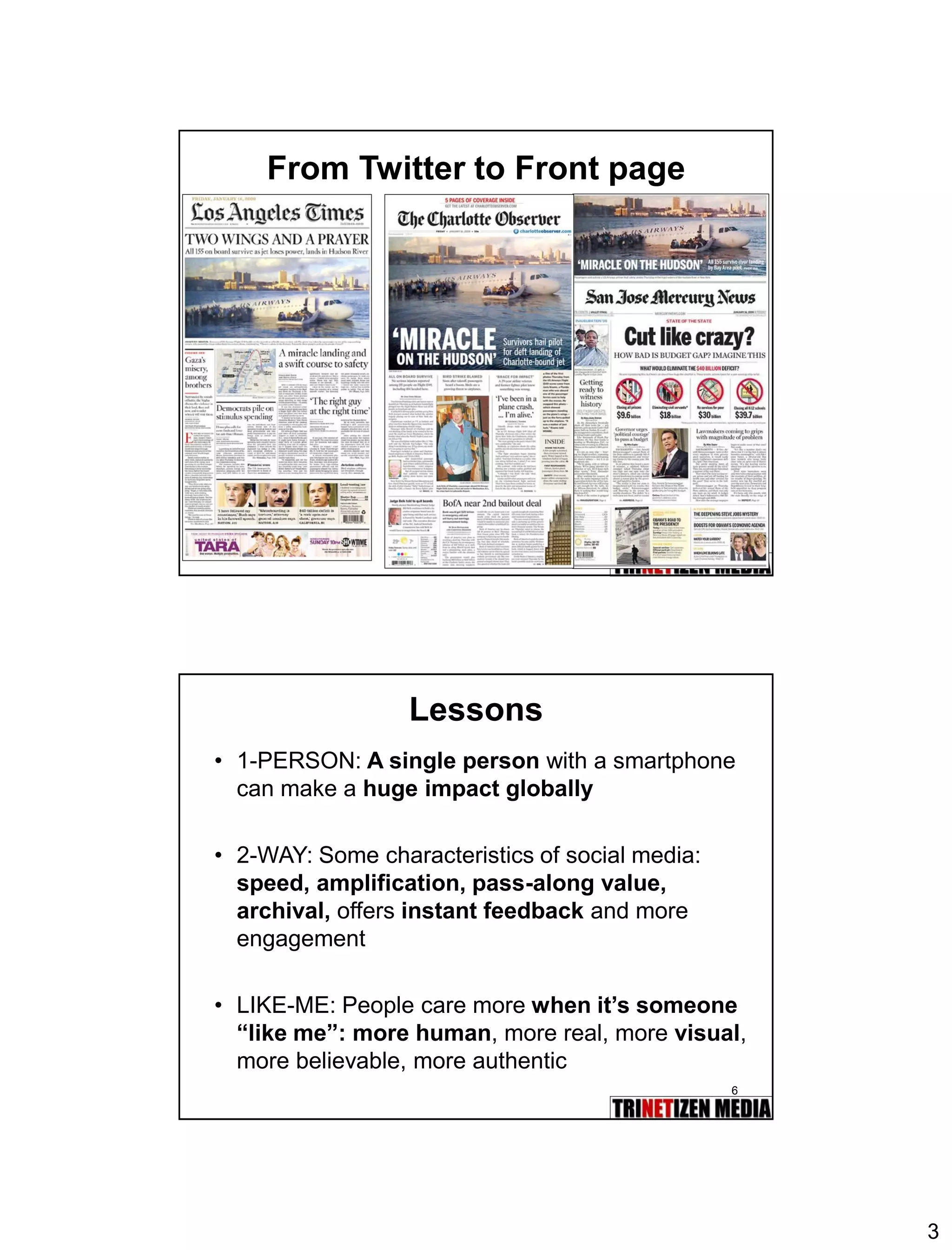
From Twitter to Front page 
6 
Lessons 
•1-PERSON:A single personwith a smartphone can make a huge impact globally 
•2-WAY: Some characteristics of social media: speed, amplification, pass-along value, archival, offers instant feedbackand more engagement 
•LIKE-ME: People care morewhen it’s someone “like me”:more human, more real, more visual, more believable, more authentic
4 
7 
Would you trust a surgeon who tweeted your operation? 
8 
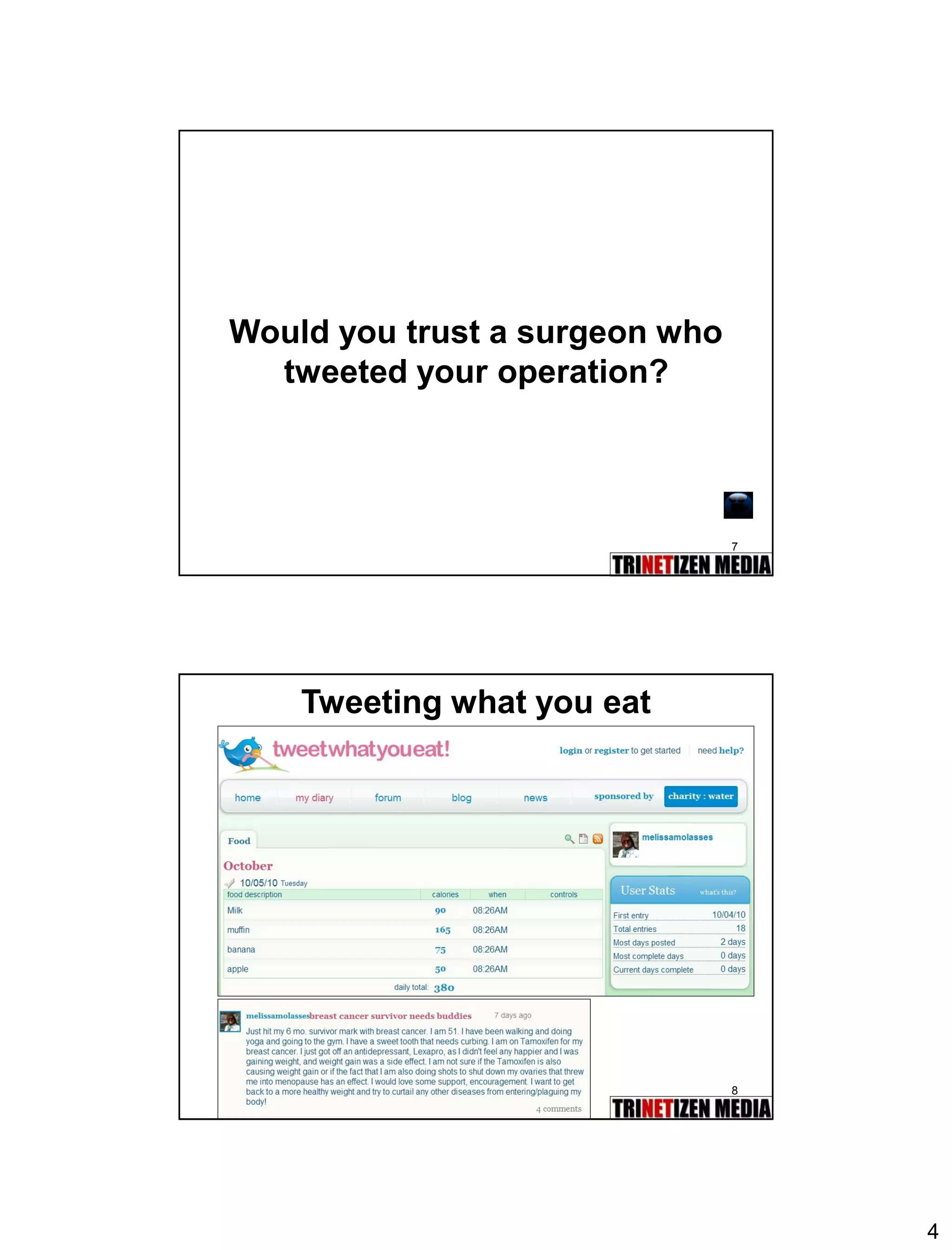
Tweeting what you eat
5 
9 
10 
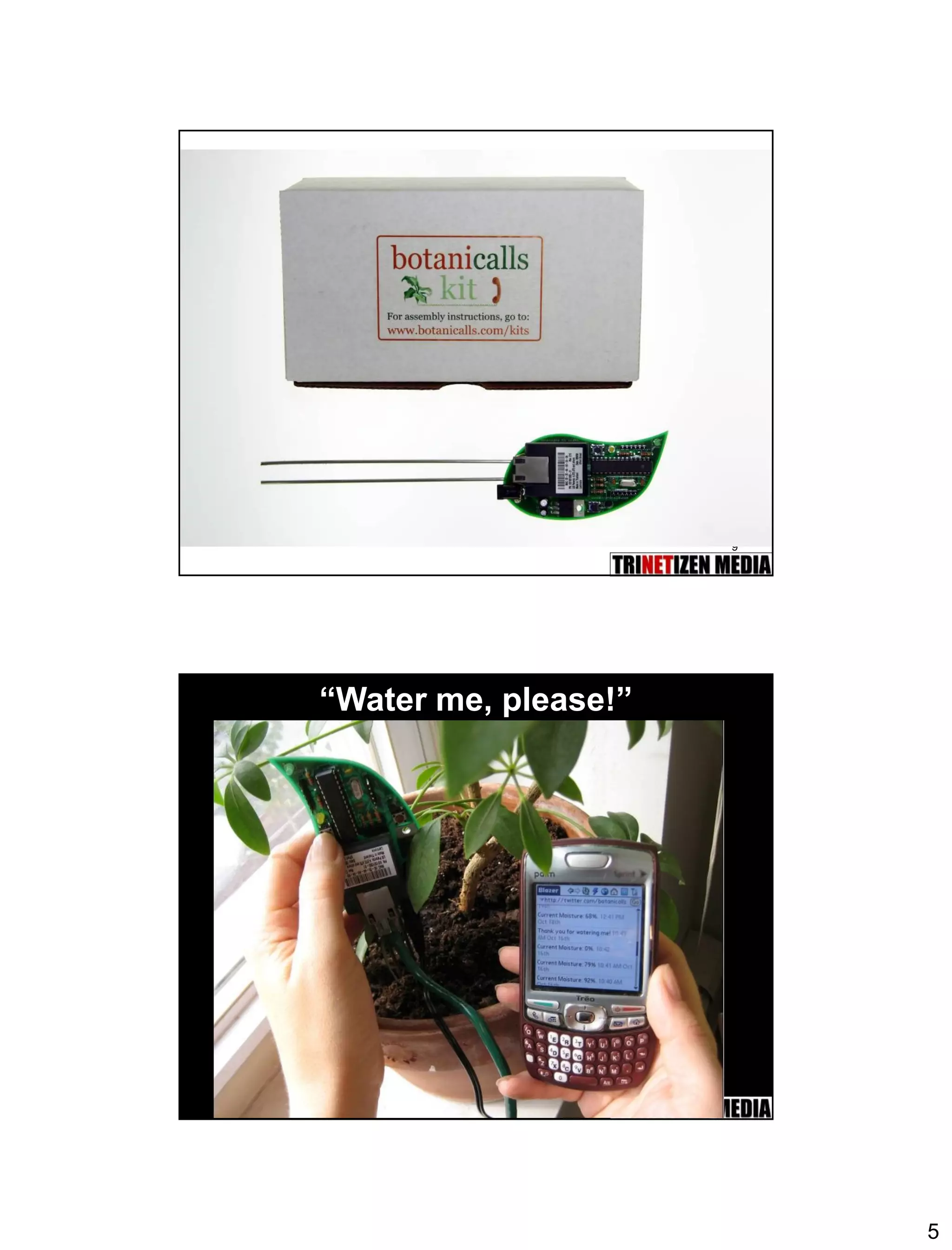
“Water me, please!”
6 
11 
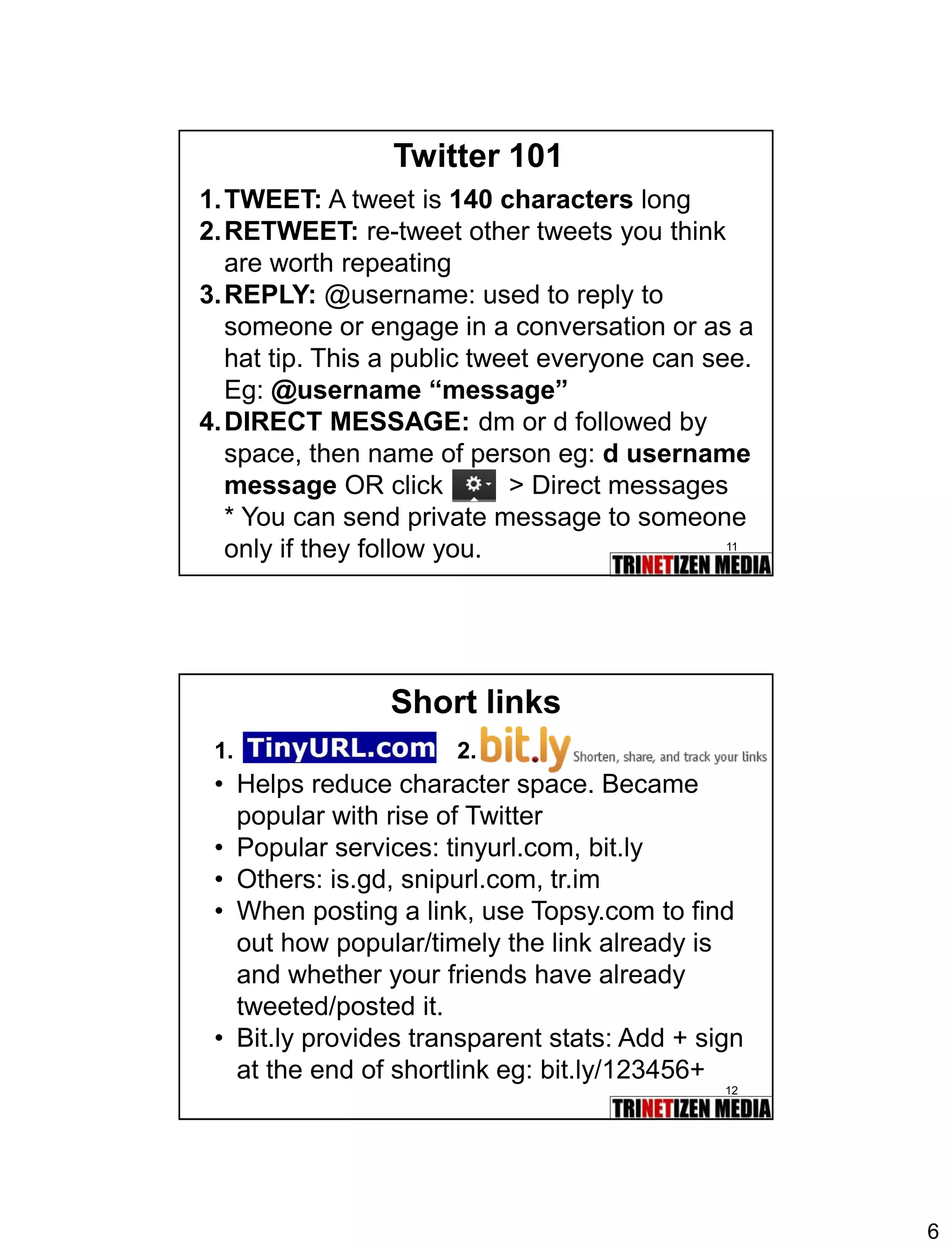
Twitter 101 
1.TWEET:A tweet is 140 characterslong 
2.RETWEET:re-tweet other tweets you think are worth repeating 
3.REPLY:@username: used to reply to someone or engage in a conversation or as a hat tip. This a public tweet everyone can see. Eg: @username “message” 
4.DIRECT MESSAGE:dmordfollowed by space, then name of person eg: d username messageOR click > Direct messages 
* You can send private message to someone only if they follow you. 
12 
Short links 
•Helps reduce character space. Became popular with rise of Twitter 
•Popular services: tinyurl.com, bit.ly 
•Others: is.gd, snipurl.com, tr.im 
•When posting a link, use Topsy.com to find out how popular/timely the link already is and whether your friends have already tweeted/posted it. 
•Bit.ly provides transparent stats: Add + sign at the end of shortlink eg: bit.ly/123456+ 
1. 
2.
7 
13 
Twitter 101: Using #hashtags 
•The Hash Tag aka Pound Symbol [#] is used to categorize tweets into topics, events, trends. A hashtag organizes tweets into keywords that are linkable eg: #pdrm 
•Search specific hashtags and “Save Search”for future reference. 
•Tip:Use a unique hashtag for specific event or incident or eg: #bernamadinner (make sure no one is using it first) 
14 
Compose first tweet 
Click on 
Tweet + Link = 140 characters
8 
15 
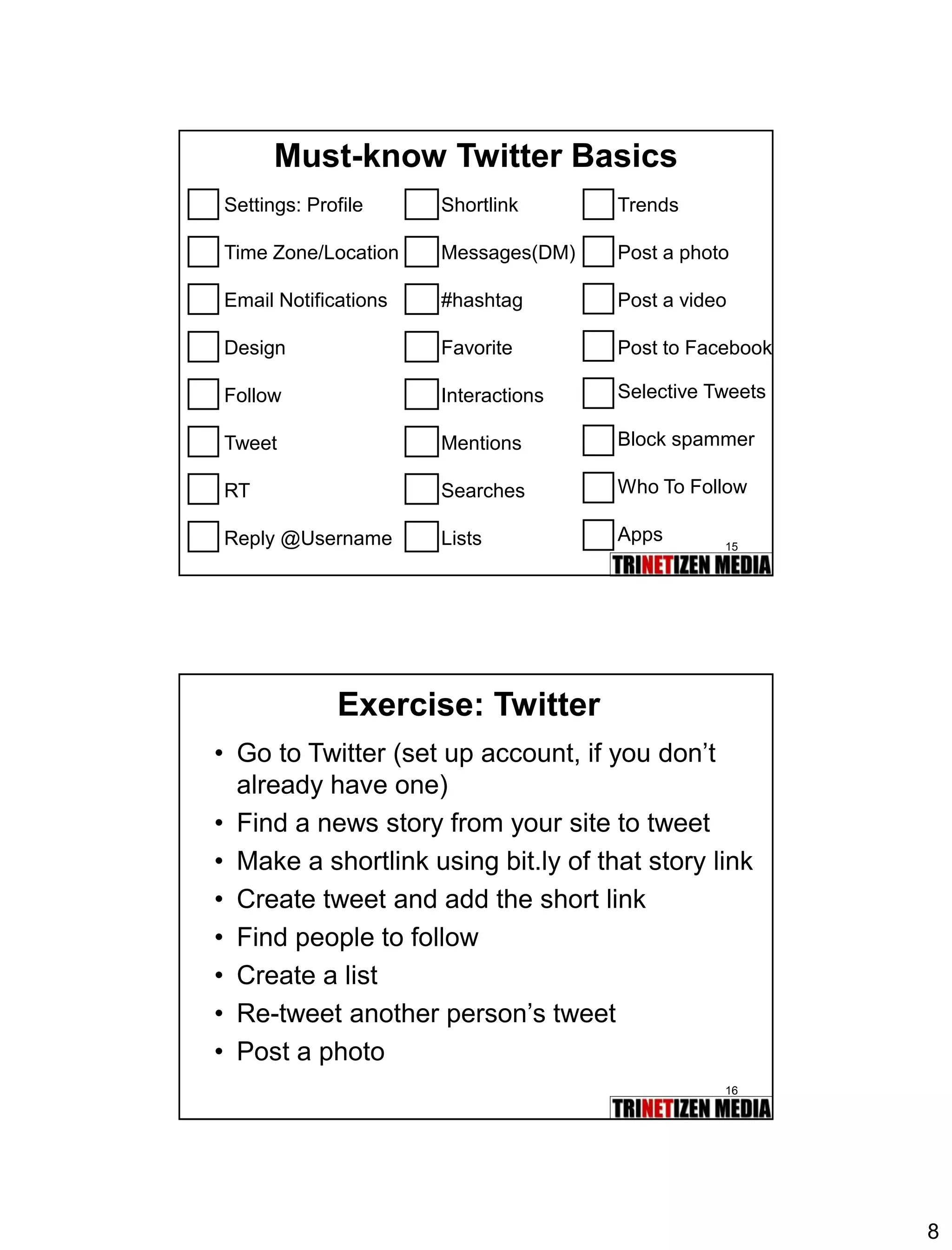
Must-know Twitter Basics 
Settings: Profile 
Time Zone/Location 
Email Notifications 
Design 
Follow 
Tweet 
RT 
Reply @Username 
Shortlink 
Messages(DM) 
#hashtag 
Favorite 
Interactions 
Mentions 
Searches 
Lists 
Trends 
Post a photo 
Post a video 
Post to Facebook 
Selective Tweets 
Block spammer 
Who To Follow 
Apps 
16 
Exercise: Twitter 
•Go to Twitter (set up account, if you don’t already have one) 
•Find a news story from your site to tweet 
•Make a shortlink using bit.ly of that story link 
•Create tweet and add the short link 
•Find people to follow 
•Create a list 
•Re-tweet another person’s tweet 
•Post a photo
9 
17 
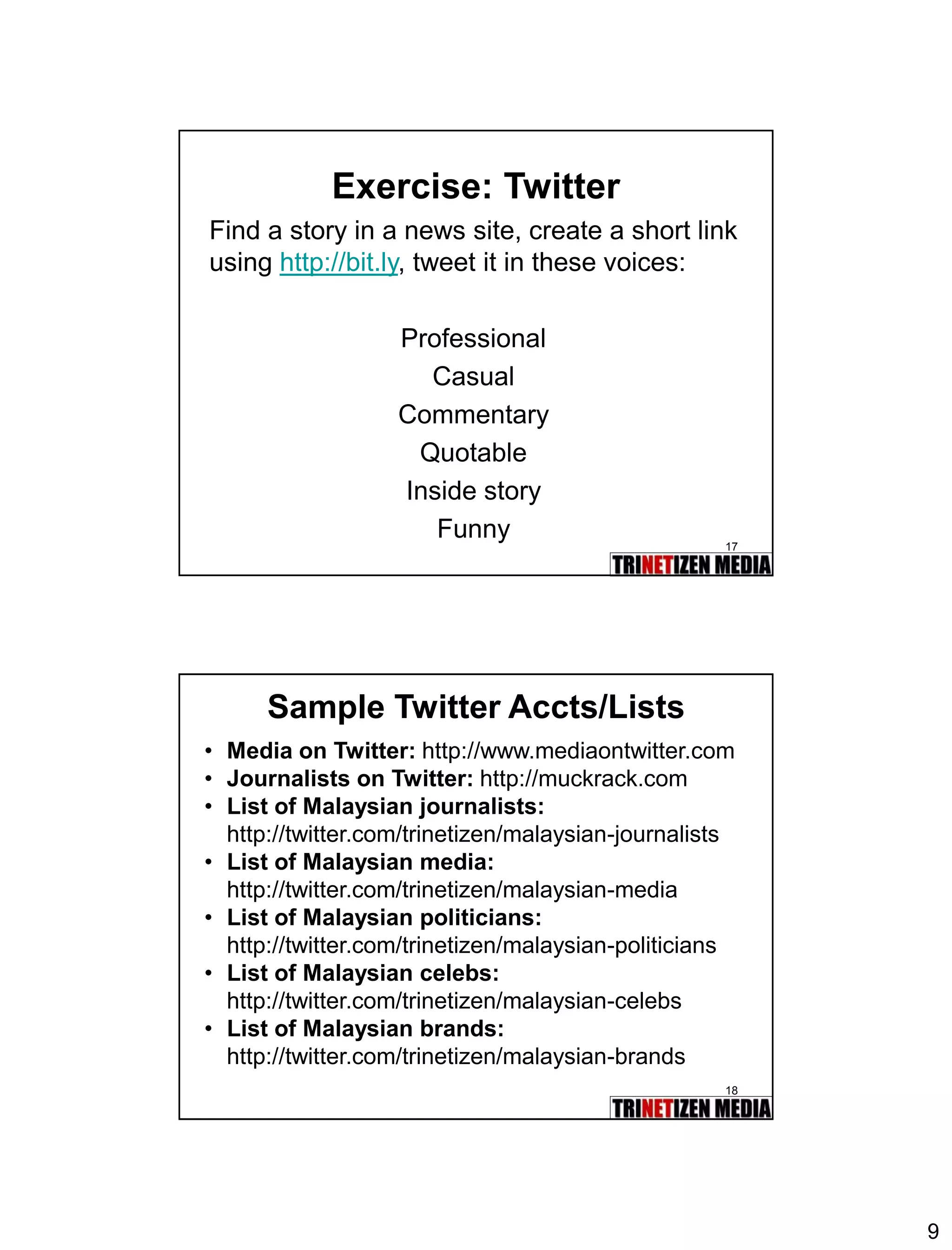
Exercise: Twitter 
Find a story in a news site, create a short link using http://bit.ly, tweet it in these voices: 
Professional 
Casual 
Commentary 
Quotable 
Inside story 
Funny 
18 
Sample Twitter Accts/Lists 
•Media on Twitter:http://www.mediaontwitter.com 
•Journalists on Twitter: http://muckrack.com 
•List of Malaysian journalists: 
http://twitter.com/trinetizen/malaysian-journalists 
•List of Malaysian media: 
http://twitter.com/trinetizen/malaysian-media 
•List of Malaysian politicians: 
http://twitter.com/trinetizen/malaysian-politicians 
•List of Malaysian celebs: 
http://twitter.com/trinetizen/malaysian-celebs 
•List of Malaysian brands: 
http://twitter.com/trinetizen/malaysian-brands
10 
19 
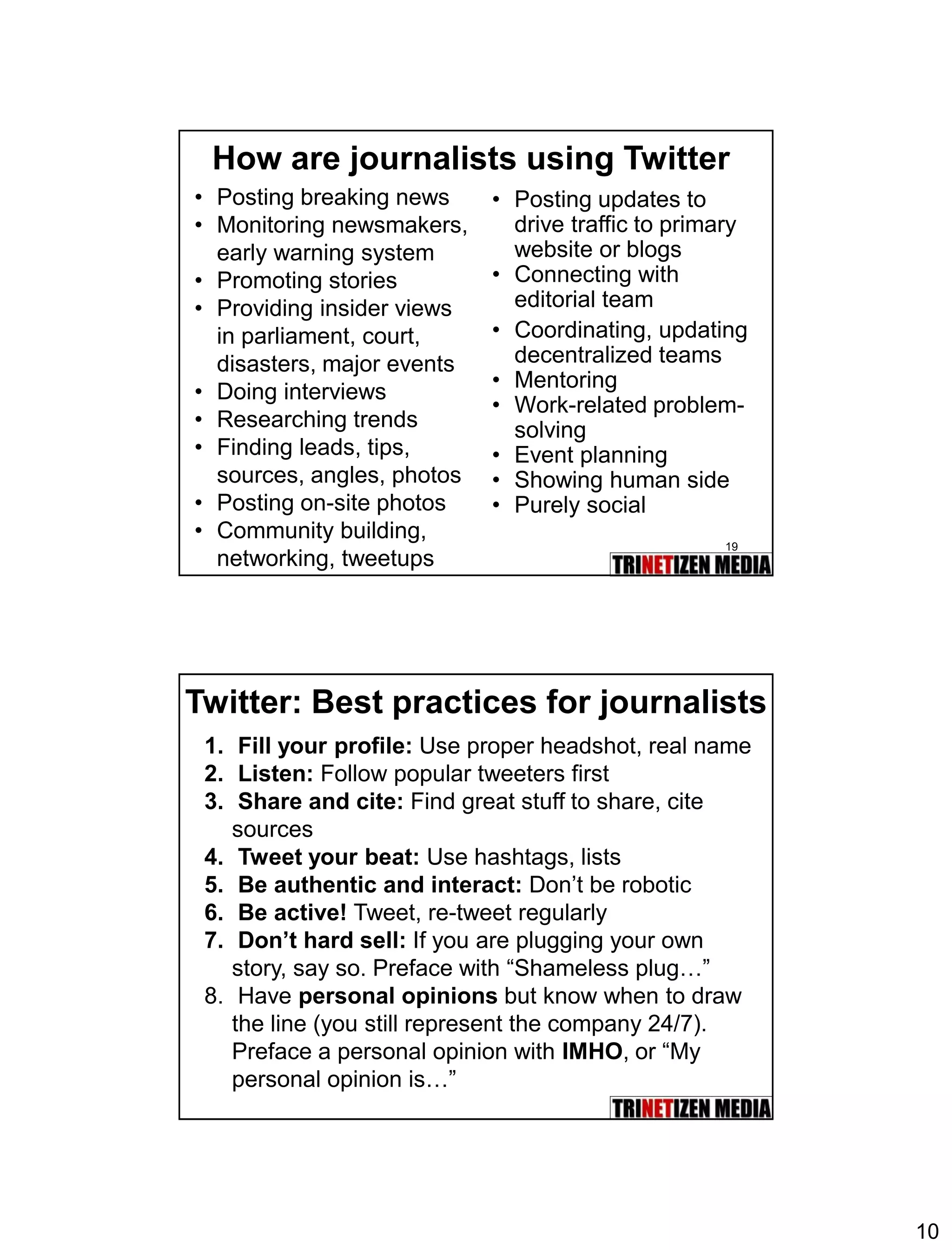
How are journalists using Twitter 
•Posting breaking news 
•Monitoring newsmakers, early warning system 
•Promoting stories 
•Providing insider views in parliament, court, disasters, major events 
•Doing interviews 
•Researching trends 
•Finding leads, tips, sources, angles, photos 
•Posting on-site photos 
•Community building, networking, tweetups 
•Posting updates to drive traffic to primary website or blogs 
•Connecting with editorial team 
•Coordinating, updating decentralized teams 
•Mentoring 
•Work-related problem- solving 
•Event planning 
•Showing human side 
•Purely social 
Twitter: Best practices for journalists 
1.Fill your profile: Use proper headshot, real name 
2.Listen:Follow popular tweeters first 
3.Share and cite:Find great stuff to share, cite sources 
4.Tweet your beat: Use hashtags, lists 
5.Be authentic and interact: Don’t be robotic 
6.Be active!Tweet, re-tweet regularly 
7.Don’t hard sell:If you are plugging your own story, say so. Preface with “Shameless plug…” 
8.Have personal opinions but know when to draw the line (you still represent the company 24/7). Preface a personal opinion with IMHO, or “My personal opinion is…”
11 
21 
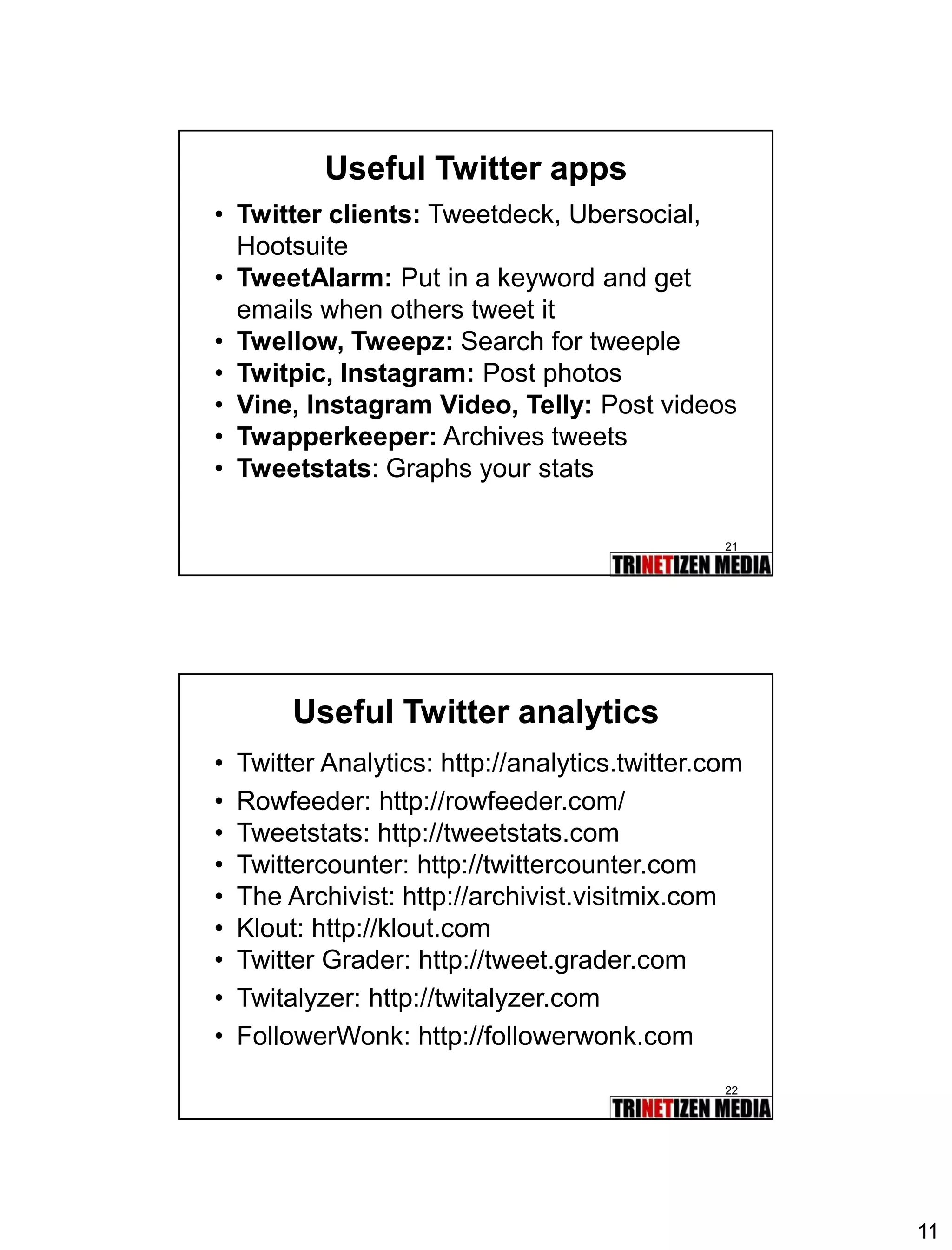
Useful Twitter apps 
•Twitter clients:Tweetdeck, Ubersocial, Hootsuite 
•TweetAlarm:Put in a keyword and get emails when others tweet it 
•Twellow, Tweepz:Search for tweeple 
•Twitpic, Instagram:Post photos 
•Vine, Instagram Video, Telly:Post videos 
•Twapperkeeper:Archives tweets 
•Tweetstats: Graphs your stats 
22 
Useful Twitter analytics 
•Twitter Analytics: http://analytics.twitter.com 
•Rowfeeder: http://rowfeeder.com/ 
•Tweetstats: http://tweetstats.com 
•Twittercounter: http://twittercounter.com 
•The Archivist: http://archivist.visitmix.com 
•Klout: http://klout.com 
•Twitter Grader: http://tweet.grader.com 
•Twitalyzer: http://twitalyzer.com 
•FollowerWonk: http://followerwonk.com

03.Twitter

  • 1.
    1 1 Module3: Twitter 2 Twitter in Plain Englishhttp://www.youtube.com/watch?v=ddO9idmax0o Copyright: Lee and Sachi LeFever, Commoncraft
  • 2.
    2 3 Twitterin action: Plane crash! http://www.youtube.com/watch?v=imDFSnklB0k 4
  • 3.
    3 5 FromTwitter to Front page 6 Lessons •1-PERSON:A single personwith a smartphone can make a huge impact globally •2-WAY: Some characteristics of social media: speed, amplification, pass-along value, archival, offers instant feedbackand more engagement •LIKE-ME: People care morewhen it’s someone “like me”:more human, more real, more visual, more believable, more authentic
  • 4.
    4 7 Wouldyou trust a surgeon who tweeted your operation? 8 Tweeting what you eat
  • 5.
    5 9 10 “Water me, please!”
  • 6.
    6 11 Twitter101 1.TWEET:A tweet is 140 characterslong 2.RETWEET:re-tweet other tweets you think are worth repeating 3.REPLY:@username: used to reply to someone or engage in a conversation or as a hat tip. This a public tweet everyone can see. Eg: @username “message” 4.DIRECT MESSAGE:dmordfollowed by space, then name of person eg: d username messageOR click > Direct messages * You can send private message to someone only if they follow you. 12 Short links •Helps reduce character space. Became popular with rise of Twitter •Popular services: tinyurl.com, bit.ly •Others: is.gd, snipurl.com, tr.im •When posting a link, use Topsy.com to find out how popular/timely the link already is and whether your friends have already tweeted/posted it. •Bit.ly provides transparent stats: Add + sign at the end of shortlink eg: bit.ly/123456+ 1. 2.
  • 7.
    7 13 Twitter101: Using #hashtags •The Hash Tag aka Pound Symbol [#] is used to categorize tweets into topics, events, trends. A hashtag organizes tweets into keywords that are linkable eg: #pdrm •Search specific hashtags and “Save Search”for future reference. •Tip:Use a unique hashtag for specific event or incident or eg: #bernamadinner (make sure no one is using it first) 14 Compose first tweet Click on Tweet + Link = 140 characters
  • 8.
    8 15 Must-knowTwitter Basics Settings: Profile Time Zone/Location Email Notifications Design Follow Tweet RT Reply @Username Shortlink Messages(DM) #hashtag Favorite Interactions Mentions Searches Lists Trends Post a photo Post a video Post to Facebook Selective Tweets Block spammer Who To Follow Apps 16 Exercise: Twitter •Go to Twitter (set up account, if you don’t already have one) •Find a news story from your site to tweet •Make a shortlink using bit.ly of that story link •Create tweet and add the short link •Find people to follow •Create a list •Re-tweet another person’s tweet •Post a photo
  • 9.
    9 17 Exercise:Twitter Find a story in a news site, create a short link using http://bit.ly, tweet it in these voices: Professional Casual Commentary Quotable Inside story Funny 18 Sample Twitter Accts/Lists •Media on Twitter:http://www.mediaontwitter.com •Journalists on Twitter: http://muckrack.com •List of Malaysian journalists: http://twitter.com/trinetizen/malaysian-journalists •List of Malaysian media: http://twitter.com/trinetizen/malaysian-media •List of Malaysian politicians: http://twitter.com/trinetizen/malaysian-politicians •List of Malaysian celebs: http://twitter.com/trinetizen/malaysian-celebs •List of Malaysian brands: http://twitter.com/trinetizen/malaysian-brands
  • 10.
    10 19 Howare journalists using Twitter •Posting breaking news •Monitoring newsmakers, early warning system •Promoting stories •Providing insider views in parliament, court, disasters, major events •Doing interviews •Researching trends •Finding leads, tips, sources, angles, photos •Posting on-site photos •Community building, networking, tweetups •Posting updates to drive traffic to primary website or blogs •Connecting with editorial team •Coordinating, updating decentralized teams •Mentoring •Work-related problem- solving •Event planning •Showing human side •Purely social Twitter: Best practices for journalists 1.Fill your profile: Use proper headshot, real name 2.Listen:Follow popular tweeters first 3.Share and cite:Find great stuff to share, cite sources 4.Tweet your beat: Use hashtags, lists 5.Be authentic and interact: Don’t be robotic 6.Be active!Tweet, re-tweet regularly 7.Don’t hard sell:If you are plugging your own story, say so. Preface with “Shameless plug…” 8.Have personal opinions but know when to draw the line (you still represent the company 24/7). Preface a personal opinion with IMHO, or “My personal opinion is…”
  • 11.
    11 21 UsefulTwitter apps •Twitter clients:Tweetdeck, Ubersocial, Hootsuite •TweetAlarm:Put in a keyword and get emails when others tweet it •Twellow, Tweepz:Search for tweeple •Twitpic, Instagram:Post photos •Vine, Instagram Video, Telly:Post videos •Twapperkeeper:Archives tweets •Tweetstats: Graphs your stats 22 Useful Twitter analytics •Twitter Analytics: http://analytics.twitter.com •Rowfeeder: http://rowfeeder.com/ •Tweetstats: http://tweetstats.com •Twittercounter: http://twittercounter.com •The Archivist: http://archivist.visitmix.com •Klout: http://klout.com •Twitter Grader: http://tweet.grader.com •Twitalyzer: http://twitalyzer.com •FollowerWonk: http://followerwonk.com