JSP & STRUTS
#122065
#122076
#122107
#122139
#122141
#122199
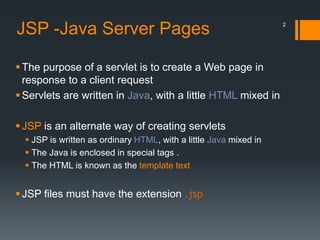
JSP -Java Server Pages
The purpose of a servlet is to create a Web page in
response to a client request
Servlets are written in Java, with a little HTML mixed in
JSP is an alternate way of creating servlets
 JSP is written as ordinary HTML, with a little Java mixed in
 The Java is enclosed in special tags .
 The HTML is known as the template text
JSP files must have the extension .jsp
2
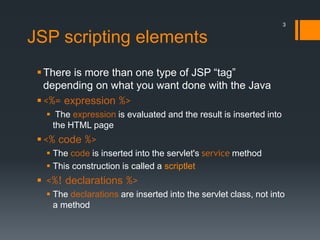
JSP scripting elements
There is more than one type of JSP “tag”
depending on what you want done with the Java
<%= expression %>
 The expression is evaluated and the result is inserted into
the HTML page
<% code %>
 The code is inserted into the servlet's service method
 This construction is called a scriptlet
 <%! declarations %>
 The declarations are inserted into the servlet class, not into
a method
3
4
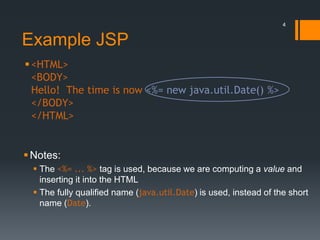
Example JSP
<HTML>
<BODY>
Hello! The time is now <%= new java.util.Date() %>
</BODY>
</HTML>
Notes:
 The <%= ... %> tag is used, because we are computing a value and
inserting it into the HTML
 The fully qualified name (java.util.Date) is used, instead of the short
name (Date).
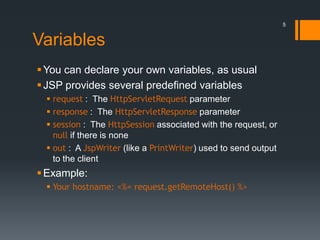
Variables
You can declare your own variables, as usual
JSP provides several predefined variables
 request : The HttpServletRequest parameter
 response : The HttpServletResponse parameter
 session : The HttpSession associated with the request, or
null if there is none
 out : A JspWriter (like a PrintWriter) used to send output
to the client
Example:
 Your hostname: <%= request.getRemoteHost() %>
5
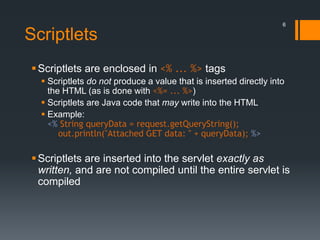
Scriptlets
Scriptlets are enclosed in <% ... %> tags
 Scriptlets do not produce a value that is inserted directly into
the HTML (as is done with <%= ... %>)
 Scriptlets are Java code that may write into the HTML
 Example:
<% String queryData = request.getQueryString();
out.println("Attached GET data: " + queryData); %>
Scriptlets are inserted into the servlet exactly as
written, and are not compiled until the entire servlet is
compiled
6
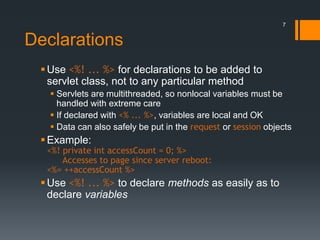
Declarations
Use <%! ... %> for declarations to be added to
servlet class, not to any particular method
 Servlets are multithreaded, so nonlocal variables must be
handled with extreme care
 If declared with <% ... %>, variables are local and OK
 Data can also safely be put in the request or session objects
Example:
<%! private int accessCount = 0; %>
Accesses to page since server reboot:
<%= ++accessCount %>
Use <%! ... %> to declare methods as easily as to
declare variables
7
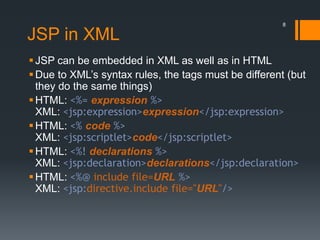
JSP in XML
JSP can be embedded in XML as well as in HTML
Due to XML’s syntax rules, the tags must be different (but
they do the same things)
HTML: <%= expression %>
XML: <jsp:expression>expression</jsp:expression>
HTML: <% code %>
XML: <jsp:scriptlet>code</jsp:scriptlet>
HTML: <%! declarations %>
XML: <jsp:declaration>declarations</jsp:declaration>
HTML: <%@ include file=URL %>
XML: <jsp:directive.include file="URL"/>
8
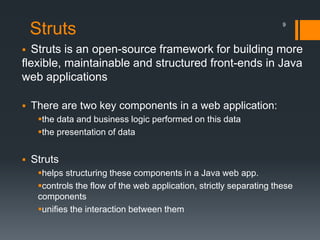
Struts
 Struts is an open-source framework for building more
flexible, maintainable and structured front-ends in Java
web applications
 There are two key components in a web application:
the data and business logic performed on this data
the presentation of data
 Struts
helps structuring these components in a Java web app.
controls the flow of the web application, strictly separating these
components
unifies the interaction between them
9
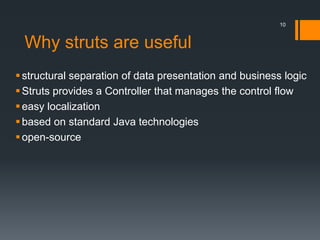
Why struts are useful
structural separation of data presentation and business logic
Struts provides a Controller that manages the control flow
easy localization
based on standard Java technologies
open-source
10
THANK YOU !!!
11

Jsp & struts

  • 1.
  • 2.
    JSP -Java ServerPages The purpose of a servlet is to create a Web page in response to a client request Servlets are written in Java, with a little HTML mixed in JSP is an alternate way of creating servlets  JSP is written as ordinary HTML, with a little Java mixed in  The Java is enclosed in special tags .  The HTML is known as the template text JSP files must have the extension .jsp 2
  • 3.
    JSP scripting elements Thereis more than one type of JSP “tag” depending on what you want done with the Java <%= expression %>  The expression is evaluated and the result is inserted into the HTML page <% code %>  The code is inserted into the servlet's service method  This construction is called a scriptlet  <%! declarations %>  The declarations are inserted into the servlet class, not into a method 3
  • 4.
    4 Example JSP <HTML> <BODY> Hello! Thetime is now <%= new java.util.Date() %> </BODY> </HTML> Notes:  The <%= ... %> tag is used, because we are computing a value and inserting it into the HTML  The fully qualified name (java.util.Date) is used, instead of the short name (Date).
  • 5.
    Variables You can declareyour own variables, as usual JSP provides several predefined variables  request : The HttpServletRequest parameter  response : The HttpServletResponse parameter  session : The HttpSession associated with the request, or null if there is none  out : A JspWriter (like a PrintWriter) used to send output to the client Example:  Your hostname: <%= request.getRemoteHost() %> 5
  • 6.
    Scriptlets Scriptlets are enclosedin <% ... %> tags  Scriptlets do not produce a value that is inserted directly into the HTML (as is done with <%= ... %>)  Scriptlets are Java code that may write into the HTML  Example: <% String queryData = request.getQueryString(); out.println("Attached GET data: " + queryData); %> Scriptlets are inserted into the servlet exactly as written, and are not compiled until the entire servlet is compiled 6
  • 7.
    Declarations Use <%! ...%> for declarations to be added to servlet class, not to any particular method  Servlets are multithreaded, so nonlocal variables must be handled with extreme care  If declared with <% ... %>, variables are local and OK  Data can also safely be put in the request or session objects Example: <%! private int accessCount = 0; %> Accesses to page since server reboot: <%= ++accessCount %> Use <%! ... %> to declare methods as easily as to declare variables 7
  • 8.
    JSP in XML JSPcan be embedded in XML as well as in HTML Due to XML’s syntax rules, the tags must be different (but they do the same things) HTML: <%= expression %> XML: <jsp:expression>expression</jsp:expression> HTML: <% code %> XML: <jsp:scriptlet>code</jsp:scriptlet> HTML: <%! declarations %> XML: <jsp:declaration>declarations</jsp:declaration> HTML: <%@ include file=URL %> XML: <jsp:directive.include file="URL"/> 8
  • 9.
    Struts  Struts isan open-source framework for building more flexible, maintainable and structured front-ends in Java web applications  There are two key components in a web application: the data and business logic performed on this data the presentation of data  Struts helps structuring these components in a Java web app. controls the flow of the web application, strictly separating these components unifies the interaction between them 9
  • 10.
    Why struts areuseful structural separation of data presentation and business logic Struts provides a Controller that manages the control flow easy localization based on standard Java technologies open-source 10
  • 11.