CORINTHIA	
  HOTEL
BUDAPEST,	
  HUNGARY
– OCTOBER	
  1-­‐2,	
  2015	
  –
Java is evolving rapidly:
Maven helps you staying on track
Hervé Boutemy - @hboutemy
Arnaud Héritier - @aheritier
Goal
With Apache Maven, learn how to manage
Java evolutions quietly
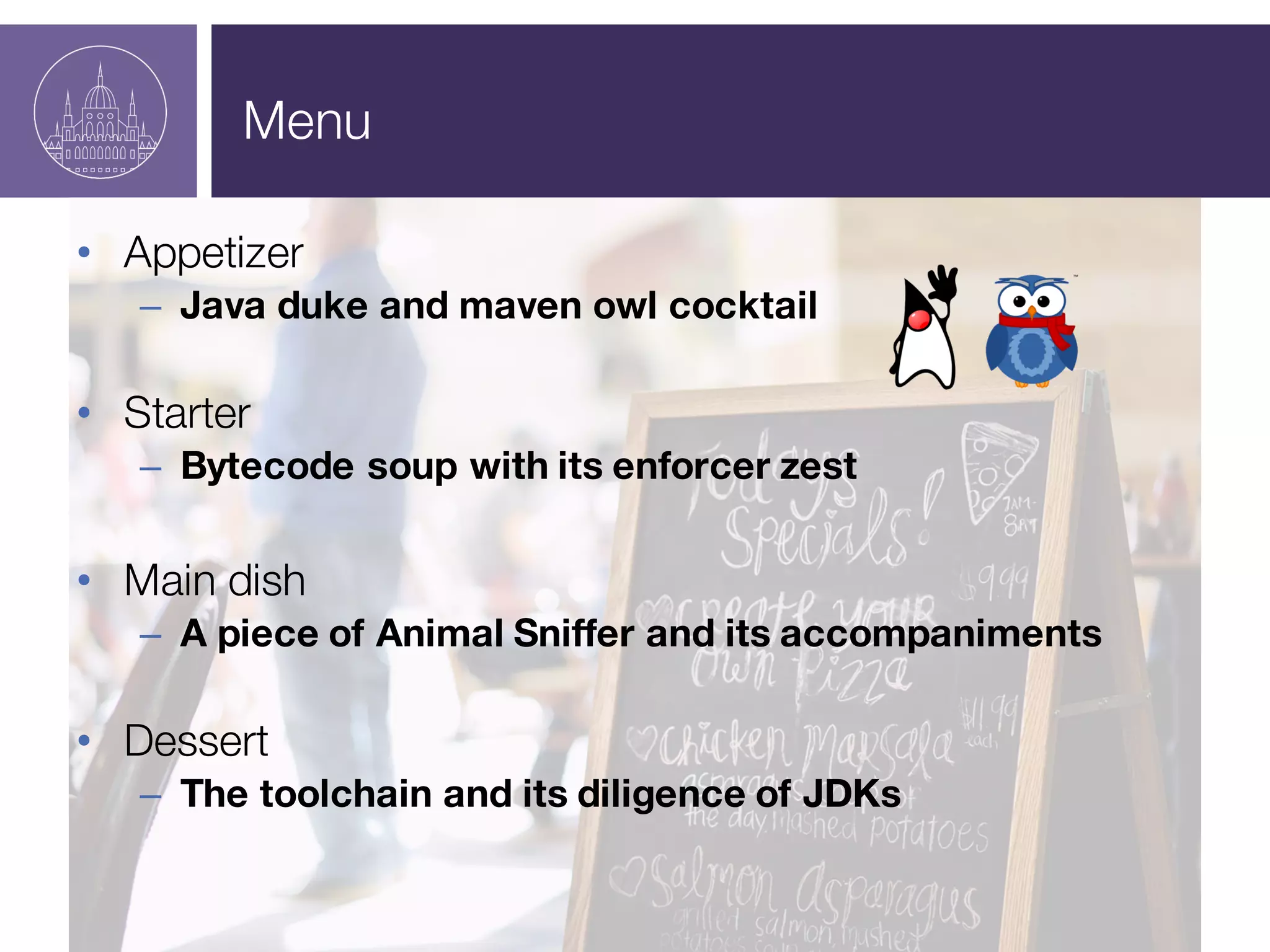
Menu
• Appetizer
– Java duke and maven owl cocktail
• Starter
– Bytecode soup with its enforcer zest
• Main dish
– A piece of Animal Sniffer and its accompaniments
• Dessert
– The toolchain and its diligence of JDKs
Who are we?
Hervé Boutemy
• Maven Committer since 2007,
• Maven PMC Member since 2009,
• Apache Foundation Member since 2011,
• Maven PMC Chair since July 2014,
• Gave a hand on practically every Apache
Maven code, but more in depth on...
• Encoding, Maven Ant Tasks, Modello, maven-site-plugin,
Doxia,
• Archetype, Plugin Tools,
• maven-checkstyle-plugin,Toolchains, …
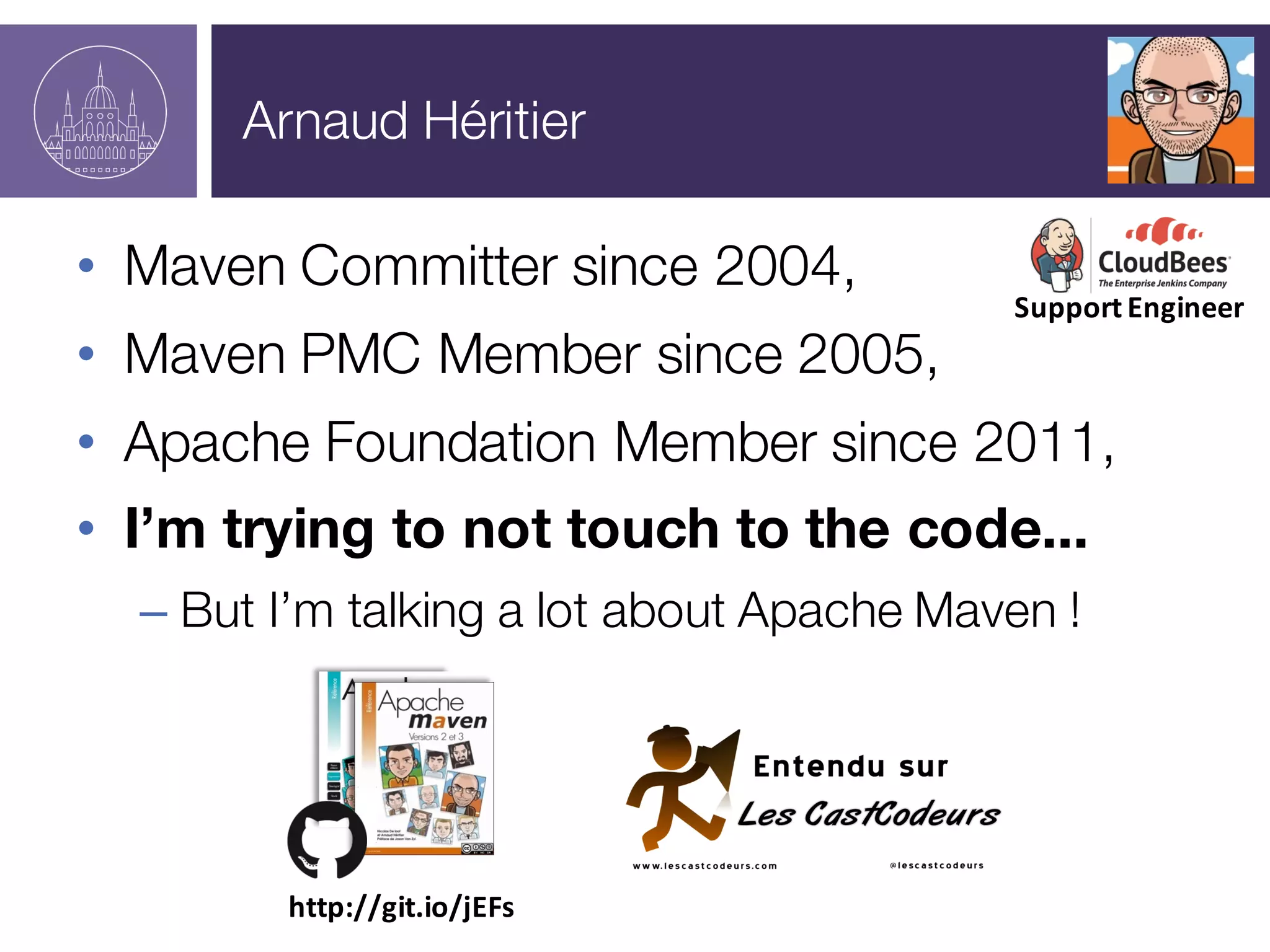
Arnaud Héritier
• Maven Committer since 2004,
• Maven PMC Member since 2005,
• Apache Foundation Member since 2011,
• I’m trying to not touch to the code...
– But I’m talking a lot about Apache Maven !
http://git.io/jEFs
Support	
  Engineer
What is it about?
Apache Maven and you
• Who is using Maven?
• Which version in general?
– 3.3?
– 3.2?
– 3.1?
– 3.0?
– < 3.0?
We’ll learn you how to juggle
Juggle with different Java
versions (JDKs, JREs)
To be able to use new
features from recent tools
And ensure compatibility
against production target
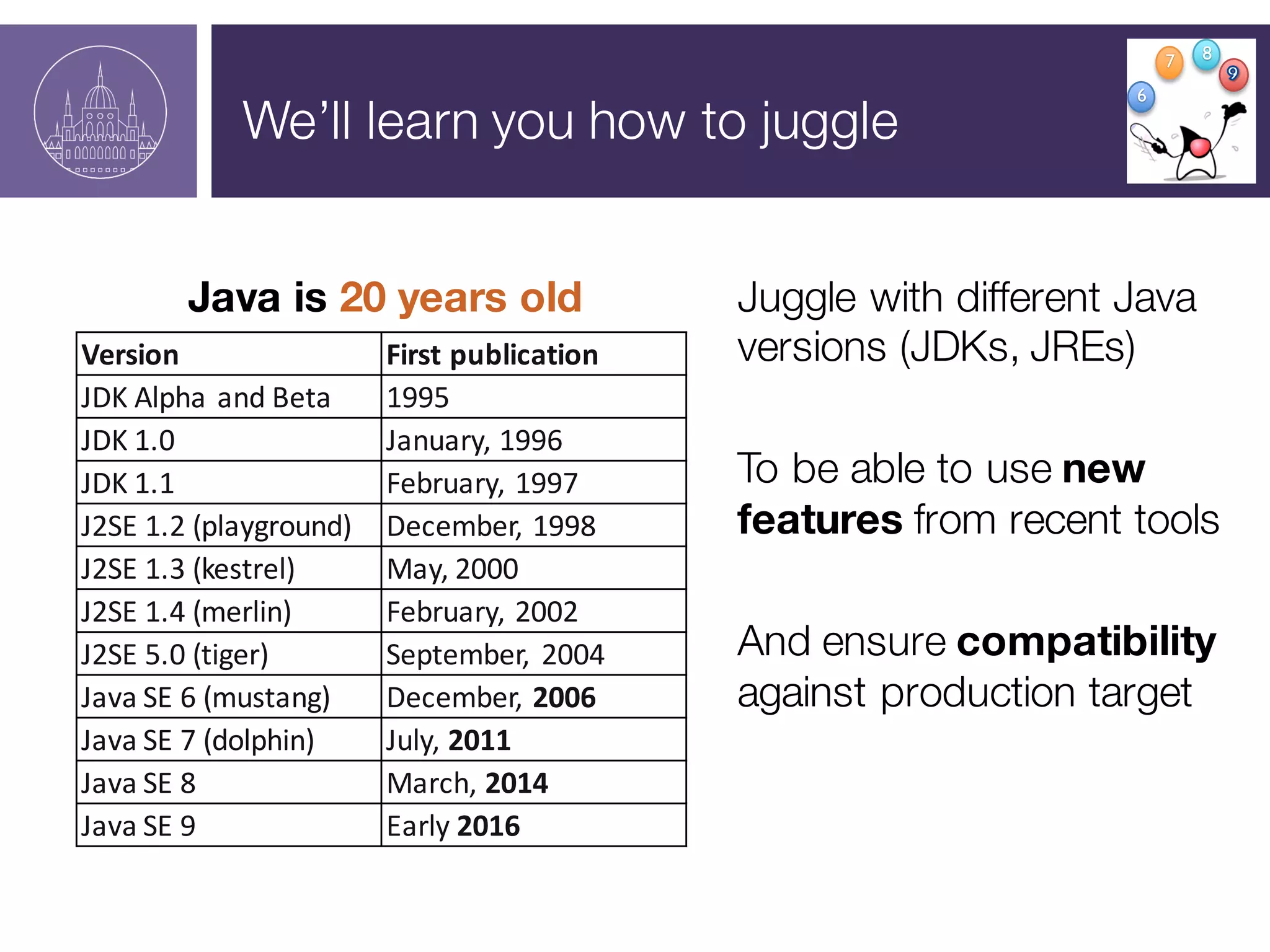
Java is 20 years old
Version First	
  publication
JDK	
  Alpha	
  and	
  Beta 1995
JDK	
  1.0 January,	
  1996
JDK	
  1.1 February,	
  1997
J2SE	
  1.2	
  (playground) December,	
  1998
J2SE	
  1.3	
  (kestrel) May,	
  2000
J2SE	
  1.4	
  (merlin) February,	
  2002
J2SE	
  5.0	
  (tiger) September,	
   2004
Java	
  SE	
  6	
  (mustang) December,	
  2006
Java	
  SE	
  7	
  (dolphin) July,	
  2011
Java	
  SE	
  8 March,	
  2014
Java	
  SE	
  9 Early	
  2016
6
7 8
Java and you
• Who is mainly using
– Version 9 to develop?
– Version 8 to develop?
– Version 7 to develop?
– Version 6 to develop?
– Version <6 to develop?
– In production?
– In production?
– In production?
– In production?
– In production?
Java and you
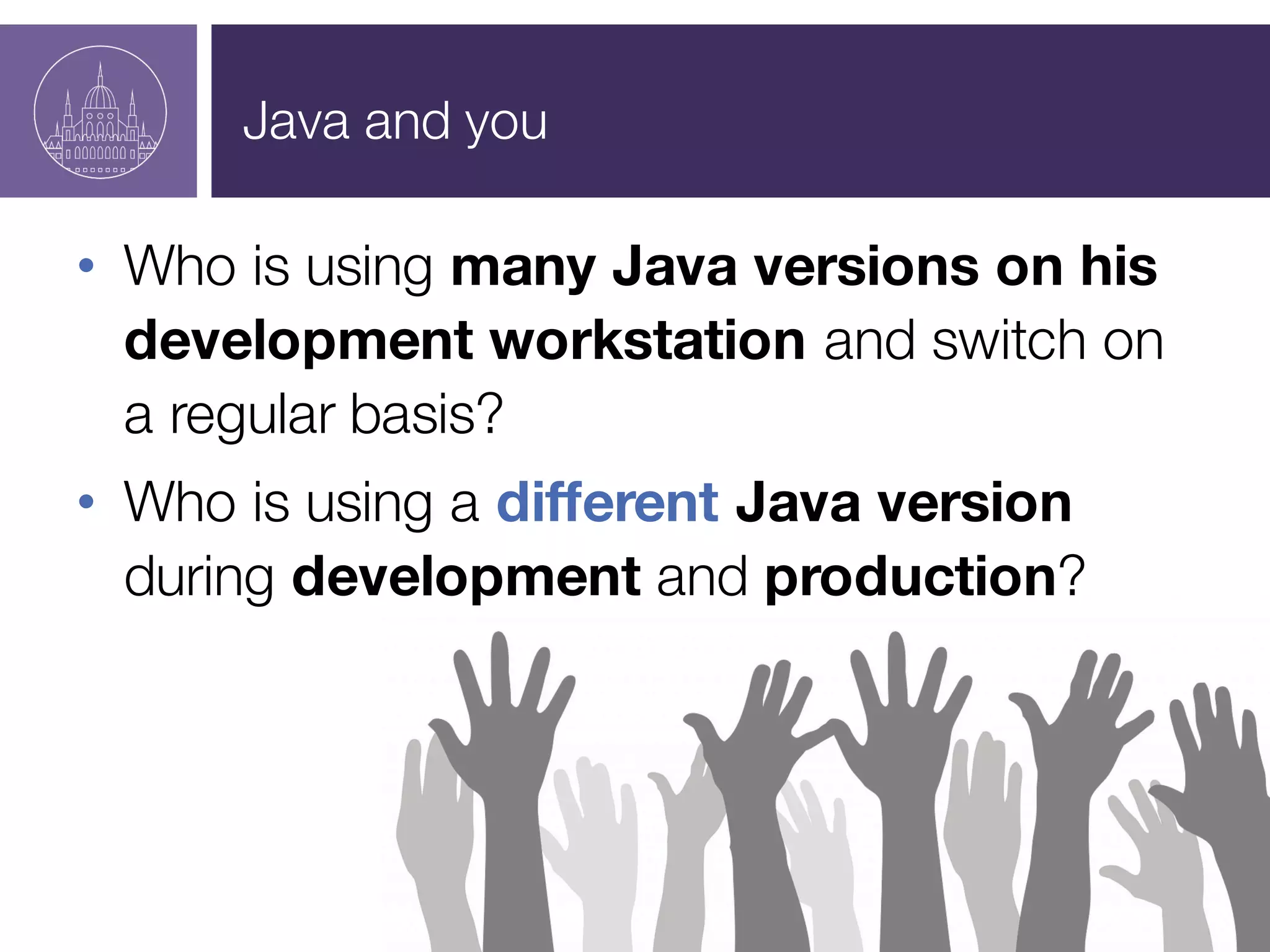
• Who is using many Java versions on his
development workstation and switch on
a regular basis?
• Who is using a different Java version
during development and production?
The JDK choice dilemma
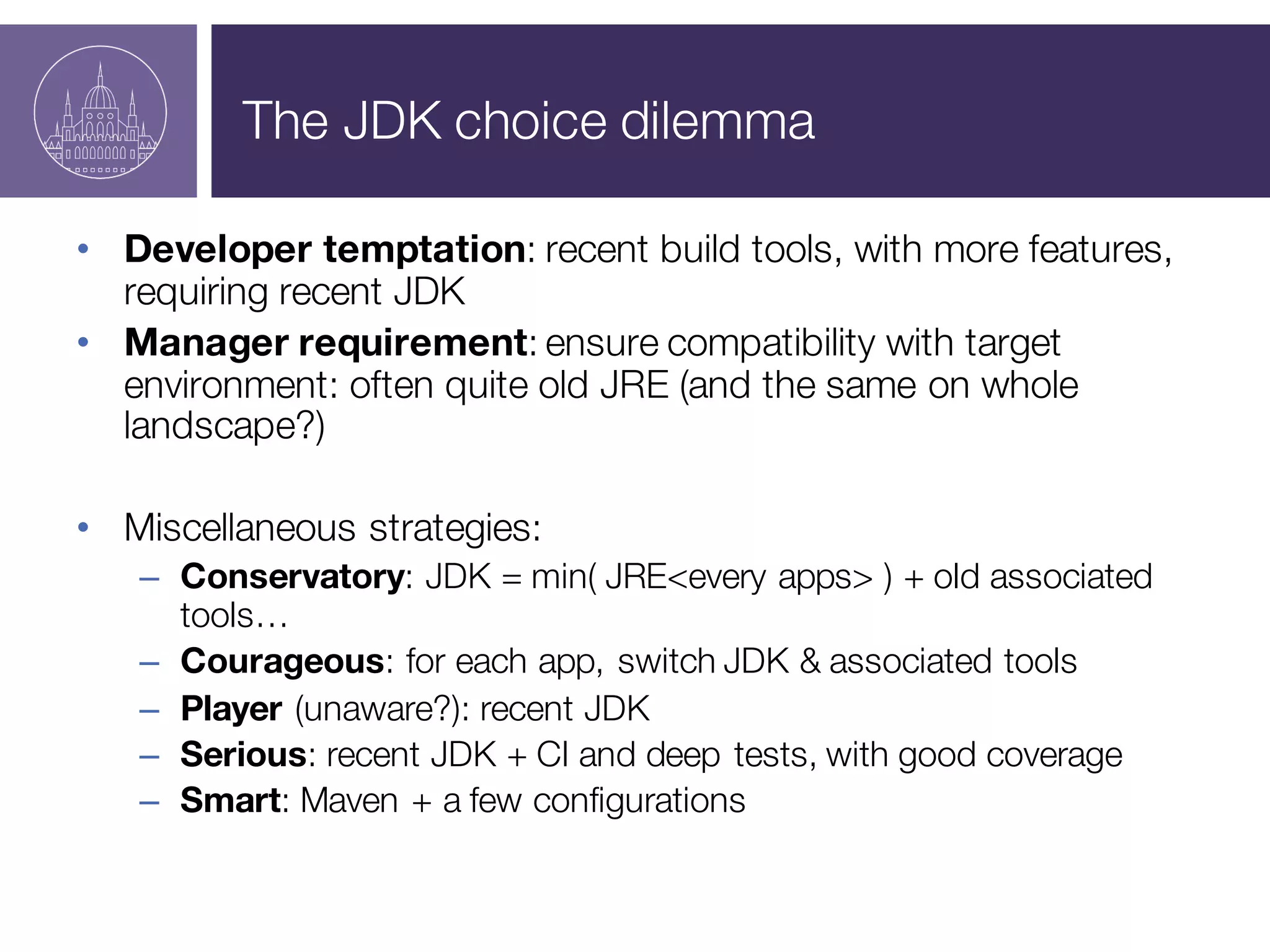
• Developer temptation: recent build tools, with more features,
requiring recent JDK
• Manager requirement: ensure compatibility with target
environment: often quite old JRE (and the same on whole
landscape?)
• Miscellaneous strategies:
– Conservatory: JDK = min( JRE<every apps> ) + old associated
tools…
– Courageous: for each app, switch JDK & associated tools
– Player (unaware?): recent JDK
– Serious: recent JDK + CI and deep tests, with good coverage
– Smart: Maven + a few configurations
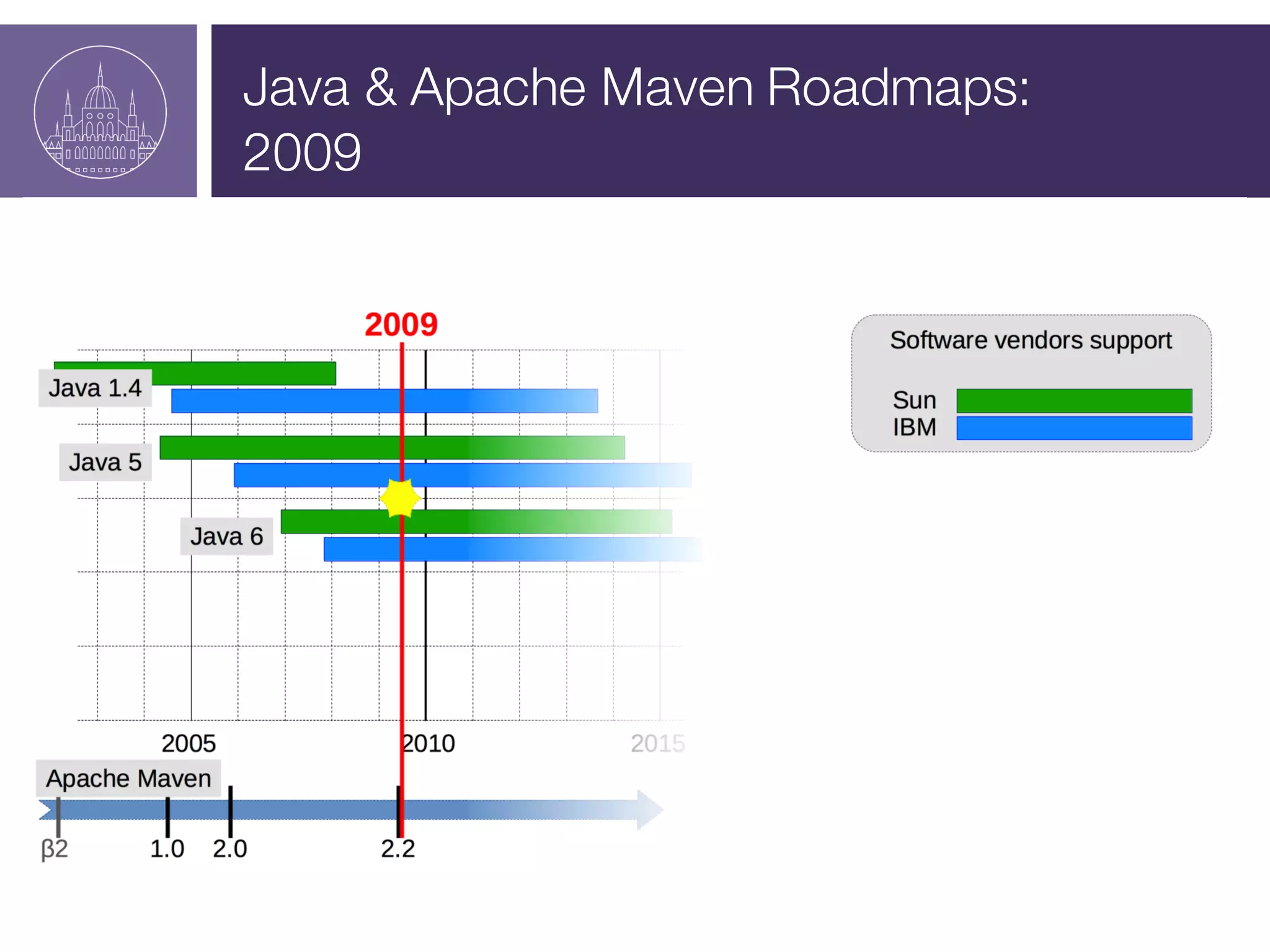
Java & Apache Maven Roadmaps:
2009
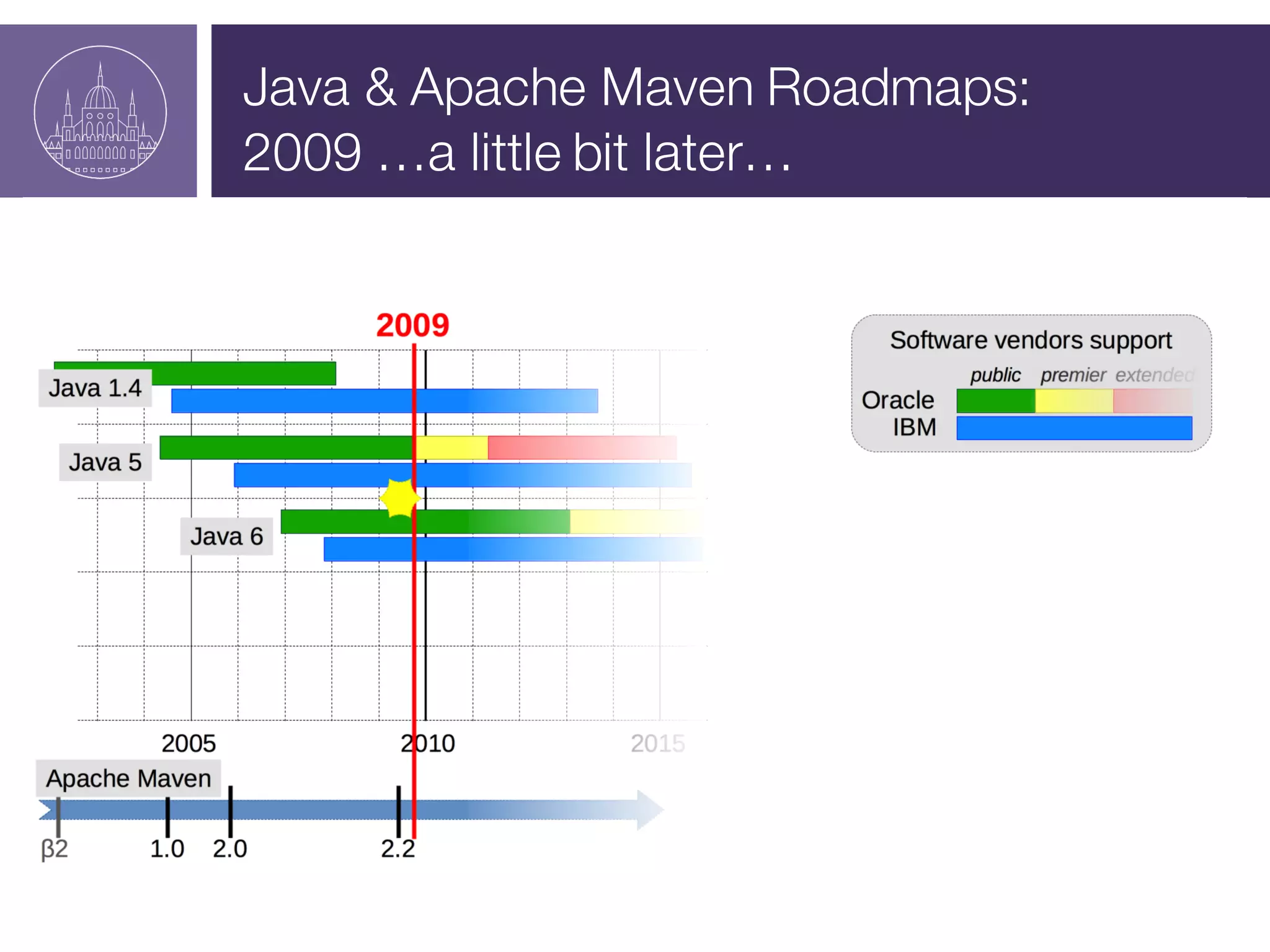
Java & Apache Maven Roadmaps:
2009 …a little bit later…
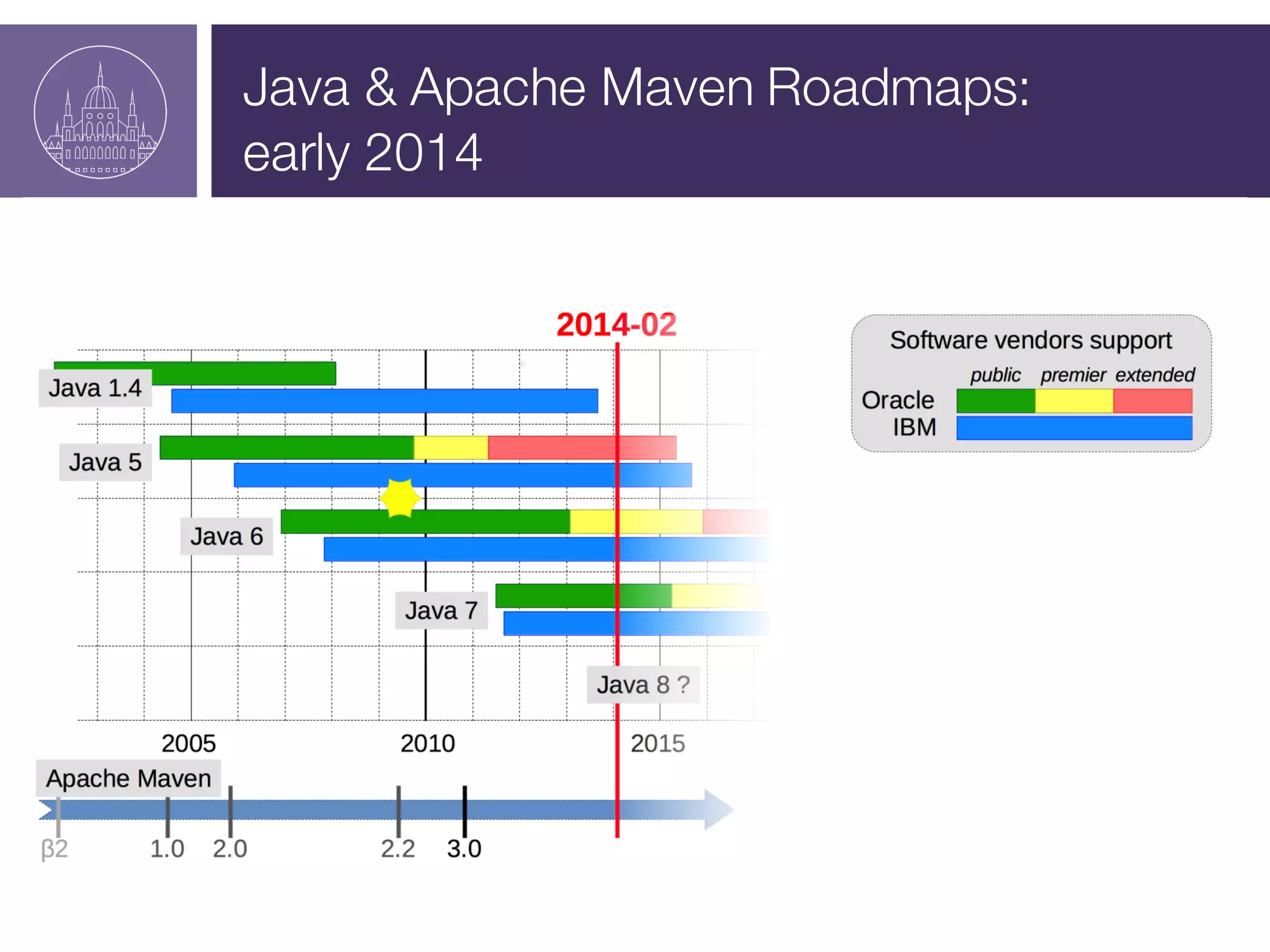
Java & Apache Maven Roadmaps:
early 2014
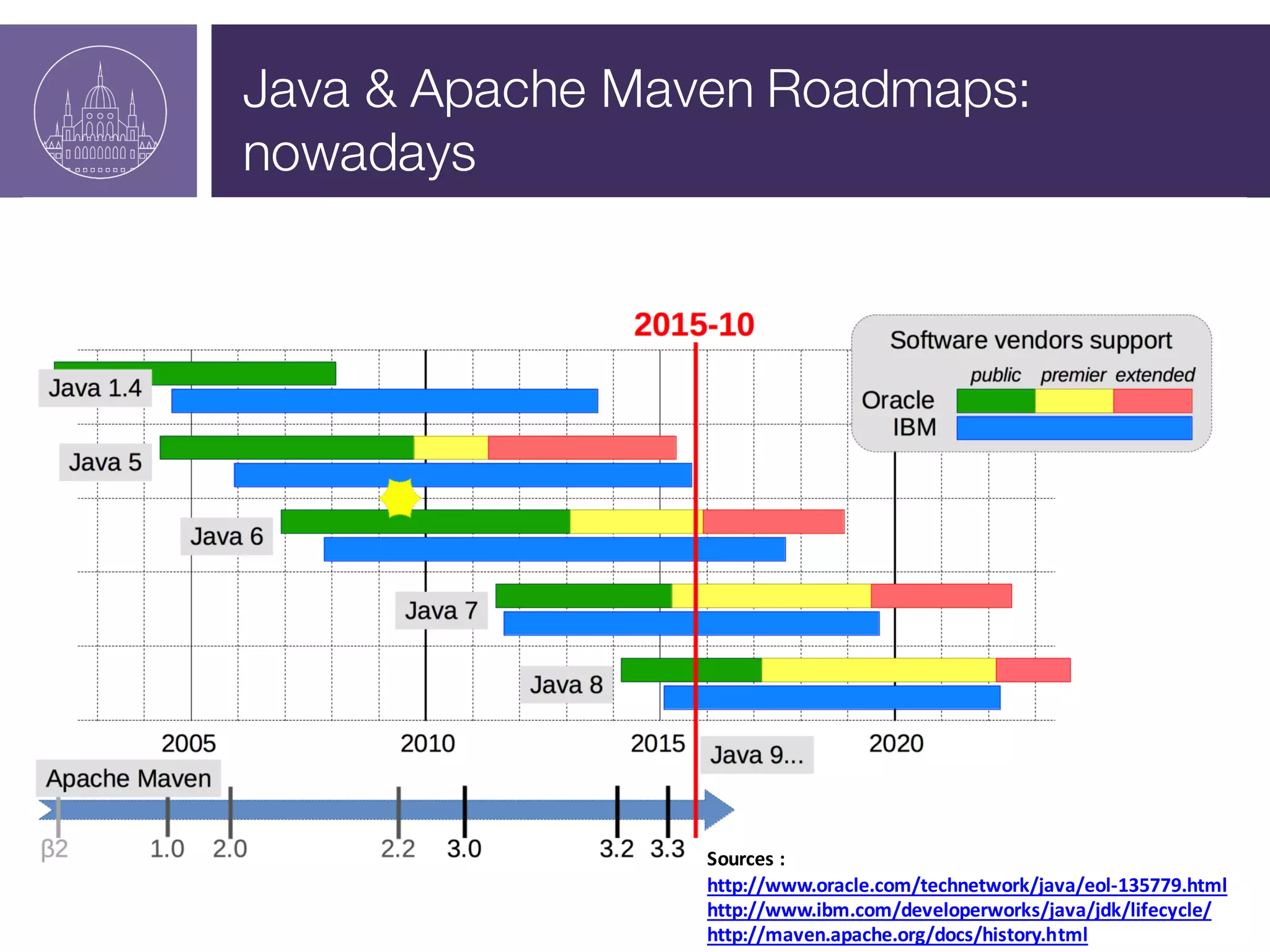
Java & Apache Maven Roadmaps:
nowadays
Sources :
http://www.oracle.com/technetwork/java/eol-­‐135779.html
http://www.ibm.com/developerworks/java/jdk/lifecycle/
http://maven.apache.org/docs/history.html
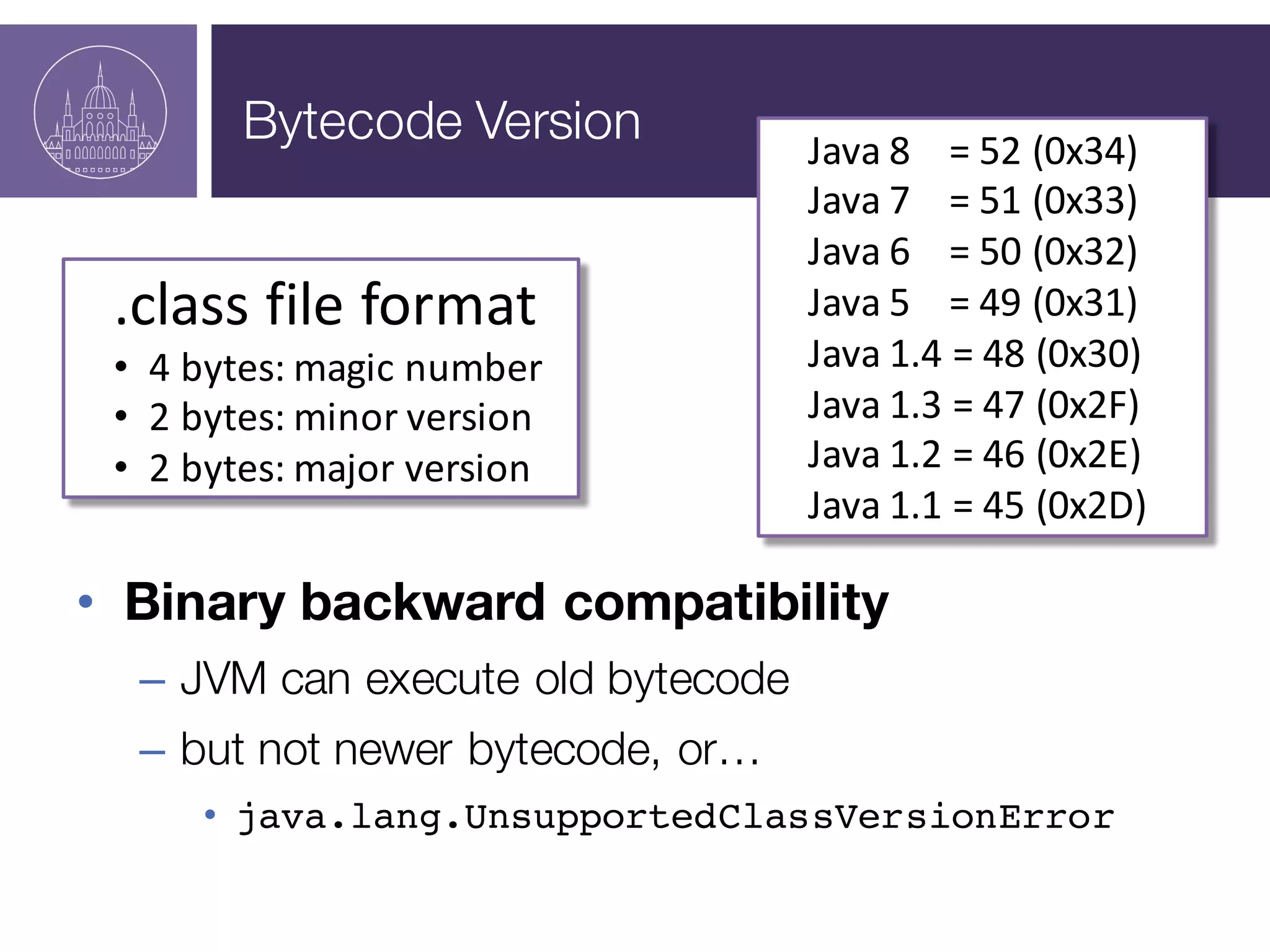
Bytecode Version
Bytecode Version
• Binary backward compatibility
– JVM can execute old bytecode
– but not newer bytecode, or…
• java.lang.UnsupportedClassVersionError
Java	
  8	


  =	
  52	
  (0x34)
Java	
  7	


  =	
  51	
  (0x33)
Java	
  6	


  =	
  50	
  (0x32)
Java	
  5	


  =	
  49	
  (0x31)
Java	
  1.4	
  =	
  48	
  (0x30)
Java	
  1.3	
  =	
  47	
  (0x2F)
Java	
  1.2	
  =	
  46	
  (0x2E)
Java	
  1.1	
  =	
  45	
  (0x2D)
.class	
  file	
  format
• 4	
  bytes:	
  magic	
  number
• 2	
  bytes:	
  minor	
  version
• 2	
  bytes:	
  major	
  version
Demo
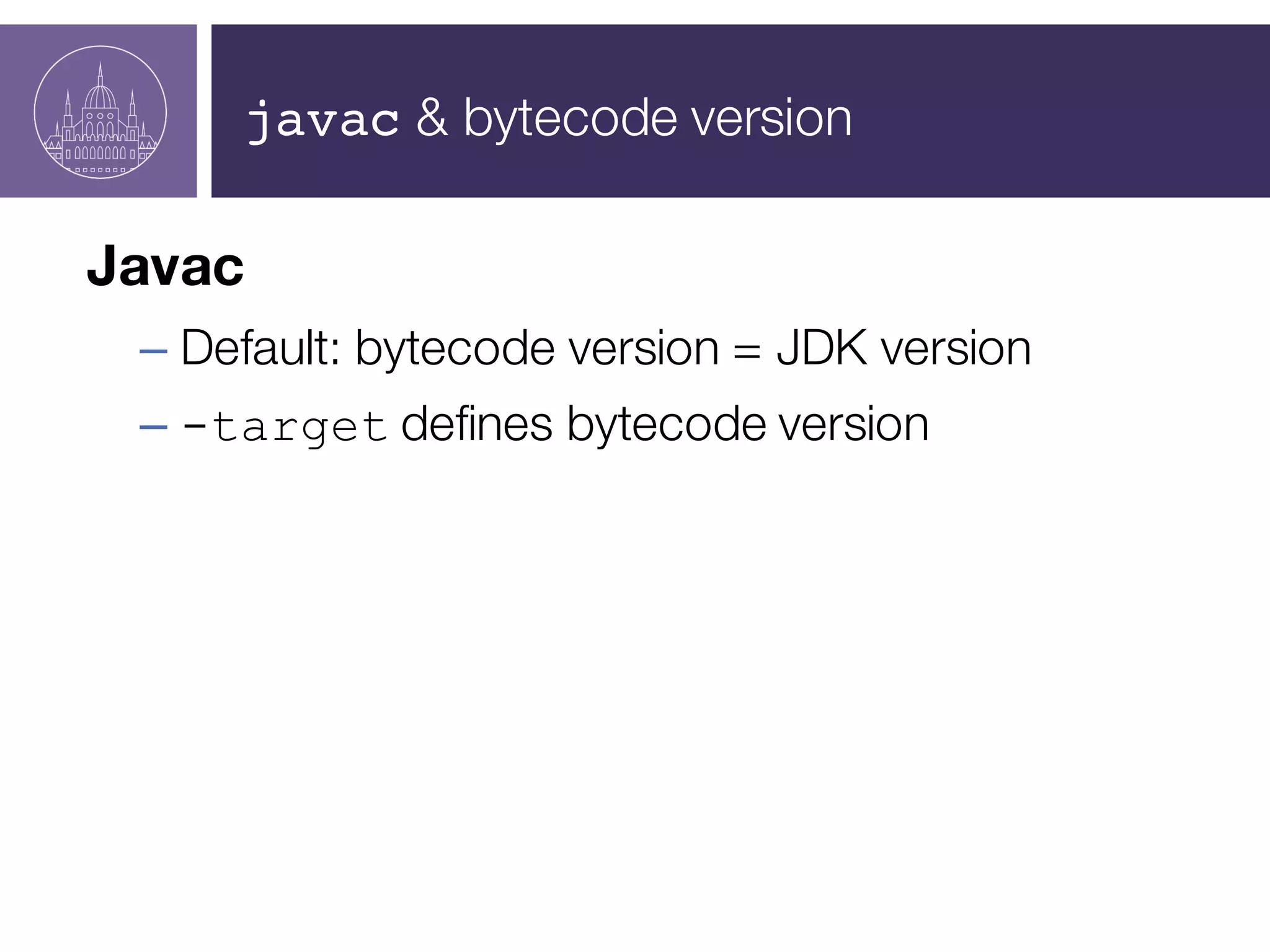
javac & bytecode version
Javac
– Default: bytecode version = JDK version
– -target defines bytecode version
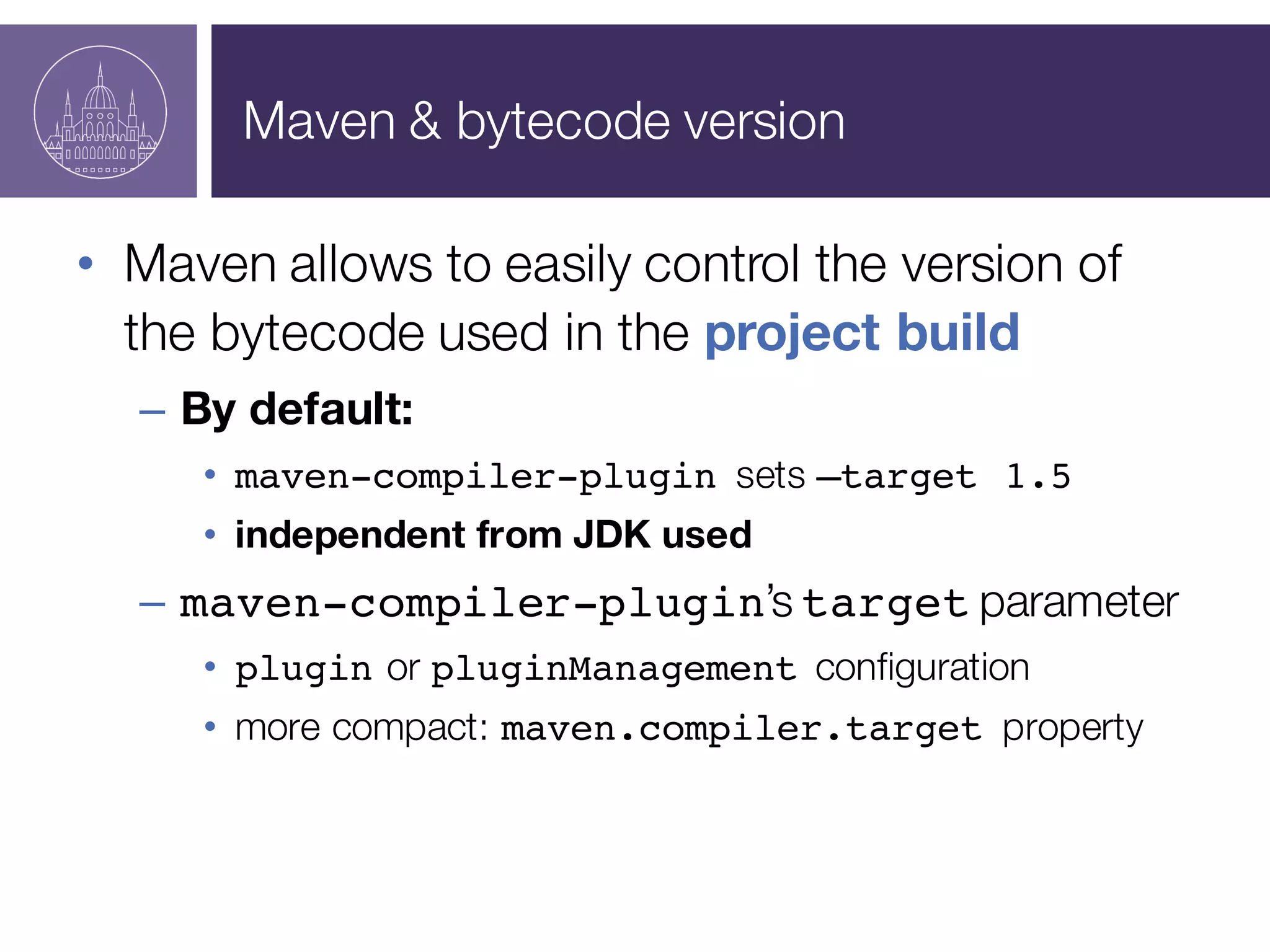
Maven & bytecode version
• Maven allows to easily control the version of
the bytecode used in the project build
– By default:
• maven-compiler-plugin sets –target 1.5
• independent from JDK used
– maven-compiler-plugin’s target parameter
• plugin or pluginManagement configuration
• more compact: maven.compiler.target property
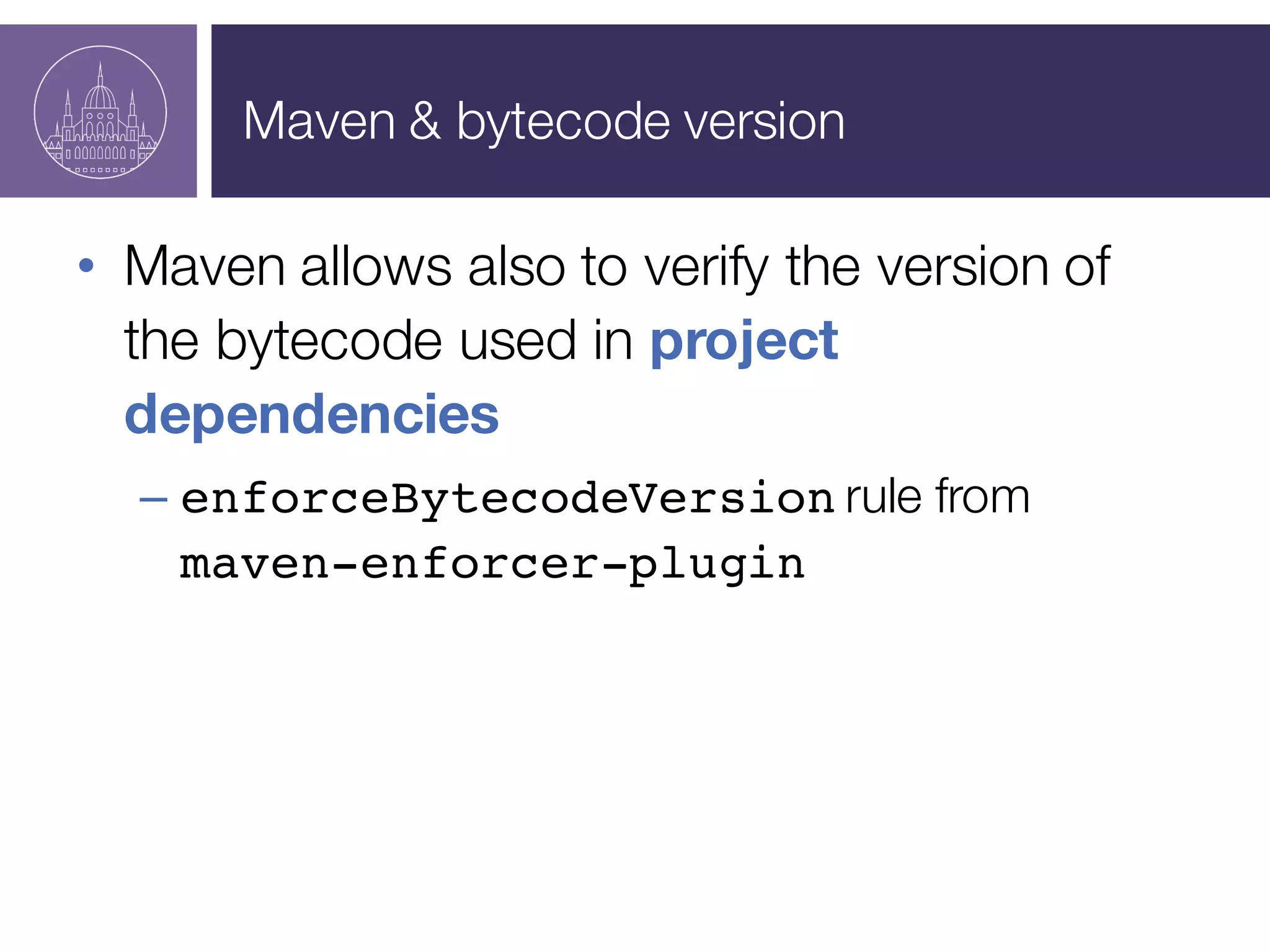
Maven & bytecode version
• Maven allows also to verify the version of
the bytecode used in project
dependencies
– enforceBytecodeVersion rule from
maven-enforcer-plugin
Animal Sniffer
Demo
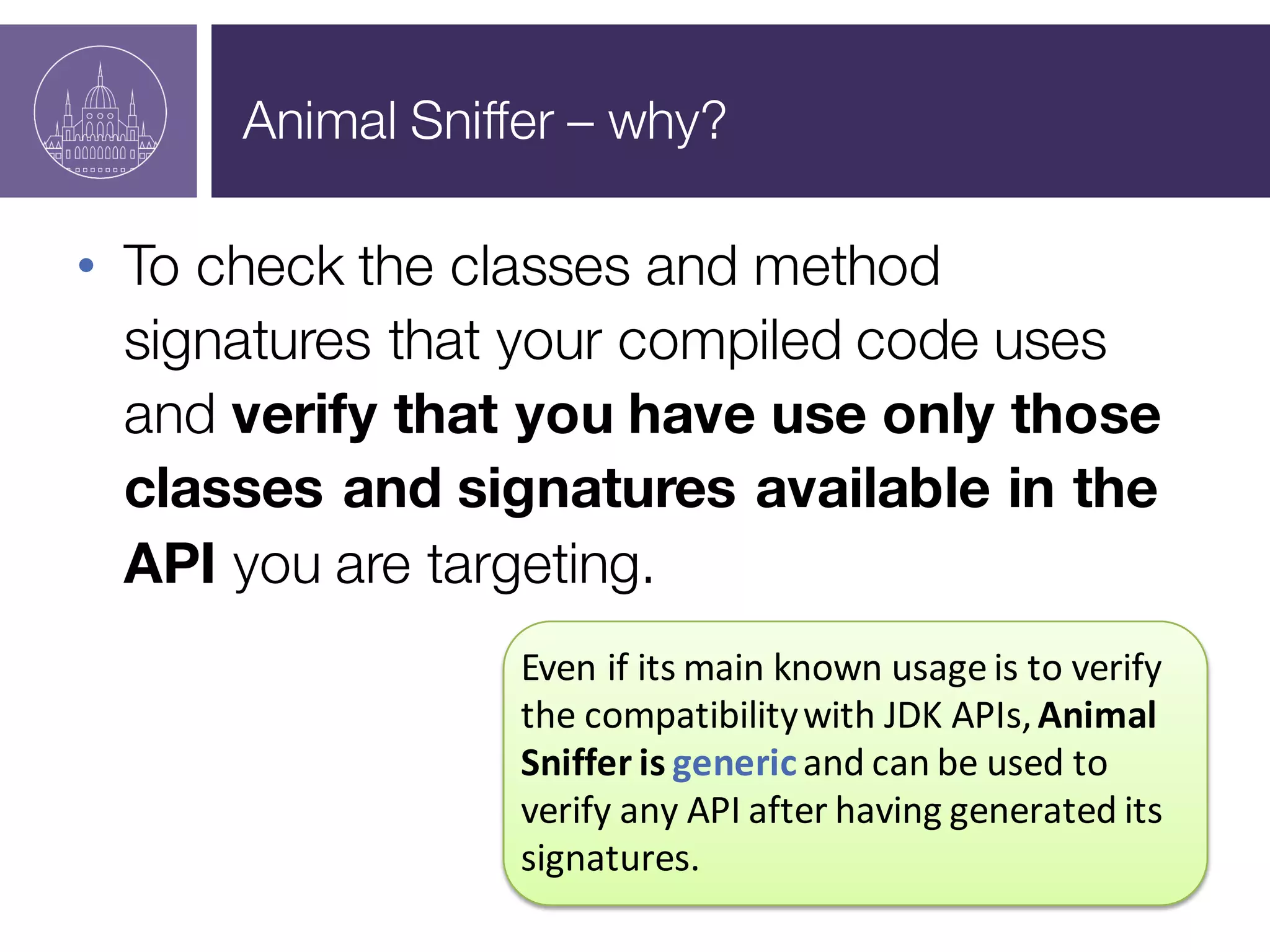
Animal Sniffer – why?
• To check the classes and method
signatures that your compiled code uses
and verify that you have use only those
classes and signatures available in the
API you are targeting.
Even	
  if	
  its	
  main	
  known	
  usage	
  is	
  to	
  verify	
  
the	
  compatibility	
  with	
  JDK	
  APIs,	
  Animal	
  
Sniffer	
  is	
  genericand	
  can	
  be	
  used	
  to	
  
verify	
  any	
  API	
  after	
  having	
  generated	
  its	
  
signatures.
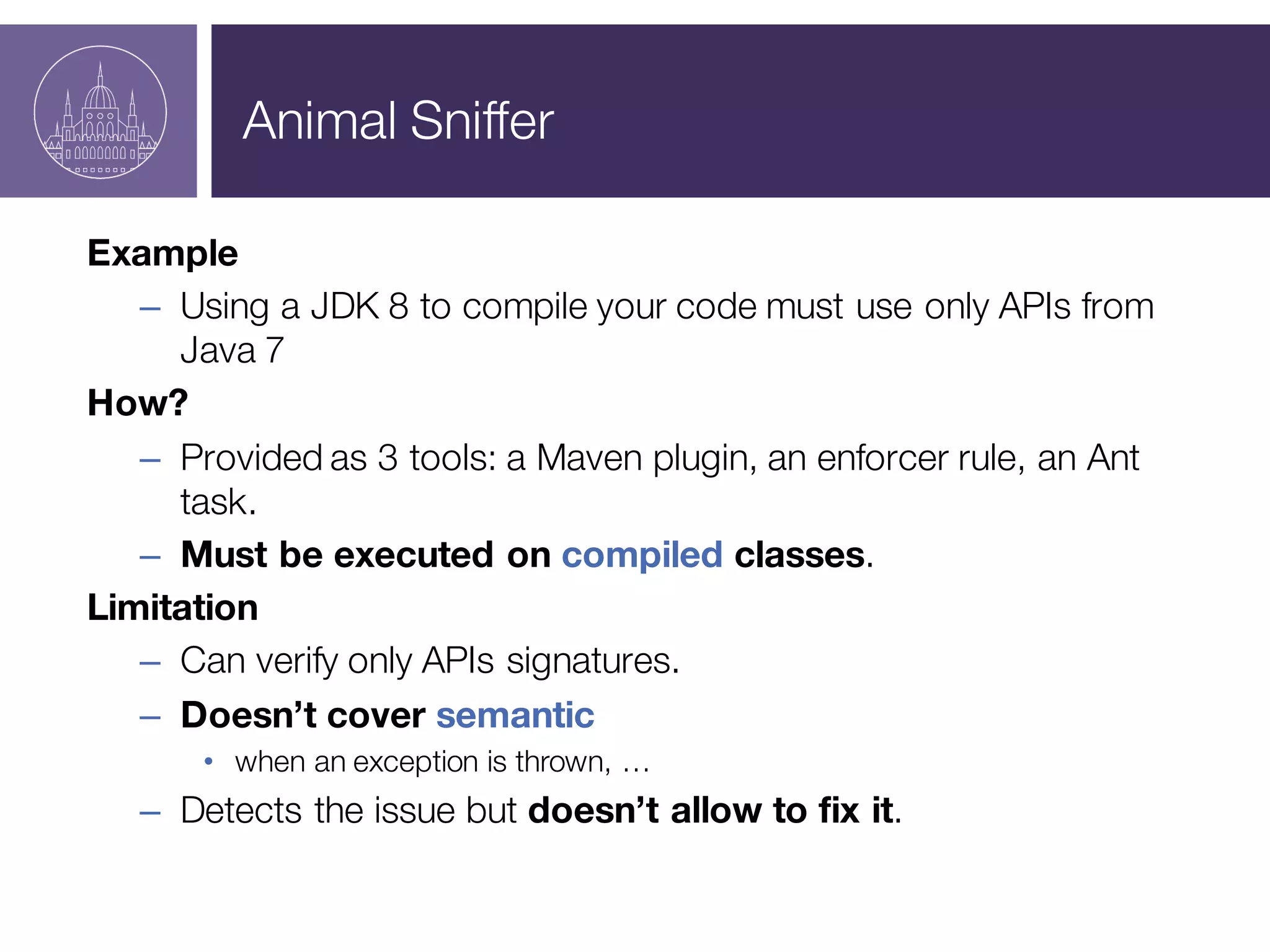
Animal Sniffer
Example
– Using a JDK 8 to compile your code must use only APIs from
Java 7
How?
– Provided as 3 tools: a Maven plugin, an enforcer rule, an Ant
task.
– Must be executed on compiled classes.
Limitation
– Can verify only APIs signatures.
– Doesn’t cover semantic
• when an exception is thrown, …
– Detects the issue but doesn’t allow to fix it.
Toolchains & JDK
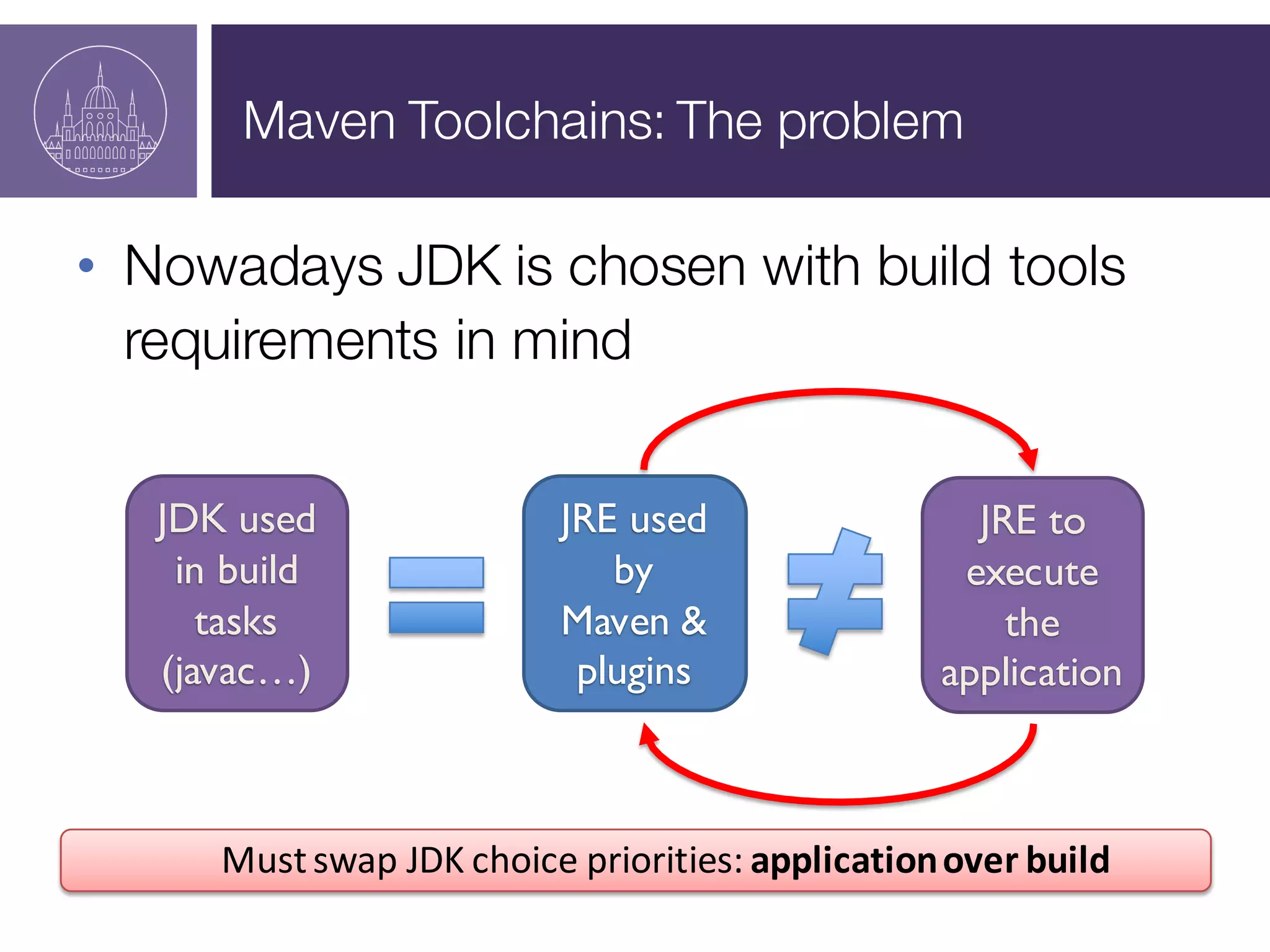
Maven Toolchains: The problem
• Nowadays JDK is chosen with build tools
requirements in mind
Must	
  swap	
  JDK	
  choice	
  priorities:	
  application	
  over	
  build
JRE used
by
Maven &
plugins
JRE to
execute
the
application
JDK used
in build
tasks
(javac…)
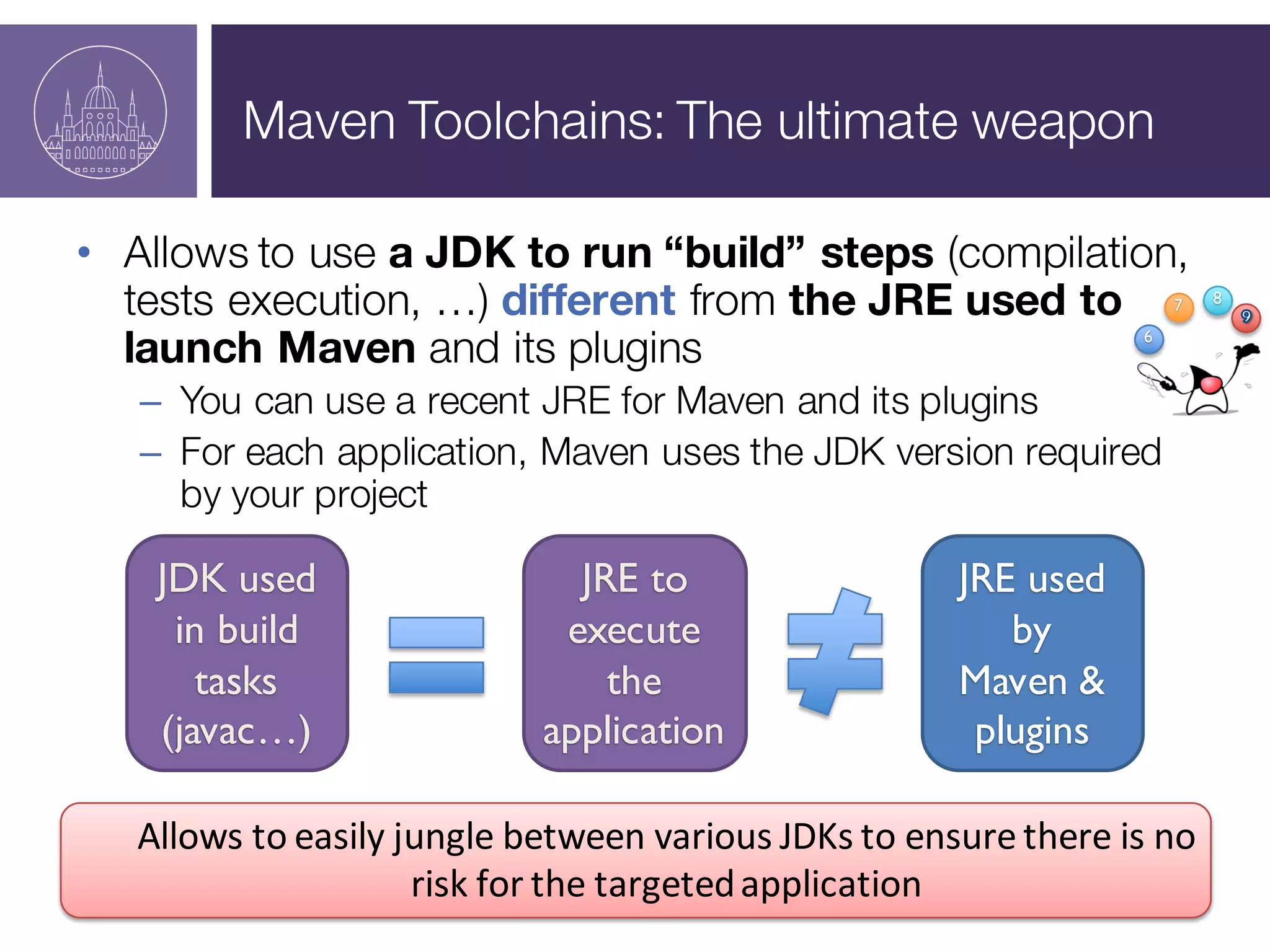
Maven Toolchains: The ultimate weapon
• Allows to use a JDK to run “build” steps (compilation,
tests execution, …) different from the JRE used to
launch Maven and its plugins
– You can use a recent JRE for Maven and its plugins
– For each application, Maven uses the JDK version required
by your project
Allows	
  to	
  easily	
  jungle	
  between	
  various	
  JDKs	
  to	
  ensure	
  there	
  is	
  no	
  
risk	
  for	
  the	
  targeted	
  application
6
7 8
JRE used
by
Maven &
plugins
JRE to
execute
the
application
JDK used
in build
tasks
(javac…)
Demo
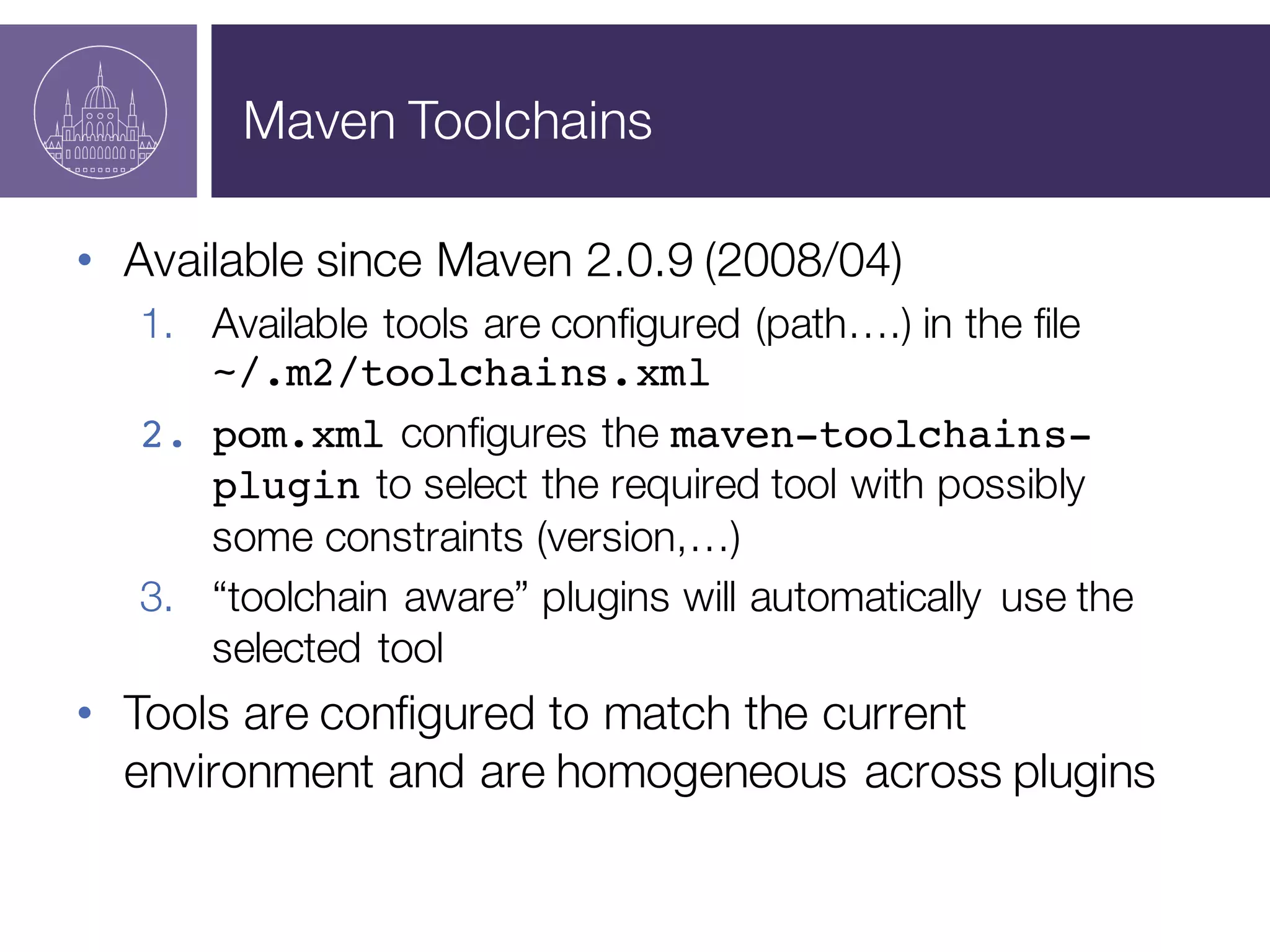
Maven Toolchains
• Available since Maven 2.0.9 (2008/04)
1. Available tools are configured (path….) in the file
~/.m2/toolchains.xml
2. pom.xml configures the maven-toolchains-
plugin to select the required tool with possibly
some constraints (version,…)
3. “toolchain aware” plugins will automatically use the
selected tool
• Tools are configured to match the current
environment and are homogeneous across plugins
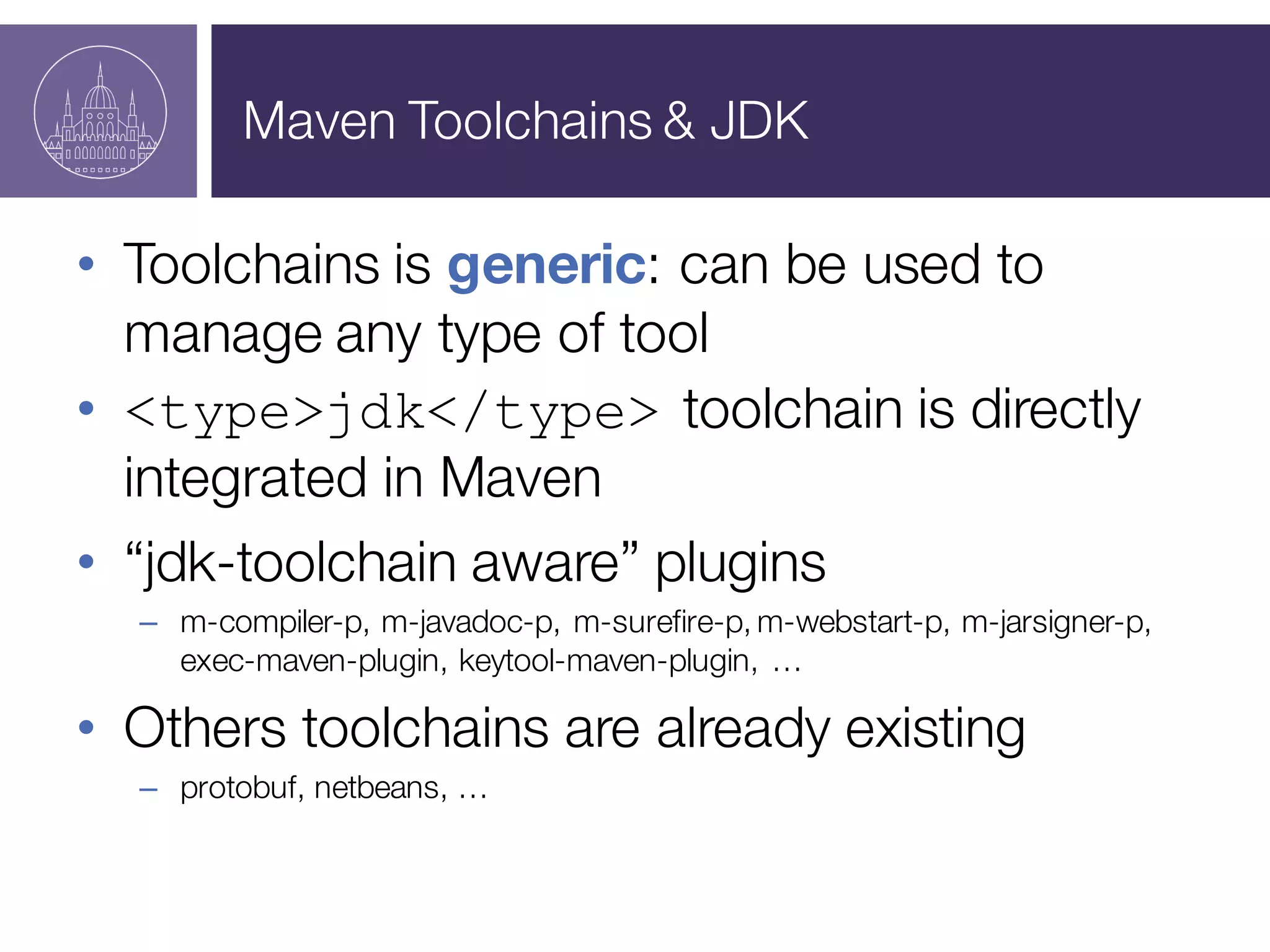
Maven Toolchains & JDK
• Toolchains is generic: can be used to
manage any type of tool
• <type>jdk</type> toolchain is directly
integrated in Maven
• “jdk-toolchain aware” plugins
– m-compiler-p, m-javadoc-p, m-surefire-p, m-webstart-p, m-jarsigner-p,
exec-maven-plugin, keytool-maven-plugin, …
• Others toolchains are already existing
– protobuf, netbeans, …
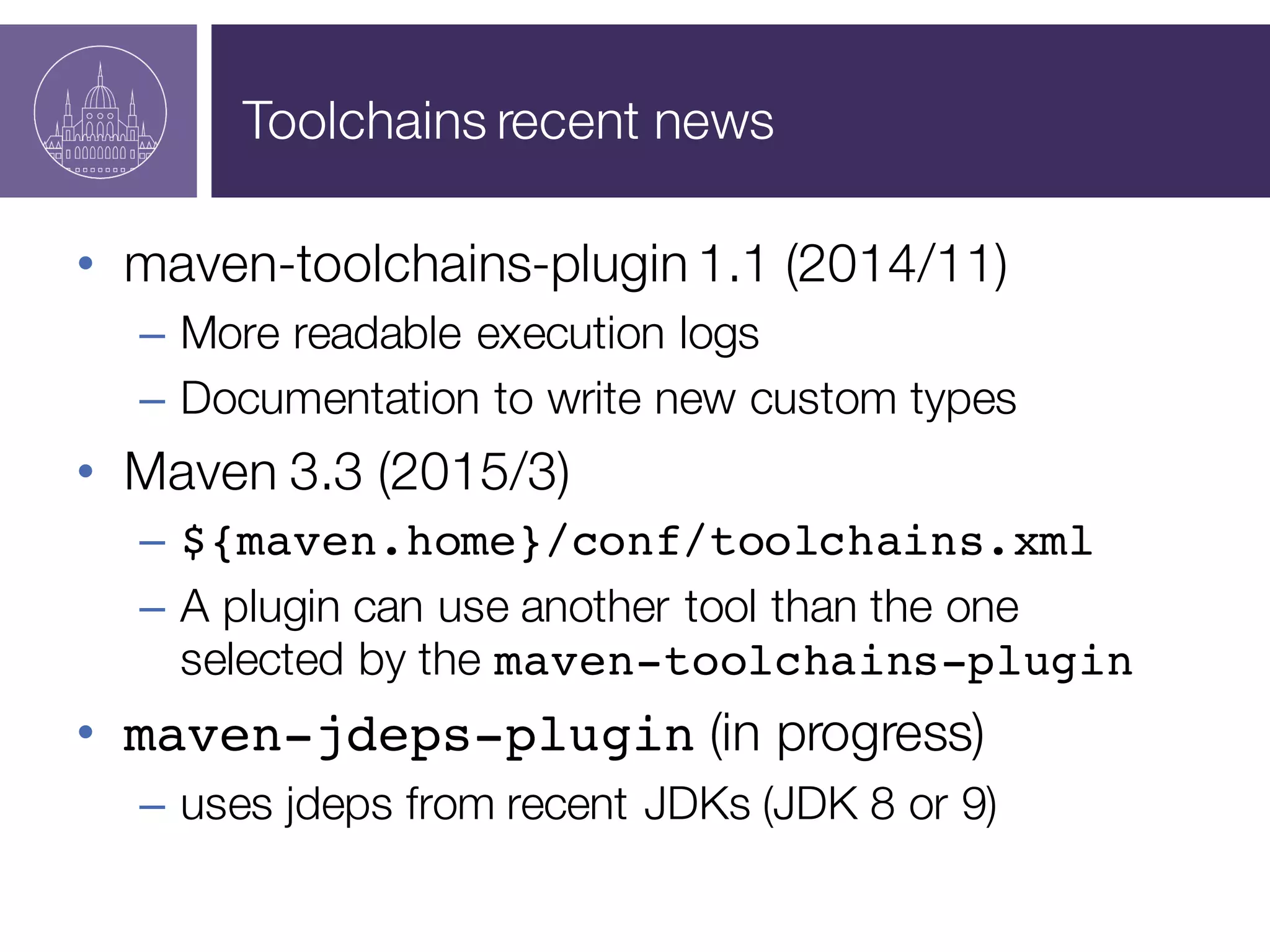
Toolchains recent news
• maven-toolchains-plugin 1.1 (2014/11)
– More readable execution logs
– Documentation to write new custom types
• Maven 3.3 (2015/3)
– ${maven.home}/conf/toolchains.xml
– A plugin can use another tool than the one

selected by the maven-toolchains-plugin
• maven-jdeps-plugin (in progress)
– uses jdeps from recent JDKs (JDK 8 or 9)
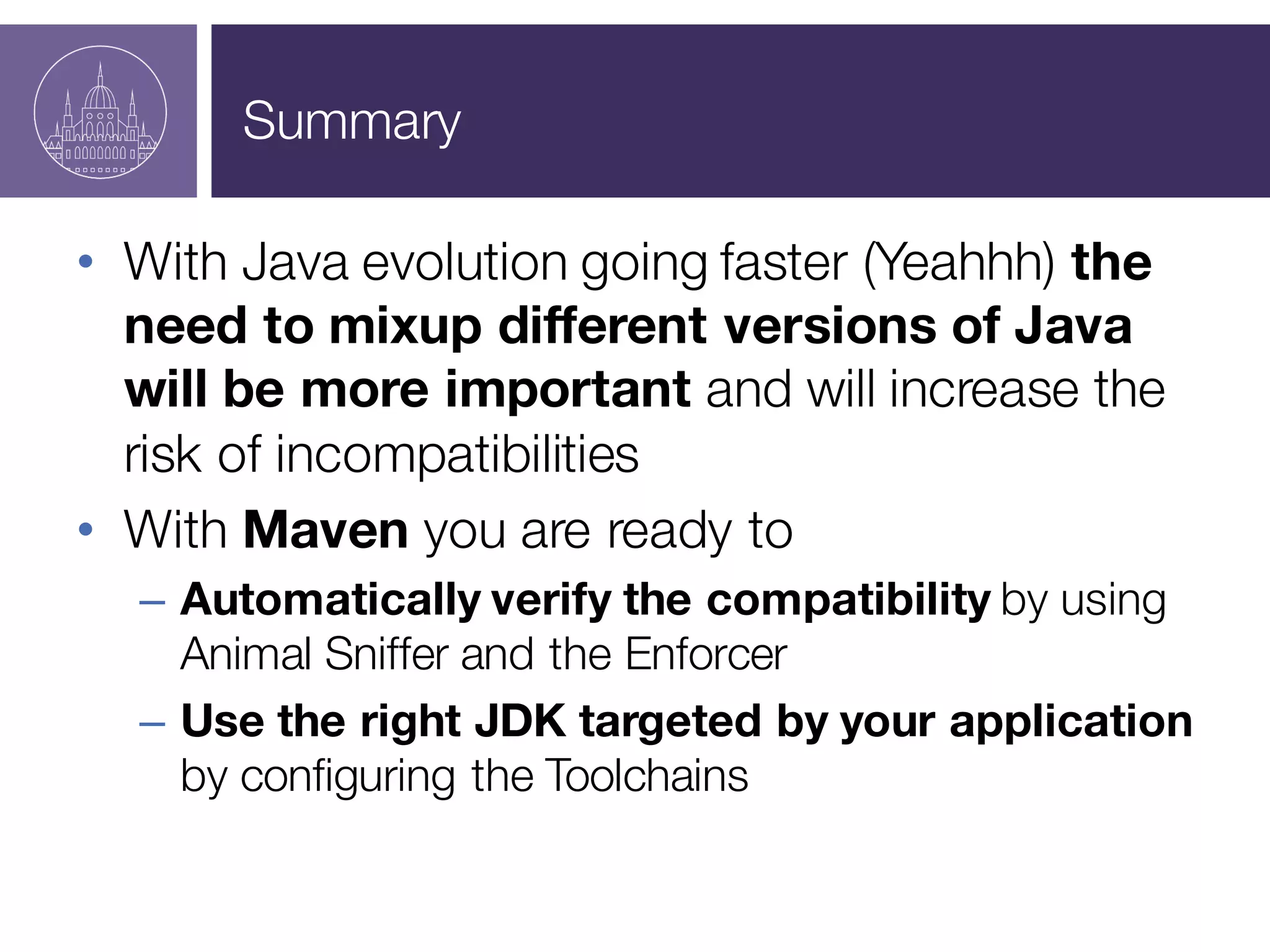
Summary
Summary
• With Java evolution going faster (Yeahhh) the
need to mixup different versions of Java
will be more important and will increase the
risk of incompatibilities
• With Maven you are ready to
– Automatically verify the compatibility by using
Animal Sniffer and the Enforcer
– Use the right JDK targeted by your application
by configuring the Toolchains
Demo - Bonus
● When JDK8 compiler optimizationsare creating a
backward incompatibility
● New solution:JDK 9 javac -release option
● maven-jdeps-plugin
Resources
• Animal Sniffer
– http://mojohaus.org/animal-sniffer/
• Enforcer plugin
– https://maven.apache.org/enforcer/maven-
enforcer-plugin/
• Toolchains
– https://maven.apache.org/guides/mini/guide-
using-toolchains.html
• Demos
– https://github.com/MavenDemo/java-evolving-en
Q & A

Java is evolving rapidly: Maven helps you staying on track

  • 1.
    CORINTHIA  HOTEL BUDAPEST,  HUNGARY –OCTOBER  1-­‐2,  2015  – Java is evolving rapidly: Maven helps you staying on track Hervé Boutemy - @hboutemy Arnaud Héritier - @aheritier
  • 2.
    Goal With Apache Maven,learn how to manage Java evolutions quietly
  • 3.
    Menu • Appetizer – Javaduke and maven owl cocktail • Starter – Bytecode soup with its enforcer zest • Main dish – A piece of Animal Sniffer and its accompaniments • Dessert – The toolchain and its diligence of JDKs
  • 4.
  • 5.
    Hervé Boutemy • MavenCommitter since 2007, • Maven PMC Member since 2009, • Apache Foundation Member since 2011, • Maven PMC Chair since July 2014, • Gave a hand on practically every Apache Maven code, but more in depth on... • Encoding, Maven Ant Tasks, Modello, maven-site-plugin, Doxia, • Archetype, Plugin Tools, • maven-checkstyle-plugin,Toolchains, …
  • 6.
    Arnaud Héritier • MavenCommitter since 2004, • Maven PMC Member since 2005, • Apache Foundation Member since 2011, • I’m trying to not touch to the code... – But I’m talking a lot about Apache Maven ! http://git.io/jEFs Support  Engineer
  • 7.
    What is itabout?
  • 8.
    Apache Maven andyou • Who is using Maven? • Which version in general? – 3.3? – 3.2? – 3.1? – 3.0? – < 3.0?
  • 9.
    We’ll learn youhow to juggle Juggle with different Java versions (JDKs, JREs) To be able to use new features from recent tools And ensure compatibility against production target Java is 20 years old Version First  publication JDK  Alpha  and  Beta 1995 JDK  1.0 January,  1996 JDK  1.1 February,  1997 J2SE  1.2  (playground) December,  1998 J2SE  1.3  (kestrel) May,  2000 J2SE  1.4  (merlin) February,  2002 J2SE  5.0  (tiger) September,   2004 Java  SE  6  (mustang) December,  2006 Java  SE  7  (dolphin) July,  2011 Java  SE  8 March,  2014 Java  SE  9 Early  2016 6 7 8
  • 10.
    Java and you •Who is mainly using – Version 9 to develop? – Version 8 to develop? – Version 7 to develop? – Version 6 to develop? – Version <6 to develop? – In production? – In production? – In production? – In production? – In production?
  • 11.
    Java and you •Who is using many Java versions on his development workstation and switch on a regular basis? • Who is using a different Java version during development and production?
  • 12.
    The JDK choicedilemma • Developer temptation: recent build tools, with more features, requiring recent JDK • Manager requirement: ensure compatibility with target environment: often quite old JRE (and the same on whole landscape?) • Miscellaneous strategies: – Conservatory: JDK = min( JRE<every apps> ) + old associated tools… – Courageous: for each app, switch JDK & associated tools – Player (unaware?): recent JDK – Serious: recent JDK + CI and deep tests, with good coverage – Smart: Maven + a few configurations
  • 13.
    Java & ApacheMaven Roadmaps: 2009
  • 14.
    Java & ApacheMaven Roadmaps: 2009 …a little bit later…
  • 15.
    Java & ApacheMaven Roadmaps: early 2014
  • 16.
    Java & ApacheMaven Roadmaps: nowadays Sources : http://www.oracle.com/technetwork/java/eol-­‐135779.html http://www.ibm.com/developerworks/java/jdk/lifecycle/ http://maven.apache.org/docs/history.html
  • 17.
  • 18.
    Bytecode Version • Binarybackward compatibility – JVM can execute old bytecode – but not newer bytecode, or… • java.lang.UnsupportedClassVersionError Java  8        =  52  (0x34) Java  7        =  51  (0x33) Java  6        =  50  (0x32) Java  5        =  49  (0x31) Java  1.4  =  48  (0x30) Java  1.3  =  47  (0x2F) Java  1.2  =  46  (0x2E) Java  1.1  =  45  (0x2D) .class  file  format • 4  bytes:  magic  number • 2  bytes:  minor  version • 2  bytes:  major  version
  • 19.
  • 20.
    javac & bytecodeversion Javac – Default: bytecode version = JDK version – -target defines bytecode version
  • 21.
    Maven & bytecodeversion • Maven allows to easily control the version of the bytecode used in the project build – By default: • maven-compiler-plugin sets –target 1.5 • independent from JDK used – maven-compiler-plugin’s target parameter • plugin or pluginManagement configuration • more compact: maven.compiler.target property
  • 22.
    Maven & bytecodeversion • Maven allows also to verify the version of the bytecode used in project dependencies – enforceBytecodeVersion rule from maven-enforcer-plugin
  • 23.
  • 24.
  • 25.
    Animal Sniffer –why? • To check the classes and method signatures that your compiled code uses and verify that you have use only those classes and signatures available in the API you are targeting. Even  if  its  main  known  usage  is  to  verify   the  compatibility  with  JDK  APIs,  Animal   Sniffer  is  genericand  can  be  used  to   verify  any  API  after  having  generated  its   signatures.
  • 26.
    Animal Sniffer Example – Usinga JDK 8 to compile your code must use only APIs from Java 7 How? – Provided as 3 tools: a Maven plugin, an enforcer rule, an Ant task. – Must be executed on compiled classes. Limitation – Can verify only APIs signatures. – Doesn’t cover semantic • when an exception is thrown, … – Detects the issue but doesn’t allow to fix it.
  • 27.
  • 28.
    Maven Toolchains: Theproblem • Nowadays JDK is chosen with build tools requirements in mind Must  swap  JDK  choice  priorities:  application  over  build JRE used by Maven & plugins JRE to execute the application JDK used in build tasks (javac…)
  • 29.
    Maven Toolchains: Theultimate weapon • Allows to use a JDK to run “build” steps (compilation, tests execution, …) different from the JRE used to launch Maven and its plugins – You can use a recent JRE for Maven and its plugins – For each application, Maven uses the JDK version required by your project Allows  to  easily  jungle  between  various  JDKs  to  ensure  there  is  no   risk  for  the  targeted  application 6 7 8 JRE used by Maven & plugins JRE to execute the application JDK used in build tasks (javac…)
  • 30.
  • 31.
    Maven Toolchains • Availablesince Maven 2.0.9 (2008/04) 1. Available tools are configured (path….) in the file ~/.m2/toolchains.xml 2. pom.xml configures the maven-toolchains- plugin to select the required tool with possibly some constraints (version,…) 3. “toolchain aware” plugins will automatically use the selected tool • Tools are configured to match the current environment and are homogeneous across plugins
  • 32.
    Maven Toolchains &JDK • Toolchains is generic: can be used to manage any type of tool • <type>jdk</type> toolchain is directly integrated in Maven • “jdk-toolchain aware” plugins – m-compiler-p, m-javadoc-p, m-surefire-p, m-webstart-p, m-jarsigner-p, exec-maven-plugin, keytool-maven-plugin, … • Others toolchains are already existing – protobuf, netbeans, …
  • 33.
    Toolchains recent news •maven-toolchains-plugin 1.1 (2014/11) – More readable execution logs – Documentation to write new custom types • Maven 3.3 (2015/3) – ${maven.home}/conf/toolchains.xml – A plugin can use another tool than the one selected by the maven-toolchains-plugin • maven-jdeps-plugin (in progress) – uses jdeps from recent JDKs (JDK 8 or 9)
  • 34.
  • 35.
    Summary • With Javaevolution going faster (Yeahhh) the need to mixup different versions of Java will be more important and will increase the risk of incompatibilities • With Maven you are ready to – Automatically verify the compatibility by using Animal Sniffer and the Enforcer – Use the right JDK targeted by your application by configuring the Toolchains
  • 36.
    Demo - Bonus ●When JDK8 compiler optimizationsare creating a backward incompatibility ● New solution:JDK 9 javac -release option ● maven-jdeps-plugin
  • 37.
    Resources • Animal Sniffer –http://mojohaus.org/animal-sniffer/ • Enforcer plugin – https://maven.apache.org/enforcer/maven- enforcer-plugin/ • Toolchains – https://maven.apache.org/guides/mini/guide- using-toolchains.html • Demos – https://github.com/MavenDemo/java-evolving-en
  • 38.