This document discusses upgrading to Java 16 or 17. It provides reasons for upgrading such as performance improvements and security fixes. It outlines the release cadence and describes how to upgrade the application code, dependencies, and Java version. It also provides guidance for specific issues when upgrading to Java 11, 15, 16, and 17 such as changes to package names and workarounds for strong encapsulation in Java 16.
Discussion on upgrading to Java 16 or 17 and the presenter, Johan Janssen.
Performance improvements, security fixes, and the need to adapt to newer features like Records.
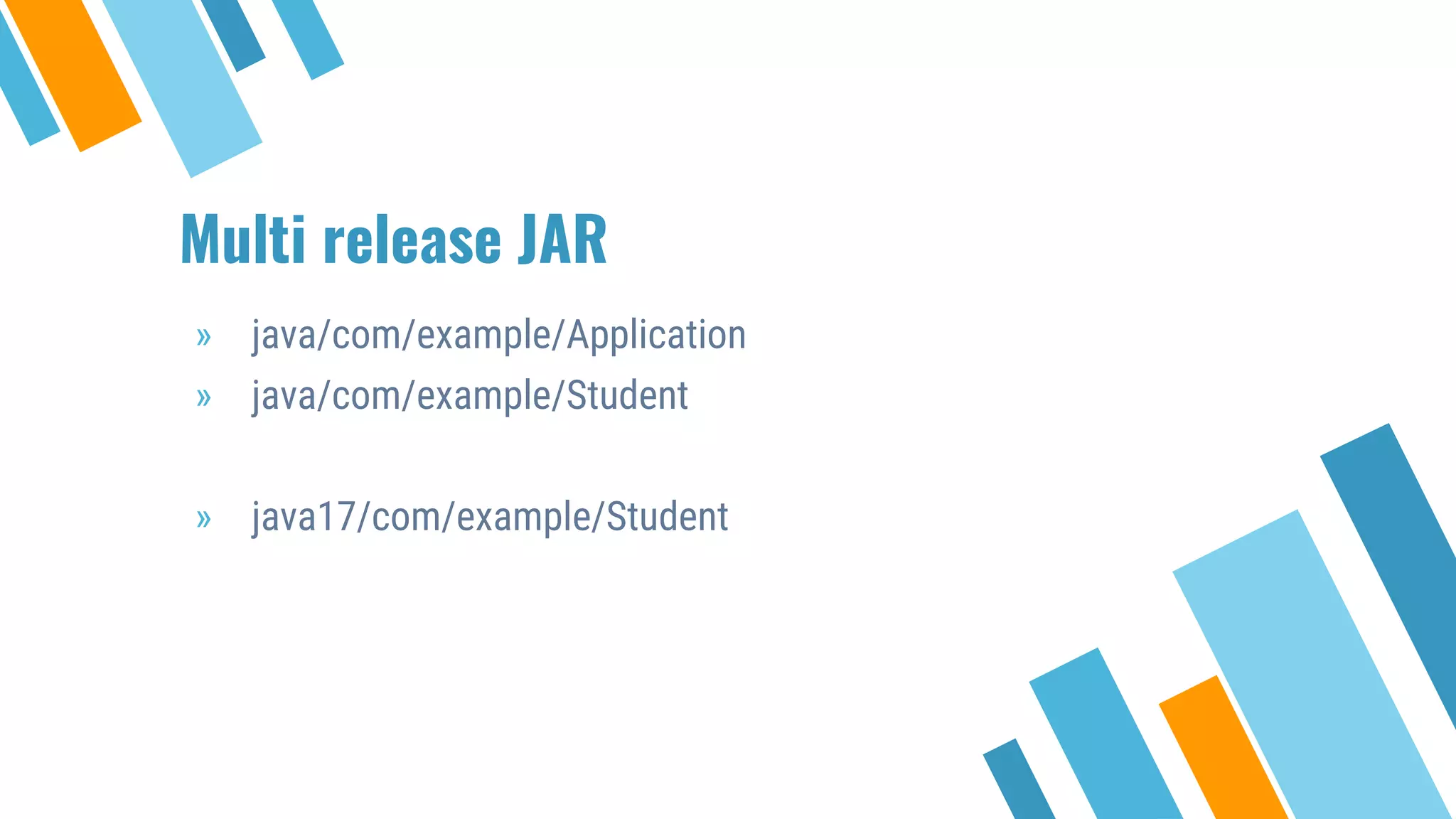
Explanation of multi-release JAR files and the requirement for all versions to implement the same API.
Challenges in upgrading Java versions and estimation difficulties faced by projects.
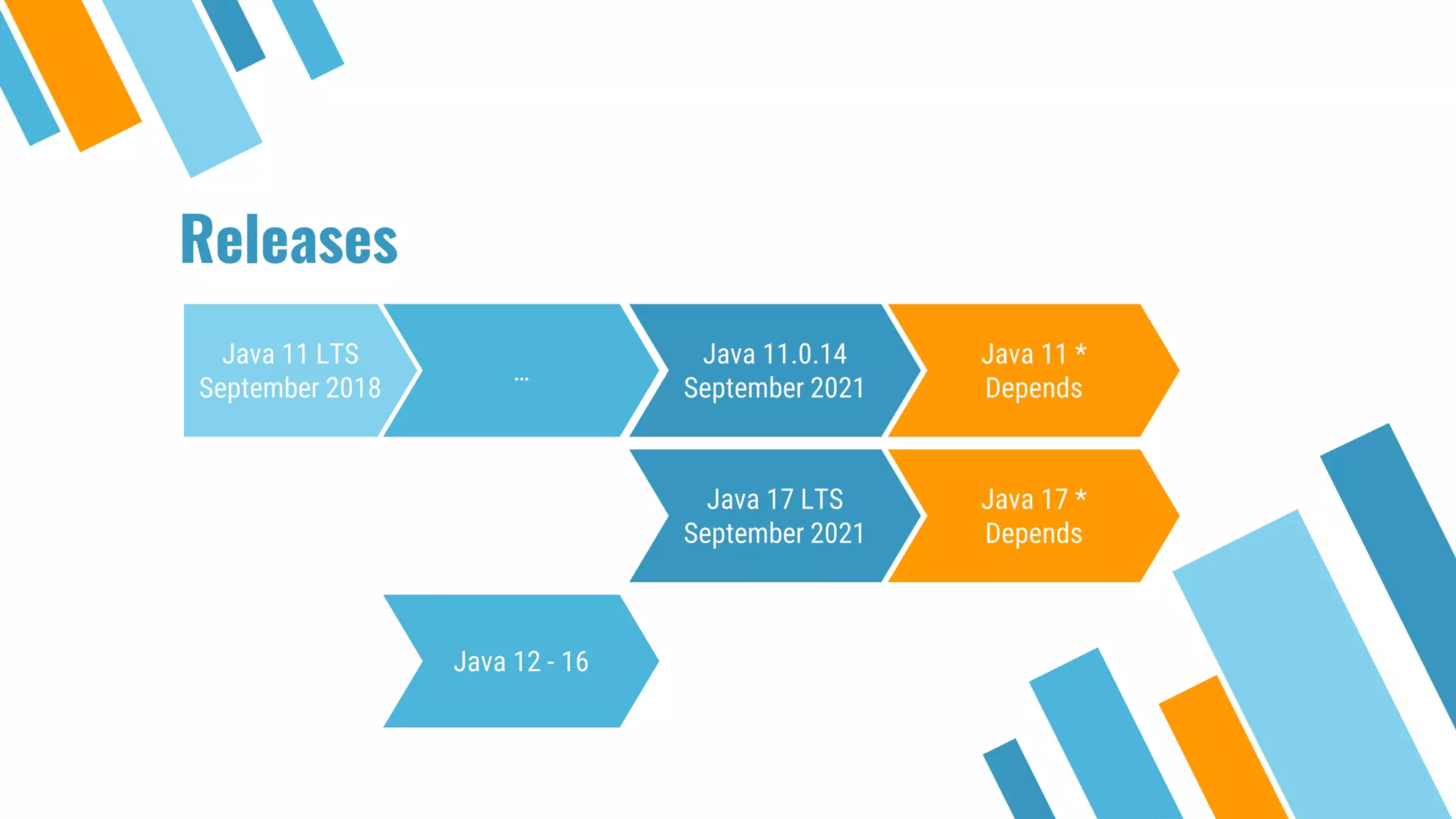
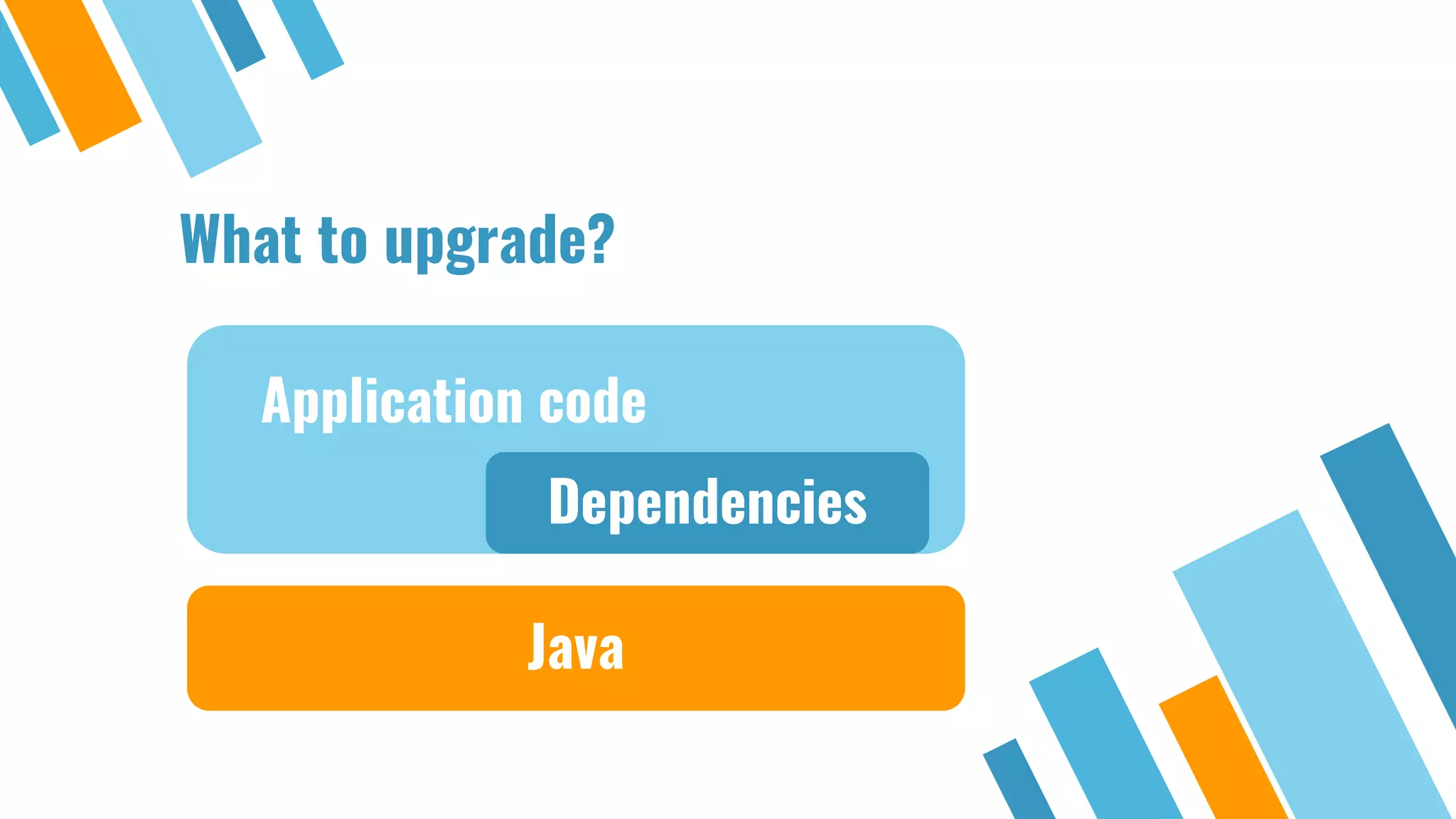
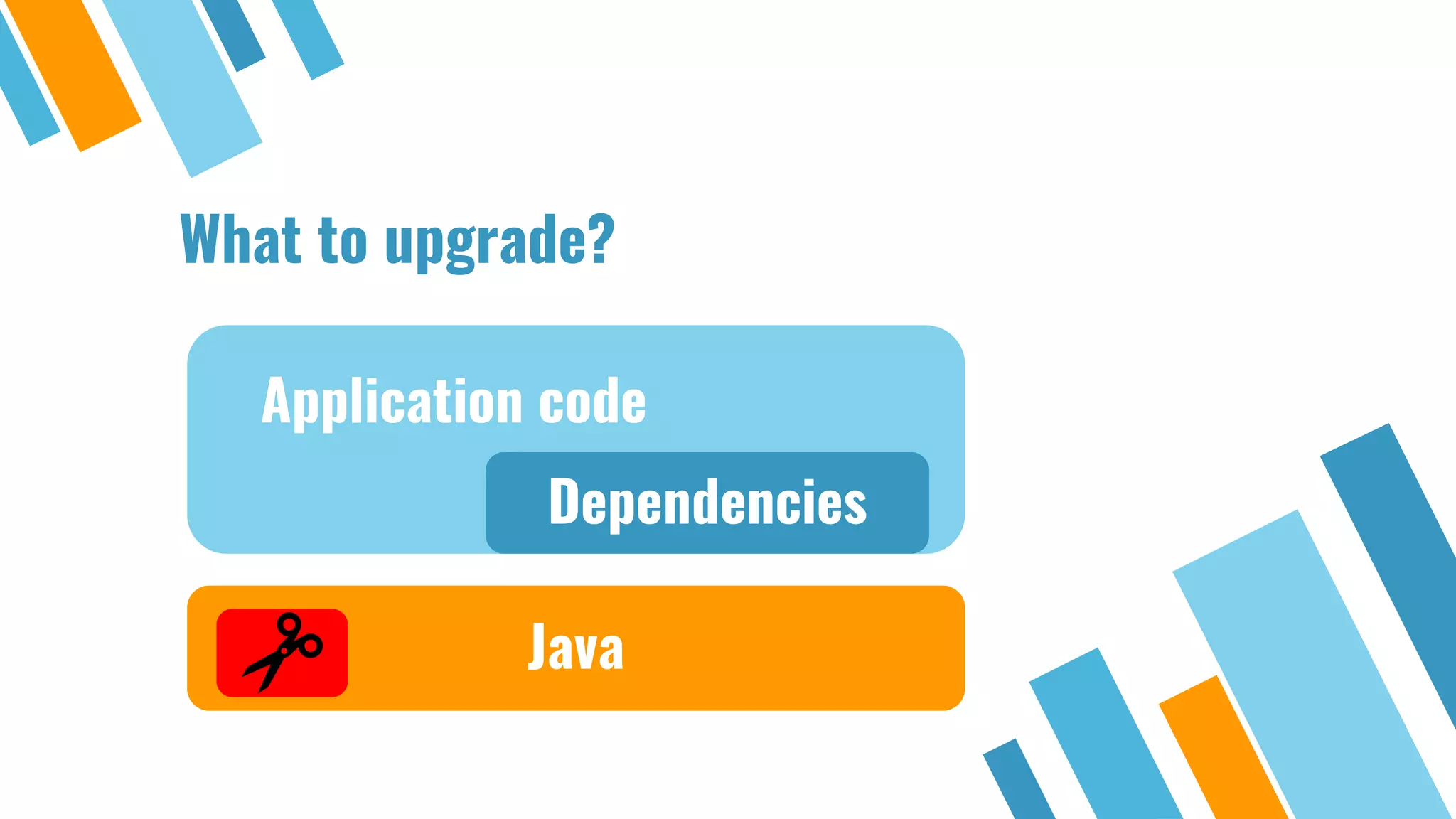
Release dates of Java versions including Java 11 and Java 17, highlighting their importance.Focus on the components to upgrade: application code, dependencies, and Java version.
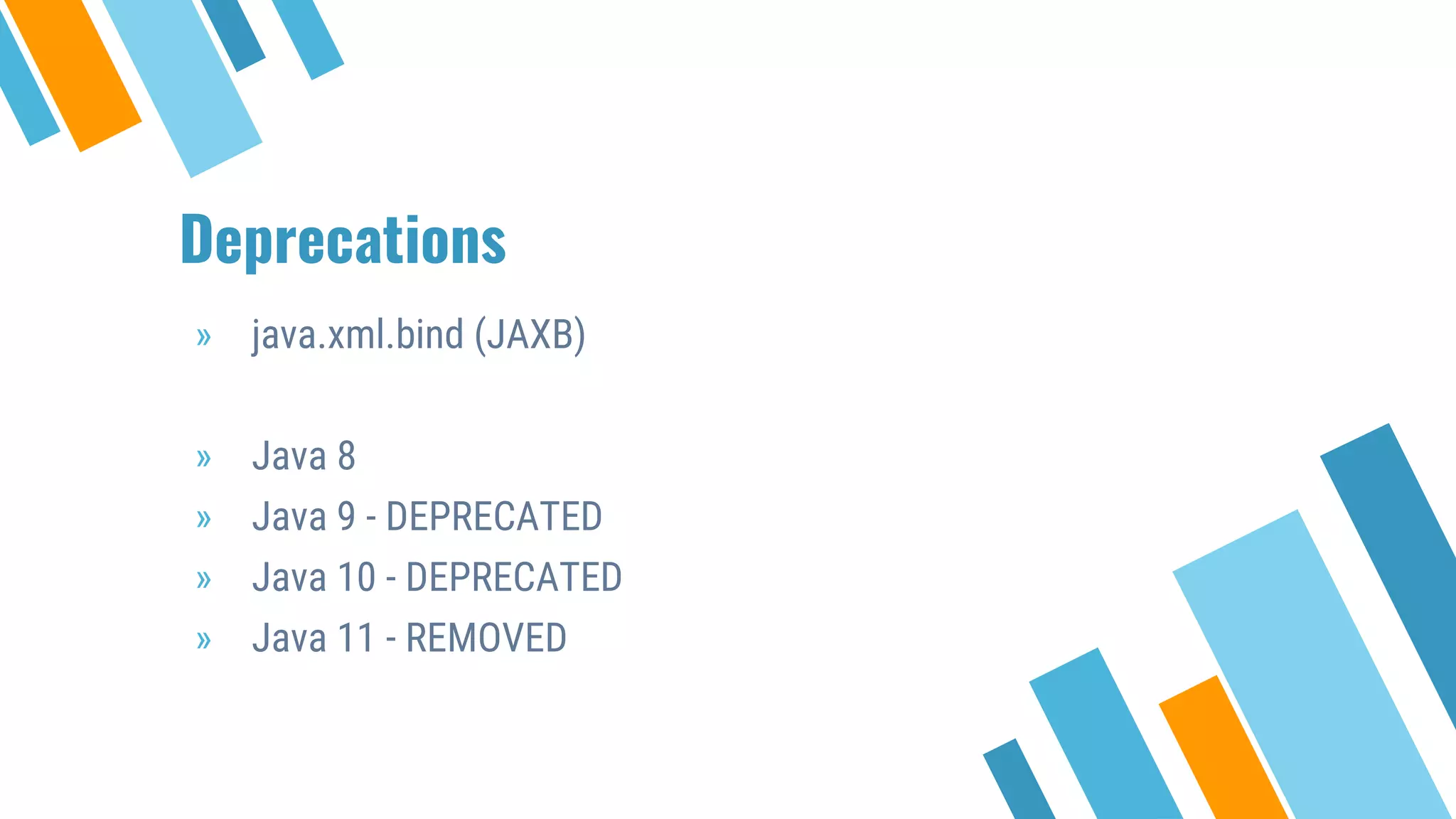
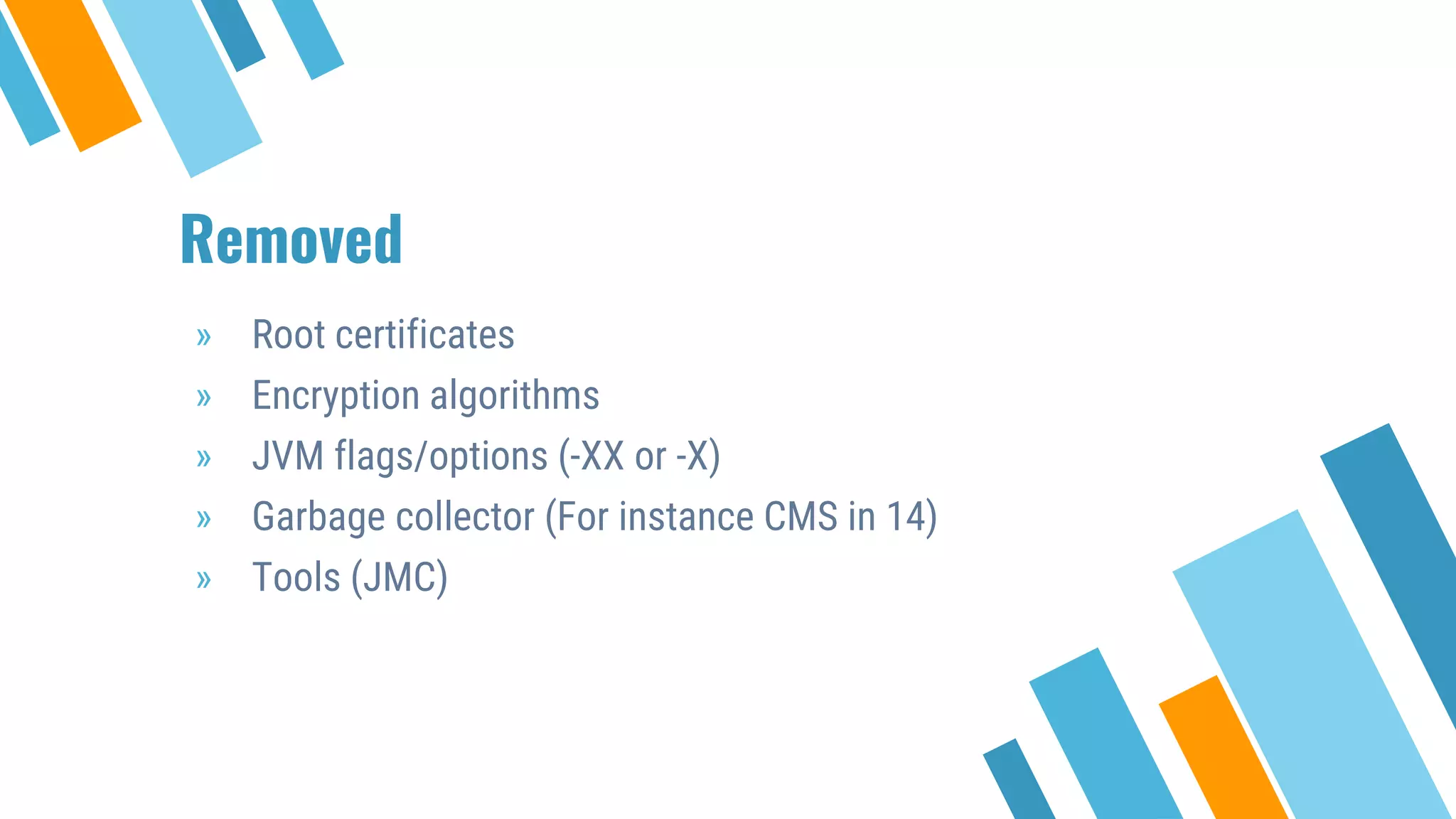
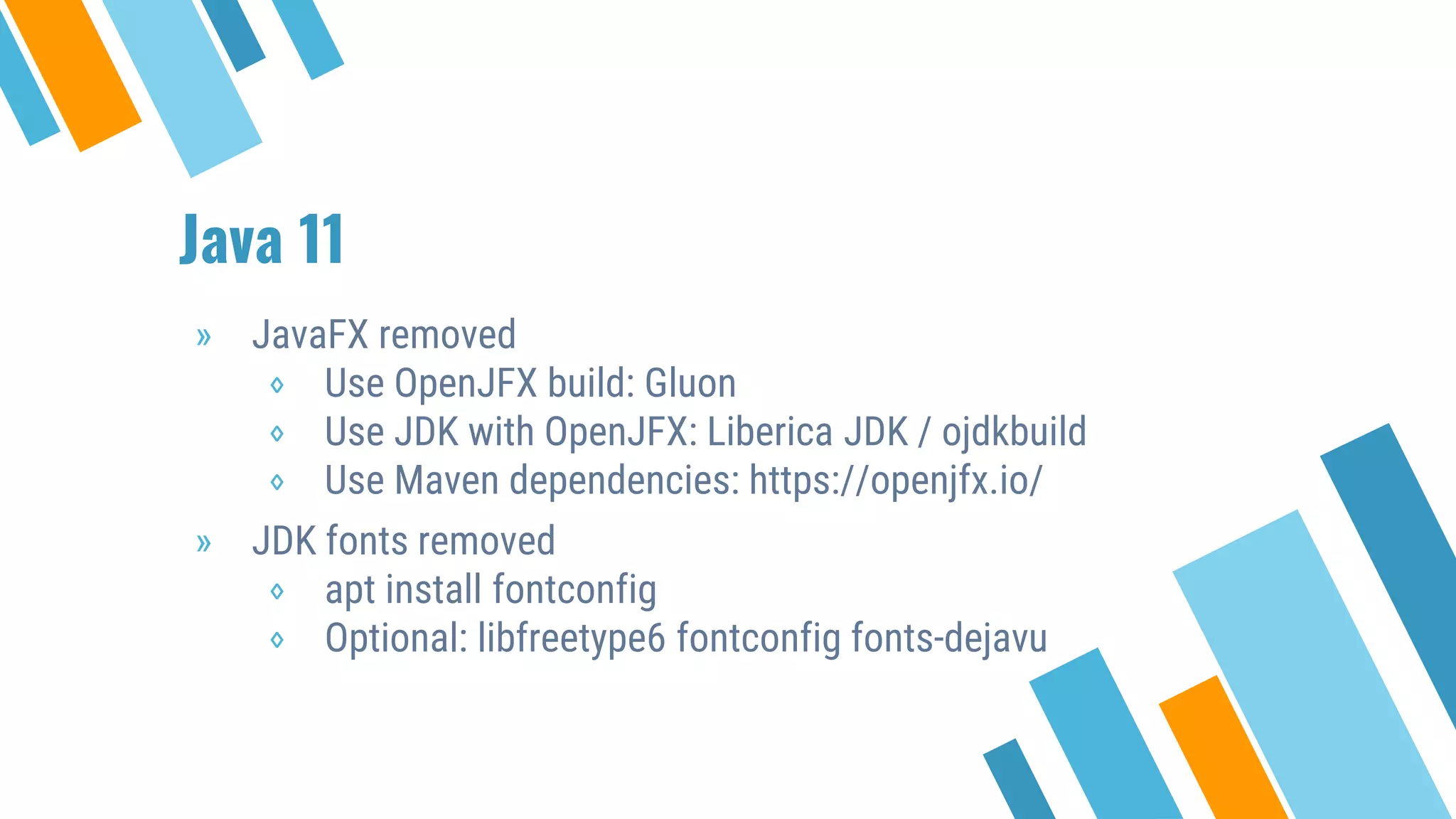
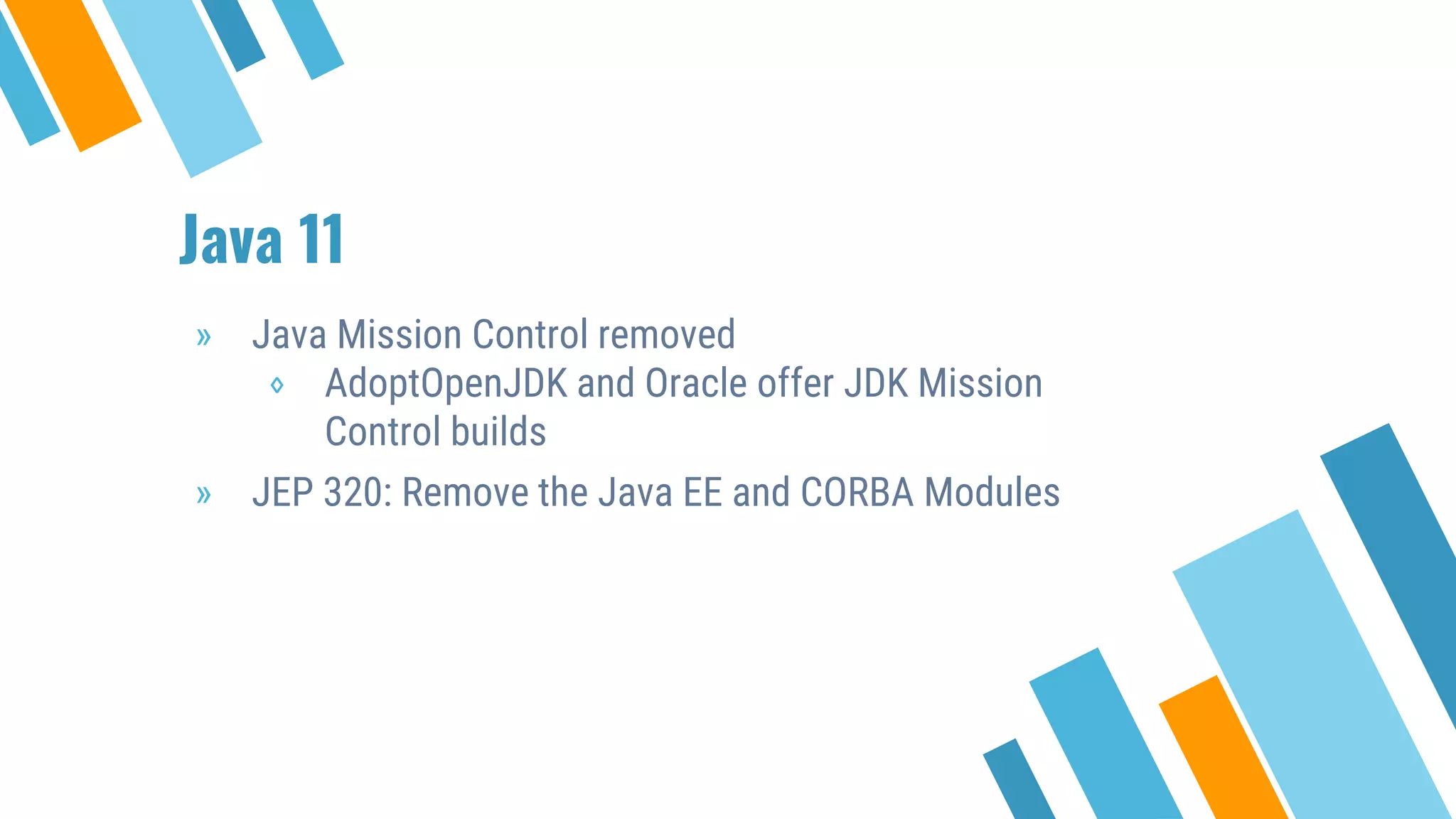
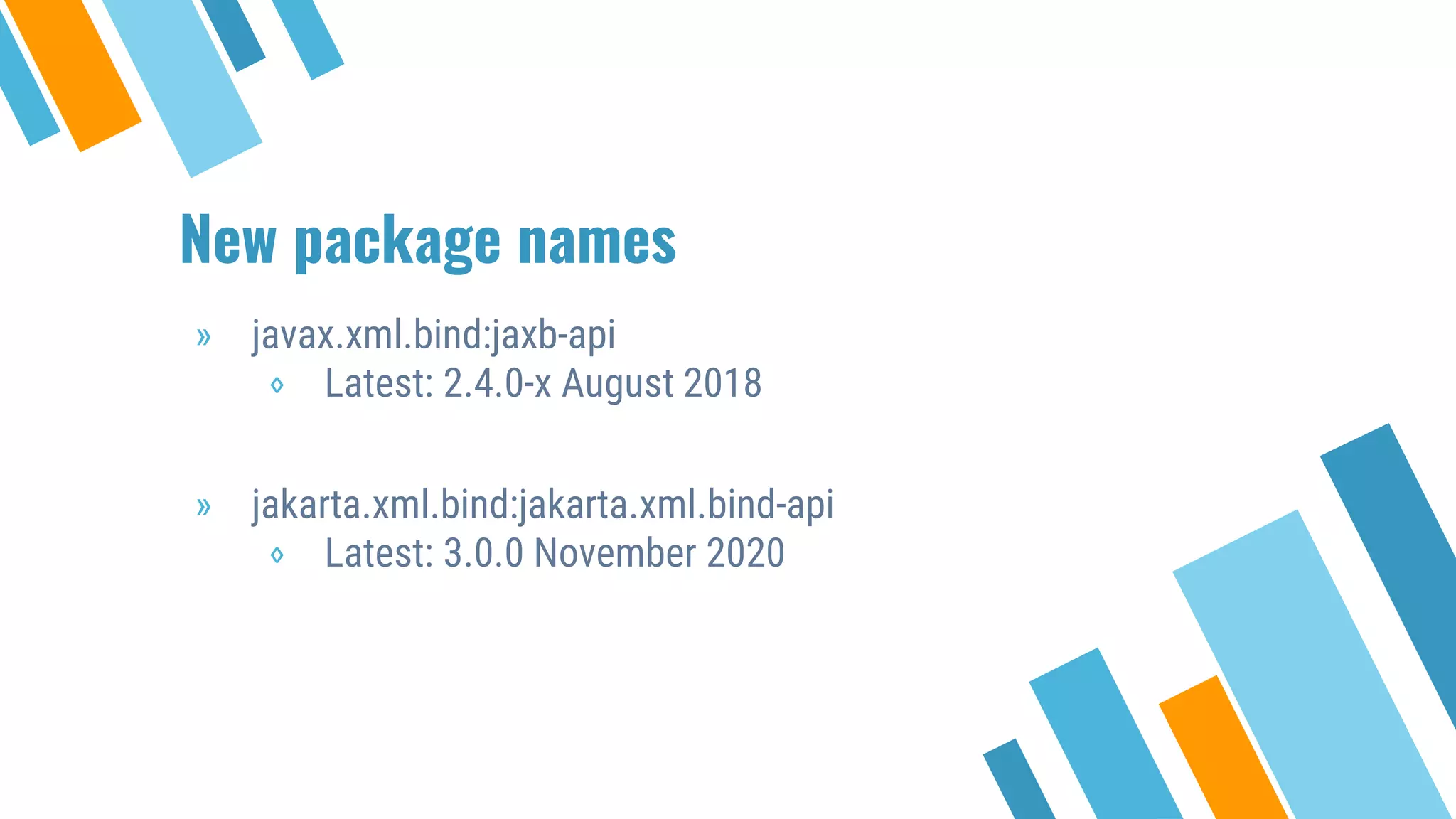
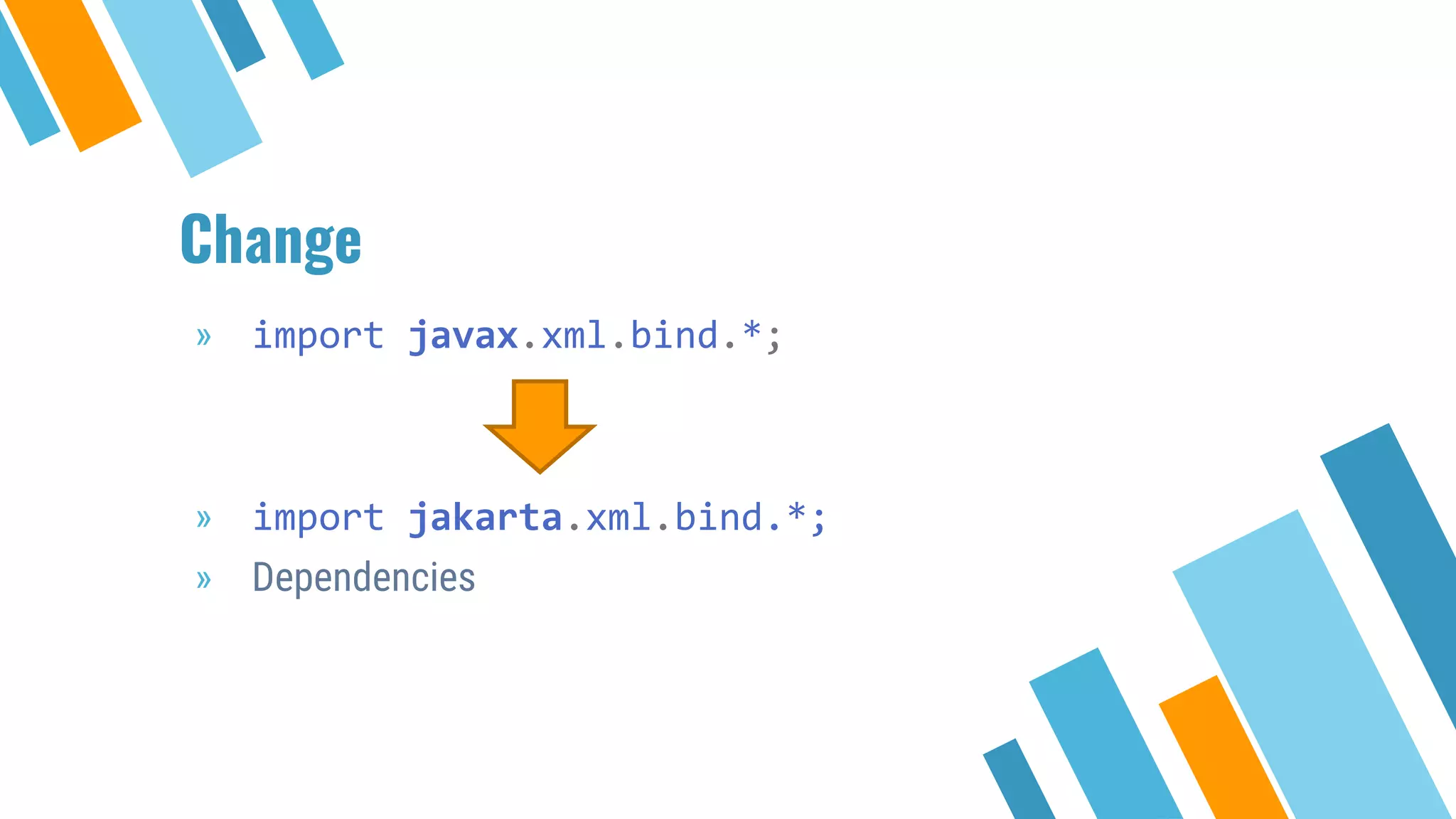
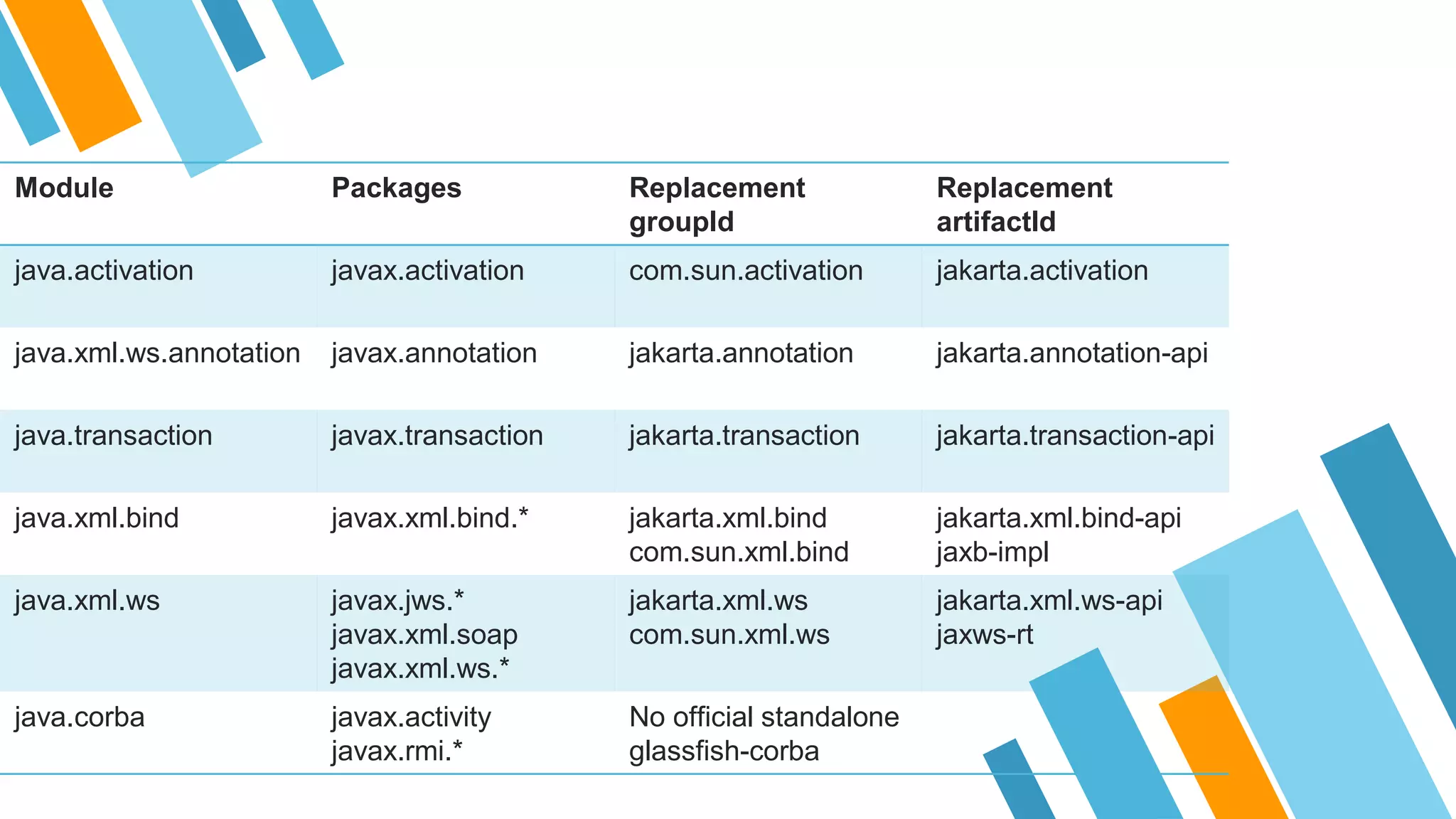
Key deprecations and removals across various Java versions affecting application development.
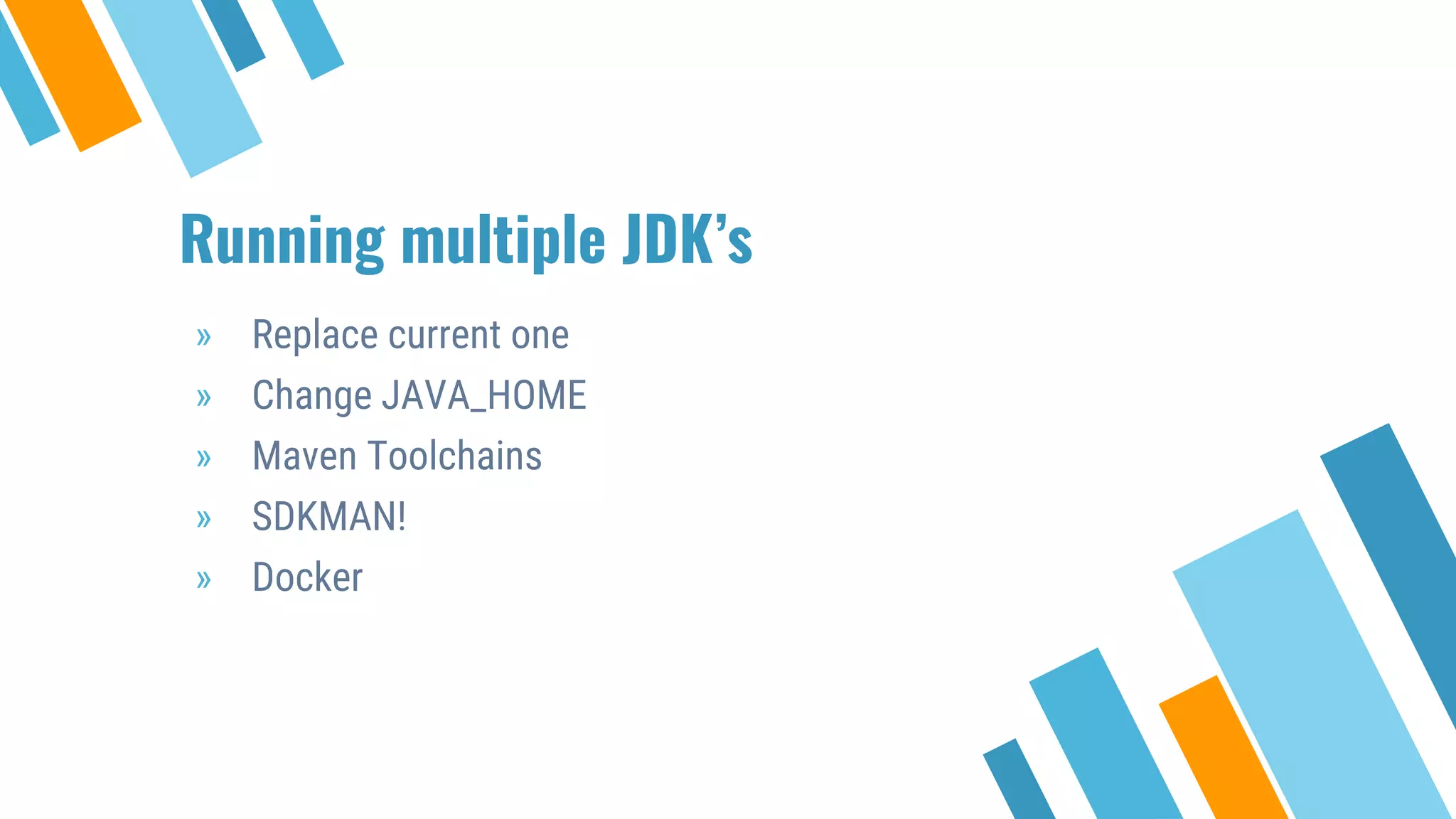
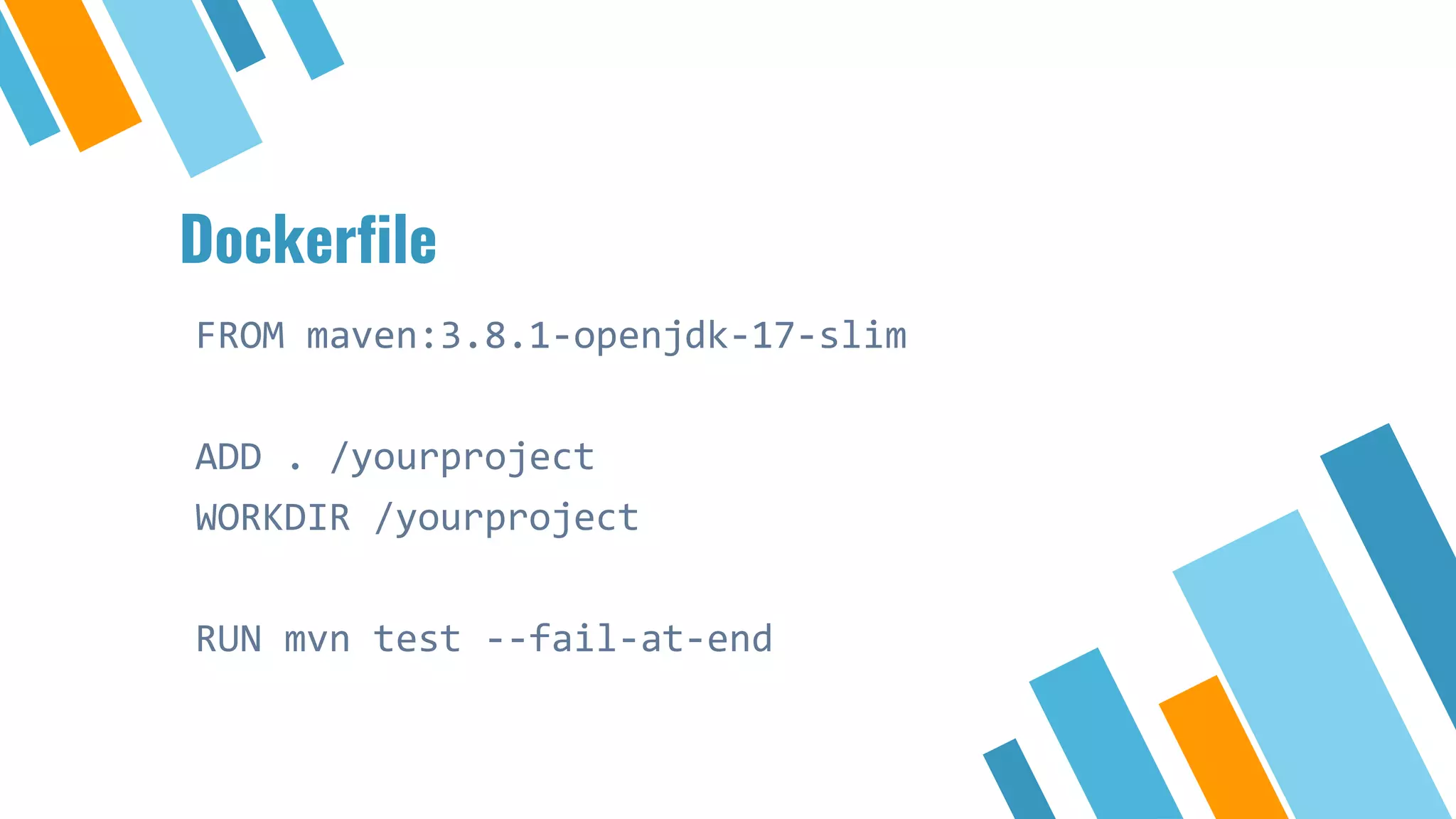
Methods for managing multiple Java Development Kits and the use of Docker in the upgrade process.
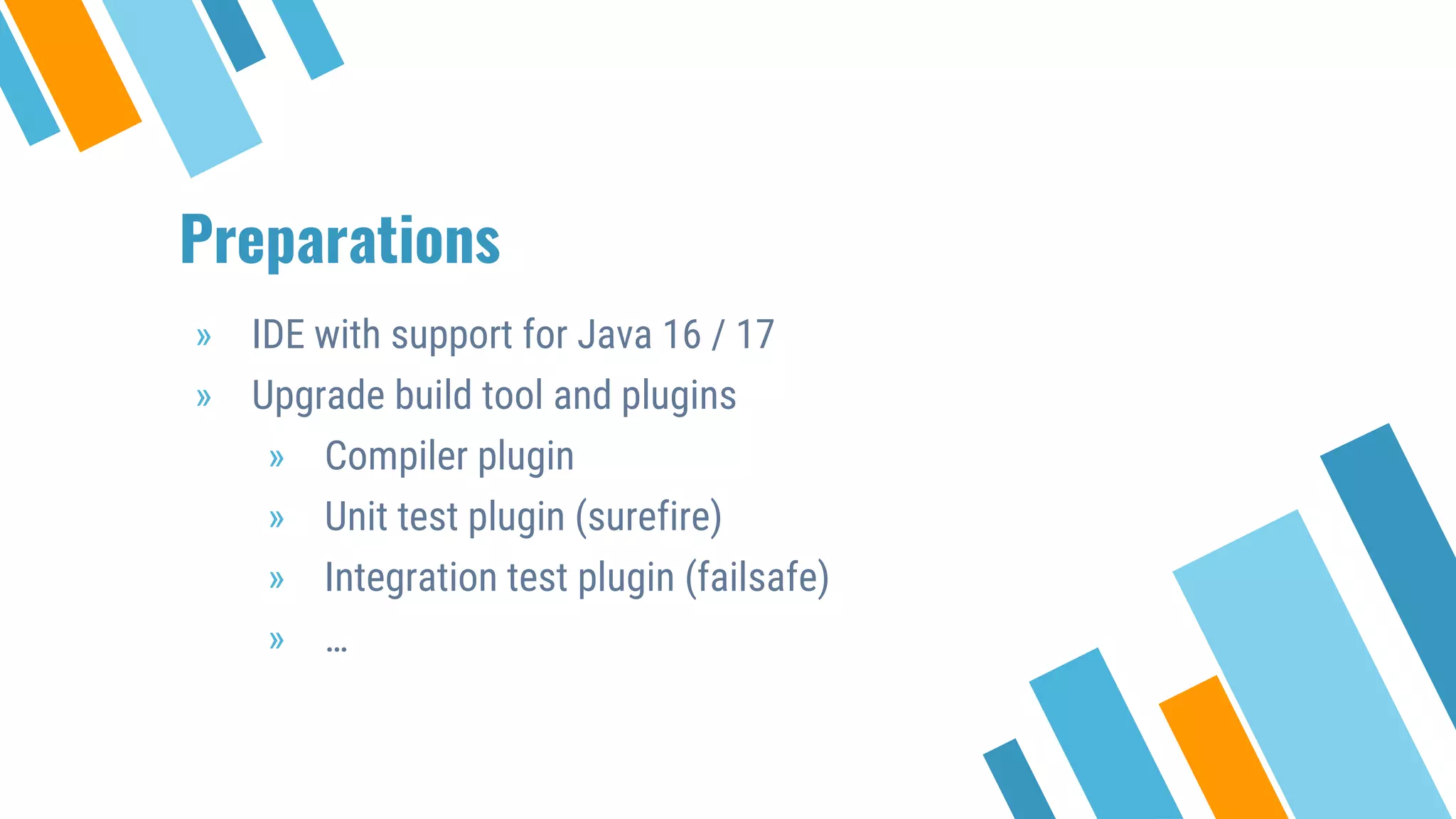
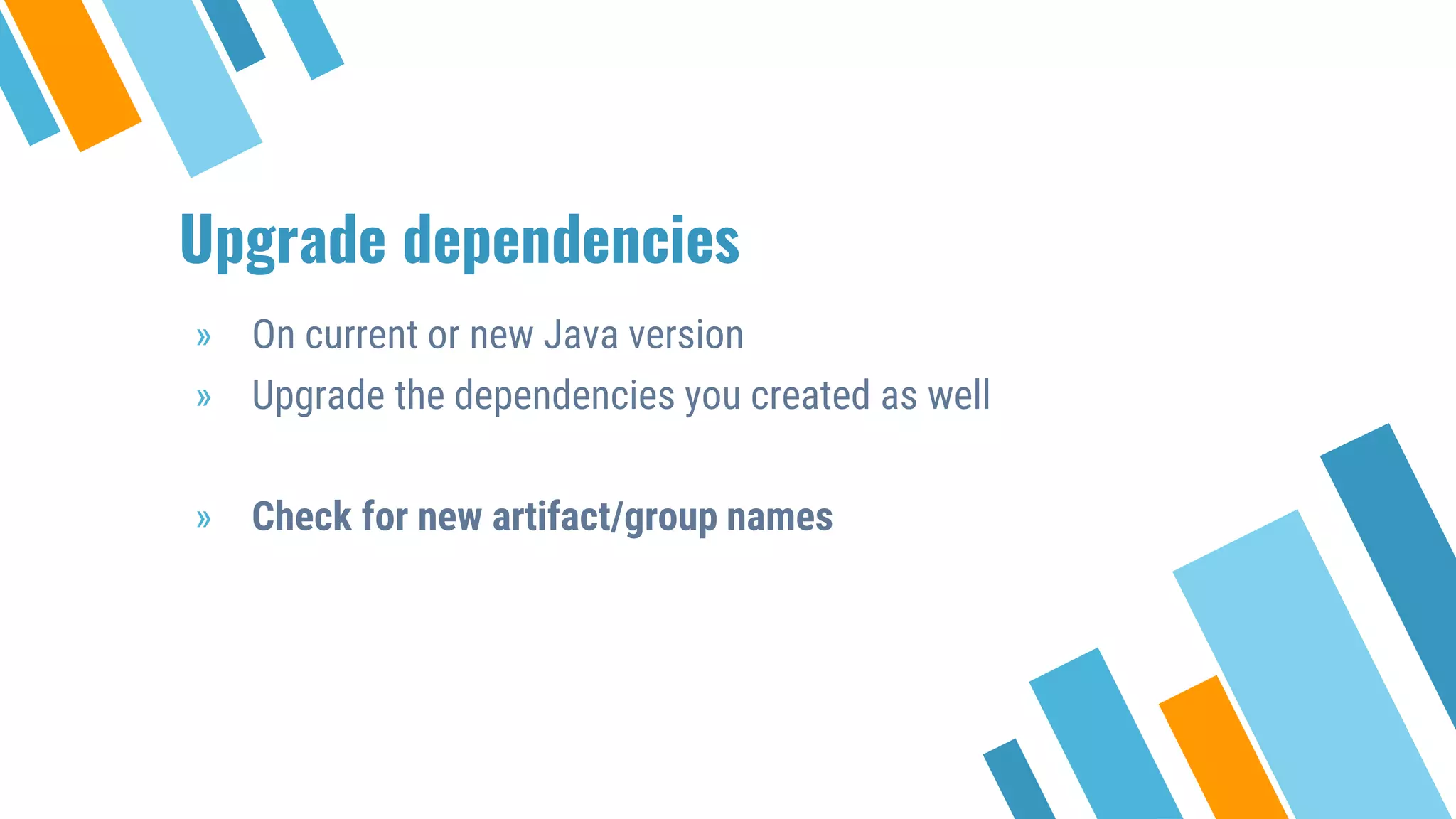
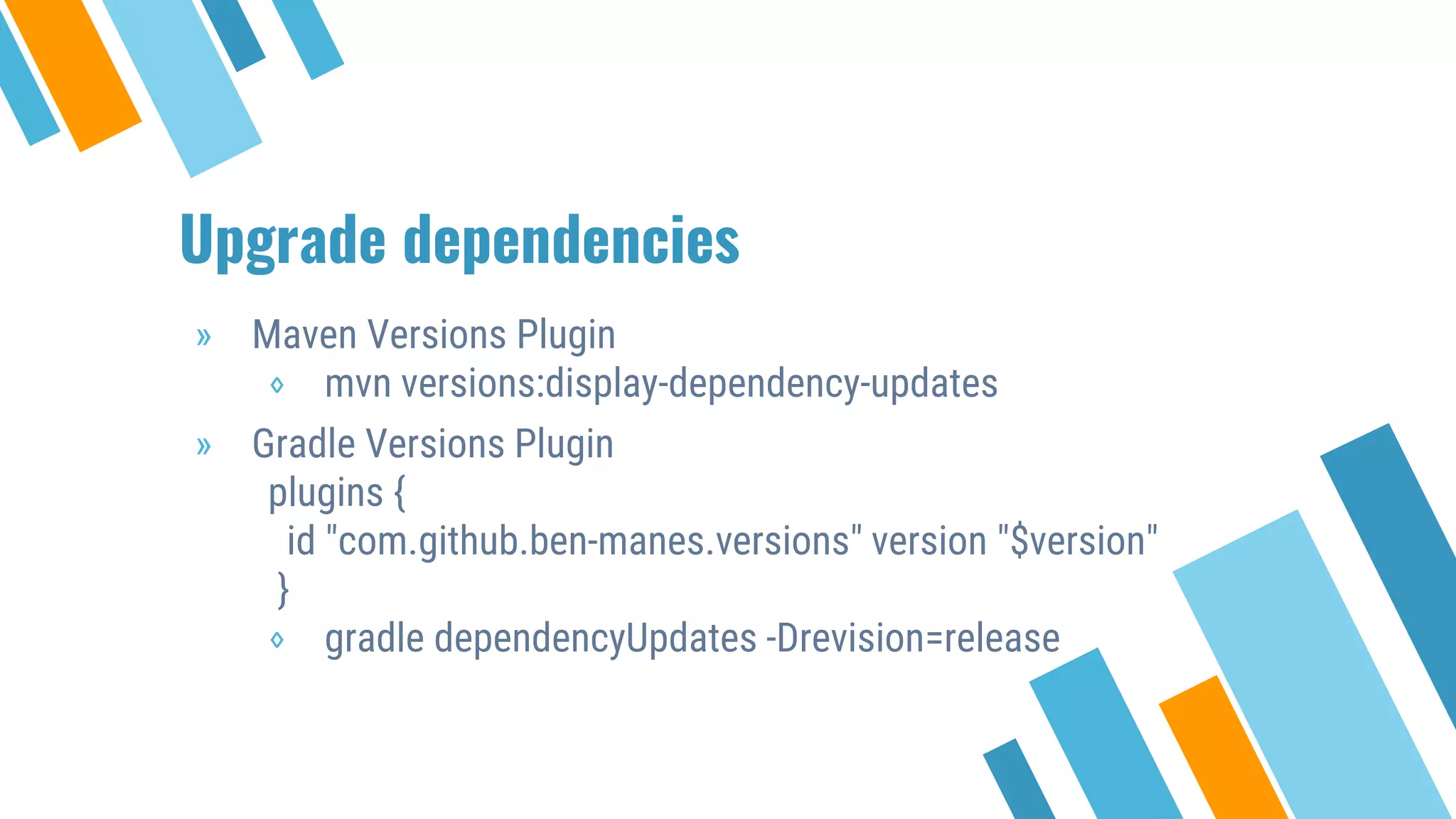
Necessary preparations including compatible IDE, upgrade of build tools, and dependency management.
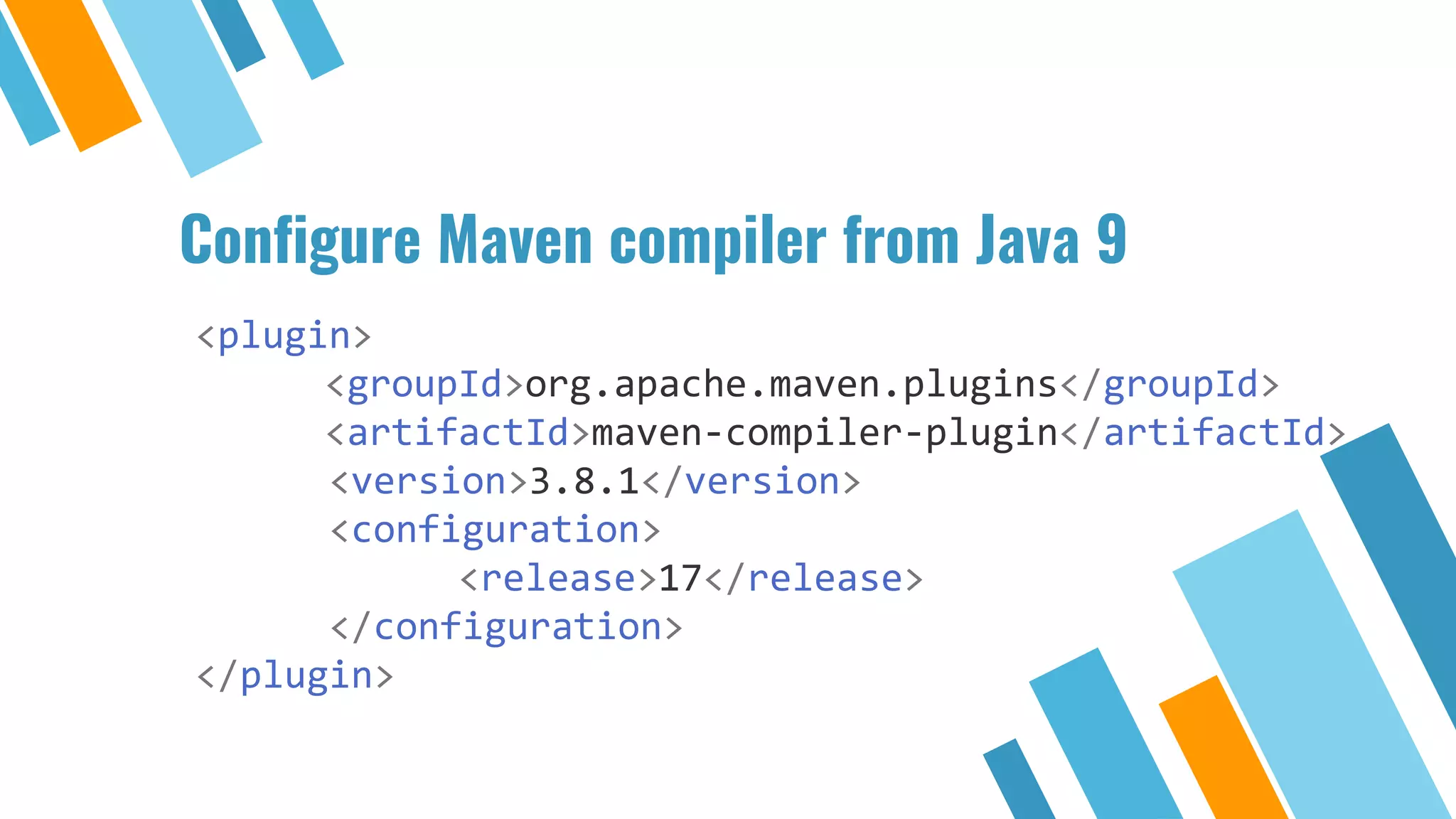
Steps to compile and test applications after upgrading while addressing library changes.
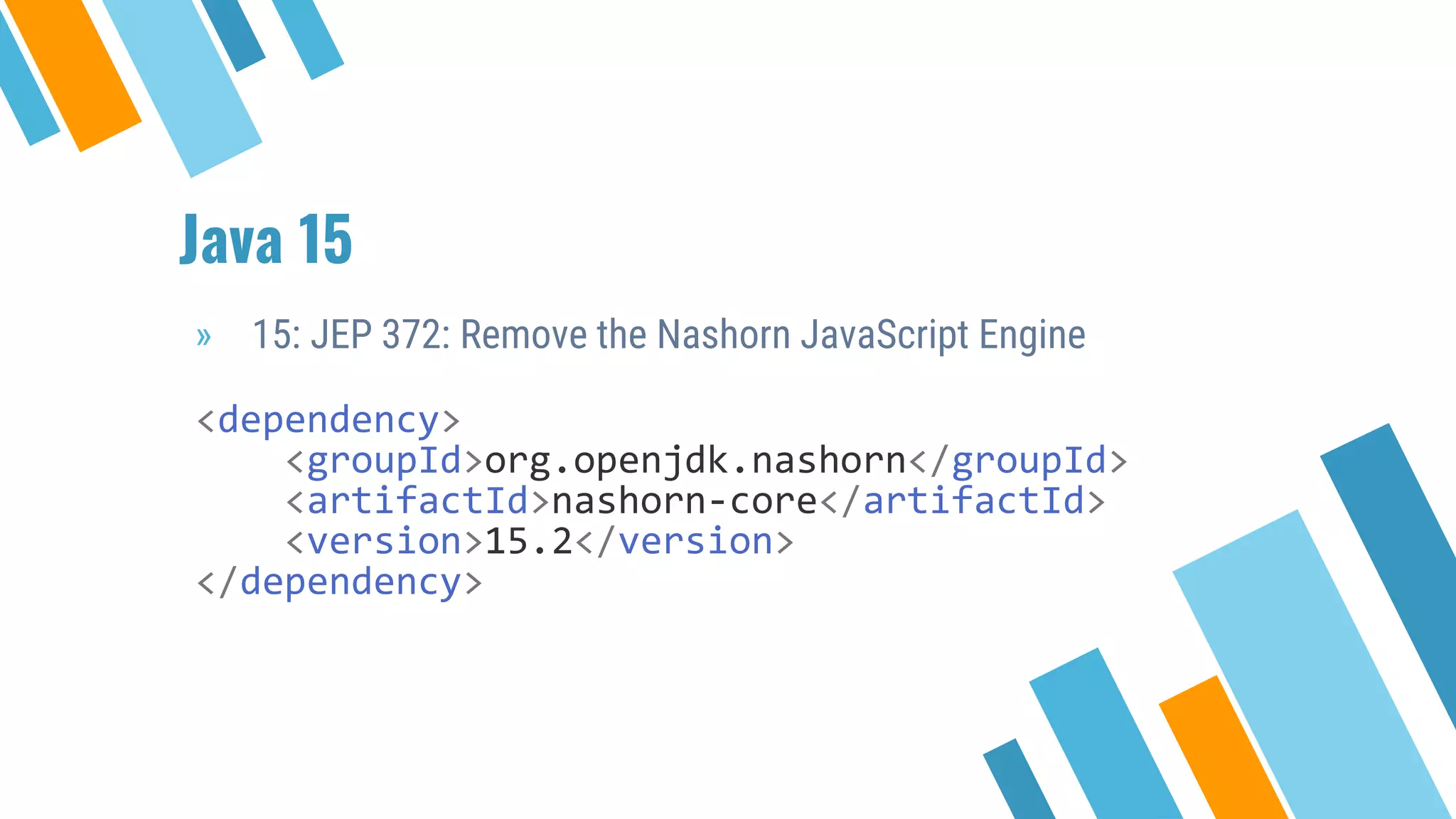
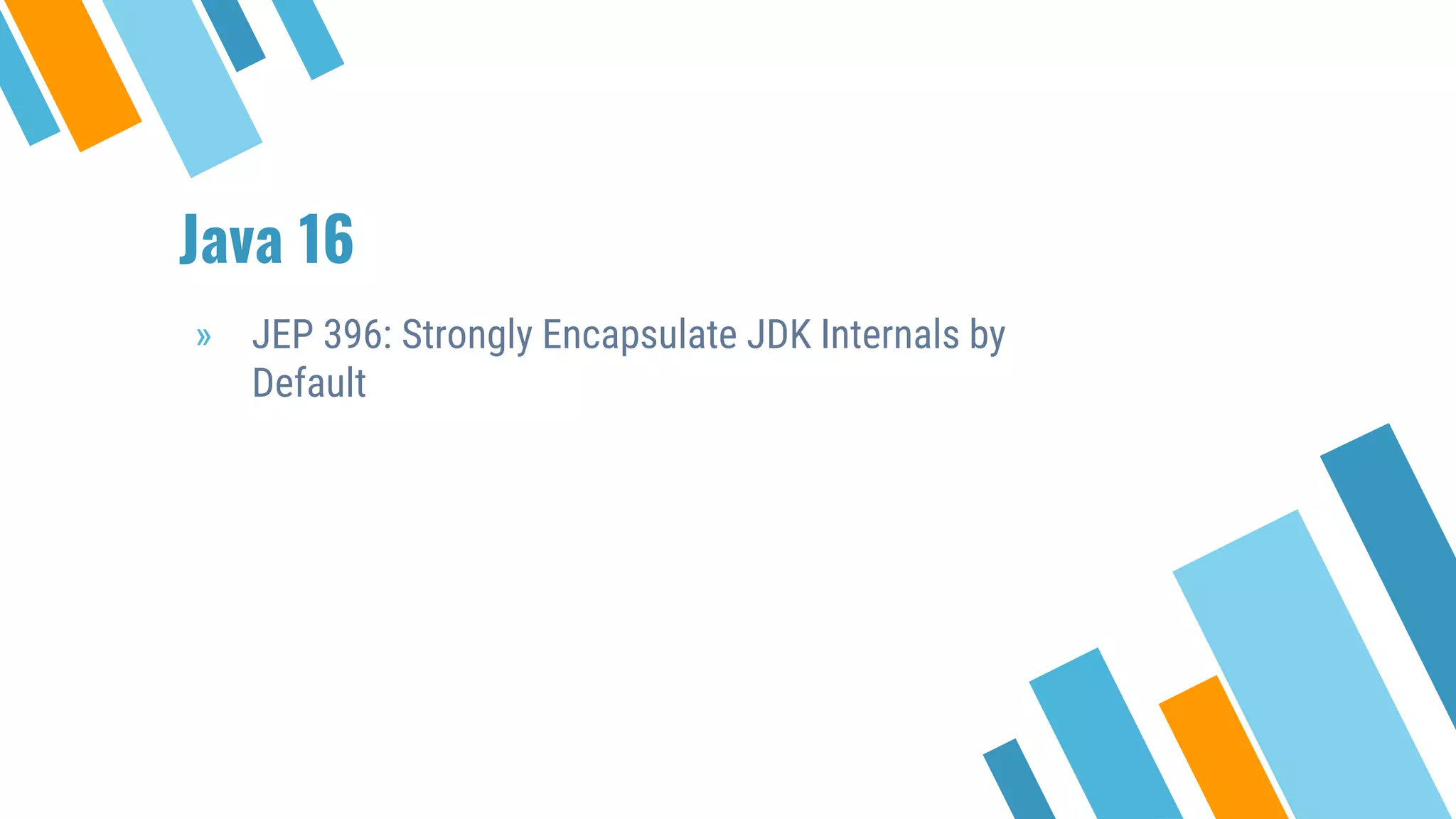
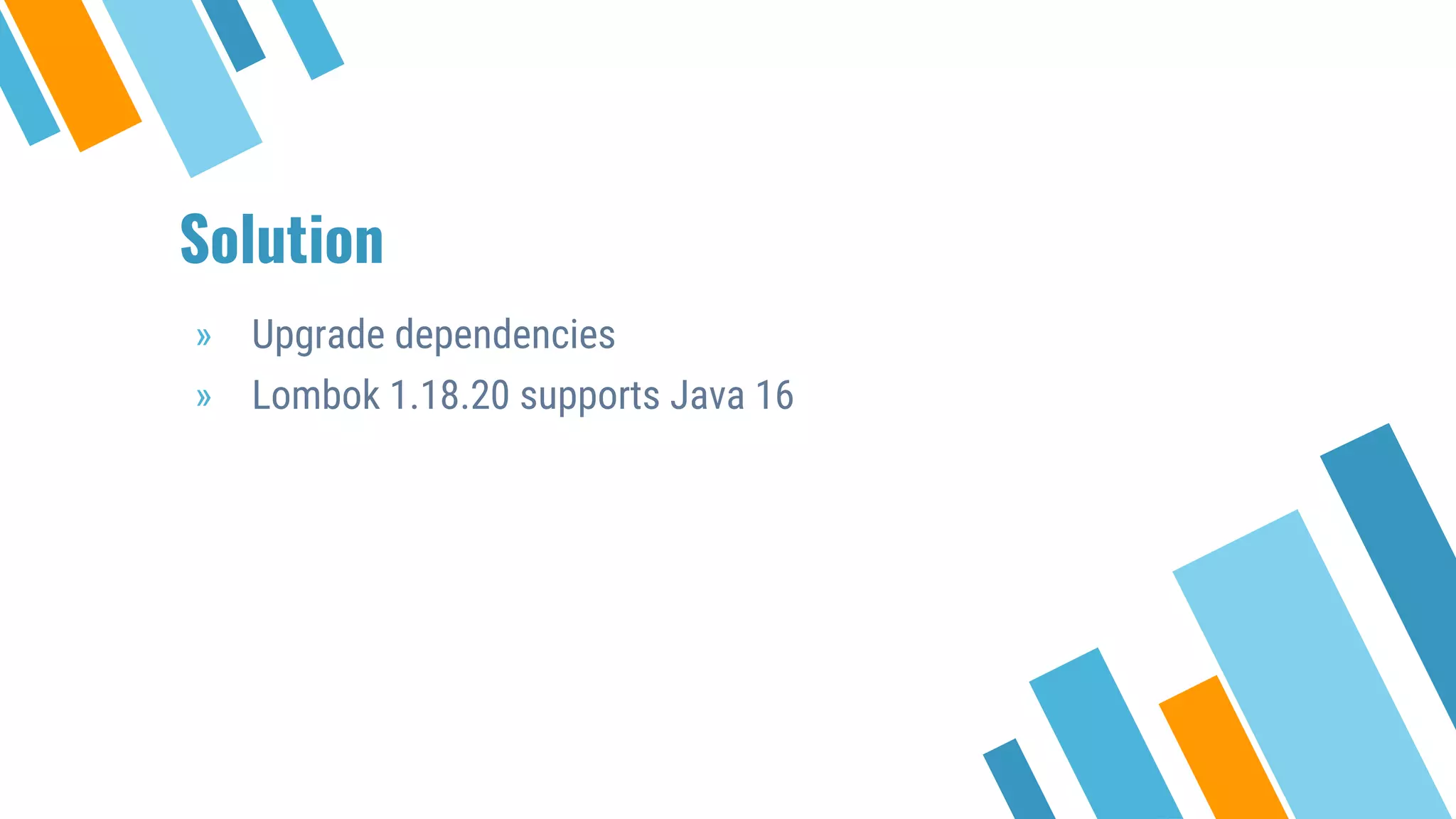
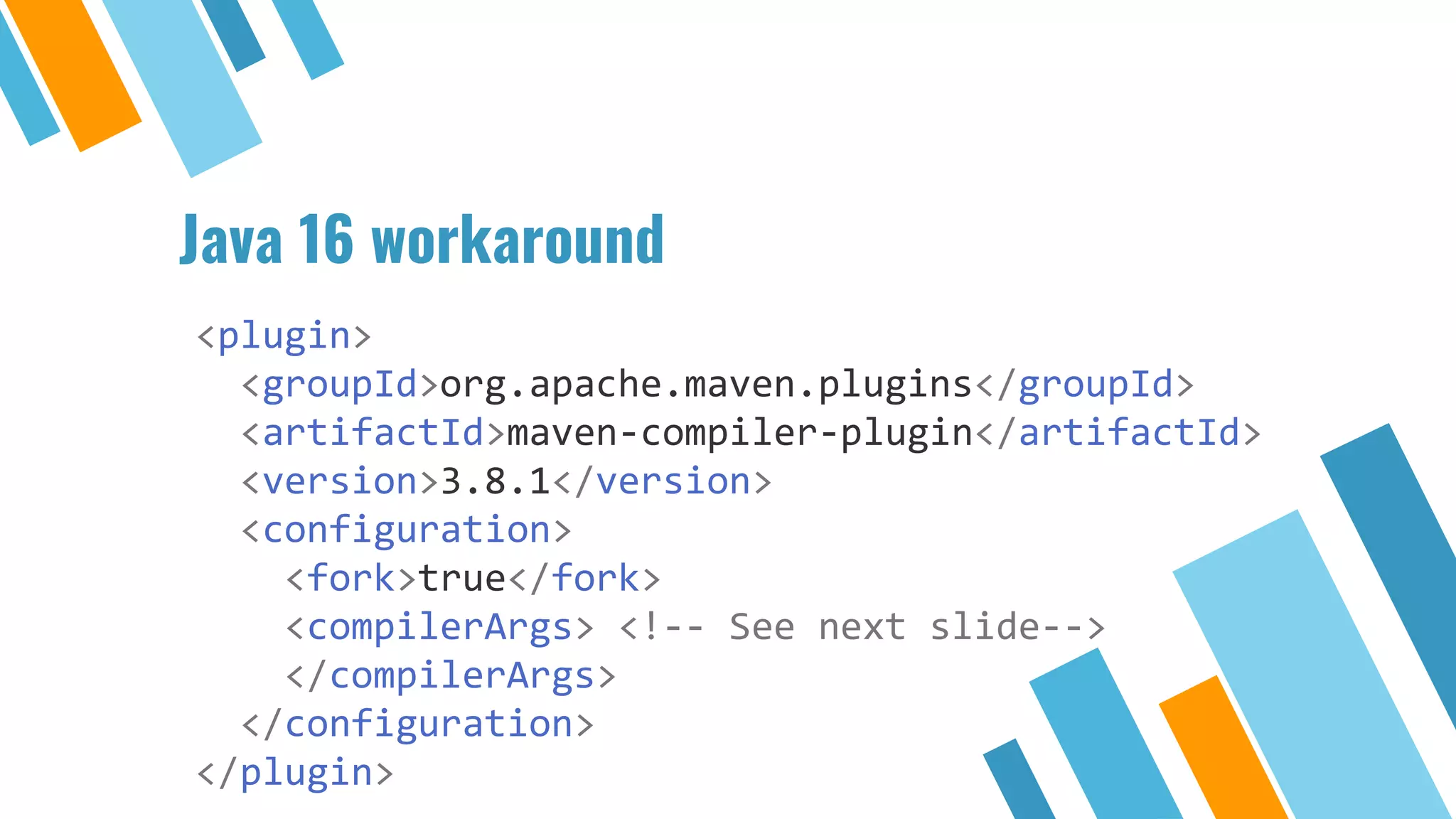
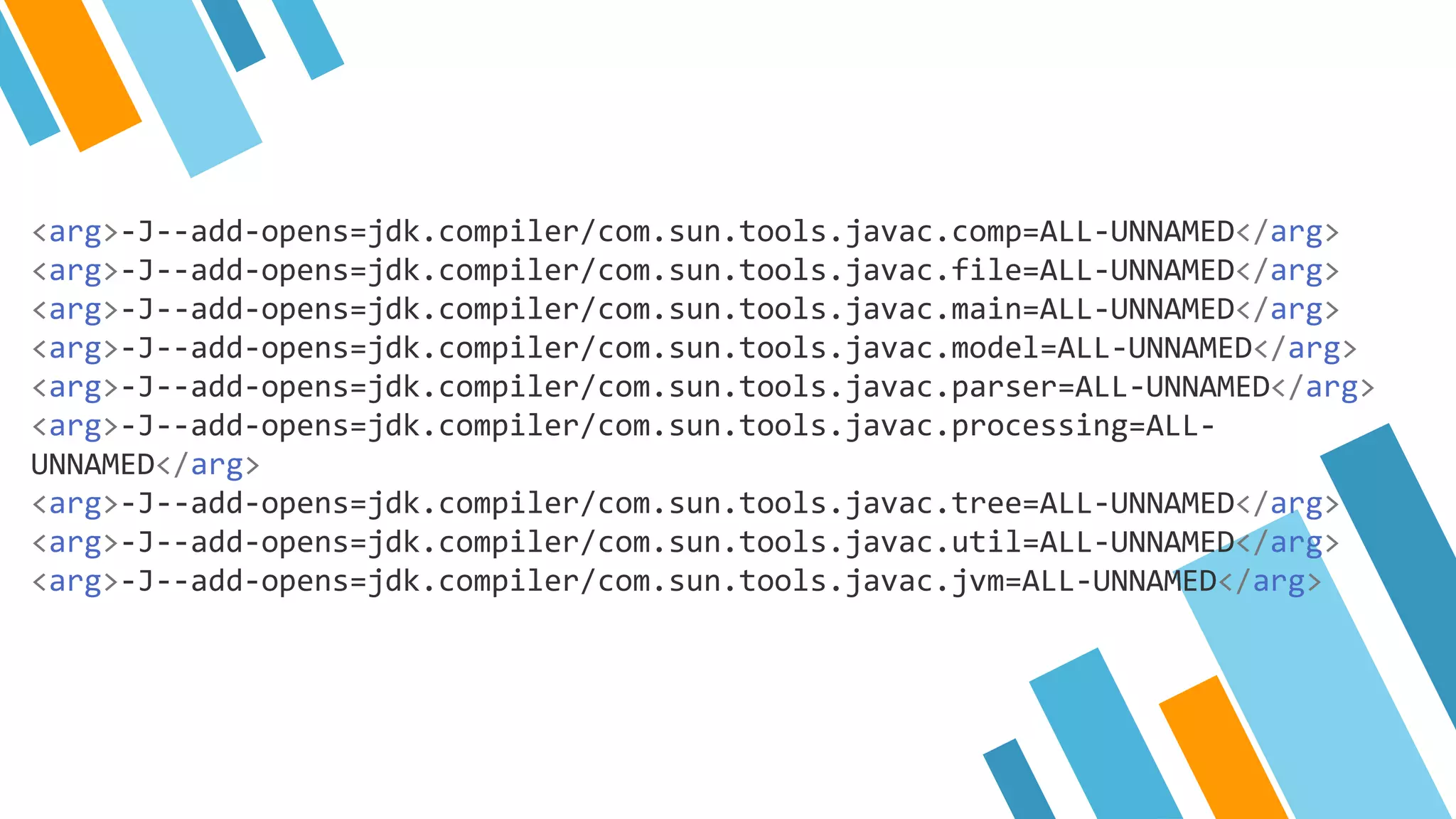
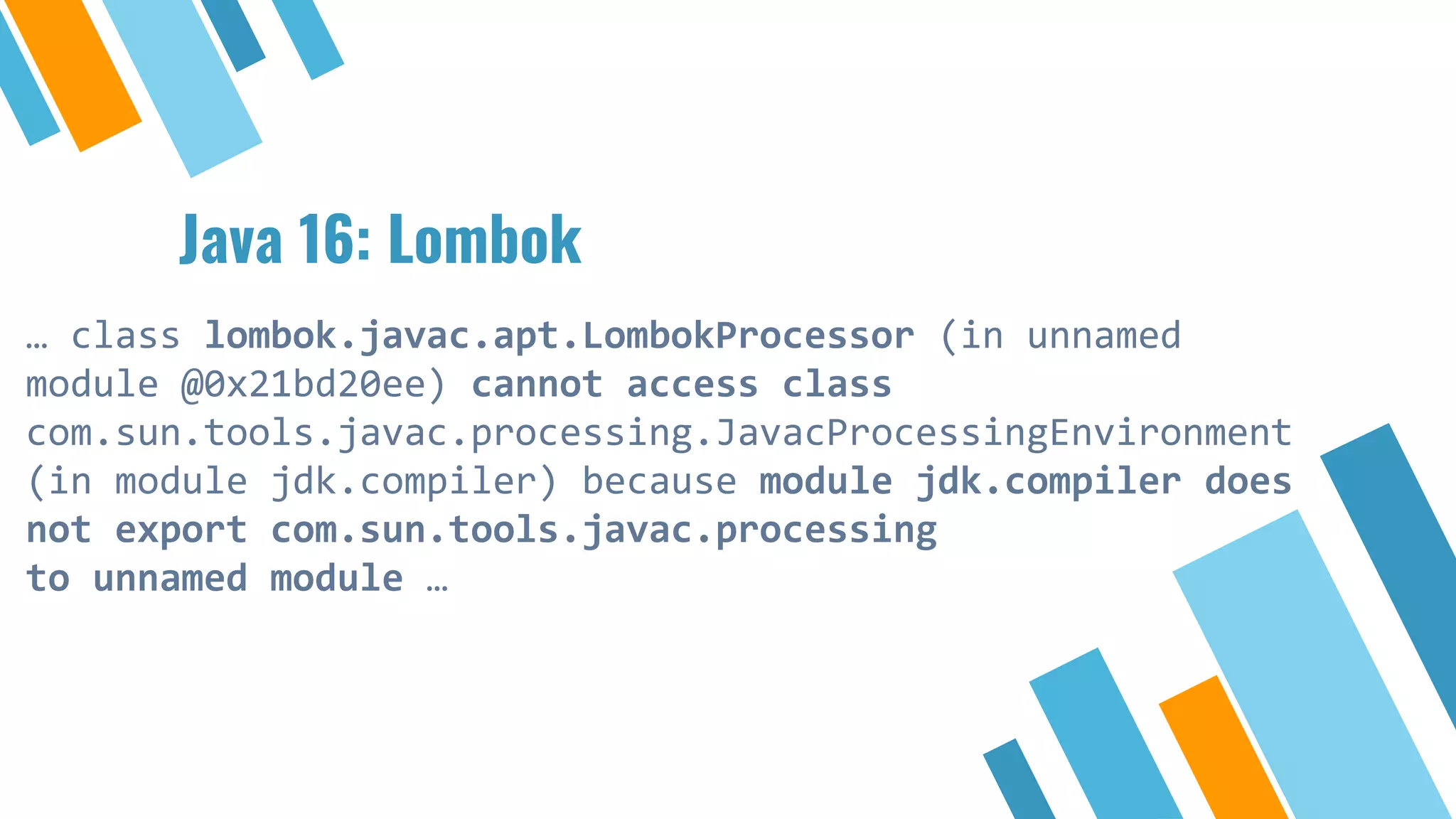
Notable changes in Java 15 and 16, including deprecations and the use of compiler arguments.
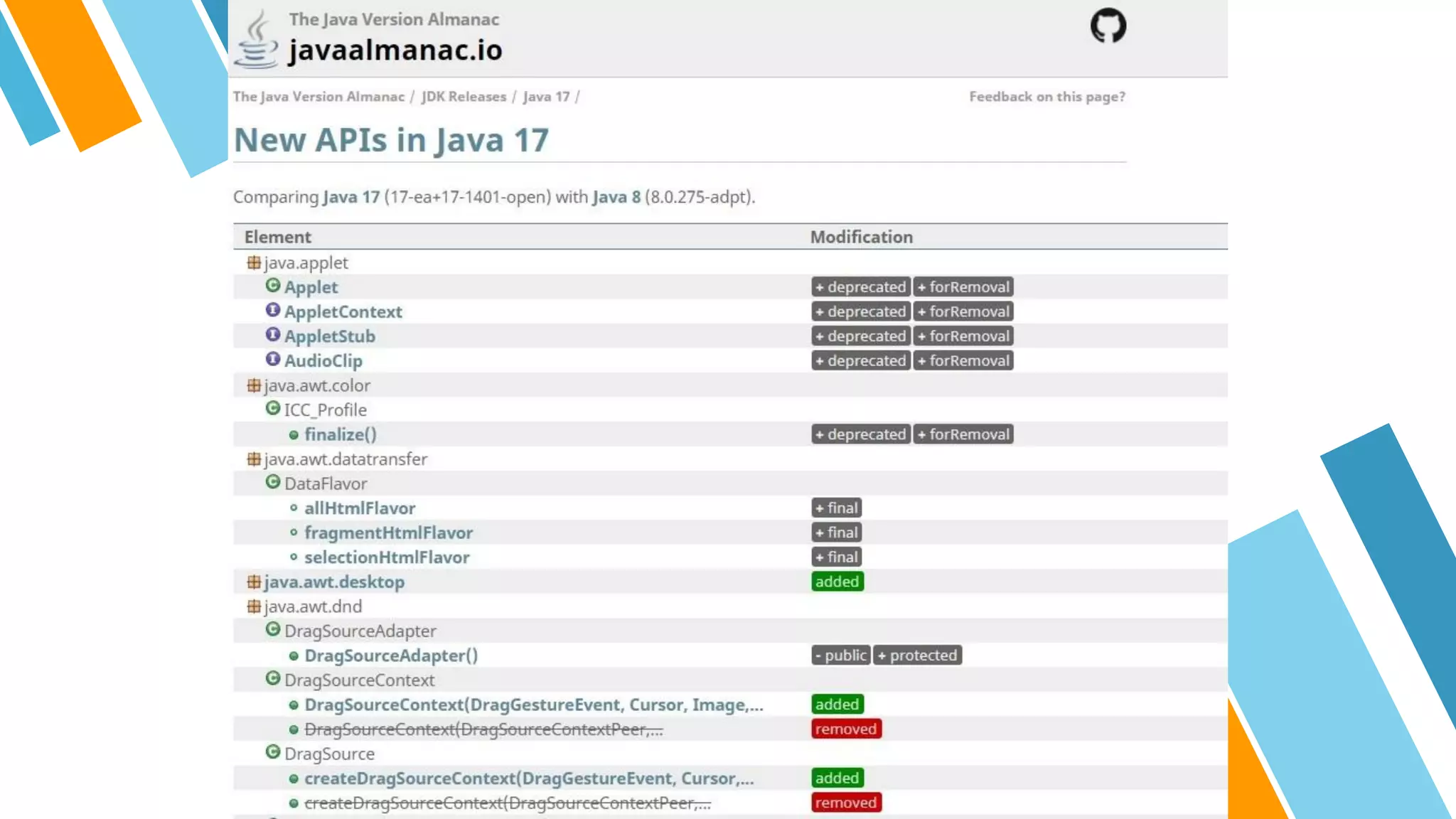
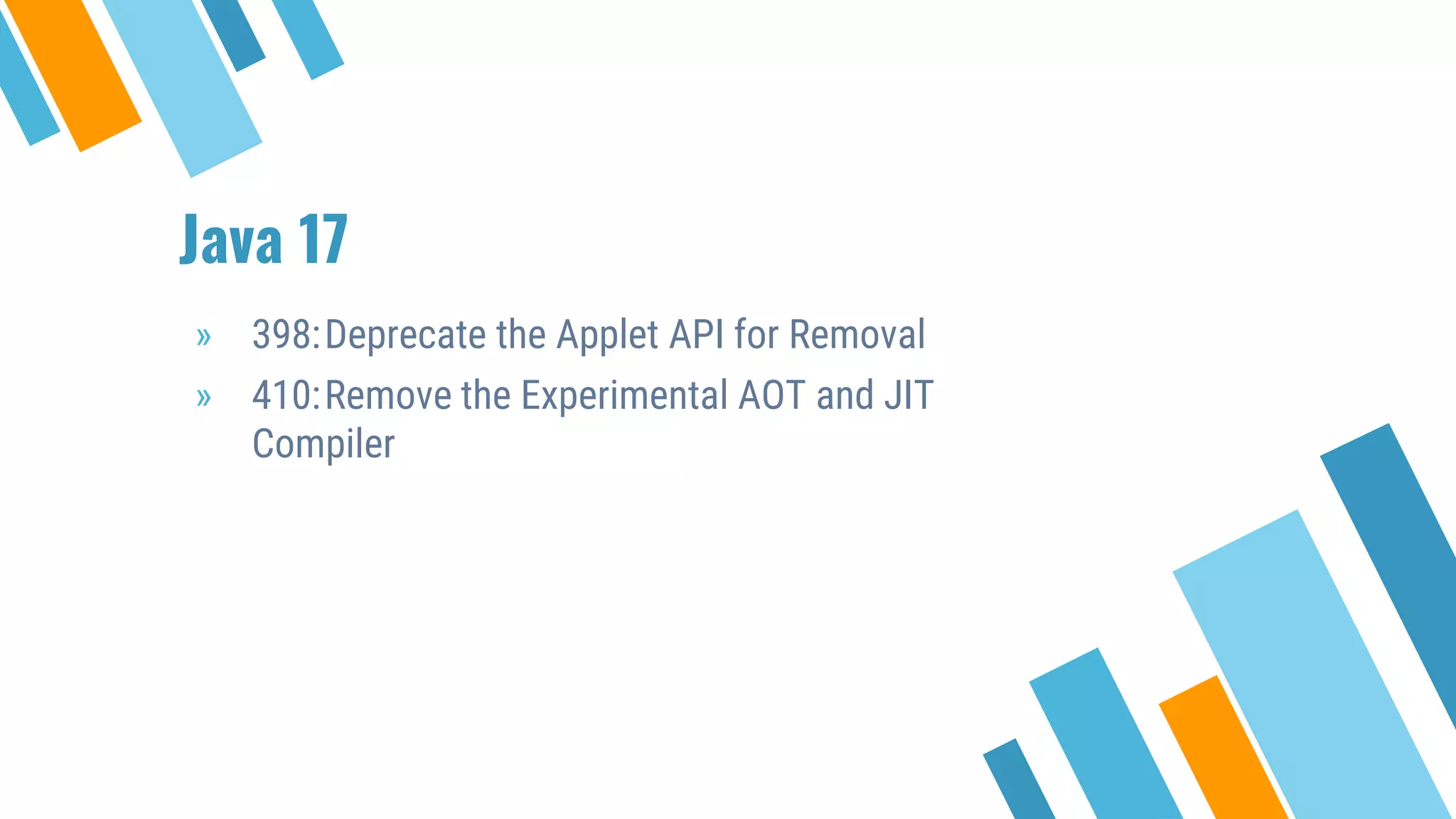
Highlighting Java 17's deprecations, including the Applet API and other features.
Final thoughts from presenter and invitation for questions regarding the upgrade process.
Background
» Software architectat Sanoma Learning
» Upgrading Java for years
» Applications with hundreds of thousands of users
a day
6.
Why upgrade?
» Performanceimprovements
» Security fixes
» End of support, no more bugfixes
» …
» Use cool new features such as Records and
Pattern Matching
» Keep and attract employees
7.
Why not upgrade?
»Update everything (regularly)
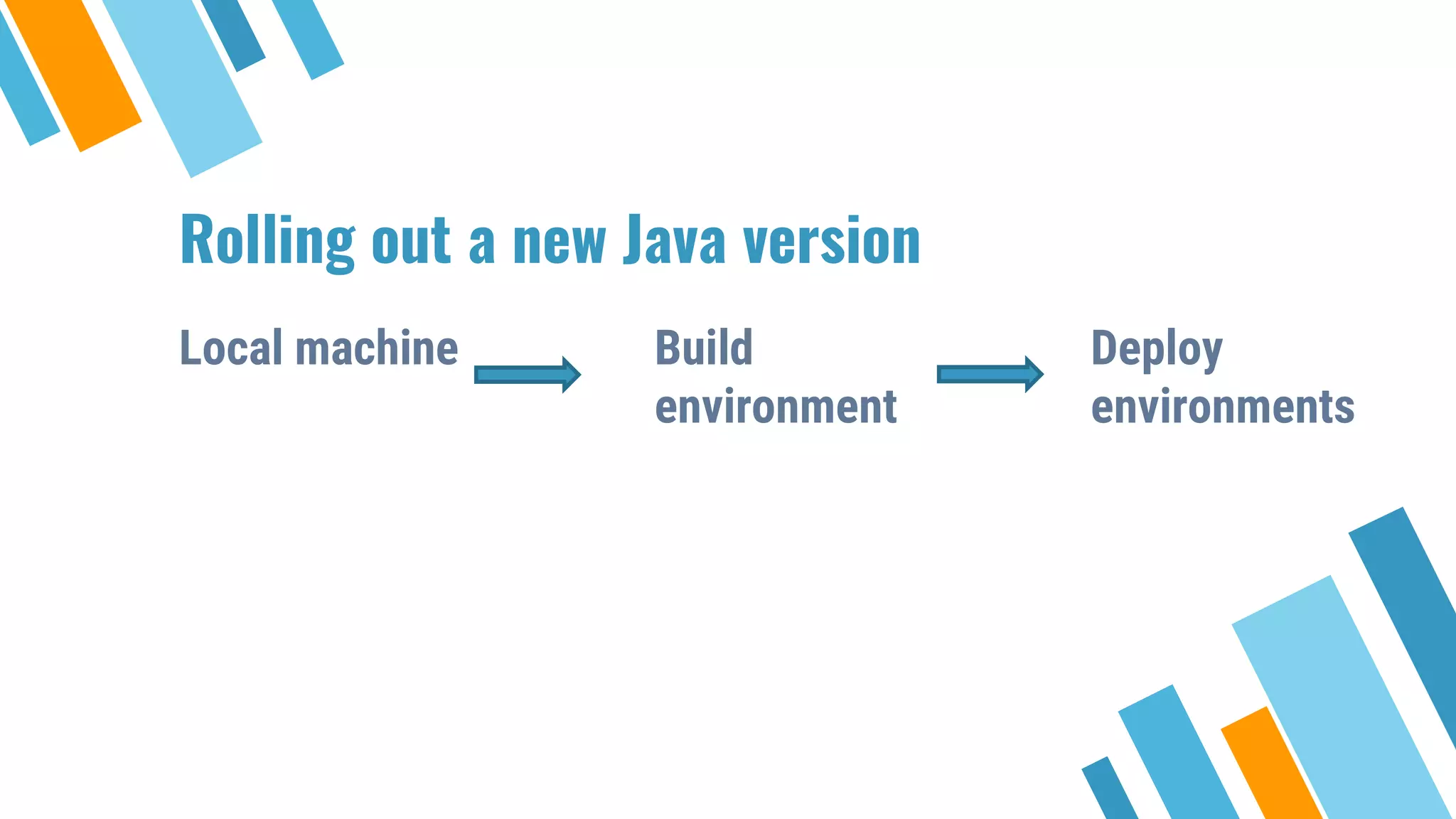
⋄ Local machine
⋄ Build environment
⋄ Deploy environments
⋄ Libraries, frameworks, tools
⋄ Application
» Seen as a lot of work
» Scared of Java 9 modules
» Support clients with old Java versions
8.
Multi release JAR
»java/com/example/Application
» java/com/example/Student
» java17/com/example/Student
9.
Multi release JAR
»All versions should implement the same public API
» Unfortunately not enforced by build tools
» IDE gives warning
11.
Why this session?
»Upgrading is seen as challenging
» Estimating the amount of work is difficult
» Projects stay on old Java versions
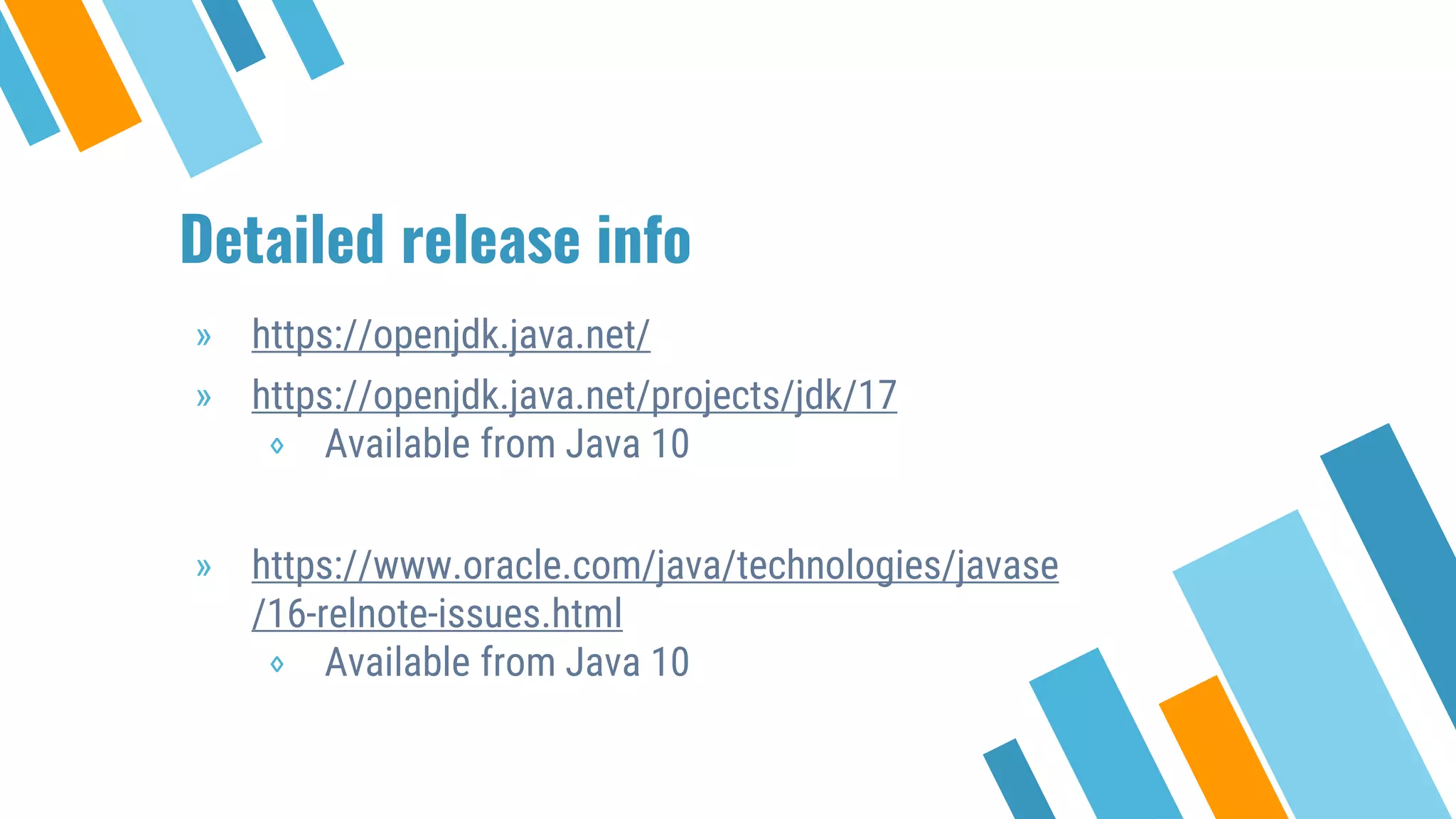
Detailed release info
»https://openjdk.java.net/
» https://openjdk.java.net/projects/jdk/17
⋄ Available from Java 10
» https://www.oracle.com/java/technologies/javase
/16-relnote-issues.html
⋄ Available from Java 10
25.
Running multiple JDK’s
»Replace current one
» Change JAVA_HOME
» Maven Toolchains
» SDKMAN!
» Docker
Preparations
» IDE withsupport for Java 16 / 17
» Upgrade build tool and plugins
» Compiler plugin
» Unit test plugin (surefire)
» Integration test plugin (failsafe)
» …
Maven Toolchains
» Runspartly on original Java
» Not all compile error info is shown
[ERROR] Failed to execute goal
org.apache.maven.plugins:maven-
compiler-plugin:3.8.1:compile (default-
compile) on project broken: Compilation
failure -> [Help 1]
48.
Java 16: Lombok
…class lombok.javac.apt.LombokProcessor (in unnamed
module @0x21bd20ee) cannot access class
com.sun.tools.javac.processing.JavacProcessingEnvironment
(in module jdk.compiler) because module jdk.compiler does
not export com.sun.tools.javac.processing
to unnamed module …
49.
Java 17
» 398:Deprecatethe Applet API for Removal
» 410:Remove the Experimental AOT and JIT
Compiler









![Maven Toolchains
» Runs partly on original Java
» Not all compile error info is shown
[ERROR] Failed to execute goal
org.apache.maven.plugins:maven-
compiler-plugin:3.8.1:compile (default-
compile) on project broken: Compilation
failure -> [Help 1]](https://image.slidesharecdn.com/howandwhytoupgradetojava16or17-210512210752/75/How-and-why-to-upgrade-to-java-16-or-17-47-2048.jpg)




![JavaOne: A tour of (advanced) akka features in 60 minutes [con1706]](https://cdn.slidesharecdn.com/ss_thumbnails/atourofadvancedakkafeaturesin60minutescon1706-160921210355-thumbnail.jpg?width=640&height=640&fit=bounds)

![JavaOne: Using actors for the iInternet of (Lego) Trains [con1709]](https://cdn.slidesharecdn.com/ss_thumbnails/usingactorsfortheinternetoflegotrainscon1709-160921210728-thumbnail.jpg?width=640&height=640&fit=bounds)
![JavaOne: Using NetBeans RCP to control your Lego [con1702]](https://cdn.slidesharecdn.com/ss_thumbnails/usingnetbeansrcptocontrolyourlegocon1702-160921210546-thumbnail.jpg?width=640&height=640&fit=bounds)


![JavaOne: Welcome alexa, your personal assistant [con1700]](https://cdn.slidesharecdn.com/ss_thumbnails/welcomealexayourpersonalassistantcon1700-160923181032-thumbnail.jpg?width=640&height=640&fit=bounds)
![Use voice recognition with Alexa to control your home [JavaOne]](https://cdn.slidesharecdn.com/ss_thumbnails/usevoicerecognitionwithalexatocontrolyourhome-171009102752-thumbnail.jpg?width=640&height=640&fit=bounds)


![Number_Guessing_Game_Dsbsbssbzboc[1].pptx](https://cdn.slidesharecdn.com/ss_thumbnails/numberguessinggamedoc1-251206215042-a076fc05-thumbnail.jpg?width=640&height=640&fit=bounds)


