APACHE MAVEN AND ITS
IMPACT ON JAVA 9
ROBERT SCHOLTE
CHAIRMAN APACHE MAVEN
@rfscholte
Maven
Java
< 8
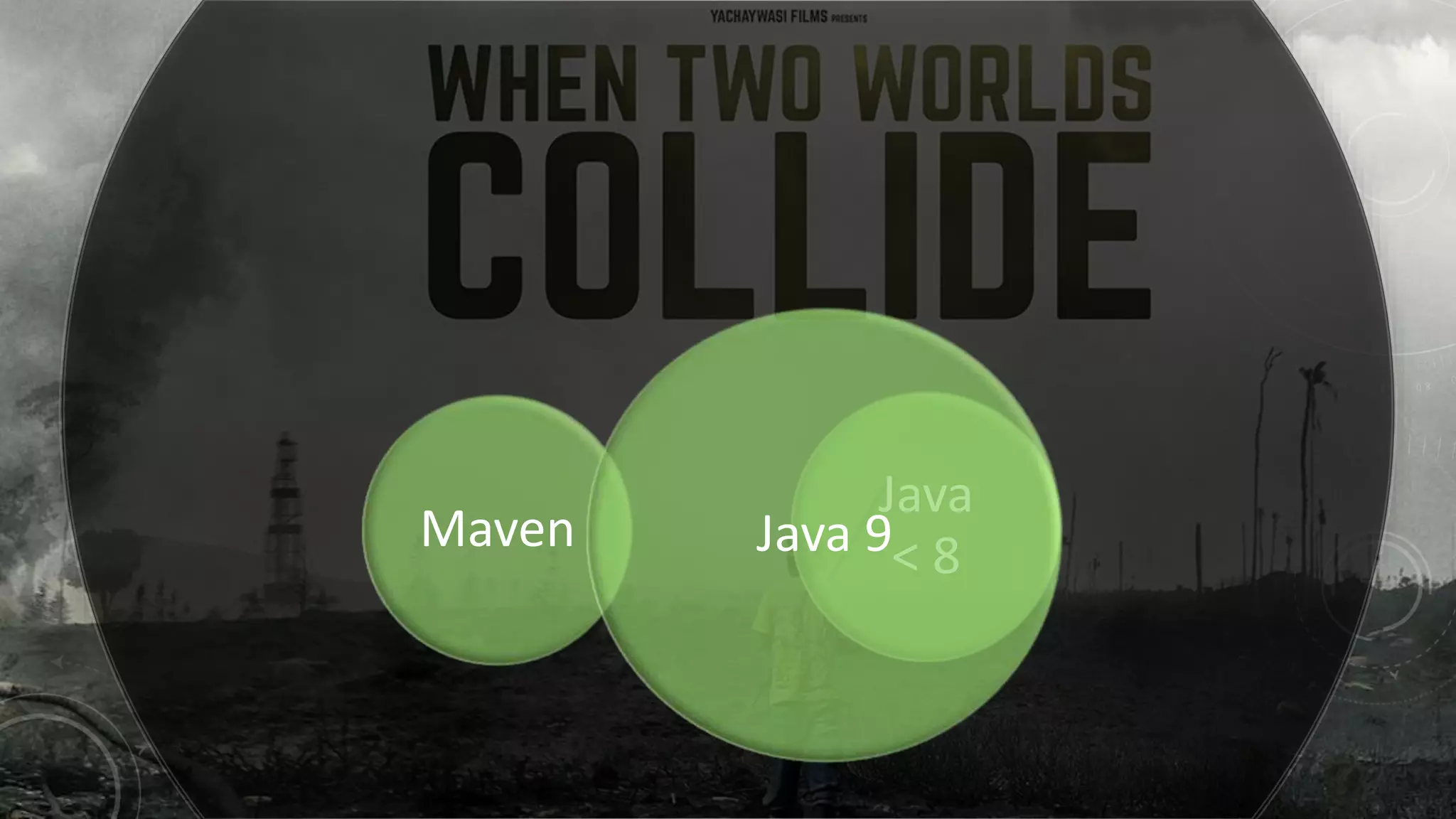
Maven
Java
< 8Java 9
APACHE MAVEN
“Apache Maven is a software project management and comprehension tool. Based on the concept of a
project object model (POM), Maven can manage a project's build, reporting and documentation from a
central piece of information.”
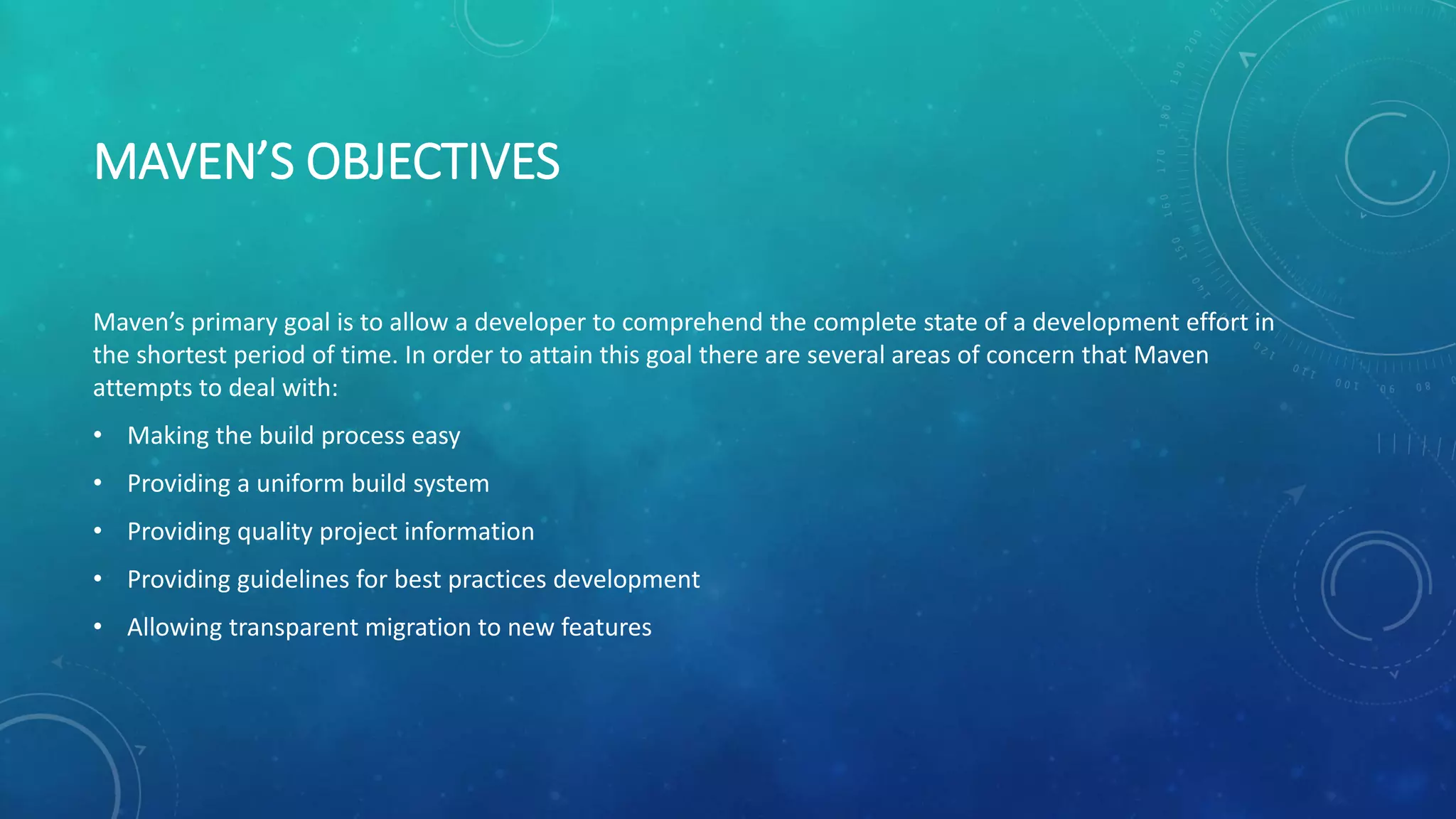
MAVEN’S OBJECTIVES
Maven’s primary goal is to allow a developer to comprehend the complete state of a development effort in
the shortest period of time. In order to attain this goal there are several areas of concern that Maven
attempts to deal with:
• Making the build process easy
• Providing a uniform build system
• Providing quality project information
• Providing guidelines for best practices development
• Allowing transparent migration to new features
PURPOSE POM.XML
• Build instructions
• Dependency references (scope controls usage)
• Reporting
• Project information
IT’S ALL ABOUT
THE CLASSPATHS
…
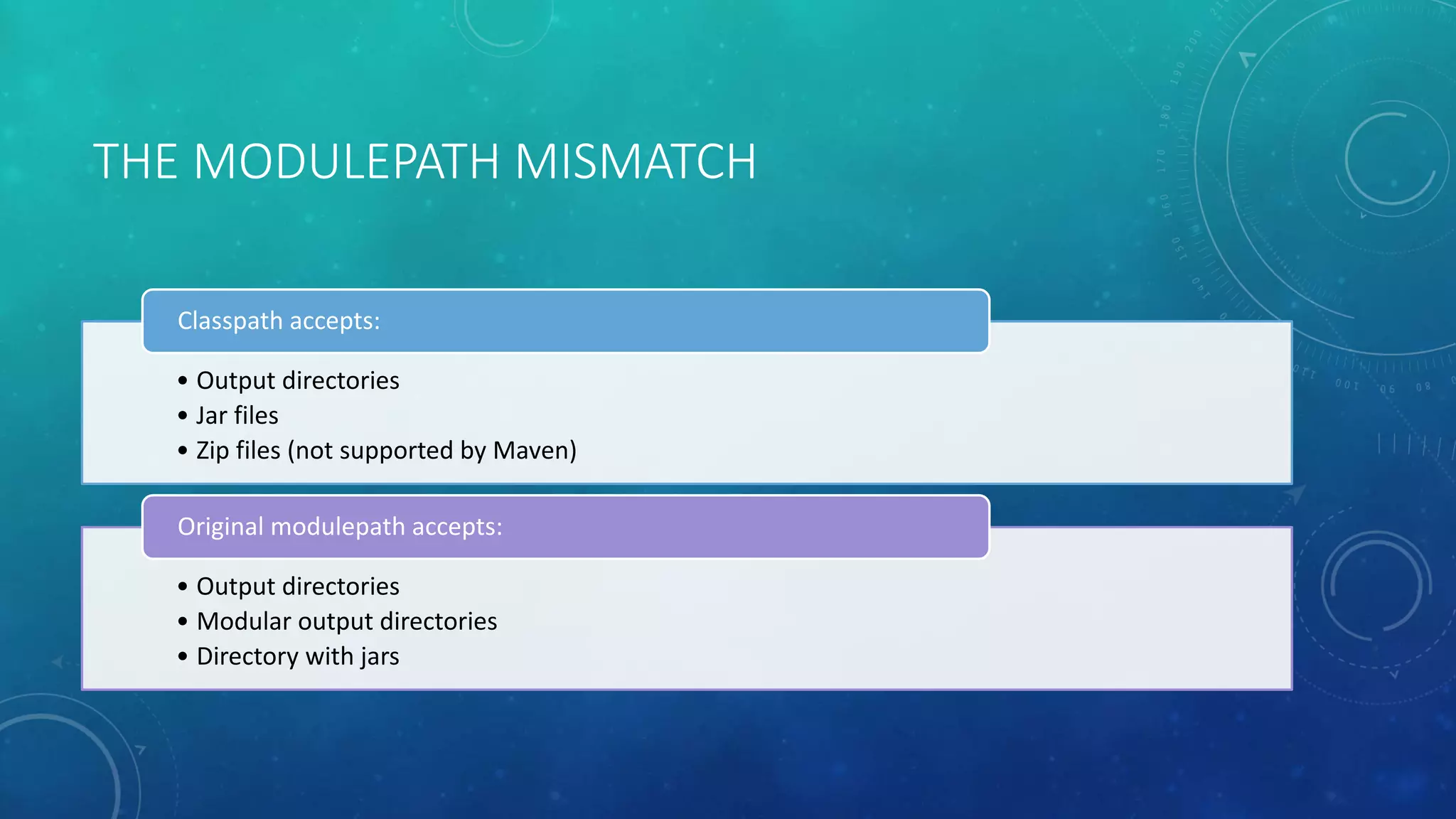
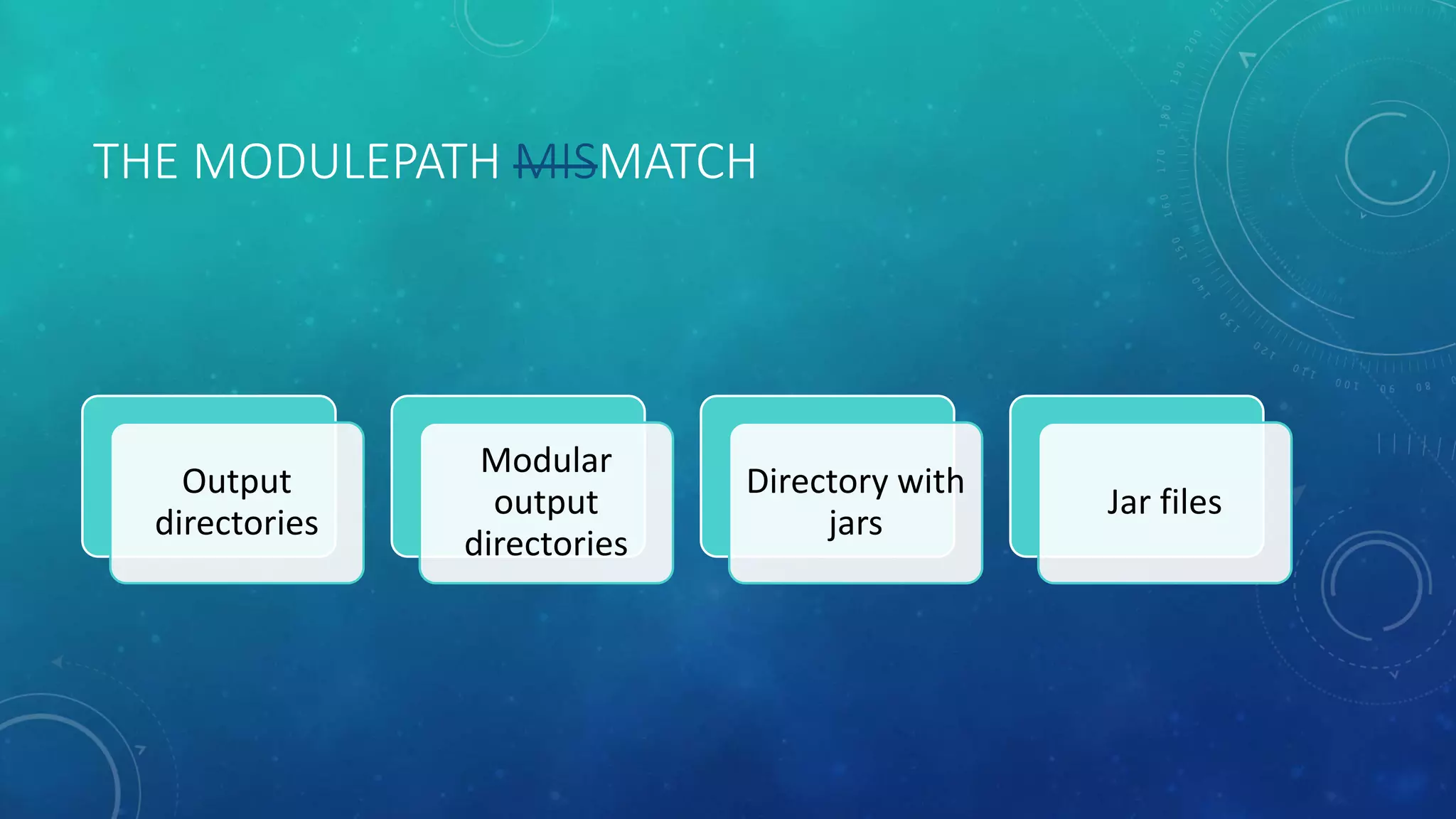
THE MODULEPATH MISMATCH
• Output directories
• Jar files
• Zip files (not supported by Maven)
Classpath accepts:
• Output directories
• Modular output directories
• Directory with jars
Original modulepath accepts:
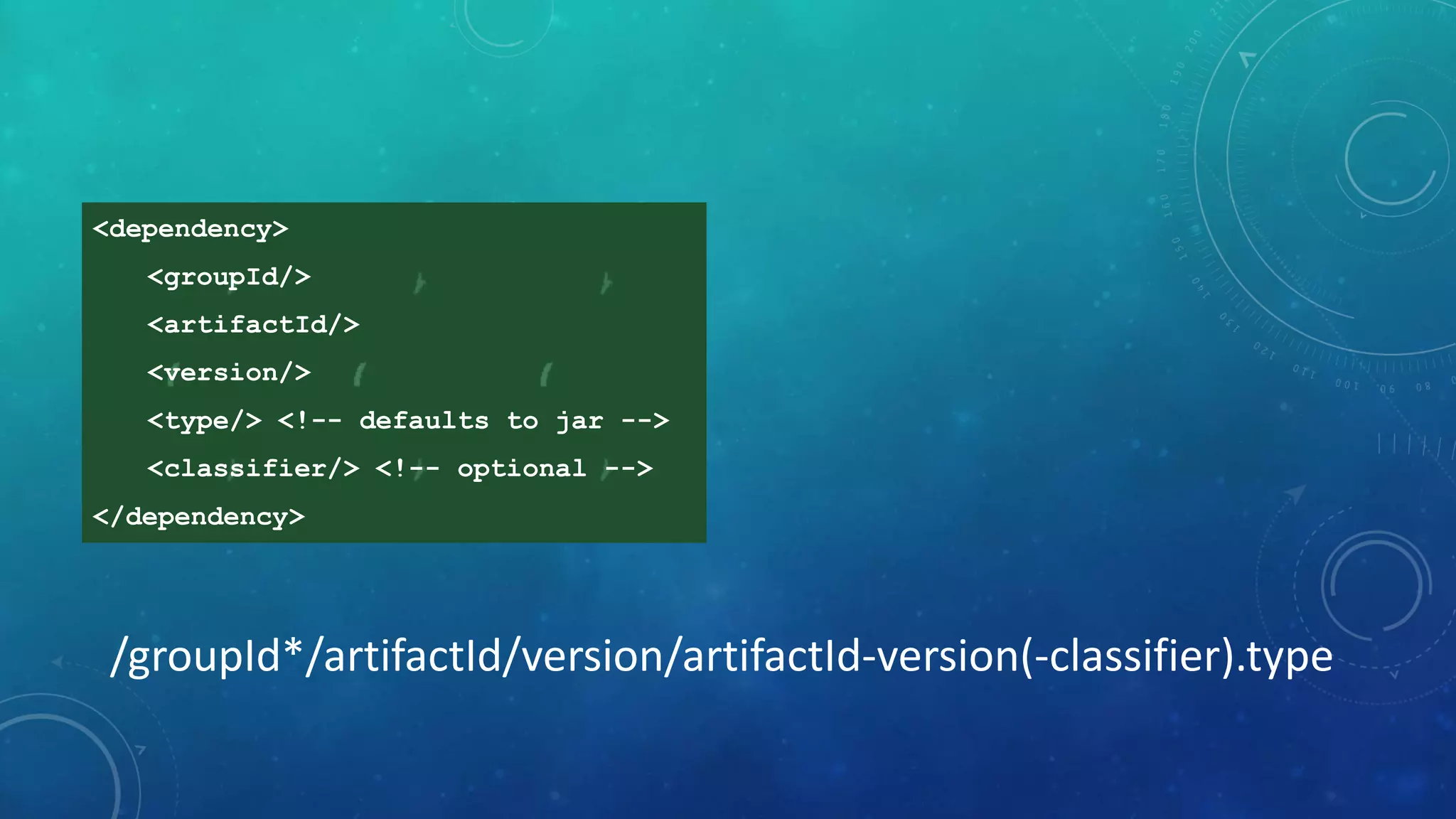
<dependency>
<groupId/>
<artifactId/>
<version/>
<type/> <!-- defaults to jar -->
<classifier/> <!-- optional -->
</dependency>
/groupId*/artifactId/version/artifactId-version(-classifier).type
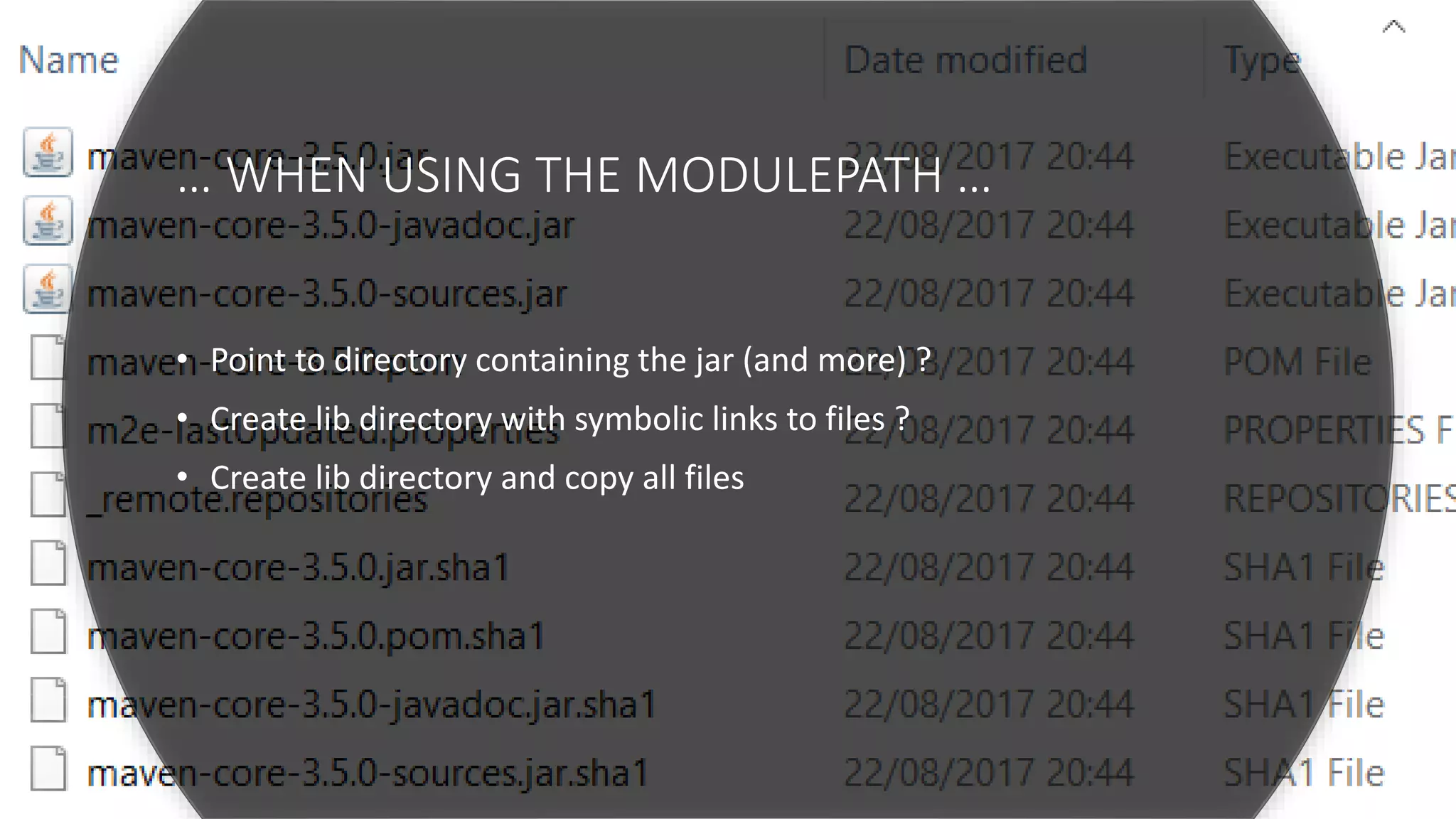
… WHEN USING THE MODULEPATH …
• Point to directory containing the jar (and more) ?
• Create lib directory with symbolic links to files ?
• Create lib directory and copy all files
THE MODULEPATH MISMATCH
Output
directories
Modular
output
directories
Directory with
jars
Jar files
”
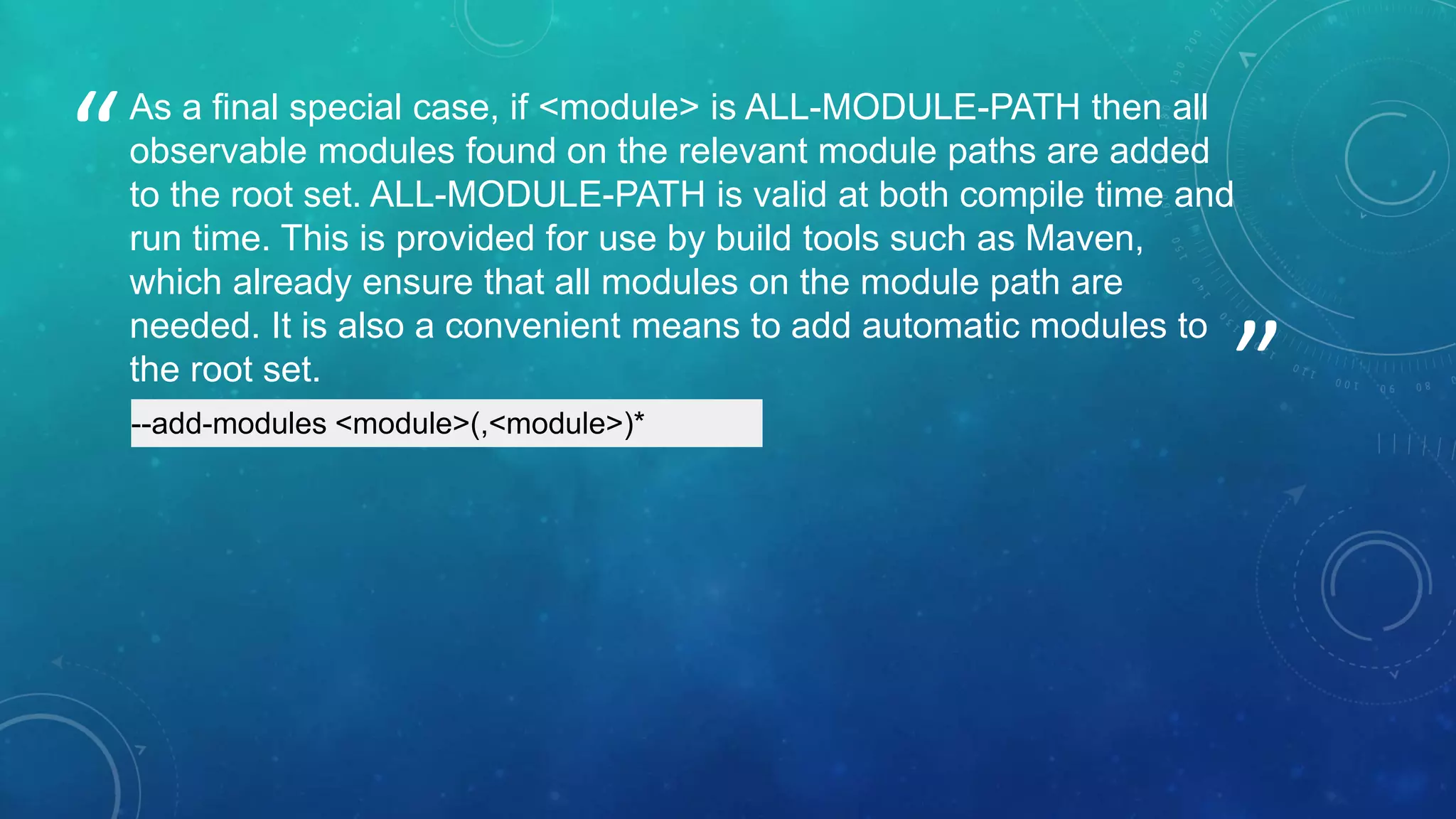
“As a final special case, if <module> is ALL-MODULE-PATH then all
observable modules found on the relevant module paths are added
to the root set. ALL-MODULE-PATH is valid at both compile time and
run time. This is provided for use by build tools such as Maven,
which already ensure that all modules on the module path are
needed. It is also a convenient means to add automatic modules to
the root set.
--add-modules <module>(,<module>)*
MODULE NAMES
DEJA VU
• What is the proper module name?
• What is the proper groupId and artifactId?
”
“ Module names must be
as unique as the coordinates of dependencies
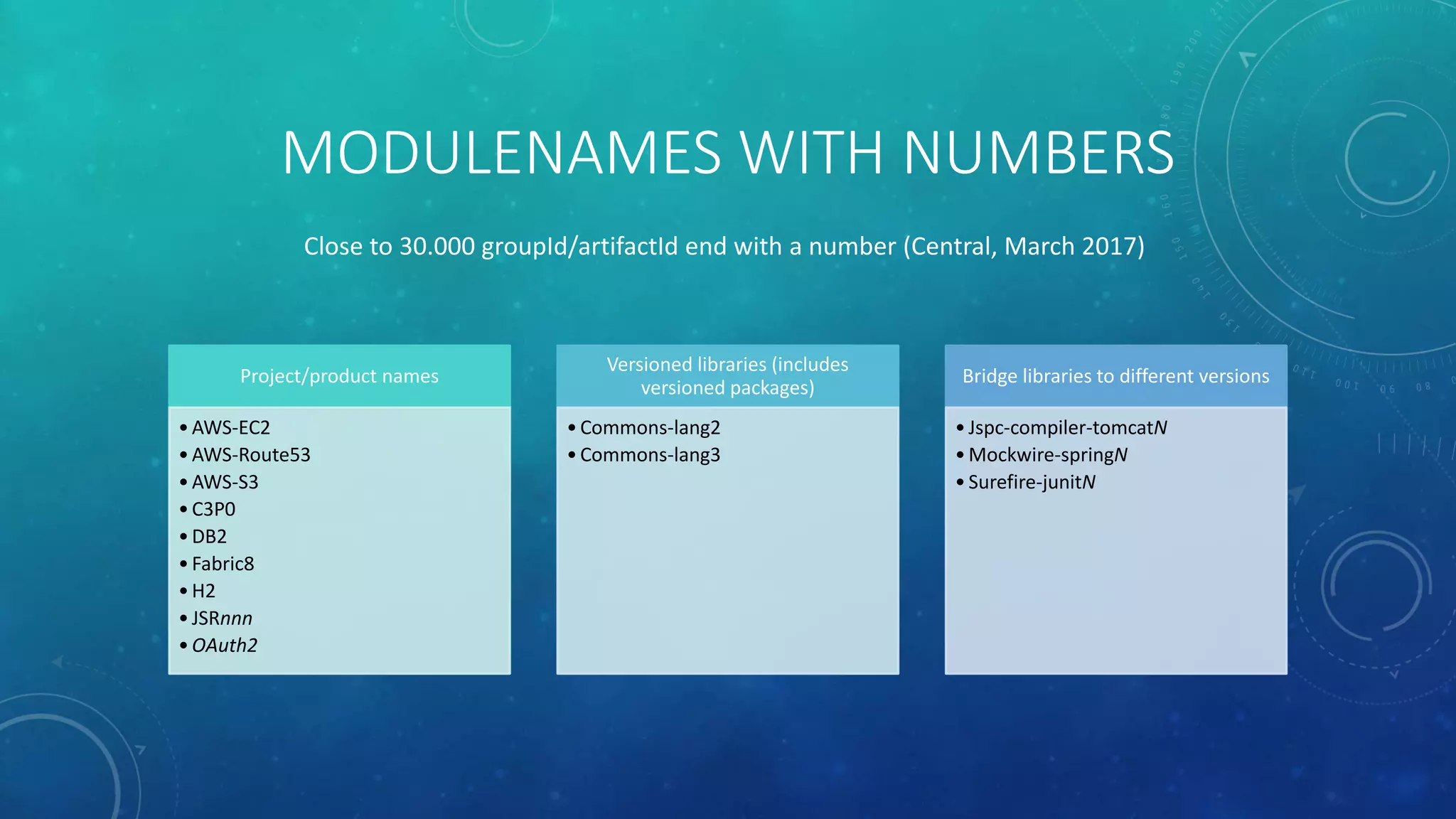
• Modulenames with numbers
• Automatic module names
MODULENAMES WITH NUMBERS
Project/product names
•AWS-EC2
•AWS-Route53
•AWS-S3
•C3P0
•DB2
•Fabric8
•H2
•JSRnnn
•OAuth2
Versioned libraries (includes
versioned packages)
•Commons-lang2
•Commons-lang3
Bridge libraries to different versions
•Jspc-compiler-tomcatN
•Mockwire-springN
•Surefire-junitN
Close to 30.000 groupId/artifactId end with a number (Central, March 2017)
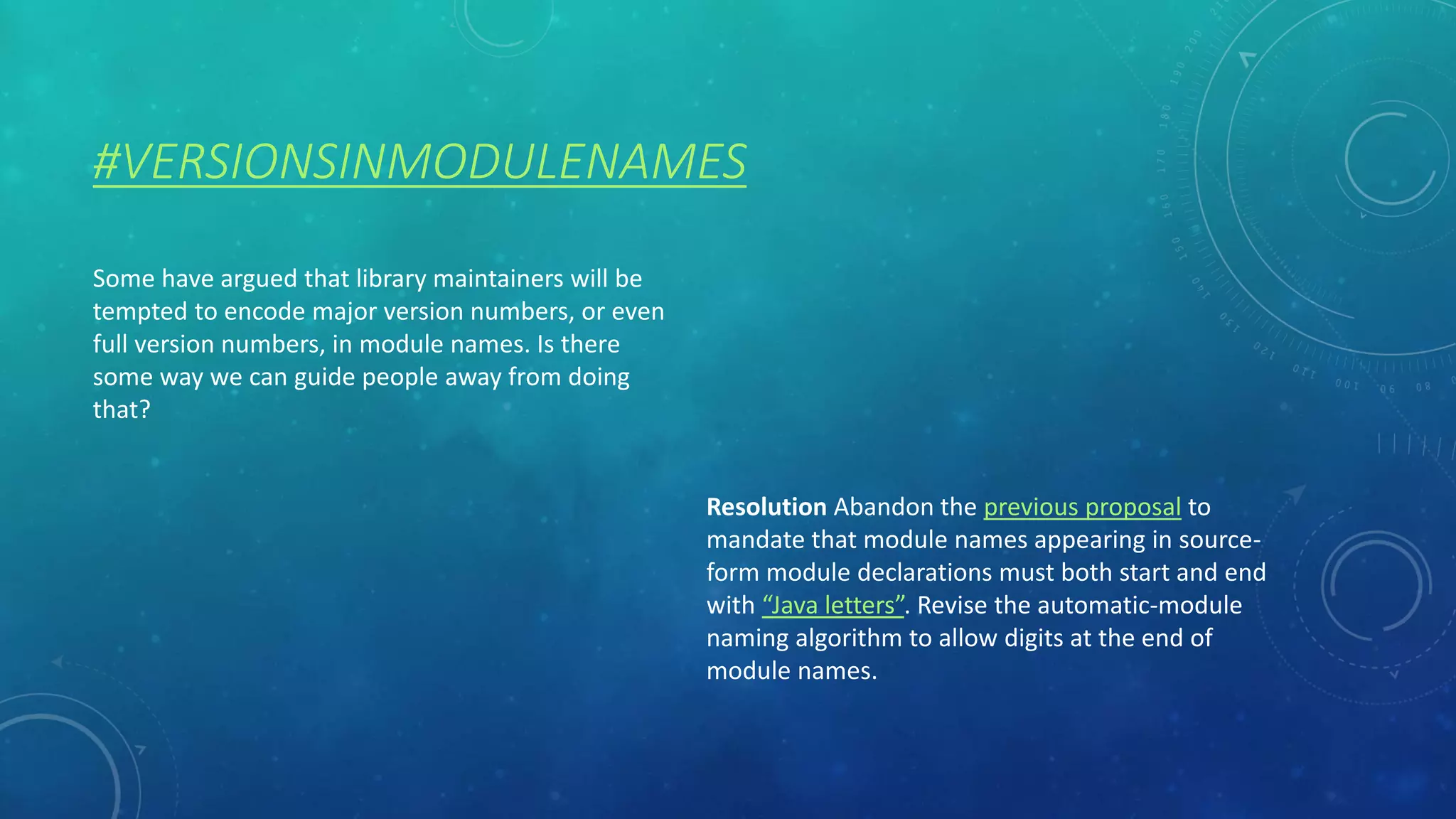
#VERSIONSINMODULENAMES
Some have argued that library maintainers will be
tempted to encode major version numbers, or even
full version numbers, in module names. Is there
some way we can guide people away from doing
that?
Resolution Abandon the previous proposal to
mandate that module names appearing in source-
form module declarations must both start and end
with “Java letters”. Revise the automatic-module
naming algorithm to allow digits at the end of
module names.
AUTOMATIC MODULE NAMES
“The module name is otherwise derived from the name of the JAR file.”
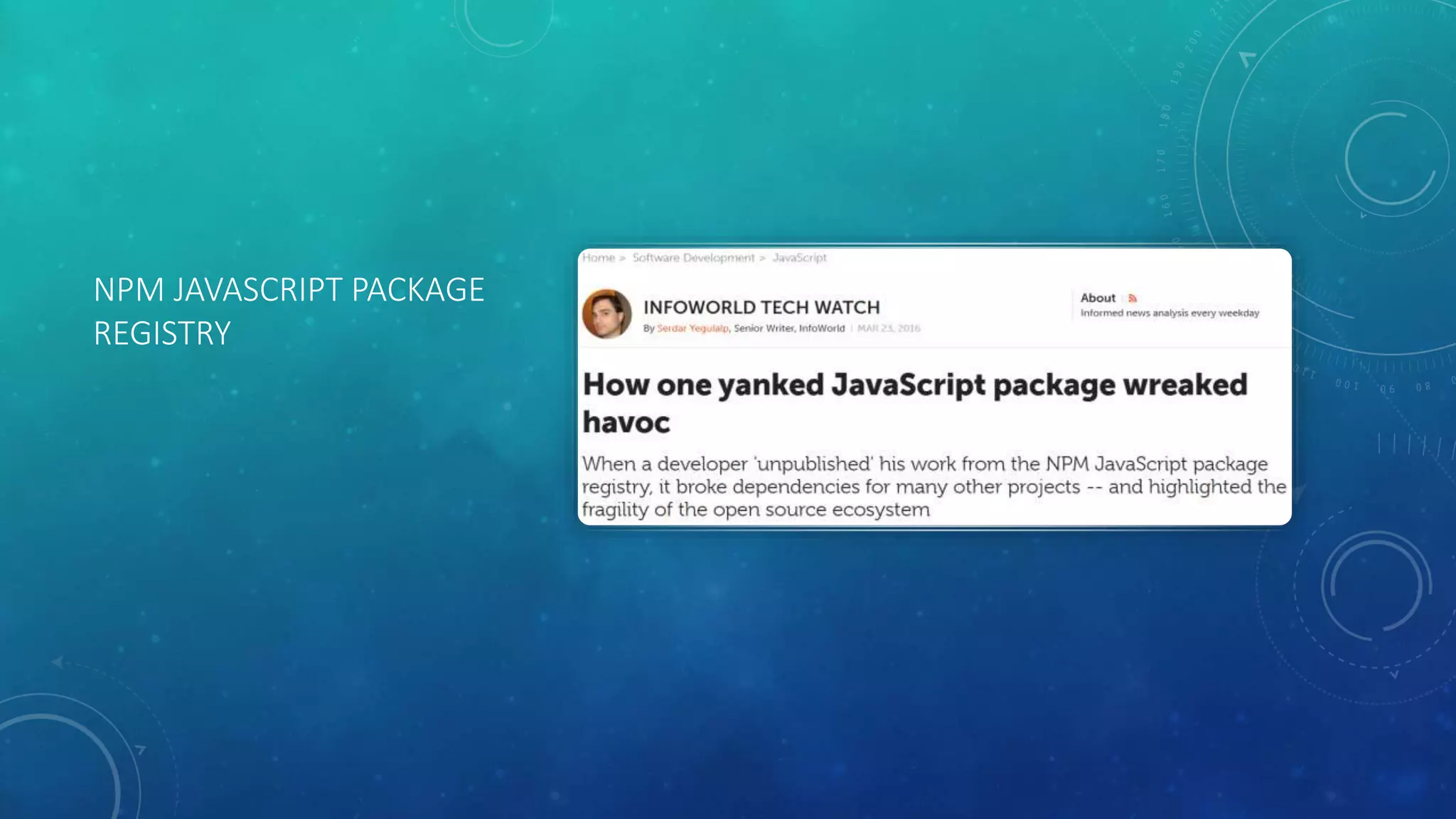
NPM JAVASCRIPT PACKAGE
REGISTRY
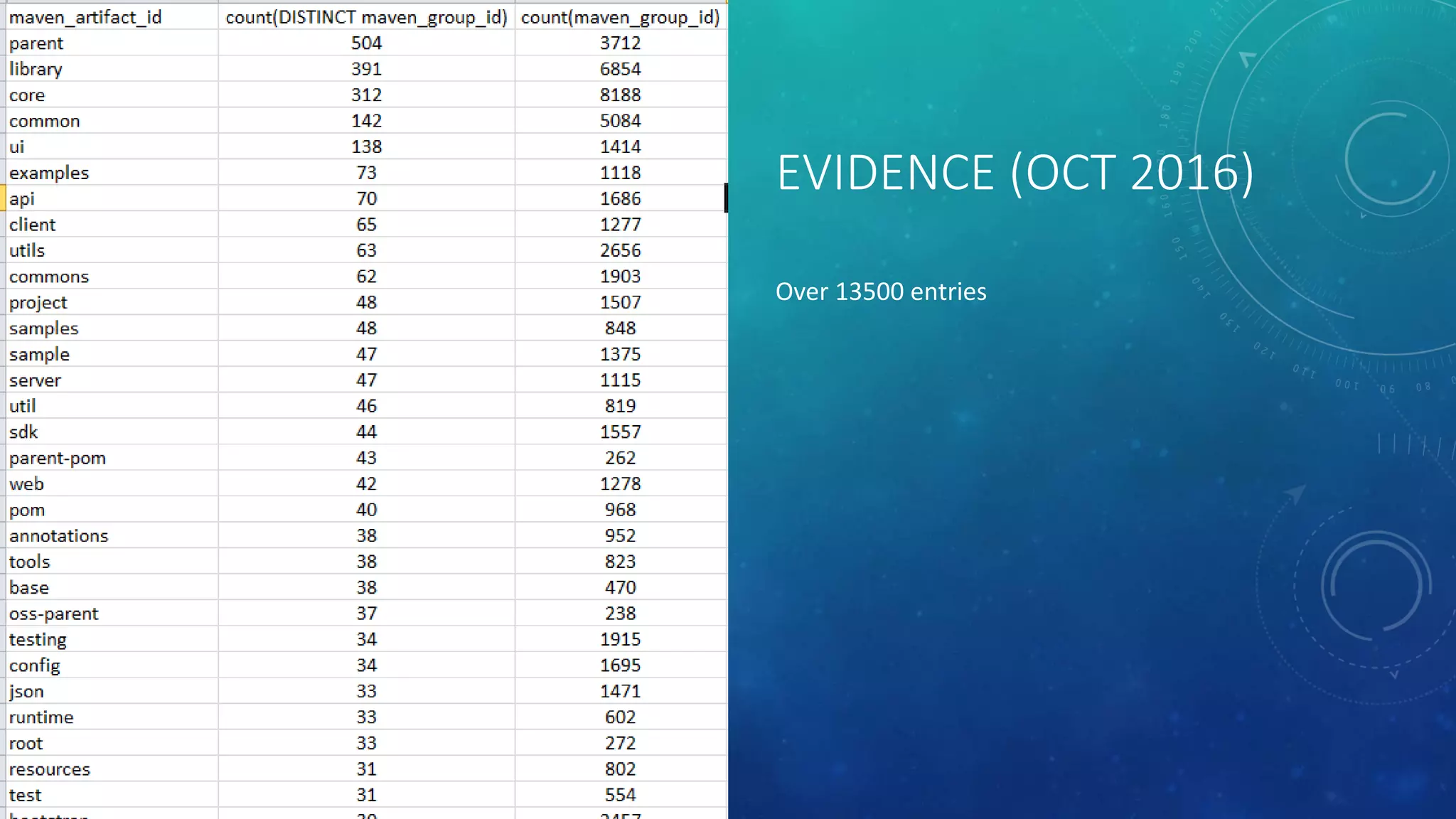
EVIDENCE (OCT 2016)
Over 13500 entries
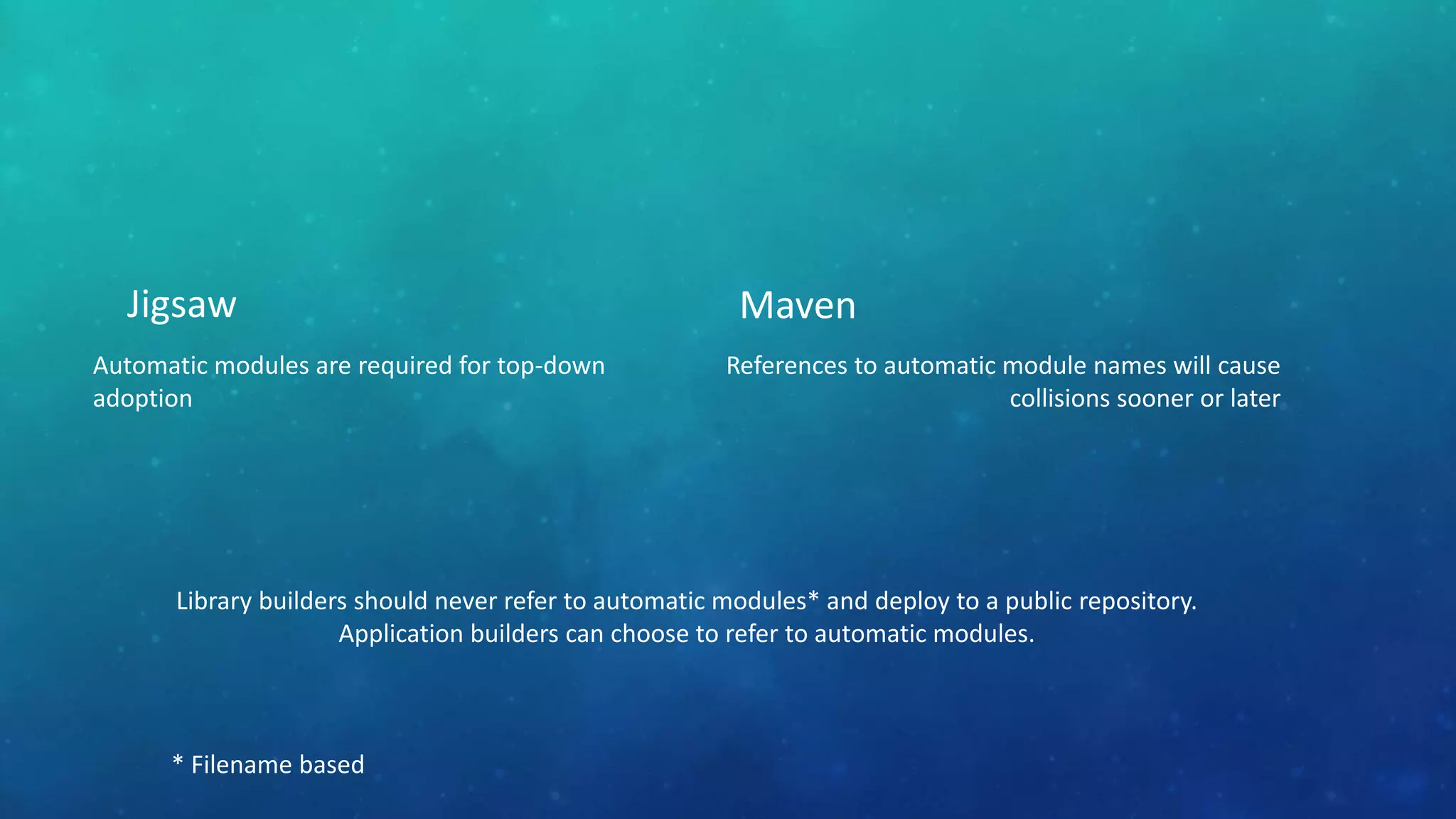
Jigsaw
Automatic modules are required for top-down
adoption
Maven
References to automatic module names will cause
collisions sooner or later
Library builders should never refer to automatic modules* and deploy to a public repository.
Application builders can choose to refer to automatic modules.
* Filename based
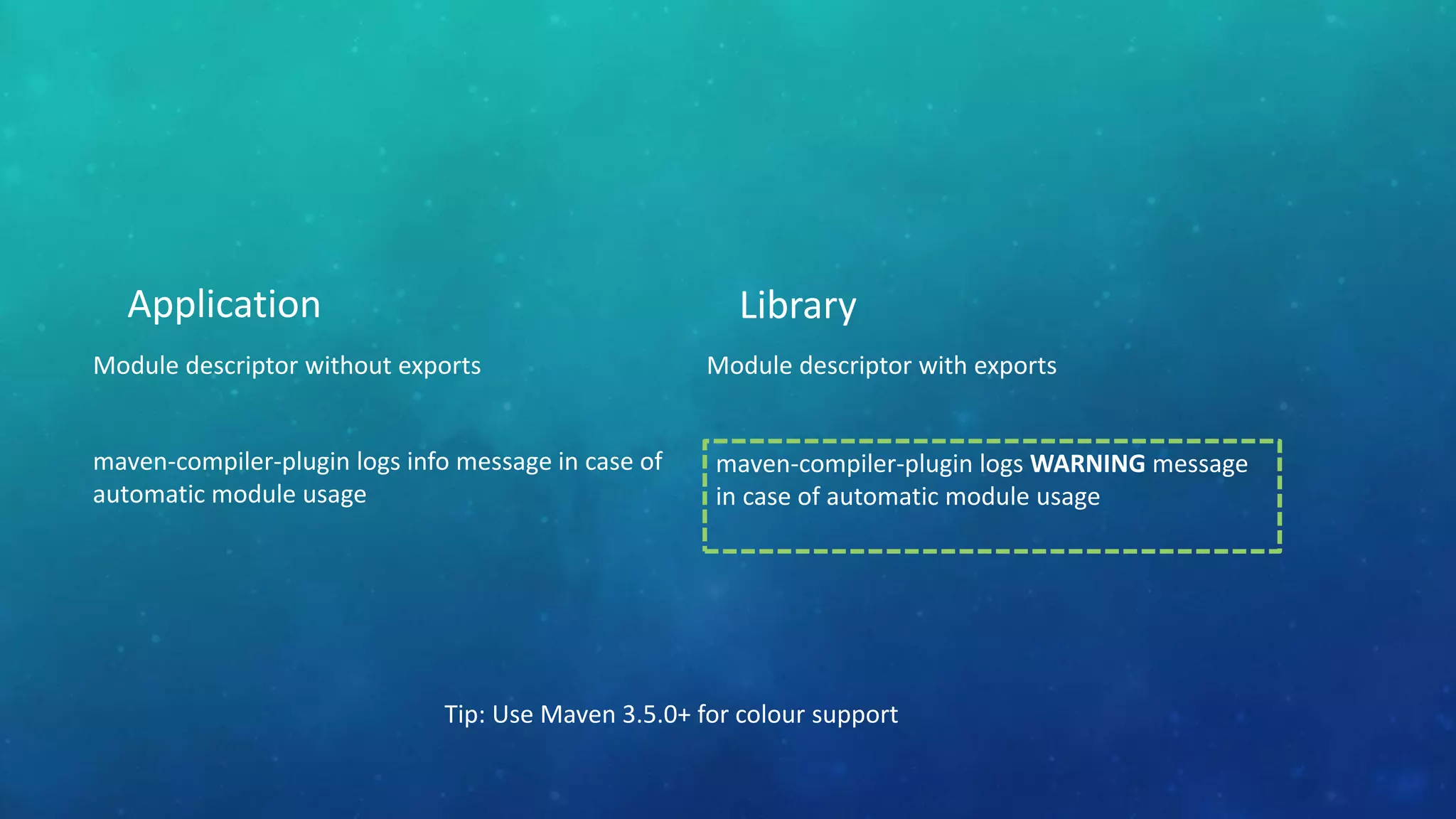
Application
Module descriptor without exports
maven-compiler-plugin logs info message in case of
automatic module usage
Library
Module descriptor with exports
Tip: Use Maven 3.5.0+ for colour support
maven-compiler-plugin logs WARNING message
in case of automatic module usage
AUTOMATIC MODULES
Ease of top-down migration for application builders
But what about “in the middle” library builders?
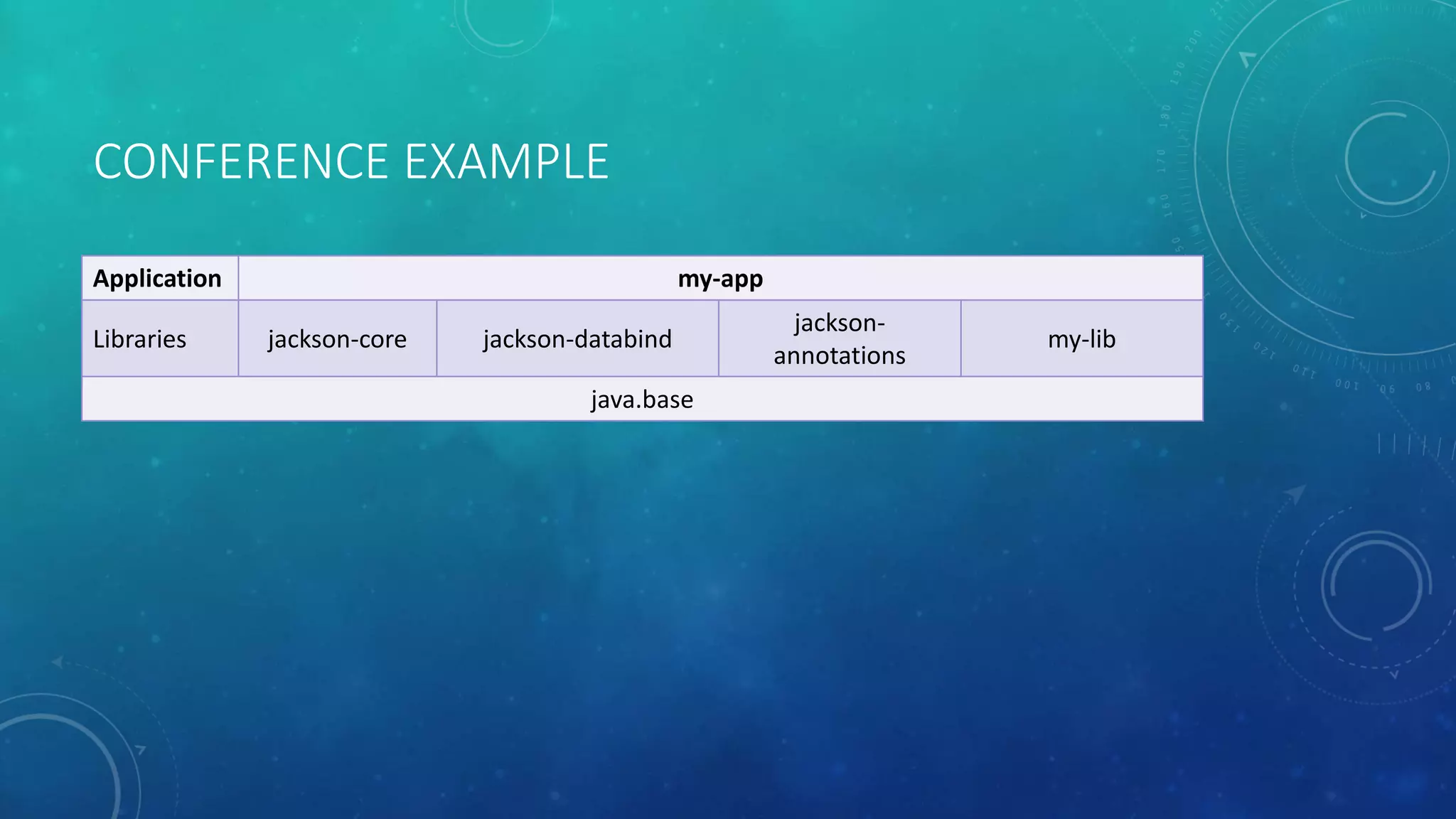
CONFERENCE EXAMPLE
Application my-app
Libraries jackson-core jackson-databind
jackson-
annotations
my-lib
java.base
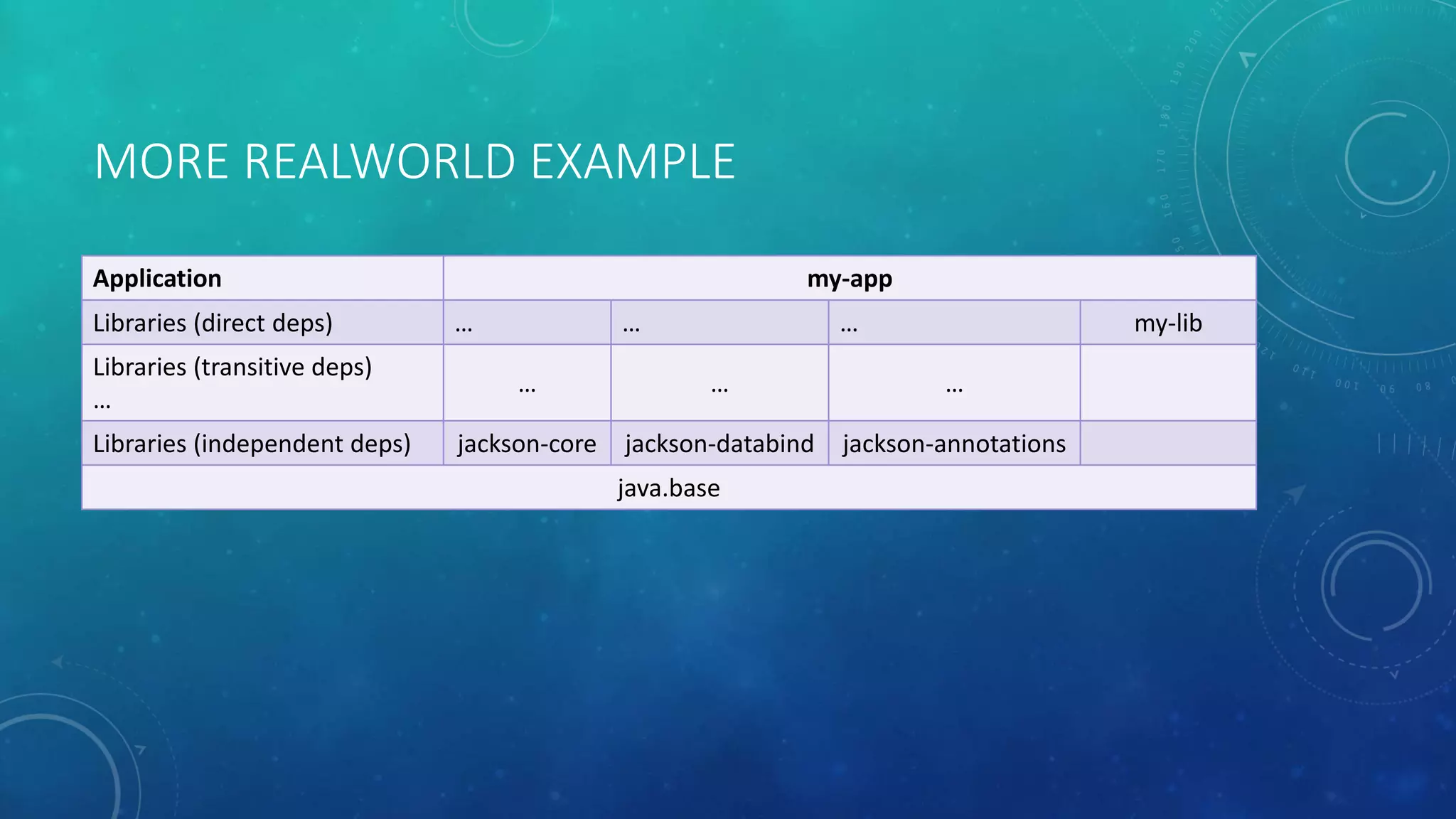
MORE REALWORLD EXAMPLE
Application my-app
Libraries (direct deps) … … … my-lib
Libraries (transitive deps)
…
… … …
Libraries (independent deps) jackson-core jackson-databind jackson-annotations
java.base
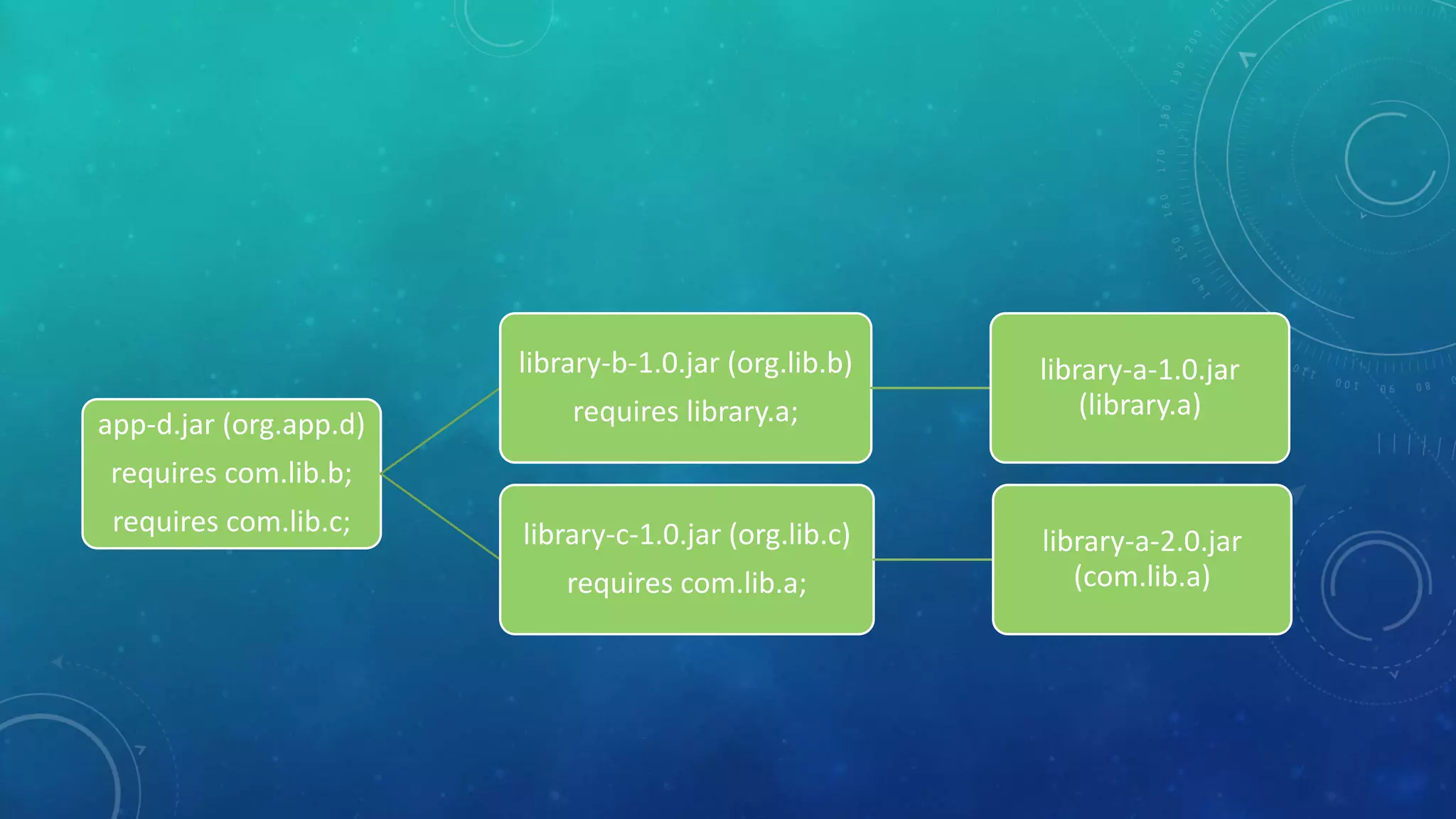
1library-a-1.0.jar
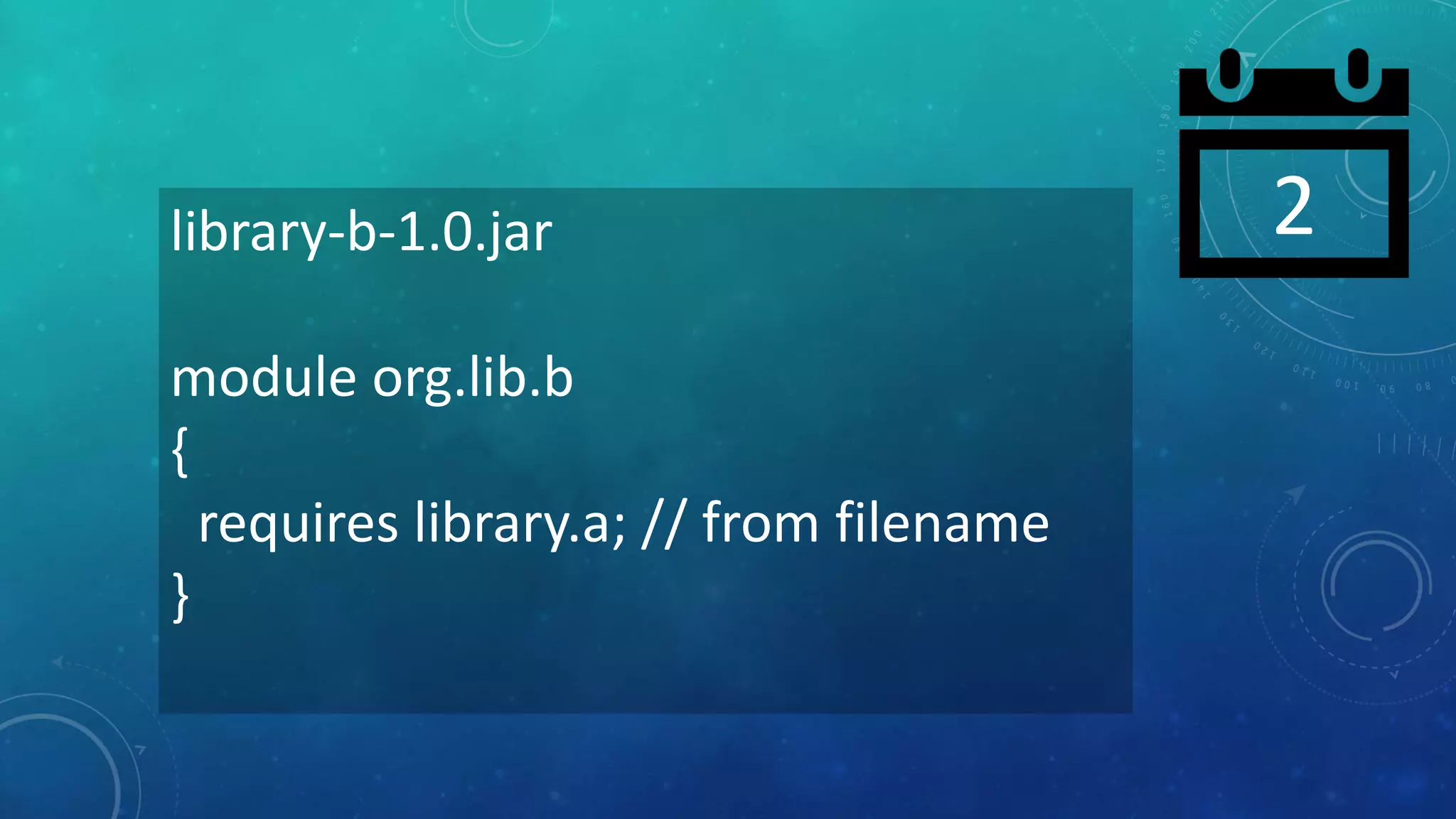
2library-b-1.0.jar
module org.lib.b
{
requires library.a; // from filename
}
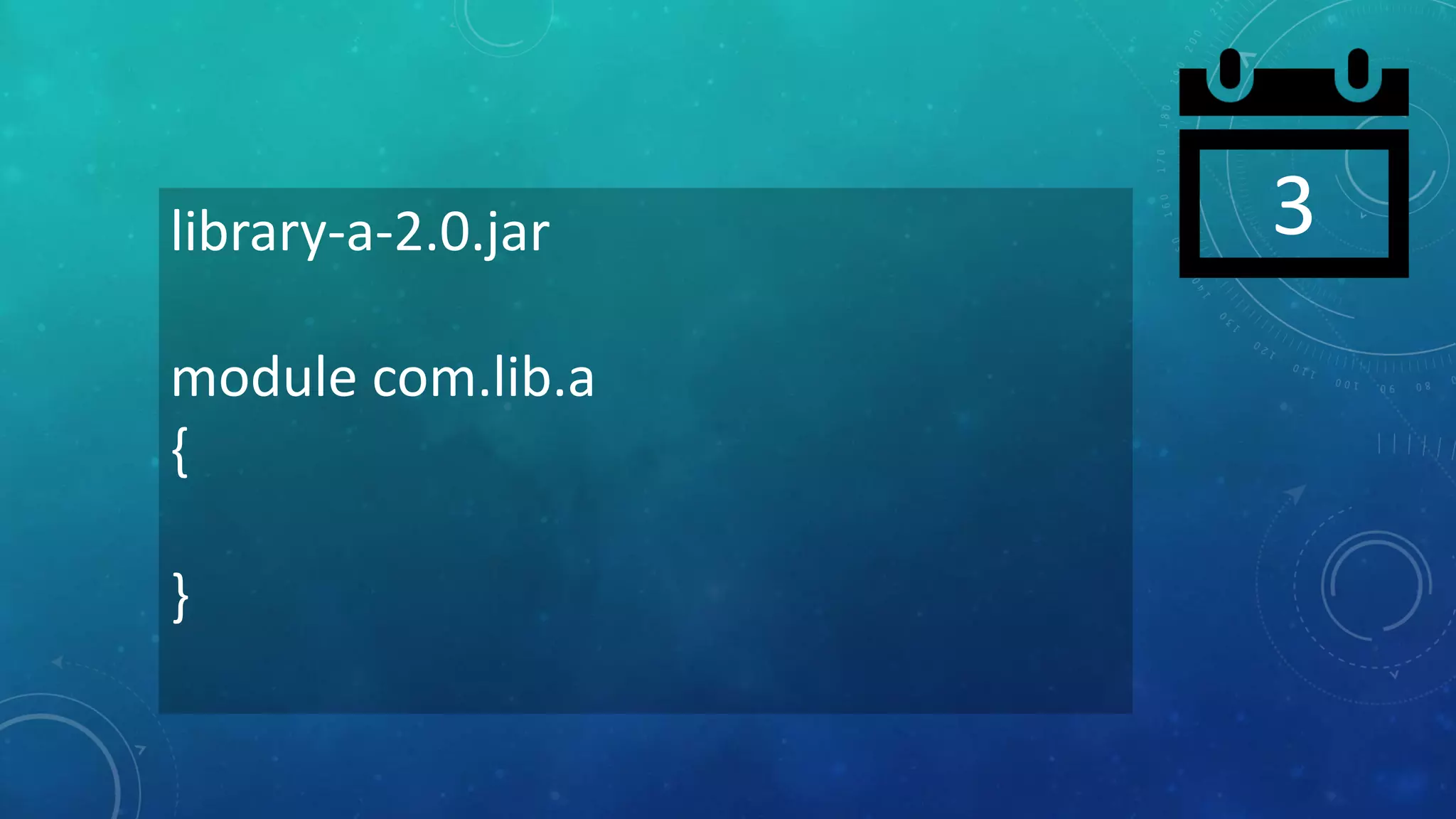
3library-a-2.0.jar
module com.lib.a
{
}
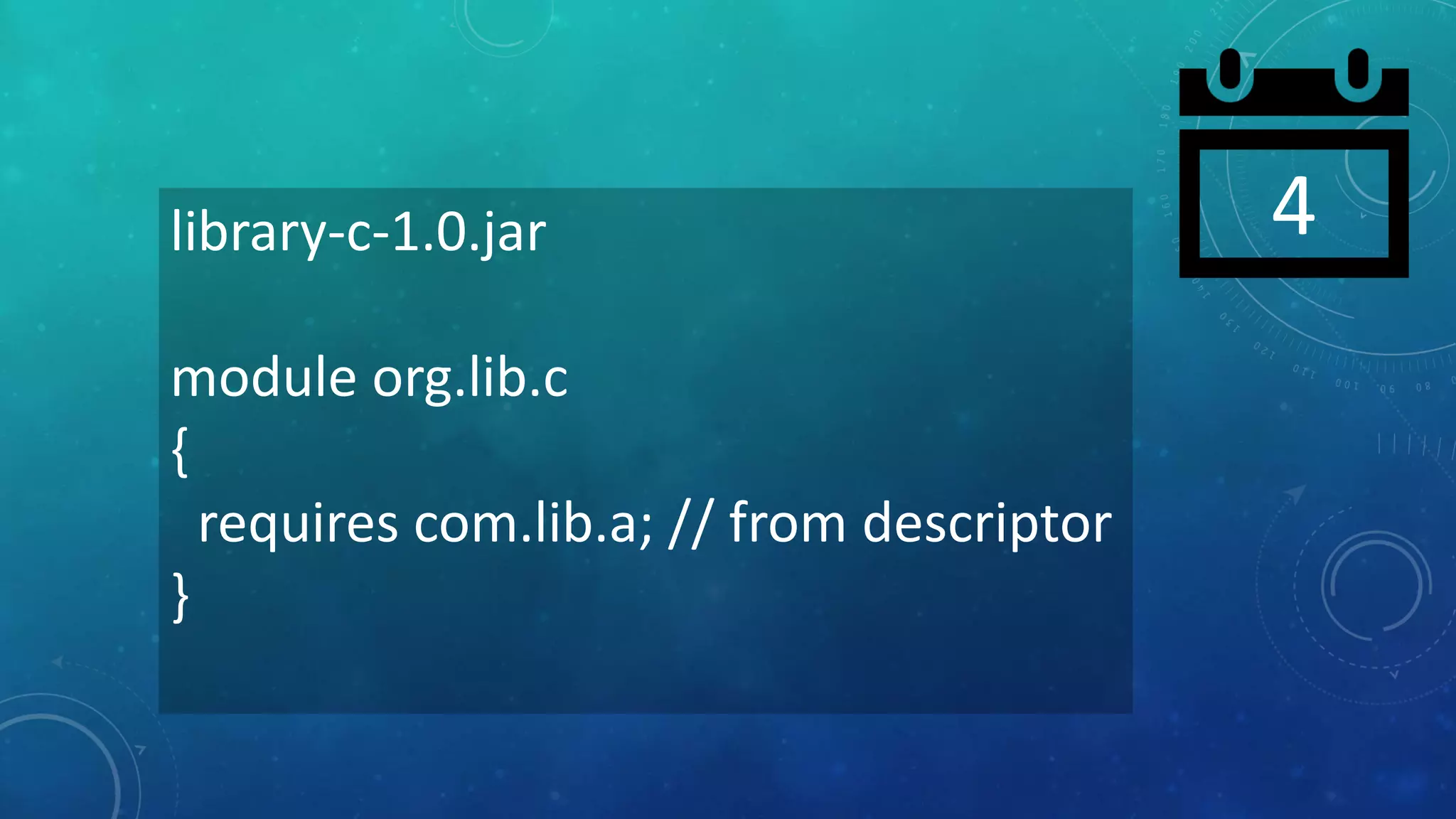
4library-c-1.0.jar
module org.lib.c
{
requires com.lib.a; // from descriptor
}
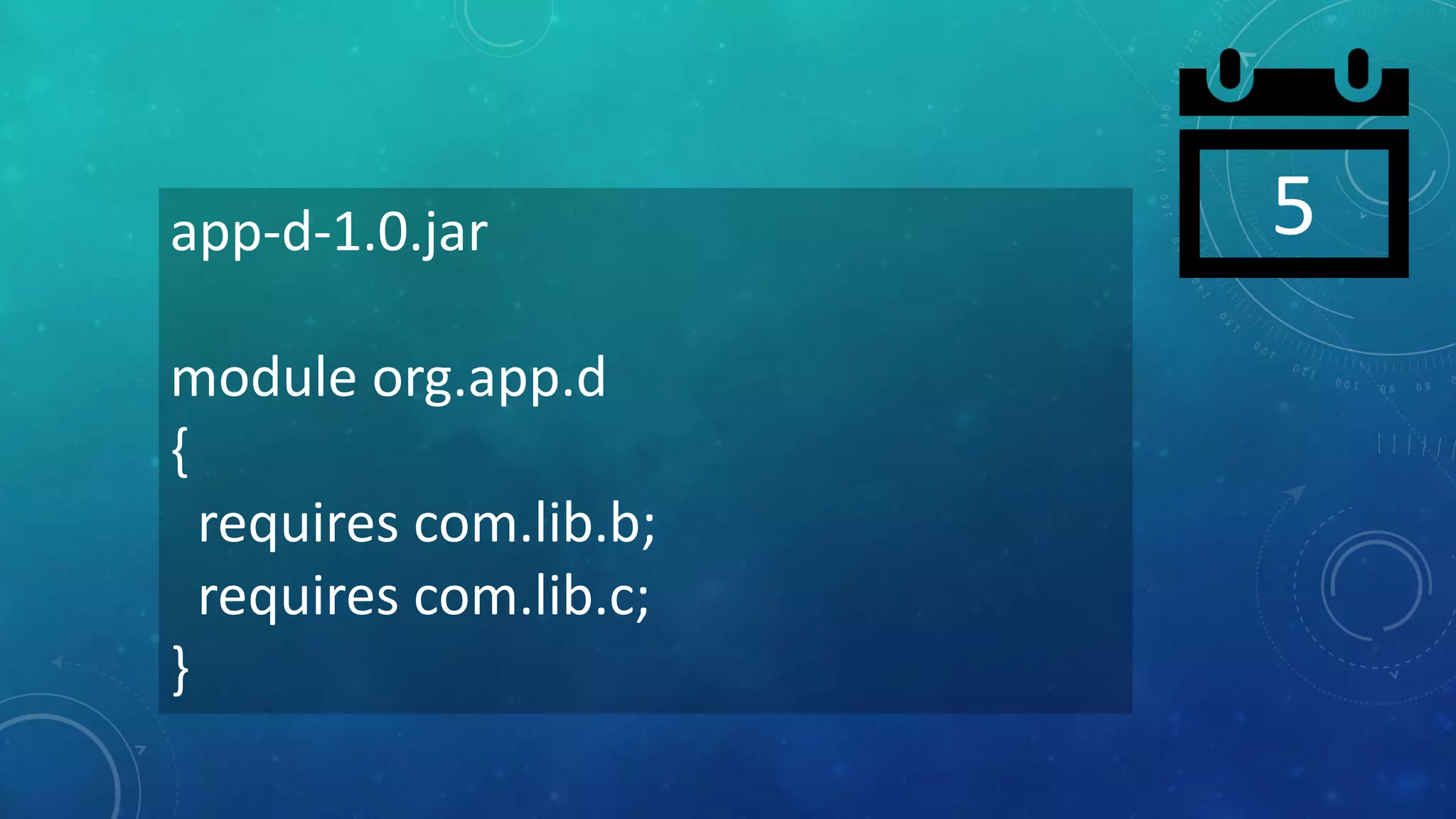
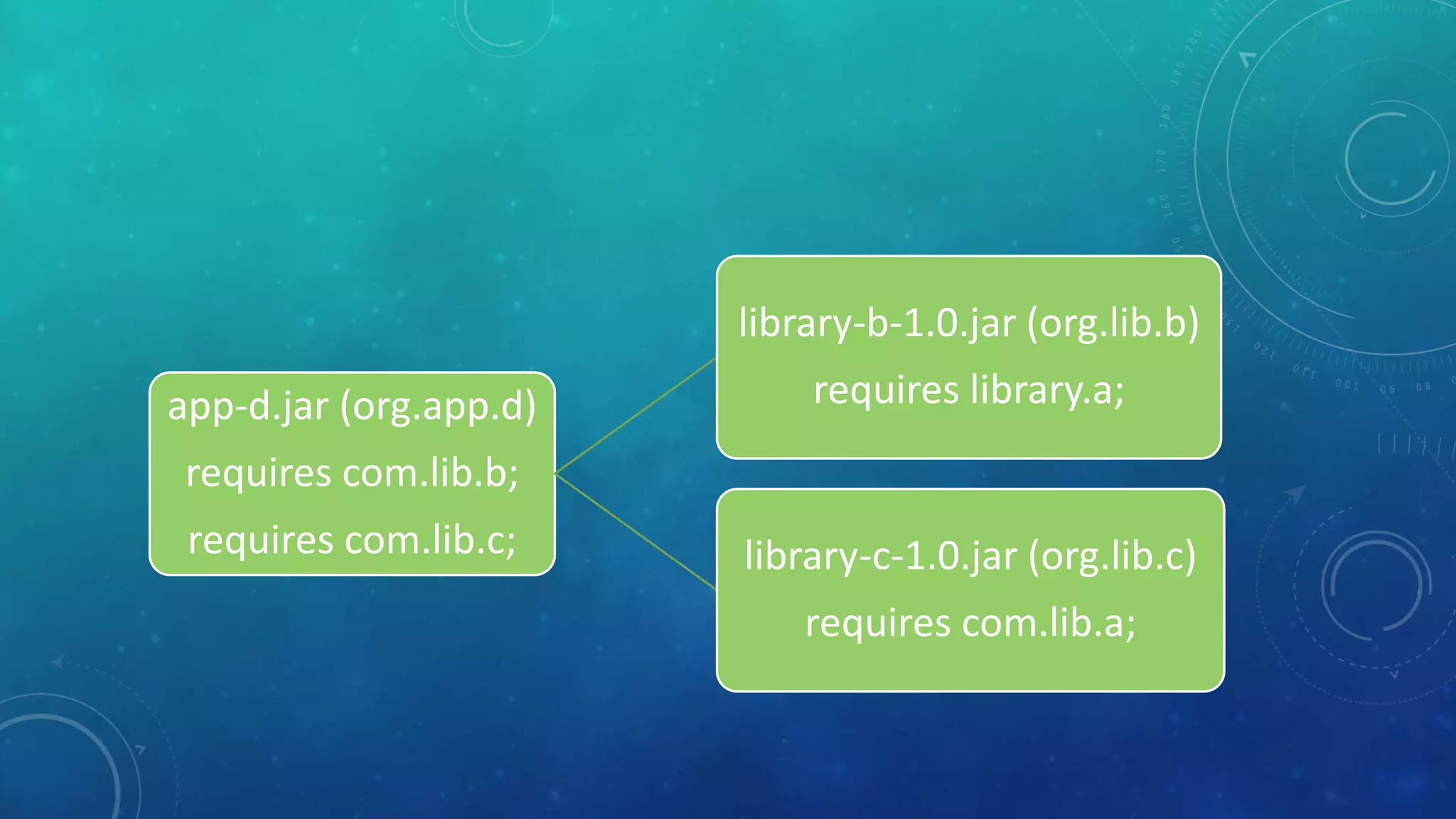
5app-d-1.0.jar
module org.app.d
{
requires com.lib.b;
requires com.lib.c;
}
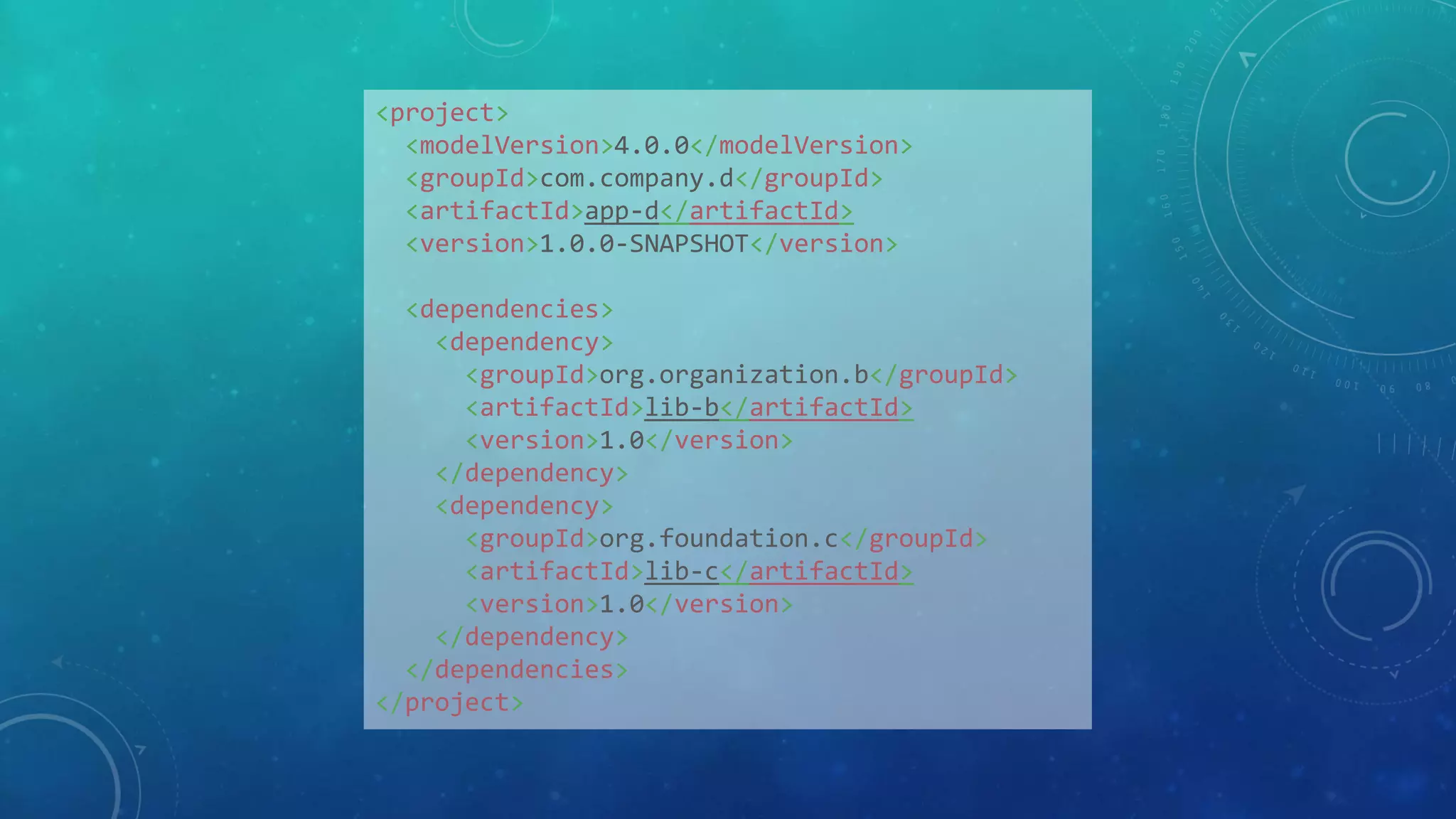
<project>
<modelVersion>4.0.0</modelVersion>
<groupId>com.company.d</groupId>
<artifactId>app-d</artifactId>
<version>1.0.0-SNAPSHOT</version>
<dependencies>
<dependency>
<groupId>org.organization.b</groupId>
<artifactId>lib-b</artifactId>
<version>1.0</version>
</dependency>
<dependency>
<groupId>org.foundation.c</groupId>
<artifactId>lib-c</artifactId>
<version>1.0</version>
</dependency>
</dependencies>
</project>
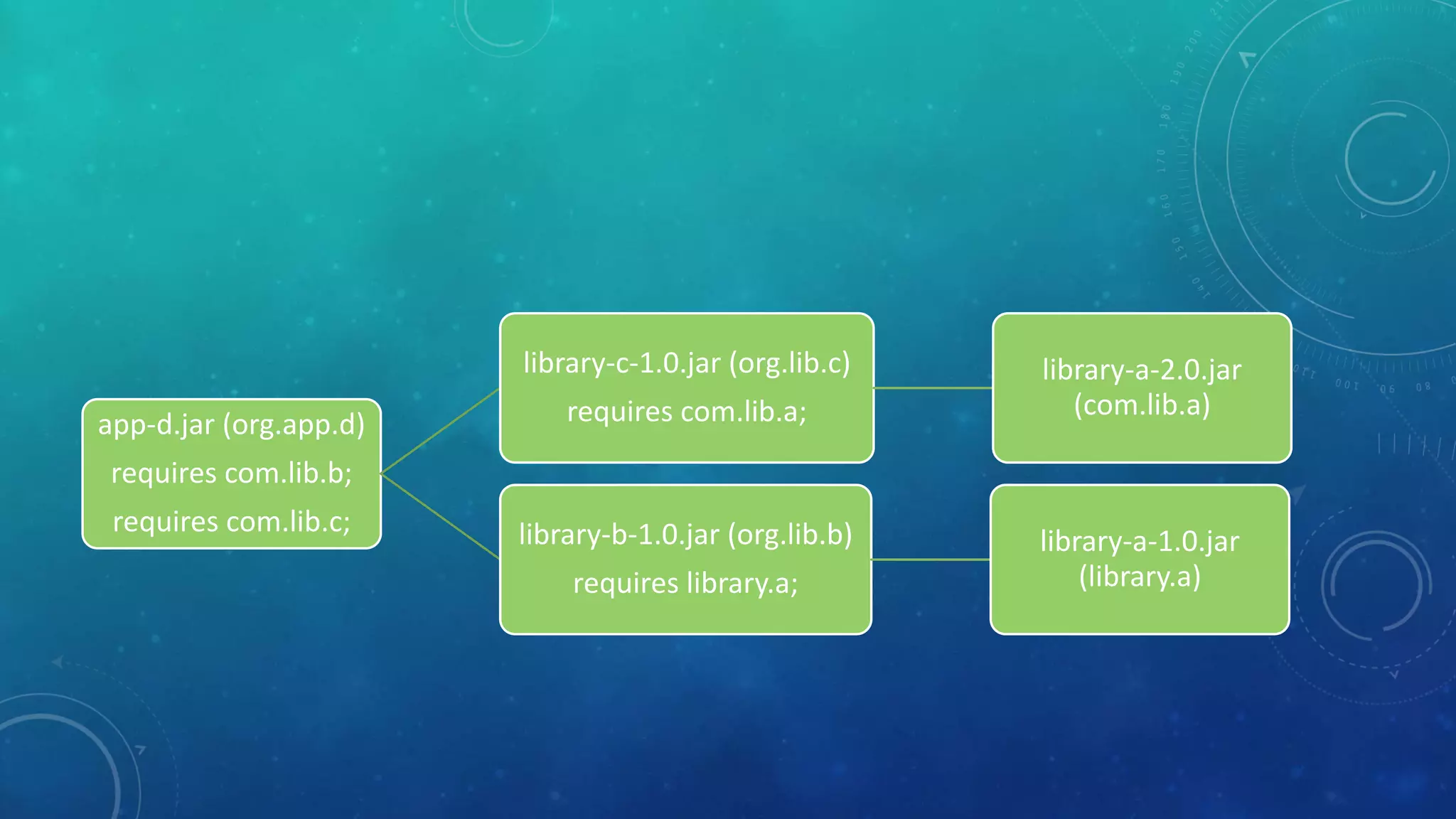
app-d.jar (org.app.d)
requires com.lib.b;
requires com.lib.c;
library-b-1.0.jar (org.lib.b)
requires library.a;
library-c-1.0.jar (org.lib.c)
requires com.lib.a;
app-d.jar (org.app.d)
requires com.lib.b;
requires com.lib.c;
library-b-1.0.jar (org.lib.b)
requires library.a;
library-a-1.0.jar
(library.a)
library-c-1.0.jar (org.lib.c)
requires com.lib.a;
library-a-2.0.jar
(com.lib.a)
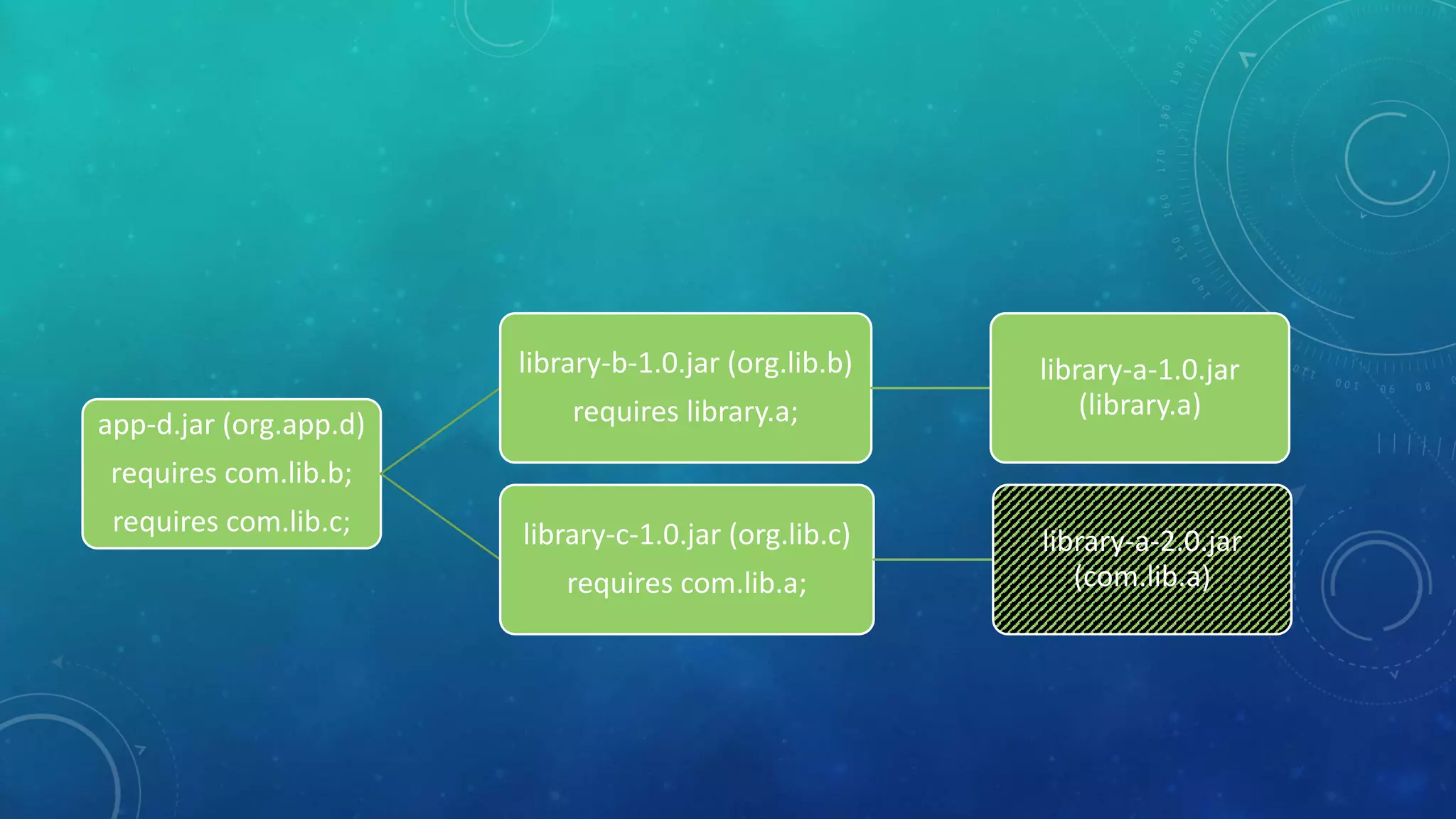
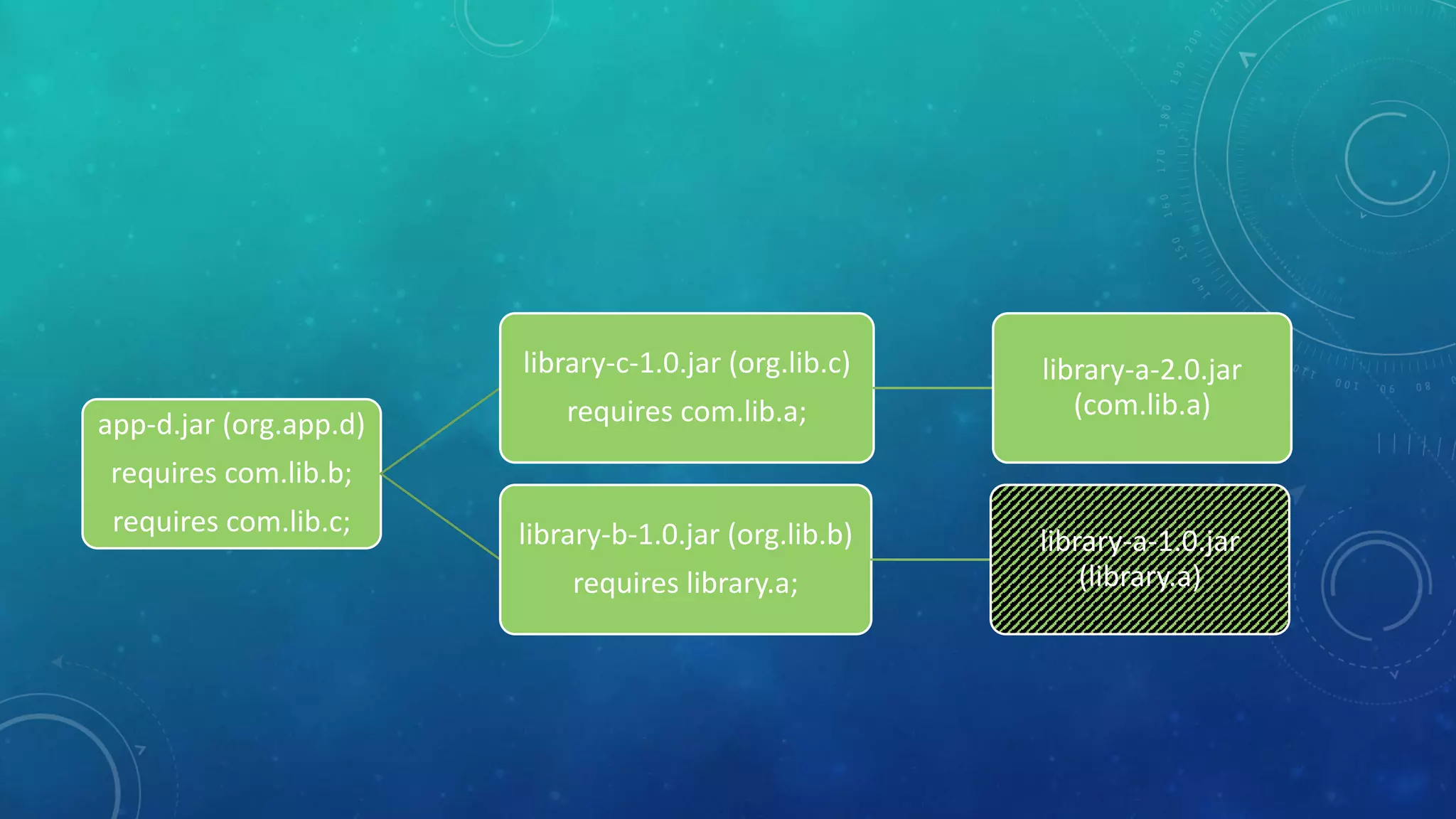
app-d.jar (org.app.d)
requires com.lib.b;
requires com.lib.c;
library-b-1.0.jar (org.lib.b)
requires library.a;
library-a-1.0.jar
(library.a)
library-c-1.0.jar (org.lib.c)
requires com.lib.a;
library-a-2.0.jar
(com.lib.a)
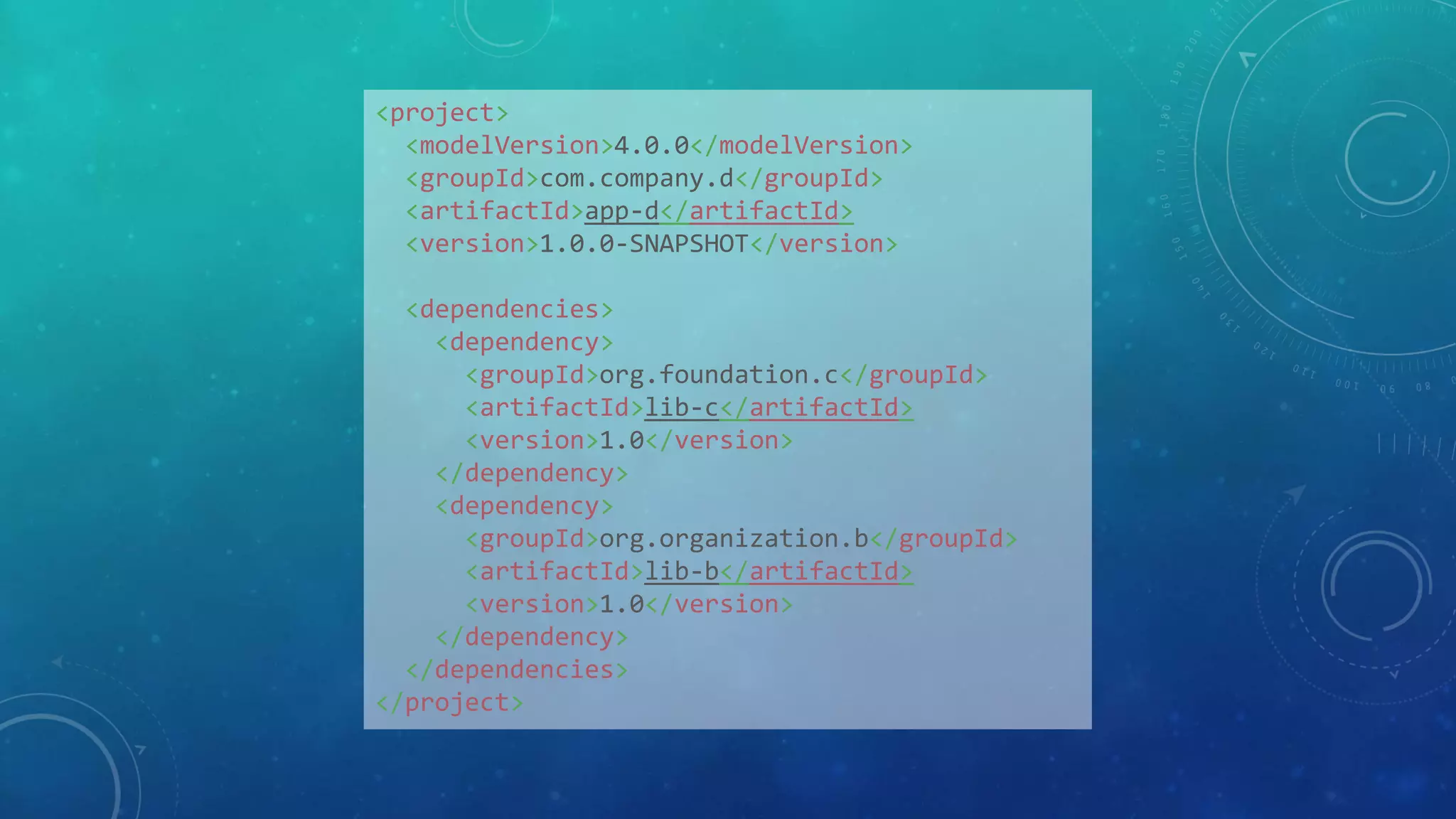
<project>
<modelVersion>4.0.0</modelVersion>
<groupId>com.company.d</groupId>
<artifactId>app-d</artifactId>
<version>1.0.0-SNAPSHOT</version>
<dependencies>
<dependency>
<groupId>org.foundation.c</groupId>
<artifactId>lib-c</artifactId>
<version>1.0</version>
</dependency>
<dependency>
<groupId>org.organization.b</groupId>
<artifactId>lib-b</artifactId>
<version>1.0</version>
</dependency>
</dependencies>
</project>
app-d.jar (org.app.d)
requires com.lib.b;
requires com.lib.c;
library-c-1.0.jar (org.lib.c)
requires com.lib.a;
library-a-2.0.jar
(com.lib.a)
library-b-1.0.jar (org.lib.b)
requires library.a;
library-a-1.0.jar
(library.a)
app-d.jar (org.app.d)
requires com.lib.b;
requires com.lib.c;
library-c-1.0.jar (org.lib.c)
requires com.lib.a;
library-a-2.0.jar
(com.lib.a)
library-b-1.0.jar (org.lib.b)
requires library.a;
library-a-1.0.jar
(library.a)
MIGRATE
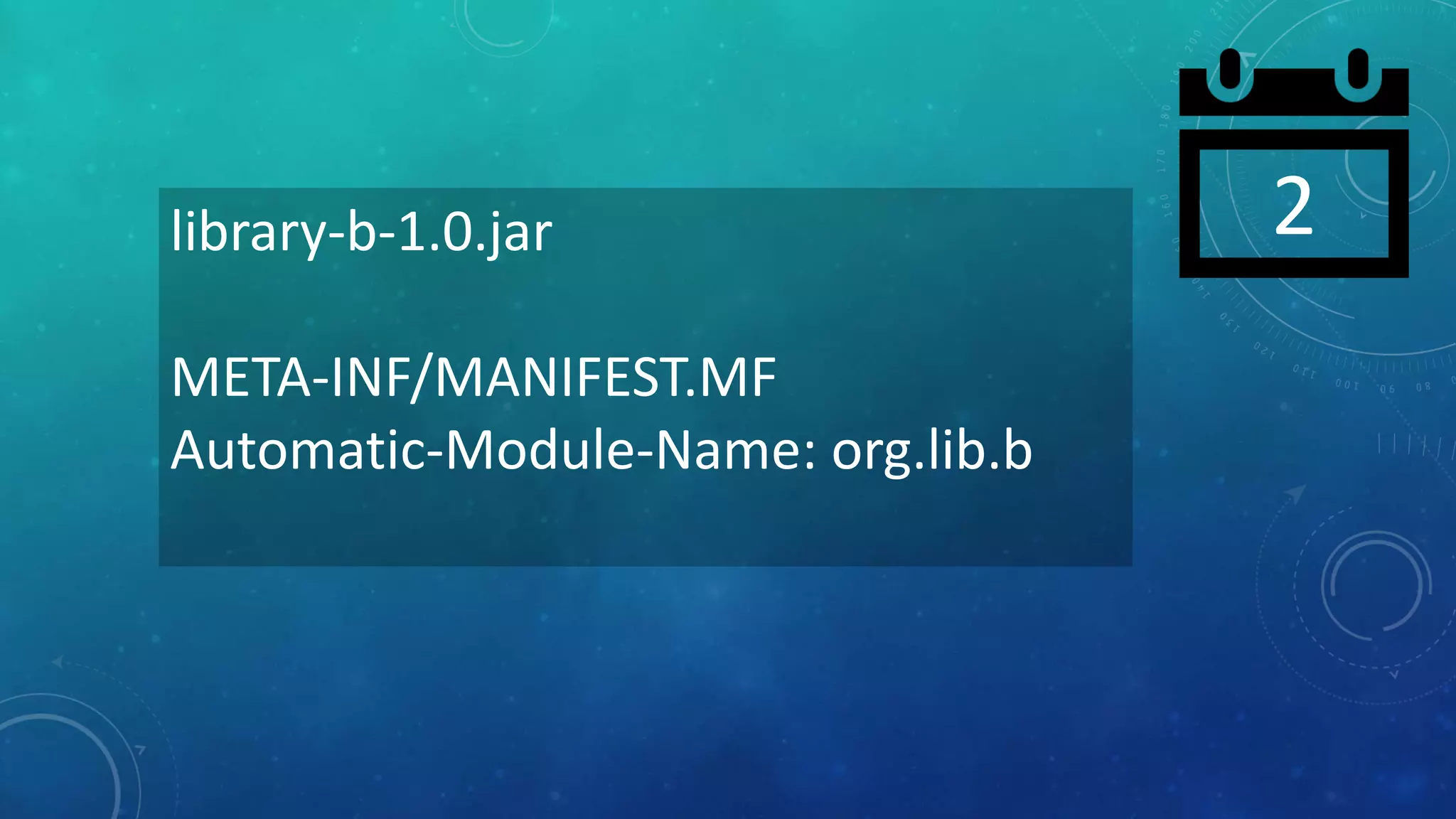
META-INF/MANIFEST.MF
•Automatic-Module-Name
2library-b-1.0.jar
META-INF/MANIFEST.MF
Automatic-Module-Name: org.lib.b
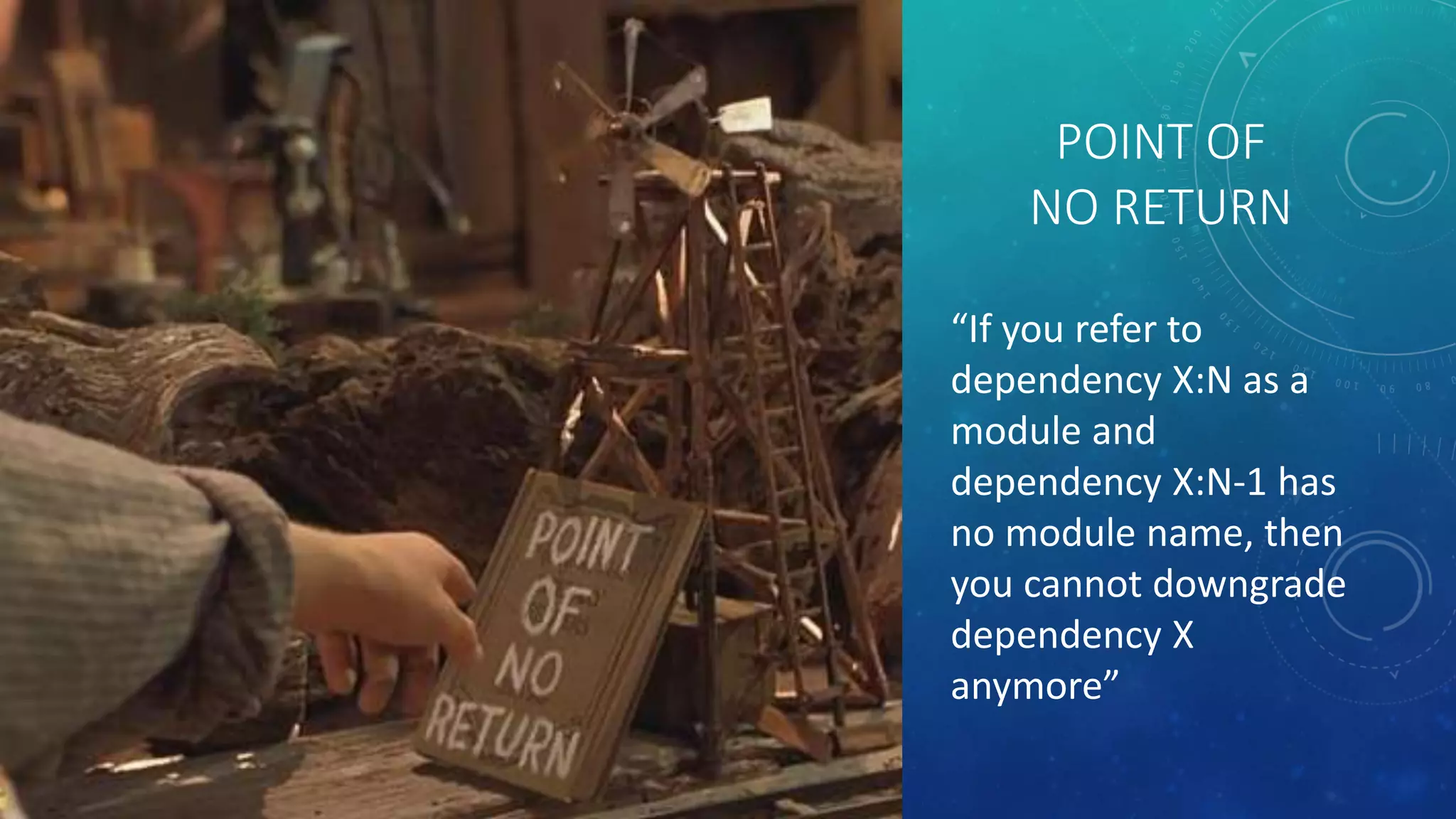
POINT OF
NO RETURN
“If you refer to
dependency X:N as a
module and
dependency X:N-1 has
no module name, then
you cannot downgrade
dependency X
anymore”
STRONG ADVICES
- Project must be Java 9 ready!!
- No split packages
- No root classes
- For libraries that depends on at least one filename based automodule:
- Help depending projects by providing intended module name via MANIFEST
- Pick your modulename with care, e.g. the shared package
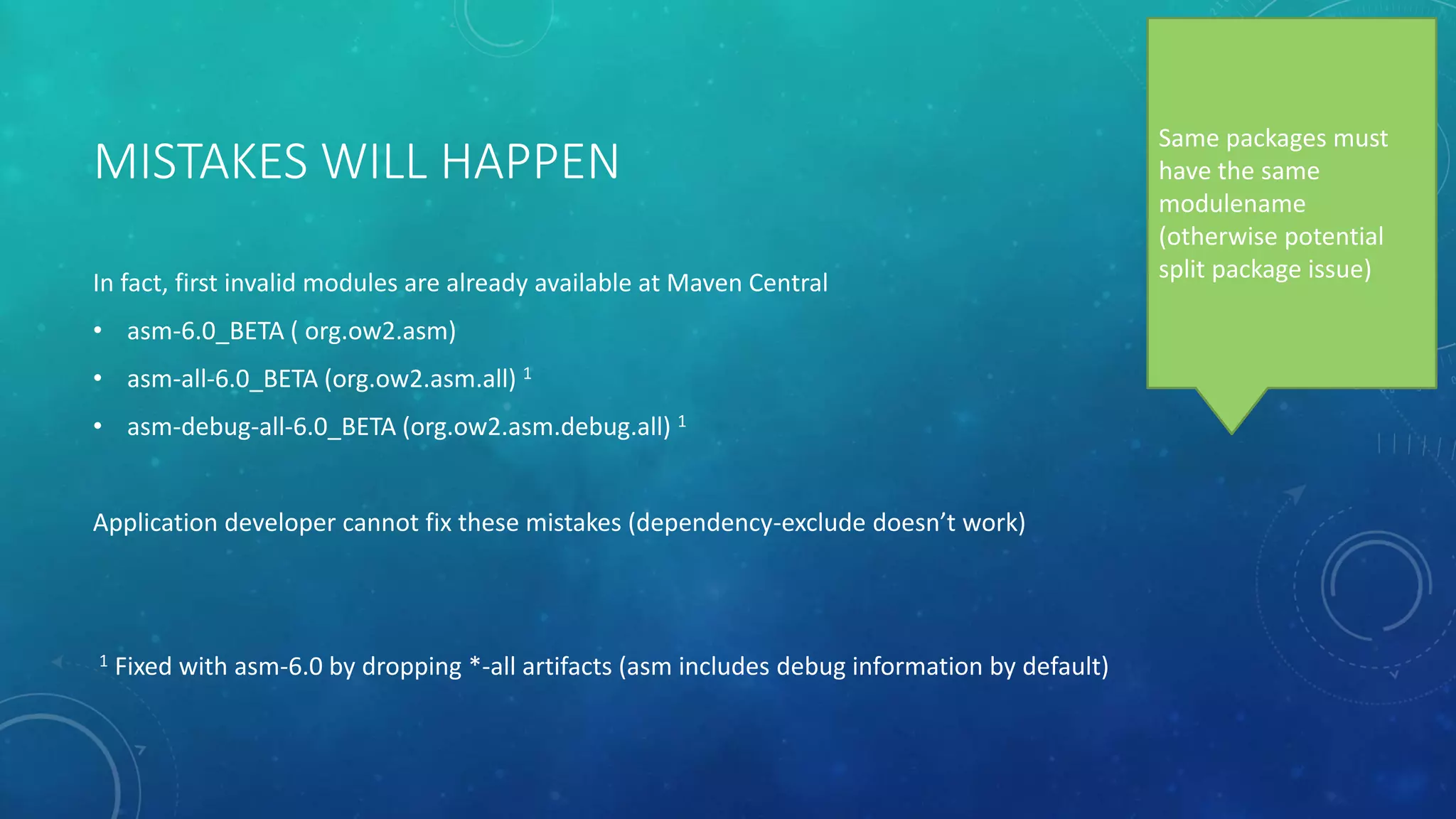
MISTAKES WILL HAPPEN
In fact, first invalid modules are already available at Maven Central
• asm-6.0_BETA ( org.ow2.asm)
• asm-all-6.0_BETA (org.ow2.asm.all) 1
• asm-debug-all-6.0_BETA (org.ow2.asm.debug.all) 1
Application developer cannot fix these mistakes (dependency-exclude doesn’t work)
1 Fixed with asm-6.0 by dropping *-all artifacts (asm includes debug information by default)
Same packages must
have the same
modulename
(otherwise potential
split package issue)
TIPS FOR USING JAVA 9 WITH MAVEN
• DON’T change your folder structure (no need for extra folder with module name)
• Modulepath or classpath? No change to dependencies: Plexus-java can help plugins to build up the path
PLUGINS REQUIRING JAVA.SE.EE (OR RELATED)
• MAVEN_OPTS = --add-module java.se.ee
• Maven must always run with Java 9
• All projects now use this extra module
• .mvn/jvm.config (--add-module java.se.ee )
• Per Maven project
• This project must run with Java 9
• JDK_JAVA_OPTION=“--add-module java.se.ee”
• Every Java 9 runtime will use this setting
Most plugins use same runtime as Maven ( versus forked runtime)
1) Stackoverflow
2) Apache Maven mailinglists
3) Apache Maven Jira in case of bugs / improvements
SOURCE / TARGET 1.9
<release>9<release>
source/target < 1.8 : animal-sniffer
QUESTIONS?
CAN EVERY PROJECT BECOME MODULAR?
NO
- Java 9 is a gamechanger, it introduces new rules
- The older the project, the more likely it can’t follow these rules
- No worries, the classpath is still there and will stay!
THE BOOMERANG QUESTION
Or “the ever returning Maven/Java9/Conference question”
Will Maven generate the module descriptor?
NO
• Different purpose
• Pom is used to download jars and make them available
• Module descriptor is used to specify required modules
• Not all modules are dependencies ( e.g. java.logging, jdk.compiler )
• Module descriptor elements not covered:
• Module name
• Open module
• Exported packages
• Uses / provides services
• Pom 4.0.0 has no space for new elements
…BUT JDEPS CAN DO IT, RIGHT?
• Can create a rough module descriptor
• Intended to help with an initial descriptor
• Uses binary classes, i.e. AFTER compile-phase
POM HYGIENE
• dependency:analyse
• Analyzes the dependencies of this project and determines which are:
• used and declared (good)
• used and undeclared (via transitive dependency)
• unused and declared
Dependencies can be excluded,
required modules cannot
OTHER QUESTIONS?
THANK YOU
ROBERT SCHOLTE
Apache Maven BOF
Tuesday 19.45 – 20.30 Moscone West 2007
Brian Fox, Manfred Moser, Robert Scholte

Apache maven and its impact on java 9 (Java One 2017)

Editor's Notes

  • #6 Doesn’t mention “Java”, in the base it is technology neutral
  • #10 Module path only accept directories
  • #39 Modules don’t have aliases. Always exactly one name (or none)